Command Center is a "Post-IDE" designed for AI agents, enabling developers to maintain high code quality, understand AI-generated changes, and efficiently refactor code. It provides real-time diff viewing, one-click extension installation, and tools to make any codebase agent-native, ensuring AI contributions are clean and comprehensible.

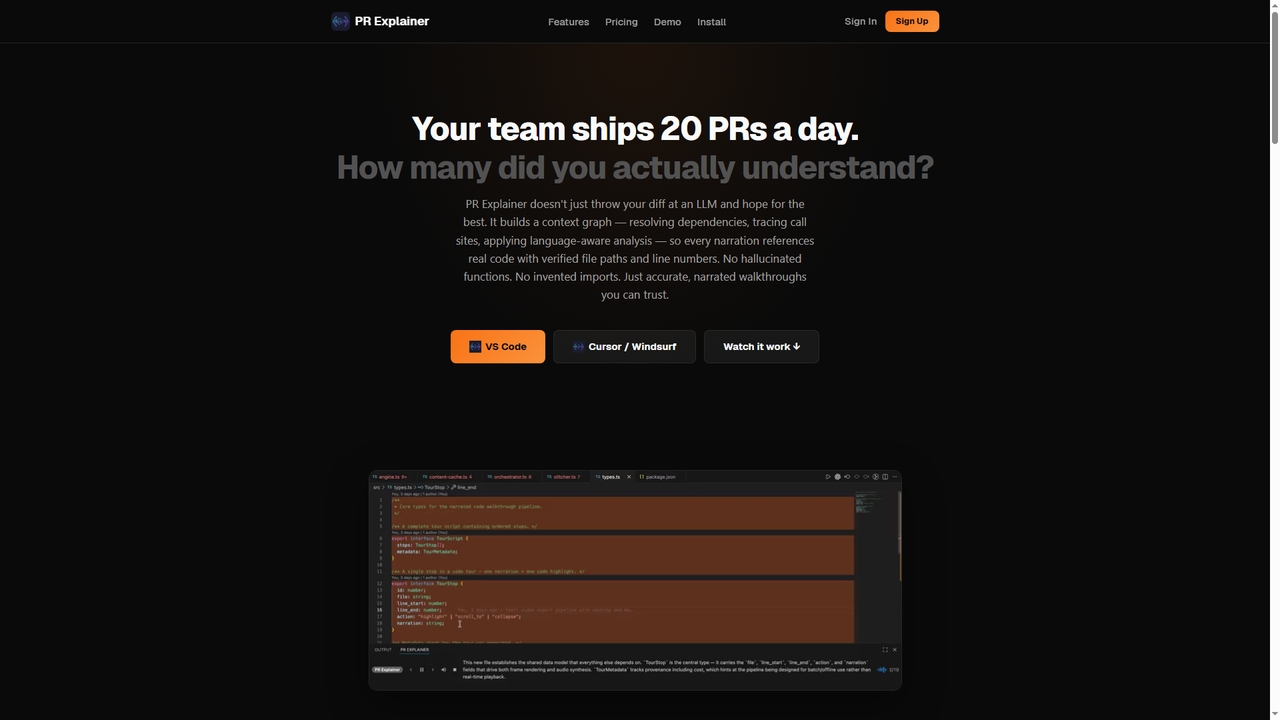
Prexplainer is an AI-powered developer tool that automatically generates narrated code walkthroughs for pull requests (PRs). It transforms code diffs into engaging audio-visual tours with synchronized highlighting, helping teams understand changes faster without context switching.
Product overview
Command Center Product overview
Command Center is a "Post-IDE" designed for AI agents, enabling developers to maintain high code quality, understand AI-generated changes, and efficiently refactor code. It provides real-time diff viewing, one-click extension installation, and tools to make any codebase agent-native, ensuring AI contributions are clean and comprehensible.
Prexplainer Product overview
Prexplainer is an AI-powered developer tool that automatically generates narrated code walkthroughs for pull requests (PRs). It transforms code diffs into engaging audio-visual tours with synchronized highlighting, helping teams understand changes faster without context switching.
Detailed feature comparison
| Feature | Command Center | Prexplainer |
|---|---|---|
| Primary category | Code Generation | Code Review |
| Added | 2025-10-30 | 2026-03-22 |
| Pricing | Not verified | Freemium |
| Official website | www.cc.dev | prexplainer.com |
| Product type | App | Browser extension |
| Performance data | ||
| User rating | Not verified | Not verified |
| Comments | 0 | 0 |
| Monthly visits | 2.7K | 3.5K |
| Monthly growth | -60% | Not verified |
| Favorites | 101 | 9 |
| Details | View details | View details |
Command Center vs Prexplainer monthly traffic
Compare Command Center and Prexplainer by monthly reach, traffic trend, visit depth, top regions, and acquisition sources.
How to interpret the traffic data
In the Command Center vs Prexplainer monthly traffic comparison, Command Center currently shows 2.7K visits and Prexplainer shows 3.5K; Prexplainer has about 1.3 times the visible traffic of Command Center, an absolute difference of about 754 visits. This reflects visible reach, not feature quality or paid users.
Only Command Center has complete third-party traffic details; Prexplainer uses visits recorded inside ToolMage. These scopes cannot estimate market share directly, and on-site views should not be treated as the product’s total website traffic.
Command Center monthly traffic:
Latest traffic
Monthly traffic trend
- 2026/1: 665 Monthly visits
- 2026/2: 972 Monthly visits
- 2026/3: 2.1K Monthly visits
- 2026/4: 6.8K Monthly visits
- 2026/5: 2.7K Monthly visits
Top regions
Top 5 countries/regions
| Country/region | Percentage | Traffic |
|---|---|---|
| 🇺🇸United States | 48.51% | 1.3K |
| 🇰🇿Kazakhstan | 47.58% | 1.3K |
| 🇵🇱Poland | 3.91% | 106 |
Search keywords
Prexplainer monthly traffic:
Latest traffic
Usage comparison
Compare the core capabilities of Command Center and Prexplainer
Command Center Core features
Prexplainer Core features
Use cases
Command Center Use cases
Prexplainer Use cases
Best suited roles
Command Center Best suited roles
Prexplainer Best suited roles
Command Center vs Prexplainer:In-depth comparison and selection guidance
First decide whether the products solve the same kind of need
This in-depth Command Center vs Prexplainer comparison uses only the product records, taxonomy, audience, traffic, and community signals available on this page. Command Center is primarily listed under “Code Generation”, while Prexplainer is primarily listed under “Code Review”, so the first decision is whether your actual task matches their recorded scope.
The structured fields currently show these decision-relevant differences: Primary category (Command Center: Code Generation; Prexplainer: Code Review); Product type (Command Center: App; Prexplainer: Browser extension); Pricing (Command Center: Not disclosed; Prexplainer: Freemium); Monthly visits (Command Center: 2.7K; Prexplainer: 3.5K); Favorites (Command Center: 101; Prexplainer: 9). These facts are more useful for selection than brand visibility alone.
What market visibility and monthly traffic mean
In the Command Center vs Prexplainer monthly traffic comparison, Command Center currently shows 2.7K visits and Prexplainer shows 3.5K; Prexplainer has about 1.3 times the visible traffic of Command Center, an absolute difference of about 754 visits. This reflects visible reach, not feature quality or paid users.
Only Command Center has complete third-party traffic details; Prexplainer uses visits recorded inside ToolMage. These scopes cannot estimate market share directly, and on-site views should not be treated as the product’s total website traffic.
The current traffic scope is not sufficient for a reliable product ranking. Treat monthly visits as a market-interest signal, then decide using taxonomy, use cases, pricing, and a like-for-like trial rather than reading exposure as product capability.
Product positioning, use cases, and roles
Command Center and Prexplainer currently overlap in shared categories: Code Review; shared tags: code review and software development; shared roles: Code Reviewer, DevOps Engineer, Software Developer, and Technical Lead. This can place both on the same shortlist, but it does not prove equal implementation, depth, or cost.
Command Center's unique categories/tags are Code Generation, Code Refactoring, Ai Development, ai agents, AI code quality, AI development, AI programming, and code analysis; Prexplainer's are Collaboration, Ide Extension, AI narration, code explanation, developer tool, programming, pull request, and video export. These unique fields are the strongest differentiators: validate the product whose recorded scope matches the task instead of following traffic alone.
What ratings, comments, and favorites can tell you
Command Center has no verified rating, 0 comments, 101 favorites, and 105 likes;Prexplainer has no verified rating, 0 comments, 9 favorites, and 10 likes。
Neither product has enough rating or comment samples for a credible reputation ranking.
Selection guidance by actual need
When to evaluate Command Center first
Put Command Center on the priority trial list when the task aligns with “Code Generation” and especially Code Generation, Code Refactoring, Ai Development, ai agents, AI code quality, and AI development, or the users include AI Engineer and Quality Assurance Engineer. This follows recorded positioning and does not imply unlisted capabilities are absent.
Command Center also currently records: pricing is not verified, product type is app, 2.7K verified monthly visits, no verified user rating. Verify any hard requirement around price, platform, or reach before trial, and do not let sparse review data substitute for testing.
When to evaluate Prexplainer first
Put Prexplainer on the priority trial list when the task aligns with “Code Review” and especially Collaboration, Ide Extension, AI narration, code explanation, developer tool, and programming, or the users include Engineering Manager. This follows recorded positioning and does not imply unlisted capabilities are absent.
Prexplainer also currently records: pricing is freemium, product type is browser extension, 3.5K on-site monthly views, no verified user rating. Verify any hard requirement around price, platform, or reach before trial, and do not let sparse review data substitute for testing.
How to validate the recommendation before deciding
The available data describes positioning, public visibility, and community signals, but it cannot prove output quality, speed, integration effort, privacy, or long-term cost in your workflow. Before deciding, run the same representative tasks in Command Center and Prexplainer, then record completion time, accuracy, manual corrections, and the real paid threshold. A like-for-like trial turns this comparison into a defensible adoption decision.
Comparison FAQ
How should I choose between Command Center and Prexplainer?
Where does this comparison data come from?
What do unknown fields mean?
Related AI tools

Codebay
Codebay is an AI-powered development platform designed to accelerate the entire software lifecycle. It acts as an intelligent co-pilot for developers, offering advanced features for code generation, automated review, intelligent debugging, and seamless integration with existing workflows to enhance productivity and code quality.
Code Generation
Enso
Enso is an AI-powered development environment designed for developers to parallelize intelligence across multiple AI agents within a single project. It integrates advanced Git control, a robust code editor, and AI-driven code review, offering a seamless workflow with persistent AI sessions for each branch.
Development
HOJI AI
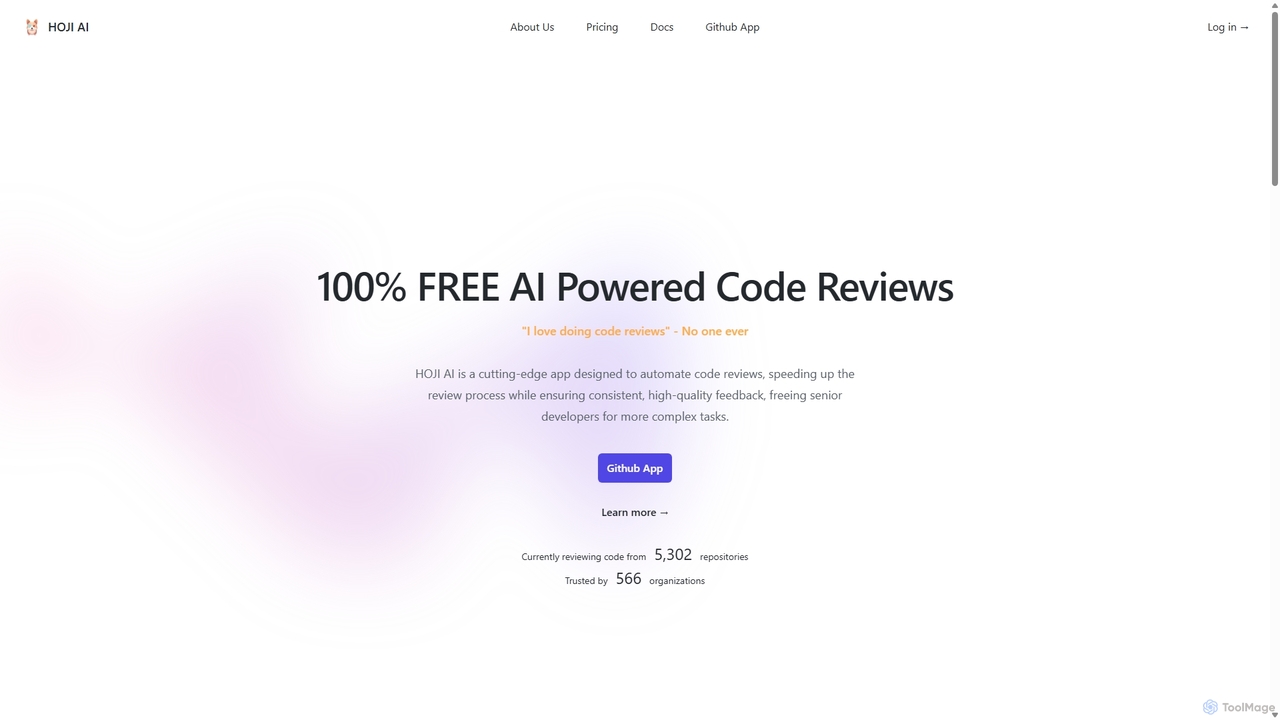
HOJI AI is a free, AI-powered tool that automates code reviews directly within GitHub. It provides instant, consistent, and high-quality feedback on pull requests, helping development teams increase productivity, improve code quality, and accelerate their development cycles by freeing up senior engineers.
Code Assistant
Kilo
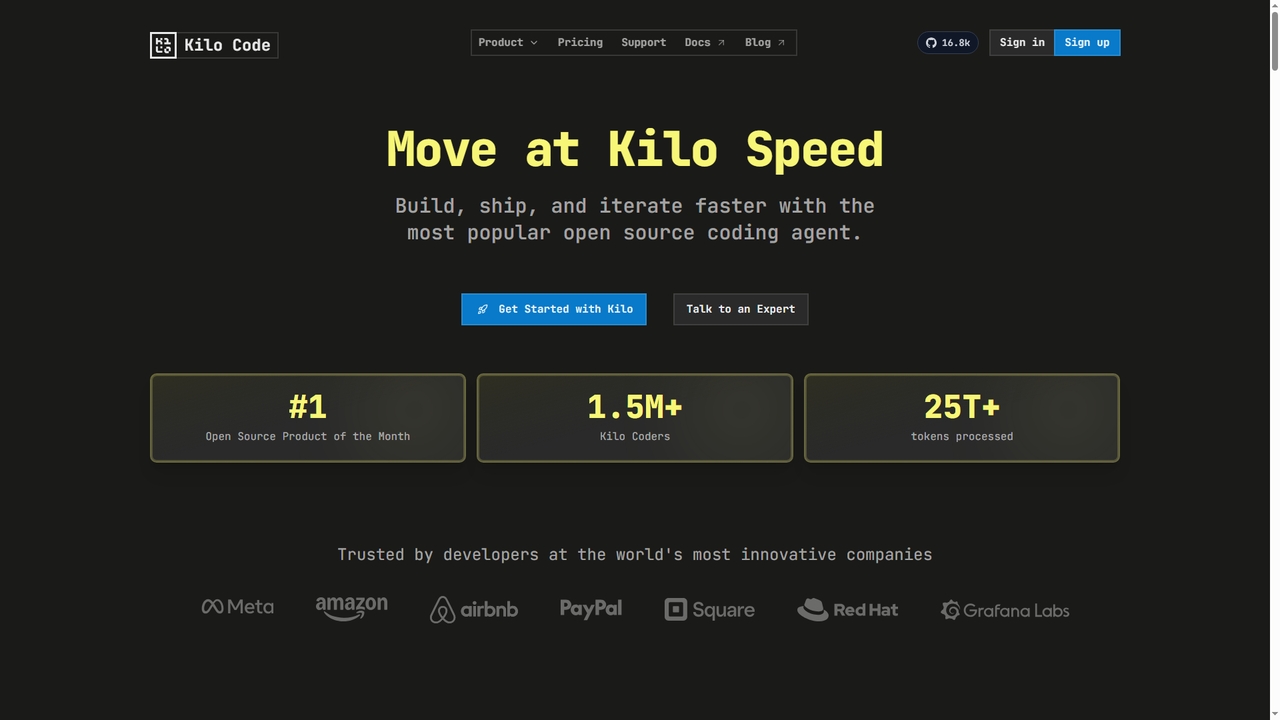
Kilo is an open-source, all-in-one AI coding agent and orchestration platform designed to accelerate software development. It integrates seamlessly into your workflow via VS Code, JetBrains IDEs, and the CLI, offering access to 500+ AI models, automated code reviews, cloud agents, and deployment tools—all while emphasizing transparency, control, and developer productivity.
Ai Code Assistant
Repodex
Repodex is an AI-powered code intelligence platform that helps developers and teams search, understand, and manage their code repositories. Using natural language, you can find code, get explanations, and generate documentation instantly.
Code Generation
Buildt
Buildt is an AI-powered code search and understanding tool for developers. It integrates directly into your IDE, allowing you to search your entire codebase using natural language, understand complex code snippets, and generate or modify code on the fly, acting as an intelligent assistant.
Code Generation
Bitbucket
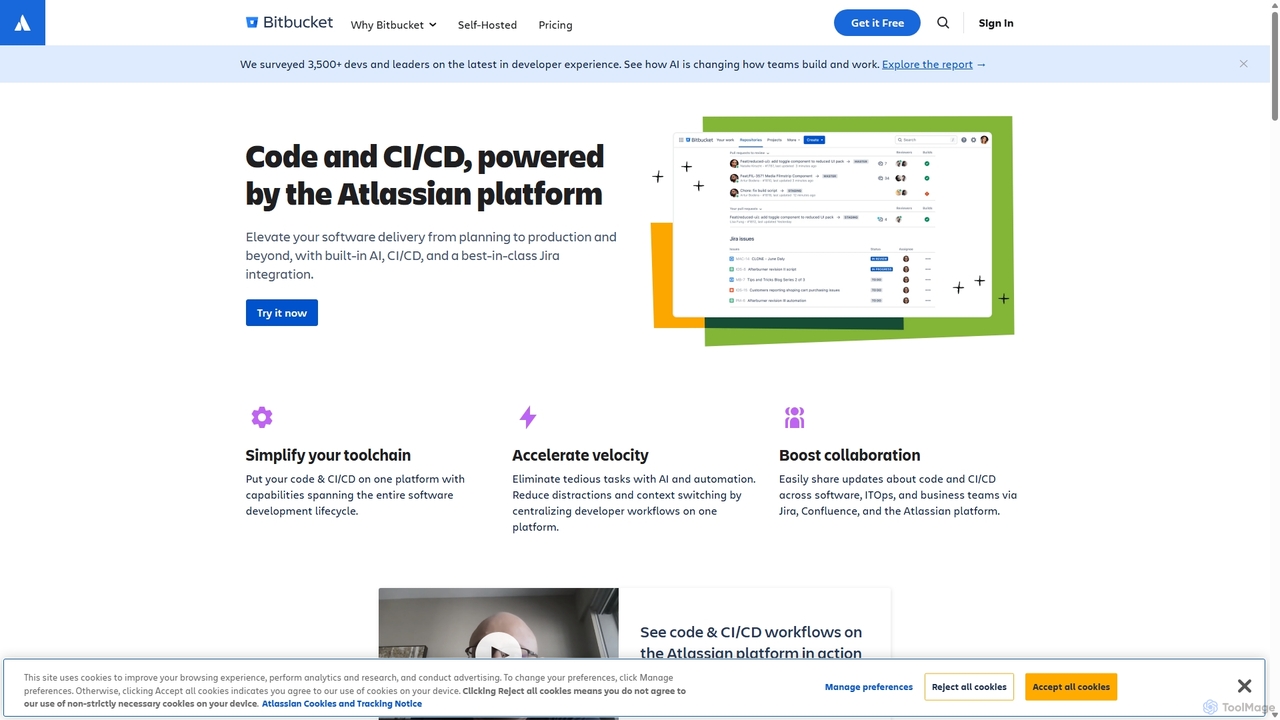
Bitbucket is a Git-based code hosting and collaboration platform for professional teams. It offers best-in-class Jira integration, built-in CI/CD (Pipelines), and AI-powered features to streamline the entire software development lifecycle, from planning to deployment and beyond.
Code Management
Guardian MCP
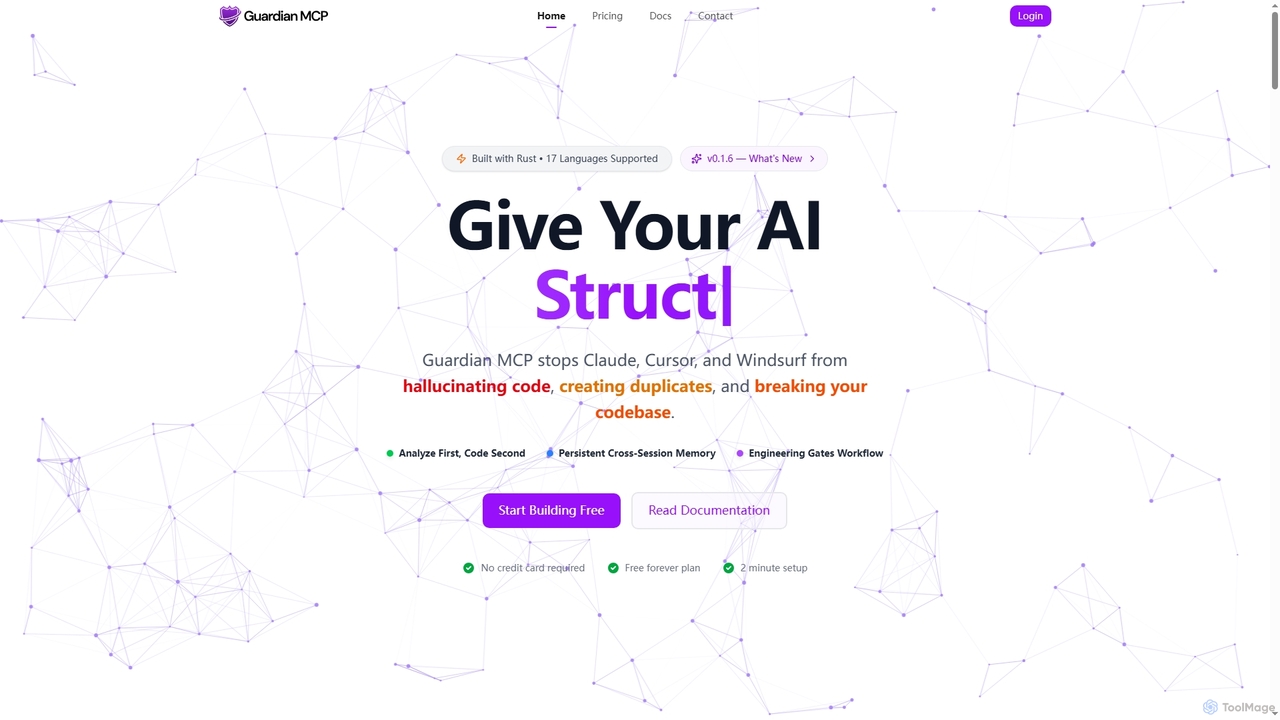
Guardian MCP is an AI engineering gate that prevents AI coding assistants like Claude, Cursor, and Windsurf from generating duplicate code, hallucinating functions, and breaking your codebase. It enforces a disciplined workflow, provides persistent memory, and ensures code quality by analyzing existing code before implementation.
Static Analysis
Autofix
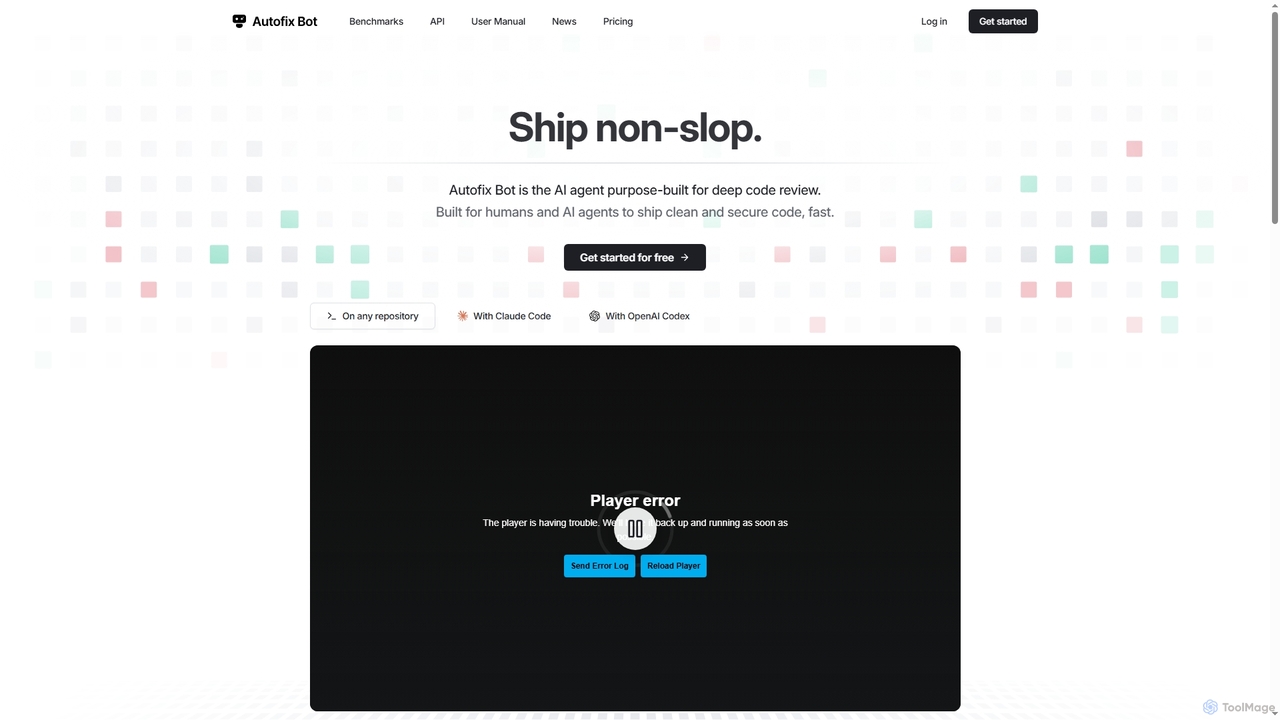
Autofix is an AI agent purpose-built for deep code review, identifying security vulnerabilities, hardcoded secrets, and code quality issues. It generates verified patches to help development teams ship clean and secure code faster.
Static Analysis
Haystack
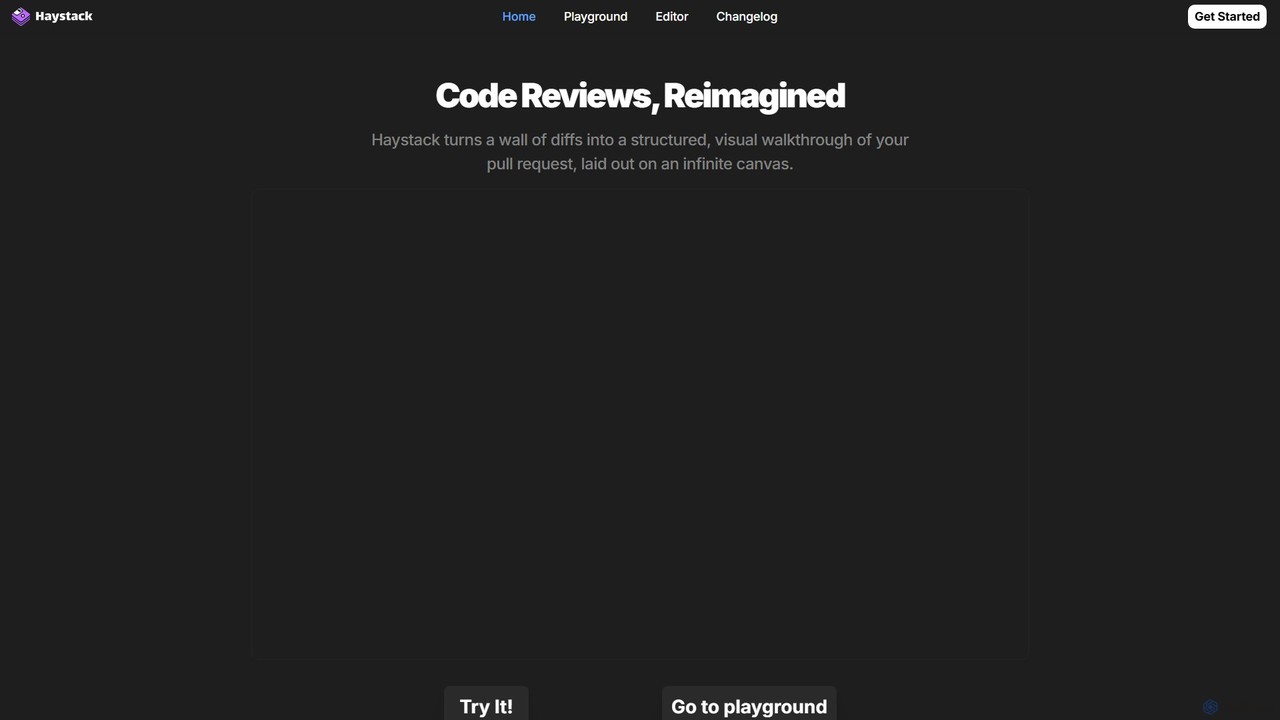
Haystack is an AI-powered code review platform that transforms complex pull requests into an interactive, visual canvas. It intelligently guides reviewers through code changes, enabling faster comprehension, in-context collaboration, and more efficient merging, supporting a wide range of programming languages.
Code Assistant
Grov
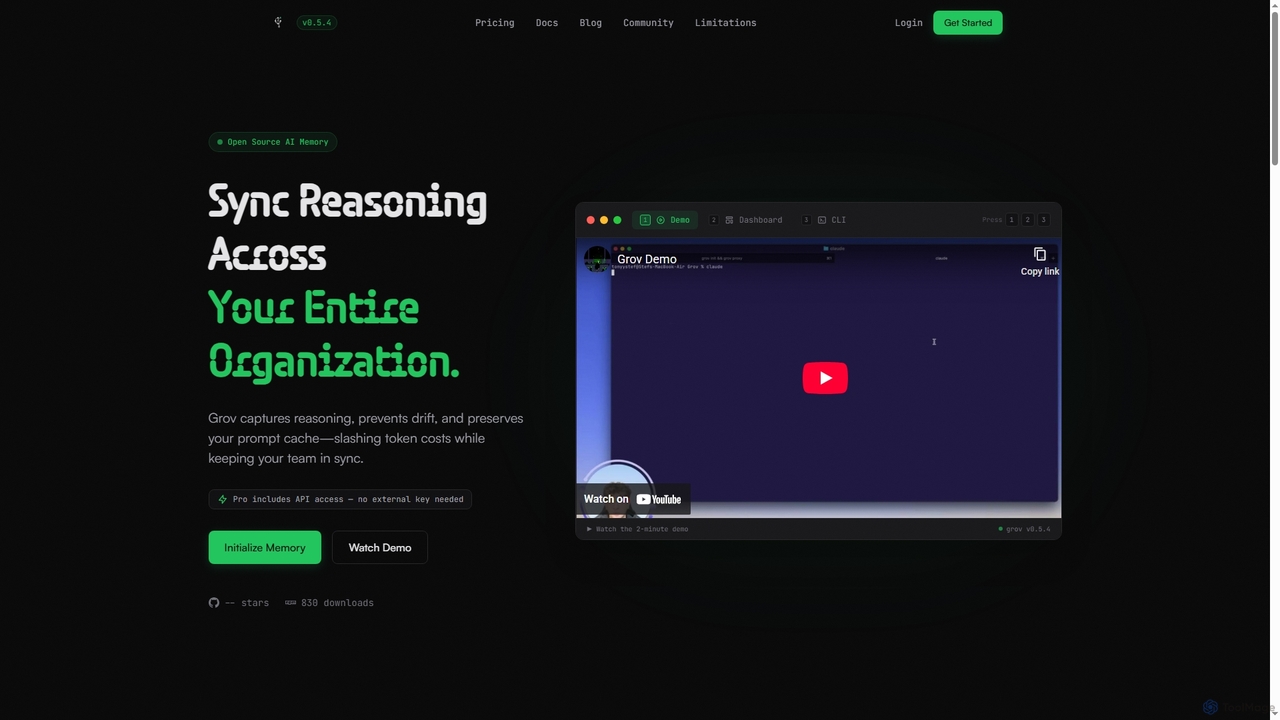
Grov is an open-source collective AI memory for engineering teams, designed to optimize Claude Code sessions. It captures reasoning, prevents AI drift, and preserves prompt caches, significantly reducing token costs and enhancing team synchronization.
Code Assistant
Rp1
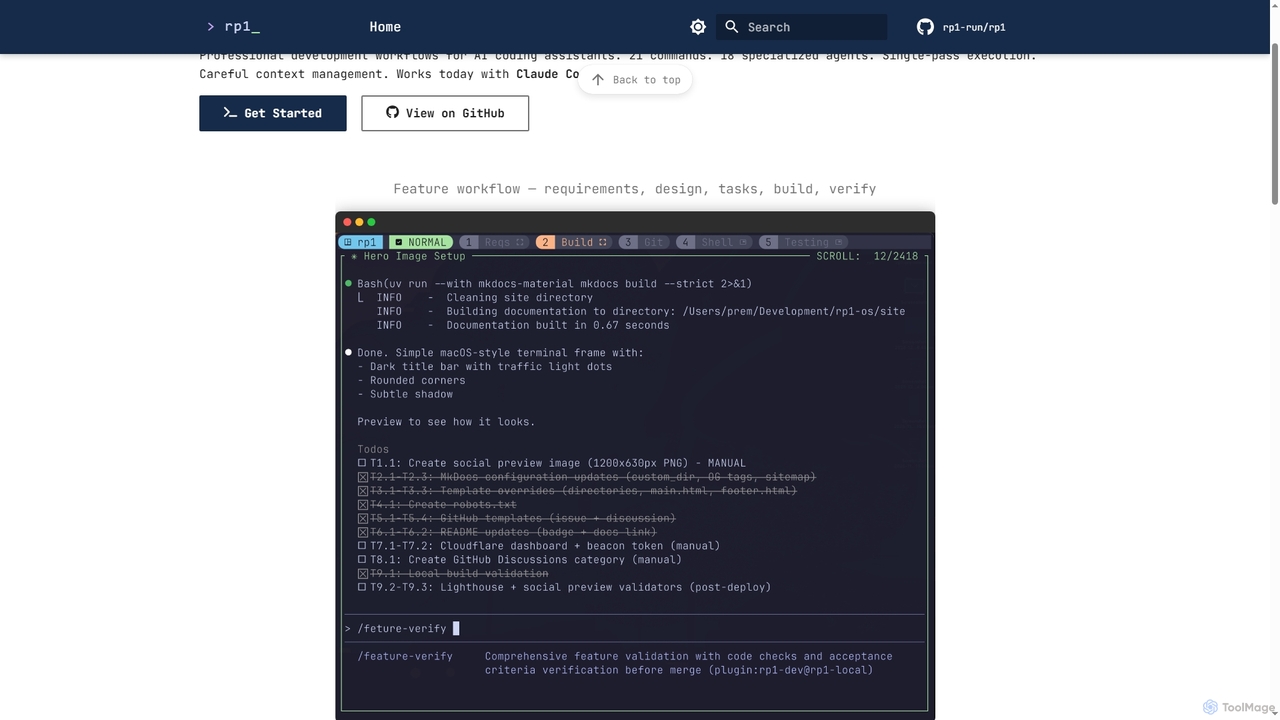
Rp1 is a professional development workflow tool for AI coding assistants, designed to streamline software creation from requirements to deployment. It offers 21 commands and 18 specialized agents for efficient, single-pass execution of complex coding tasks, ensuring structured outputs and deep codebase awareness.
Ai Assistant
Swe Studio
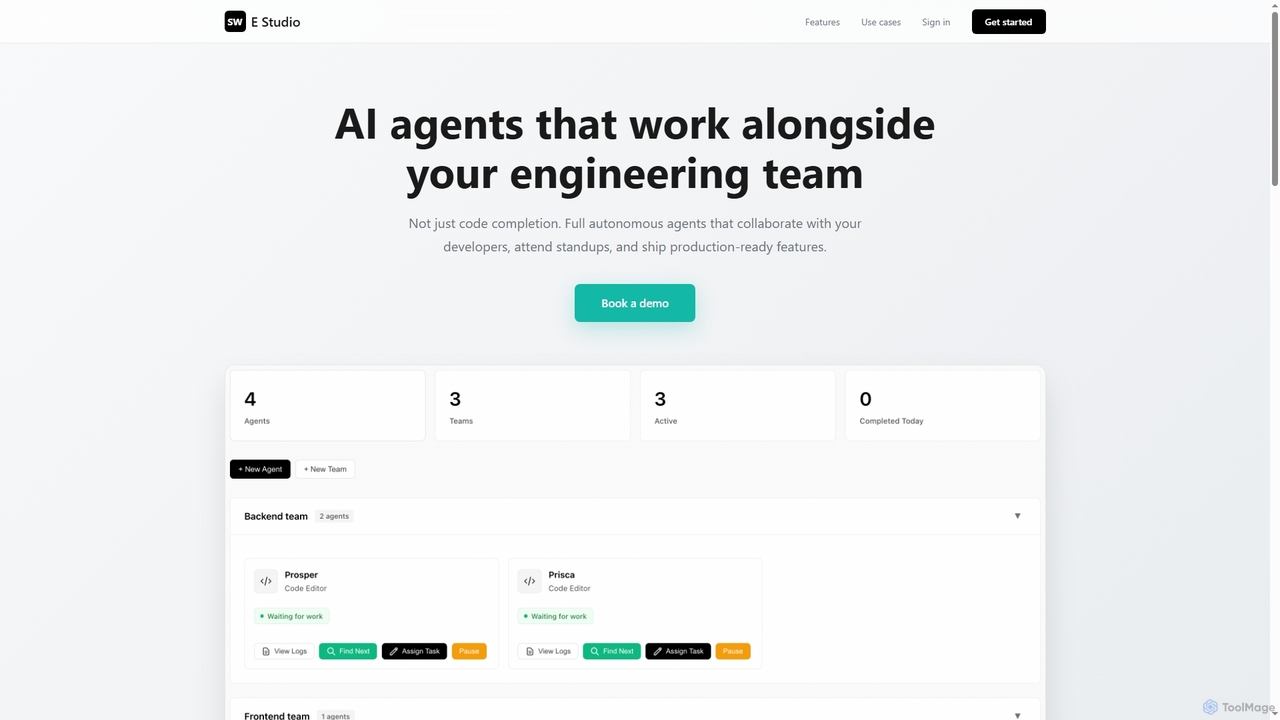
Swe Studio provides autonomous AI agents that function as full members of your engineering team. They independently handle development tasks from Jira tickets to pull requests, collaborating via Slack and GitHub to ship production-ready features.
Code Assistant
Documatic
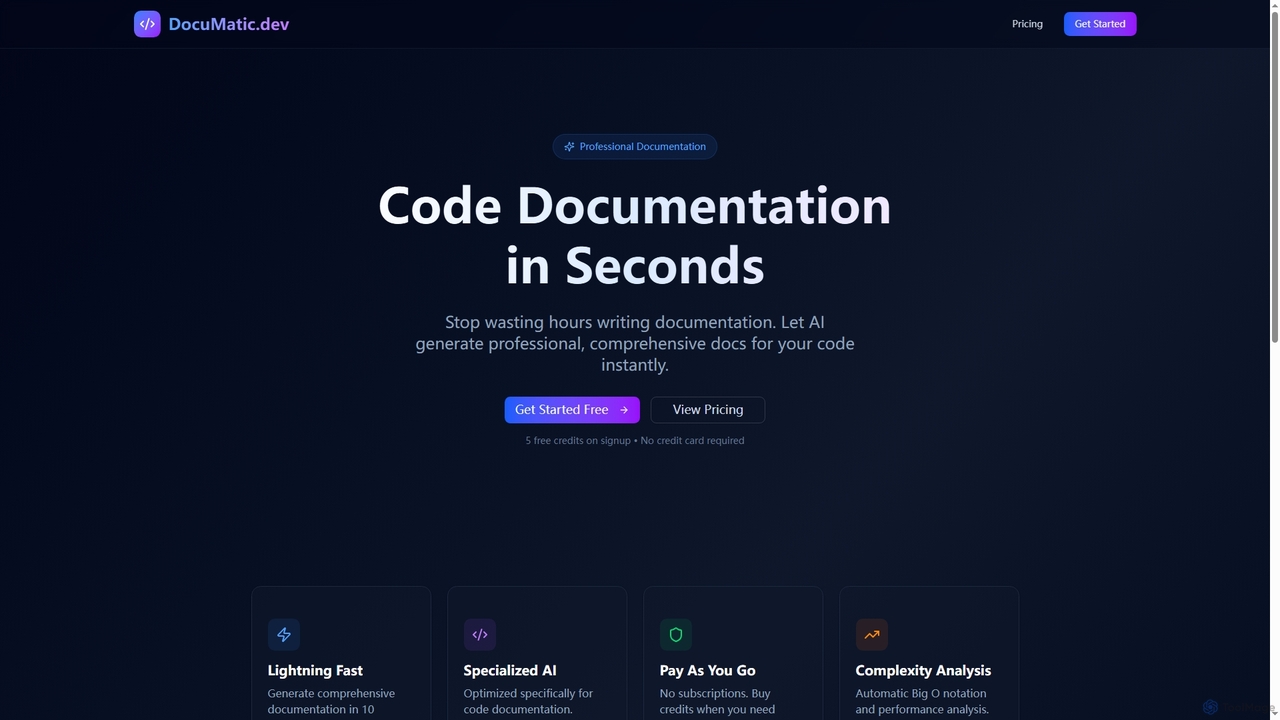
Documatic is an AI-powered tool that generates professional, comprehensive code documentation in seconds. Designed specifically for developers, it eliminates hours of manual writing by providing instant, high-quality documentation, including complexity analysis, for any programming language. It operates on a flexible pay-as-you-go credit system.
Code Documentation
Codeball
Codeball is an AI-powered code review assistant that integrates with GitHub to automatically analyze pull requests. It helps development teams ship better code faster by identifying bugs, suggesting improvements, and ensuring code quality without manual intervention.
Code Review