


Command Center Overview
Command Center positions itself as the "Post-IDE for AI agents," a revolutionary tool designed to bridge the gap between AI-generated code and human understanding and quality standards. It addresses the challenge of "AI slop" by providing a robust environment for managing, reviewing, and refining code produced by AI agents. This platform empowers developers to integrate AI seamlessly into their workflow while ensuring the codebase remains clean, maintainable, and optimized for human comprehension.
How to use Command Center
To get started with Command Center, developers can install it via npm using the command npx @command-center/command-center@latest. Once installed, it provides an interface to interact with AI agents, review their code contributions, and manage refactoring tasks. Users can view real-time GitHub-style diffs, provide line-by-line feedback to agents, and utilize one-click extensions to enhance functionality. The tool also allows for restoring old snapshots to undo AI mistakes, ensuring a safe development environment.
Core Features of Command Center
- AI-Optimized Code Understanding: Provides summaries, tours, a Chat HUD, and Text UI for guided understanding of AI-produced pull requests and diffs.
- Realtime Diff Viewer: Offers a live GitHub-style diff viewer that updates as AI agents modify code.
- One-Click Extension Installation: Allows instant addition of Hooks, Subagents, Commands, MCP, and Tools without complex configuration.
- Advanced AI Refactoring: Features a powerful refactoring agent capable of eliminating duplication, removing indirection, and separating logic to improve code quality.
- Agent-Native Codebase Preparation: Configures any codebase to allow AI agents to test applications and read logs effectively, mimicking human interaction.
- AI Mistake Undo Functionality: Enables users to restore previous snapshots to easily revert unwanted AI agent changes without extra commits.
- Direct Agent Feedback: Facilitates line-by-line feedback to AI agents directly from the code-review interface to ensure the highest quality output.
- Multi-Agent Orchestration: Allows control of multiple AI agents in isolated environments, designed to simplify context-switching.
Use Cases for Command Center
Command Center is ideal for development teams and individual developers who are actively integrating AI agents into their coding workflows. It serves as a critical tool for maintaining code quality when AI is involved in generating or modifying code, performing complex refactoring operations, and ensuring that AI-produced changes are easily understandable and reviewable. It's particularly useful for projects where AI agents contribute to large codebases, helping to prevent "AI slop" and enforce coding standards. Furthermore, it can be used for training and fine-tuning AI agents by providing direct, actionable feedback within the development environment.
Advantages of Command Center
The primary advantages of Command Center include its ability to significantly improve the quality of AI-generated code, making it more robust and human-readable. It streamlines the code review process for AI contributions with its real-time diff viewer and guided tours. The tool's one-click extension installation and "no configuration needed" approach simplify setup and customization. Its powerful refactoring capabilities automate complex code improvements, saving developer time. The ability to undo AI mistakes and provide direct feedback fosters a more controlled and iterative development cycle with AI agents, ultimately leading to higher quality software and a more efficient development process.
Command Center FAQ
Traffic
Latest traffic
Status
Monthly traffic trend
- 2026-1: 665
- 2026-2: 972
- 2026-3: 2.1K
- 2026-4: 6.8K
- 2026-5: 2.7K
Geography
Top 5 countries / regions
- 🇺🇸United States48.5%
- 🇰🇿Kazakhstan47.6%
- 🇵🇱Poland3.9%
Top keywords
| Keyword | Cost per click |
|---|---|
| cc cli | $0.00 |
| cccodes | $0.00 |
| comand code | $0.00 |
| command center | $1.78 |
| command code | $0.00 |
Command Center Alternatives
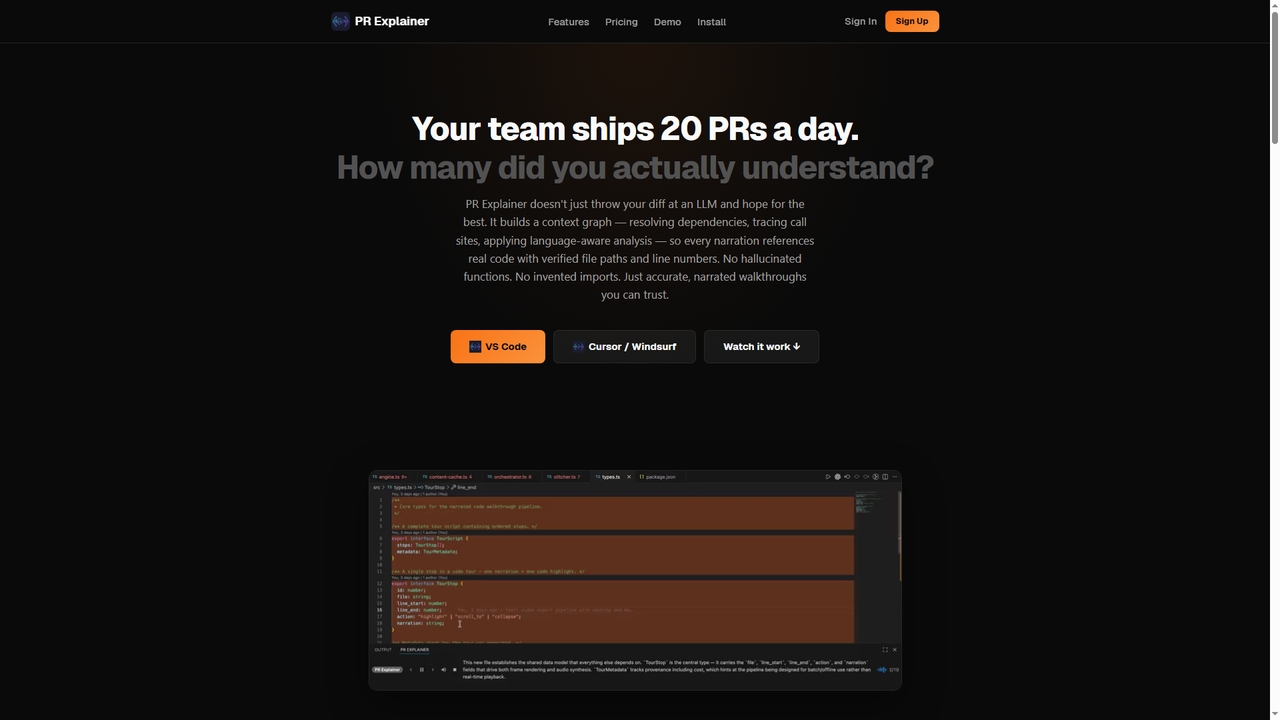
Prexplainer
Prexplainer is an AI-powered developer tool that automatically generates narrated code walkthroughs for pull requests (PRs). It transforms code diffs into engaging audio-visual tours with synchronized highlighting, helping teams understand changes faster without context switching.
Code Review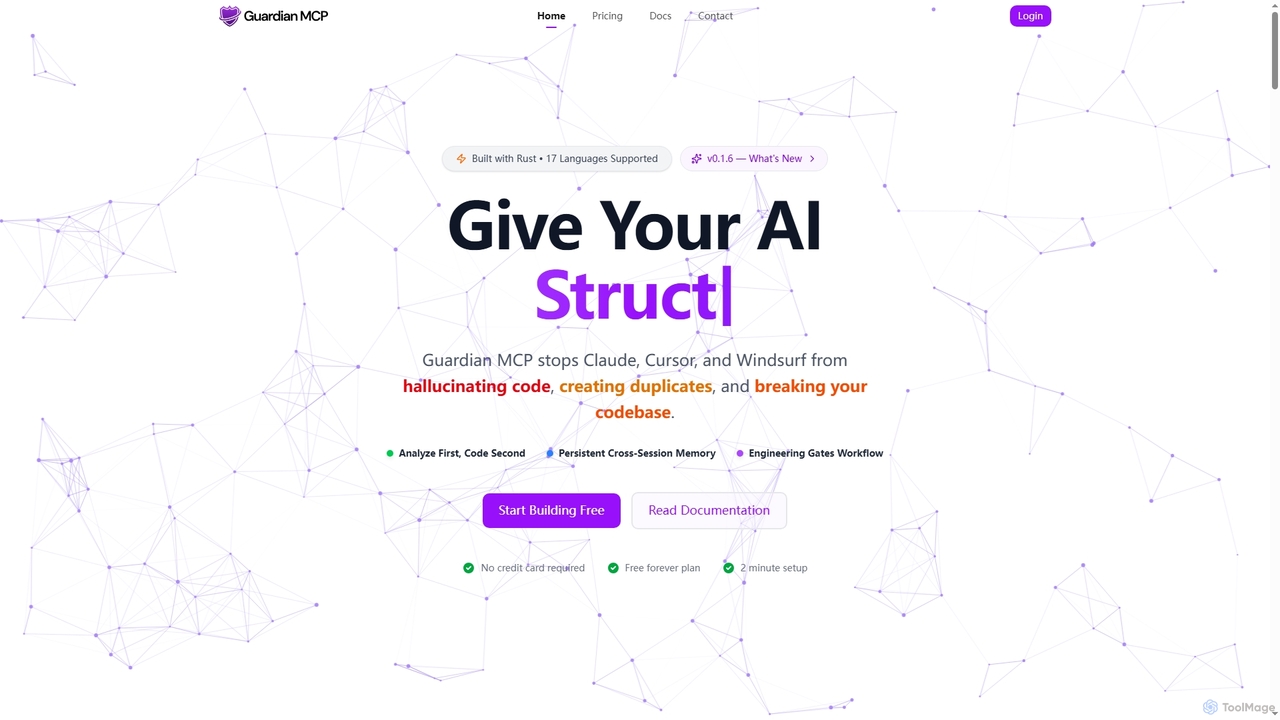
Guardian MCP
Guardian MCP is an AI engineering gate that prevents AI coding assistants like Claude, Cursor, and Windsurf from generating duplicate code, hallucinating functions, and breaking your codebase. It enforces a disciplined workflow, provides persistent memory, and ensures code quality by analyzing existing code before implementation.
Static Analysis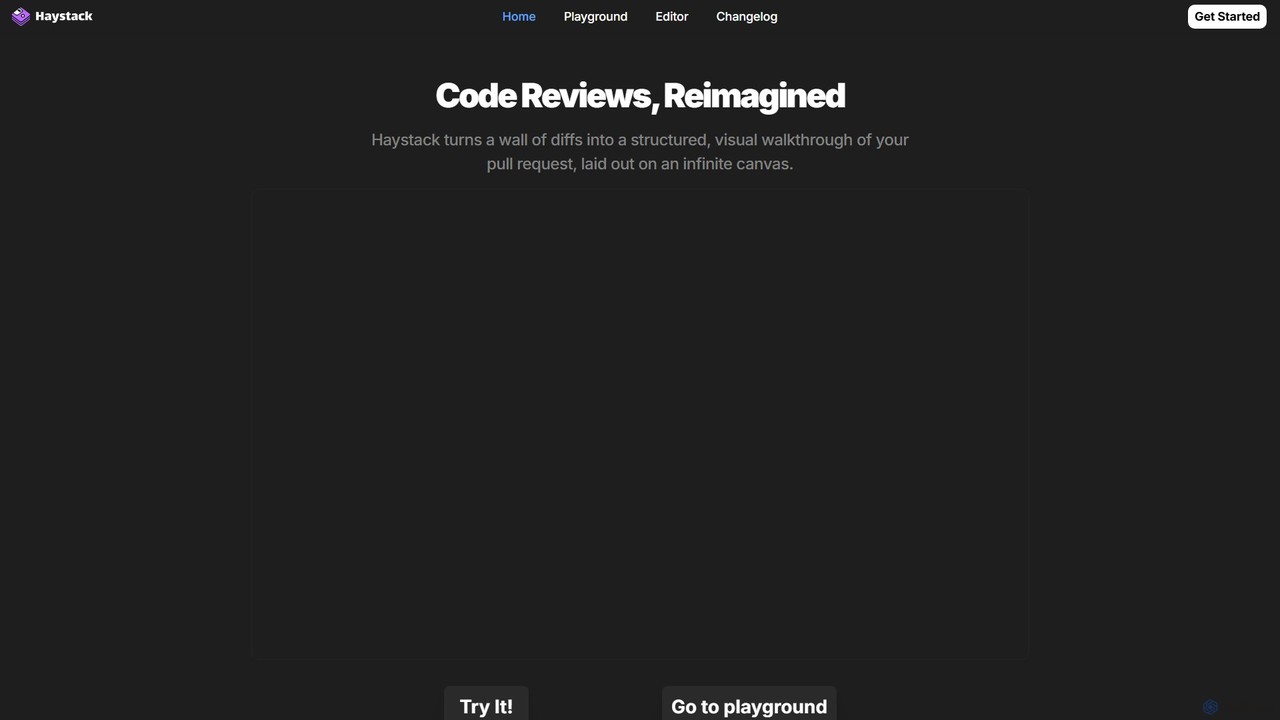
Haystack
Haystack is an AI-powered code review platform that transforms complex pull requests into an interactive, visual canvas. It intelligently guides reviewers through code changes, enabling faster comprehension, in-context collaboration, and more efficient merging, supporting a wide range of programming languages.
Code Assistant
Codebay
Codebay is an AI-powered development platform designed to accelerate the entire software lifecycle. It acts as an intelligent co-pilot for developers, offering advanced features for code generation, automated review, intelligent debugging, and seamless integration with existing workflows to enhance productivity and code quality.
Code Generation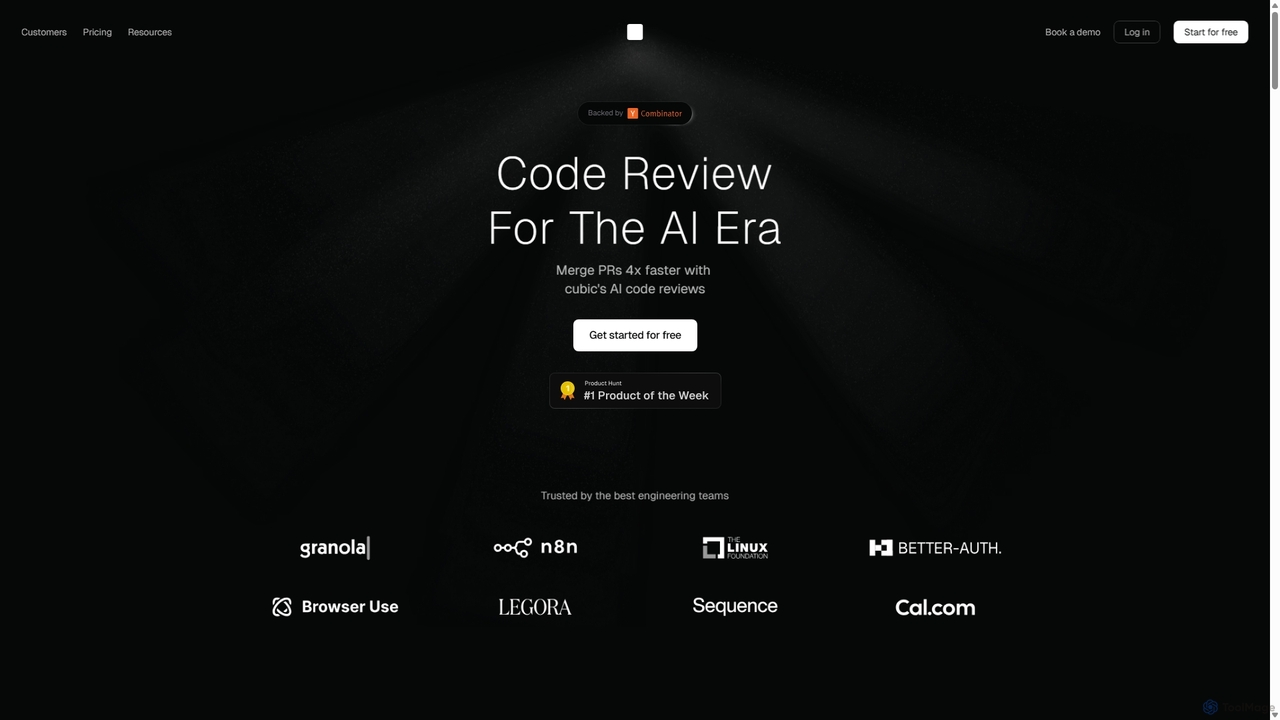
Cubic
Cubic is an AI-powered code review platform designed to accelerate development cycles. It integrates with GitHub to automatically review pull requests, catch bugs, enforce coding standards, and provide one-click fixes, helping engineering teams merge PRs up to 4x faster while improving code quality.
Code AssistantCommand Center Categories
Command Center Jobs
Command Center Embed Widget
Copy this embed code to place the badge on your blog, article, or product site and send readers directly to this ToolMage detail page.

Related AI tools
Guardian MCP
Guardian MCP is an AI engineering gate that prevents AI coding assistants like Claude, Cursor, and Windsurf from generating duplicate code, hallucinating functions, and breaking your codebase. It enforces a disciplined workflow, provides persistent memory, and ensures code quality by analyzing existing code before implementation.
Static AnalysisCodebay
Codebay is an AI-powered development platform designed to accelerate the entire software lifecycle. It acts as an intelligent co-pilot for developers, offering advanced features for code generation, automated review, intelligent debugging, and seamless integration with existing workflows to enhance productivity and code quality.
Code Generation
Enso
Enso is an AI-powered development environment designed for developers to parallelize intelligence across multiple AI agents within a single project. It integrates advanced Git control, a robust code editor, and AI-driven code review, offering a seamless workflow with persistent AI sessions for each branch.
DevelopmentPrexplainer
Prexplainer is an AI-powered developer tool that automatically generates narrated code walkthroughs for pull requests (PRs). It transforms code diffs into engaging audio-visual tours with synchronized highlighting, helping teams understand changes faster without context switching.
Code Review
Kilo
Kilo is an open-source, all-in-one AI coding agent and orchestration platform designed to accelerate software development. It integrates seamlessly into your workflow via VS Code, JetBrains IDEs, and the CLI, offering access to 500+ AI models, automated code reviews, cloud agents, and deployment tools—all while emphasizing transparency, control, and developer productivity.
Ai Code Assistant
Kerno
Kerno is an AI-powered co-pilot for backend developers, autonomously generating, running, and maintaining exhaustive integration test suites. It understands your code, dependencies, and business logic to deliver reliable, high-quality testing at scale, directly within your IDE.
Backend Development
Unify
Unify is a developer-centric LLMOps platform designed to simplify building, monitoring, and optimizing AI applications. It provides a universal API and a hackable framework for logging, evaluation, tracing, and managing AI agents, enabling developers to create custom workflows and interfaces with ease.
Llmops
Autofix
Autofix is an AI agent purpose-built for deep code review, identifying security vulnerabilities, hardcoded secrets, and code quality issues. It generates verified patches to help development teams ship clean and secure code faster.
Static Analysis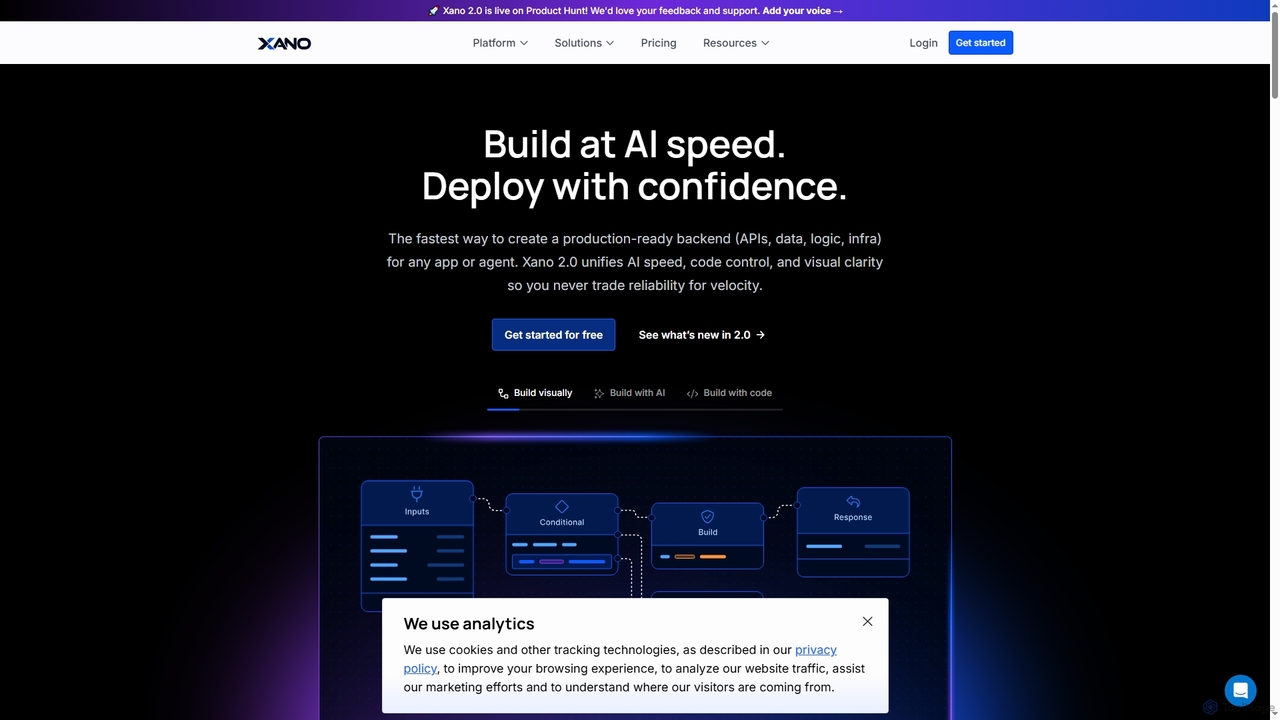
Xano
Xano is a scalable no-code backend platform that empowers developers and teams to build production-ready applications and AI agents at speed. It provides a unified solution for APIs, a managed Postgres database, visual logic, and auto-scaling infrastructure, eliminating the need for complex DevOps.
Agent Building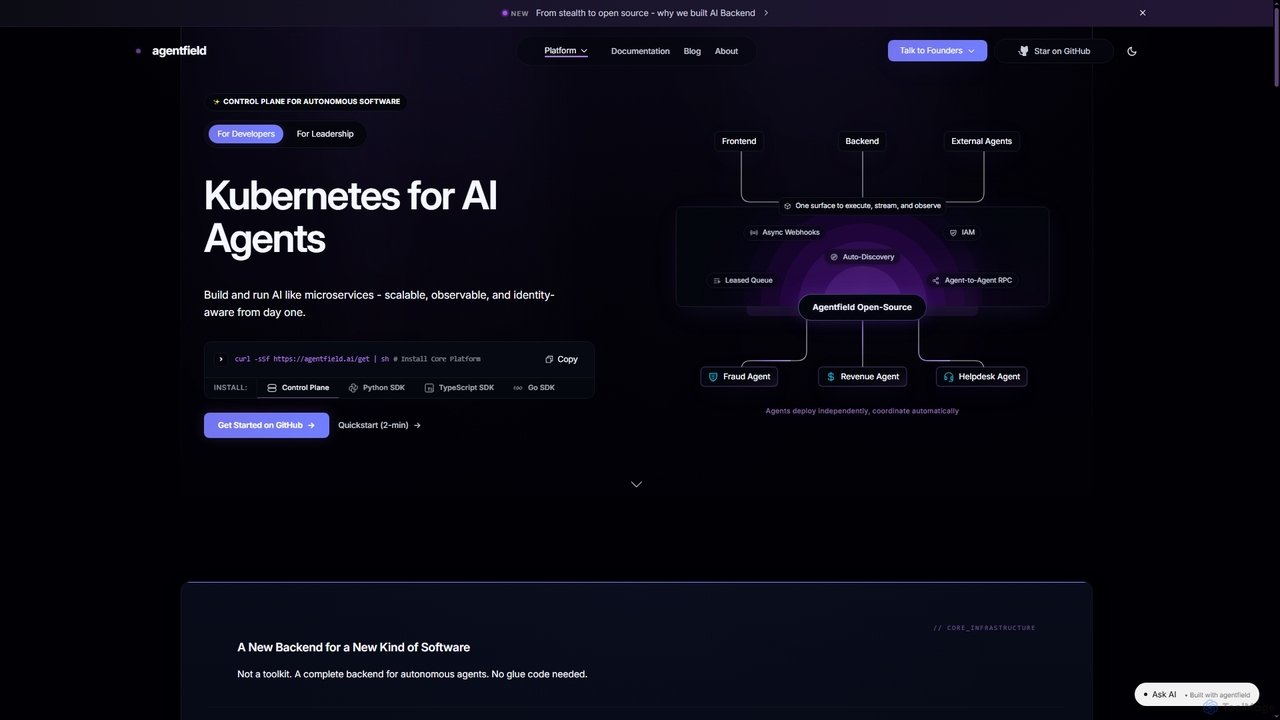
Agentfield
Agentfield is an open-source control plane designed for building and running autonomous AI agents as scalable, observable, and identity-aware microservices. It provides Kubernetes-like orchestration, cryptographic identity management, and production-ready infrastructure to bridge the gap between AI prototypes and robust, trustworthy production deployments.
Orchestration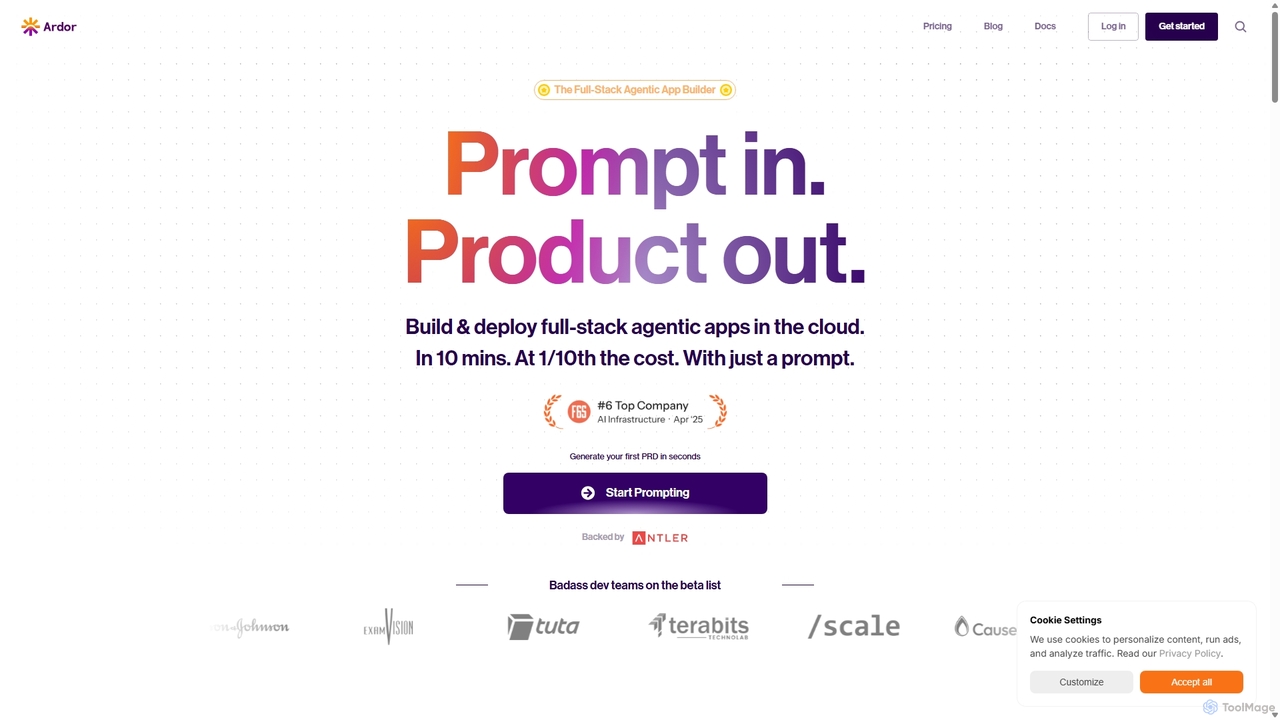
Ardor
Ardor is a full-stack, multi-agent platform that revolutionizes software development by enabling users to build, deploy, and monitor complete agentic AI applications from a single prompt. It automates the entire software development lifecycle (SDLC), drastically reducing development time from months to minutes and cutting costs by up to 90%. Ideal for developers, startups, and enterprises looking to accelerate innovation.
Agent Builder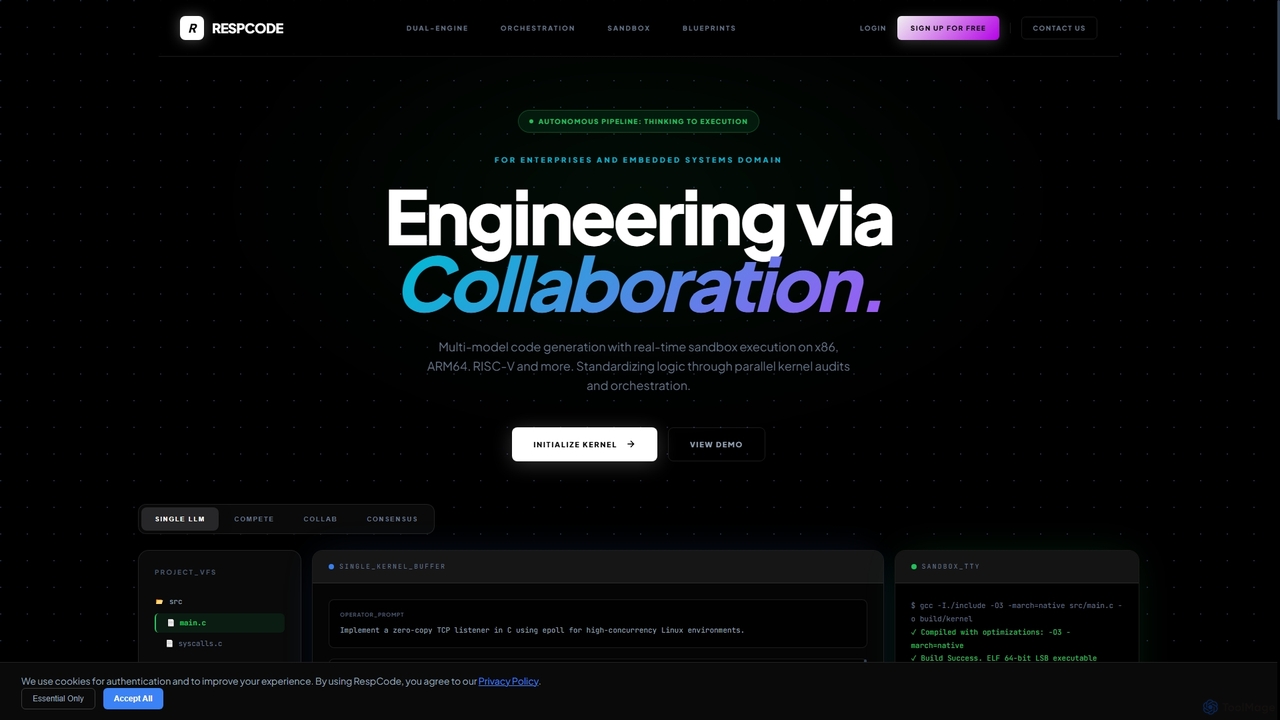
RespCode
RespCode is a multi-model IDE kernel that revolutionizes AI-assisted code generation by orchestrating multiple large language models. It enables developers to compare, refine, and validate code across various architectures in real sandbox environments, ensuring high-quality, secure, and performant solutions for complex development challenges.
Sandbox Environment
Grov
Grov is an open-source collective AI memory for engineering teams, designed to optimize Claude Code sessions. It captures reasoning, prevents AI drift, and preserves prompt caches, significantly reducing token costs and enhancing team synchronization.
Code Assistant
Actual
Actual is an AI-powered platform designed to empower engineering managers and software teams by providing guardrails for AI development, automating workflows, and ensuring architectural consistency across codebases. It enhances team performance and streamlines development processes.
Ai Governance
MashuPack
A browser-based tool that packages a local code repository into a single structured text file, enabling AI models like ChatGPT and Claude to navigate and understand the codebase as a virtual project for enhanced analysis.
Ai Workflow Enhancements
Command Center Comments (0)
Sign in to comment.
Sign inNo comments yet.