

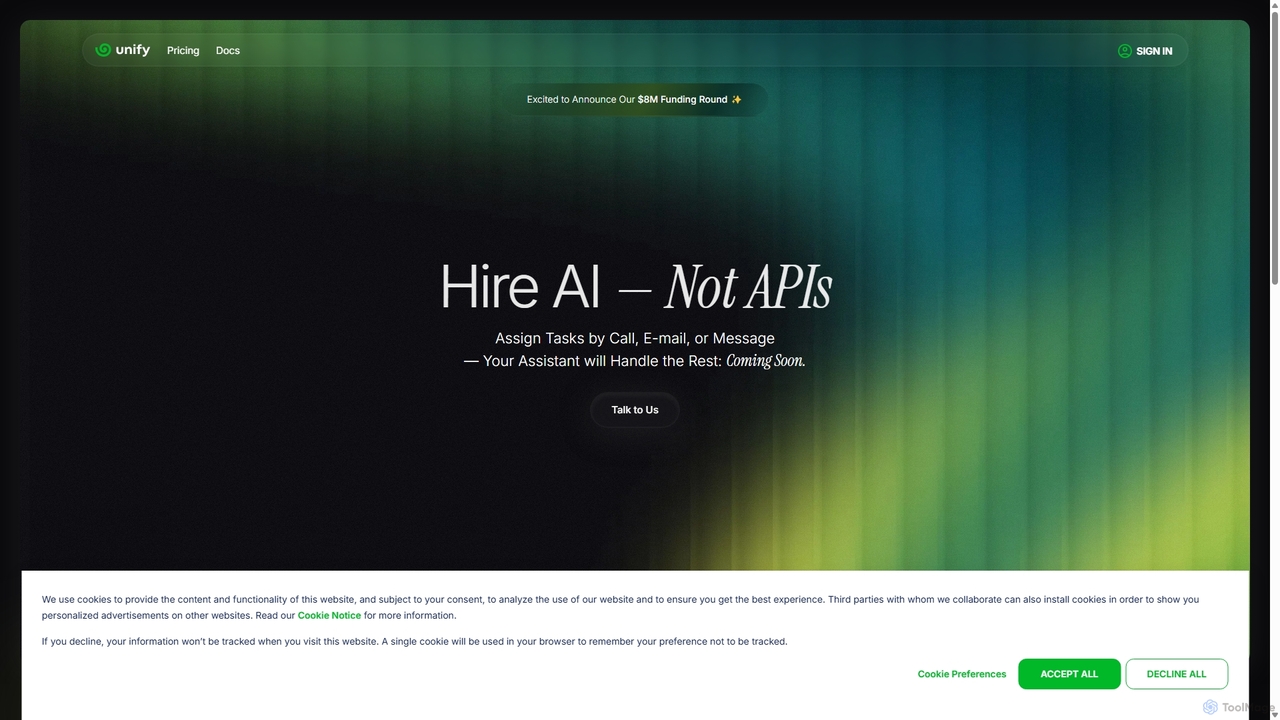
Unify Overview
Unify is a comprehensive and highly flexible LLMOps (Large Language Model Operations) platform built for developers and teams who are creating next-generation AI applications. With the motto "Hire AI, Not APIs," Unify aims to abstract away the complexity of managing multiple LLM APIs and the underlying infrastructure. It provides a unified, modular, and hackable environment to streamline the entire lifecycle of an LLM-powered product, from development and logging to evaluation and continuous improvement.
The platform is backed by prominent investors like Y Combinator, Microsoft's M12, and the CEO of Hugging Face, highlighting its strong position in the AI developer tool space. Unify's core philosophy is that every LLM product has unique requirements, and the infrastructure should be adaptable. It empowers developers to build their own custom interfaces for logging, evaluations, guardrails, labeling, tracing, and managing AI agents, ensuring the tool fits their specific workflow rather than forcing them into a rigid system.
How to use Unify
Getting started with Unify is designed to be straightforward for developers. The primary interaction is through its Python library or REST API. The process typically involves:
- Integration: Install the Unify Python library (`pip install unifyai`) and import it into your project.
- Logging: Use the simple `Unify.log()` function to send data from your LLM application to the Unify platform. This can include prompts, responses, latency, user feedback, and any other relevant metadata.
- Building Interfaces: Once data is flowing into Unify, you can access the web platform to build custom interfaces. Using building blocks like tables, views, and plots, you can create dashboards to monitor performance, analyze data, trace requests, and evaluate model outputs.
- Iteration and Optimization: With these custom interfaces, you can quickly probe, analyze, and iterate on your application. Identify bottlenecks, compare different models using the Unify LLM Hub, implement guardrails, and use human feedback to fine-tune your system.
- Agent Development: For more advanced use cases, developers can use Unify's framework to build, manage, and deploy complex AI agents, defining their tasks, schedules, memories, and functions.
Core Features of Unify
- Unified LLMOps Platform: A single, cohesive environment for logging, evaluation, guardrails, labeling, tracing, and human feedback management.
- Hackable and Modular Architecture: Build custom interfaces and workflows using simple building blocks like tables, views, and plots. The platform is designed to be fully customizable to your project's needs.
- Universal API: Simplifies interaction with various large language models through a single, consistent API, supported by the Unify LLM Hub for benchmarking and selection.
- Developer-First Approach: Offers robust support through both Python and REST APIs, making integration into existing codebases seamless.
- AI Agent Framework: Provides tools to create, customize, and manage sophisticated AI agents, including their tasks, knowledge bases, and operational plans.
- Real-time Monitoring and Analysis: Gain deep insights into your application's performance, cost, and quality with powerful data visualization and analysis tools.
Use Cases for Unify
Unify is ideal for any individual or team building applications on top of large language models. Common use cases include:
- Developing Custom Chatbots and AI Assistants: Monitor conversation quality, track user satisfaction, and A/B test different prompts or models.
- Building AI-Powered Content Generation Tools: Evaluate the quality of generated text, enforce brand voice with guardrails, and manage human-in-the-loop review processes.
- Creating Complex AI Agents: Design agents that can perform multi-step tasks, manage their own memory, and execute functions based on user requests.
- Optimizing LLM Costs and Performance: Use the LLM Hub and detailed logs to choose the most cost-effective and performant model for a specific task.
- Ensuring AI Safety and Reliability: Implement and monitor guardrails to prevent harmful outputs and ensure the application behaves as expected.
Advantages of Unify
Unify offers a significant competitive edge by focusing on developer experience and flexibility. Its main advantages are:
- Simplicity: It consolidates the entire LLMOps toolchain into one easy-to-use platform, reducing the need to integrate and manage multiple disparate tools.
- Flexibility: The 'hackable' nature of the platform means it can be adapted to any use case, from simple logging to complex agent management.
- Faster Iteration: By providing immediate insights and custom analysis tools, Unify enables teams to iterate on their AI products much faster.
- Informed Decision-Making: The Unify LLM Hub provides live benchmarks, helping developers choose the right model and provider based on real-time performance data, not just static leaderboards.
Pricing and Plans
Unify offers a tiered pricing structure to cater to different needs, from individual developers to large enterprises.
- Developer (Free): Includes unlimited interfaces, 1,000 LLM queries per month, 5,000 logs per month, and an individual user account. Ideal for personal projects and getting started.
- Professional ($40 per seat/month): Builds on the Developer plan with 10,000 LLM queries per month, 50,000 logs per month, and a teams account for up to 10 seats. It also unlocks the full developer platform to edit tasks, schedules, memories, and functions for AI assistants.
- Enterprise (Custom Pricing): Offers everything in the Professional plan plus unlimited LLM queries, unlimited logs, unlimited seats, on-premise deployment options, and dedicated support and services.
Traffic
Latest traffic
Status
Monthly traffic trend
- 2025-9: 24.2K
- 2026-1: 13.8K
- 2026-2: 8.5K
- 2026-3: 9.9K
- 2026-4: 10.7K
- 2026-5: 11.4K
Geography
Top 5 countries / regions
- 🇺🇸United States52.3%
- 🇮🇳India28.4%
- 🇬🇧United Kingdom11.5%
- 🇫🇷France4.1%
- 🇦🇪United Arab Emirates3.7%
Top keywords
| Keyword | Cost per click |
|---|---|
| unify | $2.87 |
| unify ai | $16.42 |
| unify apps | $0.69 |
| unifyed ai | $0.00 |
| unofy | $0.00 |
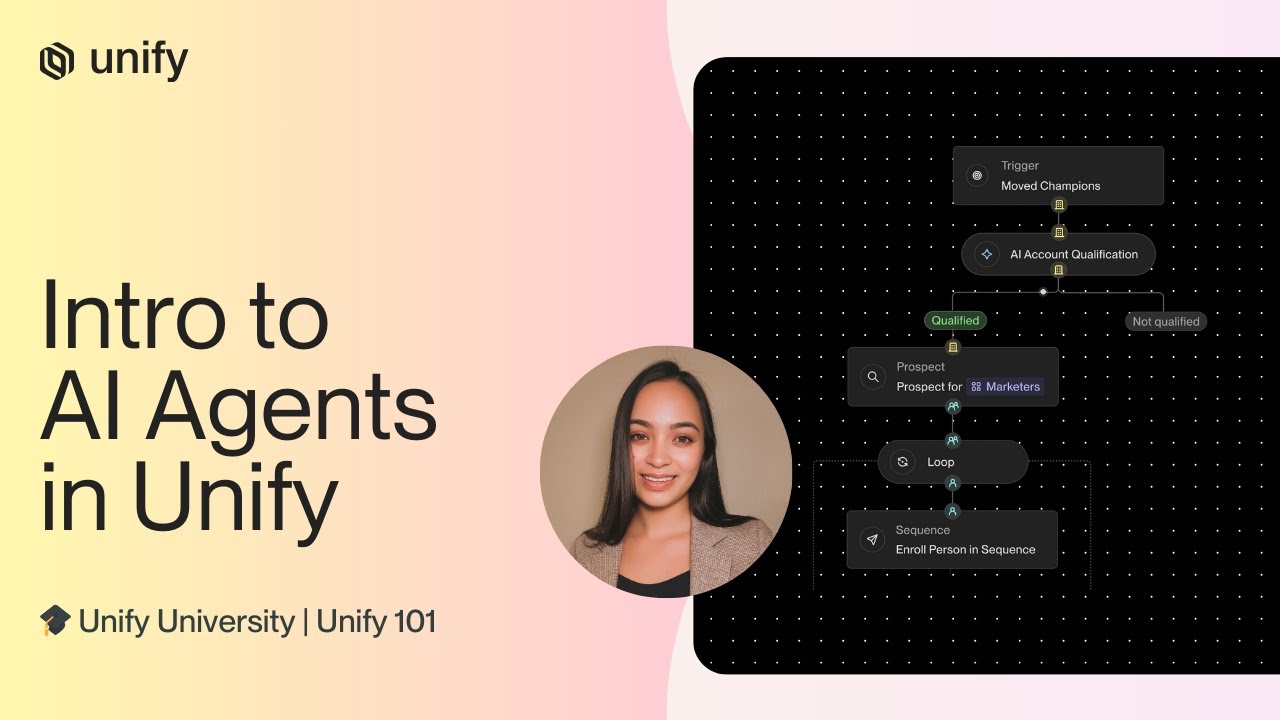
Unify Videos on YouTube


VICS Technology (빅스테크놀로지)




Unify Alternatives
Gradientj
Gradientj is a powerful platform for developers and businesses to build, test, and deploy autonomous AI agents. It provides a comprehensive suite of tools, including a reasoning engine, pre-built components, and seamless integrations, to transform complex workflows into intelligent, automated processes from prompt to production.
Intelligence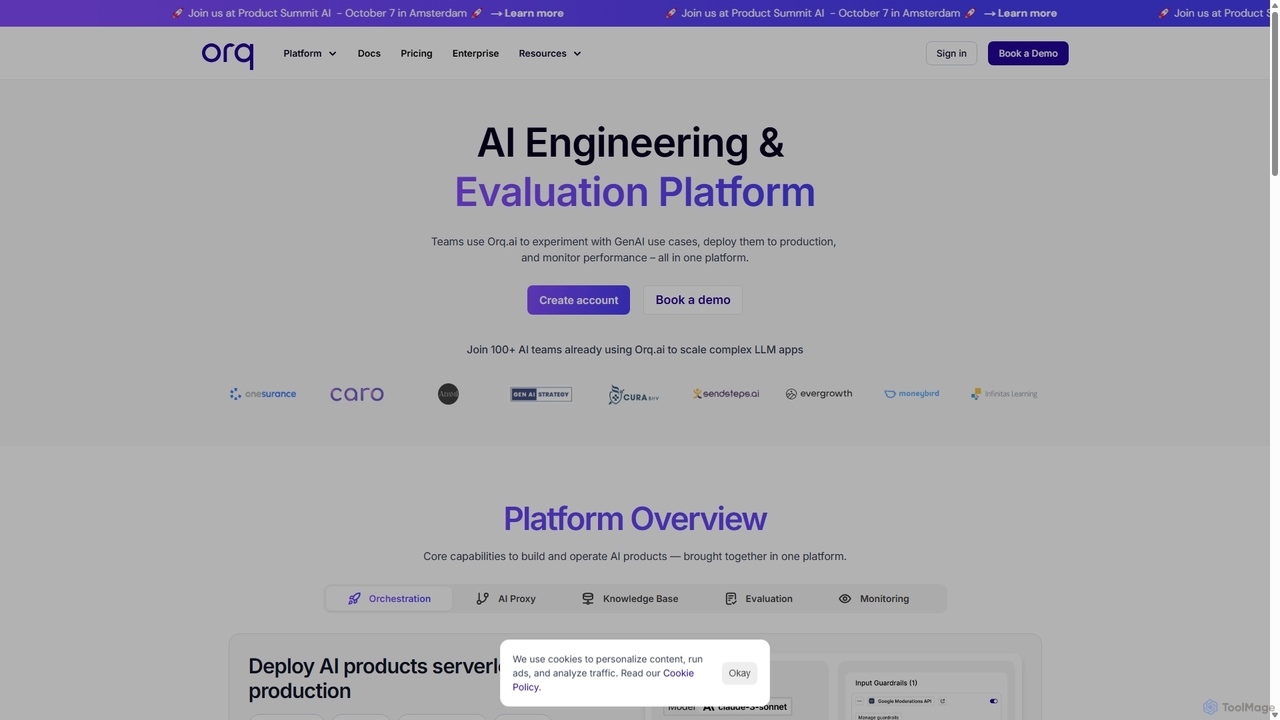
Orq.ai
Orq.ai is an end-to-end Generative AI Collaboration Platform for engineering and product teams. It enables users to experiment with GenAI use cases, deploy them to production, and monitor performance, all within a single, unified environment that supports the entire LLM application lifecycle.
Model Deployment
Alloy Automation
A powerful integration infrastructure for the AI era. Alloy Automation provides an agentic toolkit, embedded iPaaS, and a Connectivity API, enabling AI agents to take real-world actions and SaaS companies to rapidly build and scale product integrations.
Agent Tooling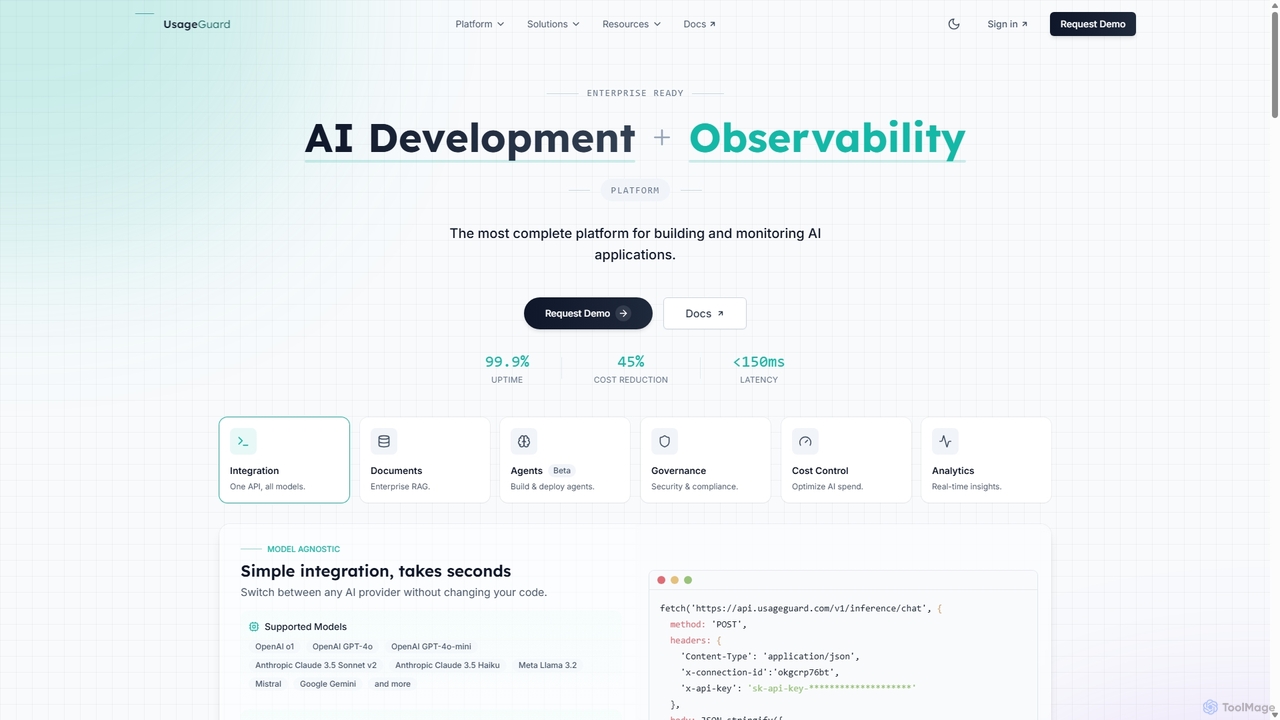
UsageGuard
UsageGuard is an all-in-one enterprise platform for AI development and observability. It provides a unified API to access all major LLMs, enabling seamless model switching. The platform focuses on enterprise-grade security, comprehensive cost control, and real-time monitoring to help businesses build, scale, and manage AI applications securely and efficiently.
Llmops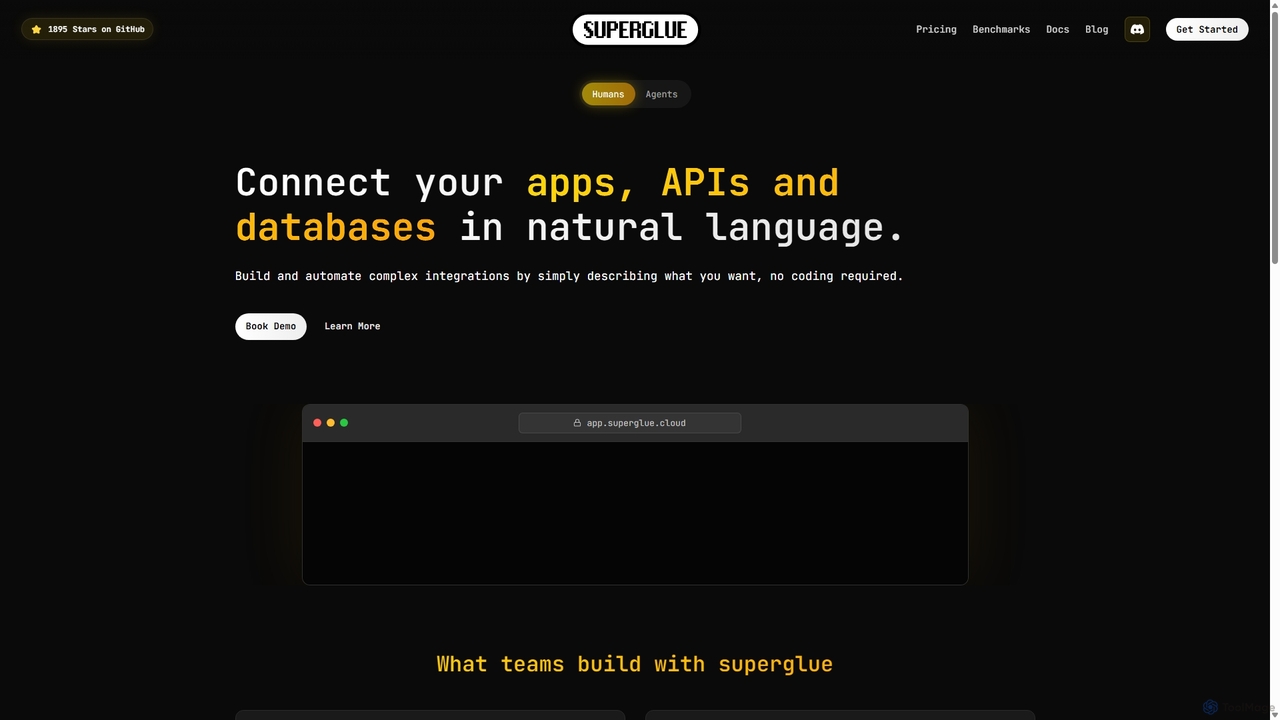
Superglue
Superglue is an AI-powered platform that translates natural language intent into reliable API execution. It enables developers and teams to automate ETL pipelines, build API connectors instantly, migrate data, and create complex workflows using a chat interface or code. It's designed to empower AI agents with dynamic, production-ready tools for any API.
ToolingUnify Categories
Unify Jobs
Unify Embed Widget
Copy this embed code to place the badge on your blog, article, or product site and send readers directly to this ToolMage detail page.

Related AI tools
Gradientj
Gradientj is a powerful platform for developers and businesses to build, test, and deploy autonomous AI agents. It provides a comprehensive suite of tools, including a reasoning engine, pre-built components, and seamless integrations, to transform complex workflows into intelligent, automated processes from prompt to production.
IntelligenceOrq.ai
Orq.ai is an end-to-end Generative AI Collaboration Platform for engineering and product teams. It enables users to experiment with GenAI use cases, deploy them to production, and monitor performance, all within a single, unified environment that supports the entire LLM application lifecycle.
Model Deployment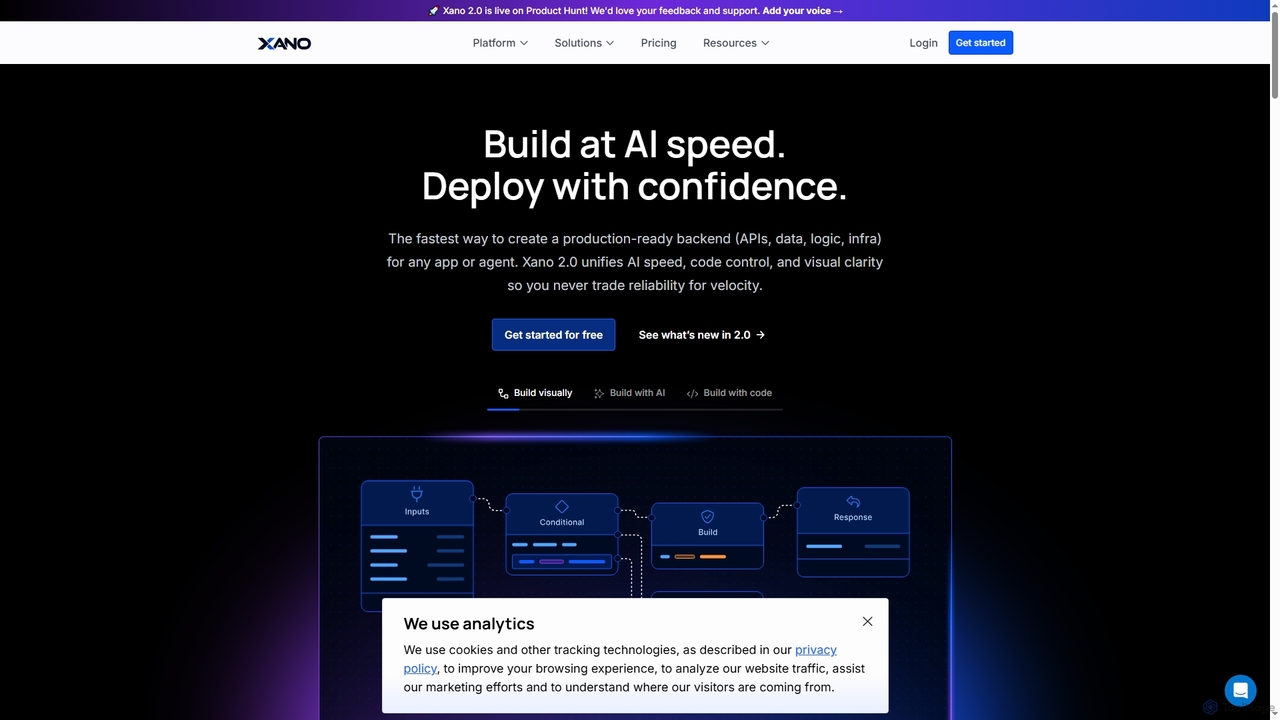
Xano
Xano is a scalable no-code backend platform that empowers developers and teams to build production-ready applications and AI agents at speed. It provides a unified solution for APIs, a managed Postgres database, visual logic, and auto-scaling infrastructure, eliminating the need for complex DevOps.
Agent Building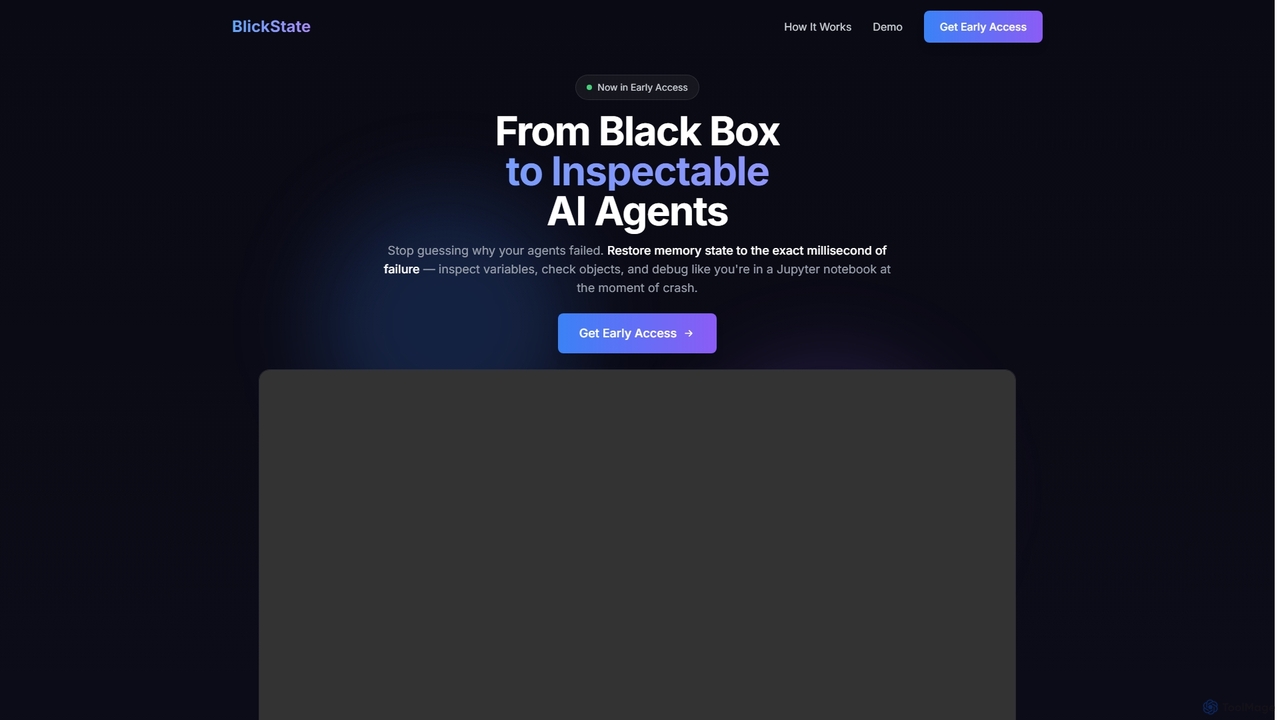
BlickState
BlickState is an advanced time-travel debugging tool for AI agents, enabling developers to restore and inspect the full memory state of agent tool executions at the exact millisecond of failure. It transforms black-box agent behavior into transparent, inspectable processes, significantly accelerating debugging for AI engineers.
Debugging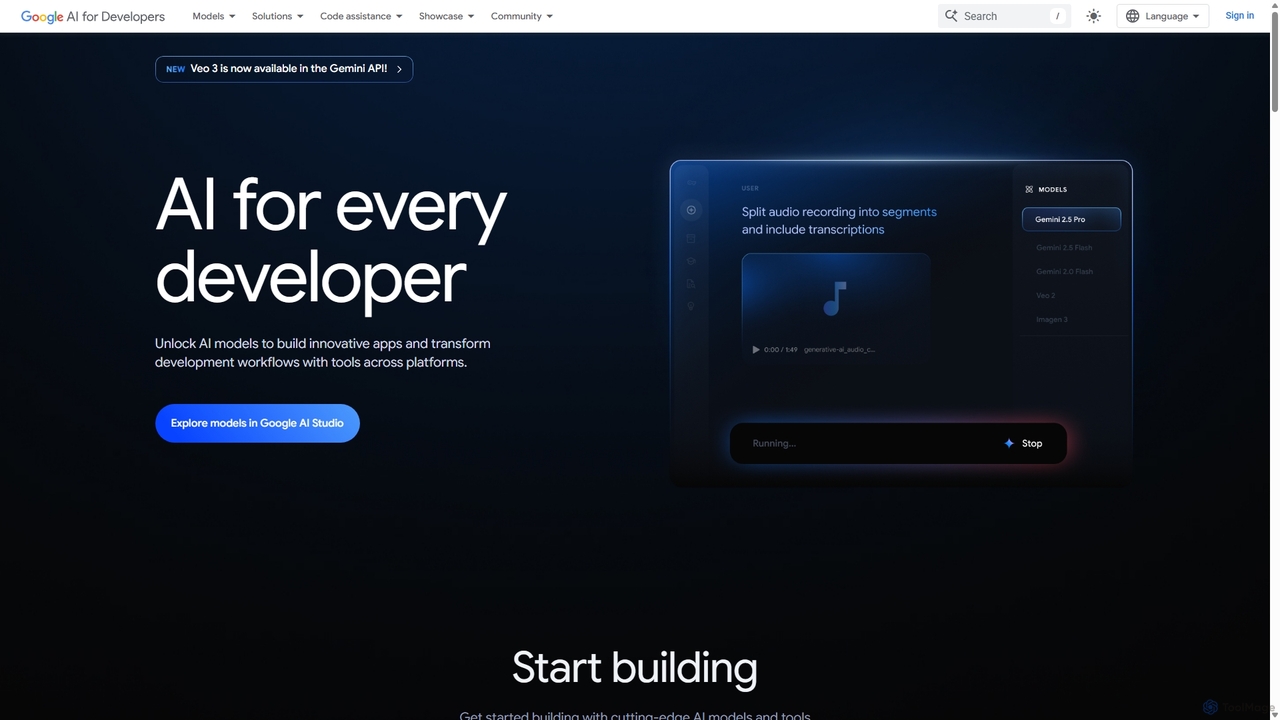
Google AI for Developers
A comprehensive platform by Google providing developers with access to cutting-edge AI models like Gemini, Imagen, and Veo via API, alongside the open-source Gemma models. It includes tools like Google AI Studio for prototyping, AI Edge for on-device deployment, and integrated code assistance to build innovative applications and streamline development workflows responsibly.
Large Language Models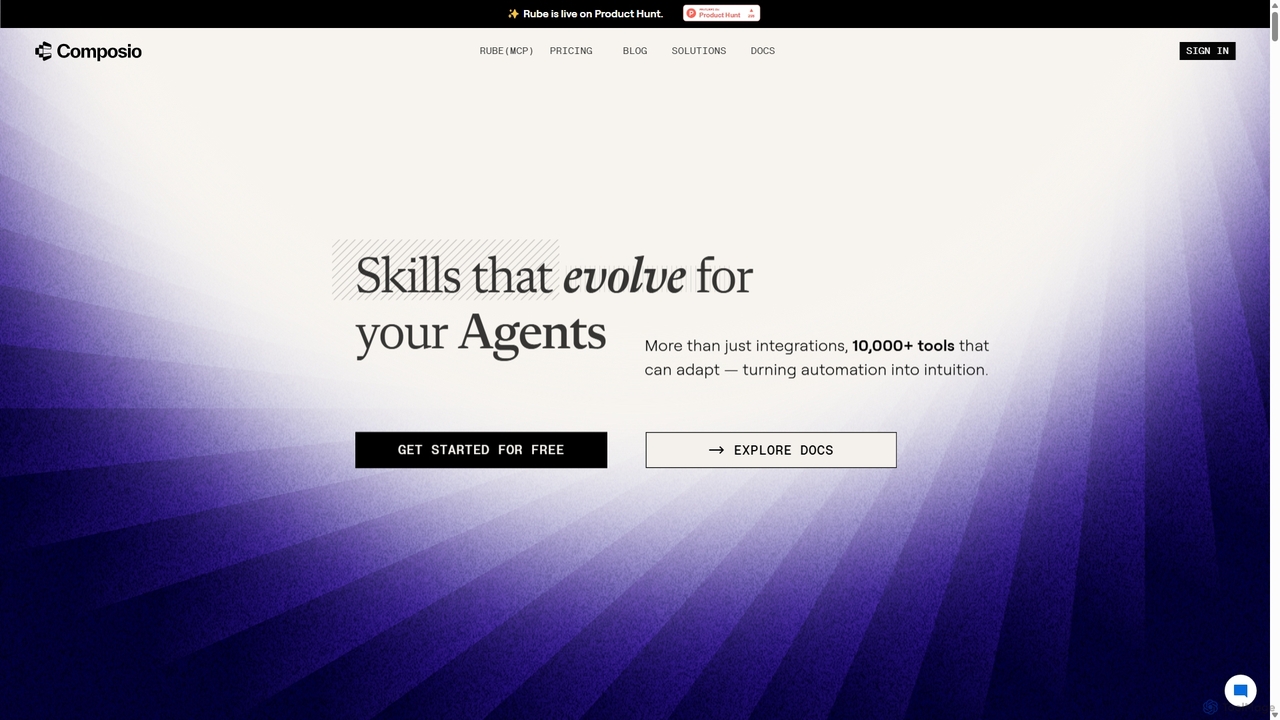
Composio
Composio is a developer platform that acts as a "skill layer" for AI agents. It enables developers to seamlessly connect their AI agents to over 10,000 tools and APIs, handling complex tasks like authentication, execution, and scaling. This allows developers to build powerful, action-oriented AI applications much faster by focusing on agent logic rather than integration plumbing.
Agent ToolingAlloy Automation
A powerful integration infrastructure for the AI era. Alloy Automation provides an agentic toolkit, embedded iPaaS, and a Connectivity API, enabling AI agents to take real-world actions and SaaS companies to rapidly build and scale product integrations.
Agent Tooling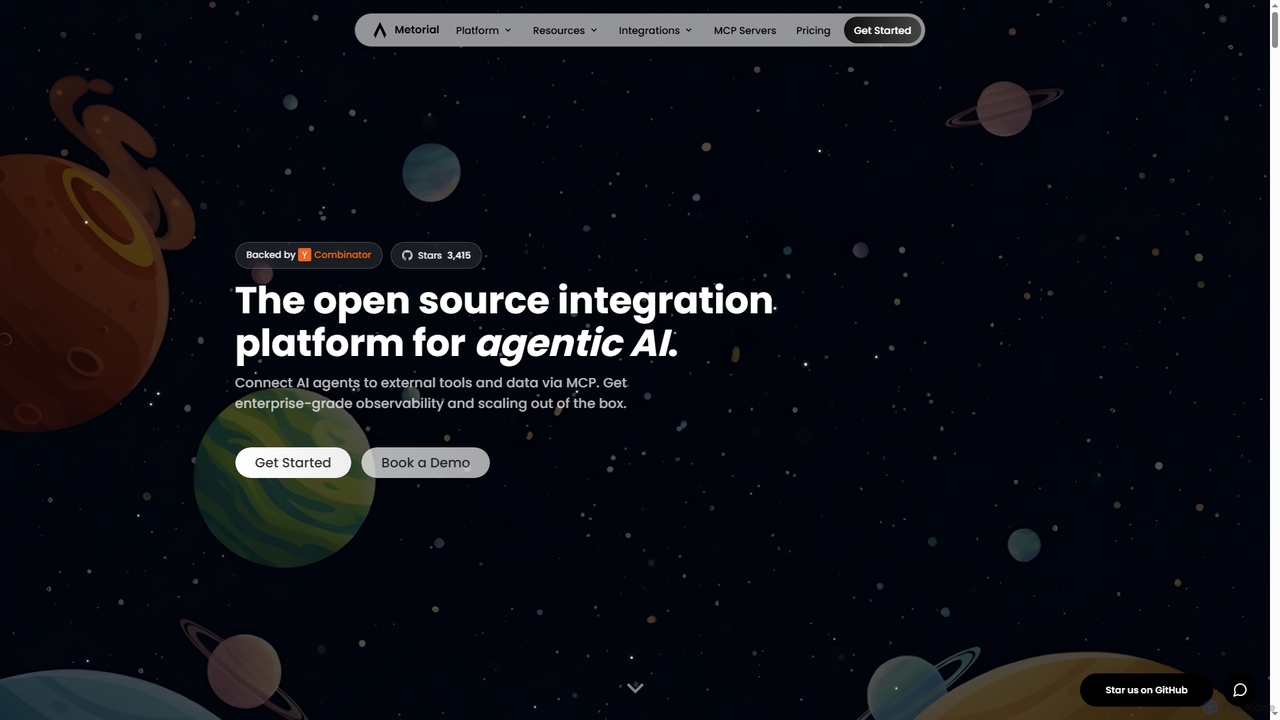
Metorial
Metorial is an integration platform for AI agents, enabling developers to quickly build, deploy, and monitor powerful agentic AI applications. It provides seamless connections to hundreds of tools, data sources, and APIs via its serverless Model Context Protocol (MCP) platform, offering robust SDKs, observability, and enterprise-grade security for scalable AI solutions.
Agentic Ai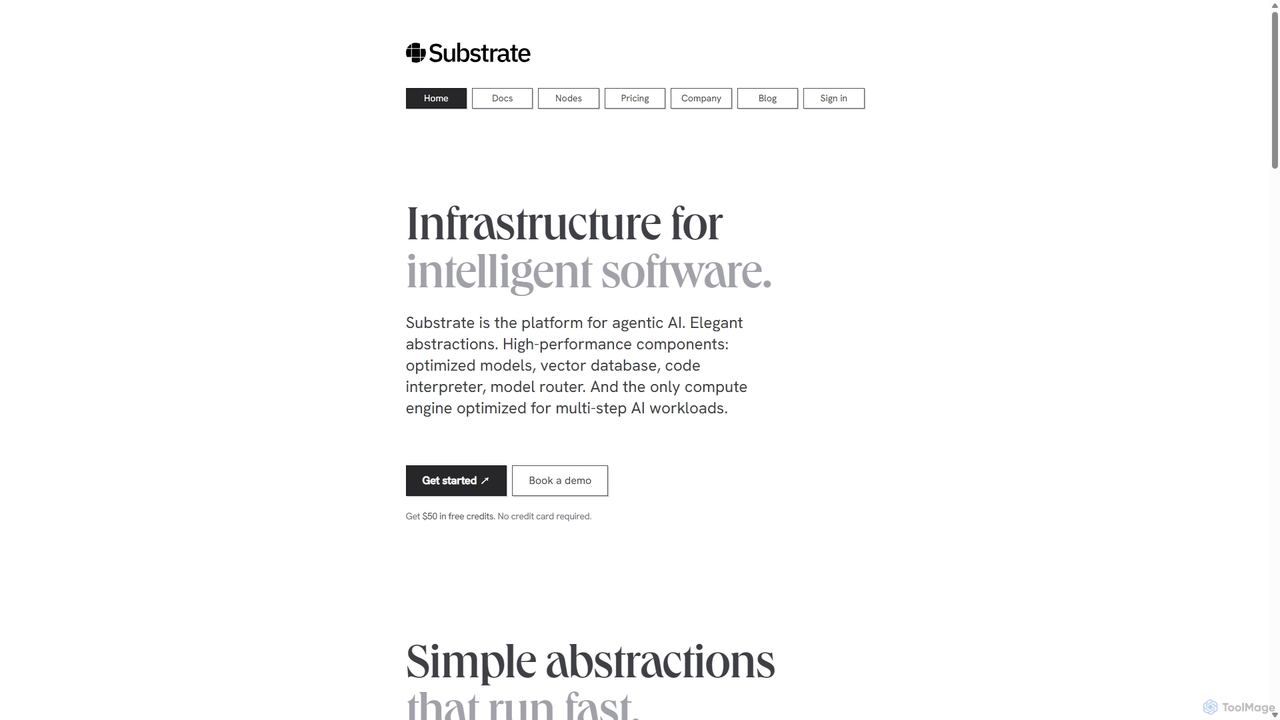
Substrate
Substrate is a developer platform for building high-performance, agentic AI applications. It provides elegant SDKs, a comprehensive library of optimized models, and a unique compute engine that orchestrates complex, multi-step AI workflows for maximum speed and efficiency.
Api & Sdk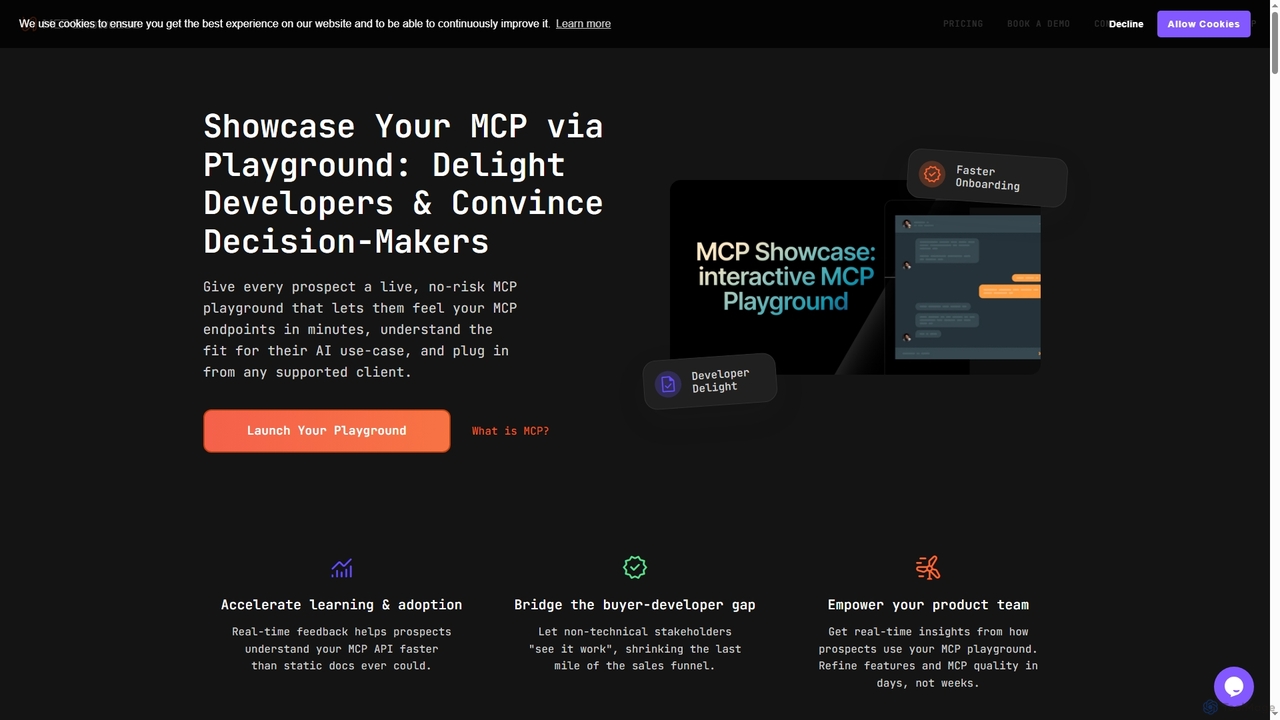
MCP Showcase
MCP Showcase is a pioneering platform demonstrating the Model Context Protocol (MCP), an open standard enabling AI assistants to seamlessly integrate with diverse external services like GitHub, Hugging Face, and Teamwork. It transforms complex API interactions into natural language conversations, empowering AI with real-time context and action capabilities across various domains.
Api Management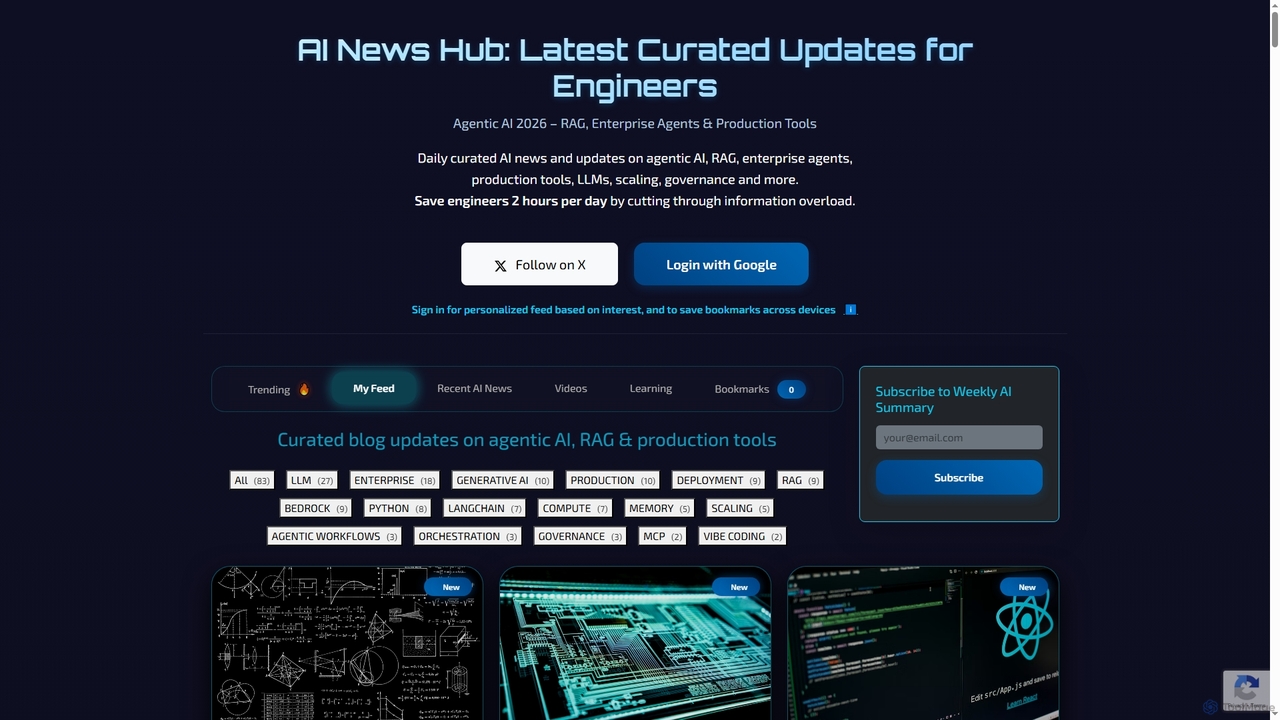
AI News Hub
AI News Hub is a comprehensive platform providing real-time AI announcements, curated blog updates on agentic AI, RAG, and production tools. It offers a personalized feed, bookmarking capabilities, and a rich collection of learning resources, including roadmaps, courses, and videos, to keep developers and enthusiasts informed and skilled in the rapidly evolving AI landscape.
Aggregation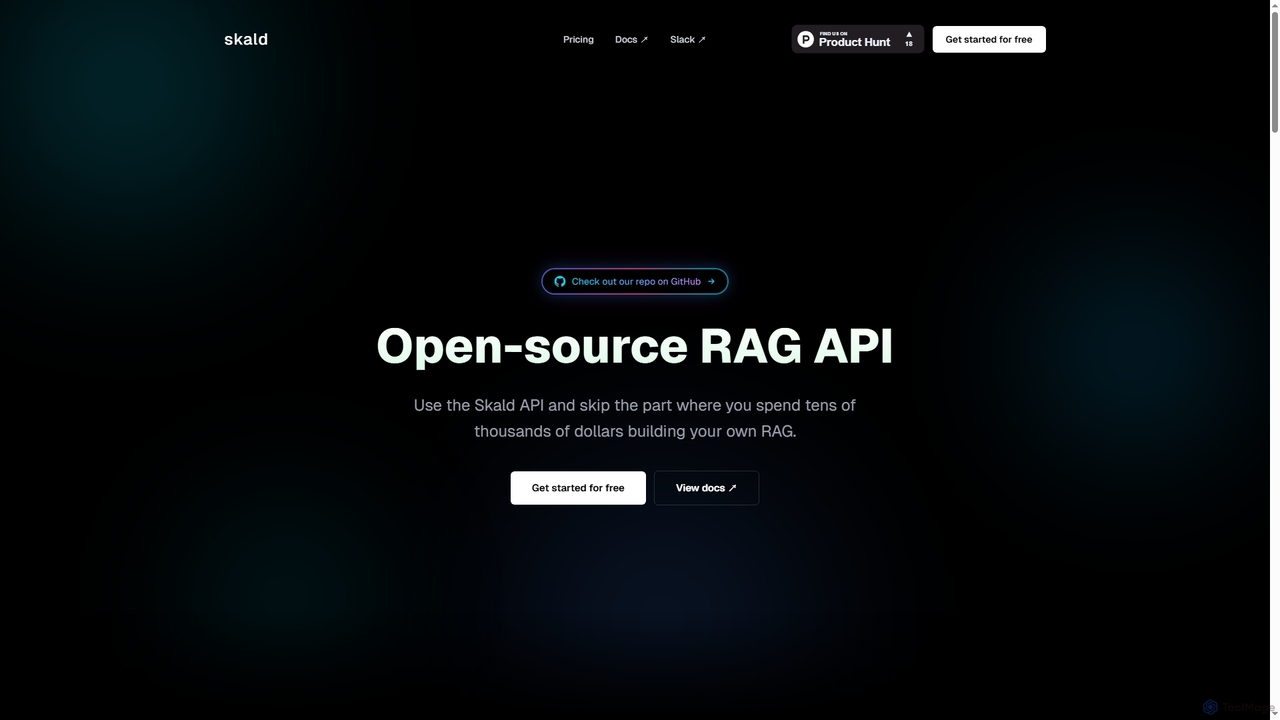
Skald
Skald is an open-source RAG API designed for developers to quickly build AI agents without the complexity of managing RAG infrastructure. It simplifies knowledge storage, context management, and semantic search, offering a powerful solution for integrating long-term memory into AI applications.
Rag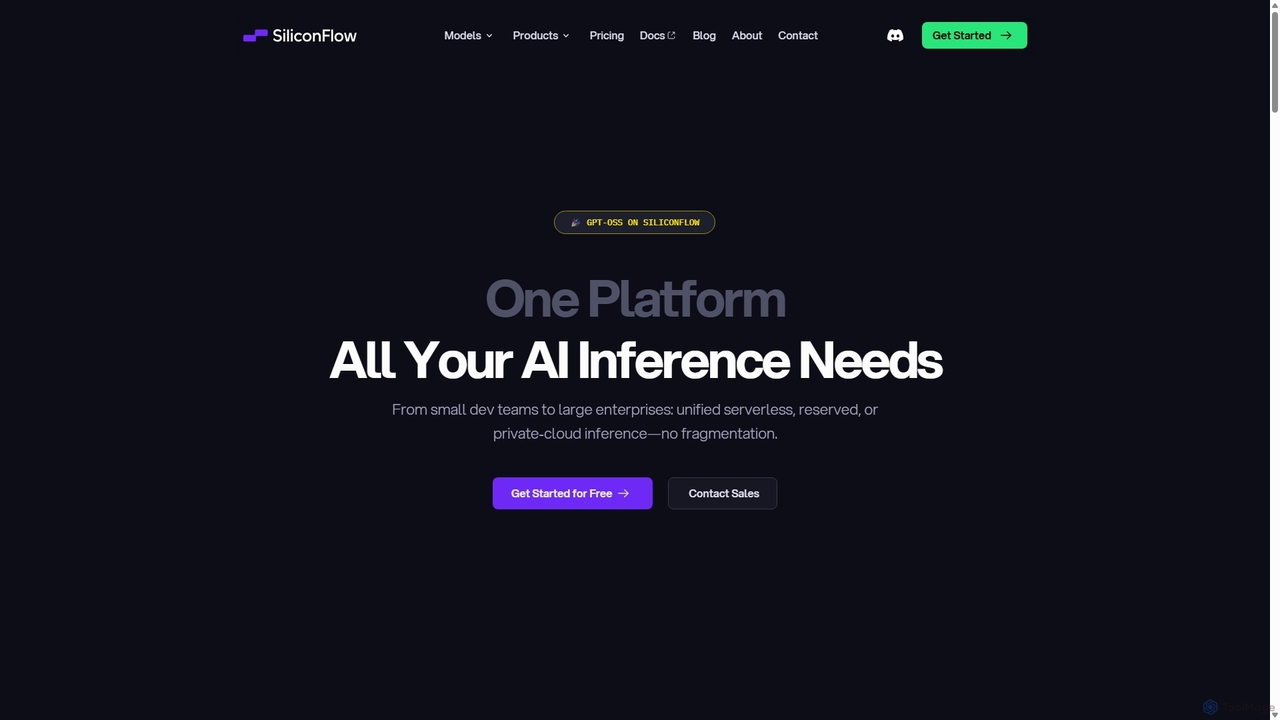
SiliconFlow
SiliconFlow is a unified AI infrastructure platform designed for high-performance inference of Large Language Models (LLMs) and multimodal models. It provides developers and enterprises with scalable, cost-effective, and flexible deployment options, including serverless APIs, reserved GPUs, and fine-tuning capabilities, all accessible through a single, OpenAI-compatible API.
Ai & Machine Learning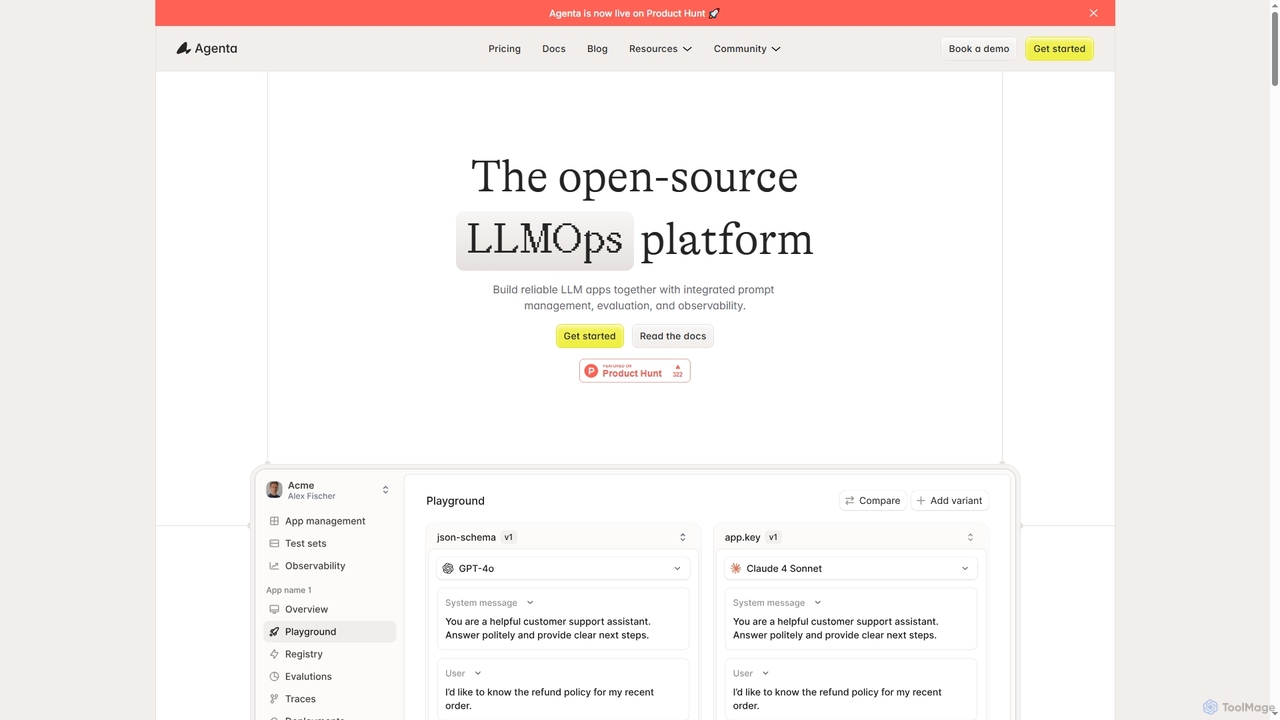
Agenta
Agenta is an open-source LLMOps platform designed for teams to build reliable LLM applications. It integrates prompt management, systematic evaluation, and observability into a single, collaborative workflow, helping developers, product managers, and domain experts move from scattered processes to structured development.
Debugging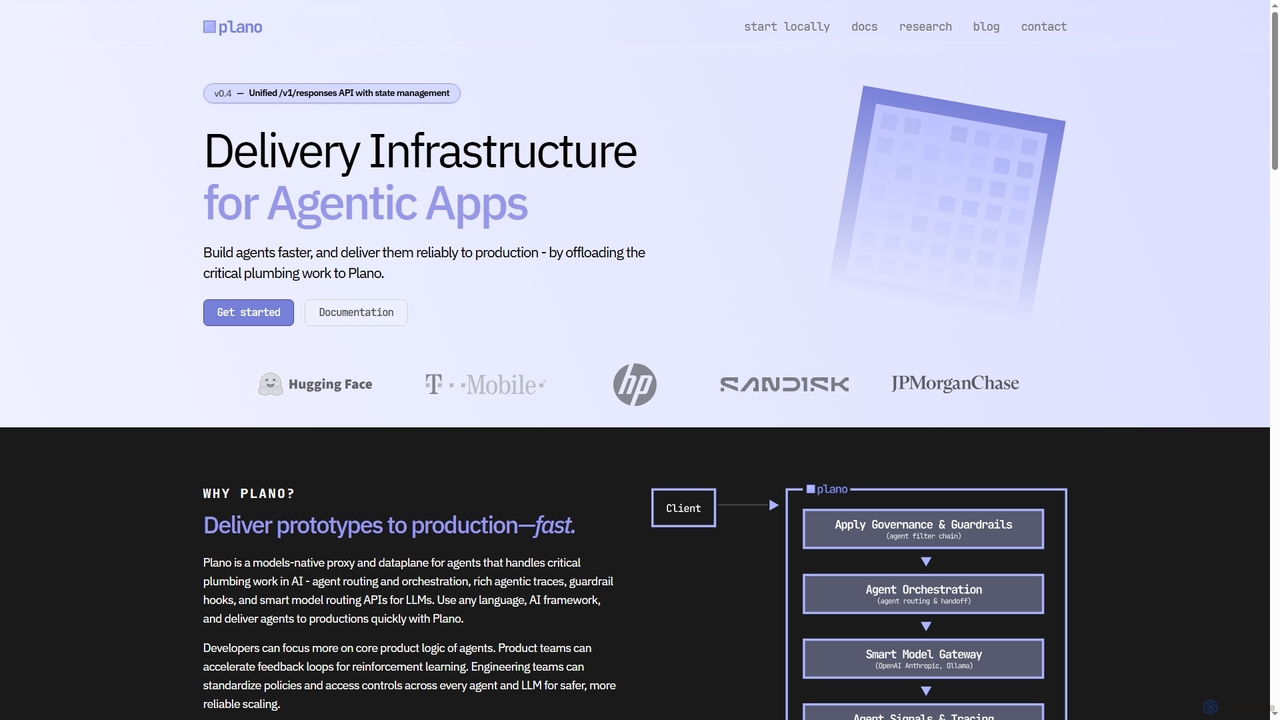
Plano
Plano is a models-native delivery infrastructure for agentic AI applications, offloading critical plumbing work such as agent routing, orchestration, rich observability, and guardrail hooks. It accelerates the development and reliable deployment of AI agents to production, allowing developers to focus on core product logic. Designed for speed and reliability, Plano simplifies complex AI infrastructure challenges.
Agent Orchestration
Unify Comments (0)
Sign in to comment.
Sign inNo comments yet.