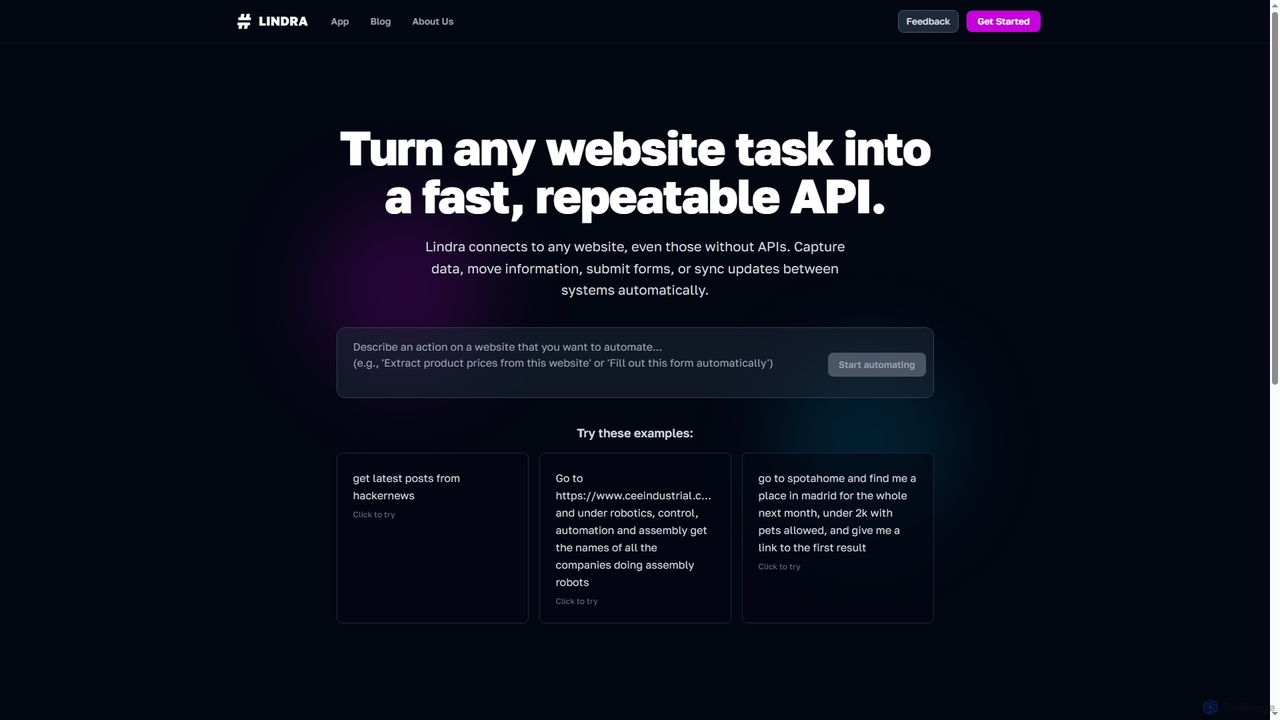
Dashpane is a lightning-fast, keyboard-first application and window switcher for macOS. It replaces the default Cmd+Tab behavior with a visually enhanced interface, groups windows by app, and offers instant fuzzy search to streamline workflow and save significant time for power users.

Happycapy is an agent-native computer platform that allows AI agents to learn and adapt to your workflows. It provides a visual desktop interface where AI agents can perform tasks directly in your browser, from design and writing to automation, delivering results to your inbox while you maintain full control and visibility over the process.
Product overview
Dashpane Product overview
Dashpane is a lightning-fast, keyboard-first application and window switcher for macOS. It replaces the default Cmd+Tab behavior with a visually enhanced interface, groups windows by app, and offers instant fuzzy search to streamline workflow and save significant time for power users.
Happycapy Product overview
Happycapy is an agent-native computer platform that allows AI agents to learn and adapt to your workflows. It provides a visual desktop interface where AI agents can perform tasks directly in your browser, from design and writing to automation, delivering results to your inbox while you maintain full control and visibility over the process.
Detailed feature comparison
| Feature | Dashpane | Happycapy |
|---|---|---|
| Primary category | App Launcher | Workflow |
| Added | 2026-03-28 | 2026-03-18 |
| Pricing | Paid | Freemium |
| Official website | www.dashpane.pro | happycapy.ai |
| Product type | App | Website |
| Performance data | ||
| User rating | Not verified | Not verified |
| Comments | 0 | 0 |
| Monthly visits | 4.4K | 65.6K |
| Monthly growth | Not verified | -34.2% |
| Favorites | 28 | 18 |
| Details | View details | View details |
Dashpane vs Happycapy monthly traffic
Compare Dashpane and Happycapy by monthly reach, traffic trend, visit depth, top regions, and acquisition sources.
How to interpret the traffic data
In the Dashpane vs Happycapy monthly traffic comparison, Dashpane currently shows 4.4K visits and Happycapy shows 65.6K; Happycapy has about 15 times the visible traffic of Dashpane, an absolute difference of about 61.2K visits. This reflects visible reach, not feature quality or paid users.
Only Happycapy has complete third-party traffic details; Dashpane uses visits recorded inside ToolMage. These scopes cannot estimate market share directly, and on-site views should not be treated as the product’s total website traffic.
Dashpane monthly traffic:
Latest traffic
Happycapy monthly traffic:
Latest traffic
Monthly traffic trend
- 2026/1: 0 Monthly visits
- 2026/2: 113.4K Monthly visits
- 2026/3: 164K Monthly visits
- 2026/4: 99.7K Monthly visits
- 2026/5: 65.6K Monthly visits
Top regions
Top 5 countries/regions
| Country/region | Percentage | Traffic |
|---|---|---|
| 🇺🇸United States | 44.51% | 29.2K |
| 🇨🇳China | 35.29% | 23.2K |
| 🇭🇰Hong Kong | 8.24% | 5.4K |
| 🇬🇧United Kingdom | 7.18% | 4.7K |
| 🇻🇳Vietnam | 4.78% | 3.1K |
Traffic sources
| Source type | Percentage | Traffic |
|---|---|---|
| Direct | 80.85% | 53K |
| Referral | 19.1% | 12.5K |
| 0.05% | 33 |
Search keywords
Usage comparison
Compare the core capabilities of Dashpane and Happycapy
Dashpane Core features
Happycapy Core features
Use cases
Dashpane Use cases
Happycapy Use cases
Best suited roles
Dashpane Best suited roles
Happycapy Best suited roles
Dashpane vs Happycapy:In-depth comparison and selection guidance
First decide whether the products solve the same kind of need
This in-depth Dashpane vs Happycapy comparison uses only the product records, taxonomy, audience, traffic, and community signals available on this page. Dashpane is primarily listed under “App Launcher”, while Happycapy is primarily listed under “Workflow”, so the first decision is whether your actual task matches their recorded scope.
The structured fields currently show these decision-relevant differences: Primary category (Dashpane: App Launcher; Happycapy: Workflow); Product type (Dashpane: App; Happycapy: Website); Pricing (Dashpane: Paid; Happycapy: Freemium); Monthly visits (Dashpane: 4.4K; Happycapy: 65.6K); Favorites (Dashpane: 28; Happycapy: 18). These facts are more useful for selection than brand visibility alone.
What market visibility and monthly traffic mean
In the Dashpane vs Happycapy monthly traffic comparison, Dashpane currently shows 4.4K visits and Happycapy shows 65.6K; Happycapy has about 15 times the visible traffic of Dashpane, an absolute difference of about 61.2K visits. This reflects visible reach, not feature quality or paid users.
Only Happycapy has complete third-party traffic details; Dashpane uses visits recorded inside ToolMage. These scopes cannot estimate market share directly, and on-site views should not be treated as the product’s total website traffic.
The current traffic scope is not sufficient for a reliable product ranking. Treat monthly visits as a market-interest signal, then decide using taxonomy, use cases, pricing, and a like-for-like trial rather than reading exposure as product capability.
Product positioning, use cases, and roles
Dashpane and Happycapy currently overlap in shared roles: Content Creator, Data Analyst, Designer, Product Manager, Project Manager, Researcher, Software Developer, and Writer. This can place both on the same shortlist, but it does not prove equal implementation, depth, or cost.
Dashpane's unique categories/tags are App Launcher, Mac Utilities, Window Management, app switcher, fuzzy search, keyboard shortcuts, macOS productivity, and mac utility; Happycapy's are Workflow, Prototyping, Code Assistant, Automation, AI agent, AI skills, browser-based, and claude-code. These unique fields are the strongest differentiators: validate the product whose recorded scope matches the task instead of following traffic alone.
What ratings, comments, and favorites can tell you
Dashpane has no verified rating, 0 comments, 28 favorites, and 36 likes;Happycapy has no verified rating, 0 comments, 18 favorites, and 20 likes。
Neither product has enough rating or comment samples for a credible reputation ranking.
Selection guidance by actual need
When to evaluate Dashpane first
Put Dashpane on the priority trial list when the task aligns with “App Launcher” and especially App Launcher, Mac Utilities, Window Management, app switcher, fuzzy search, and keyboard shortcuts, or the users include Customer Support and Student. This follows recorded positioning and does not imply unlisted capabilities are absent.
Dashpane also currently records: pricing is paid, product type is app, 4.4K on-site monthly views, no verified user rating. Verify any hard requirement around price, platform, or reach before trial, and do not let sparse review data substitute for testing.
When to evaluate Happycapy first
Put Happycapy on the priority trial list when the task aligns with “Workflow” and especially Workflow, Prototyping, Code Assistant, Automation, AI agent, and AI skills, or the users include Entrepreneur and Marketing Manager. This follows recorded positioning and does not imply unlisted capabilities are absent.
Happycapy also currently records: pricing is freemium, product type is website, 65.6K verified monthly visits, no verified user rating. Verify any hard requirement around price, platform, or reach before trial, and do not let sparse review data substitute for testing.
How to validate the recommendation before deciding
The available data describes positioning, public visibility, and community signals, but it cannot prove output quality, speed, integration effort, privacy, or long-term cost in your workflow. Before deciding, run the same representative tasks in Dashpane and Happycapy, then record completion time, accuracy, manual corrections, and the real paid threshold. A like-for-like trial turns this comparison into a defensible adoption decision.
Comparison FAQ
How should I choose between Dashpane and Happycapy?
Where does this comparison data come from?
What do unknown fields mean?
Related AI tools

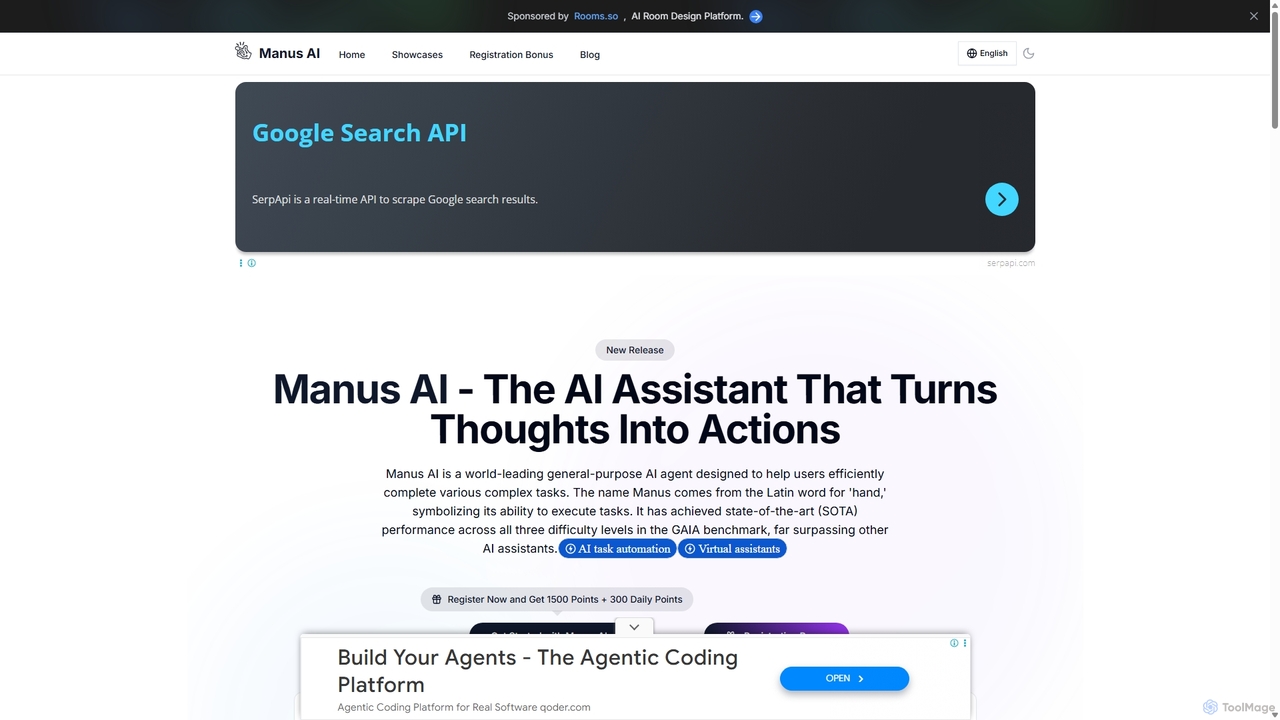
Manus AI
Manus AI is a world-leading general-purpose AI agent designed to transform thoughts into actions. It autonomously plans and executes complex tasks by intelligently calling various tools, functioning more like a human colleague than a traditional chatbot. It excels in data analysis, code development, content creation, and in-depth research.
Data Analysis
Sparks
Sparks is an all-in-one AI workspace and agent platform. It allows users to build or download custom AI agents, collaborate in shared workspaces, integrate various tools, and publish creations to an agent store.
Custom Chatbots
Hiperyon
Hiperyon is an AI tool that provides a unified contextual memory layer for multiple Large Language Models (LLMs) like ChatGPT, Claude, and Gemini. It enhances productivity by allowing users to switch between different AI models without losing context or repeating information, ensuring consistent and efficient interactions.
Context Management
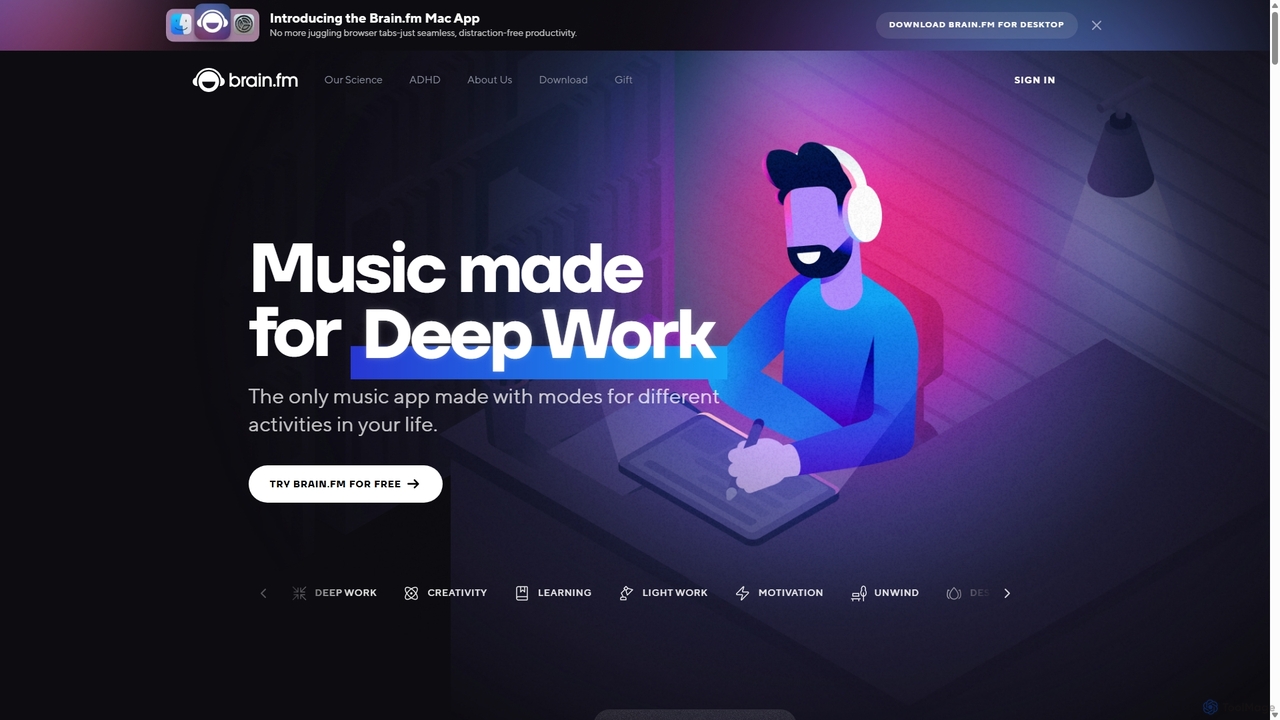
Brain.fm
Brain.fm provides science-backed functional music designed to dramatically improve focus, sleep, and relaxation. Using patented AI technology, it creates audio that influences brainwaves, helping you enter desired mental states like deep work or restorative sleep in minutes. It's proven more effective than mainstream music playlists for productivity and is supported by the National Science Foundation.
Study
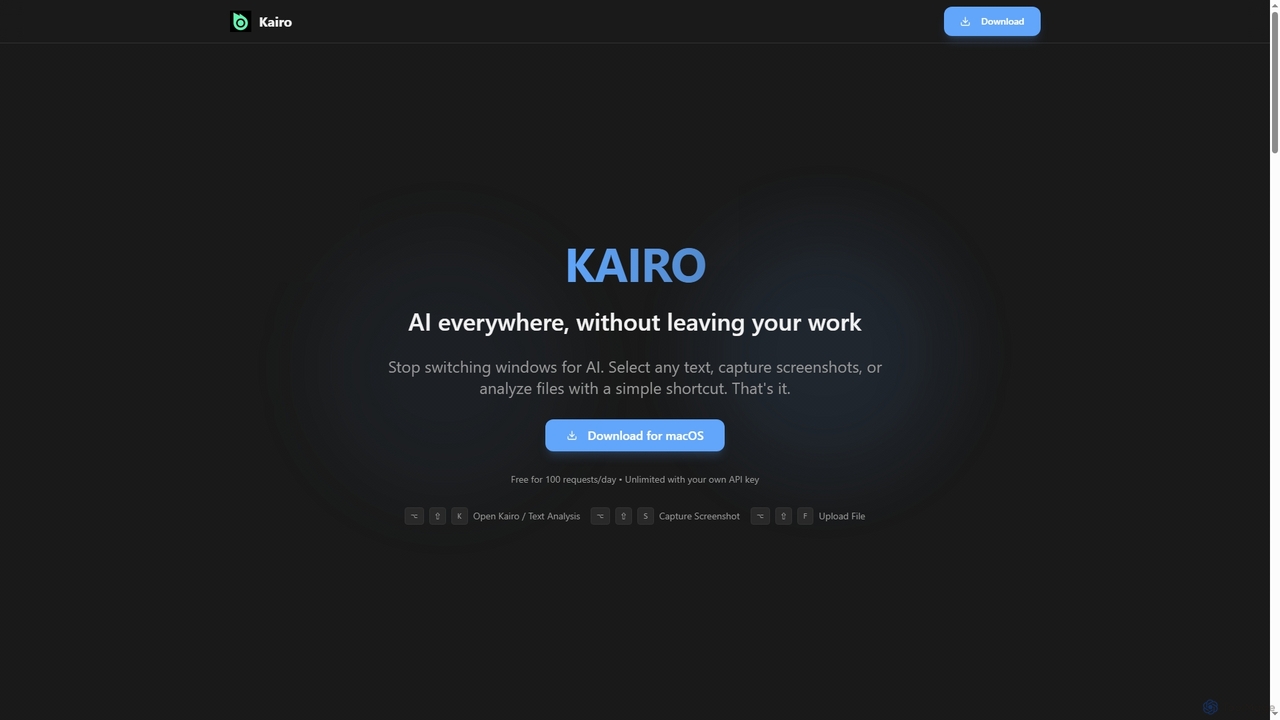
Kairo
Kairo is an AI-powered desktop assistant for macOS that integrates seamlessly into your workflow, eliminating the need to switch applications for AI tasks. It offers smart text transformation, visual analysis of screenshots, and deep analysis of files directly from any app using simple keyboard shortcuts.
Document Analysis
Sulta AI
Sulta AI is a no-code platform empowering users to build and deploy custom AI agents for any task, from student research to business operations. It offers a rich library of pre-built agents, community sharing, and data training capabilities to revolutionize individual and team workflows without writing a single line of code.
Content Generation
MiniMax Agent
MiniMax Agent is a powerful AI agent platform designed to automate complex tasks, from building full-stack websites and generating presentations to conducting in-depth research. By leveraging natural language prompts, users can minimize effort and maximize intelligence, creating sophisticated digital products and content with unprecedented speed and efficiency. The platform features a collaborative gallery for sharing and remixing projects.
Low Code No Code
MindWhisper
MindWhisper is a powerful and intuitive interface for ChatGPT, designed to transform your AI interactions into a structured, personal knowledge base. It acts as your AI second brain, allowing you to organize chats into folders, manage prompts, and build a persistent memory for more context-aware and productive conversations.
Personal Knowledge Base
Side Space
Side Space is a powerful AI assistant that integrates seamlessly into your desktop workflow. It operates from a convenient sidebar, providing instant access to AI-powered tools for writing, coding, and general productivity without ever leaving your current application. Enhance your efficiency with contextual actions on selected text and customizable commands.
Code Assistant
Jyek
Jyek is an AI agent platform that understands objectives, creates execution plans, uses tools, and delivers verifiable results for complex, multi-step tasks.
Automation
Thinkbuddy
Thinkbuddy is a native desktop AI client designed for fast, secure, and organized interaction with multiple AI models. It acts as a unified workspace, allowing you to switch between models like GPT-4o, Claude 3, and Llama 3, manage conversations in projects, and save prompts in a library for a streamlined workflow.
Code Assistant
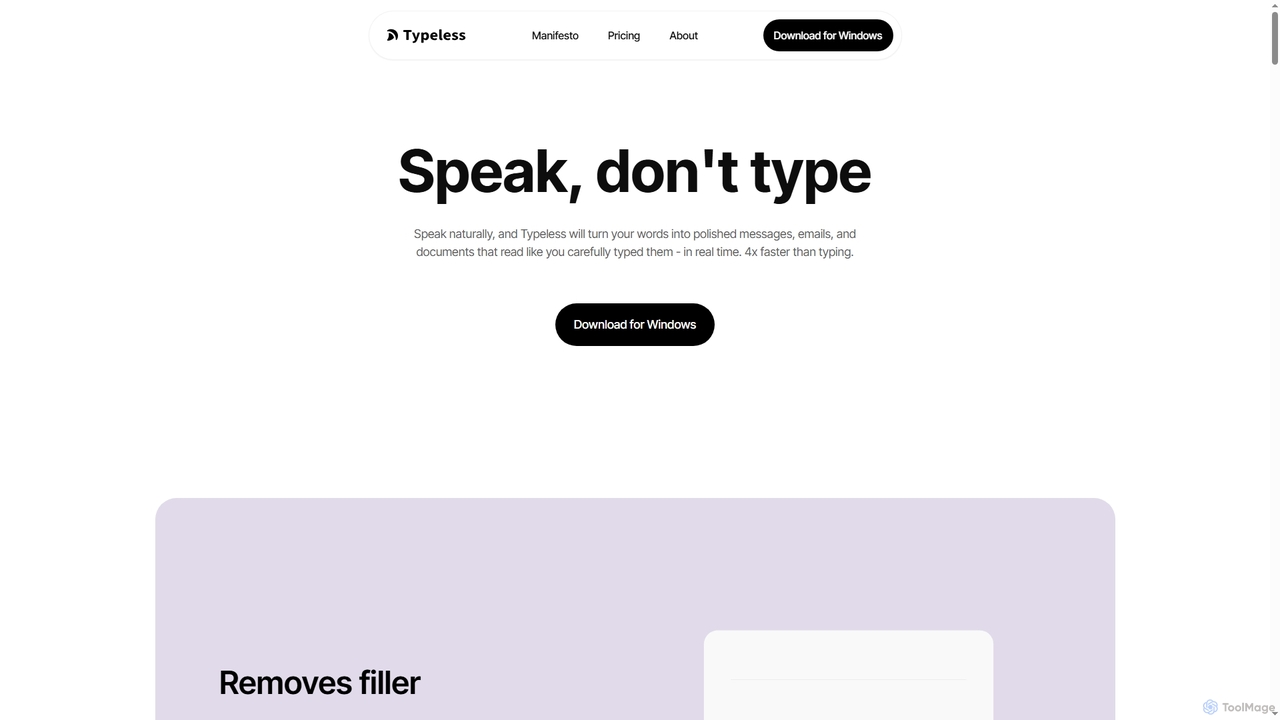
Typeless
Typeless is an intelligent AI voice dictation tool that transforms natural speech into polished, formatted text in real-time. It enhances productivity by automatically removing filler words, repetitions, and auto-correcting mid-sentence changes, making communication up to 4x faster than traditional typing.
Automation
Omniverse
Omniverse is an all-in-one AI-powered productivity platform designed to centralize your workflow. It integrates a powerful writing assistant, task management, knowledge base, and data analysis into a single, intuitive workspace. Streamline your projects, automate repetitive tasks, and unlock new levels of efficiency by leveraging a unified AI that understands the full context of your work.
All In One
Iris
Iris is a seamless AI assistant for macOS, designed to integrate into your workflow. It provides instant access to top AI models like GPT-4o and Claude 3.5, allowing you to chat, capture your screen for context, and get answers without ever leaving your current application. With intuitive gestures and powerful shortcuts, Iris is there when you need it and invisible when you don't.
Coding Assistant
Lindra
Lindra transforms any website task into a fast, repeatable API, enabling automated data capture, information movement, form submissions, and system synchronization. It connects to websites even without existing APIs, democratizing web automation with intuitive, no-code interfaces. Ideal for businesses and power users seeking to program the web effortlessly.
No Code