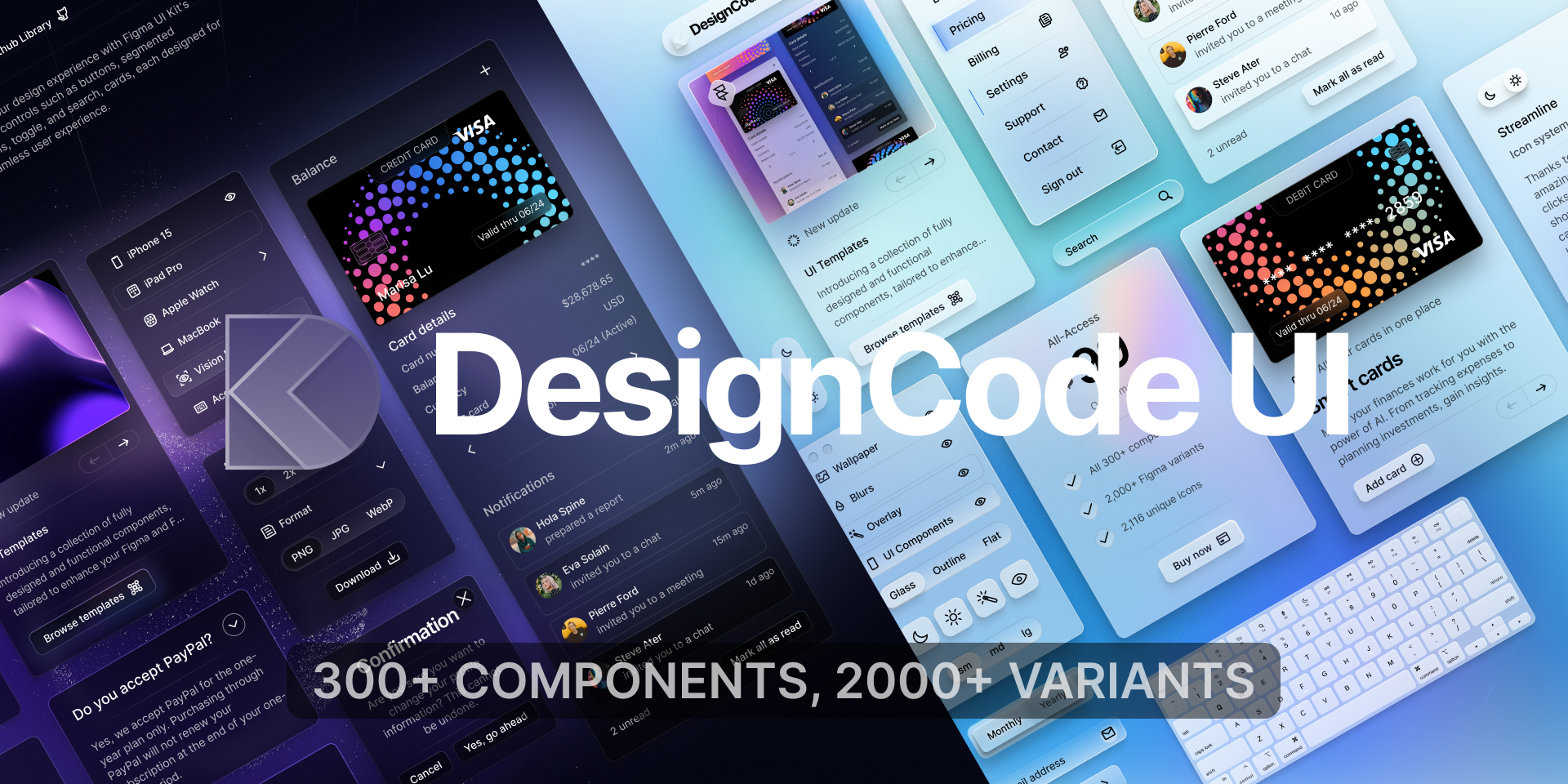
A comprehensive design system for Figma and Framer, offering over 300 components, 2,000+ variants, and unique icons. It features advanced customization with variables, adaptive layouts, and multiple styles like Glass, Outline, and Flat. Ideal for designers and developers to build beautiful, consistent, and functional websites and applications quickly.
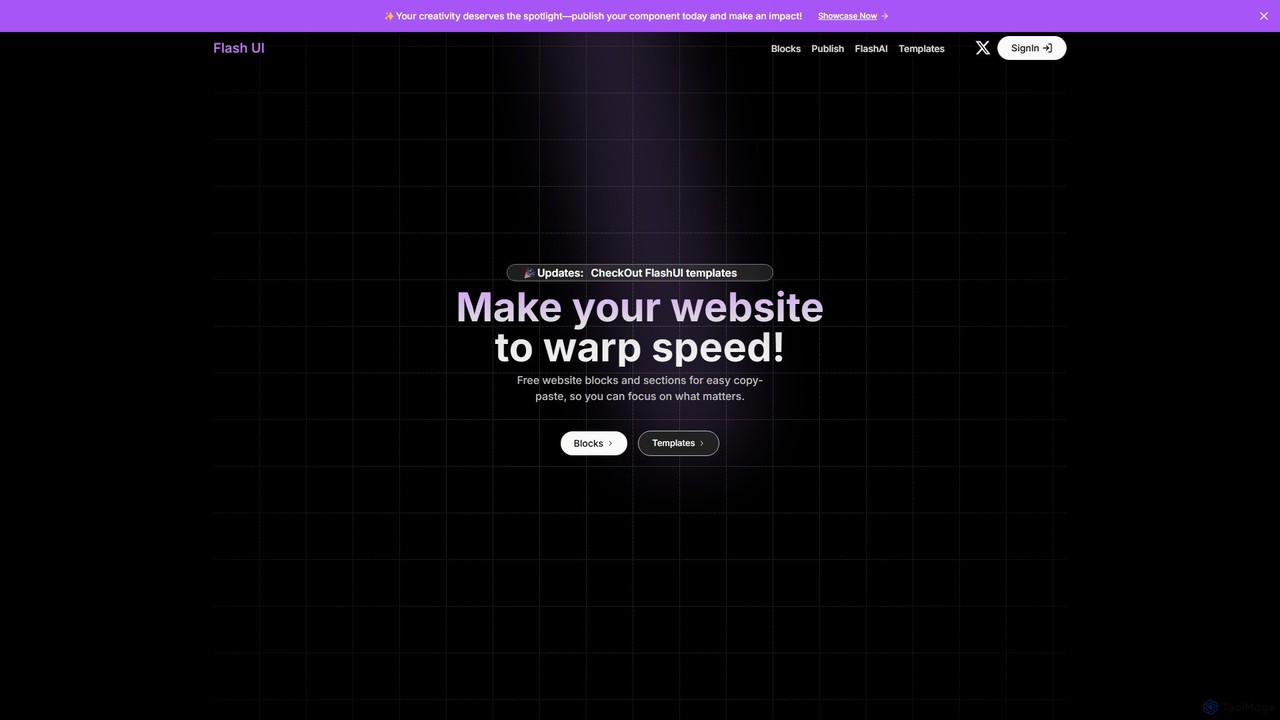
Flash UI is a comprehensive component library built on Tailwind CSS, designed for rapid web development. It offers a vast collection of free, responsive, and customizable UI blocks and sections. Developers can simply copy and paste components to build beautiful websites at warp speed. It also features an innovative AI component generator to turn design visions into reality with ease.
Product overview
DesignCode UI Product overview
A comprehensive design system for Figma and Framer, offering over 300 components, 2,000+ variants, and unique icons. It features advanced customization with variables, adaptive layouts, and multiple styles like Glass, Outline, and Flat. Ideal for designers and developers to build beautiful, consistent, and functional websites and applications quickly.
Flash UI Product overview
Flash UI is a comprehensive component library built on Tailwind CSS, designed for rapid web development. It offers a vast collection of free, responsive, and customizable UI blocks and sections. Developers can simply copy and paste components to build beautiful websites at warp speed. It also features an innovative AI component generator to turn design visions into reality with ease.
Detailed feature comparison
| Feature | DesignCode UI | Flash UI |
|---|---|---|
| Primary category | Ui Kits | Ui Kits |
| Added | 2025-08-14 | 2025-08-12 |
| Pricing | Freemium | Freemium |
| Official website | designcodeui.com | flashui.site |
| Product type | Website | Website |
| Performance data | ||
| User rating | Not verified | Not verified |
| Comments | 0 | 0 |
| Monthly visits | 5K | 3.5K |
| Monthly growth | 45.4% | Not verified |
| Favorites | 93 | 94 |
| Details | View details | View details |
DesignCode UI vs Flash UI monthly traffic
Compare DesignCode UI and Flash UI by monthly reach, traffic trend, visit depth, top regions, and acquisition sources.
How to interpret the traffic data
In the DesignCode UI vs Flash UI monthly traffic comparison, DesignCode UI currently shows 5K visits and Flash UI shows 3.5K; DesignCode UI has about 1.4 times the visible traffic of Flash UI, an absolute difference of about 1.5K visits. This reflects visible reach, not feature quality or paid users.
Only DesignCode UI has complete third-party traffic details; Flash UI uses visits recorded inside ToolMage. These scopes cannot estimate market share directly, and on-site views should not be treated as the product’s total website traffic.
DesignCode UI monthly traffic:
Latest traffic
Monthly traffic trend
- 2025/9: 6.7K Monthly visits
- 2026/1: 10.5K Monthly visits
- 2026/2: 6.8K Monthly visits
- 2026/3: 6.7K Monthly visits
- 2026/4: 3.4K Monthly visits
- 2026/5: 5K Monthly visits
Top regions
Top 5 countries/regions
| Country/region | Percentage | Traffic |
|---|---|---|
| 🇺🇸United States | 37.2% | 1.8K |
| 🇮🇳India | 34.87% | 1.7K |
| 🇧🇷Brazil | 16.42% | 816 |
| 🇬🇧United Kingdom | 7.77% | 386 |
| 🇩🇪Germany | 3.74% | 186 |
Search keywords
Flash UI monthly traffic:
Latest traffic
Usage comparison
Compare the core capabilities of DesignCode UI and Flash UI
DesignCode UI Core features
Flash UI Core features
Use cases
DesignCode UI Use cases
Flash UI Use cases
DesignCode UI vs Flash UI:In-depth comparison and selection guidance
First decide whether the products solve the same kind of need
This in-depth DesignCode UI vs Flash UI comparison uses only the product records, taxonomy, audience, traffic, and community signals available on this page. DesignCode UI is primarily listed under “Ui Kits”, while Flash UI is primarily listed under “Ui Kits”, so the first decision is whether your actual task matches their recorded scope.
The structured fields currently show these decision-relevant differences: Monthly visits (DesignCode UI: 5K; Flash UI: 3.5K); Favorites (DesignCode UI: 93; Flash UI: 94); Website (DesignCode UI: designcodeui.com; Flash UI: flashui.site); Added (DesignCode UI: 2025-08-14; Flash UI: 2025-08-12). These facts are more useful for selection than brand visibility alone.
What market visibility and monthly traffic mean
In the DesignCode UI vs Flash UI monthly traffic comparison, DesignCode UI currently shows 5K visits and Flash UI shows 3.5K; DesignCode UI has about 1.4 times the visible traffic of Flash UI, an absolute difference of about 1.5K visits. This reflects visible reach, not feature quality or paid users.
Only DesignCode UI has complete third-party traffic details; Flash UI uses visits recorded inside ToolMage. These scopes cannot estimate market share directly, and on-site views should not be treated as the product’s total website traffic.
The current traffic scope is not sufficient for a reliable product ranking. Treat monthly visits as a market-interest signal, then decide using taxonomy, use cases, pricing, and a like-for-like trial rather than reading exposure as product capability.
Product positioning, use cases, and roles
DesignCode UI and Flash UI currently overlap in shared categories: Ui Kits; shared tags: developer tools and ui kit. This can place both on the same shortlist, but it does not prove equal implementation, depth, or cost.
DesignCode UI's unique categories/tags are Component Libraries, Templates, app design, design system, figma, framer, icons, and templates; Flash UI's are Web Development, Developer Tools, ai component generator, component library, copy paste ui, frontend, rapid development, and responsive design. These unique fields are the strongest differentiators: validate the product whose recorded scope matches the task instead of following traffic alone.
What ratings, comments, and favorites can tell you
DesignCode UI has no verified rating, 0 comments, 93 favorites, and 113 likes;Flash UI has no verified rating, 0 comments, 94 favorites, and 86 likes。
Neither product has enough rating or comment samples for a credible reputation ranking.
Selection guidance by actual need
When to evaluate DesignCode UI first
Put DesignCode UI on the priority trial list when the task aligns with “Ui Kits” and especially Component Libraries, Templates, app design, design system, figma, and framer. This follows recorded positioning and does not imply unlisted capabilities are absent.
DesignCode UI also currently records: pricing is freemium, product type is website, 5K verified monthly visits, no verified user rating. Verify any hard requirement around price, platform, or reach before trial, and do not let sparse review data substitute for testing.
When to evaluate Flash UI first
Put Flash UI on the priority trial list when the task aligns with “Ui Kits” and especially Web Development, Developer Tools, ai component generator, component library, copy paste ui, and frontend. This follows recorded positioning and does not imply unlisted capabilities are absent.
Flash UI also currently records: pricing is freemium, product type is website, 3.5K on-site monthly views, no verified user rating. Verify any hard requirement around price, platform, or reach before trial, and do not let sparse review data substitute for testing.
How to validate the recommendation before deciding
The available data describes positioning, public visibility, and community signals, but it cannot prove output quality, speed, integration effort, privacy, or long-term cost in your workflow. Before deciding, run the same representative tasks in DesignCode UI and Flash UI, then record completion time, accuracy, manual corrections, and the real paid threshold. A like-for-like trial turns this comparison into a defensible adoption decision.
Comparison FAQ
How should I choose between DesignCode UI and Flash UI?
Where does this comparison data come from?
What do unknown fields mean?
Related AI tools

HeroUI Pro
HeroUI Pro is a premium component library for React developers, offering over 220+ professionally designed, responsive, and production-ready components. It accelerates web development by providing pre-built elements for various applications, including AI dashboards, e-commerce sites, and marketing pages, all available for a one-time payment.
Components
BuninUX
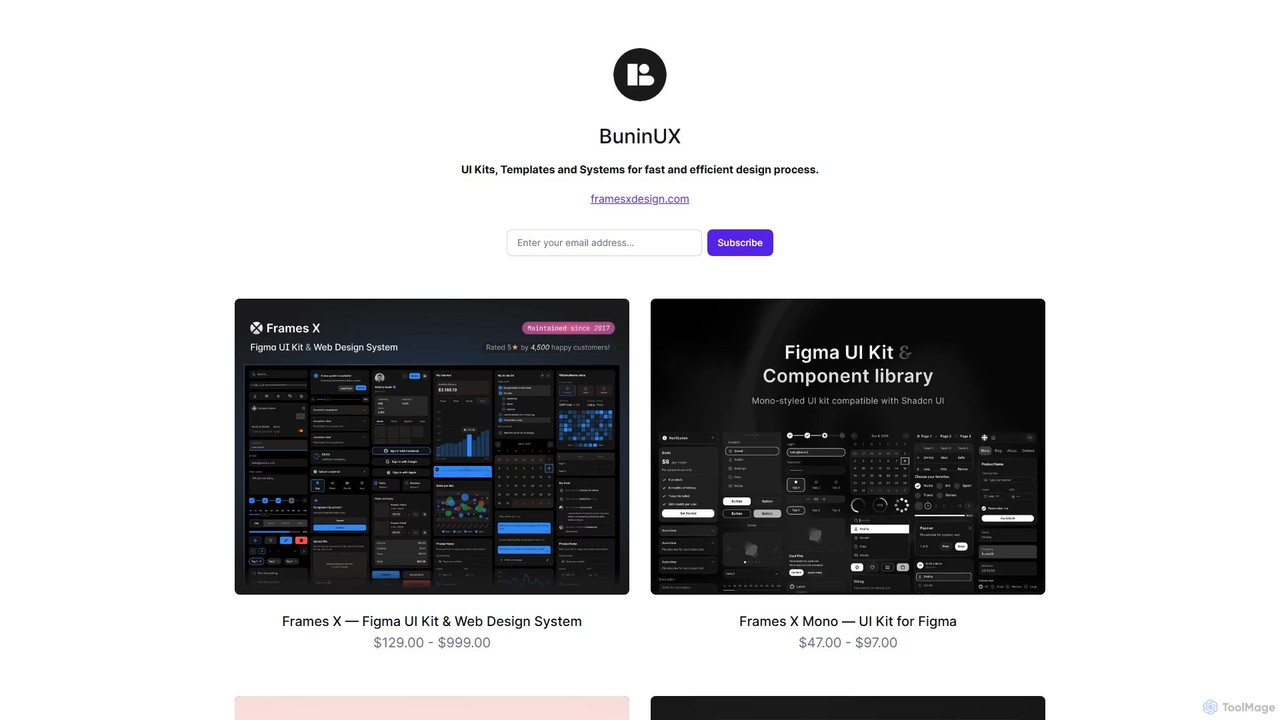
BuninUX offers a premium collection of UI kits, design systems, and templates for Figma and Framer. It's designed for UI/UX designers, developers, and teams to accelerate their design workflow, build beautiful websites and applications, and maintain design consistency with professional, ready-to-use components.
Ui Kits
Thefrontkit
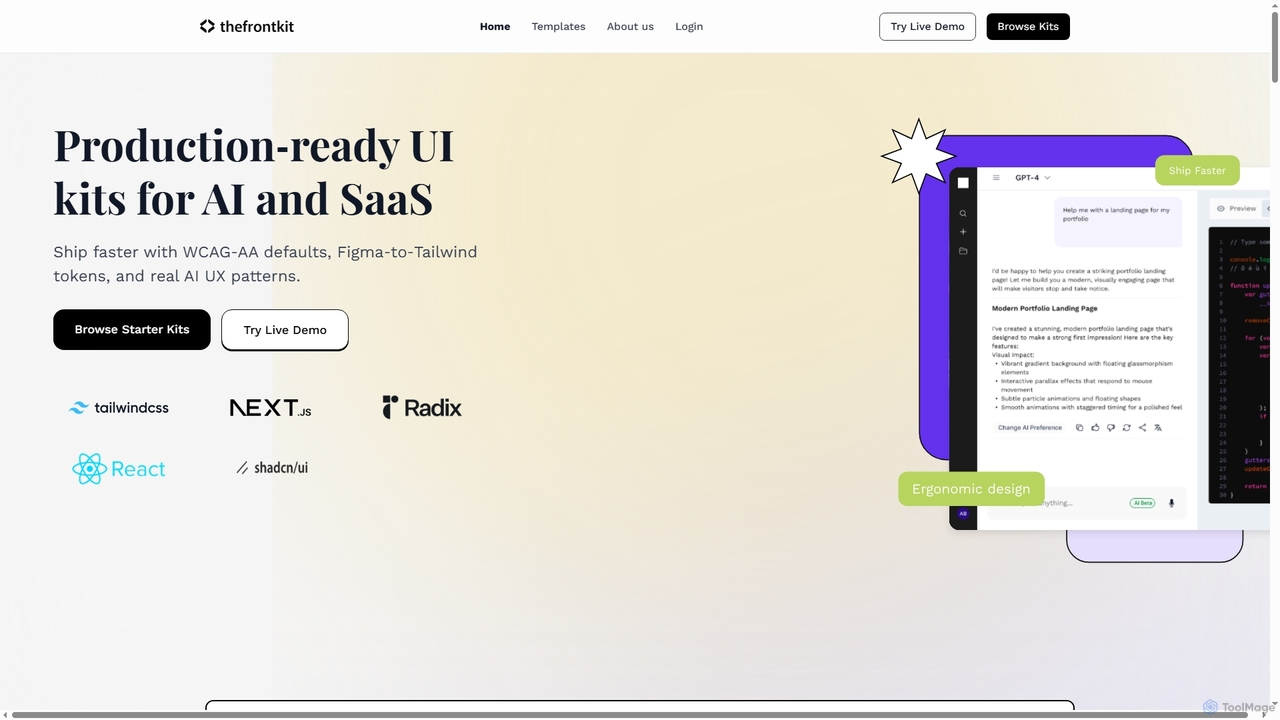
Thefrontkit provides production-ready UI kits for AI and SaaS applications, designed to accelerate development with WCAG-AA defaults, Figma-to-Tailwind token synchronization, and essential AI UX patterns. It offers structured, accessible UI components built with React and TailwindCSS, complete with Figma files and comprehensive documentation, enabling teams to ship faster and focus on product innovation.
Web Development
uiants.co
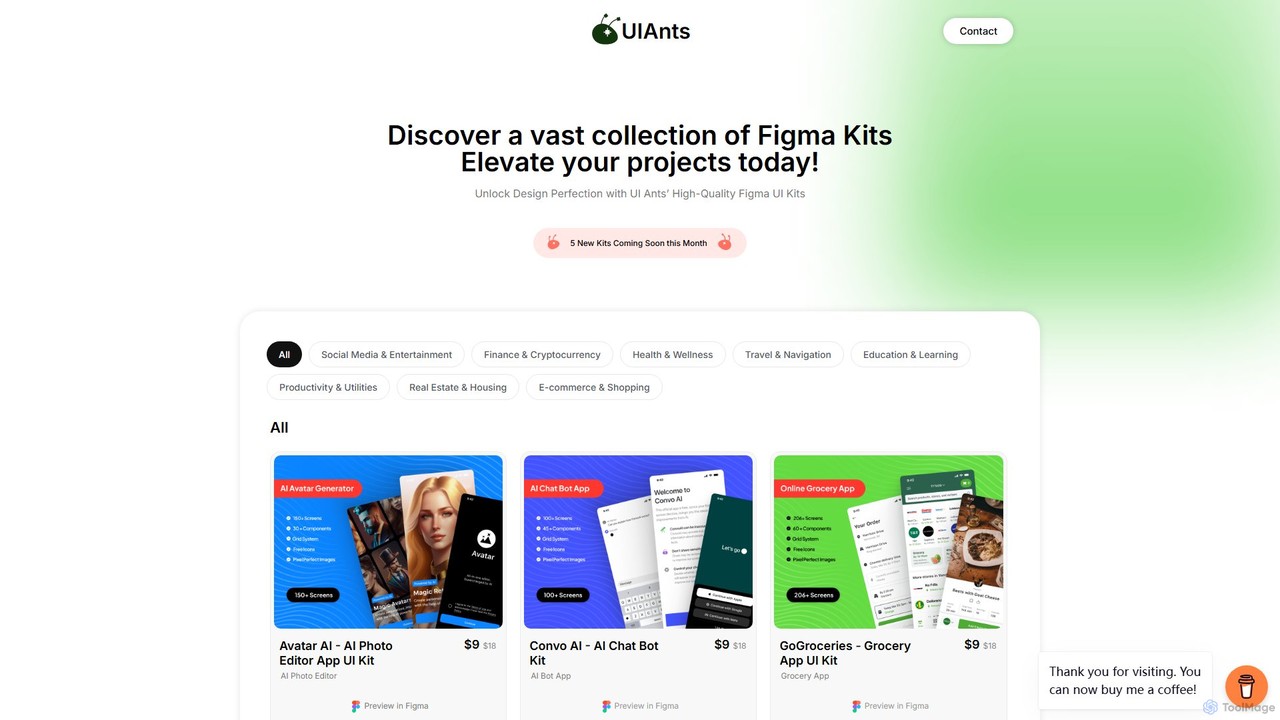
uiants.co is a marketplace offering a vast collection of high-quality, professionally designed Figma UI kits. It helps designers, developers, and startups accelerate their app development process with ready-to-use, fully customizable templates for various industries.
Ui Kits
LangUI
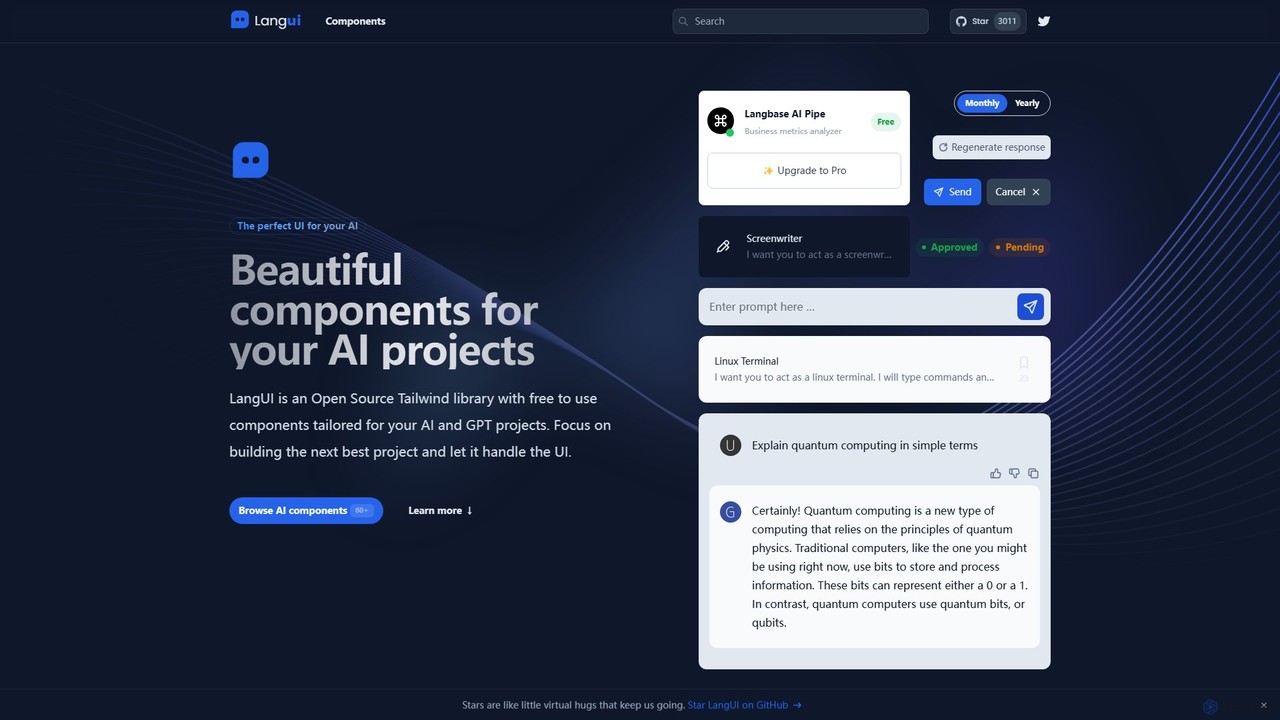
LangUI is an open-source Tailwind CSS component library offering over 60 free, ready-to-use components specifically designed for AI and GPT projects. It helps developers quickly build beautiful, responsive user interfaces for their AI applications, allowing them to focus on core functionality.
Libraries
Vibefyre
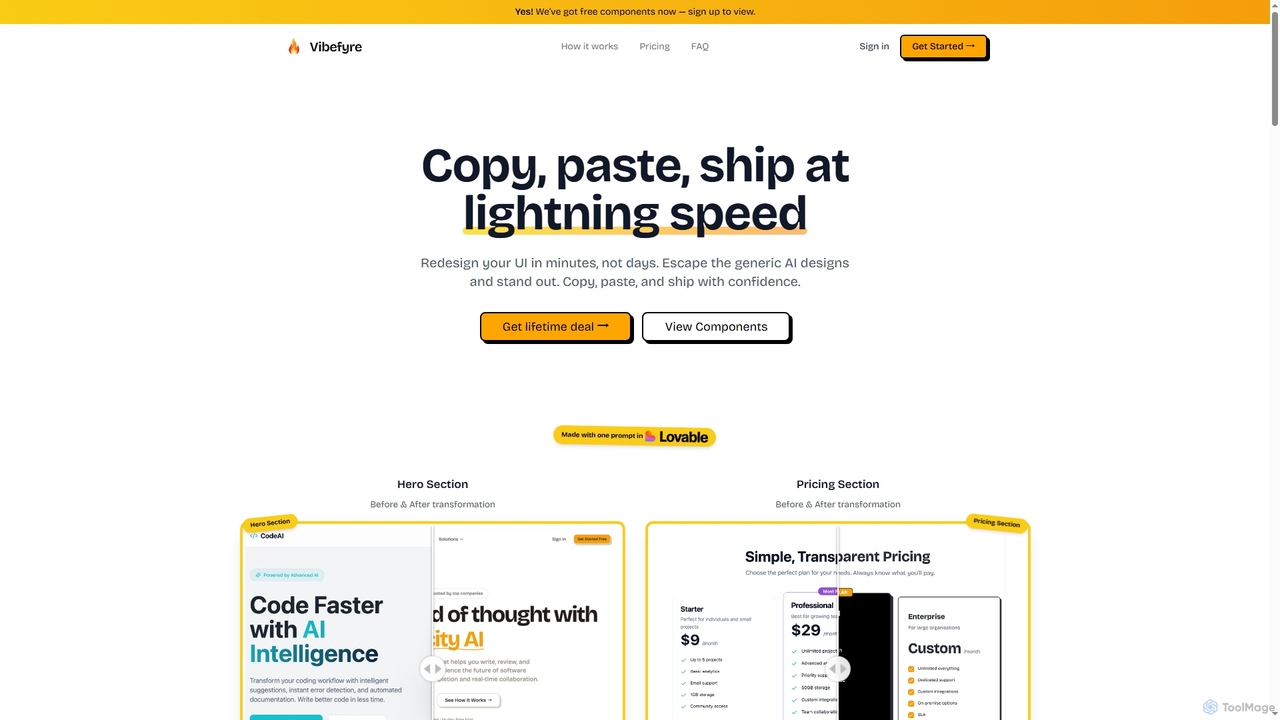
Vibefyre is an AI-powered UI kit designed to accelerate web development by providing high-quality, pre-designed components and prompts. It enables developers to quickly generate unique and consistent user interfaces using their favorite AI coding tools, significantly reducing design and development time for React/TSX applications.
Web Design
Ant for Figma
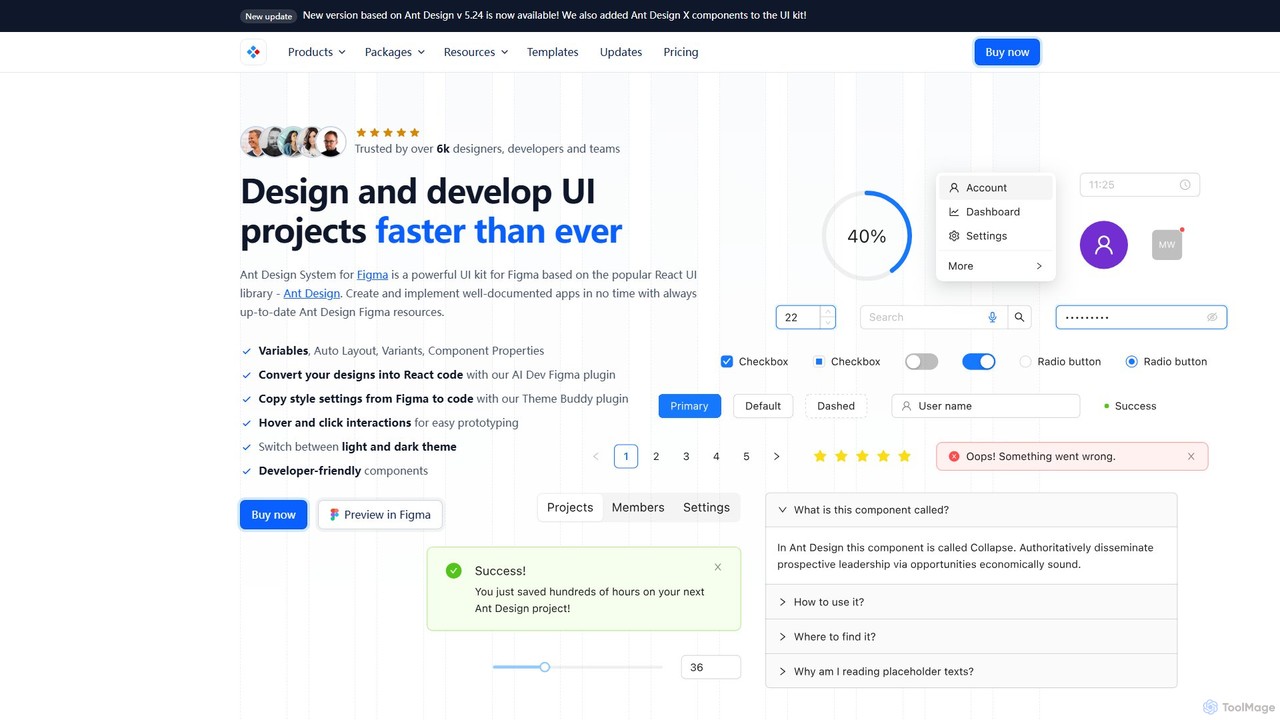
A comprehensive Ant Design system and UI kit for Figma, created to accelerate the design and development workflow. It provides a massive library of customizable components, templates, and plugins, ensuring perfect consistency between Figma designs and Ant Design React code.
Ui KitLobe Icons
Lobe Icons is a comprehensive and optimized SVG icon collection featuring popular AI and LLM model brands. Designed for developers, it offers lightweight, scalable, and tree-shakable icons for seamless integration into web and React Native projects, ensuring consistent and high-quality branding.
Branding
kickstartDS
kickstartDS is an open-source starter kit and next-gen UI toolkit for building and maintaining Design Systems. It offers a low-code framework, a comprehensive component library, and an AI-powered assistant to help digital teams create consistent, high-performance, and brand-compliant web frontends with maximum efficiency.
Design System
Devwares
Devwares is a comprehensive platform offering tools and resources for developers and designers. Its flagship product, Windframe, is an AI-powered visual builder for Tailwind CSS that accelerates UI and website creation by 10x. Generate designs with AI prompts, use a drag-and-drop editor, and access a vast library of templates to build and export production-ready code for React, Vue, and more.
Ui Ux
framify
Framify is an all-in-one AI-powered toolkit and component library for Bubble.io and Webflow developers. It accelerates web development with a vast library of UI components, a Figma to Bubble converter, an AI site builder, and various productivity tools. It's designed to streamline workflows, enhance design, and reduce development time significantly.
Website Builder
Creator Supply
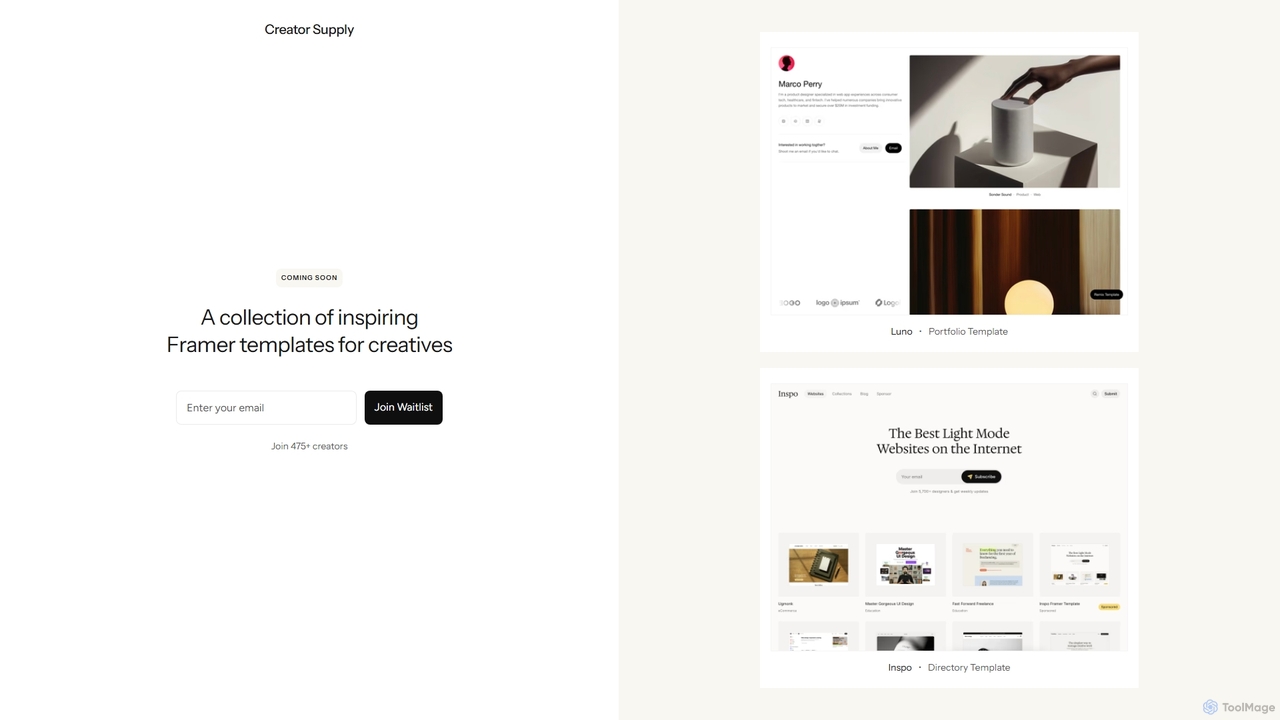
Creator Supply offers a curated collection of inspiring, professionally designed Framer templates for creatives, designers, and agencies. It empowers users to build stunning, high-performance, and responsive websites with ease, significantly accelerating the design and development workflow without needing to write code.
Templates
Newcult
Newcult is a developer toolkit featuring full-stack UI components, blocks, and templates for Next.js and Shadcn UI. It's designed to accelerate the development of modern, AI-powered SaaS applications by providing production-ready, customizable code for everything from marketing pages to complex AI workflows.
Templates
CodeSnaps
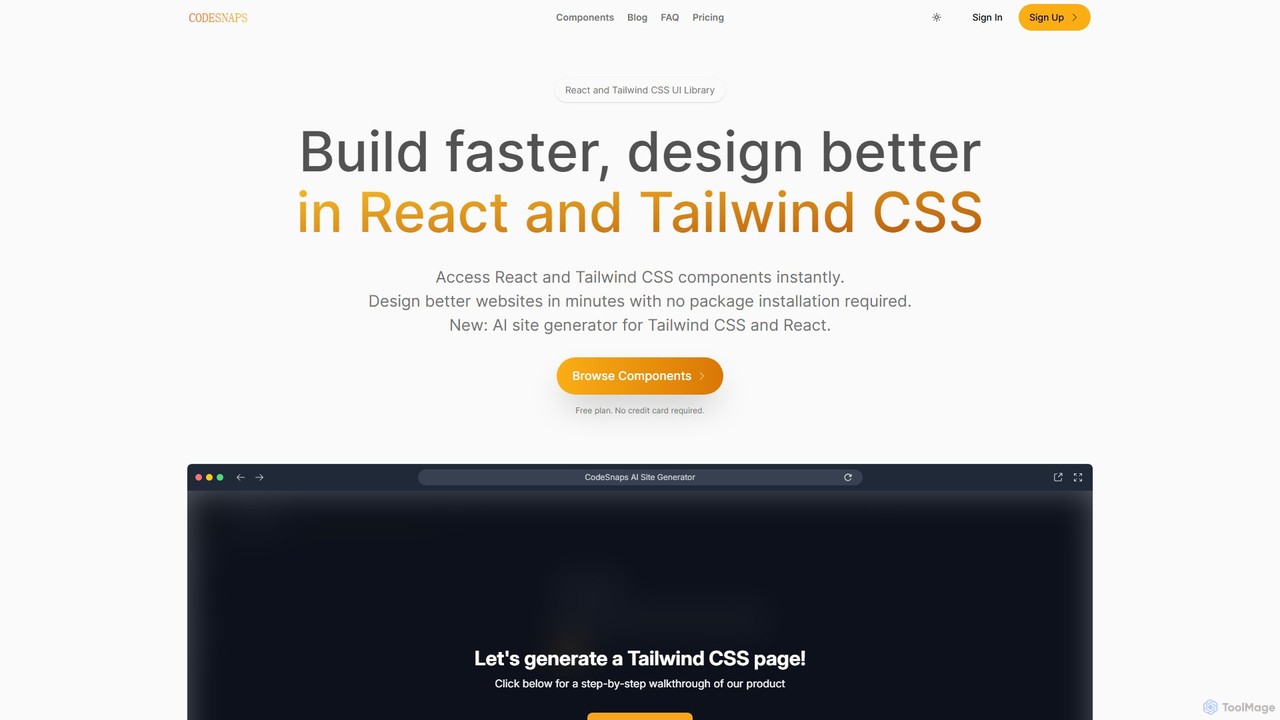
CodeSnaps is an AI-powered UI library for React and Tailwind CSS. It helps developers build websites and MVPs faster with a vast collection of production-ready components and an innovative AI site generator. Simply describe your site, and the AI will generate the structure and code, which you can then customize and download.
Ui Ux
AtomicComponents
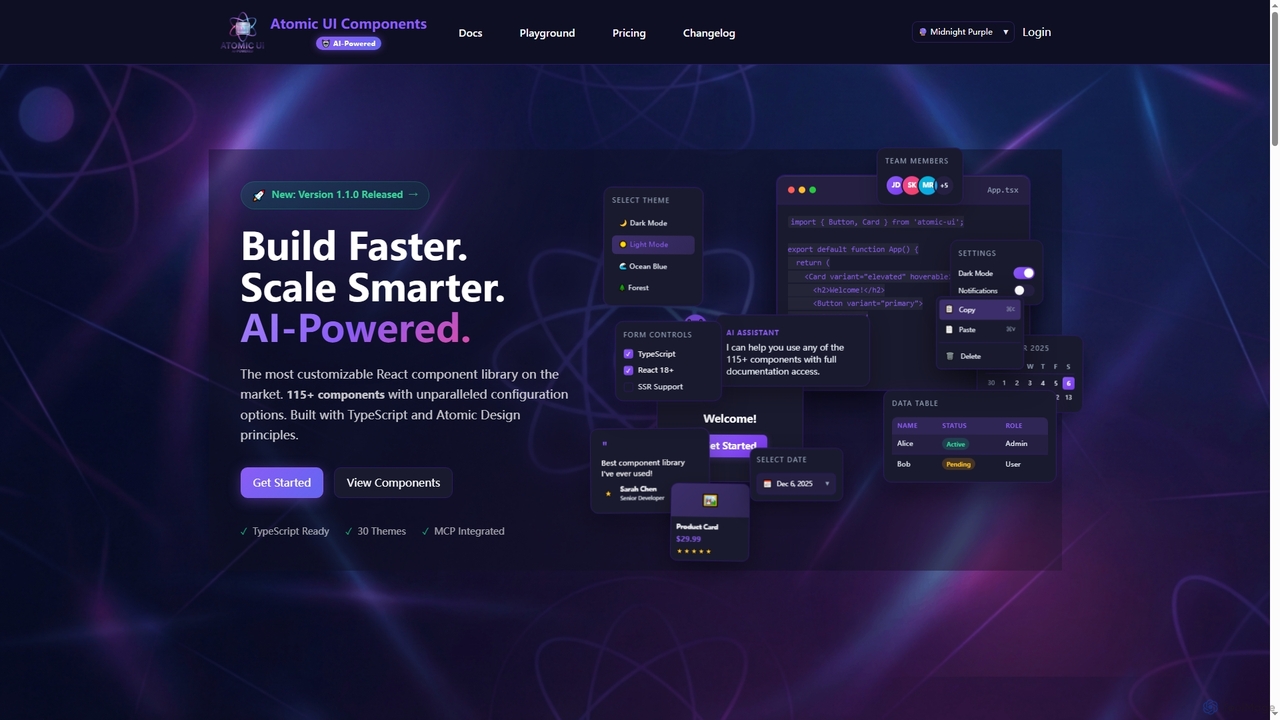
AtomicComponents is an AI-powered React component library designed for building modern, scalable, and accessible user interfaces faster. It offers over 115 highly customizable components, 30 built-in themes, and seamless integration with AI assistants like Claude and GitHub Copilot via its Model Context Protocol (MCP) server.
Design Systems