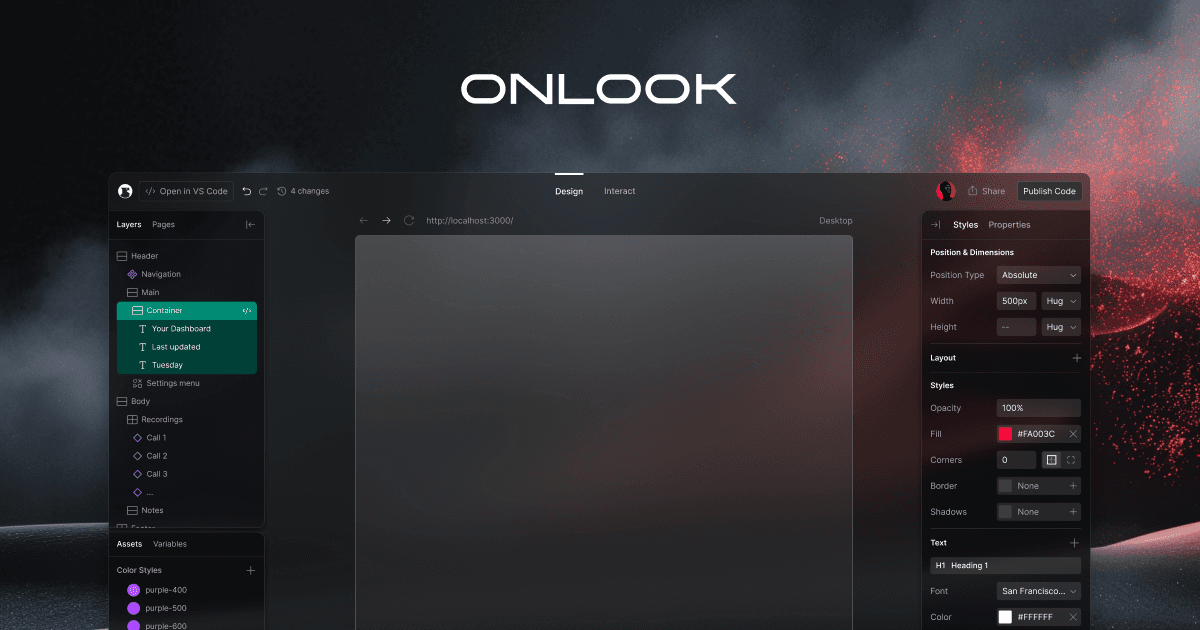
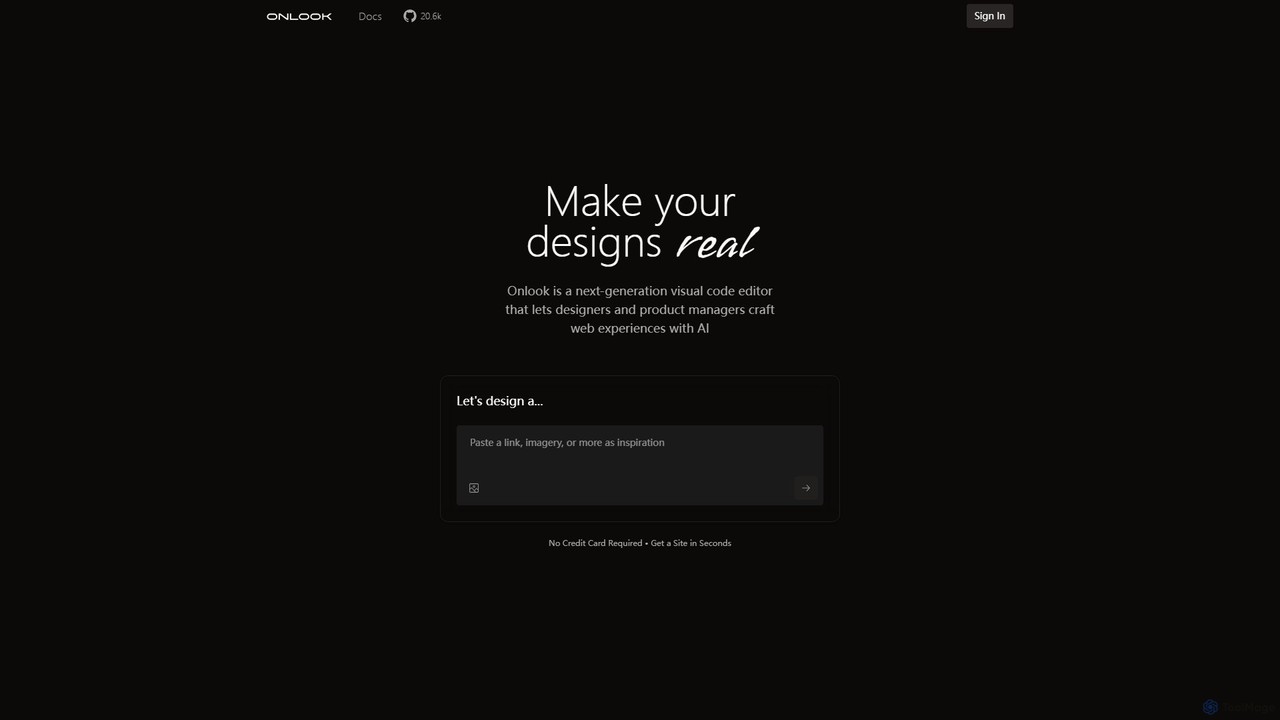
Onlook is a next-generation, AI-powered visual code editor that allows designers, product managers, and developers to build and edit web experiences directly on live React/Next.js code. It bridges the gap between design and implementation, offering a Figma-like interface with AI chat, direct manipulation, and seamless integration with existing codebases.
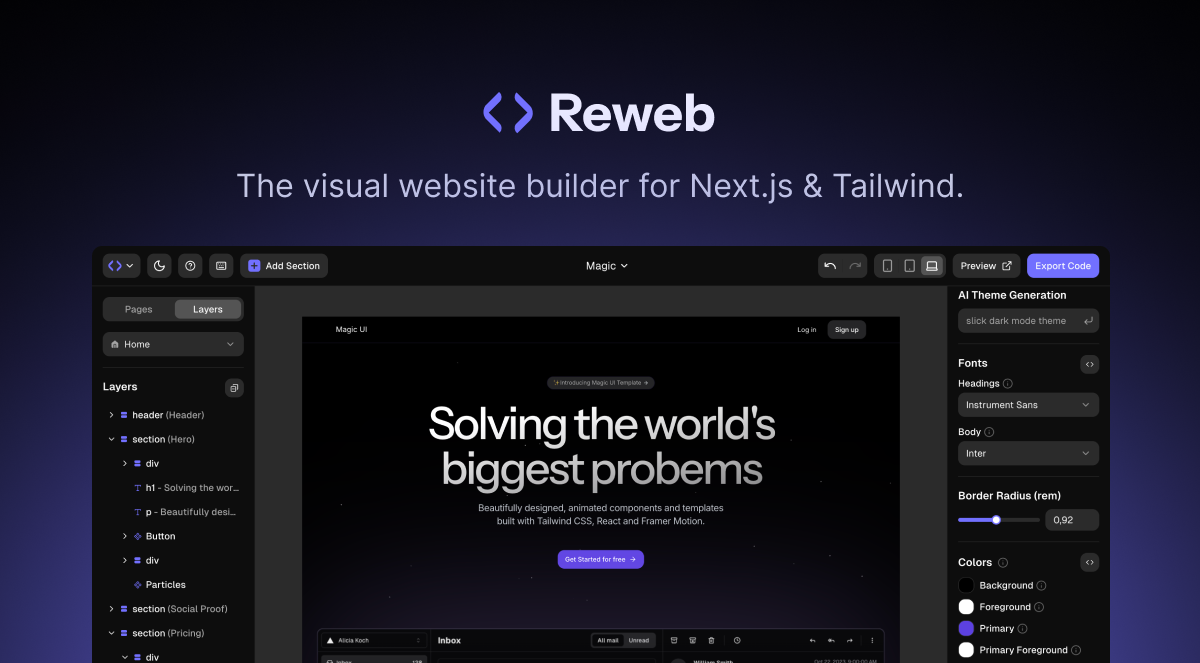
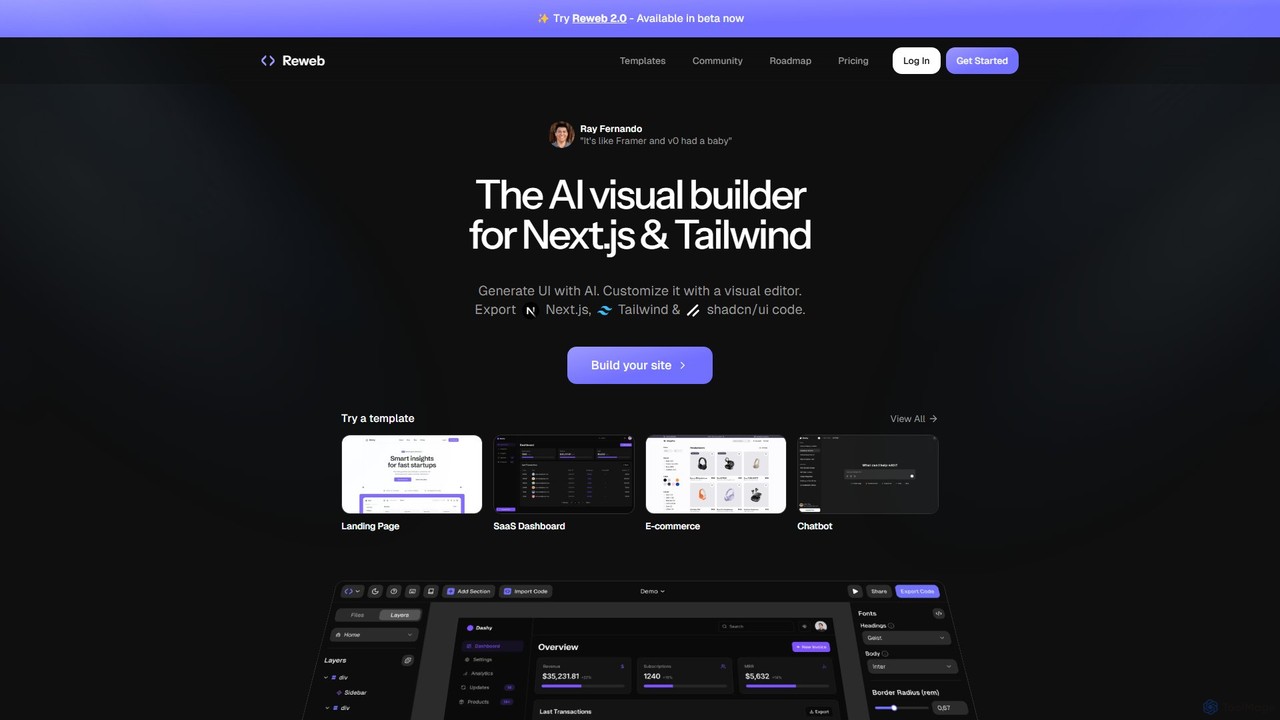
Reweb is an AI-powered visual builder designed for developers. It enables users to generate UI components using AI from text prompts or images, customize them with a sophisticated visual editor, and export high-quality, production-ready code for Next.js, Tailwind CSS, and shadcn/ui. It bridges the gap between no-code platforms and traditional coding, accelerating the development workflow without sacrificing code quality or flexibility.
Product overview
Onlook Product overview
Onlook is a next-generation, AI-powered visual code editor that allows designers, product managers, and developers to build and edit web experiences directly on live React/Next.js code. It bridges the gap between design and implementation, offering a Figma-like interface with AI chat, direct manipulation, and seamless integration with existing codebases.
Reweb Product overview
Reweb is an AI-powered visual builder designed for developers. It enables users to generate UI components using AI from text prompts or images, customize them with a sophisticated visual editor, and export high-quality, production-ready code for Next.js, Tailwind CSS, and shadcn/ui. It bridges the gap between no-code platforms and traditional coding, accelerating the development workflow without sacrificing code quality or flexibility.
Detailed feature comparison
| Feature | Onlook | Reweb |
|---|---|---|
| Primary category | Ui Ux | Ui Ux |
| Added | 2025-08-05 | 2025-08-10 |
| Pricing | Freemium | Freemium |
| Official website | www.onlook.com | www.reweb.so |
| Product type | Website | Website |
| Performance data | ||
| User rating | Not verified | Not verified |
| Comments | 0 | 0 |
| Monthly visits | 18K | 2.9K |
| Monthly growth | 4.9% | -29.6% |
| Favorites | 90 | 102 |
| Details | View details | View details |
Onlook vs Reweb monthly traffic
Compare Onlook and Reweb by monthly reach, traffic trend, visit depth, top regions, and acquisition sources.
How to interpret the traffic data
In the Onlook vs Reweb monthly traffic comparison, Onlook currently shows 18K visits and Reweb shows 2.9K; Onlook has about 6.1 times the visible traffic of Reweb, an absolute difference of about 15K visits. This reflects visible reach, not feature quality or paid users.
Both tools provide verified traffic details, so monthly trends, visit depth, regions, and acquisition sources can be compared on the same basis.
Onlook monthly traffic:
Latest traffic
Monthly traffic trend
- 2025/9: 61K Monthly visits
- 2026/1: 34.7K Monthly visits
- 2026/2: 29.7K Monthly visits
- 2026/3: 25.5K Monthly visits
- 2026/4: 17.1K Monthly visits
- 2026/5: 18K Monthly visits
Top regions
Top 5 countries/regions
| Country/region | Percentage | Traffic |
|---|---|---|
| 🇺🇸United States | 47.59% | 8.6K |
| 🇮🇩Indonesia | 21.02% | 3.8K |
| 🇮🇳India | 19.74% | 3.6K |
| 🇲🇾Malaysia | 6.51% | 1.2K |
| 🇫🇷France | 5.14% | 924 |
Traffic sources
| Source type | Percentage | Traffic |
|---|---|---|
| Direct | 90.96% | 16.4K |
| Referral | 9.04% | 1.6K |
Search keywords
Reweb monthly traffic:
Latest traffic
Monthly traffic trend
- 2025/9: 10.4K Monthly visits
- 2026/1: 6.5K Monthly visits
- 2026/2: 5K Monthly visits
- 2026/3: 6.3K Monthly visits
- 2026/4: 4.2K Monthly visits
- 2026/5: 2.9K Monthly visits
Top regions
Top 5 countries/regions
| Country/region | Percentage | Traffic |
|---|---|---|
| 🇺🇸United States | 78.2% | 2.3K |
| 🇩🇪Germany | 21.8% | 640 |
Search keywords
Usage comparison
Compare the core capabilities of Onlook and Reweb
Onlook Core features
Reweb Core features
Use cases
Onlook Use cases
Reweb Use cases
Onlook vs Reweb:In-depth comparison and selection guidance
First decide whether the products solve the same kind of need
This in-depth Onlook vs Reweb comparison uses only the product records, taxonomy, audience, traffic, and community signals available on this page. Onlook is primarily listed under “Ui Ux”, while Reweb is primarily listed under “Ui Ux”, so the first decision is whether your actual task matches their recorded scope.
The structured fields currently show these decision-relevant differences: Monthly visits (Onlook: 18K; Reweb: 2.9K); Monthly growth (Onlook: 4.9%; Reweb: -29.6%); Favorites (Onlook: 90; Reweb: 102); Website (Onlook: www.onlook.com; Reweb: www.reweb.so); Added (Onlook: 2025-08-05; Reweb: 2025-08-10). These facts are more useful for selection than brand visibility alone.
What market visibility and monthly traffic mean
In the Onlook vs Reweb monthly traffic comparison, Onlook currently shows 18K visits and Reweb shows 2.9K; Onlook has about 6.1 times the visible traffic of Reweb, an absolute difference of about 15K visits. This reflects visible reach, not feature quality or paid users.
Both tools provide verified traffic details, so monthly trends, visit depth, regions, and acquisition sources can be compared on the same basis.
If public market visibility is an important first-pass criterion, investigate Onlook first. The final choice should still follow taxonomy, use case, and a real trial because higher traffic does not prove broader capabilities or better workflow fit.
Product positioning, use cases, and roles
Onlook and Reweb currently overlap in shared categories: Ui Ux; shared tags: figma to code, low-code, NextJS, no-code, Tailwind CSS, visual editor, and web development. This can place both on the same shortlist, but it does not prove equal implementation, depth, or cost.
Onlook's unique categories/tags are Web Development, No Code & Low Code, AI code editor, open source, react, ui design, and ux design; Reweb's are Website Builder, Low Code No Code, AI code generation, developer tool, frontend development, shadcn/ui, and UI builder. These unique fields are the strongest differentiators: validate the product whose recorded scope matches the task instead of following traffic alone.
What ratings, comments, and favorites can tell you
Onlook has no verified rating, 0 comments, 90 favorites, and 110 likes;Reweb has no verified rating, 0 comments, 102 favorites, and 118 likes。
Neither product has enough rating or comment samples for a credible reputation ranking.
Selection guidance by actual need
When to evaluate Onlook first
Put Onlook on the priority trial list when the task aligns with “Ui Ux” and especially Web Development, No Code & Low Code, AI code editor, open source, react, and ui design. This follows recorded positioning and does not imply unlisted capabilities are absent.
Onlook also currently records: pricing is freemium, product type is website, 18K verified monthly visits, no verified user rating. Verify any hard requirement around price, platform, or reach before trial, and do not let sparse review data substitute for testing.
When to evaluate Reweb first
Put Reweb on the priority trial list when the task aligns with “Ui Ux” and especially Website Builder, Low Code No Code, AI code generation, developer tool, frontend development, and shadcn/ui. This follows recorded positioning and does not imply unlisted capabilities are absent.
Reweb also currently records: pricing is freemium, product type is website, 2.9K verified monthly visits, no verified user rating. Verify any hard requirement around price, platform, or reach before trial, and do not let sparse review data substitute for testing.
How to validate the recommendation before deciding
The available data describes positioning, public visibility, and community signals, but it cannot prove output quality, speed, integration effort, privacy, or long-term cost in your workflow. Before deciding, run the same representative tasks in Onlook and Reweb, then record completion time, accuracy, manual corrections, and the real paid threshold. A like-for-like trial turns this comparison into a defensible adoption decision.
Comparison FAQ
How should I choose between Onlook and Reweb?
Where does this comparison data come from?
What do unknown fields mean?
Related AI tools

Layrr
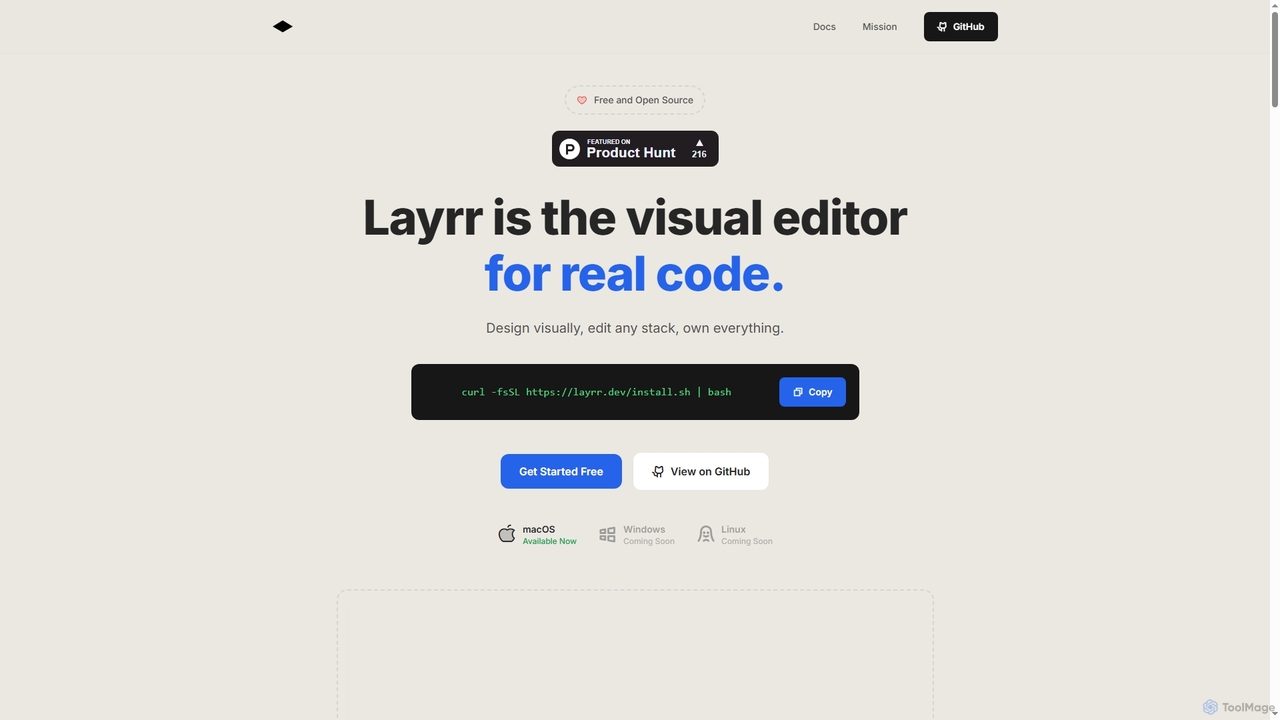
Layrr is a free and open-source visual editor that allows developers and designers to create and edit real code directly. It combines the intuitive drag-and-drop interface of design tools like Figma with the flexibility and ownership of traditional coding, supporting any tech stack and leveraging AI for design-to-code conversion and natural language interface generation.
Code Generation
V0
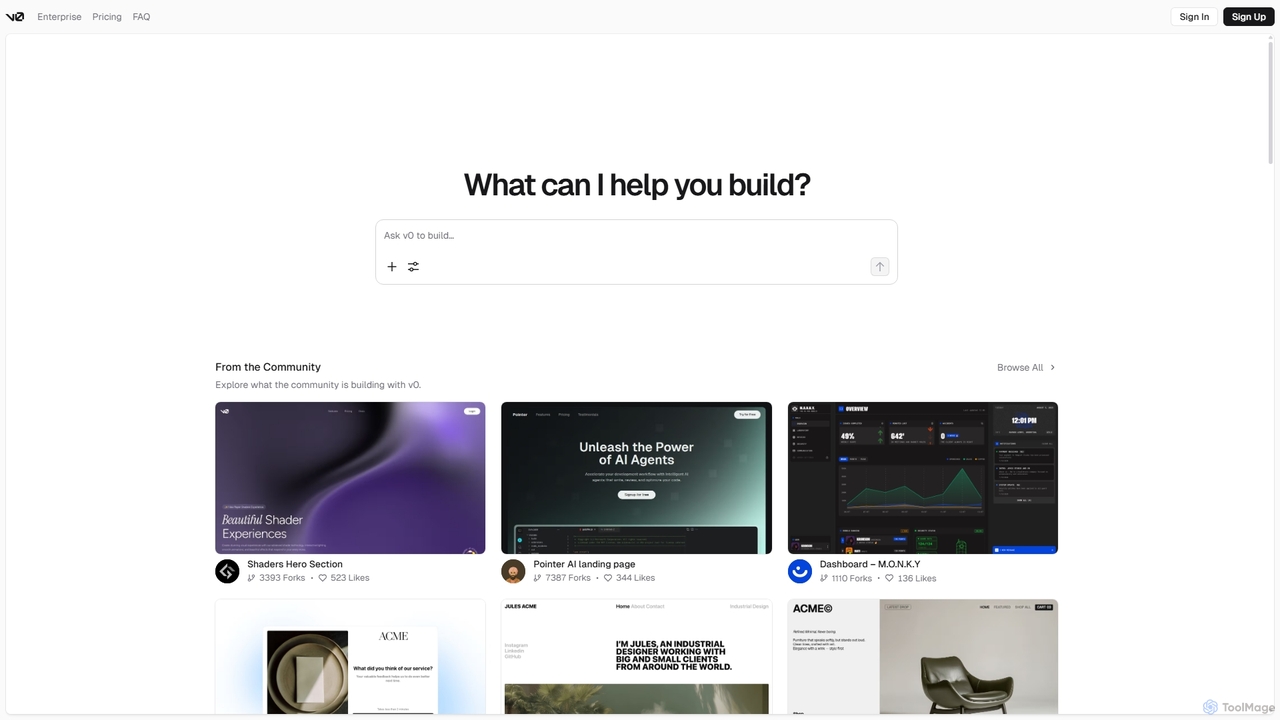
V0 by Vercel is a generative AI platform that transforms text prompts, screenshots, and Figma designs into production-ready frontend code. It acts as an AI pair-programmer, enabling users to rapidly build and iterate on UI components and full-stack applications using React, Svelte, and Vue. With its chat-based interface, it accelerates the development workflow for engineers, designers, and product managers, allowing for seamless deployment to the Vercel platform.
Ui Ux
Windframe
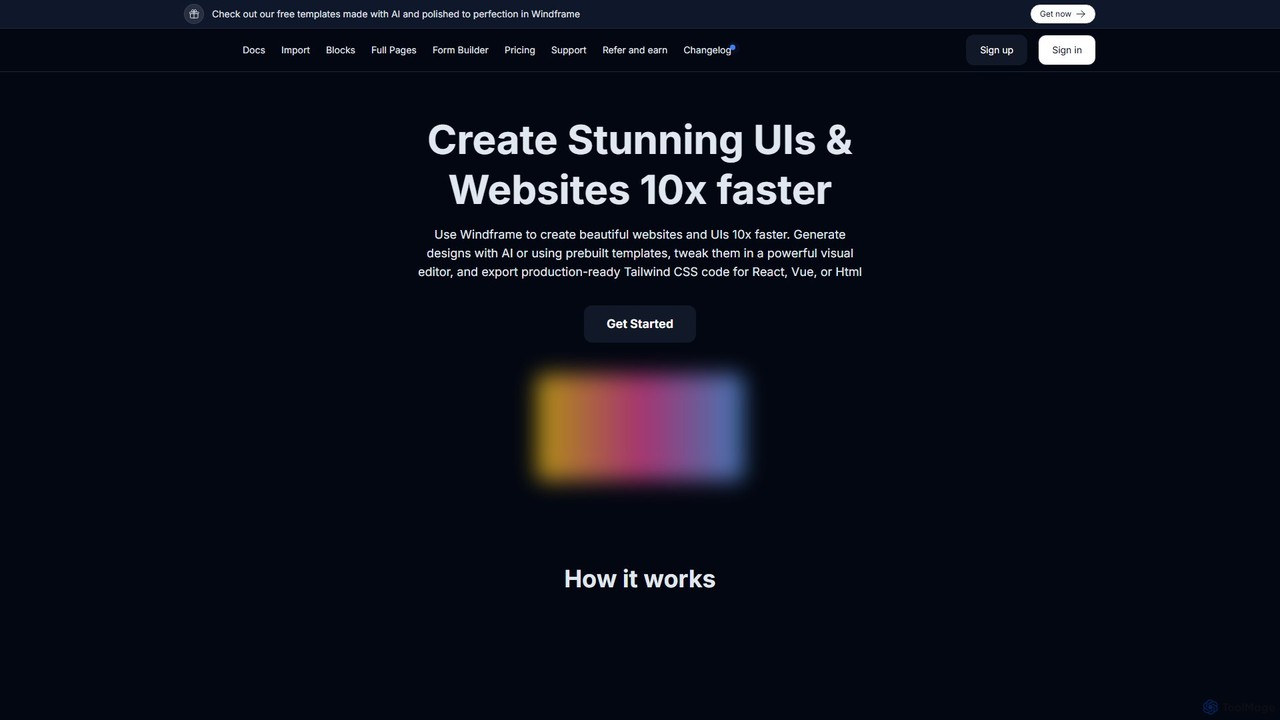
Windframe is an AI-powered visual editor and builder for Tailwind CSS, designed to accelerate UI and website development. It allows users to generate designs with AI prompts, utilize over 1000 pre-built templates, and visually edit projects in real-time. Export production-ready code for React, Vue, HTML, and more, streamlining the workflow for developers, designers, and teams.
Ui UxPixelFree Studio
PixelFree Studio is a low-code application builder that transforms UI designs into clean, production-ready code. It specializes in importing Figma designs and exporting them to multiple frameworks like React, Vue, Angular, and C#, streamlining the design-to-development workflow and accelerating app creation.
Design To Code
Devwares
Devwares is a comprehensive platform offering tools and resources for developers and designers. Its flagship product, Windframe, is an AI-powered visual builder for Tailwind CSS that accelerates UI and website creation by 10x. Generate designs with AI prompts, use a drag-and-drop editor, and access a vast library of templates to build and export production-ready code for React, Vue, and more.
Ui Ux
Anima
Anima is an AI-powered design-to-code platform that automates frontend development. It transforms designs from Figma, Adobe XD, and Sketch into clean, production-ready React, Vue, and HTML code. Featuring AI-driven iteration and website cloning, it empowers designers, developers, and founders to build and launch web applications and prototypes up to 10x faster.
Design To Code
Magic Patterns
Magic Patterns is an AI-powered prototyping platform for product teams, designers, and developers. It accelerates UI creation by generating interactive prototypes and production-ready code (React, Tailwind CSS) from text prompts, screenshots, or existing websites. It helps teams iterate faster, gather user feedback, and make data-driven decisions.
Prototyping
CraftUI
CraftUI is an AI-powered tool that generates beautiful, production-ready UI components from simple text prompts and images. It accelerates the design and development process by creating code for frameworks like Tailwind and Bootstrap, making UI creation effortless.
Ui Design
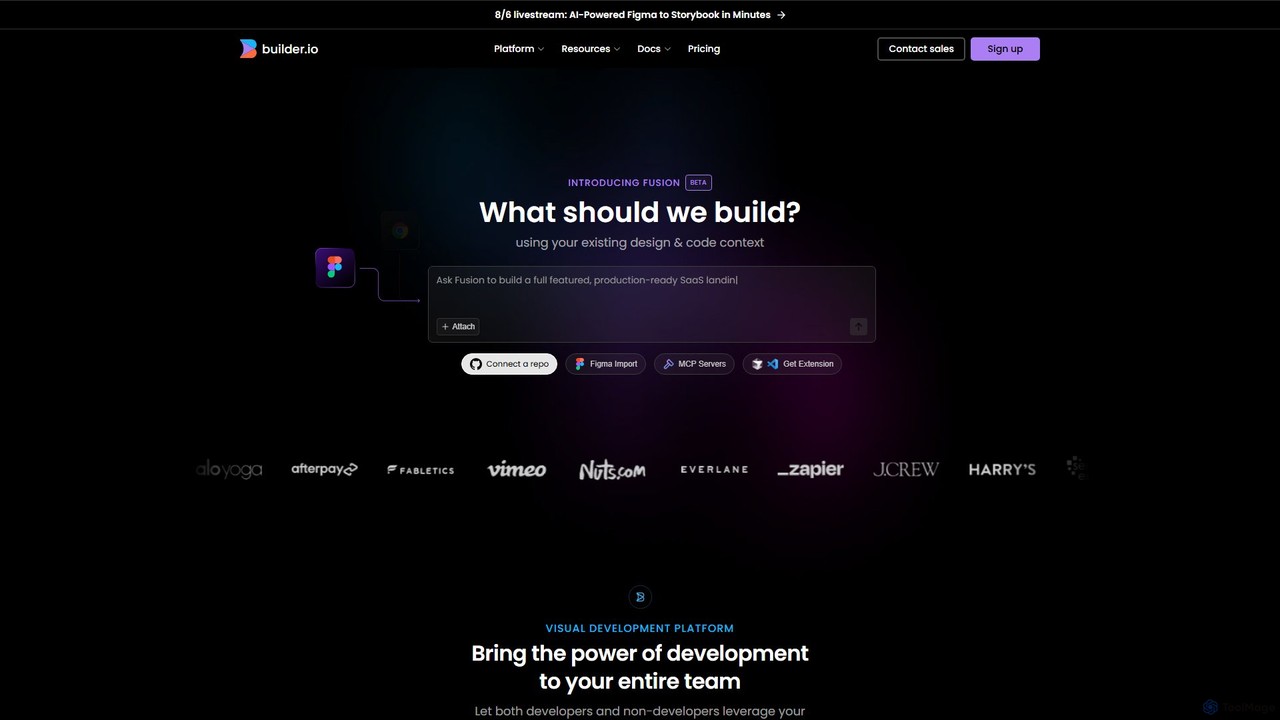
Builder.io
Builder.io is an AI-powered visual development platform that transforms Figma designs into production-ready code. It enables teams to build, edit, and publish web pages and UIs with unprecedented speed, integrating seamlessly with existing codebases, design systems, and headless CMS workflows.
Design To Code
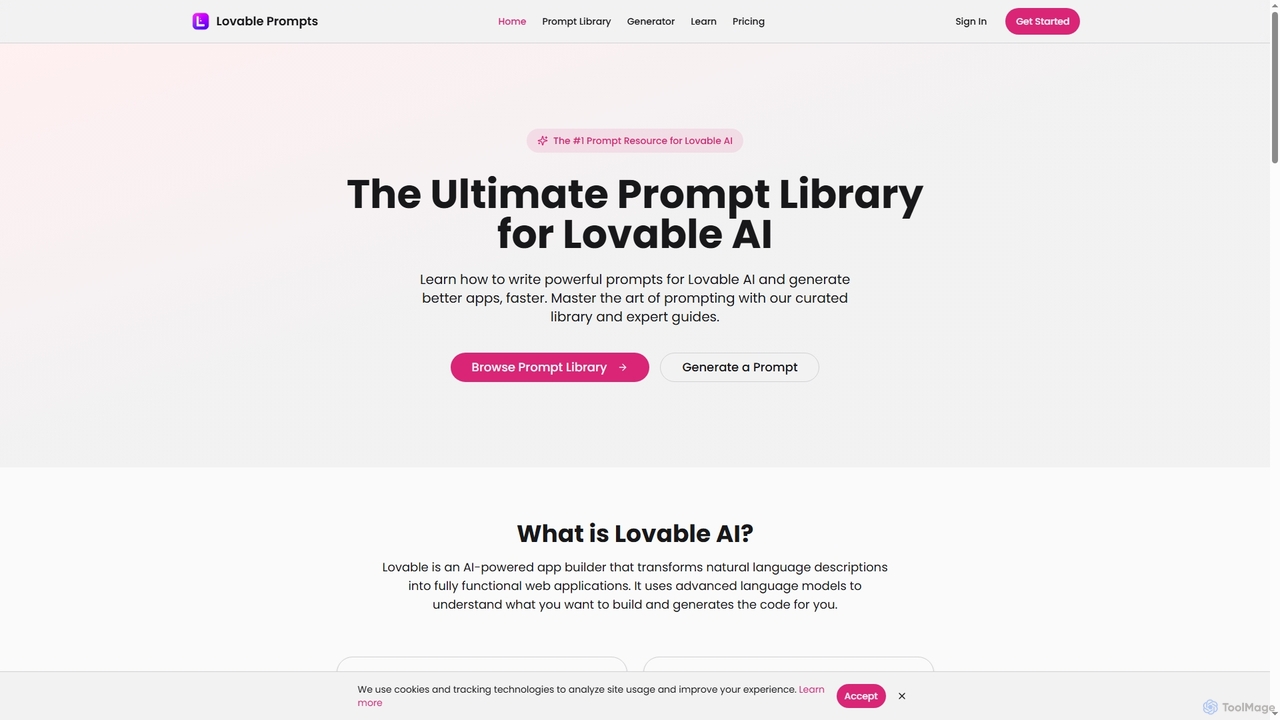
Lovable Prompts
Lovable Prompts is the premier resource for crafting effective prompts for Lovable AI, an advanced AI app builder. It offers a comprehensive library of curated prompts and an AI-powered generator to help users quickly create functional web applications in React, TypeScript, and Tailwind CSS. Master prompt engineering to accelerate app development and achieve superior results.
Code Generation
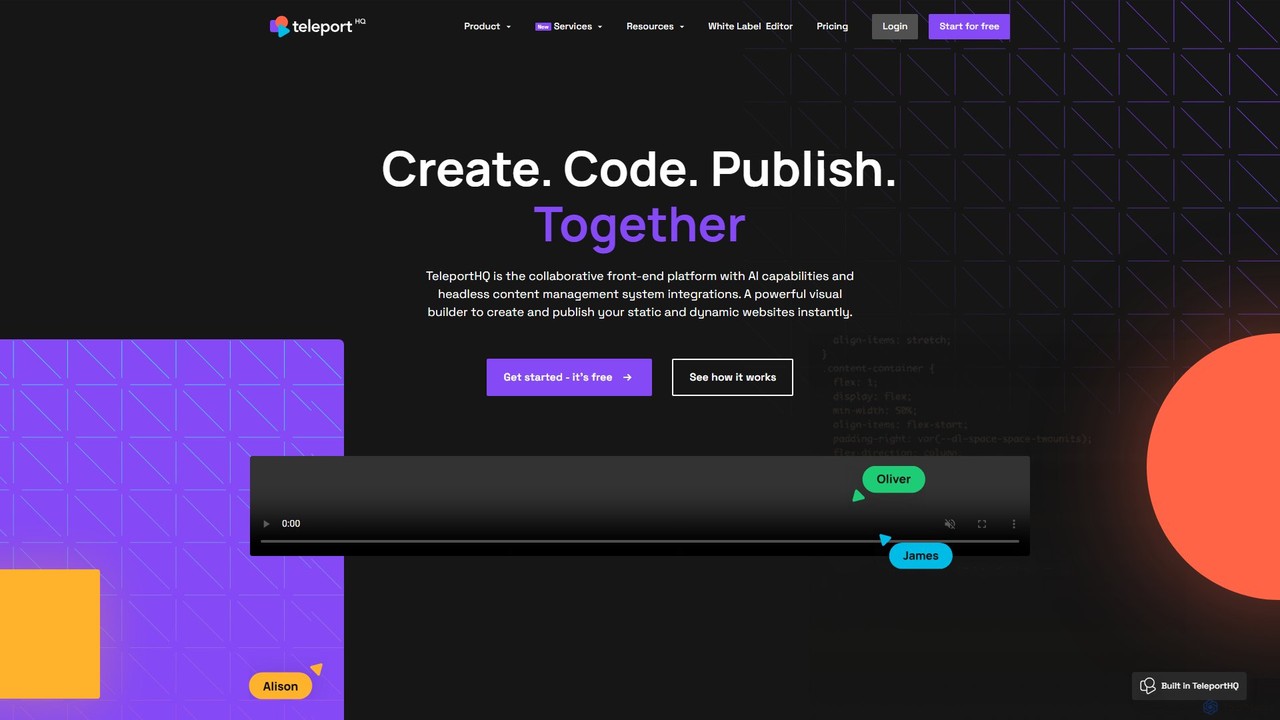
TeleportHQ
TeleportHQ is a collaborative low-code platform that streamlines front-end development. It features an AI website builder, Figma to code conversion, and real-time collaboration tools. Users can visually build responsive websites and UIs, generate clean code for multiple frameworks (React, Vue, etc.), and deploy seamlessly.
Ui Ux
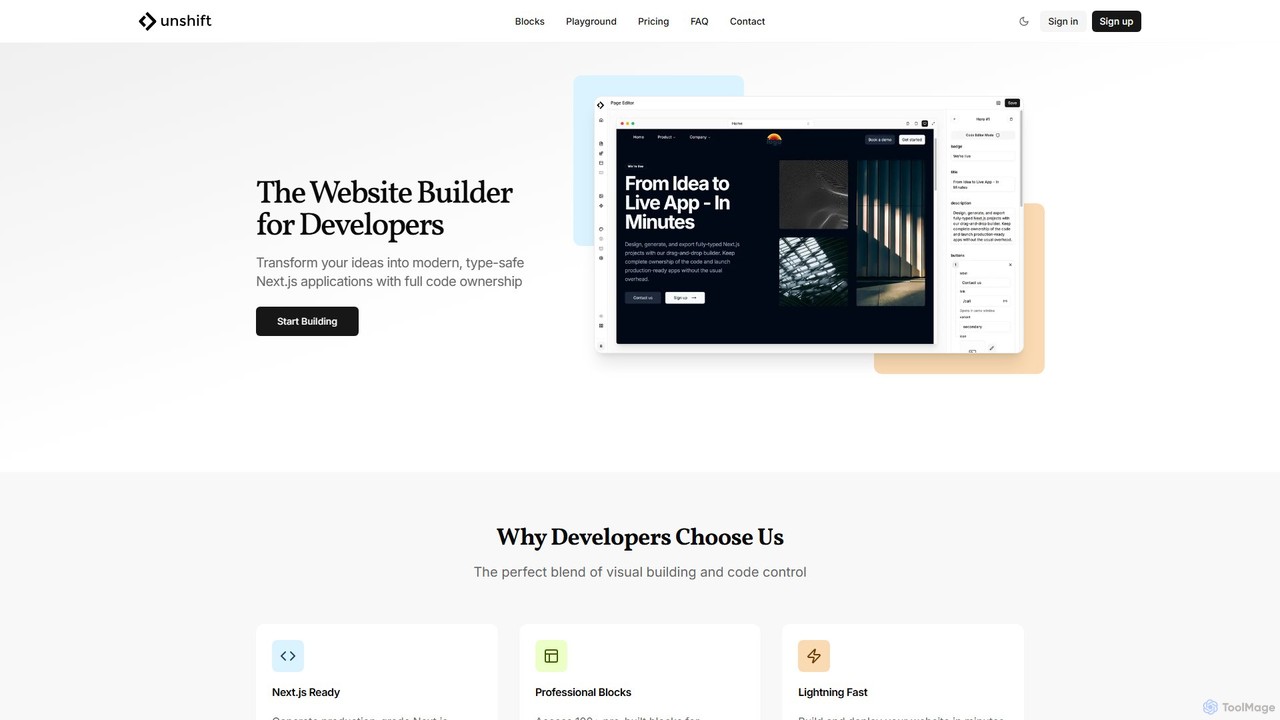
Unshift
Unshift is a website builder designed for developers, blending visual editing with full code control. It generates production-grade Next.js applications with TypeScript and TailwindCSS, offering complete code ownership via a clean Git repository. With over 100 pre-built blocks and a developer-first approach, it accelerates the process of turning ideas into modern, type-safe web applications without vendor lock-in.
Ui Ux
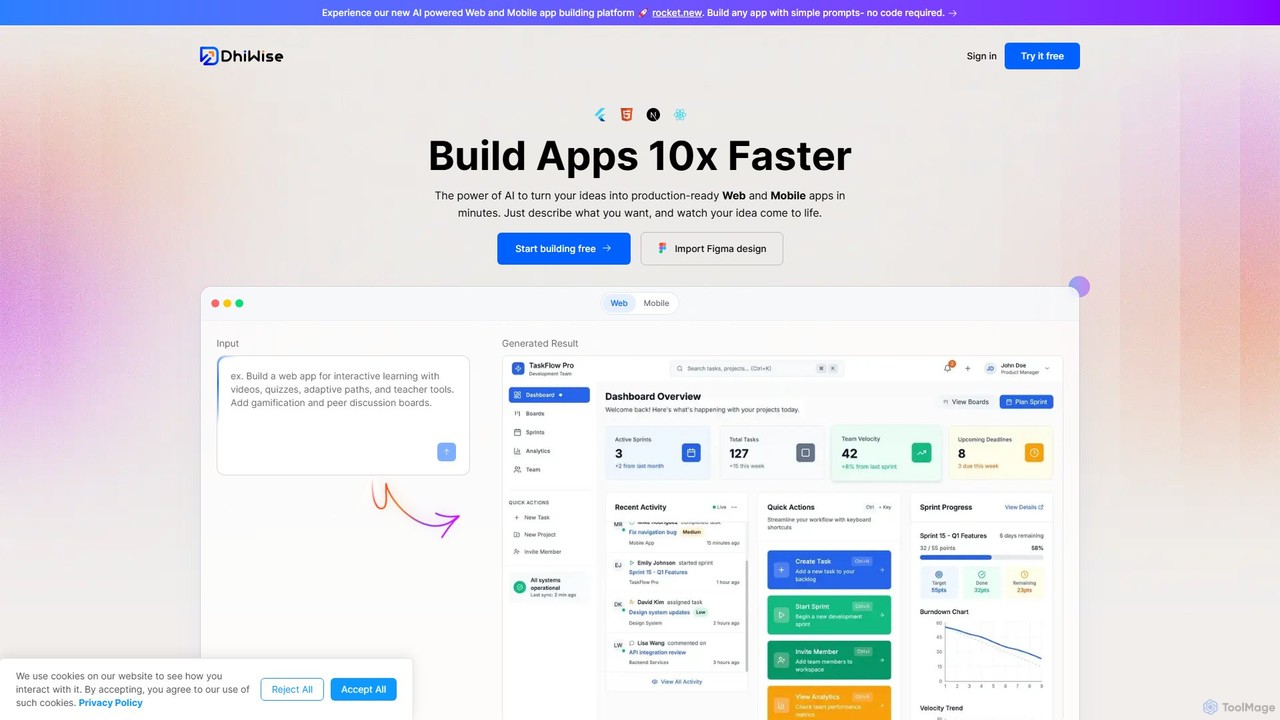
DhiWise
DhiWise is an AI-powered development platform that accelerates the creation of web and mobile applications. It transforms your ideas, natural language prompts, or Figma designs into high-quality, production-ready code in minutes. Supporting frameworks like Flutter and modern web technologies, DhiWise automates boilerplate tasks, enabling developers to build and deploy apps 10x faster.
Design To Code
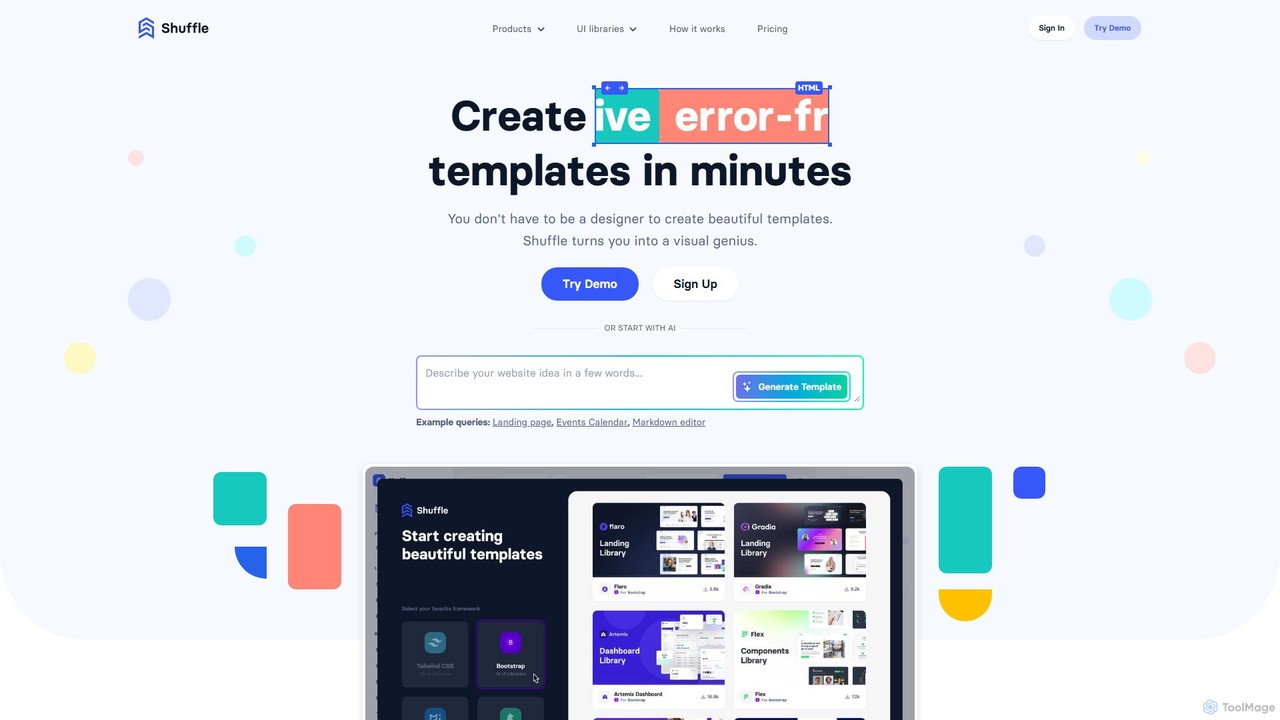
Shuffle
Shuffle is an AI-powered online editor for developers, designed to accelerate UI development. It features a visual drag-and-drop interface, extensive component libraries for Tailwind CSS, Bootstrap, Material-UI, and Bulma, and an AI Assistant that builds layouts from chat commands. Export clean, production-ready code, including React JSX, in seconds.
Ui Ux
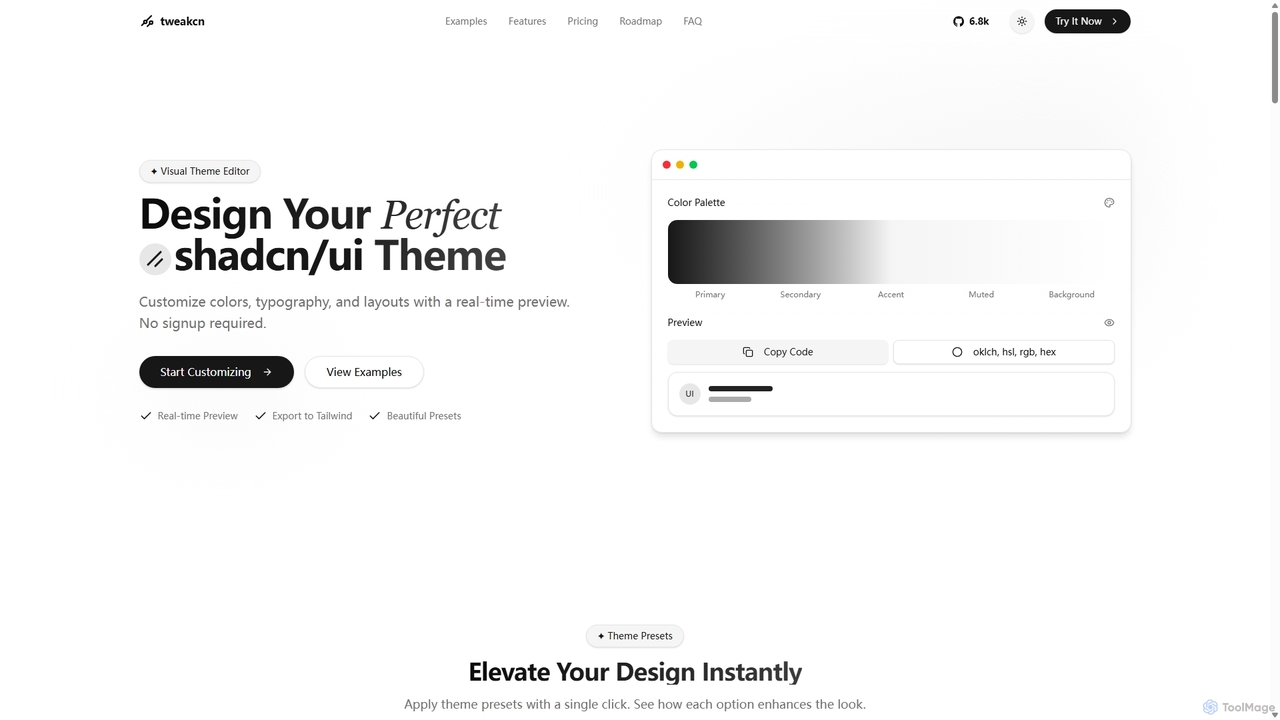
Tweakcn
Tweakcn is a visual theme editor and AI-powered generator for shadcn/ui and Tailwind CSS. It allows developers and designers to create, customize, and preview beautiful, accessible themes in real-time. Features include AI theme generation from text or images, a vast library of presets, and direct code export for seamless integration.
Ui Kit