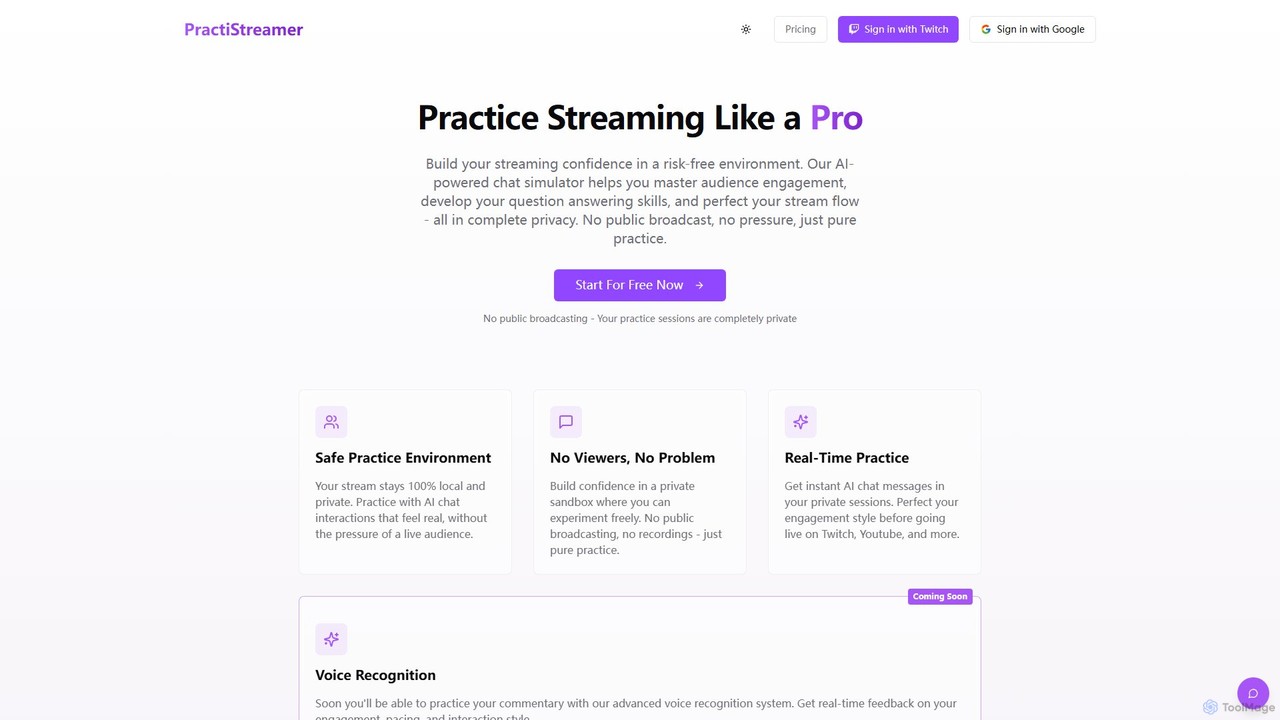
PractiStreamer is an AI-powered practice tool for live streamers. It provides a private, risk-free environment with an AI chat simulator to help you master audience engagement, Q&A skills, and stream flow. Build your confidence for platforms like Twitch and YouTube without the pressure of a live audience.

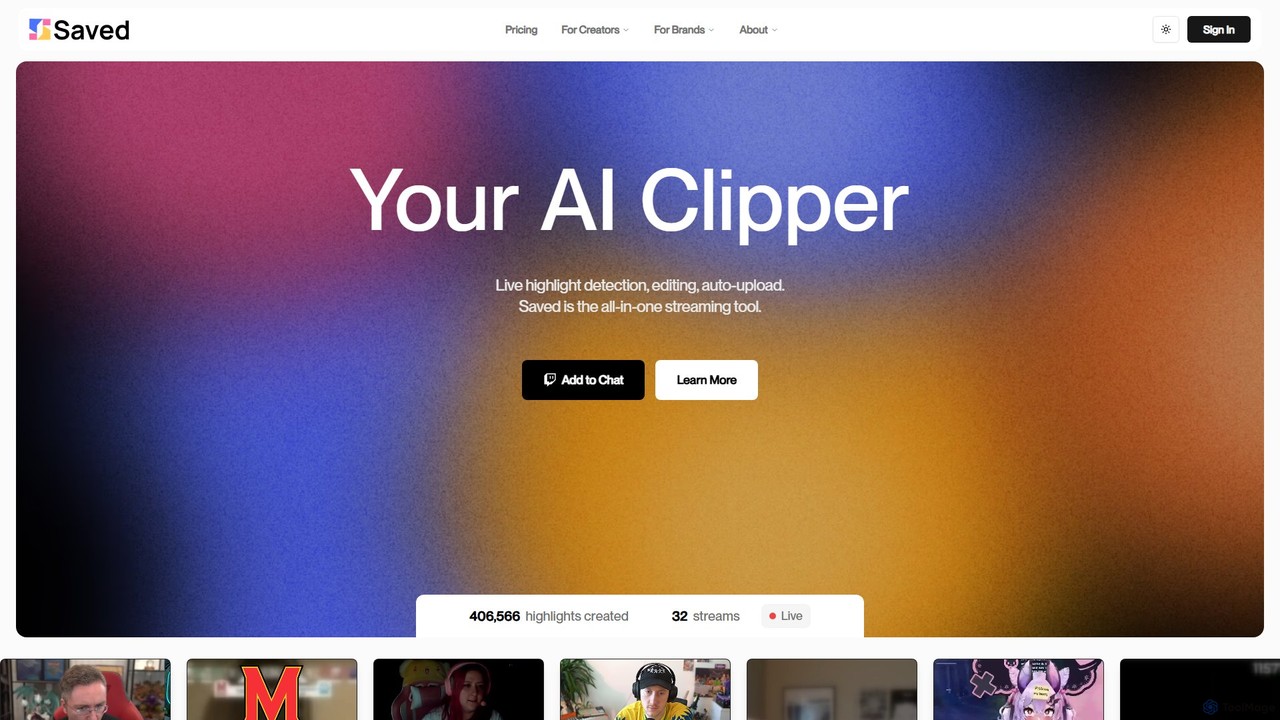
Saved is an AI-powered clipper for streamers and content creators. It automatically detects, edits, and uploads exciting moments from live streams and VODs on platforms like Twitch, YouTube, and Kick, transforming them into engaging short-form videos.
Product overview
PractiStreamer Product overview
PractiStreamer is an AI-powered practice tool for live streamers. It provides a private, risk-free environment with an AI chat simulator to help you master audience engagement, Q&A skills, and stream flow. Build your confidence for platforms like Twitch and YouTube without the pressure of a live audience.
Saved Product overview
Saved is an AI-powered clipper for streamers and content creators. It automatically detects, edits, and uploads exciting moments from live streams and VODs on platforms like Twitch, YouTube, and Kick, transforming them into engaging short-form videos.
Detailed feature comparison
| Feature | PractiStreamer | Saved |
|---|---|---|
| Primary category | Training | Streaming |
| Added | 2025-08-16 | 2025-08-01 |
| Pricing | Freemium | Freemium |
| Official website | www.practistreamer.com | www.saved.gg |
| Product type | Website | Website |
| Performance data | ||
| User rating | Not verified | Not verified |
| Comments | 0 | 0 |
| Monthly visits | 817 | 3.8K |
| Monthly growth | 29.3% | -22.6% |
| Favorites | 124 | 138 |
| Details | View details | View details |
PractiStreamer vs Saved monthly traffic
Compare PractiStreamer and Saved by monthly reach, traffic trend, visit depth, top regions, and acquisition sources.
How to interpret the traffic data
In the PractiStreamer vs Saved monthly traffic comparison, PractiStreamer currently shows 817 visits and Saved shows 3.8K; Saved has about 4.7 times the visible traffic of PractiStreamer, an absolute difference of about 3K visits. This reflects visible reach, not feature quality or paid users.
Both tools provide verified traffic details, so monthly trends, visit depth, regions, and acquisition sources can be compared on the same basis.
PractiStreamer monthly traffic:
Latest traffic
Monthly traffic trend
- 2025/8: 93 Monthly visits
- 2025/9: 416 Monthly visits
- 2026/2: 0 Monthly visits
- 2026/3: 850 Monthly visits
- 2026/4: 632 Monthly visits
- 2026/5: 817 Monthly visits
Top regions
Top 5 countries/regions
| Country/region | Percentage | Traffic |
|---|---|---|
| 🇺🇸United States | 100% | 817 |
Search keywords
Saved monthly traffic:
Latest traffic
Monthly traffic trend
- 2025/9: 11.6K Monthly visits
- 2026/1: 8.8K Monthly visits
- 2026/2: 6.8K Monthly visits
- 2026/3: 6.6K Monthly visits
- 2026/4: 5K Monthly visits
- 2026/5: 3.8K Monthly visits
Top regions
Top 5 countries/regions
| Country/region | Percentage | Traffic |
|---|---|---|
| 🇺🇸United States | 85.84% | 3.3K |
| 🇳🇱Netherlands | 9.37% | 359 |
| 🇩🇪Germany | 3.06% | 117 |
| 🇧🇷Brazil | 1.73% | 66 |
Search keywords
Usage comparison
Compare the core capabilities of PractiStreamer and Saved
PractiStreamer Core features
Saved Core features
Use cases
PractiStreamer Use cases
Saved Use cases
PractiStreamer vs Saved:In-depth comparison and selection guidance
First decide whether the products solve the same kind of need
This in-depth PractiStreamer vs Saved comparison uses only the product records, taxonomy, audience, traffic, and community signals available on this page. PractiStreamer is primarily listed under “Training”, while Saved is primarily listed under “Streaming”, so the first decision is whether your actual task matches their recorded scope.
The structured fields currently show these decision-relevant differences: Primary category (PractiStreamer: Training; Saved: Streaming); Monthly visits (PractiStreamer: 817; Saved: 3.8K); Monthly growth (PractiStreamer: 29.3%; Saved: -22.6%); Favorites (PractiStreamer: 124; Saved: 138); Website (PractiStreamer: www.practistreamer.com; Saved: www.saved.gg). These facts are more useful for selection than brand visibility alone.
What market visibility and monthly traffic mean
In the PractiStreamer vs Saved monthly traffic comparison, PractiStreamer currently shows 817 visits and Saved shows 3.8K; Saved has about 4.7 times the visible traffic of PractiStreamer, an absolute difference of about 3K visits. This reflects visible reach, not feature quality or paid users.
Both tools provide verified traffic details, so monthly trends, visit depth, regions, and acquisition sources can be compared on the same basis.
If public market visibility is an important first-pass criterion, investigate Saved first. The final choice should still follow taxonomy, use case, and a real trial because higher traffic does not prove broader capabilities or better workflow fit.
Product positioning, use cases, and roles
PractiStreamer and Saved currently overlap in shared categories: Content Creation; shared tags: content creation, streaming, Twitch, and youtube. This can place both on the same shortlist, but it does not prove equal implementation, depth, or cost.
PractiStreamer's unique categories/tags are Training, Streaming, AI simulator, audience engagement, live streaming, OBS, practice tool, and streamer; Saved's are Streaming, Automation, Editing, automation, clipping, gaming, highlight reel, and short-form video. These unique fields are the strongest differentiators: validate the product whose recorded scope matches the task instead of following traffic alone.
What ratings, comments, and favorites can tell you
PractiStreamer has no verified rating, 0 comments, 124 favorites, and 139 likes;Saved has no verified rating, 0 comments, 138 favorites, and 136 likes。
Neither product has enough rating or comment samples for a credible reputation ranking.
Selection guidance by actual need
When to evaluate PractiStreamer first
Put PractiStreamer on the priority trial list when the task aligns with “Training” and especially Training, Streaming, AI simulator, audience engagement, live streaming, and OBS. This follows recorded positioning and does not imply unlisted capabilities are absent.
PractiStreamer also currently records: pricing is freemium, product type is website, 817 verified monthly visits, no verified user rating. Verify any hard requirement around price, platform, or reach before trial, and do not let sparse review data substitute for testing.
When to evaluate Saved first
Put Saved on the priority trial list when the task aligns with “Streaming” and especially Streaming, Automation, Editing, automation, clipping, and gaming. This follows recorded positioning and does not imply unlisted capabilities are absent.
Saved also currently records: pricing is freemium, product type is website, 3.8K verified monthly visits, no verified user rating. Verify any hard requirement around price, platform, or reach before trial, and do not let sparse review data substitute for testing.
How to validate the recommendation before deciding
The available data describes positioning, public visibility, and community signals, but it cannot prove output quality, speed, integration effort, privacy, or long-term cost in your workflow. Before deciding, run the same representative tasks in PractiStreamer and Saved, then record completion time, accuracy, manual corrections, and the real paid threshold. A like-for-like trial turns this comparison into a defensible adoption decision.
Comparison FAQ
How should I choose between PractiStreamer and Saved?
Where does this comparison data come from?
What do unknown fields mean?
Related AI tools

kudos
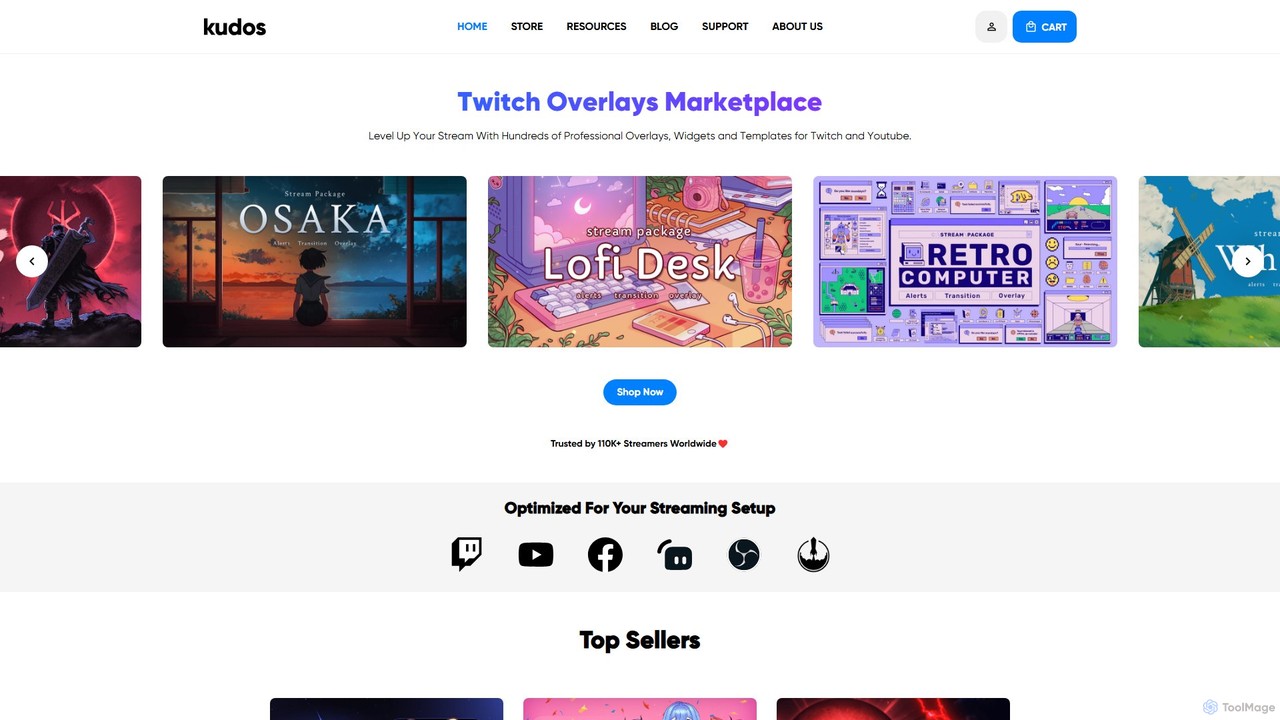
Kudos is a marketplace offering professional stream graphics for creators on Twitch and YouTube. It provides a vast library of high-quality overlays, widgets, alerts, VTuber models, and templates. Designed for easy setup with OBS, Streamlabs, and other software, Kudos helps streamers enhance their visual appeal, boost viewer engagement, and build a unique brand identity with both premium and free assets.
Graphics
Privastream
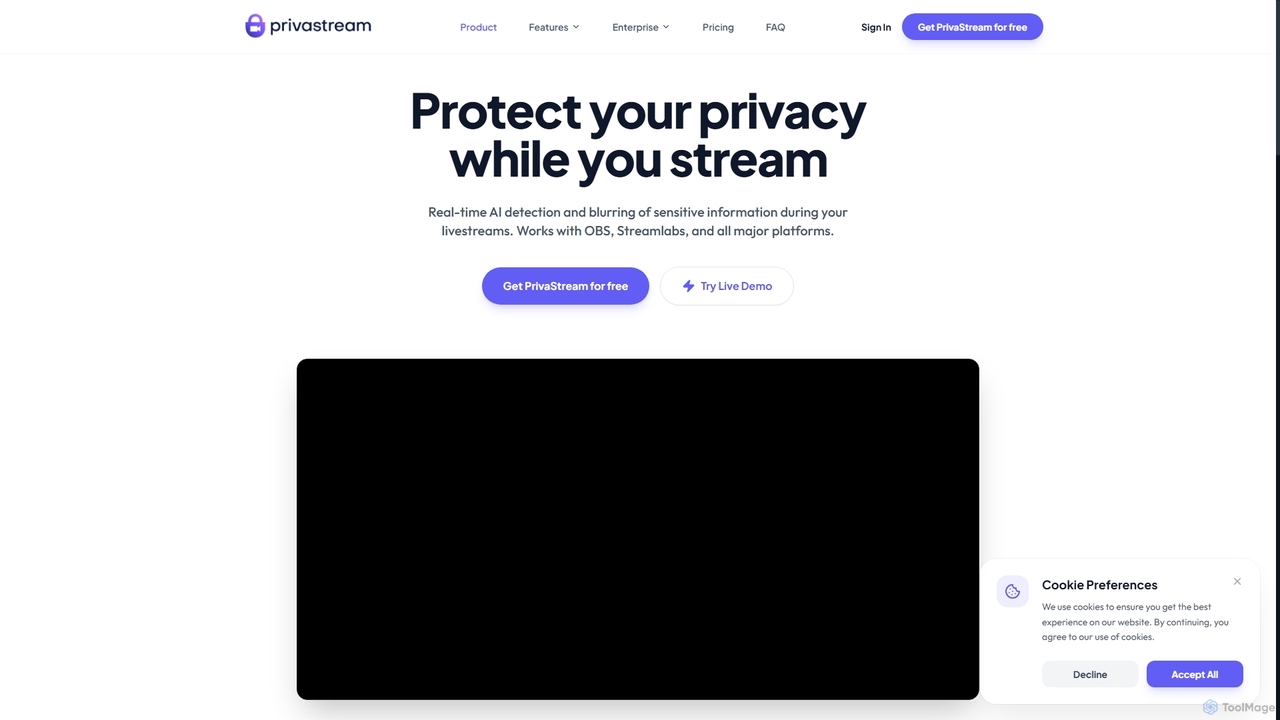
Privastream is a real-time AI toolkit designed for streamers and content creators to protect their privacy. It uses on-device Edge AI to automatically detect and blur sensitive information like faces and personal data during livestreams with zero latency, ensuring data never leaves your computer. It integrates seamlessly as a virtual camera with major streaming platforms like OBS, Twitch, and YouTube.
Privacy
Powder
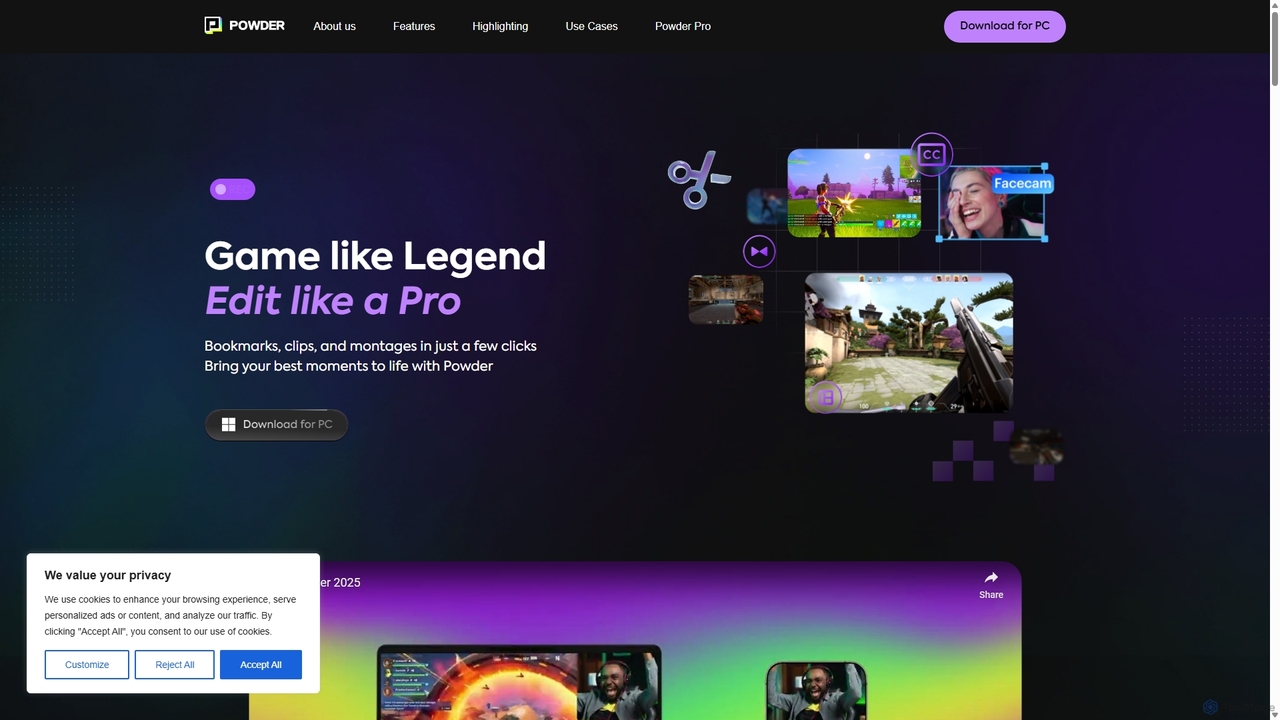
Powder is an AI-powered clipping software for gamers on Windows. It automatically records gameplay, identifies the best moments from hours of footage using AI, and helps create stunning, social-media-ready clips and montages. It's designed to save creators time and effort in content production.
Content Creation
TTS.Monster
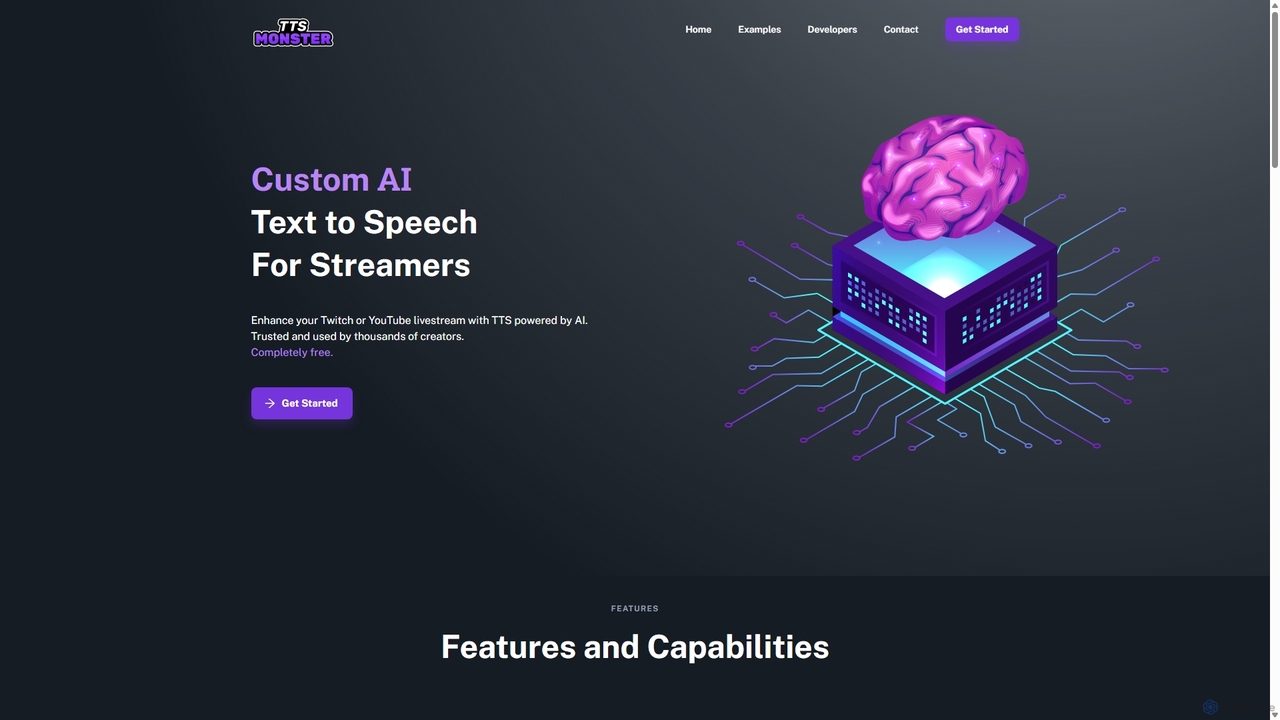
TTS.Monster is a free, AI-powered text-to-speech tool designed specifically for streamers. It enhances Twitch and YouTube livestreams by converting donation messages into speech using over 100 unique AI voices and sound bites. It integrates seamlessly with StreamElements, StreamLabs, and Ko-fi, helping creators boost engagement and revenue without taking any commission.
Text To Speech
EasyClips
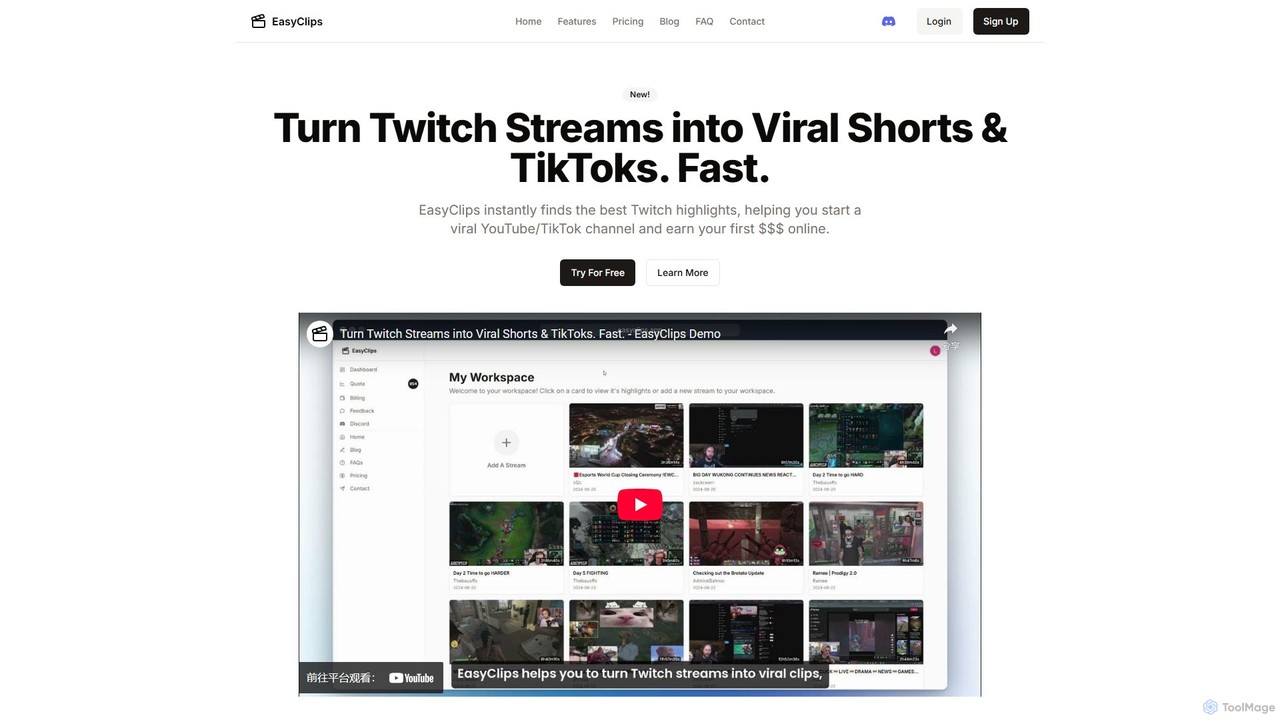
EasyClips is an AI-powered tool that automatically analyzes Twitch streams to find the most exciting and viral-worthy moments. It helps streamers and content creators effortlessly turn long broadcasts into engaging short videos for TikTok, YouTube Shorts, and other social media platforms, saving hours of manual editing.
Streaming
Janus
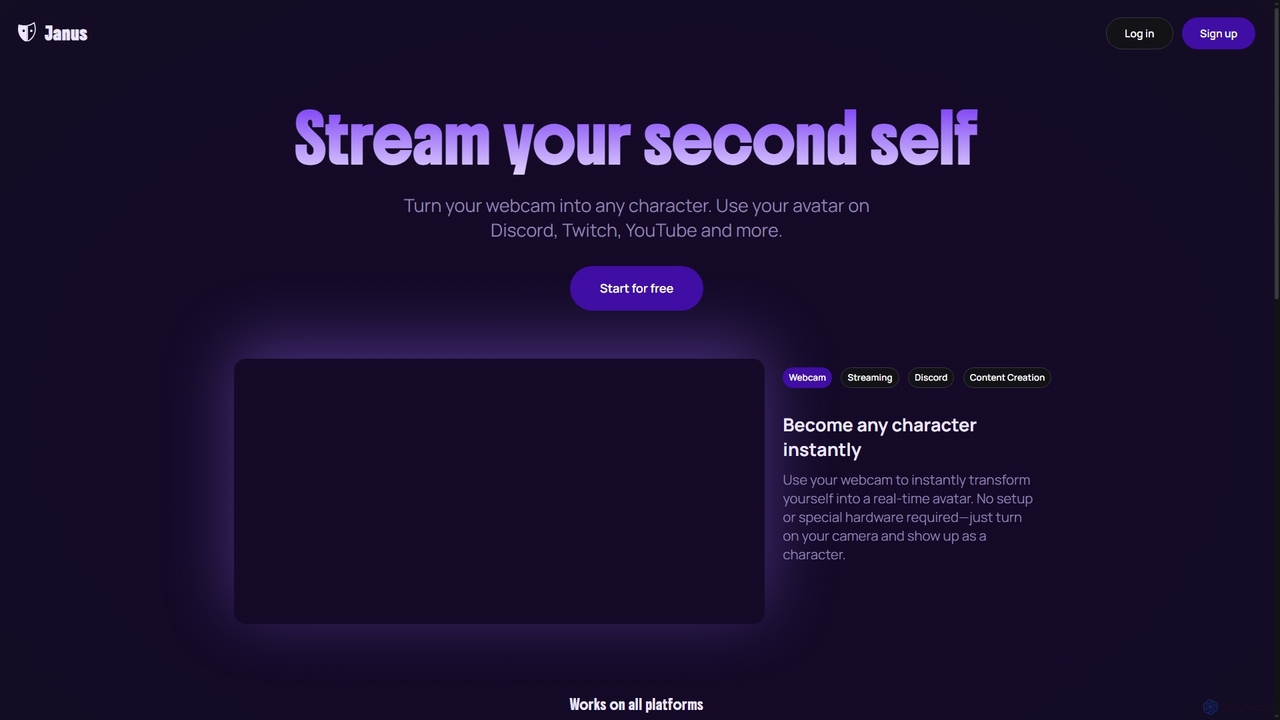
Janus is an AI-powered tool that transforms your webcam feed into a real-time animated avatar, allowing you to stream as any character. It requires no special hardware, offers an avatar library and builder, and integrates seamlessly with platforms like Discord, Twitch, YouTube, and OBS via a Chrome extension. Start for free and enhance your online presence.
Live Streaming
Yakkr Growth
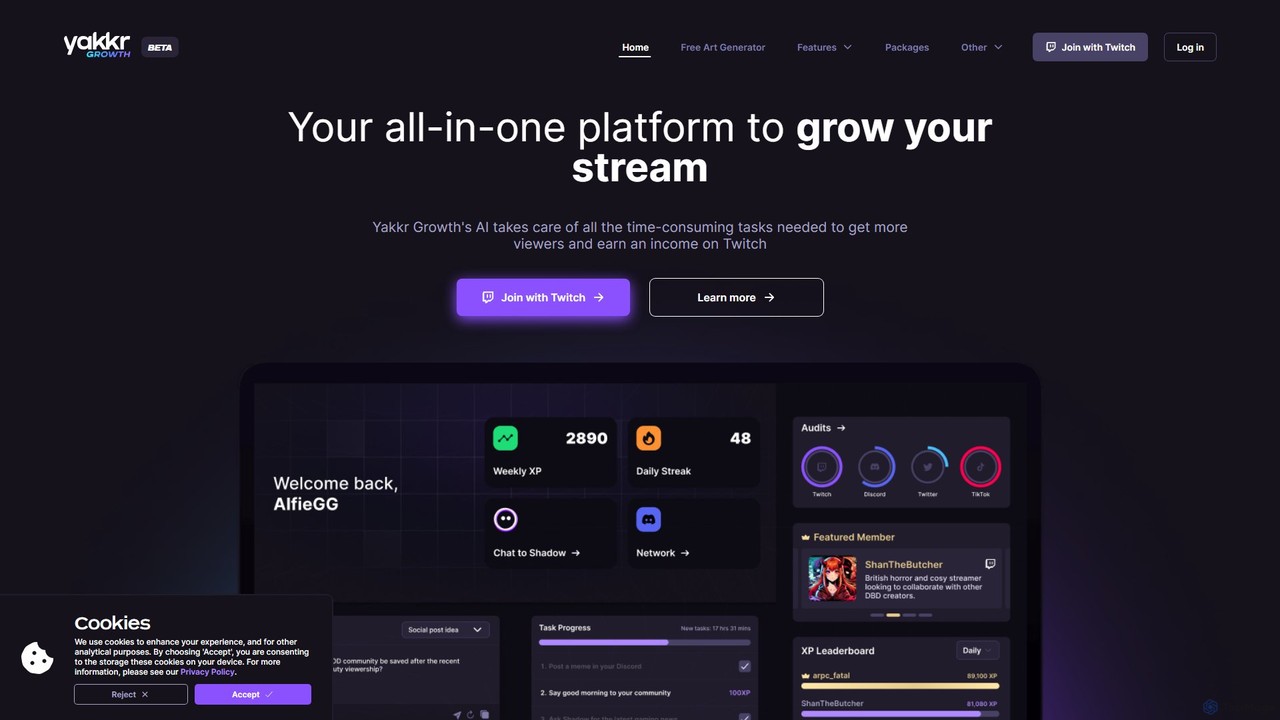
Yakkr Growth is an all-in-one AI-powered platform designed for streamers to accelerate their channel growth. It uses an AI assistant, Shadow, to automate time-consuming tasks like content creation, social media management, and title optimization. The platform also offers asset generation, community features, and expert mentorship to help streamers increase viewership and monetize their content on platforms like Twitch, Kick, and YouTube.
Image Generator
Tangia
Tangia is an AI-powered interactive toolkit for live streamers designed to boost viewer engagement and monetization. It offers a suite of tools including custom AI TTS with voice cloning, interactive AI characters, on-stream memes, media sharing, and games. Integrated seamlessly with streaming software like OBS, Tangia helps creators build a more dynamic and participatory community, turning passive viewers into active participants.
Engagement
mymod
MyMod is an AI-powered moderation bot designed for live streaming platforms like Twitch and YouTube. It helps creators and community managers maintain a healthy chat environment by automatically detecting and handling rule violations using natural language processing. Features include AI-driven timeouts, customizable commands, and a comprehensive dashboard with detailed chat and ban logs.
Moderation
StreamChat A.I.
StreamChat A.I. is an all-in-one AI companion for Twitch streamers. It enhances streams with a customizable AI chatbot that engages viewers, provides smart moderation, automates repetitive tasks like answering FAQs, and generates interactive content like AI images. It's designed to combat quiet chats, reduce streamer workload, and build a safer, more interactive community.
Moderation
Papercup
Papercup is an enterprise-grade AI dubbing service that uses advanced, human-perfected AI voices to help content creators localize videos for global audiences. It offers a full-service solution, combining patented AI technology with expert translators to deliver high-quality, scalable, and cost-effective dubbing for streaming platforms, YouTube channels, and media companies.
Voice Synthesis
Gling
Gling is an AI-powered video editing software for YouTubers that automatically removes silences, bad takes, and filler words. It uses text-based editing to streamline the workflow, saving creators hours of manual work and helping them produce captivating content effortlessly.
Automation
Edit on the Spot
Edit on the Spot is an AI-powered video editing tool designed for online creators. It automatically trims silence from the beginning and end of recordings from platforms like Zoom, MS Teams, and OBS. Users can instantly add custom intros and outros, receiving a download link for a professionally polished, full HD video within minutes of finishing their session.
Content Creation
bongocat
An AI-powered creative tool that generates interactive, music-synced animations and rhythms. Perfect for content creators, streamers, and musicians to produce engaging visual content, interactive stream overlays, and unique meme-style videos effortlessly.
Meme Generator
zapcap
zapcap is an AI-powered video editing platform designed to create viral short-form videos with ease. It automatically generates accurate captions in over 50 languages, removes silences, creates short clips from long videos, adds B-roll, sound effects, and generates SEO-optimized descriptions. It's an all-in-one tool for content creators, marketers, and businesses to boost engagement and save time.
Video Marketing