ToolMage
Sign in
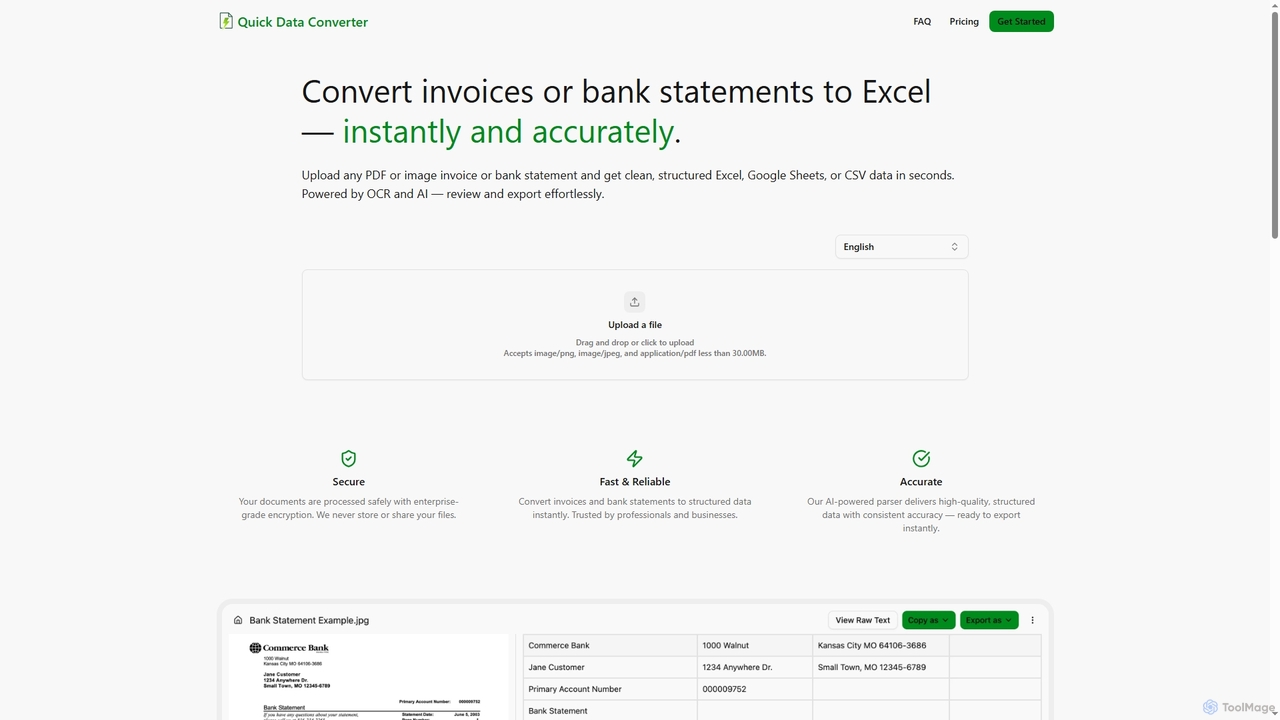
Quick Data Converter
Data Extraction · 4.3K monthly visits

Quick Data Converter is an AI-powered tool that instantly and accurately transforms PDF and image invoices or bank statements into clean, structured data formats like Excel, CSV, and Google Sheets. It leverages OCR and AI for efficient data extraction, ensuring high accuracy and security for professionals and businesses.

VS
Xtractpdfai
Data Automation · 1.3K monthly visits

Xtractpdfai is an AI-powered tool designed to extract structured data from PDF documents and convert them into perfectly formatted Excel, CSV, or JSON files. It boasts 99.5% accuracy and significantly reduces manual data entry time, making document processing efficient and secure for professionals.

Quick Data Converter vs Xtractpdfai: pricing, features, traffic, and use cases

Compare Quick Data Converter and Xtractpdfai across positioning, pricing, traffic, and user feedback using structured factual data.

Updated Aug 22, 2026

Product overview

Quick Data Converter Product overview

Quick Data Converter is an AI-powered tool that instantly and accurately transforms PDF and image invoices or bank statements into clean, structured data formats like Excel, CSV, and Google Sheets. It leverages OCR and AI for efficient data extraction, ensuring high accuracy and security for professionals and businesses.
Preview

Xtractpdfai Product overview

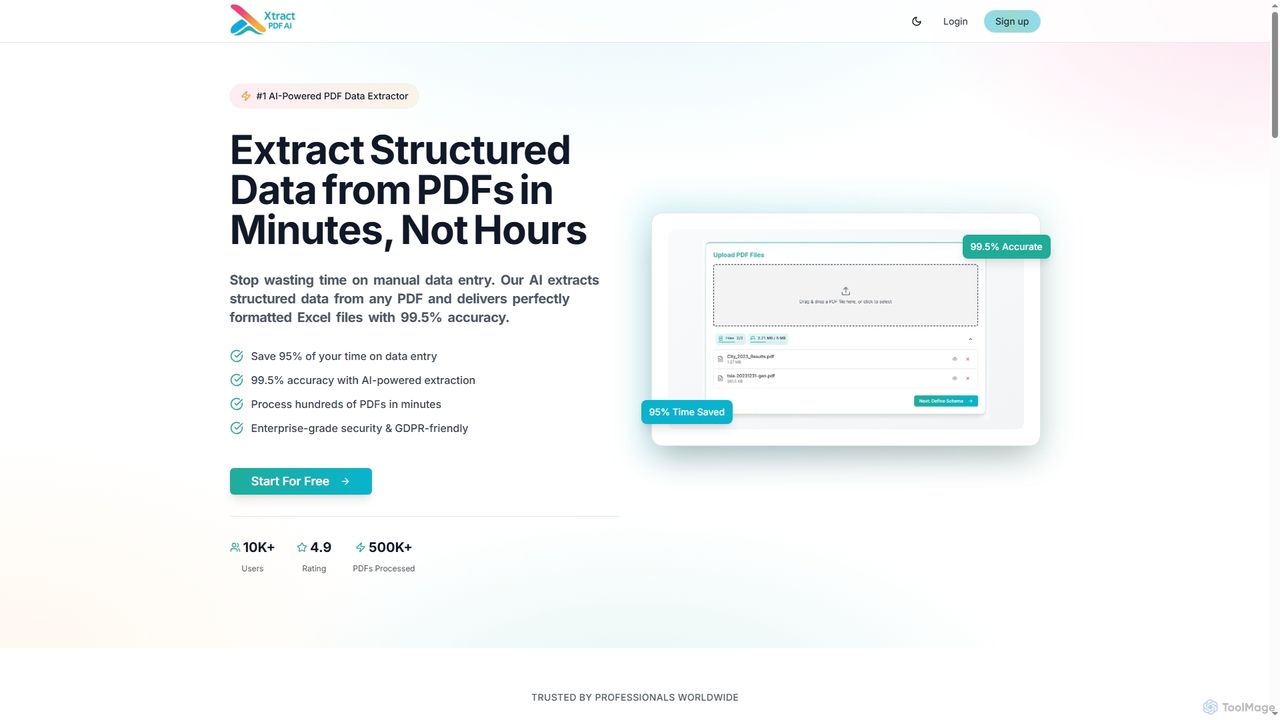
Xtractpdfai is an AI-powered tool designed to extract structured data from PDF documents and convert them into perfectly formatted Excel, CSV, or JSON files. It boasts 99.5% accuracy and significantly reduces manual data entry time, making document processing efficient and secure for professionals.

Preview

Detailed feature comparison

FeatureQuick Data ConverterXtractpdfai
Primary categoryData ExtractionData Automation
Added2025-12-102025-10-28
PricingFreemiumFreemium
Official websitequickdataconverter.comxtractpdfai.com
Product typeWebsiteWebsite
Performance data
User ratingNot verifiedNot verified
Comments00
Monthly visits4.3K1.3K
Monthly growthNot verified-11%
Favorites92120
DetailsView detailsView details

Quick Data Converter vs Xtractpdfai monthly traffic

Compare Quick Data Converter and Xtractpdfai by monthly reach, traffic trend, visit depth, top regions, and acquisition sources.

How to interpret the traffic data

In the Quick Data Converter vs Xtractpdfai monthly traffic comparison, Quick Data Converter currently shows 4.3K visits and Xtractpdfai shows 1.3K; Quick Data Converter has about 3.3 times the visible traffic of Xtractpdfai, an absolute difference of about 3K visits. This reflects visible reach, not feature quality or paid users.

Only Xtractpdfai has complete third-party traffic details; Quick Data Converter uses visits recorded inside ToolMage. These scopes cannot estimate market share directly, and on-site views should not be treated as the product’s total website traffic.

Quick Data Converter monthly traffic:

Latest traffic

Monthly visits
4.3K

Xtractpdfai monthly traffic:

Latest traffic

Monthly visits
1.3K
Avg. visit duration
0:00
Pages per visit
1.05
Bounce rate
40.89%
Data updated 2026-06-15

Monthly traffic trend

  • 2026/1: 0 Monthly visits
  • 2026/2: 0 Monthly visits
  • 2026/3: 706 Monthly visits
  • 2026/4: 1.5K Monthly visits
  • 2026/5: 1.3K Monthly visits

Top regions

Top 5 countries/regions
Country/regionPercentageTraffic
🇺🇸United States60.56%782
🇩🇪Germany38.17%493
🇵🇱Poland1.27%16

Search keywords

ai pdf parsing co tobest ai model for pdf parsingbest pdf parsing models
Traffic-based selection guidance: The current traffic scope is not sufficient for a reliable product ranking. Treat monthly visits as a market-interest signal, then decide using taxonomy, use cases, pricing, and a like-for-like trial rather than reading exposure as product capability.

Usage comparison

Compare the core capabilities of Quick Data Converter and Xtractpdfai

Quick Data Converter Core features

Document Processing
Data Extraction
Accounting Tools

Xtractpdfai Core features

Document Processing
Data Automation
Data Extraction
Pdf Tools

Use cases

Quick Data Converter Use cases

AI
data extraction
document automation
invoice processing
pdf to excel
structured data
bank statement processing
csv
data conversion
financial data
Google Sheets
image to excel
OCR

Xtractpdfai Use cases

AI
data extraction
document automation
invoice processing
pdf to excel
structured data
batch processing
business intelligence
CSV export
custom schema
data entry
document management
enterprise security
financial analysis
GDPR compliant
HR data
JSON export
pdf converter
productivity
shipping documents
workflow automation

Best suited roles

Quick Data Converter Best suited roles

Accountant
Financial Analyst
Auditor
Bookkeeper
Data Entry Specialist
Office Manager
Small Business Owner

Xtractpdfai Best suited roles

Accountant
Financial Analyst
Business Analyst
Data Scientist
HR Associate
Office Administrator
Operations Manager
Project Manager

Quick Data Converter vs Xtractpdfai:In-depth comparison and selection guidance

First decide whether the products solve the same kind of need

This in-depth Quick Data Converter vs Xtractpdfai comparison uses only the product records, taxonomy, audience, traffic, and community signals available on this page. Quick Data Converter is primarily listed under “Data Extraction”, while Xtractpdfai is primarily listed under “Data Automation”, so the first decision is whether your actual task matches their recorded scope.

The structured fields currently show these decision-relevant differences: Primary category (Quick Data Converter: Data Extraction; Xtractpdfai: Data Automation); Monthly visits (Quick Data Converter: 4.3K; Xtractpdfai: 1.3K); Favorites (Quick Data Converter: 92; Xtractpdfai: 120); Website (Quick Data Converter: quickdataconverter.com; Xtractpdfai: xtractpdfai.com); Added (Quick Data Converter: 2025-12-10; Xtractpdfai: 2025-10-28). These facts are more useful for selection than brand visibility alone.

What market visibility and monthly traffic mean

In the Quick Data Converter vs Xtractpdfai monthly traffic comparison, Quick Data Converter currently shows 4.3K visits and Xtractpdfai shows 1.3K; Quick Data Converter has about 3.3 times the visible traffic of Xtractpdfai, an absolute difference of about 3K visits. This reflects visible reach, not feature quality or paid users.

Only Xtractpdfai has complete third-party traffic details; Quick Data Converter uses visits recorded inside ToolMage. These scopes cannot estimate market share directly, and on-site views should not be treated as the product’s total website traffic.

The current traffic scope is not sufficient for a reliable product ranking. Treat monthly visits as a market-interest signal, then decide using taxonomy, use cases, pricing, and a like-for-like trial rather than reading exposure as product capability.

Product positioning, use cases, and roles

Quick Data Converter and Xtractpdfai currently overlap in shared categories: Document Processing; shared tags: AI, data extraction, document automation, invoice processing, pdf to excel, and structured data; shared roles: Accountant and Financial Analyst. This can place both on the same shortlist, but it does not prove equal implementation, depth, or cost.

Quick Data Converter's unique categories/tags are Data Extraction, Accounting Tools, bank statement processing, csv, data conversion, financial data, Google Sheets, and image to excel; Xtractpdfai's are Data Automation, Data Extraction, Pdf Tools, batch processing, business intelligence, CSV export, custom schema, and data entry. These unique fields are the strongest differentiators: validate the product whose recorded scope matches the task instead of following traffic alone.

What ratings, comments, and favorites can tell you

Quick Data Converter has no verified rating, 0 comments, 92 favorites, and 78 likes;Xtractpdfai has no verified rating, 0 comments, 120 favorites, and 103 likes。

Neither product has enough rating or comment samples for a credible reputation ranking.

Selection guidance by actual need

When to evaluate Quick Data Converter first

Put Quick Data Converter on the priority trial list when the task aligns with “Data Extraction” and especially Data Extraction, Accounting Tools, bank statement processing, csv, data conversion, and financial data, or the users include Auditor, Bookkeeper, Data Entry Specialist, and Office Manager. This follows recorded positioning and does not imply unlisted capabilities are absent.

Quick Data Converter also currently records: pricing is freemium, product type is website, 4.3K on-site monthly views, no verified user rating. Verify any hard requirement around price, platform, or reach before trial, and do not let sparse review data substitute for testing.

When to evaluate Xtractpdfai first

Put Xtractpdfai on the priority trial list when the task aligns with “Data Automation” and especially Data Automation, Data Extraction, Pdf Tools, batch processing, business intelligence, and CSV export, or the users include Business Analyst, Data Scientist, HR Associate, and Office Administrator. This follows recorded positioning and does not imply unlisted capabilities are absent.

Xtractpdfai also currently records: pricing is freemium, product type is website, 1.3K verified monthly visits, no verified user rating. Verify any hard requirement around price, platform, or reach before trial, and do not let sparse review data substitute for testing.

How to validate the recommendation before deciding

The available data describes positioning, public visibility, and community signals, but it cannot prove output quality, speed, integration effort, privacy, or long-term cost in your workflow. Before deciding, run the same representative tasks in Quick Data Converter and Xtractpdfai, then record completion time, accuracy, manual corrections, and the real paid threshold. A like-for-like trial turns this comparison into a defensible adoption decision.

Comparison FAQ

How should I choose between Quick Data Converter and Xtractpdfai?
Compare positioning, pricing, taxonomy, and traffic maturity, then verify the latest details on each official website.
Where does this comparison data come from?
The factual baseline is derived from product, taxonomy, traffic, and community data. Reviewed editorial conclusions show their source and verification date.
What do unknown fields mean?
Unknown means there is not enough reliable evidence; the page does not fill gaps with assumptions.

Related AI tools

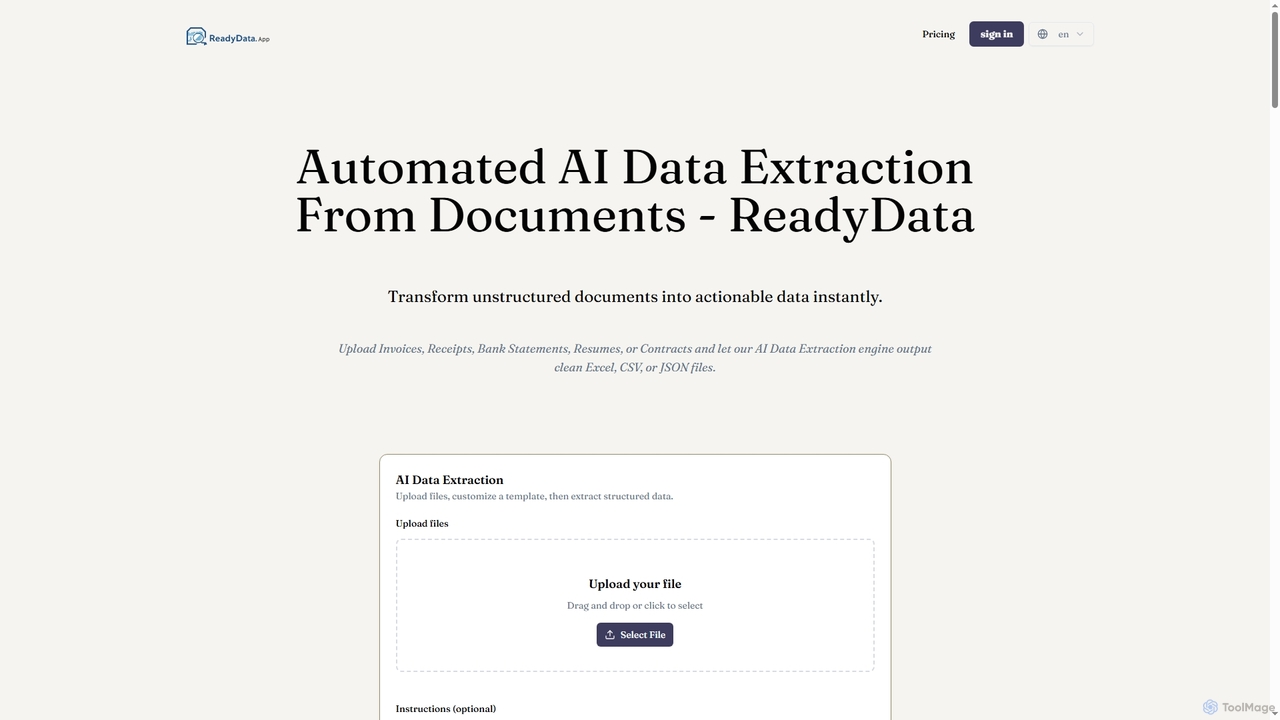
ReadyData
Freemium

ReadyData

ReadyData is an AI-powered data extraction tool that transforms unstructured documents like invoices, receipts, bank statements, resumes, and contracts into clean, structured data formats such as Excel, CSV, or JSON. It automates manual data entry, offering high accuracy and instant results for various business needs.

Workflow Automation
Visits 6.5KFavorites 24Likes 33
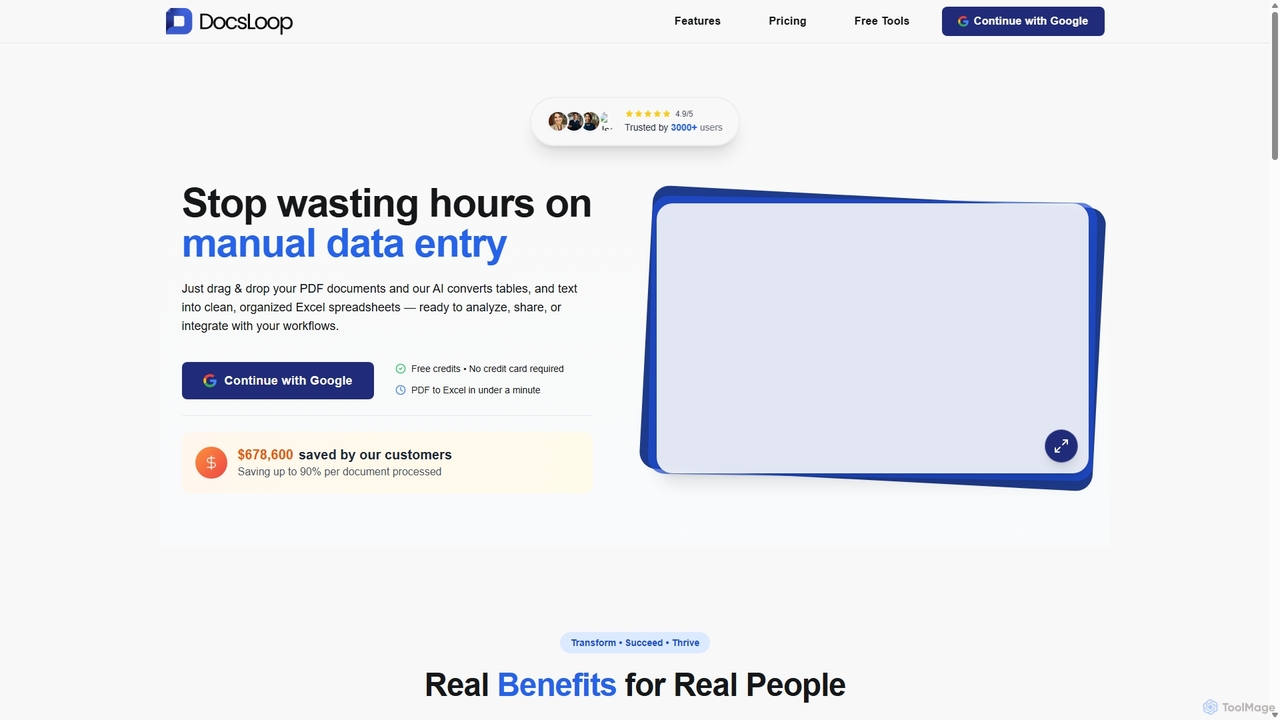
DocsLoop
Freemium

DocsLoop

DocsLoop is an AI-powered document processing tool that automates data extraction from PDF documents. Simply drag and drop files like invoices, bank statements, and receipts, and DocsLoop converts tables and text into clean, organized Excel spreadsheets with 99% accuracy. It eliminates manual data entry, saving hours of work and reducing costs for businesses and individuals.

Data Extraction
Visits 5.1KFavorites 128Likes 105
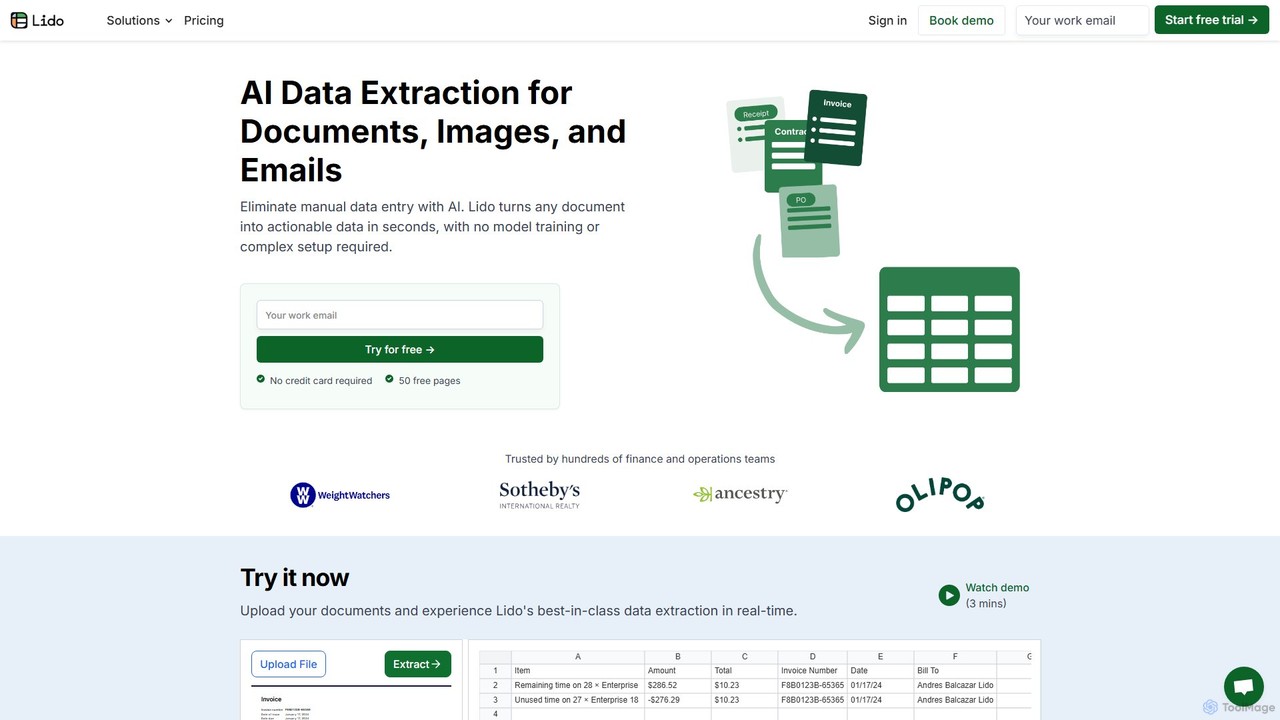
Lido
Freemium

Lido

Lido is an AI-powered data extraction tool that automates the process of pulling information from any document, including PDFs, invoices, and images, into structured formats like Excel and CSV. It's template-free, fast, and designed for finance and operations teams to eliminate manual data entry and save significant time.

Document Management
Visits 114.5KFavorites 110Likes 122
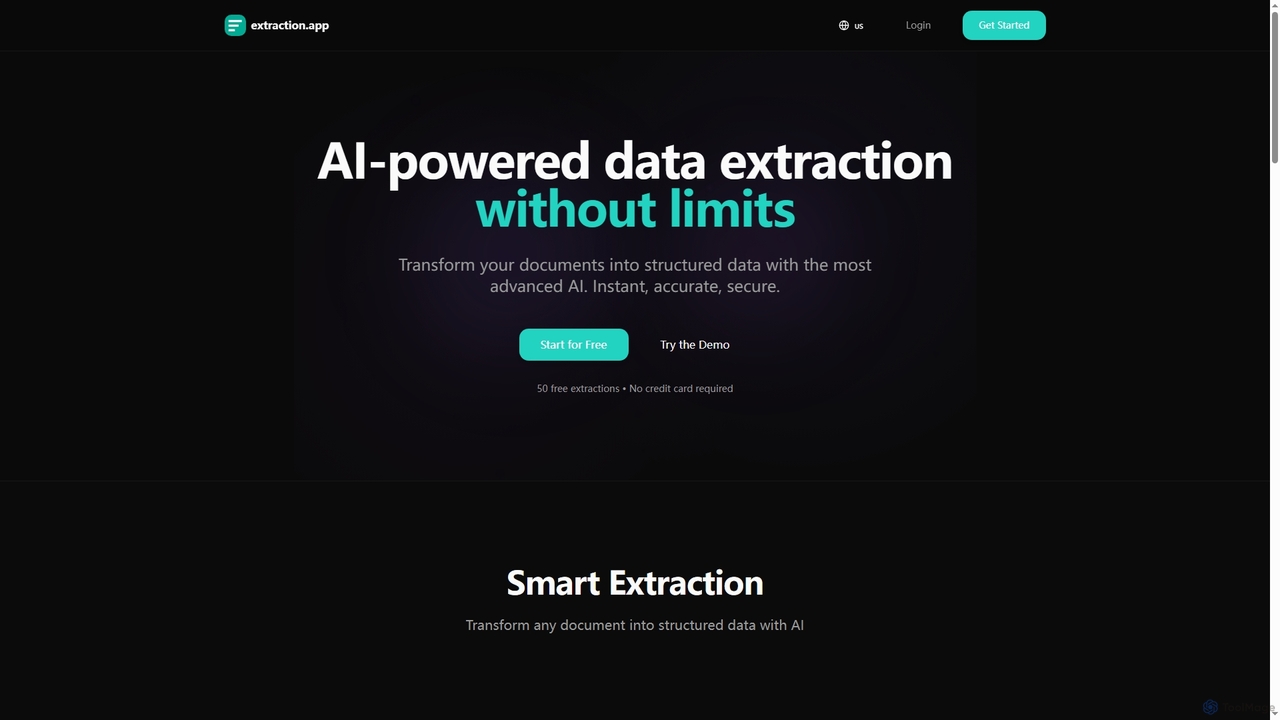
Extraction
Freemium

Extraction

Extraction is an AI-powered data extraction tool that transforms any document into structured data instantly, accurately, and securely. It supports all major file formats and complex documents, offering flexible export options.

3D
Visits 5.8KFavorites 102Likes 96
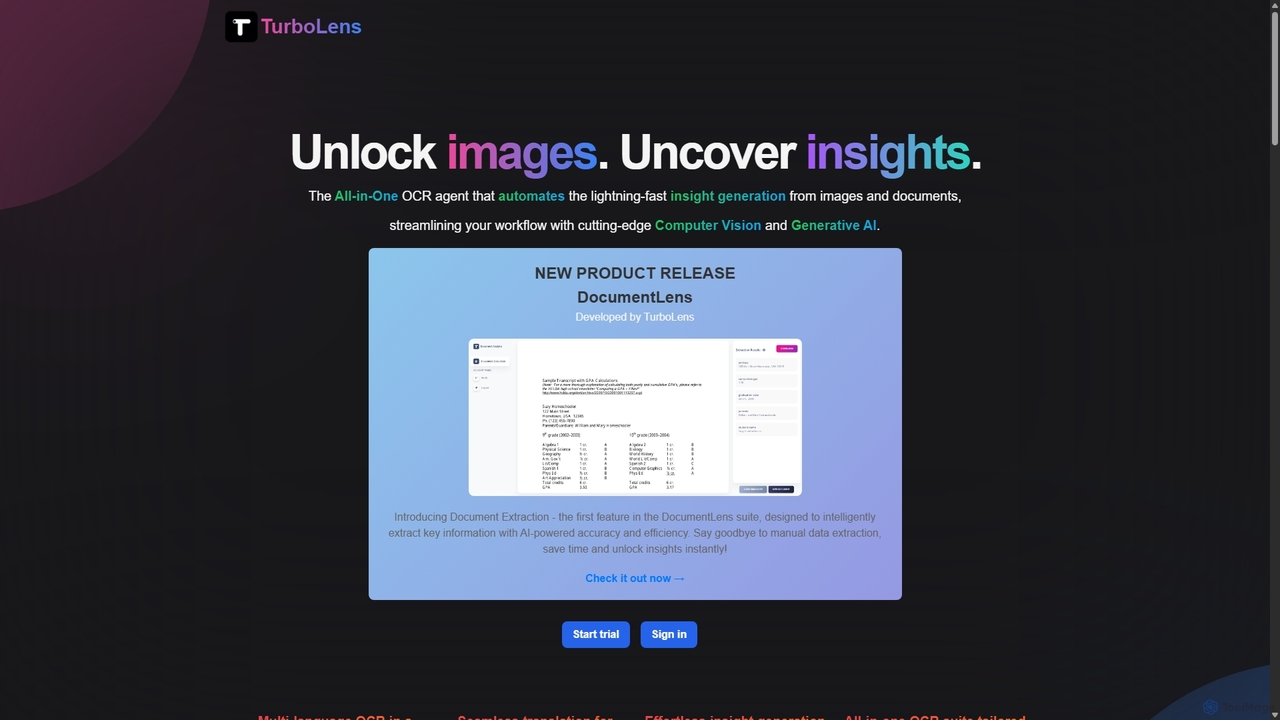
TurboLens
Freemium

TurboLens

TurboLens is an all-in-one AI-powered OCR agent that automates insight generation from images and documents. It leverages Computer Vision and Generative AI to extract text, handwritten notes, tables, and math formulas, offering in-image translation and customizable workflows to streamline data processing.

Workflow Automation
Visits 5.5KFavorites 114Likes 112
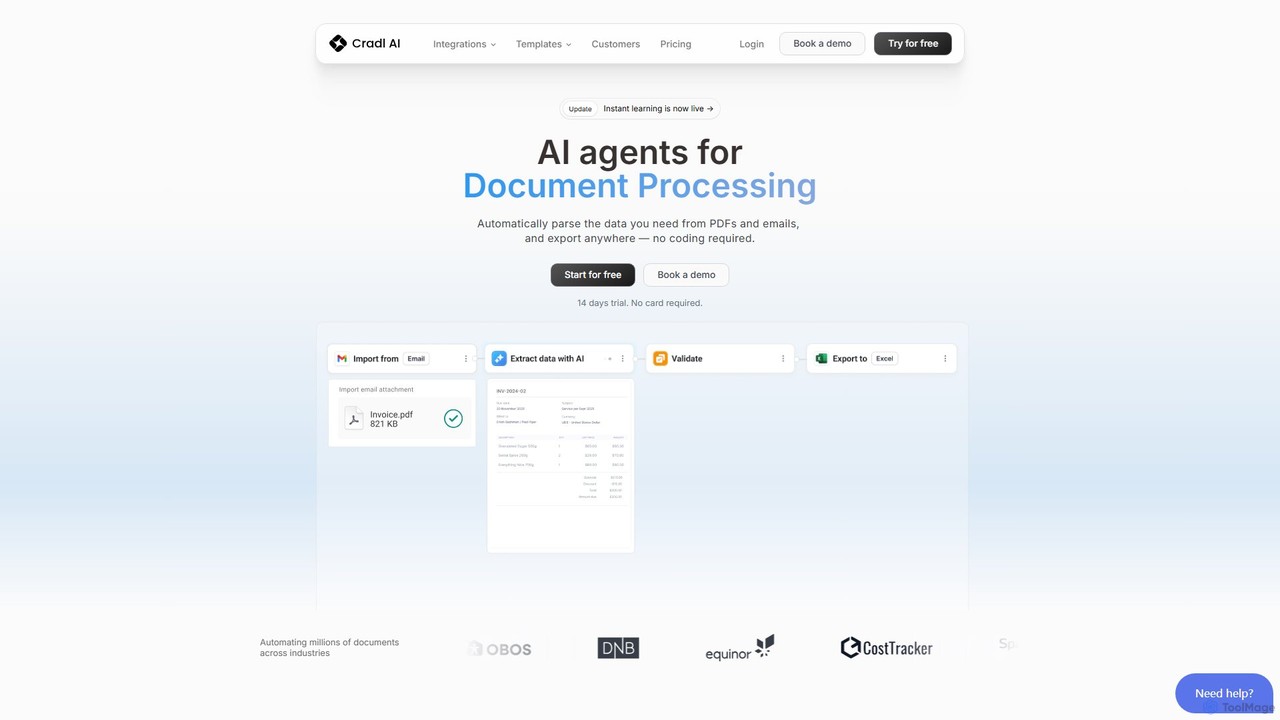
Cradl AI
Freemium

Cradl AI

Cradl AI is a no-code platform that uses AI agents to automate document data extraction and workflows. Easily parse data from PDFs, emails, and other documents like invoices and bills of lading, and export it anywhere without writing a single line of code. It features a human-in-the-loop review system for maximum accuracy.

Workflow
Visits 8.2KFavorites 107Likes 111
GPTOCR
Paid

GPTOCR

GPTOCR is an AI-powered data extraction tool that transforms documents, such as PDFs, into structured JSON files. It automates manual data entry, reduces human error, and streamlines workflows, enabling teams to focus on higher-value tasks by providing accurate, ready-to-use data.

Data Extraction
Visits 4.4KFavorites 107Likes 126
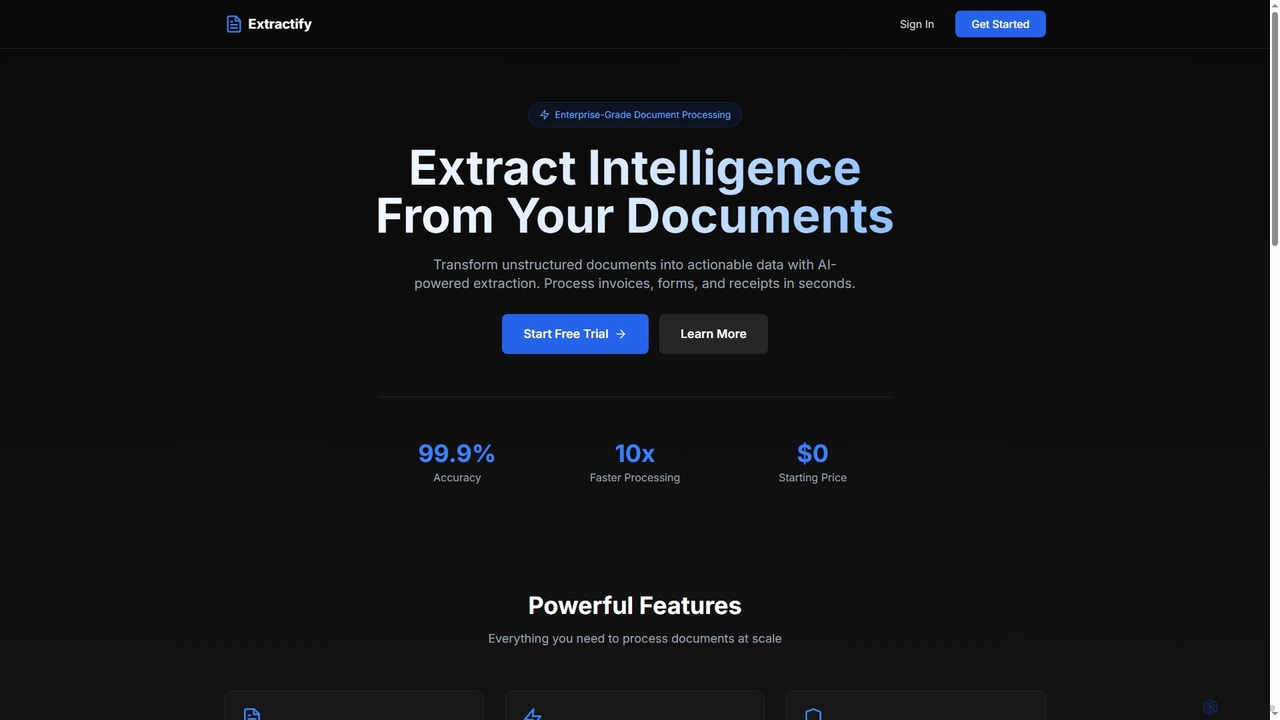
Extractify
Freemium

Extractify

Extractify is an AI-powered document processing tool that transforms unstructured documents like invoices, forms, and receipts into actionable, structured data. It boasts 99.9% accuracy and 10x faster processing, offering smart extraction of text, tables, and key-value pairs from various formats. With enterprise-grade security and scalable plans, it helps businesses automate data entry and gain intelligence from their documents.

Intelligent Document Processing
Visits 4.4KFavorites 19Likes 22
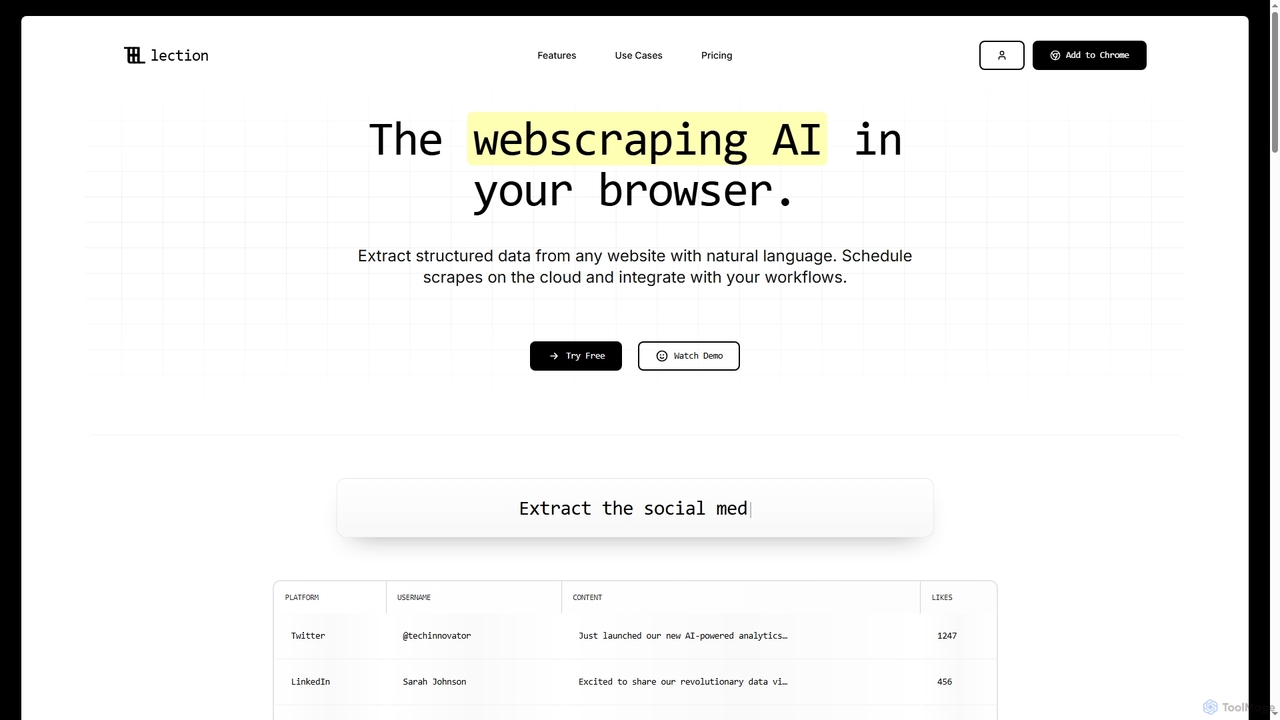
Lection
Freemium

Lection

Lection is an AI-powered web scraping agent that allows users to extract structured data from any website using natural language. It automates data collection, integrates with popular workflows, and provides clean, validated data without requiring any coding expertise.

3D
Visits 26.5KFavorites 39Likes 37
InvoiceClip
Freemium

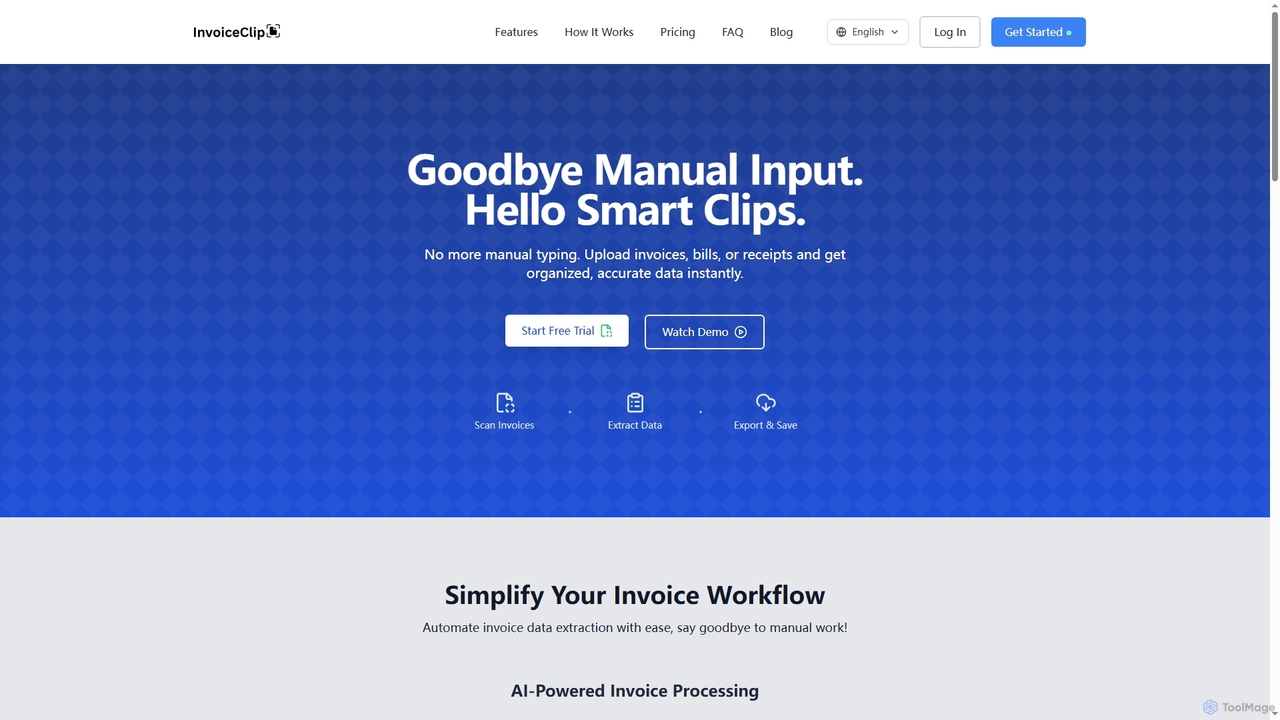
InvoiceClip

InvoiceClip is an AI-powered invoice and receipt scanner app designed to automate data extraction, categorization, and organization for businesses. It eliminates manual data entry by instantly converting uploaded documents into accurate, structured data, streamlining financial workflows.

Invoice Processing
Visits 4.5KFavorites 120Likes 121
super.ai
Paid

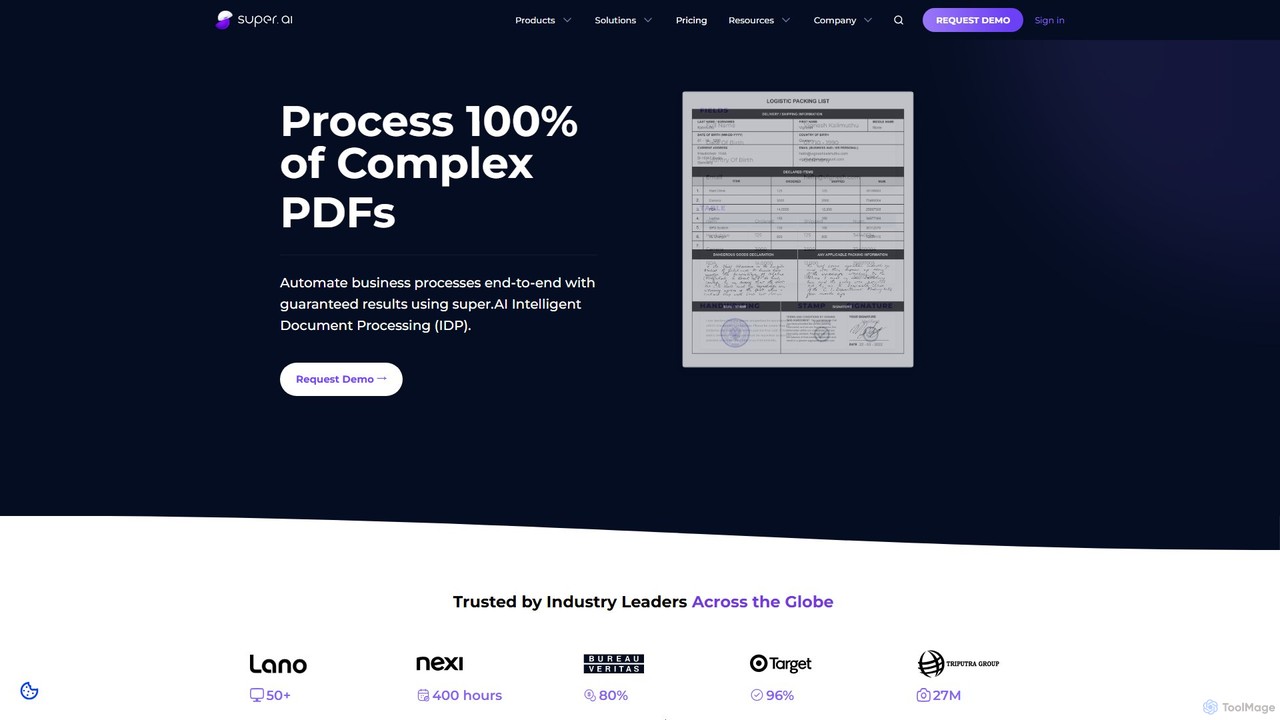
super.ai

super.ai is an advanced Intelligent Document Processing (IDP) platform that uses generative AI to automate data extraction from complex documents like invoices, PDFs, and tables. It guarantees 100% processing with high accuracy, integrating human-in-the-loop workflows to handle exceptions and ensure reliable, actionable data for enterprises in finance, logistics, and insurance.

Data Extraction
Visits 45.5KFavorites 103Likes 123
Parsemania
Freemium

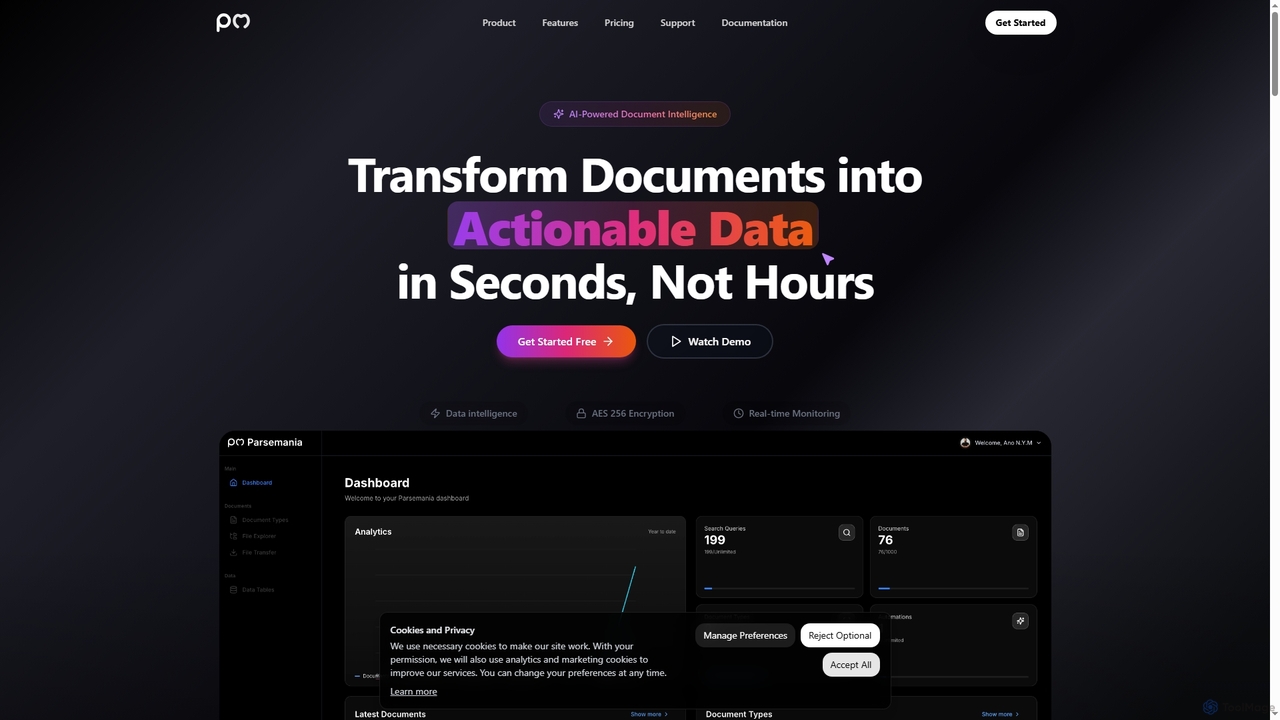
Parsemania

Parsemania is an AI-powered document intelligence platform that transforms unstructured documents into actionable data. It automates data extraction, structuring, and processing from invoices, receipts, and PDFs, significantly boosting productivity and reducing manual effort for businesses across various industries.

Data Extraction
Visits 4.3KFavorites 137Likes 148
FormToExcel
Freemium

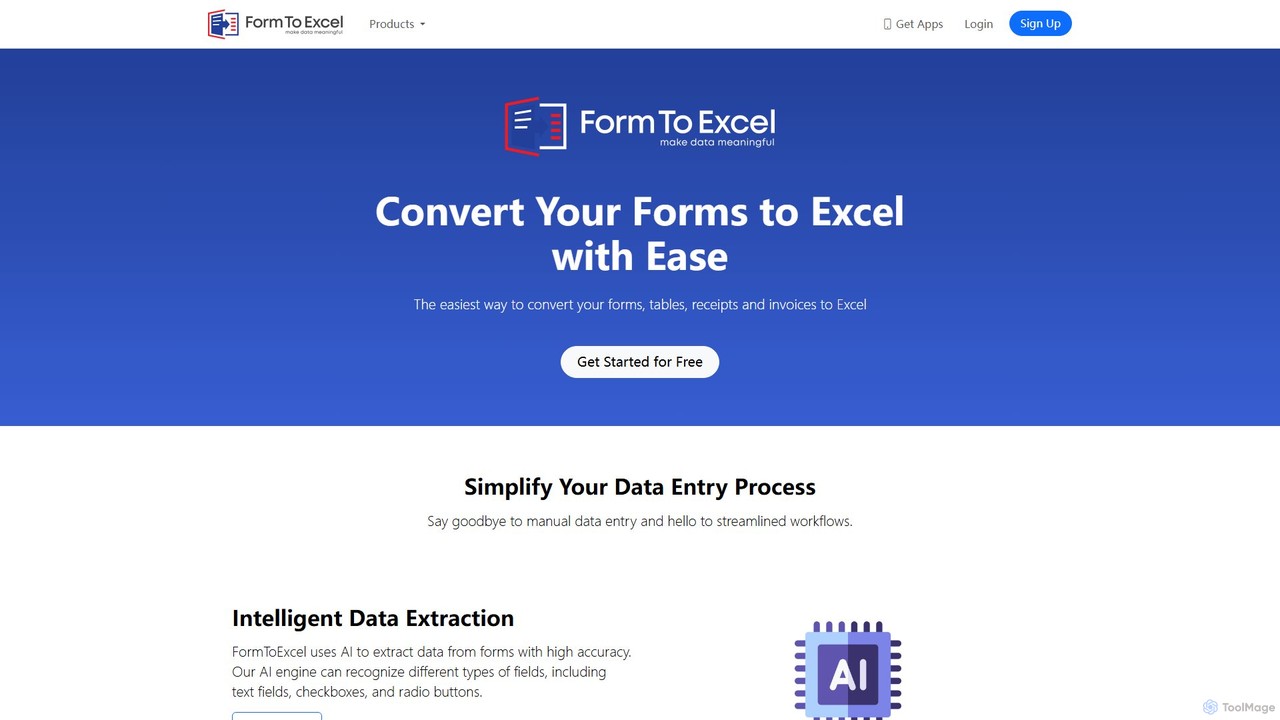
FormToExcel

FormToExcel is an AI-powered data extraction tool that automates the conversion of documents into structured Excel spreadsheets. It uses advanced OCR technology to accurately extract data from PDFs, images, scanned forms, and invoices, eliminating manual data entry and improving workflow efficiency.

Document Management
Visits 8.9KFavorites 118Likes 113
Excelly
Freemium

Excelly

Excelly is an AI copilot for Excel and Google Sheets that transforms plain English descriptions into complex formulas instantly. It also provides step-by-step explanations, boosting productivity and simplifying spreadsheet tasks for users of all skill levels.

Formula Generation
Visits 4.4KFavorites 132Likes 132
Handwriting OCR
Freemium

Handwriting OCR

Handwriting OCR is an AI-powered platform that instantly converts handwritten and printed documents into editable digital text with incredible accuracy. It supports over 300 languages, various file formats (PDF, JPG, PNG), and exports to Word, Excel, and plain text. Designed for businesses, researchers, and individuals, it prioritizes security with bank-grade encryption and a strict no-data-training policy.

Data Entry
Visits 36.8KFavorites 119Likes 95