ToolMage
Sign in
Cheeta
Customer Support · 83 monthly visits

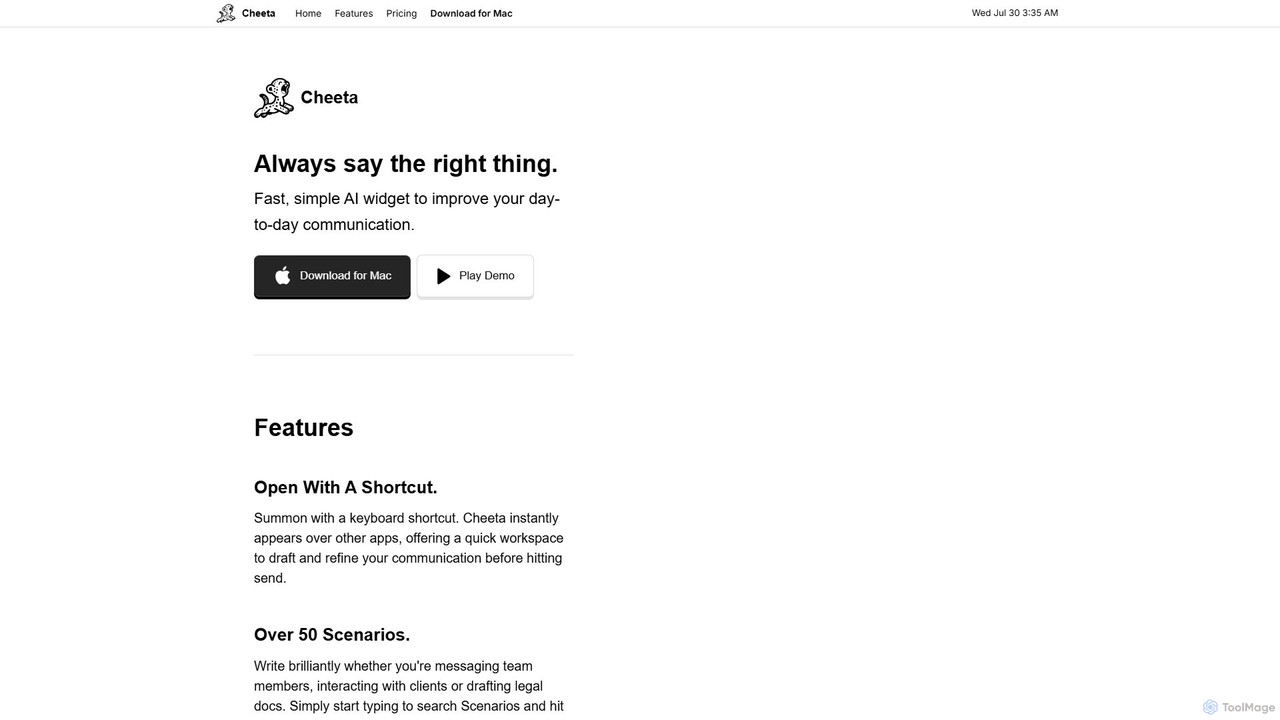
Cheeta is a simple, fast AI writing assistant for Mac. It operates as a keyboard-activated widget, appearing over any application to help you refine your daily communication. With over 50 scenarios and a multi-model AI approach, it ensures you always say the right thing, from team messages to client emails. Its unique pay-per-use model eliminates monthly subscriptions.
VS
Steer
Email Assistant · 4K monthly visits

Steer is a native AI writing assistant for macOS and Windows that helps you save hours on writing. It intelligently fixes grammar, improves tone, and enhances your messages to sound professional, all directly within any application without interrupting your workflow.

Cheeta vs Steer: pricing, features, traffic, and use cases

Compare Cheeta and Steer across positioning, pricing, traffic, and user feedback using structured factual data.

Updated Aug 18, 2026

Product overview

Cheeta Product overview

Cheeta is a simple, fast AI writing assistant for Mac. It operates as a keyboard-activated widget, appearing over any application to help you refine your daily communication. With over 50 scenarios and a multi-model AI approach, it ensures you always say the right thing, from team messages to client emails. Its unique pay-per-use model eliminates monthly subscriptions.

Preview

Steer Product overview

Steer is a native AI writing assistant for macOS and Windows that helps you save hours on writing. It intelligently fixes grammar, improves tone, and enhances your messages to sound professional, all directly within any application without interrupting your workflow.

Preview

Detailed feature comparison

FeatureCheetaSteer
Primary categoryCustomer SupportEmail Assistant
Added2025-08-112025-08-06
PricingPaidFreemium
Official websitecheeta.appsteerapp.ai
Product typeAppApp
Performance data
User ratingNot verifiedNot verified
Comments00
Monthly visits834K
Monthly growth-76.6%Not verified
Favorites89114
DetailsView detailsView details

Cheeta vs Steer monthly traffic

Compare Cheeta and Steer by monthly reach, traffic trend, visit depth, top regions, and acquisition sources.

How to interpret the traffic data

In the Cheeta vs Steer monthly traffic comparison, Cheeta currently shows 83 visits and Steer shows 4K; Steer has about 48.4 times the visible traffic of Cheeta, an absolute difference of about 3.9K visits. This reflects visible reach, not feature quality or paid users.

Only Cheeta has complete third-party traffic details; Steer uses visits recorded inside ToolMage. These scopes cannot estimate market share directly, and on-site views should not be treated as the product’s total website traffic.

Cheeta monthly traffic:

Latest traffic

Monthly visits
83
Avg. visit duration
0:00
Pages per visit
1.02
Bounce rate
48.03%
Data updated 2026-06-15

Monthly traffic trend

  • 2025/8: 74 Monthly visits
  • 2025/9: 354 Monthly visits
  • 2026/3: 0 Monthly visits
  • 2026/4: 0 Monthly visits
  • 2026/5: 83 Monthly visits

Top regions

Top 5 countries/regions
Country/regionPercentageTraffic
🇵🇰Pakistan100%83

Search keywords

cheeta

Steer monthly traffic:

Latest traffic

Monthly visits
4K
Traffic-based selection guidance: The current traffic scope is not sufficient for a reliable product ranking. Treat monthly visits as a market-interest signal, then decide using taxonomy, use cases, pricing, and a like-for-like trial rather than reading exposure as product capability.

Usage comparison

Compare the core capabilities of Cheeta and Steer

Cheeta Core features

Email Assistant
Writing Assistant
Customer Support

Steer Core features

Email Assistant
Writing Assistant
Utilities

Use cases

Cheeta Use cases

email assistant
writing assistant
AI widget
communication
mac app
pay-per-use
productivity
text enhancement

Steer Use cases

email assistant
writing assistant
ai writer
grammar checker
macos
message editor
professional communication
proofreading
text improvement
windows

Cheeta vs Steer:In-depth comparison and selection guidance

First decide whether the products solve the same kind of need

This in-depth Cheeta vs Steer comparison uses only the product records, taxonomy, audience, traffic, and community signals available on this page. Cheeta is primarily listed under “Customer Support”, while Steer is primarily listed under “Email Assistant”, so the first decision is whether your actual task matches their recorded scope.

The structured fields currently show these decision-relevant differences: Primary category (Cheeta: Customer Support; Steer: Email Assistant); Pricing (Cheeta: Paid; Steer: Freemium); Monthly visits (Cheeta: 83; Steer: 4K); Favorites (Cheeta: 89; Steer: 114); Website (Cheeta: cheeta.app; Steer: steerapp.ai). These facts are more useful for selection than brand visibility alone.

What market visibility and monthly traffic mean

In the Cheeta vs Steer monthly traffic comparison, Cheeta currently shows 83 visits and Steer shows 4K; Steer has about 48.4 times the visible traffic of Cheeta, an absolute difference of about 3.9K visits. This reflects visible reach, not feature quality or paid users.

Only Cheeta has complete third-party traffic details; Steer uses visits recorded inside ToolMage. These scopes cannot estimate market share directly, and on-site views should not be treated as the product’s total website traffic.

The current traffic scope is not sufficient for a reliable product ranking. Treat monthly visits as a market-interest signal, then decide using taxonomy, use cases, pricing, and a like-for-like trial rather than reading exposure as product capability.

Product positioning, use cases, and roles

Cheeta and Steer currently overlap in shared categories: Email Assistant and Writing Assistant; shared tags: email assistant and writing assistant. This can place both on the same shortlist, but it does not prove equal implementation, depth, or cost.

Cheeta's unique categories/tags are Customer Support, AI widget, communication, mac app, pay-per-use, productivity, and text enhancement; Steer's are Utilities, ai writer, grammar checker, macos, message editor, professional communication, proofreading, and text improvement. These unique fields are the strongest differentiators: validate the product whose recorded scope matches the task instead of following traffic alone.

What ratings, comments, and favorites can tell you

Cheeta has no verified rating, 0 comments, 89 favorites, and 92 likes;Steer has no verified rating, 0 comments, 114 favorites, and 115 likes。

Neither product has enough rating or comment samples for a credible reputation ranking.

Selection guidance by actual need

When to evaluate Cheeta first

Put Cheeta on the priority trial list when the task aligns with “Customer Support” and especially Customer Support, AI widget, communication, mac app, pay-per-use, and productivity. This follows recorded positioning and does not imply unlisted capabilities are absent.

Cheeta also currently records: pricing is paid, product type is app, 83 verified monthly visits, no verified user rating. Verify any hard requirement around price, platform, or reach before trial, and do not let sparse review data substitute for testing.

When to evaluate Steer first

Put Steer on the priority trial list when the task aligns with “Email Assistant” and especially Utilities, ai writer, grammar checker, macos, message editor, and professional communication. This follows recorded positioning and does not imply unlisted capabilities are absent.

Steer also currently records: pricing is freemium, product type is app, 4K on-site monthly views, no verified user rating. Verify any hard requirement around price, platform, or reach before trial, and do not let sparse review data substitute for testing.

How to validate the recommendation before deciding

The available data describes positioning, public visibility, and community signals, but it cannot prove output quality, speed, integration effort, privacy, or long-term cost in your workflow. Before deciding, run the same representative tasks in Cheeta and Steer, then record completion time, accuracy, manual corrections, and the real paid threshold. A like-for-like trial turns this comparison into a defensible adoption decision.

Comparison FAQ

How should I choose between Cheeta and Steer?
Compare positioning, pricing, taxonomy, and traffic maturity, then verify the latest details on each official website.
Where does this comparison data come from?
The factual baseline is derived from product, taxonomy, traffic, and community data. Reviewed editorial conclusions show their source and verification date.
What do unknown fields mean?
Unknown means there is not enough reliable evidence; the page does not fill gaps with assumptions.

Related AI tools

SMARTBIRD
Freemium

SMARTBIRD

SMARTBIRD is an AI-powered Chrome extension designed to accelerate your writing tasks. It acts as a personal assistant, drafting high-quality emails, social media posts, and messages in seconds. By integrating directly with platforms like Gmail, LinkedIn, and WhatsApp, it helps you communicate more effectively and save significant time.

Email Assistant
Visits 4.1KFavorites 115Likes 124
Grammarly
Freemium

Grammarly

Grammarly is an AI-powered writing assistant that helps you communicate more effectively. It goes beyond basic grammar and spelling checks to offer suggestions on style, tone, and clarity. Trusted by millions, Grammarly integrates seamlessly into your workflow across various platforms, providing real-time feedback to enhance your emails, documents, and social media posts. Its generative AI features can also help you brainstorm, compose, and rewrite text instantly.

Communication
Visits 54MFavorites 109Likes 106
Compose AI
Freemium

Compose AI

Compose AI is an AI-powered writing assistant and Chrome extension that accelerates your writing process. It offers intelligent autocompletion, text generation, and rephrasing capabilities across all your favorite sites, from emails to documents. By learning your personal writing style, it helps you write faster and more effectively, saving up to 40% of your time.

Chrome Extensions
Visits 72.3KFavorites 121Likes 130
Ghostwrite
Freemium

Ghostwrite

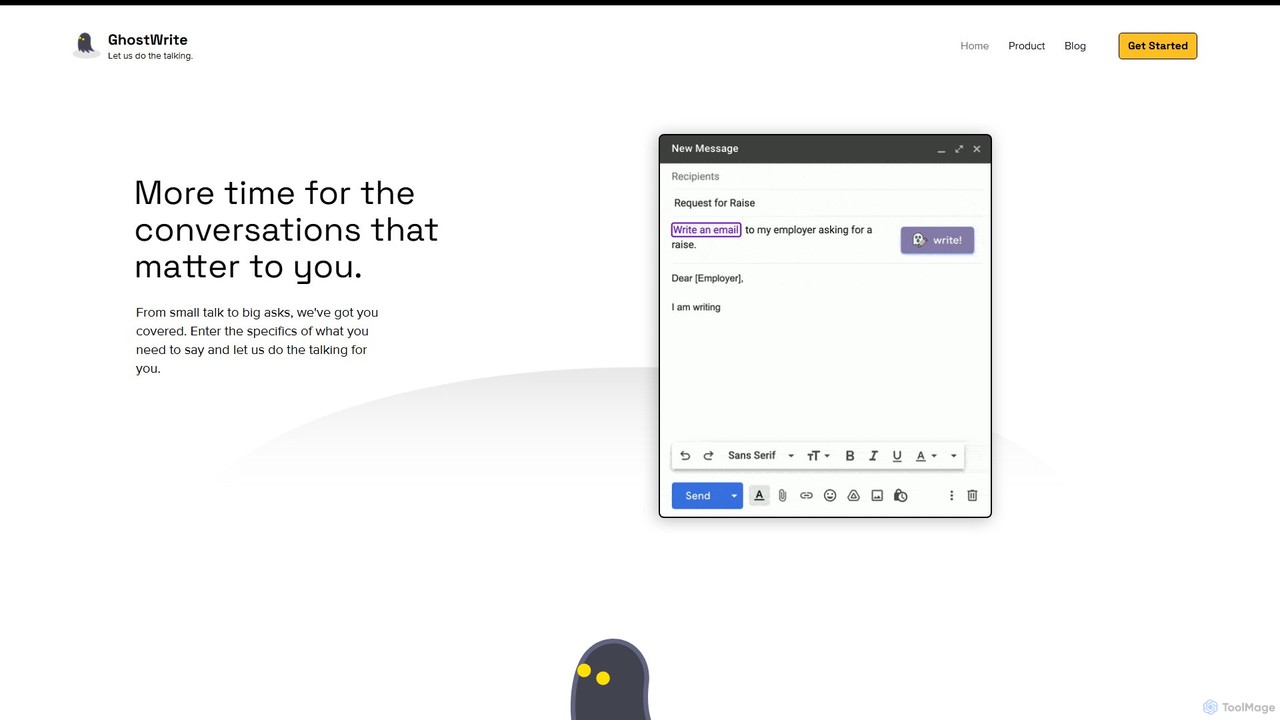
Ghostwrite is an AI-powered email writing assistant designed to save you time and enhance your communication. Simply provide a brief prompt, and its AI, "Inky," will draft professional, clear, and context-aware emails for you. It learns your writing style over time, helping you overcome writer's block, manage networking, and communicate with confidence. Ideal for professionals, students, and anyone tired of writing emails.

Sales
Visits 16.6KFavorites 107Likes 112
Ai Helper
Freemium

Ai Helper

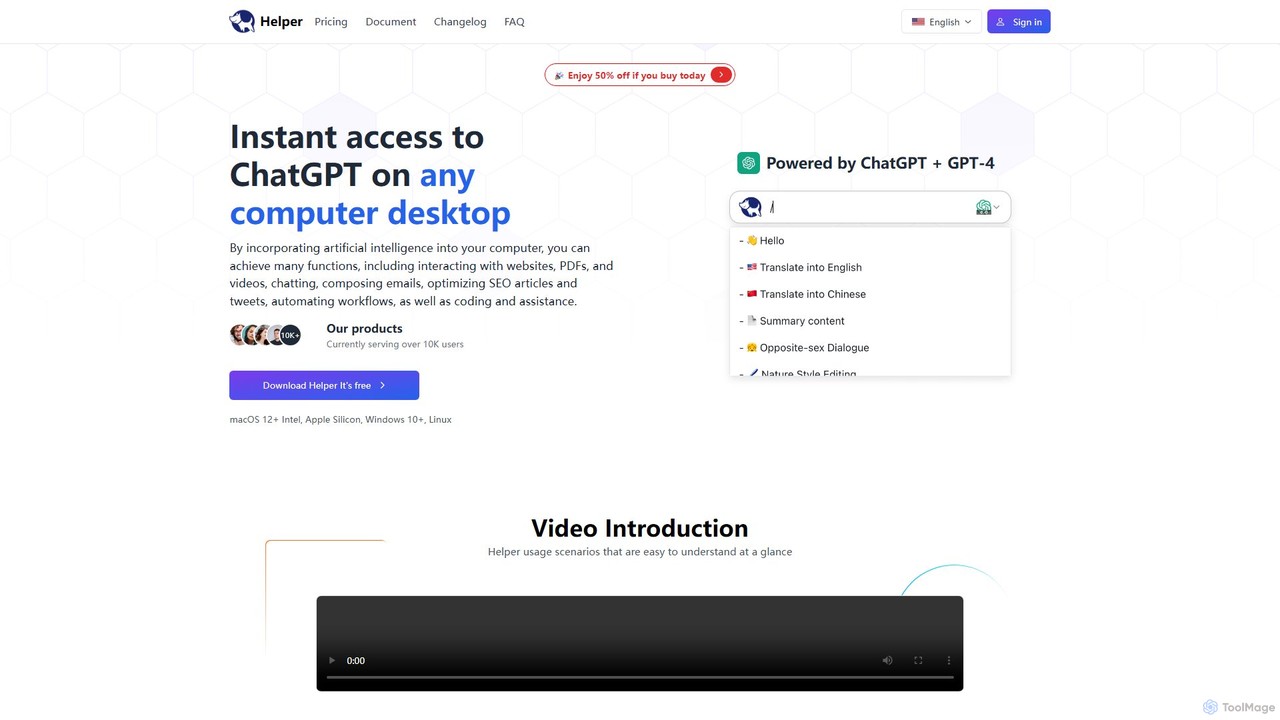
Ai Helper is a versatile desktop client for macOS, Windows, and Linux, providing instant access to AI models like ChatGPT and Gemini from any application. It streamlines workflows for writing, coding, email composition, and more, acting as a universal AI assistant integrated directly into your operating system.

Code Assistant
Visits 4.1KFavorites 133Likes 135
Kerlig
Paid

Kerlig

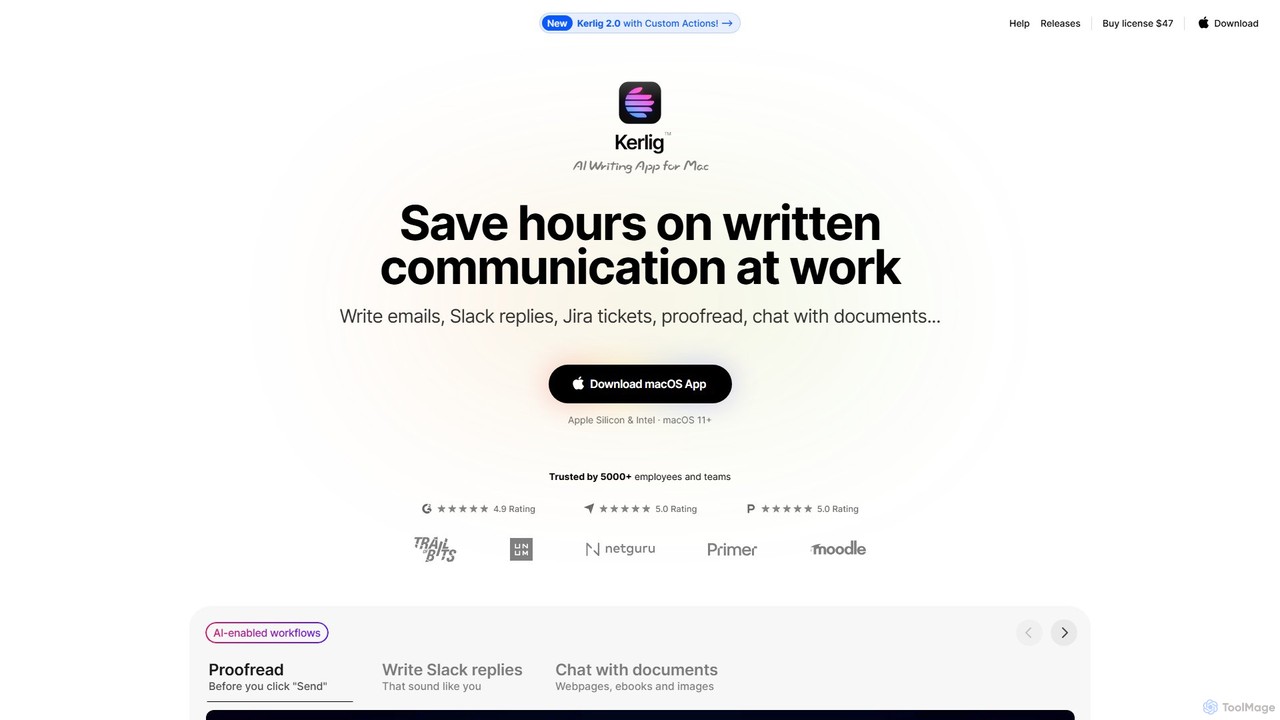
Kerlig is a native AI writing assistant for macOS designed to streamline your communication. It integrates seamlessly into your workflow, allowing you to write emails, proofread text, chat with documents, and generate content using over 350 AI models. With custom actions and a focus on privacy, Kerlig saves you hours by bringing powerful AI to your fingertips, without ever leaving your current application.

Mac Apps
Visits 33.3KFavorites 95Likes 100
Ventrilo
Freemium

Ventrilo

Ventrilo is a context-aware AI writing assistant that integrates directly into your browser. It provides intelligent autocomplete, sentence rewriting, and a chat sidebar that understands your open tabs and documents. Access top AI models like GPT-4, Claude, and Gemini to enhance your writing, research, and overall productivity across any website or web app.

Chrome Extensions
Visits 27.1KFavorites 155Likes 119
RewriteBar
Freemium

RewriteBar

RewriteBar is a native macOS menu bar app that acts as your personal AI writing assistant. It works seamlessly across all applications, allowing you to instantly correct grammar, change tone, translate text, summarize content, and more with a simple keyboard shortcut. It supports over 12 AI providers, including local models for ultimate privacy, offering a powerful and flexible writing enhancement experience.

Code Assistant
Visits 19.7KFavorites 111Likes 115
PolitePost
Free

PolitePost

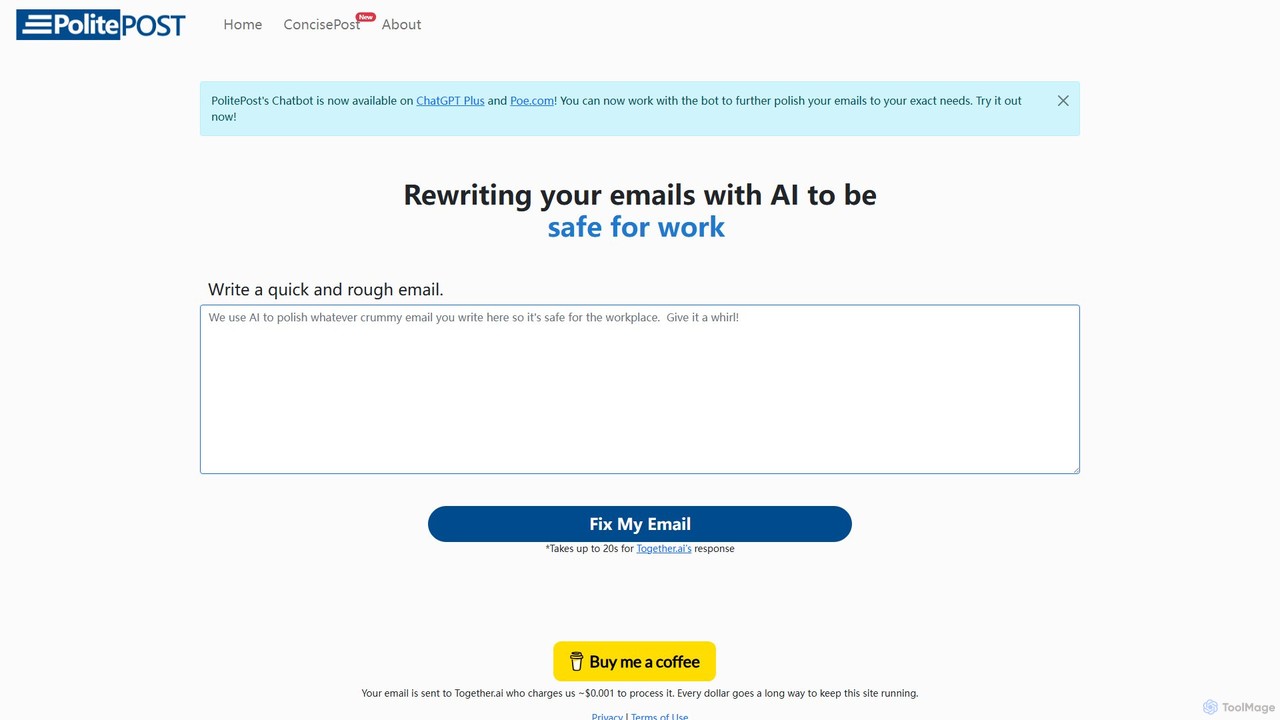
PolitePost is a free, privacy-focused AI tool that rewrites your emails to be more professional, polite, and effective. Simply input your rough draft, and the AI will polish the tone and clarity, ensuring your message is well-received. No sign-up is required, and the service is supported by user donations.

Email Assistant
Visits 17.4KFavorites 117Likes 130
Wandpen
Freemium

Wandpen

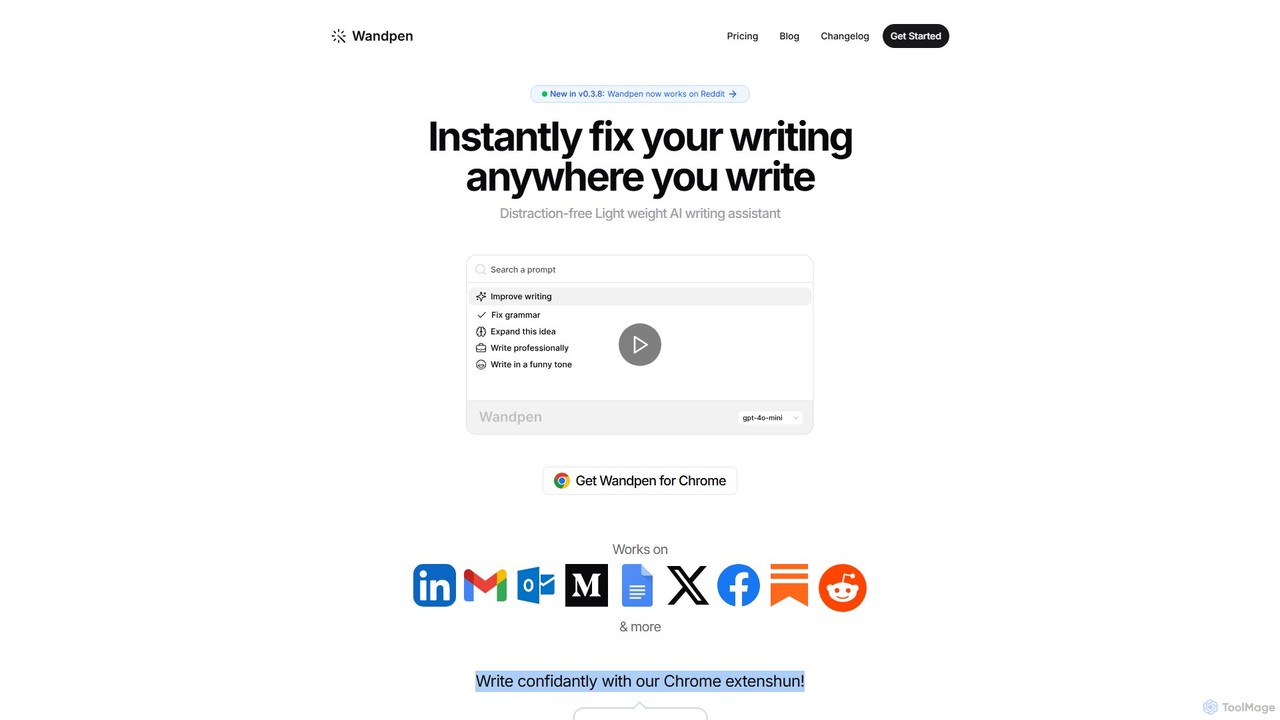
Wandpen is a lightweight AI writing assistant for Chrome that seamlessly integrates into your workflow. It allows you to instantly fix grammar, rewrite text, and brainstorm ideas directly on any website, including Google Docs, Reddit, and LinkedIn. By eliminating the need to switch tabs, Wandpen boosts your productivity and writing confidence using powerful AI models like GPT-4o, Claude 3.5, and Gemini.

Chrome Extensions
Visits 13.2KFavorites 129Likes 124
Frank AI
Freemium

Frank AI

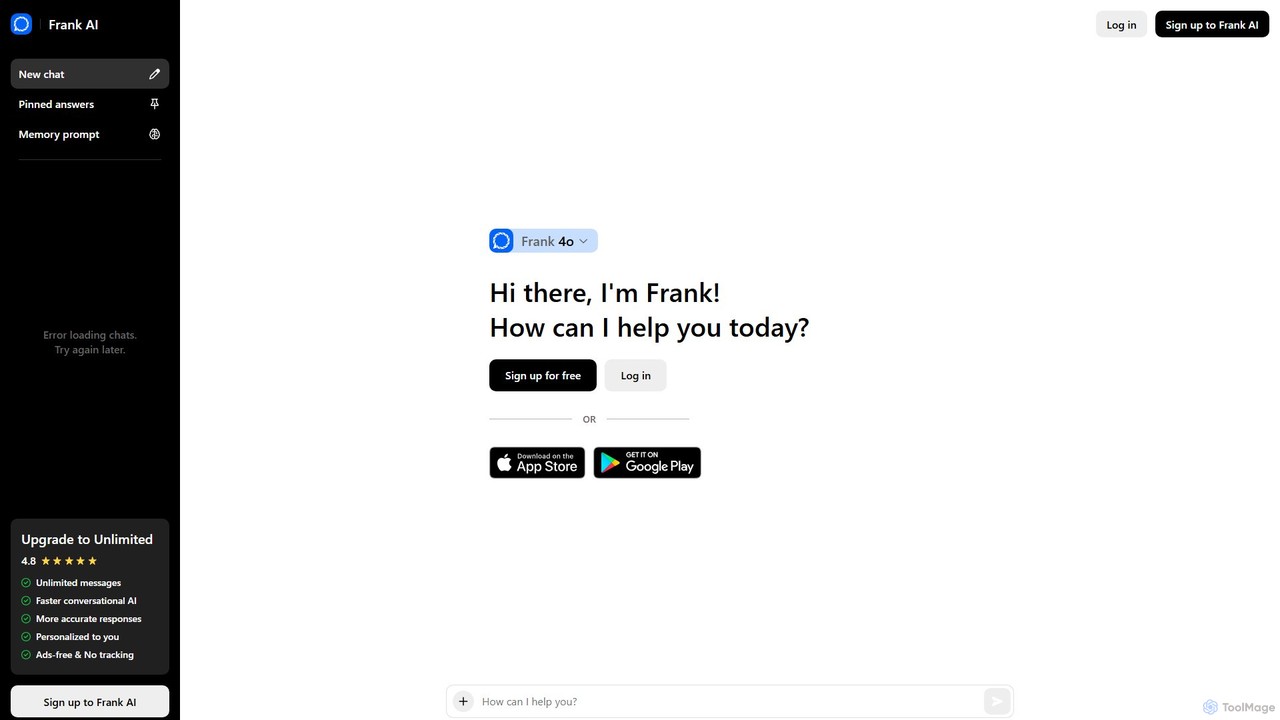
Frank AI is an advanced AI writing assistant and chatbot powered by GPT-4o and ChatGPT. It helps users write essays, emails, and scripts, brainstorm ideas, and analyze information. With features like memory prompts for personalization, cross-device sync, and a commitment to privacy, Frank AI acts as a versatile digital personal assistant for students, professionals, and everyday users seeking to enhance their productivity and creativity.

Essay Writer
Visits 9.5KFavorites 119Likes 131
Auri
Freemium

Auri

Auri is an all-in-one AI assistant integrated into a keyboard for Apple devices. It enhances your writing, checks grammar, paraphrases text, translates languages, and transcribes voice memos directly within any app. Boost your productivity and communication on iPhone, iPad, Mac, and Apple Watch.

Transcription
Visits 7.2KFavorites 117Likes 133
Nativish
Freemium

Nativish

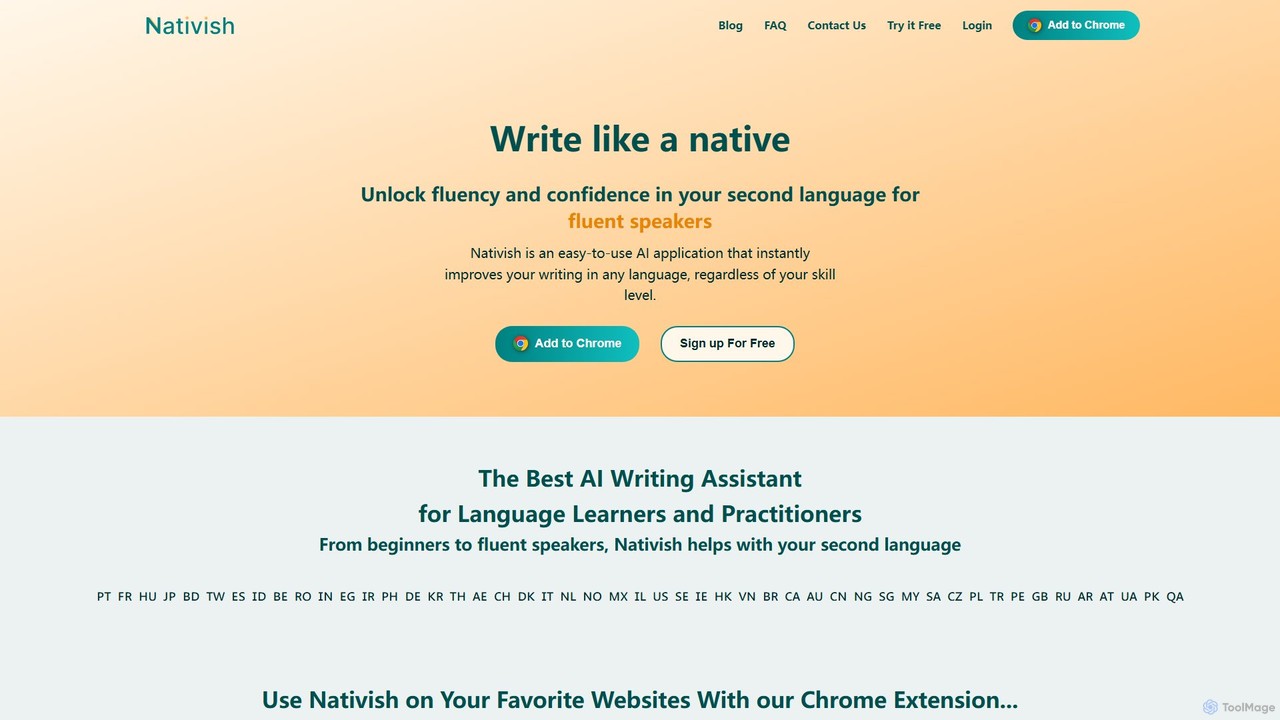
Nativish is an AI-powered writing assistant designed to help users write like a native in any language. It's perfect for language learners, expats, and professionals who need to communicate fluently and confidently. Through its Chrome extension and web app, Nativish offers instant, context-aware corrections for grammar, spelling, and word choice, along with clear explanations to help users improve their skills. It adapts to various writing styles, from formal reports to casual social media posts, ensuring your text is always polished, clear, and professional.

Chrome Extensions
Visits 5.7KFavorites 99Likes 106
Fixkey
Freemium

Fixkey

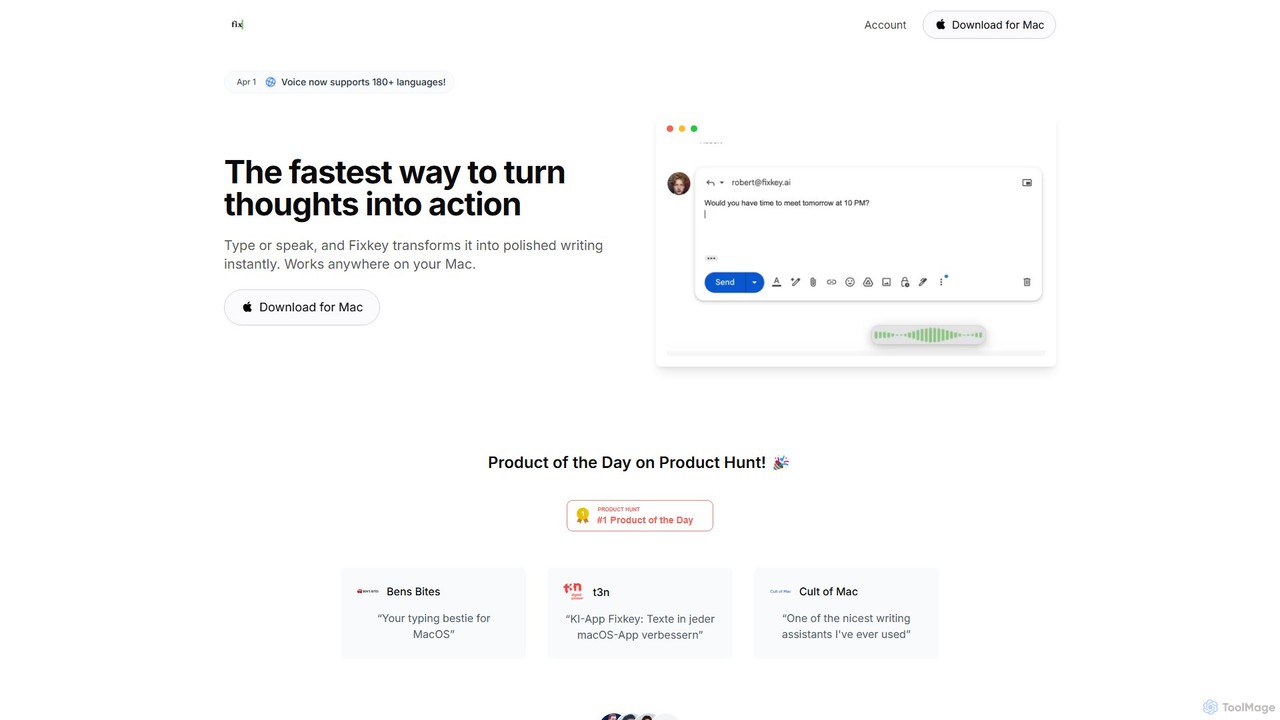
Fixkey is a native AI writing assistant for macOS that enhances your productivity. It transforms your voice or text into polished, professional writing instantly, working seamlessly across all Mac applications. Features include real-time speech-to-text, one-click text improvement, translation into over 180 languages, and customizable AI prompts.

Response Management
Visits 5.4KFavorites 135Likes 118
InsertChatGPT
Freemium

InsertChatGPT

InsertChatGPT is a powerful browser extension that seamlessly integrates OpenAI's ChatGPT into your daily workflow. Get instant AI assistance for writing emails, summarizing text, and creating content directly on any website, boosting your productivity and creativity without switching tabs.

Chat
Visits 4.7KFavorites 133Likes 138