
Akkadu Overview
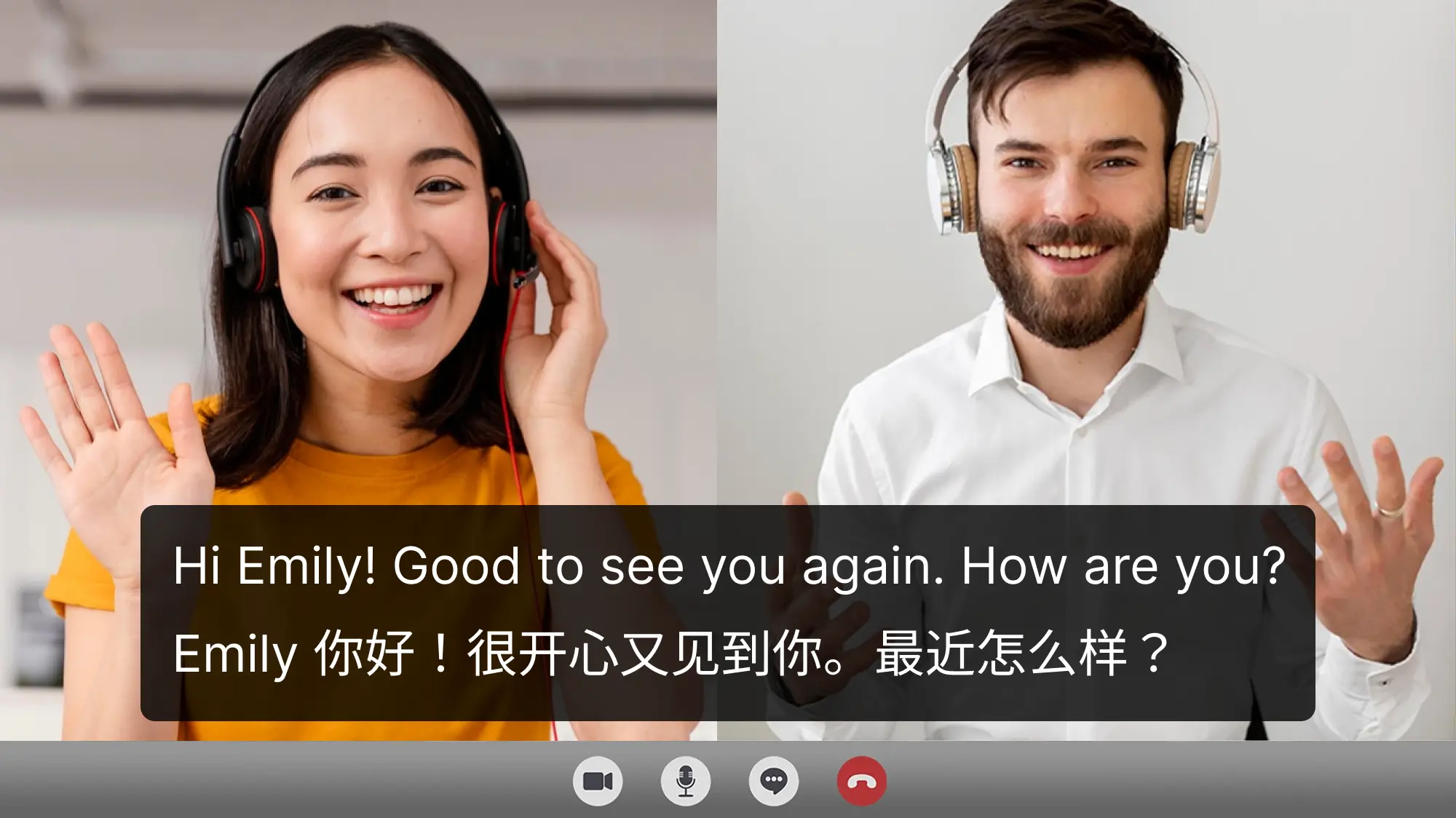
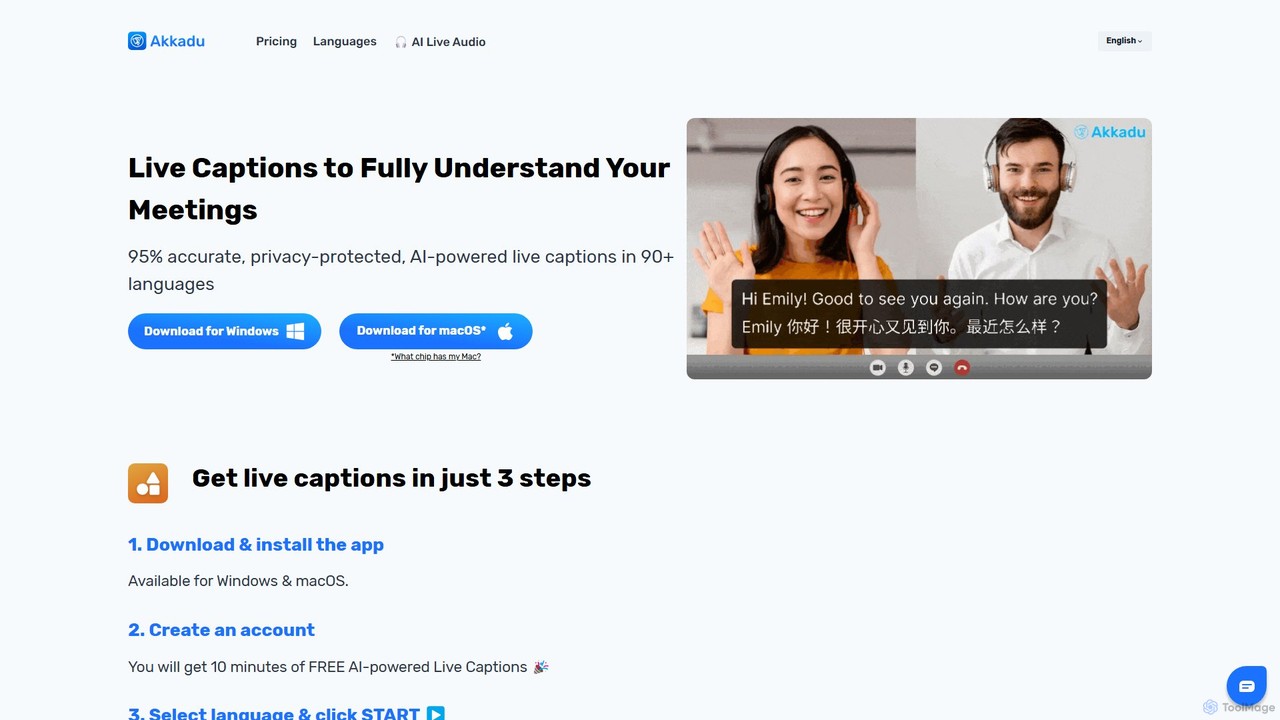
Akkadu is a revolutionary AI-powered desktop tool designed to eliminate language barriers in real-time communication. It provides instant, highly accurate live captions and translations for any audio source on your computer. By supporting over 90 languages and various accents, Akkadu ensures that users can fully understand video conferences, online courses, live streams, and local media files, regardless of the original language. The application operates seamlessly on both Windows and macOS, integrating with popular platforms like Zoom, Microsoft Teams, Google Meet, and YouTube, making it an indispensable tool for global professionals, students, and content consumers.
The core of Akkadu's technology lies in its ability to capture system audio and process it through advanced speech-to-text and machine translation engines. This results in synchronized subtitles displayed in an unobtrusive, resizable overlay window that can be pinned to stay on top of any application. Prioritizing user privacy, Akkadu ensures that all processing is secure, and while transcripts are saved for user convenience, they can be permanently deleted at any time. The platform also offers a unique AI Live Audio feature, providing real-time voice dubbing for a more immersive experience.
How to use Akkadu
Getting started with Akkadu is a simple, three-step process designed for immediate use:
- Download and Install: Visit the official Akkadu website to download the application for your operating system (Windows or macOS, with support for both Intel and Apple Silicon chips). Follow the standard installation prompts.
- Create an Account: Launch the application and sign up for a new account. New users are welcomed with 10 minutes of free AI captioning and translation, allowing them to test the full capabilities of the service.
- Configure and Start: In the app's main interface, navigate to the language settings. Select the 'Source Language' (the language being spoken) and the 'Translation Language' (the language you want to see captions in). Crucially, in the audio settings, select 'Computer Sound' to allow Akkadu to capture audio from any application. Click the 'Start' button, and the live captions will appear as soon as audio begins playing on your device.
Core Features of Akkadu
- Real-Time AI Captions & Translation: Delivers instant speech-to-text transcription and translation with up to 95% accuracy, displayed as live subtitles.
- Extensive Language Support: Supports over 90 languages and more than 20 accents, ensuring broad global coverage.
- Universal Compatibility: Works with any application or website that produces audio on your computer, including Zoom, Microsoft Teams, Google Meet, YouTube, Netflix, and local video players.
- Automatic & Editable Transcripts: Automatically saves bilingual transcripts of your sessions. Users can view, edit, export (.txt, .pdf), or permanently delete their transcripts.
- Custom Vocabulary: Improve recognition accuracy for specific jargon, names, or technical terms by adding them to a custom glossary.
- AI Live Audio: An advanced feature that provides real-time AI-powered voice dubbing, translating spoken words into audible speech in another language.
- Secure and Private: Employs end-to-end encryption and a strict privacy policy. Transcripts are stored securely for user access only, and technology partners do not retain any data.
- Multi-Device Access: A single account can be used simultaneously on multiple devices, offering flexibility for users with different setups.
Use Cases for Akkadu
Akkadu is a versatile tool suitable for a wide range of scenarios:
- International Business Meetings: Enable seamless communication between global team members on platforms like Zoom or Teams, ensuring everyone can participate regardless of their native language.
- Online Education and Webinars: Allow students and attendees to follow online lectures and courses in a foreign language by providing real-time translated subtitles.
- Content Consumption: Watch foreign-language movies, series on Netflix, or live streams on YouTube with instant, accurate captions.
- Live Events and Conferences: Display multilingual subtitles on screens during international events, making presentations accessible to a diverse audience.
- Accessibility: Serve as a critical tool for individuals who are deaf or hard of hearing, providing a real-time text version of spoken content.
Advantages of Akkadu
Akkadu stands out with several key advantages. Its platform-agnostic design means it's not limited to specific integrations; if you can hear it on your computer, Akkadu can caption it. The high accuracy, supported by custom vocabulary, ensures reliable translations. The flexible, non-expiring credit system offers excellent value, and the strong commitment to user privacy and data security provides peace of mind. Finally, its user-friendly interface makes powerful AI technology accessible to everyone.
Pricing and Plans
Akkadu operates on a freemium model. New users receive a 10-minute free trial to experience the service. After the trial, users can choose between flexible pricing options:
- Pay-As-You-Go: Purchase credits that never expire. This is ideal for occasional users. For example, a starting package of 5 credits costs approximately $6 USD.
- Monthly Plans: For regular users, monthly subscriptions offer a larger number of credits at a discounted rate, providing better value.
Credits are consumed based on usage: 5 credits typically equate to 1 hour of live captions or 30 minutes of the more intensive AI Live Audio feature. Larger credit bundles come with progressively higher discounts.
Traffic
Latest traffic
Status
Monthly traffic trend
- 2026-1: 70.2K
- 2026-2: 53.8K
- 2026-3: 62.1K
- 2026-4: 57.0K
- 2026-5: 54.1K
Geography
Top 5 countries / regions
- 🇰🇷South Korea25.6%
- 🇩🇪Germany19.8%
- 🇻🇳Vietnam19.8%
- 🇹🇭Thailand19.7%
- 🇹🇼Taiwan15.1%
Traffic sources
| Source type | Percentage |
|---|---|
Direct | 82.4% |
Referral | 17.6% |
Top keywords
| Keyword | Cost per click |
|---|---|
| 라이브 ai 자막 | $0.00 |
| akkadu | $2.74 |
| akkadu ai | $0.00 |
| akkadu-ai | $0.00 |
| คำบรรยากาศแทนเสียง line | $0.00 |
Akkadu Alternatives
freesubtitles.ai
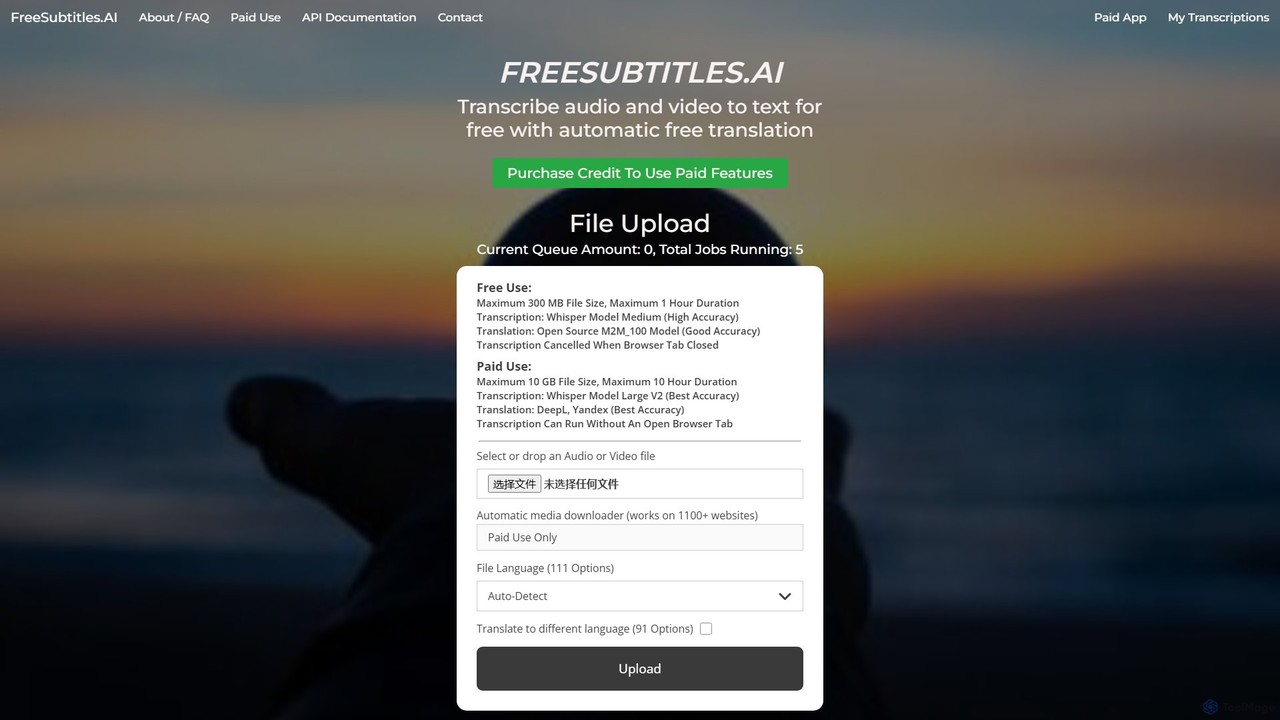
An AI-powered tool that offers free and paid services for transcribing audio and video into text with high accuracy. It supports over 111 languages for transcription and 91 for translation, utilizing models like OpenAI's Whisper. Paid features include higher limits, API access, and faster processing.
Transcription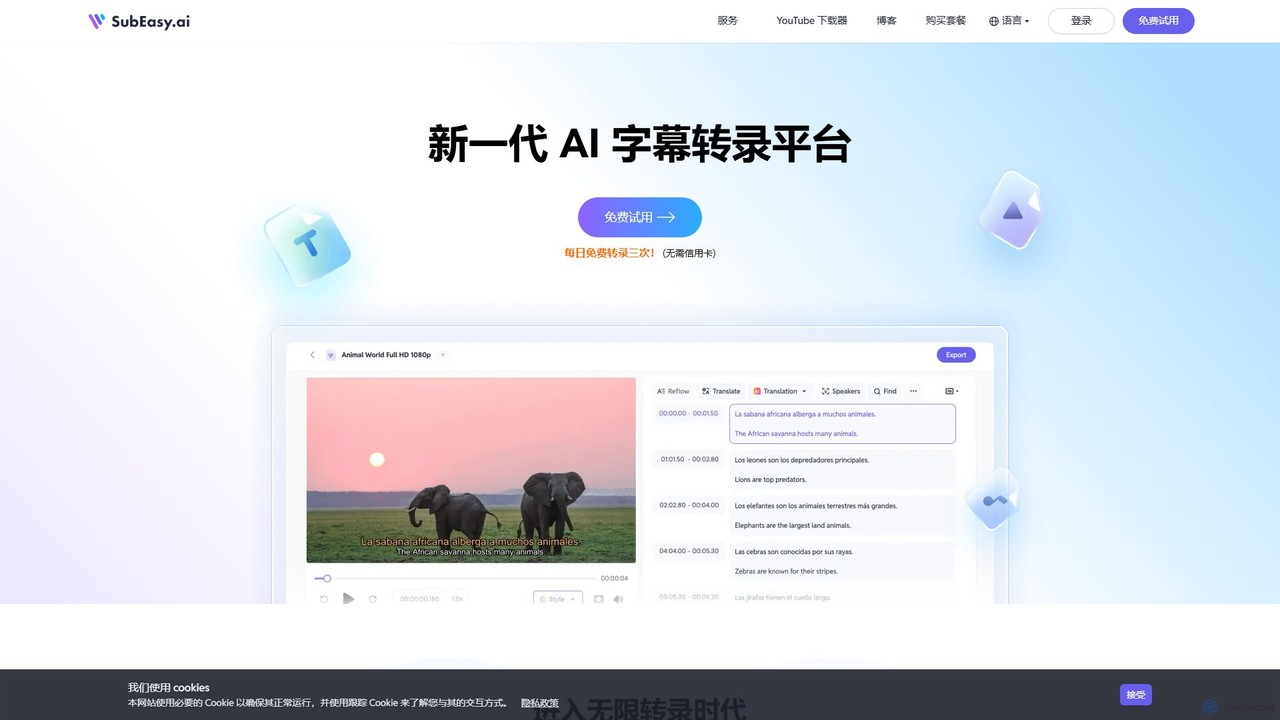
SubEasy
SubEasy is a next-generation AI platform for video and audio transcription, subtitle generation, and translation. Powered by OpenAI's Whisper, it delivers up to 99% accuracy. It supports over 100 languages, offers a unique AI Reflow feature for perfectly timed subtitles, and provides an all-in-one solution from transcription to video export, making it ideal for content creators, educators, and businesses.
Transcription
Transmonkey
Transmonkey is an all-in-one AI translation platform powered by advanced LLMs like ChatGPT and Gemini. It translates documents, images, and videos into over 130 languages while perfectly preserving the original layout and formatting. Features include transcription, AI dubbing, subtitle generation, and seamless integrations with Google Workspace and YouTube.
Transcription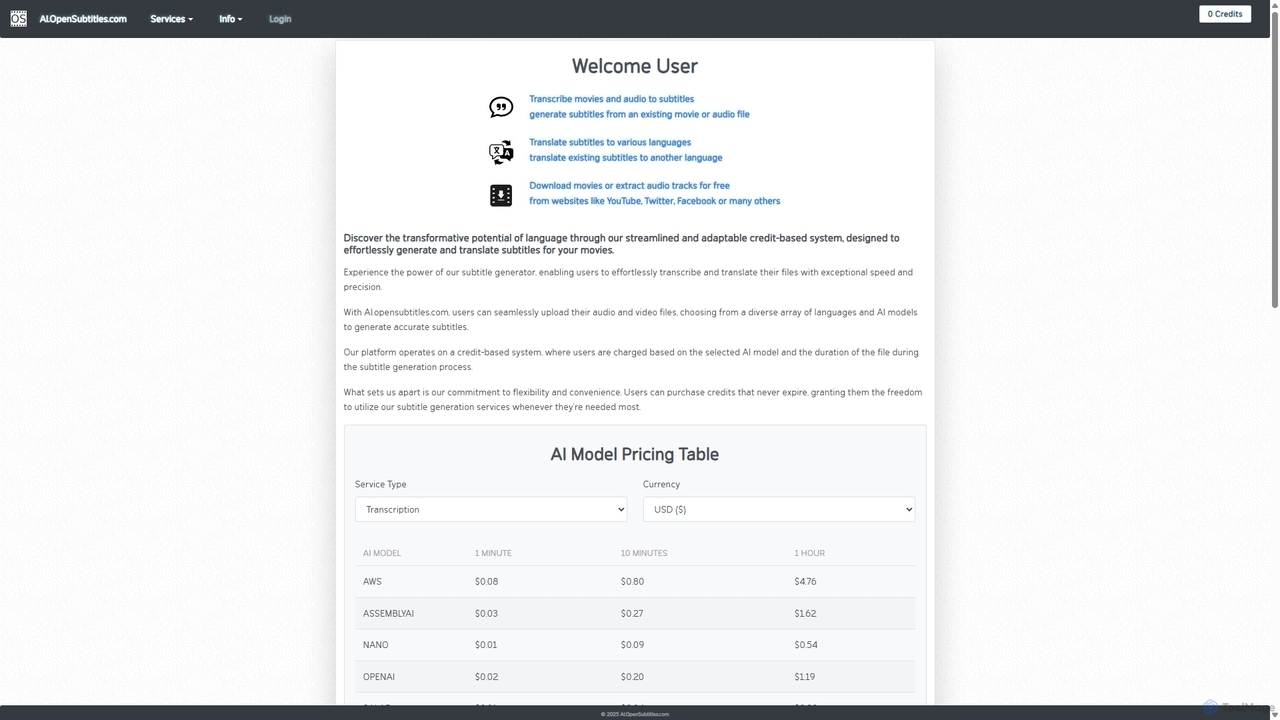
AI.OpenSubtitles.com
AI.OpenSubtitles.com is a powerful platform for AI-driven subtitle generation, transcription, and translation. It allows users to upload video or audio files, choose from various advanced AI models (like AWS, DeepL, OpenAI), and receive accurate subtitles in over 100 languages. Its flexible, credit-based system ensures you only pay for what you use, making it a cost-effective solution for content creators and businesses aiming for a global audience.
Transcription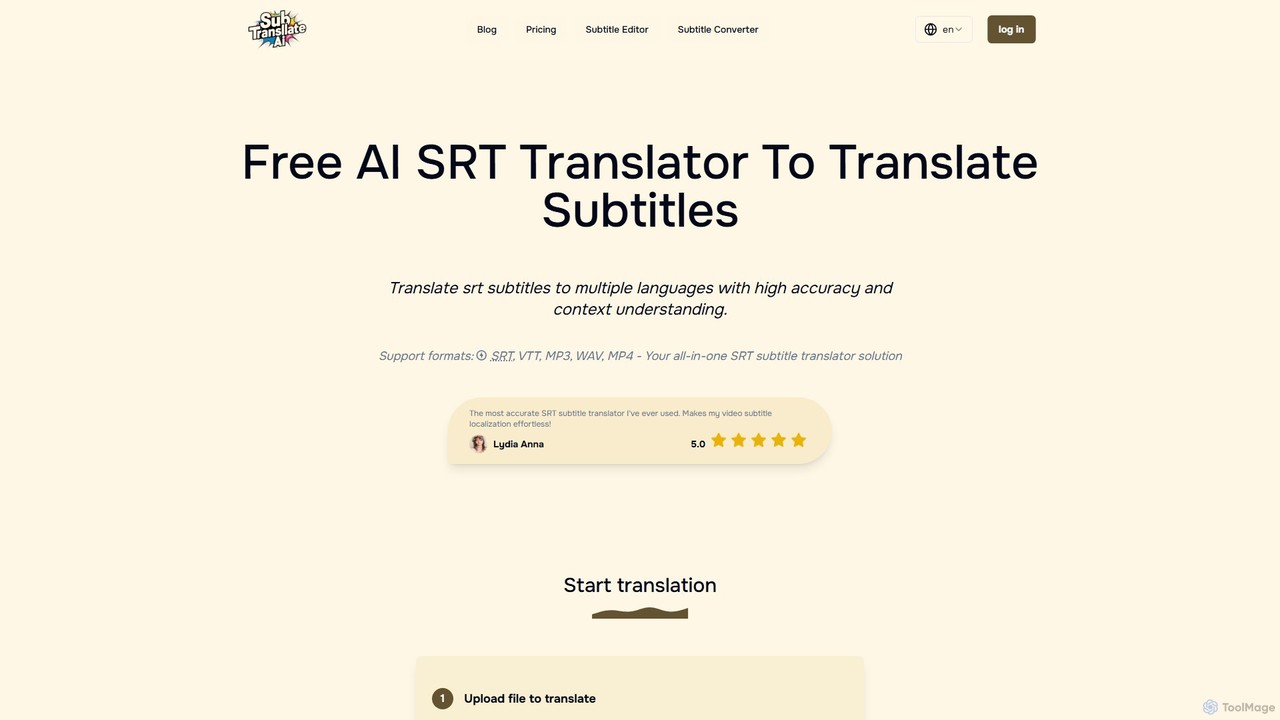
subtranslateai
subtranslateai is an advanced AI-powered online tool for translating subtitle files (SRT, VTT) and media files (MP4, MP3) into multiple languages. It leverages sophisticated language models to provide context-aware, highly accurate, and natural-sounding translations, helping content creators, filmmakers, and businesses reach a global audience effortlessly. It also includes a free online subtitle editor.
TranscriptionAkkadu Categories
Akkadu Embed Widget
Copy this embed code to place the badge on your blog, article, or product site and send readers directly to this ToolMage detail page.

Related AI tools
Ava
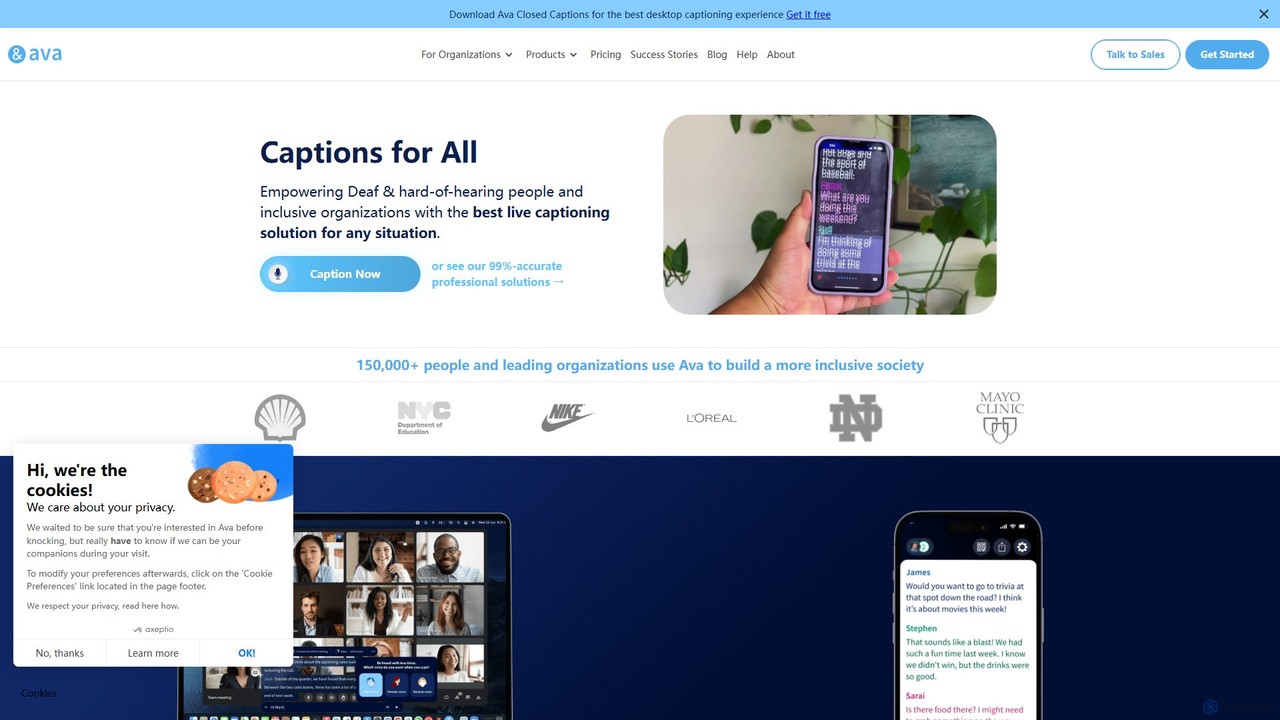
Ava is an AI-powered live captioning service designed to make conversations accessible for the Deaf and Hard-of-Hearing (HoH) community. It provides real-time, accurate captions for in-person and online meetings, classes, and daily conversations across desktop and mobile devices, ensuring inclusivity and ADA compliance.
Hearing Impairment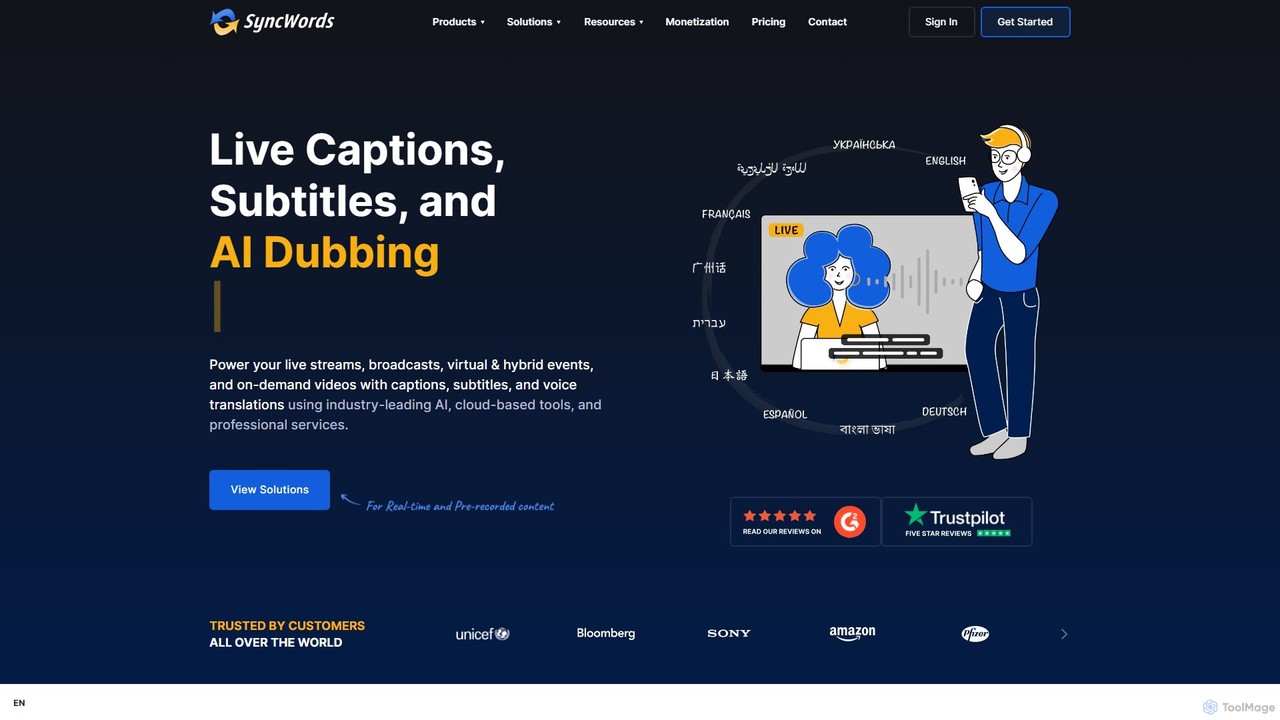
SyncWords
SyncWords is a professional cloud-based AI platform providing live and on-demand captioning, subtitling, and dubbing in over 100 languages. It empowers content creators and broadcasters to make their video content accessible and inclusive for global audiences through advanced, low-latency localization technology.
Transcription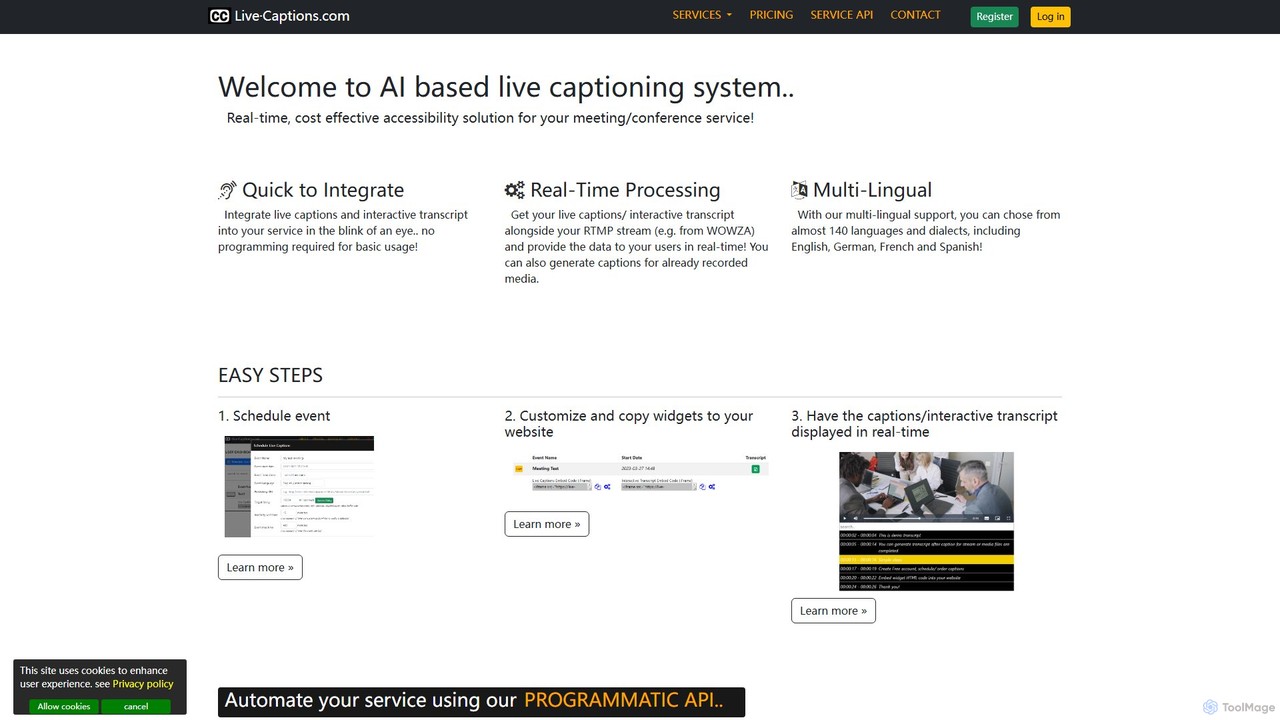
live_captions
An AI-powered service providing real-time, cost-effective live captioning and transcription for meetings, conferences, and streams. It supports nearly 140 languages and offers easy integration for both live and pre-recorded media.
Inclusivity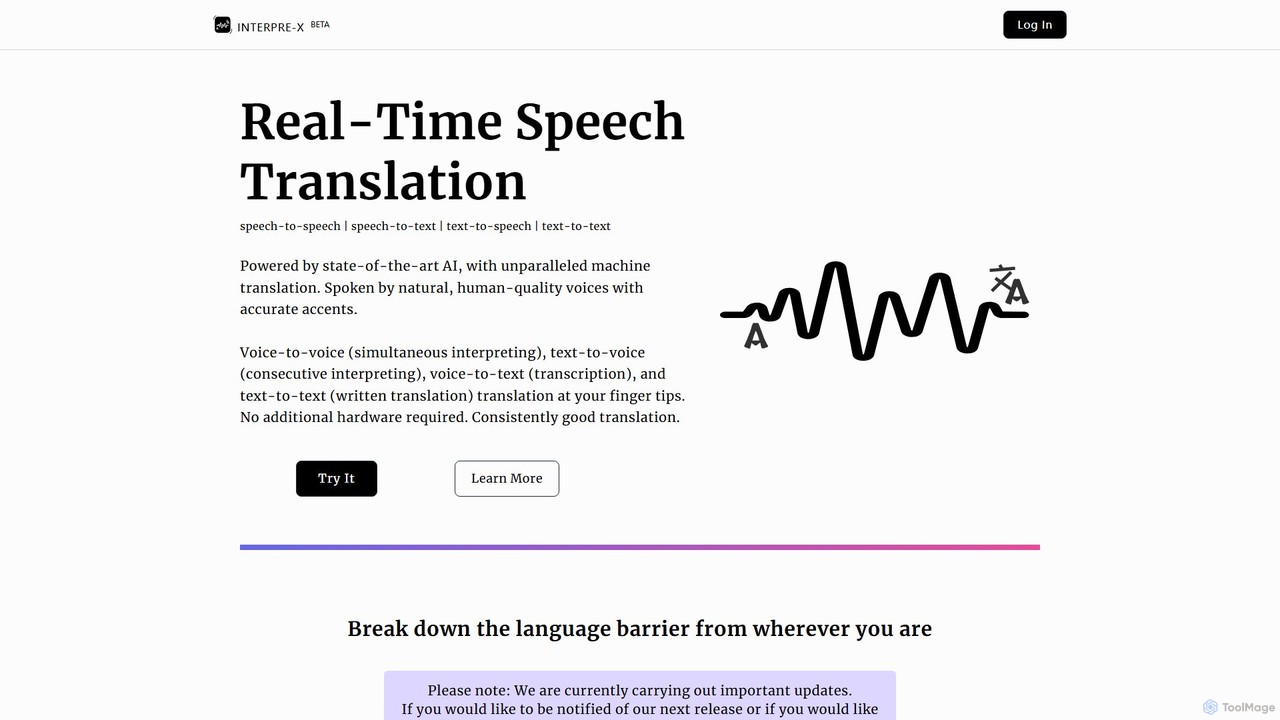
Interpre-X
Interpre-X is an AI-powered, real-time speech translation platform that breaks down language barriers. It offers seamless speech-to-speech, speech-to-text, text-to-speech, and text-to-text translation in over 10 languages. Featuring natural, human-quality voices and high accuracy, it requires no special hardware, making it perfect for both social and professional use.
Transcription
Felo Translator
Felo Translator is an AI-powered real-time voice translation and transcription app. Leveraging advanced GPT technology, it provides high-speed, high-accuracy simultaneous interpretation in over 15 languages. Ideal for international travel, business meetings, and language learning, it turns your smartphone into a personal interpreter.
Meetingsfreesubtitles.ai
An AI-powered tool that offers free and paid services for transcribing audio and video into text with high accuracy. It supports over 111 languages for transcription and 91 for translation, utilizing models like OpenAI's Whisper. Paid features include higher limits, API access, and faster processing.
Transcription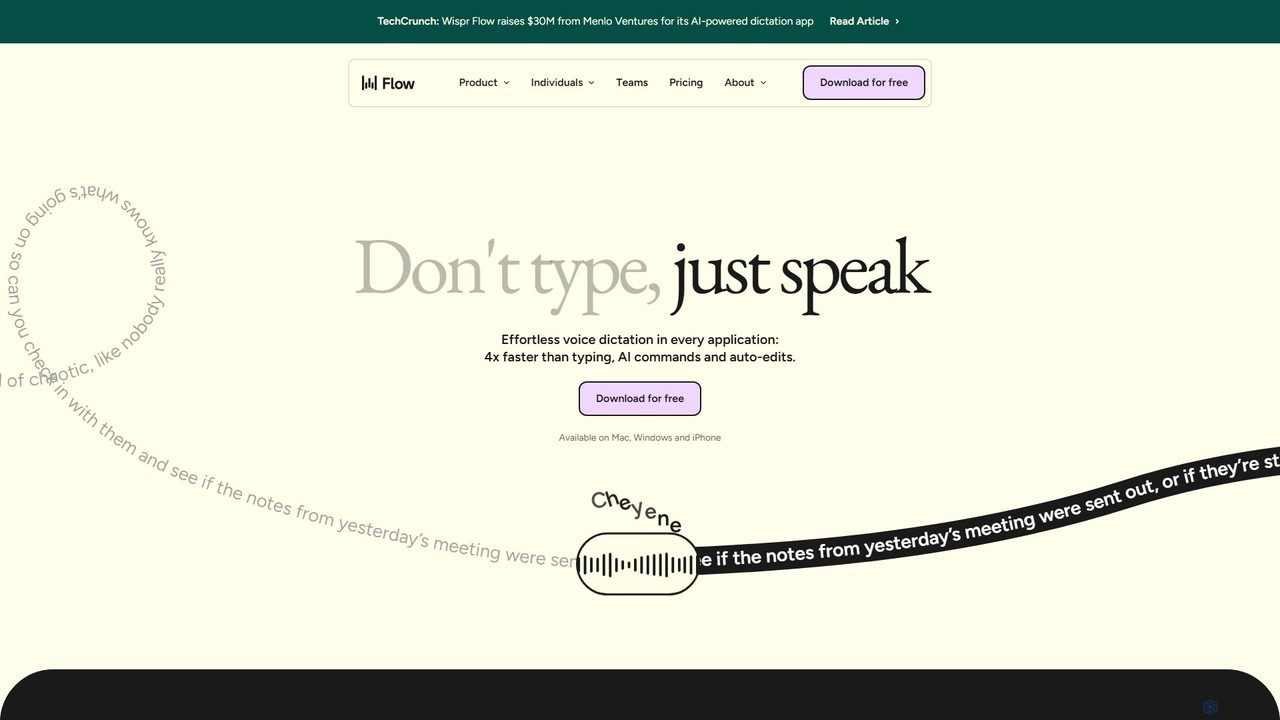
wisprflow
wisprflow is an AI-powered voice dictation application that transcribes speech into text 4x faster than typing. It works across Mac, Windows, and iPhone, featuring AI auto-edits, a personal dictionary, and support for over 100 languages. It's designed to boost productivity and provide accessibility for all users.
Assistive Technology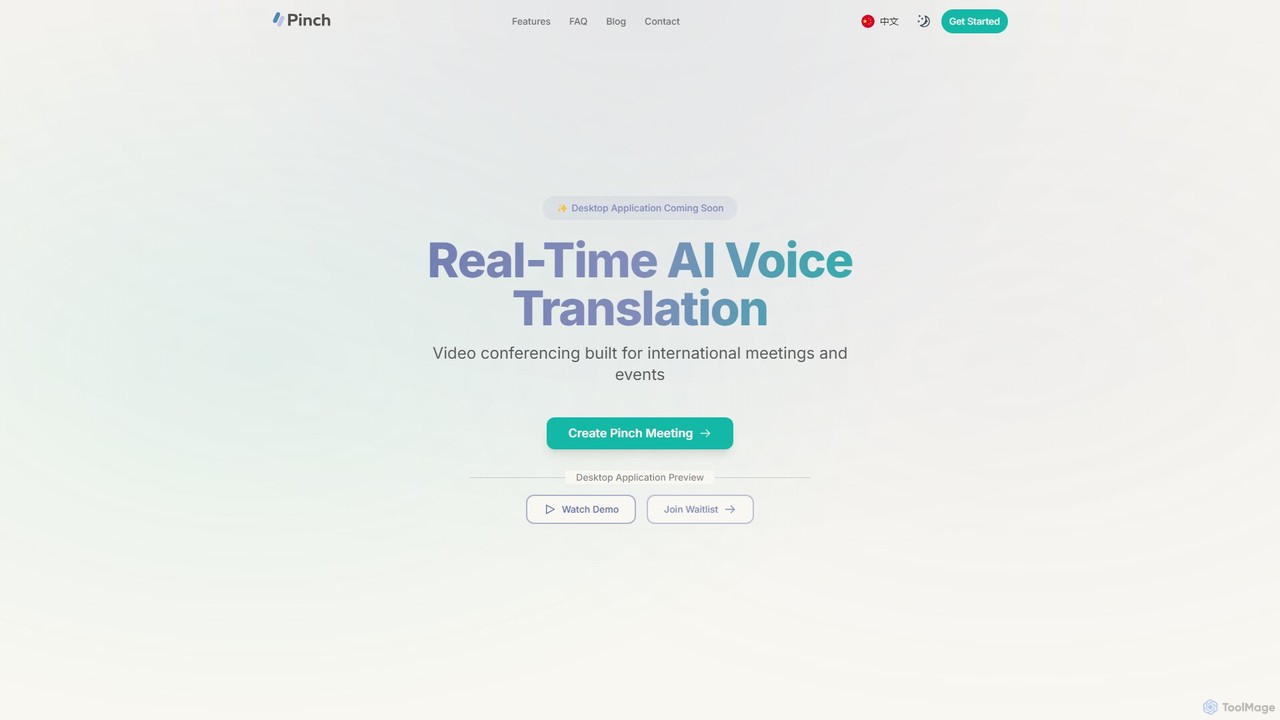
Pinch
Pinch is a real-time AI voice translation platform for video conferencing, designed for international meetings and events. It offers AI-powered interpreter and simultaneous translation modes with lipsync technology to break down language barriers and facilitate seamless global communication on platforms like Zoom, Google Meet, and Teams.
Translation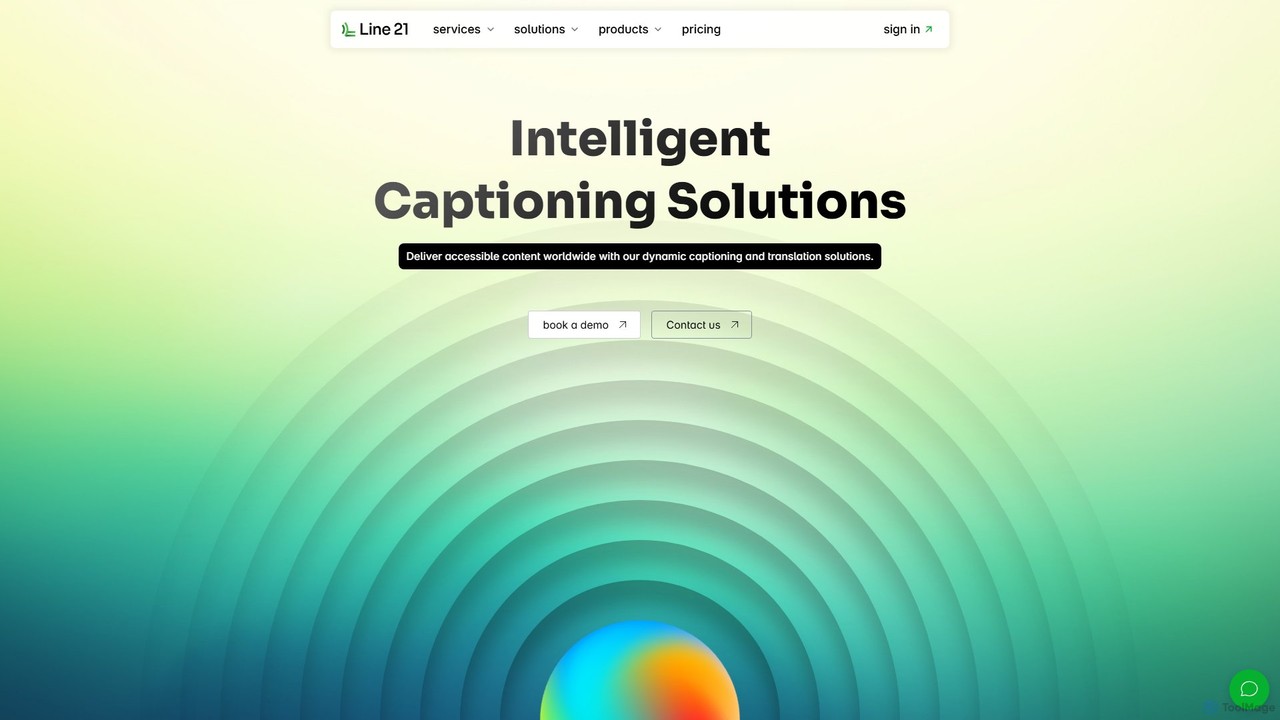
Line 21 Live Captions
Line 21 is an intelligent captioning solution that combines professional human captioners with advanced AI technology. It offers real-time captioning, live translation in over 120 languages, AI-powered proofreading, and automatic speech recognition (ASR). Designed for live events, broadcasts, and meetings, it ensures fast, accurate, and accessible content delivery to global audiences across platforms like YouTube, Zoom, and Teams.
Live Translation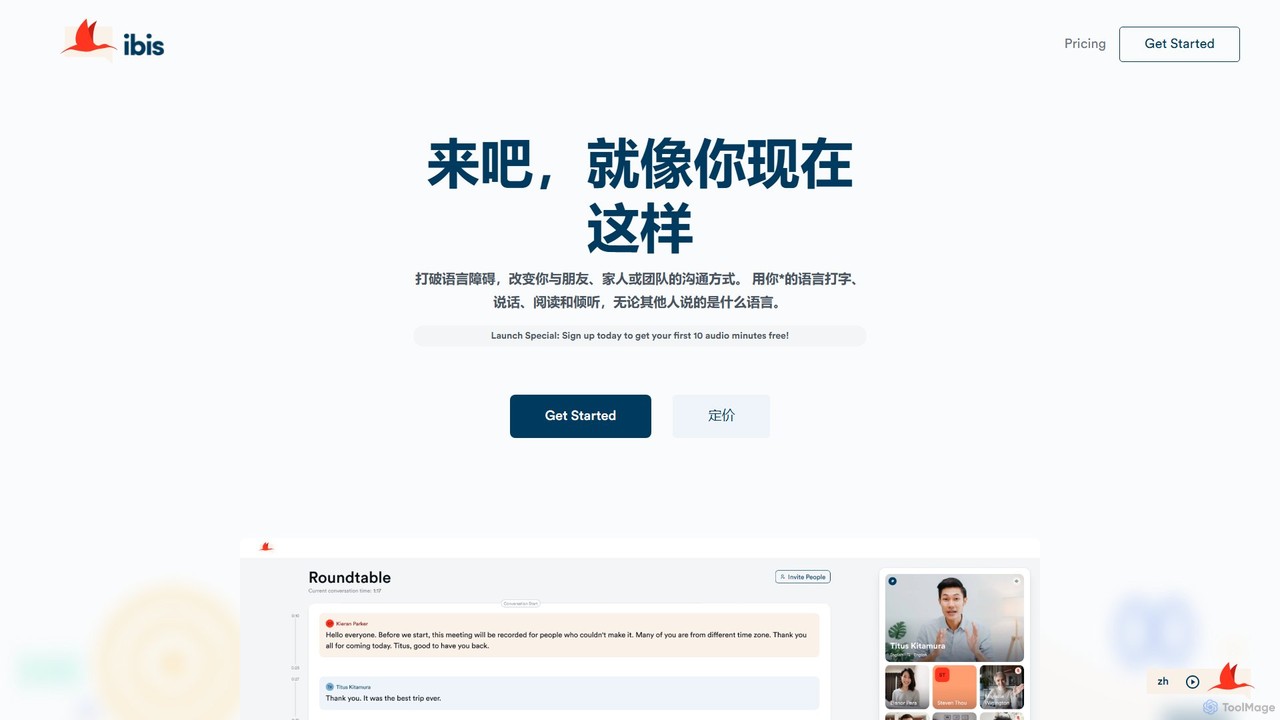
Ibis
Ibis is an AI-powered communication platform that breaks down language barriers through real-time translation. It enables users to chat, speak, and share media in their native language, with instant translation for over 130 languages, fostering seamless global communication for teams, families, and friends.
Translation
Cockatoo
Cockatoo is an AI-powered transcription service that converts audio and video files into text with blazing speed and up to 99.8% accuracy. It supports over 90 languages, offers various export formats, and includes features like document translation and secure cloud storage. Ideal for professionals, content creators, and teams.
Speech To Text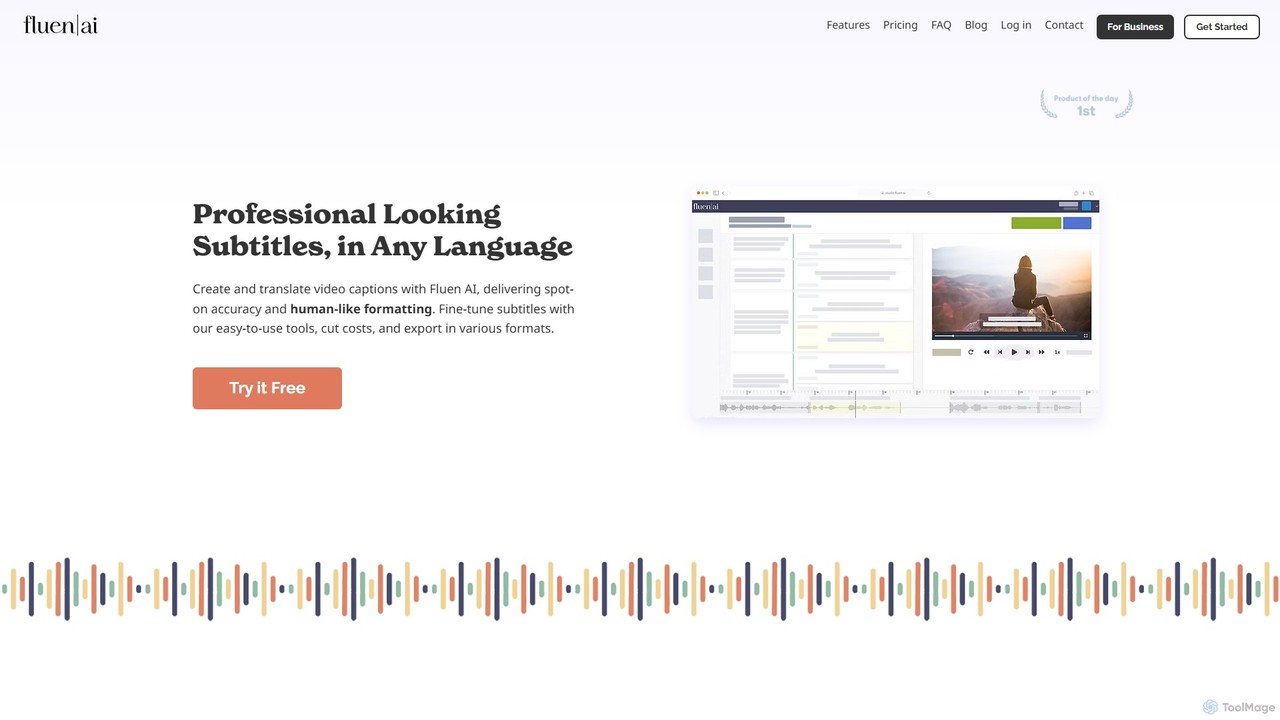
Fluen AI
Fluen AI is an advanced platform for creating, editing, and translating professional video subtitles. It uses AI to deliver highly accurate, human-like captions and translations, supporting seamless collaboration and multiple export formats to enhance global accessibility for any video content.
Transcription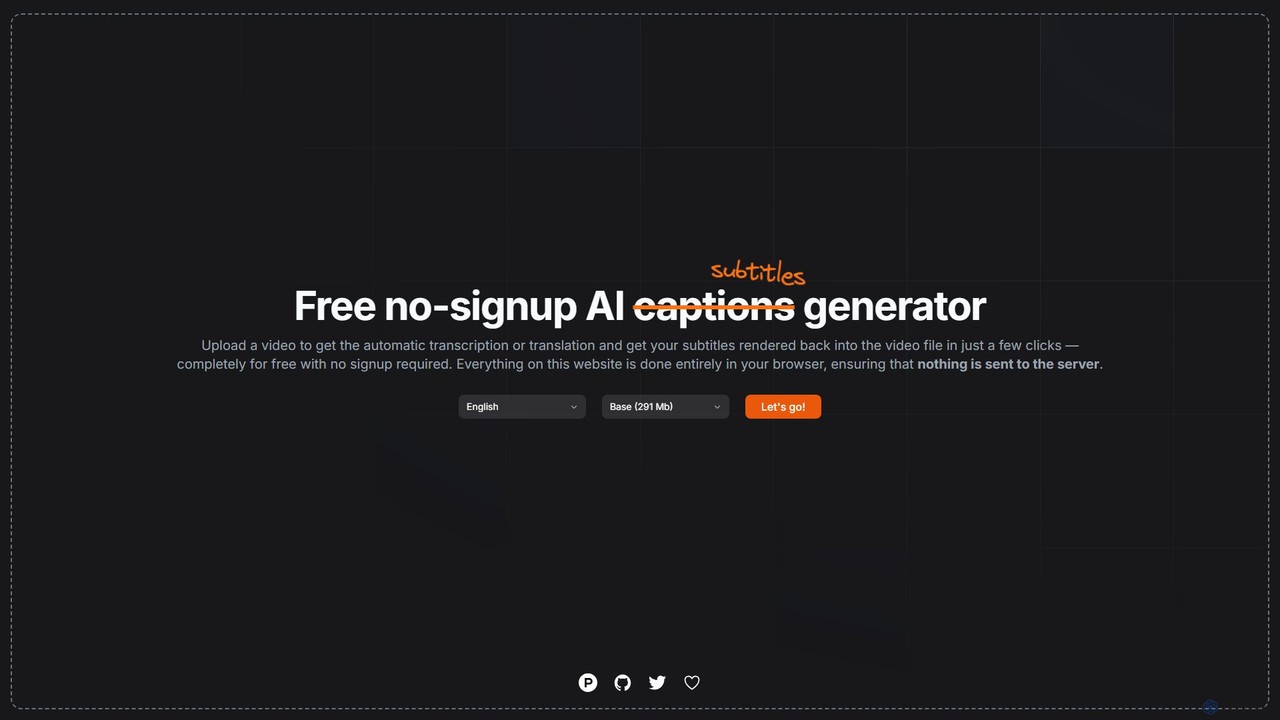
subtitles by fframes
A free, no-signup, browser-based AI tool for automatically generating, translating, and rendering subtitles directly into your videos. It ensures privacy by processing everything locally on your device.
Transcription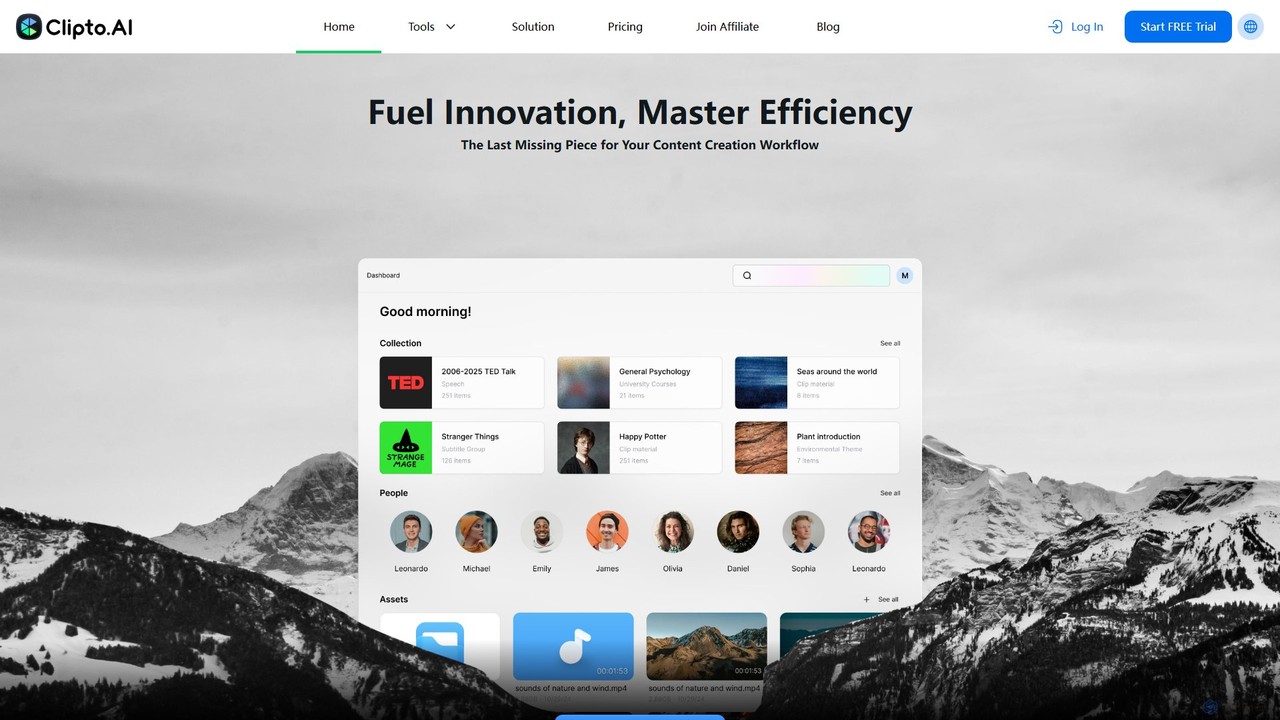
Clipto
Clipto is an AI-powered transcription assistant that accurately converts audio and video files into text and subtitles. Supporting over 99 languages, it offers fast, reliable service with 99% accuracy, speaker identification, and unlimited usage on paid plans. Ideal for content creators, professionals, and students to streamline their workflow, enhance accessibility, and repurpose content efficiently.
Speech To Text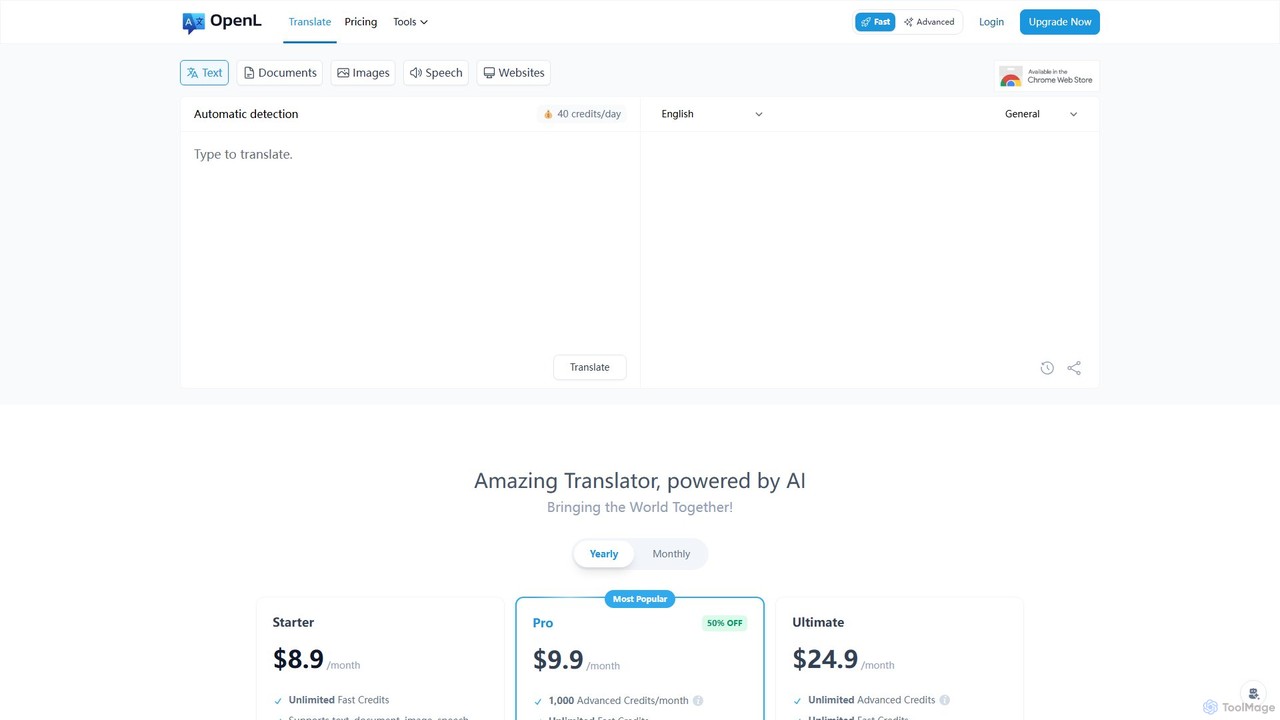
OpenL
OpenL is an advanced AI-powered translation platform that provides highly accurate, native-level translations for over 186 languages. It supports a wide range of formats, including text, documents (PDF, Word), images, and voice. Beyond translation, OpenL offers an AI language assistant for grammar checking, writing refinement, and language learning, making it a comprehensive tool for global communication and academic excellence.
Language Learning
Akkadu Comments (0)
Sign in to comment.
Sign inNo comments yet.