


CalendarScan Overview
CalendarScan is a revolutionary productivity tool designed to bridge the gap between physical schedules and your digital life. In a world filled with printed flyers, school timetables, conference agendas, and wall calendars, manually transferring each event into your phone's calendar is a tedious and error-prone task. CalendarScan solves this problem by leveraging advanced Artificial Intelligence (AI) and Optical Character Recognition (OCR) to automate the entire process. Simply take a photo of any schedule, and the app intelligently identifies, parses, and organizes the events, preparing them for one-tap import into your native calendar (like Google Calendar or Apple Calendar).
The app is built for simplicity and efficiency, catering to a wide range of users, from students and parents to busy professionals. By transforming a static image into dynamic, editable calendar entries, CalendarScan ensures you never miss an important appointment, deadline, or event again. It's the ultimate tool for modernizing how you manage your time and organize your commitments.
How to use CalendarScan
Using CalendarScan is an intuitive, three-step process designed for everyone:
- Scan Your Document: Open the app and use your phone's camera to take a clear, well-lit photo of the calendar, schedule, flyer, or event list. You can also import an existing image from your photo library.
- AI-Powered Review: The app's AI will instantly process the image, highlighting all the events it has detected. It automatically extracts details like the event title, date, start and end times, and even location. You'll be presented with a clean list of these events for a quick review. You can easily tap on any entry to edit or correct details if needed.
- Add to Calendar: Once you're satisfied with the extracted information, simply select the events you want to add and tap the 'Add to Calendar' button. CalendarScan will seamlessly export them to your phone's default calendar app, complete with all the correct details.
Core Features of CalendarScan
- Advanced AI & OCR Technology: Accurately recognizes and extracts text from various printed and even some handwritten formats.
- Intelligent Event Parsing: Goes beyond simple text recognition to understand the context of dates, times, and event descriptions.
- Multi-Event Detection: Capable of identifying and processing multiple distinct events from a single photograph.
- Seamless Calendar Integration: Works directly with your phone's native calendar (Apple Calendar on iOS, Google Calendar on Android), requiring no complex setup.
- Review and Edit Interface: Provides a user-friendly interface to verify and manually adjust any extracted information before saving, ensuring 100% accuracy.
- Versatile Document Support: Effectively scans a wide range of documents, including school timetables, work rosters, conference agendas, gym class schedules, and community event flyers.
- Time-Saving Automation: Eliminates the need for manual data entry, saving significant time and reducing the risk of typos or scheduling mistakes.
Use Cases for CalendarScan
CalendarScan is a versatile tool beneficial for various individuals:
- Students: Quickly digitize semester-long class schedules, exam timetables, and flyers for campus events or club meetings.
- Parents: Effortlessly manage and consolidate school calendars, sports team schedules, music lessons, and other extracurricular activities for their children.
- Professionals: Capture and import schedules from multi-day conferences, training workshops, or team shift rosters posted on a bulletin board.
- Event Organizers & Attendees: Scan a festival lineup, a local market's schedule, or a community center's list of classes to add events of interest instantly.
- General Users: Digitize a physical wall or desk calendar, a weekly planner, or any appointment card to keep everything in one organized digital space.
Advantages of CalendarScan
The primary advantage of CalendarScan is its combination of convenience and accuracy. It transforms a time-consuming manual task into a quick, automated process. This not only saves valuable time but also enhances reliability by minimizing human error. The direct integration with native phone calendars means users don't have to learn a new calendar system. Its ability to handle complex, multi-event documents makes it far more powerful than simple note-taking or reminder apps. Ultimately, CalendarScan promotes better organization and time management by making it effortless to keep your digital calendar comprehensive and up-to-date.
Pricing and Plans
CalendarScan operates on a freemium model, making it accessible to everyone.
- Free Plan: Users can download the app for free and get a limited number of scans (e.g., up to 5 scans per month). This plan is ad-supported and is perfect for occasional use.
- Premium Plan: For users who need more power, a premium subscription is available via an in-app purchase (monthly or annually). The Premium plan typically includes unlimited scans, an ad-free experience, and access to advanced features like batch processing of multiple pages and priority customer support. Specific pricing details are available on the app's official pages on the Google Play Store and Apple App Store.
CalendarScan Alternatives
agendahero
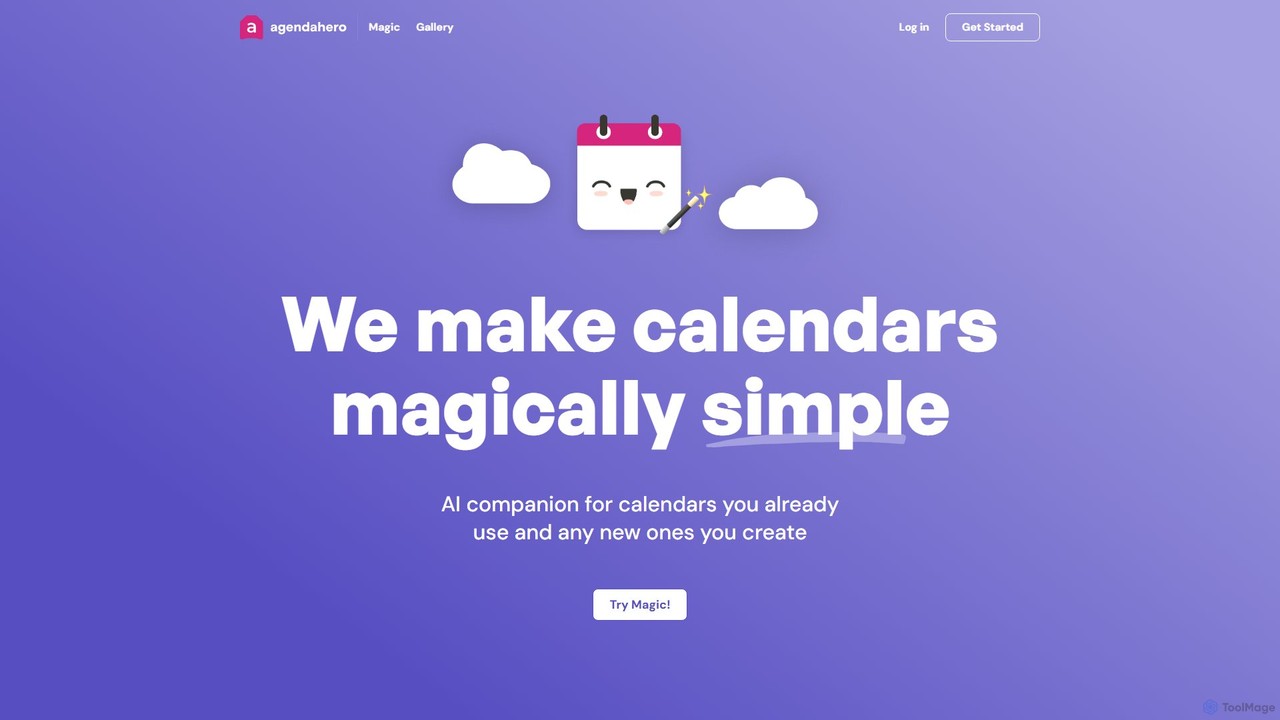
agendahero is an AI-powered calendar assistant that simplifies scheduling by magically converting any text, email, PDF, or image into calendar events. It integrates seamlessly with your existing Google, Apple, and Outlook calendars, and allows for the creation of new, shareable schedules using natural language. Ideal for busy families, teams, and individuals.
Organization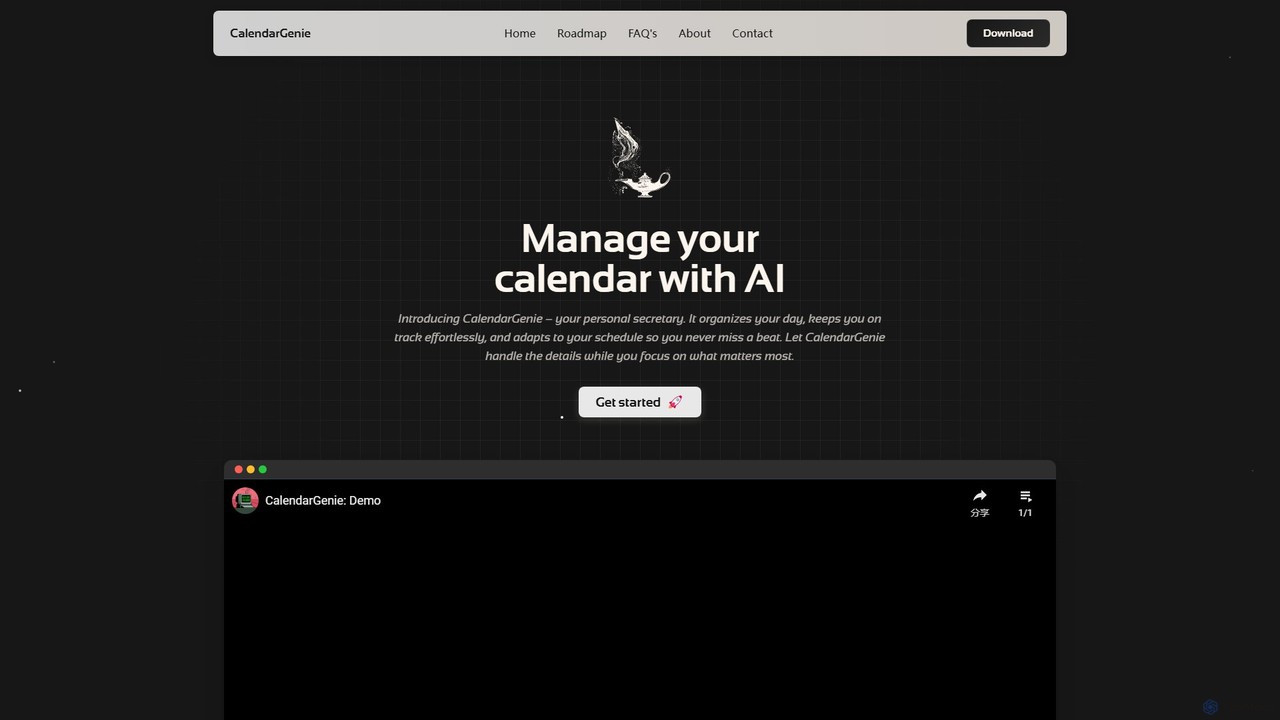
CalendarGenie
CalendarGenie is a free, AI-powered calendar assistant that acts as your personal secretary. Effortlessly manage your schedule by creating, modifying, and deleting events using simple, natural language prompts. It integrates with Google Calendar to streamline your day, adapt to your routine, and help you focus on what matters most.
Assistant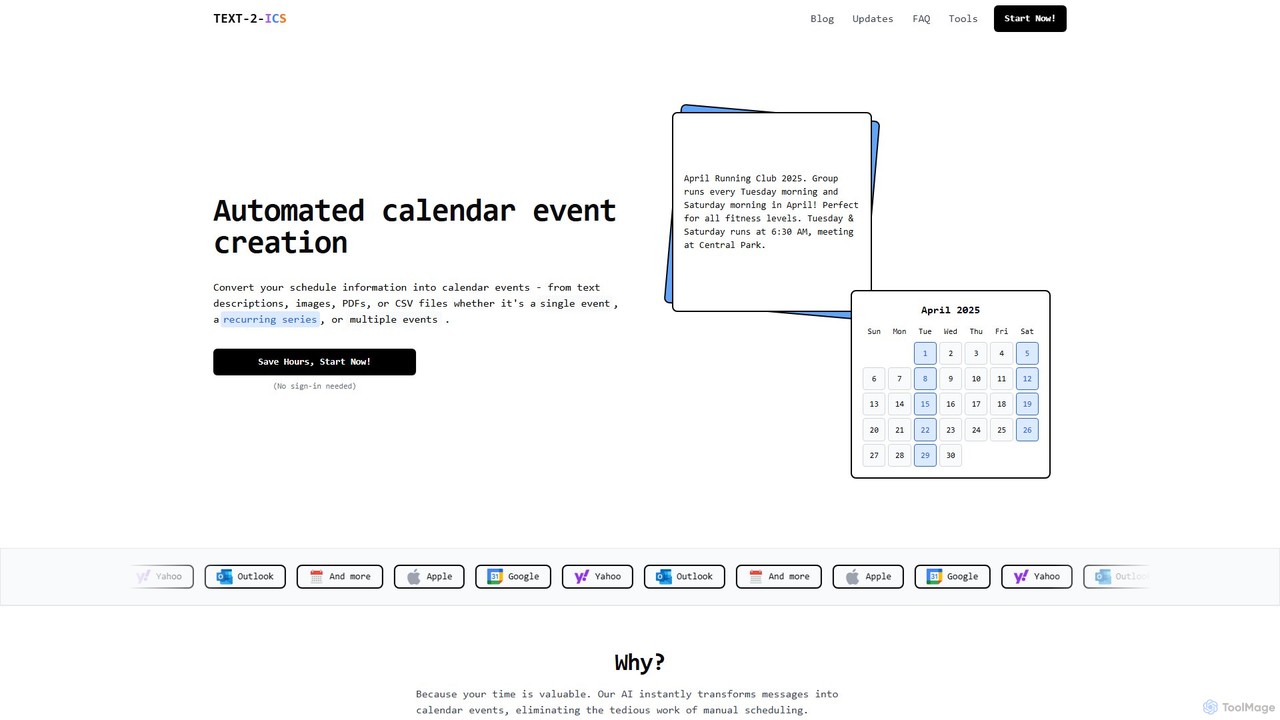
Text-2-ICS
An AI-powered tool that instantly converts text, images, PDFs, and CSV files into calendar events (.ics files). It uses natural language processing to automatically extract event details, saving you from tedious manual scheduling. Supports single, recurring, and multiple events.
Converter
Focus Fox
Focus Fox is an AI-powered assistant designed to streamline your productivity by simplifying calendar and event management. Using natural language, you can instantly create events, organize your schedule, and manage tasks, allowing you to focus on what truly matters. It integrates with your existing calendars to provide a seamless experience.
Ai Assistant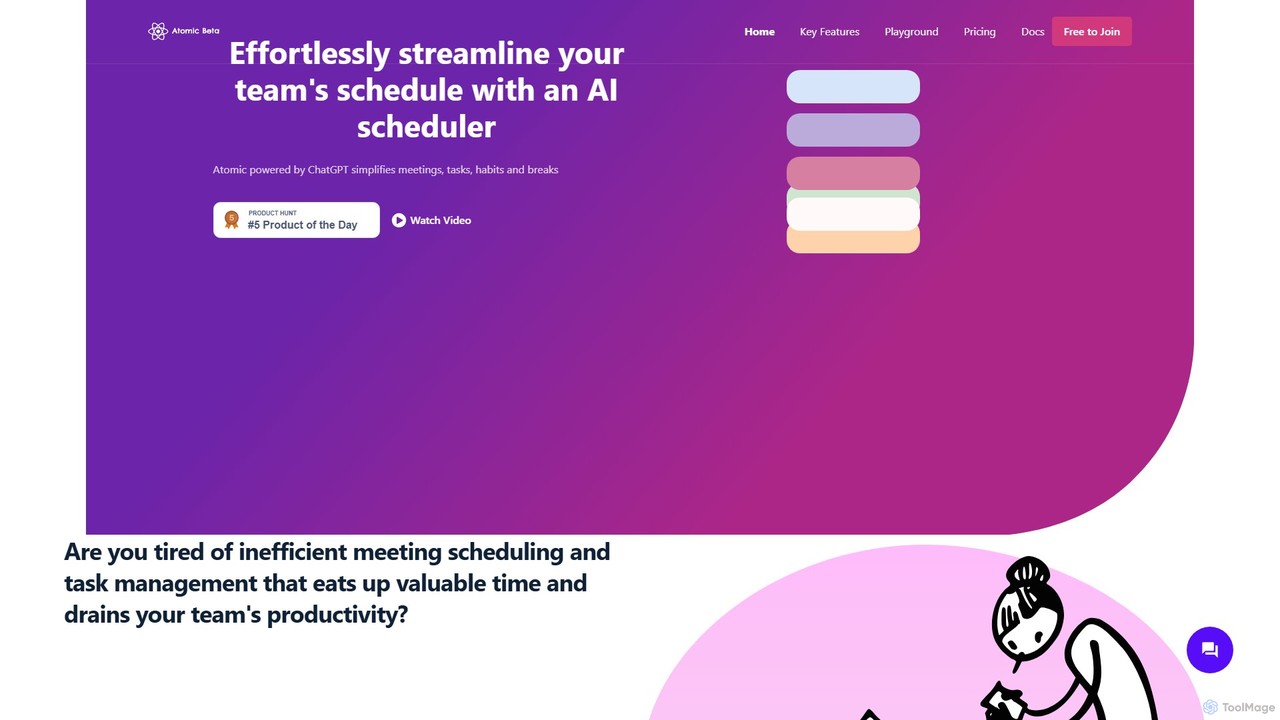
Atomic
Atomic is a ChatGPT-powered AI scheduler designed to streamline team schedules. It automates the process of organizing meetings, managing tasks, and scheduling breaks, considering everyone's availability and priorities. By eliminating back-and-forth communication, Atomic helps teams boost productivity and achieve a better work-life balance.
Team CollaborationCalendarScan Categories
CalendarScan Embed Widget
Copy this embed code to place the badge on your blog, article, or product site and send readers directly to this ToolMage detail page.

Related AI tools
Text-2-ICS
An AI-powered tool that instantly converts text, images, PDFs, and CSV files into calendar events (.ics files). It uses natural language processing to automatically extract event details, saving you from tedious manual scheduling. Supports single, recurring, and multiple events.
Converteragendahero
agendahero is an AI-powered calendar assistant that simplifies scheduling by magically converting any text, email, PDF, or image into calendar events. It integrates seamlessly with your existing Google, Apple, and Outlook calendars, and allows for the creation of new, shareable schedules using natural language. Ideal for busy families, teams, and individuals.
OrganizationCalendarGenie
CalendarGenie is a free, AI-powered calendar assistant that acts as your personal secretary. Effortlessly manage your schedule by creating, modifying, and deleting events using simple, natural language prompts. It integrates with Google Calendar to streamline your day, adapt to your routine, and help you focus on what matters most.
Assistant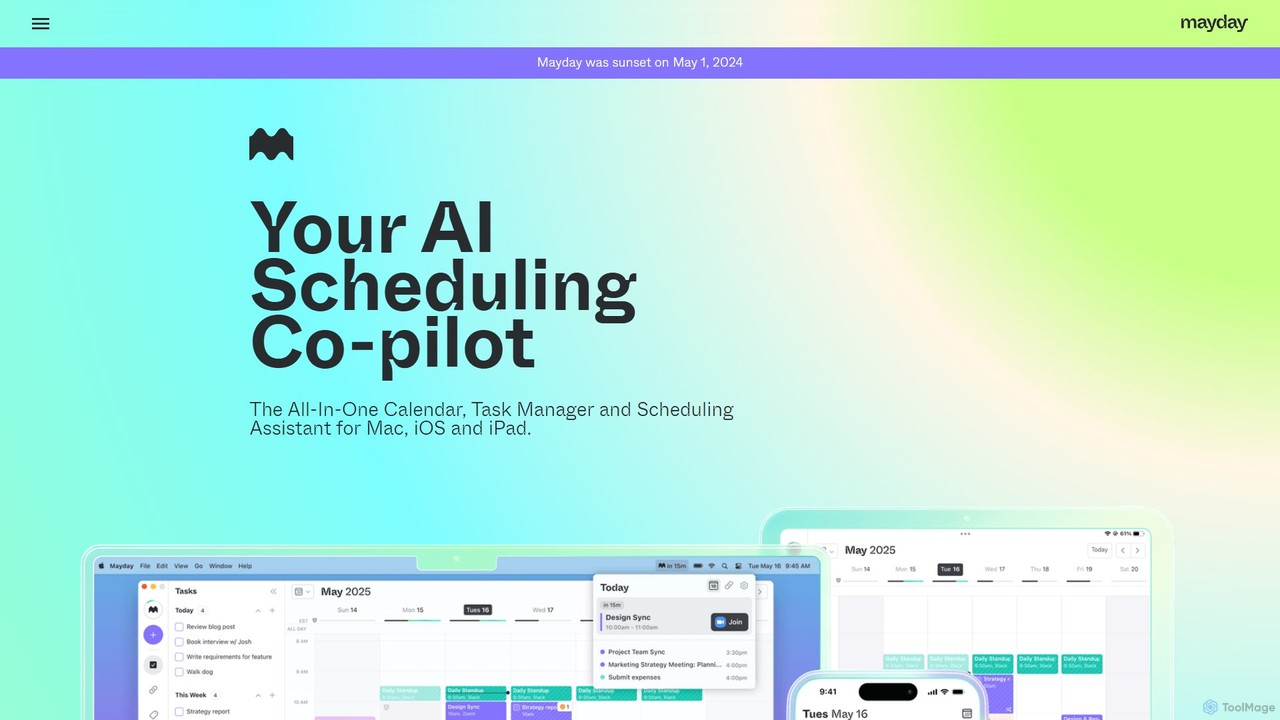
Mayday
Mayday was an AI-assisted calendar designed to protect your time and automate scheduling. It unified multiple calendars, intelligently scheduled tasks, and used features like buffer time and smart tags to create a more manageable schedule. Please note: Mayday was discontinued on May 1, 2024.
Calendar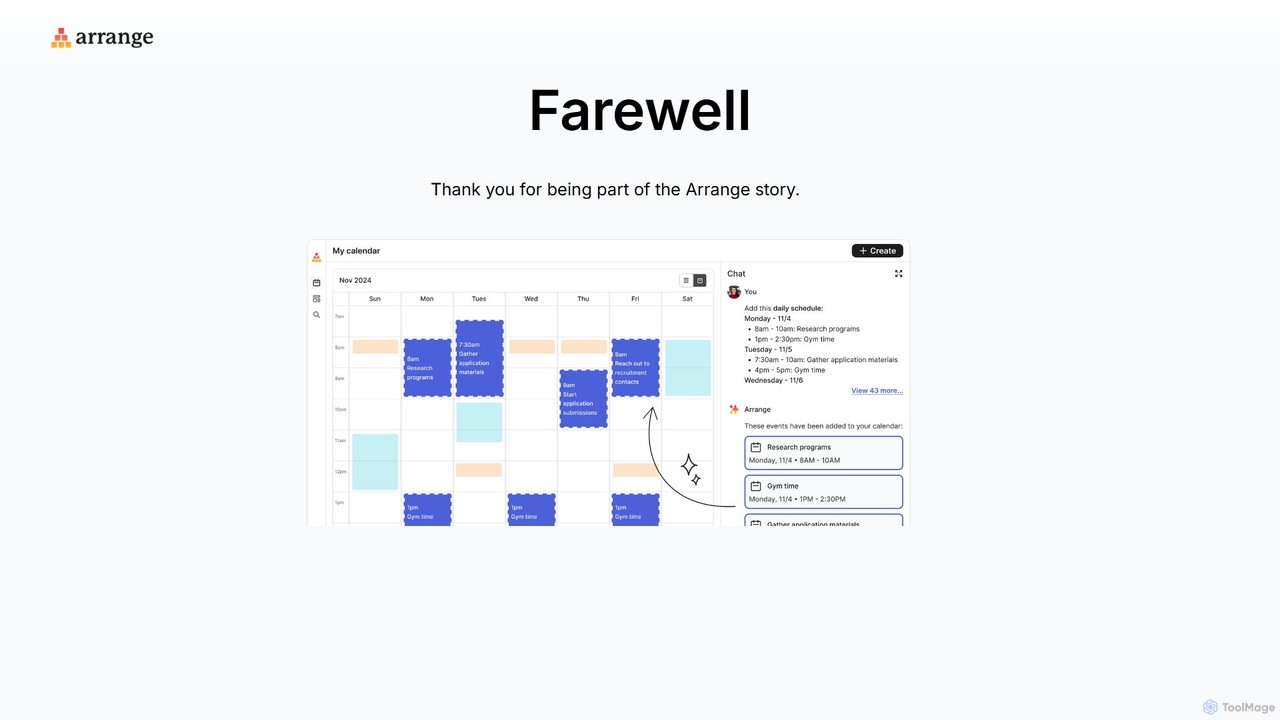
Arrange
Arrange is an AI-powered scheduling assistant that intelligently converts your text-based plans, emails, and messages into organized calendar events. It uses natural language processing to understand dates, times, and participants, automating the entire scheduling process to save you time and effort.
Task Management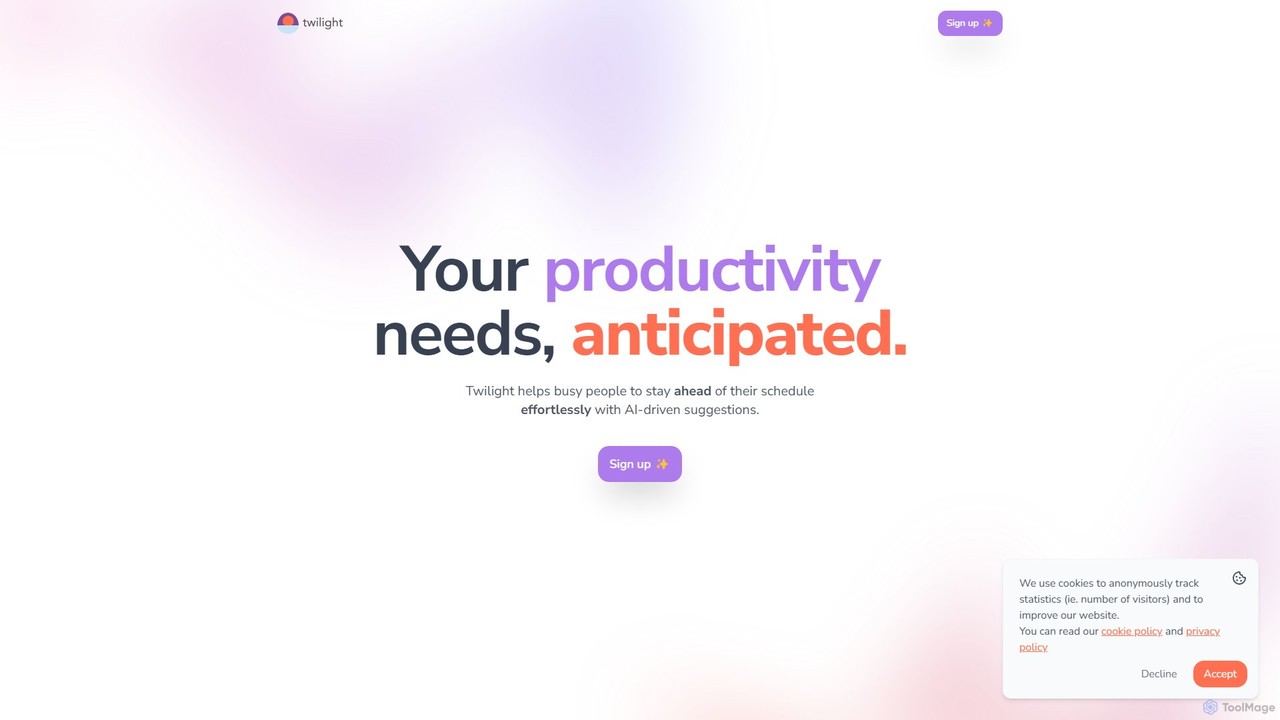
Twilight
Twilight is an AI-driven personal assistant that anticipates your productivity needs. It intelligently manages your schedule with proactive suggestions, automates rescheduling, prevents overbooking, and helps you focus on what truly matters by organizing your workflow.
Calendar Management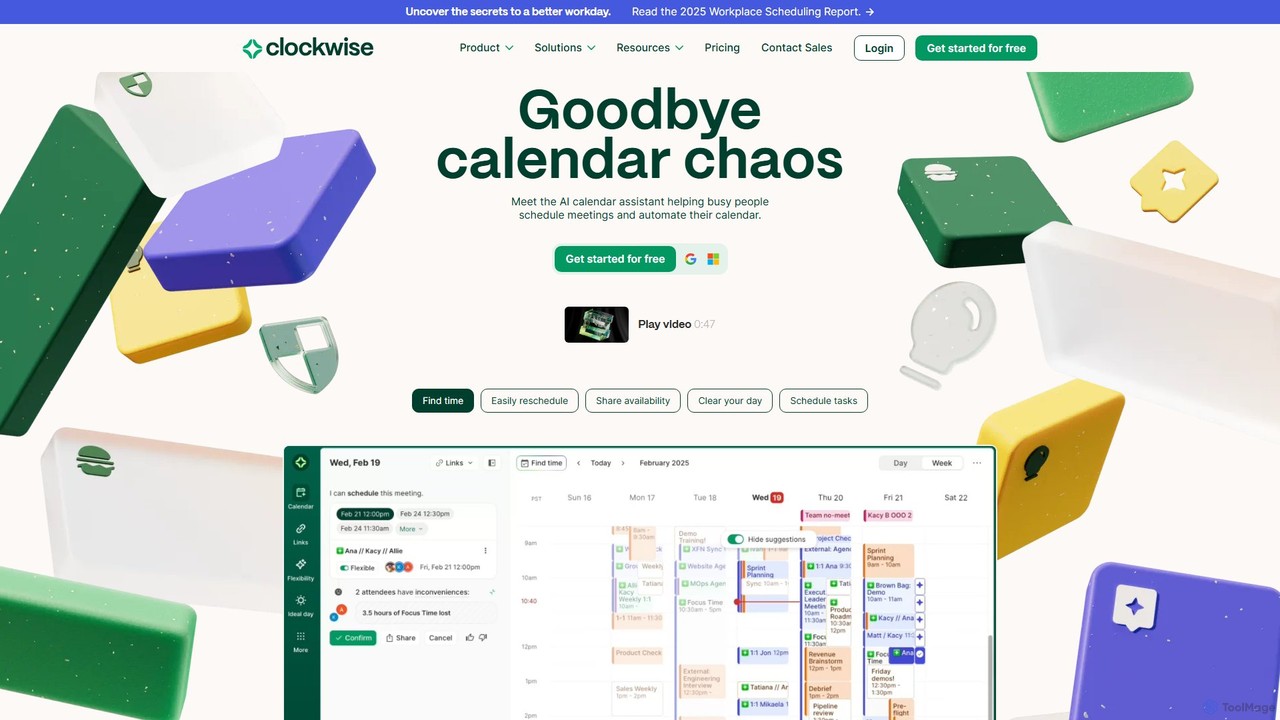
getclockwise
Clockwise is an AI-powered time management and calendar assistant that optimizes your schedule for maximum productivity. It intelligently rearranges meetings to create longer blocks of uninterrupted Focus Time, automates team scheduling, and acts as your personal assistant to manage your calendar effortlessly.
Calendar ManagementFocus Fox
Focus Fox is an AI-powered assistant designed to streamline your productivity by simplifying calendar and event management. Using natural language, you can instantly create events, organize your schedule, and manage tasks, allowing you to focus on what truly matters. It integrates with your existing calendars to provide a seamless experience.
Ai AssistantAtomic
Atomic is a ChatGPT-powered AI scheduler designed to streamline team schedules. It automates the process of organizing meetings, managing tasks, and scheduling breaks, considering everyone's availability and priorities. By eliminating back-and-forth communication, Atomic helps teams boost productivity and achieve a better work-life balance.
Team Collaboration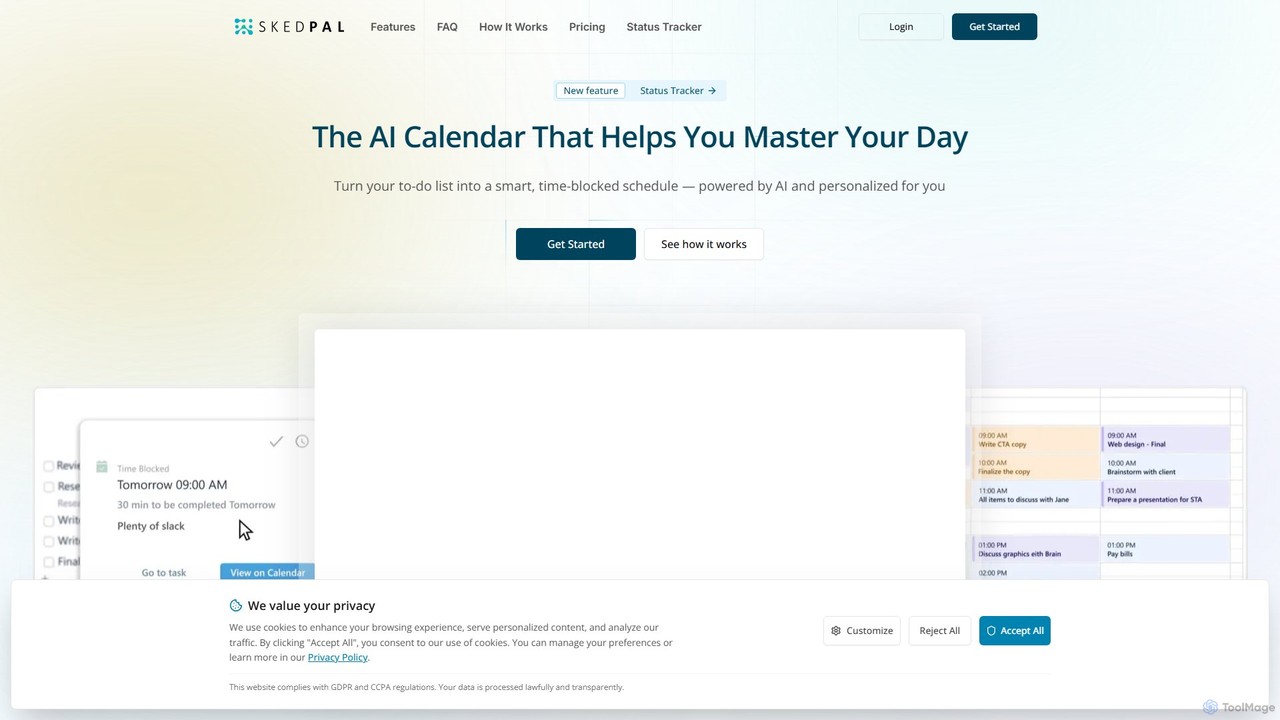
SkedPal
SkedPal is an AI-powered calendar that intelligently transforms your to-do list into a dynamic, time-blocked schedule. It automatically plans your tasks based on your priorities and availability, adapting in real-time to changes. This smart assistant helps you protect time for deep work, build habits, and master your day without the manual effort of calendar management.
Calendar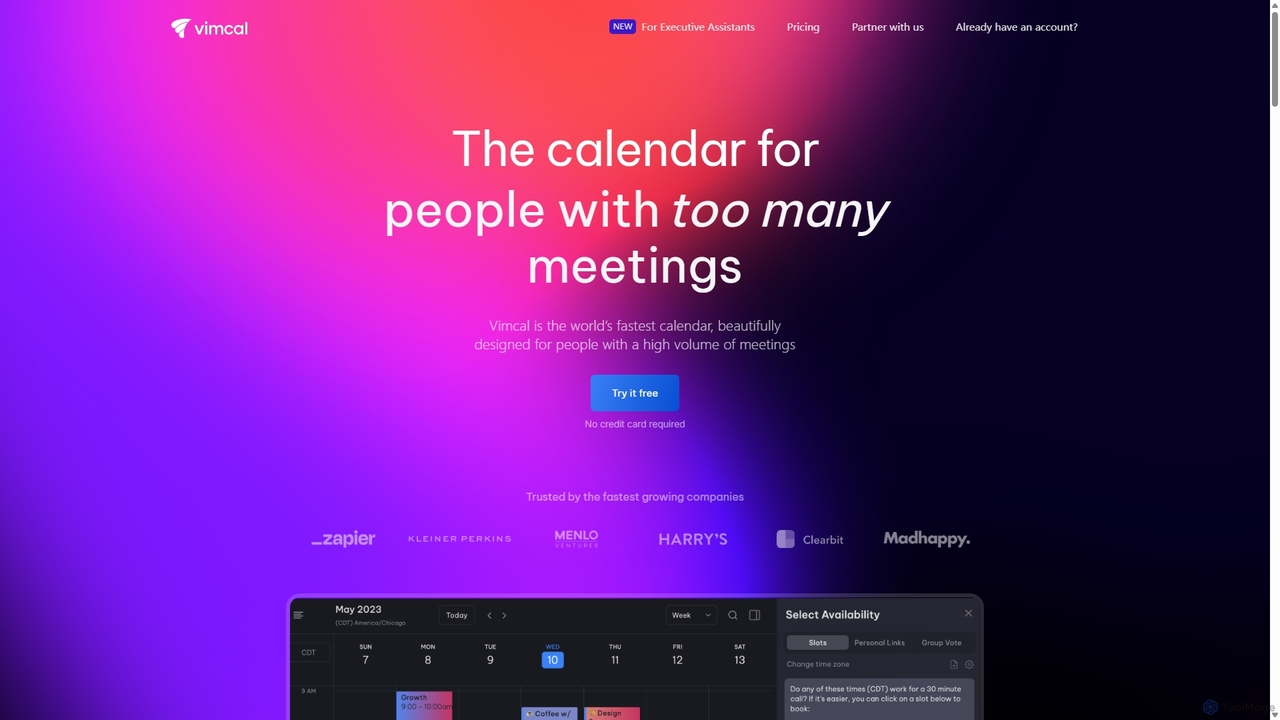
Vimcal
Vimcal is an AI-powered calendar designed for speed and efficiency. Dubbed the "Superhuman for calendar," it helps busy professionals and teams schedule meetings effortlessly. Features include an AI scheduling assistant, GPT-powered dossiers on attendees, and a unified view for all your calendars. It streamlines coordination, eliminates back-and-forth emails, and ensures you're always prepared for your next meeting.
Personal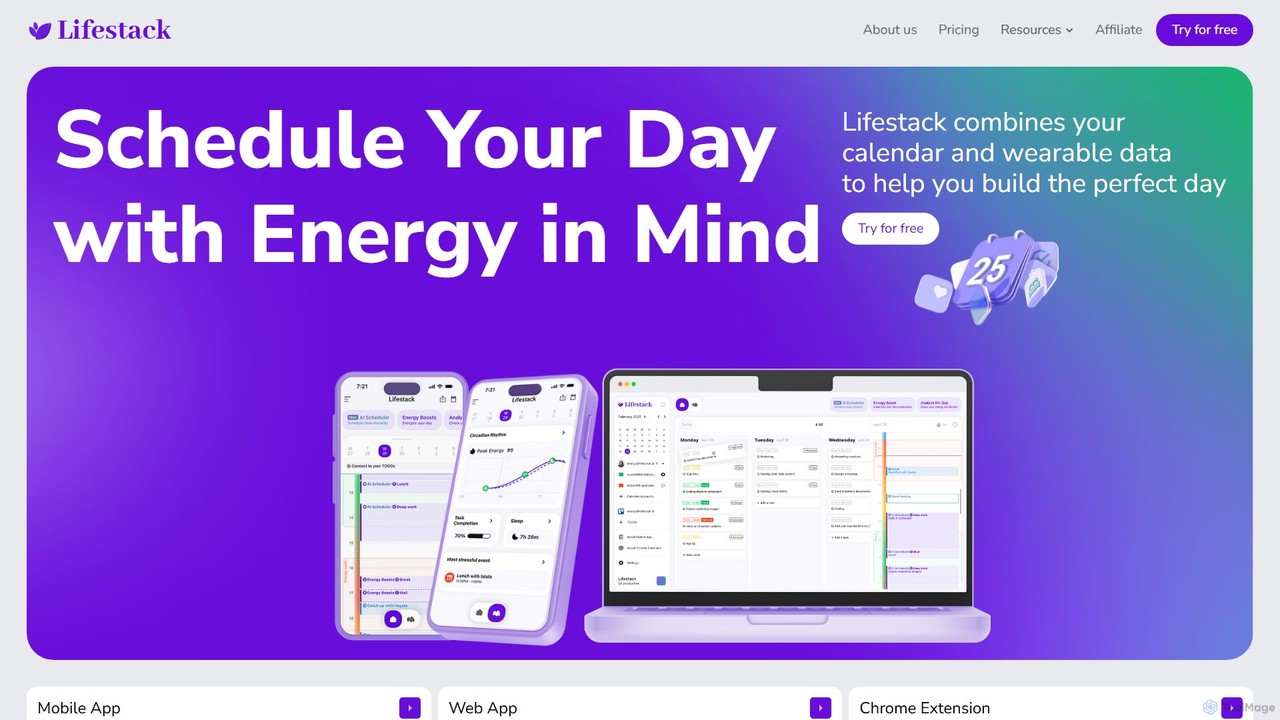
Lifestack
Lifestack is an intelligent calendar app that integrates with your health wearables to optimize your schedule based on your energy levels. By analyzing data like sleep and circadian rhythm, it helps you schedule demanding tasks during your peak energy periods, boosting productivity and preventing burnout.
Wellness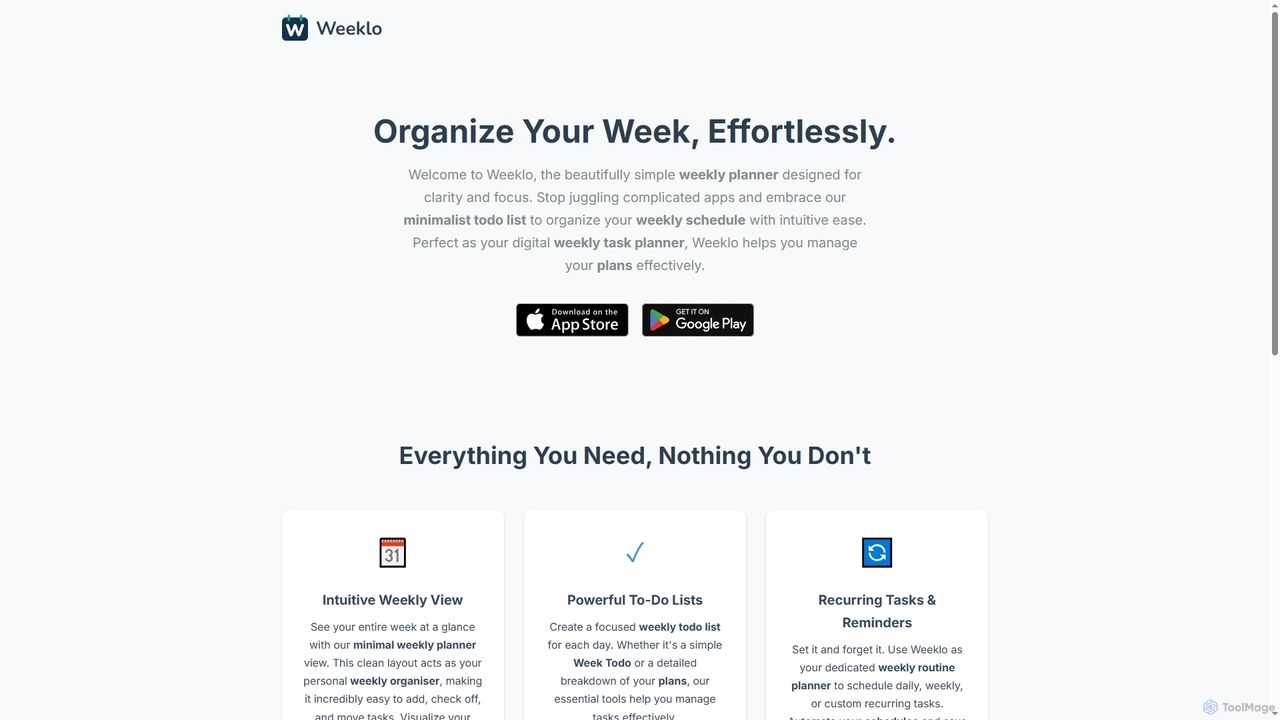
Weeklo
Weeklo is an intuitive and minimalist weekly planner and to-do list app designed for effortless organization. It helps users manage tasks, schedules, and notes with a clean, focused interface, ensuring clarity and productivity without unnecessary clutter.
Task Management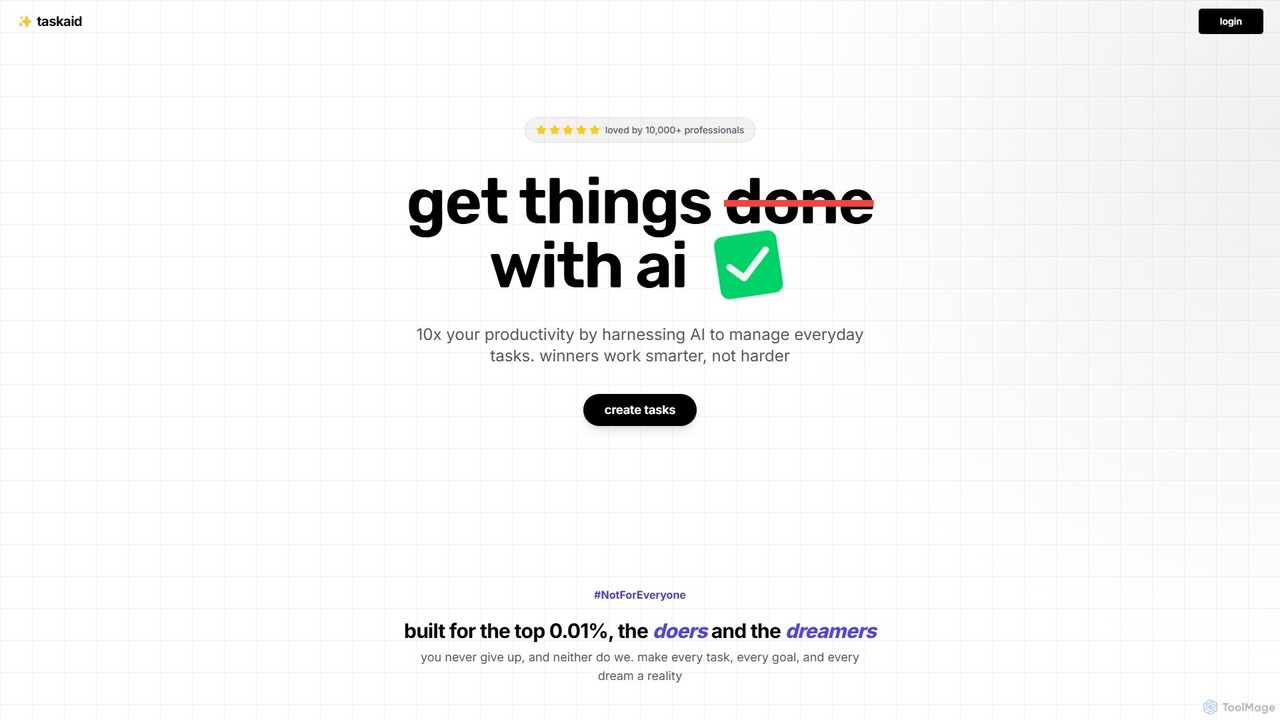
Taskaid
Taskaid is an AI-first task management tool designed for high-performing individuals. It leverages advanced LLMs like GPT-4 to automate task prioritization, scheduling, and breakdown. Interact with your to-do list through a conversational chat interface, use voice commands, and receive intelligent suggestions to 10x your productivity and focus on what truly matters.
Project Management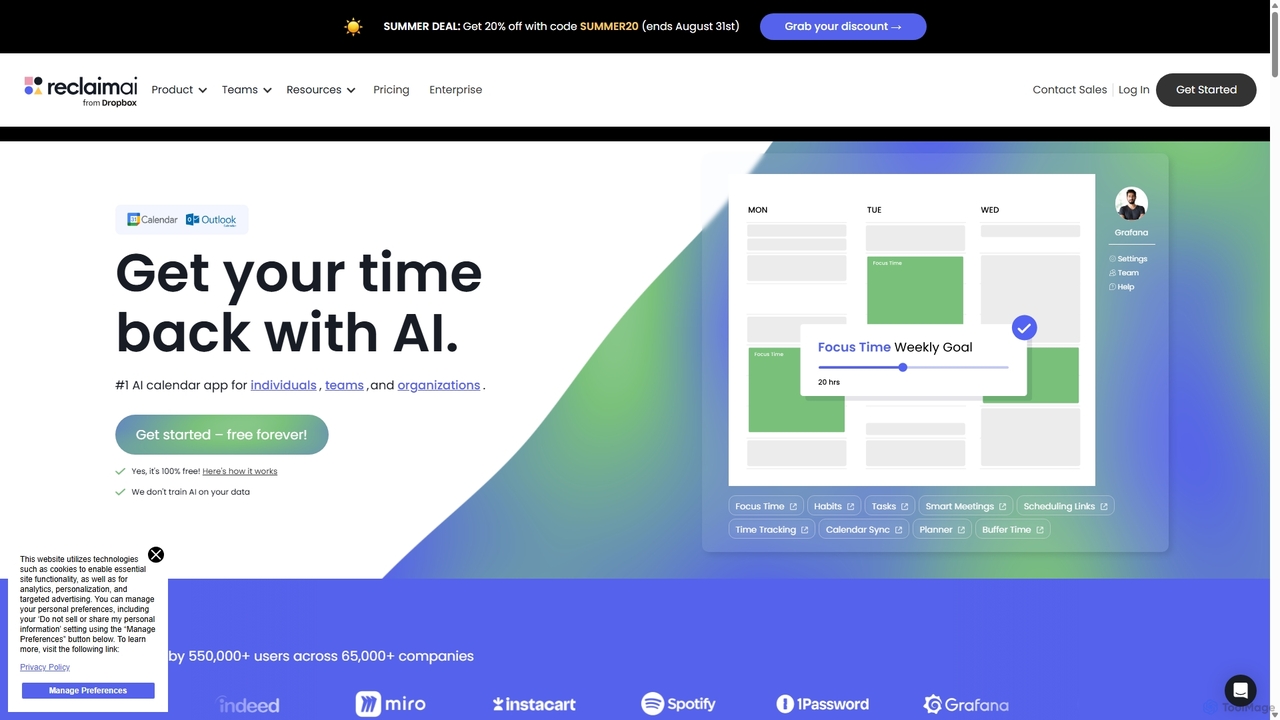
Reclaim.ai
Reclaim.ai is an intelligent AI calendar assistant that automates your schedule for optimal productivity and work-life balance. It intelligently blocks time for tasks, habits, and focus work, finds the best times for meetings, and syncs all your calendars. By defending your time and creating a flexible plan, Reclaim helps you focus on what matters most.
Calendar
CalendarScan Comments (0)
Sign in to comment.
Sign inNo comments yet.