

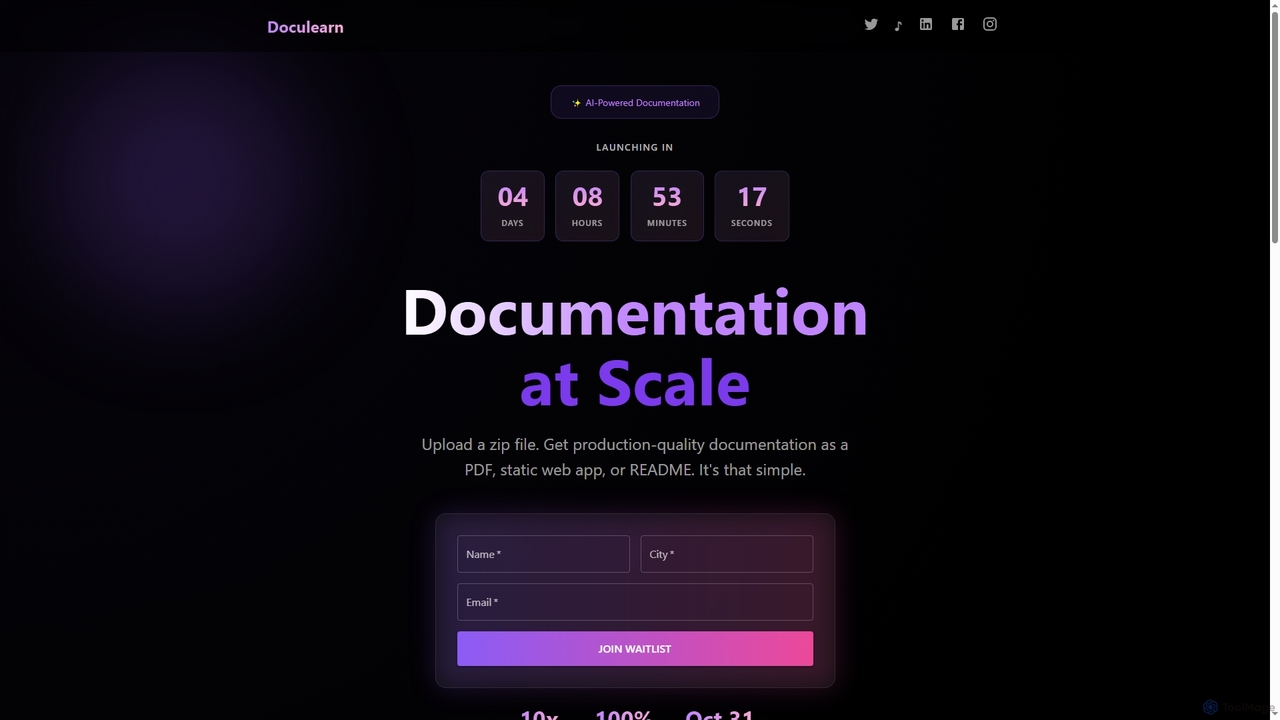
DocuLearn Overview
DocuLearn is an AI-driven platform designed to automate and scale the creation of codebase documentation. It simplifies a traditionally time-consuming task for developers by allowing them to upload a zip file of their project and instantly receive comprehensive, professional-grade documentation. The tool offers flexibility by providing outputs in multiple formats, including print-ready PDFs, deployable static web apps, and repository-friendly README files. By leveraging AI, DocuLearn aims to make documentation 10 times faster, ensuring that projects are well-documented with minimal effort.
How to use DocuLearn
The process is designed to be incredibly simple and efficient, consisting of three steps: 1. Upload: Drag and drop a zip file containing your project's codebase onto the platform. 2. AI Processing: The AI analyzes your code structure, functions, and relationships to generate relevant documentation. 3. Download: Instantly download the complete documentation in your chosen format (PDF, static web app, or README).
Core Features of DocuLearn
- AI-Powered Analysis: Automatically analyzes code to generate meaningful and accurate documentation.
- Multiple Output Formats: Generates documentation as a PDF, a static web app, or a GitHub-ready README file.
- Simple Zip Upload: Accepts a standard zip file of your codebase as input, requiring no complex setup.
- High-Speed Generation: Delivers documentation instantly, claiming to be 10x faster than manual processes.
- Scalability: Built to handle documentation needs at scale, suitable for both small and large projects.
Use Cases for DocuLearn
DocuLearn is ideal for software developers, engineering teams, and project managers. It can be used for onboarding new developers by providing them with instant project documentation, maintaining up-to-date documentation for evolving projects, generating technical reports for stakeholders, or creating clear documentation for open-source repositories to encourage community contribution.
Advantages of DocuLearn
The primary advantage of DocuLearn is its massive efficiency gain, saving developers countless hours of manual work. Its simplicity removes barriers to creating and maintaining good documentation. The versatile output options ensure the documentation can be used across different contexts, from internal wikis and printable guides to live, shareable websites and repository homepages.
DocuLearn Alternatives
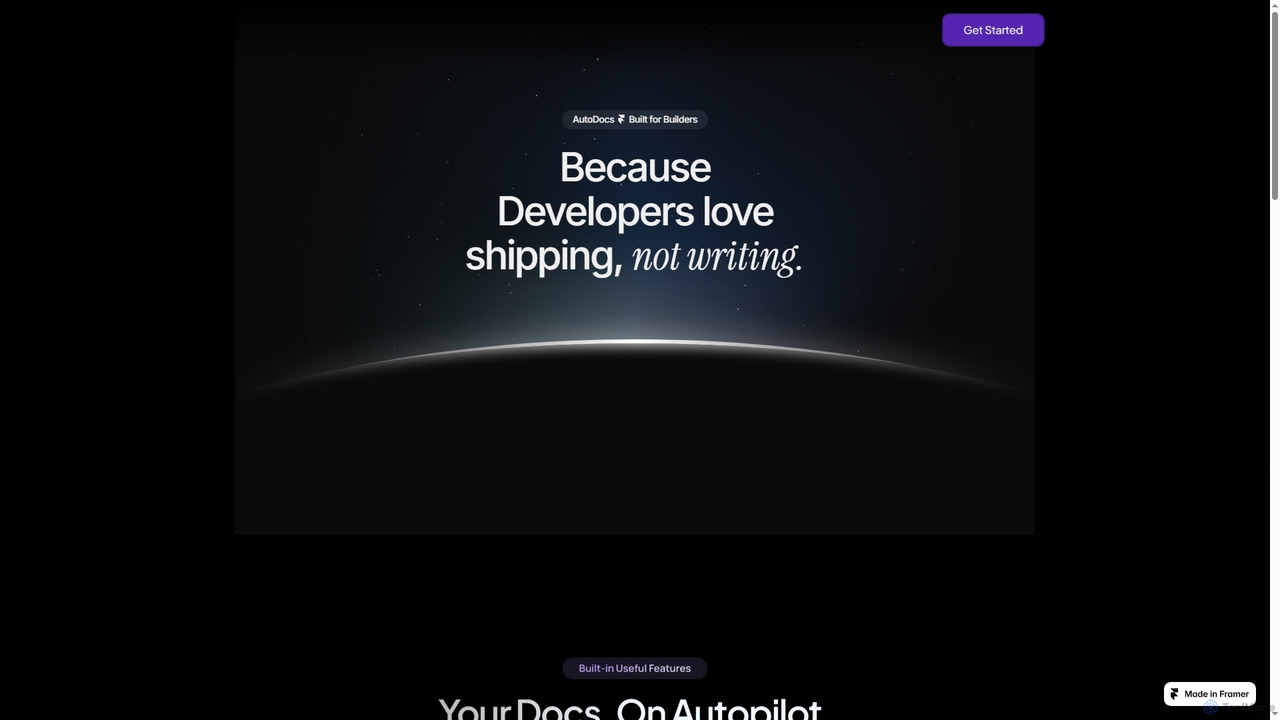
AutoDocs
AutoDocs is an AI-powered documentation tool designed for developers, automating the generation, updating, and refinement of technical documents. It leverages Google's Generative AI and LangChain to streamline the documentation process, allowing builders to focus more on development and less on writing.
Content Generation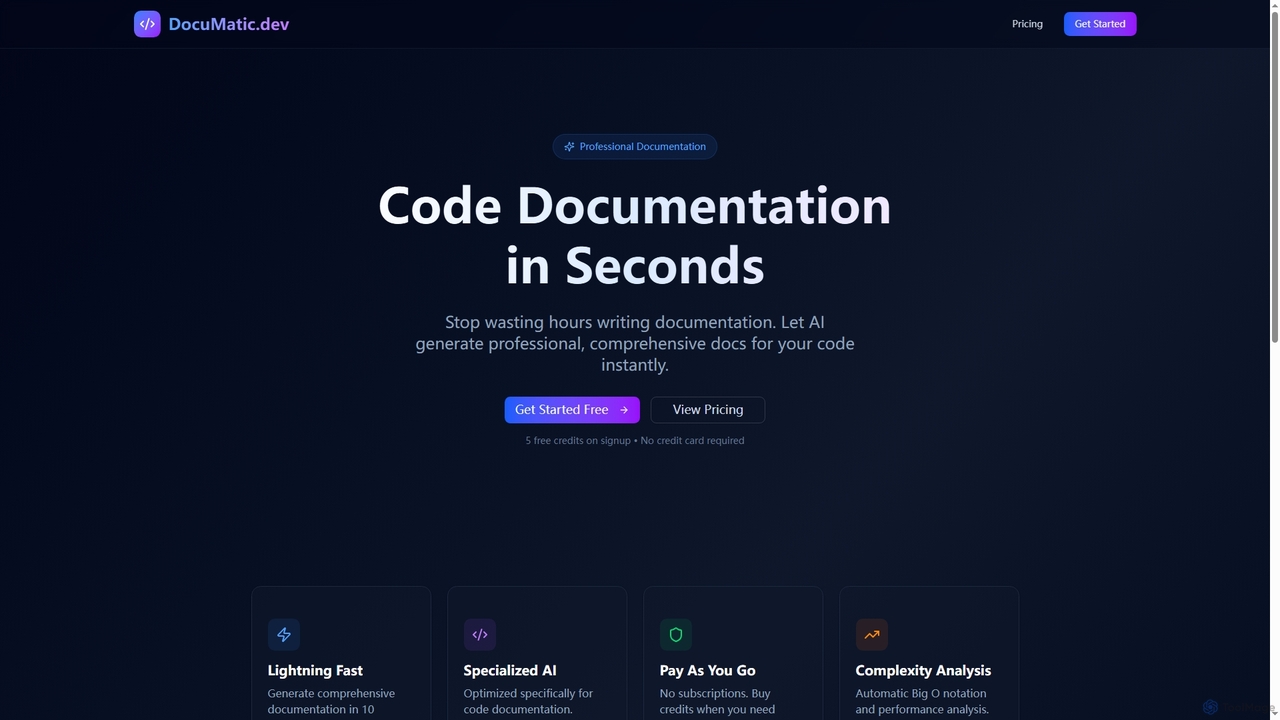
Documatic
Documatic is an AI-powered tool that generates professional, comprehensive code documentation in seconds. Designed specifically for developers, it eliminates hours of manual writing by providing instant, high-quality documentation, including complexity analysis, for any programming language. It operates on a flexible pay-as-you-go credit system.
Code Documentation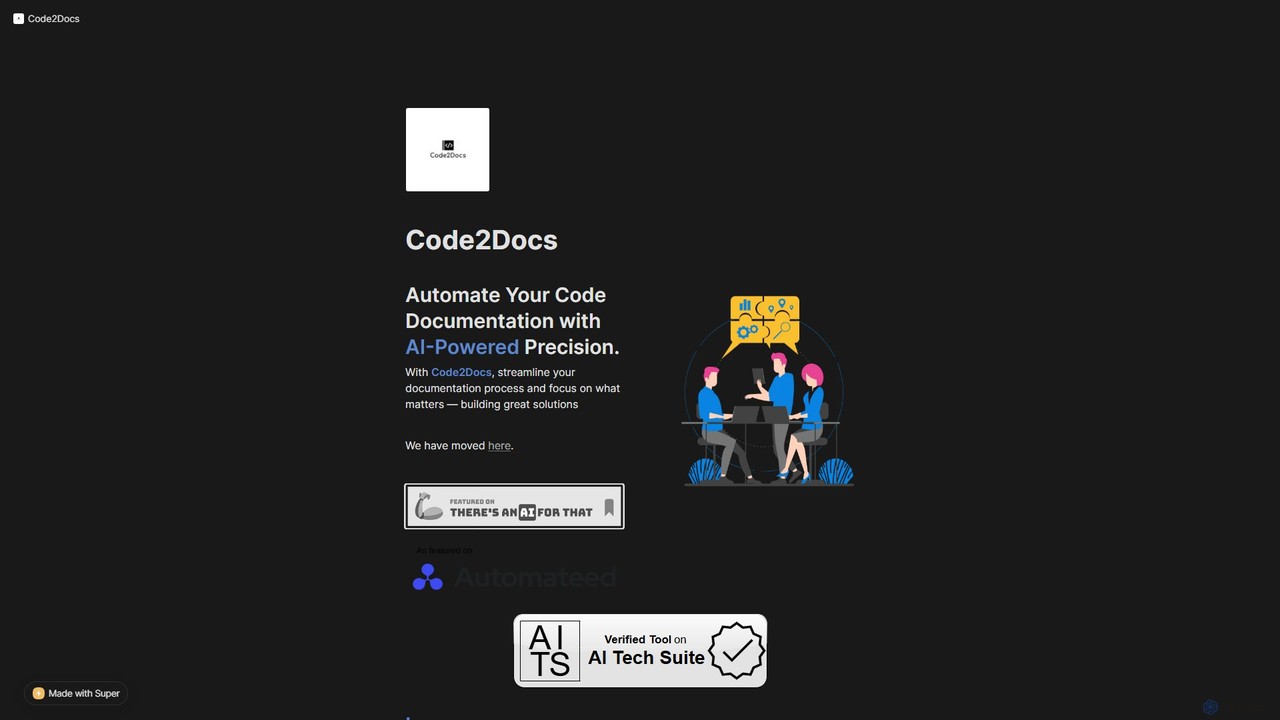
Code2Docs
Code2Docs is an AI-powered tool that automates the creation of comprehensive code documentation. By integrating directly with GitHub or accepting code uploads, it transforms complex codebases into clear, customizable guides, API references, and testing instructions, saving developers time and reducing technical debt.
Code Assistant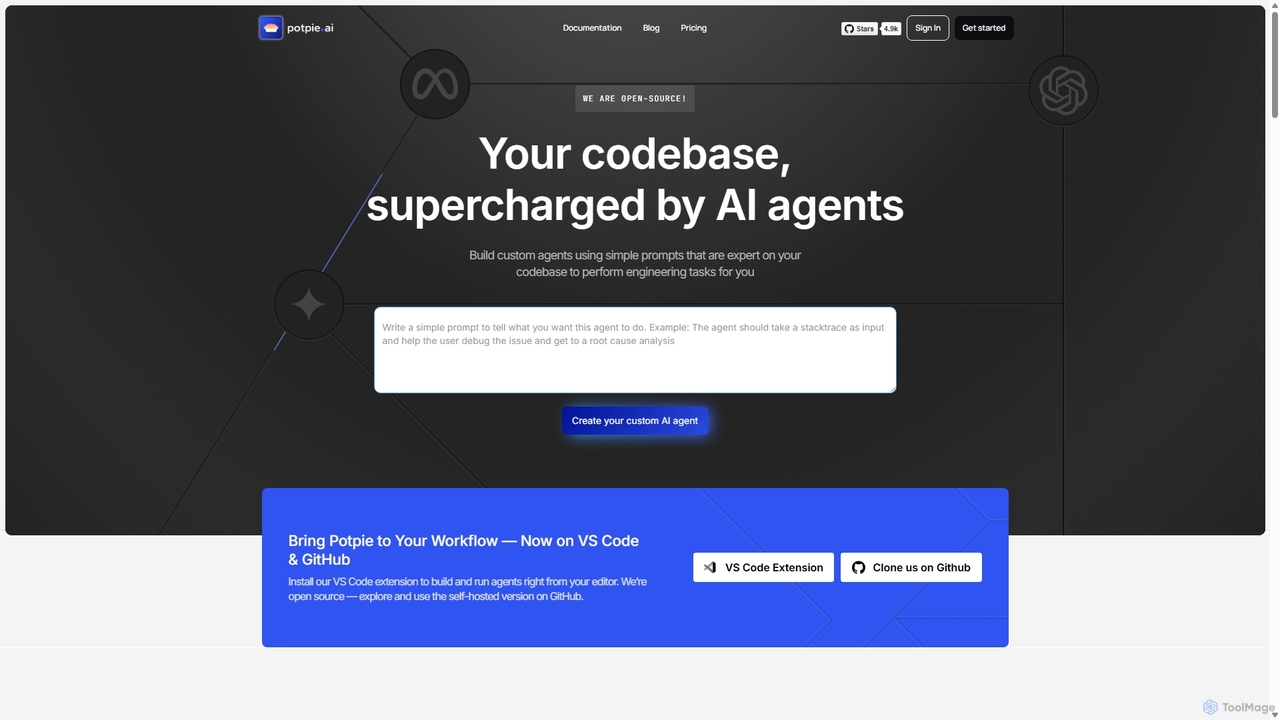
Potpie
Potpie is an open-source platform that empowers developers to build custom AI agents expert on their codebase. These agents automate complex engineering tasks, from debugging and testing to system design, integrating seamlessly into workflows via VS Code and GitHub.
Custom Agent Builder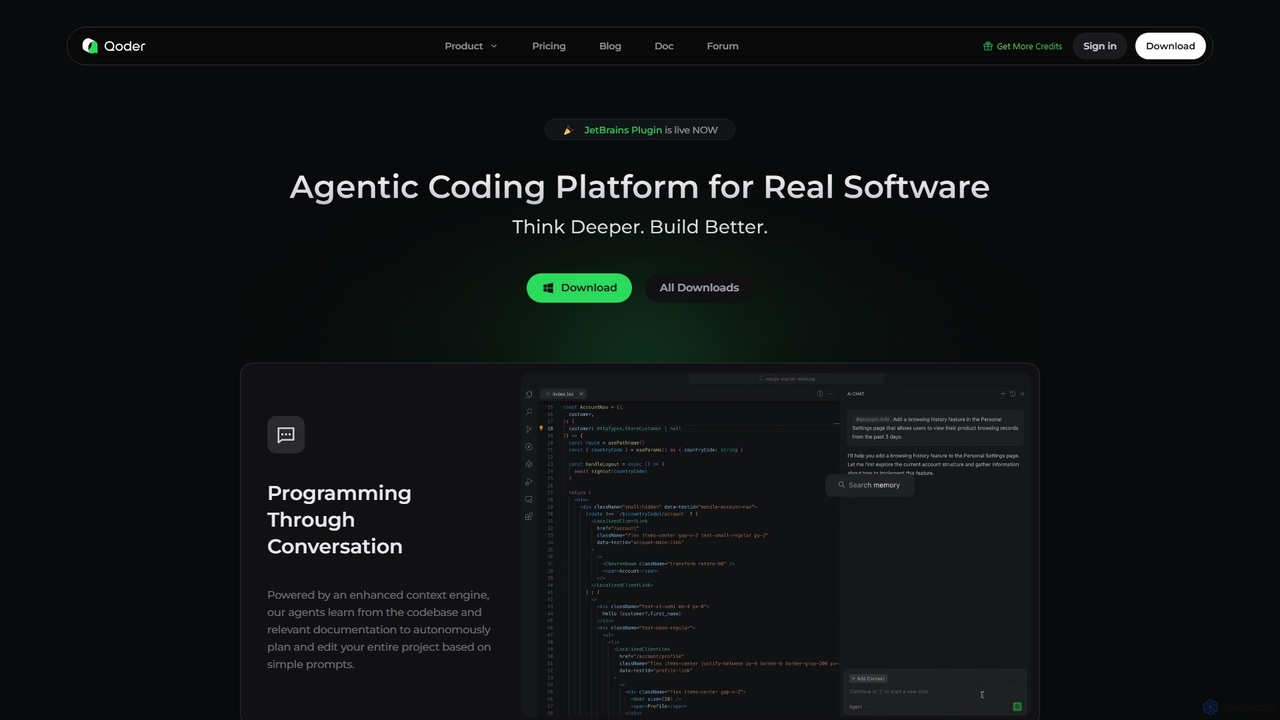
Qoder
Qoder is an agentic AI coding platform designed for real software development. It leverages an enhanced context engine to autonomously plan, code, and test entire projects based on simple prompts, integrating seamlessly into developer workflows via IDE, CLI, or JetBrains plugin.
Code AssistantDocuLearn Categories
DocuLearn Jobs
DocuLearn Embed Widget
Copy this embed code to place the badge on your blog, article, or product site and send readers directly to this ToolMage detail page.

Related AI tools
Documatic
Documatic is an AI-powered tool that generates professional, comprehensive code documentation in seconds. Designed specifically for developers, it eliminates hours of manual writing by providing instant, high-quality documentation, including complexity analysis, for any programming language. It operates on a flexible pay-as-you-go credit system.
Code DocumentationAutoDocs
AutoDocs is an AI-powered documentation tool designed for developers, automating the generation, updating, and refinement of technical documents. It leverages Google's Generative AI and LangChain to streamline the documentation process, allowing builders to focus more on development and less on writing.
Content Generation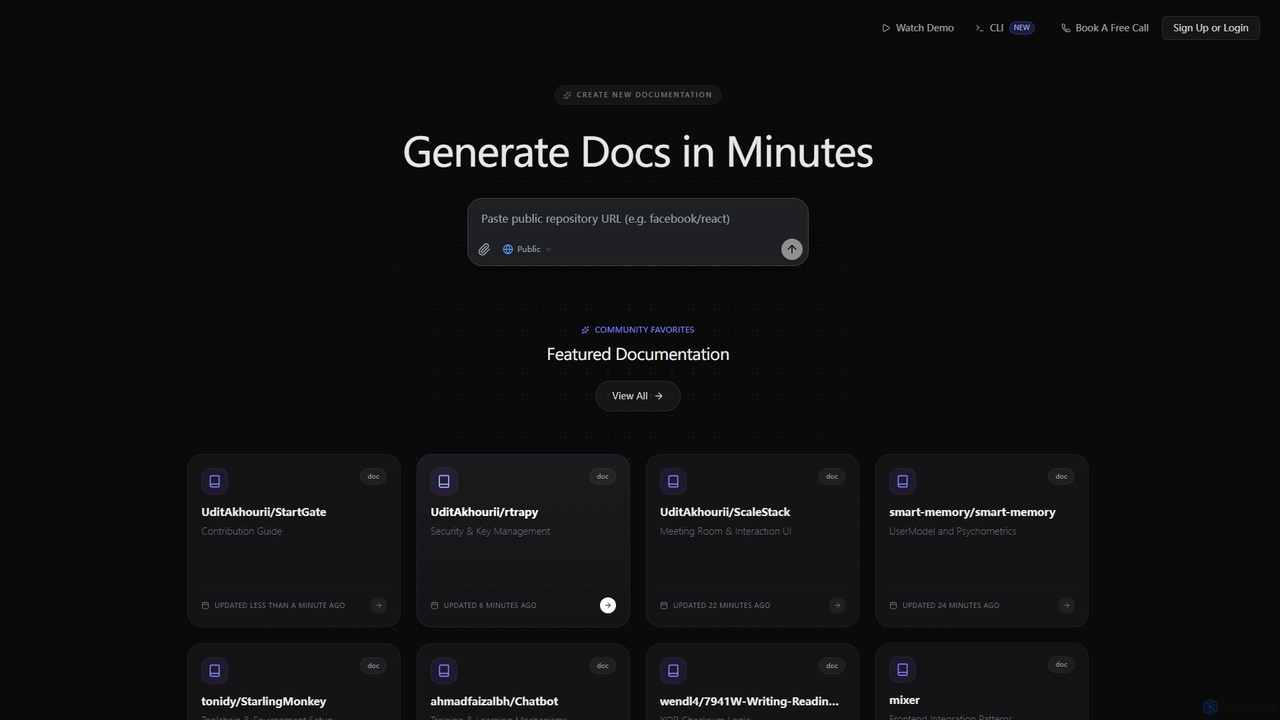
SuperDocs
SuperDocs is an AI-powered platform designed to rapidly generate comprehensive and context-aware documentation. It helps developers, teams, and communities create, manage, and explore technical documentation in minutes, featuring an interactive AI assistant for enhanced user experience.
Api Documentation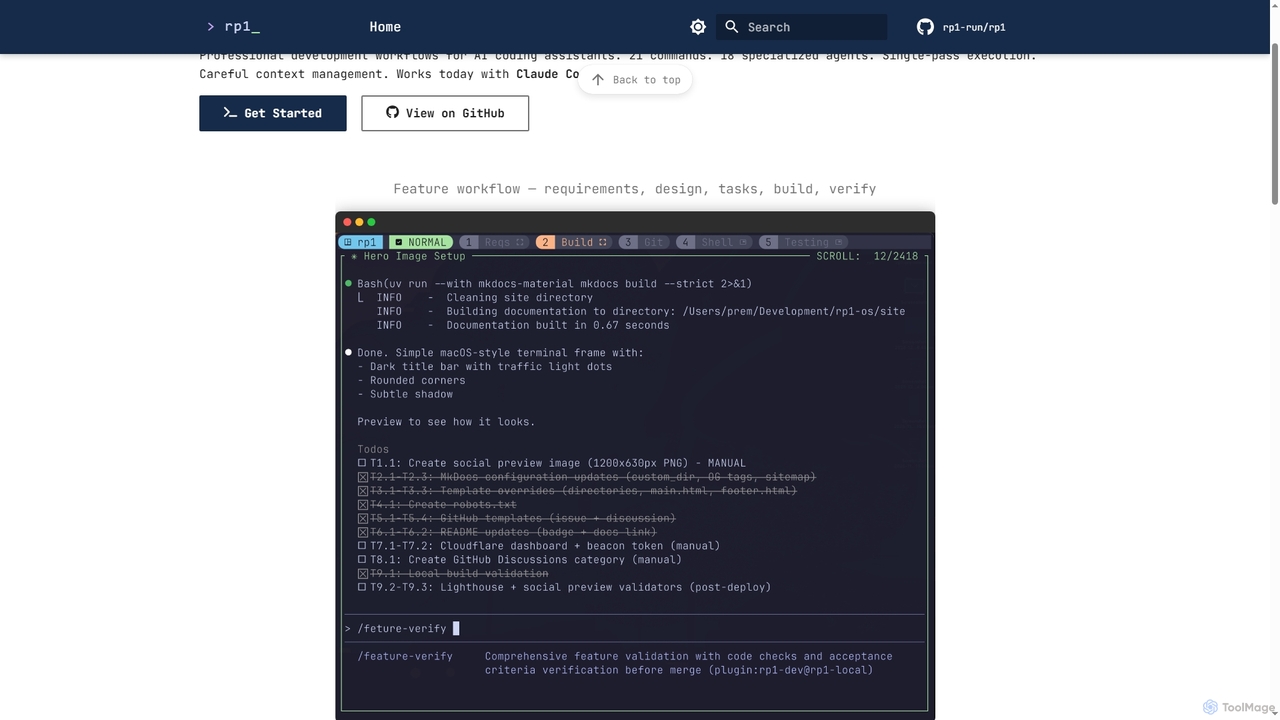
Rp1
Rp1 is a professional development workflow tool for AI coding assistants, designed to streamline software creation from requirements to deployment. It offers 21 commands and 18 specialized agents for efficient, single-pass execution of complex coding tasks, ensuring structured outputs and deep codebase awareness.
Ai AssistantPotpie
Potpie is an open-source platform that empowers developers to build custom AI agents expert on their codebase. These agents automate complex engineering tasks, from debugging and testing to system design, integrating seamlessly into workflows via VS Code and GitHub.
Custom Agent BuilderQoder
Qoder is an agentic AI coding platform designed for real software development. It leverages an enhanced context engine to autonomously plan, code, and test entire projects based on simple prompts, integrating seamlessly into developer workflows via IDE, CLI, or JetBrains plugin.
Code Assistant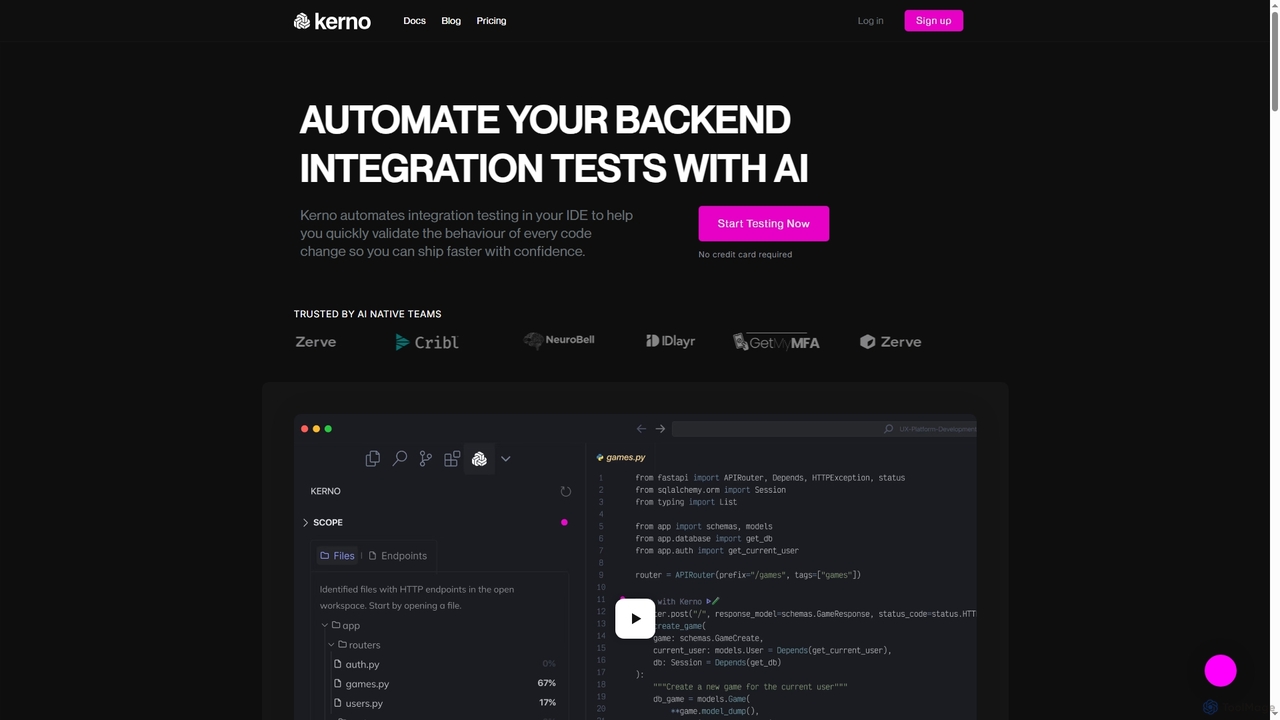
Kerno
Kerno is an AI-powered co-pilot for backend developers, autonomously generating, running, and maintaining exhaustive integration test suites. It understands your code, dependencies, and business logic to deliver reliable, high-quality testing at scale, directly within your IDE.
Backend Development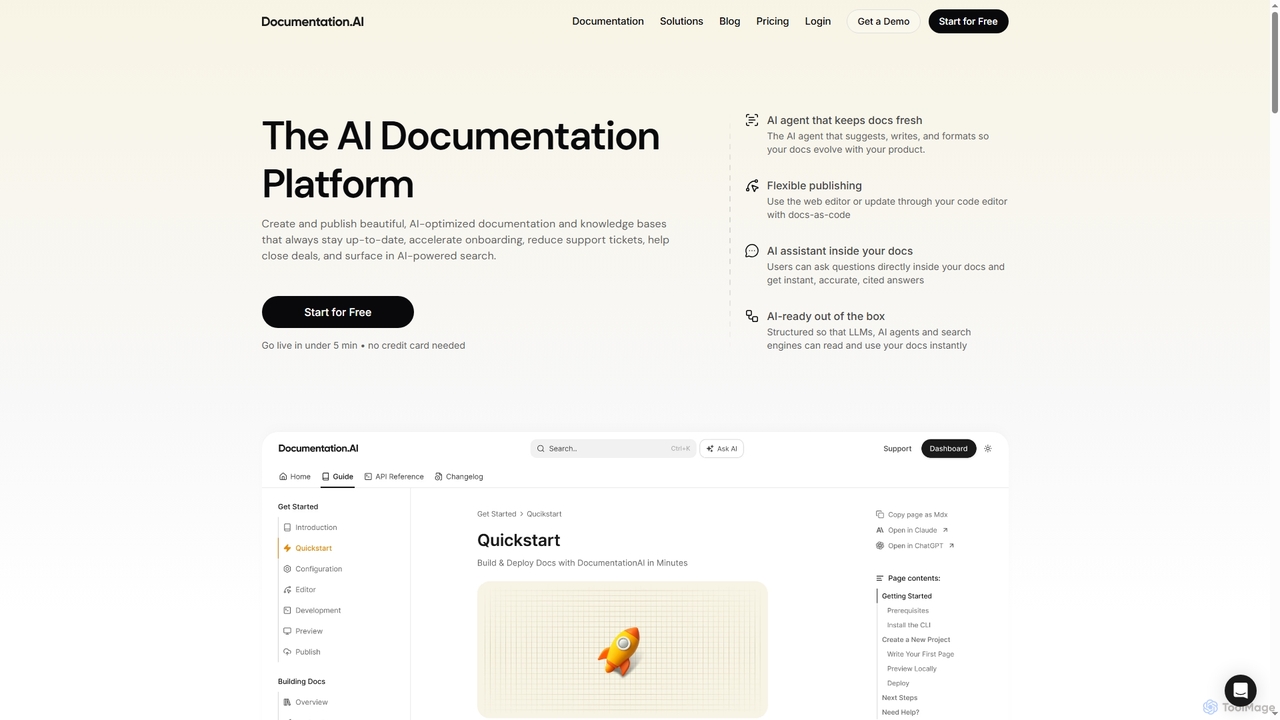
DocumentationAI
DocumentationAI is an AI-powered platform designed to create, publish, and maintain dynamic, up-to-date documentation and knowledge bases. It leverages AI agents to automate content updates, optimize for search engines and large language models, and provide instant, accurate answers to users directly within the documentation, accelerating onboarding and reducing support overhead.
Writing Assistant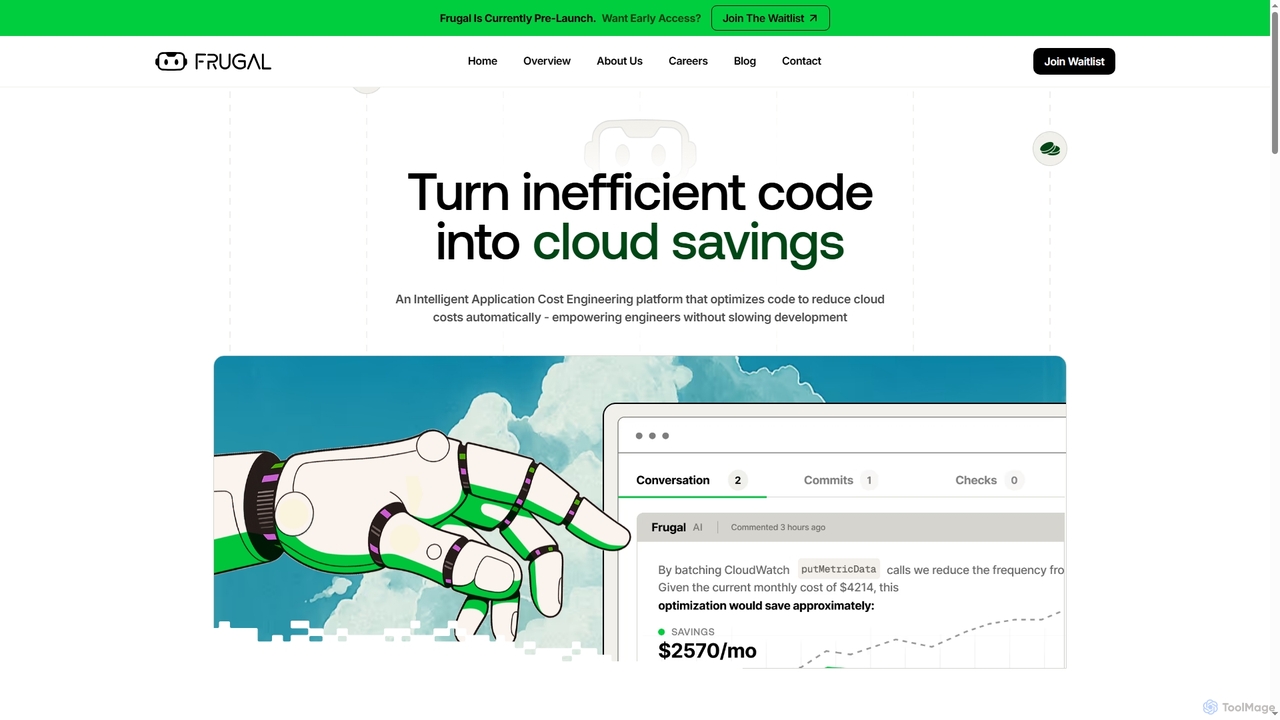
Frugal
Frugal is an intelligent, AI-powered Application Cost Engineering platform designed for engineers to automatically optimize code and reduce cloud costs. It aims to empower developers to eliminate waste at the source without compromising development speed, fostering collaboration between engineering and FinOps teams.
Cost Optimization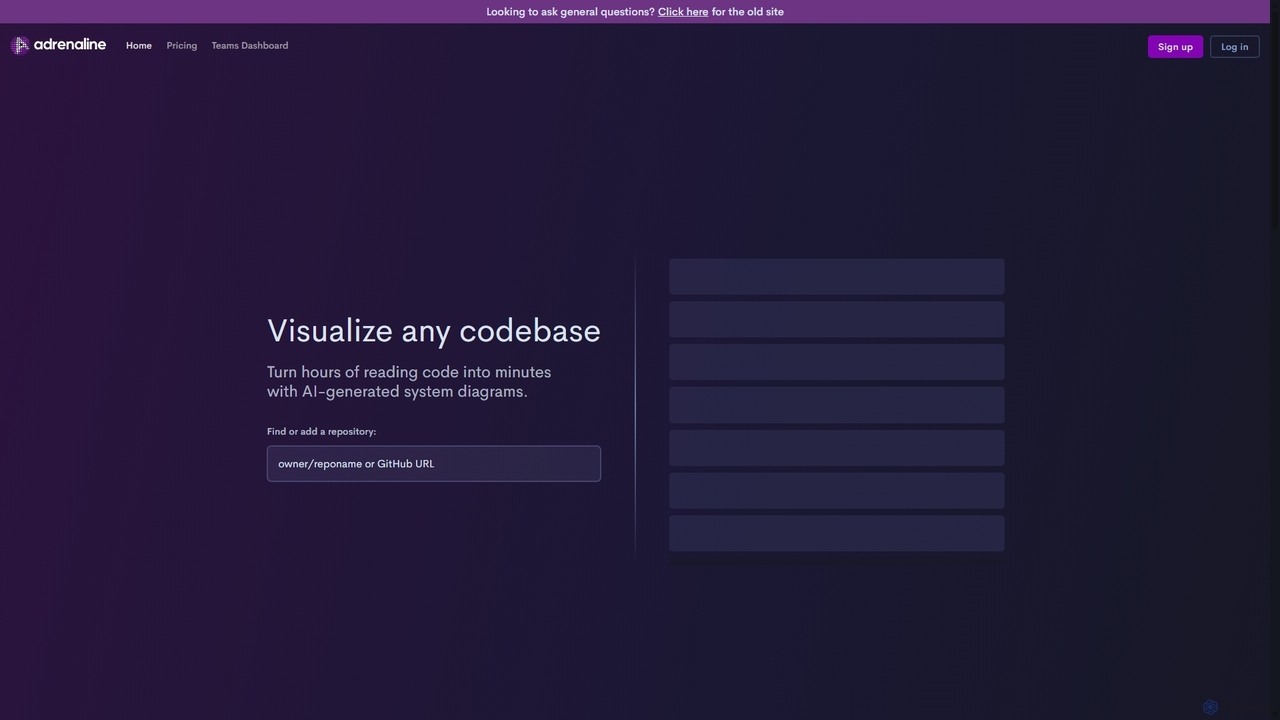
Adrenaline
Adrenaline is an AI-powered tool that transforms complex codebases into interactive, visual system diagrams. It automatically generates UML, sequence diagrams, and flowcharts, helping developers understand, document, and navigate any repository in minutes instead of hours.
Code Visualization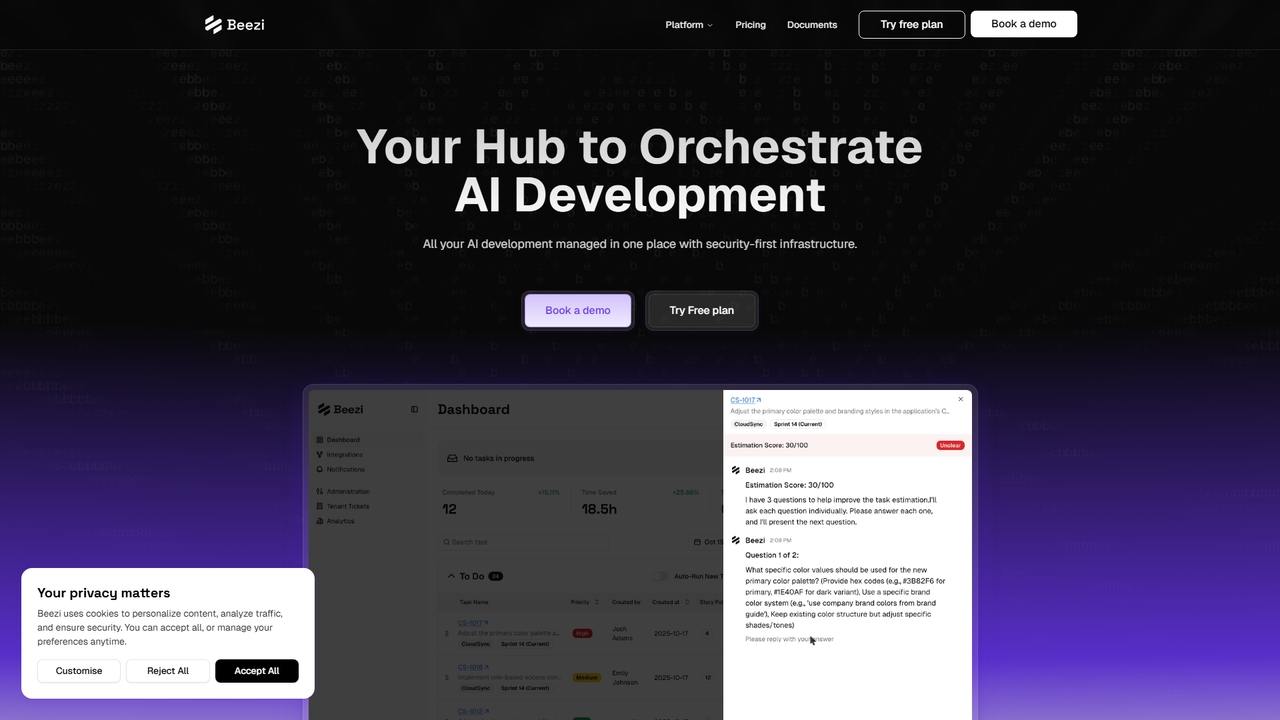
Beezi
Orchestrate AI development in one place. Beezi integrates with GitHub, Jira, and Slack to plan, code, and ship features with intelligent AI agents, smart model routing, and real-time analytics.
Ai Orchestration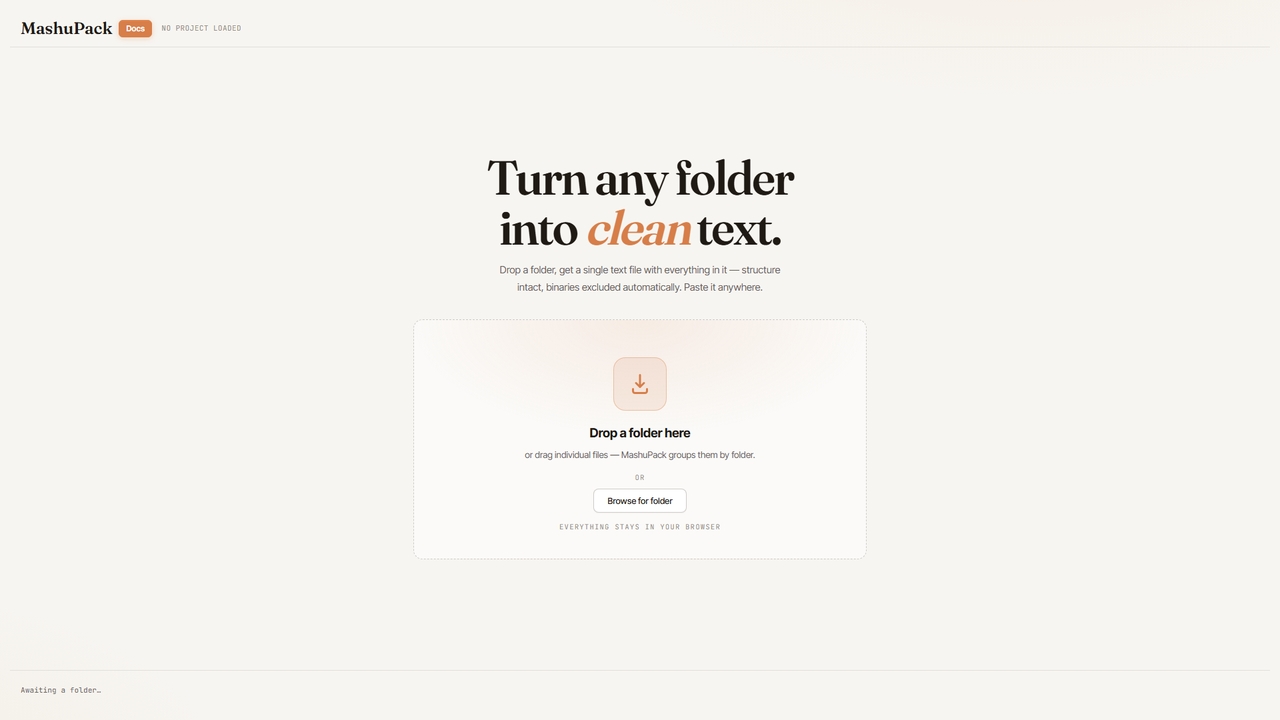
MashuPack
A browser-based tool that packages a local code repository into a single structured text file, enabling AI models like ChatGPT and Claude to navigate and understand the codebase as a virtual project for enhanced analysis.
Ai Workflow Enhancements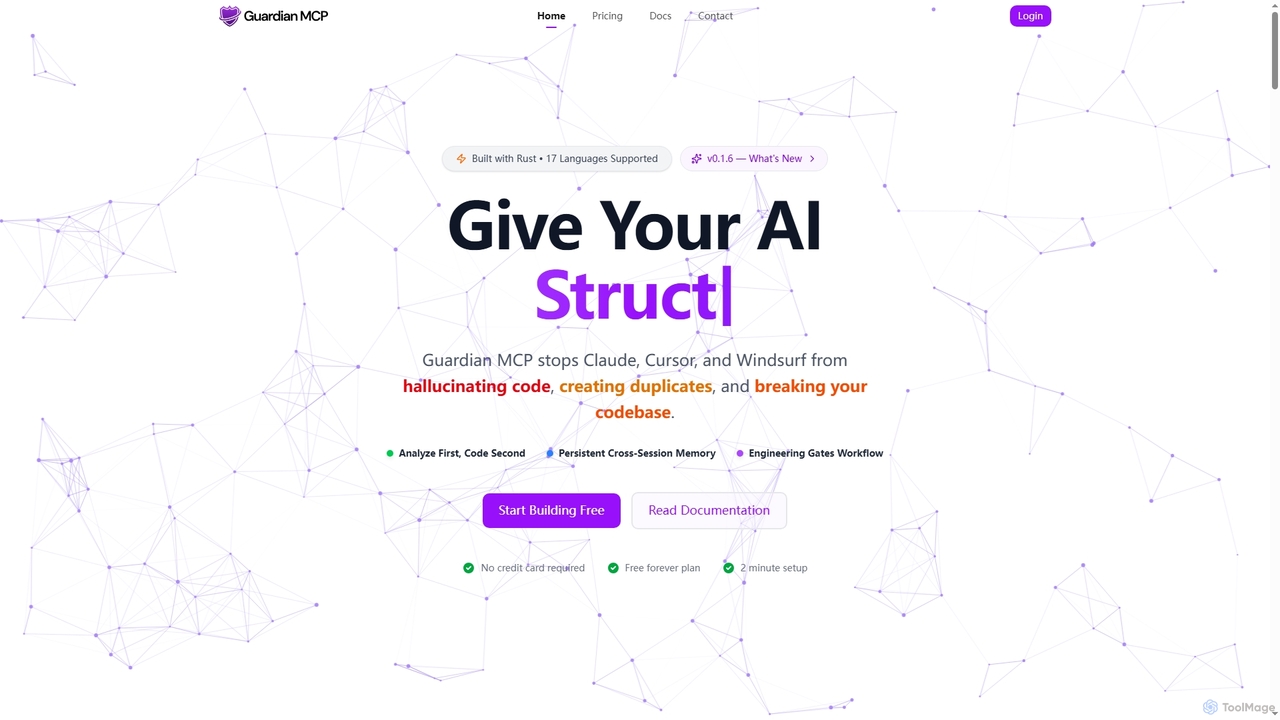
Guardian MCP
Guardian MCP is an AI engineering gate that prevents AI coding assistants like Claude, Cursor, and Windsurf from generating duplicate code, hallucinating functions, and breaking your codebase. It enforces a disciplined workflow, provides persistent memory, and ensures code quality by analyzing existing code before implementation.
Static Analysis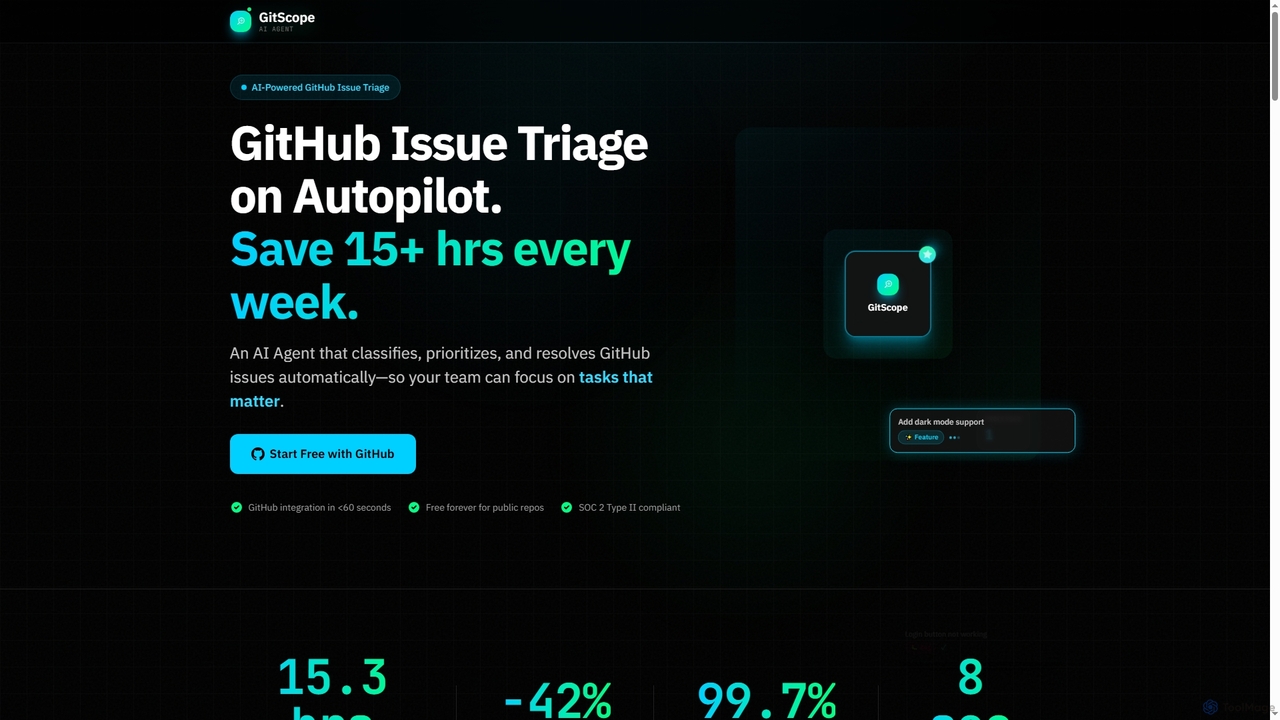
GitScope
GitScope is an AI-powered GitHub issue triage agent designed to automate the classification, prioritization, and resolution of issues. It helps engineering teams save significant time, reduce backlogs, and improve consistency by leveraging GPT-4 for intelligent analysis, duplicate detection, and configurable automation workflows. Free for public repositories, GitScope integrates seamlessly with GitHub to enhance team productivity and maintainer well-being.
Github Tools
Autofix
Autofix is an AI agent purpose-built for deep code review, identifying security vulnerabilities, hardcoded secrets, and code quality issues. It generates verified patches to help development teams ship clean and secure code faster.
Static Analysis
DocuLearn Comments (0)
Sign in to comment.
Sign inNo comments yet.