

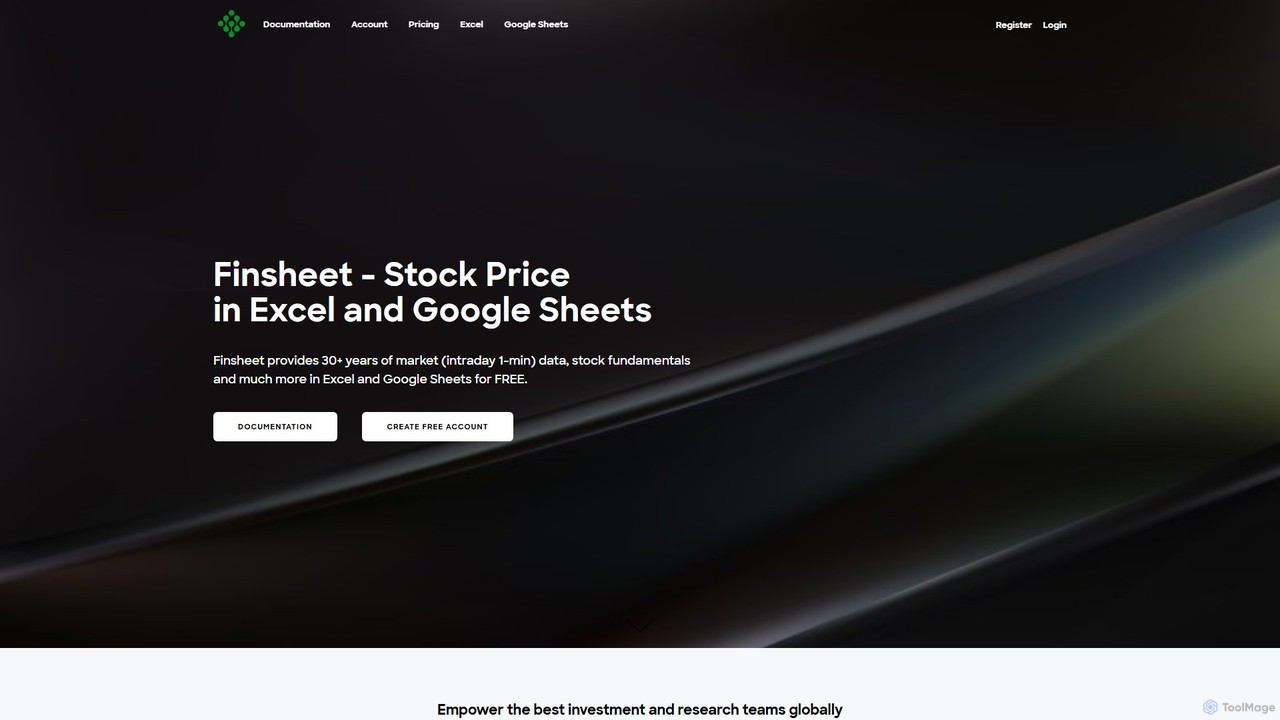
Finsheet Overview
Finsheet is a revolutionary tool designed to bridge the gap between professional, institutional-grade financial data and the everyday spreadsheet applications used by millions, such as Microsoft Excel and Google Sheets. It empowers investors, financial analysts, research teams, and students by providing direct access to a vast and deep repository of market data without requiring any coding skills. The data provided is of the highest quality, sourced from reputable providers like Finnhub, and is the same data trusted by hedge funds and investment banks.
The platform covers a wide array of asset classes, including global equities from over 60 major exchanges (61,000+ companies), all major cryptocurrencies and forex pairs, global ETFs, mutual funds, and bonds. With Finsheet, users can pull over 30 years of historical market data, including intraday data with a resolution as fine as one minute, as well as stream live market data directly into their spreadsheets. This makes it an indispensable tool for anyone needing timely and accurate financial information for analysis, modeling, or portfolio tracking.
How to use Finsheet
Getting started with Finsheet is designed to be a seamless and intuitive process, integrating directly into your existing workflow.
1. Installation:
- For Microsoft Excel: Navigate to the 'Insert' tab on the ribbon, click 'Get Add-ins'. In the Office Add-ins store, search for Finsheet (or its ID: WA200003886) and click 'Add'. Once installed, a Finsheet tab will appear. Click 'Show sidebar' to log in with your Finsheet account.
- For Google Sheets: Install the add-on from the Google Workspace Marketplace. Once added, open a spreadsheet, go to 'Extensions', select 'Stock Price in Google Sheets | Finsheet', and click 'Start add-on / Show sidebar'. Log in to your account to begin.
2. Basic Usage:
Finsheet works through a set of simple, easy-to-remember functions. If you can use `=SUM()`, you can use Finsheet. There is no coding required. Simply type the function into a cell.
- To get the latest price of a stock: `=FS_Latest("AAPL")`
- To get historical daily prices for a stock: `=FS_EquityCandles("GOOGL", "D", "2023-01-01", "2023-12-31")`
- To pull a specific financial metric like revenue: `=FS_EquityMetrics("MSFT", "revenue", "FY-1")`
- To get a company's full income statement: `=FS_EquityFullFinancials("AMZN", "ic", "TTM", 5)`
Core Features of Finsheet
- Comprehensive Data Coverage: Access data for global equities, ETFs, forex from 23+ exchanges, cryptocurrencies, mutual funds, and bonds.
- Extensive Historical Data: Pull over 30 years of market data, including intraday data with up to 1-minute resolution and end-of-day tick-level data.
- Real-Time Data Streaming: Stream live market prices for US stocks, ETFs, crypto, and forex directly into Excel to monitor the market as it moves.
- In-depth Company Fundamentals: Retrieve 30+ years of financial statements (income statements, balance sheets, cash flow), 25+ years of analyst estimates, EPS/sales surprises, and precomputed financial ratios.
- Advanced Technical Analysis: Utilize built-in functions for pattern recognition (e.g., double top, head and shoulders), automatic support/resistance level detection, and aggregate technical indicators (MACD, RSI, etc.).
- ETF and Mutual Fund Intelligence: Get detailed profiles, historical candlestick data, and comprehensive historical holdings for global ETFs and mutual funds.
- Seamless Spreadsheet Integration: Works as a native add-on for both Microsoft Excel (Mac + Windows) and Google Sheets (all browsers), maintaining a consistent experience.
- Alternative Data: Pro plan users can access unique datasets like ESG scores, earnings quality scores, and institutional portfolio holdings from top gurus like Warren Buffett.
Use Cases for Finsheet
Finsheet's versatility makes it suitable for a wide range of financial tasks:
- Financial Modeling: Build dynamic DCF, LBO, and other valuation models by pulling historical financials and real-time prices directly into your spreadsheet templates.
- Investment Research: Conduct deep-dive analysis on global companies by accessing decades of fundamental data, revenue breakdowns, and analyst estimates.
- Portfolio Tracking: Create and manage a live portfolio dashboard that automatically updates with real-time prices, performance metrics, and dividend information.
- Trading Strategy Backtesting: Leverage extensive historical intraday data (down to 1-minute intervals) to backtest trading algorithms and quantitative strategies.
- Academic Research: Students and educators can utilize institutional-grade data for finance projects, coursework, and academic studies, with significant discounts available.
Advantages of Finsheet
- Institutional-Grade Data: Access the same high-quality, accurate data used by professional hedge funds and investment banks.
- No Learning Curve: The add-on is extremely easy to use. If you know how to use Excel or Google Sheets, you already know how to use Finsheet.
- Cost-Effective: Provides access to premium financial data at a fraction of the cost of traditional terminals like Bloomberg or Refinitiv Eikon.
- Workflow Efficiency: Perform all your research and analysis within the familiar and powerful environment of spreadsheets, eliminating the need to switch between different platforms.
- Unmatched Flexibility: Combine Finsheet's data functions with the full power of Excel and Google Sheets for custom calculations, charting, and analysis.
Pricing and Plans
Finsheet offers a tiered pricing model with a 3-day free trial and discounts for annual billing. All prices are for personal use.
- Free Plan ($0/month): Get started with access to US stocks, 3 years of end-of-day historical data, and the latest fundamentals. No credit card required.
- Basic Plan ($20/month): Ideal for crypto or forex traders. Includes all stocks in 1 region, 10 years of historical data, access to intraday data, and 10 years of fundamentals.
- Plus Plan ($45/month): The most popular plan. Offers global equity and ETF data, 20 years of historical data, real-time price streaming, and ETF holdings.
- Pro Plan ($90/month): For professional investors and traders. Includes everything in Plus, plus 30+ years of historical data, mutual funds, bonds, futures, and alternative/3rd-party data.
Note: Students and educators can receive 50% - 100% discounts by contacting Finsheet. Enterprise pricing is available for corporate clients.
Traffic
Latest traffic
Status
Monthly traffic trend
- 2025-9: 14.5K
- 2026-1: 31.1K
- 2026-2: 41.5K
- 2026-3: 23.2K
- 2026-4: 23.4K
- 2026-5: 25.0K
Geography
Top 5 countries / regions
- 🇺🇸United States90.0%
- 🇮🇳India3.8%
- 🇮🇩Indonesia2.5%
- 🇩🇪Germany2.1%
- 🇨🇦Canada1.6%
Traffic sources
| Source type | Percentage |
|---|---|
Direct | 80.8% |
Referral | 19.2% |
Top keywords
| Keyword | Cost per click |
|---|---|
| how to get near realtime stock price in excel | $0.00 |
| live stock price in google sheets | $0.00 |
| stock market closing prices by date spreadsheet excel | $0.00 |
| stock market geoogle sheet | $0.00 |
| stock sheet | $0.00 |
Finsheet Alternatives
gptagent
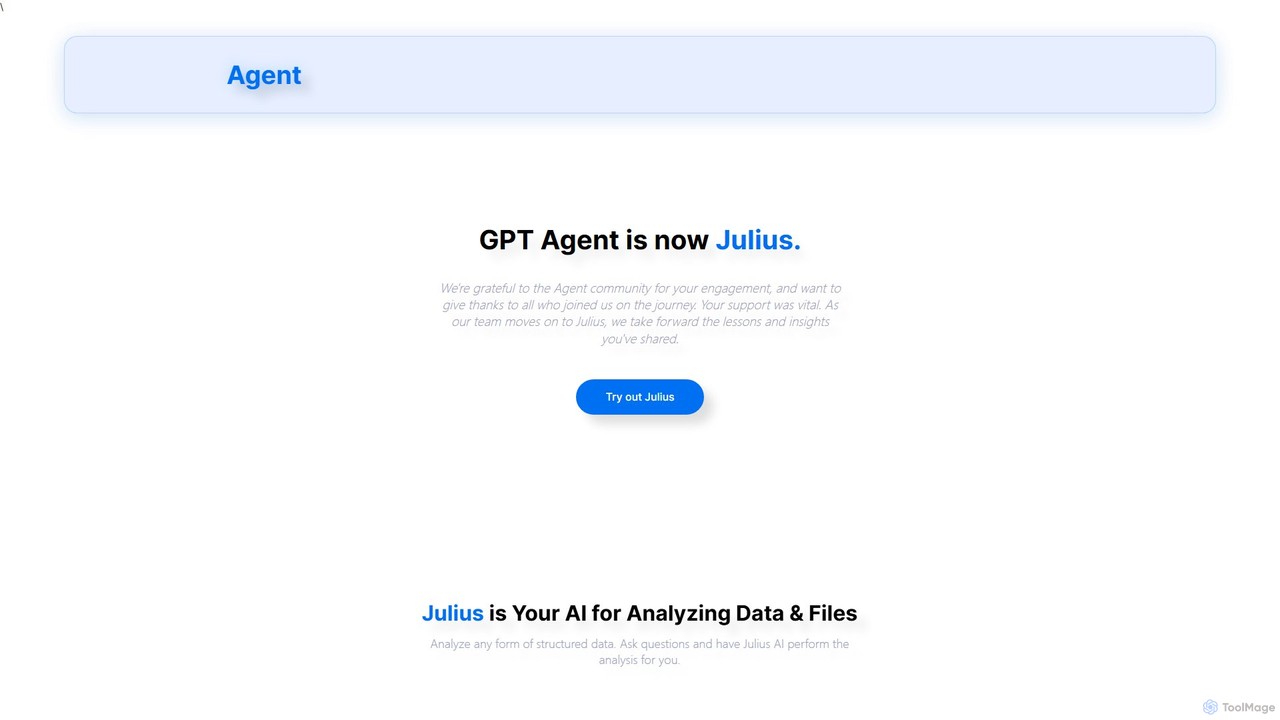
gptagent has rebranded to Julius, an AI data analyst that allows you to analyze data and files using natural language. Upload structured data, ask questions, and instantly generate visualizations, perform statistical analysis, and build models without writing any code. It transforms complex data tasks into simple conversations.
Business Intelligence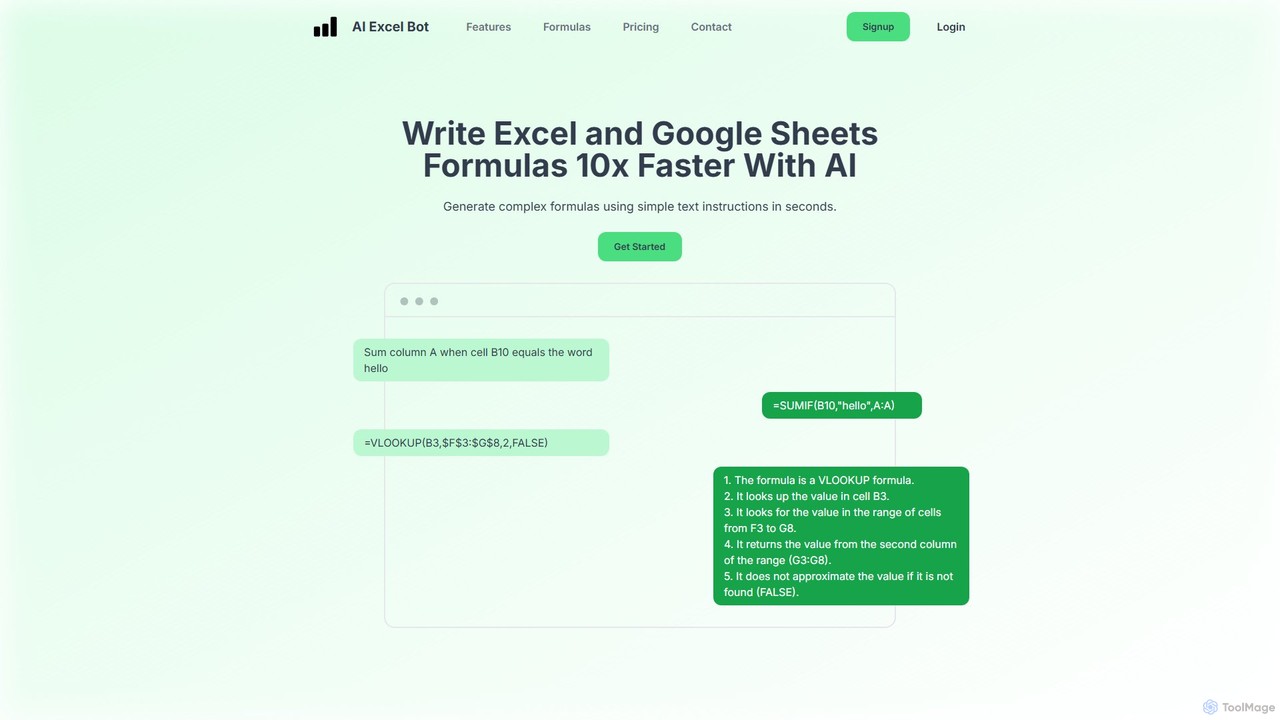
AI Excel Bot
AI Excel Bot is an AI-powered assistant that generates complex Excel and Google Sheets formulas from simple text instructions in seconds. It also creates and explains VBA code to automate tasks. Ideal for users of all skill levels, it saves time, boosts productivity, and helps you master spreadsheet functionalities. With a web app, Chrome extension, and Excel add-in, it integrates seamlessly into your workflow.
Low Code No Code
Sourcetable
Sourcetable is an AI-powered spreadsheet that combines the functionality of traditional spreadsheets with an AI data analyst. It allows users to connect to live data sources, ask questions in plain English, generate formulas, create charts, and automate reports. By integrating AI, Python, and SQL capabilities directly into the spreadsheet interface, Sourcetable empowers users of all skill levels to perform complex data analysis, cleaning, and visualization tasks effortlessly, turning raw data into actionable insights in seconds.
No Code
fin-gpt.ai
fin-gpt.ai is a powerful AI-driven platform for the finance industry. It leverages a specialized large language model to provide deep financial data analysis, market trend insights, and investment research automation. It empowers financial professionals and individual investors to make smarter, data-driven decisions by transforming complex financial information into actionable intelligence.
Data Analysis
AIColumns
AIColumns is an AI-powered data assistant that supercharges your spreadsheets. It integrates seamlessly with platforms like Google Sheets and Excel, allowing you to use natural language to clean data, generate complex formulas, create visualizations, and uncover actionable insights instantly.
IntelligenceFinsheet Categories
Finsheet Embed Widget
Copy this embed code to place the badge on your blog, article, or product site and send readers directly to this ToolMage detail page.

Related AI tools
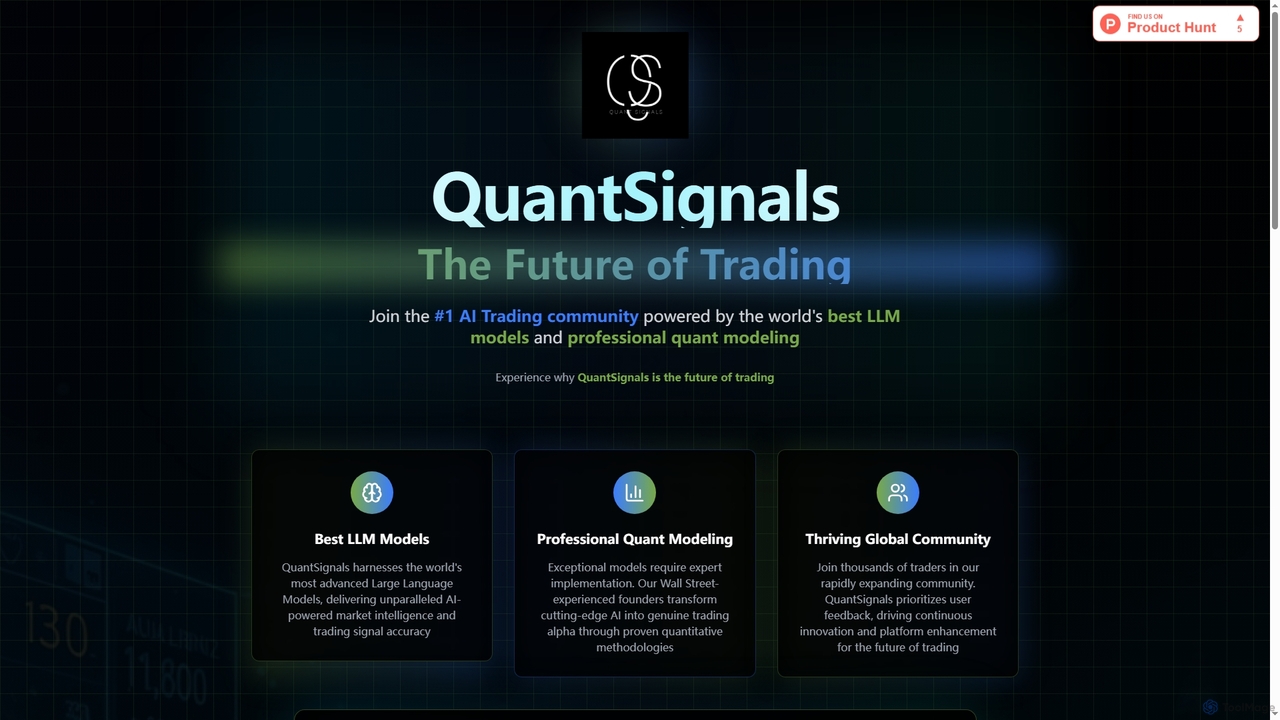
QuantSignals
QuantSignals is a leading AI trading community leveraging advanced Large Language Models and professional quantitative modeling to deliver real-time market intelligence and trading signals. It offers mobile apps for on-the-go access, portfolio tracking, and is building a revolutionary AI-native brokerage. Join thousands of traders experiencing the future of AI-powered investing.
Market Prediction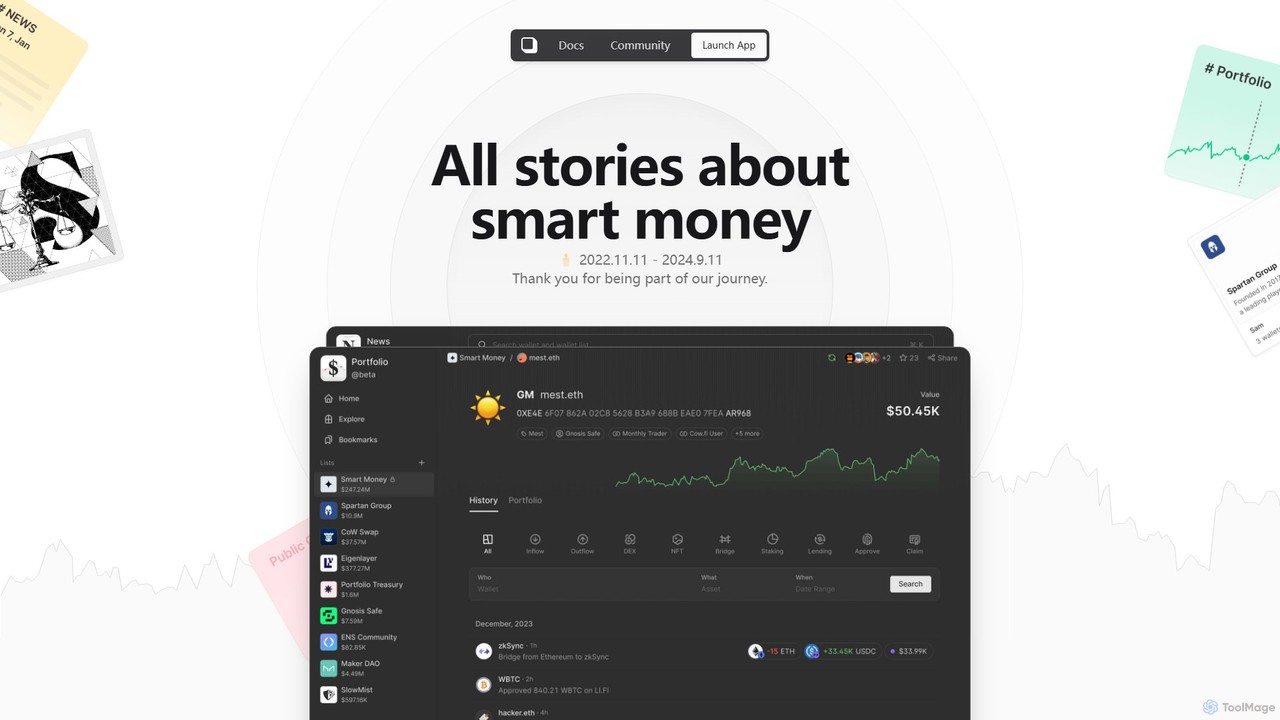
Mest
Mest is an AI-powered financial intelligence platform designed to track and analyze "smart money" movements across both traditional and cryptocurrency markets. It provides investors with actionable insights by monitoring the activities of institutional investors, venture capitalists, and crypto whales.
Analytics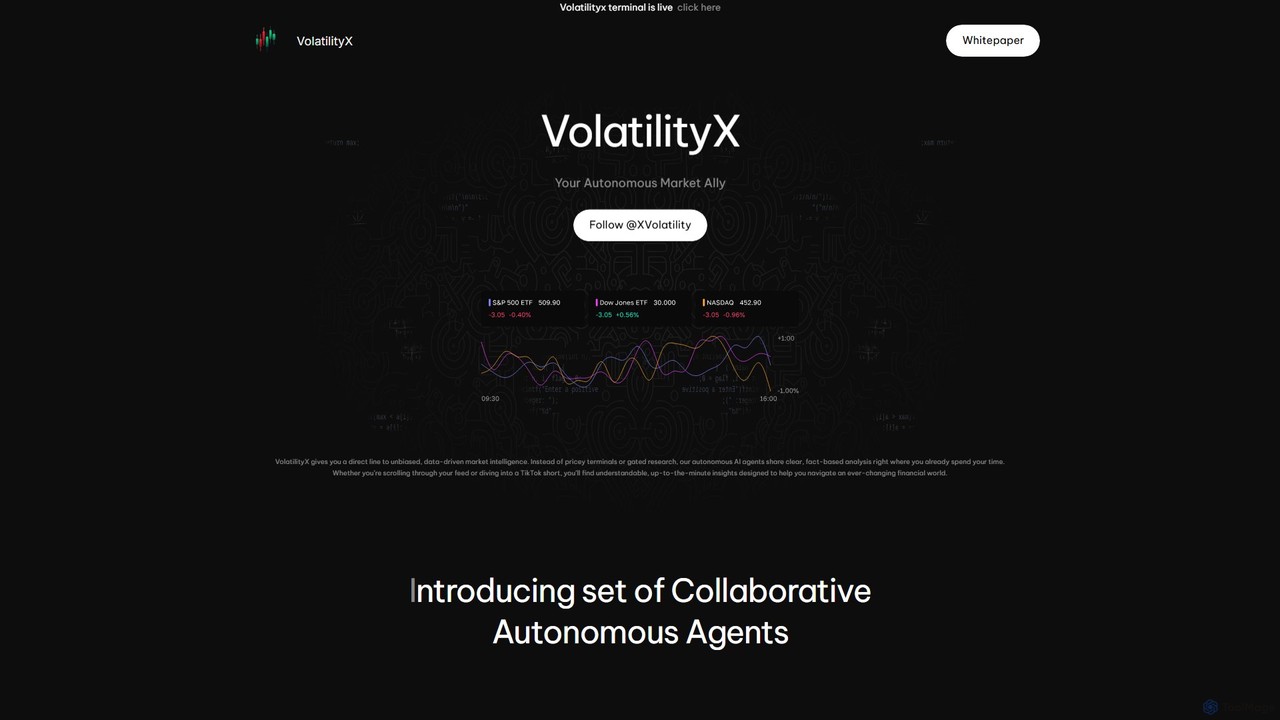
VolatilityX
VolatilityX is an AI-powered financial intelligence platform that acts as your autonomous market ally. It uses a suite of AI agents to deliver unbiased, data-driven analysis on stocks, options, and soon, crypto and commodities. Get real-time alerts on unusual flows, volume surges, and corporate news, along with deep fundamental and sentiment analysis, all delivered in a clear, accessible format.
Investment
ceobuysell
ceobuysell is an AI-powered platform that tracks real-time stock transactions made by company CEOs. It provides instant notifications and detailed analysis, allowing individual investors to gain an edge by trading alongside insiders and making informed decisions based on executive confidence.
Investmentfin-gpt.ai
fin-gpt.ai is a powerful AI-driven platform for the finance industry. It leverages a specialized large language model to provide deep financial data analysis, market trend insights, and investment research automation. It empowers financial professionals and individual investors to make smarter, data-driven decisions by transforming complex financial information into actionable intelligence.
Data Analysis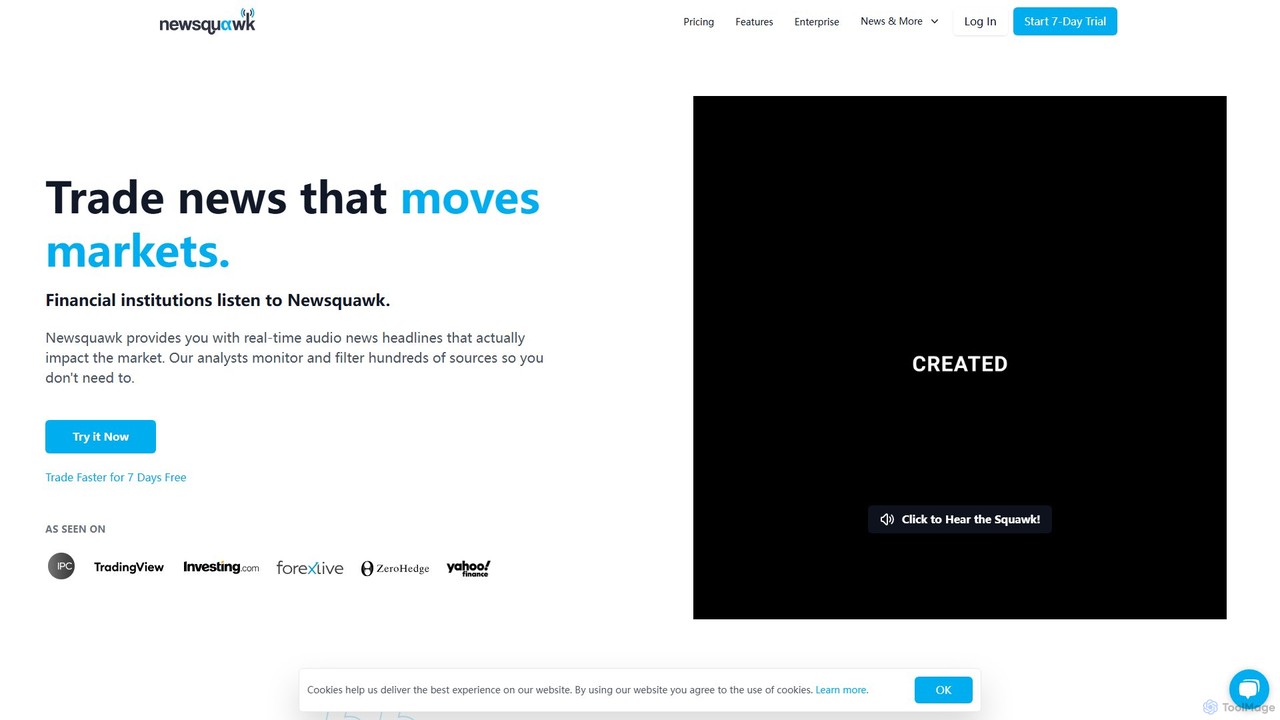
Newsquawk
Newsquawk is a real-time audio and text news service for financial traders. It delivers market-moving news headlines, filtered by expert analysts and AI, to help traders react faster than the market. The service covers all major asset classes, including equities, forex, fixed income, and commodities.
Real Time Data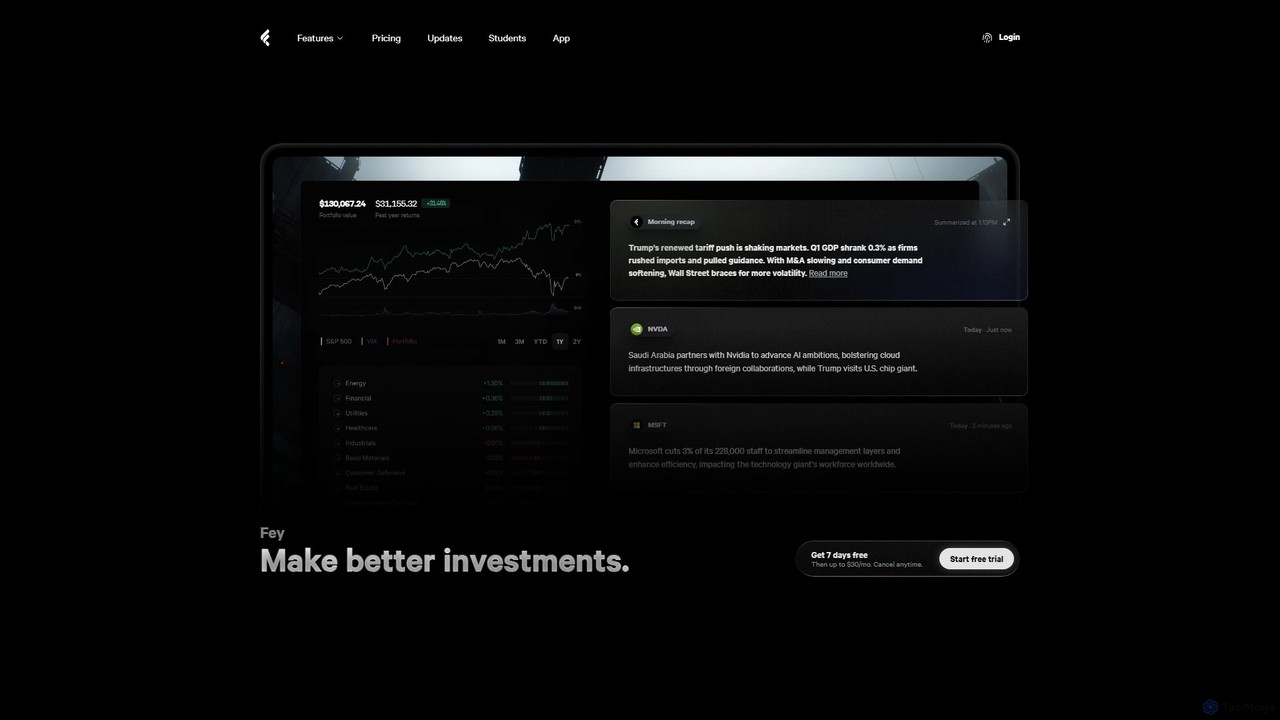
Fey
Fey is an AI-powered investment research platform that simplifies financial markets. It transforms complex data, news, and earnings reports into clear, actionable insights using AI summaries, real-time alerts, and a natural language stock screener. Sync your portfolio, track performance, and make better investment decisions with its beautiful, ad-free interface.
Financial Analysis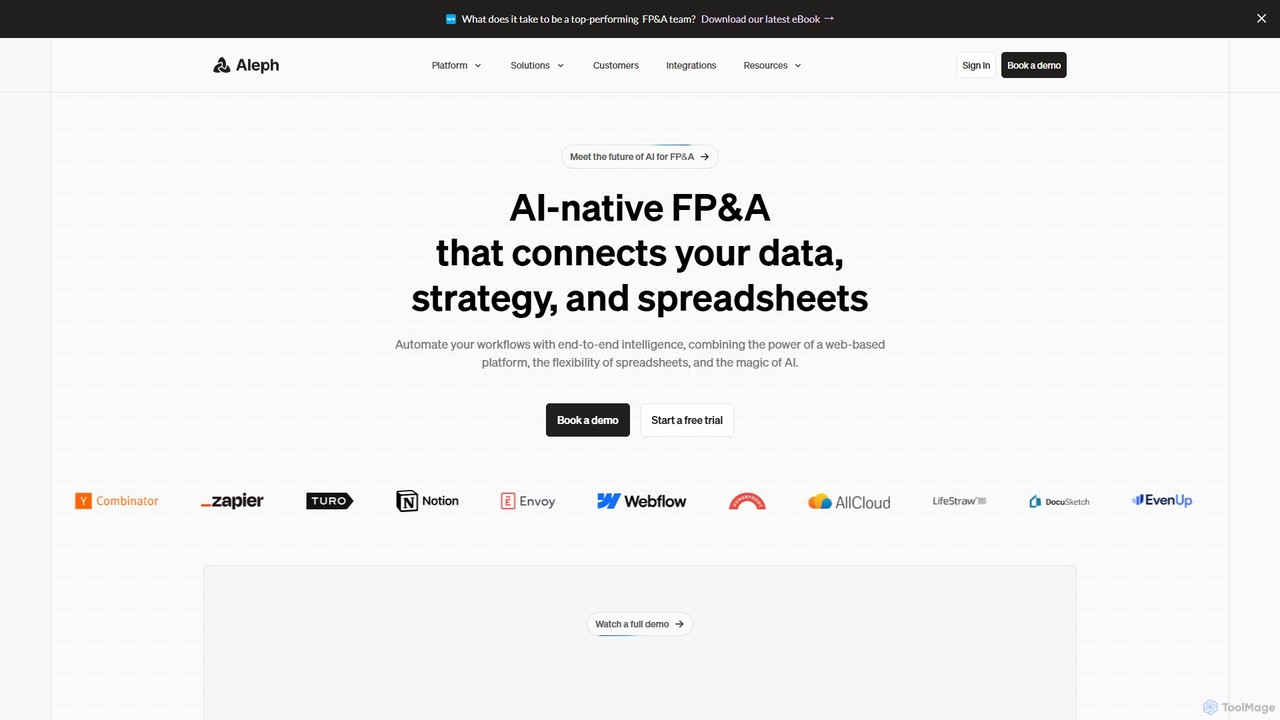
Aleph
Aleph is an AI-native FP&A (Financial Planning & Analysis) platform designed for modern finance teams. It automates tedious financial tasks, consolidates data from various systems into a single source of truth, and supercharges familiar tools like Excel and Google Sheets. By leveraging AI, Aleph helps teams multiply their output, reduce manual work, and focus on high-value strategic analysis.
Fp&A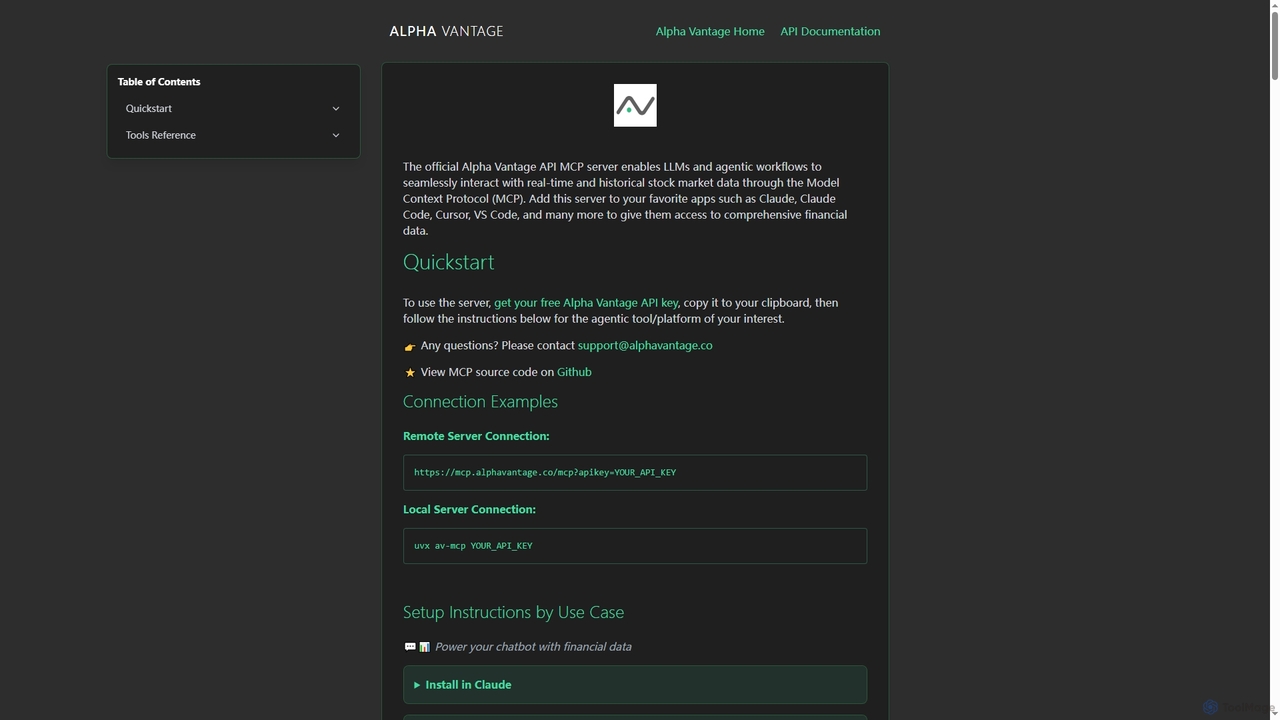
Alpha Vantage MCP
Alpha Vantage MCP is a Model Context Protocol server that enables Large Language Models (LLMs) and agentic workflows to seamlessly access real-time and historical stock market data, financial intelligence, and economic indicators. It integrates with popular AI platforms and development environments.
Api & Integration
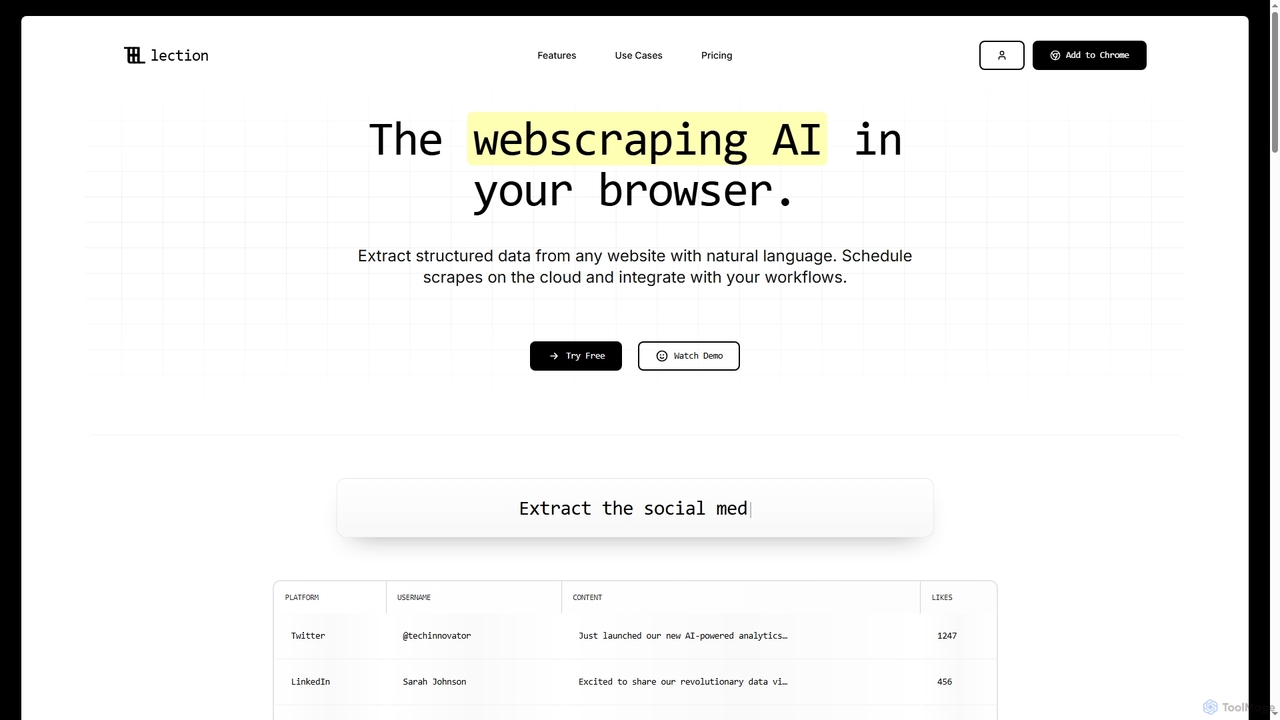
Lection
Lection is an AI-powered web scraping agent that allows users to extract structured data from any website using natural language. It automates data collection, integrates with popular workflows, and provides clean, validated data without requiring any coding expertise.
3D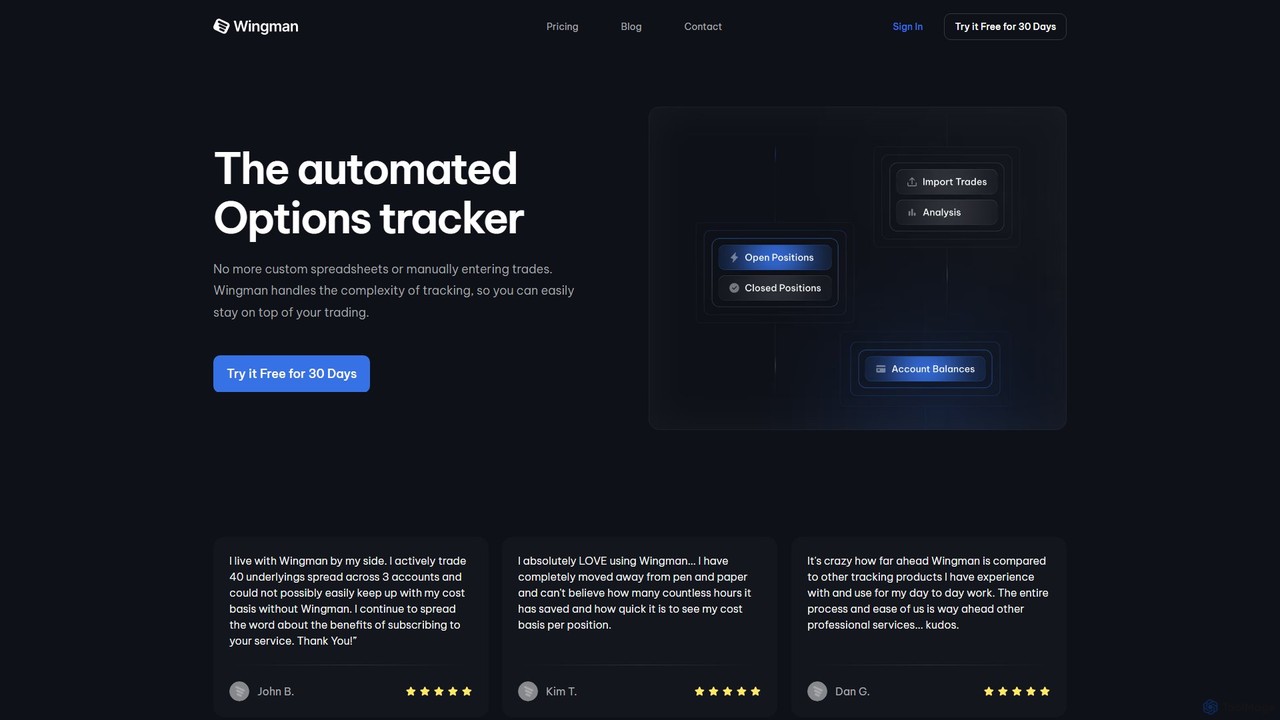
WingmanTracker
WingmanTracker is an automated options trading journal and portfolio tracker designed to replace manual spreadsheets. It simplifies tracking complex trades, including rolls and assignments, by importing data directly from your broker. The tool provides in-depth performance analysis, profit/loss calculations, and risk management insights to help traders optimize their strategies.
Investing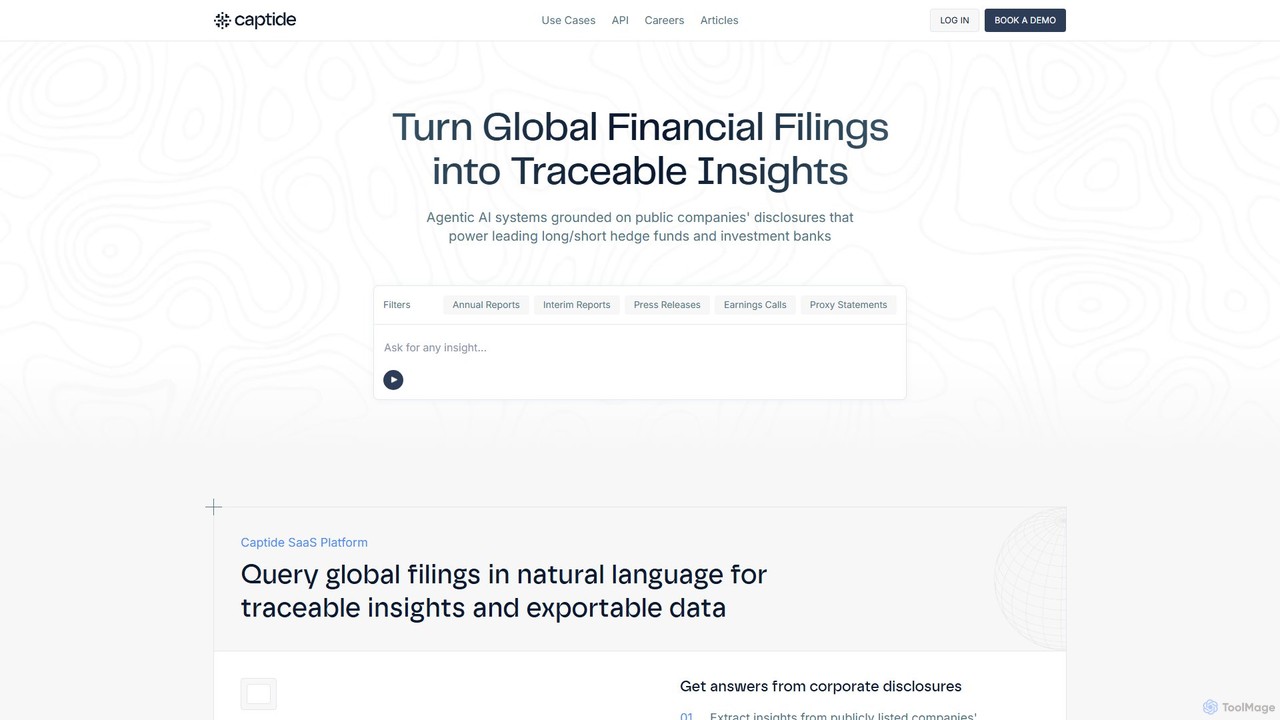
Captide
Captide is an AI-powered platform for financial professionals that transforms global financial filings into actionable, traceable insights. Using natural language queries, it automates data extraction, comparative analysis, and research workflows, enabling hedge funds, investment banks, and asset managers to make faster, data-driven decisions.
Api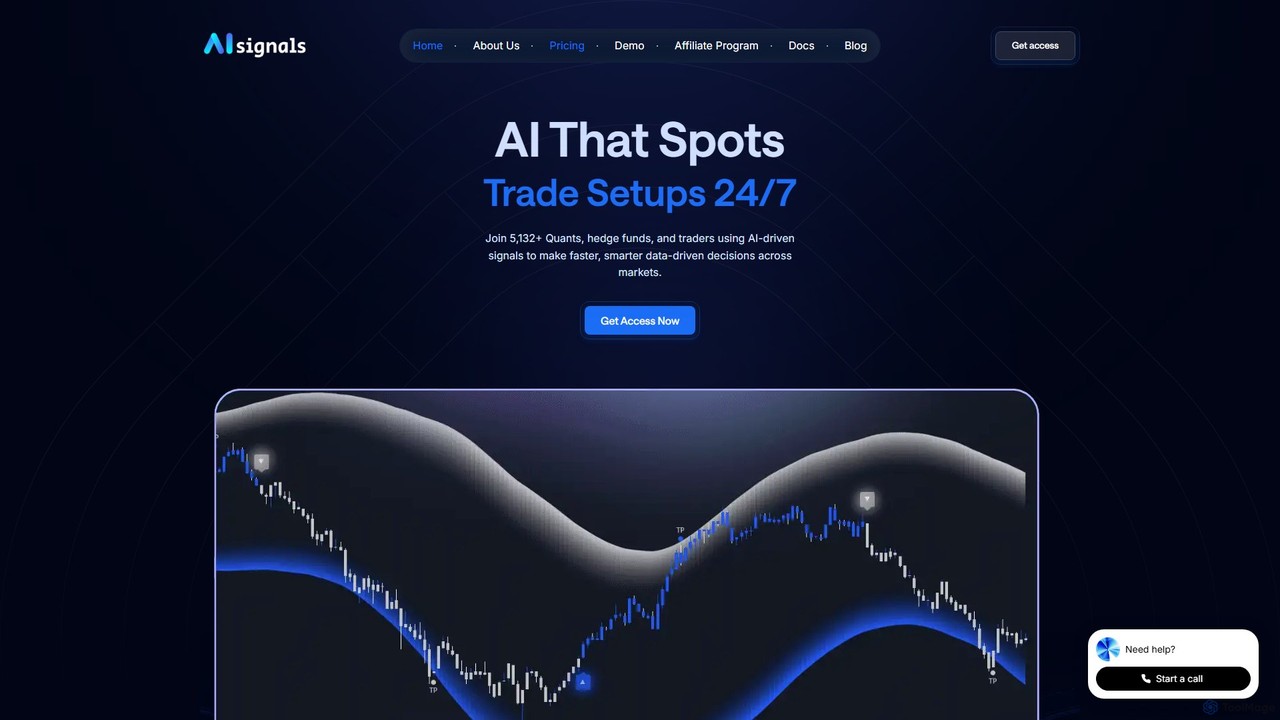
AI signals
AI signals provides AI-driven trading signals and advanced TradingView indicators for crypto, stocks, forex, and commodities. It helps traders make faster, data-driven decisions, reduce emotional mistakes, and identify high-probability setups 24/7. Suitable for beginners and experts.
Investment
Candlestick
Candlestick is an AI-powered investment platform designed to help investors make smarter, data-driven decisions. As an SEC-registered investment advisor, it provides AI-generated stock recommendations, in-depth market analysis, and portfolio management tools. The platform leverages advanced algorithms to analyze market data, identify trends, and offer actionable insights for both novice and experienced investors.
Investing
Finsheet Comments (0)
Sign in to comment.
Sign inNo comments yet.