

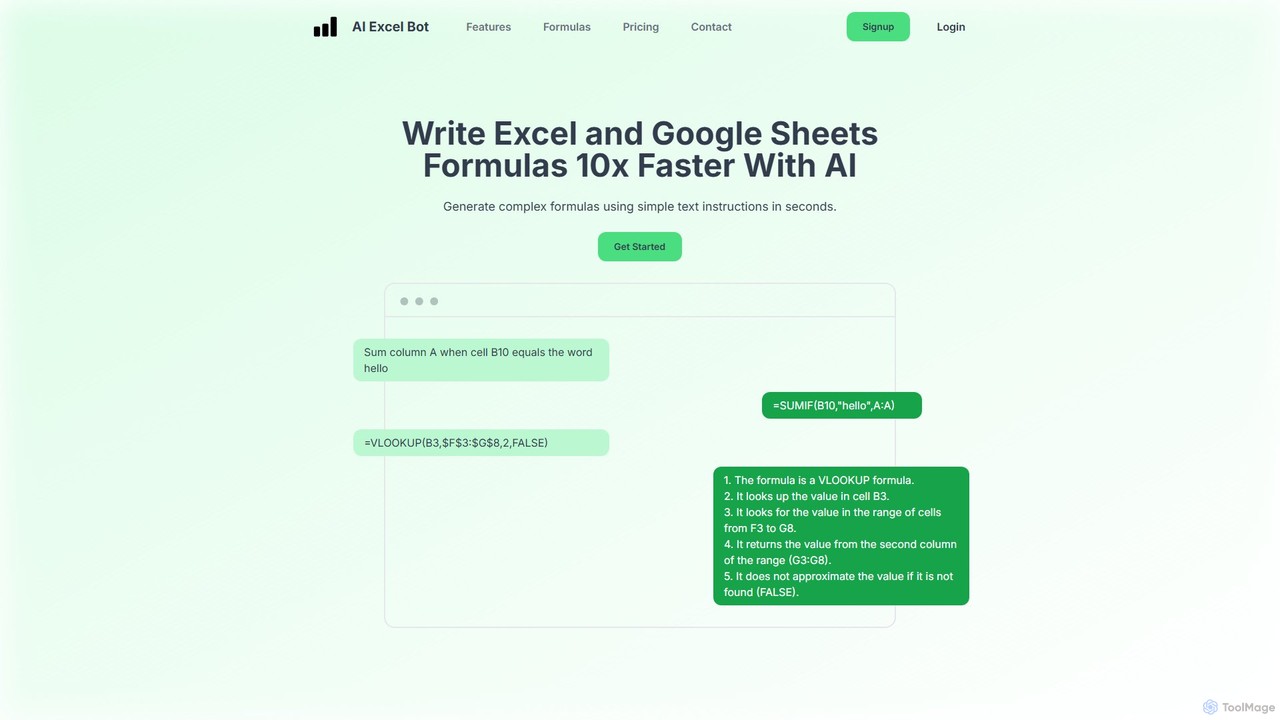
AI Excel Bot Overview
AI Excel Bot is a revolutionary tool designed to enhance spreadsheet productivity for both Microsoft Excel and Google Sheets users. It leverages the power of artificial intelligence to translate simple, natural language text prompts into complex formulas and VBA code, effectively acting as an expert assistant at your fingertips. This tool is built to save users countless hours they would otherwise spend searching for the right syntax, debugging formulas, or writing automation scripts from scratch. Whether you are a beginner struggling with basic functions or an expert looking to speed up complex tasks, AI Excel Bot streamlines the entire process.
The platform is not just a generator; it's also a powerful learning aid. When faced with a convoluted formula or an unfamiliar VBA script, you can paste it into AI Excel Bot, and the AI will provide a clear, step-by-step explanation of what it does. This feature demystifies complex spreadsheet logic, empowering users to learn and grow their skills confidently.
How to use AI Excel Bot
Using AI Excel Bot is designed to be intuitive and straightforward. Here’s a simple guide to get started:
- Describe Your Goal: Navigate to the AI Excel Bot website or open the integrated extension. In the input box, type a clear, simple description of what you want to achieve. For example, 'Sum all values in column C where the corresponding cell in column A is 'Sales'' or 'Find the value in cell A2 within the range D1:E50 and return the value from the second column'.
- Generate the Formula or Code: Click the generate button. The AI will process your request and produce the exact formula or VBA script needed to accomplish the task in seconds.
- Copy and Paste: Simply copy the generated output.
- Implement in Your Spreadsheet: Paste the formula or code directly into your Excel or Google Sheets file. For maximum efficiency, use the dedicated Chrome extension for Google Sheets or the Excel add-in to perform these actions without ever leaving your spreadsheet environment.
- Understand Existing Formulas: To understand a complex formula, paste it into the explainer tool, and the AI will break down its components and logic for you.
Core Features of AI Excel Bot
- AI Formula Generation: Instantly converts plain English instructions into accurate formulas for both Excel and Google Sheets.
- VBA Code Generation: Creates custom VBA scripts to automate repetitive tasks, generate reports, and manipulate data, all from simple text prompts.
- Formula & Code Explanation: Provides clear, easy-to-understand explanations for any existing formula or VBA script, making it an excellent learning tool.
- Wide Range of Formula Support: Capable of generating formulas across numerous categories, including Financial, Statistical, Logical, Lookup & Reference, Text, Date & Time, Database, Engineering, and more.
- Seamless Integration: Offers a dedicated Chrome extension for Google Sheets and an Excel add-in, allowing users to access its power directly within their workflow.
- Cross-Platform Compatibility: Works flawlessly for both Microsoft Excel and Google Sheets, catering to a wide user base.
Use Cases for AI Excel Bot
AI Excel Bot is versatile and valuable for a wide range of professionals and students:
- Financial Analysts: Quickly build financial models by generating formulas for NPV, IRR, loan payments, and depreciation schedules.
- Data Analysts: Effortlessly create complex queries, filter large datasets, perform lookups (VLOOKUP, INDEX/MATCH), and conduct statistical analysis without memorizing syntax.
- Marketing Professionals: Analyze campaign performance by easily summing, counting, or averaging data based on multiple criteria.
- Operations Managers: Automate daily reporting and data entry tasks by generating custom VBA scripts.
- Students and Educators: Learn and teach spreadsheet functions more effectively by seeing natural language prompts transformed into real formulas and receiving detailed explanations.
- Small Business Owners: Manage inventory, track sales, and create invoices with custom formulas and automated processes without needing to be a spreadsheet expert.
Advantages of AI Excel Bot
The primary advantage of AI Excel Bot is its ability to dramatically increase efficiency. It reduces the time spent on manual formula creation and debugging from minutes or hours to mere seconds. This accessibility empowers non-technical users to perform advanced data analysis and automation, while also serving as a productivity multiplier for experienced professionals. The integrated extensions ensure a smooth, uninterrupted workflow, and its function as a learning tool helps users build lasting skills.
Pricing and Plans
AI Excel Bot offers a flexible pricing structure to suit different user needs:
- Free Plan: $0/month. This plan provides limited access, including 5 formula, code, or task generations/explanations per month, access to the Chrome extension, and email support.
- Pro Plan: $5.99/month. This plan offers full, unlimited access to all features, including unlimited formula and VBA generations and explanations, access to both the Chrome extension and the Excel add-in, and priority support.
- Pro Annual Plan: $49.99/year. This is the best value option, providing all the benefits of the Pro plan at a 30% discount compared to the monthly rate.
Traffic
Latest traffic
Status
Monthly traffic trend
- 2025-9: 68.2K
- 2026-1: 69.0K
- 2026-2: 58.0K
- 2026-3: 62.4K
- 2026-4: 48.6K
- 2026-5: 46.6K
Geography
Top 5 countries / regions
- 🇺🇸United States27.6%
- 🇮🇩Indonesia19.5%
- 🇳🇬Nigeria19.2%
- 🇮🇳India18.4%
- 🇻🇳Vietnam15.3%
Top keywords
| Keyword | Cost per click |
|---|---|
| ai excel bot | $0.00 |
| excel bot | $0.00 |
| excel helper | $0.00 |
| resolver excel con ia | $0.00 |
| vlookup with ai | $0.00 |
AI Excel Bot Alternatives
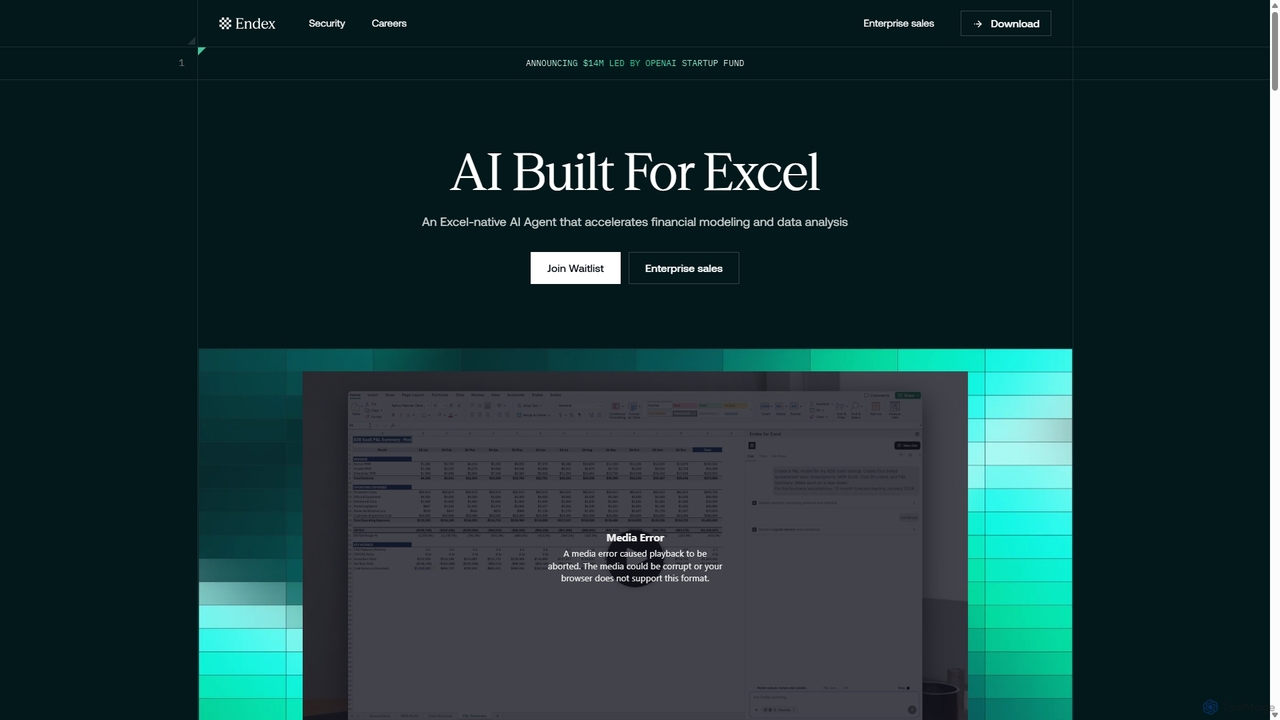
Endex
Endex is an AI-powered agent designed as an Excel add-in to automate complex financial analysis and data workflows. It integrates with public financial data sources, reasons over data like an analyst, and generates auditable reports, significantly boosting productivity for financial professionals.
Automation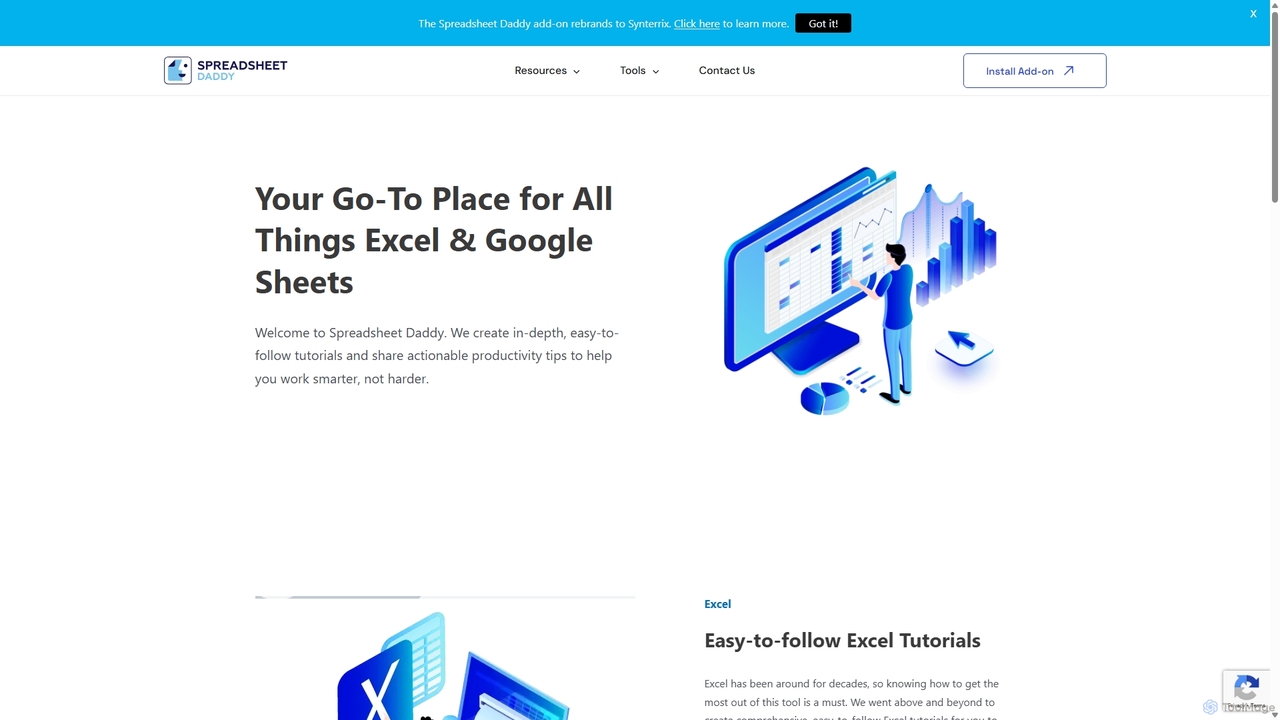
Spreadsheet Daddy
Spreadsheet Daddy is an advanced AI-driven add-on for Google Sheets that automates complex tasks. It allows users to generate formulas, Apps Script, and regular expressions from simple text prompts. The tool also excels at bulk content generation, data analysis, and even allows for the creation of custom AI models, transforming your spreadsheet into a powerful productivity hub.
Low Code No Code
Formula Generator
An AI-powered tool that instantly generates, explains, and debugs formulas for Excel, Google Sheets, and Airtable from natural language descriptions. It also creates VBA, Apps Script, and SQL code to automate tasks, saving users time and improving spreadsheet accuracy without requiring extensive coding knowledge.
Low Code No Code
Ajelix
Ajelix is an AI-powered suite of tools designed to enhance productivity for Excel and Google Sheets users. It acts as an AI data analyst, automating tasks, generating formulas and VBA scripts, creating insightful reports, and providing advanced data analysis through a simple chat interface.
Business Intelligence
Sourcetable
Sourcetable is an AI-powered spreadsheet that combines the functionality of traditional spreadsheets with an AI data analyst. It allows users to connect to live data sources, ask questions in plain English, generate formulas, create charts, and automate reports. By integrating AI, Python, and SQL capabilities directly into the spreadsheet interface, Sourcetable empowers users of all skill levels to perform complex data analysis, cleaning, and visualization tasks effortlessly, turning raw data into actionable insights in seconds.
No CodeAI Excel Bot Categories
AI Excel Bot Embed Widget
Copy this embed code to place the badge on your blog, article, or product site and send readers directly to this ToolMage detail page.

Related AI tools
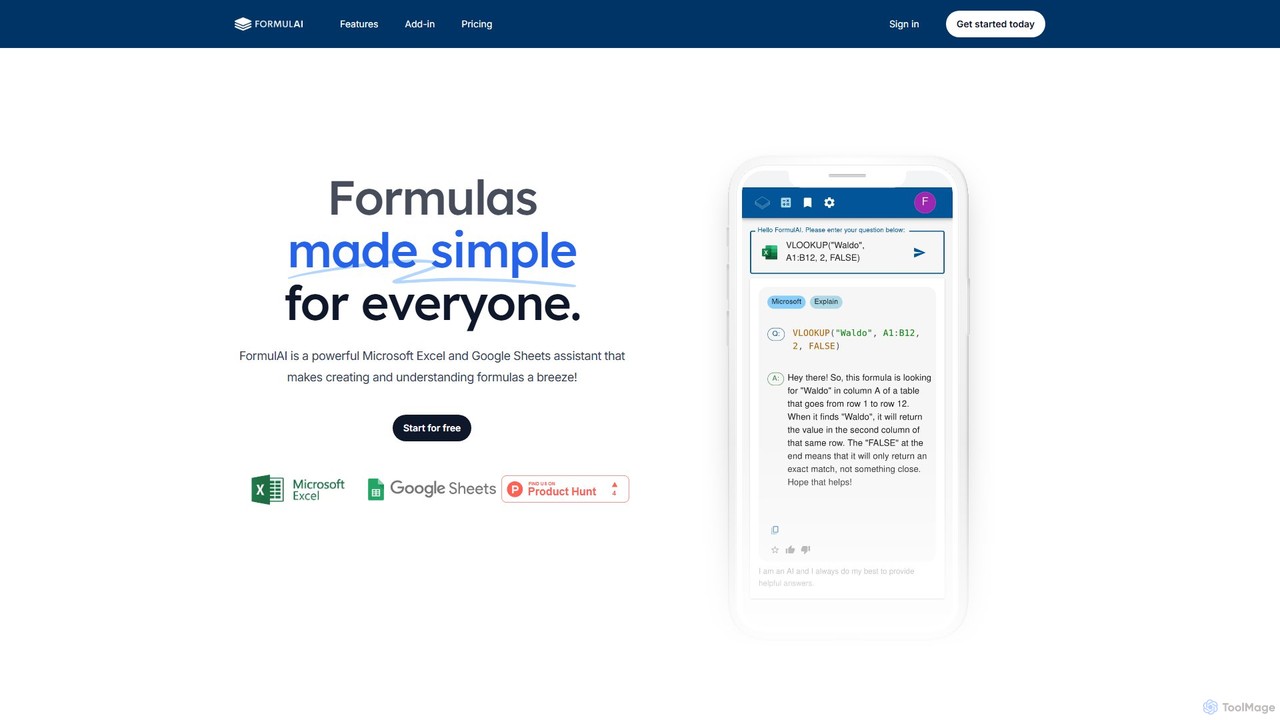
FormulAI
FormulAI is an AI-powered assistant for Microsoft Excel and Google Sheets that simplifies spreadsheet tasks. It generates complex formulas from plain text, explains existing formulas step-by-step, and queries your workbook data using natural language. Ideal for all skill levels to boost productivity.
Business IntelligenceEndex
Endex is an AI-powered agent designed as an Excel add-in to automate complex financial analysis and data workflows. It integrates with public financial data sources, reasons over data like an analyst, and generates auditable reports, significantly boosting productivity for financial professionals.
AutomationSpreadsheet Daddy
Spreadsheet Daddy is an advanced AI-driven add-on for Google Sheets that automates complex tasks. It allows users to generate formulas, Apps Script, and regular expressions from simple text prompts. The tool also excels at bulk content generation, data analysis, and even allows for the creation of custom AI models, transforming your spreadsheet into a powerful productivity hub.
Low Code No CodeFormula Generator
An AI-powered tool that instantly generates, explains, and debugs formulas for Excel, Google Sheets, and Airtable from natural language descriptions. It also creates VBA, Apps Script, and SQL code to automate tasks, saving users time and improving spreadsheet accuracy without requiring extensive coding knowledge.
Low Code No Code
Rows
Rows is a next-generation spreadsheet that combines a familiar interface with powerful AI capabilities and seamless data integration. Connect to over 50 sources like Google Analytics, social media, and databases to automate data analysis, create live dashboards, and generate insights with an AI Analyst copilot.
Reporting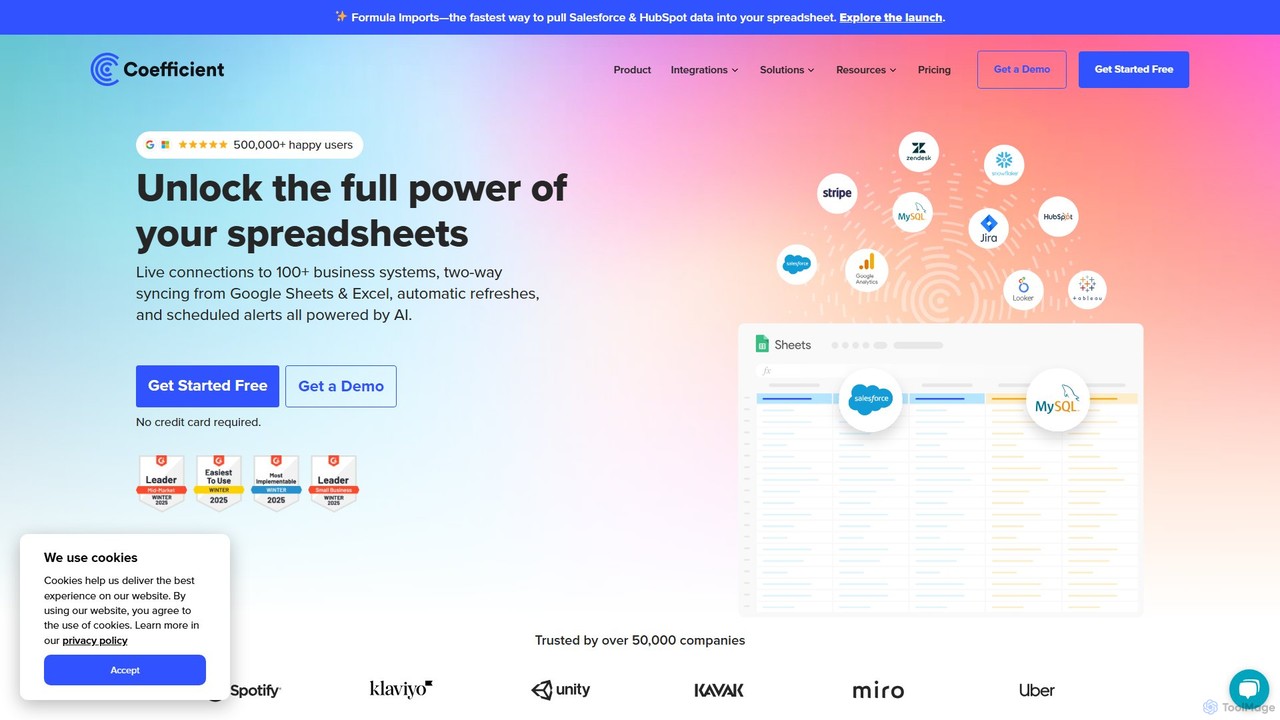
Coefficient
Coefficient is a data connector that links Google Sheets and Excel with over 100 business systems like Salesforce and HubSpot. It automates data imports, enables two-way syncing, and uses AI to help users build formulas, SQL queries, and charts, transforming static spreadsheets into dynamic, real-time dashboards.
Data Analysis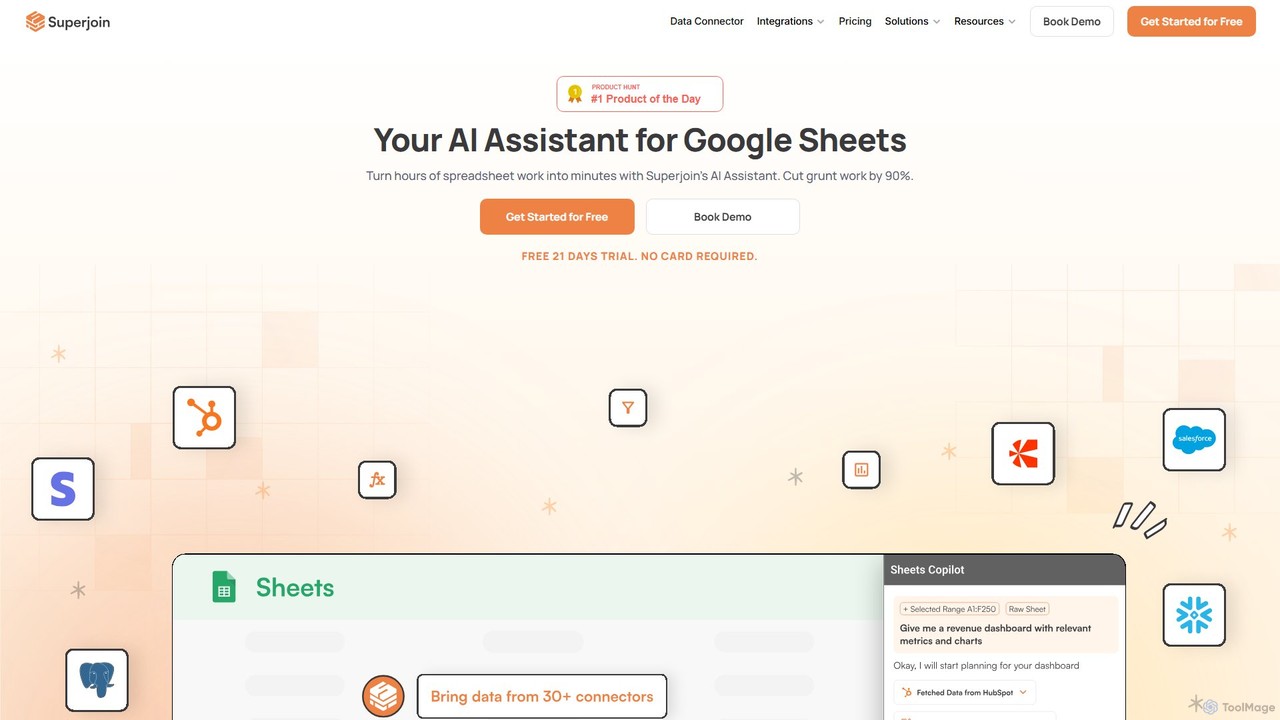
Superjoin
Superjoin is an AI assistant for Google Sheets designed to automate data tasks. It connects to over 30 data sources, allowing for automatic data pulls and refreshes. Users can leverage natural language to clean data, generate charts, create formulas, and build automated workflows, saving up to 90% of manual spreadsheet time.
Workflow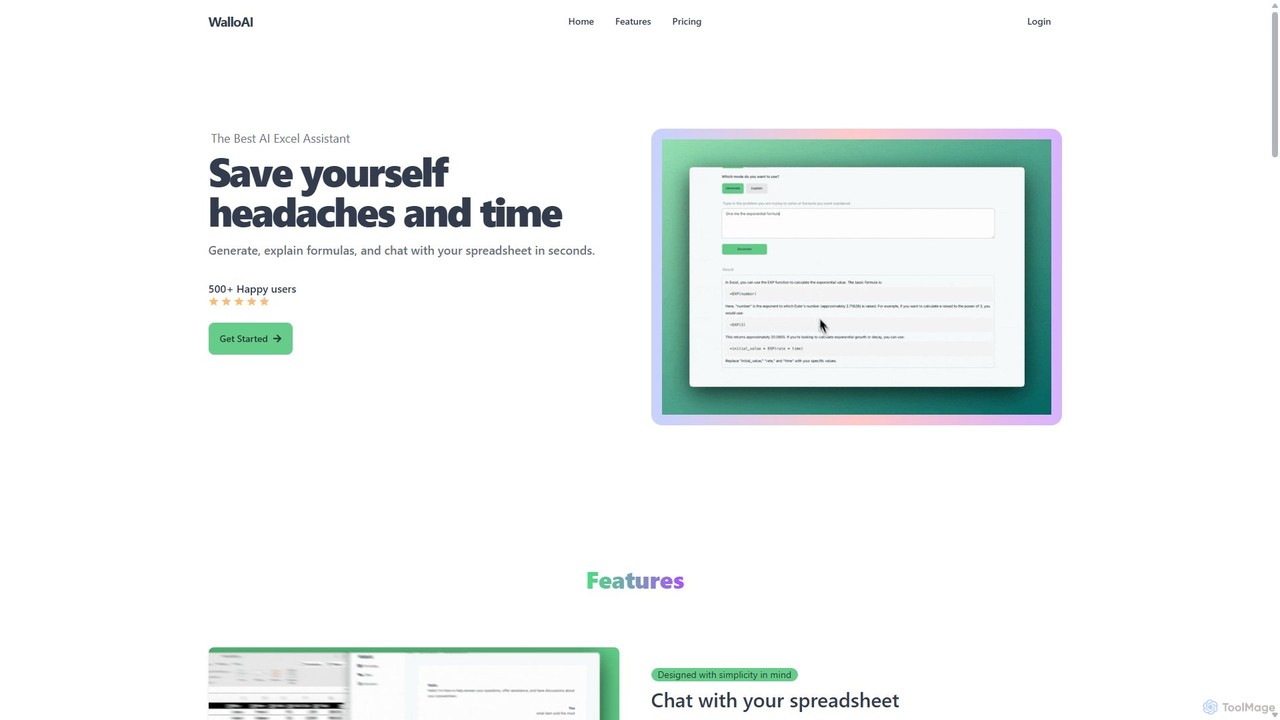
Wallo
Wallo is an AI-powered assistant for Excel and Google Sheets designed to streamline your spreadsheet tasks. It allows you to generate complex formulas, explain existing ones, and even create VBA scripts simply by describing your needs in plain English. You can also chat directly with your spreadsheets, asking questions about your data to get instant answers. Wallo aims to save you time and eliminate the frustration of working with complex data, making spreadsheet management more intuitive and efficient for users of all skill levels.
Automation
Jyek
Jyek is an AI agent platform that understands objectives, creates execution plans, uses tools, and delivers verifiable results for complex, multi-step tasks.
Automation
Magnimetrics
Magnimetrics offers expert resources and a powerful Excel add-in for financial professionals. It specializes in FP&A and financial modeling, providing tools to enhance accuracy, validate models, automate error checking, and boost productivity. Ideal for analysts, startups, and enterprises looking to build robust, error-free financial spreadsheets.
Data Analysis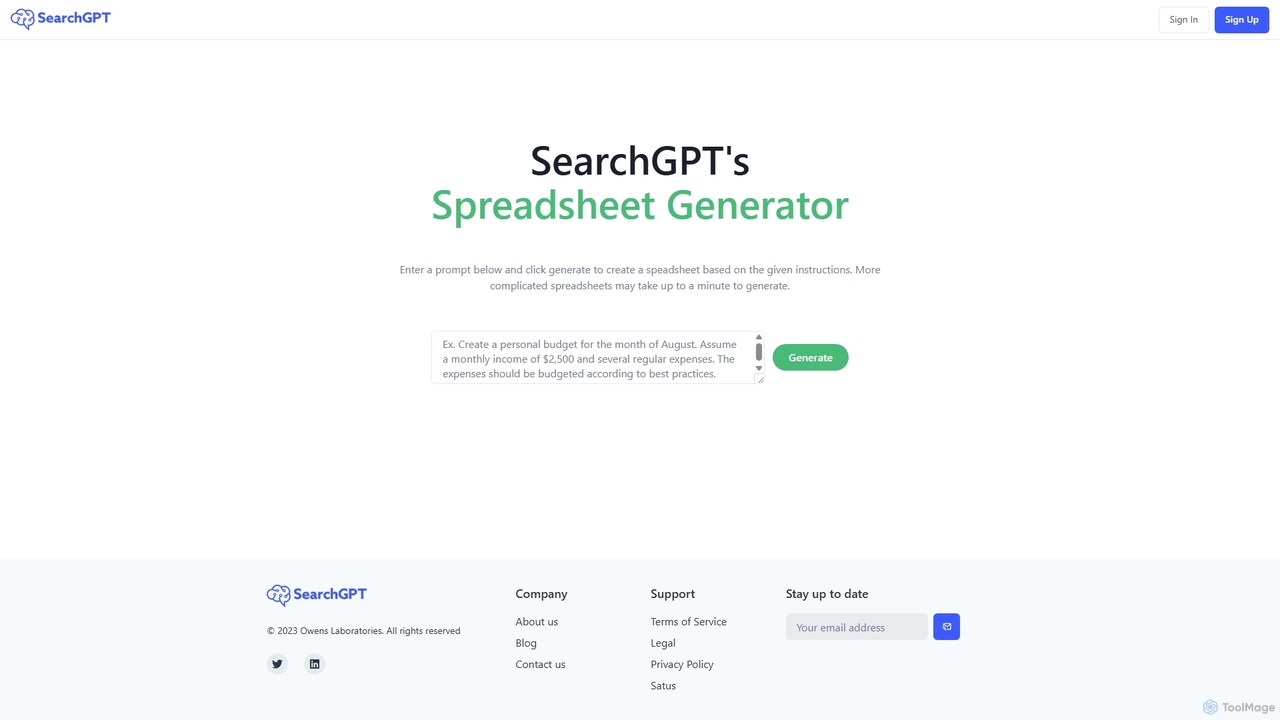
SearchGPT
SearchGPT is an AI-powered spreadsheet generator that transforms simple text prompts into fully functional and data-populated spreadsheets. Instantly create complex tables, formulas, and reports, automating tedious data entry and analysis tasks to boost productivity.
Finance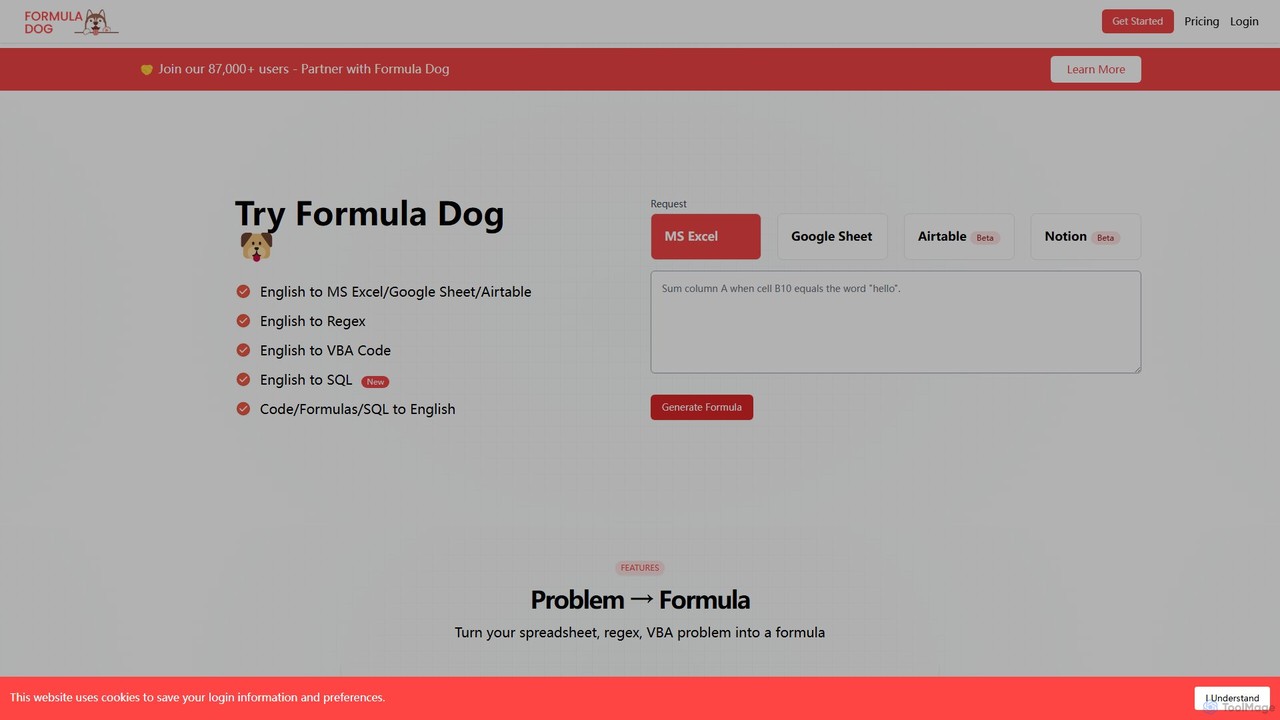
Formula Dog
Formula Dog is an AI-powered tool that generates Excel formulas, Google Sheets functions, Regex, VBA code, and SQL queries from plain English descriptions. It can also explain complex formulas and code in simple terms, boosting productivity for data professionals and spreadsheet users.
Analytics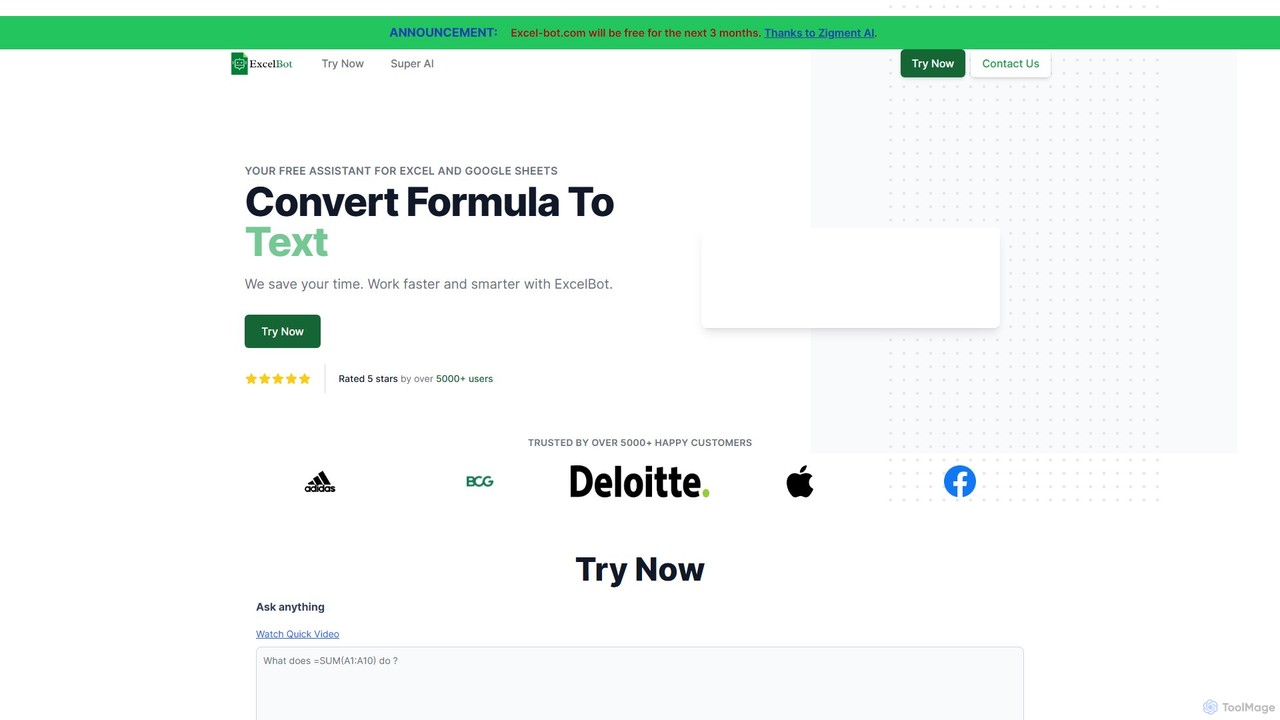
Excel Bot
Excel Bot is an AI-powered assistant for Microsoft Excel and Google Sheets. It converts your plain text instructions into complex formulas instantly, saving you time and reducing errors. Simply describe what you need, and the AI generates the correct formula for you.
Finance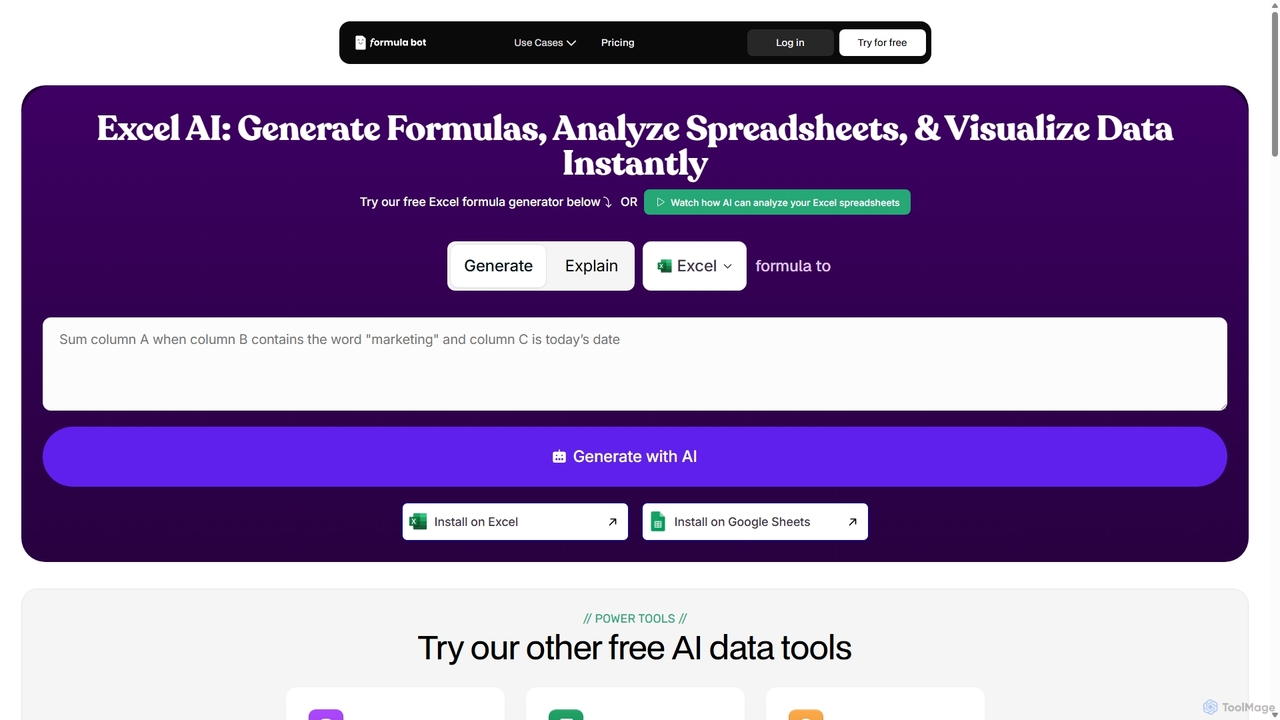
ExcelFormulaBot
ExcelFormulaBot is an AI-powered tool that generates complex Excel and Google Sheets formulas from text instructions in seconds. It also analyzes data, creates charts, generates VBA/SQL code, and explains formulas, making spreadsheet tasks faster and more accessible for everyone, from beginners to experts.
Data Analysis
Blueflame AI
Blueflame AI is an agentic AI platform designed for dealmakers and investment firms. It accelerates the entire investment process by unifying internal and external data, automating complex workflows like due diligence and reporting, and providing deep, actionable insights to help teams make faster, smarter decisions.
Data Analysis
AI Excel Bot Comments (0)
Sign in to comment.
Sign inNo comments yet.