

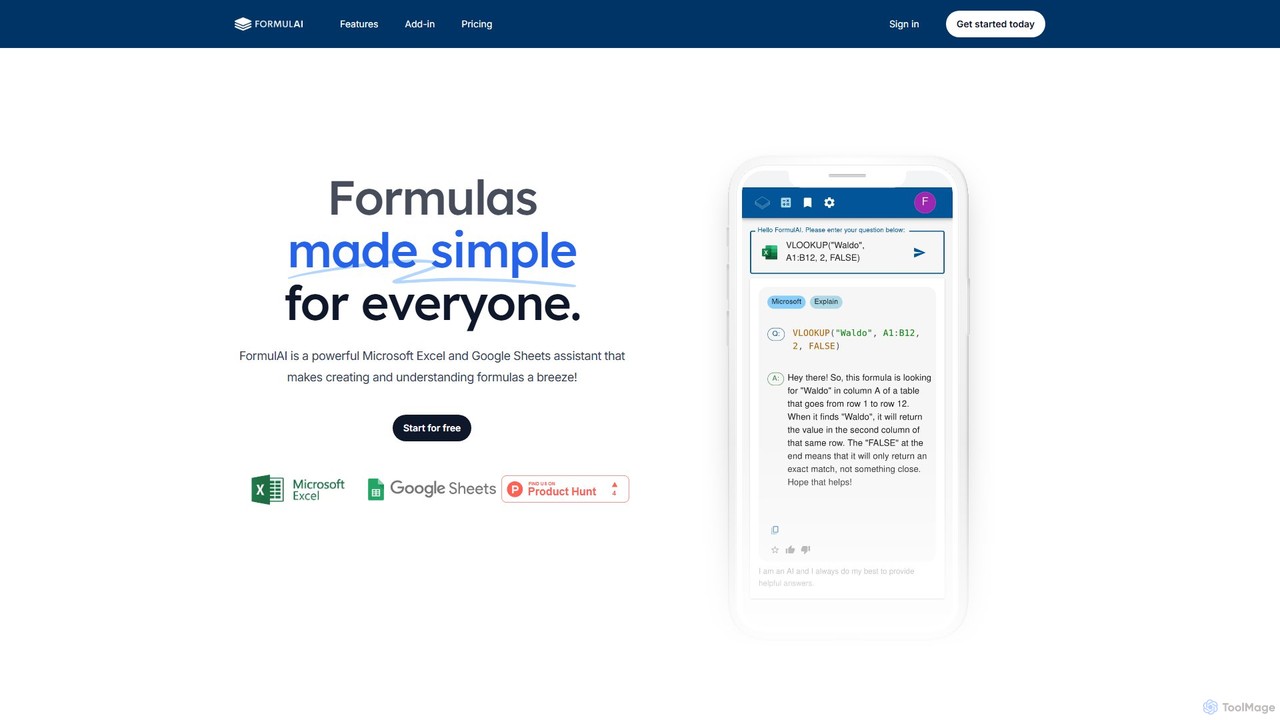
FormulAI Overview
FormulAI is a powerful, fast, and intuitive AI assistant designed to revolutionize the way you work with Microsoft Excel and Google Sheets. It addresses a common challenge: the complexity and steep learning curve of spreadsheet formulas. With FormulAI, you no longer need to memorize intricate syntax or spend hours searching for the right function. Instead, you can leverage the power of artificial intelligence to build sophisticated calculations, understand complex data, and automate tasks, all through a seamless and user-friendly interface.
This tool is built for everyone, from students and occasional spreadsheet users to data analysts and business professionals. By translating natural language into precise formulas and vice-versa, FormulAI makes spreadsheet management more accessible, efficient, and error-free, effectively acting as your personal spreadsheet expert.
How to use FormulAI
Getting started with FormulAI is straightforward and designed for immediate productivity gains:
- Installation and Access: For Microsoft Excel users, FormulAI is available as an add-in directly from the Microsoft Add-in store, integrating seamlessly into your Excel ribbon. For Google Sheets, you can access its capabilities through the web application.
- Generate Formulas: Open the FormulAI pane. In the 'Formula Builder' section, simply type your requirement in plain language (e.g., "Sum values in column C if column A is 'Marketing' and column D is after January 1, 2024"). FormulAI will instantly generate the correct formula, which you can then insert into your selected cell with a single click.
- Explain Formulas: Select a cell containing a complex or unfamiliar formula. Navigate to the 'Formula Explainer' tab. FormulAI will provide a clear, step-by-step breakdown of the formula, explaining what each component and function does, making it easy to understand and debug.
- Analyze Workbooks: With the 'Workbook Analyzer' feature in the Excel add-in, you can treat your spreadsheet like a database. Ask questions in natural language, such as "What are the total sales for the 'West' region?" or "Show me the top 5 customers by purchase volume." FormulAI will query your data and deliver the answer.
- Simulate Data: If you need sample data for testing or demonstration, use the 'Data Simulator'. Specify the number of rows and columns and define the data types (e.g., names, dates, random numbers, currency), and FormulAI will generate a synthetic dataset for you.
Core Features of FormulAI
- AI Formula Builder: Translates descriptions in plain English, French, or Spanish into accurate Excel or Google Sheets formulas, handling everything from simple sums to complex, nested conditional statements.
- AI Formula Explainer: Demystifies any formula by breaking it down into logical, easy-to-understand parts. This is an excellent feature for learning and for auditing spreadsheets created by others.
- Workbook Analyzer: An interactive query tool (for Excel) that allows you to 'talk' to your data. Ask questions and get insights without writing any formulas or creating pivot tables.
- Data Simulator: Quickly generates randomized, synthetic datasets based on your specifications. Perfect for creating mockups, testing models, or for training purposes without using sensitive real data.
- Direct Integration: The Microsoft Excel add-in provides a deeply integrated experience, allowing you to read and write formulas directly to and from your cells, eliminating copy-paste errors and streamlining your workflow.
Use Cases for FormulAI
FormulAI is versatile and valuable across various roles and industries:
- Financial Analysts: Building complex financial models, calculating metrics like NPV and IRR, and performing advanced lookups on large datasets.
- Marketing Professionals: Analyzing campaign performance, segmenting customer lists, and calculating conversion rates and ROI.
- Operations Managers: Creating inventory management systems, generating staff schedules, and tracking logistics data.
- Small Business Owners: Managing budgets, tracking sales and expenses, and creating financial reports without needing to be a spreadsheet guru.
- Students and Educators: An exceptional learning aid for mastering spreadsheet functions and data analysis concepts in a practical, hands-on way.
Advantages of FormulAI
The primary advantage of FormulAI is its ability to dramatically increase productivity and reduce frustration. It saves countless hours that would otherwise be spent on searching for formula syntax or debugging. By reducing the chance of manual error, it improves the accuracy and reliability of your spreadsheets. Furthermore, it democratizes data analysis, empowering users with limited technical skills to perform powerful calculations and derive meaningful insights from their data. The clean, fast interface ensures a smooth and enjoyable user experience.
Pricing and Plans
FormulAI offers a flexible pricing structure to suit different needs:
- Free Plan: Ideal for occasional users. This plan includes 10 formula requests per month, data simulation for up to 2 columns and 10 rows, and 2 data query requests per month. It's available for both Microsoft Excel and Google Sheets.
- Unlimited Plan: Perfect for frequent users and small businesses, priced at $3.99 per month (with a discount for annual billing). It includes unlimited formula requests, unlimited data simulation, unlimited data queries, full Excel integration, the ability to bookmark favorite queries, and a 14-day free trial.
- Enterprise Plan: A custom solution for large organizations. This plan includes all features of the Unlimited plan, plus volume discounts for multiple users and theme customization options. Interested parties should contact FormulAI directly for a quote.
FormulAI Alternatives
AI Excel Bot
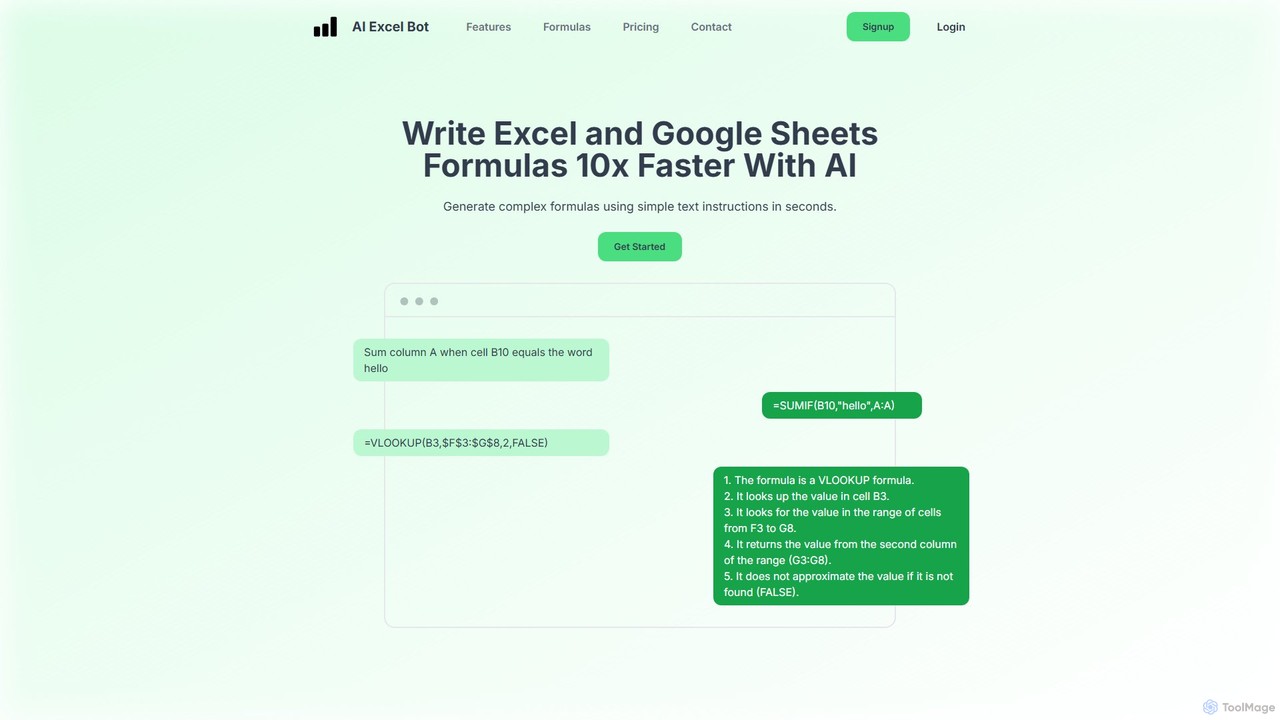
AI Excel Bot is an AI-powered assistant that generates complex Excel and Google Sheets formulas from simple text instructions in seconds. It also creates and explains VBA code to automate tasks. Ideal for users of all skill levels, it saves time, boosts productivity, and helps you master spreadsheet functionalities. With a web app, Chrome extension, and Excel add-in, it integrates seamlessly into your workflow.
Low Code No Code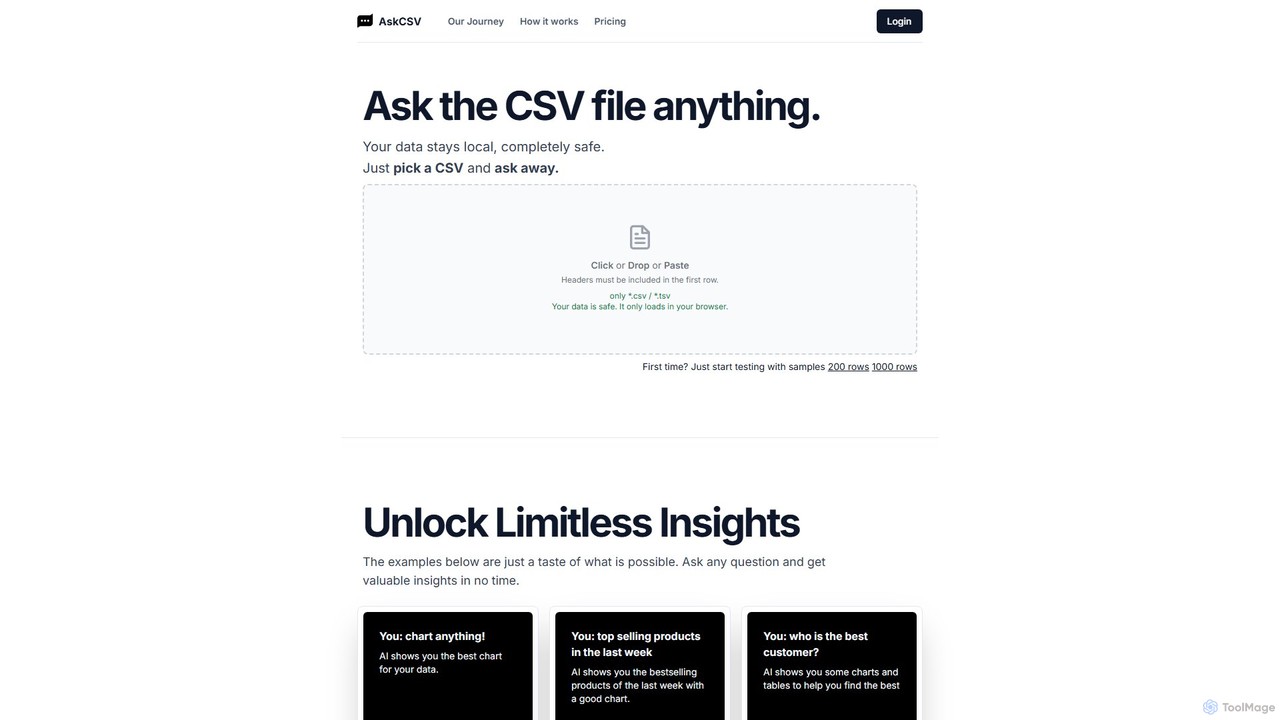
AskCSV
AskCSV is an AI-powered data analysis tool that lets you ask questions about your CSV files in plain English. It generates instant insights, charts, and tables directly in your browser, ensuring your data remains 100% private and secure as it's never uploaded to a server. Ideal for quick, secure data exploration without complex software.
Business Intelligence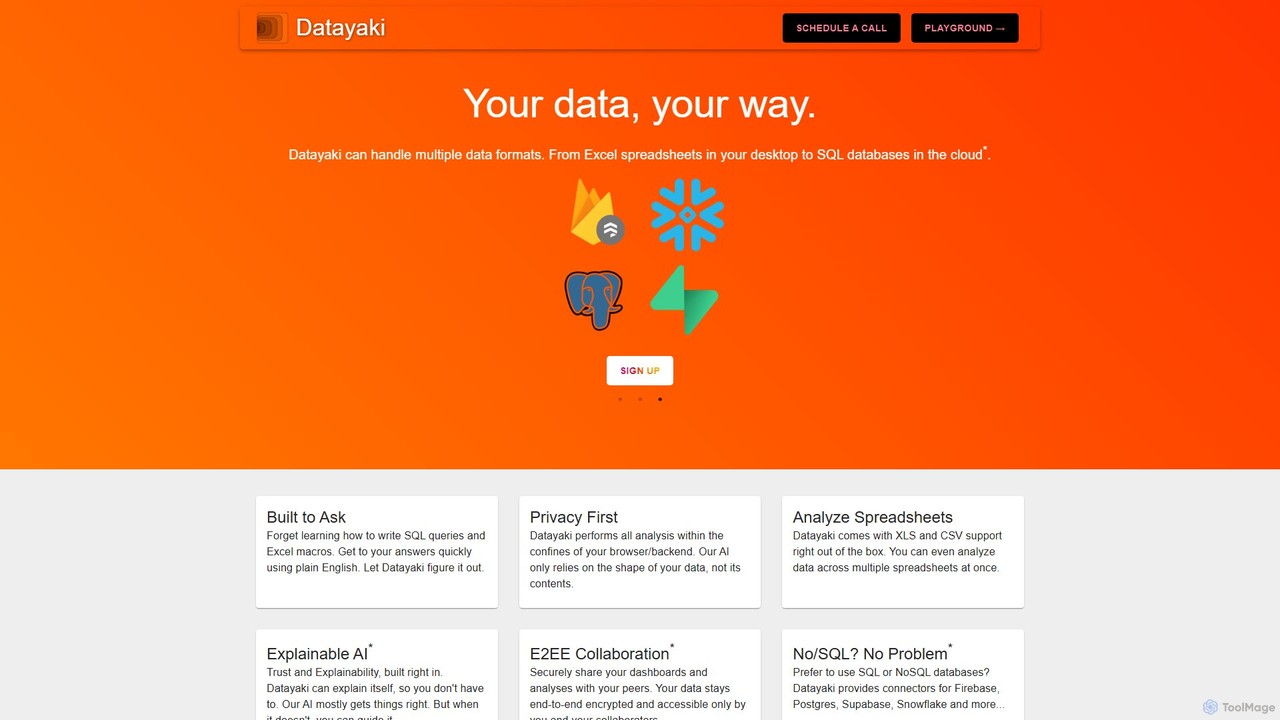
Datayaki
Datayaki is an AI-powered data analyst that lets you find insights from your data by asking questions in plain English. It supports formats like Excel and CSV, eliminating the need for SQL or complex formulas. With a strong focus on privacy, all analysis is performed locally in your browser, ensuring your data remains secure and confidential. It's designed for professionals and teams who need fast, accessible, and secure data analysis.
Data Visualization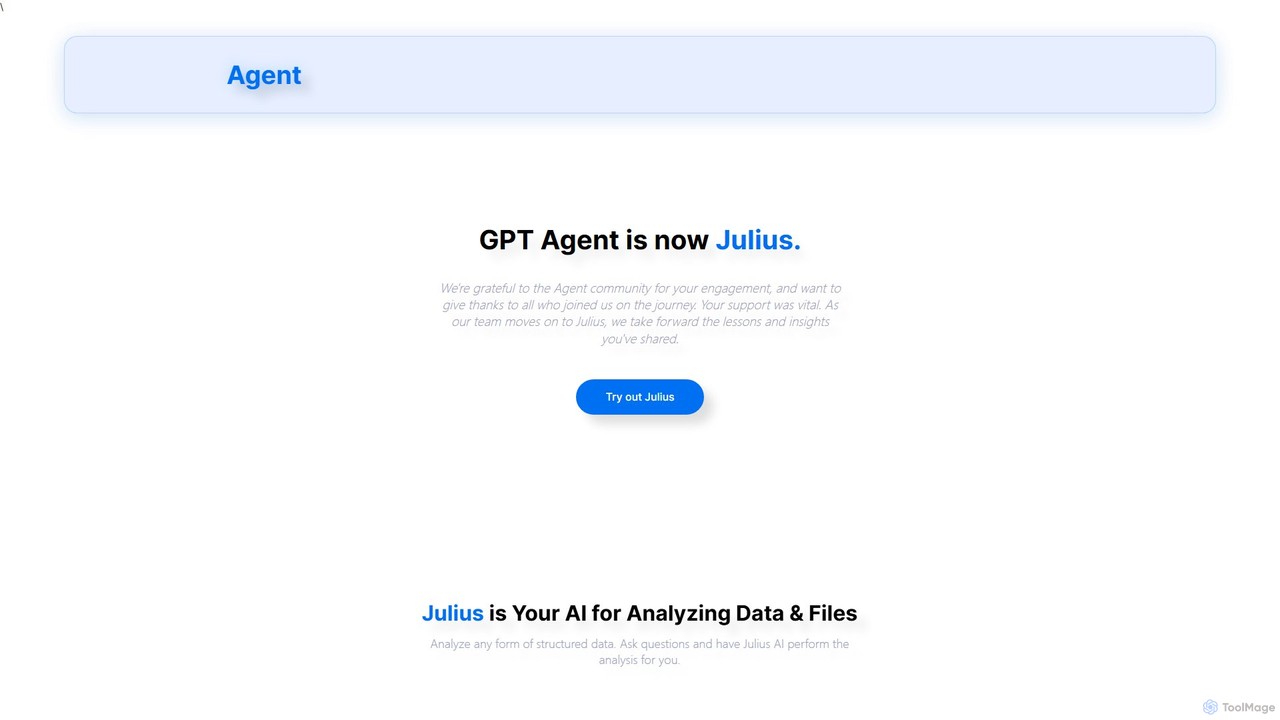
gptagent
gptagent has rebranded to Julius, an AI data analyst that allows you to analyze data and files using natural language. Upload structured data, ask questions, and instantly generate visualizations, perform statistical analysis, and build models without writing any code. It transforms complex data tasks into simple conversations.
Business Intelligence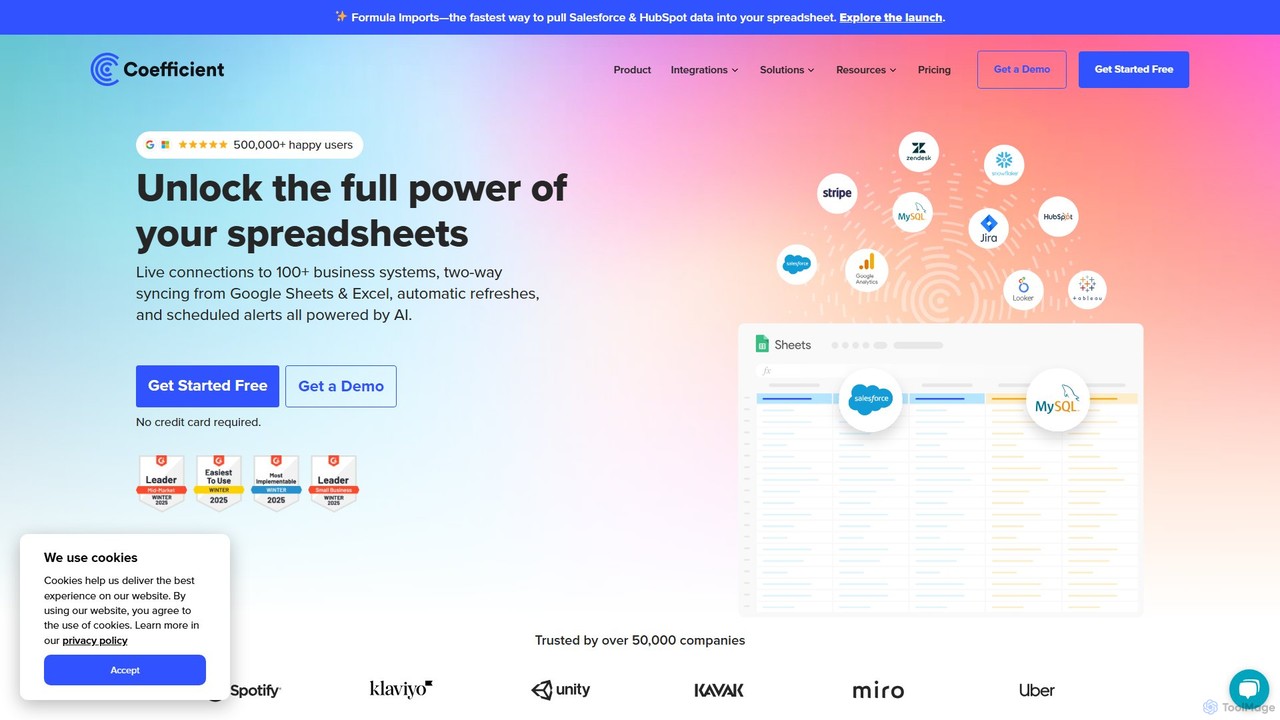
Coefficient
Coefficient is a data connector that links Google Sheets and Excel with over 100 business systems like Salesforce and HubSpot. It automates data imports, enables two-way syncing, and uses AI to help users build formulas, SQL queries, and charts, transforming static spreadsheets into dynamic, real-time dashboards.
Data AnalysisFormulAI Categories
FormulAI Embed Widget
Copy this embed code to place the badge on your blog, article, or product site and send readers directly to this ToolMage detail page.

Related AI tools
AI Excel Bot
AI Excel Bot is an AI-powered assistant that generates complex Excel and Google Sheets formulas from simple text instructions in seconds. It also creates and explains VBA code to automate tasks. Ideal for users of all skill levels, it saves time, boosts productivity, and helps you master spreadsheet functionalities. With a web app, Chrome extension, and Excel add-in, it integrates seamlessly into your workflow.
Low Code No CodeCoefficient
Coefficient is a data connector that links Google Sheets and Excel with over 100 business systems like Salesforce and HubSpot. It automates data imports, enables two-way syncing, and uses AI to help users build formulas, SQL queries, and charts, transforming static spreadsheets into dynamic, real-time dashboards.
Data Analysis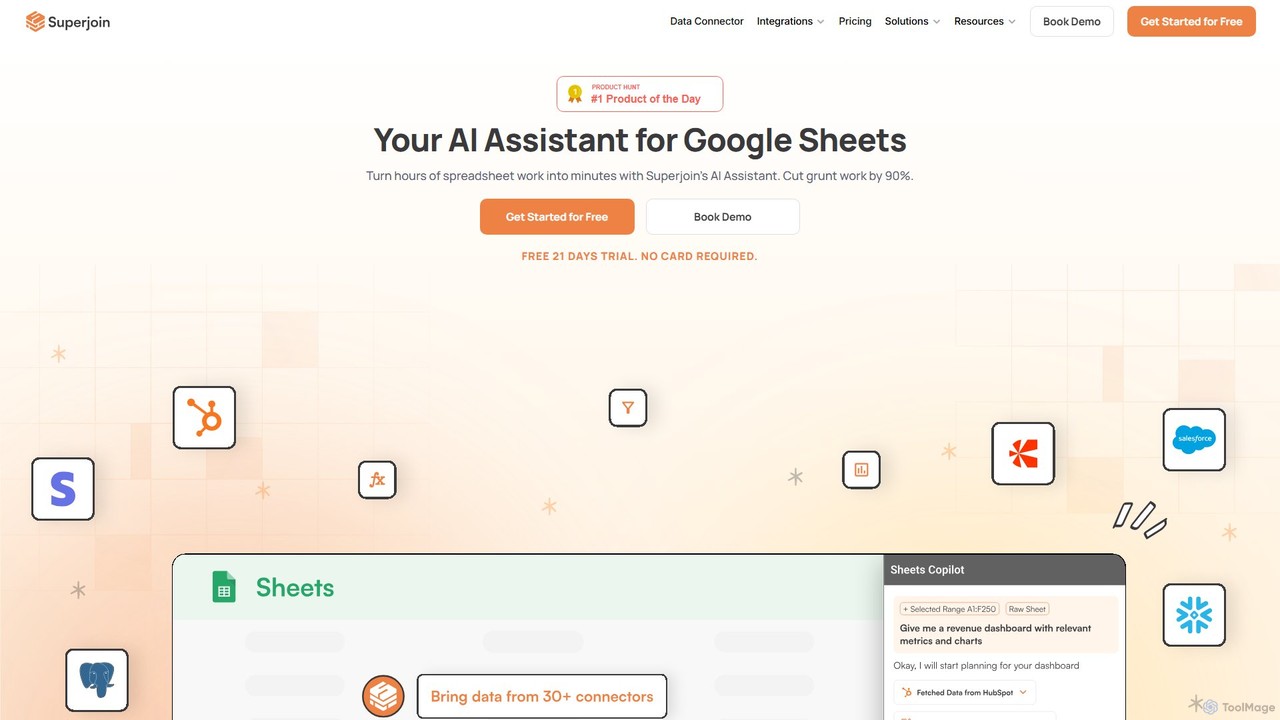
Superjoin
Superjoin is an AI assistant for Google Sheets designed to automate data tasks. It connects to over 30 data sources, allowing for automatic data pulls and refreshes. Users can leverage natural language to clean data, generate charts, create formulas, and build automated workflows, saving up to 90% of manual spreadsheet time.
Workflow
Spreadsheet Daddy
Spreadsheet Daddy is an advanced AI-driven add-on for Google Sheets that automates complex tasks. It allows users to generate formulas, Apps Script, and regular expressions from simple text prompts. The tool also excels at bulk content generation, data analysis, and even allows for the creation of custom AI models, transforming your spreadsheet into a powerful productivity hub.
Low Code No Code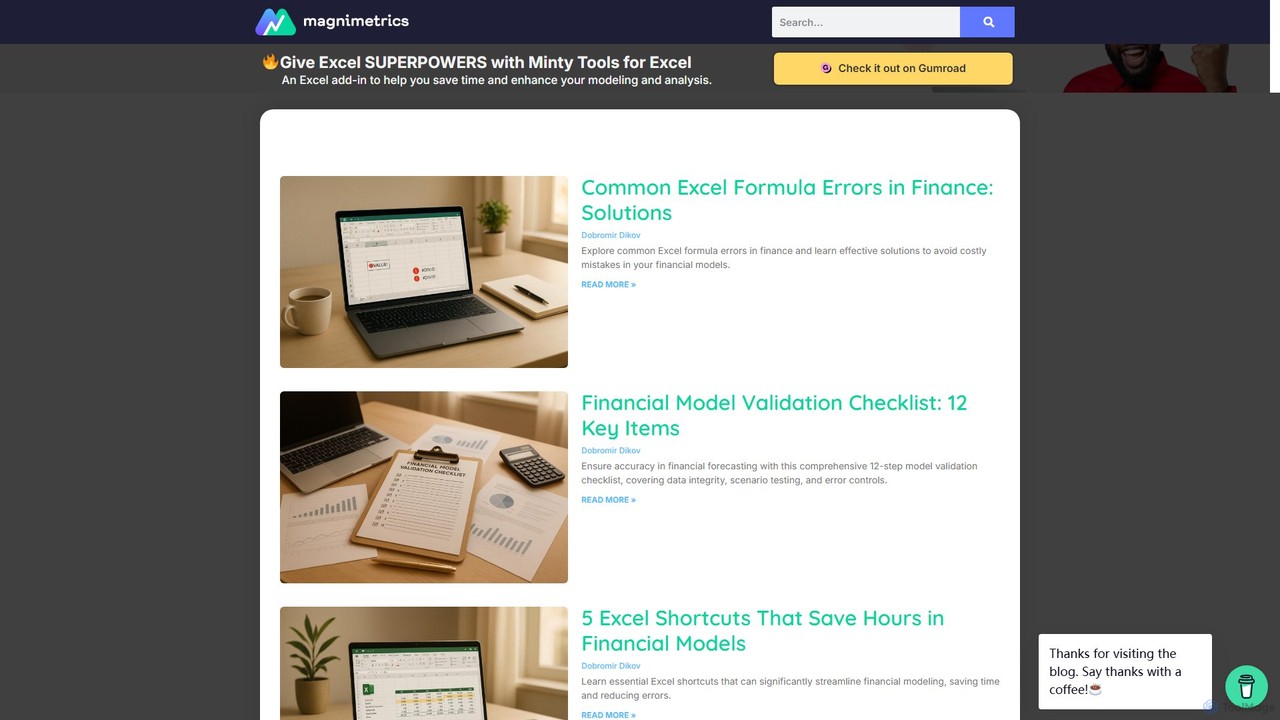
Magnimetrics
Magnimetrics offers expert resources and a powerful Excel add-in for financial professionals. It specializes in FP&A and financial modeling, providing tools to enhance accuracy, validate models, automate error checking, and boost productivity. Ideal for analysts, startups, and enterprises looking to build robust, error-free financial spreadsheets.
Data Analysis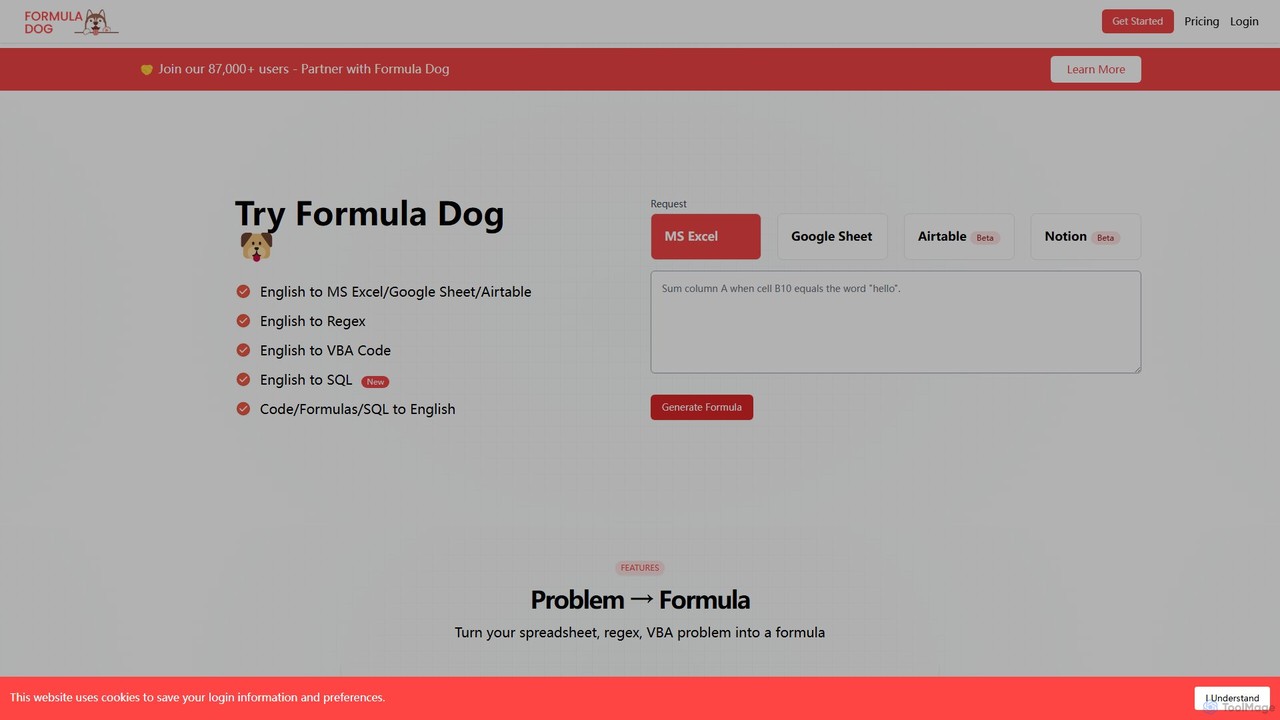
Formula Dog
Formula Dog is an AI-powered tool that generates Excel formulas, Google Sheets functions, Regex, VBA code, and SQL queries from plain English descriptions. It can also explain complex formulas and code in simple terms, boosting productivity for data professionals and spreadsheet users.
Analytics
Formula Generator
An AI-powered tool that instantly generates, explains, and debugs formulas for Excel, Google Sheets, and Airtable from natural language descriptions. It also creates VBA, Apps Script, and SQL code to automate tasks, saving users time and improving spreadsheet accuracy without requiring extensive coding knowledge.
Low Code No Code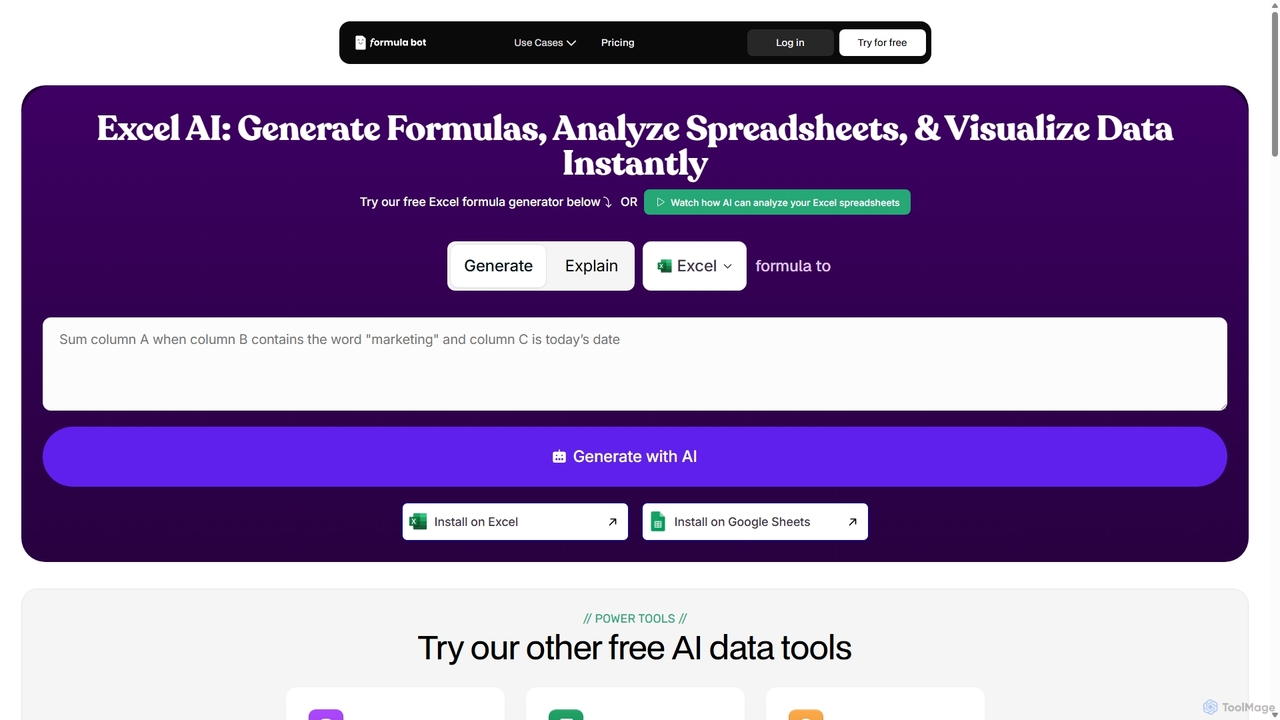
ExcelFormulaBot
ExcelFormulaBot is an AI-powered tool that generates complex Excel and Google Sheets formulas from text instructions in seconds. It also analyzes data, creates charts, generates VBA/SQL code, and explains formulas, making spreadsheet tasks faster and more accessible for everyone, from beginners to experts.
Data Analysis
Chatsheet
Chatsheet is an AI-powered spreadsheet platform that automates research, content creation, and data analysis. Using a familiar spreadsheet interface, users can build complex, no-code workflows to process documents, scrape websites, and generate personalized content at scale, effectively turning each cell into a smart AI agent.
Spreadsheets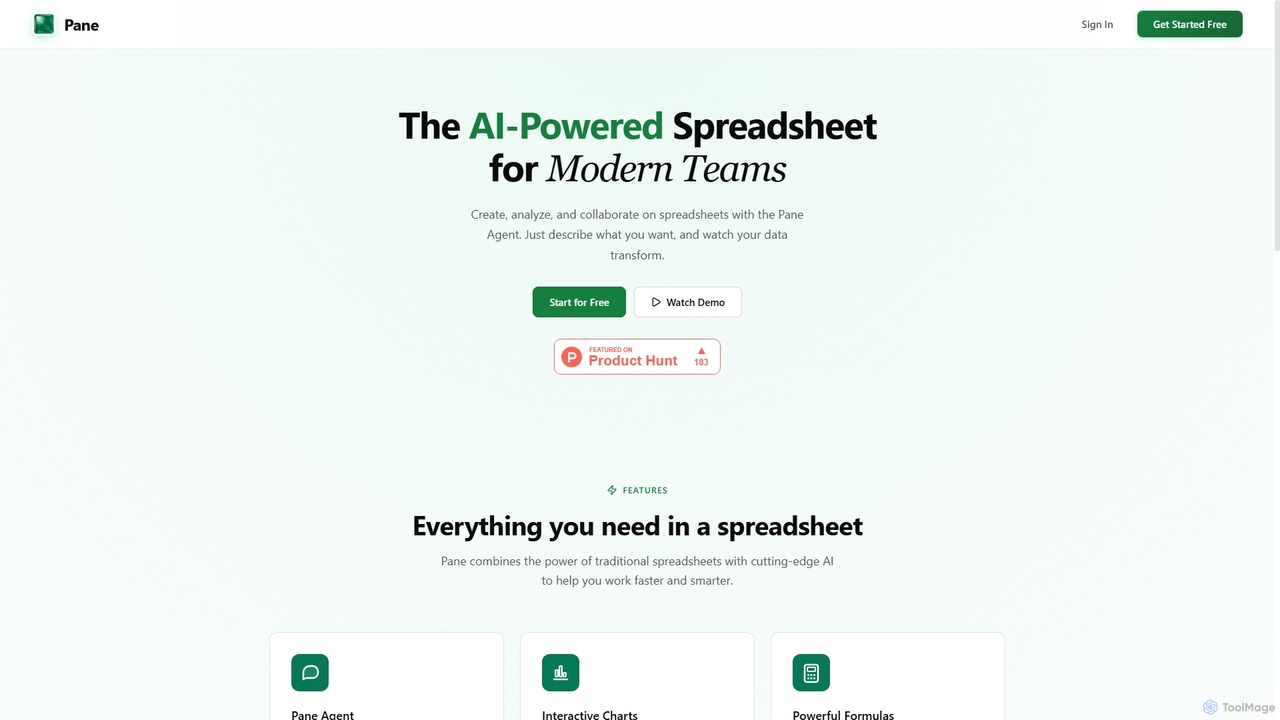
Pane
Pane is an AI-native spreadsheet designed for modern teams, integrating artificial intelligence to streamline data creation, analysis, and collaboration. It allows users to interact with their data using natural language commands, automate tasks, and generate professional dashboards effortlessly, enhancing productivity and insights.
Teamwork
ChartFast
ChartFast is an AI-powered data analyst that transforms your data work. Upload CSV or Excel files, and it automatically cleans, analyzes, and visualizes your data. Generate complex charts and gain insights in seconds by simply asking questions, eliminating hours of manual spreadsheet tasks.
Business IntelligenceAskCSV
AskCSV is an AI-powered data analysis tool that lets you ask questions about your CSV files in plain English. It generates instant insights, charts, and tables directly in your browser, ensuring your data remains 100% private and secure as it's never uploaded to a server. Ideal for quick, secure data exploration without complex software.
Business Intelligence
Jyek
Jyek is an AI agent platform that understands objectives, creates execution plans, uses tools, and delivers verifiable results for complex, multi-step tasks.
AutomationDatayaki
Datayaki is an AI-powered data analyst that lets you find insights from your data by asking questions in plain English. It supports formats like Excel and CSV, eliminating the need for SQL or complex formulas. With a strong focus on privacy, all analysis is performed locally in your browser, ensuring your data remains secure and confidential. It's designed for professionals and teams who need fast, accessible, and secure data analysis.
Data Visualizationgptagent
gptagent has rebranded to Julius, an AI data analyst that allows you to analyze data and files using natural language. Upload structured data, ask questions, and instantly generate visualizations, perform statistical analysis, and build models without writing any code. It transforms complex data tasks into simple conversations.
Business Intelligence
FormulAI Comments (0)
Sign in to comment.
Sign inNo comments yet.