

getdewey Overview
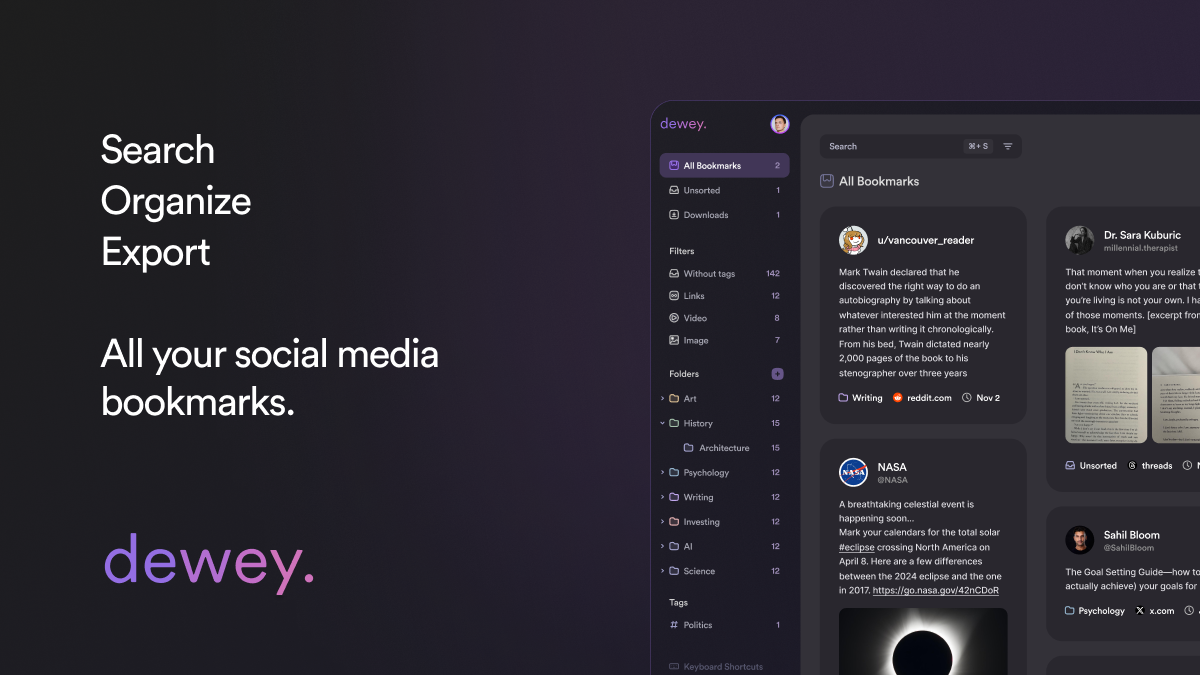
getdewey is a comprehensive bookmarking solution designed for the modern digital user who consumes content across multiple platforms. It addresses the shortcomings of native bookmarking features on social media sites like Twitter/X, LinkedIn, TikTok, Threads, and Bluesky by providing a unified, powerful dashboard to manage all your saved content. Whether you're a content creator, researcher, marketer, or just an avid learner, getdewey transforms your scattered bookmarks into an organized, searchable, and actionable knowledge library.
The core philosophy behind getdewey is to make your saved information accessible and useful. Instead of losing valuable insights in an endless, unorganized list, getdewey allows you to add structure through folders, tags, and personal annotations. Its powerful search functionality means you can instantly find that one specific tweet or article you saved weeks ago. With its AI Assistant, the organization process is further streamlined, helping you categorize and make sense of your collection effortlessly.
How to use getdewey
Getting started with getdewey is a straightforward process designed for maximum efficiency:
- Install the Extension: Begin by installing the getdewey Chrome Extension from the Chrome Web Store. This is your primary tool for saving content.
- Save Content: As you browse Twitter/X, LinkedIn, TikTok, or any other website, use the extension to save interesting posts, threads, videos, or articles. The tool can save entire threads, not just the initial post.
- Organize in the Dashboard: Access your getdewey dashboard to view all your saved items. Here, you can create folders for different projects or topics (e.g., 'Marketing Ideas', 'Crypto Research'), add specific tags for granular filtering (e.g., '#casestudy', '#AI'), and write notes or annotations to remember why you saved a particular item.
- Search and Filter: Use the advanced search bar to find bookmarks by keyword, author, tag, or folder. The filtering options allow you to sort your collection by virality, date, or other criteria.
- Integrate and Export: Connect getdewey to your favorite productivity apps. You can set up automatic exports to Notion to build a dynamic knowledge base or to Google Sheets for data analysis. You can also export collections as PDF, CSV, or media files for offline access or sharing.
Core Features of getdewey
- Multi-Platform Bookmarking: Save and sync bookmarks from Twitter/X, LinkedIn, Bluesky, TikTok, Threads, Truth Social, and any website.
- Advanced Organization: Utilize folders, tags, and annotations to categorize and add context to your saved content.
- Powerful Search and Filters: Instantly locate any bookmark with a robust search engine and sort your collection by various metrics like author or popularity.
- AI Assistant: Leverage artificial intelligence for automated tagging, summarization, and organizational suggestions to keep your library tidy.
- Seamless Integrations: Automatically sync your bookmarks and collections with Notion and Google Sheets.
- Versatile Export Options: Export your data as PDF, CSV, or media files, giving you full control and portability of your information.
- Full Thread Saving: Capture and save entire social media threads, ensuring you don't lose the context of a conversation.
- Public Collections: Curate and share your collections of bookmarks publicly, perfect for sharing resources or building a portfolio of curated content.
Use Cases for getdewey
getdewey is a versatile tool for various professionals:
- Content Creators & Marketers: Curate inspiration, track industry trends, and organize research for blog posts, videos, and social media campaigns.
- Researchers & Academics: Collect articles, studies, and expert discussions from social media and the web into a centralized, citable research database.
- Financial Traders: Monitor market analysis, breaking news, and expert opinions on Twitter/X to gain a competitive edge, saving crucial information before it gets deleted.
- Consultants & Thought Leaders: Build a knowledge repository to fuel content strategy, track conversations in their niche, and share curated resources with their audience.
- Lifelong Learners: Create a personal digital library of interesting finds, tutorials, and insightful discussions from across the internet.
Advantages of getdewey
The primary advantage of getdewey is its ability to centralize and add value to your saved content. It moves beyond simple bookmarking to become a true knowledge management system. By offering superior organization, search, and integration capabilities, it saves users significant time and prevents valuable information from being lost. The ability to export data ensures that users always own their curated library, protecting it from platform instability or deleted posts. The AI Assistant further enhances productivity by automating tedious organizational tasks.
Pricing and Plans
getdewey offers a flexible pricing structure to suit different needs:
- Free Plan: Perfect for casual users. Includes manual syncing, basic search, and connection for 1 account.
- Pro Plan ($7.5/month, billed annually): Aimed at power users. Includes automatic syncing, advanced search and filters, unlimited connected accounts, Notion & Google Sheet integrations, full export capabilities, and the AI Assistant.
- Lifetime Plan ($225, one-time payment): Get all Pro features for life with a single payment.
- Export Pass ($50, one-time payment): A 48-hour pass that grants access to all Pro features, ideal for a one-off project of exporting a large collection of bookmarks.
Traffic
Latest traffic
Status
Monthly traffic trend
- 2025-9: 106.7K
- 2026-1: 111.6K
- 2026-2: 71.8K
- 2026-3: 70.4K
- 2026-4: 68.0K
- 2026-5: 71.6K
Geography
Top 5 countries / regions
- 🇺🇸United States63.1%
- 🇳🇬Nigeria11.3%
- 🇯🇵Japan9.9%
- 🇮🇳India9.9%
- 🇲🇽Mexico5.8%
Traffic sources
| Source type | Percentage |
|---|---|
Direct | 91.9% |
Referral | 4.3% |
Email | 3.8% |
Top keywords
| Keyword | Cost per click |
|---|---|
| dewey | $1.96 |
| dewey post saver | $0.00 |
| dewey x bookmark | $0.00 |
| how to view my all bookmark twitter | $0.00 |
| i want a better bookmark manager for x or twitter. | $0.00 |
getdewey Alternatives
Twillot
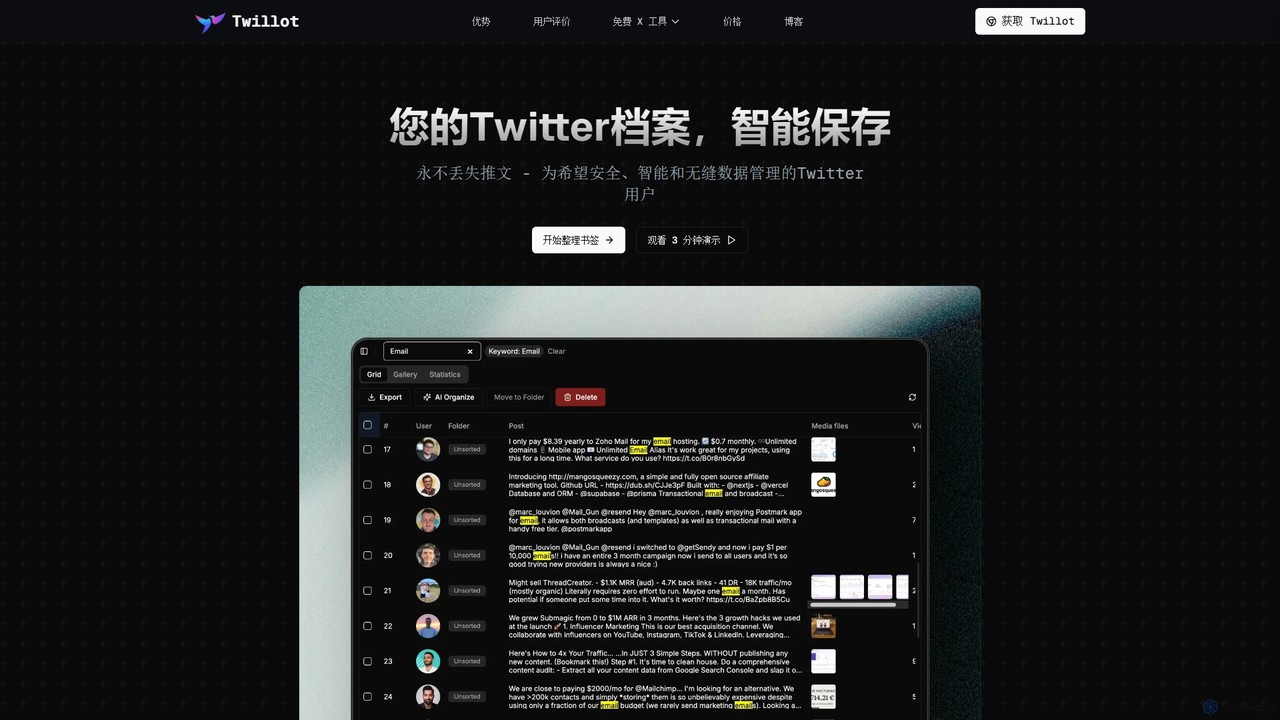
Twillot is an AI-powered browser extension for Twitter/X, designed to intelligently save, manage, and search your entire Twitter archive. It helps you organize bookmarks, tweets, likes, and media locally, ensuring privacy and providing powerful tools for data export and analysis.
Archiving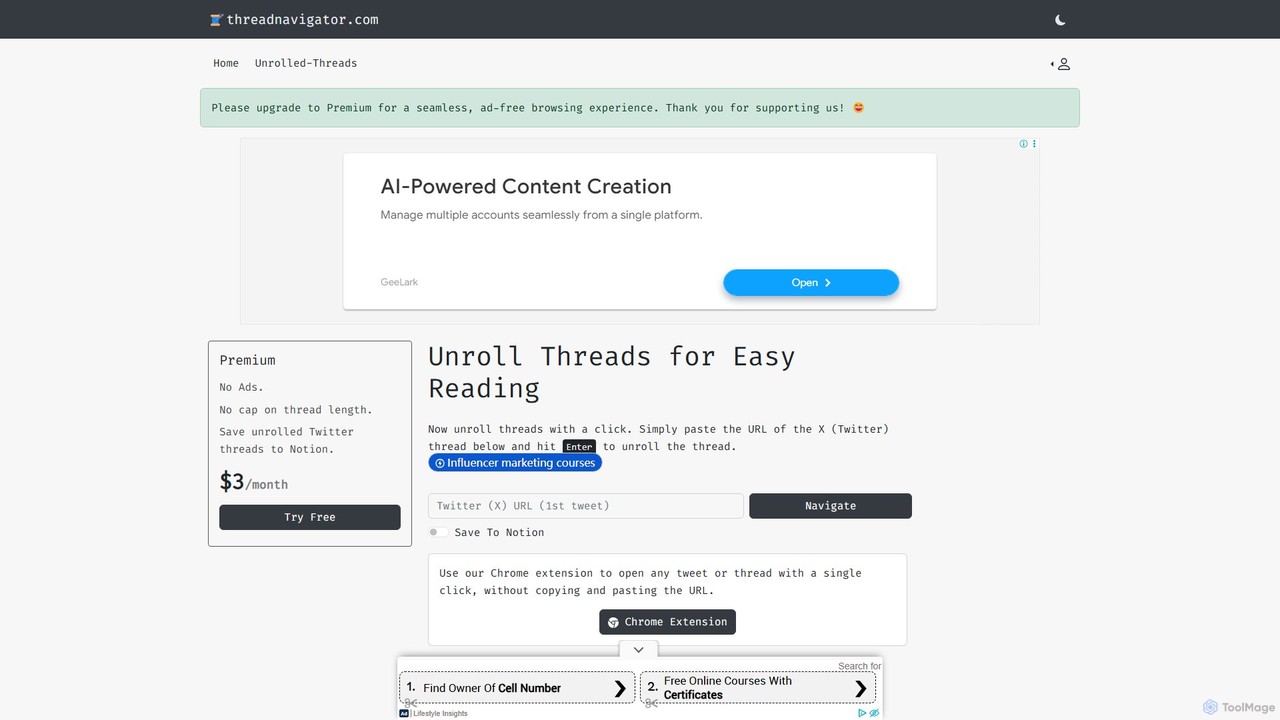
Thread Navigator
Thread Navigator is a powerful tool designed to enhance your X (Twitter) experience. It effortlessly unrolls long, complex threads into a clean, readable format. With a simple URL paste or a one-click Chrome extension, you can focus on the content without distractions. Its key feature is the seamless integration with Notion, allowing you to save and archive valuable threads directly into your knowledge base for future reference.
Curation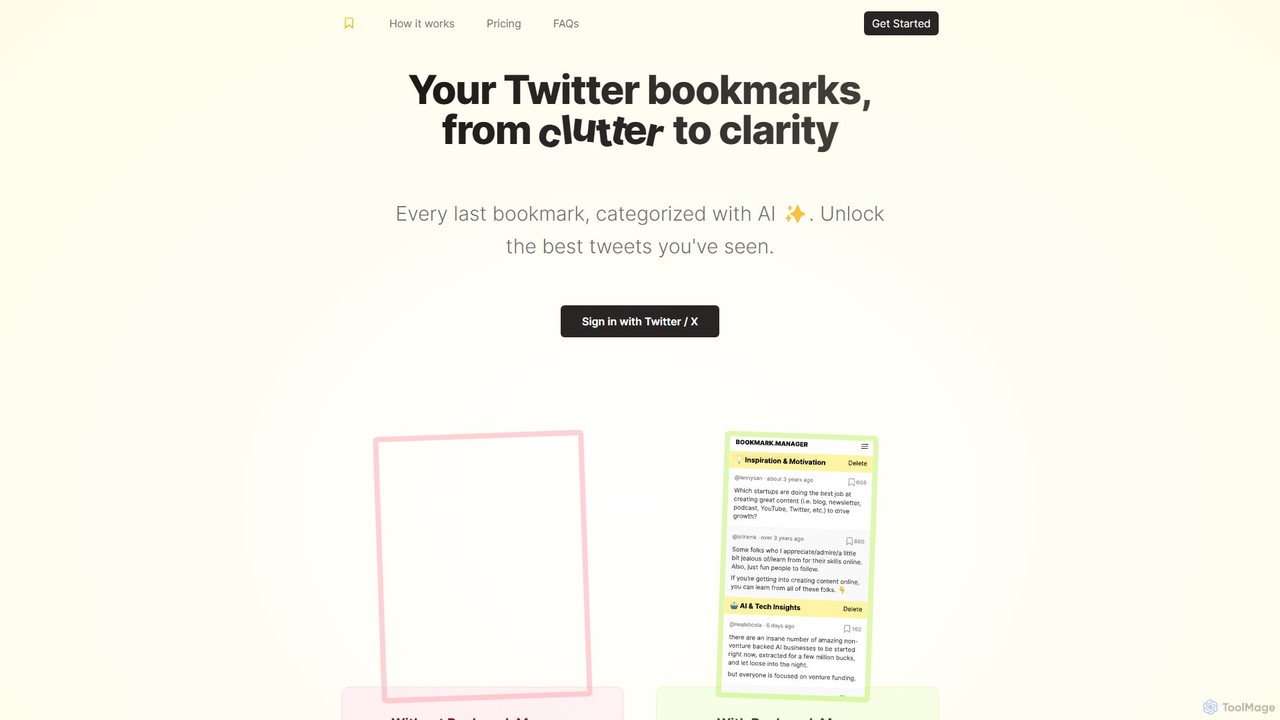
twitterbookmarks
An AI-powered tool that uses GPT-4 to automatically categorize your Twitter/X bookmarks. It transforms your cluttered collection of saved tweets into a clear, organized, and searchable knowledge base, allowing you to export your data to CSV or JSON.
Curation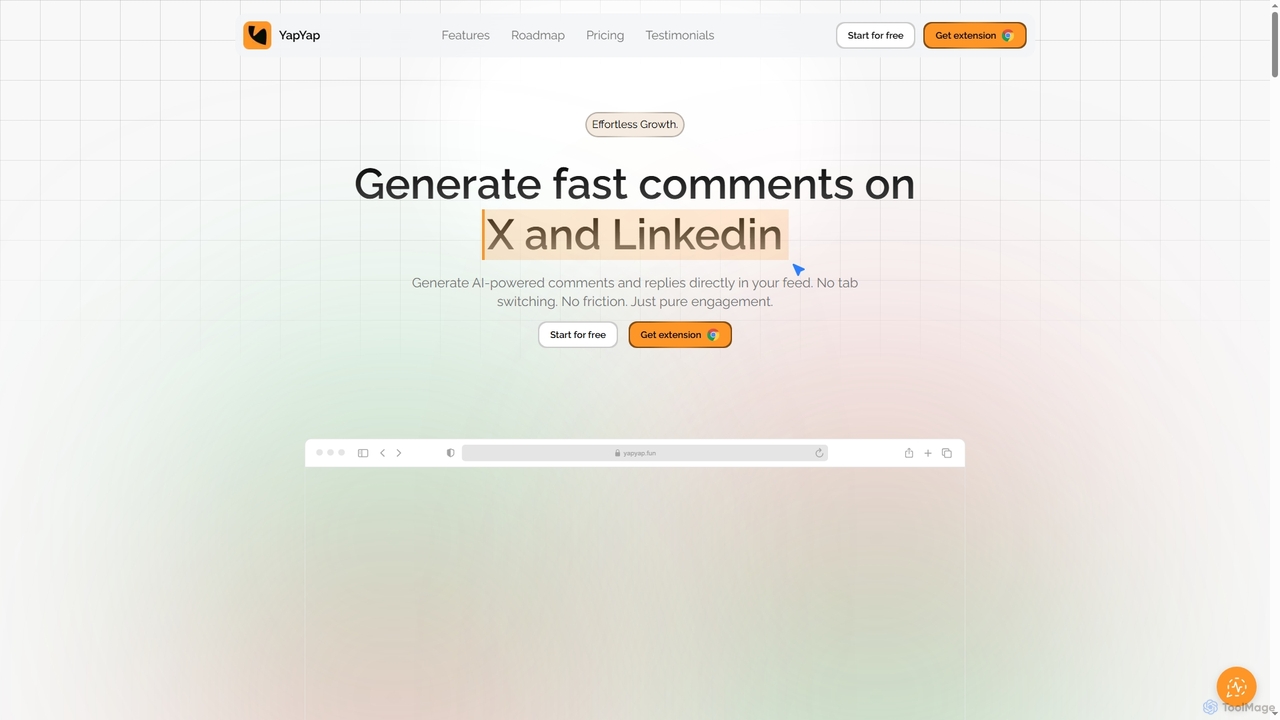
YapYap
YapYap is an AI-powered browser extension designed to boost social media engagement on X and LinkedIn. It generates context-aware comments and replies directly within your feed, eliminating the need for tab switching or copy-pasting. With over 12 authentic tones and a smart pitch mode, YapYap helps creators, influencers, and professionals maintain consistent online presence, foster genuine interactions, and grow their reach effortlessly.
Content Marketing
ReplyPilot
ReplyPilot is an AI-powered Chrome extension that acts as your co-pilot for online communication. It helps you craft quick, authentic, and personalized replies on social media platforms, learning your unique tone and style to boost engagement, save time, and build meaningful connections.
Social Media Marketinggetdewey Categories
getdewey Embed Widget
Copy this embed code to place the badge on your blog, article, or product site and send readers directly to this ToolMage detail page.

Related AI tools
Twillot
Twillot is an AI-powered browser extension for Twitter/X, designed to intelligently save, manage, and search your entire Twitter archive. It helps you organize bookmarks, tweets, likes, and media locally, ensuring privacy and providing powerful tools for data export and analysis.
ArchivingThread Navigator
Thread Navigator is a powerful tool designed to enhance your X (Twitter) experience. It effortlessly unrolls long, complex threads into a clean, readable format. With a simple URL paste or a one-click Chrome extension, you can focus on the content without distractions. Its key feature is the seamless integration with Notion, allowing you to save and archive valuable threads directly into your knowledge base for future reference.
Curationtwitterbookmarks
An AI-powered tool that uses GPT-4 to automatically categorize your Twitter/X bookmarks. It transforms your cluttered collection of saved tweets into a clear, organized, and searchable knowledge base, allowing you to export your data to CSV or JSON.
CurationYapYap
YapYap is an AI-powered browser extension designed to boost social media engagement on X and LinkedIn. It generates context-aware comments and replies directly within your feed, eliminating the need for tab switching or copy-pasting. With over 12 authentic tones and a smart pitch mode, YapYap helps creators, influencers, and professionals maintain consistent online presence, foster genuine interactions, and grow their reach effortlessly.
Content MarketingReplyPilot
ReplyPilot is an AI-powered Chrome extension that acts as your co-pilot for online communication. It helps you craft quick, authentic, and personalized replies on social media platforms, learning your unique tone and style to boost engagement, save time, and build meaningful connections.
Social Media Marketing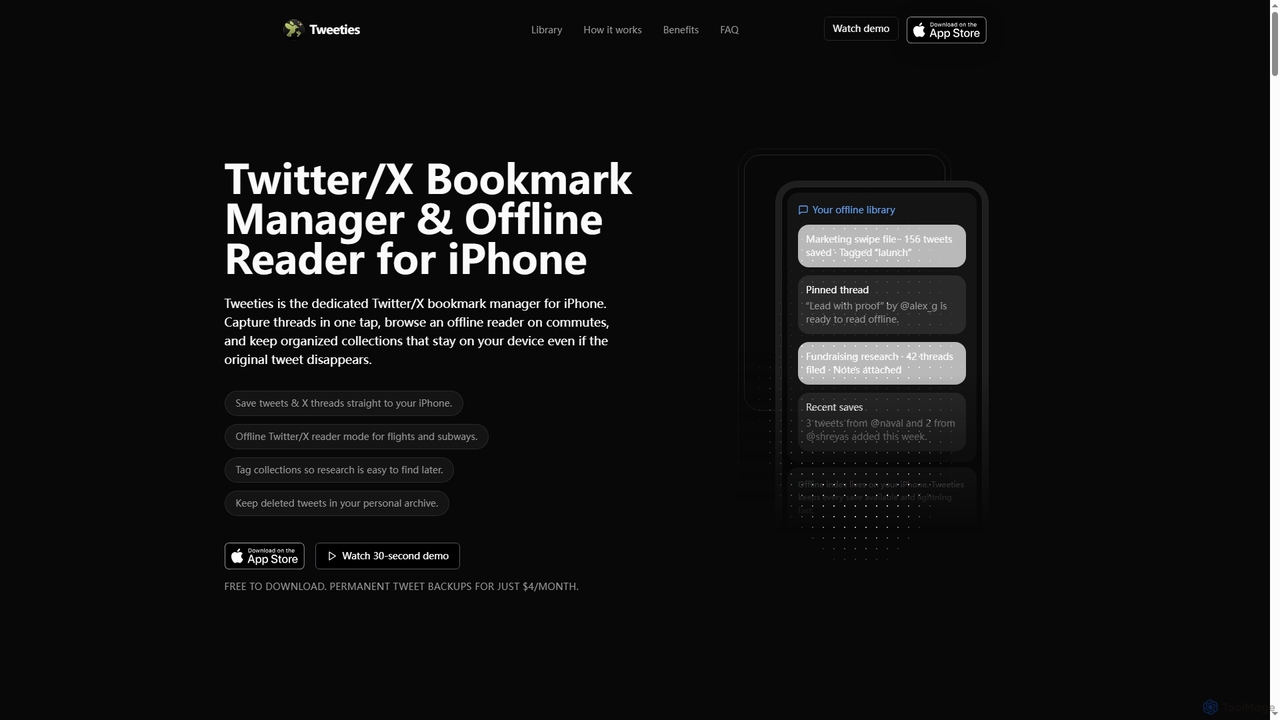
Tweeties
Tweeties is an iOS app designed to be your ultimate Twitter/X bookmark manager and offline reader. It allows iPhone users to save tweets and entire threads, organize them into custom collections with tags and notes, and access them offline. Crucially, it preserves content even if the original tweet is deleted, making it a reliable archive for valuable information.
Offline Reading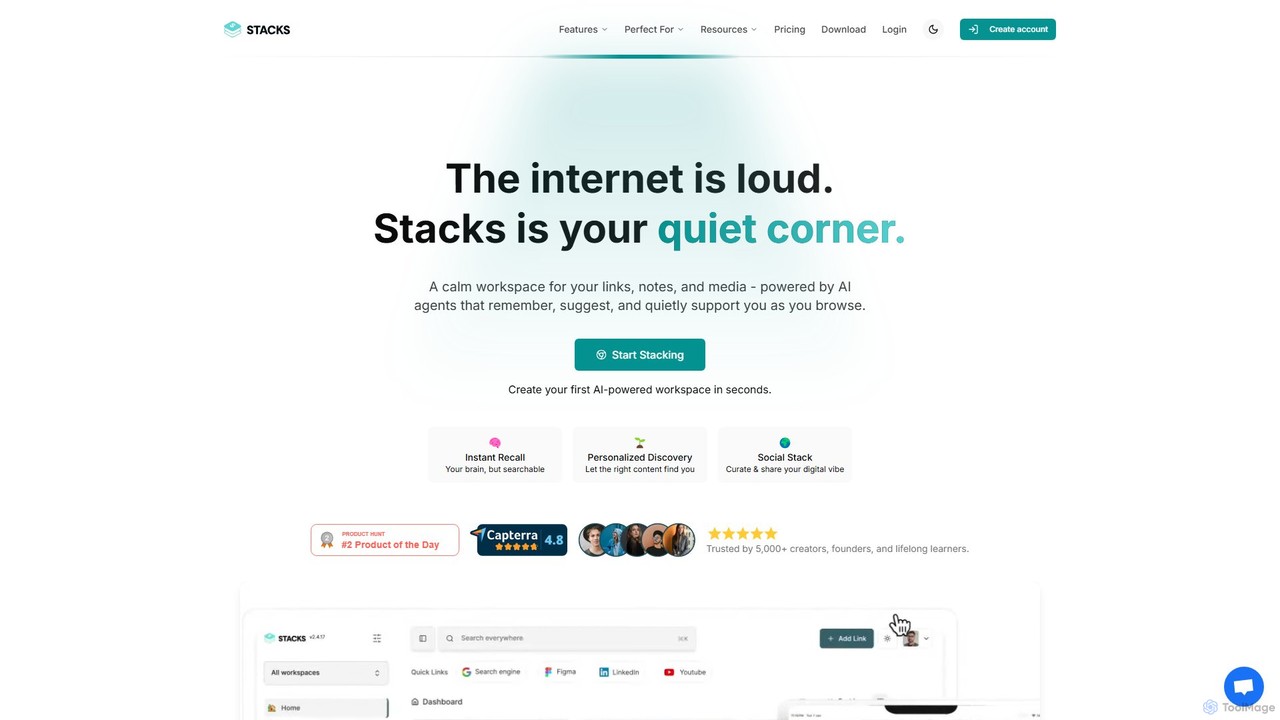
Stacks
Stacks is an AI-powered workspace that organizes your digital footprint. It goes beyond simple bookmarking to understand the *intent* behind your saved links, notes, and files, creating a personalized knowledge hub that connects ideas and supports your workflow.
Bookmarking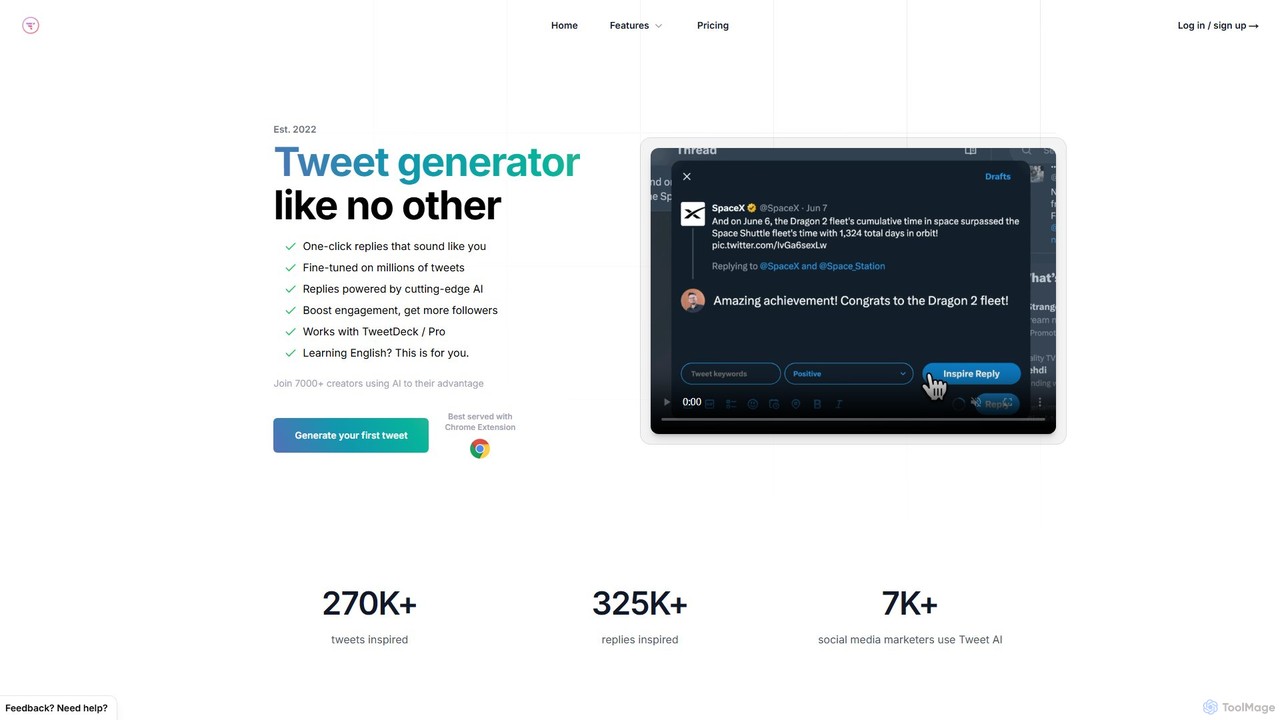
TweetAI
TweetAI is an AI-powered tweet generator designed to help businesses, marketers, and creators boost their engagement on X (Twitter). It offers one-click tweet generation, intelligent replies, content rewriting, and thread creation. With a Chrome extension for seamless workflow integration, TweetAI helps you save time, overcome writer's block, and maintain a consistent, high-quality presence on social media.
Content Creation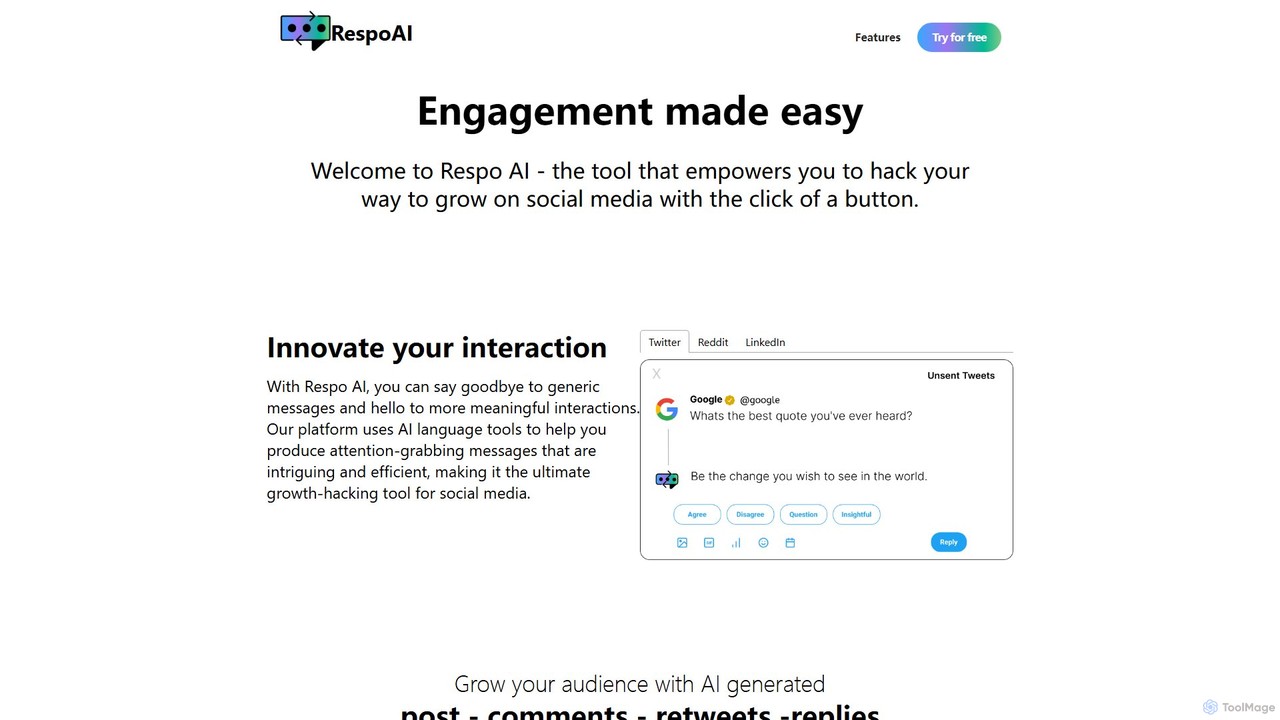
RespoAI
RespoAI is an AI-powered Chrome extension designed to boost your social media growth. It helps you generate authentic, attention-grabbing comments and replies for platforms like Twitter, LinkedIn, and Reddit. Move beyond generic messages and foster meaningful interactions to build your brand, engage your community, and attract new followers effortlessly.
Automation
PackPack
PackPack is an AI-powered digital workspace designed to centralize your creativity and research. It allows you to collect bookmarks, articles, images, files, and notes in one place. With features like AI-powered Q&A, summarization, and automatic image tagging, PackPack transforms scattered information into an organized, searchable knowledge base, boosting productivity for creatives, researchers, and professionals.
Bookmarking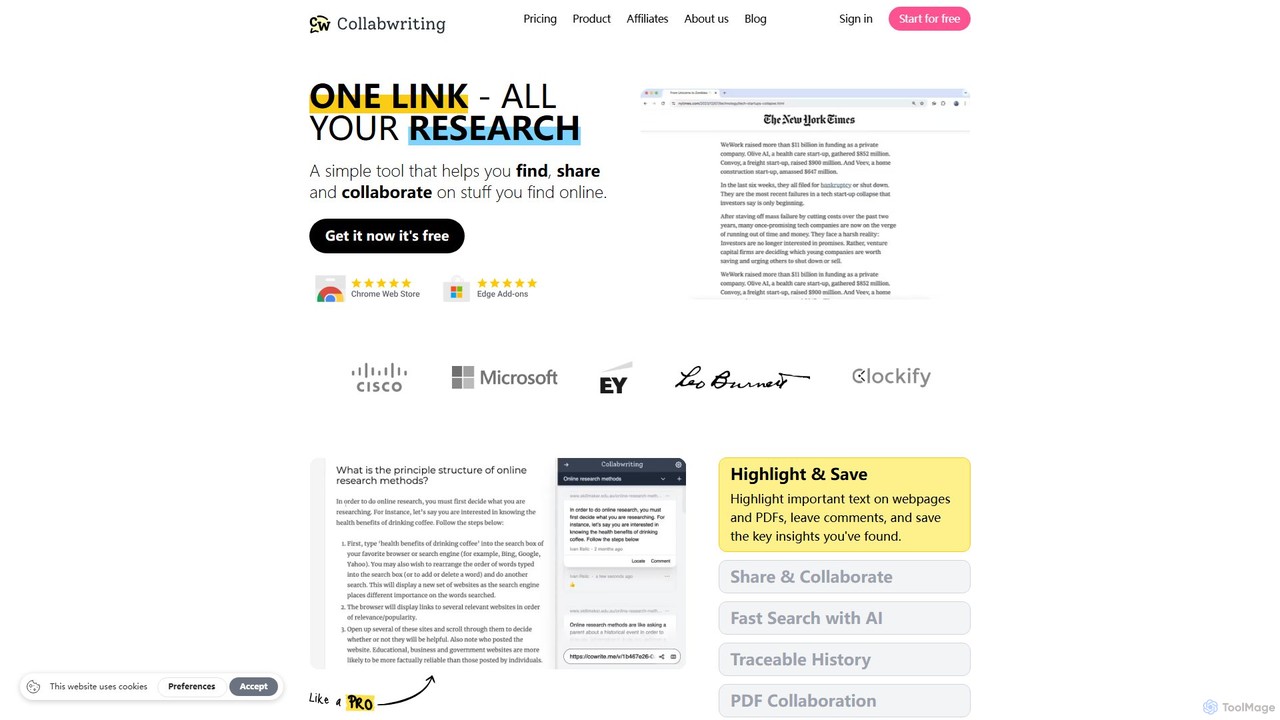
Collabwriting
Collabwriting is an AI-powered research and collaboration tool that helps you find, save, and share information from webpages, PDFs, and Kindle. Highlight key text, add comments, and organize your findings with tags and topics. Its AI Copilot automates research, while seamless integrations with Notion and Google Docs streamline your workflow, making it ideal for teams and individuals.
Knowledge Management
EzReply
EzReply is an AI-powered copilot designed to streamline social media engagement. As a Chrome extension, it generates high-quality, context-aware replies for X/Twitter, LinkedIn, and Reddit in seconds. It helps users save time, maintain an authentic voice by learning their writing style, and boost their online presence across multiple platforms.
Social Media Marketing
ClippingMini
ClippingMini is an intelligent bookmark manager that uses AI to automatically organize links into a searchable knowledge base. It instantly checks safety, adds tags, categorizes content, and allows inline previews of various file types without downloads.
Information Curation
Type Prompt
Type Prompt is an AI-powered writing assistant designed for content creators to instantly generate human-like social media posts. Using a vast library of viral hook prompts inspired by top influencers, it helps you create engaging content for X (Twitter), LinkedIn, newsletters, and blogs. Simply provide a topic and let the AI craft polished, attention-grabbing posts with one click, overcoming writer's block and ensuring consistent content creation.
Social Media
Replix
Replix is an AI-powered browser extension that generates content directly within text boxes on your favorite websites. It streamlines your workflow by creating context-aware replies for emails and social media, customizing tone, and integrating seamlessly with platforms like Gmail, LinkedIn, and Twitter. Eliminate copy-pasting and boost your productivity.
Assistants
getdewey Comments (0)
Sign in to comment.
Sign inNo comments yet.