

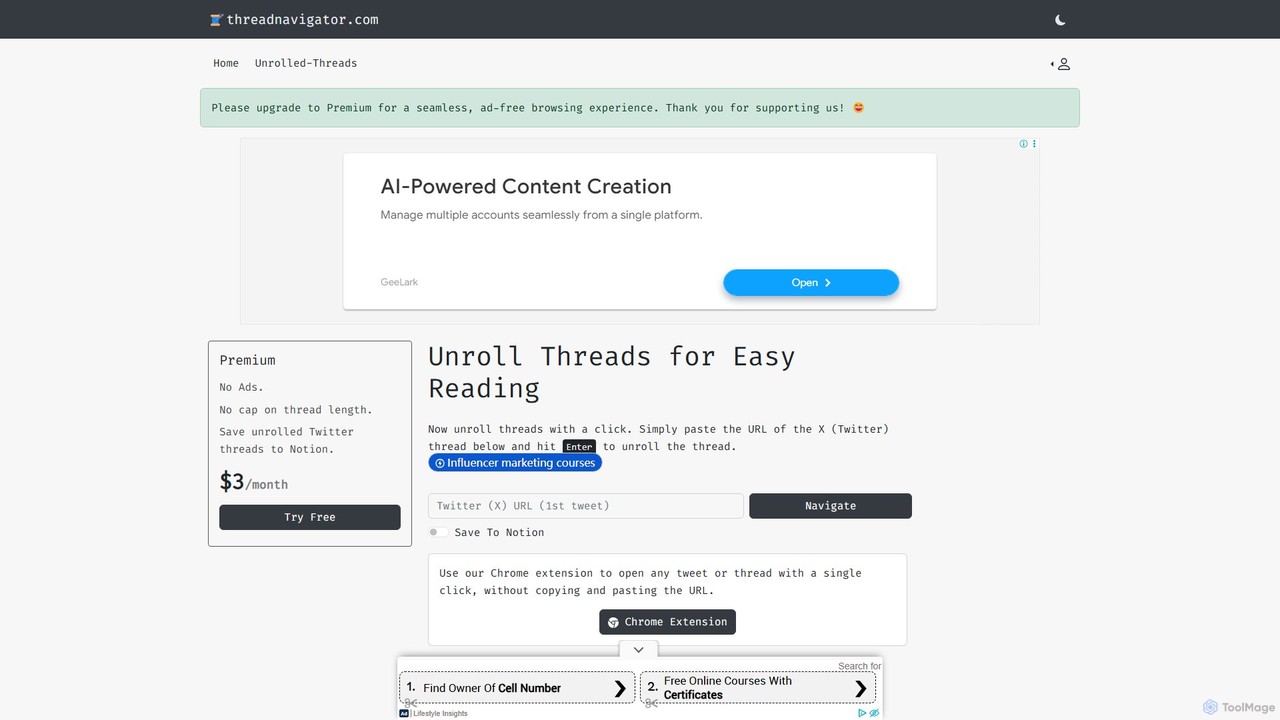
Thread Navigator Overview
Thread Navigator is an essential productivity tool designed to solve a common frustration for users of X (formerly Twitter): reading and saving long, intricate threads. The native interface of X often breaks up insightful conversations and detailed explanations into a fragmented series of posts, making them difficult to follow and digest. Thread Navigator elegantly addresses this by converting any Twitter thread into a single, clean, and continuous article-like page, free from the clutter of the social media interface.
The tool is built for simplicity and efficiency. Whether you're a researcher, a student, a content creator, or simply an avid learner, Thread Navigator streamlines the process of consuming and archiving valuable information shared on the platform. Beyond just improving readability, its standout feature is the direct integration with Notion, allowing users to build a permanent, organized, and searchable knowledge base from the best content they find on X.
How to use Thread Navigator
Getting started with Thread Navigator is incredibly straightforward, offering multiple ways to unroll threads based on your workflow:
- Website Method: Simply find the URL of the X (Twitter) thread you want to read, copy it, and paste it into the input box on the Thread Navigator homepage. Hit "Enter," and the tool will instantly generate a clean, readable version of the entire thread.
- Chrome Extension: For an even more seamless experience, install the Thread Navigator Chrome extension. Once installed, you can open any tweet or thread in its unrolled format with a single click, directly from the X website, eliminating the need to copy and paste URLs.
- Saving to Notion: To archive threads, you'll need to connect your Notion account. The process is simple:
a. Sign up for a Thread Navigator account using your email.
b. In your Notion workspace, create a new page or database where you want to store your threads.
c. Follow the prompts on the Thread Navigator website to connect to your Notion account and select the specific page you created.
d. Once connected, you'll see a "Save to Notion" button after unrolling a thread. Click it to send the clean, formatted content directly to your workspace.
Core Features of Thread Navigator
- One-Click Thread Unrolling: Instantly transforms cluttered Twitter threads into a single, easy-to-read page.
- Seamless Notion Integration: Save and organize unrolled threads directly into your Notion pages or databases, creating a permanent personal knowledge library.
- Convenient Chrome Extension: Improves your workflow by allowing you to unroll threads with a single click without leaving the X platform.
- Clean and Distraction-Free Reading: Removes ads, replies from other users (unless part of the thread), and other UI elements, allowing you to focus solely on the content.
- No Thread Length Cap (Premium): The premium plan allows you to unroll even the most extensive and in-depth threads without any limitations.
- Ad-Free Experience (Premium): Premium users enjoy a completely ad-free environment for uninterrupted reading.
Use Cases for Thread Navigator
Thread Navigator is a versatile tool that caters to a wide range of users:
- Researchers and Academics: Can easily save and archive expert discussions, data analyses, and primary source commentary from X into their Notion research databases.
- Content Creators and Marketers: Can curate top-performing threads, industry insights, and customer feedback for content inspiration and market research.
- Students: Can save educational threads from experts in various fields to supplement their study materials and organize them in Notion by subject.
- Journalists: Can quickly capture and document breaking news threads, eyewitness accounts, and official statements for reporting purposes.
- Knowledge Workers: Anyone looking to build a "second brain" can use Thread Navigator to feed high-signal content from X directly into their personal knowledge management system in Notion.
Advantages of Thread Navigator
The primary advantage of Thread Navigator is its ability to enhance both productivity and knowledge retention. By presenting information in a clear, linear format, it improves comprehension and reduces cognitive load. The Notion integration is a game-changer for anyone serious about knowledge management, as it turns ephemeral social media content into a lasting, searchable asset. The tool saves significant time and effort that would otherwise be spent manually screenshotting or copy-pasting content. The affordable premium plan makes its most powerful features accessible to everyone.
Pricing and Plans
Thread Navigator operates on a freemium model, making its core functionality available to everyone.
- Free Plan: Allows users to unroll threads for easy reading. This plan is ad-supported and may have limitations on the length of threads that can be processed.
- Premium Plan: Priced at an affordable $3 per month, this plan unlocks the full power of the tool. It includes an ad-free experience, no limitations on thread length, and the crucial ability to save any unrolled thread directly to your Notion account.
Traffic
Latest traffic
Status
Monthly traffic trend
- 2025-9: 19.8K
- 2026-1: 11.4K
- 2026-2: 6.1K
- 2026-3: 34.3K
- 2026-4: 21.3K
- 2026-5: 14.5K
Geography
Top 5 countries / regions
- 🇺🇸United States41.7%
- 🇪🇸Spain20.4%
- 🇫🇷France12.8%
- 🇧🇷Brazil12.6%
- 🇮🇳India12.5%
Top keywords
| Keyword | Cost per click |
|---|---|
| "generate a comprensnive deep research report on" | $0.00 |
| @jongonzlz | $0.00 |
| jongonzlz | $0.00 |
| threads reader | $0.00 |
| x tweet unroll | $0.00 |
Thread Navigator Alternatives
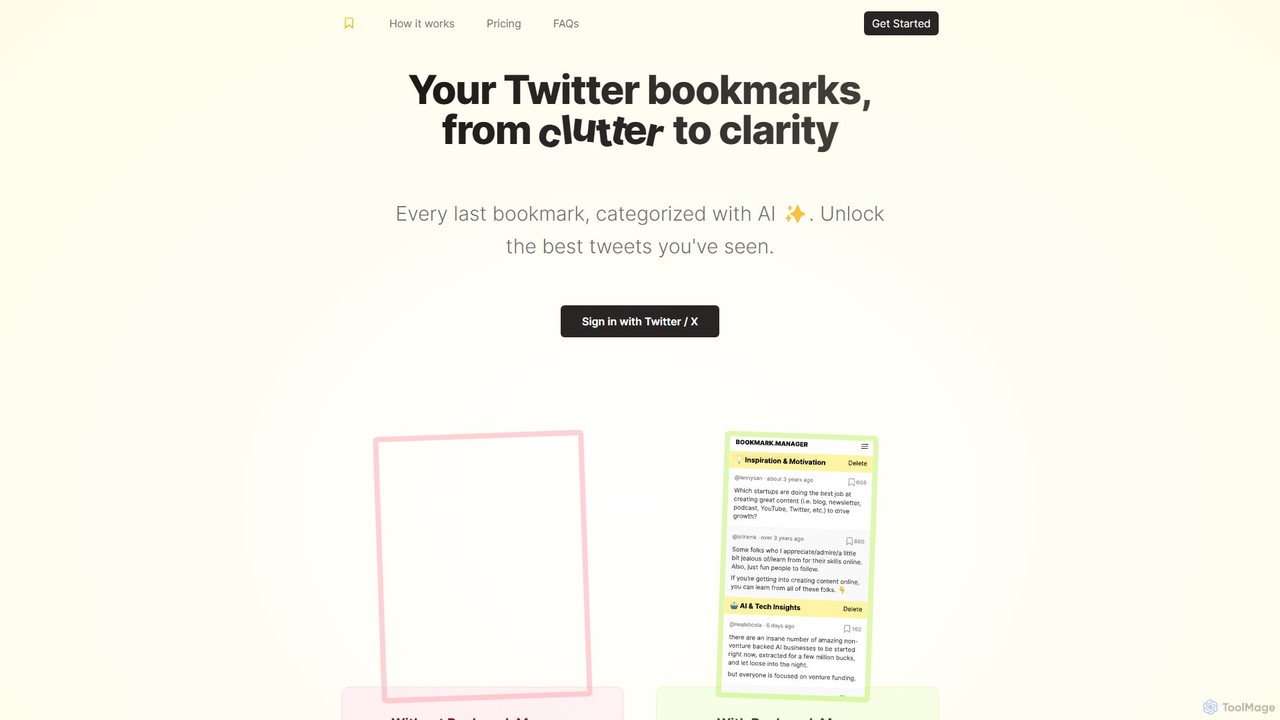
twitterbookmarks
An AI-powered tool that uses GPT-4 to automatically categorize your Twitter/X bookmarks. It transforms your cluttered collection of saved tweets into a clear, organized, and searchable knowledge base, allowing you to export your data to CSV or JSON.
Curation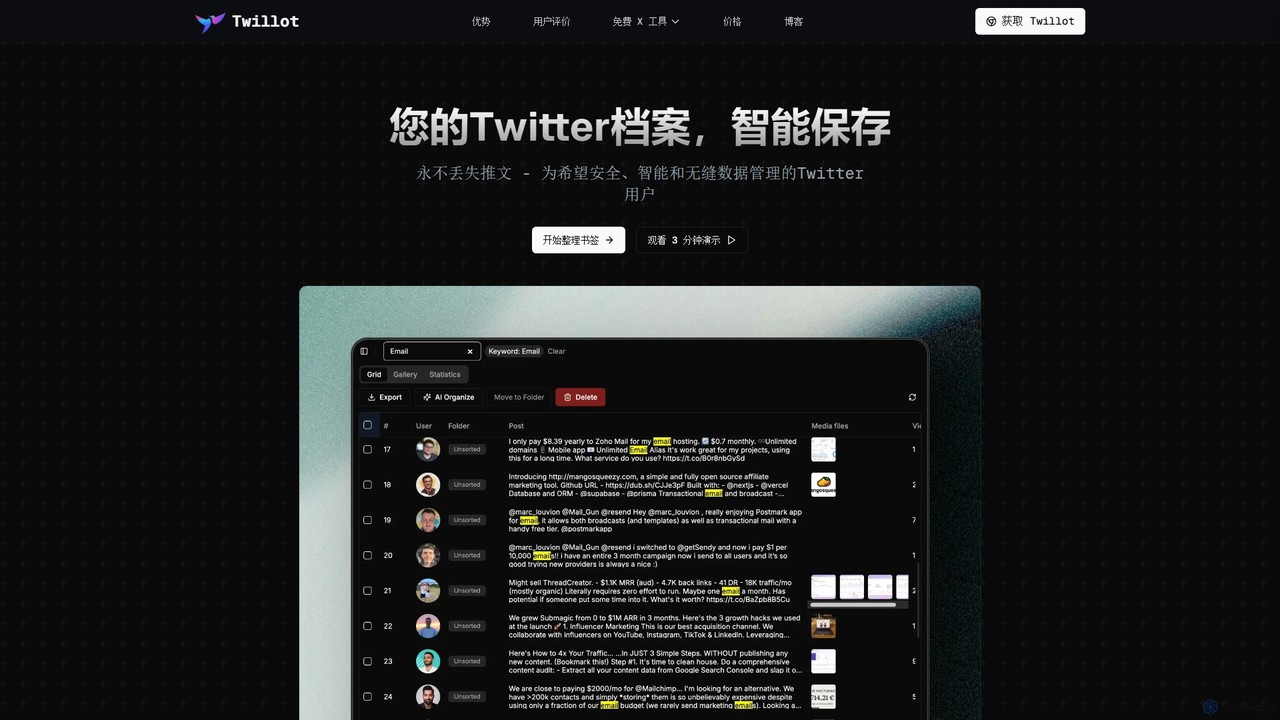
Twillot
Twillot is an AI-powered browser extension for Twitter/X, designed to intelligently save, manage, and search your entire Twitter archive. It helps you organize bookmarks, tweets, likes, and media locally, ensuring privacy and providing powerful tools for data export and analysis.
Archiving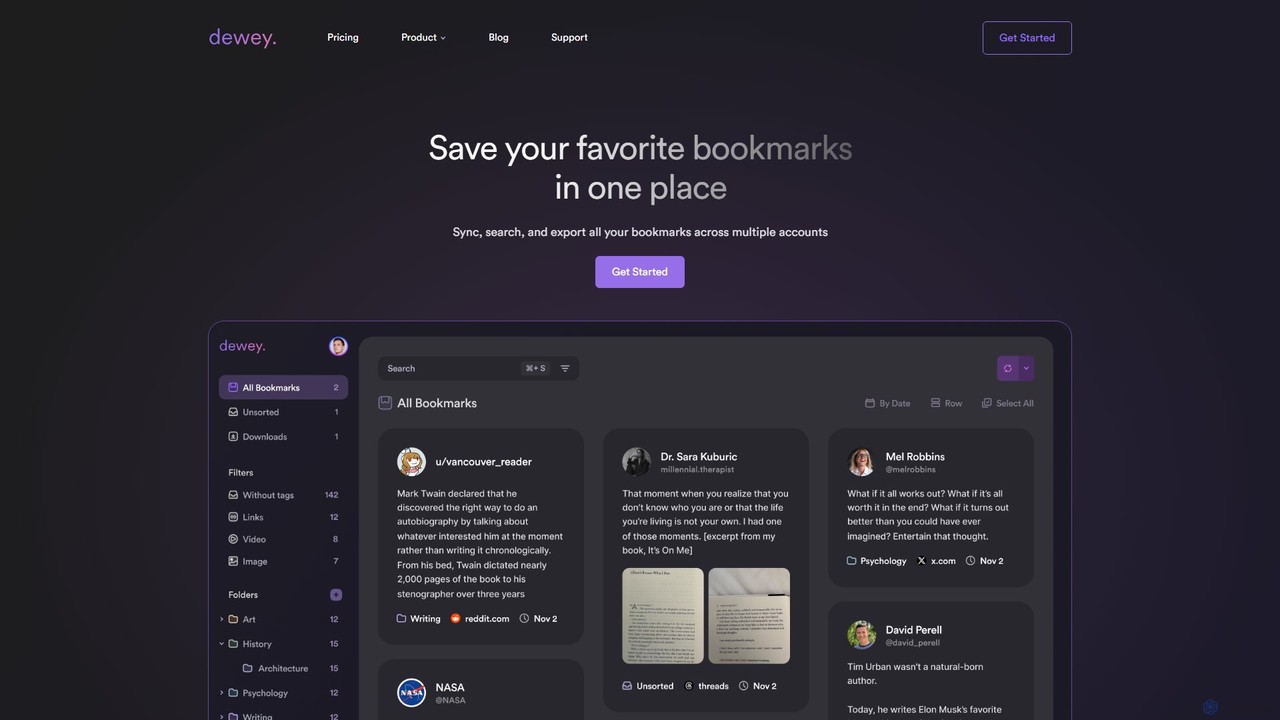
getdewey
getdewey is an AI-powered bookmark manager that centralizes your saved content from Twitter/X, LinkedIn, TikTok, and the web. It allows you to search, organize with tags and folders, annotate, and export your bookmarks to tools like Notion and Google Sheets, transforming your saved links into a powerful, searchable knowledge base.
Bookmarkmanager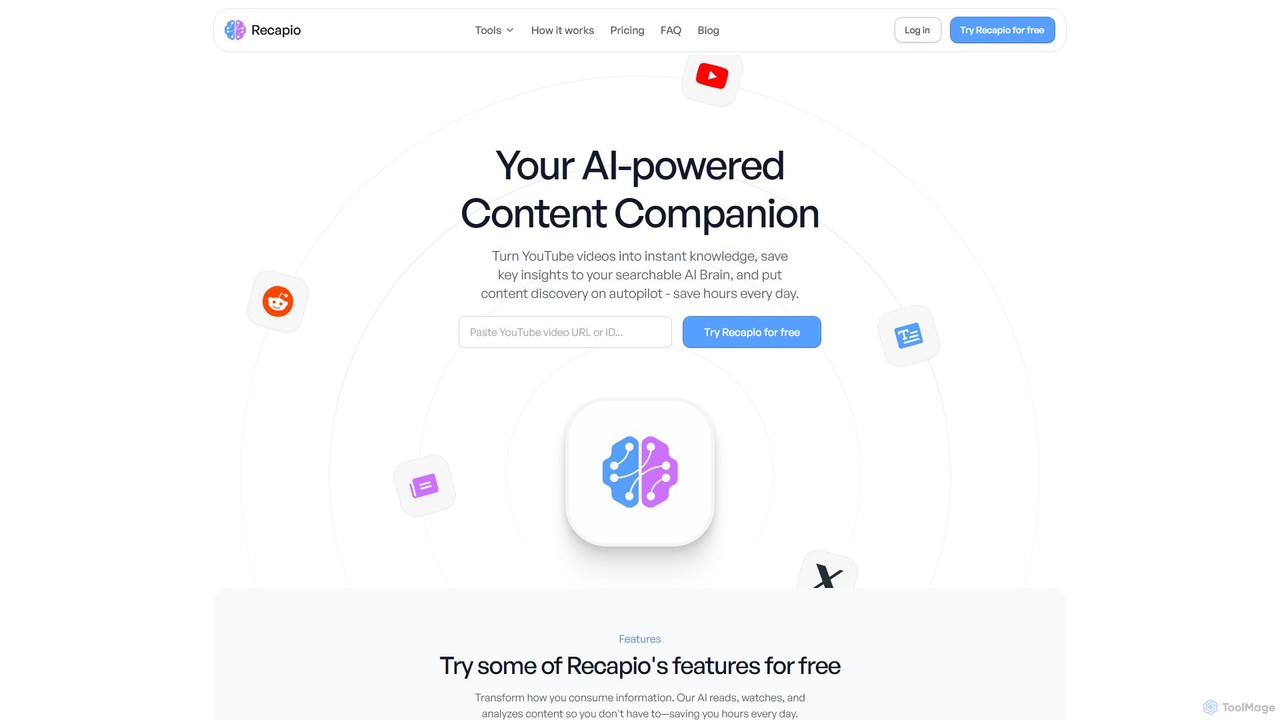
RecapioGPT
RecapioGPT is an AI-powered second brain and content summarizer that transforms YouTube videos, articles, and web posts into a searchable knowledge base. Chat with your content, get daily recaps, and organize insights to save time and learn smarter.
Research
Stacks
Stacks is an AI-powered workspace that organizes your digital footprint. It goes beyond simple bookmarking to understand the *intent* behind your saved links, notes, and files, creating a personalized knowledge hub that connects ideas and supports your workflow.
BookmarkingThread Navigator Categories
Thread Navigator Embed Widget
Copy this embed code to place the badge on your blog, article, or product site and send readers directly to this ToolMage detail page.

Related AI tools
getdewey
getdewey is an AI-powered bookmark manager that centralizes your saved content from Twitter/X, LinkedIn, TikTok, and the web. It allows you to search, organize with tags and folders, annotate, and export your bookmarks to tools like Notion and Google Sheets, transforming your saved links into a powerful, searchable knowledge base.
BookmarkmanagerTwillot
Twillot is an AI-powered browser extension for Twitter/X, designed to intelligently save, manage, and search your entire Twitter archive. It helps you organize bookmarks, tweets, likes, and media locally, ensuring privacy and providing powerful tools for data export and analysis.
Archivingtwitterbookmarks
An AI-powered tool that uses GPT-4 to automatically categorize your Twitter/X bookmarks. It transforms your cluttered collection of saved tweets into a clear, organized, and searchable knowledge base, allowing you to export your data to CSV or JSON.
Curation
Matter
Matter is a modern read-later app designed for avid readers. It allows you to save articles, newsletters, and threads into a clean, distraction-free library. A key feature is its advanced AI-powered text-to-speech, which converts any saved content into natural-sounding audio. With powerful highlighting, tagging, and integrations with knowledge management tools, Matter helps you not just read, but also retain and grow from what you consume.
Curation
ReplyPilot
ReplyPilot is an AI-powered Chrome extension that acts as your co-pilot for online communication. It helps you craft quick, authentic, and personalized replies on social media platforms, learning your unique tone and style to boost engagement, save time, and build meaningful connections.
Social Media Marketing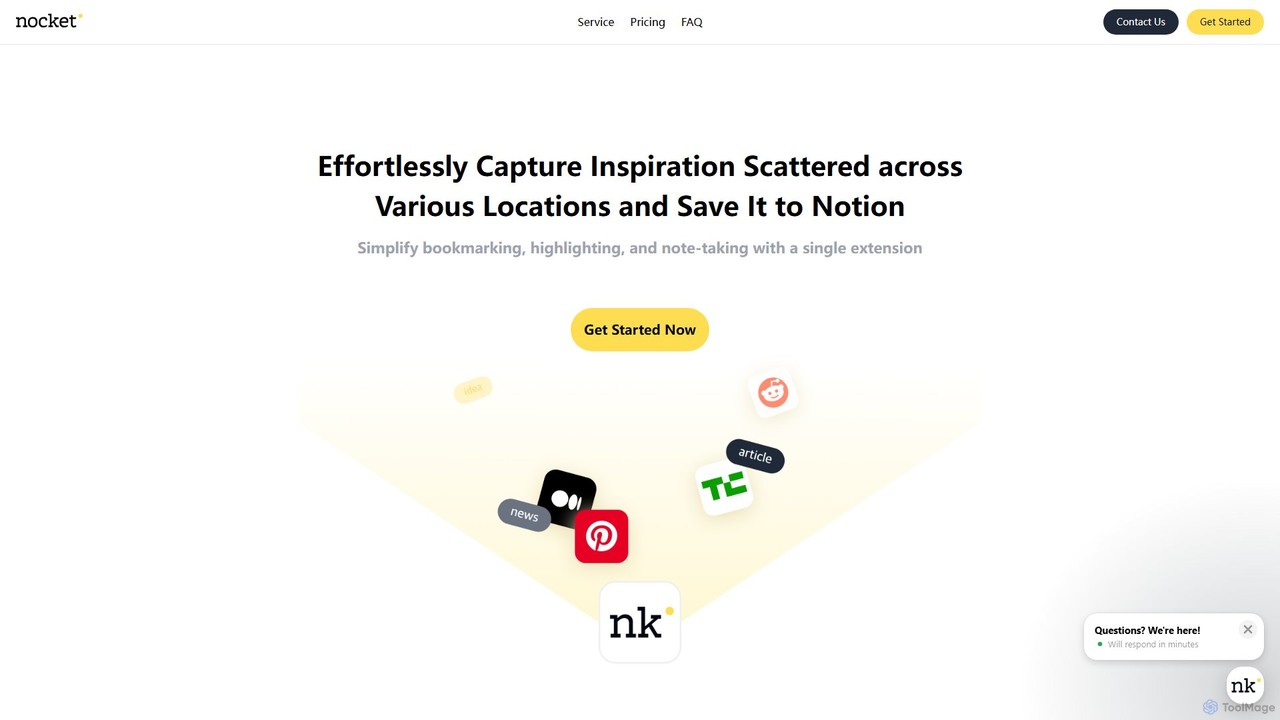
nocket
nocket is a powerful browser extension designed to streamline your knowledge management workflow. It allows you to effortlessly capture web pages, highlight text, and take notes, saving everything directly into your Notion workspace. With AI-powered summarization for websites and YouTube videos, nocket transforms scattered inspiration into an organized, actionable knowledge base.
BookmarkingRecapioGPT
RecapioGPT is an AI-powered second brain and content summarizer that transforms YouTube videos, articles, and web posts into a searchable knowledge base. Chat with your content, get daily recaps, and organize insights to save time and learn smarter.
ResearchStacks
Stacks is an AI-powered workspace that organizes your digital footprint. It goes beyond simple bookmarking to understand the *intent* behind your saved links, notes, and files, creating a personalized knowledge hub that connects ideas and supports your workflow.
Bookmarking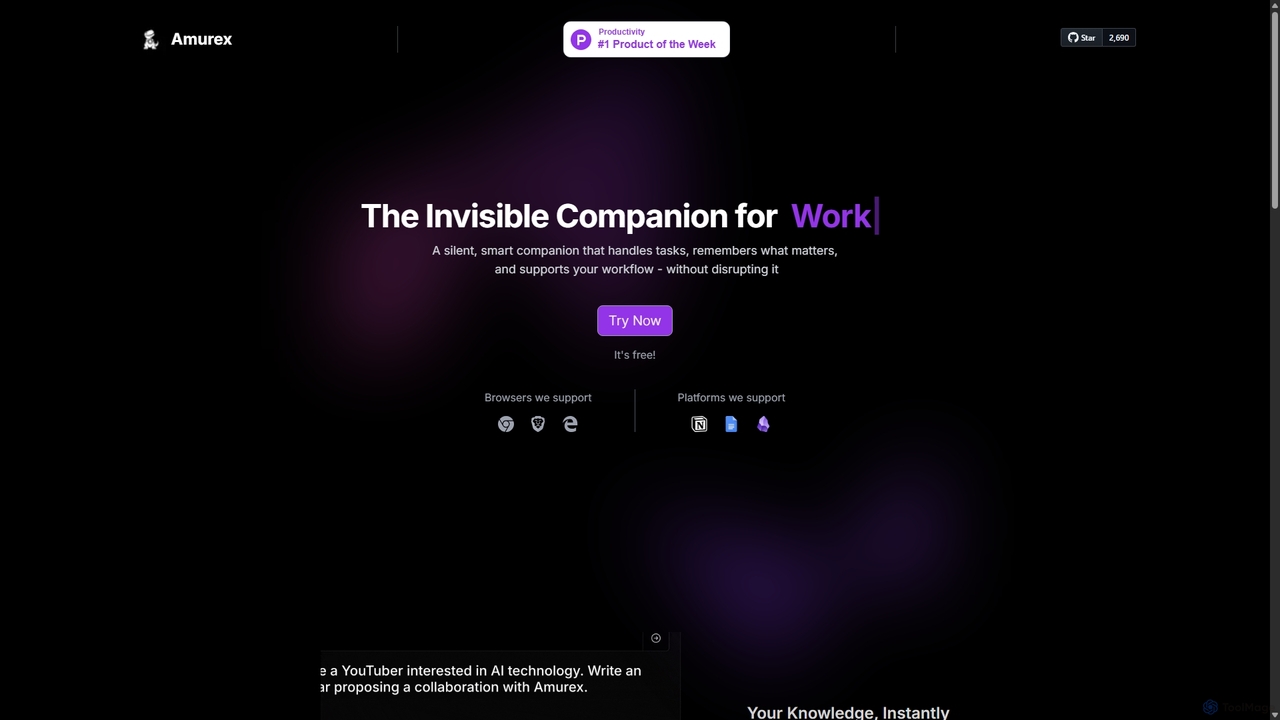
Amurex
Amurex is an open-source AI invisible companion that works silently in the background to streamline your workflow. It integrates with your existing apps like Notion, Google Drive, and Obsidian to create a searchable knowledge base, automates meeting transcriptions and summaries, and intelligently categorizes your inbox.
Automation
Gems
Gems is an AI knowledge assistant that connects to all your apps like Notion, Slack, and Gmail. It allows you to ask questions in natural language and receive instant, synthesized answers from your entire knowledge base, eliminating the need for manual organization and endless searching.
Knowledge Management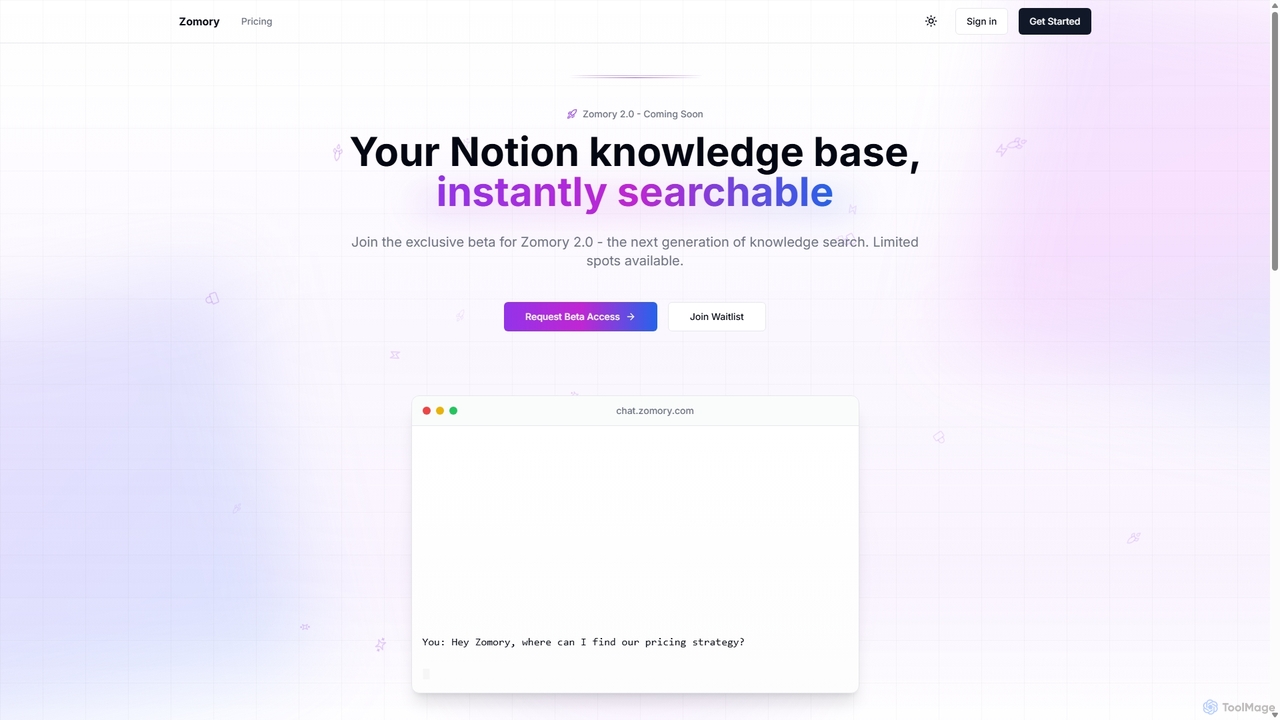
Zomory
Zomory is an AI-powered search tool that transforms your Notion knowledge base into an instantly searchable resource. Integrated directly with Slack, it allows teams to find information using natural language, ask follow-up questions, and get answers in milliseconds without switching context.
Collaboration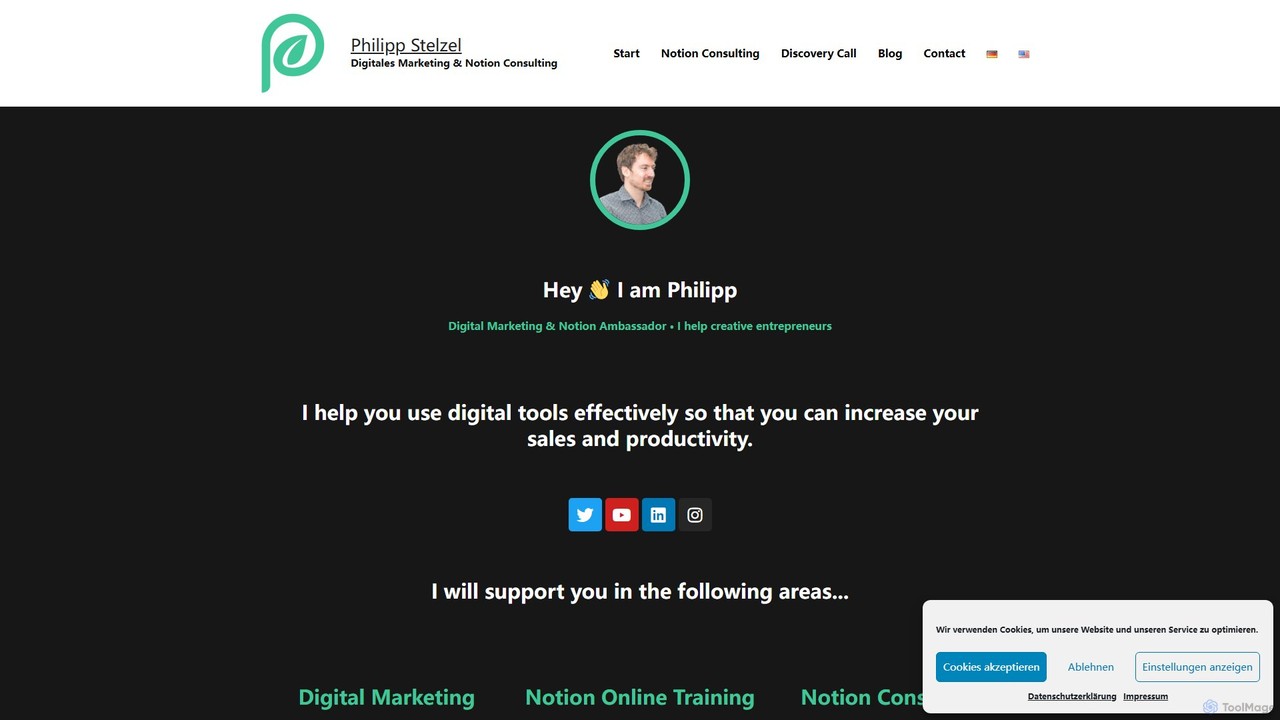
philipp_stelzel
A resource hub by Philipp Stelzel, a Notion Ambassador and digital marketing expert. It offers specialized Notion templates, AI-powered tools like a Midjourney Prompt Generator, online courses, and consulting services to help creative entrepreneurs enhance productivity and optimize their digital strategy.
Consulting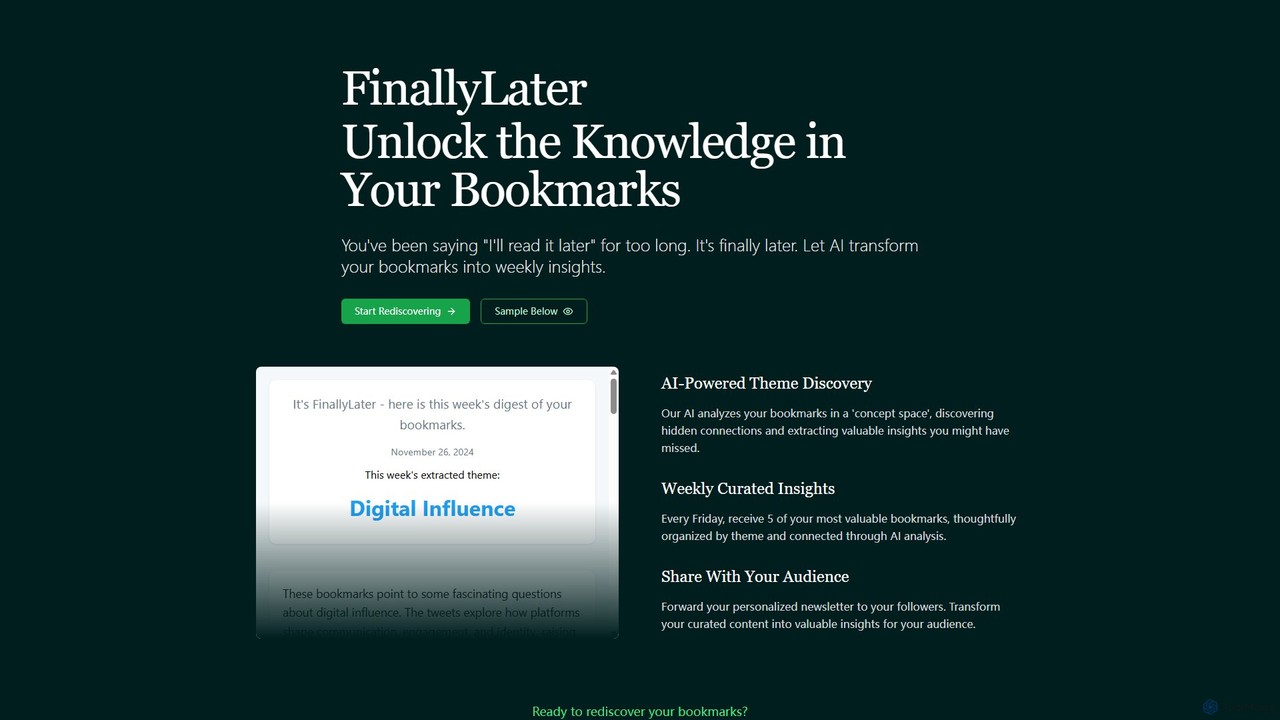
FinallyLater
FinallyLater is an AI-powered service that transforms your cluttered bookmarks into a weekly, curated newsletter. It analyzes your saved links, discovers hidden themes and connections, and delivers five of your most valuable bookmarks as organized insights every Friday, helping you combat information overload and rediscover knowledge.
Learning
timgerstel
A suite of expertly designed, AI-enhanced Notion templates by Timothy Gerstel. These systems, like the popular 'Second Brain' and 'Creator's Companion', help users organize their lives, manage projects, and streamline content creation, all within a unified Notion workspace.
Project Management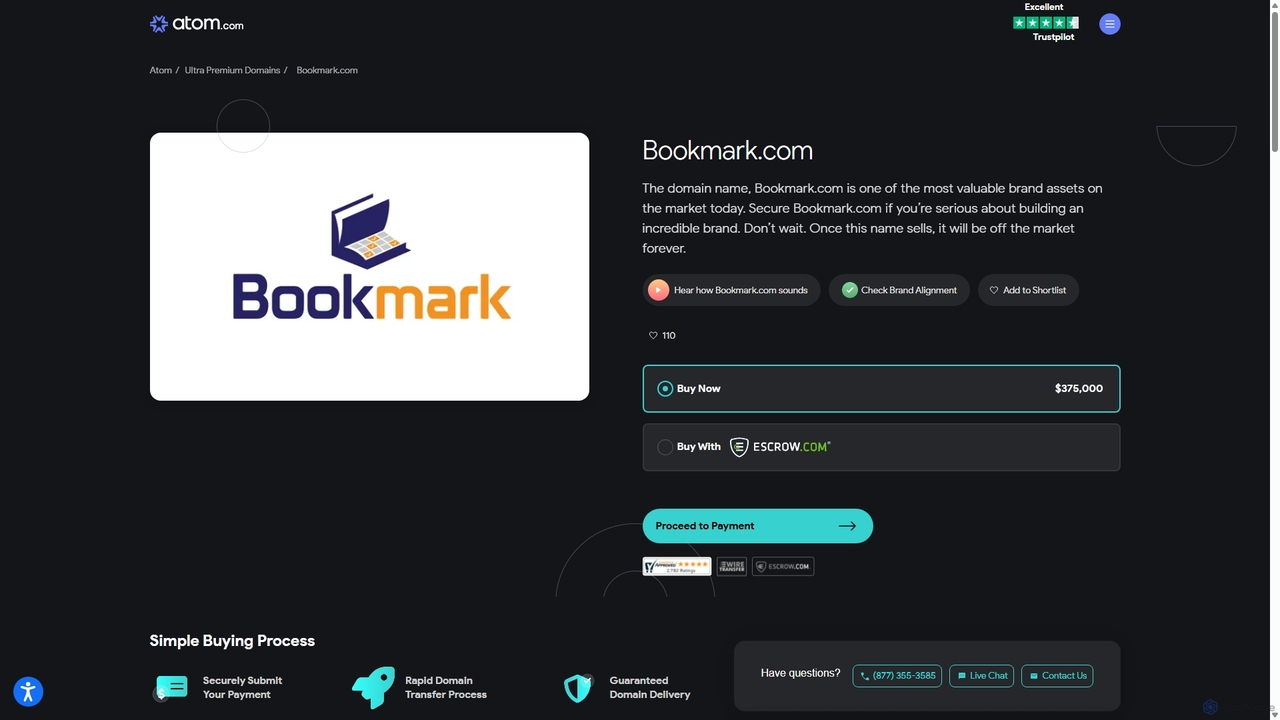
Bookmark
Bookmark is an AI-powered knowledge management platform that helps you save, organize, and rediscover digital content. It uses AI to automatically summarize articles, tag content, and enable powerful semantic search, transforming your collection of links into a personal knowledge base or a collaborative team hub.
Study Tools
Thread Navigator Comments (0)
Sign in to comment.
Sign inNo comments yet.