
Llms Central Overview
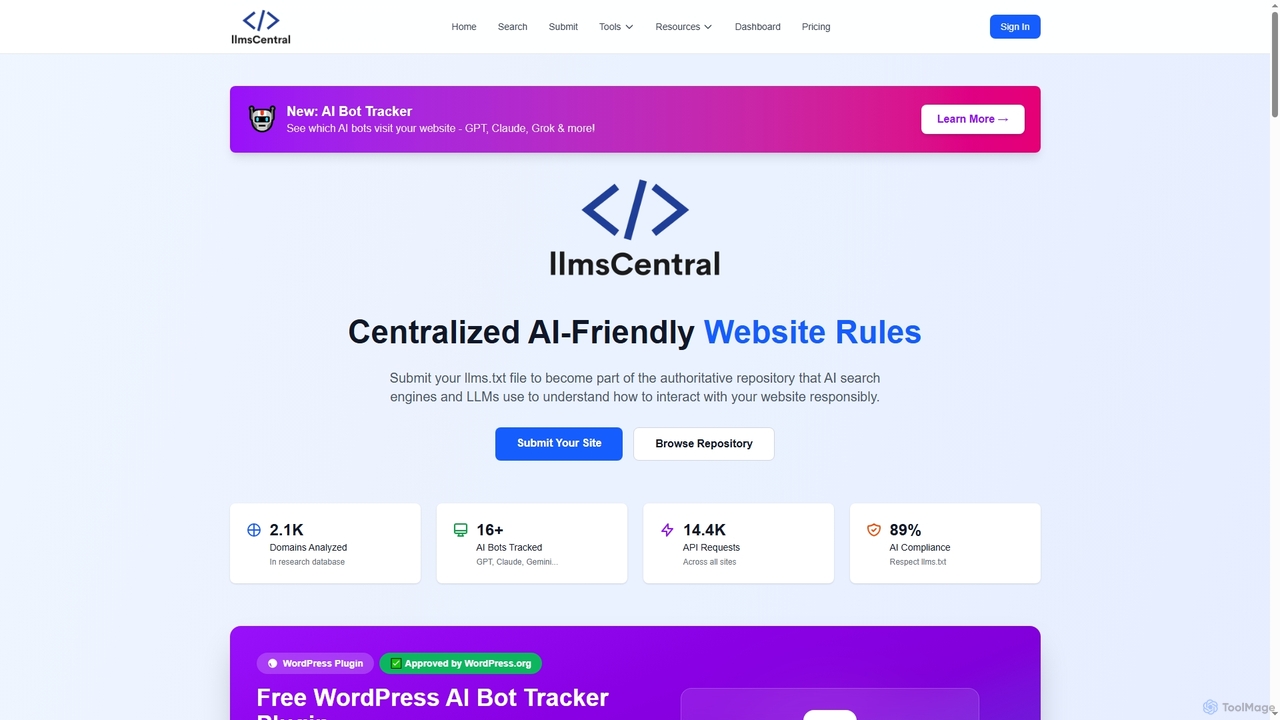
Llms Central is a dual-function platform designed to bridge the gap between website owners and AI systems. It offers two primary services: an AI Bot Tracker and a centralized repository for llms.txt files. The AI Bot Tracker allows you to monitor which AI crawlers, such as those from OpenAI (GPTBot), Anthropic (Claude), and Google (Gemini), are visiting your website. It provides a real-time analytics dashboard showing which pages are being crawled, the frequency of visits, and offers AI-powered recommendations to improve your site's discoverability by these systems. This service is designed to have zero performance impact on your website, with a lightweight (~2KB) tracking script.
The second core component is the world's largest repository for llms.txt files. An llms.txt file is a standard, similar to robots.txt, that communicates your content usage policies to AI training systems. Llms Central helps you create, validate, and submit your llms.txt file to a public directory, making your AI training preferences easily accessible to developers and AI companies. This promotes an ethical AI ecosystem by giving content creators control over how their work is used.
How to use Llms Central
Llms Central offers two independent features that can be used separately or together:
For AI Bot Tracking:
- Create a free account on the Llms Central website.
- In your dashboard, navigate to the "My Domains" tab and register your website's domain to generate a unique tracking code.
- Install the tracking code by adding the single line of script provided to your website's HTML, just before the closing </body> tag. This works on all platforms, including WordPress, Shopify, and custom sites. A dedicated WordPress plugin is also available for one-click installation.
- Verify the installation in your dashboard. The status will change to "Tracking Active".
- Analytics will start appearing in your "Bot Analytics" tab within 1-7 days as AI bots visit your site.
For llms.txt File Management:
- Use the free generator on the Llms Central site to create a custom llms.txt file.
- Customize the settings to define your policies, such as allowing or disallowing AI training, requiring attribution, or controlling commercial use.
- Download the generated file and upload it to your website's root directory (e.g., your-domain.com/llms.txt).
- Optionally, submit your domain to the public Llms Central directory to increase its visibility to AI platforms.
Core Features of Llms Central
- Real-Time AI Bot Tracking: Identify over 16 AI crawlers, including GPTBot, Claude, Gemini, and Grok, as they visit your site.
- Analytics Dashboard: View detailed reports on bot activity, including visit times, pages crawled, and total visits per bot.
- AI-Powered Insights: Receive personalized recommendations to optimize your content strategy and improve AI discoverability.
- llms.txt Repository: A centralized, searchable directory for llms.txt files, establishing a standard for AI content policies.
- llms.txt Generator & Validator: Easily create a compliant llms.txt file and ensure it follows best practices.
- WordPress Plugin: A free, easy-to-install plugin for tracking AI bots on WordPress sites without any coding.
- Developer API: Provides programmatic access to structured llms.txt data for AI platforms and developers.
- Multi-Engine Preview Tool: See how your content appears across various AI engines like ChatGPT and Perplexity.
Use Cases for Llms Central
SEO Managers and Marketers: Can track which pages attract the most attention from AI crawlers and use these insights to optimize their content strategy for Answer Engine Optimization (AEO). They can also benchmark their AI bot traffic against industry standards.
Content Creators and Publishers: Can define clear usage rights for their content through an llms.txt file, controlling whether their work can be used for AI model training. The analytics help them understand what content is most valuable to AI systems.
Website Owners and Businesses: Can monitor AI interactions on their site to ensure compliance and discover new traffic patterns. This is particularly useful for e-commerce sites, tech blogs, and media outlets.
AI Developers and Researchers: Can use the API to easily access and respect the content policies of websites, promoting ethical data sourcing and compliance.
Advantages of Llms Central
Actionable Insights: The platform goes beyond simple tracking to provide AI-powered recommendations that help you improve your digital presence in the age of AI.
Ease of Use: With a 2-minute setup, a no-code WordPress plugin, and a simple tracking script, it's accessible to users of all technical levels.
Zero Performance Impact: The asynchronous, lightweight tracking script (~2KB) ensures your website's speed and user experience are unaffected.
Promotes Ethical AI: By centralizing llms.txt files, it helps create a transparent and compliant ecosystem where content creators have control.
Freemium Model: Offers a robust "Free Forever" plan, allowing anyone to start tracking AI bots and manage their AI policies without a credit card.
Pricing and Plans
Llms Central operates on a freemium model with several tiers:
- Free Plan ($0/month): Includes 1 domain, weekly automatic updates, llms.txt + Bot Analytics, 30 days of data history, and 100 API requests/day.
- Starter Plan ($5/month): Includes 3 domains, daily automatic updates, 90 days of data history, 1,000 API requests/day, and email notifications.
- Pro Plan ($15/month): Includes 10 domains, 6 months of data history, 10,000 API requests/day, advanced bot insights, competitive benchmarking, and data export.
- Business Plan ($55/month): Includes 50 domains, real-time updates, 12 months of data history, 100,000 API requests/day, team collaboration (5 seats), and webhooks.
- Enterprise Plan (Custom Pricing): Includes all Business features plus a dedicated account manager, SLA guarantees, custom integrations, and phone support.
Users can upgrade, downgrade, or cancel their plan at any time.
Llms Central FAQ
Llms Central Alternatives
EmbedAI
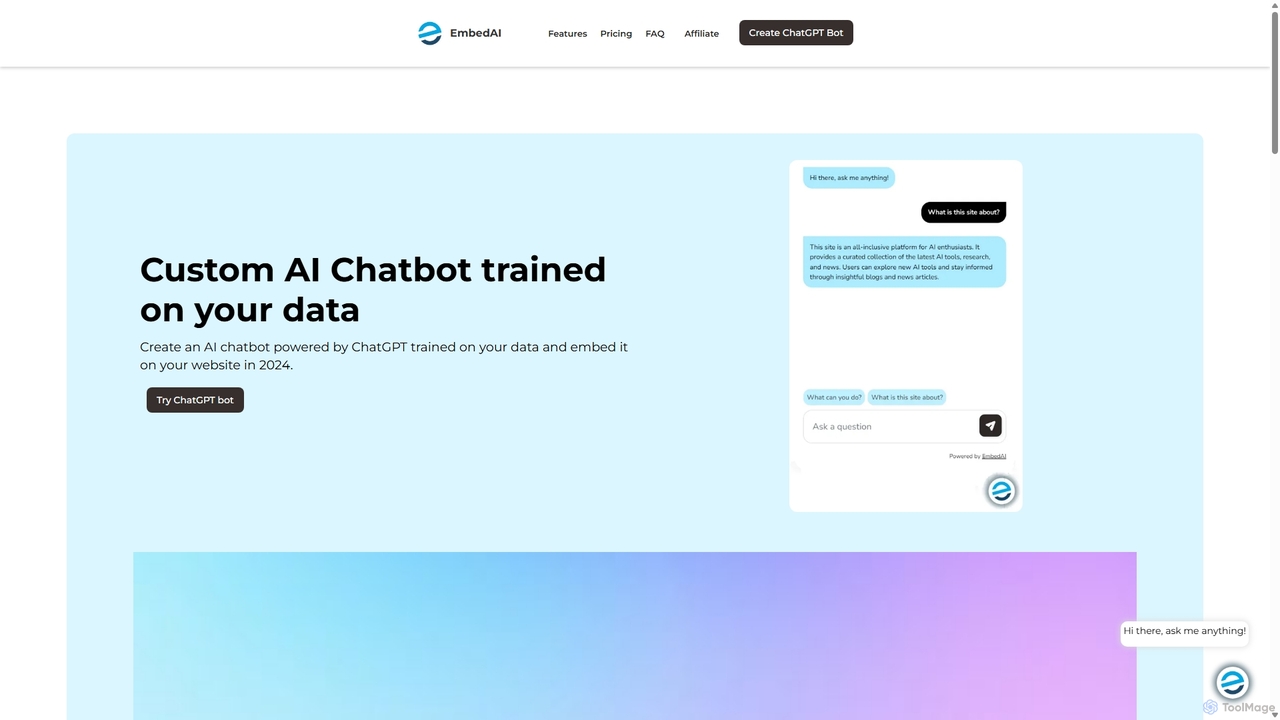
EmbedAI is an AI chatbot builder that allows you to create custom ChatGPT & Gemini-powered chatbots trained on your own data. Easily upload files, link websites, or use YouTube videos to train your bot. Customize its appearance and embed it on your website to automate customer support, enhance user engagement, and provide instant answers in over 100 languages.
Chatbots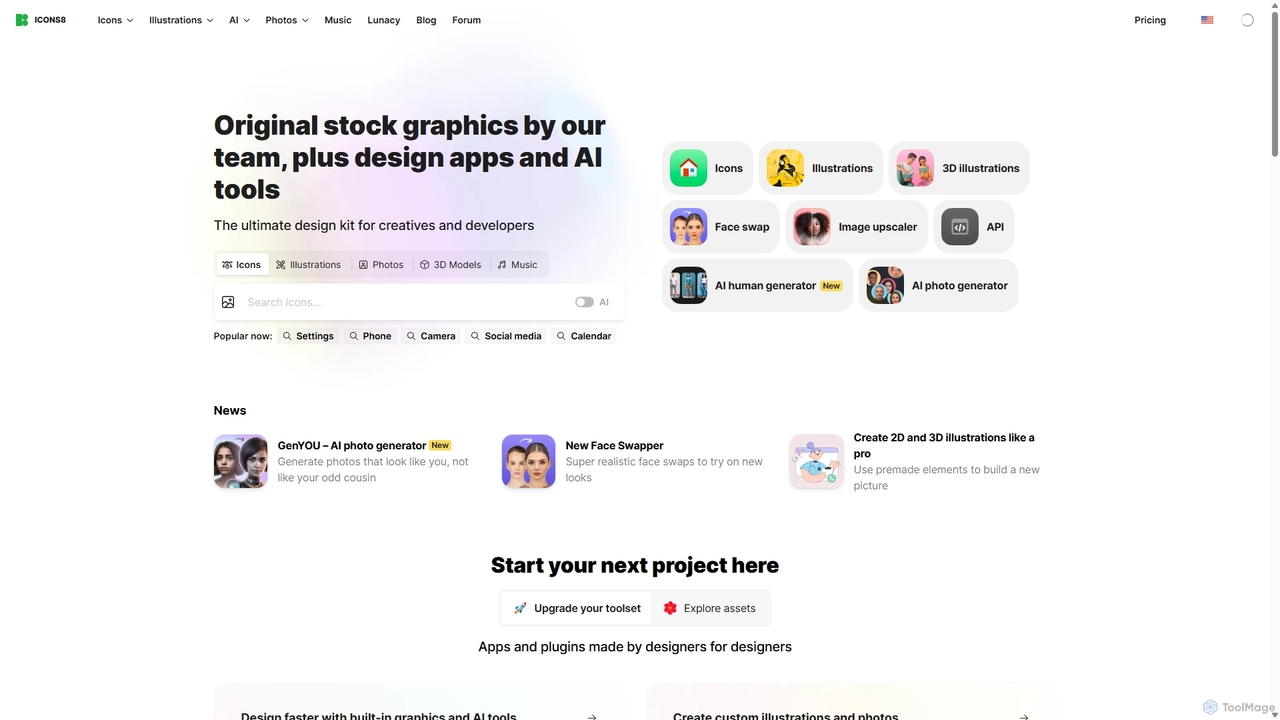
Icons8
Icons8 is a comprehensive design platform offering millions of royalty-free icons, photos, illustrations, and music tracks. It also features a powerful suite of AI-driven tools, including an image upscaler, background remover, face swapper, and AI photo/human generators, designed to streamline the creative workflow for designers, developers, and content creators.
Icons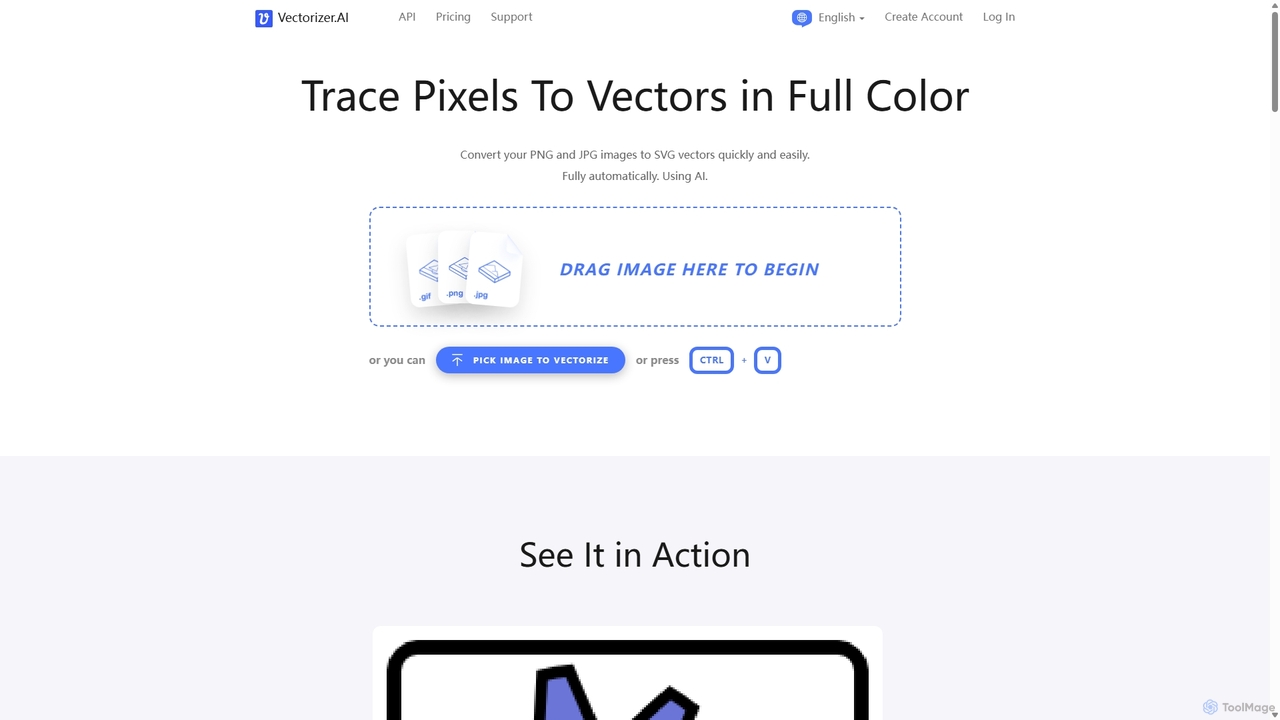
Vectorizer.AI
Vectorizer.AI is an advanced online tool that uses deep learning AI to convert raster images (PNG, JPG, GIF) into high-quality, scalable vector graphics (SVG, PDF, EPS, DXF). It excels at capturing fine details missed by traditional methods, making it ideal for designers, printers, and creators who need clean, editable vector files for logos, illustrations, and various printing processes.
Image Editing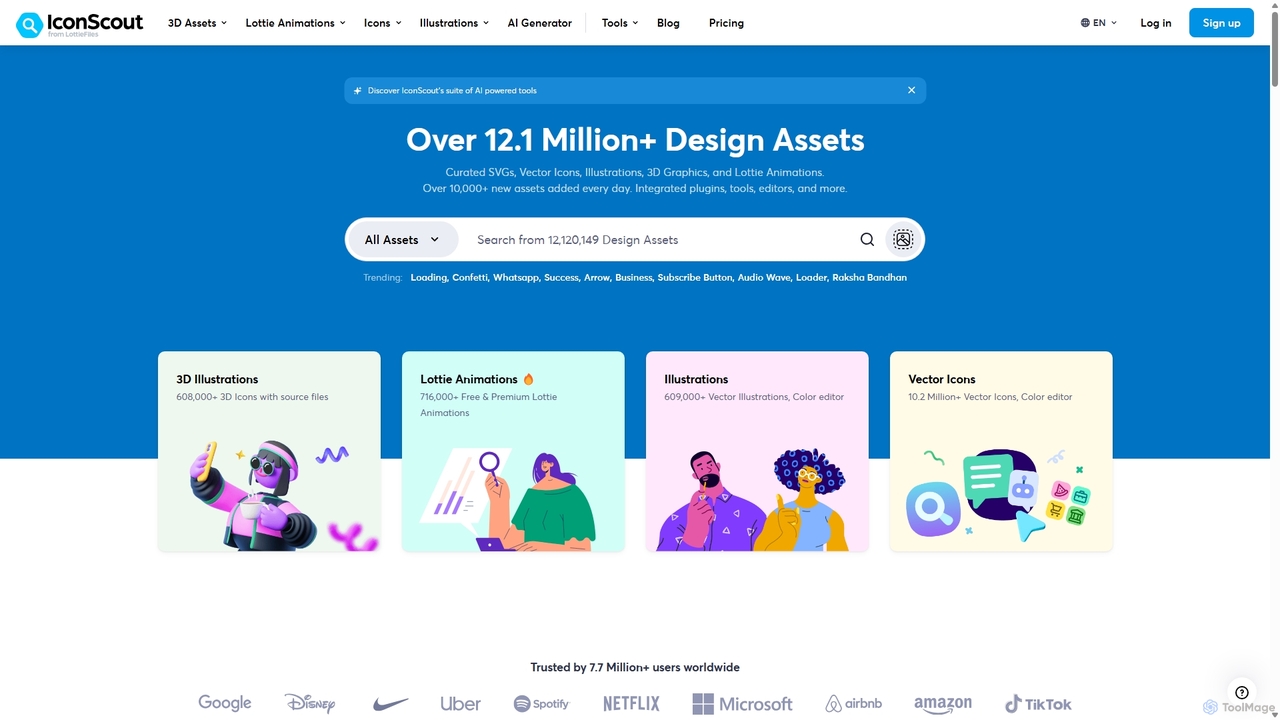
IconScout
IconScout is a massive design ecosystem with over 12.1 million assets, including icons, illustrations, 3D graphics, and Lottie animations. It features a suite of AI-powered tools to generate 3D illustrations and vector art from text, convert images to vectors, and remove backgrounds, streamlining the creative workflow for designers, developers, and marketers.
Graphics
Immagin
Immagin is an AI-powered image processing API and cloud delivery network for developers. It offers real-time image transformations, intelligent automated compression, and fast, secure delivery via a global CDN. Easily integrate with simple URL parameters to resize, crop, filter, and watermark images on the fly, optimizing web performance and user experience.
ApiLlms Central Categories
Llms Central Jobs
Llms Central Embed Widget
Copy this embed code to place the badge on your blog, article, or product site and send readers directly to this ToolMage detail page.

Related AI tools
jarts
jarts is an AI Search Optimization (AEO) platform designed to enhance your business's visibility in AI-generated answers. It helps you track, analyze, and optimize your presence in AI search engines like ChatGPT, Perplexity, and Claude, ensuring potential customers discover your brand.
Competitor Analysis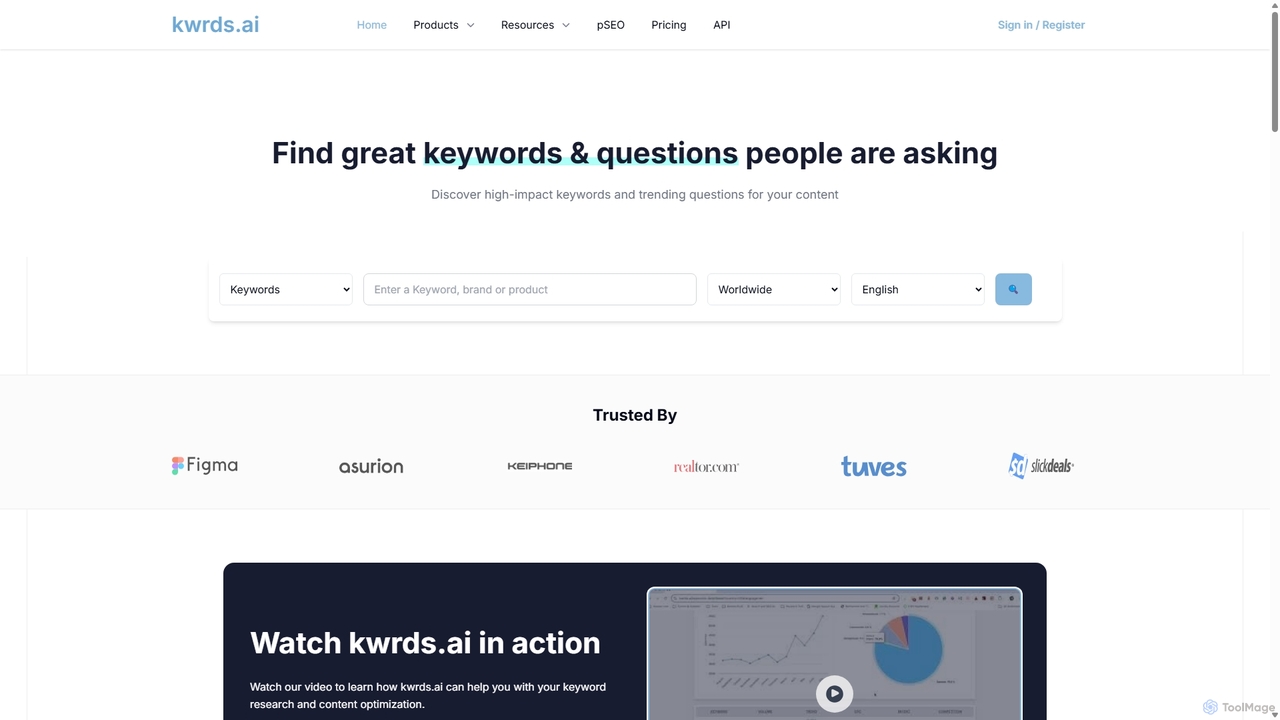
Kwrds.ai
kwrds.ai is an AI-powered SEO tool designed for advanced keyword research and content optimization. It helps users discover high-impact keywords, analyze real-time "People Also Ask" (PAA) questions from Google, and generate AI-driven answers. The platform provides in-depth analytics, including search volume, CPC, search intent, and SERP data, supporting over 190 languages and countries to enhance global SEO strategies.
Content Marketing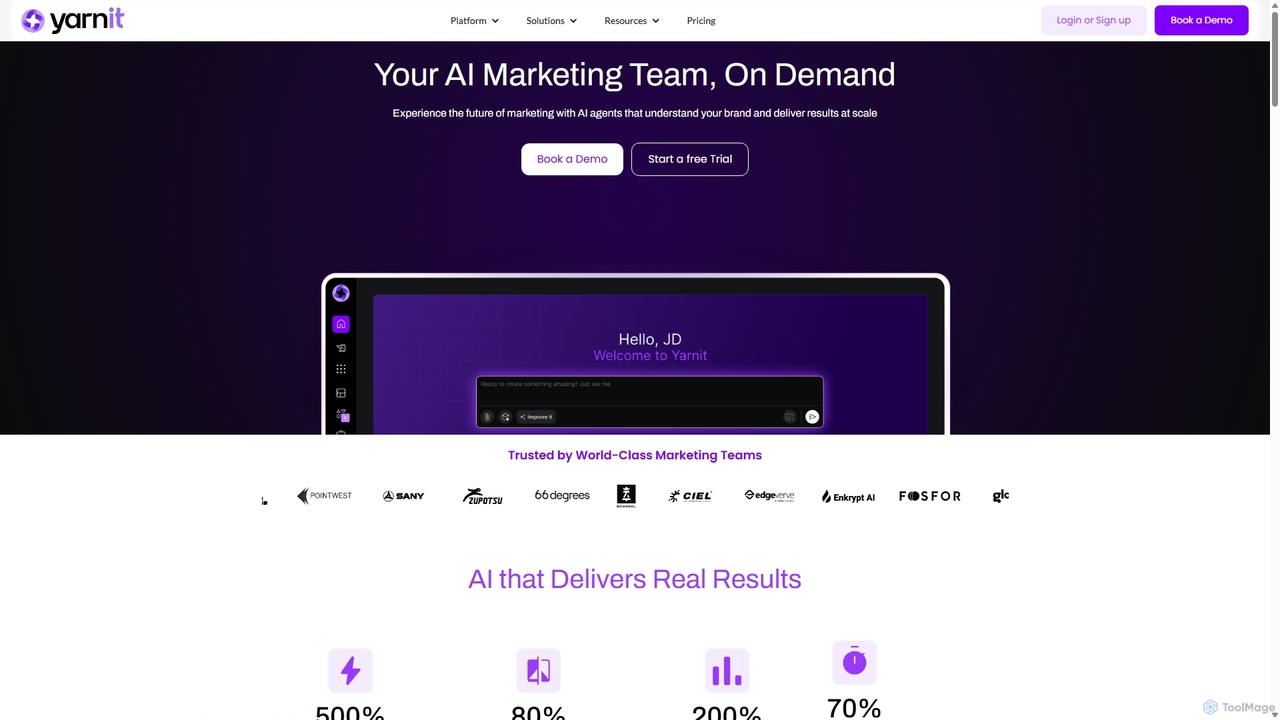
Yarnit
Yarnit is an all-in-one AI marketing platform that acts as your complete marketing team. It leverages a team of specialized AI agents to streamline content creation, campaign management, and brand consistency. With over 85 AI apps, it handles everything from SEO and writing to creative design and strategy, ensuring all output is on-brand and context-aware.
Content Marketing
Website AI Score
Website AI Score is an AI-powered analytics and optimization platform designed for modern marketers. It diagnoses your website's visibility to large language models (LLMs) and provides tools to optimize content for Generative Engine Optimization (GEO), ensuring your business is easily understood and recommended by AI assistants like ChatGPT and Gemini.
Ai Content Creation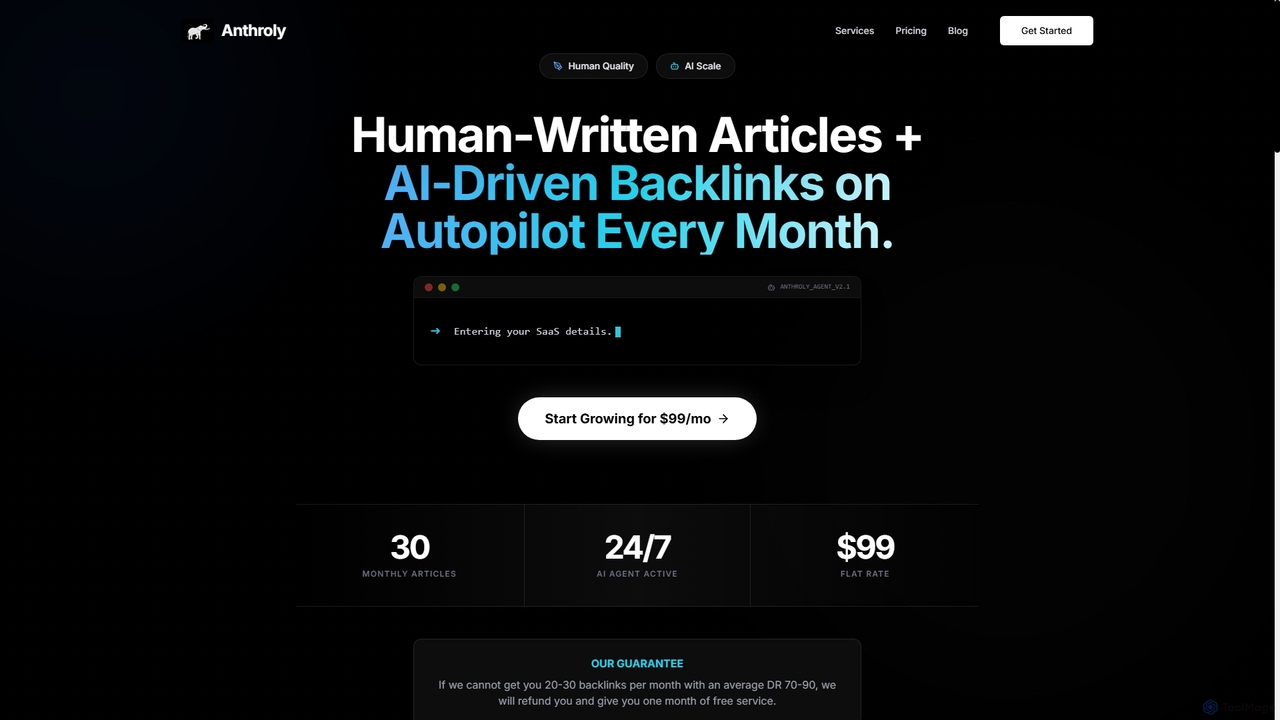
Anthroly
Anthroly is a hybrid AI-powered platform that combines human-written, high-quality content with automated AI-driven backlink generation. It offers a scalable solution for businesses to improve SEO, build domain authority, and drive organic traffic through expert content and strategic link building.
Blog Writing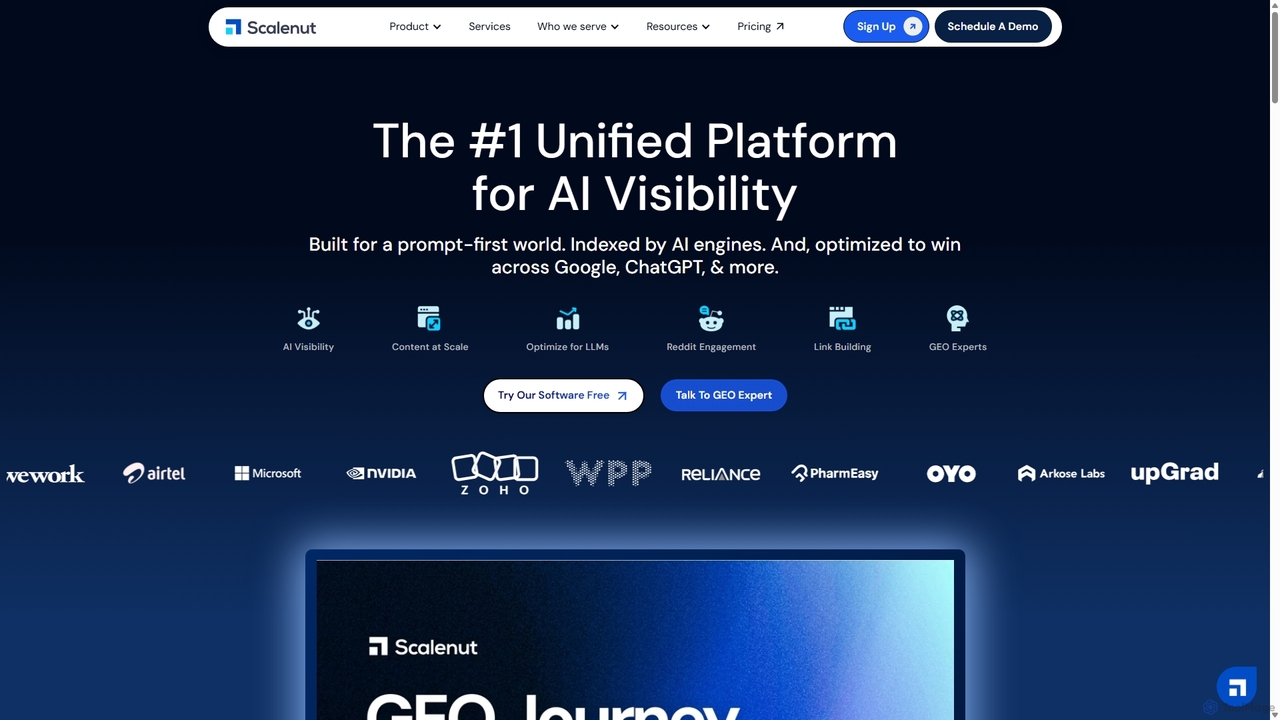
Scalenut
Scalenut is an all-in-one AI-powered platform for SEO and content marketing. It streamlines the entire content lifecycle, from keyword planning and research to AI-driven content creation, real-time optimization, and performance tracking. Designed for both search engines and AI, it helps users create high-ranking content efficiently, build topical authority, and enhance their brand's visibility in AI search results.
Content Marketing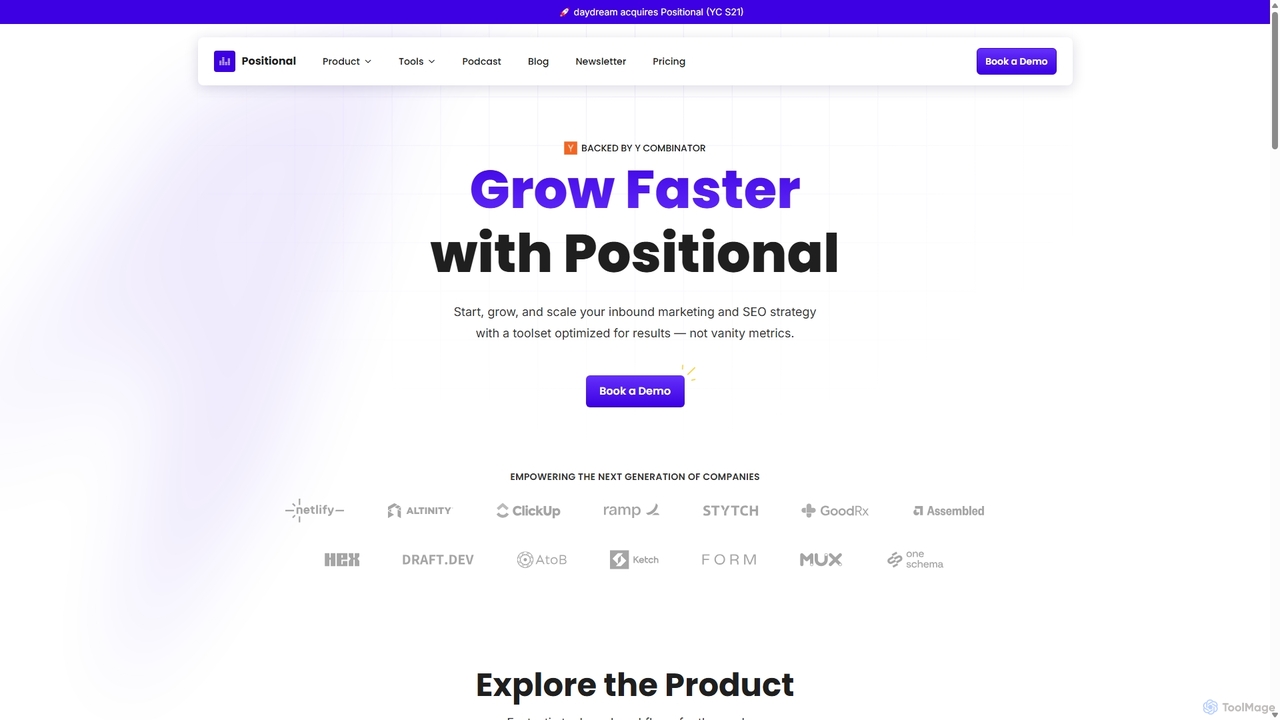
Positional
Positional is a modern, all-in-one toolset for content and SEO teams. It streamlines the entire content workflow, from keyword research and clustering to content optimization, internal linking, and performance analytics, helping businesses drive significant organic traffic growth.
Analytics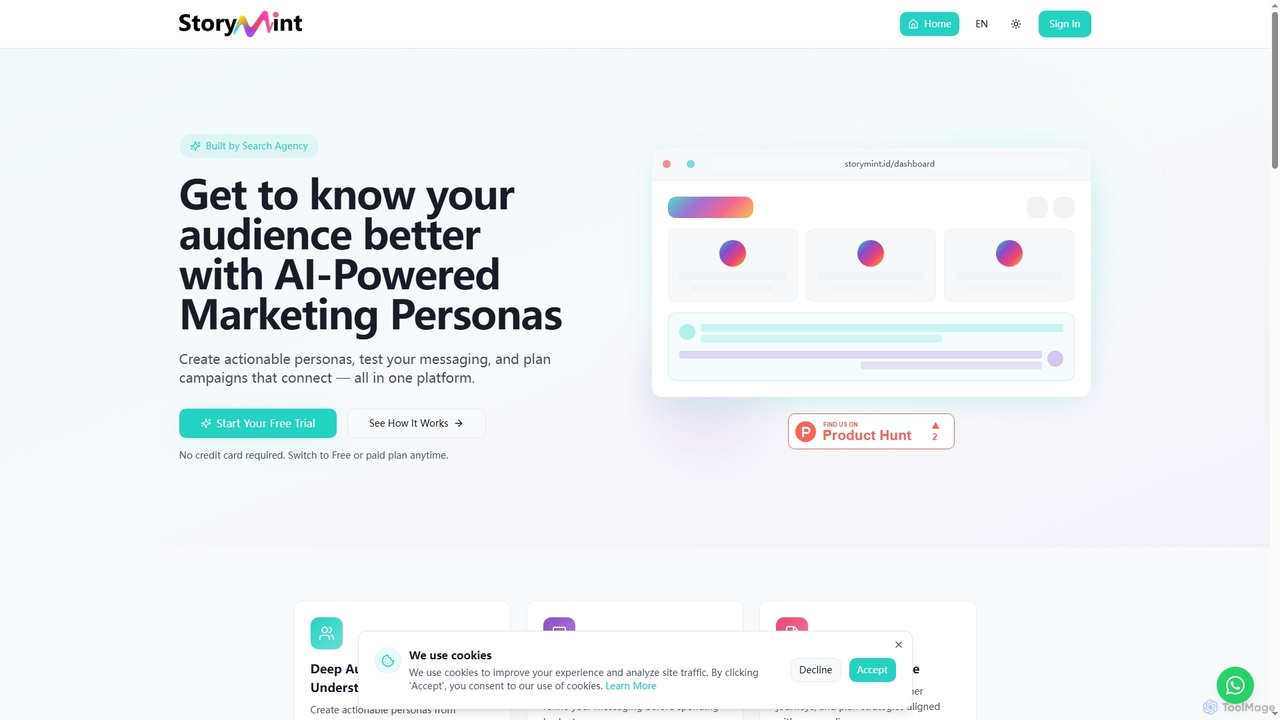
StoryMint
StoryMint is an AI-powered platform designed for marketers to create, validate, and utilize detailed marketing personas. It helps deeply understand audiences, test messaging, and plan effective campaigns, transforming static target audience descriptions into living, actionable insights for better campaign performance.
Audience Research
TopicMojo
TopicMojo is a comprehensive topic and question research tool designed for content creators, SEO specialists, and marketers. It aggregates data from over 50 sources, including Google, social media, and forums, to help you discover engaging content ideas, understand user intent, and track emerging trends. Its core features include Topic Model, Social Model, Question Finder, and a unique Search Listener.
Content Marketing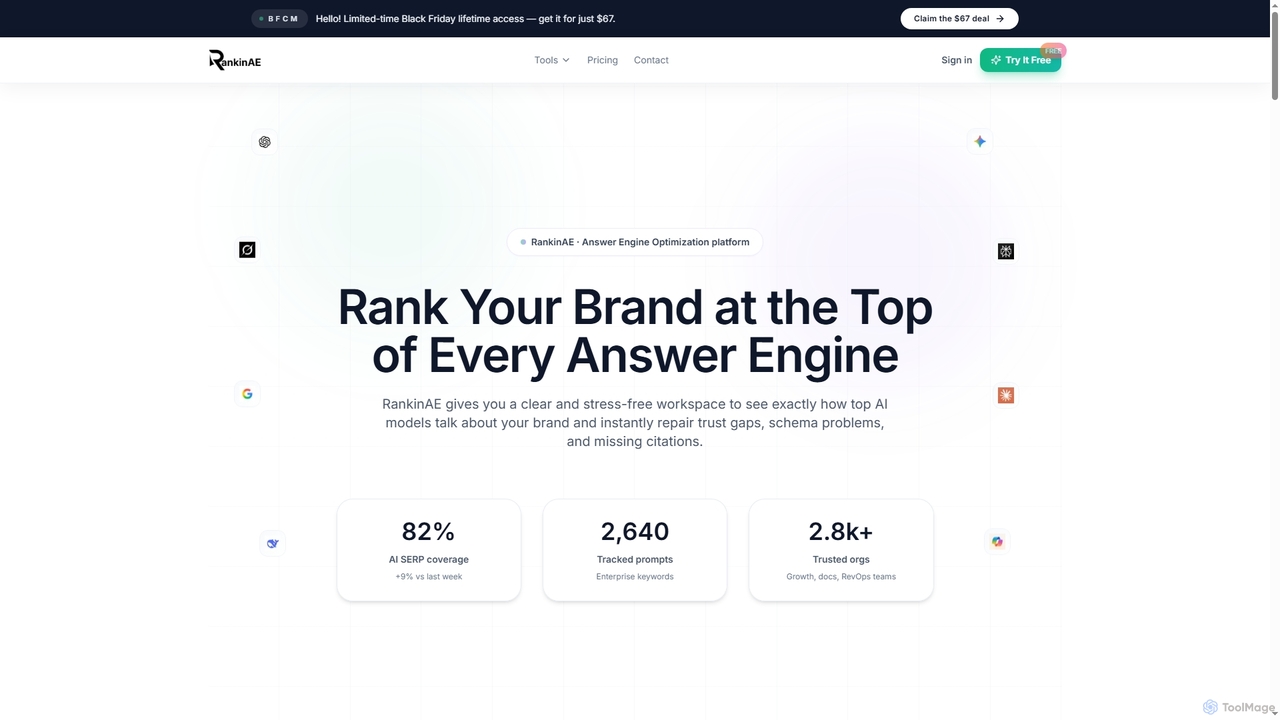
RankinAE
RankinAE is an Answer Engine Optimization (AEO) platform designed to help brands achieve top visibility and accurate representation within leading AI models like ChatGPT, Gemini, and Claude. It provides tools to monitor AI perception, identify content gaps, and optimize trust signals for enhanced AI search performance.
Brand Monitoring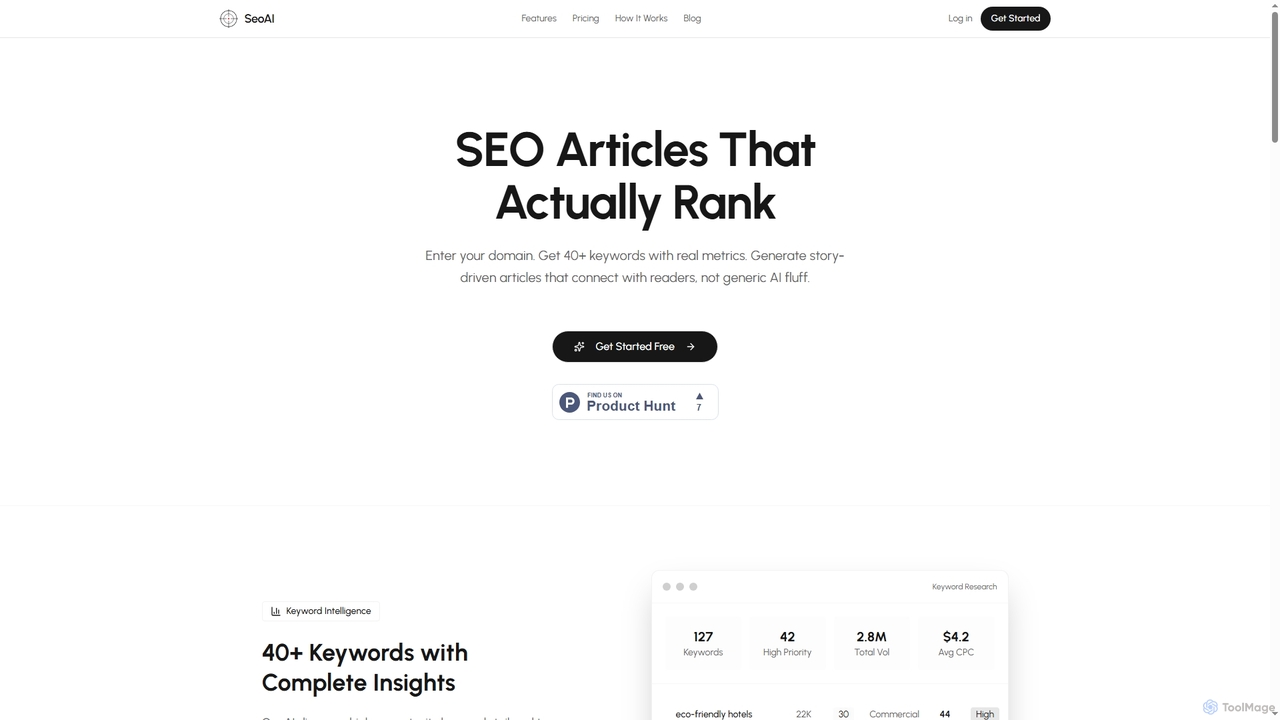
SEO AI
SEO AI is an advanced platform leveraging artificial intelligence to generate high-ranking SEO content. It offers comprehensive keyword intelligence, story-driven article creation, and a streamlined workflow from domain analysis to published content, designed to help businesses and marketers improve their organic search presence efficiently.
Seo Content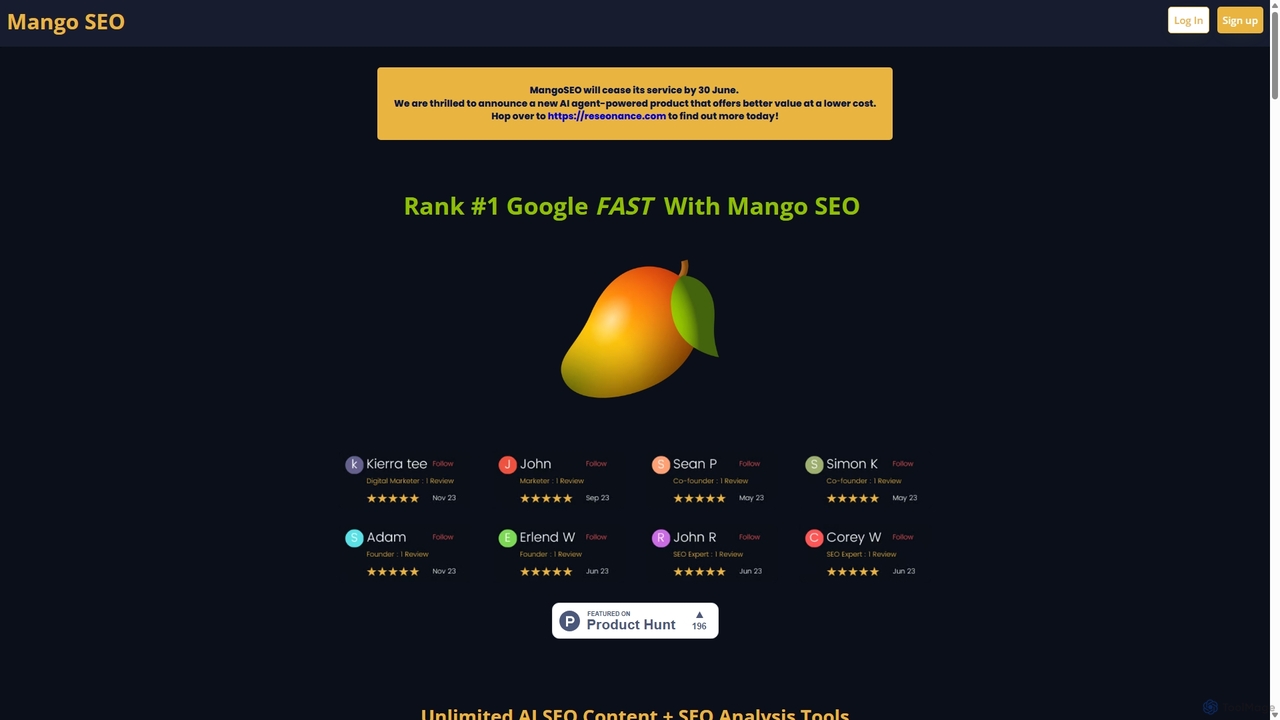
Mango SEO AI
Mango SEO AI is an advanced, all-in-one platform designed for scalable SEO content creation and analysis. It leverages AI to generate unlimited, high-quality content, build comprehensive content strategies, and perform real-time keyword research powered by the SEMrush API. With features like programmatic SEO, multi-language support, and direct WordPress integration, it empowers businesses, marketers, and agencies to build topical authority and achieve top Google rankings efficiently.
Content Marketing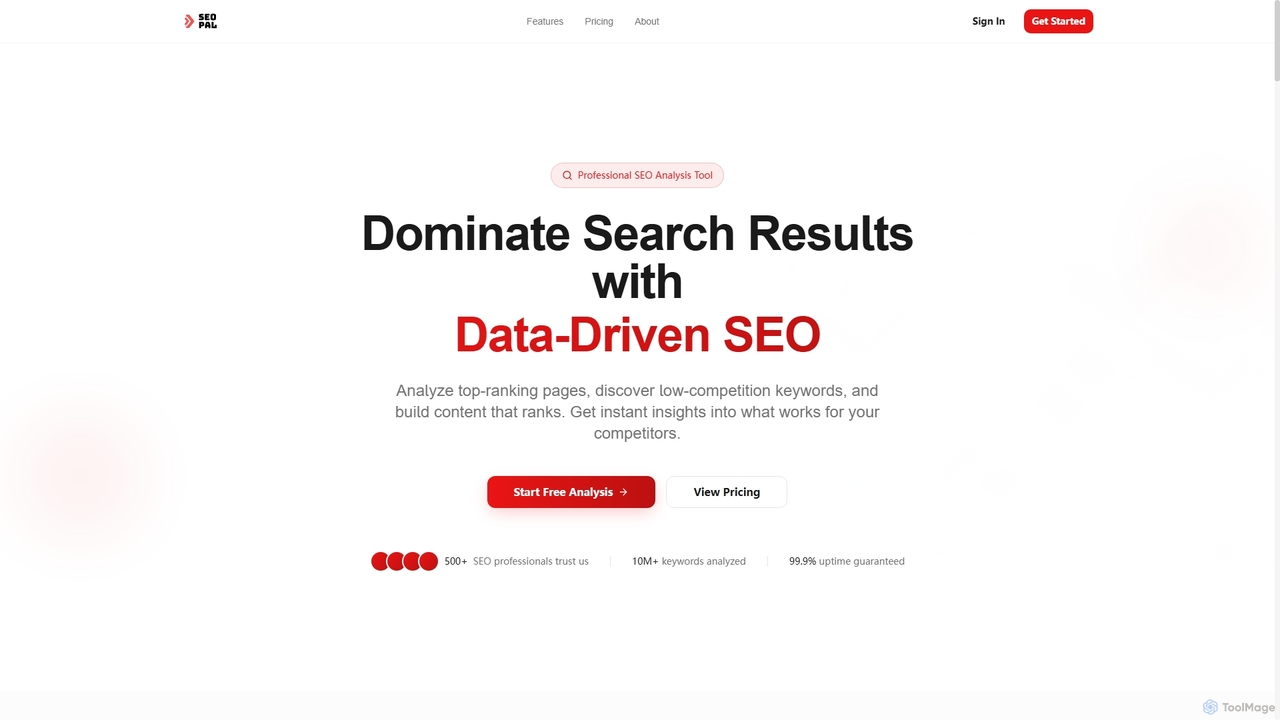
SEOPAL
SEOPAL is a professional SEO analysis tool designed to help users dominate search results through data-driven insights. It analyzes top-ranking pages, discovers low-competition keywords, and provides actionable recommendations to build content that ranks higher on Google.
Competitor Analysis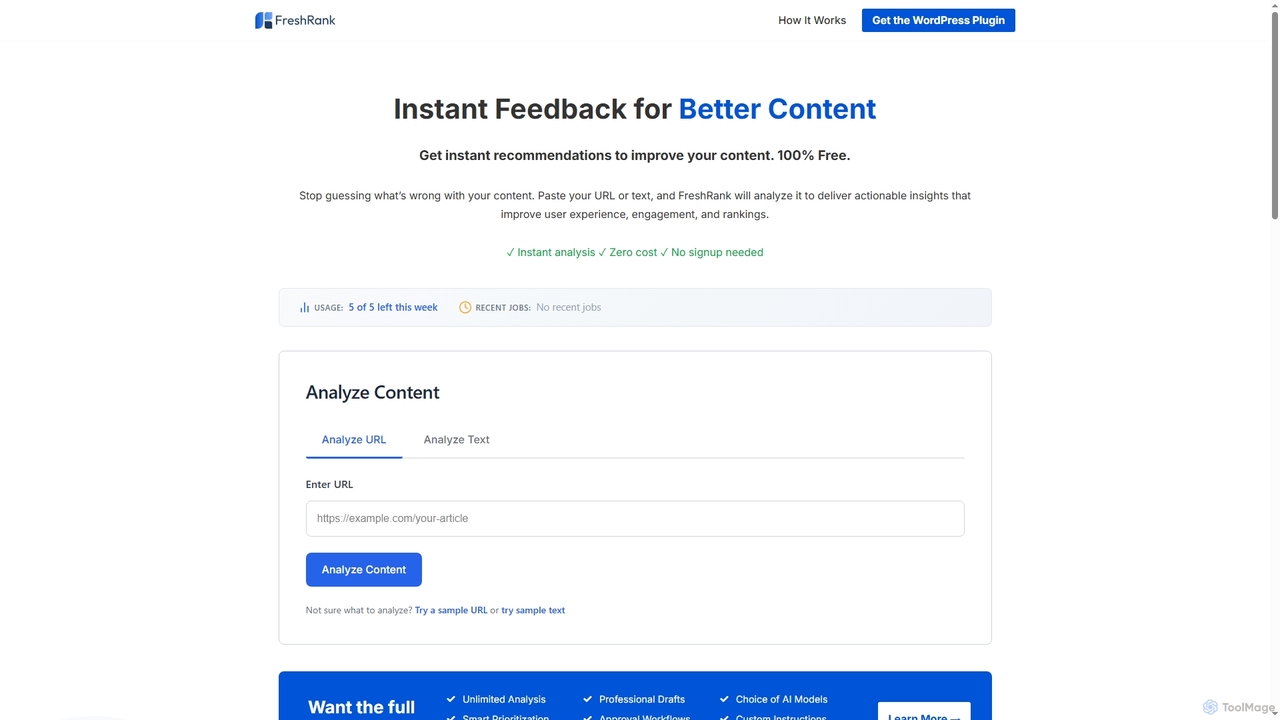
FreshRank
FreshRank is a free AI-powered content optimization tool that provides instant, actionable recommendations to improve your content for better user experience, engagement, and search engine rankings. Analyze URLs or text without signup.
Content Improvement
Optimyzee
Optimyzee is an AI-powered, all-in-one SEO and content optimization platform designed to boost your website's organic traffic. It combines advanced tools for keyword research, AI-driven content creation, on-page analysis, rank tracking, and competitor intelligence. Ideal for marketers, content creators, and businesses aiming to dominate search engine rankings and streamline their digital marketing efforts with actionable, data-driven insights.
Search Engine Marketing
Llms Central Comments (0)
Sign in to comment.
Sign inNo comments yet.