

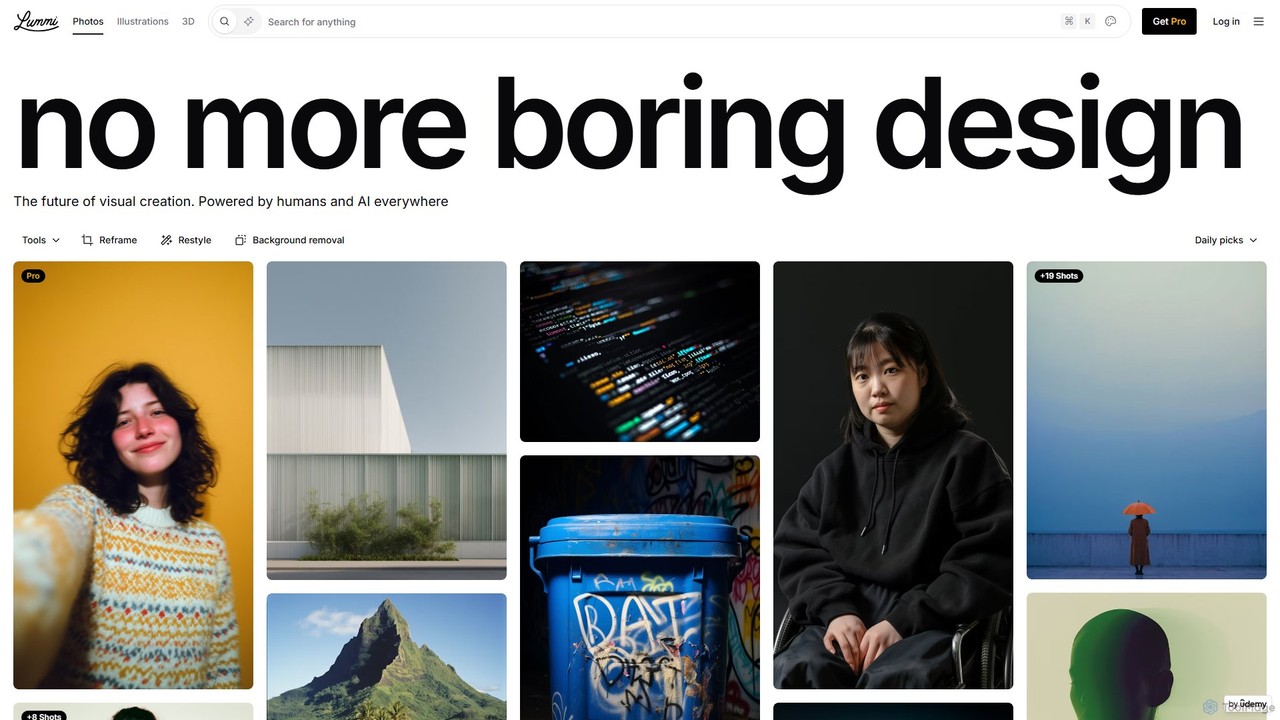
Lummi Overview
Lummi is a revolutionary AI-powered creative platform that seamlessly merges a comprehensive library of stock assets with a powerful suite of generative and editing tools. It provides users with free access to millions of high-quality, royalty-free AI-generated images, unique illustrations, and fully manipulable 3D models. Lummi is designed to be the ultimate resource for designers, marketers, content creators, and developers, eliminating the need to switch between multiple tools for finding, creating, and refining visual content.
The platform's core philosophy is to have search and creation live side-by-side, enabling a fluid and efficient workflow. Whether you're hunting for the perfect image or want to generate something entirely new from a text prompt, Lummi provides the tools to do so instantly. Its library is constantly expanding, featuring work from talented creators like Pablo Stanley, ensuring a fresh and diverse collection of assets.
How to use Lummi
Using Lummi is an intuitive process designed for speed and creative freedom. Here’s a typical workflow:
- Search or Create: Start by using the unified search bar. You can either search for existing assets in the extensive library of photos, illustrations, and 3D models, or you can type a prompt to generate a brand-new image from scratch using Lummi's advanced AI models like Flux Redux.
- Refine and Select: Browse the results and use filters to narrow them down by orientation (square, vertical, horizontal), content type (video, 3D), or even by 'vibe' to find aesthetically similar images. For 3D models, you can rotate them, change the viewing angle, and adjust the background color directly in the browser.
- Edit and Customize: Once you've selected an asset, use Lummi's built-in AI editing suite. Use 'Reframe 2.0' to change the focal point and zoom, 'Retouch' to intelligently modify parts of the image with a text prompt, 'Restyle' to transform the image into different artistic styles like comic or pixel art, or use the background removal tool.
- Animate and Enhance: Bring static images to life by converting them into short videos (MP4) or looping GIFs with a single click. This feature works for photos, illustrations, and even 3D assets.
- Download and Integrate: Download your final asset in the desired format and quality. Pro users can access higher resolutions, PNG formats for better quality, and download videos as GIFs. For a seamless design process, use the Lummi plugins for Figma, Webflow, and Framer to access and edit assets directly within your design environment.
Core Features of Lummi
- AI Image Generation: Create unique, high-quality images from text prompts or by using an existing image as a reference. Powered by advanced models for clean and consistent results.
- Extensive Asset Library: Access millions of free, royalty-free AI stock photos, illustrations, and 3D models suitable for any project.
- Advanced AI Editing Suite: A collection of powerful tools including Reframe 2.0 (adjust composition), Retouch (AI-powered object removal/alteration), Restyle (apply artistic styles), and one-click Background Removal.
- Interactive 3D Models: Go beyond static images with full 3D models. Rotate, change angles, modify backgrounds, and download as .gltf files for use in games, design projects, and interactive experiences.
- Video and GIF Creation: Instantly animate static images, illustrations, and 3D assets, and download them as MP4 or GIF files.
- High-Quality Upscaling: Pro users benefit from superior image upscaling powered by Topaz AI and Clarity AI, ensuring crisp, clean downloads in Large, XL, and Ultra sizes.
- Seamless Integrations: Official plugins for Figma, Webflow, and Framer allow you to search, create, and edit Lummi assets without leaving your favorite design tools.
Use Cases for Lummi
Lummi is a versatile tool for various professionals:
- Marketers and Social Media Managers: Quickly find or create eye-catching visuals for campaigns, social media posts, and advertisements. Animate logos or product images to increase engagement.
- Web and UI/UX Designers: Use the Figma and Webflow plugins to populate mockups and websites with high-quality placeholder or final images, illustrations, and 3D elements.
- Content Creators and Bloggers: Find unique featured images for articles and videos that stand out from generic stock photos.
- Game Developers: Download customizable 3D models in .gltf format to use as assets in game development.
- Small Business Owners: Create professional-looking marketing materials, presentations, and website visuals without a large budget or design expertise.
Advantages of Lummi
Lummi stands out by offering an integrated, all-in-one solution. Its primary advantage is combining a vast, free stock library with state-of-the-art AI generation and editing capabilities. This saves users time and money. The quality of the assets, especially the unique illustrations and interactive 3D models, is a significant differentiator. Furthermore, its continuous innovation, with frequent updates and new features, ensures the platform stays ahead of the curve. The seamless integration with essential design tools like Figma makes it an indispensable part of a modern creative workflow.
Pricing and Plans
Lummi operates on a freemium model, making powerful creative tools accessible to everyone.
- Free Plan: Offers generous access to the entire library of images, illustrations, and 3D models for personal and commercial use. Includes standard-resolution downloads and access to basic AI generation and editing features.
- Pro Plan: Aimed at professionals and teams requiring advanced capabilities. The Pro plan typically includes unlimited access, high-resolution downloads (Large, XL, Ultra), superior AI upscaling, the ability to download videos as GIFs, priority support, and full access to all features within the plugins.
(Note: For the most current and detailed pricing, please visit the official Lummi website.)
Traffic
Latest traffic
Status
Monthly traffic trend
- 2025-9: 663.5K
- 2026-1: 597.8K
- 2026-2: 514.4K
- 2026-3: 536.3K
- 2026-4: 478.0K
- 2026-5: 509.6K
Geography
Top 5 countries / regions
- 🇮🇳India33.5%
- 🇺🇸United States31.3%
- 🇧🇷Brazil12.4%
- 🇬🇭Ghana12.3%
- 🇩🇪Germany10.4%
Traffic sources
| Source type | Percentage |
|---|---|
Direct | 92.0% |
Referral | 7.1% |
Email | 0.9% |
Top keywords
| Keyword | Cost per click |
|---|---|
| lumi ai | $1.80 |
| lummi | $0.89 |
| lummi ai | $0.45 |
| pinterest alternatives | $1.80 |
| xham | $1.16 |
Lummi Videos on YouTube

Automate with Silvia

Sketch Together
POSIMYTH - WordPress Tutorials

Lummi Alternatives
Icons8
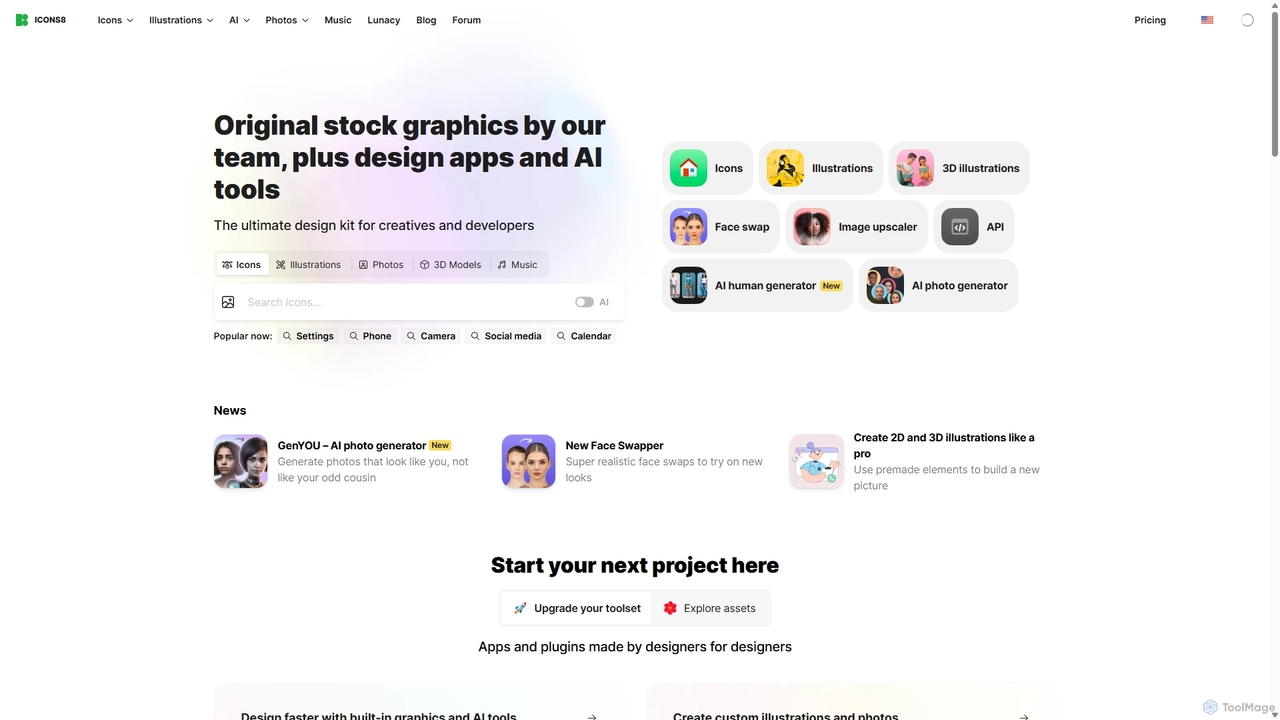
Icons8 is a comprehensive design platform offering millions of royalty-free icons, photos, illustrations, and music tracks. It also features a powerful suite of AI-driven tools, including an image upscaler, background remover, face swapper, and AI photo/human generators, designed to streamline the creative workflow for designers, developers, and content creators.
Icons
58pic
58pic (千图网) is a comprehensive creative asset platform integrating a massive library of design templates, stock photos, and videos with powerful AI tools. It offers an AI poster generator, AI image generator, and smart cutout, catering to designers, marketers, and businesses with a focus on commercially licensed content.
Image Generator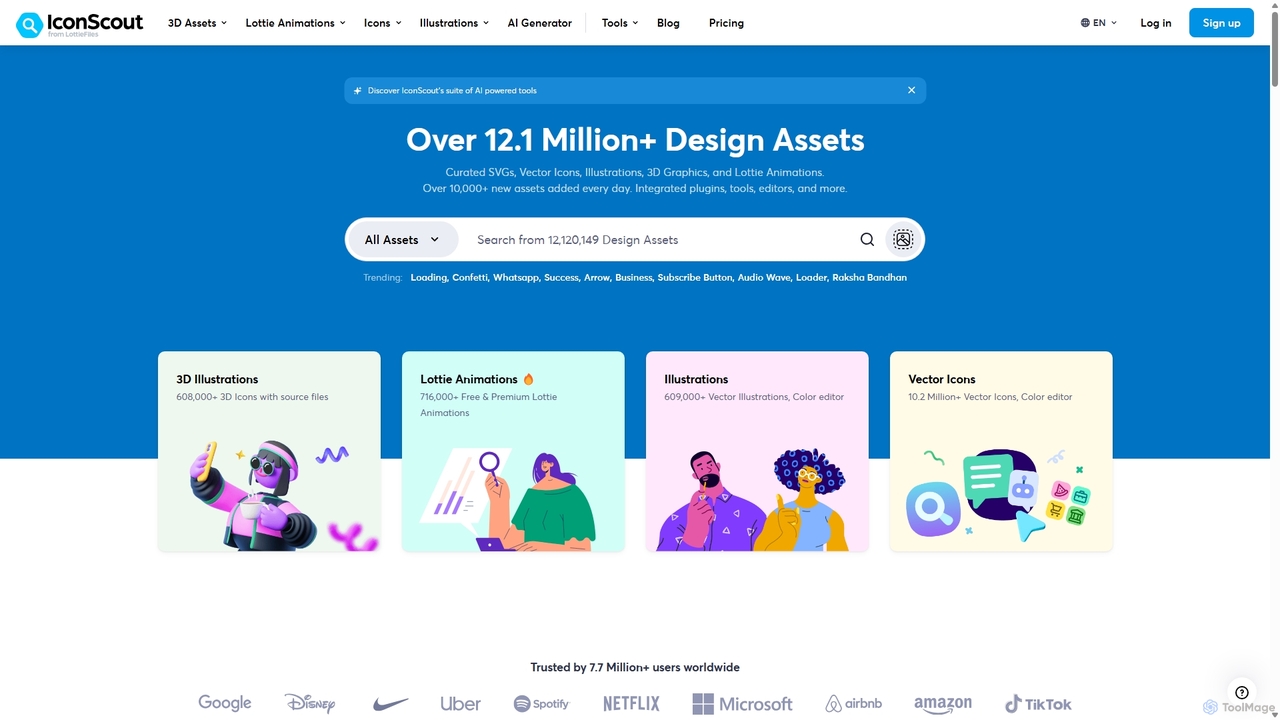
IconScout
IconScout is a massive design ecosystem with over 12.1 million assets, including icons, illustrations, 3D graphics, and Lottie animations. It features a suite of AI-powered tools to generate 3D illustrations and vector art from text, convert images to vectors, and remove backgrounds, streamlining the creative workflow for designers, developers, and marketers.
Graphics
Cabina.AI
Cabina.AI is an all-in-one AI workspace that integrates over 25 leading AI models like ChatGPT, Claude, Midjourney, and Runway into a single chat interface. It allows users to compare results, generate text, images, video, and audio, and streamline workflows while saving significantly on multiple subscriptions.
Generative Ai
Nily AI
Nily AI is an all-in-one AI assistant designed to boost productivity. It integrates over 20 advanced AI tools into a single platform, accessible via a convenient Chrome sidebar. Key features include LLM comparison, AI writing, image generation, email assistance, and chatting with PDFs or YouTube videos, catering to a wide range of professionals.
Image GenerationLummi Categories
Lummi Embed Widget
Copy this embed code to place the badge on your blog, article, or product site and send readers directly to this ToolMage detail page.

Related AI tools
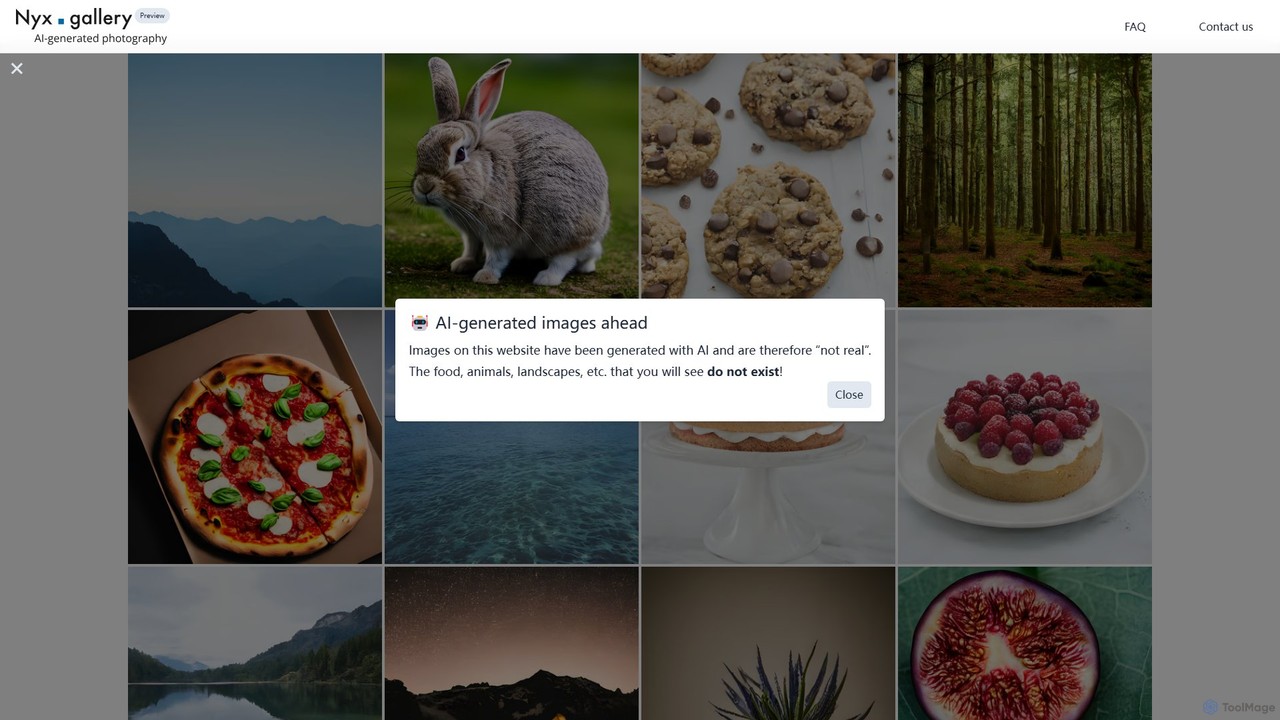
Nyx.gallery
Nyx.gallery is a revolutionary AI-powered stock photography platform offering a vast collection of unique, photorealistic images. Generated by advanced AI models, all images are completely free for both commercial and non-commercial use. It's the perfect resource for designers, marketers, and content creators seeking high-quality, royalty-free visuals without the cost and licensing complexities of traditional stock photo sites.
Image Generation
FreeStockAI
FreeStockAI is an AI-powered platform that generates high-quality, unique, and royalty-free stock images from text prompts. It's designed for creators, marketers, and designers who need custom visuals instantly, without the cost of traditional stock photo services or the limitations of generic libraries.
Graphics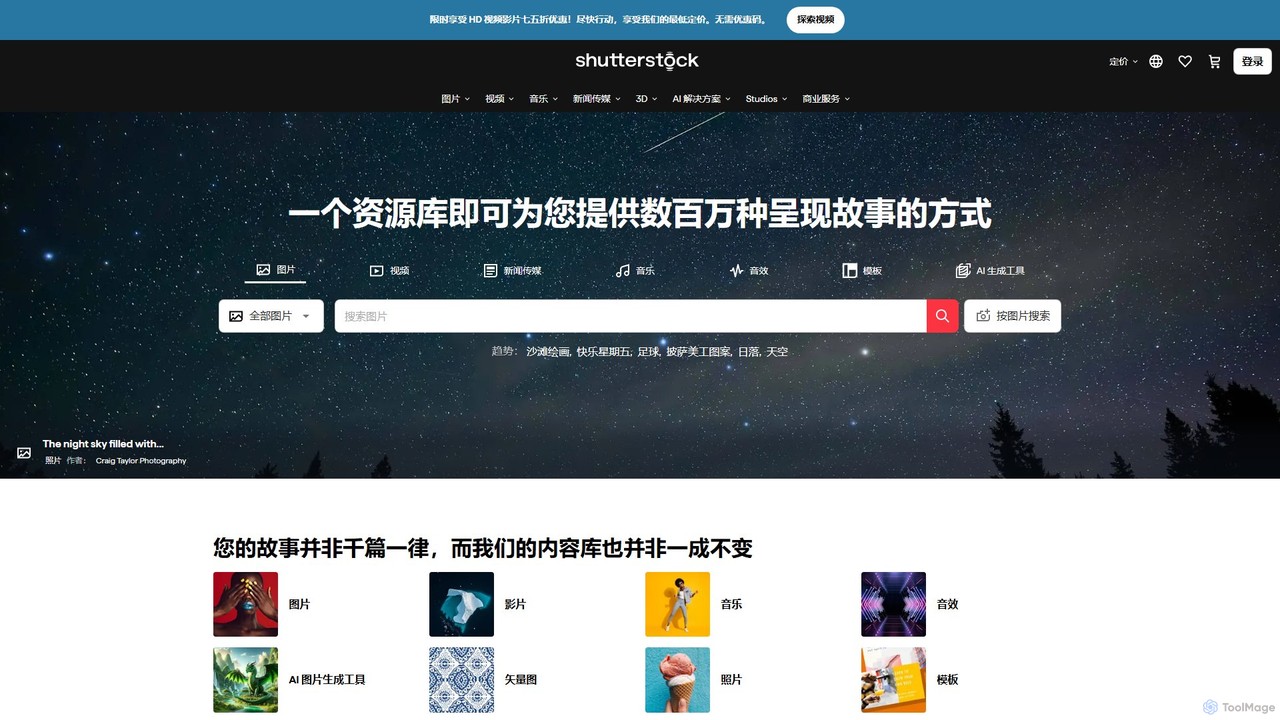
Shutterstock
Shutterstock is a leading global platform offering high-quality stock photos, videos, and music, now enhanced with a powerful AI suite. Its AI Image Generator allows users to create unique, commercially-safe visuals from text prompts, while AI-powered search and editing tools streamline the creative workflow for marketers, designers, and businesses.
Stock Photos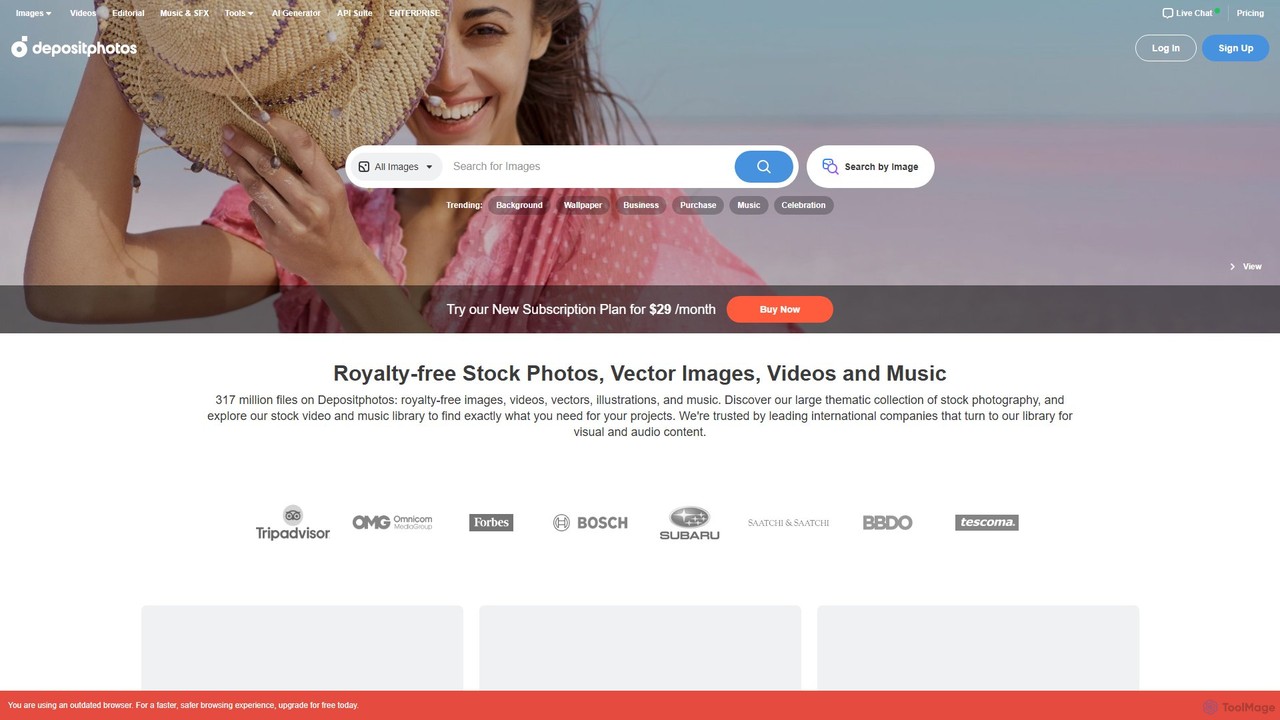
Depositphotos
Depositphotos is a global marketplace for royalty-free images, videos, and music, featuring a library of over 317 million files. It uniquely combines a vast stock media library with an unlimited AI image generator, providing a comprehensive solution for creators, marketers, and businesses.
Stock Music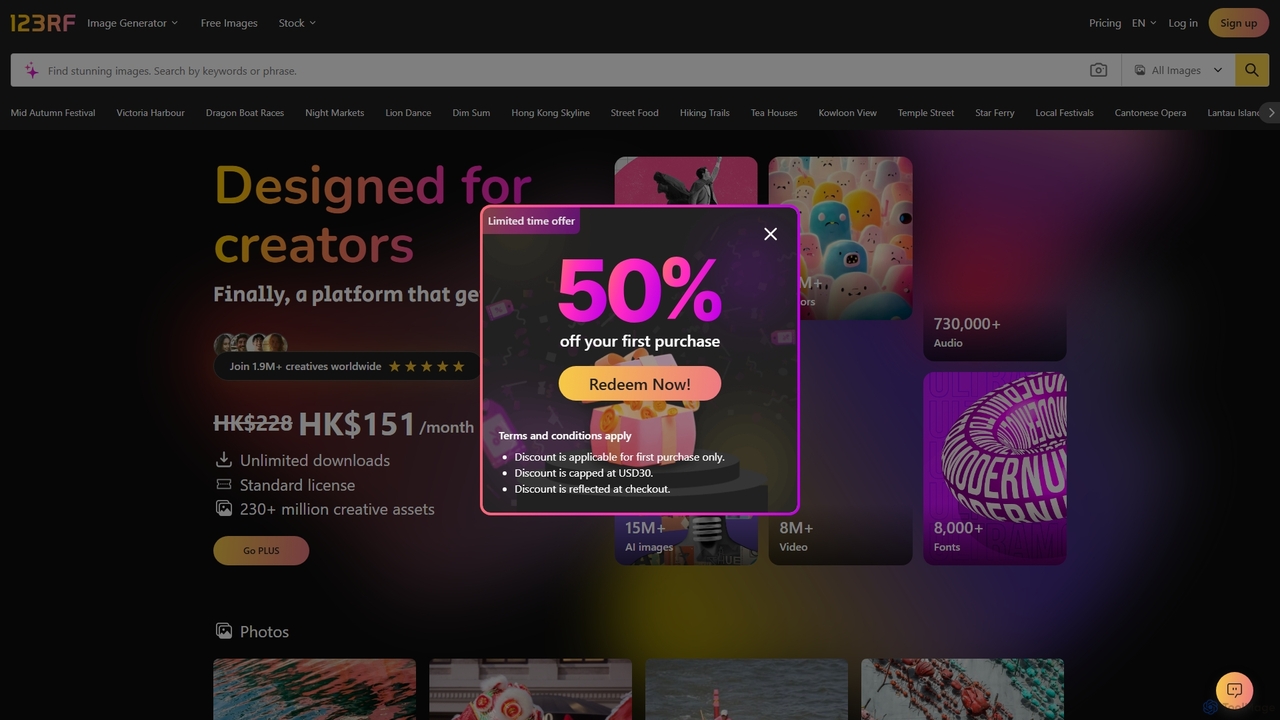
123RF
123RF is a comprehensive creative platform offering over 230 million royalty-free stock photos, vectors, videos, audio, and fonts. It integrates powerful AI tools, including an AI Image Generator and Search by Image, to streamline the creative process for individuals and businesses. With flexible subscription plans, credit packages, and a vast library of free content, 123RF empowers creators worldwide to bring their ideas to life.
Image Generation
Impossibleimages
Impossibleimages is a dual-purpose AI platform featuring a vast library of unique, AI-generated stock images and a free, user-friendly text-to-image generator. Users can browse and purchase affordable, surreal visuals for any project, or create their own custom images from text prompts. It also fosters a community where creators can sell their AI art and earn commissions, making it a comprehensive hub for designers, marketers, and AI artists.
Art GenerationIcons8
Icons8 is a comprehensive design platform offering millions of royalty-free icons, photos, illustrations, and music tracks. It also features a powerful suite of AI-driven tools, including an image upscaler, background remover, face swapper, and AI photo/human generators, designed to streamline the creative workflow for designers, developers, and content creators.
Icons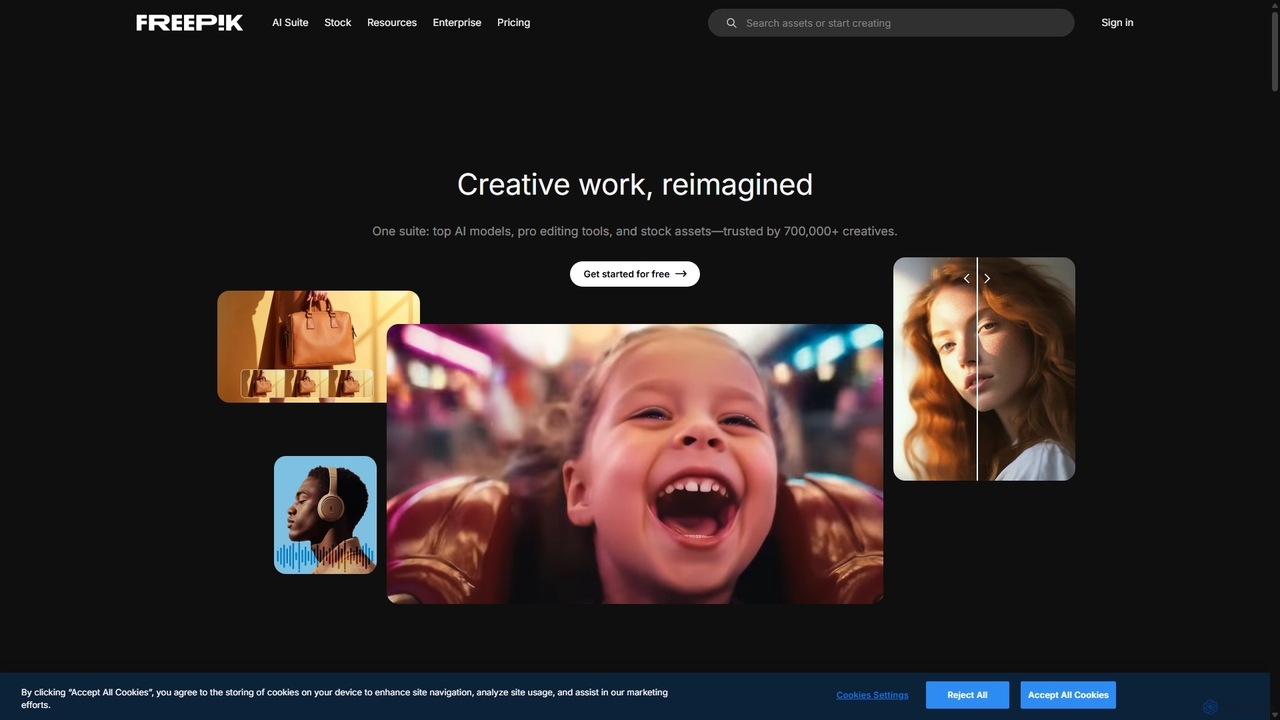
Freepik
Freepik is an all-in-one AI creative suite designed for designers, marketers, and content creators. It integrates top generative AI models for image, video, and audio creation with professional editing tools and a vast library of over 200 million stock assets. This unified platform streamlines the creative workflow, enabling users to generate, edit, and enhance visual content efficiently while maintaining brand consistency and ensuring data privacy.
Image Generation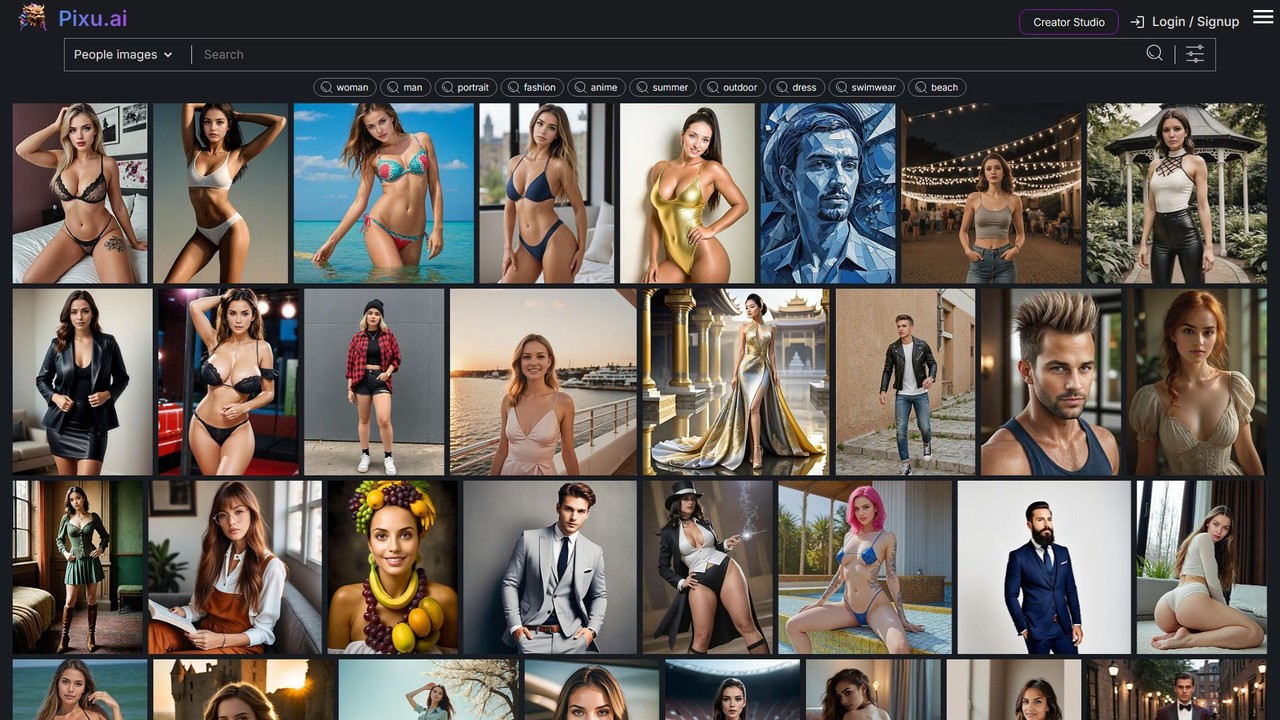
Pixu
Pixu is an AI-powered platform for creating personalized, royalty-free stock photos. It specializes in generating high-quality images of people and offers unique features like face swapping to place your own face into any photo, and image remixing to create variations. It's ideal for marketers, content creators, and businesses needing custom visuals quickly and affordably.
Photography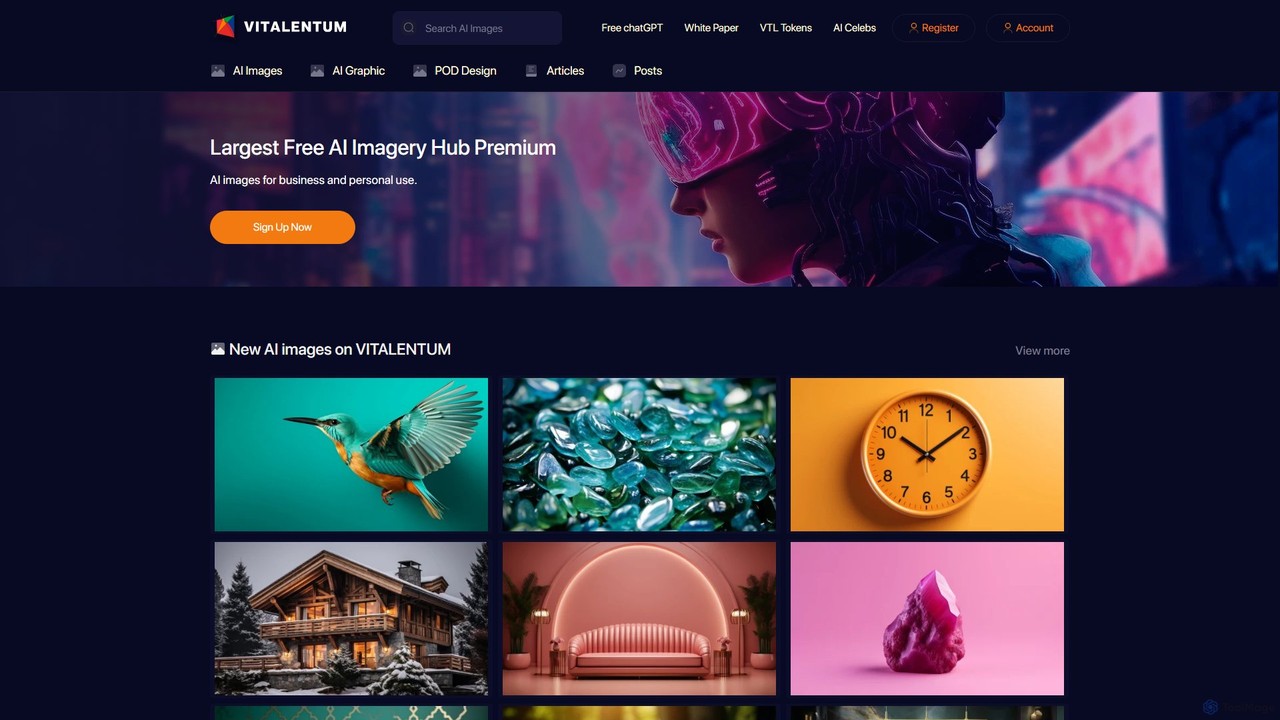
vitalentum
Vitalentum is an all-in-one AI content ecosystem, offering a massive library of free and premium AI-generated images, a powerful text-to-image generator, and integrated tools like an AI upscaler and background remover. It also provides free access to ChatGPT and Midjourney prompts, streamlining the entire digital content creation workflow for creators, marketers, and businesses.
Graphic Design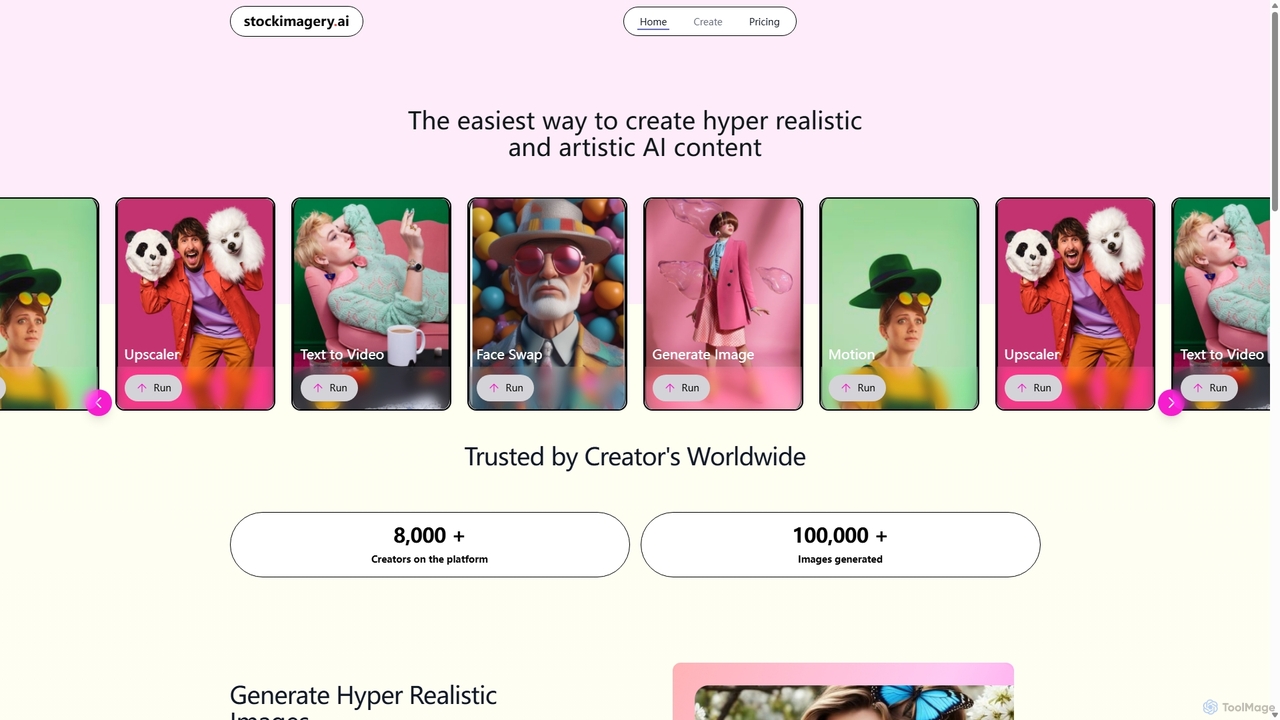
Stock Imagery AI
Stock Imagery AI is a versatile AI-powered platform for creating hyper-realistic images, motion videos, and text-to-video content. It offers tools like an image upscaler and face swap, designed for creators, marketers, and designers to generate unique, high-quality visual assets effortlessly.
Graphics
Clipfly
Clipfly is an all-in-one AI-powered video and image toolkit designed for easy content creation. It enables users to generate videos from text or images, enhance footage quality, edit videos with a full suite of tools, and manipulate images with advanced AI features like object replacement and background removal. It's built for creators, marketers, and individuals, requiring no professional skills.
Music Generation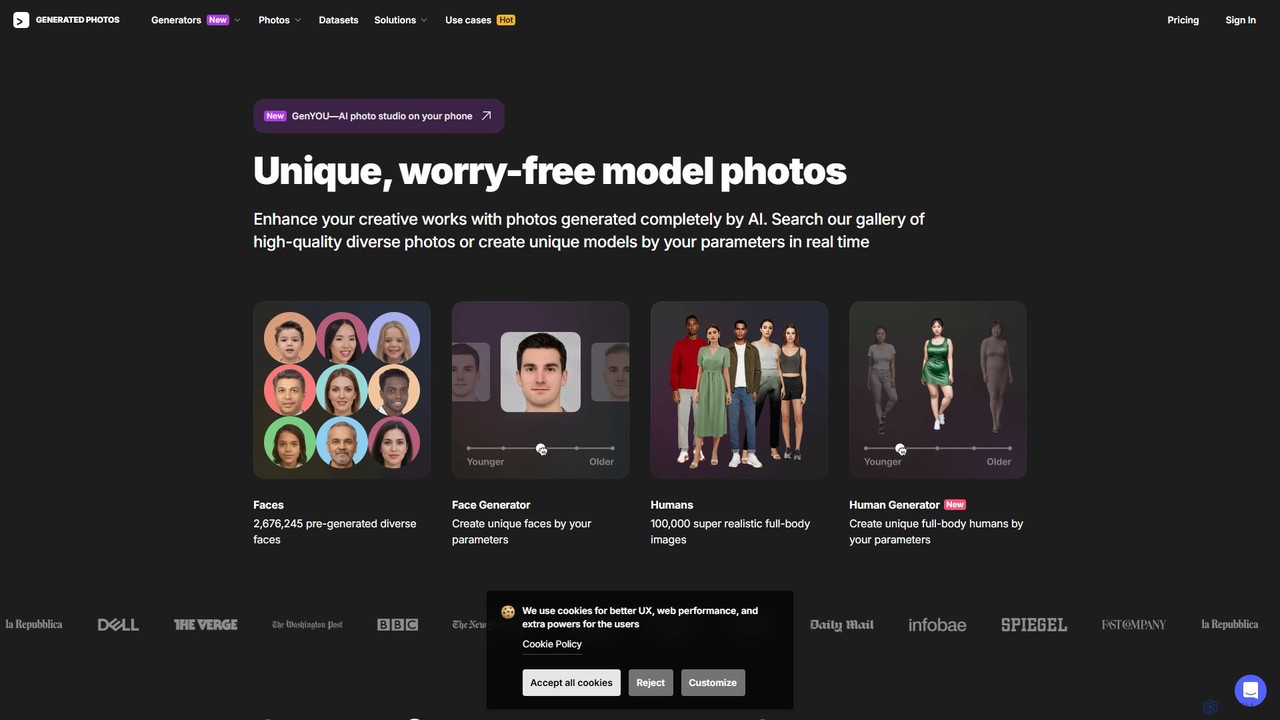
Generated Photos
Generated Photos is an AI-powered platform for creating unique, high-quality, and royalty-free images of people. Utilize the Face and Human Generators to produce custom, realistic models for advertising, design, research, and development, eliminating legal concerns over model releases and usage rights.
Stock Images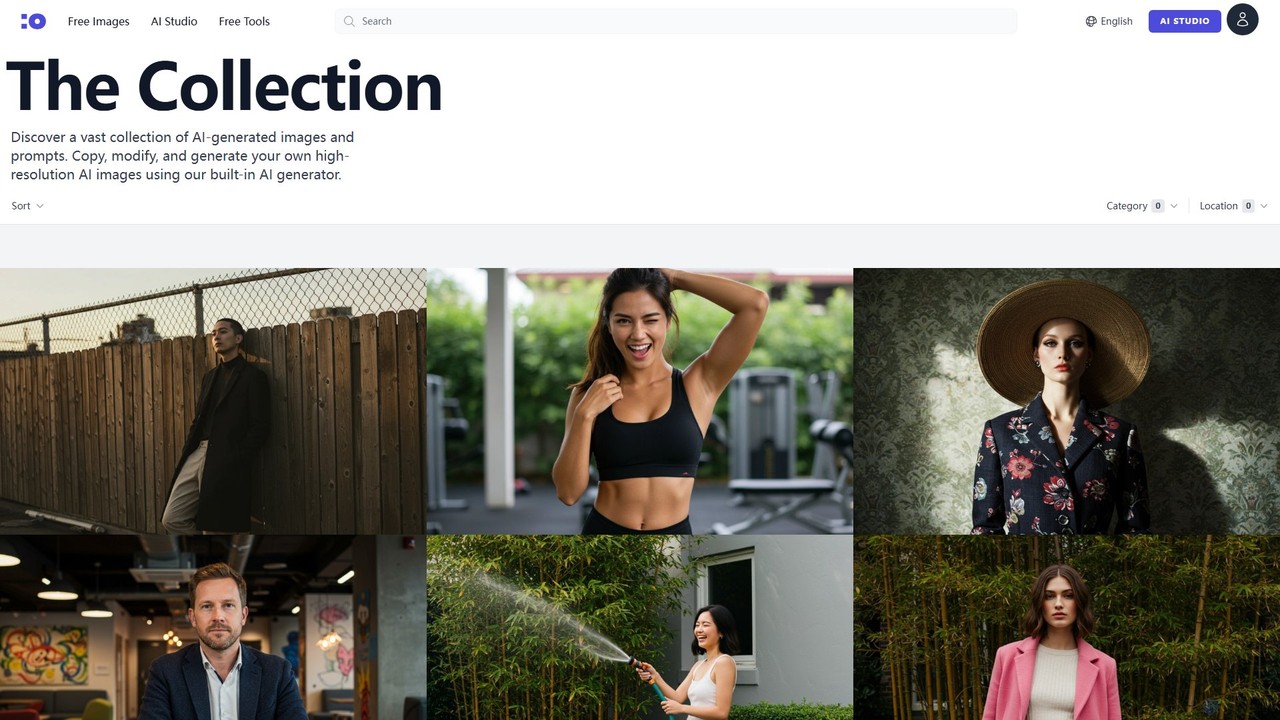
cgfaces
cgfaces is a revolutionary stock image platform offering a vast collection of free, high-resolution AI-generated human faces. It uniquely provides the creation prompts for each image and includes a built-in AI generator, allowing users to create custom variations or new images from scratch. It's an ideal resource for designers, marketers, and developers.
Ai Art
Lummi Comments (0)
Sign in to comment.
Sign inNo comments yet.