

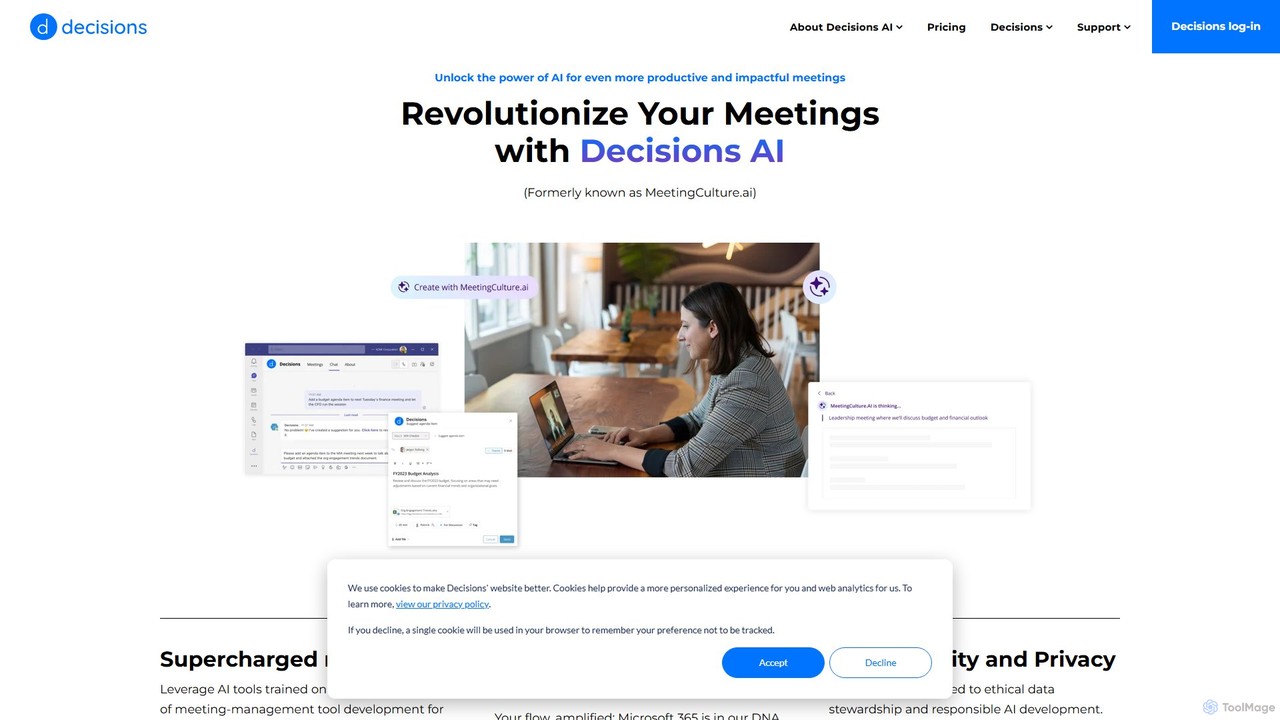
MeetingCulture.ai Overview
MeetingCulture.ai, now integrated into the Decisions AI platform, is a sophisticated tool designed to revolutionize how organizations conduct meetings. By seamlessly embedding into the Microsoft 365 ecosystem (including Teams and Outlook), it brings powerful AI capabilities to your daily workflow. The platform is built on large language models and years of meeting management expertise, aiming to streamline preparation, enhance in-meeting engagement, and simplify post-meeting follow-ups.
The core philosophy of MeetingCulture.ai is to handle the administrative burdens of meetings, allowing participants to focus on collaboration and decision-making. It automates tedious tasks like drafting agendas, taking notes, and summarizing outcomes, ensuring that valuable time is spent on what truly matters. With a strong commitment to data security and responsible AI, it provides a trustworthy solution for businesses of all sizes.
How to use MeetingCulture.ai
Using MeetingCulture.ai is intuitive due to its native integration with Microsoft 365. Here’s a general workflow:
- Agenda Preparation: When creating a meeting in Outlook or Teams, use the 'Agenda Assistant'. It analyzes the meeting invitation, title, participants, and past conversations to suggest a relevant, structured agenda. You can accept, edit, or add to this AI-generated draft.
- Collaborative Agenda Building: Use the AI Assistant Chatbot within Teams to suggest topics for upcoming meetings. Simply chat with the bot, providing a title or a brief description, and it will formulate a rich agenda item for the organizer's approval.
- During the Meeting: Ensure your Teams meeting is set to record and transcribe. This data is crucial for the AI to generate accurate summaries and minutes later.
- Post-Meeting Summary: After the meeting, navigate to the meeting in the Decisions app. Click 'Generate Meeting Recap'. The AI will synthesize the transcript, chat, and notes into a concise summary, highlighting key takeaways, decisions, and action items.
- Generating Minutes: For formal documentation, use the 'AI Meeting Minutes' feature. It creates structured minutes in Word or OneNote based on the agenda items, automatically populating attendees, decisions, and tasks. You can review, edit, and share the final document.
- Weekly Planning: Access the 'Your Week in Meetings' dashboard for AI-powered insights into your upcoming schedule, helping you prioritize tasks and prepare effectively.
Core Features of MeetingCulture.ai
- AI Agenda Assistant: Automatically drafts comprehensive meeting agendas in seconds by analyzing meeting details from Teams and Outlook invitations. It can start from scratch or build upon existing templates.
- AI Meeting Recap: Generates smart, concise summaries of meetings from transcripts, chats, and notes. It distills crucial details, decisions, and action items, making it easy to catch up on missed meetings.
- AI Meeting Minutes: Streamlines the creation of formal meeting minutes. It structures the output based on agenda items and can be exported to OneNote or Word, complete with attendee lists and key outcomes.
- AI Assistant (Chatbot): A conversational bot in Microsoft Teams that allows any participant to suggest and flesh out agenda items, fostering collaborative preparation.
- Insights Dashboard: Provides a personalized weekly summary of your meeting schedule, offering data-driven insights to help you prepare and enhance productivity.
Use Cases for MeetingCulture.ai
MeetingCulture.ai is designed for a wide range of professionals seeking to improve meeting efficiency:
- Team Leads and Managers: Can save hours on preparing agendas and writing follow-up emails. The tool ensures that all team members are aligned on objectives and action items.
- Executive Assistants: Can automate the creation of detailed agendas and formal minutes for board meetings or executive check-ins, ensuring accuracy and professionalism.
- Project Managers: Can use the tool to track decisions and tasks across recurring project meetings, ensuring nothing falls through the cracks.
- Any Meeting Attendee: Can quickly get up to speed on a missed meeting with the AI Recap or use the dashboard to manage their weekly schedule more effectively.
Advantages of MeetingCulture.ai
The primary advantage of MeetingCulture.ai is its deep, native integration with Microsoft 365, which places powerful AI tools directly within the user's existing workflow. This eliminates the need for context-switching between different applications. Other key benefits include significant time savings through automation, improved meeting outcomes due to better preparation and follow-up, enhanced collaboration by allowing all participants to contribute to agendas, and data-driven insights for better time management. Its commitment to enterprise-grade data security and privacy makes it a reliable choice for organizations.
Pricing and Plans
MeetingCulture.ai is a premium feature available as an add-on to the core Decisions platform. The pricing is not publicly listed and likely depends on the number of users and the specific plan chosen within the Decisions ecosystem. For detailed pricing information and to request a demo, it is recommended to visit the official Decisions or MeetingCulture.ai website and contact their sales team.
Traffic
Latest traffic
Status
Monthly traffic trend
- 2025-9: 1.1K
- 2026-1: 32
- 2026-2: 896
- 2026-3: 781
- 2026-4: 1.8K
- 2026-5: 659
Geography
Top 5 countries / regions
- 🇺🇸United States83.7%
- 🇪🇸Spain13.1%
- 🇮🇳India3.3%
Top keywords
| Keyword | Cost per click |
|---|---|
| work session ia makers | $0.00 |
MeetingCulture.ai Alternatives
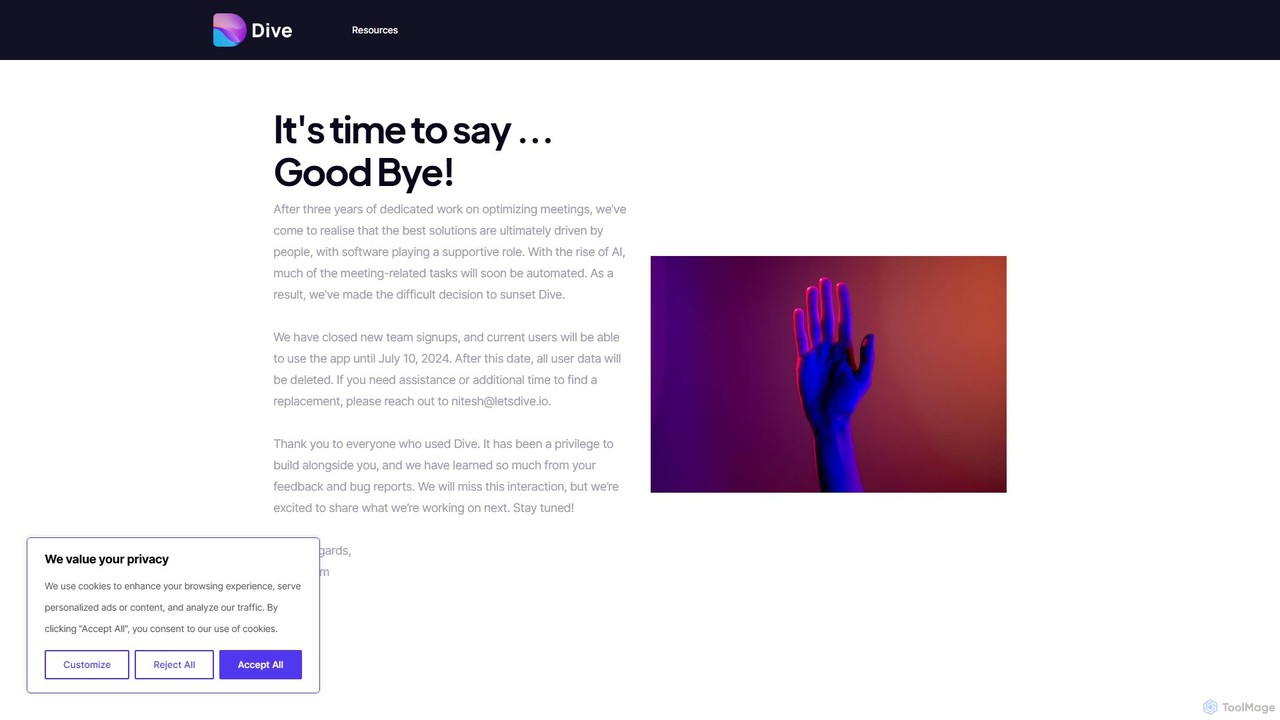
letsdive
letsdive is an AI-powered meeting productivity platform designed to make every meeting effective. It helps teams prepare with collaborative agendas, run engaging meetings with real-time tools, and follow up with automated AI summaries and action items.
Transcription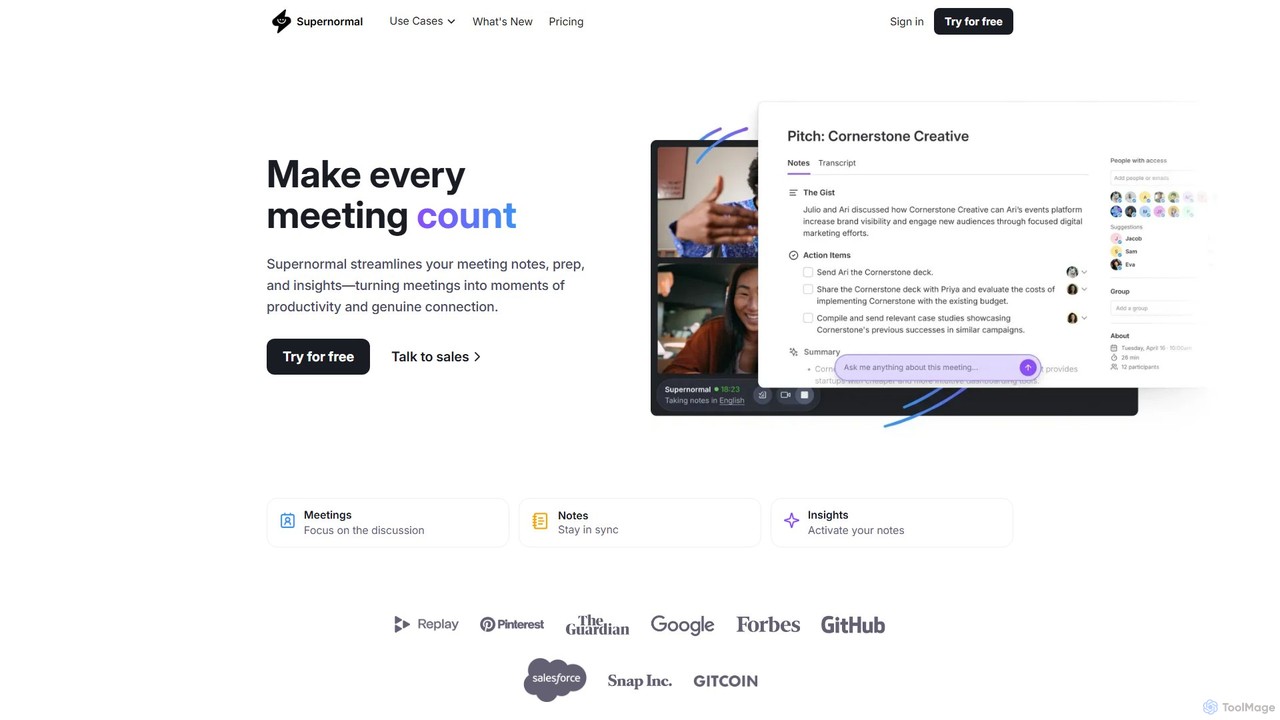
Supernormal
Supernormal is an AI meeting assistant that automatically records, transcribes, and summarizes your meetings on Google Meet, Zoom, and Microsoft Teams. It helps you focus on the conversation by taking care of note-taking, identifying action items, and providing actionable insights.
Meetings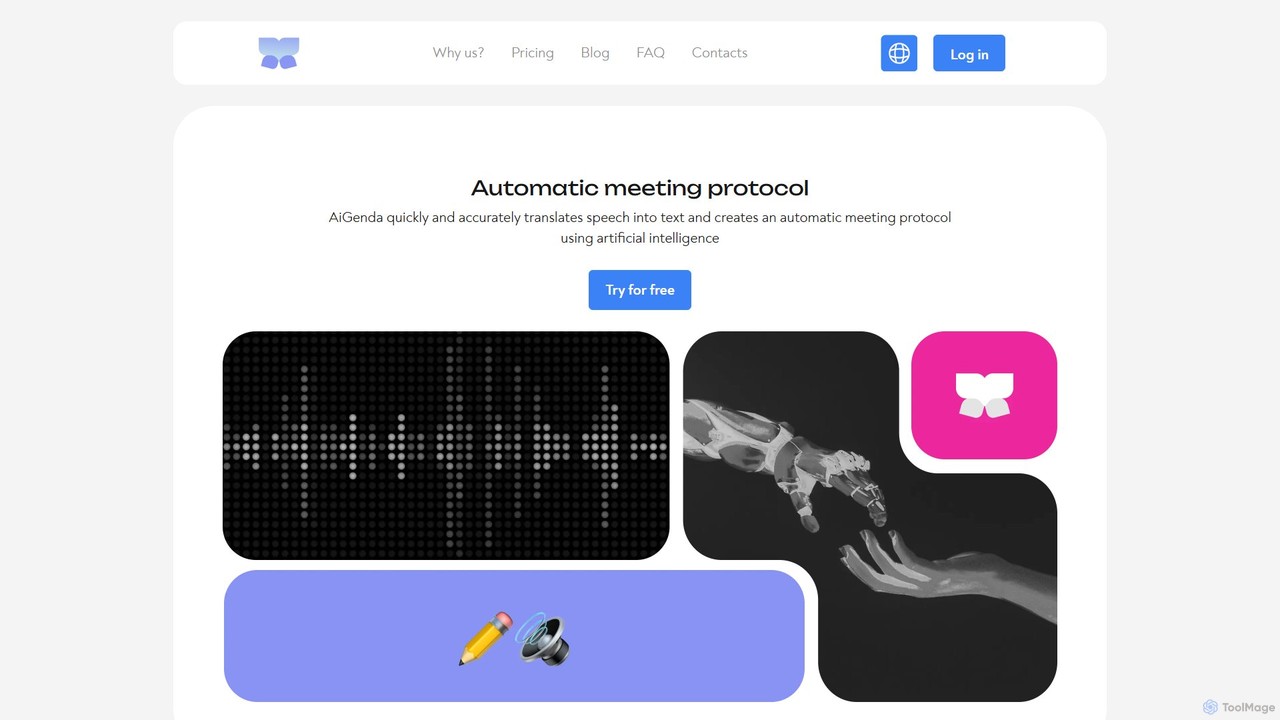
AiGenda
AiGenda is an AI-powered meeting assistant that automatically records, transcribes, and summarizes your online meetings. It integrates with platforms like Zoom, Google Meet, and Telemost to provide high-accuracy transcripts and intelligent summaries in minutes, supporting over 10 languages. This tool helps teams save time, improve focus during calls, and easily search for key information from past discussions.
Collaboration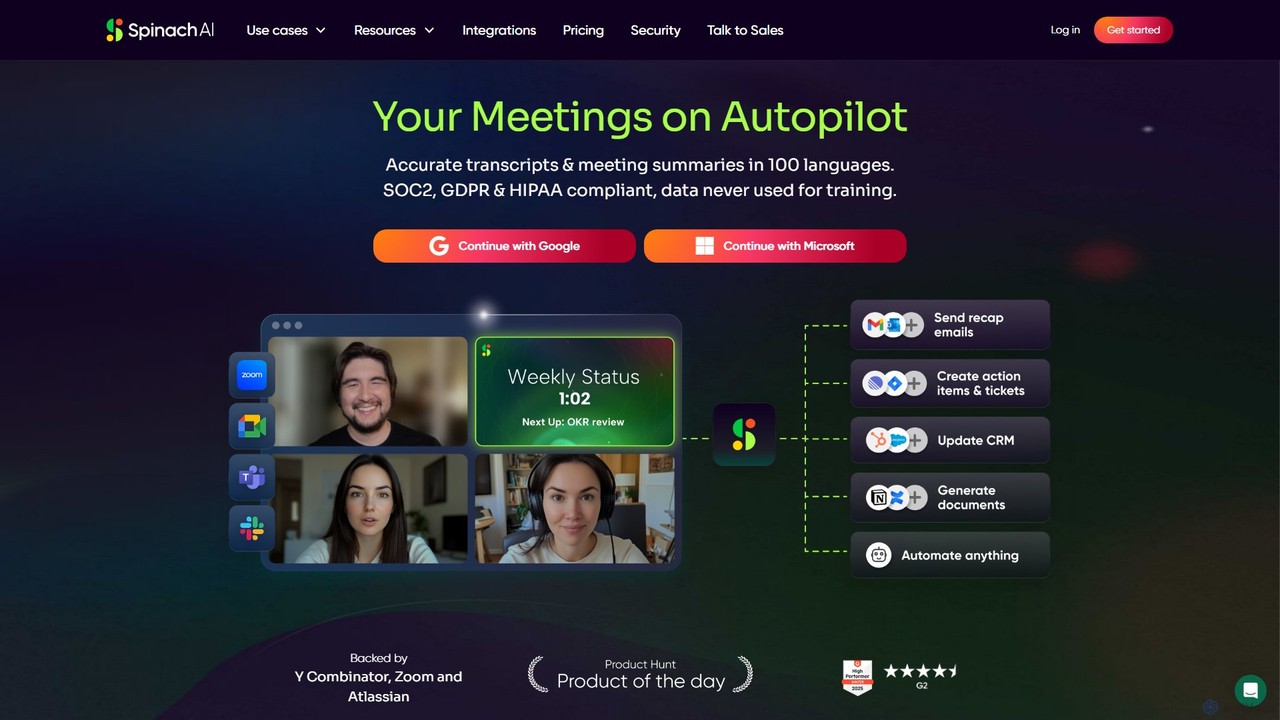
Spinach AI
Spinach AI is an intelligent meeting assistant and AI Scrum Master that automatically joins, records, transcribes, and summarizes your meetings. It captures key decisions and action items, integrating seamlessly with tools like Jira, Slack, and Salesforce to streamline workflows and boost team productivity.
Project Management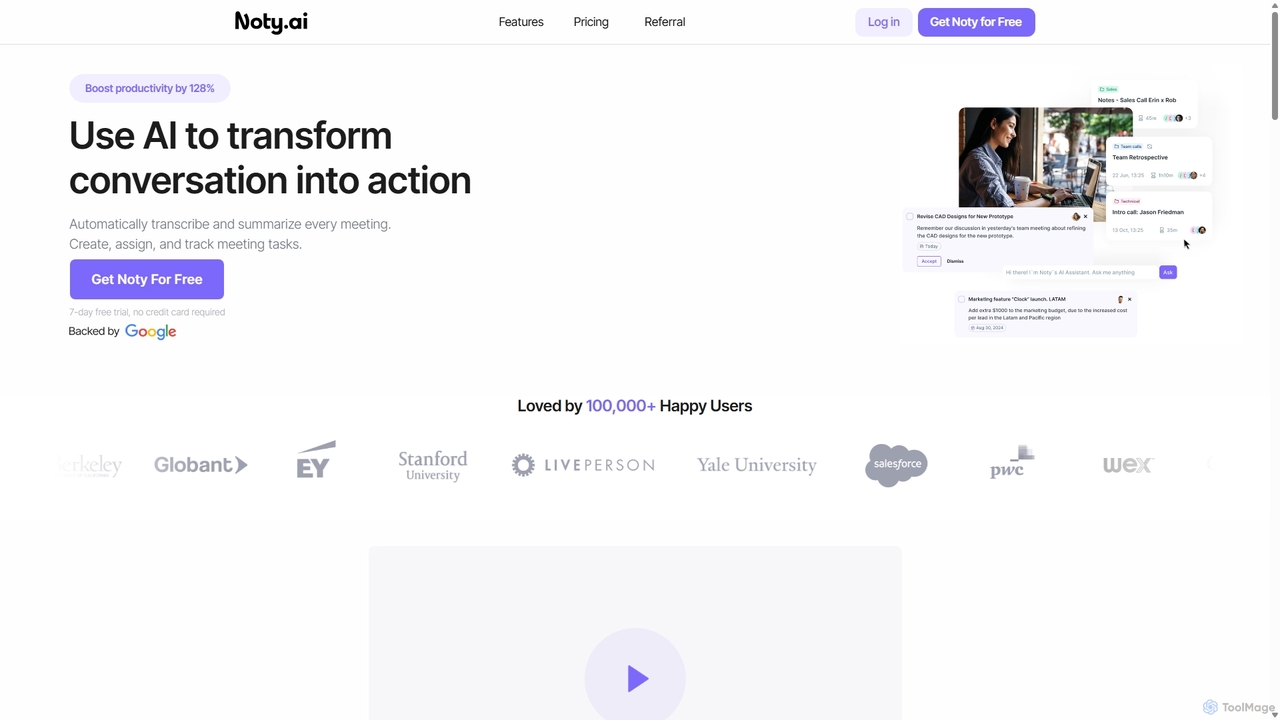
Noty.ai
Noty.ai is an AI meeting assistant that automatically transcribes, summarizes, and generates action items from your conversations. It helps you focus during meetings, ensures no detail is missed, and transforms discussions into trackable tasks, boosting team productivity and accountability.
Task ManagementMeetingCulture.ai Categories
MeetingCulture.ai Embed Widget
Copy this embed code to place the badge on your blog, article, or product site and send readers directly to this ToolMage detail page.

Related AI tools
Noty.ai
Noty.ai is an AI meeting assistant that automatically transcribes, summarizes, and generates action items from your conversations. It helps you focus during meetings, ensures no detail is missed, and transforms discussions into trackable tasks, boosting team productivity and accountability.
Task Managementletsdive
letsdive is an AI-powered meeting productivity platform designed to make every meeting effective. It helps teams prepare with collaborative agendas, run engaging meetings with real-time tools, and follow up with automated AI summaries and action items.
Transcription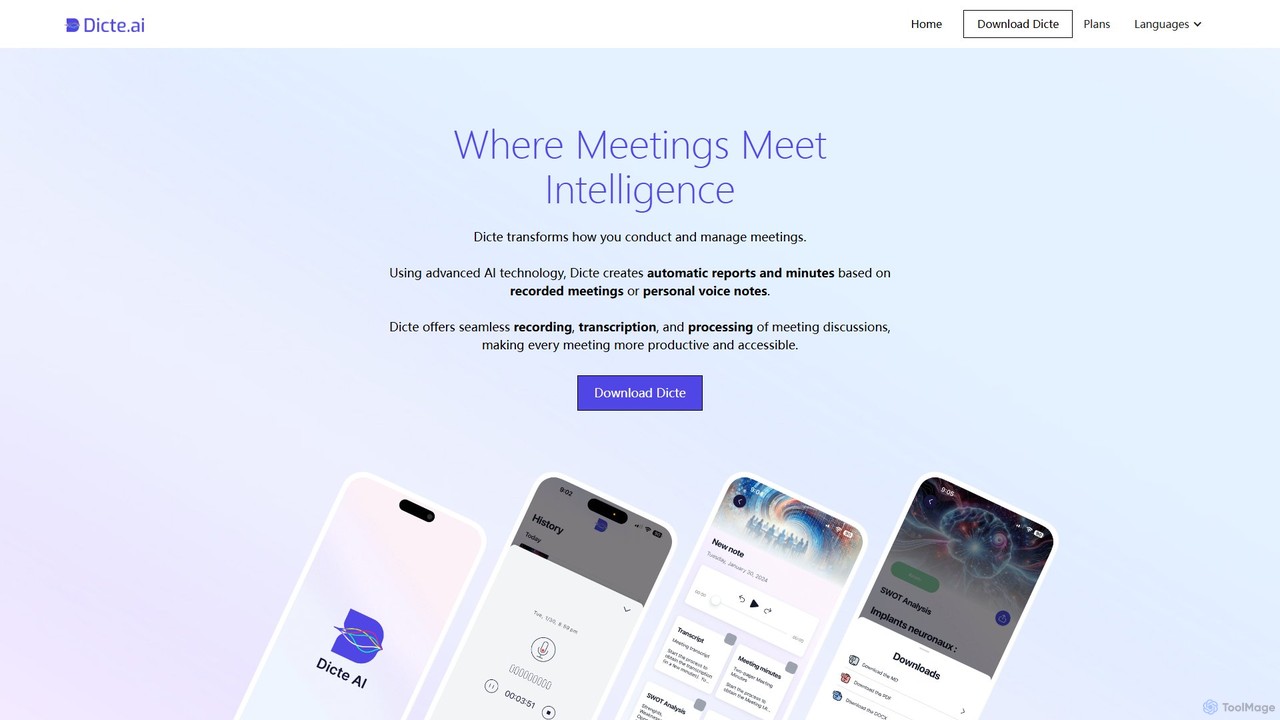
Dicte.ai
Dicte.ai is an AI-powered meeting assistant and voice note transcriber for mobile and web. It offers advanced transcription with speaker identification, automatically generating professional meeting minutes, SWOT analyses, and project reports. With multilingual support and a focus on data security, it helps teams save time, improve collaboration, and focus on productive discussions.
TranscriptionSupernormal
Supernormal is an AI meeting assistant that automatically records, transcribes, and summarizes your meetings on Google Meet, Zoom, and Microsoft Teams. It helps you focus on the conversation by taking care of note-taking, identifying action items, and providing actionable insights.
Meetings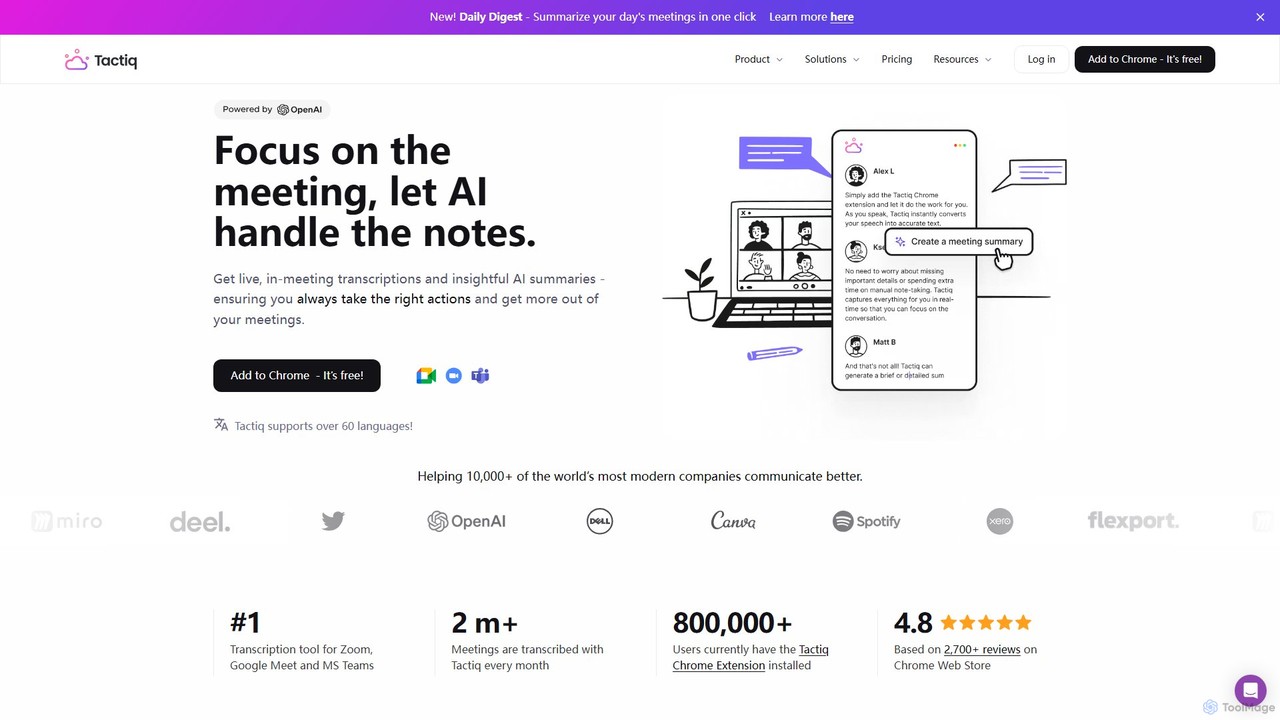
Tactiq
Tactiq is an AI-powered Chrome extension that provides real-time transcription, summaries, and actionable insights for Google Meet, Zoom, and MS Teams meetings. It operates without a bot, ensuring privacy while capturing every detail, identifying speakers, and automating post-meeting tasks like follow-up emails and action items.
Team Collaboration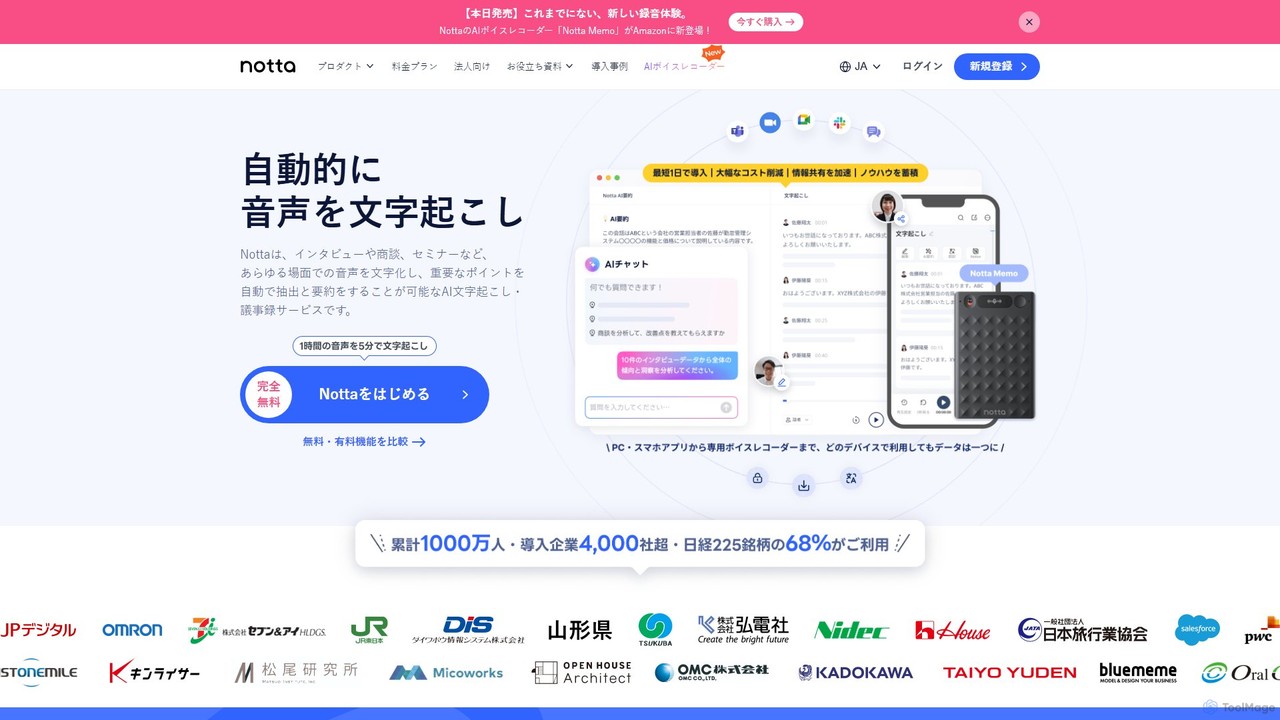
Notta
Notta is an AI-powered transcription service that converts audio and video to text with high accuracy. It offers real-time transcription, AI summaries, speaker identification, and translation in 58 languages, streamlining workflows for meetings, interviews, and lectures.
Speech To Text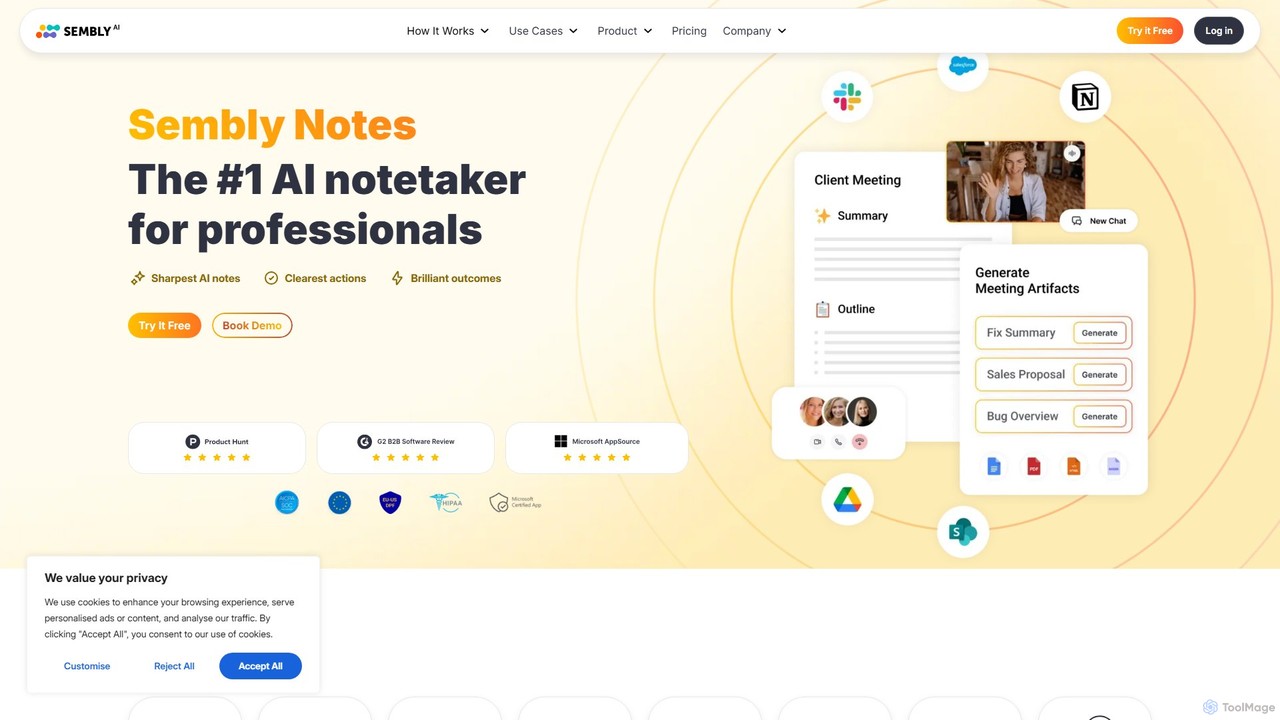
Sembly
Sembly is an AI meeting assistant that records, transcribes, and generates intelligent summaries for your meetings. It integrates with major platforms like Zoom, Google Meet, and Microsoft Teams to capture conversations, identify key items, create action points, and provide deep insights, transforming discussions into actionable outcomes.
Project Management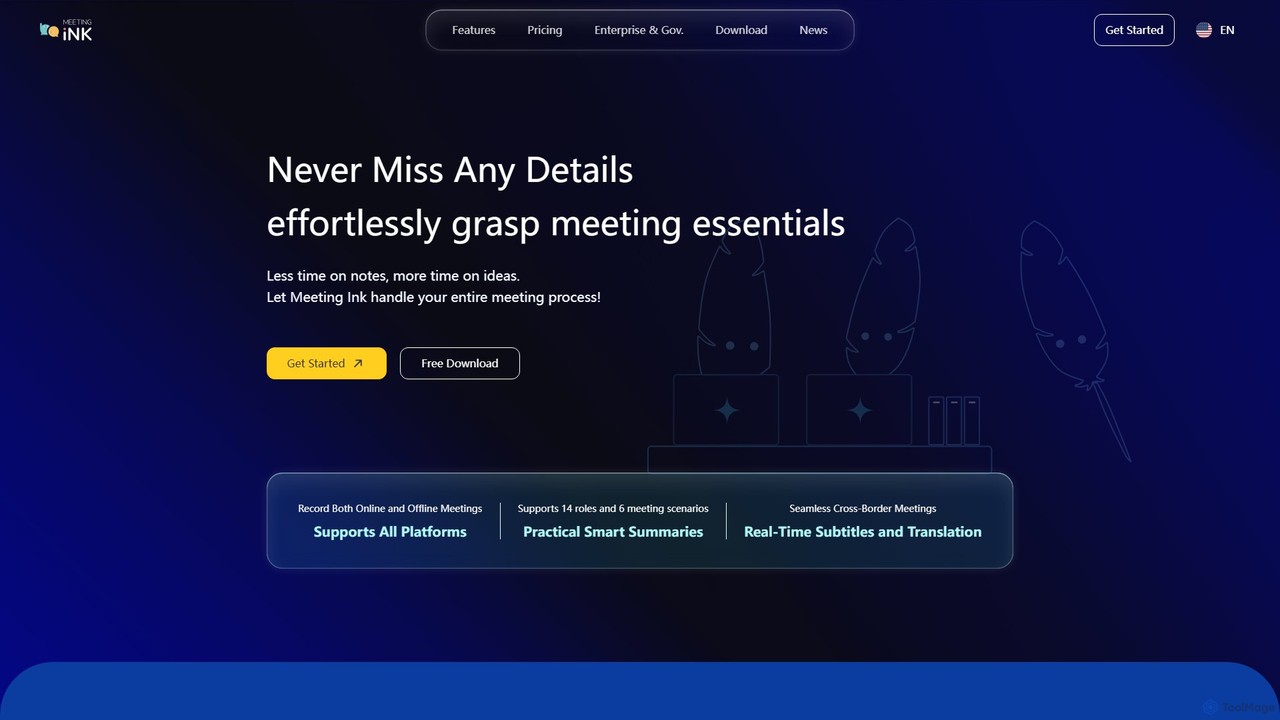
Meeting Ink
Meeting Ink is an AI-powered notetaker designed to transcribe, summarize, and translate your meetings. It supports both online and offline meetings across all major platforms, helping you save time, improve focus, and enhance collaboration by automating the entire meeting documentation process.
Transcription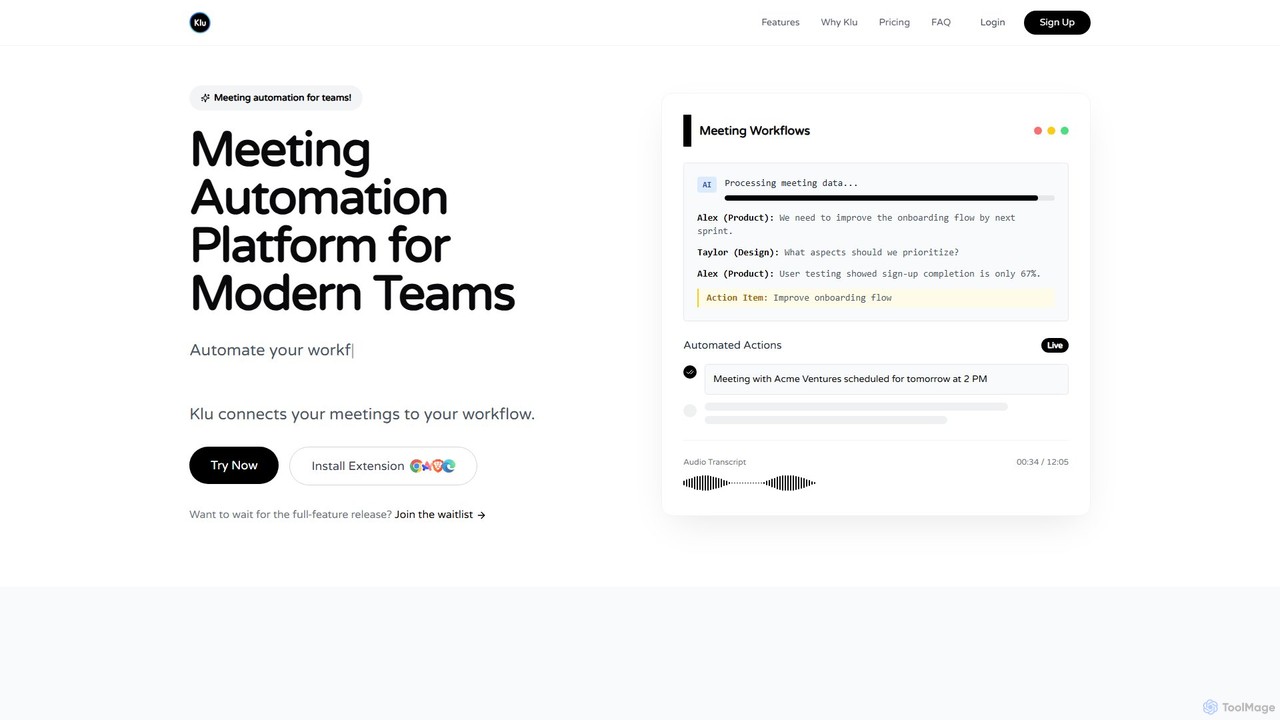
Klu
Klu is an AI-powered meeting automation platform designed for modern teams. It records, transcribes, and summarizes your meetings, automatically extracting action items and key insights. By integrating with your existing workflow tools like Notion, Slack, and Asana, Klu automates post-meeting tasks, saving time and boosting productivity.
Workflow
nando
Nando is an AI-powered meeting assistant designed to streamline your entire meeting workflow. It automates scheduling, generates intelligent agendas, provides real-time transcription and summaries, and tracks action items, allowing your team to focus on collaboration instead of administration.
Task Management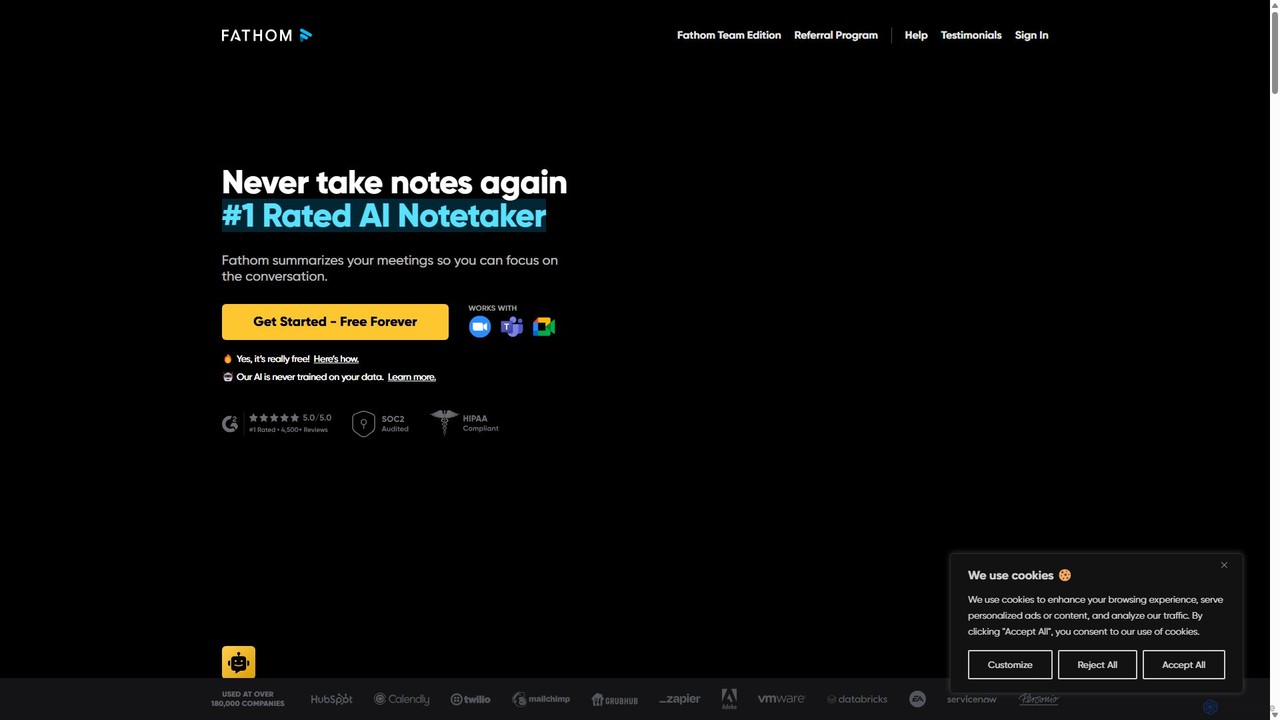
Fathom
Fathom is a top-rated AI meeting assistant that automatically records, transcribes, and summarizes your video calls on Zoom, Google Meet, and Microsoft Teams. It liberates you from note-taking, allowing full focus on the conversation. Fathom provides instant, shareable summaries and action items, and integrates seamlessly with your CRM and other productivity tools, saving significant time and boosting post-meeting efficiency.
Transcription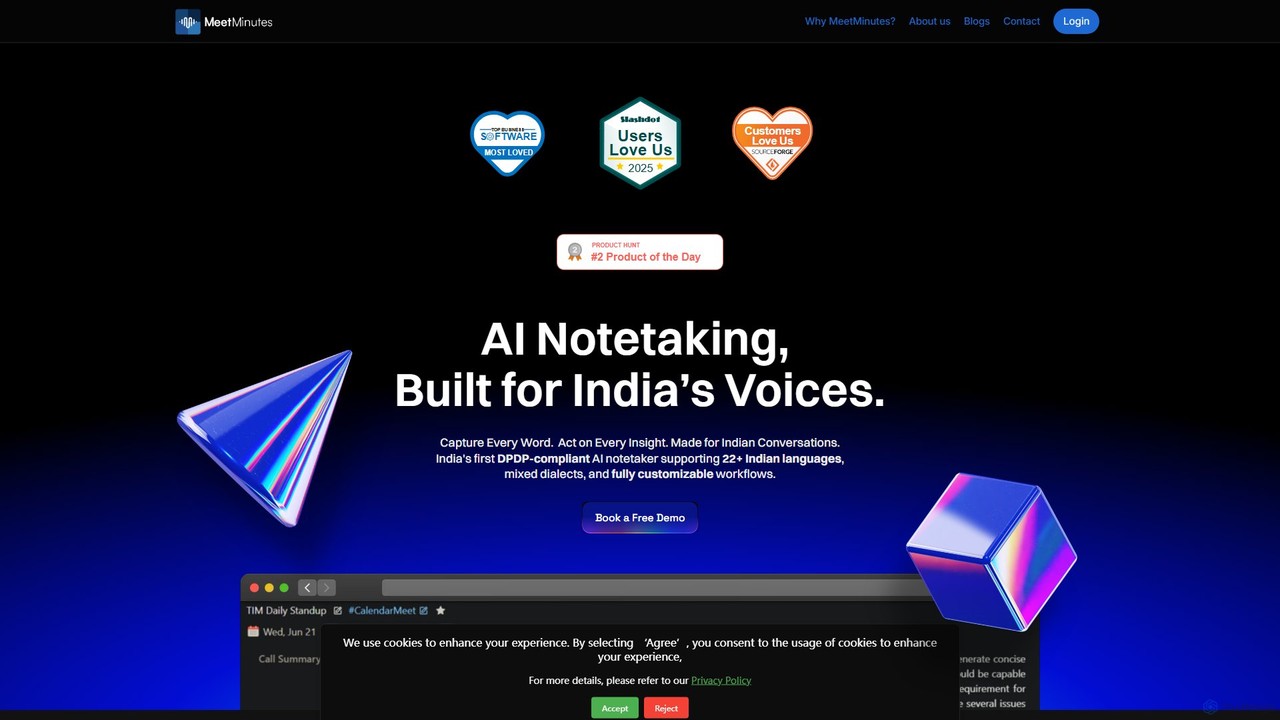
MeetMinutes
MeetMinutes is an AI-powered meeting assistant designed for Indian voices. It automatically transcribes, summarizes, and analyzes meetings from Zoom, Google Meet, and Teams. Supporting 22+ Indian languages and mixed dialects, it captures action items and creates a searchable knowledge base, all while being DPDP, GDPR, and SOC2 compliant.
Meeting Assistant
meetmine.ai
meetmine.ai is an AI-powered meeting assistant that automatically transcribes, summarizes, and analyzes your conversations. It integrates with popular platforms like Zoom, Google Meet, and Microsoft Teams to capture every detail, identify action items, and create a searchable knowledge base from your meetings, boosting team productivity and collaboration.
Knowledge ManagementAiGenda
AiGenda is an AI-powered meeting assistant that automatically records, transcribes, and summarizes your online meetings. It integrates with platforms like Zoom, Google Meet, and Telemost to provide high-accuracy transcripts and intelligent summaries in minutes, supporting over 10 languages. This tool helps teams save time, improve focus during calls, and easily search for key information from past discussions.
Collaboration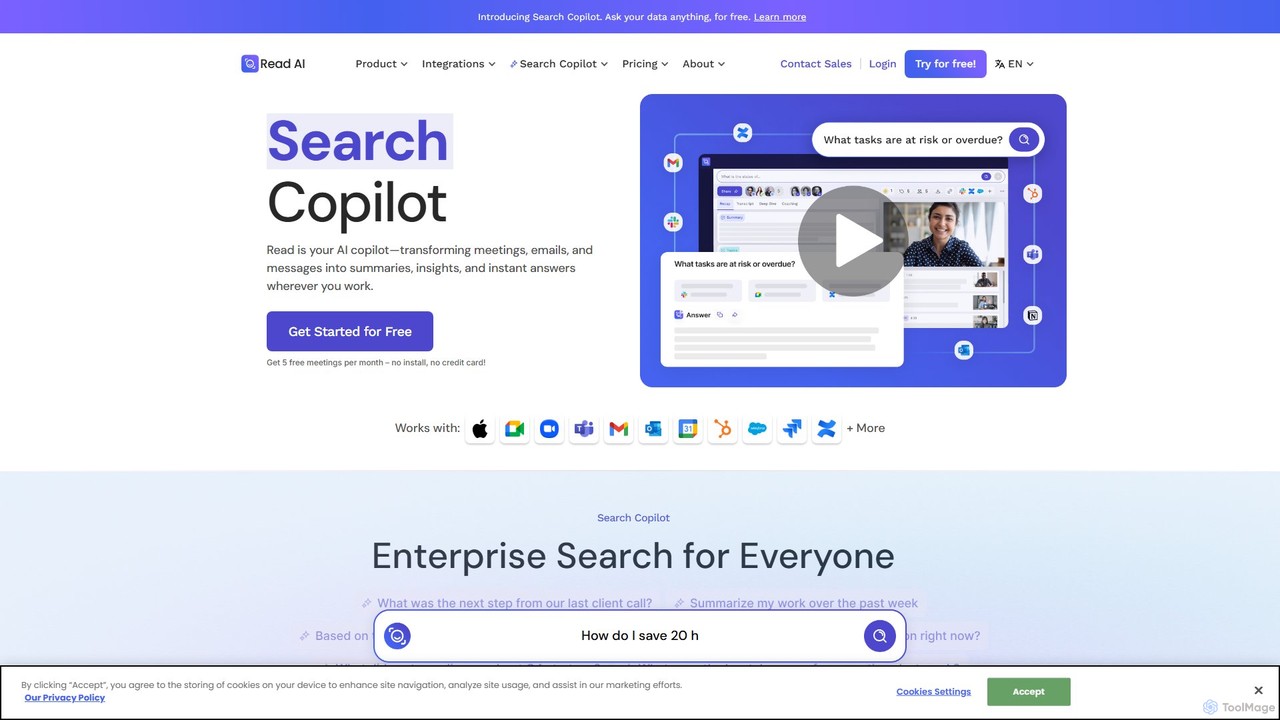
Read.ai
Read.ai is an AI-powered productivity platform that automatically summarizes meetings, generates transcripts, and provides actionable insights. Its flagship Search Copilot unifies information across all your work apps—meetings, emails, chats, and documents—creating a single, searchable knowledge base to boost team efficiency and break down data silos.
Knowledge Management
MeetingCulture.ai Comments (0)
Sign in to comment.
Sign inNo comments yet.