

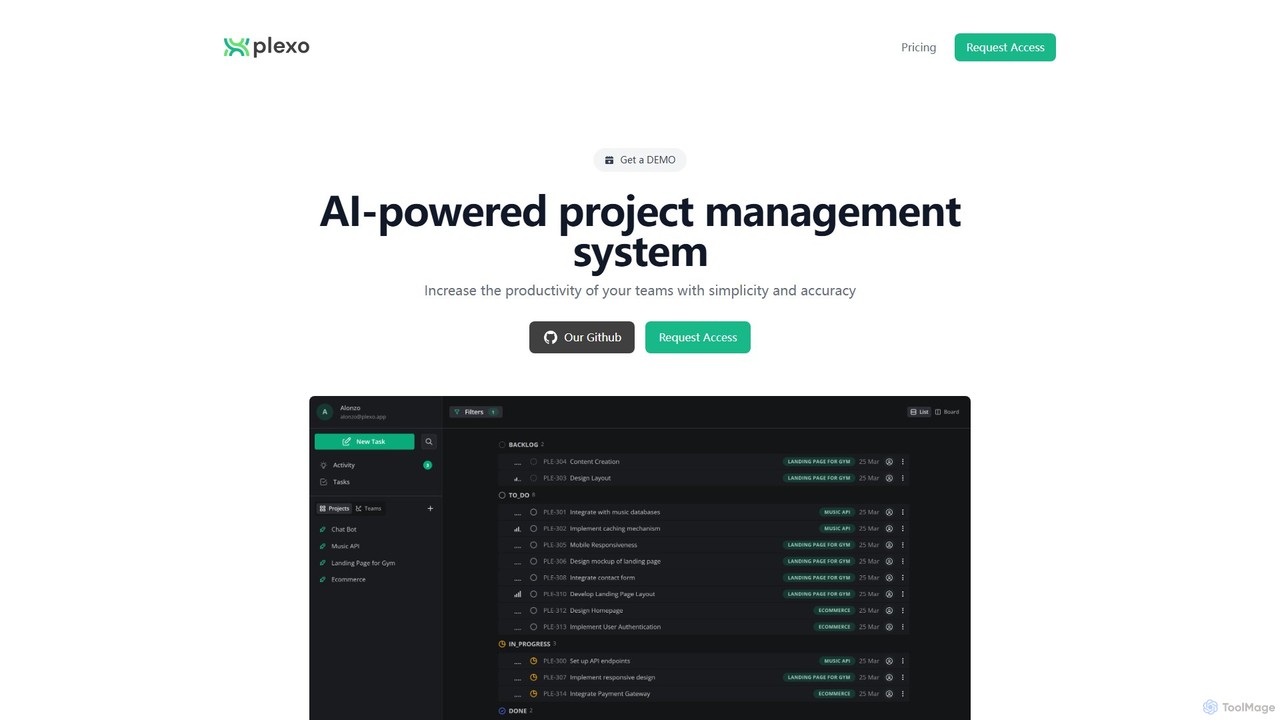
Plexo Overview
Plexo is a next-generation, AI-powered project management system engineered to enhance team productivity and streamline complex workflows with simplicity and precision. It stands at the intersection of project management and artificial intelligence, offering a suite of tools that automate tedious planning and organizational tasks. By leveraging AI, Plexo allows teams to focus on execution and collaboration rather than getting bogged down in administrative overhead. It is designed for teams of all sizes, from small startups to large enterprises, providing a scalable and intelligent solution to manage projects effectively.
How to use Plexo
Getting started with Plexo is a straightforward process designed to integrate seamlessly into your team's workflow:
- Sign Up: Begin by registering for an account. You can opt for the Plexo Business plan and take advantage of the 15-day free trial to explore its full capabilities. For larger organizations with specific needs, you can contact the sales team to discuss the Enterprise plan.
- Create Your First Project: Utilize the innovative AI Project Design feature. Simply describe your project goals and requirements in natural language. Plexo's AI will interpret your input and generate a comprehensive project structure, complete with key phases, milestones, and a preliminary task list.
- Generate and Assign Tasks: Let the AI do the heavy lifting. Plexo can automatically generate detailed tasks and break them down into smaller, manageable subtasks. This ensures comprehensive coverage and clarity. You can then assign these tasks to team members.
- Collaborate in Real-Time: Invite your team to the project workspace. Use the flexible list and board layouts to track progress, share files, and communicate. The real-time collaboration features ensure everyone is on the same page, at all times.
- Leverage the AI Assistant: Whenever you have a question about project status, need to find a specific task, or want suggestions for the next steps, simply ask the AI chat assistant. It provides instant, context-aware answers to keep you informed.
- Monitor and Optimize: Use the built-in filters and search to navigate your projects. Create custom reports and track Key Performance Indicators (KPIs) to monitor project health, team performance, and overall productivity. Use these insights to optimize your processes.
Core Features of Plexo
- AI Project Design: Automatically generates complete project plans and structures from simple, natural language descriptions.
- AI Task & Subtask Generation: Intelligently creates detailed tasks and breaks them down into actionable subtasks, saving hours of manual planning.
- AI Chat Assistant: An interactive AI assistant that provides instant answers, project summaries, and insights on demand.
- Real-Time Collaboration: Work simultaneously with your team using dynamic list and board (Kanban) views to visualize workflow and progress.
- Unlimited Scope: All paid plans offer unlimited members, projects, teams, and tasks, ensuring the platform scales with your growth.
- Advanced Customization: Tailor your workspace with custom labels, powerful filters, and advanced search capabilities to organize work your way.
- Custom Reports and KPIs: Generate insightful reports and define Key Performance Indicators to measure what matters most to your team's success.
- Enterprise-Grade Security & Integration: The Enterprise plan offers features like private/public project visibility and business intelligence (BI) integration for advanced data analysis.
- User-Friendly Interface: Includes both Dark and Light mode themes for user comfort and a clean, intuitive layout.
Use Cases for Plexo
Plexo's versatility makes it suitable for a wide range of teams and industries:
- Software Development: Plan sprints, manage backlogs, and automatically generate development tasks from feature specifications. The potential for GitHub integration streamlines the development lifecycle.
- Marketing Teams: Design and manage marketing campaigns. Use AI to create task lists for content creation, social media schedules, SEO activities, and ad campaigns.
- Product Management: Outline product roadmaps, use AI to structure feature development phases, and facilitate collaboration between engineering, design, and marketing.
- Business Operations: Manage internal projects such as event planning, new hire onboarding, or office relocations with clear, automated task lists and progress tracking.
Advantages of Plexo
Plexo offers significant advantages over traditional project management tools:
- Enhanced Productivity: By automating project setup and task creation, Plexo frees up valuable time for teams to focus on high-impact work.
- Improved Accuracy & Completeness: The AI helps ensure that no critical steps are missed during the planning phase, leading to more robust and realistic project plans.
- Simplified Workflow: Despite its powerful backend, the user interface is clean and intuitive, reducing the learning curve and promoting quick adoption.
- Scalability: The platform is built to support teams as they grow, with no limitations on users or projects on its core plans.
- Data-Driven Decision Making: With custom reports, KPIs, and BI integration, leaders can make informed decisions based on real-time performance data.
Pricing and Plans
Plexo offers clear and value-driven pricing plans:
- Plexo Business: Priced at $5.59 per user/month. This plan unlocks the full potential of Plexo, including unlimited members, projects, and tasks. It features all core AI capabilities like project design, task generation, and the AI chat assistant. A 15-day free trial is available.
- Plexo Enterprise: Custom pricing (Contact Sales). This plan is tailored for large organizations and includes all features of the Business plan plus advanced functionalities such as private and public project visibility, business intelligence integration, a custom activity page, a direct support line to the Plexo team, and access to Alpha release channels.
Plexo Alternatives
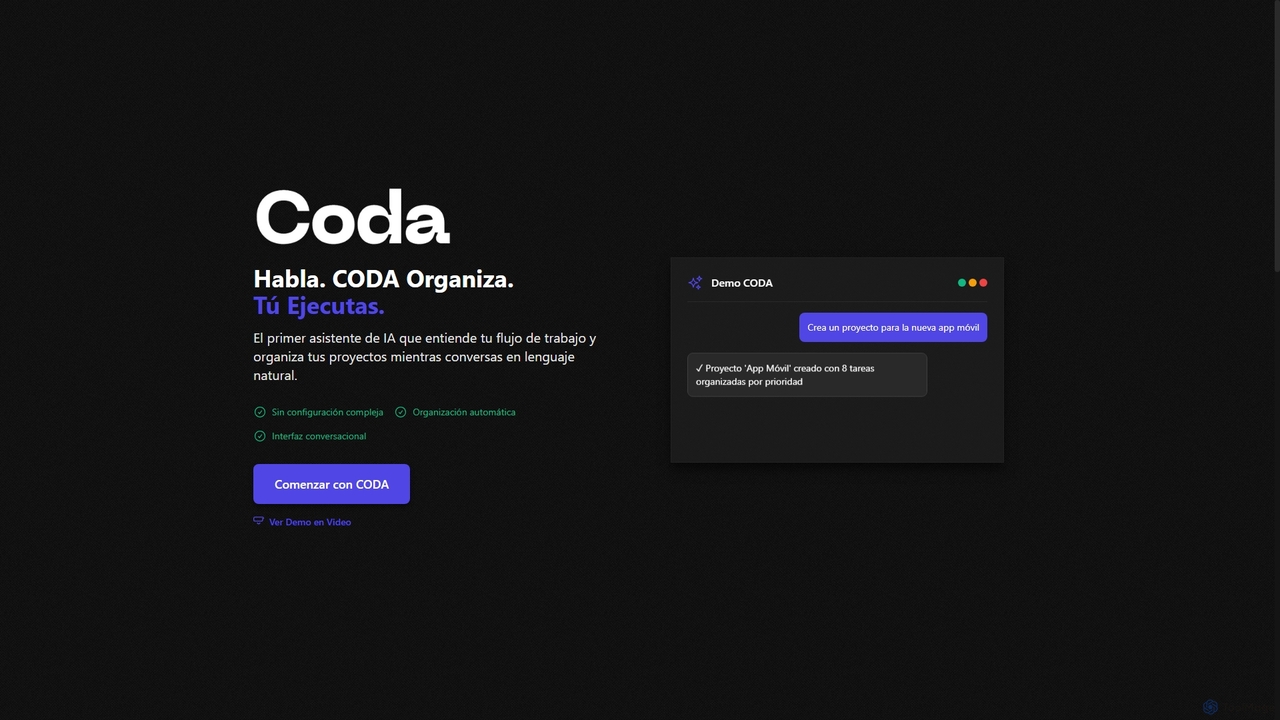
Coda
Coda is an intelligent AI assistant designed to streamline project management and task organization. It understands natural language commands, automatically structuring your projects and tasks without complex setups, allowing you to focus on execution rather than organization.
Natural Language Processing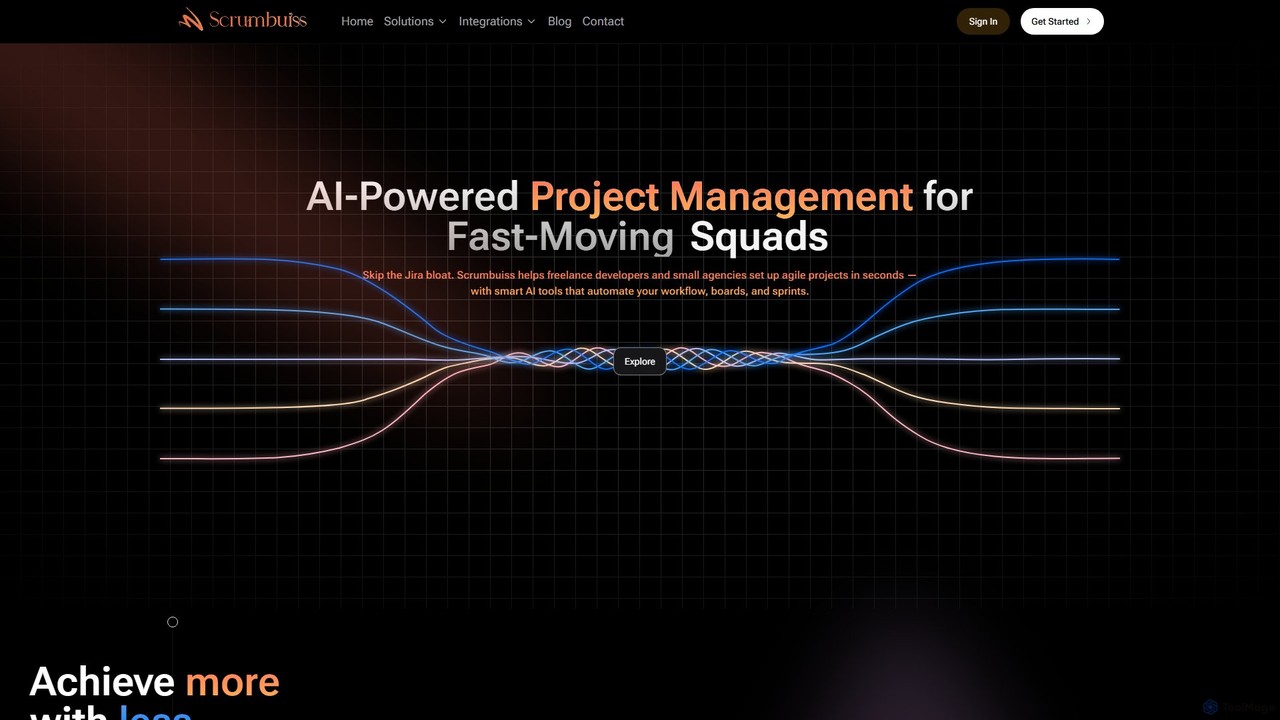
Scrumbuiss
Scrumbuiss is an AI-powered project management software designed for freelance developers and small agencies. It offers a streamlined, fast alternative to complex tools like Jira, enabling teams to set up agile projects, sprints, and boards in seconds. Automate your workflows and boost productivity with its intuitive, AI-driven features.
Task Management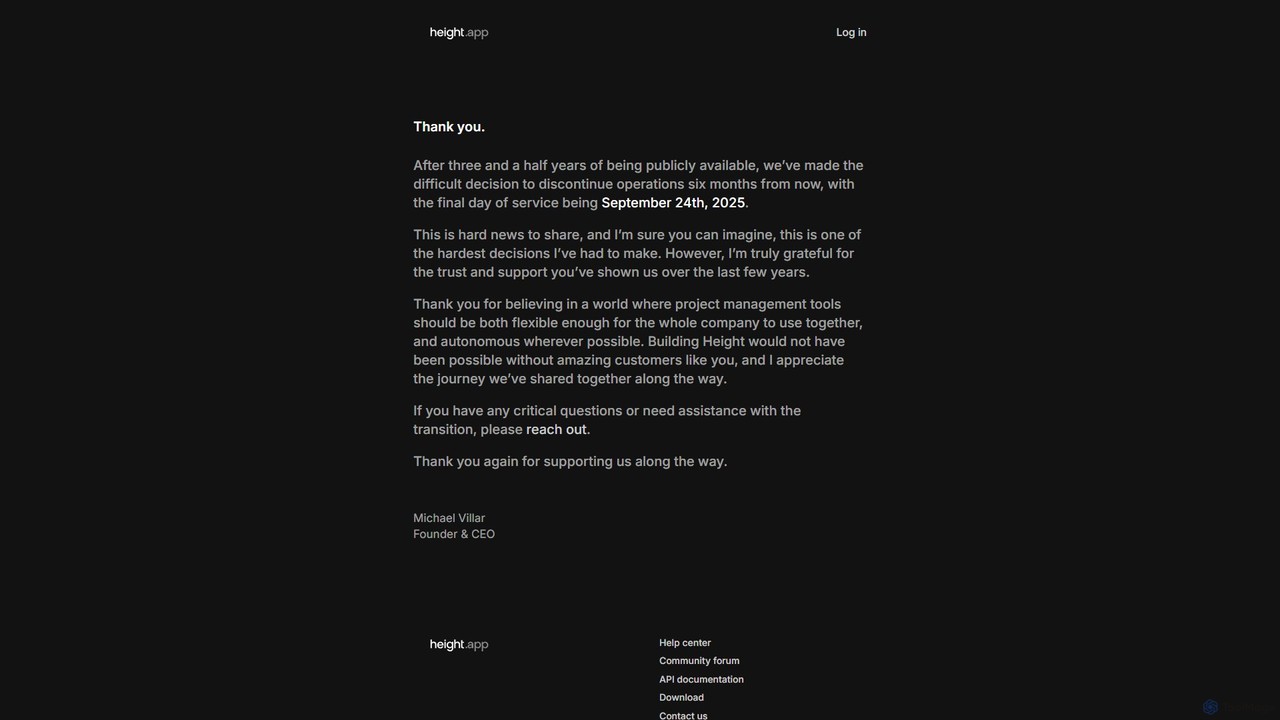
Height
Height is an autonomous project management tool that leverages AI to automate workflows, manage tasks, and enhance team collaboration. It was designed to be flexible for entire companies. (Note: Service will be discontinued on September 24th, 2025).
Task Management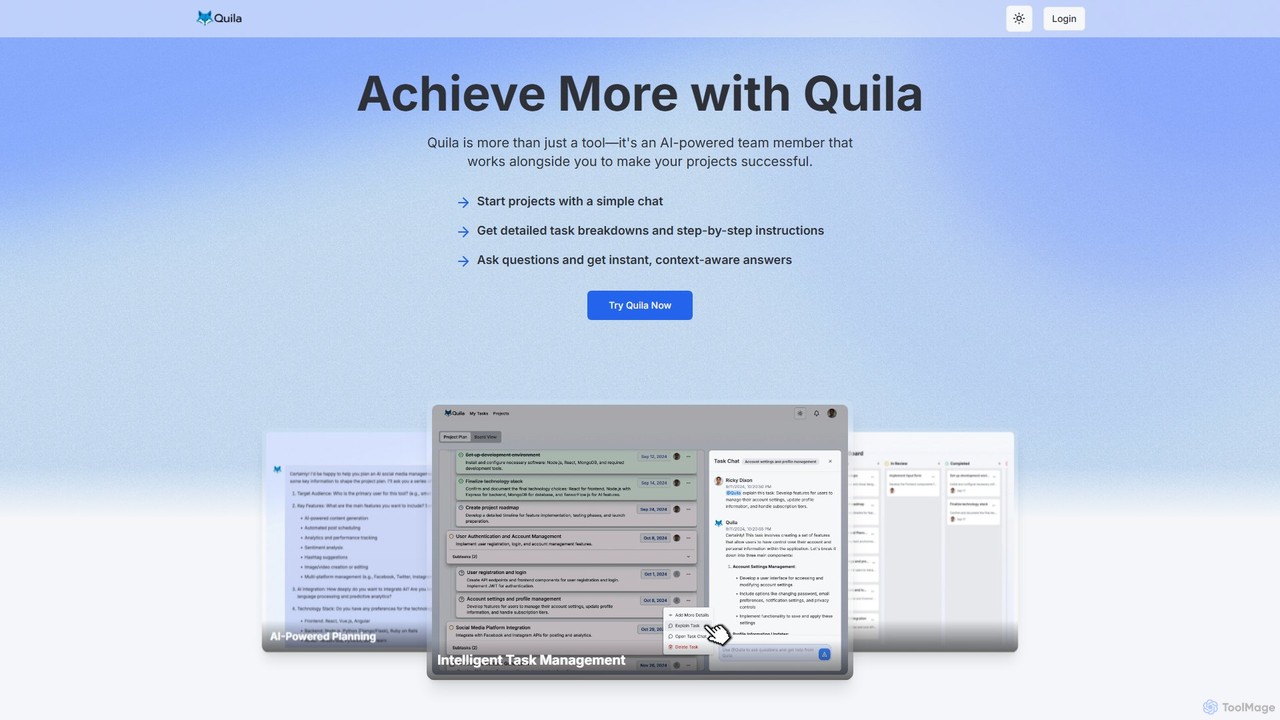
Quila
Quila is an AI-powered project management tool that acts as an intelligent team member. It transforms project ideas into detailed, actionable plans through a simple chat interface. Featuring a customizable Kanban board, AI-generated subtasks, and a collaborative AI assistant, Quila streamlines workflows, enhances team alignment, and eliminates ambiguity from start to finish.
Chatbot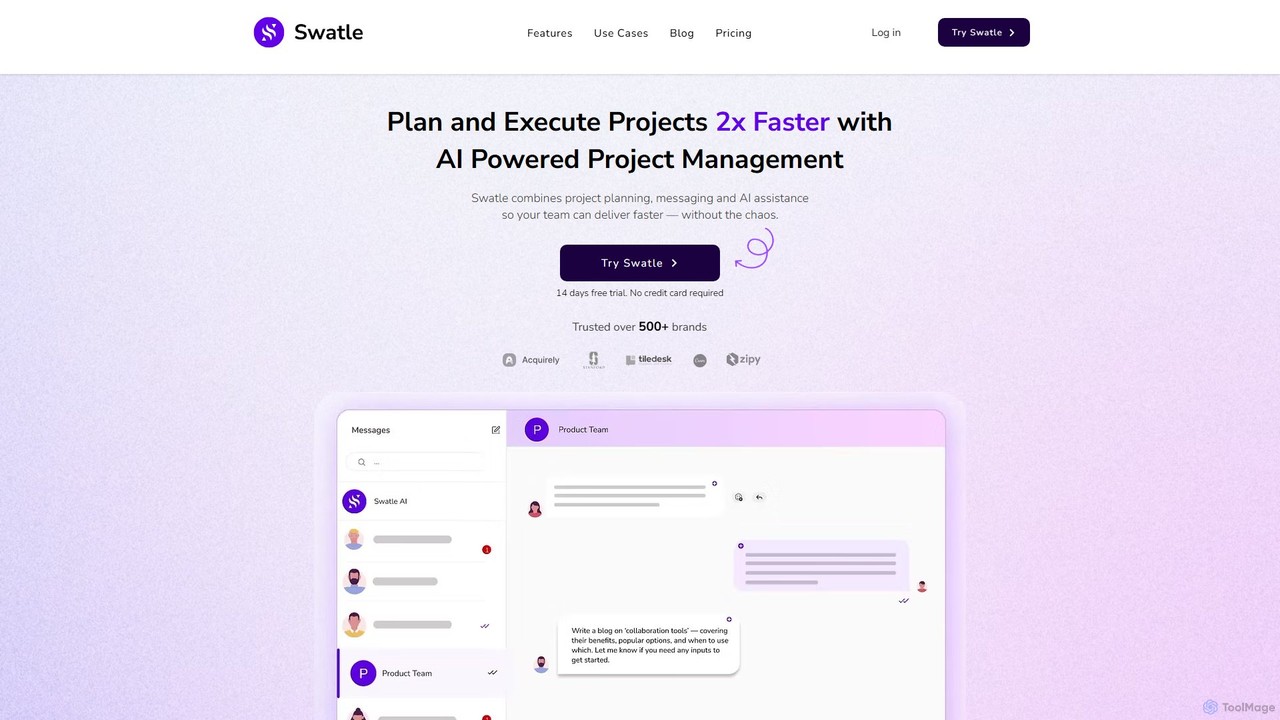
Swatle
Swatle is an AI-powered project management platform designed to streamline workflows and boost team productivity. It automates task creation, predicts project risks, and optimizes resource allocation. With its user-friendly interface, Swatle eliminates the need for extensive training, allowing teams to get started quickly and manage projects effectively from day one. It's built for speed, simplicity, and powerful results.
Task ManagementPlexo Categories
Plexo Embed Widget
Copy this embed code to place the badge on your blog, article, or product site and send readers directly to this ToolMage detail page.

Related AI tools
Coda
Coda is an intelligent AI assistant designed to streamline project management and task organization. It understands natural language commands, automatically structuring your projects and tasks without complex setups, allowing you to focus on execution rather than organization.
Natural Language Processing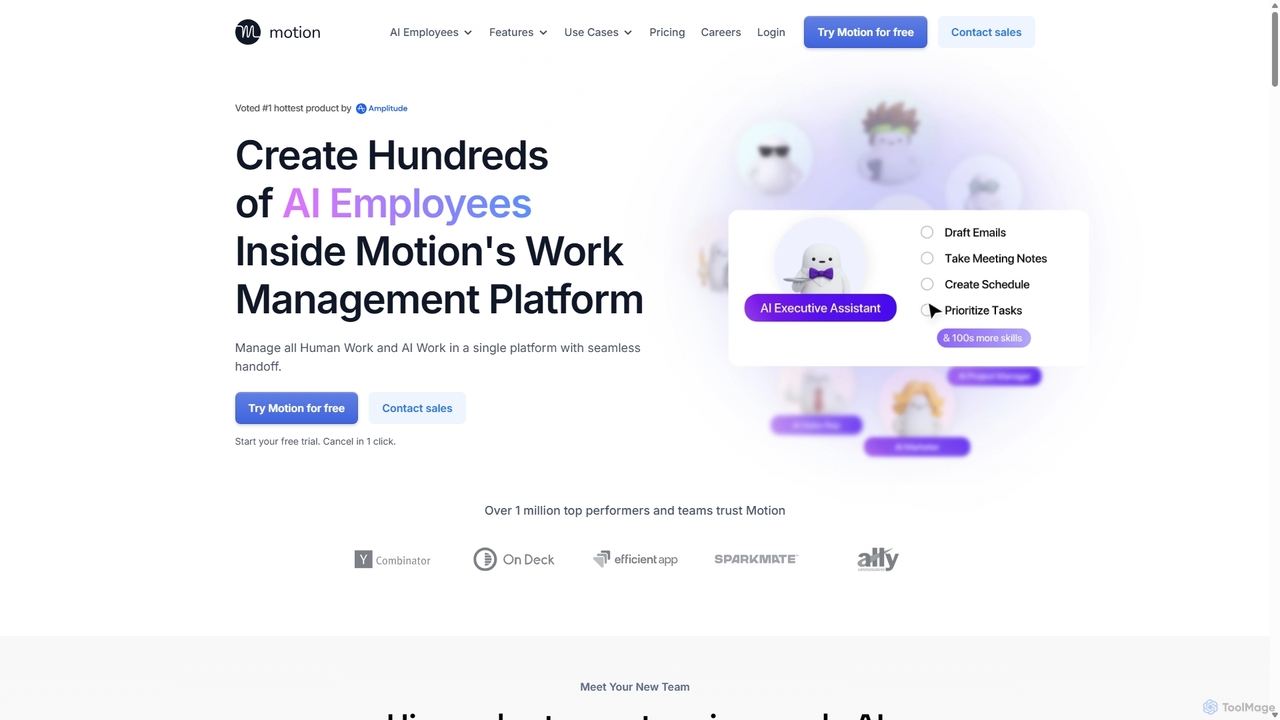
Motion
Motion is an AI-powered platform that provides a suite of AI Employees and productivity tools to automate tasks, manage projects, and organize schedules. It's designed to 10x your team's output by handling everything from calendar management and email replies to sales outreach and customer support, all within a single integrated workspace.
Virtual Assistant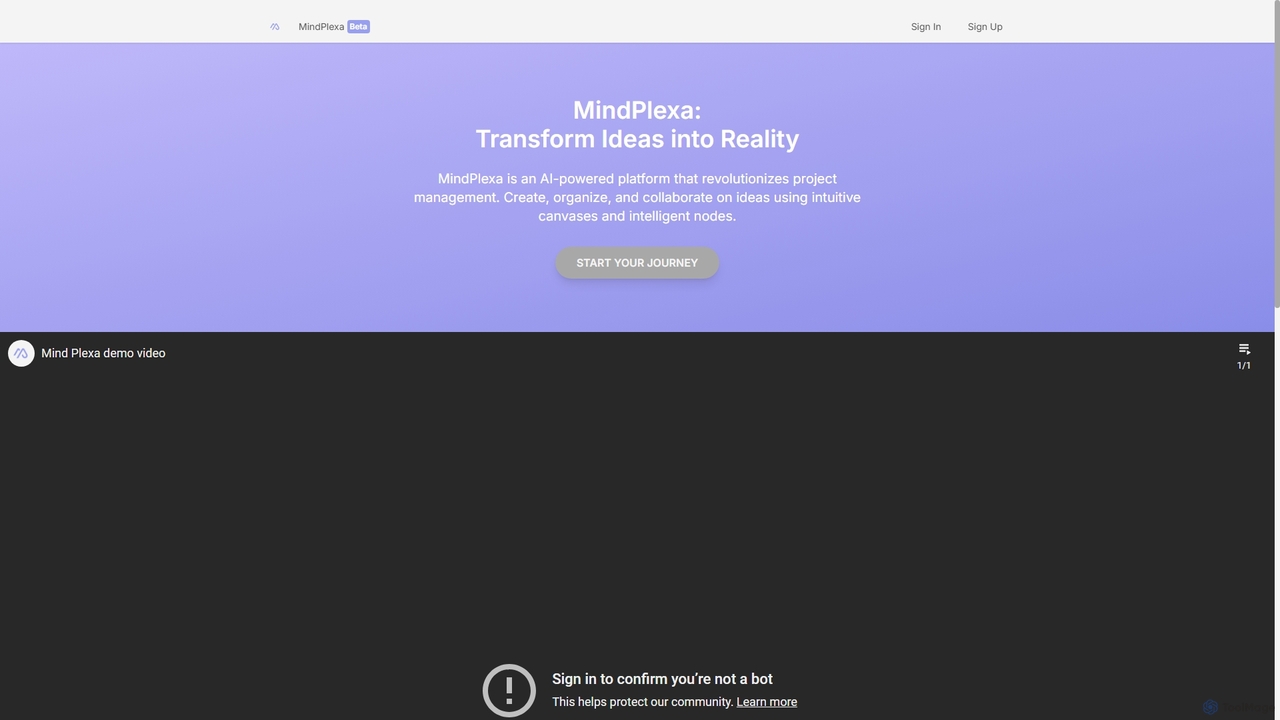
MindPlexa
MindPlexa is an AI-powered productivity platform that transforms ideas into actionable projects. It combines visual mind mapping with intelligent project management, allowing users to create, organize, and collaborate on ideas using intuitive canvases and smart nodes. The AI assistant helps generate project layouts, suggest tasks, and streamline workflows, making it an ideal tool for teams and individuals looking to boost creativity and efficiency.
Teamwork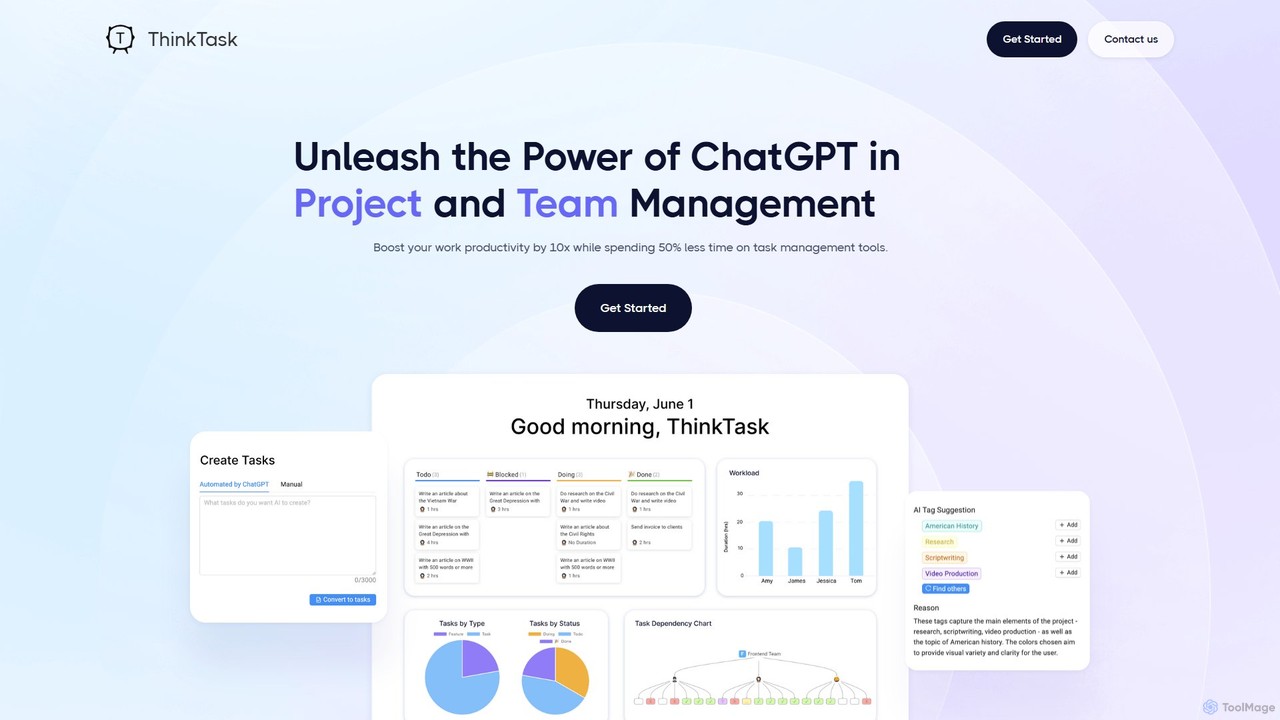
ThinkTask
ThinkTask is an AI-powered project management platform that integrates ChatGPT to streamline workflows. It automates task creation from notes, generates insightful reports, suggests task assignments, and provides a unified workspace for notes, tasks, and collaboration. Boost your team's productivity and gain data-driven insights into your projects.
Data Analysis
Jyek
Jyek is an AI agent platform that understands objectives, creates execution plans, uses tools, and delivers verifiable results for complex, multi-step tasks.
Automation
breeze.ai
Breeze.ai is an AI-powered project management platform designed to automate workflows, streamline team collaboration, and provide intelligent insights. It simplifies task management, optimizes project timelines, and automates reporting, allowing teams to focus on execution and innovation.
Collaboration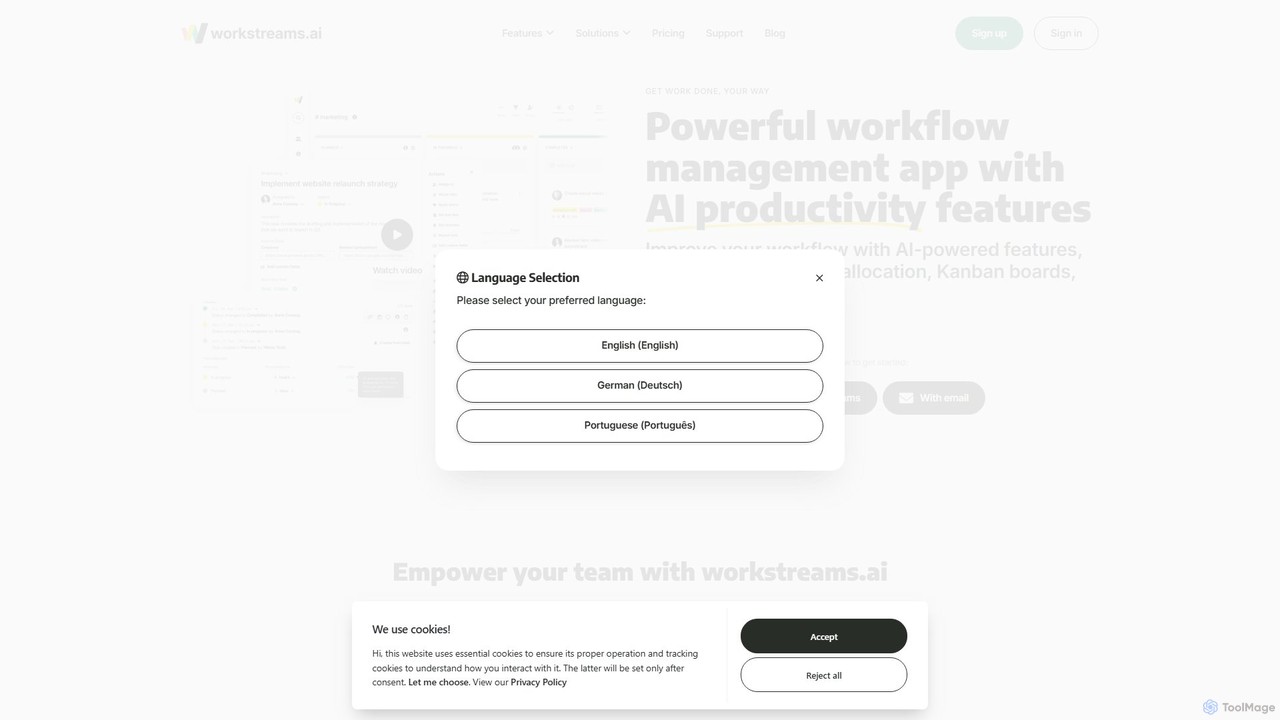
workstreams.ai
workstreams.ai is an intuitive task and workflow management app that enhances team productivity with powerful AI features. It seamlessly integrates with Slack and Microsoft Teams, allowing you to create, manage, and automate tasks using Kanban boards, AI-powered task generation, and detailed time tracking.
Team Management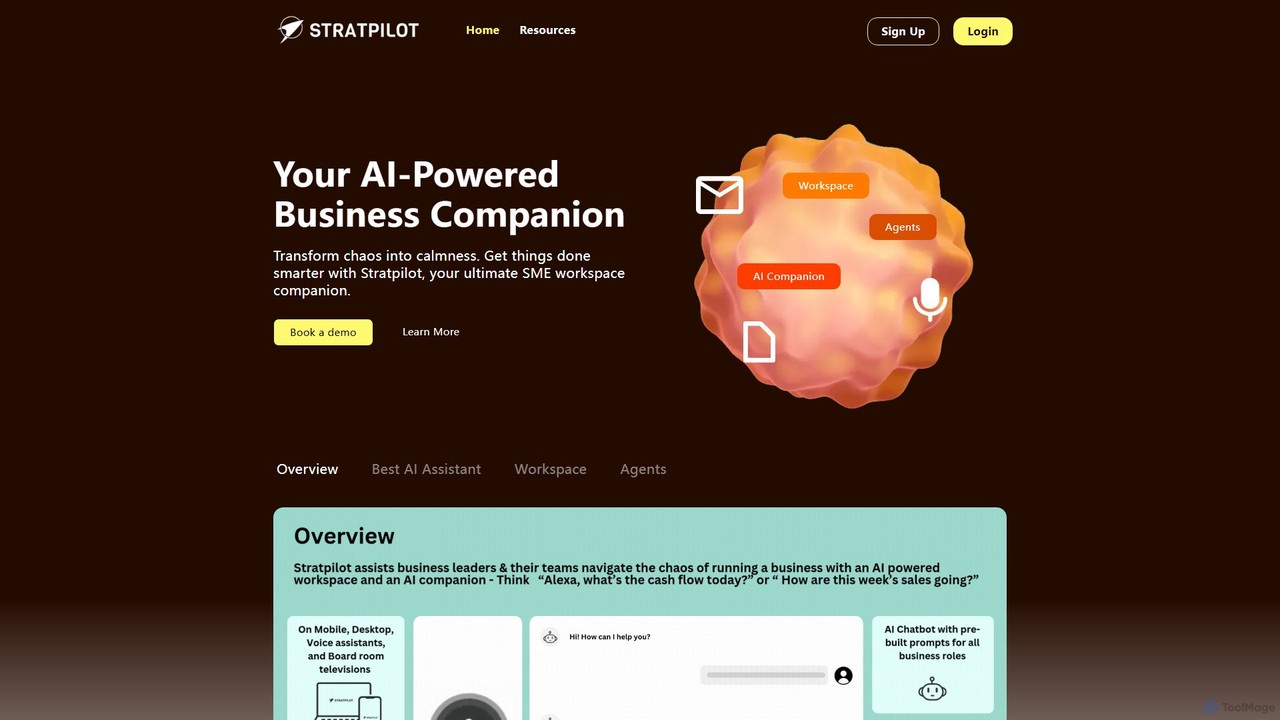
Stratpilot
Stratpilot is an AI-powered business workspace designed for SMEs and individuals to streamline operations and boost productivity. It acts as a central hub, integrating tasks, notes, and business systems to transform chaos into clarity. By automating routine tasks, providing strategic insights, and enhancing team collaboration, Stratpilot helps business leaders manage their workflow efficiently, reduce burnout, and achieve a better work-life balance.
Operations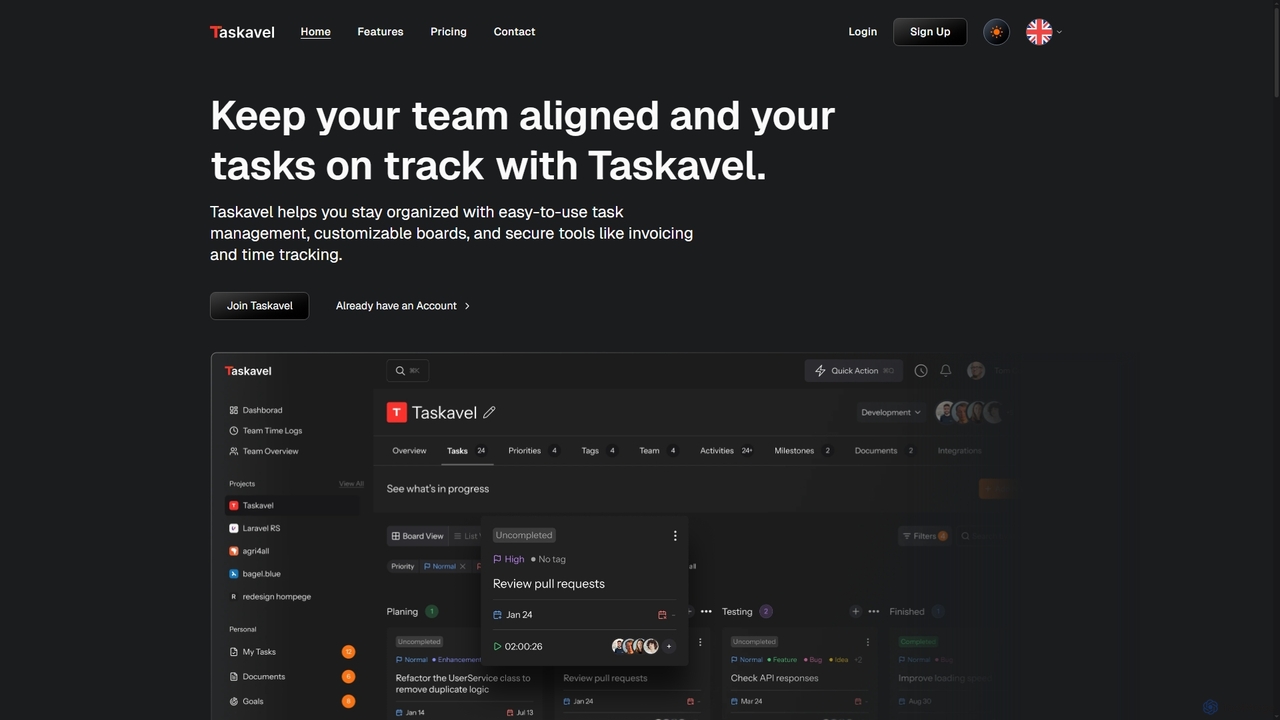
Taskavel
Taskavel is a comprehensive task and project management platform designed to keep teams aligned and tasks on track. It offers intuitive tools like customizable Kanban boards, integrated time tracking, invoicing, and robust collaboration features, especially tailored for developers and agile teams.
Workflow Automation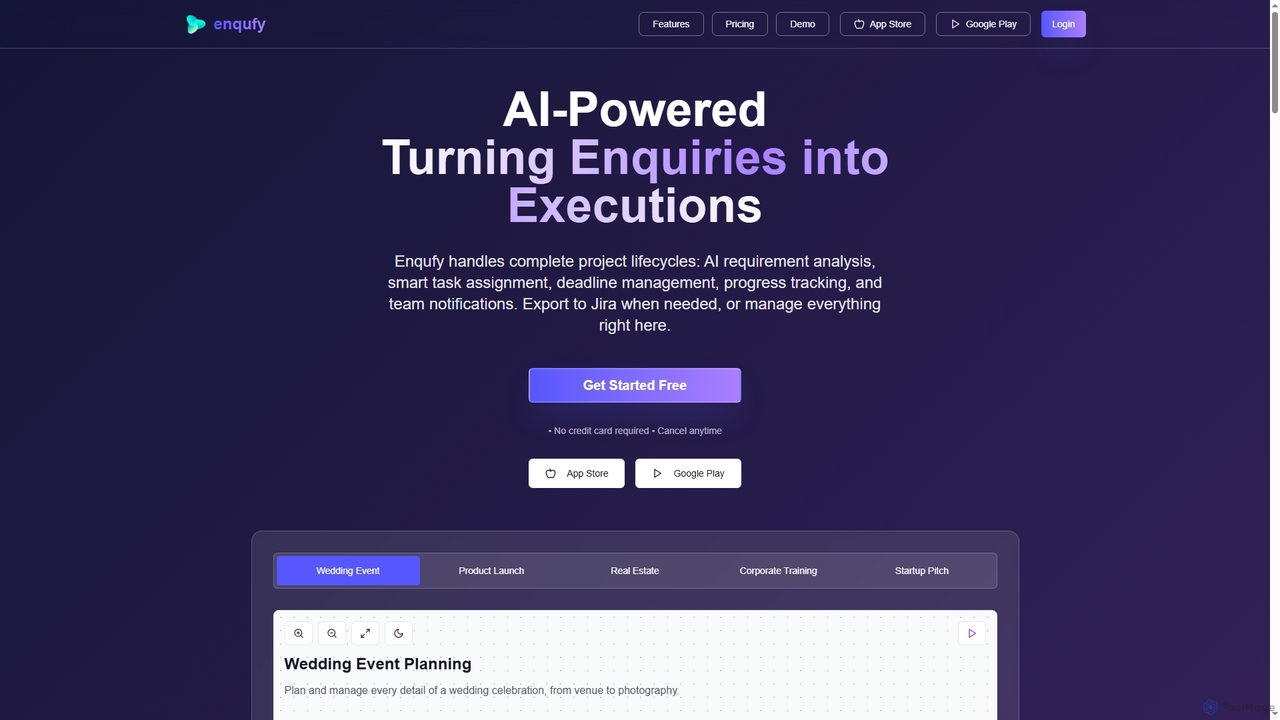
Enqufy
Enqufy is an AI-powered workflow automation platform designed to transform enquiries into structured, actionable project lifecycles. It streamlines task assignment, deadline management, and team collaboration, offering real-time progress tracking and performance analytics for businesses of all sizes. Available on web and mobile, it enhances efficiency and productivity across diverse industries.
PlanningScrumbuiss
Scrumbuiss is an AI-powered project management software designed for freelance developers and small agencies. It offers a streamlined, fast alternative to complex tools like Jira, enabling teams to set up agile projects, sprints, and boards in seconds. Automate your workflows and boost productivity with its intuitive, AI-driven features.
Task Management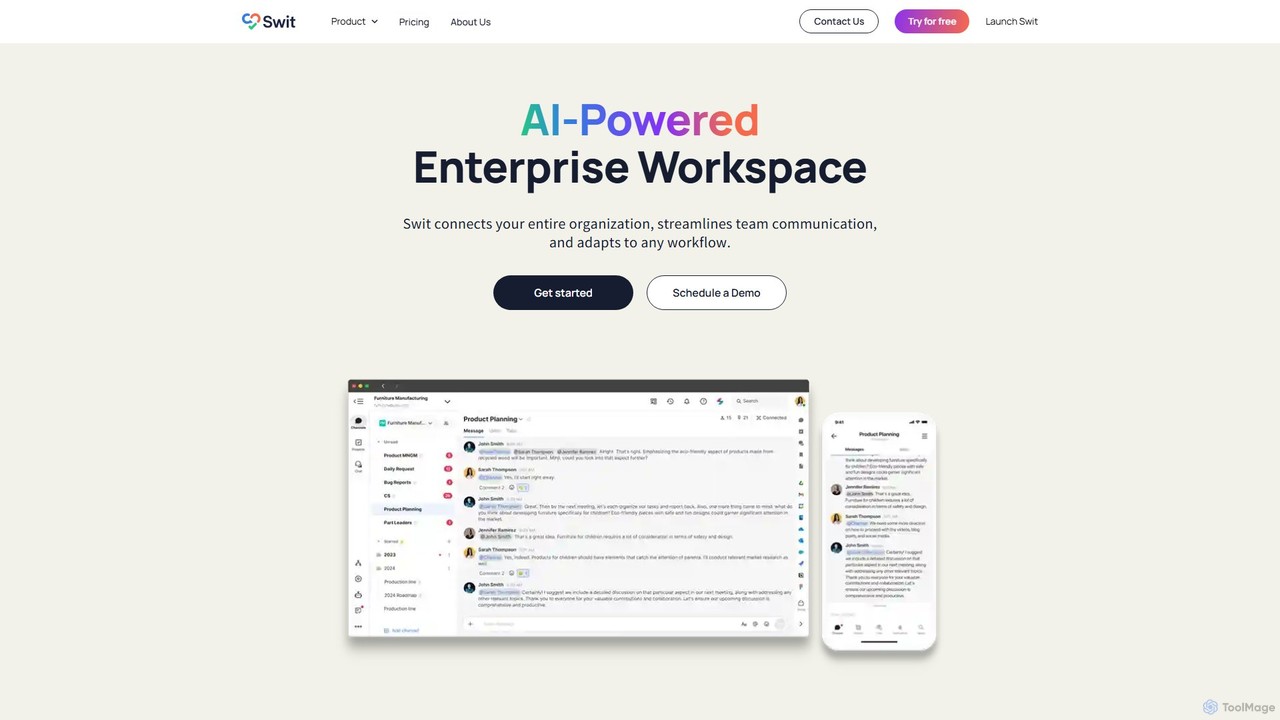
Swit
Swit is an AI-powered enterprise workspace that unifies team communication and task management into a single, integrated platform. It eliminates the need to switch between apps like Slack and Asana by combining chat, projects, automation, and powerful integrations. Designed for organizations of all sizes, Swit streamlines workflows, enhances cross-functional collaboration, and provides a central hub for all work-related activities, boosting productivity and transparency.
Team Management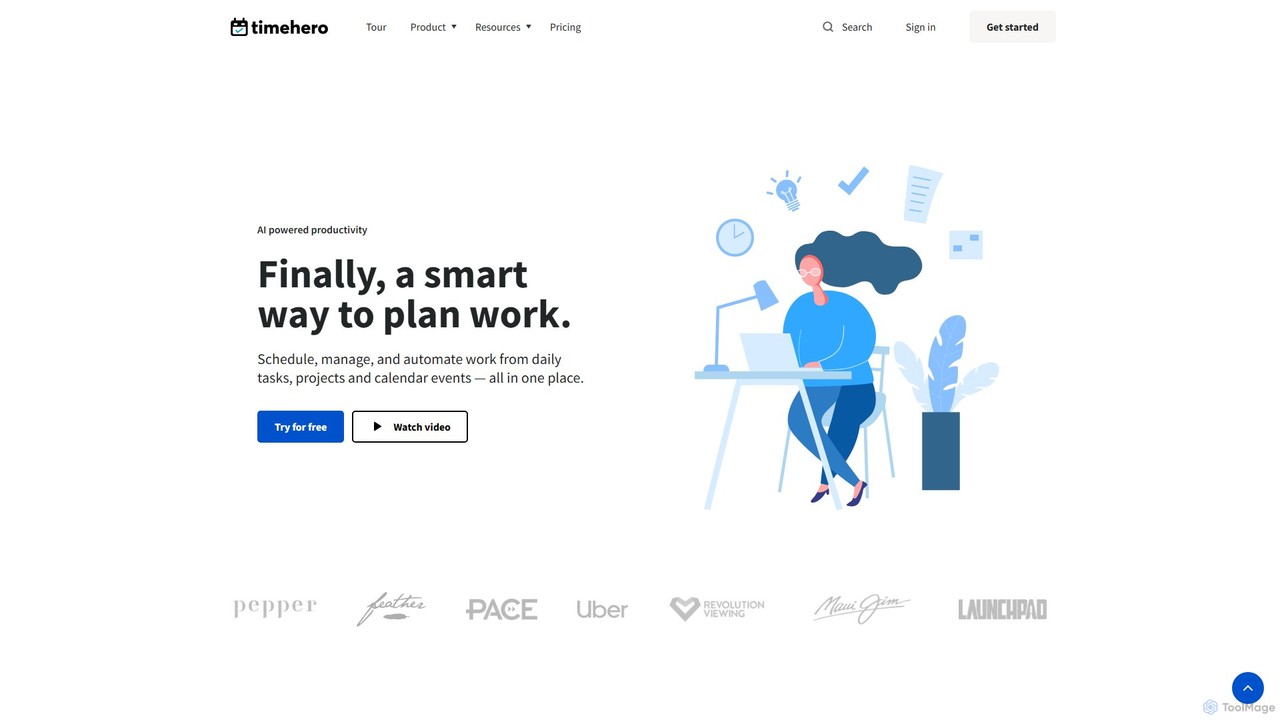
timehero
TimeHero is an AI-powered task planning and work management platform that automatically schedules your tasks into your calendar. It intelligently plans when to work on what, based on your availability, priorities, and deadlines, helping you and your team focus on important work, track progress, and mitigate risks before they happen.
Team Collaboration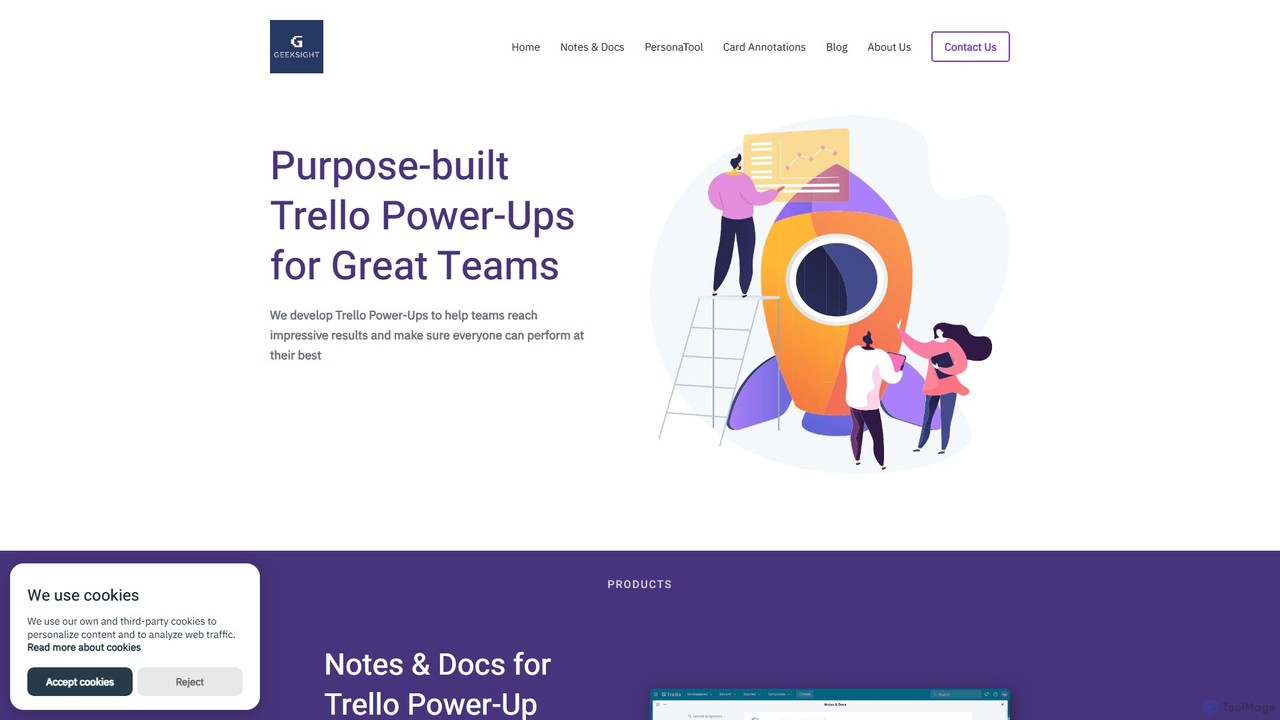
GeekSight
GeekSight develops specialized, AI-powered Trello Power-Ups designed to enhance team productivity and workflow management. Its products, including Notes & Docs and Persona Tool, integrate seamlessly into Trello to provide advanced note-taking with a ChatGPT assistant, instant user persona generation, and improved card annotations. These tools help teams centralize information, streamline content creation, and foster a shared understanding of project goals and customer needs directly within their Trello boards.
Customer Relationship Management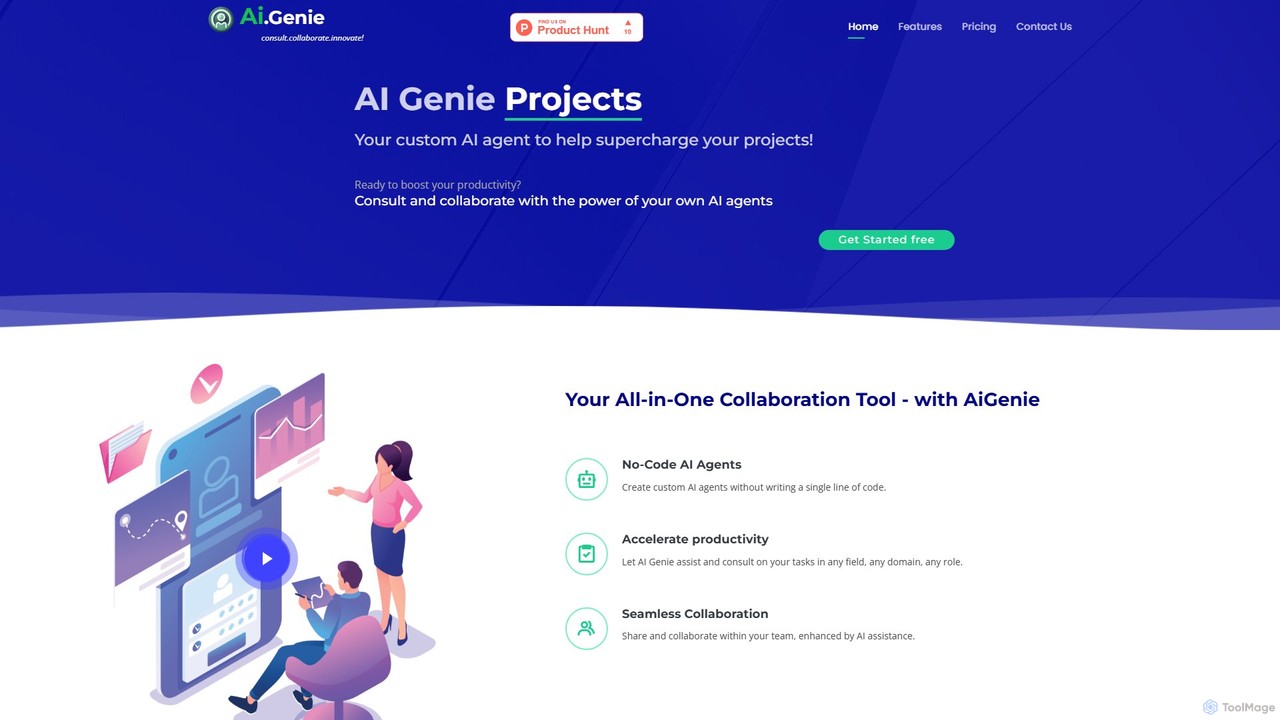
goaigenie
goaigenie is an all-in-one, no-code AI collaboration platform designed to boost productivity. It allows users to create custom AI agents for any task, manage projects, and collaborate seamlessly with teams. Build knowledge bases from files and websites to power your AI, all within a secure, privacy-focused environment.
Agent Builder
Plexo Comments (0)
Sign in to comment.
Sign inNo comments yet.