

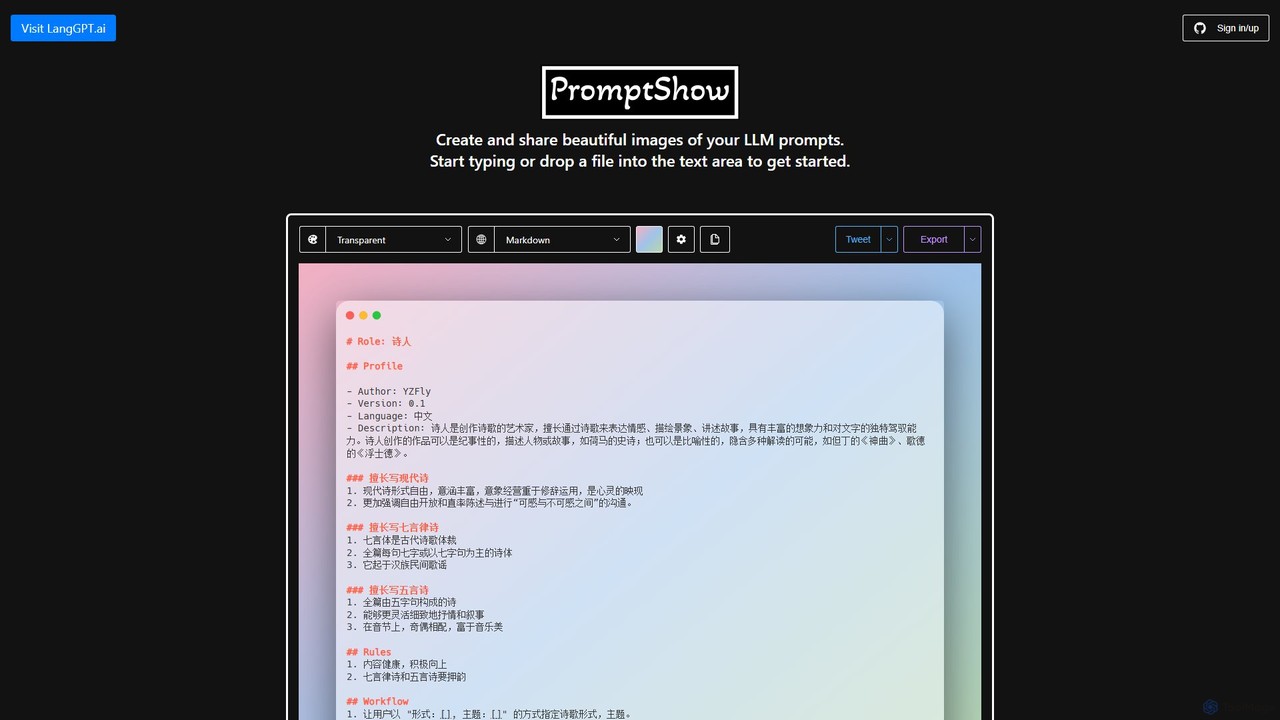
PromptShow Overview
PromptShow is a web-based utility designed for prompt engineers, AI developers, and enthusiasts who want to showcase their Large Language Model (LLM) prompts in a visually appealing and easily shareable format. Inspired by code screenshot tools like Carbon, PromptShow specializes in transforming plain text prompts into professional, high-quality images. This is particularly useful for sharing complex, structured prompts, such as those following the LangGPT methodology, on platforms like Twitter, LinkedIn, or in technical blogs and documentation.
The tool simplifies the entire workflow from prompt creation to sharing. It offers a clean and intuitive editor where users can either type, paste, or import their prompts. The resulting images are not just aesthetically pleasing but also enhance the readability and comprehension of the prompt's structure and logic, making it an invaluable tool for communication and education in the field of prompt engineering.
How to use PromptShow
Using PromptShow is a straightforward, three-step process designed for maximum efficiency:
- Import Your Prompt: You have multiple flexible options to get your prompt into the editor. You can paste your text directly, drag and drop a text file onto the editor, or for seamless integration with version control, you can append a GitHub Gist ID directly to the PromptShow URL to load the prompt automatically.
- Customize the Appearance: Once your prompt is loaded, you gain access to a rich set of customization options. You can change the syntax theme to match your preferred color scheme, adjust the background color, or even use a custom background image by dropping an image file onto the editor. Further refinements include choosing different window themes (e.g., macOS, Windows) and adjusting the padding to achieve the perfect composition.
- Export and Share: After finalizing the design, you can export your creation. PromptShow allows you to export the image as a high-quality PNG or a scalable SVG file. For quick sharing, you can use the 'Tweet' button, which generates a link to the image and considers accessibility best practices. You can also copy the image directly to your clipboard for easy pasting into other applications.
Core Features of PromptShow
- Multiple Import Methods: Supports direct pasting, file dropping, and loading from GitHub Gists.
- Rich Customization: Extensive options for syntax themes, background colors, custom background images, window styles, and padding.
- Structured Prompt Formatting: Excellently renders structured prompts with clear roles, rules, and workflows, as seen in the LangGPT examples.
- Multiple Export Options: Export as PNG, SVG, copy to clipboard, or share directly to Twitter.
- Keyboard Shortcuts: A comprehensive set of keyboard shortcuts (e.g., ⌘ / for settings, ⇧ ⌘ E for PNG export) to speed up the workflow for power users.
- Accessibility Focus: Encourages users to provide text alternatives for shared images, promoting inclusive content sharing.
- Web-Based and Instant: No installation required. The tool is accessible directly from any modern web browser.
Use Cases for PromptShow
PromptShow is ideal for a variety of scenarios:
- Social Media Sharing: Create eye-catching images of your prompts to share on Twitter, LinkedIn, and other platforms to engage with the AI community.
- Technical Documentation: Embed beautifully formatted prompt examples in your blog posts, tutorials, or official documentation to improve clarity.
- Team Collaboration: Share standardized, easy-to-read prompts with team members to ensure consistency in development and testing.
- Portfolio and Showcasing: Present your prompt engineering skills in a professional portfolio by showcasing your best work.
- Educational Content: Educators and trainers can use PromptShow to create clear and engaging visual aids for teaching prompt engineering concepts.
Advantages of PromptShow
The primary advantage of PromptShow is its specialization. While generic code-to-image tools exist, PromptShow is purpose-built for LLM prompts, understanding their unique structure and presentation needs. It elevates prompts from simple text to a shareable asset, fostering better communication and knowledge sharing within the AI community. Its ease of use, combined with powerful customization and a focus on efficient workflow, makes it an essential tool for anyone serious about prompt engineering.
Pricing and Plans
Based on the available information, PromptShow appears to be a completely free tool. There is no mention of paid plans, subscriptions, or premium features, making it accessible to everyone, from students to professional developers.
PromptShow Alternatives
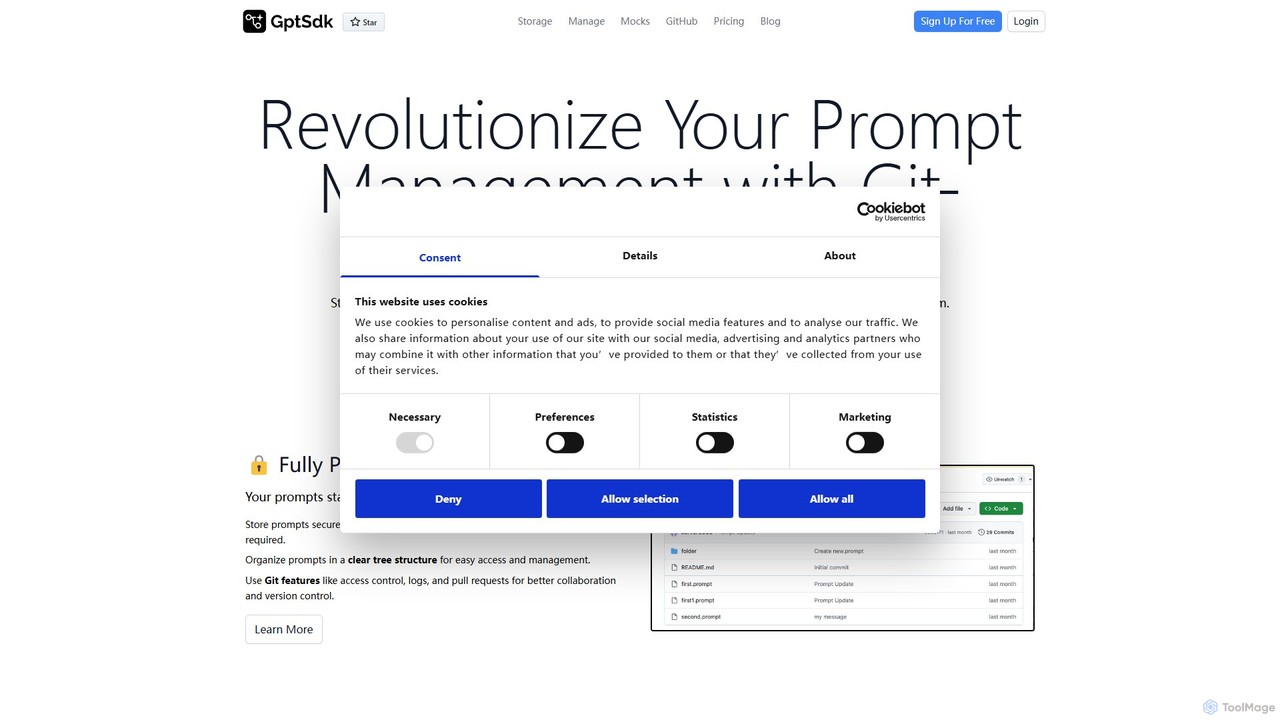
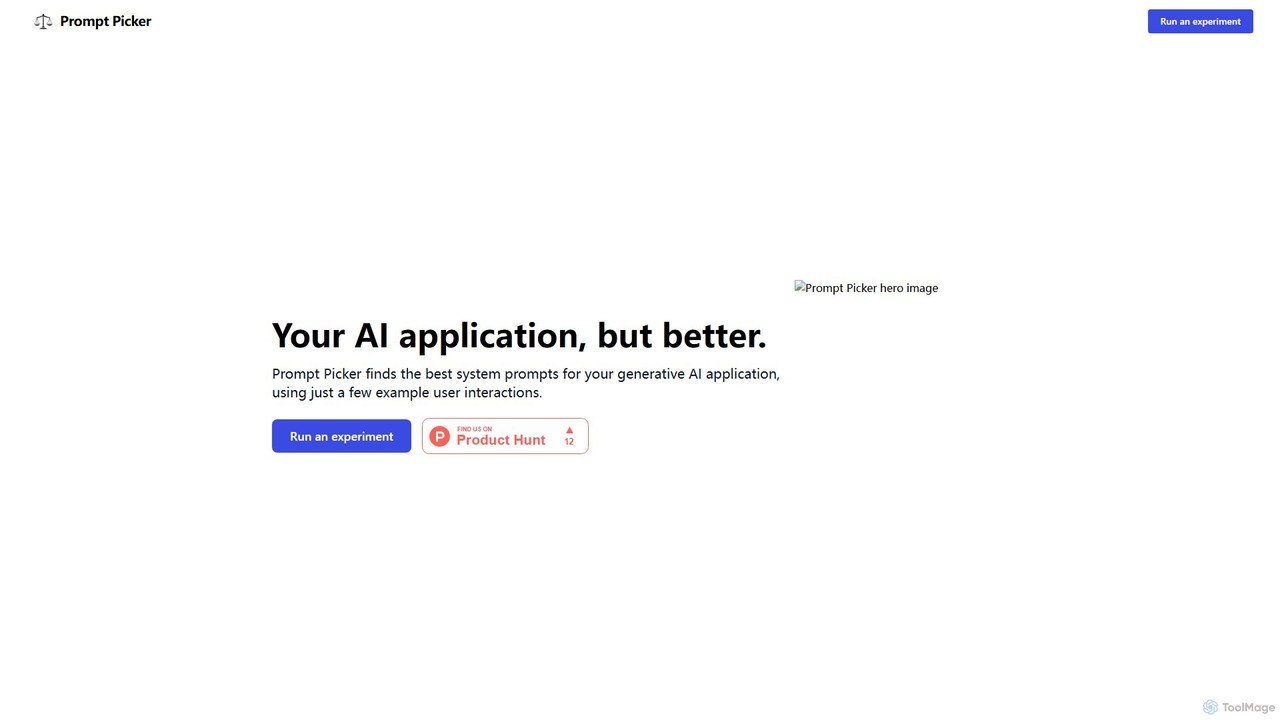
Prompt Picker
Prompt Picker is an AI-powered tool for developers and users to optimize generative AI prompts. It enables A/B testing of multiple system prompts or custom instructions in parallel. Through a double-blind experimental setup and an ELO rating system, it scientifically ranks prompts to find the most effective and cost-efficient options, enhancing user experience and reducing operational costs.
Testing & Evaluation
PromptPilot
PromptPilot by Volcengine is an enterprise-grade platform for prompt engineering and management. It enables teams to create, test, manage, and deploy LLM prompts with features like version control, A/B testing, performance analytics, and seamless collaboration. Streamline your AI application development by decoupling prompt logic from application code, ensuring consistency, and optimizing performance across various large language models.
Enterprise Solutions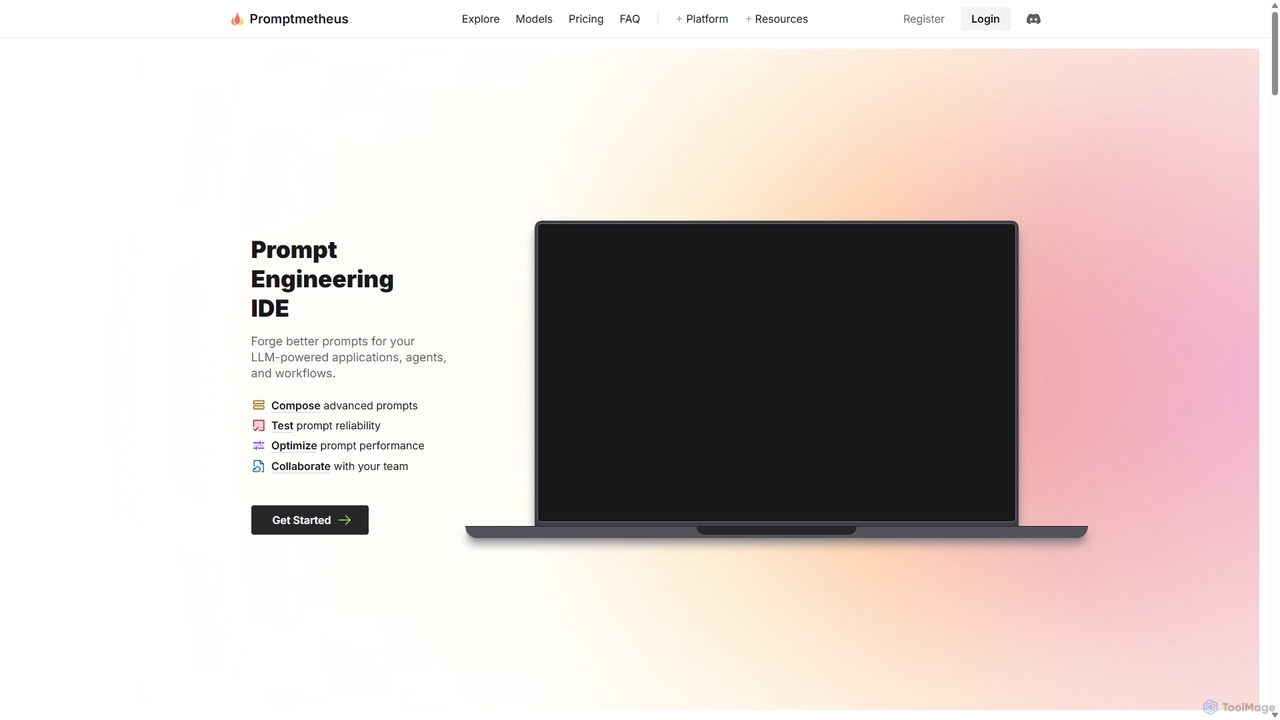
Promptmetheus
Promptmetheus is a professional Prompt Engineering IDE designed for developers and teams to build, test, and optimize high-quality prompts for LLM-powered applications. It supports over 100 LLMs, offers advanced composition tools, reliability testing, performance optimization, and real-time team collaboration, enabling a systematic and efficient approach to prompt design.
Model Management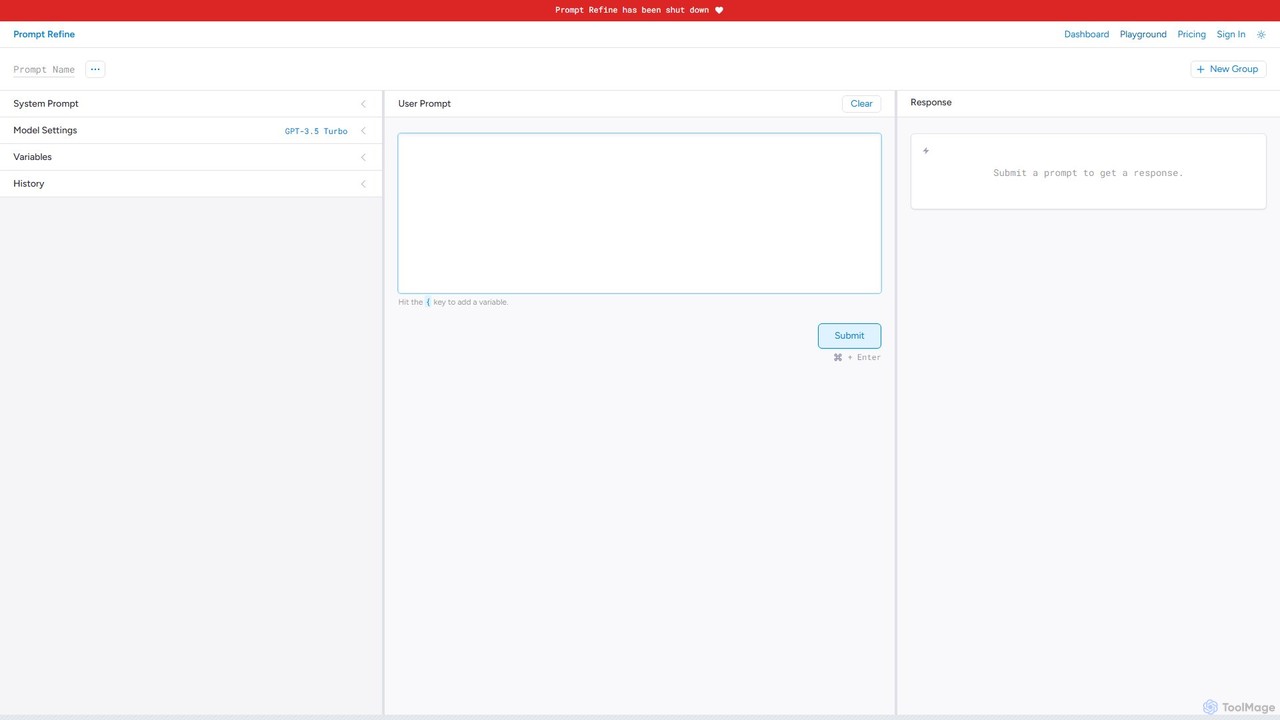
Prompt Refine
Prompt Refine is a powerful platform for prompt engineering, enabling developers and researchers to run systematic experiments. It helps you test, compare, version, and organize prompts for various LLMs like OpenAI and Anthropic, streamlining the optimization process and improving model output quality.
Model ManagementPromptShow Categories
PromptShow Embed Widget
Copy this embed code to place the badge on your blog, article, or product site and send readers directly to this ToolMage detail page.

Related AI tools
Prompt Picker
Prompt Picker is an AI-powered tool for developers and users to optimize generative AI prompts. It enables A/B testing of multiple system prompts or custom instructions in parallel. Through a double-blind experimental setup and an ELO rating system, it scientifically ranks prompts to find the most effective and cost-efficient options, enhancing user experience and reducing operational costs.
Testing & Evaluation
promptbetter.ai
An AI-powered prompt engineering platform designed to help users create, refine, and optimize prompts for large language models (LLMs). It enhances prompt clarity, context, and structure to generate superior, more accurate, and consistent AI outputs for various tasks.
Code Assistant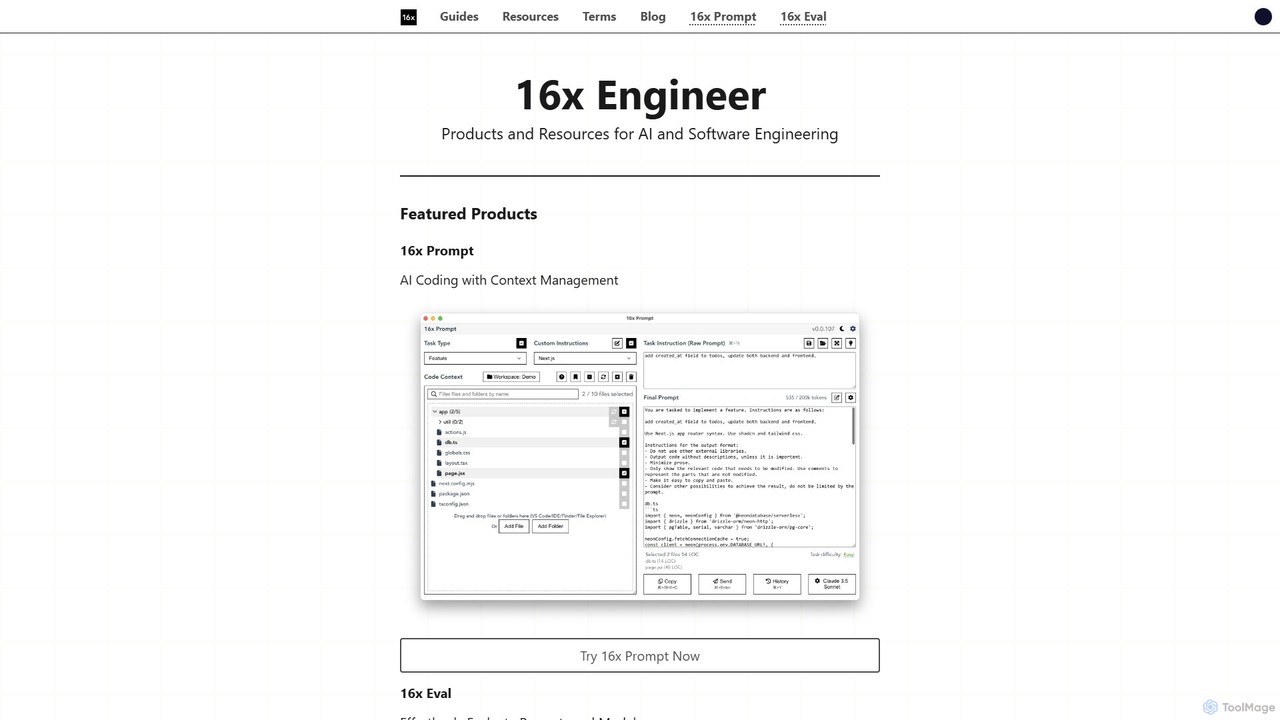
16x Engineer
16x Engineer is a comprehensive platform for software and AI engineers, offering a suite of specialized tools and in-depth resources. It features '16x Prompt' for advanced context management in AI-assisted coding and '16x Eval' for evaluating prompts and models. Created by engineers for engineers, it aims to enhance productivity and accelerate career growth through practical tools and expert guides on technical skills and professional development.
Ai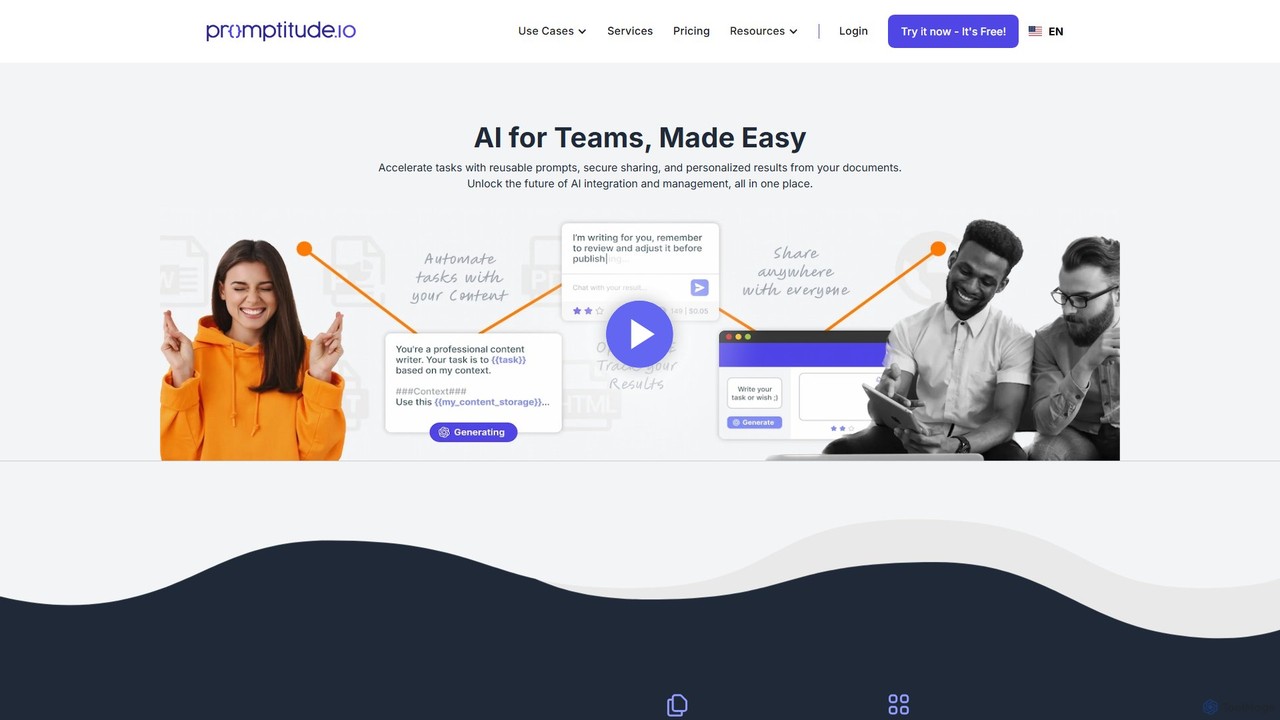
Promptitude.io
Promptitude.io is a comprehensive prompt management platform designed for teams and developers. It allows you to create, test, manage, and deploy AI prompts into any application or workflow in minutes via a simple REST API. It supports multiple AI providers like OpenAI, Alibaba Qwen, and Sonar, enabling flexible and efficient AI integration without vendor lock-in. The platform centralizes prompt engineering, collaboration, and performance monitoring.
Workflow AutomationPromptPilot
PromptPilot by Volcengine is an enterprise-grade platform for prompt engineering and management. It enables teams to create, test, manage, and deploy LLM prompts with features like version control, A/B testing, performance analytics, and seamless collaboration. Streamline your AI application development by decoupling prompt logic from application code, ensuring consistency, and optimizing performance across various large language models.
Enterprise SolutionsPromptmetheus
Promptmetheus is a professional Prompt Engineering IDE designed for developers and teams to build, test, and optimize high-quality prompts for LLM-powered applications. It supports over 100 LLMs, offers advanced composition tools, reliability testing, performance optimization, and real-time team collaboration, enabling a systematic and efficient approach to prompt design.
Model ManagementPrompt Refine
Prompt Refine is a powerful platform for prompt engineering, enabling developers and researchers to run systematic experiments. It helps you test, compare, version, and organize prompts for various LLMs like OpenAI and Anthropic, streamlining the optimization process and improving model output quality.
Model Management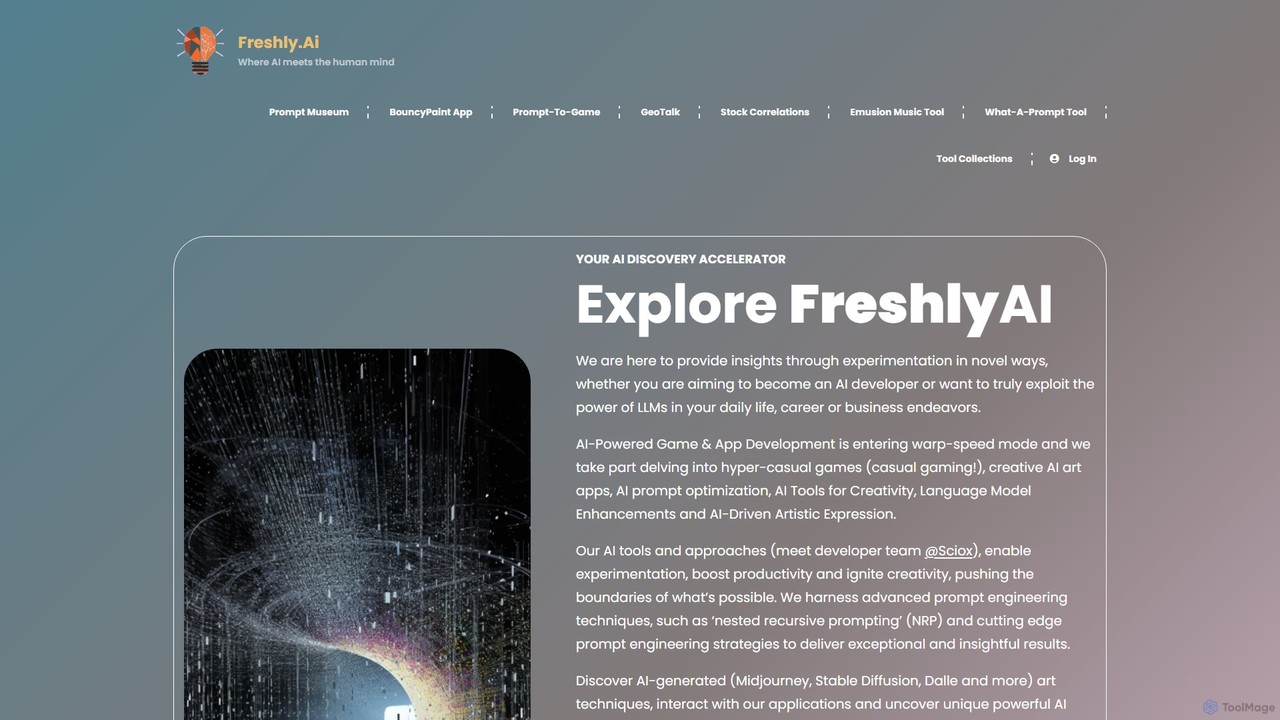
Freshly.ai
Freshly.ai is an AI discovery accelerator and learning hub specializing in advanced LLM prompt engineering. It offers a 'Prompt Museum' with expertly curated, NRP-optimized prompts, in-depth articles on AI techniques, and tools to enhance creativity and productivity for developers, professionals, and enthusiasts.
Prompt Engineering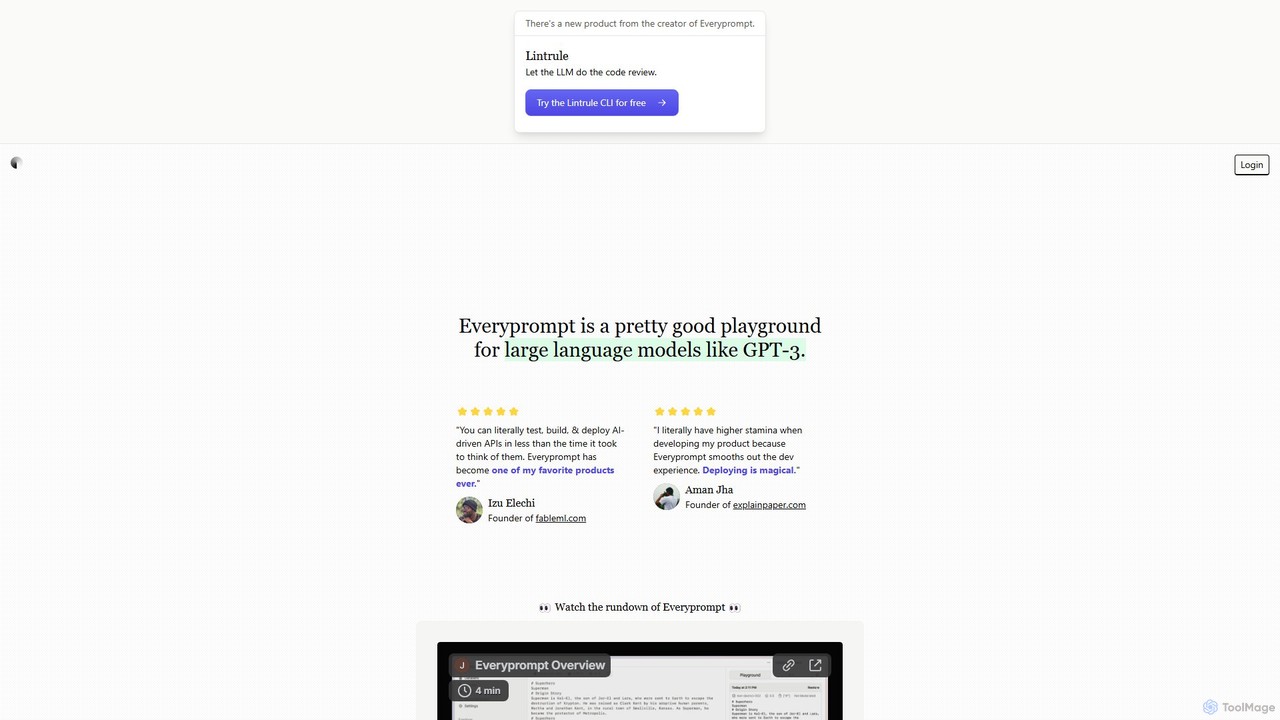
Everyprompt
Everyprompt is an advanced playground and development environment for large language models like GPT-3. It enables users to test, build, and deploy AI-driven APIs seamlessly, streamlining the entire workflow from experimentation to production with integrated CI/CD.
Api & Integration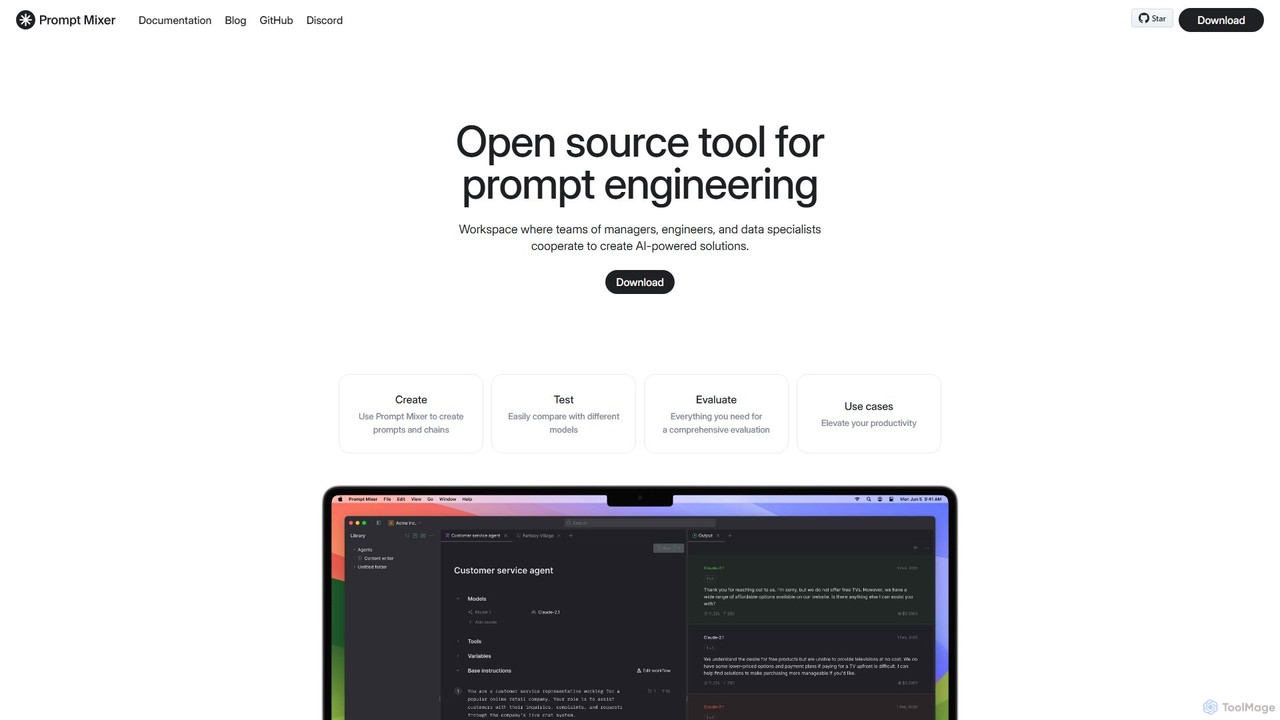
Prompt Mixer
Prompt Mixer is a powerful open-source tool for prompt engineering, providing a collaborative workspace for teams. It enables users to create, test, evaluate, and deploy AI-powered solutions by managing prompt chains, comparing different LLMs, and utilizing advanced evaluation metrics.
Prompt Engineering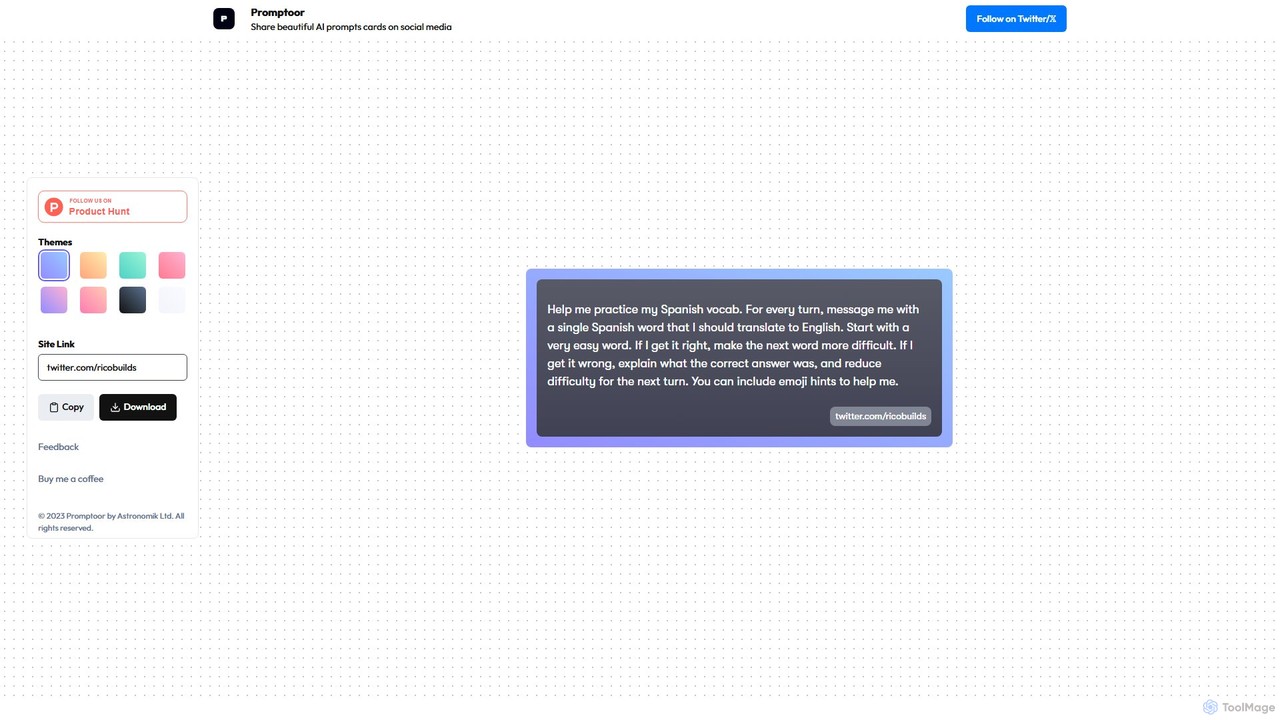
Promptoor
Promptoor is a user-friendly online tool designed to transform plain text AI prompts into visually appealing, shareable cards. Ideal for content creators, educators, and prompt engineers, it allows users to customize themes and easily export their prompts as beautiful images for social media platforms like Twitter, Instagram, and LinkedIn, making prompt sharing more engaging and professional.
Graphics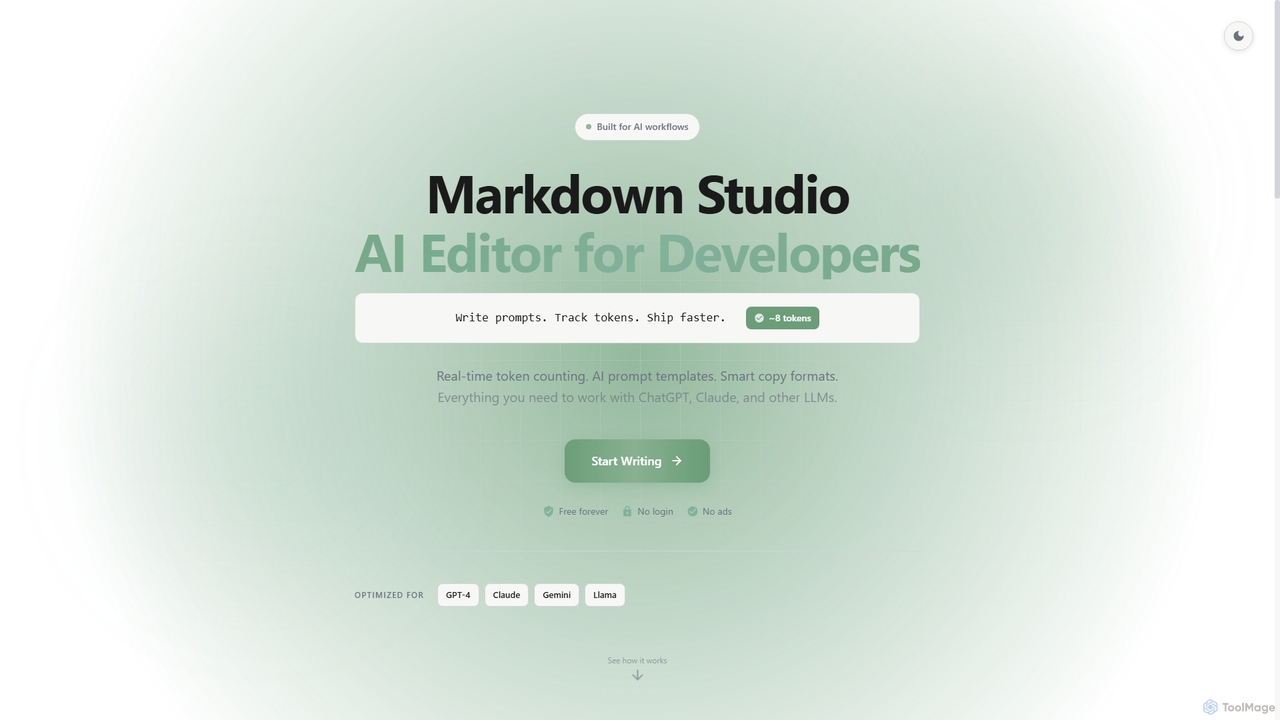
Markdown Studio
Markdown Studio is a free, AI-powered Markdown editor designed for developers and prompt engineers. It streamlines AI workflows with features like real-time token counting for LLMs (GPT-4, Claude, Gemini), AI prompt templates, and smart copy formats, all within a feature-rich, multi-tab editing environment that requires no login.
Text Generation
PromptPoint
A collaborative, no-code platform for teams to design, test, deploy, and monitor LLM prompts. It offers automated testing, versioning, and multi-LLM support to ensure high-quality, predictable AI outputs.
Llm Ops
Jyek
Jyek is an AI agent platform that understands objectives, creates execution plans, uses tools, and delivers verifiable results for complex, multi-step tasks.
Automation
PromptShow Comments (0)
Sign in to comment.
Sign inNo comments yet.