

QuickyAI Overview
QuickyAI is a powerful productivity tool designed as a browser extension that brings the full capabilities of ChatGPT directly to any website you visit. It eliminates the constant need to switch between tabs, creating a seamless and integrated AI-powered workflow. With QuickyAI, you can interact with the content of any webpage as if you were having a conversation with it. This allows for instant analysis, summarization, and information extraction. The tool is built with a focus on efficiency and customization, enabling users to significantly enhance their daily tasks, from research and writing to coding and marketing.
The core philosophy of QuickyAI is "Bring your own Chatbot to any website." It operates on a Bring Your Own Key (BYOK) model, meaning you connect your personal OpenAI API key. This ensures that your interactions are private and you have full control over your usage costs, paying OpenAI directly for what you use. With high ratings in the Chrome store and support for all popular browsers, QuickyAI has established itself as a reliable and user-loved assistant.
How to use QuickyAI
Getting started with QuickyAI is simple and designed for immediate productivity gains. Here’s a typical workflow:
- Installation: Install the QuickyAI extension from your browser's store (e.g., Chrome Web Store).
- API Key Configuration: Open the extension's settings and enter your OpenAI API key. If you don't have one, QuickyAI provides a direct link to the OpenAI platform to generate one. You will also need to ensure your OpenAI account has billing details set up.
- Activation: Once set up, you can activate QuickyAI on any webpage using a keyboard shortcut or by clicking the floating icon. This opens the chat interface.
- Interact with Webpages: Start a conversation with the current webpage. Ask it to summarize the content, explain complex topics, or find specific information within the text.
- Use Custom Prompts: To perform repetitive tasks, create and save your own custom prompts. For example, you can create a prompt to rephrase text in a specific tone or to generate a social media post from an article.
- Contextual Actions: Simply highlight any text on a website, and a pop-up menu will appear. From there, you can select one of your saved prompts or a default action (like summarize, translate, or explain) to have ChatGPT process the selected text instantly.
- Capture and Ask: Use the screenshot feature to capture a portion of the webpage and ask questions about it, which is perfect for images, charts, or non-selectable text.
Core Features of QuickyAI
- Seamless Website Integration: Access ChatGPT on any website without leaving your current tab, through a floating menu or keyboard shortcuts.
- Chat with Any Webpage: Engage in a contextual conversation with the content of the current page to get summaries, answers, and insights.
- One-Click Summarization: Instantly generate concise summaries of long articles or complex web pages with a single click.
- Multiple GPT Model Support: Choose the best OpenAI model for your needs, including the latest and most powerful models like GPT-4o.
- Capture and Ask: Take a screenshot of any part of a website and ask questions about the visual content.
- Custom Prompt Library: Create, save, and manage your own library of prompts to streamline your most common tasks and ensure consistent outputs.
- Contextual Text Selection Menu: Highlight text on any page to bring up a quick menu of actions, allowing you to apply your custom prompts directly.
- Privacy-Focused: Your license and OpenAI API key are stored locally in your browser and are never shared. The extension communicates directly with OpenAI, ensuring your data remains private.
Use Cases for QuickyAI
QuickyAI is a versatile tool that benefits a wide range of professionals:
- Content Creators & Marketers: Rephrase paragraphs, generate blog post ideas, write ad copy, and create social media content directly from source material on the web.
- Developers & Programmers: Explain code snippets, debug errors, and generate code directly on platforms like GitHub, Stack Overflow, or documentation pages.
- Students & Researchers: Summarize academic papers, explain complex theories, and quickly gather and synthesize information from multiple online sources.
- Project Managers & Business Professionals: Draft emails, rephrase communications for clarity, summarize meeting notes, and quickly analyze reports or articles.
- Solopreneurs: Handle a variety of tasks from customer support responses to marketing content creation, all within a single, efficient workflow.
Advantages of QuickyAI
QuickyAI offers several key advantages that make it a standout productivity tool:
- Massive Productivity Boost: By integrating AI into your browser, it saves a significant amount of time and effort by eliminating context switching.
- Enhanced Workflow: The ability to interact with page content directly provides a deeper, more contextual level of assistance than standard chatbots.
- Full Customization: The custom prompt feature allows you to tailor the AI's behavior to your specific needs and workflows.
- Transparent and Controlled Costs: The one-time payment for the tool and the BYOK model for API usage give you complete control over your expenses.
- User-Friendly and Intuitive: Designed for simplicity with features like keyboard shortcuts and a clean interface, making it accessible to everyone.
- Strong Privacy and Security: Local storage of sensitive keys ensures your data is secure and not collected by the tool.
Pricing and Plans
QuickyAI offers a lifetime access model with a one-time payment, ensuring you get long-term value. Users are responsible for the costs incurred from their OpenAI API key usage.
- Basic License: A one-time payment of $29 (discounted from $49). This plan includes 1 license activation.
- Premium License: A one-time payment of $39 (discounted from $69). This is the most popular plan and includes 3 license activations.
Both plans require you to bring your own OpenAI API key. The prices are noted to increase soon, making the current offer a limited-time deal.
Traffic
Latest traffic
Status
Monthly traffic trend
- 2025-9: 2.4K
- 2026-1: 1.9K
- 2026-2: 1.2K
- 2026-3: 591
- 2026-4: 322
- 2026-5: 338
Top keywords
| Keyword | Cost per click |
|---|---|
| clicky ai | $0.00 |
| quick ai | $0.00 |
| quickly. ai | $0.00 |
| quicky | $1.29 |
| qwiky ai | $0.00 |
QuickyAI Alternatives
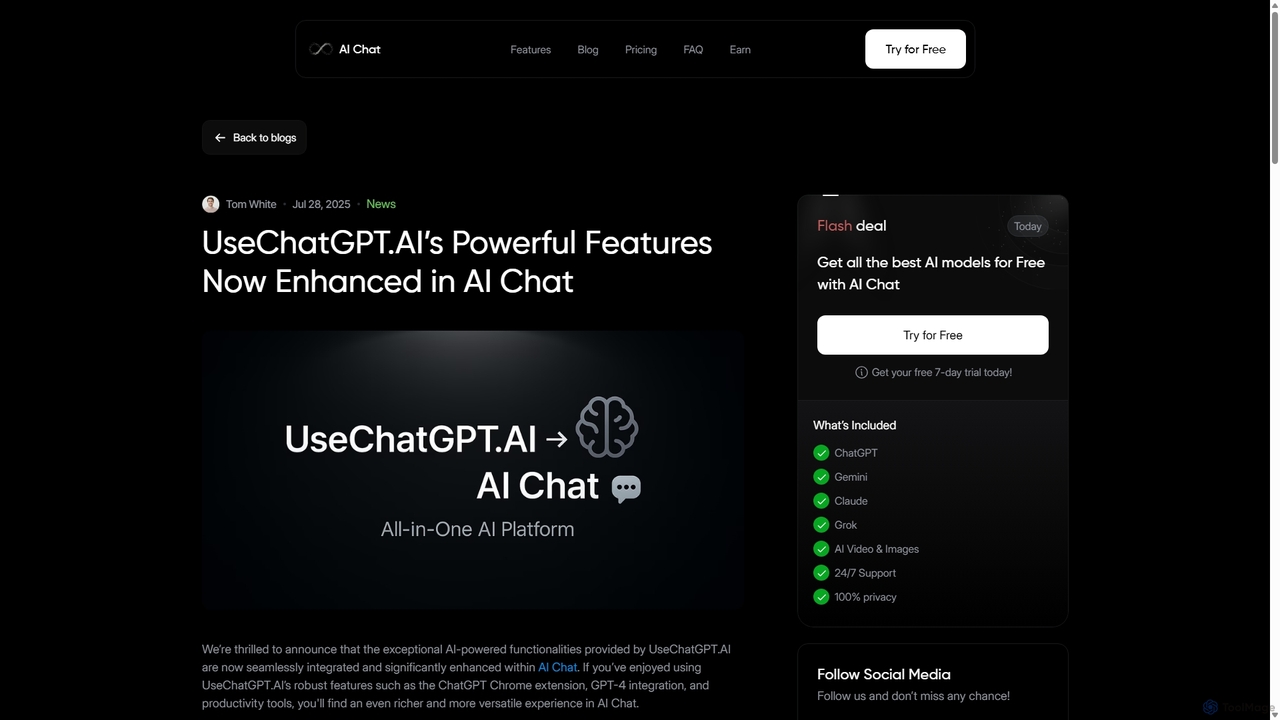
UseChatGPT.AI
UseChatGPT.AI is a powerful free Chrome extension that integrates GPT-4 directly into your browser. It enhances productivity by allowing you to instantly write, rewrite, summarize, translate, and explain text on any website without switching tabs. Its features are now enhanced within the new AI Chat platform.
Research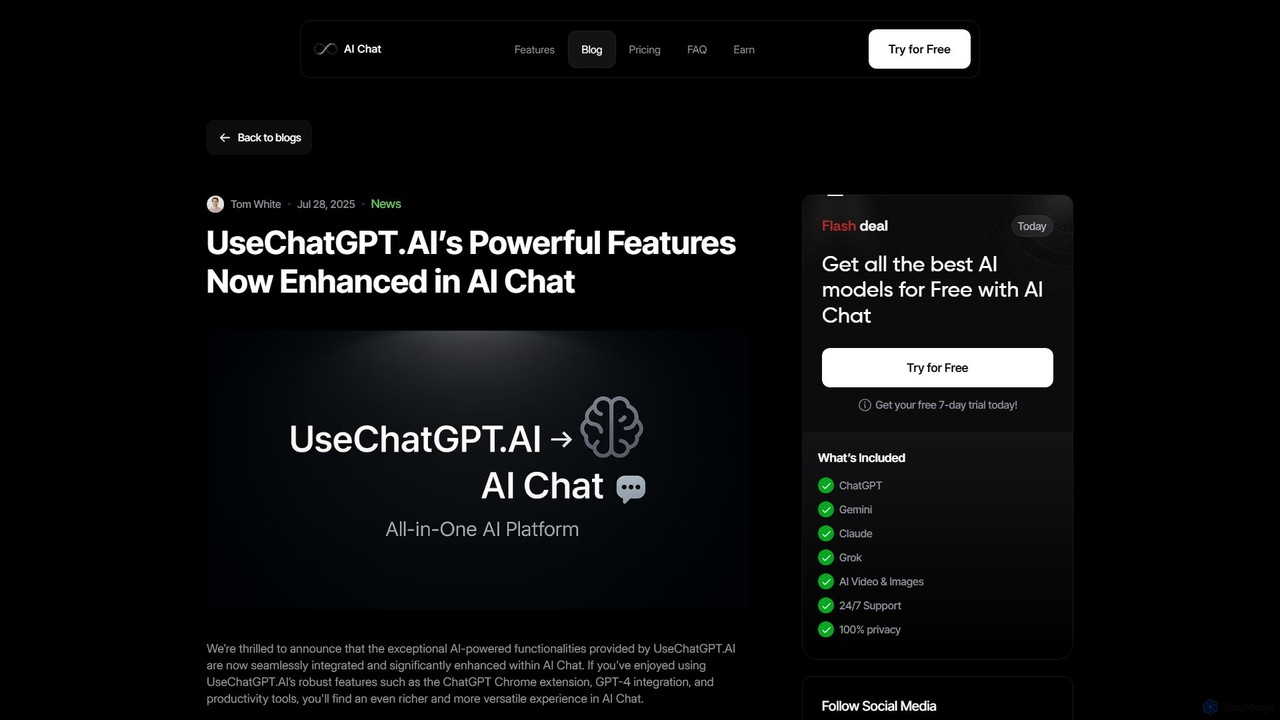
UseChatGPT.AI
UseChatGPT.AI is a powerful free Chrome extension that integrates GPT-4 into your browser. It boosts productivity by allowing you to instantly rewrite, summarize, translate, and explain text on any webpage. With seamless context menu integration and customizable shortcuts, it acts as your all-in-one AI assistant for reading and writing. Its features are now enhanced and integrated into the AI Chat platform.
Research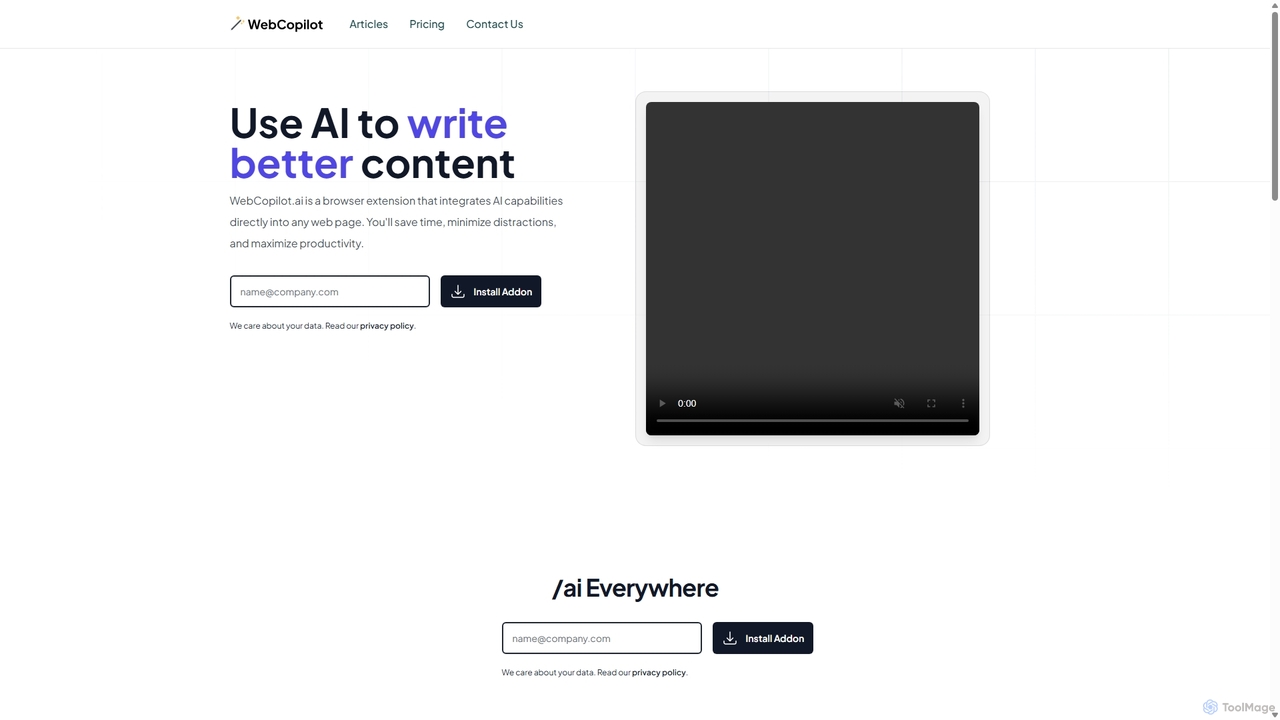
WebCopilot
WebCopilot is an AI-powered browser extension that integrates ChatGPT's capabilities into any webpage. Simply type `/ai` in any text field to generate, rewrite, or improve content for emails, social media posts, and more. It streamlines workflows on platforms like Gmail, Twitter, LinkedIn, and even helps create formulas in Google Sheets, boosting productivity and saving time by bringing AI assistance directly to where you work.
Code Assistant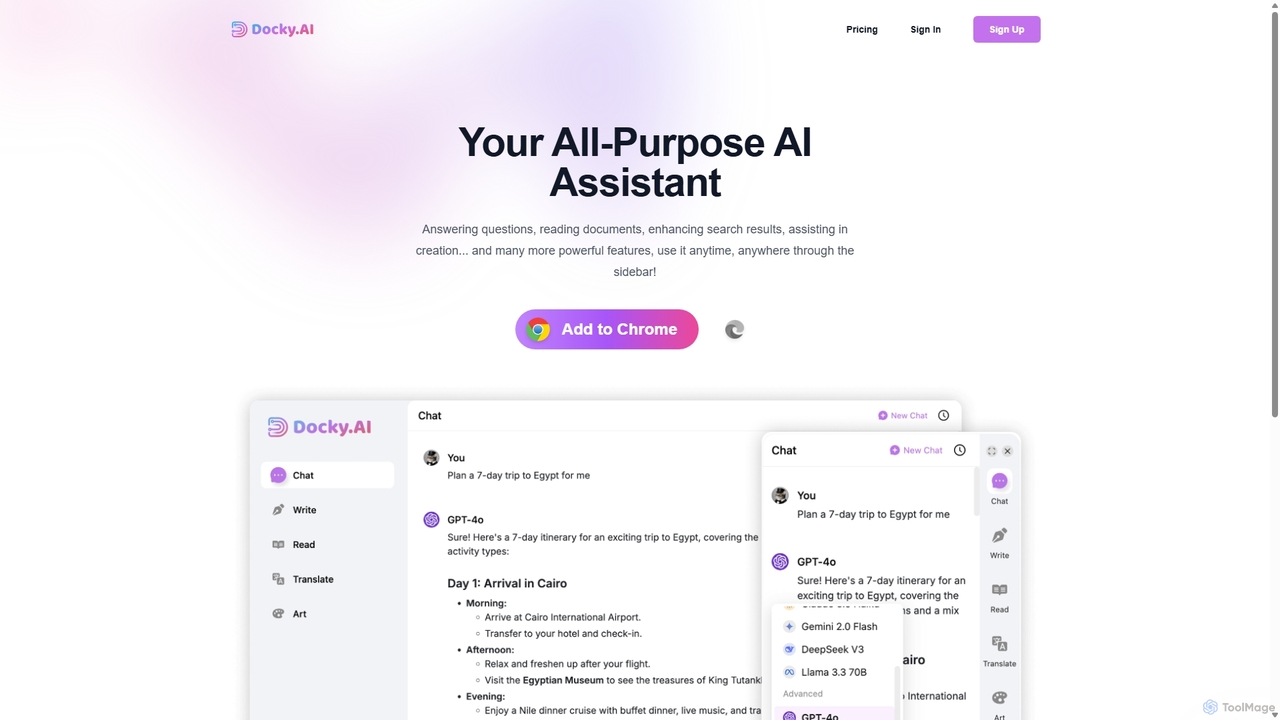
Docky.AI
Docky.AI is a powerful all-in-one AI sidebar for your browser. It integrates leading models like GPT-4, Claude, and DALL-E, allowing you to enhance search results, read documents, assist with writing, and generate content seamlessly on any webpage. Boost your productivity without ever switching tabs.
Search Assistant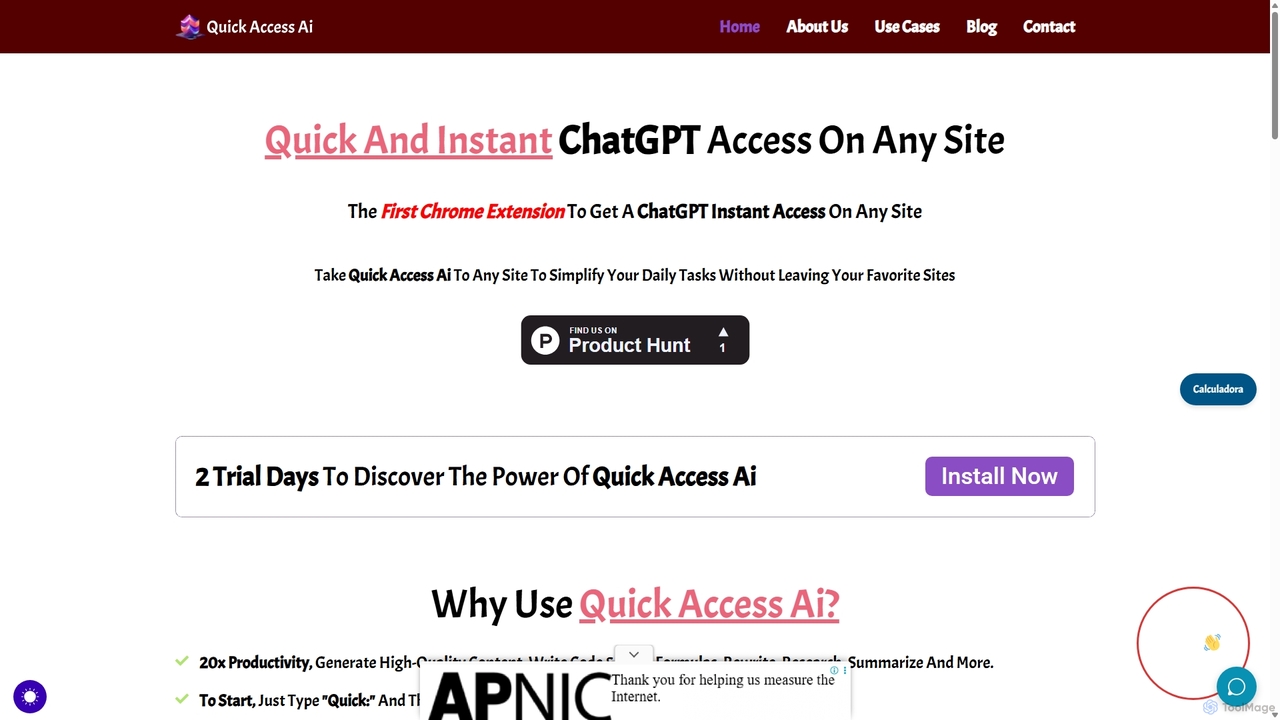
Quick Access Ai
Quick Access Ai is a Chrome extension that provides instant access to ChatGPT on any website. By simply typing a command, users can generate content, write code, summarize text, and perform research without switching tabs. It aims to boost productivity by integrating AI assistance directly into your existing workflow, making daily tasks faster and more efficient.
Code AssistantQuickyAI Categories
QuickyAI Embed Widget
Copy this embed code to place the badge on your blog, article, or product site and send readers directly to this ToolMage detail page.

Related AI tools
UseChatGPT.AI
UseChatGPT.AI is a powerful free Chrome extension that integrates GPT-4 directly into your browser. It enhances productivity by allowing you to instantly write, rewrite, summarize, translate, and explain text on any website without switching tabs. Its features are now enhanced within the new AI Chat platform.
Research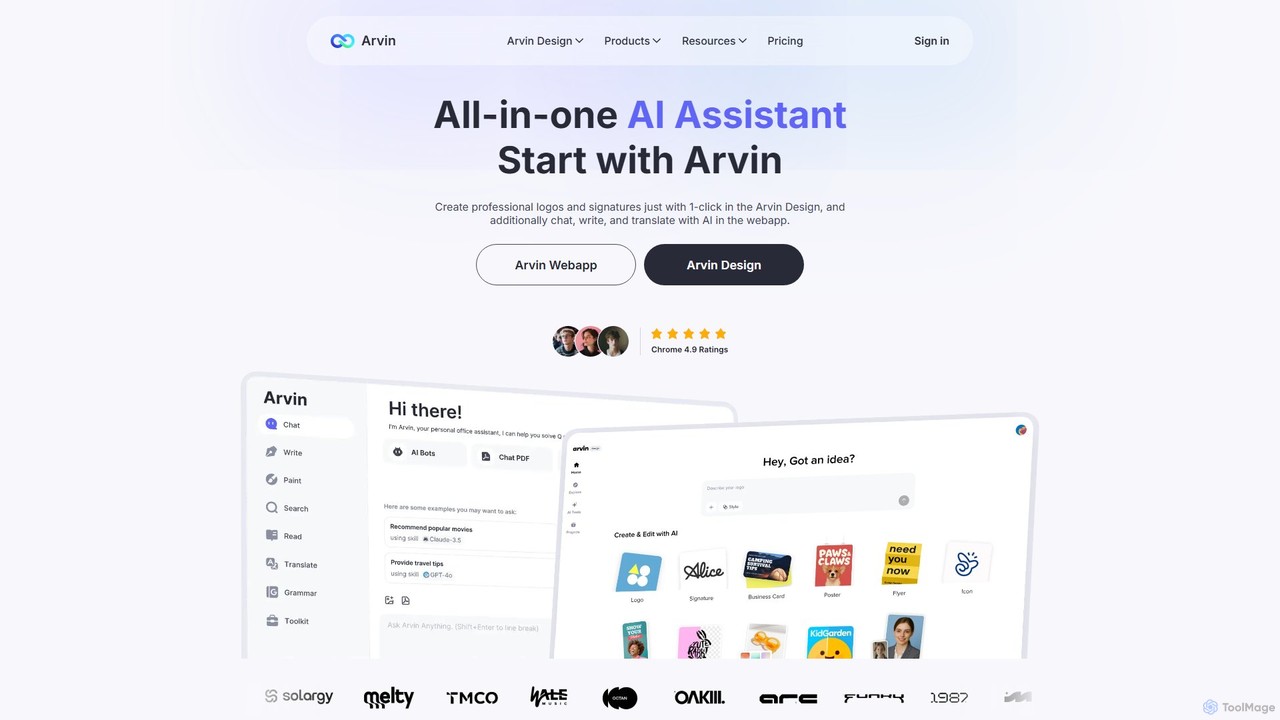
arvin
Arvin is an all-in-one AI assistant, available as a web app and Chrome extension. Powered by advanced models like GPT-4o and Claude 3.5, it integrates AI chat, a powerful writing assistant, a versatile design suite for logos and images, and productivity tools for summarizing web content, PDFs, and YouTube videos.
Chrome Extensions
Ask Gene
Ask Gene is a free AI-powered Chrome extension that acts as your personal internet assistant. Powered by GPT-4o and DeepSeek, it allows you to summarize webpages and PDFs, chat with AI without leaving your tab, explain complex text, translate, and assist with writing, all seamlessly integrated into your browser.
Research
Merlin AI
Merlin AI is an all-in-one browser extension powered by ChatGPT and other advanced models like Claude. It acts as your personal AI assistant, seamlessly integrating into your workflow to help with writing, summarizing, coding, and more, directly on any website.
Chrome Extensions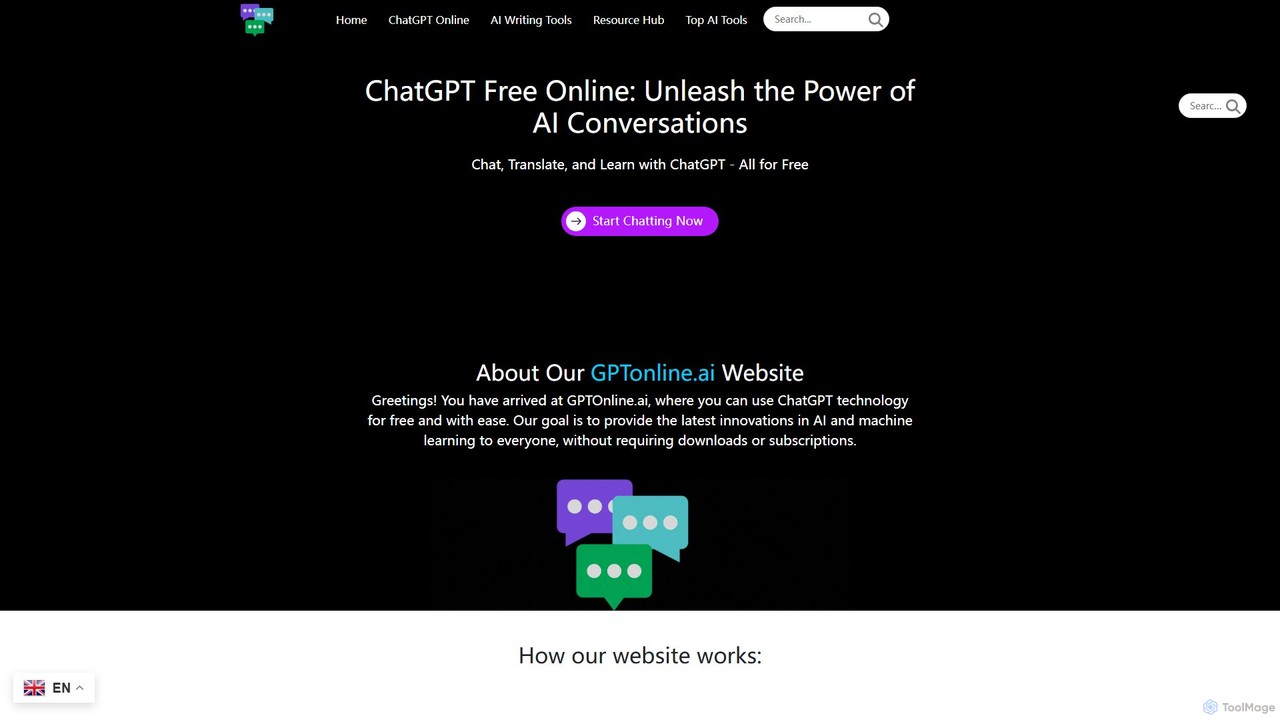
gptonline.ai
gptonline.ai offers free, unlimited access to advanced AI chatbots like ChatGPT without requiring any registration or subscription. It provides a user-friendly platform for conversations, language translation, and content creation. The service also includes a suite of over 50 specialized AI writing tools to assist with various personal and professional writing tasks, all powered by the latest GPT models.
Ai ChatUseChatGPT.AI
UseChatGPT.AI is a powerful free Chrome extension that integrates GPT-4 into your browser. It boosts productivity by allowing you to instantly rewrite, summarize, translate, and explain text on any webpage. With seamless context menu integration and customizable shortcuts, it acts as your all-in-one AI assistant for reading and writing. Its features are now enhanced and integrated into the AI Chat platform.
ResearchWebCopilot
WebCopilot is an AI-powered browser extension that integrates ChatGPT's capabilities into any webpage. Simply type `/ai` in any text field to generate, rewrite, or improve content for emails, social media posts, and more. It streamlines workflows on platforms like Gmail, Twitter, LinkedIn, and even helps create formulas in Google Sheets, boosting productivity and saving time by bringing AI assistance directly to where you work.
Code AssistantDocky.AI
Docky.AI is a powerful all-in-one AI sidebar for your browser. It integrates leading models like GPT-4, Claude, and DALL-E, allowing you to enhance search results, read documents, assist with writing, and generate content seamlessly on any webpage. Boost your productivity without ever switching tabs.
Search AssistantQuick Access Ai
Quick Access Ai is a Chrome extension that provides instant access to ChatGPT on any website. By simply typing a command, users can generate content, write code, summarize text, and perform research without switching tabs. It aims to boost productivity by integrating AI assistance directly into your existing workflow, making daily tasks faster and more efficient.
Code Assistant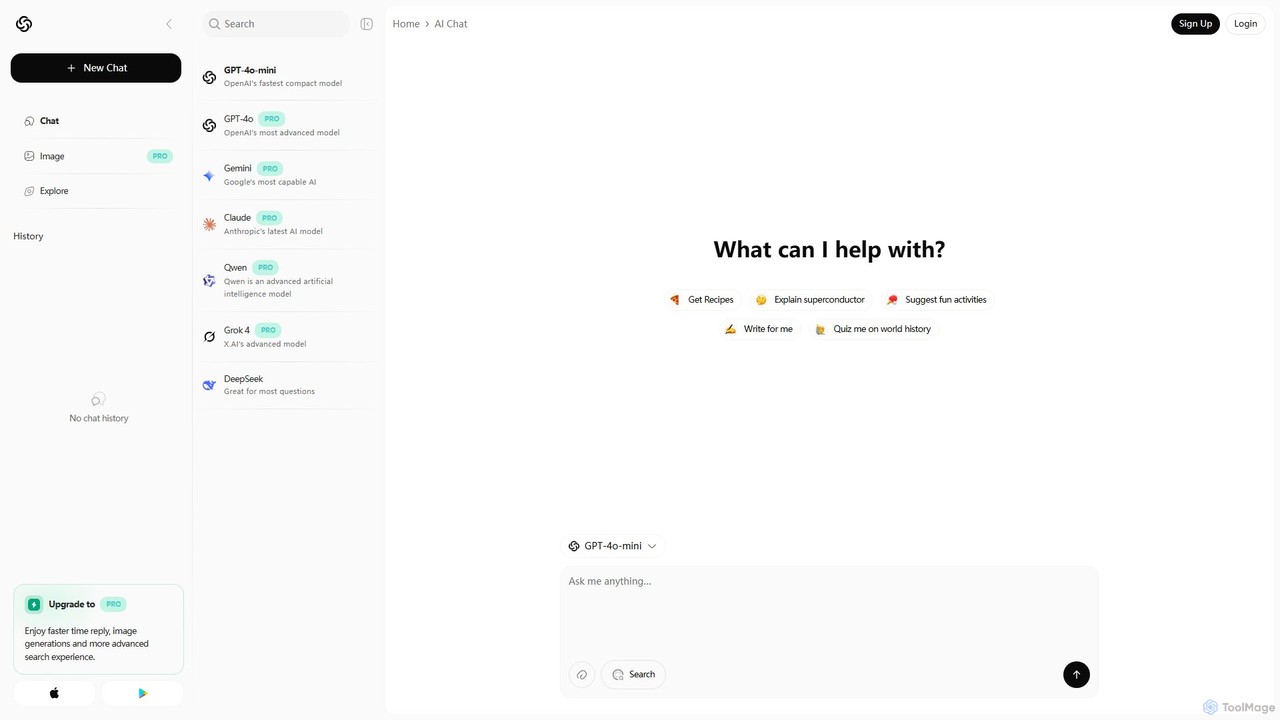
Chatbot AI
Chatbot AI is a versatile platform providing unified access to a suite of leading AI models, including GPT-4o, Gemini, Claude, and Grok. Users can seamlessly switch between models to compare outputs and find the best tool for tasks like writing, coding, research, and creative brainstorming. It offers a free tier and a PRO plan with advanced features like image generation and faster responses, making it a powerful AI aggregator for both casual and professional users.
Model Playground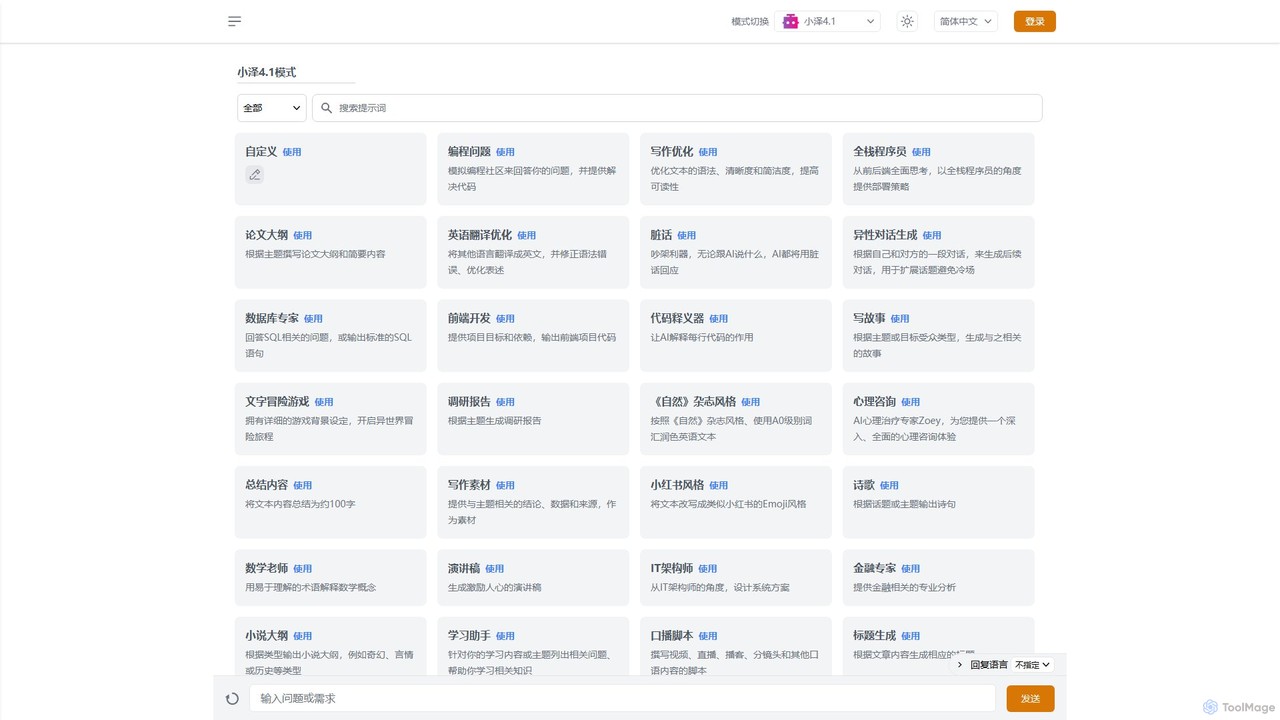
Zai.chat
Zai.chat is a versatile AI chat platform featuring a vast library of over 100 specialized expert roles. From programming and writing to legal advice and life coaching, Zai.chat provides tailored, high-quality responses for a wide range of professional and personal tasks through an intuitive, mode-based interface.
Code Assistant
HelperAI
HelperAI is a versatile AI-powered assistant designed to boost productivity and streamline workflows. It helps users with content creation, data analysis, code generation, and task management through an intuitive chat interface and a rich library of templates.
Code Assistant
epagestore.ai
epagestore.ai is a comprehensive suite of over 100 free AI-powered tools designed to boost productivity and creativity. It offers a wide range of generators for content creation, marketing, social media management, coding, business tasks, and multimedia production, all accessible through a simple web interface.
Image Generator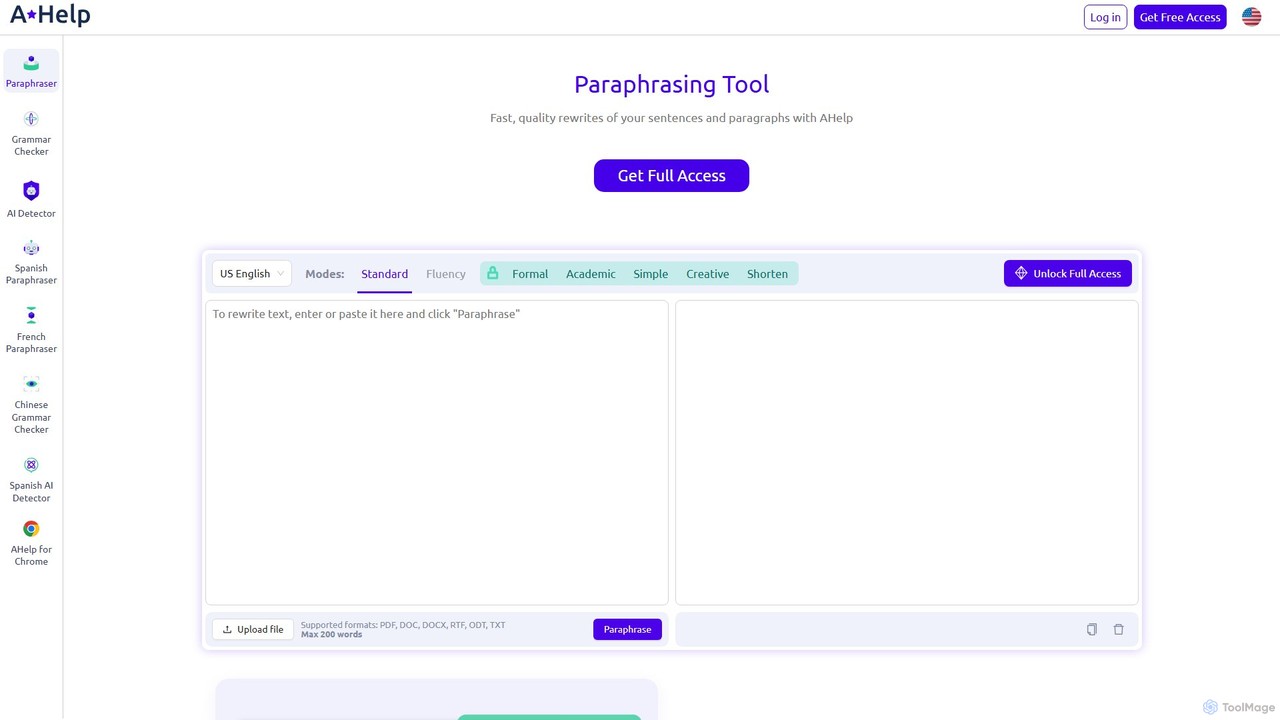
Paraphraser.io
Paraphraser.io is a comprehensive AI-powered writing suite designed to enhance text quality. It offers a multi-mode paraphrasing tool, a plagiarism checker, a grammar corrector, a text summarizer, and an AI humanizer. Ideal for students, writers, and professionals, it helps create unique, fluent, and error-free content for any purpose, from academic papers to social media posts.
Academic Writing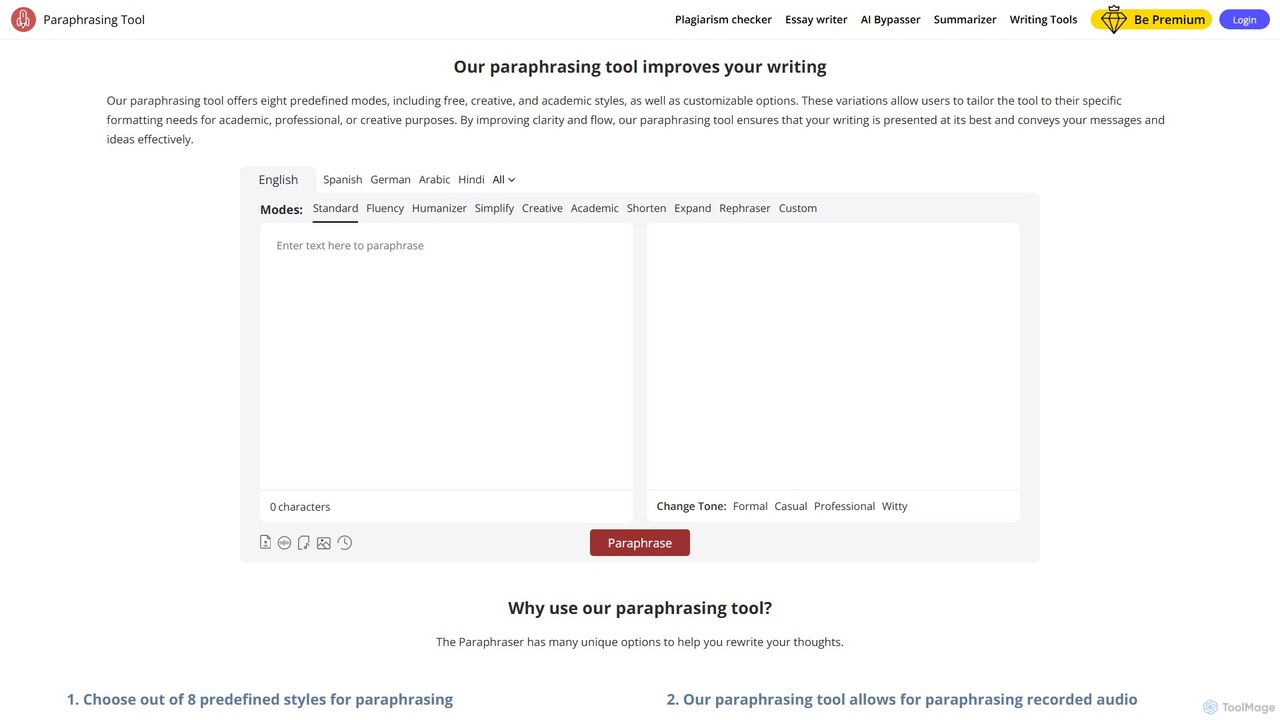
Paraphrasingtool.ai
Paraphrasingtool.ai is a comprehensive AI-powered writing assistant that helps users improve their writing. It offers multiple paraphrasing modes, a tone changer, grammar checking, and a plagiarism detector. It supports various input methods, including text, documents, voice, and images, making it a versatile tool for students, writers, marketers, and professionals to create clear, original, and engaging content.
Academic Writing
QuickyAI Comments (0)
Sign in to comment.
Sign inNo comments yet.