

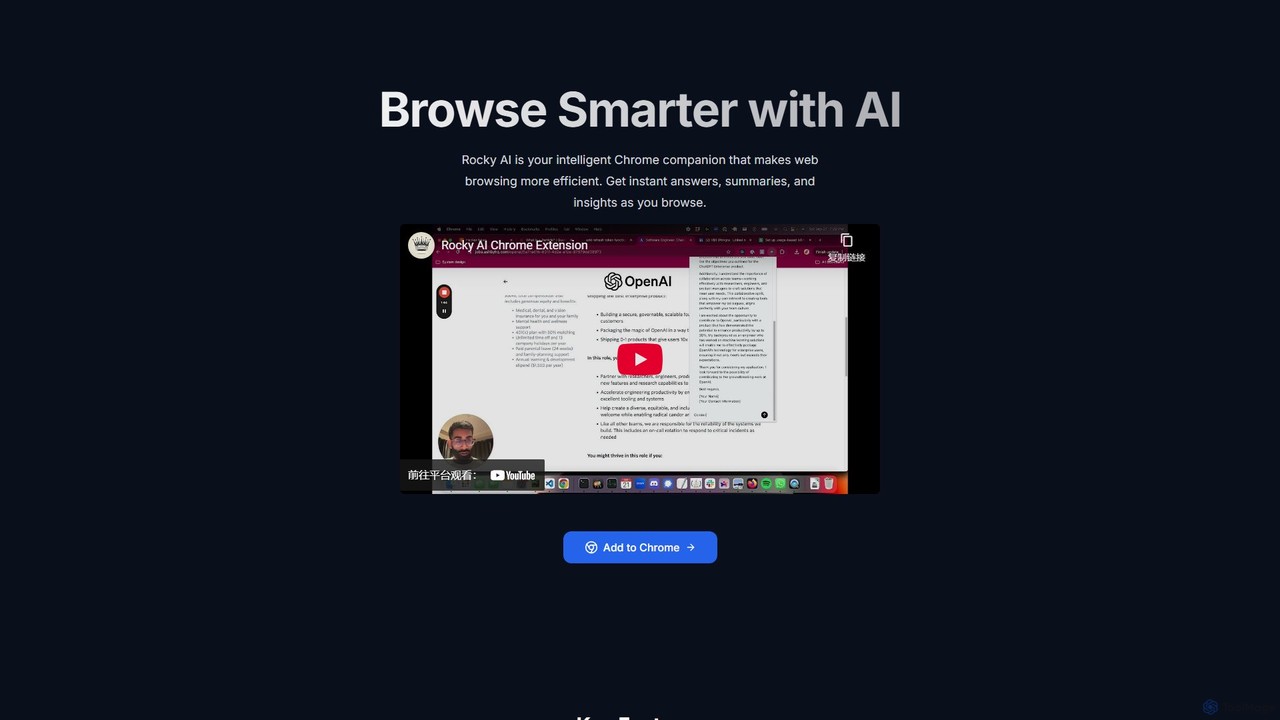
Rocky AI Overview
Rocky AI is a powerful and intuitive AI-powered browsing assistant designed to make your time on the web more productive and insightful. As a seamless Chrome extension, it integrates directly into your browser, acting as an intelligent co-pilot for your online activities. Whether you're a student conducting research, a professional networking on LinkedIn, or an avid online shopper, Rocky AI provides the tools you need to get instant answers, summaries, and key insights from any webpage. It's built with a strong focus on user privacy, ensuring your data remains your own while you navigate the web with enhanced intelligence.
How to use Rocky AI
Getting started with Rocky AI is simple and straightforward. Follow these steps to supercharge your browsing experience:
- Installation: Go to the Chrome Web Store, search for "Rocky AI," and click "Add to Chrome" to install the extension.
- Activation: Once installed, the Rocky AI icon will appear in your browser's toolbar. Navigate to any webpage you want to analyze.
- Execution: Click the Rocky AI icon to activate the assistant. A menu will appear with several options.
- Select a Function: Choose the task you want to perform. For example, select "Article Summary" on a news page, "Review Analysis" on an Amazon product page, or "LinkedIn Outreach" on a professional's profile.
- Get Instant Results: Rocky AI will process the content of the current page and deliver a concise summary, a specific answer, or a generated message directly within its interface, saving you valuable time and effort.
Core Features of Rocky AI
- Instant Article Summaries: Overwhelmed by long articles? Rocky AI condenses content from sources like Hacker News, Reddit, blogs, and news sites into key bullet points. Stay informed without the time commitment.
- Intelligent Information Lookup: Stop manually searching through lengthy documentation or forum threads. Ask Rocky AI a question, and it will scan the page to find the exact information you need, providing direct answers instantly.
- Personalized LinkedIn Outreach: Elevate your networking game. Rocky AI analyzes a person's LinkedIn profile and helps you craft personalized, engaging connection messages, increasing your chances of making meaningful professional connections.
- In-depth Review Analysis: Make smarter purchasing and travel decisions. Rocky AI analyzes customer reviews on sites like Amazon and Airbnb, summarizing the general sentiment, common pros, and recurring cons to give you a clear, unbiased overview.
- Privacy-First Design: Your privacy is paramount. Rocky AI only accesses webpage content when you actively click the extension icon. It does not store your personal data or browsing history on its servers, collecting only anonymous usage metrics for improvement.
Use Cases for Rocky AI
Rocky AI is a versatile tool for a wide range of users:
- For Students and Researchers: Quickly grasp the essence of academic papers, online articles, and research studies. Efficiently find specific data points within dense technical documentation.
- For Sales and Business Professionals: Streamline the process of connecting with prospects on LinkedIn by generating tailored outreach messages that stand out.
- For Marketers and Content Creators: Keep up with the latest industry trends by rapidly summarizing articles and blog posts from key sources.
- For Online Shoppers: Cut through the noise of hundreds of reviews. Get a quick, reliable summary of what other customers are saying before you buy a product or book a stay.
- For Everyday Browsing: Save time on a daily basis by getting the gist of any webpage, from news to recipes, without having to read every word.
Advantages of Rocky AI
Rocky AI stands out as a superior browsing assistant due to several key advantages:
- Enhanced Productivity: It automates time-consuming tasks like reading, researching, and writing, allowing you to focus on what truly matters.
- Contextual Intelligence: Unlike generic AI chatbots, Rocky AI's analysis is always based on the context of the page you are currently viewing, ensuring highly relevant results.
- Multi-functional: It combines the power of a summarizer, a research tool, a writing assistant, and a review analyzer into one lightweight extension.
- Seamless Integration: As a Chrome extension, it's always just one click away, integrating smoothly into your existing workflow without disruption.
- Trust and Privacy: With a clear commitment to user privacy and no data storage, you can use Rocky AI with confidence and peace of mind.
Pricing and Plans
Rocky AI is currently available for free. You can add the extension to your Chrome browser directly from the Chrome Web Store without any cost. The focus is on providing a valuable, accessible tool to a wide audience. Future premium features or plans may be introduced, but the core functionalities are offered for free.
Rocky AI Alternatives
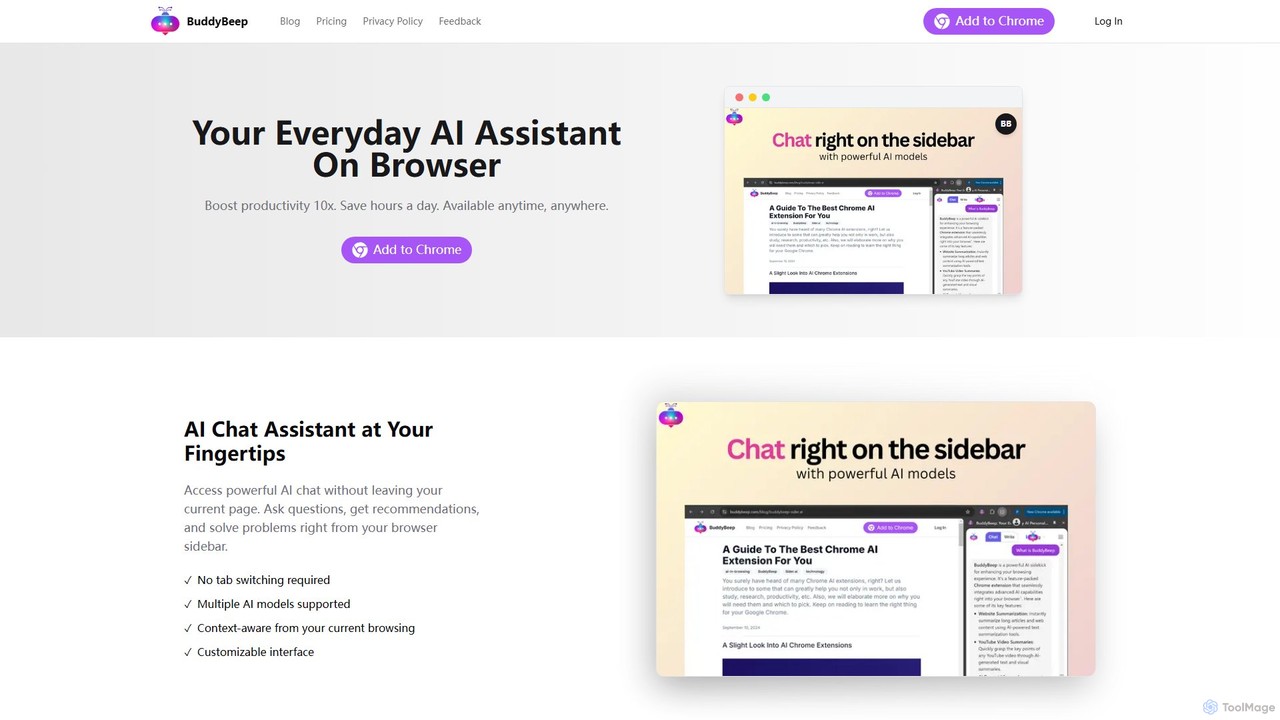
BuddyBeep
BuddyBeep is an AI-powered Chrome extension that acts as your personal browsing assistant. It boosts productivity by offering an in-page AI chat, one-click summarization for articles and YouTube videos, and a smart knowledge repository to build your "second brain". Capture, organize, and retrieve information effortlessly without switching tabs, transforming your browsing into a more efficient and insightful experience.
Browser Extension
getmerlin
getmerlin is a versatile AI assistant powered by top models like GPT-4o and Claude 3.5. Available as a browser extension and app, it integrates seamlessly into your workflow to summarize content, draft emails, generate text and images, and enhance research on any website. It acts as an all-in-one productivity tool, saving time and money by consolidating multiple AI services into a single subscription.
Chrome Extensions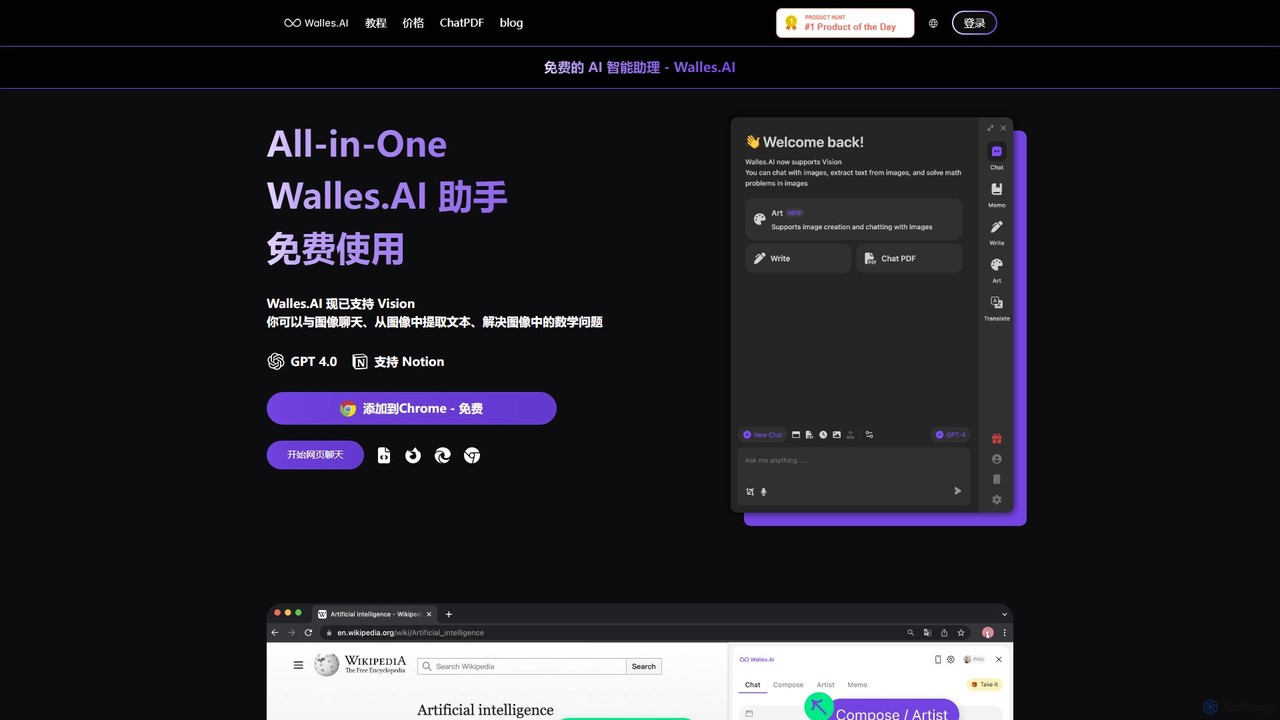
Walles.AI
Walles.AI is an all-in-one AI assistant integrated as a Chrome extension. Powered by GPT-4, it allows you to chat with webpages, PDFs, YouTube videos, and even images. Boost your productivity with instant summarization, translation, text analysis, and seamless integration with Notion.
Study
Viinyx
Viinyx is an all-in-one AI browser assistant designed to supercharge your productivity. Integrated directly into your browser, it helps you write faster, read smarter, and research more efficiently. Summarize articles and videos, compose emails, and get contextual AI help on any webpage.
Summarizer
Horsy.ai
Horsy.ai is an AI-powered Chrome extension that acts as a productivity layer for the web. It summarizes web pages and YouTube videos, allows you to chat with content, fact-checks information, and organizes your bookmarks into a searchable knowledge base. It's designed to help users save time, learn faster, and enhance their online research.
LearningRocky AI Categories
Rocky AI Embed Widget
Copy this embed code to place the badge on your blog, article, or product site and send readers directly to this ToolMage detail page.

Related AI tools
BuddyBeep
BuddyBeep is an AI-powered Chrome extension that acts as your personal browsing assistant. It boosts productivity by offering an in-page AI chat, one-click summarization for articles and YouTube videos, and a smart knowledge repository to build your "second brain". Capture, organize, and retrieve information effortlessly without switching tabs, transforming your browsing into a more efficient and insightful experience.
Browser Extension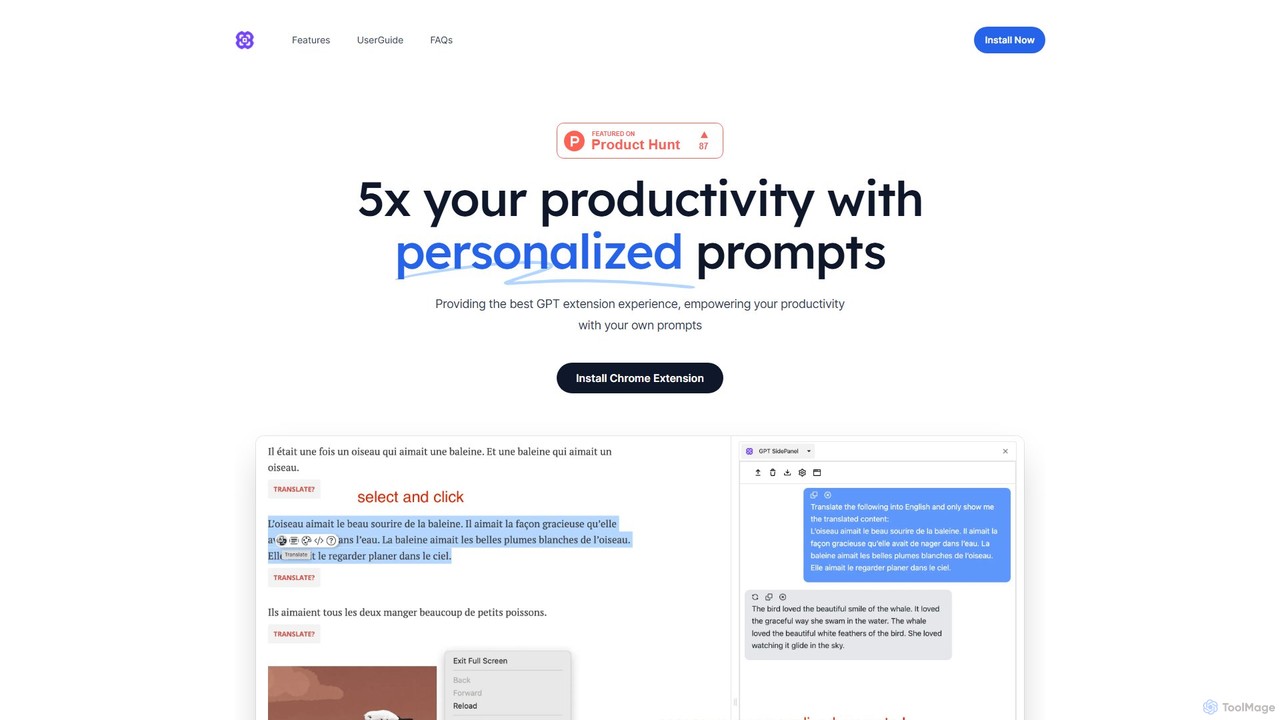
GPTSidePanel
GPTSidePanel is a powerful AI browser extension that integrates a GPT-powered sidebar into your browsing experience. Boost your productivity by summarizing articles, translating text, polishing writing, and using custom prompts directly on any webpage. Eliminate tab-switching and keep your workflow seamless with this intuitive AI assistant.
Browser Extensiongetmerlin
getmerlin is a versatile AI assistant powered by top models like GPT-4o and Claude 3.5. Available as a browser extension and app, it integrates seamlessly into your workflow to summarize content, draft emails, generate text and images, and enhance research on any website. It acts as an all-in-one productivity tool, saving time and money by consolidating multiple AI services into a single subscription.
Chrome ExtensionsWalles.AI
Walles.AI is an all-in-one AI assistant integrated as a Chrome extension. Powered by GPT-4, it allows you to chat with webpages, PDFs, YouTube videos, and even images. Boost your productivity with instant summarization, translation, text analysis, and seamless integration with Notion.
StudyViinyx
Viinyx is an all-in-one AI browser assistant designed to supercharge your productivity. Integrated directly into your browser, it helps you write faster, read smarter, and research more efficiently. Summarize articles and videos, compose emails, and get contextual AI help on any webpage.
SummarizerHorsy.ai
Horsy.ai is an AI-powered Chrome extension that acts as a productivity layer for the web. It summarizes web pages and YouTube videos, allows you to chat with content, fact-checks information, and organizes your bookmarks into a searchable knowledge base. It's designed to help users save time, learn faster, and enhance their online research.
Learning
Merlin AI
Merlin is an all-in-one AI assistant, available as a browser extension and app, that integrates top AI models like GPT-4, Claude 3, and Gemini. It allows you to research, write, summarize content, generate images, and code with a single click on any website, streamlining your workflow and boosting productivity without switching tabs.
Chrome Extensions
Monica
Monica is an all-in-one AI assistant powered by leading models like GPT-4o, Claude 3.7, and Gemini 1.5. It integrates seamlessly into your workflow as a browser extension, desktop, and mobile app, offering features for chat, search, writing, translation, and image creation to boost productivity.
Chrome Extensions
Sider
Sider is an all-in-one AI assistant integrated as a browser sidebar and cross-platform app. It combines chat with models like GPT-4 and Claude 3.5, a powerful "Deep Research" agent, a personal knowledge base called "Wisebase," and a suite of tools for summarizing, translating, writing, and image editing to enhance productivity and learning.
Assistant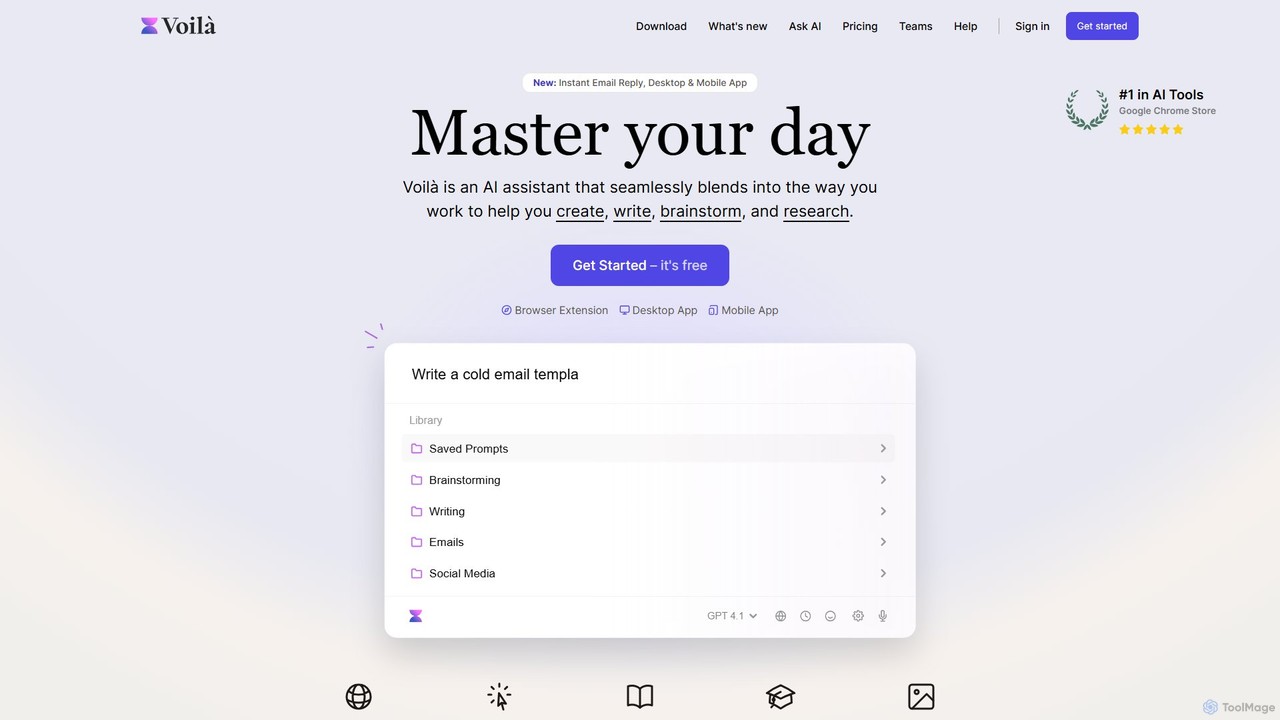
Voilà
Voilà is an all-in-one AI assistant designed to maximize productivity. It functions as a browser extension, desktop, and mobile app, seamlessly integrating into your workflow to help with writing, brainstorming, research, and content creation. It works on any website or app, understanding the context to provide relevant assistance.
Content Creation
Cici
Cici is an intelligent AI assistant designed to enhance your productivity and creativity. It helps with writing, research, coding, and brainstorming through a versatile conversational interface. Seamlessly integrate Cici into your workflow to get instant answers, generate high-quality content, and automate repetitive tasks.
Code Assistant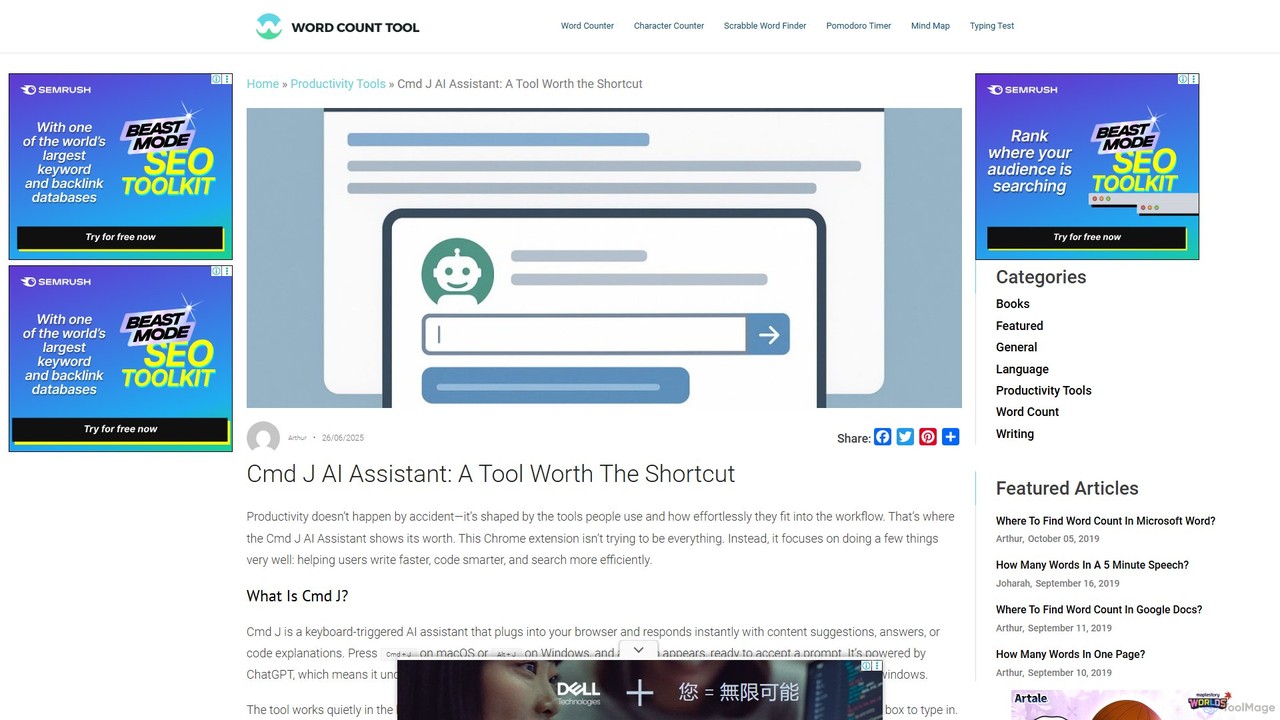
Cmd J AI Assistant
Cmd J is a keyboard-activated AI assistant, available as a Chrome extension, designed to boost productivity. Powered by ChatGPT, it provides instant help with writing, coding, and research directly in your browser. Simply press a shortcut (Cmd+J or Alt+J) to summon the AI, eliminating the need to switch tabs or open new applications, and seamlessly integrating into any workflow.
Chrome Extensions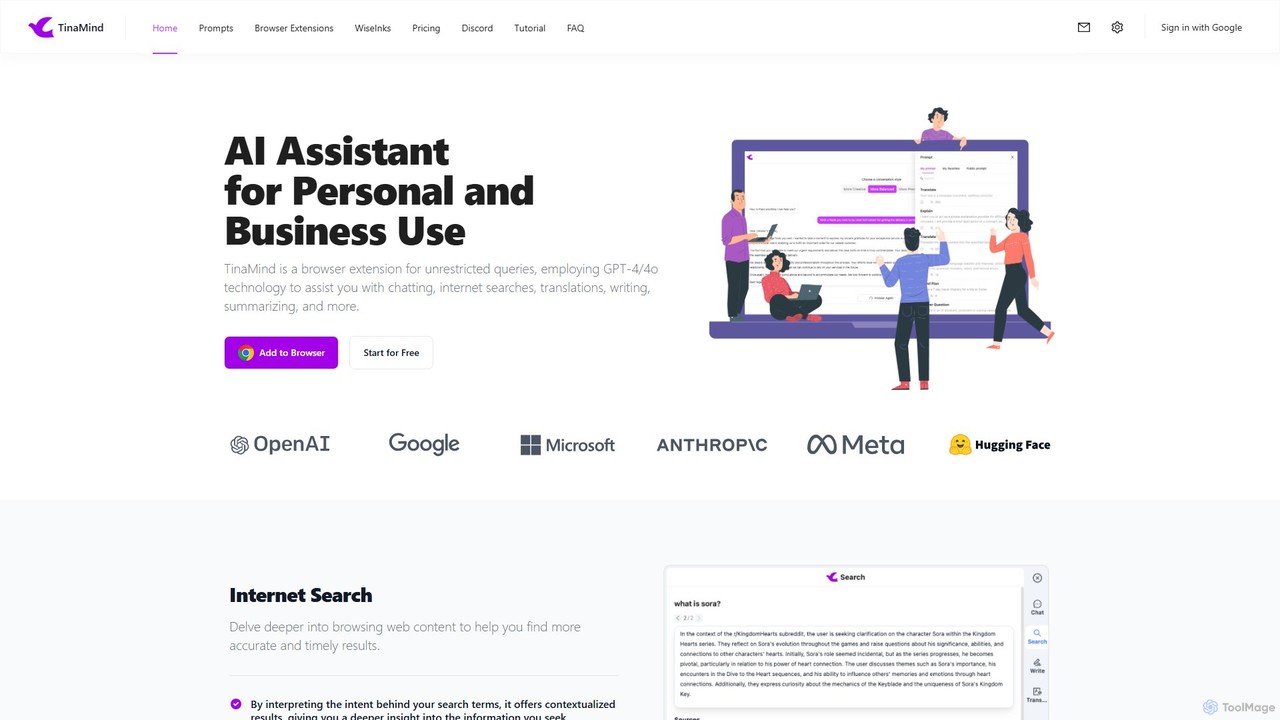
TinaMind
TinaMind is an AI-powered browser extension that enhances your productivity with GPT-4/4o. It acts as an all-in-one assistant for intelligent web search, document and YouTube summarization, content writing, high-quality translation, and efficient prompt management. Seamlessly integrated into your browser, it streamlines your workflow for both personal and business use.
Browser Extension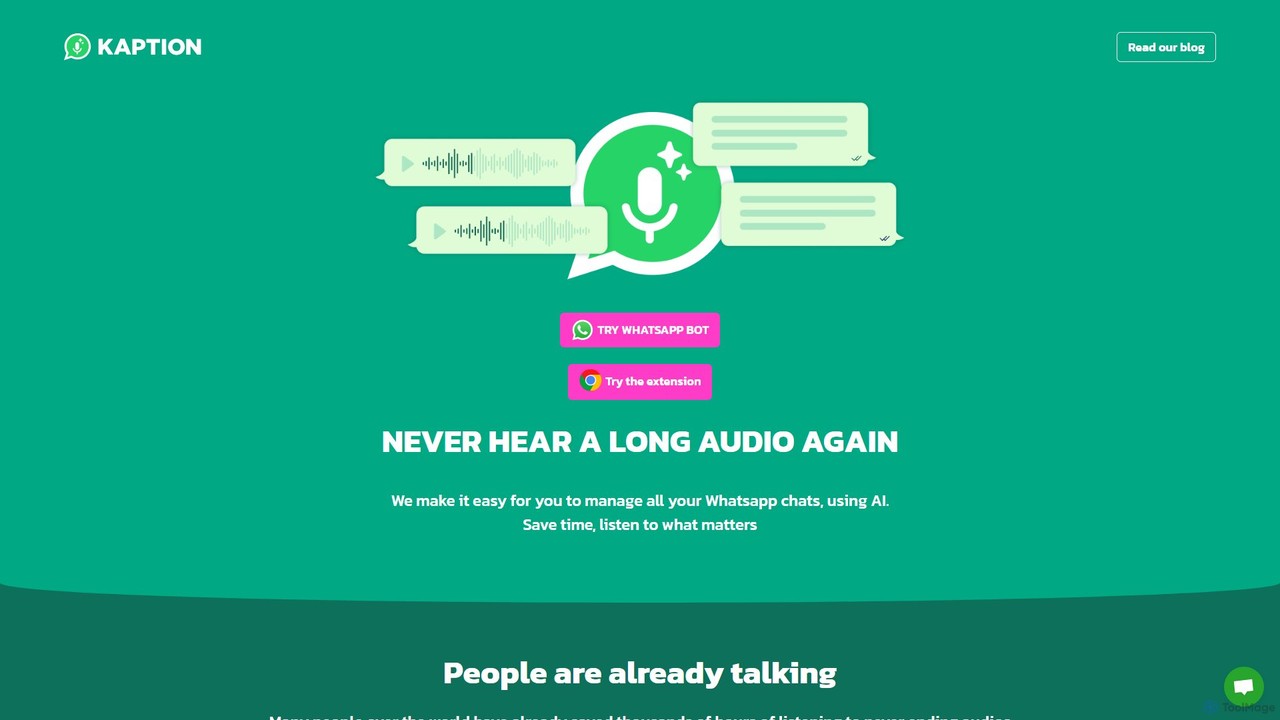
Kaption AI
Kaption AI is a powerful Chrome extension for WhatsApp Web that uses AI to transcribe audio messages into text, generate concise summaries of long conversations, and suggest smart replies. It's designed to save you time, boost productivity, and make messaging more accessible.
Chrome Extensions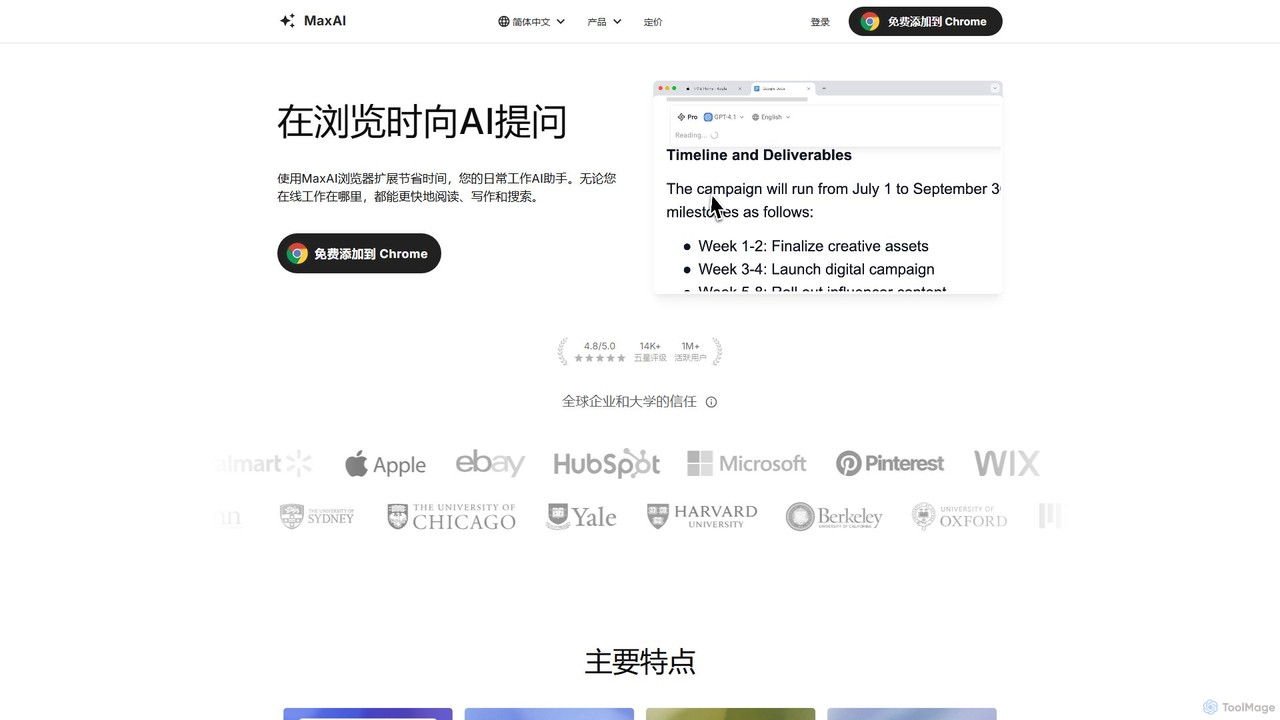
MaxAI
MaxAI is a powerful browser extension that acts as your all-in-one AI assistant. It integrates top AI models like GPT-4o and Claude 3.5 directly into your browser, allowing you to read, write, and research faster. Summarize web pages, improve your writing, translate text, and generate content with a single click, boosting your productivity across all your online activities.
Chrome Extensions
Rocky AI Comments (0)
Sign in to comment.
Sign inNo comments yet.