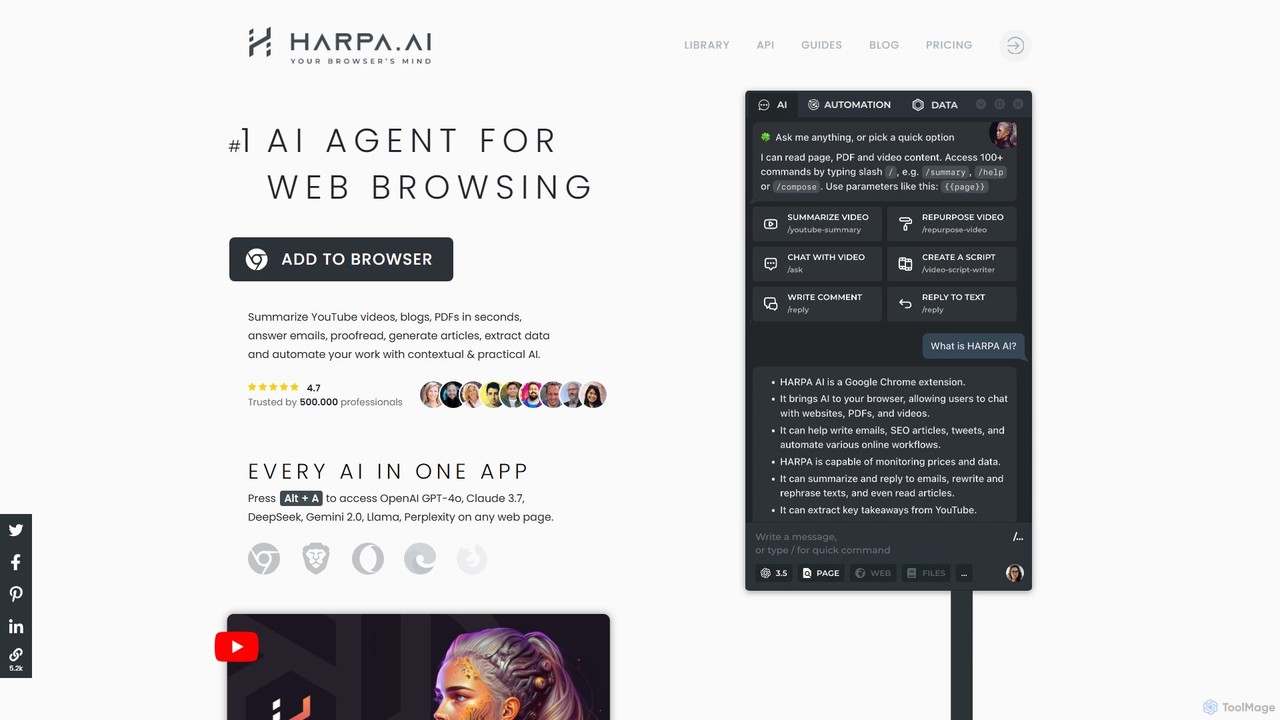
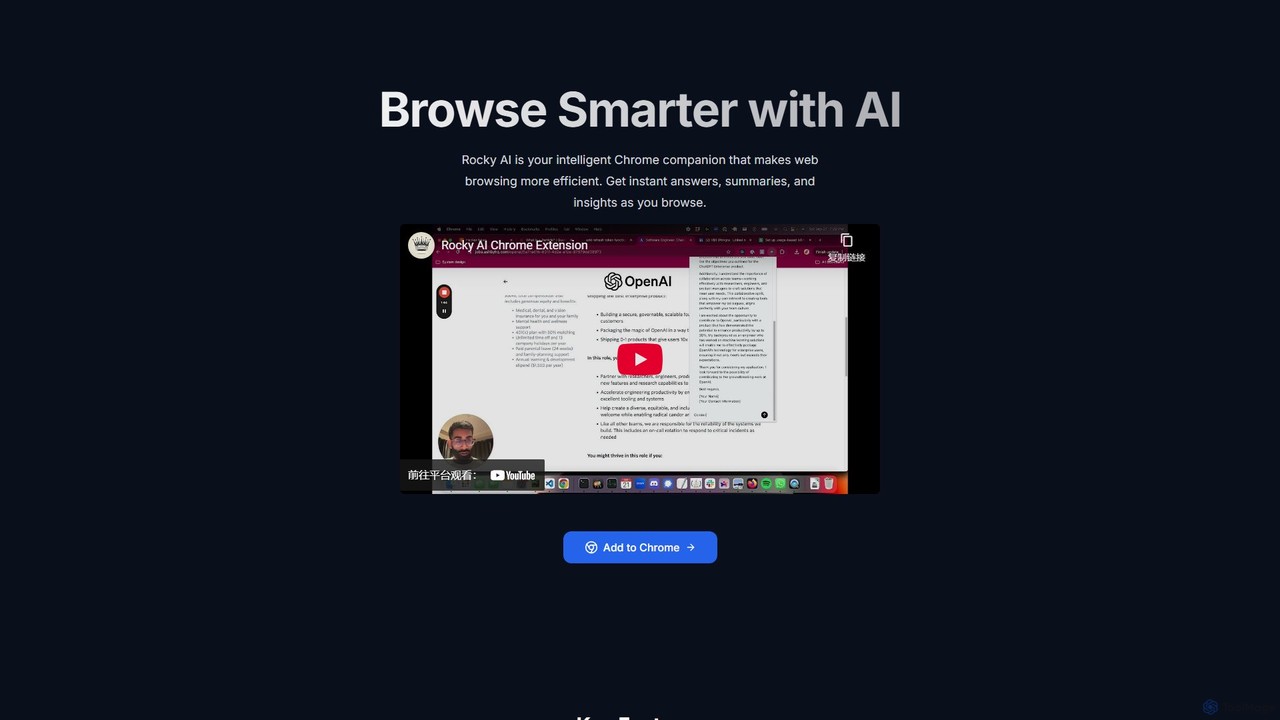
AI Browser Assistants are tools, typically browser extensions, that integrate artificial intelligence directly into your web browsing experience. They leverage large language models to understand the context of the page you're on, offering capabilities like on-demand summarization, content generation, and intelligent search. This transforms the browser from a passive content viewer into an active, intelligent partner for research, writing, and data analysis. These assistants work across any website, providing a consistent AI-powered layer over your entire online activity.
Core Features
- Contextual Summarization: Instantly generate concise summaries of long articles, reports, or video transcripts without leaving the current tab.
- In-Page Q&A: Ask questions directly about the content of the webpage and receive precise answers extracted from the text.
- AI-Powered Writing: Draft, rephrase, or translate text in any text box on any website, from composing emails in Gmail to writing posts on social media.
- Smart Data Extraction: Automatically identify and pull specific information from a page, such as contact details, product specifications, or key data points.
Applicable Scenarios
These tools are invaluable for researchers, students, and market analysts who need to quickly digest large volumes of online information. Content creators and marketers use them to accelerate content curation and drafting, while developers and sales professionals leverage them for technical lookups and personalized outreach directly from platforms like GitHub or LinkedIn.
Selection Criteria
When choosing an AI Browser Assistant, evaluate its browser compatibility (Chrome, Firefox, etc.) and the underlying AI model (e.g., GPT-4, Claude) for quality. Consider the scope of its features—whether it's a simple summarizer or a comprehensive writing and automation tool. Also, carefully review its data privacy policy and check the pricing model, which often includes a free tier with usage limits and premium subscription plans.