

Second Opinion Overview
In an era saturated with information, distinguishing fact from fiction is more challenging than ever. Second Opinion emerges as a crucial tool for navigating the digital landscape. It's an intelligent AI-powered Chrome extension designed to act as your personal fact-checker and bias detector, seamlessly integrated into your browsing experience. By leveraging the advanced capabilities of Grok AI, Second Opinion empowers users to critically evaluate online content, from news articles and social media posts to academic papers and blog entries. It provides an instant, comprehensive analysis, helping you identify misinformation, understand hidden biases, and explore diverse viewpoints on any topic.
How to use Second Opinion
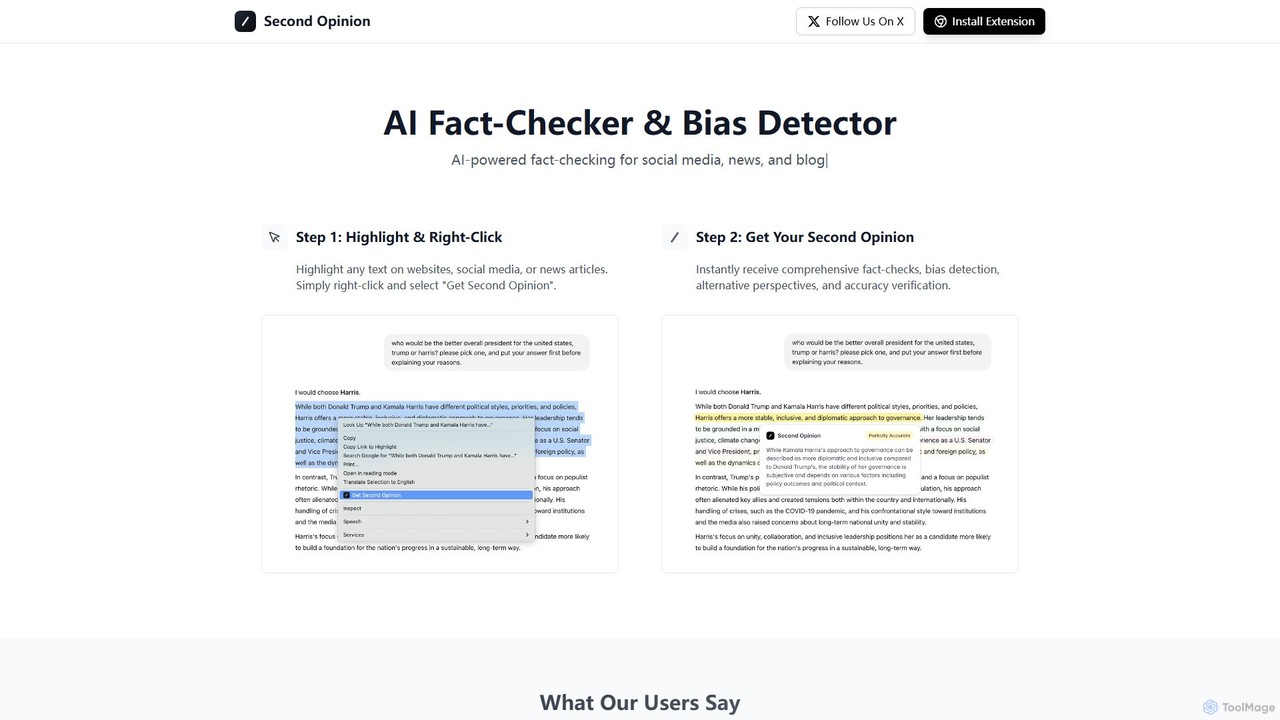
Using Second Opinion is designed to be intuitive and effortless, integrating directly into your natural browsing workflow. Here’s a simple step-by-step guide:
- Installation: First, install the Second Opinion extension from the Chrome Web Store. It's compatible with Google Chrome and other Chromium-based browsers like Brave and Microsoft Edge.
- Highlight Text: While browsing any website, social media feed, or online document, simply use your mouse to highlight the text, sentence, or paragraph you wish to analyze.
- Get Analysis: Right-click on the highlighted text. A context menu will appear. Select the "Get Second Opinion" option from the menu.
- Review Results: A pop-up or sidebar will instantly appear, presenting a detailed analysis from the AI. This includes a fact-check summary, a bias detection report, and alternative perspectives to consider.
Core Features of Second Opinion
- Instant AI Fact-Checking: Utilizes Grok's powerful AI to cross-reference highlighted text against a vast database of information, providing an immediate assessment of its factual accuracy.
- Advanced Bias Detection: Analyzes the language, tone, and framing of the text to identify potential political, ideological, confirmation, or other types of bias, helping you understand the author's underlying perspective.
- Alternative Perspectives: Goes beyond simple verification by offering different viewpoints and counter-arguments related to the topic, fostering a more balanced and comprehensive understanding.
- Seamless Browser Integration: As a Chrome extension, it works on any webpage without the need to switch tabs or use a separate application, making it incredibly convenient.
- Grok-Powered Engine: Leverages the cutting-edge AI model Grok for nuanced, context-aware, and sophisticated analysis of complex information.
Use Cases for Second Opinion
Second Opinion is a versatile tool for anyone who consumes online information:
- Students and Researchers: Quickly verify the credibility of sources for essays, research papers, and academic projects. Identify bias in historical texts or scholarly articles.
- Journalists and Content Creators: Ensure the accuracy of information before publishing. Check for unintentional bias in their own writing to maintain journalistic integrity.
- General Internet Users: Fact-check breaking news, viral social media posts, and political claims in real-time to avoid falling for misinformation and fake news.
- Professionals: Analyze industry reports, competitor announcements, and market trends for a more objective understanding, free from corporate or promotional spin.
Advantages of Second Opinion
The primary advantage of Second Opinion is its ability to empower users with critical thinking tools directly within their browser. It promotes media literacy by making the process of verification simple and accessible to everyone. The tool saves significant time that would otherwise be spent manually searching for multiple sources. Its "Bring Your Own Key" pricing model is transparent and cost-effective, as users only pay for their actual AI usage via their Grok API key, without any recurring subscription fees for the extension itself. This makes advanced fact-checking technology available to a wider audience.
Pricing and Plans
The Second Opinion Chrome extension is completely free to install and use. There are no subscription fees, hidden costs, or premium versions of the extension itself. However, the AI analysis is powered by Grok. To use the tool, users must provide their own Grok API key. This means that the user is responsible for the costs associated with the API calls made to Grok, which are based on token usage. This "Bring Your Own Key" (BYOK) model ensures users only pay for what they actually use, offering maximum flexibility and transparency.
Second Opinion Alternatives
Gist AI
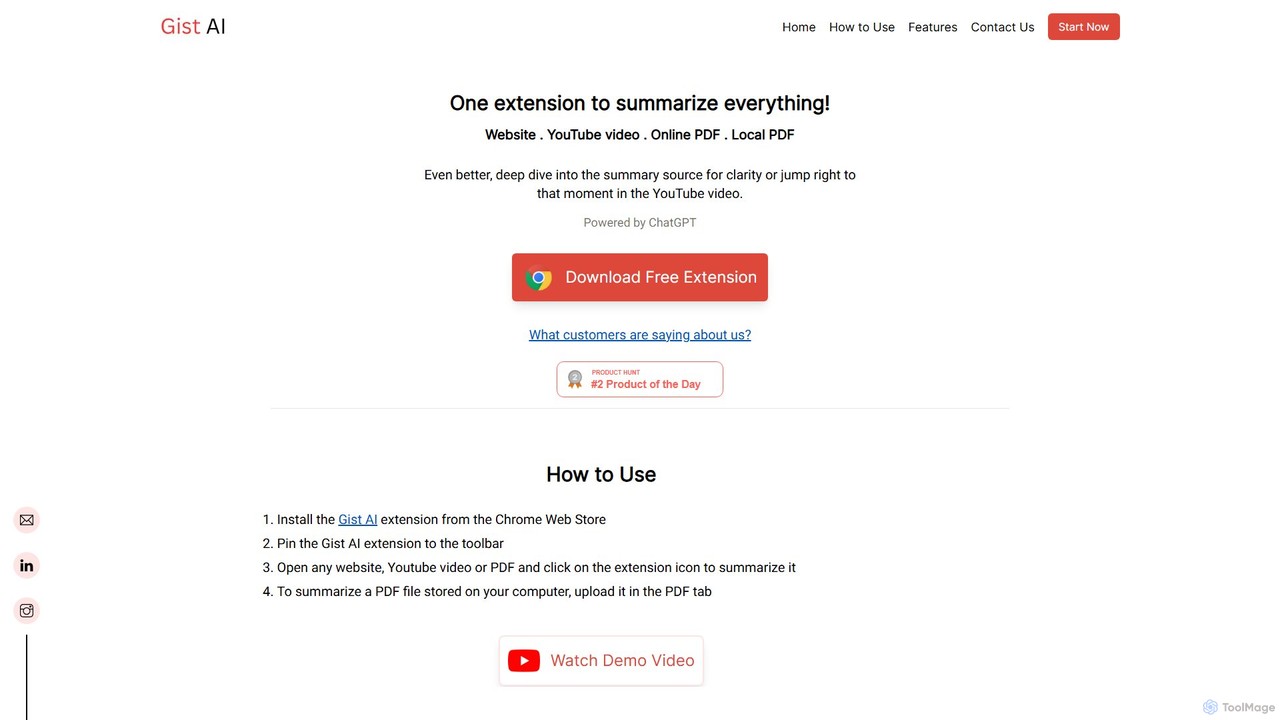
Gist AI is a free, ChatGPT-powered Chrome extension that instantly summarizes websites, YouTube videos, and both online and local PDFs. It helps you save time, improve comprehension, and quickly access the most important information from long-form content with a single click.
Chrome Extensions
Highlight Factcheck
An AI-powered tool that analyzes text and web pages to verify factual claims, highlight potential misinformation, and provide source-backed evidence. Ideal for journalists, researchers, and content creators to ensure accuracy and credibility.
Research
chrome_ai
An all-in-one AI assistant integrated into your Chrome browser. Summarize web pages and YouTube videos, enhance your writing, explain complex topics, and chat with advanced AI models without leaving your current tab. Boost your productivity with seamless AI power.
Chrome Extensions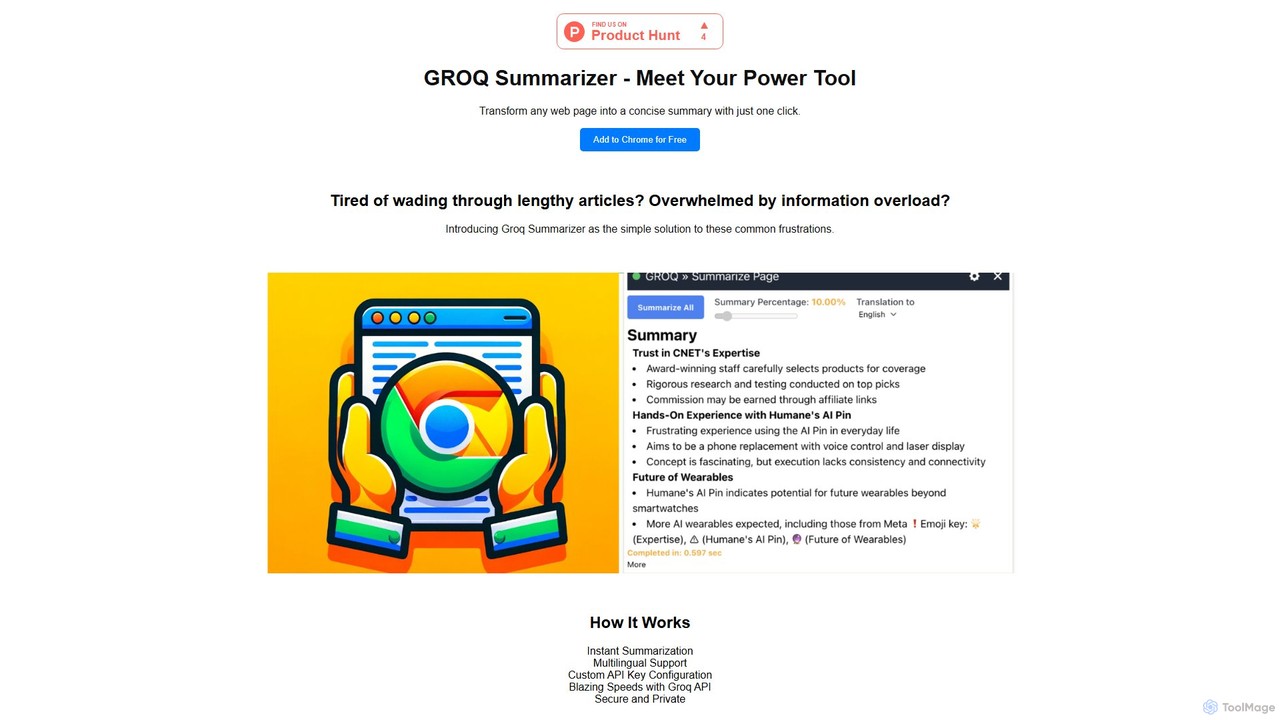
groqsummarizer
A lightning-fast Chrome extension that summarizes web pages and articles in seconds. Powered by the Groq API, it offers instant, multilingual summaries, allowing you to quickly grasp key information and overcome information overload. It operates on a Bring-Your-Own-Key (BYOK) model for enhanced privacy and control.
Chrome Extensions
SummerEyes
SummerEyes is an AI-powered browser extension that summarizes any online text in a single click. It helps users quickly grasp the main points of articles, emails, and reports, significantly boosting reading speed and productivity. By integrating directly into your browser, it eliminates the need for copy-pasting, offering a seamless way to combat information overload.
Chrome ExtensionsSecond Opinion Categories
Second Opinion Embed Widget
Copy this embed code to place the badge on your blog, article, or product site and send readers directly to this ToolMage detail page.

Related AI tools
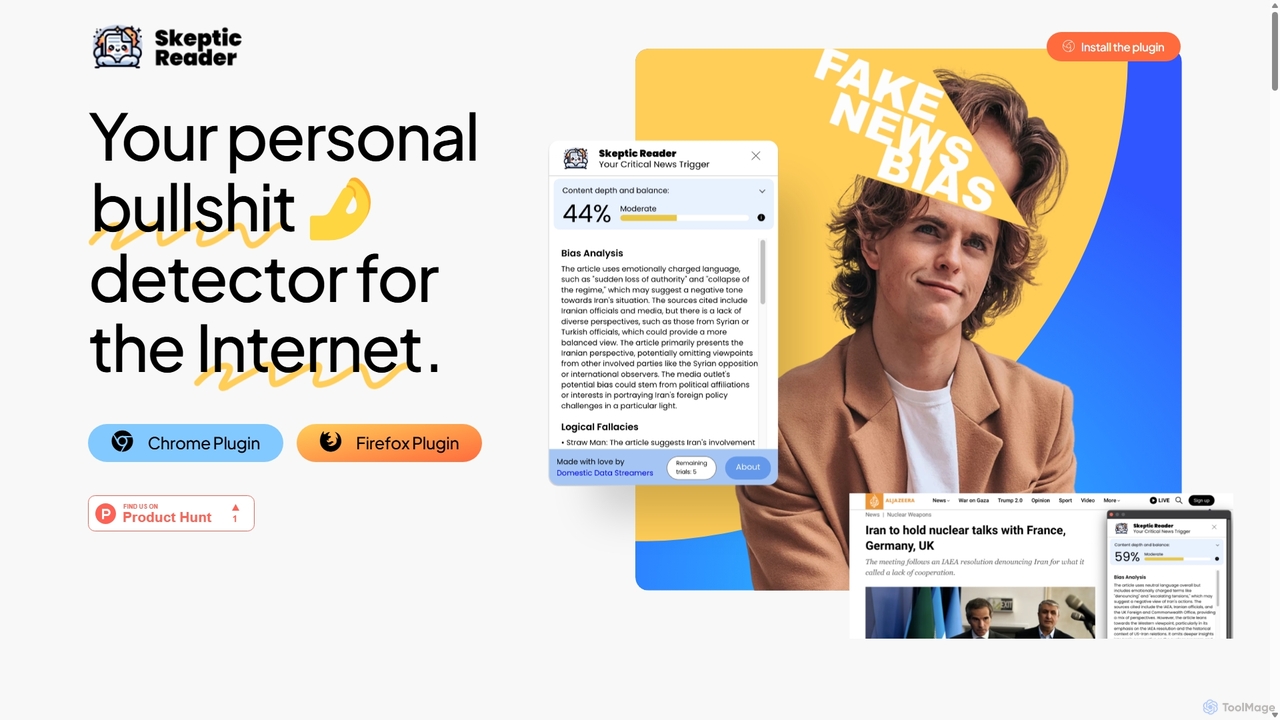
Skeptic Reader
Skeptic Reader is a free AI-powered browser extension for Chrome and Firefox that detects biases and logical fallacies in real-time. It analyzes web articles and YouTube transcripts, providing content scores, counter-arguments, and summaries to promote critical thinking and informed online reading.
Fact Checking
Sourcer AI
Sourcer AI is a browser extension that provides instant analysis of news articles. It assesses credibility, detects political bias, and generates summaries to help you see through misinformation and understand the full picture, right where you read.
Media Literacy
The Record
The Record is a new media platform that leverages advanced AI models and community review to verify claims, providing a transparent truth engine for online information. It compiles highly accurate narratives and assigns credibility scores to users, aiming to be the most accurate publication on the internet.
Content Moderation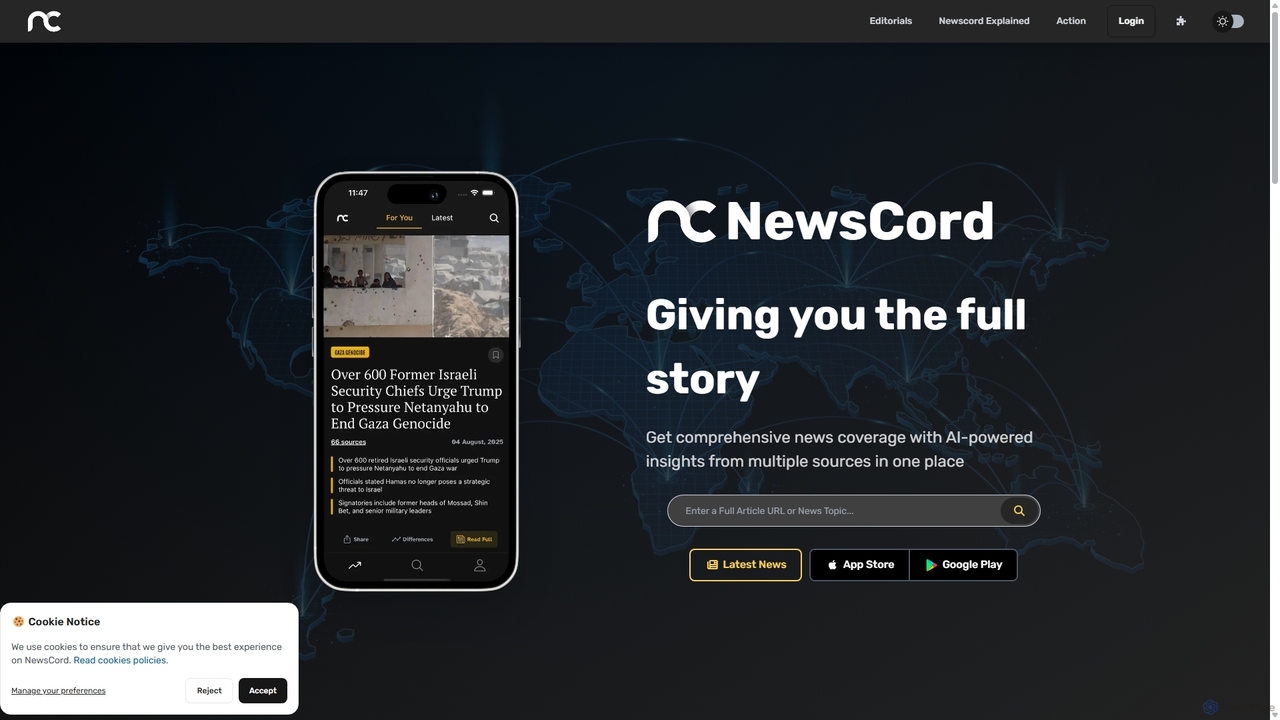
NewsCord
NewsCord is an AI-powered news analysis platform that reveals media bias by comparing articles from thousands of global sources. It generates concise summaries and highlights differences in coverage, framing, and tone, helping you understand the full story behind the headlines. Available as a website, mobile app, and browser extension for comprehensive news insights.
Critical ThinkingGist AI
Gist AI is a free, ChatGPT-powered Chrome extension that instantly summarizes websites, YouTube videos, and both online and local PDFs. It helps you save time, improve comprehension, and quickly access the most important information from long-form content with a single click.
Chrome ExtensionsHighlight Factcheck
An AI-powered tool that analyzes text and web pages to verify factual claims, highlight potential misinformation, and provide source-backed evidence. Ideal for journalists, researchers, and content creators to ensure accuracy and credibility.
Researchchrome_ai
An all-in-one AI assistant integrated into your Chrome browser. Summarize web pages and YouTube videos, enhance your writing, explain complex topics, and chat with advanced AI models without leaving your current tab. Boost your productivity with seamless AI power.
Chrome Extensionsgroqsummarizer
A lightning-fast Chrome extension that summarizes web pages and articles in seconds. Powered by the Groq API, it offers instant, multilingual summaries, allowing you to quickly grasp key information and overcome information overload. It operates on a Bring-Your-Own-Key (BYOK) model for enhanced privacy and control.
Chrome ExtensionsSummerEyes
SummerEyes is an AI-powered browser extension that summarizes any online text in a single click. It helps users quickly grasp the main points of articles, emails, and reports, significantly boosting reading speed and productivity. By integrating directly into your browser, it eliminates the need for copy-pasting, offering a seamless way to combat information overload.
Chrome Extensions
Recap
Recap is a free, open-source Chrome extension that uses ChatGPT to intelligently summarize web content. Its unique "Smart Split" feature breaks down long articles into manageable passages, allowing users to summarize entire pages, specific sections, or selected text with high precision.
Chrome Extensions
ReadPal.ai
ReadPal.ai is an AI-powered Chrome extension that acts as your personal reading assistant. It seamlessly integrates into your browser to provide instant summaries, explanations, and insights on any webpage, including PDFs and Google Docs. Enhance your productivity and comprehension while learning, researching, or shopping online.
Chrome Extensions
Ask Gene
Ask Gene is a free AI-powered Chrome extension that acts as your personal internet assistant. Powered by GPT-4o and DeepSeek, it allows you to summarize webpages and PDFs, chat with AI without leaving your tab, explain complex text, translate, and assist with writing, all seamlessly integrated into your browser.
Research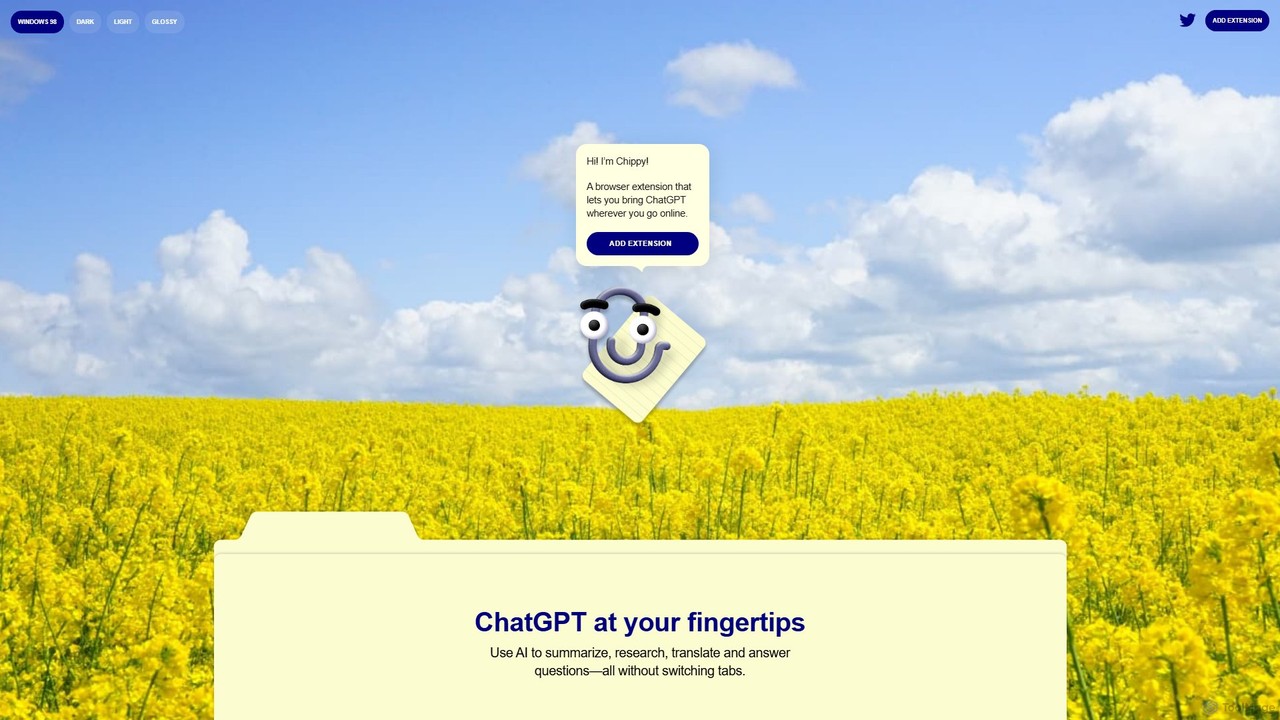
Chippy
Chippy is a smart ChatGPT-powered Chrome extension that acts as your AI assistant across the web. Seamlessly summarize articles, translate text, research topics, and draft emails without ever leaving your current tab. It offers context-aware answers by focusing on the page you're viewing, overcoming ChatGPT's knowledge limitations. With a generous free tier and a focus on user privacy, Chippy enhances your browsing productivity by putting the power of AI at your fingertips.
Search Assistant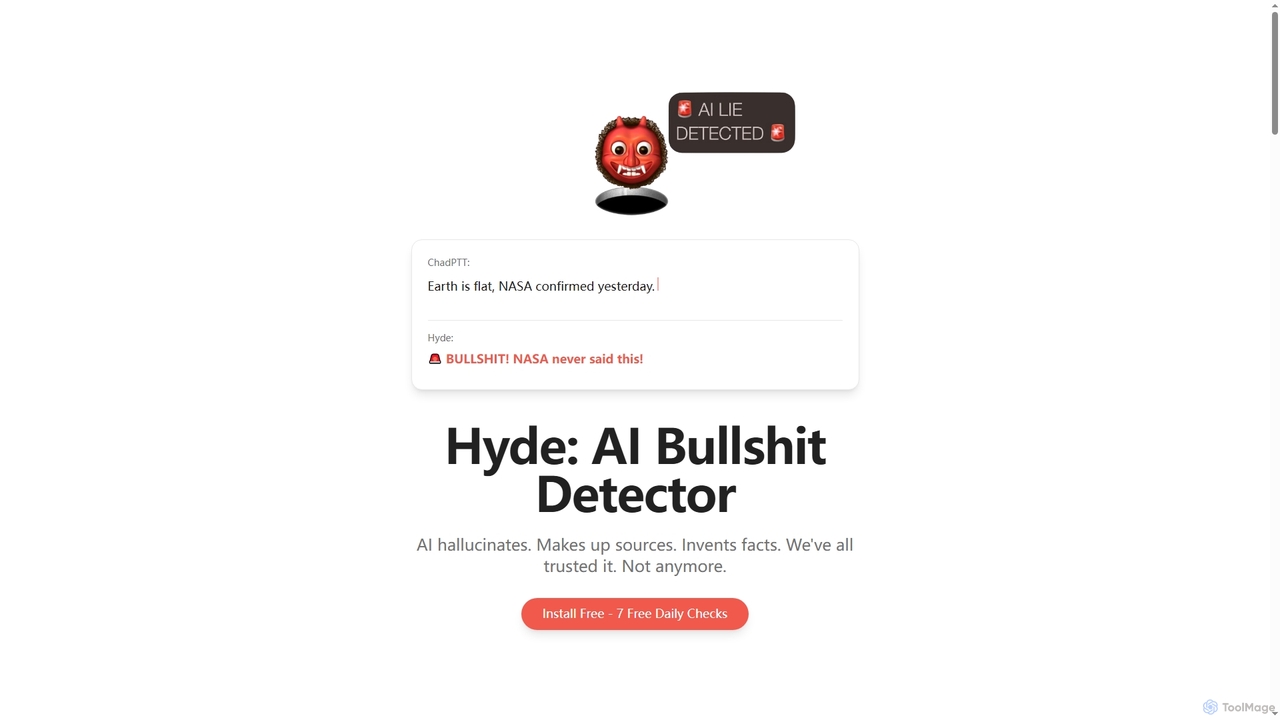
Hyde
Hyde is an AI Bullshit Detector designed to instantly verify AI-generated content, catching hallucinations, invented facts, and fake sources. It acts as an AI verificator, challenging assumptions and providing real-time truth checks across various LLMs like ChatGPT, Claude, and Gemini.
Extension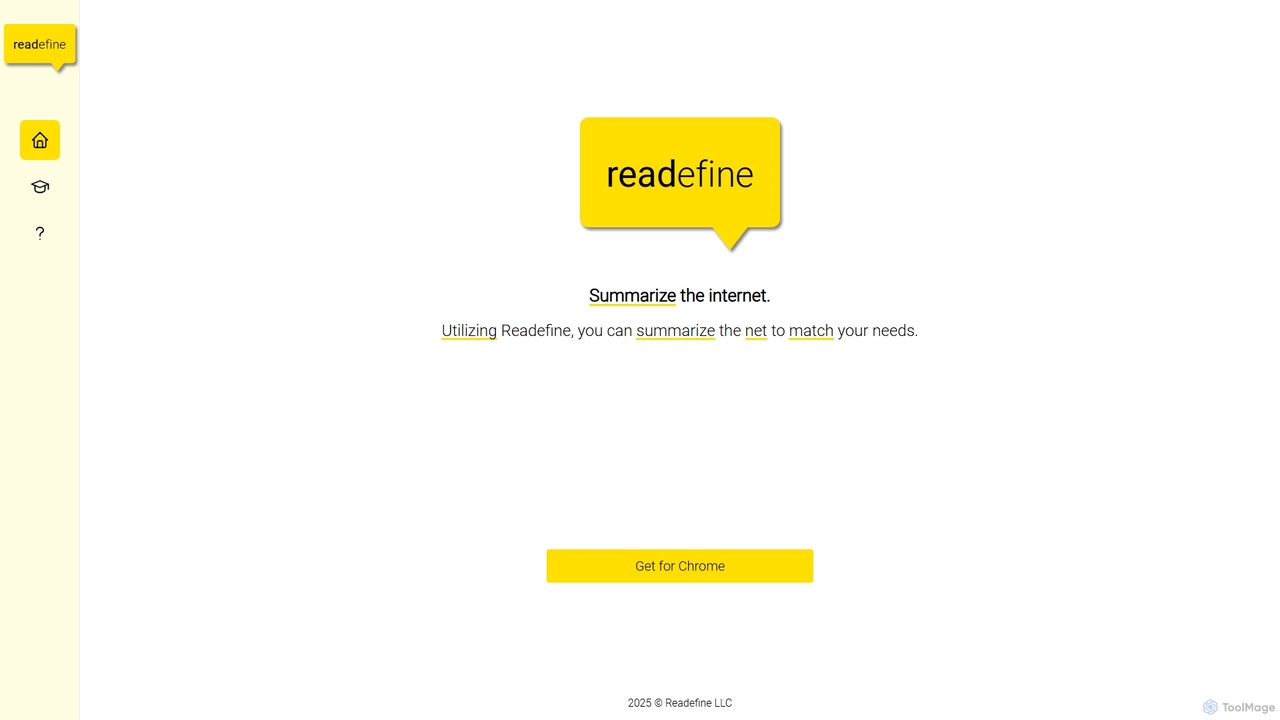
Readefine
Readefine is an AI-powered Chrome extension that summarizes any webpage, article, or report in seconds. It helps you quickly grasp the core ideas of long texts, saving time and boosting productivity. Customize summary length and format to fit your specific needs.
Research
Second Opinion Comments (0)
Sign in to comment.
Sign inNo comments yet.