

Simpliterms Overview
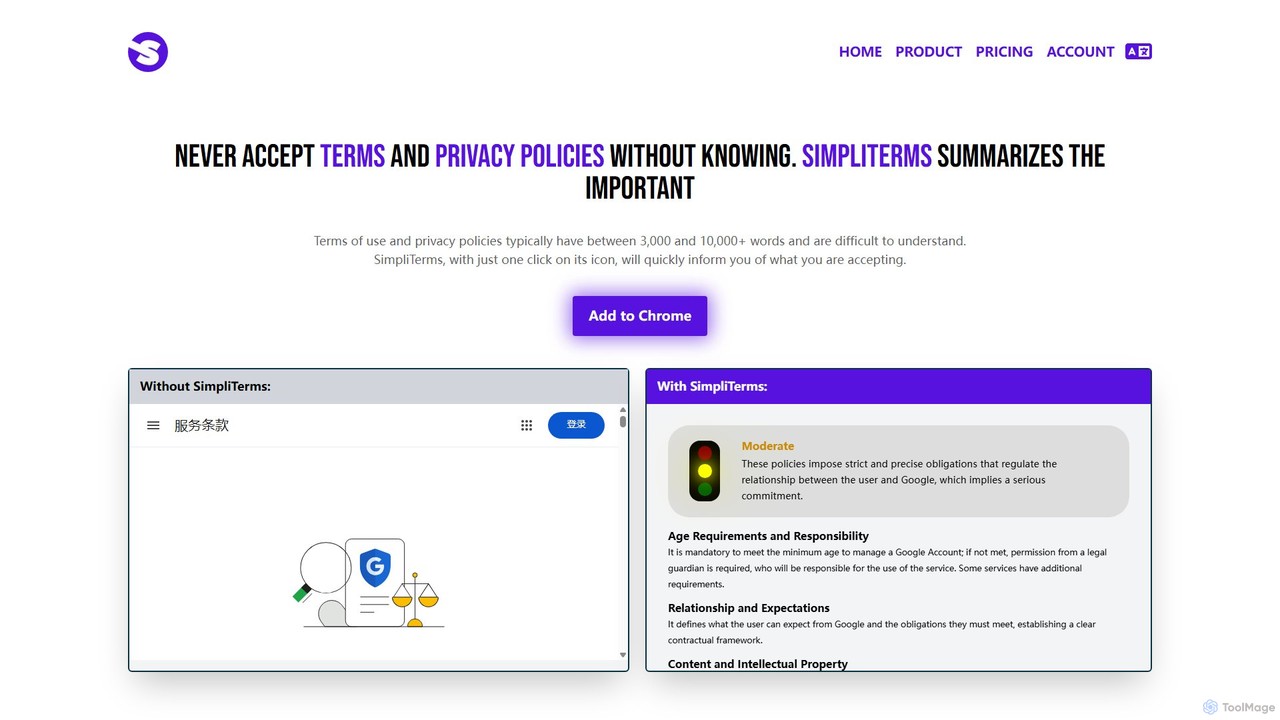
In today's digital world, we are constantly asked to agree to "Terms of Service" and "Privacy Policies" before using a website, service, or application. These documents are notoriously long, dense, and filled with complex legal jargon, often running between 3,000 to over 10,000 words. Reading and understanding them is a monumental task, yet blindly accepting them can expose you to unfavorable conditions, privacy risks, and potential legal liabilities. Simpliterms is an innovative AI-powered tool designed to solve this exact problem. It acts as your personal legal assistant, transforming convoluted legal text into clear, concise, and easy-to-understand summaries in just seconds.
Simpliterms is a browser extension for Google Chrome that seamlessly integrates into your browsing experience. When you land on a page containing terms of service or a privacy policy, Simpliterms detects it automatically. With a single click on its icon, the tool's advanced AI gets to work, analyzing the full text and generating a structured summary of the most critical points. It highlights key information about data collection, user responsibilities, content ownership, and liability, so you know exactly what you're agreeing to without spending hours deciphering legalese. The recently launched V2 brings a faster, more intuitive interface, improved AI responses, and support for over six languages, making digital transparency accessible to a global audience.
How to use Simpliterms
Getting started with Simpliterms is incredibly straightforward, designed for maximum ease of use:
- Install the Extension: Visit the Chrome Web Store, search for Simpliterms, and click "Add to Chrome". The extension will be installed in your browser in a few moments.
- Sign Up and Choose a Plan: Once installed, click on the Simpliterms icon in your browser's toolbar to sign up for an account and choose a subscription plan that suits your needs.
- Navigate to a Policy Page: Browse the web as you normally would. When you need to review a website's Terms of Service or Privacy Policy, simply navigate to that specific page.
- Generate the Summary: Click the Simpliterms extension icon. The tool will automatically detect the policy on the page and instantly generate a concise, easy-to-read summary of its key clauses. You'll see the most important information at a glance.
Core Features of Simpliterms
- AI-Powered Summarization: Utilizes sophisticated artificial intelligence to read, analyze, and condense lengthy legal documents into short, understandable summaries.
- One-Click Operation: A simple and intuitive user interface allows you to generate a summary with a single click of the extension icon.
- Automatic Policy Detection: The extension intelligently identifies when you are on a webpage containing Terms of Service or a Privacy Policy.
- Focus on Key Information: The summaries specifically highlight crucial aspects such as data collection practices, user content rights, age requirements, liability limitations, and prohibited activities.
- Multi-Language Support: The service is available in over six languages, breaking down language barriers and making it a globally useful tool.
- Seamless Chrome Integration: As a lightweight browser extension, it works directly within your Chrome browser without disrupting your workflow.
- V2 Enhancements: The latest version offers a significantly faster and more visually appealing interface, along with more accurate AI-generated responses.
Use Cases for Simpliterms
Simpliterms is valuable for anyone who uses the internet. Here are some specific scenarios:
- Privacy-Conscious Users: Before signing up for a new social media platform or newsletter, use Simpliterms to quickly check what personal data the service collects, how it's used, and if it's shared with third parties.
- Online Shoppers: Instantly understand an e-commerce store's return policy, warranty terms, and how your payment information is handled before making a purchase.
- Software and SaaS Users: When installing new software or subscribing to a service (like a project management tool or cloud storage), use the tool to grasp the terms of use, data ownership rules, and cancellation policies.
- Parents and Guardians: Quickly review the terms for online games, educational platforms, or apps to ensure they are safe and appropriate for your children, and understand your responsibilities as a guardian.
- Freelancers and Small Business Owners: When using online tools for your business, rapidly assess the terms regarding intellectual property, service level agreements (SLAs), and limitations of liability.
Advantages of Simpliterms
Using Simpliterms provides several significant benefits:
- Save Time: Reclaim the hours you would have spent trying to read and understand dense legal documents. Get the information you need in seconds.
- Protect Your Privacy: Gain immediate clarity on how websites and services handle your personal information, empowering you to make informed decisions about your data.
- Avoid Legal Problems: By understanding the terms you are accepting, you can avoid unknowingly violating a site's rules or agreeing to unfavorable conditions that could lead to disputes.
- Empowerment and Confidence: Browse the web with the confidence that you fully understand the digital contracts you enter into. No more blindly clicking "I Agree".
- Ease of Use: The tool is designed for everyone, regardless of technical or legal expertise. The simple "click-to-summarize" process makes it accessible to all.
Pricing and Plans
Simpliterms offers straightforward subscription plans to provide continuous access to its summarization service.
- 1-Month Access: For $4.99 per month, you get full access to unlimited summaries of both Privacy Policies and Terms of Use, along with 24/7 customer support. This plan is ideal for short-term needs or for trying out the service.
- 12-Month Access (Best Value): For $2.99 per month (billed annually at $35.88), you receive a full year of unlimited summaries and 24/7 customer support. This plan offers a significant saving of $24 per year compared to the monthly plan.
Both plans provide the full feature set, ensuring you are always informed about the digital agreements you make.
Simpliterms Alternatives

WiseOptIn
WiseOptIn is an AI-powered Chrome extension that analyzes and simplifies complex privacy policies and terms of service. It scores legal documents, provides easy-to-understand summaries, and features a chatbot to answer your specific questions, empowering you to understand what you're agreeing to online.
Chrome Extensions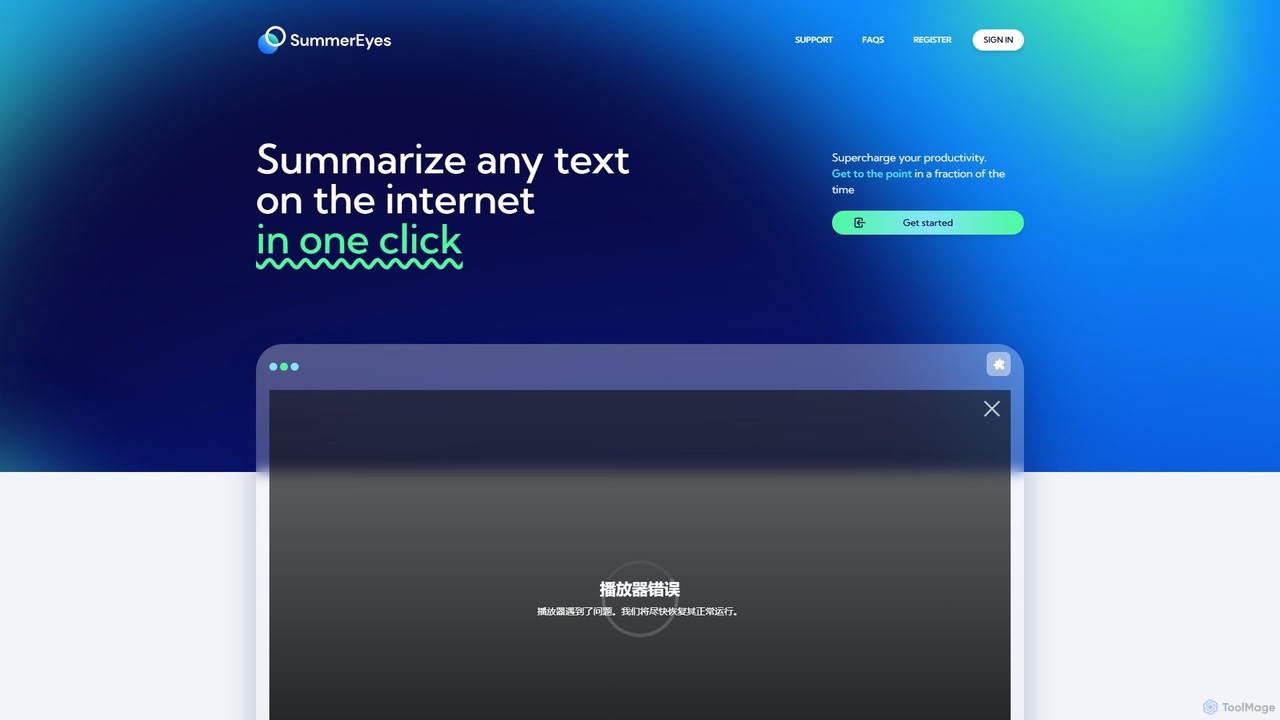
SummerEyes
SummerEyes is an AI-powered browser extension that summarizes any online text in a single click. It helps users quickly grasp the main points of articles, emails, and reports, significantly boosting reading speed and productivity. By integrating directly into your browser, it eliminates the need for copy-pasting, offering a seamless way to combat information overload.
Chrome Extensions
Recap
Recap is a free, open-source Chrome extension that uses ChatGPT to intelligently summarize web content. Its unique "Smart Split" feature breaks down long articles into manageable passages, allowing users to summarize entire pages, specific sections, or selected text with high precision.
Chrome Extensions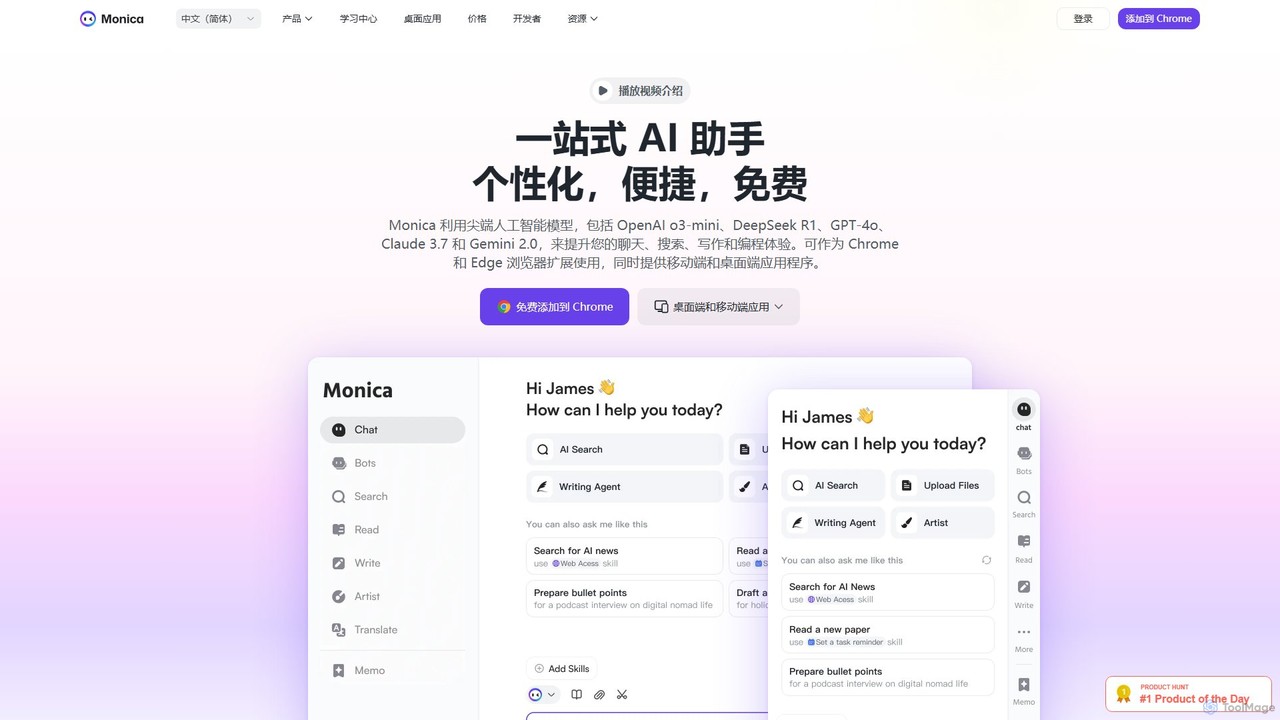
Monica
Monica is an all-in-one AI assistant powered by leading models like GPT-4o, Claude 3.7, and Gemini 1.5. It integrates seamlessly into your workflow as a browser extension, desktop, and mobile app, offering features for chat, search, writing, translation, and image creation to boost productivity.
Chrome Extensions
getmerlin
getmerlin is a versatile AI assistant powered by top models like GPT-4o and Claude 3.5. Available as a browser extension and app, it integrates seamlessly into your workflow to summarize content, draft emails, generate text and images, and enhance research on any website. It acts as an all-in-one productivity tool, saving time and money by consolidating multiple AI services into a single subscription.
Chrome ExtensionsSimpliterms Categories
Simpliterms Embed Widget
Copy this embed code to place the badge on your blog, article, or product site and send readers directly to this ToolMage detail page.

Related AI tools
WiseOptIn
WiseOptIn is an AI-powered Chrome extension that analyzes and simplifies complex privacy policies and terms of service. It scores legal documents, provides easy-to-understand summaries, and features a chatbot to answer your specific questions, empowering you to understand what you're agreeing to online.
Chrome Extensions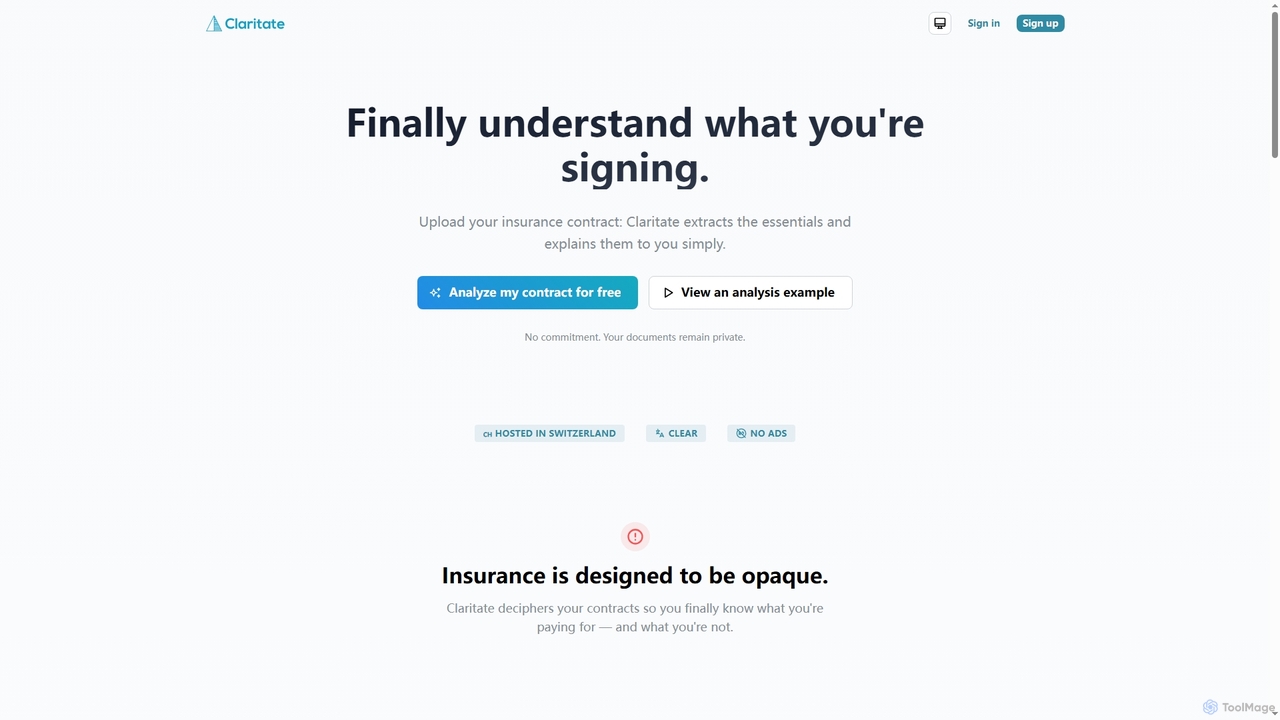
Claritate
Claritate is an AI-powered tool designed to simplify complex insurance contracts. Users upload their PDF documents to receive clear, human-language summaries, understand coverage details, costs, and exclusions, and get direct answers to specific questions, empowering them to make informed decisions about their insurance policies.
Insurance AnalysisSummerEyes
SummerEyes is an AI-powered browser extension that summarizes any online text in a single click. It helps users quickly grasp the main points of articles, emails, and reports, significantly boosting reading speed and productivity. By integrating directly into your browser, it eliminates the need for copy-pasting, offering a seamless way to combat information overload.
Chrome ExtensionsRecap
Recap is a free, open-source Chrome extension that uses ChatGPT to intelligently summarize web content. Its unique "Smart Split" feature breaks down long articles into manageable passages, allowing users to summarize entire pages, specific sections, or selected text with high precision.
Chrome Extensions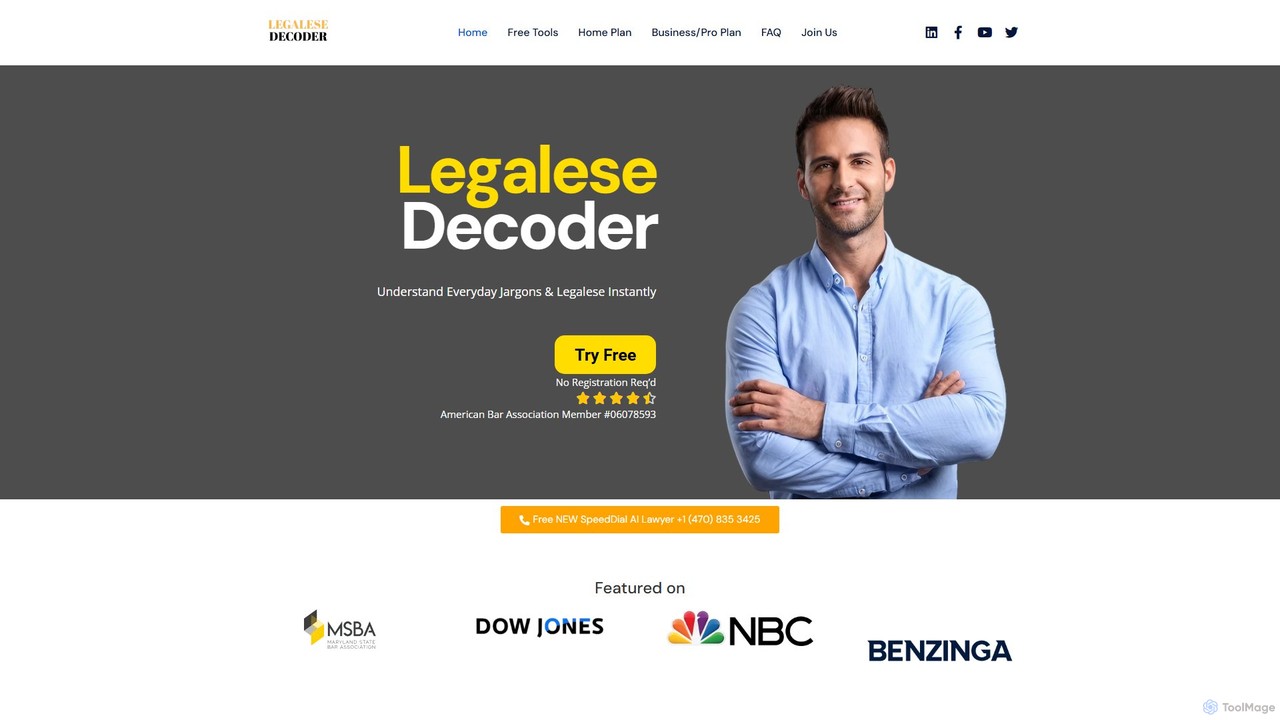
Legalese Decoder
Legalese Decoder is an AI-powered tool that translates complex legal documents into simple, plain English. It helps individuals and small businesses understand contracts, leases, and agreements without high legal fees, analyzing documents for key terms, risks, and fairness. Instantly demystify legal jargon and make informed decisions.
Compliance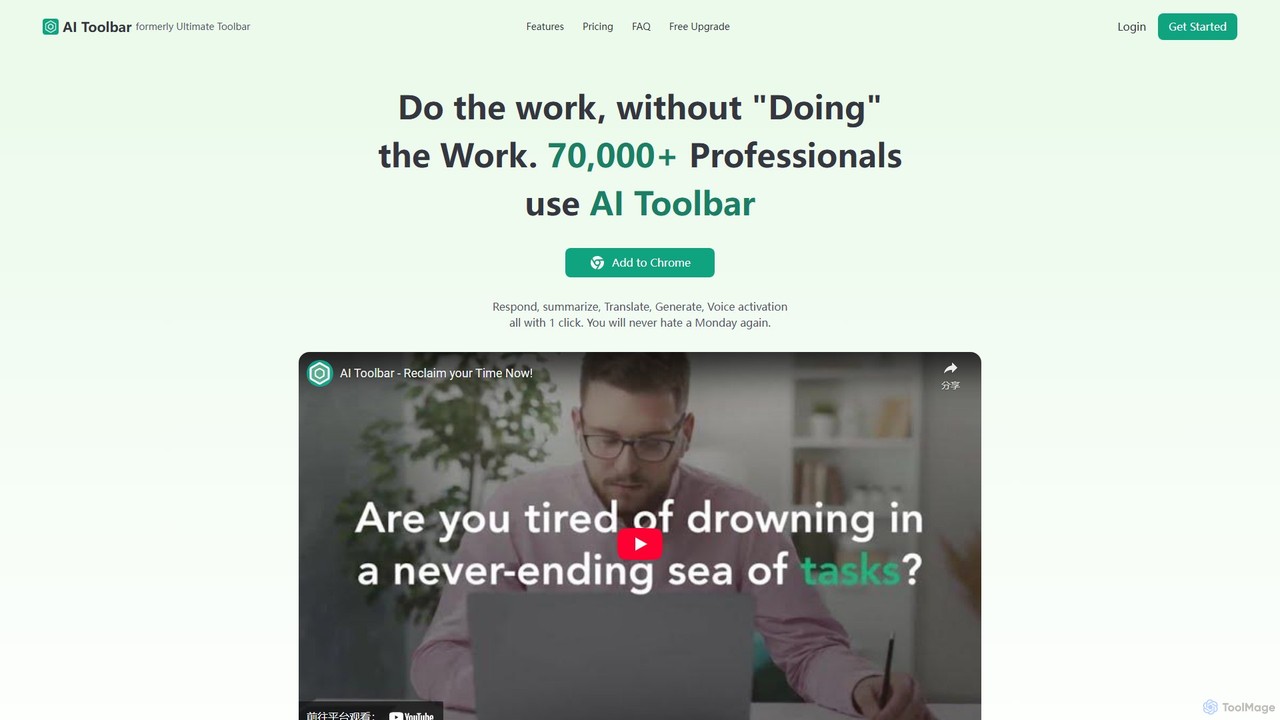
AI Toolbar
AI Toolbar is a powerful Chrome extension that acts as your personal virtual assistant. It integrates AI directly into your browser, allowing you to respond to emails, summarize and translate text, generate content, and use voice commands on any webpage with a single click. Trusted by over 70,000 professionals, it's designed to dramatically boost your productivity and streamline your workflow.
Paraphraser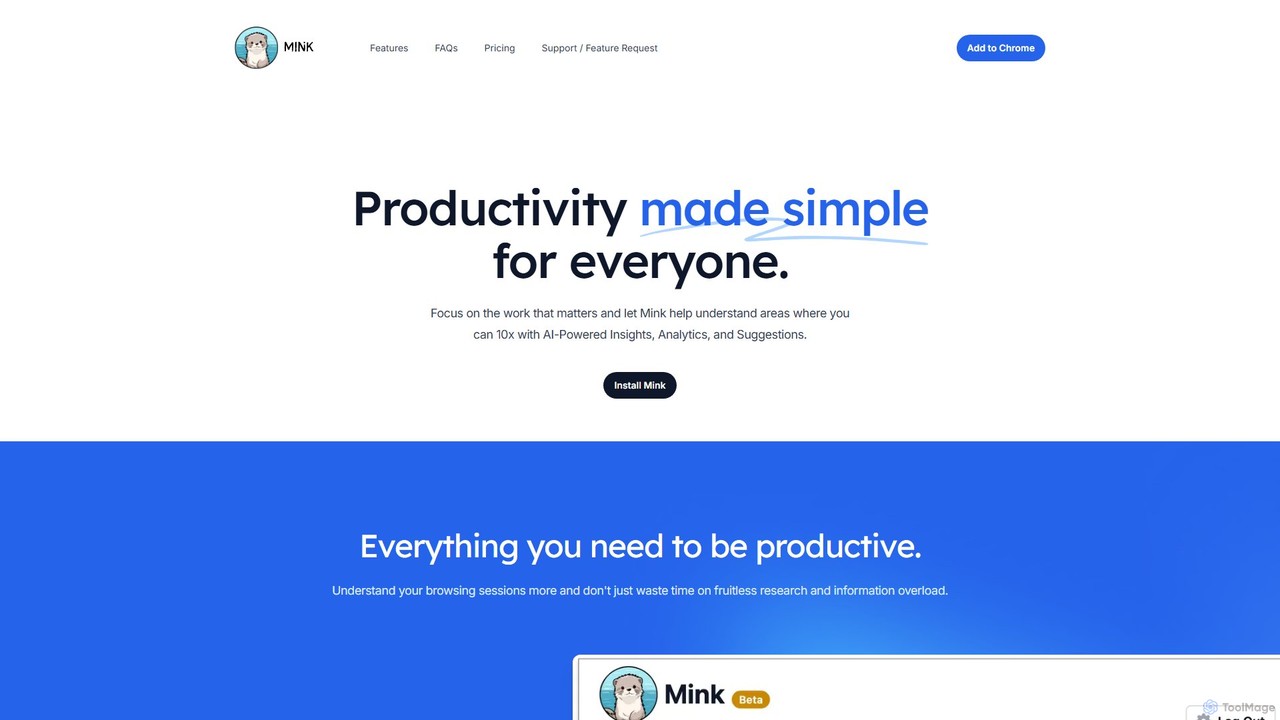
Mink
Mink is an AI-powered browser co-pilot designed to enhance your productivity. It analyzes your browsing patterns to provide actionable insights, detailed analytics, and personalized suggestions. By understanding how you spend your time online, Mink helps you eliminate distractions, focus on important tasks, and optimize your workflow, all while ensuring your data remains private and stored locally on your device.
Browser Extension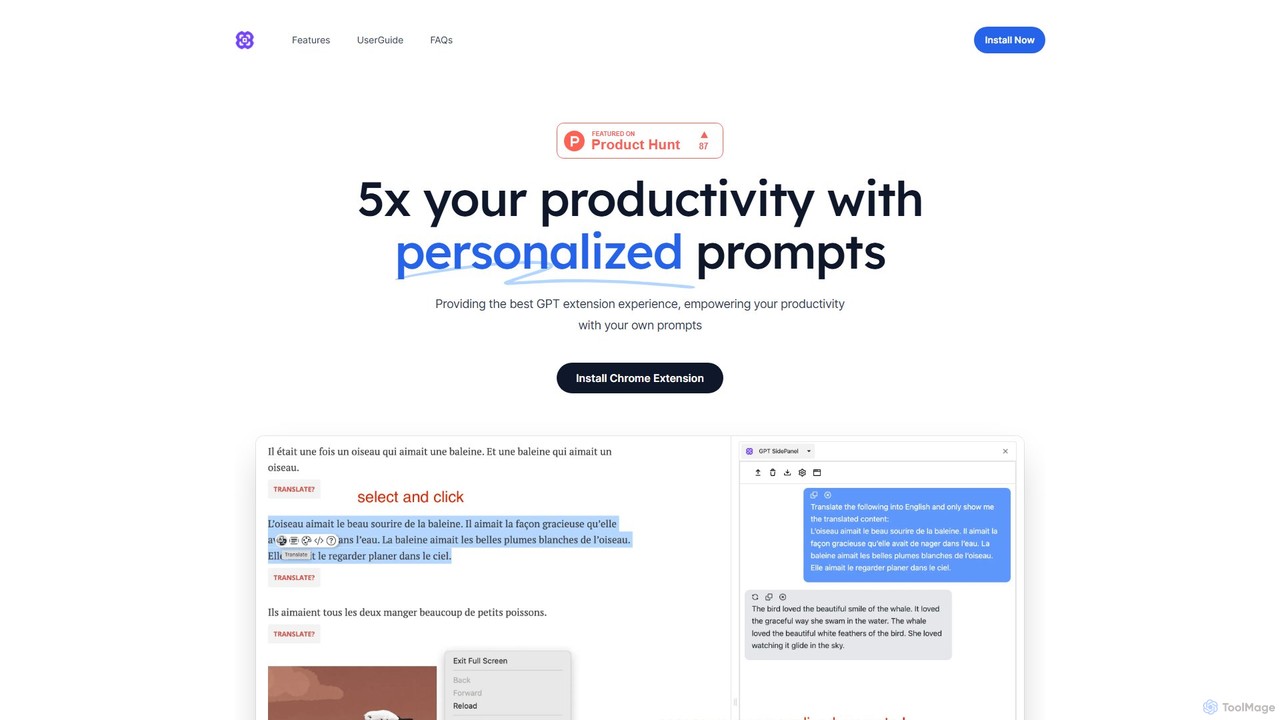
GPTSidePanel
GPTSidePanel is a powerful AI browser extension that integrates a GPT-powered sidebar into your browsing experience. Boost your productivity by summarizing articles, translating text, polishing writing, and using custom prompts directly on any webpage. Eliminate tab-switching and keep your workflow seamless with this intuitive AI assistant.
Browser Extension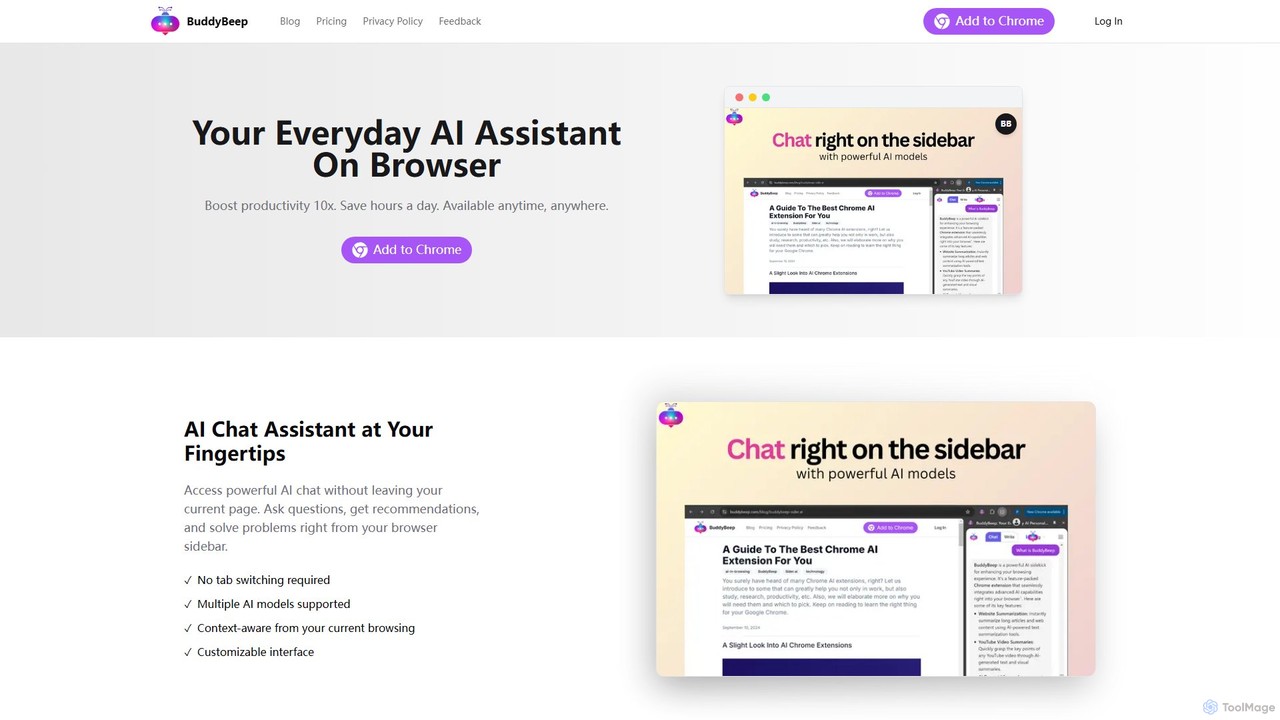
BuddyBeep
BuddyBeep is an AI-powered Chrome extension that acts as your personal browsing assistant. It boosts productivity by offering an in-page AI chat, one-click summarization for articles and YouTube videos, and a smart knowledge repository to build your "second brain". Capture, organize, and retrieve information effortlessly without switching tabs, transforming your browsing into a more efficient and insightful experience.
Browser Extension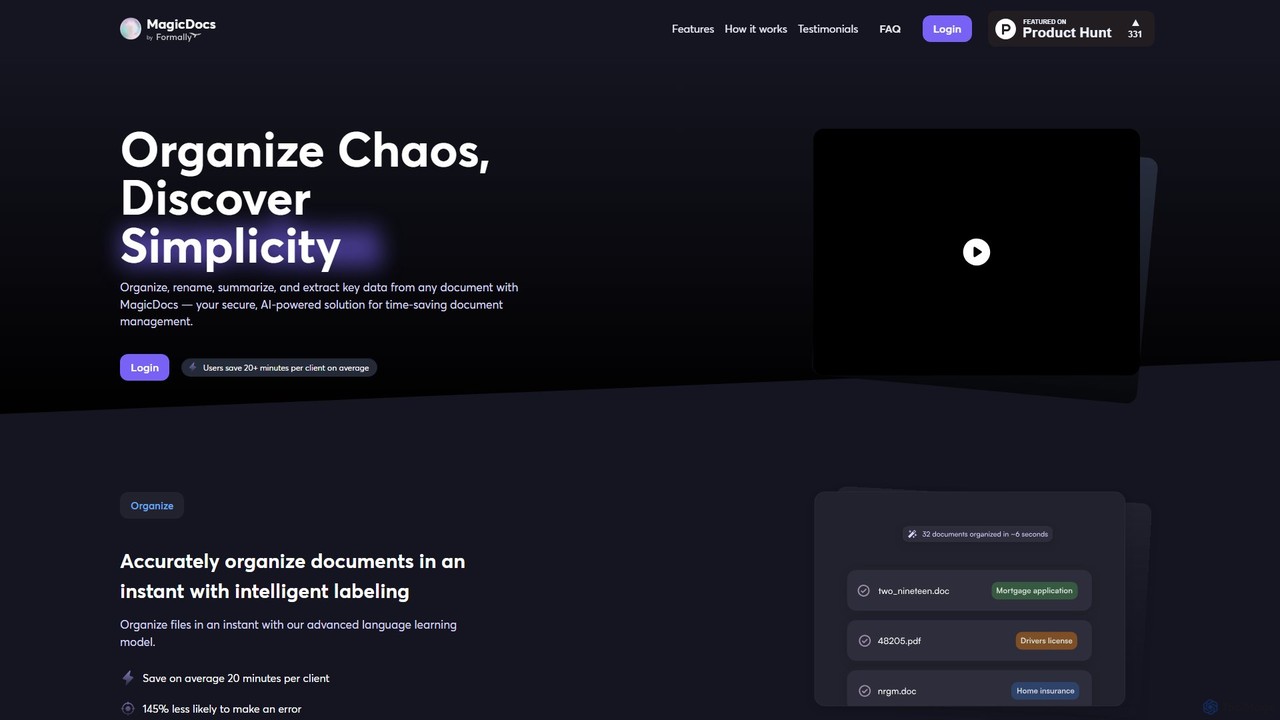
Magic Documents
Magic Documents is a secure, AI-powered solution that transforms chaotic document management. It automatically organizes, renames, summarizes, and extracts key data from any document, saving professionals significant time and reducing errors. Ideal for legal, financial, and business teams, it streamlines workflows and enhances collaboration with enterprise-grade security.
Data Extraction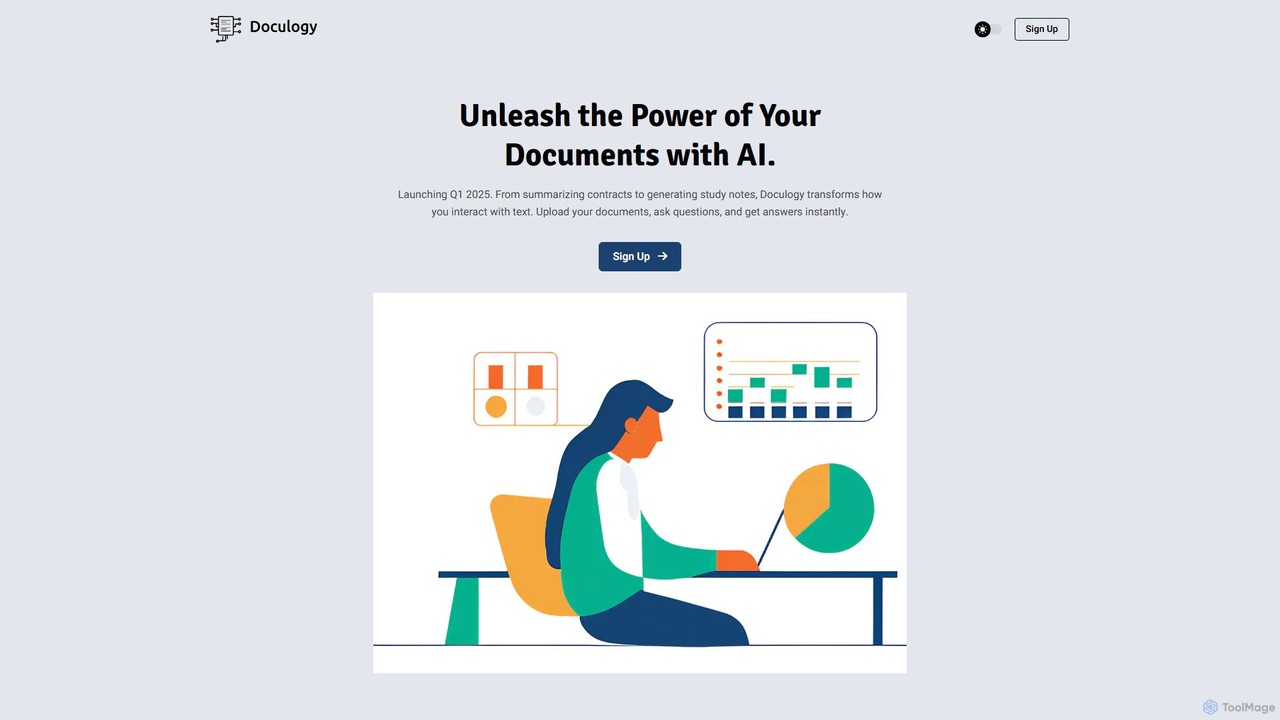
Doculogy
Doculogy is an AI-powered document analysis platform that transforms how you interact with text. Upload contracts, research papers, or CVs, ask questions in natural language, and receive instant, precise answers. It summarizes, analyzes multiple documents at once, and provides actionable insights, saving time and improving decision-making for professionals across various fields.
Reporting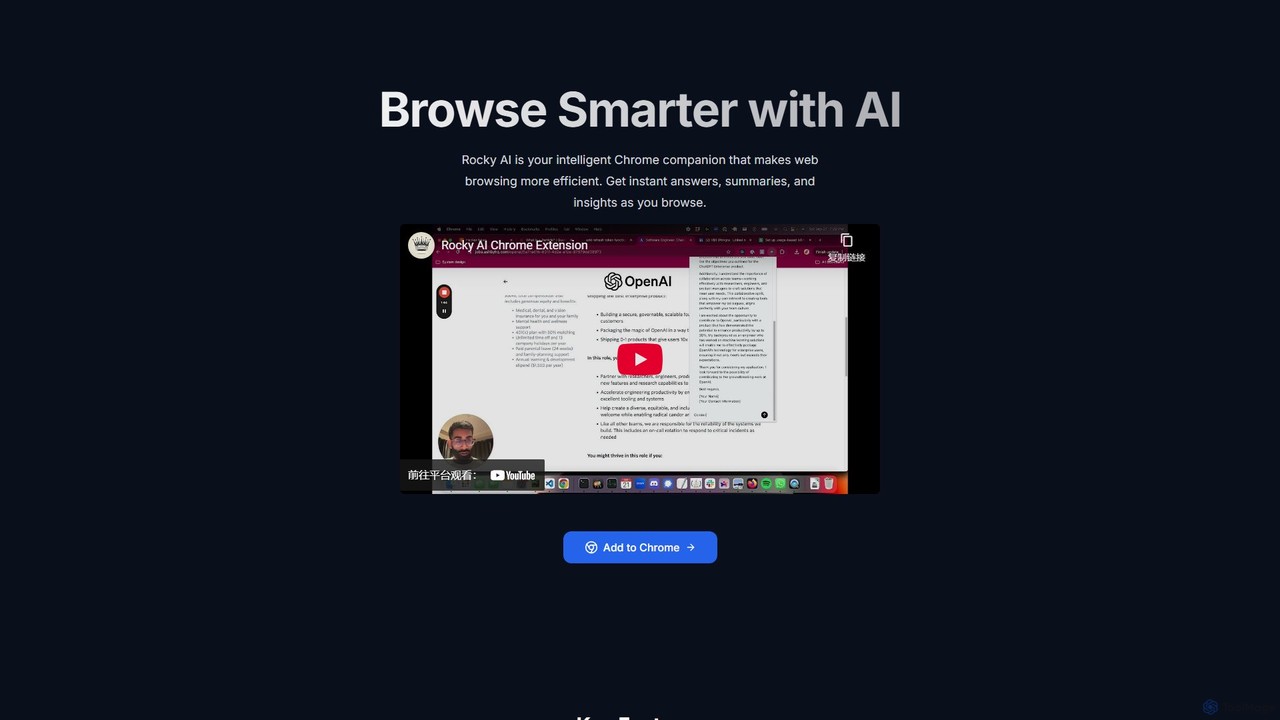
Rocky AI
Rocky AI is an intelligent Chrome extension that enhances your web browsing. It acts as a smart companion, providing instant article summaries, finding specific information in long texts, generating personalized LinkedIn outreach messages, and analyzing product reviews to help you browse smarter and more efficiently.
Browser Assistant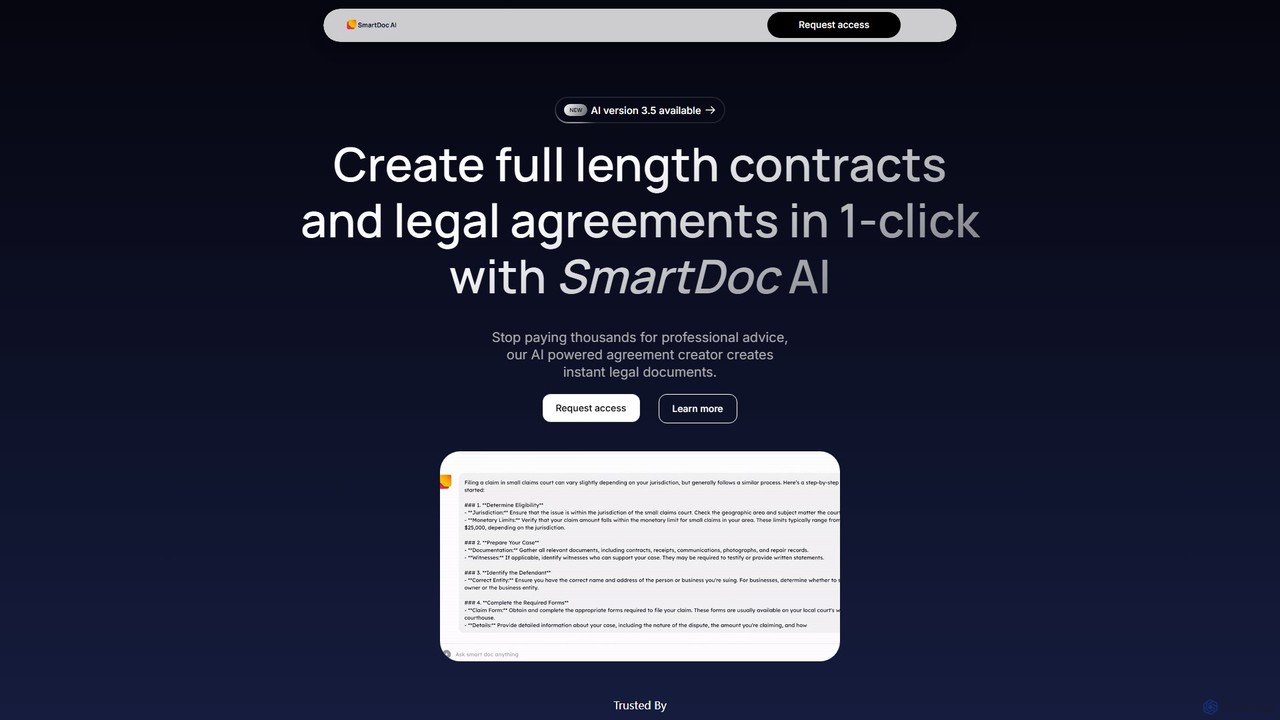
Smart Doc AI
Smart Doc AI is an intelligent document processing platform that creates, summarizes, and analyzes complex documents. Interact with your files through a Q&A interface, generate professional reports, contracts, and manuals, and extract key insights in seconds, boosting productivity for professionals across various industries.
Contract ManagementMonica
Monica is an all-in-one AI assistant powered by leading models like GPT-4o, Claude 3.7, and Gemini 1.5. It integrates seamlessly into your workflow as a browser extension, desktop, and mobile app, offering features for chat, search, writing, translation, and image creation to boost productivity.
Chrome Extensionsgetmerlin
getmerlin is a versatile AI assistant powered by top models like GPT-4o and Claude 3.5. Available as a browser extension and app, it integrates seamlessly into your workflow to summarize content, draft emails, generate text and images, and enhance research on any website. It acts as an all-in-one productivity tool, saving time and money by consolidating multiple AI services into a single subscription.
Chrome Extensions
Simpliterms Comments (0)
Sign in to comment.
Sign inNo comments yet.