
Steam Overview
Steam, developed by Valve Corporation, stands as the premier digital distribution platform for PC gaming, evolving far beyond a simple game launcher into a comprehensive and integrated ecosystem for players, developers, and content creators. It provides users with the ability to purchase, download, install, and manage a vast library of video games, from blockbuster AAA titles to innovative indie gems. With millions of concurrent users, Steam is not just a store but a bustling digital community where gamers connect, share, and create.
The platform's client is the central hub for the entire experience. It organizes a user's game library, facilitates downloads and automatic updates, and provides access to all of Steam's social and community features. This seamless integration ensures that players always have the latest version of their games and can easily jump back into their saved progress from any computer, thanks to the robust Cloud Save functionality.
How to use Steam
Getting started with Steam is a straightforward process designed to get you into your games as quickly as possible:
- Download and Install: Visit the official Steam website (store.steampowered.com) and download the free client for your operating system (Windows, macOS, or Linux).
- Create an Account: Launch the client and create a free Steam account. This account will be your key to your game library, friends list, and all platform features.
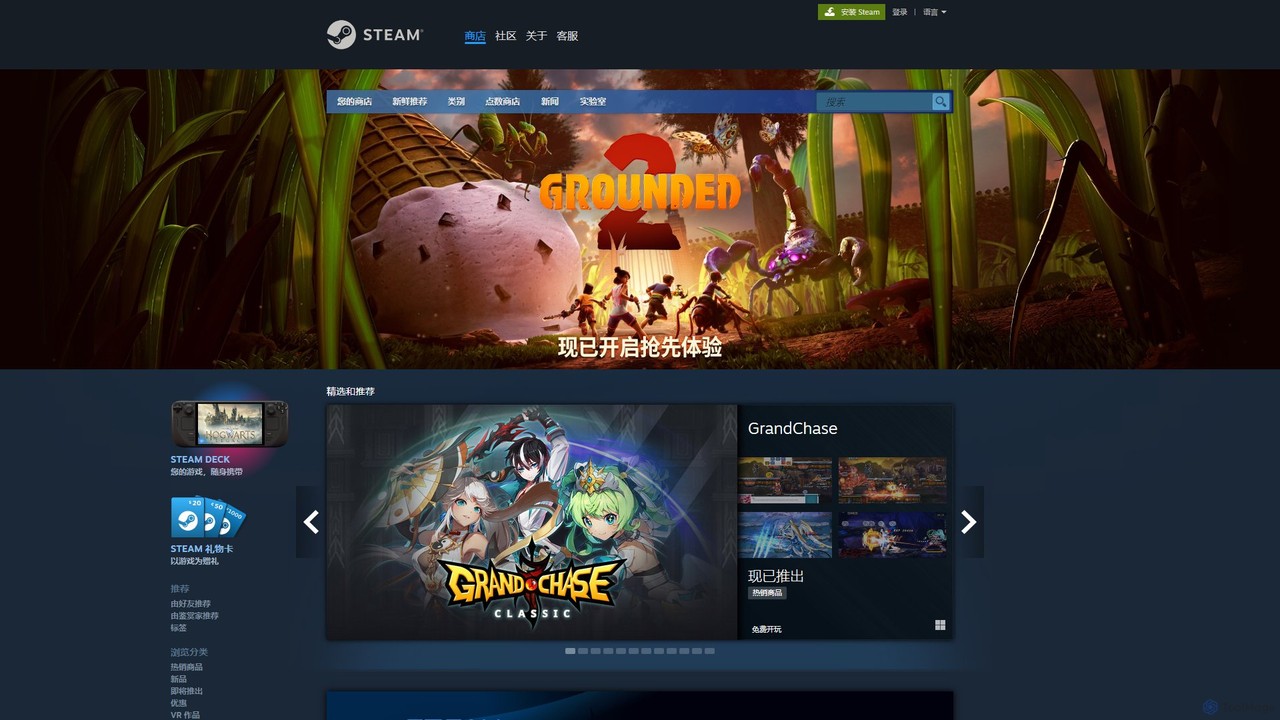
- Explore the Store: Browse the extensive Steam Store. You can discover games through curated lists, new releases, top sellers, genre categories, user tags, or personalized recommendations based on your play history.
- Purchase and Add Games: Purchase games using various payment methods or add free-to-play titles to your library with a single click. You can also redeem game keys purchased from other retailers.
- Install and Play: Navigate to your 'Library' tab, select a game, and click 'Install'. Once downloaded, you can launch the game directly from the client.
- Engage with the Community: Add friends, use the built-in chat, join groups, write reviews for games you've played, share screenshots, and broadcast your gameplay live to friends or the public.
Core Features of Steam
- Vast Digital Game Library: Access to tens of thousands of games, from major publishers to solo developers, across every imaginable genre.
- Steam Community Hub: A rich social platform featuring user profiles, friends lists, group chat, in-game voice chat, forums, and activity feeds.
- Steam Workshop: A central hub for user-generated content. Players can easily discover, download, and install mods, maps, and items for their favorite games, often integrated directly into the game.
- Cloud Saves: Automatically syncs game progress and settings to the cloud, allowing you to continue your game on any computer with Steam installed.
- Automatic Updates: Keeps all your games and the Steam client itself up-to-date with the latest patches and features, eliminating manual patching.
- Steam Remote Play: Stream your games from your gaming PC to other devices like laptops, phones, tablets, or TVs, allowing you to play anywhere in your home.
- Steam Market: A virtual marketplace where users can buy and sell in-game items, trading cards, and other digital goods using their Steam Wallet funds.
- Steam Deck & VR Support: Full integration with the Steam Deck handheld gaming PC and a dedicated platform (SteamVR) for immersive virtual reality experiences.
Use Cases for Steam
For Gamers: Steam serves as a one-stop-shop to discover, purchase, organize, and play PC games. It's a social tool for connecting with friends, finding teammates for multiplayer games, and sharing gaming experiences. The Workshop extends the life of games with endless community-created content.
For Developers: It is the most significant distribution channel for PC game developers, providing access to a massive global audience. The Steamworks backend offers tools for publishing, updating, marketing, gathering user feedback, and monetizing games through sales and the Community Market.
For Content Creators: The Steam Workshop empowers creators to design and share mods and items, sometimes even earning a share of the revenue. The broadcasting feature allows streamers to share their gameplay directly with the Steam community.
Advantages of Steam
- Unmatched Selection: The sheer size of the game catalog is unparalleled, ensuring there's something for every type of gamer.
- Legendary Sales: Renowned for its seasonal sales (e.g., Summer Sale, Winter Sale) that offer deep discounts on thousands of titles.
- Robust Ecosystem: The tight integration of store, library, community, and features like Cloud Saves and Remote Play creates a convenient and powerful user experience.
- Community-Driven Discovery: User reviews, tags, and curator recommendations provide valuable, real-world insight to help players find games they'll love.
- Platform Stability and Trust: As a long-standing leader in the industry, Steam offers a reliable and secure platform for game purchases and management.
Pricing and Plans
The Steam platform itself is completely free to use. Creating an account and downloading the client costs nothing. The business model is based on the sale of digital content:
- Game Purchases: Games are sold individually at prices set by their publishers. Prices range from free-to-play to premium AAA titles.
- Free-to-Play: A large selection of games are available for free, often supported by optional in-game purchases.
- Sales and Discounts: Steam holds regular sales events, including daily deals, mid-week madness, and massive seasonal sales, where games can be purchased for significantly reduced prices.
- Community Market: Valve takes a small transaction fee on all sales conducted through the Steam Community Market.
Traffic
Latest traffic
Status
Monthly traffic trend
- 2025-9: 192.9M
- 2026-1: 209.9M
- 2026-2: 199.5M
- 2026-3: 231.8M
- 2026-4: 212.4M
- 2026-5: 224.5M
Geography
Top 5 countries / regions
- 🇺🇸United States42.1%
- 🇷🇺Russia24.3%
- 🇧🇷Brazil13.6%
- 🇨🇳China10.8%
- 🇩🇪Germany9.3%
Traffic sources
| Source type | Percentage |
|---|---|
Direct | 78.1% |
Referral | 18.5% |
Email | 3.4% |
Top keywords
| Keyword | Cost per click |
|---|---|
| forza horizon 6 | $0.34 |
| steam | $0.18 |
| steam controller | $0.53 |
| subnautica 2 | $0.75 |
| стим | $0.13 |
Steam Alternatives
Google Play Games on PC
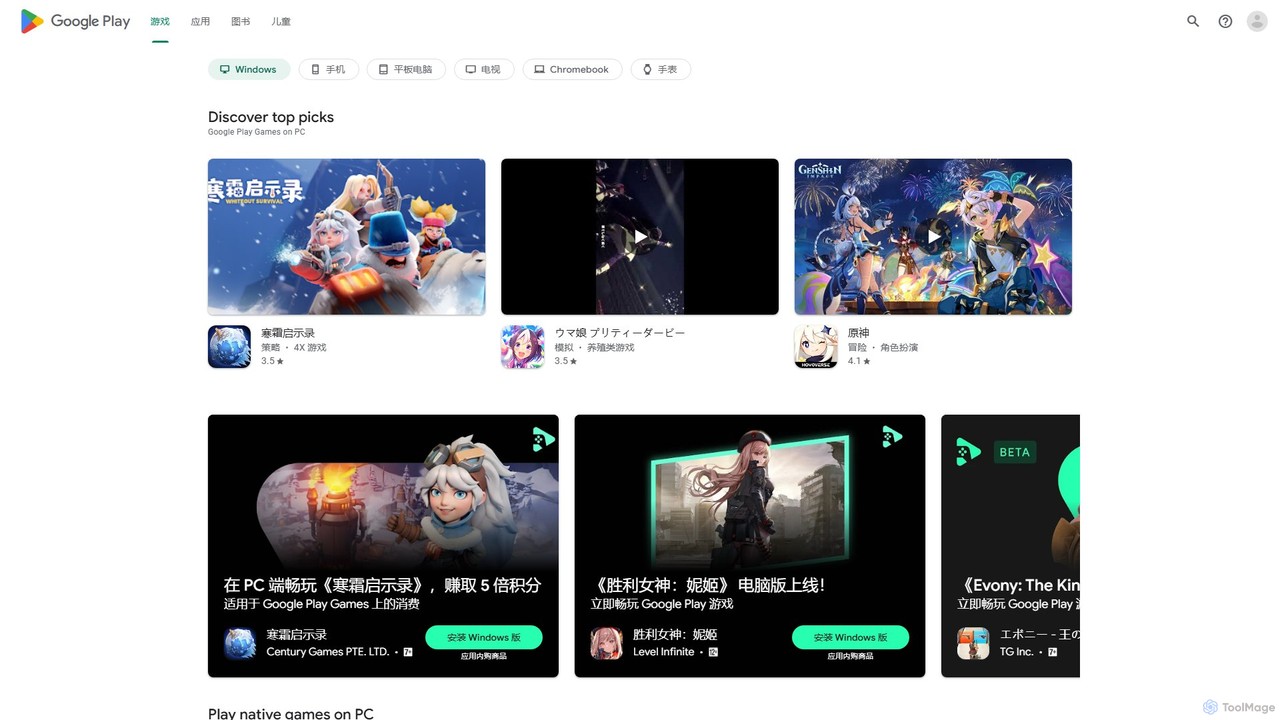
Google Play Games on PC is a free platform that allows you to play your favorite Android mobile games on a Windows desktop or laptop. Enjoy a larger screen, enhanced controls with keyboard and mouse, seamless cross-device progress synchronization, and integration with Google Play Points for rewards. Experience mobile gaming like never before with optimized performance and graphics on your PC.
Mobile Gaming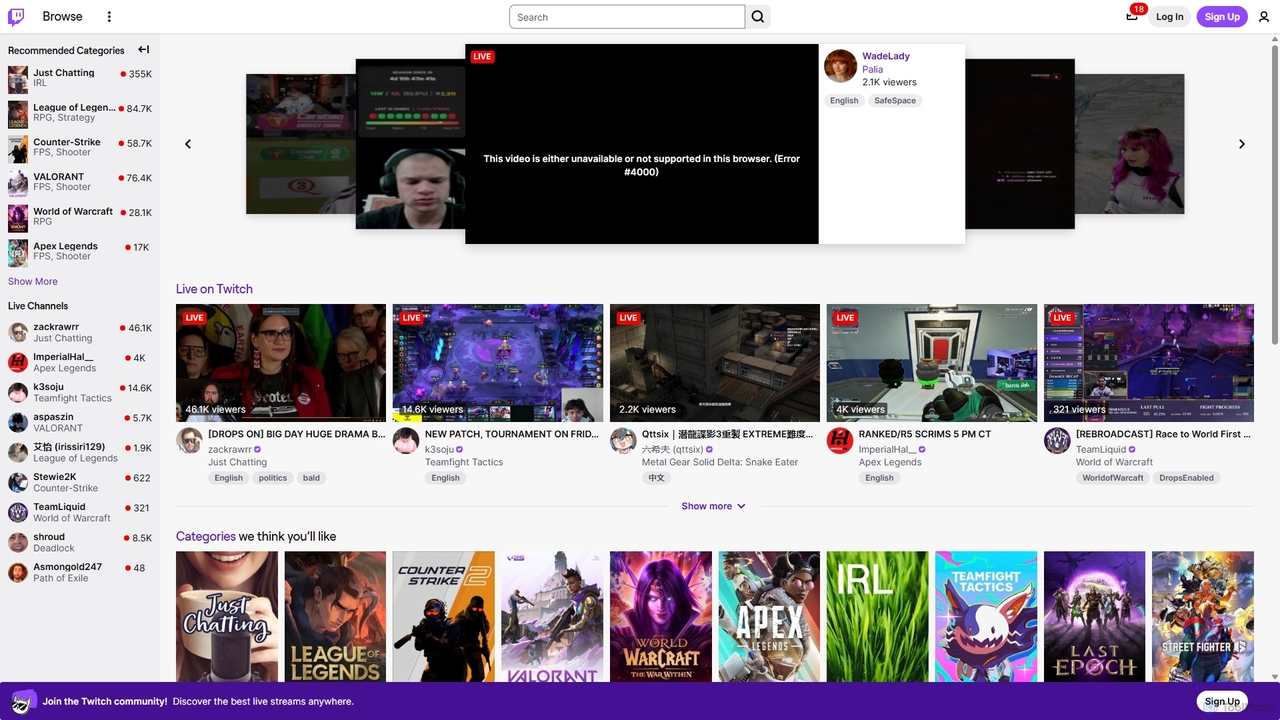
Twitch
Twitch is the world's leading live streaming platform for gamers, entertainers, musicians, and creative communities. It offers an interactive space for creators to broadcast their content in real-time, engage with a global audience through live chat, and build dedicated communities. Viewers can watch, chat, and support their favorite streamers through subscriptions and virtual goods.
Video Platform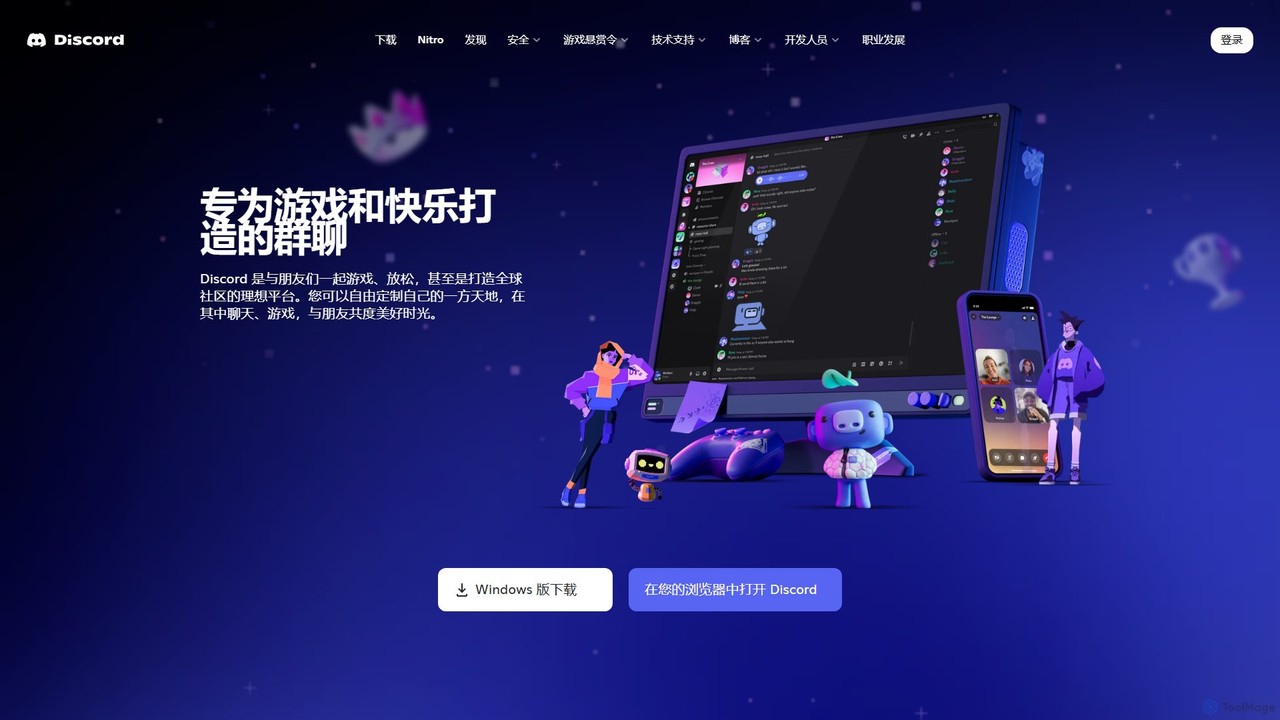
Discord
Discord is a premier voice, video, and text chat platform designed for creating and managing online communities. Initially built for gamers, it has evolved into a versatile tool for various groups, from study circles and developer hubs to art collectives and friend hangouts, offering robust customization and integration features.
Gaming Platform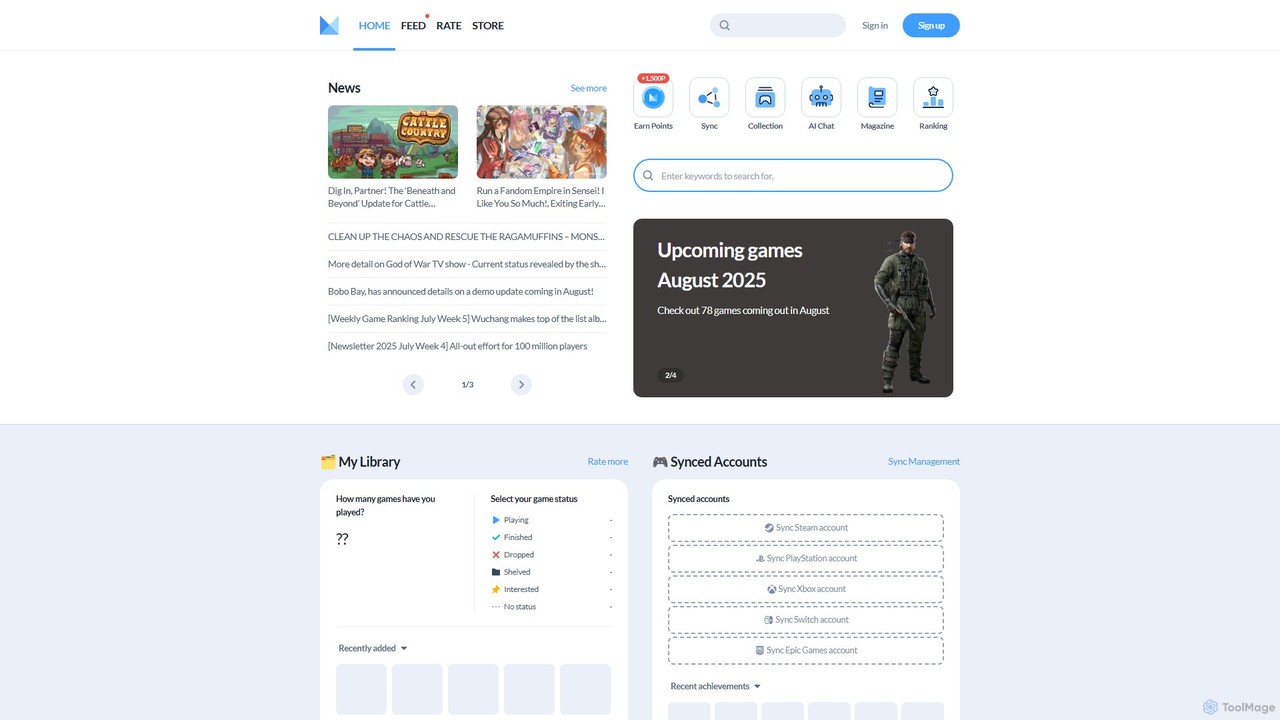
Minimap
Minimap is your AI-powered gaming companion, designed to unify your entire game library from platforms like Steam, PlayStation, Xbox, and Switch. Track your progress, discover new titles, connect with a global community of gamers, and get personalized recommendations.
Social Networking
play_this
PlayThis is an AI-powered platform for gamers to manage their game backlog and discover new titles. By integrating with Steam, it analyzes your library to provide personalized recommendations. Unique metrics like 'Quality Per Hour' and estimated completion times help you decide what to play next, ensuring you spend your gaming time on titles you'll truly enjoy.
Recommendation EngineSteam Categories
Steam Embed Widget
Copy this embed code to place the badge on your blog, article, or product site and send readers directly to this ToolMage detail page.

Related AI tools
Google Play Games on PC
Google Play Games on PC is a free platform that allows you to play your favorite Android mobile games on a Windows desktop or laptop. Enjoy a larger screen, enhanced controls with keyboard and mouse, seamless cross-device progress synchronization, and integration with Google Play Points for rewards. Experience mobile gaming like never before with optimized performance and graphics on your PC.
Mobile GamingTwitch
Twitch is the world's leading live streaming platform for gamers, entertainers, musicians, and creative communities. It offers an interactive space for creators to broadcast their content in real-time, engage with a global audience through live chat, and build dedicated communities. Viewers can watch, chat, and support their favorite streamers through subscriptions and virtual goods.
Video PlatformDiscord
Discord is a premier voice, video, and text chat platform designed for creating and managing online communities. Initially built for gamers, it has evolved into a versatile tool for various groups, from study circles and developer hubs to art collectives and friend hangouts, offering robust customization and integration features.
Gaming PlatformMinimap
Minimap is your AI-powered gaming companion, designed to unify your entire game library from platforms like Steam, PlayStation, Xbox, and Switch. Track your progress, discover new titles, connect with a global community of gamers, and get personalized recommendations.
Social Networkingplay_this
PlayThis is an AI-powered platform for gamers to manage their game backlog and discover new titles. By integrating with Steam, it analyzes your library to provide personalized recommendations. Unique metrics like 'Quality Per Hour' and estimated completion times help you decide what to play next, ensuring you spend your gaming time on titles you'll truly enjoy.
Recommendation Engine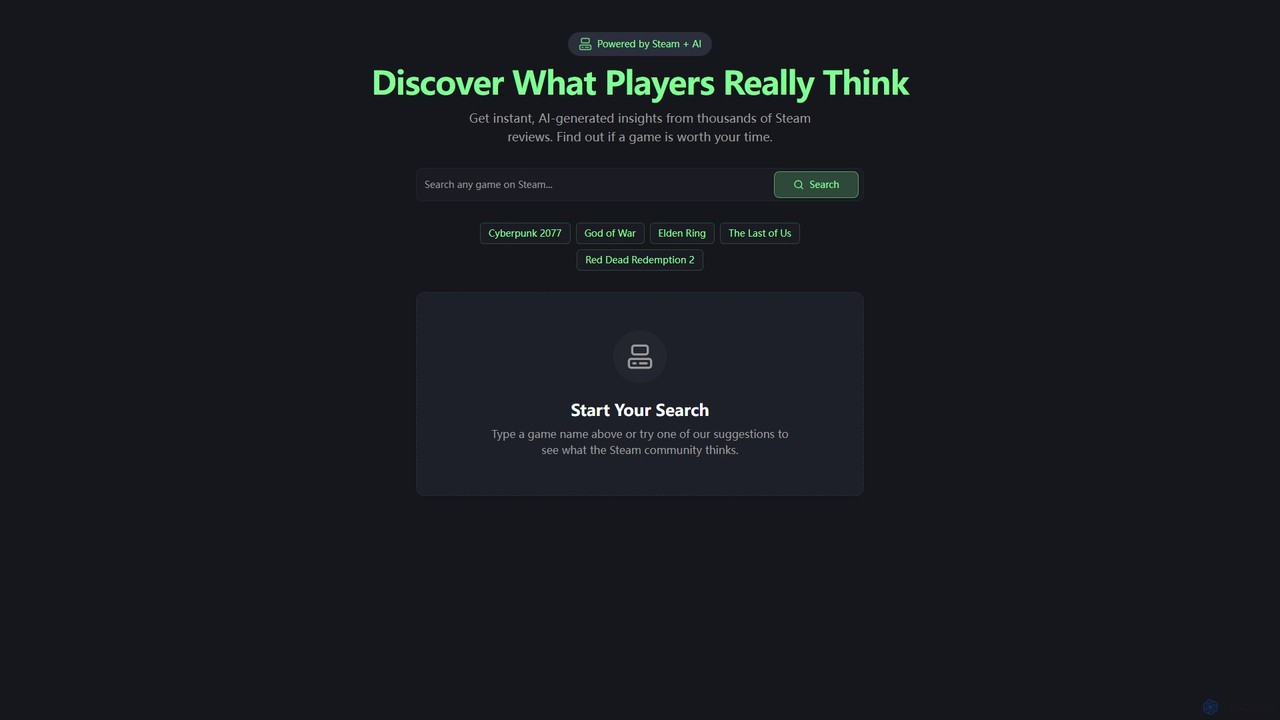
steamsummarize
steamsummarize is a free AI tool that uses GPT-4 to instantly summarize Steam game reviews. Simply search for any game, and the tool fetches the latest reviews to provide a concise overview of community sentiment, highlighting pros and cons. It's a fast, private, and easy way for gamers to make informed purchasing decisions without reading hundreds of reviews.
Sentiment Analysis
Patreon
Patreon is a leading membership platform empowering creators to build sustainable businesses by receiving direct financial support from their dedicated fans. It enables creators to offer exclusive content, community access, and unique benefits, fostering a direct relationship with their audience and monetizing their creative work without relying solely on ads or traditional gatekeepers.
Audience Engagement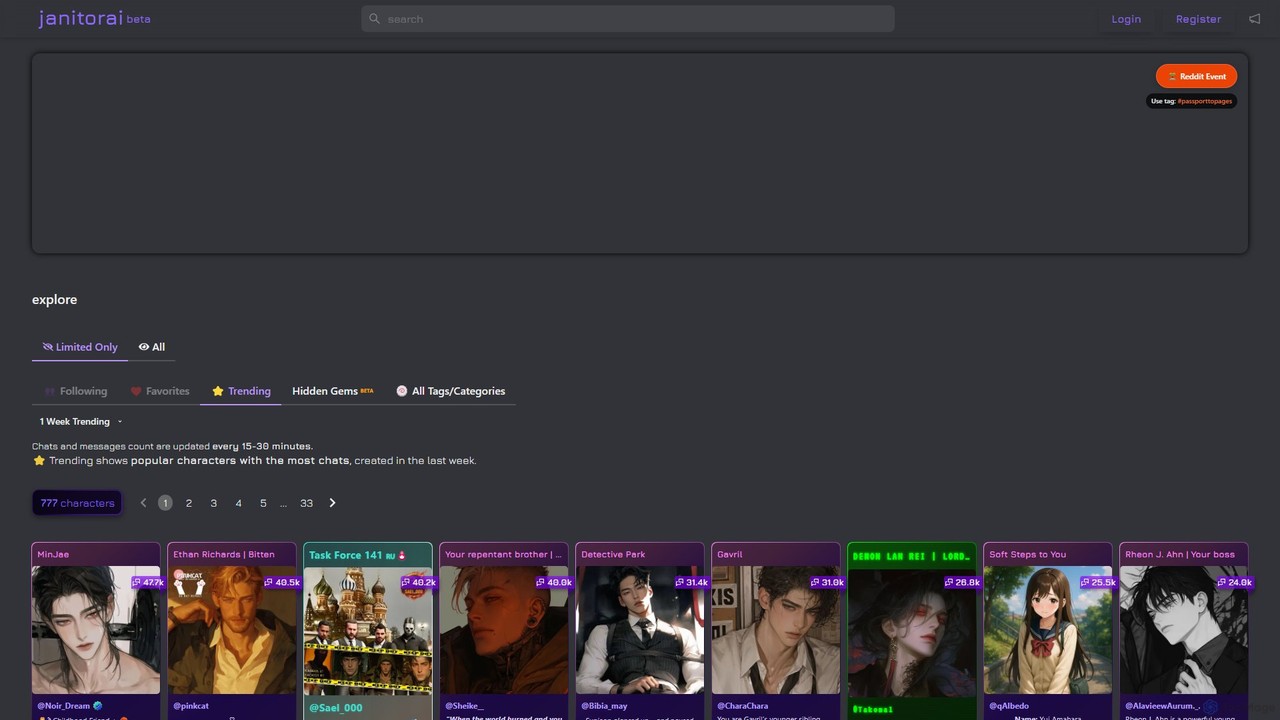
JanitorAI
A community-driven platform for creating, sharing, and exploring AI chatbot characters. Engage in immersive role-playing and storytelling by connecting your own LLM API key for highly customizable and unrestricted conversations with a vast library of fictional personas.
Character Ai
NVIDIA
NVIDIA is a global leader in artificial intelligence computing, providing a full-stack platform of hardware, software, and services. Its solutions power everything from gaming and professional graphics with GeForce and RTX GPUs to advanced AI, data science, and high-performance computing in data centers and the cloud.
Infrastructure
iFixit
iFixit is the world's largest online repair community, providing free, step-by-step repair manuals, quality replacement parts, and precision tools. It empowers individuals to fix their own devices, from electronics to appliances, and actively advocates for the Right to Repair movement, fostering a more sustainable and repairable future for all.
Technical Support
Chub AI
Chub AI is a massive, community-driven hub for discovering, sharing, and downloading AI chatbot characters. It serves as a central repository for character cards used in various AI role-playing and chat applications like SillyTavern and TavernAI, offering an extensive library for users to explore.
Character Hub
Product Hunt
Product Hunt is the premier platform for discovering and launching the latest technology products. It's a daily destination for tech enthusiasts, investors, and makers to explore new apps, websites, and AI tools, curated and ranked by a global community.
Tech Community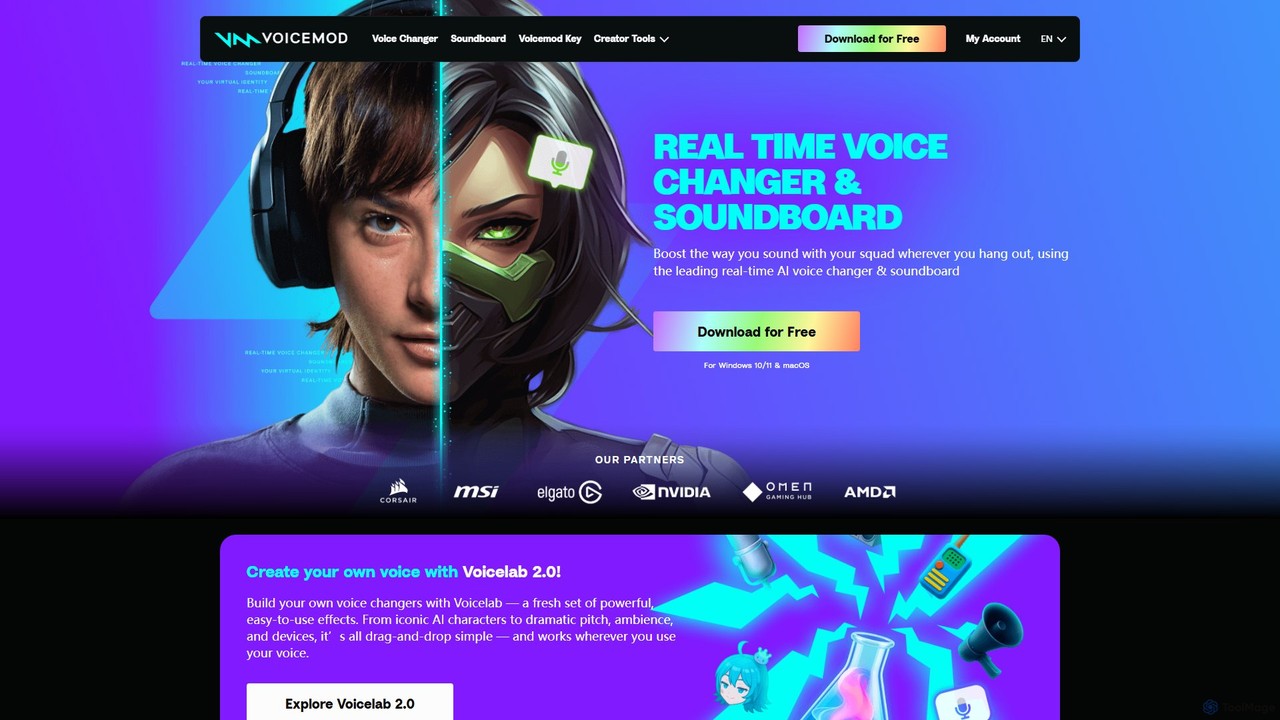
Voicemod
Voicemod is the leading real-time AI voice changer and soundboard for PC and Mac. Designed for gamers, streamers, and content creators, it allows you to transform your voice into anything you can imagine, from a robot to an anime character. With a vast library of voices, sound effects, and the powerful Voicelab for custom voice creation, Voicemod integrates seamlessly with all your favorite games and communication apps like Discord, Zoom, and VRChat.
Voice Modulation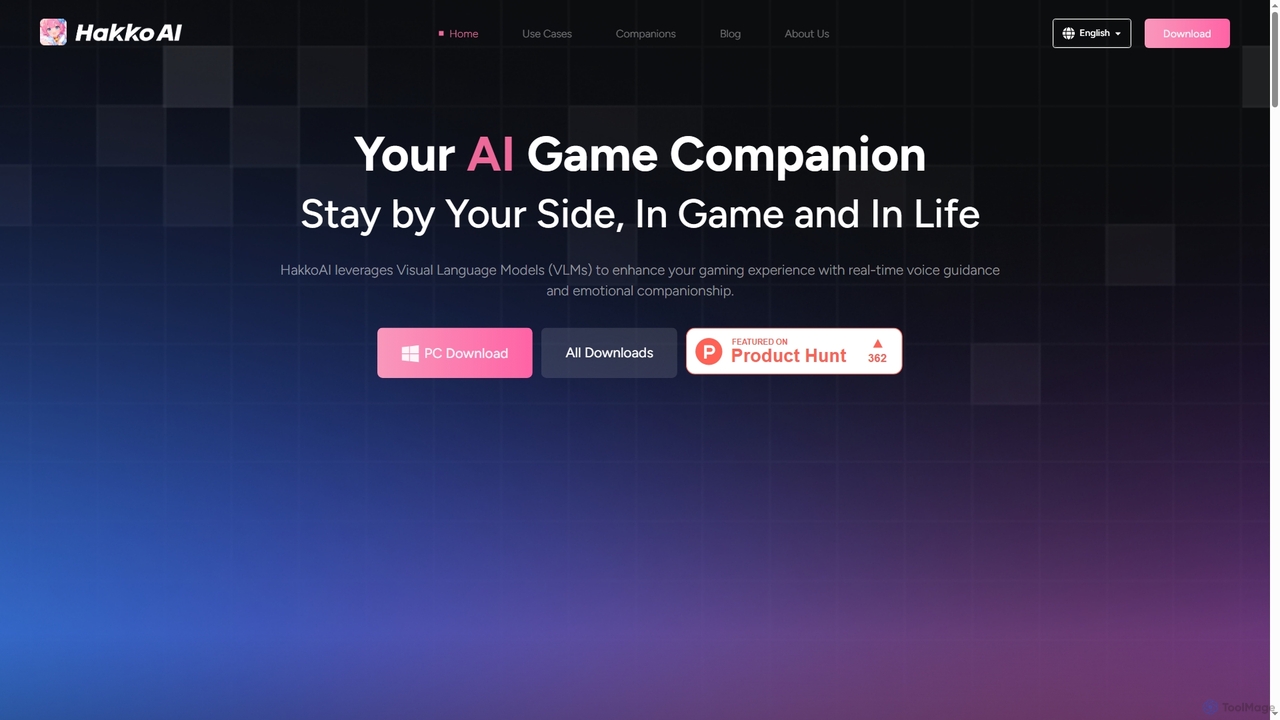
Hakko
Hakko is an advanced AI game companion leveraging Visual Language Models (VLMs) to provide real-time voice guidance, emotional companionship, and intelligent assistance across various games. It enhances your gaming experience with scene recognition, knowledge search, and personalized interactions, extending its support to daily life scenarios for a truly integrated AI partnership.
Coding Assistant
BabeChat
BabeChat is an immersive AI character chat platform that allows users to engage in unlimited role-playing and storytelling. Discover thousands of unique characters created by a vibrant community, or craft your own AI companions. Powered by advanced models like Gemini Pro, it offers a dynamic and creative space for interactive narratives.
Chat
Steam Comments (0)
Sign in to comment.
Sign inNo comments yet.