

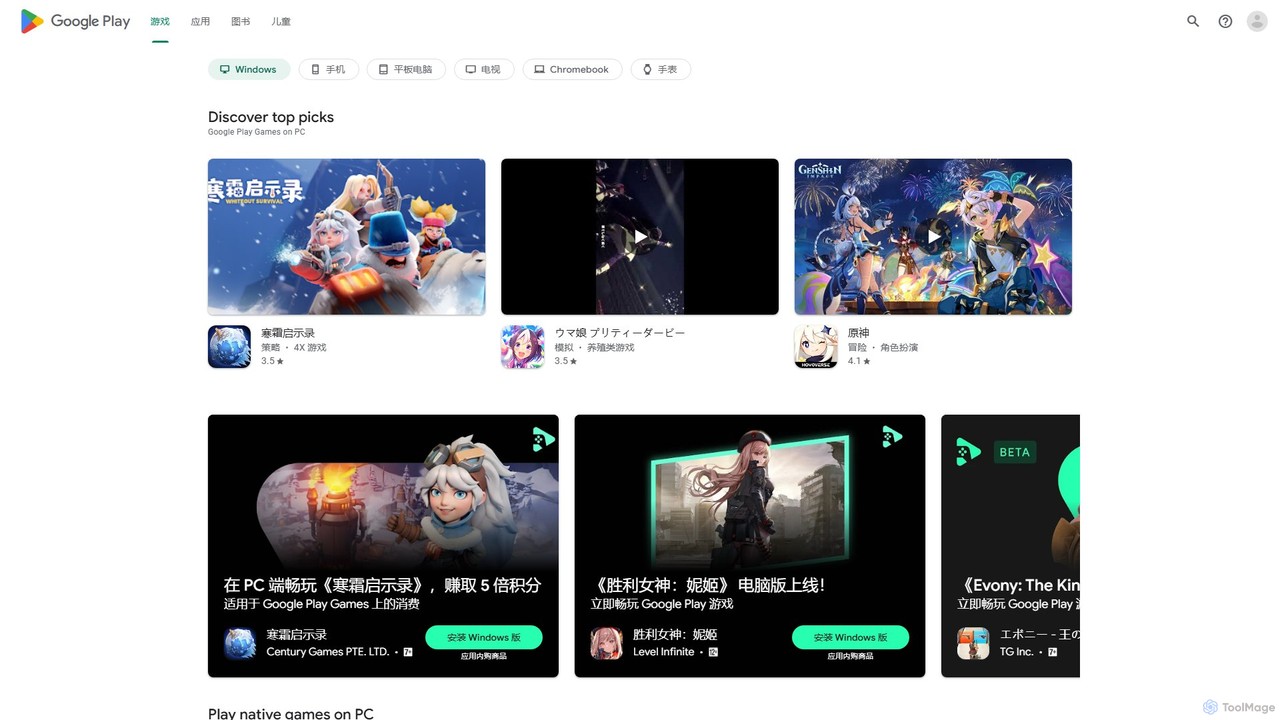
Google Play Games on PC Overview
Google Play Games on PC is an official application from Google that brings the vast world of Android gaming to your Windows computer. Currently available as a beta, this platform allows users to browse, download, and play a massive library of mobile games directly on their desktop or laptop. It effectively bridges the gap between mobile and PC gaming, offering an immersive, high-performance experience. You can now enjoy popular titles like Genshin Impact, Clash of Clans, Arknights, and Mobile Legends: Bang Bang on a bigger screen with the precision of a keyboard and mouse, all while your progress stays perfectly in sync with your mobile device.
How to use Google Play Games on PC
Getting started with Google Play Games on PC is a straightforward process. First, ensure your PC meets the minimum system requirements, which include Windows 10 (v2004 or later), a Solid State Drive (SSD) with at least 10 GB of available space, 8 GB of RAM, a capable graphics card (like Intel® UHD Graphics 630 or equivalent), and a 4-core CPU. You must also have hardware virtualization enabled in your computer's BIOS/UEFI settings. Once confirmed, follow these steps:
- Visit the official Google Play Games website and download the beta installer.
- Run the downloaded .exe file and follow the on-screen instructions to complete the installation.
- Launch the application and sign in with your Google account. This is the same account you use on your Android device to ensure progress synchronization.
- Browse the extensive library of available games, find your favorites, and click to download and install them.
- Once installed, you can launch the games directly from the Google Play Games hub and start playing on your PC.
Core Features of Google Play Games on PC
- Seamless Cross-Device Sync: Start playing a game on your phone during your commute and seamlessly pick up right where you left off on your PC at home. Your game progress, achievements, and library are synced across devices via your Google account.
- Optimized for PC: Experience your favorite mobile games on a larger monitor with optimized graphics and smoother frame rates, bringing a new level of immersion to your gameplay.
- Keyboard and Mouse Controls: Ditch imprecise touch controls for the superior accuracy and speed of a keyboard and mouse. The platform allows for customizable key-mapping, giving you a competitive edge in action, strategy, and RPG games.
- Google Play Points Integration: Earn and redeem Google Play Points on all your purchases made through the PC client, including in-app items and subscriptions. Your points balance is unified across all your devices.
- Vast and Growing Game Library: Gain access to over 200,000 games, from blockbuster RPGs and strategy titles to casual puzzles and simulators. Google is continuously adding new games to the platform.
- Multi-Instance Support: A powerful feature that allows you to play multiple games at the same time or run multiple instances of the same game with different accounts, perfect for managing multiple game profiles or multitasking.
- Official and Secure: As an official Google product, the platform provides a secure and reliable gaming environment, free from the risks associated with unauthorized third-party emulators.
Use Cases for Google Play Games on PC
This platform is ideal for a wide range of users. Mobile gamers who want a more comfortable and immersive experience at home will find it invaluable. Content creators and streamers can easily capture high-quality gameplay footage of mobile games without complex setups. Competitive players can leverage the precision of PC controls to climb the leaderboards in their favorite games. Even casual players can enjoy their beloved puzzle or simulation games on a larger screen during a break.
Advantages of Google Play Games on PC
The primary advantage is the fusion of mobile convenience with PC power. It offers enhanced immersion through a larger screen and improved performance. The superior control provided by a keyboard and mouse can significantly improve gameplay. The convenience of cross-device sync means you're never locked into one device. Furthermore, being part of the unified Google ecosystem ensures a secure, integrated, and rewarding experience with features like Google Play Points.
Pricing and Plans
The Google Play Games on PC platform itself is completely free to download and use. The pricing model is determined by the individual games available within the application. A majority of the games follow a free-to-play model, supported by optional in-app purchases for virtual goods, cosmetics, or progression boosts. Some premium games may require an upfront purchase. All transactions are handled through your Google Play account, and you can use any supported payment method, including Google Play Gift Cards.
Google Play Games on PC Alternatives
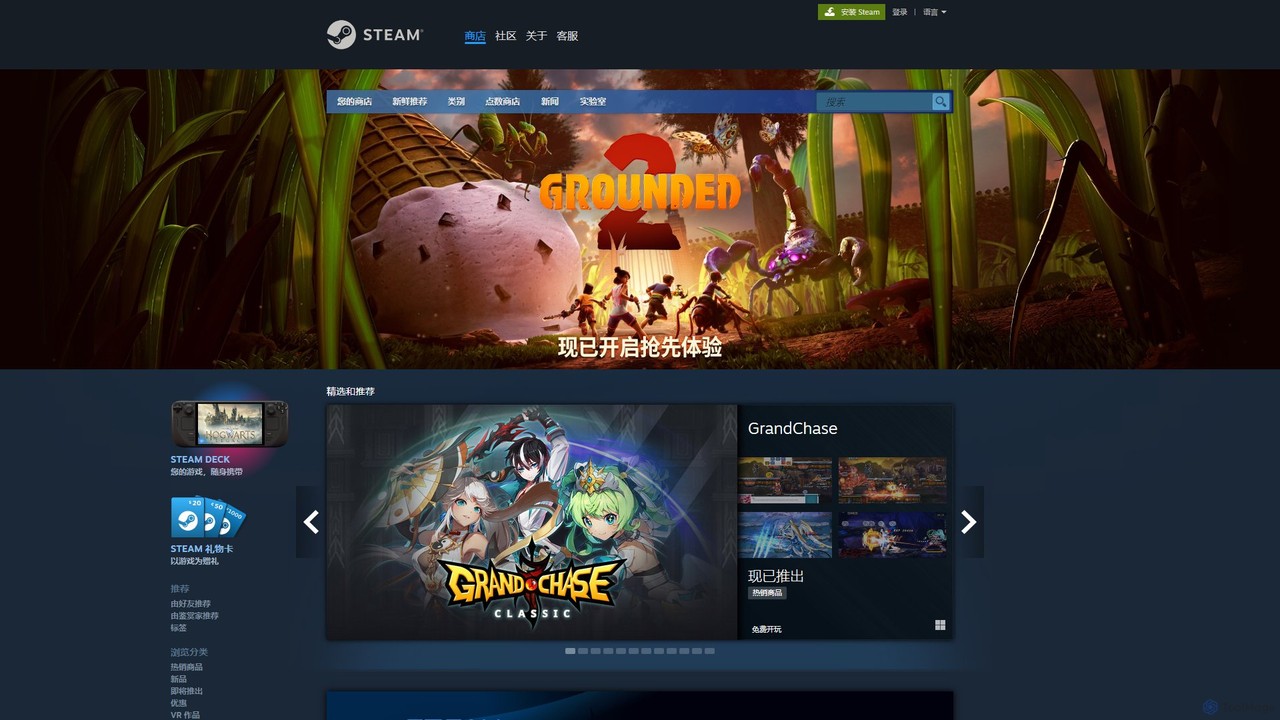
Steam
Steam is the ultimate digital distribution platform for PC gaming, developed by Valve. It offers a vast library of games, a robust community hub for social interaction, automatic game updates, cloud saves, and a marketplace for in-game items. It's the go-to ecosystem for millions of gamers worldwide.
Game Distribution
play_this
PlayThis is an AI-powered platform for gamers to manage their game backlog and discover new titles. By integrating with Steam, it analyzes your library to provide personalized recommendations. Unique metrics like 'Quality Per Hour' and estimated completion times help you decide what to play next, ensuring you spend your gaming time on titles you'll truly enjoy.
Recommendation Engine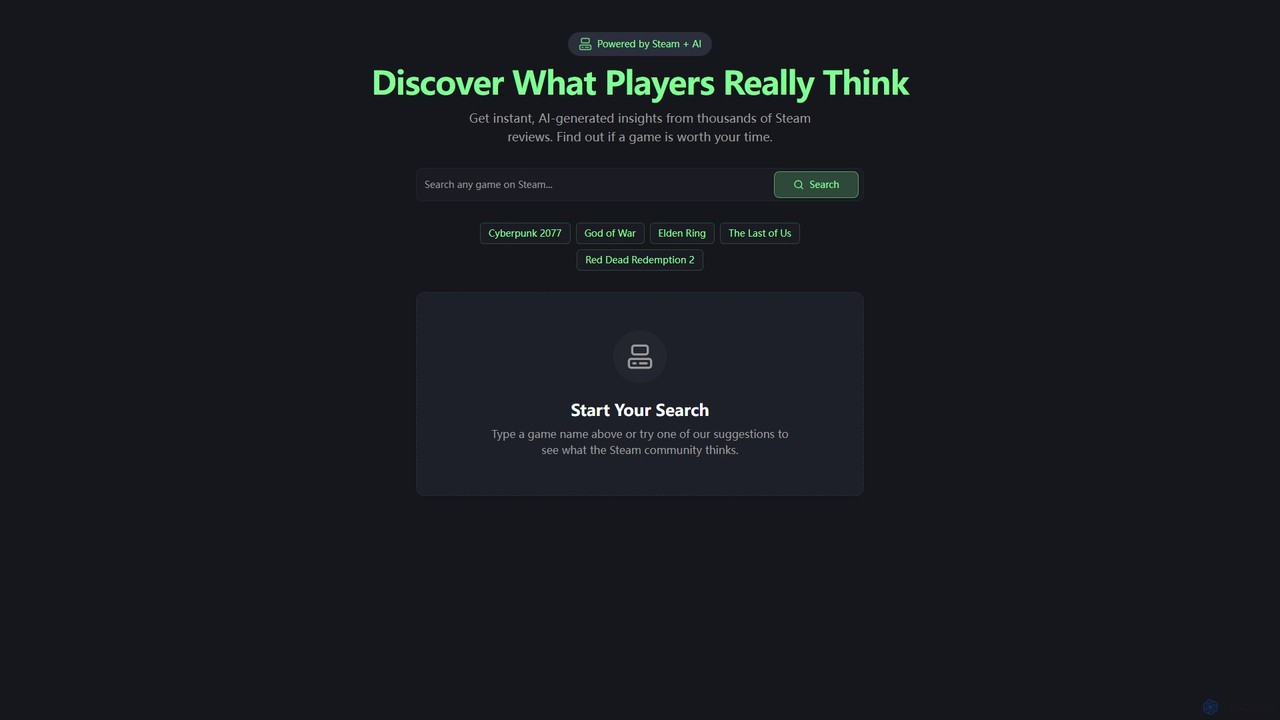
steamsummarize
steamsummarize is a free AI tool that uses GPT-4 to instantly summarize Steam game reviews. Simply search for any game, and the tool fetches the latest reviews to provide a concise overview of community sentiment, highlighting pros and cons. It's a fast, private, and easy way for gamers to make informed purchasing decisions without reading hundreds of reviews.
Sentiment Analysis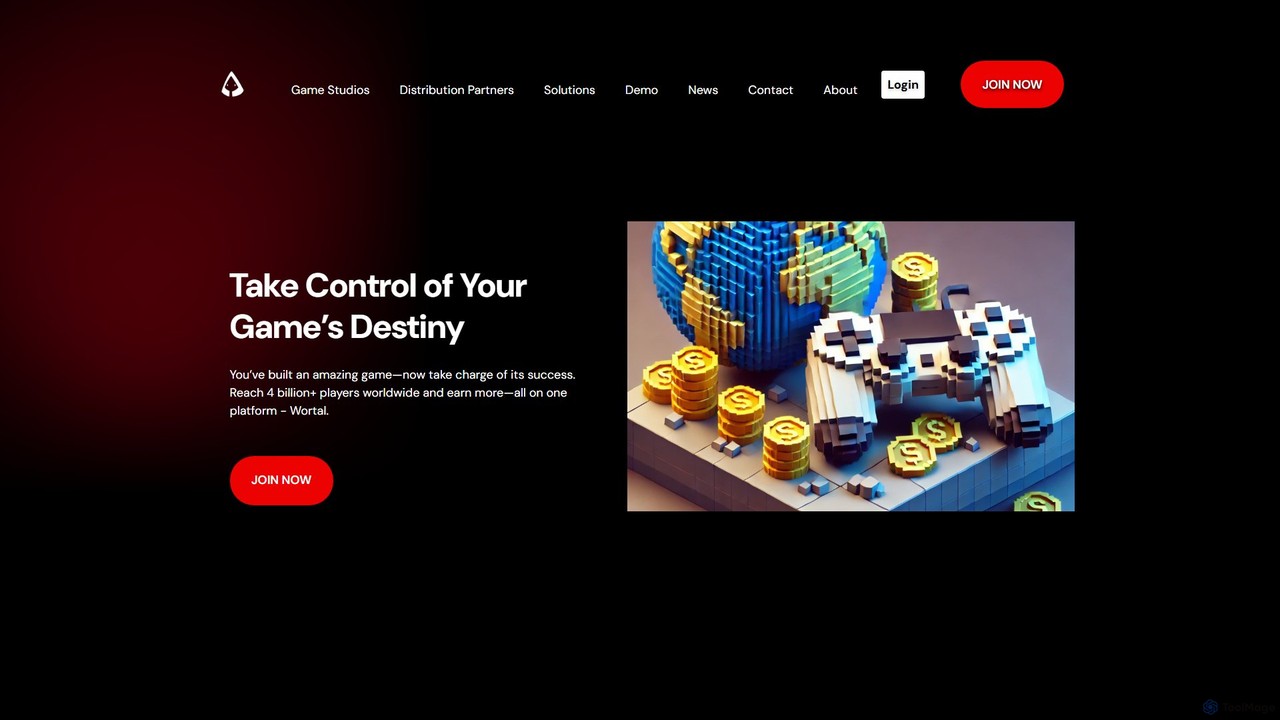
Wortal.AI
Wortal.AI is an all-in-one platform for game developers to distribute, monetize, and grow their games globally. Using a single SDK, developers can launch on web, mobile, and super-apps, reaching over 4 billion players. The platform features AI-powered analytics, automated testing, direct-to-player monetization, and Web3 integration, empowering studios of all sizes to maximize their reach and revenue without platform lock-in or revenue cuts.
Publishing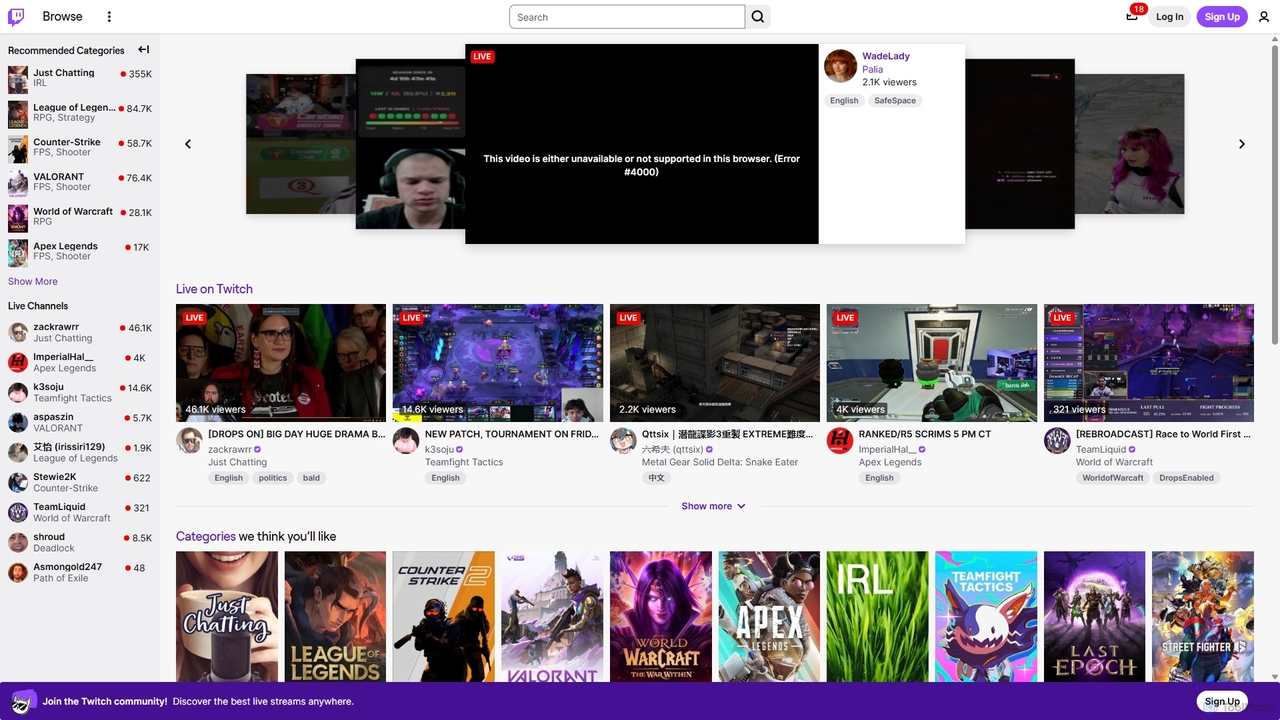
Twitch
Twitch is the world's leading live streaming platform for gamers, entertainers, musicians, and creative communities. It offers an interactive space for creators to broadcast their content in real-time, engage with a global audience through live chat, and build dedicated communities. Viewers can watch, chat, and support their favorite streamers through subscriptions and virtual goods.
Video PlatformGoogle Play Games on PC Categories
Google Play Games on PC Embed Widget
Copy this embed code to place the badge on your blog, article, or product site and send readers directly to this ToolMage detail page.

Related AI tools
Steam
Steam is the ultimate digital distribution platform for PC gaming, developed by Valve. It offers a vast library of games, a robust community hub for social interaction, automatic game updates, cloud saves, and a marketplace for in-game items. It's the go-to ecosystem for millions of gamers worldwide.
Game Distributionplay_this
PlayThis is an AI-powered platform for gamers to manage their game backlog and discover new titles. By integrating with Steam, it analyzes your library to provide personalized recommendations. Unique metrics like 'Quality Per Hour' and estimated completion times help you decide what to play next, ensuring you spend your gaming time on titles you'll truly enjoy.
Recommendation Enginesteamsummarize
steamsummarize is a free AI tool that uses GPT-4 to instantly summarize Steam game reviews. Simply search for any game, and the tool fetches the latest reviews to provide a concise overview of community sentiment, highlighting pros and cons. It's a fast, private, and easy way for gamers to make informed purchasing decisions without reading hundreds of reviews.
Sentiment AnalysisWortal.AI
Wortal.AI is an all-in-one platform for game developers to distribute, monetize, and grow their games globally. Using a single SDK, developers can launch on web, mobile, and super-apps, reaching over 4 billion players. The platform features AI-powered analytics, automated testing, direct-to-player monetization, and Web3 integration, empowering studios of all sizes to maximize their reach and revenue without platform lock-in or revenue cuts.
PublishingTwitch
Twitch is the world's leading live streaming platform for gamers, entertainers, musicians, and creative communities. It offers an interactive space for creators to broadcast their content in real-time, engage with a global audience through live chat, and build dedicated communities. Viewers can watch, chat, and support their favorite streamers through subscriptions and virtual goods.
Video Platform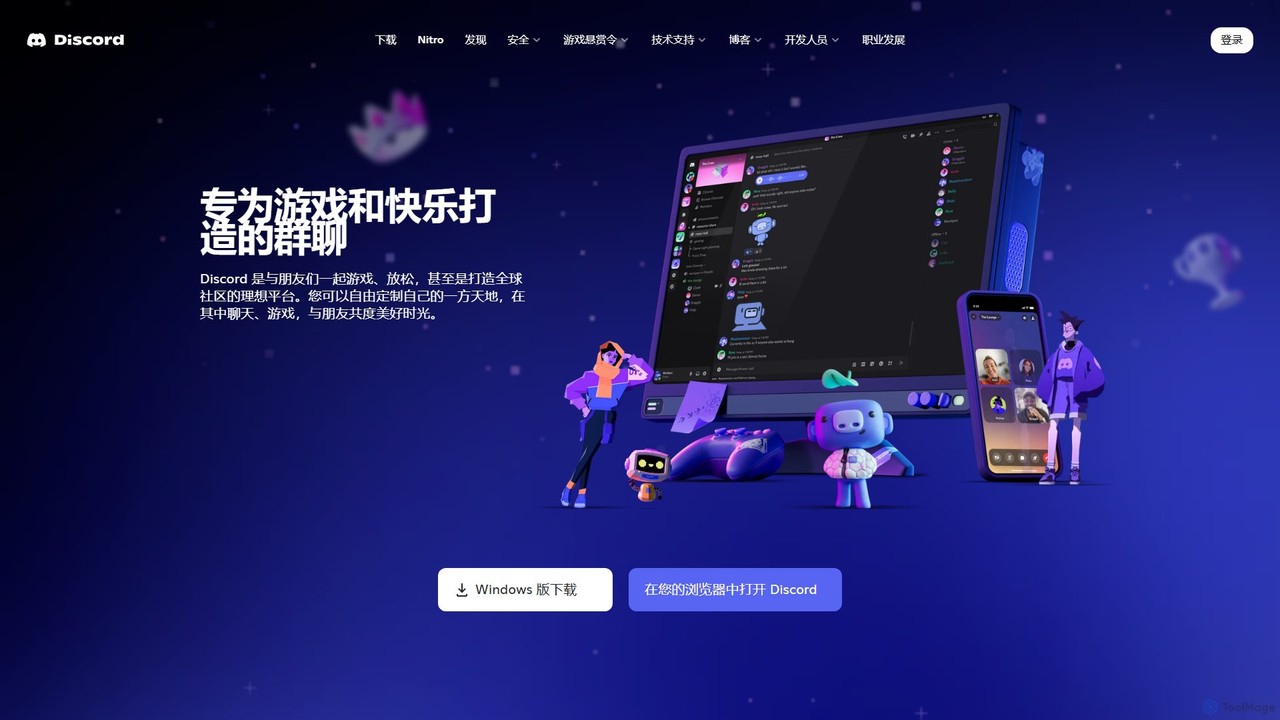
Discord
Discord is a premier voice, video, and text chat platform designed for creating and managing online communities. Initially built for gamers, it has evolved into a versatile tool for various groups, from study circles and developer hubs to art collectives and friend hangouts, offering robust customization and integration features.
Gaming Platform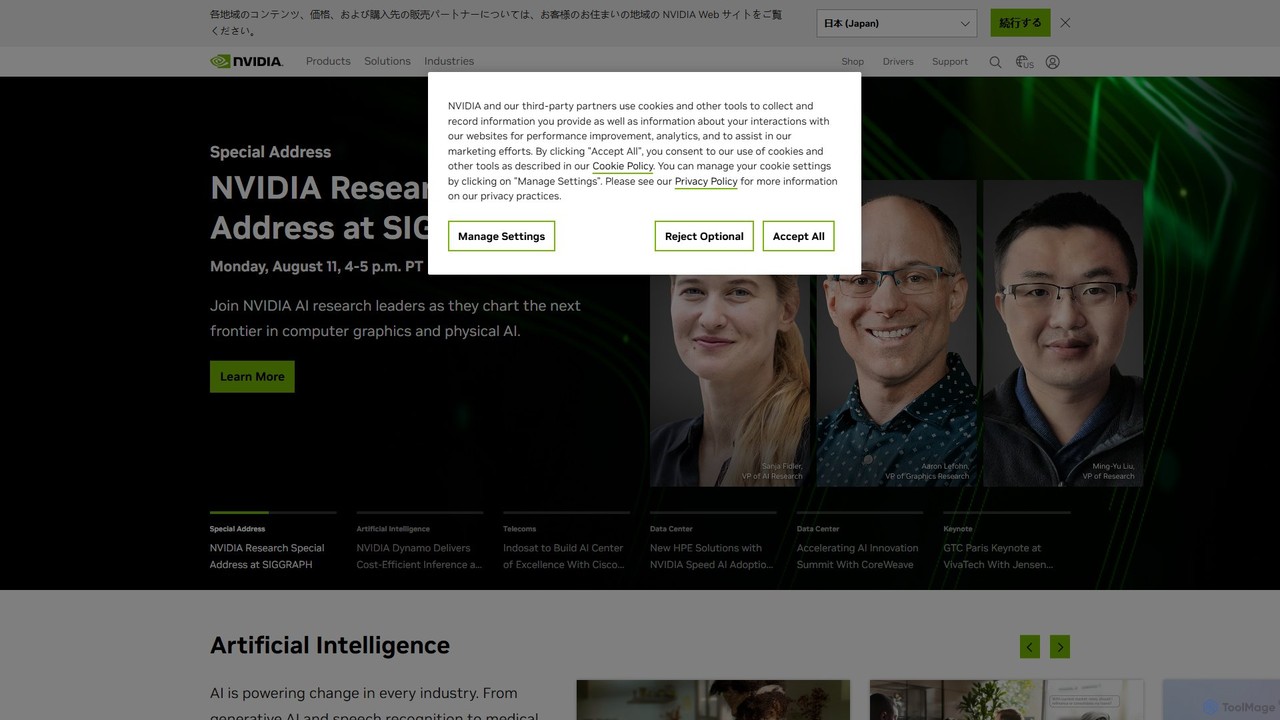
NVIDIA
NVIDIA is a global leader in artificial intelligence computing, providing a full-stack platform of hardware, software, and services. Its solutions power everything from gaming and professional graphics with GeForce and RTX GPUs to advanced AI, data science, and high-performance computing in data centers and the cloud.
Infrastructure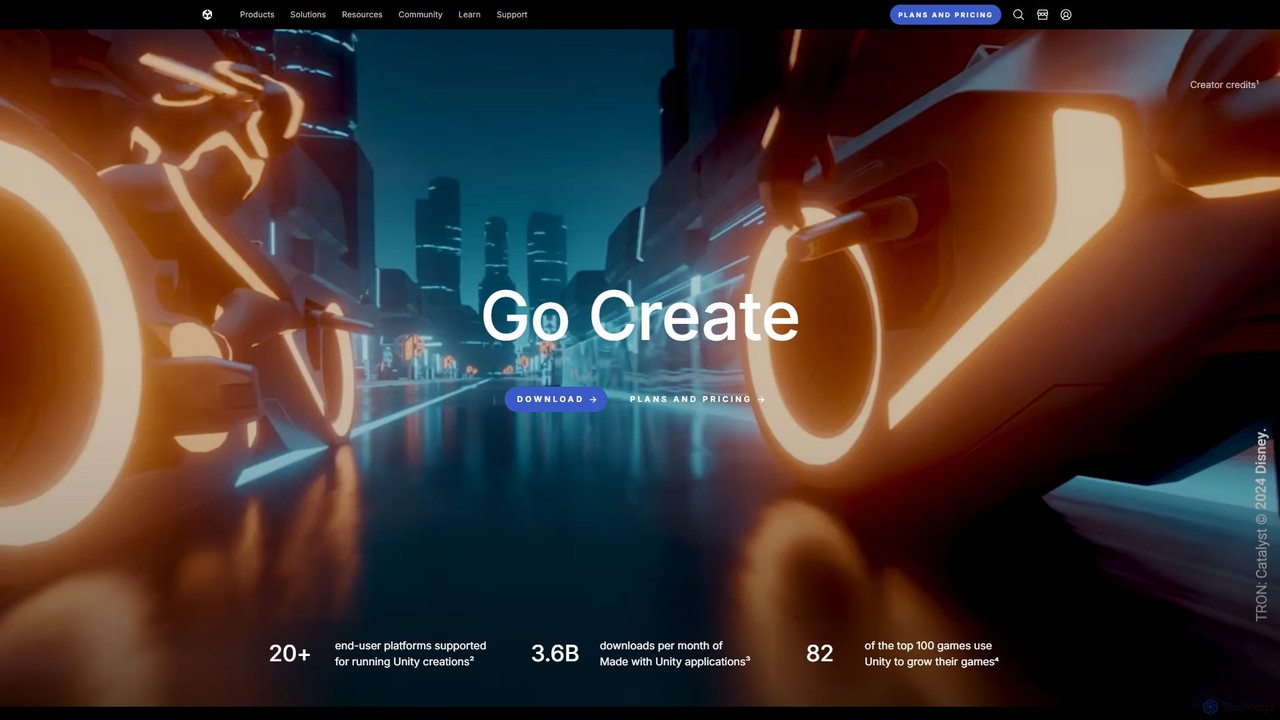
Unity
Unity is the world's leading real-time 3D development platform for creating and operating interactive content. It empowers creators across industries, from gaming and film to automotive and architecture, to build immersive experiences for over 20 platforms, including PC, mobile, console, VR, and AR.
3D Modeling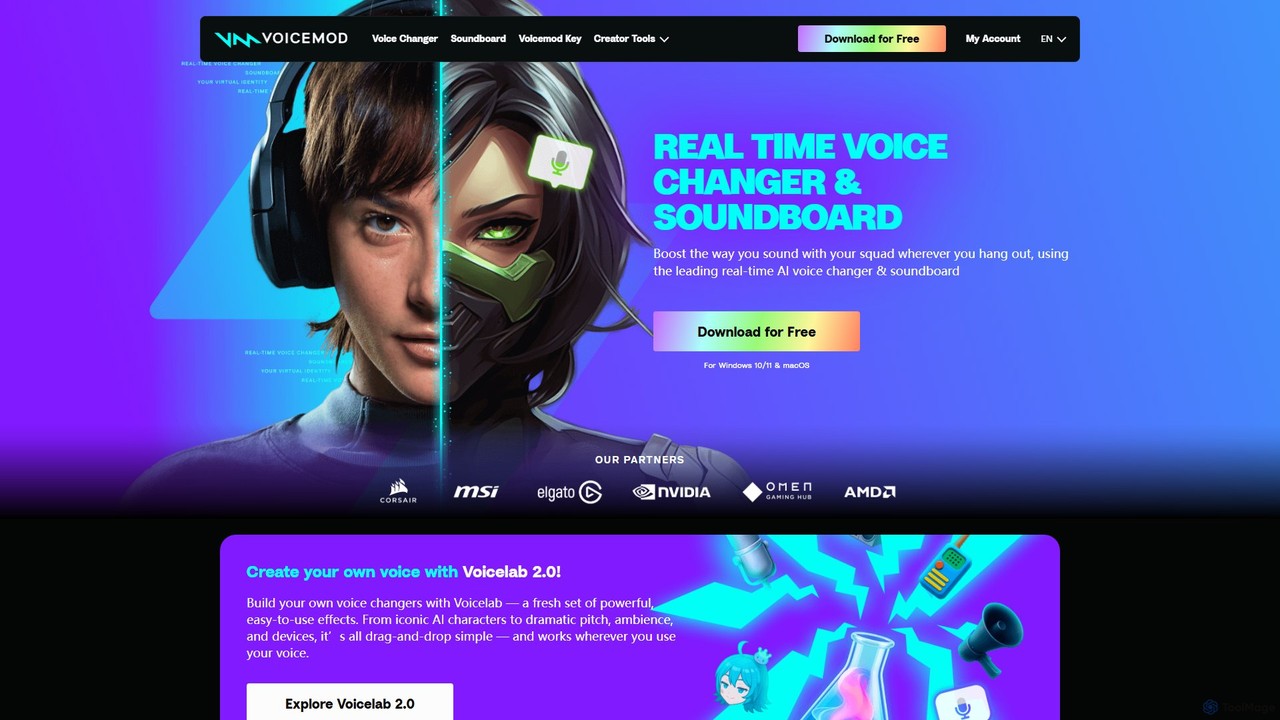
Voicemod
Voicemod is the leading real-time AI voice changer and soundboard for PC and Mac. Designed for gamers, streamers, and content creators, it allows you to transform your voice into anything you can imagine, from a robot to an anime character. With a vast library of voices, sound effects, and the powerful Voicelab for custom voice creation, Voicemod integrates seamlessly with all your favorite games and communication apps like Discord, Zoom, and VRChat.
Voice Modulation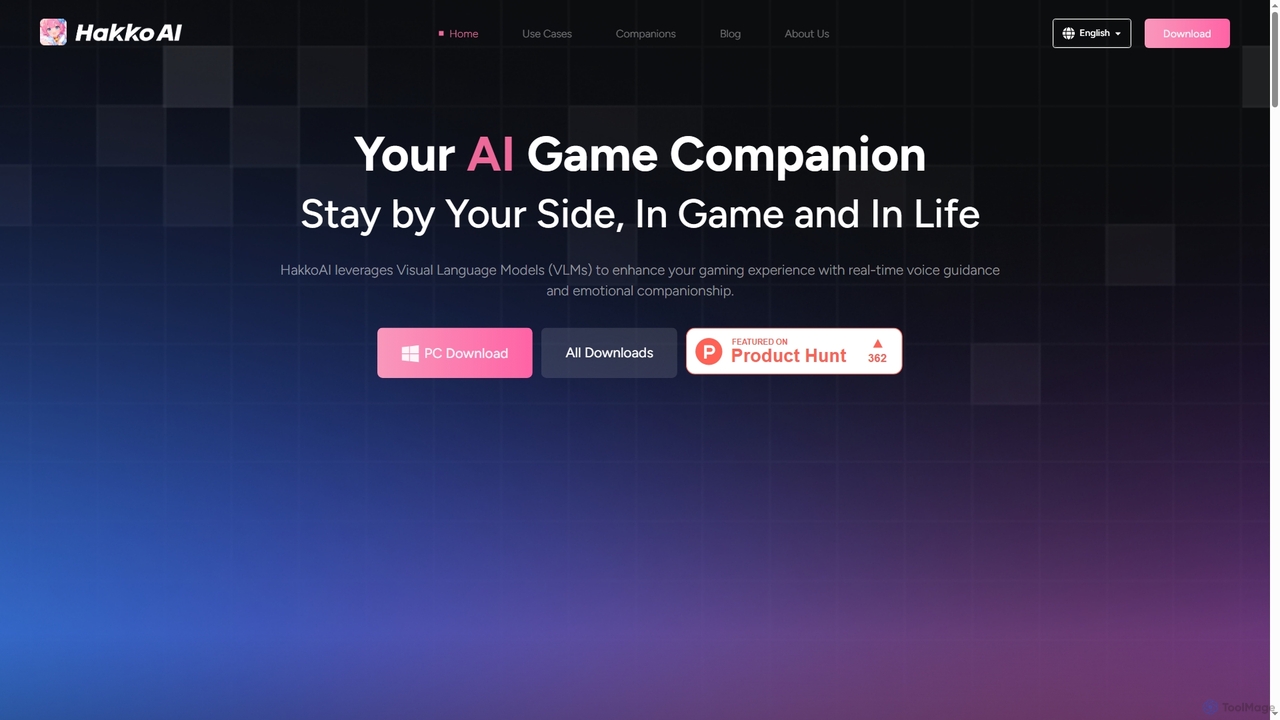
Hakko
Hakko is an advanced AI game companion leveraging Visual Language Models (VLMs) to provide real-time voice guidance, emotional companionship, and intelligent assistance across various games. It enhances your gaming experience with scene recognition, knowledge search, and personalized interactions, extending its support to daily life scenarios for a truly integrated AI partnership.
Coding Assistant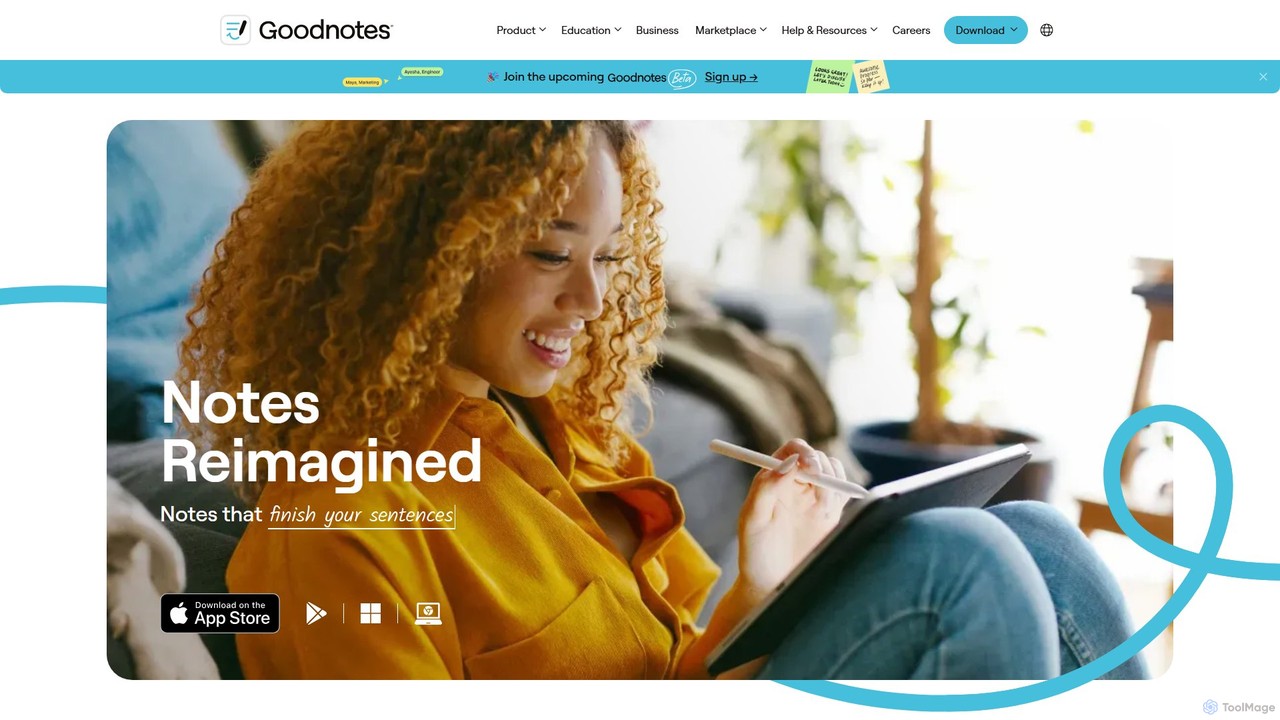
Goodnotes
Goodnotes is a leading digital note-taking app that enhances the handwriting experience with powerful AI features. It allows users to create, organize, and search handwritten notes, annotate PDFs, and study with interactive flashcards. Available across iOS, Android, Windows, and Web, it's designed for students, professionals, and anyone looking to digitize their notebooks and boost productivity.
Document Management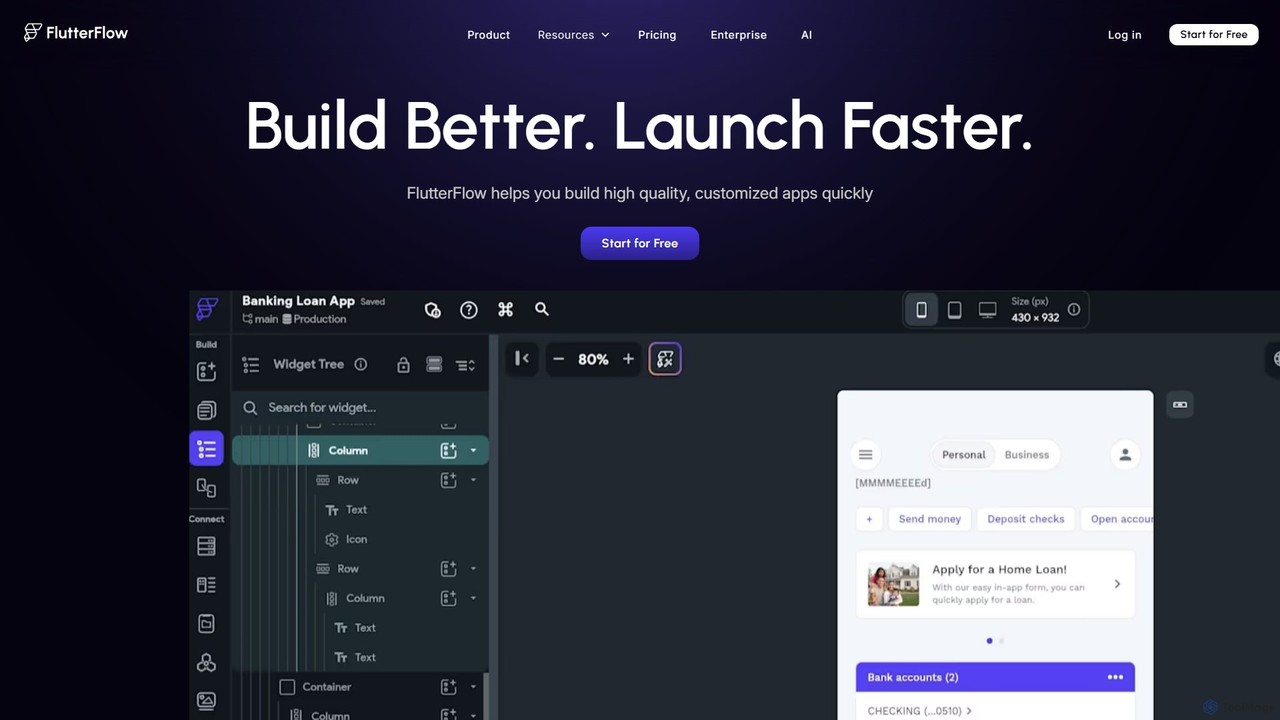
FlutterFlow
FlutterFlow is a low-code platform for visually building native mobile, web, and desktop applications. It empowers developers and non-developers to create high-quality, customized apps with a drag-and-drop interface, pre-built components, and powerful integrations like Firebase and Supabase, significantly accelerating the development process.
Low Code No Code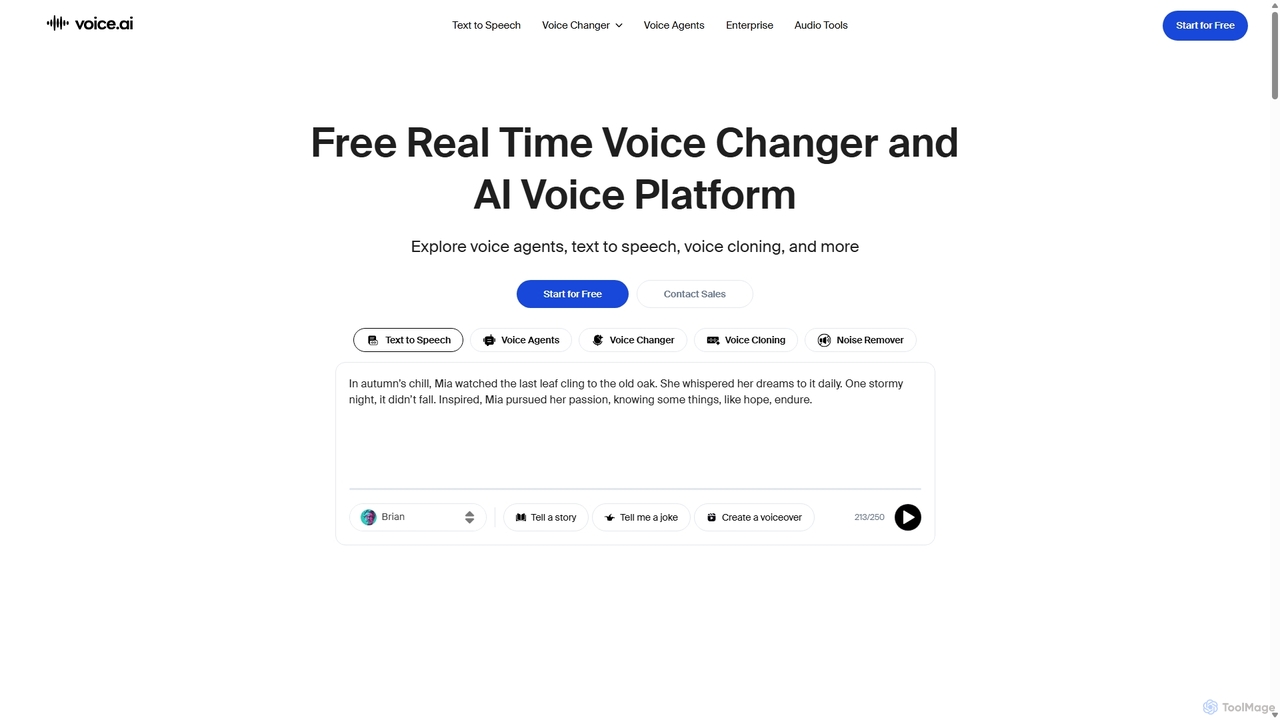
Voice.ai
Voice.ai is a versatile AI voice platform offering a free real-time voice changer, realistic text-to-speech, and precise voice cloning. Designed for gamers, streamers, content creators, and businesses, it features a vast library of user-generated voices, enabling seamless voice transformation across popular apps and games.
Text To Speech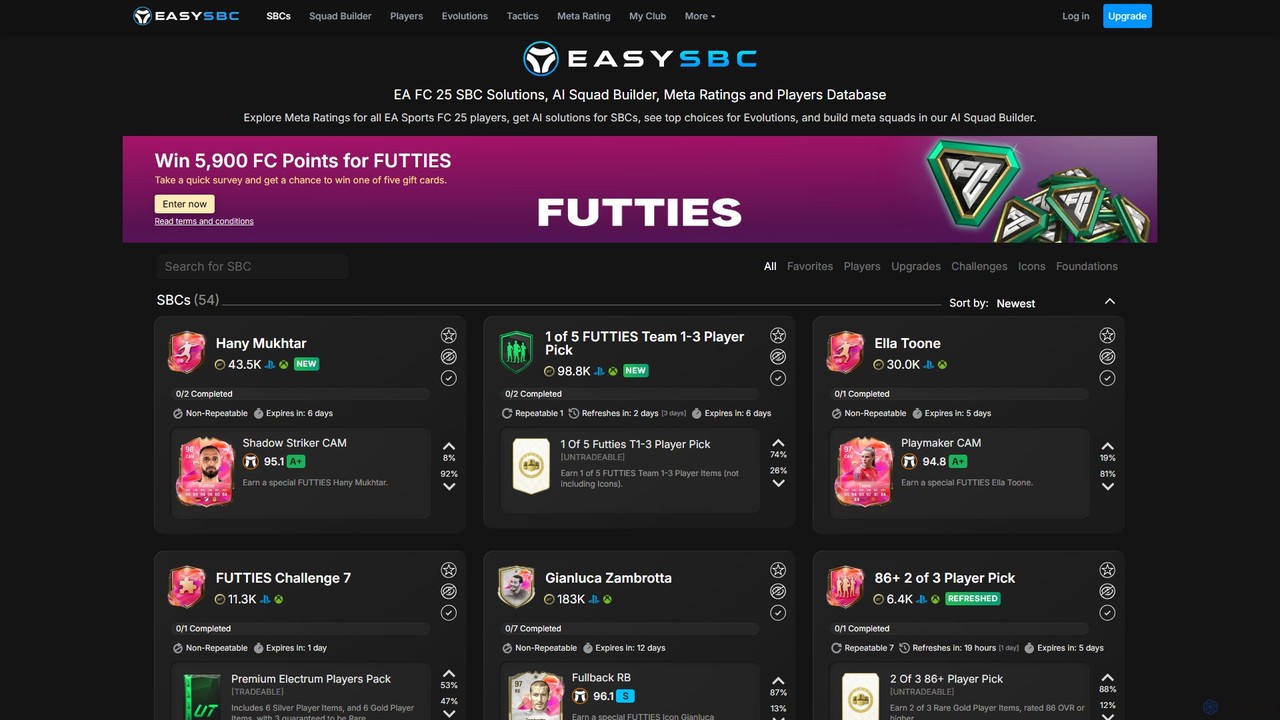
easysbc
An AI-powered platform for EA Sports FC players, offering AI-generated solutions for Squad Building Challenges (SBCs), an intelligent Squad Builder for meta teams, a comprehensive player database with meta ratings, and insights into player evolutions. Optimize your Ultimate Team, save coins, and build competitive squads effortlessly.
Database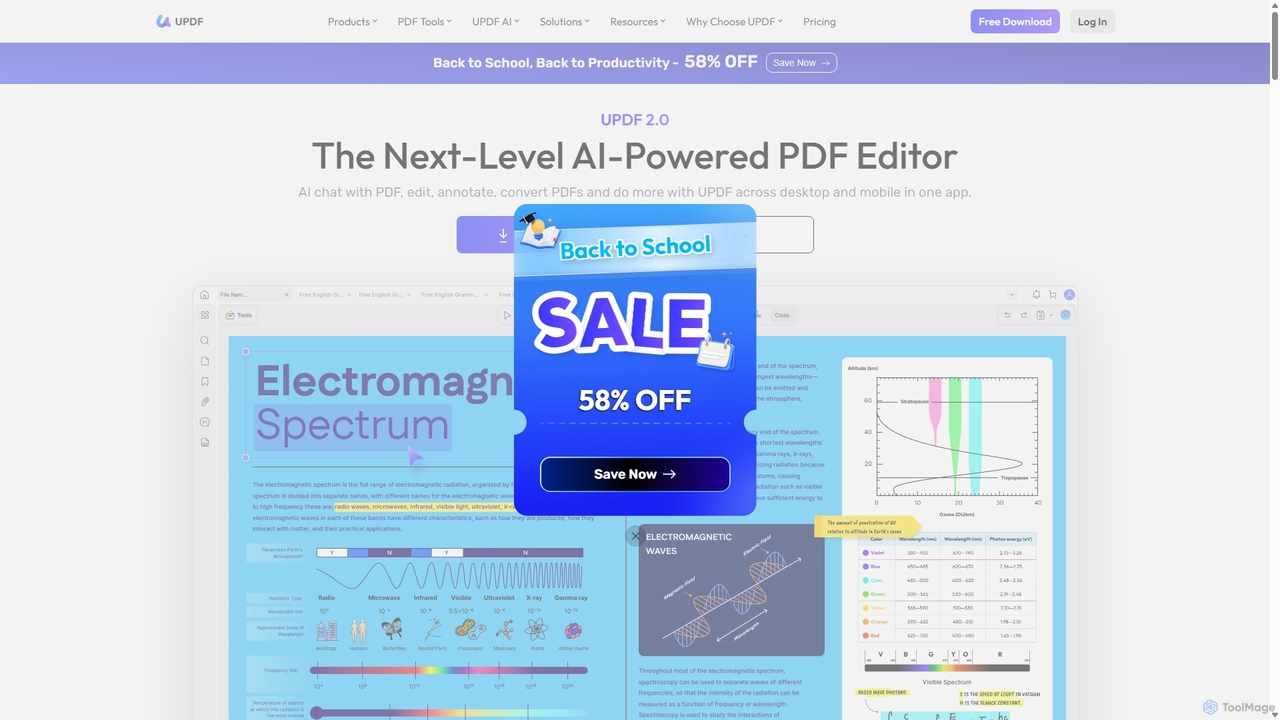
UPDF
UPDF is an AI-integrated, all-in-one PDF editor that allows users to edit, annotate, convert, summarize, translate, and chat with PDF documents. It offers a seamless experience across Windows, macOS, iOS, and Android, boosting productivity for individuals, students, and businesses.
Document Analysis
Google Play Games on PC Comments (0)
Sign in to comment.
Sign inNo comments yet.