
Discord Overview
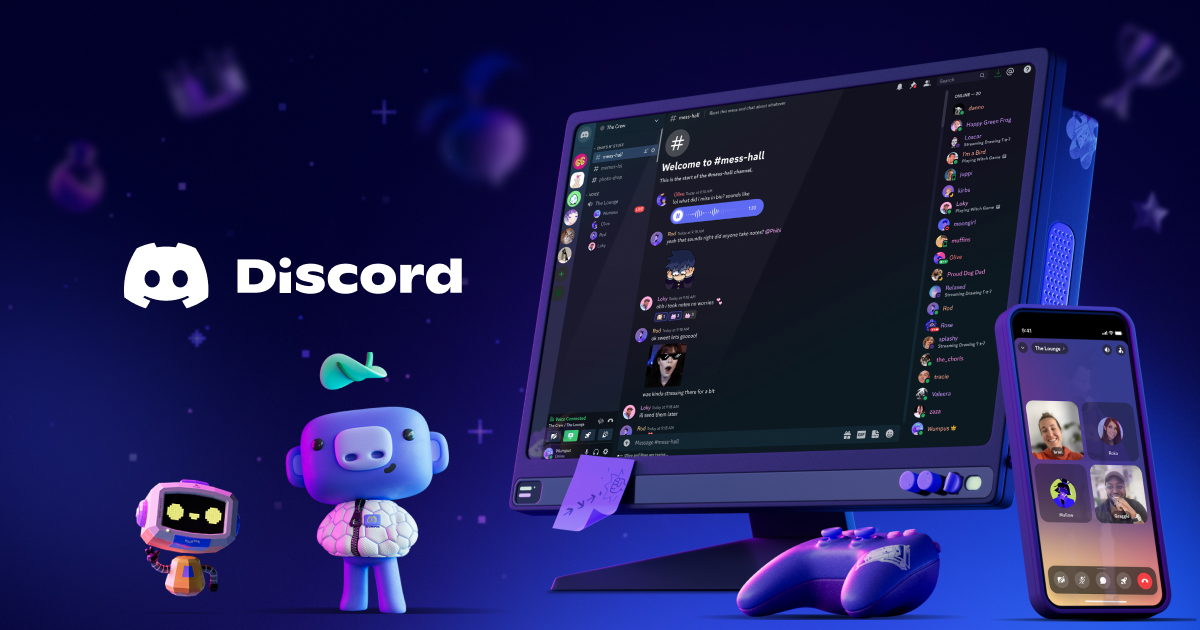
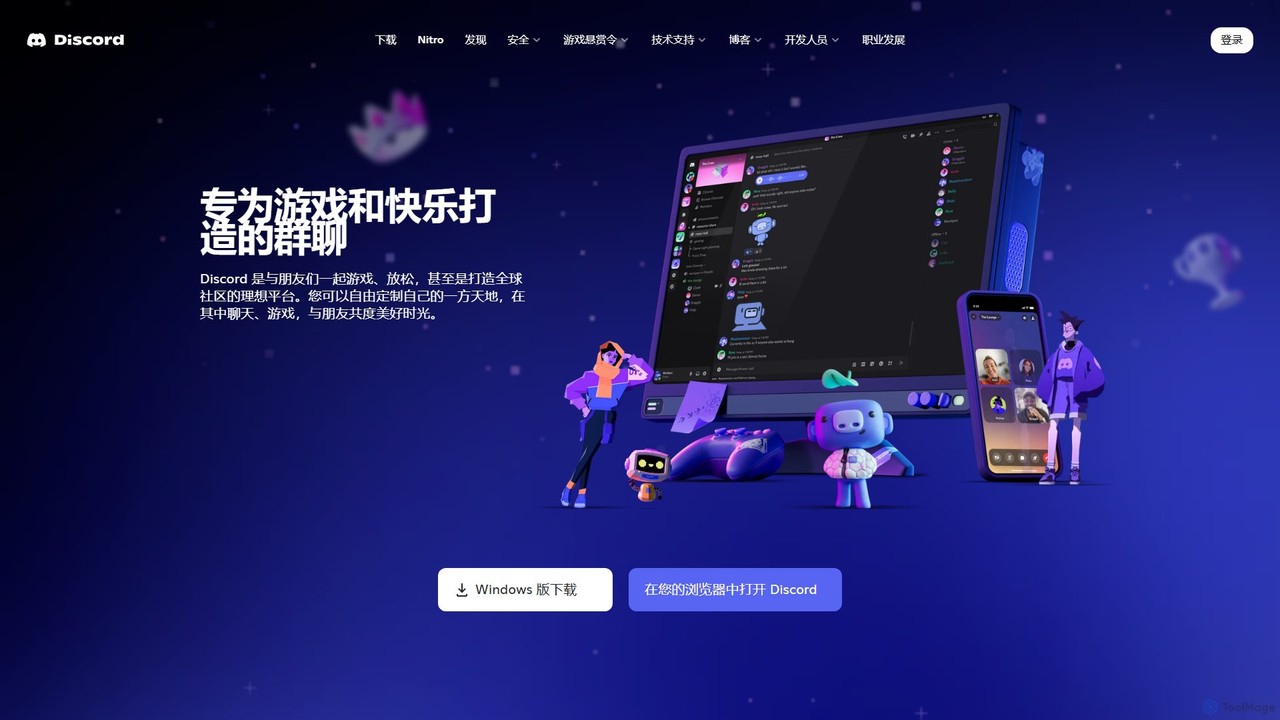
Discord is a comprehensive communication platform that allows users to create dedicated, invite-only spaces called 'servers'. These servers function as community hubs where people with shared interests can connect and interact through voice channels, text channels, and video calls. Originally conceived to provide gamers with a reliable, low-latency voice chat solution to use while playing, Discord has since broadened its scope to welcome communities of all kinds. It now hosts over 200 million monthly active users, connecting people around topics like AI development, education, music, and more.
The platform's architecture is built around servers, which are further organized into channels. Text channels support rich media sharing, file uploads, custom emojis, stickers, and GIFs, while voice channels allow for seamless drop-in, drop-out audio conversations, video calls, and screen sharing. This flexibility makes it an ideal environment for both casual hangouts and structured collaboration. A key aspect of Discord's success is its role as a central hub for the generative AI boom, with major AI projects like Midjourney using the platform for community engagement, user support, and even direct interaction with their AI models.
How to use Discord
Getting started with Discord is straightforward. First, create a free account and download the app for your desktop or mobile device, or simply use it in your web browser. You can then either join an existing server using an invite link or create your own. When creating a server, you can set up different text and voice channels for specific topics. A crucial step is configuring roles and permissions, which allows you to manage what members can see and do, creating specific roles for administrators, moderators, and general members. You can customize your profile with an avatar and status, and personalize your server with custom emojis and stickers. To enhance functionality, you can add 'bots'—automated programs that can perform tasks like playing music, moderating chat, or integrating with other services. For interactive sessions, you can use the 'Go Live' feature to stream your screen or an application to others in a voice channel.
Core Features of Discord
- Servers and Channels: Create organized, topic-based communities with distinct text and voice channels.
- High-Quality Voice and Video Chat: Experience low-latency, clear audio and HD video calls, perfect for gaming, meetings, or just hanging out.
- Screen Sharing (Go Live): Stream your game, application, or entire screen to an audience within your server.
- Roles and Permissions: Granular control over user access and moderation capabilities to effectively manage communities of any size.
- Extensive Customization: Personalize your experience with custom emojis, stickers, soundboard effects, and detailed user profiles.
- Bot and App Integration: A rich ecosystem of third-party bots and apps that add features like music playback, moderation tools, games, and integrations with services like YouTube and Twitch.
- Activities: Participate in shared experiences directly within voice channels, such as watching YouTube videos together or playing built-in games.
- Cross-Platform Availability: Seamlessly switch between desktop (Windows, macOS, Linux), mobile (iOS, Android), and web browser versions.
Use Cases for Discord
Discord's versatility supports a wide range of applications. For gaming communities, it's the go-to for coordinating gameplay, hosting tournaments, and building a clan's social hub. In the tech and AI space, it serves as a platform for developers to offer support, gather feedback, and build a community around their projects, as seen with Midjourney. Educational groups use it for virtual study sessions, online classes, and direct communication with instructors. Content creators leverage it to build a direct line of communication with their fans, offering exclusive content and a space for their community to interact. It also functions as a powerful team collaboration tool for businesses and projects, offering a more informal and flexible alternative to platforms like Slack.
Advantages of Discord
The primary advantage of Discord is its powerful free tier, which offers most of the core functionality needed to run a thriving community. Its low-latency voice chat remains a benchmark in the industry. The high degree of customization for servers, roles, and channels allows for a tailored community experience that few other platforms can match. Furthermore, the extensive API and bot ecosystem dramatically extends its functionality, allowing for near-limitless automation and integration possibilities. Its user-friendly interface and cross-platform nature make it accessible to a broad audience, fostering a sense of belonging and creating a true 'third space' online for users to connect and relax.
Pricing and Plans
Discord operates on a freemium model. The core platform is completely free to use, providing unlimited servers, channels, and members. For users seeking enhanced features, Discord offers premium subscriptions:
- Free: Core chat features, voice/video calls, screen sharing, and community creation.
- Nitro Basic: Includes perks like the ability to use custom emojis anywhere, larger file uploads (50MB), and a special profile badge.
- Nitro: Offers all Nitro Basic benefits plus HD video streaming (up to 4K), 2 Server Boosts, a 500MB upload limit, custom profiles with animated avatars and banners, and more.
- Server Boosts: A way for users to collectively unlock perks for an entire server, such as better audio quality, more emoji slots, and a custom server banner. Boosts can be purchased or are included with a Nitro subscription.
Traffic
Latest traffic
Status
Monthly traffic trend
- 2025-9: 550.4M
- 2026-1: 619.2M
- 2026-2: 549.2M
- 2026-3: 600.8M
- 2026-4: 599.5M
- 2026-5: 636.4M
Geography
Top 5 countries / regions
- 🇺🇸United States65.5%
- 🇮🇳India9.1%
- 🇵🇭Philippines8.6%
- 🇧🇷Brazil8.4%
- 🇬🇧United Kingdom8.3%
Traffic sources
| Source type | Percentage |
|---|---|
Direct | 92.5% |
Referral | 5.8% |
Email | 1.8% |
Top keywords
| Keyword | Cost per click |
|---|---|
| discord | $0.93 |
| discord download | $1.03 |
| discord login | $1.63 |
| discord web | $0.56 |
| дискорд | $0.23 |
Discord Alternatives
gluegroups
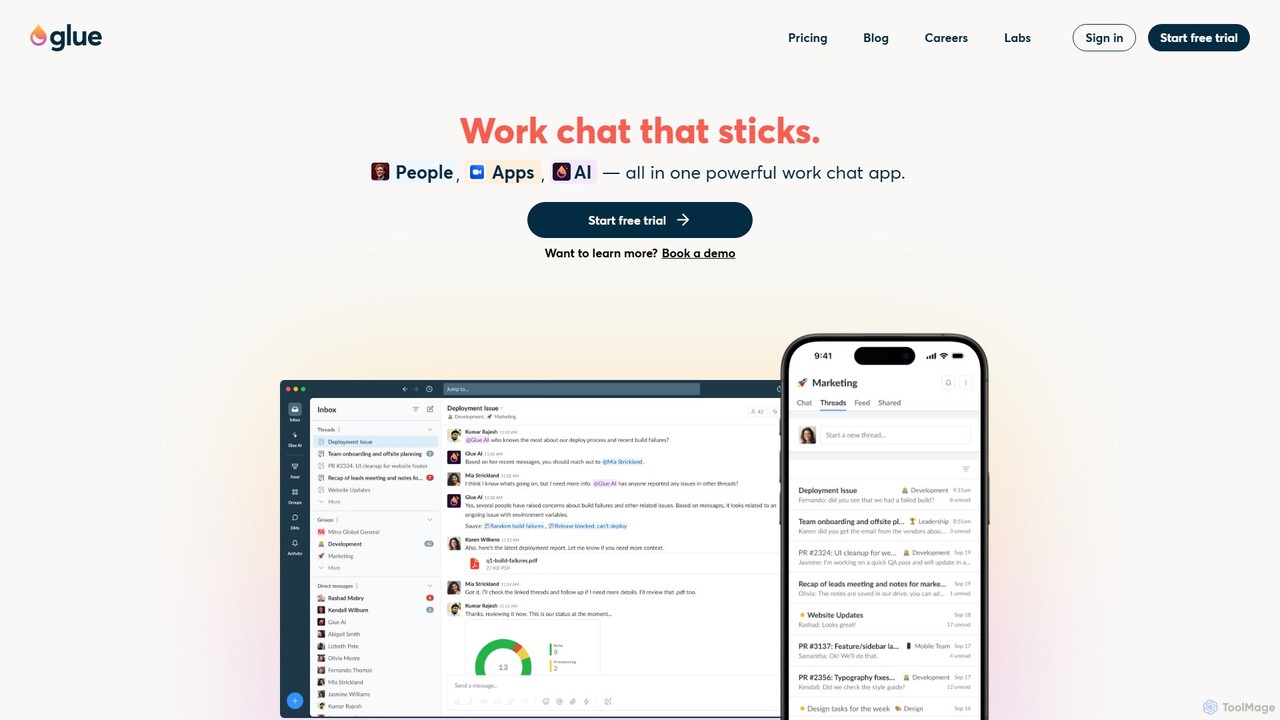
gluegroups is an AI-powered work chat platform designed for focused communication. It replaces traditional channels with independent, named threads to reduce noise. Featuring an integrated AI assistant (Glue AI), it supports brainstorming, collaborative problem-solving, and intelligent integrations, creating a more organized and efficient team workspace.
Chat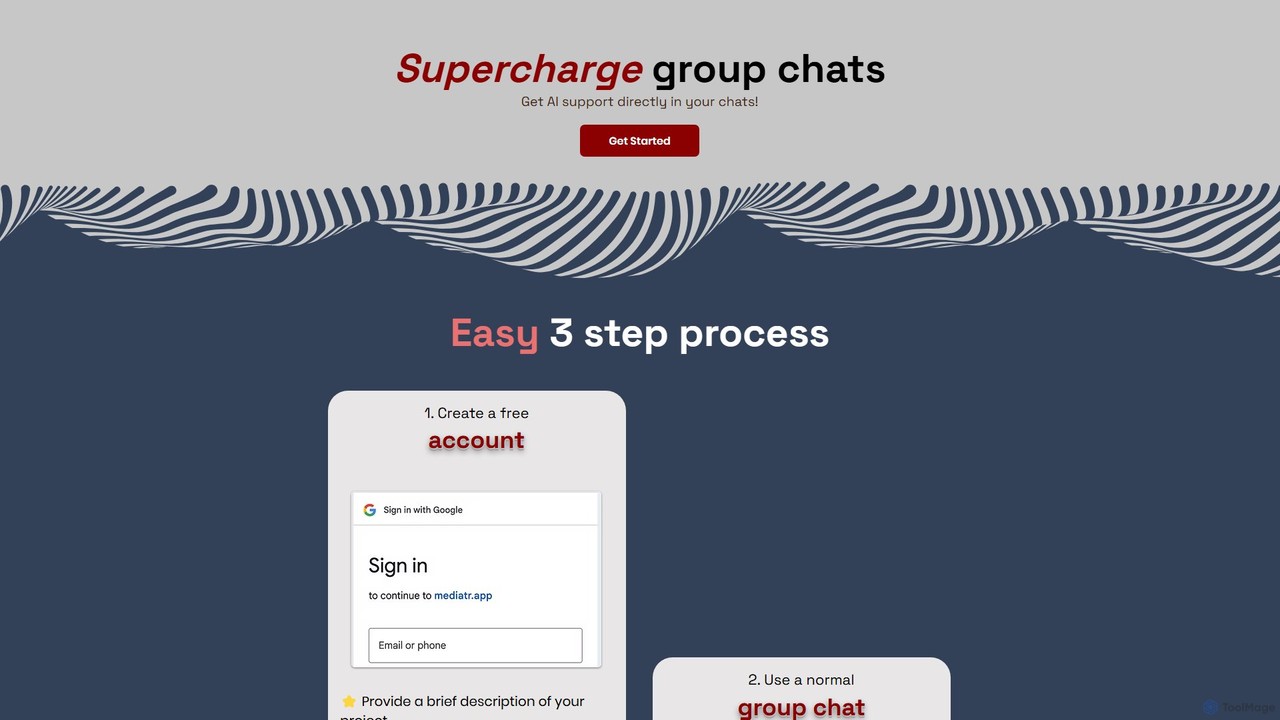
Mediatr
Mediatr is an AI-powered group chat platform designed to enhance team collaboration. It integrates an AI assistant directly into your conversations to summarize discussions, answer questions, and retrieve key information, turning your chat history into a searchable knowledge base.
Chat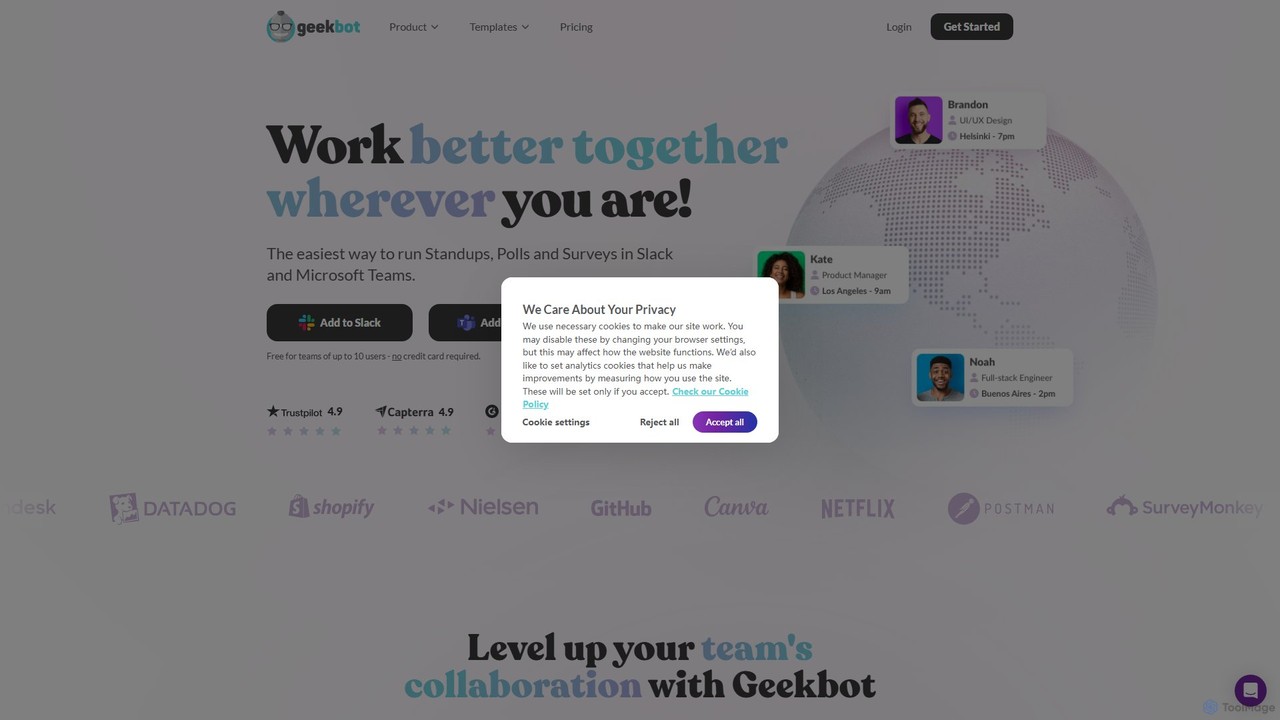
Geekbot
Geekbot is an AI-powered assistant for running asynchronous stand-up meetings, surveys, and polls directly within Slack and Microsoft Teams. It helps remote and hybrid teams stay synchronized, track progress, and foster a culture of transparent communication without the need for constant meetings.
Employee Engagement
Roster
Roster is an AI-powered hiring platform specifically designed for creators. It helps you find and hire verified, top-tier talent like video editors, content strategists, and ghostwriters. By using AI to match you with relevant candidates, Roster streamlines the hiring process, saving you time, reducing stress, and helping you build a supportive team to scale your brand and avoid burnout.
Recruiting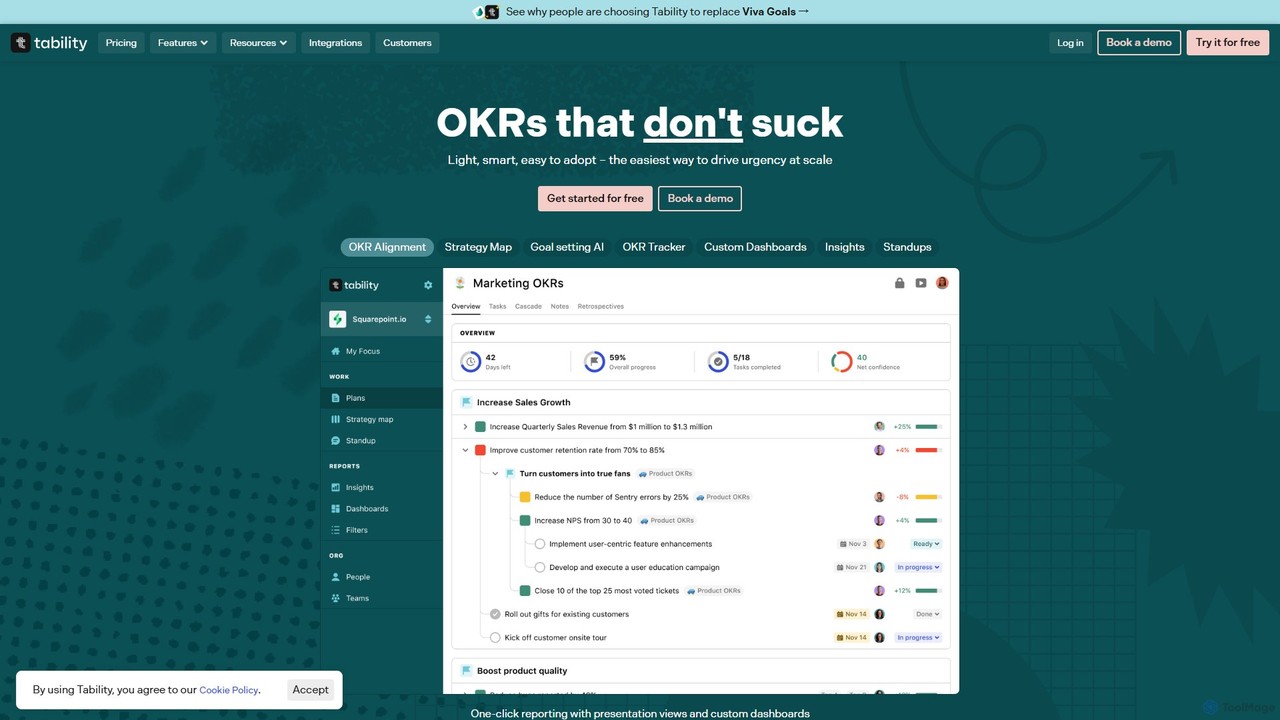
Tability
Tability is a simple, AI-powered OKR (Objectives and Key Results) platform designed to help teams set, track, and achieve their goals effectively. It features an AI agent, Tabby, that generates strategic plans, provides feedback, and automates reporting, making goal management straightforward and connecting strategy with execution for teams of all sizes.
Goal SettingDiscord Categories
Discord Embed Widget
Copy this embed code to place the badge on your blog, article, or product site and send readers directly to this ToolMage detail page.

Related AI tools
Liveblocks
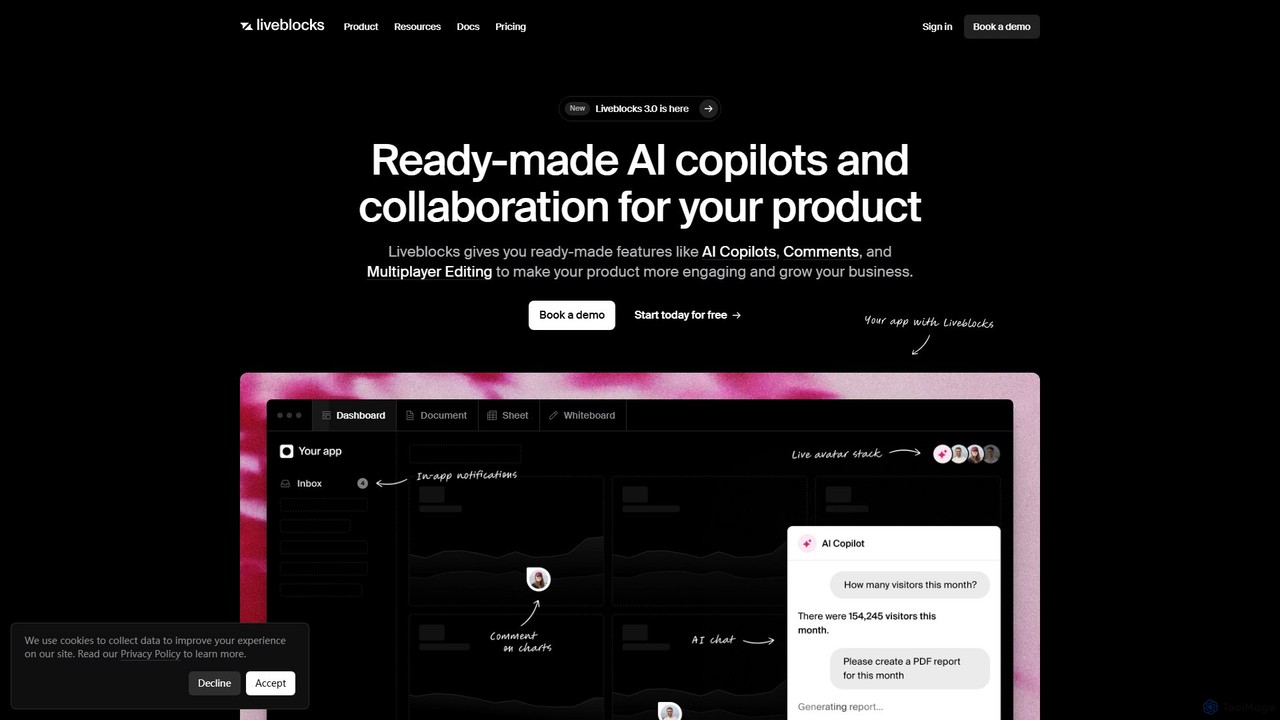
Liveblocks is a developer platform providing ready-made APIs and components to quickly build real-time collaborative experiences and AI copilots into any product. It handles the complex infrastructure for features like multiplayer editing, comments, and AI chat, allowing teams to ship faster and increase user engagement.
Ai Developmentgluegroups
gluegroups is an AI-powered work chat platform designed for focused communication. It replaces traditional channels with independent, named threads to reduce noise. Featuring an integrated AI assistant (Glue AI), it supports brainstorming, collaborative problem-solving, and intelligent integrations, creating a more organized and efficient team workspace.
ChatMediatr
Mediatr is an AI-powered group chat platform designed to enhance team collaboration. It integrates an AI assistant directly into your conversations to summarize discussions, answer questions, and retrieve key information, turning your chat history into a searchable knowledge base.
Chat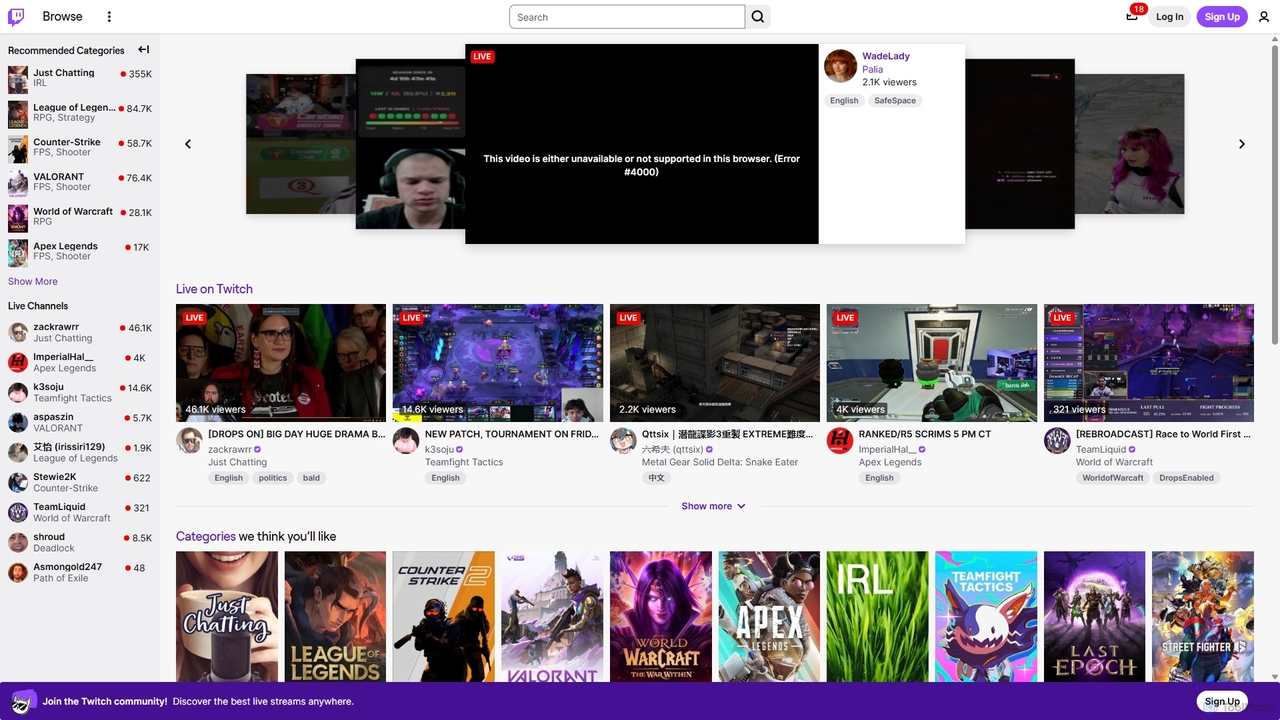
Twitch
Twitch is the world's leading live streaming platform for gamers, entertainers, musicians, and creative communities. It offers an interactive space for creators to broadcast their content in real-time, engage with a global audience through live chat, and build dedicated communities. Viewers can watch, chat, and support their favorite streamers through subscriptions and virtual goods.
Video Platform
GitHub
GitHub is the world's leading AI-powered developer platform for building, shipping, and maintaining software. It provides Git-based version control, collaborative tools, and a complete DevOps lifecycle, supercharged by GitHub Copilot, an advanced AI code assistant that accelerates development and enhances code quality.
Code Assistant
Steam
Steam is the ultimate digital distribution platform for PC gaming, developed by Valve. It offers a vast library of games, a robust community hub for social interaction, automatic game updates, cloud saves, and a marketplace for in-game items. It's the go-to ecosystem for millions of gamers worldwide.
Game Distribution
Slack
Slack is an AI-powered collaboration hub that connects your people, partners, and tools. It replaces email with faster, better-organized communication through channels. With integrated AI, workflow automation, and thousands of apps, Slack centralizes your work to boost productivity and streamline project management.
Project Management
JanitorAI
A community-driven platform for creating, sharing, and exploring AI chatbot characters. Engage in immersive role-playing and storytelling by connecting your own LLM API key for highly customizable and unrestricted conversations with a vast library of fictional personas.
Character Ai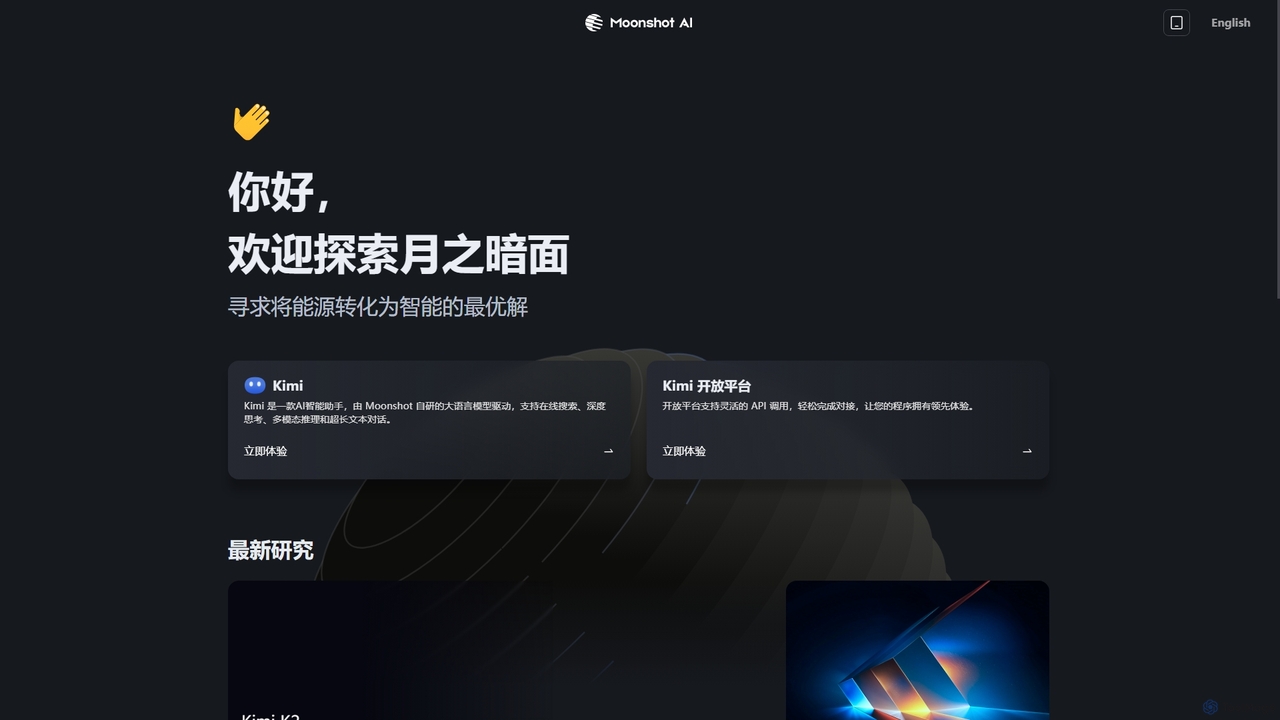
Moonshot
Moonshot is an AI company developing advanced large language models. Its flagship product, Kimi, is an intelligent assistant for online search, deep thinking, multi-modal reasoning, and ultra-long text conversations. Moonshot also offers an open platform with flexible API access for developers.
Api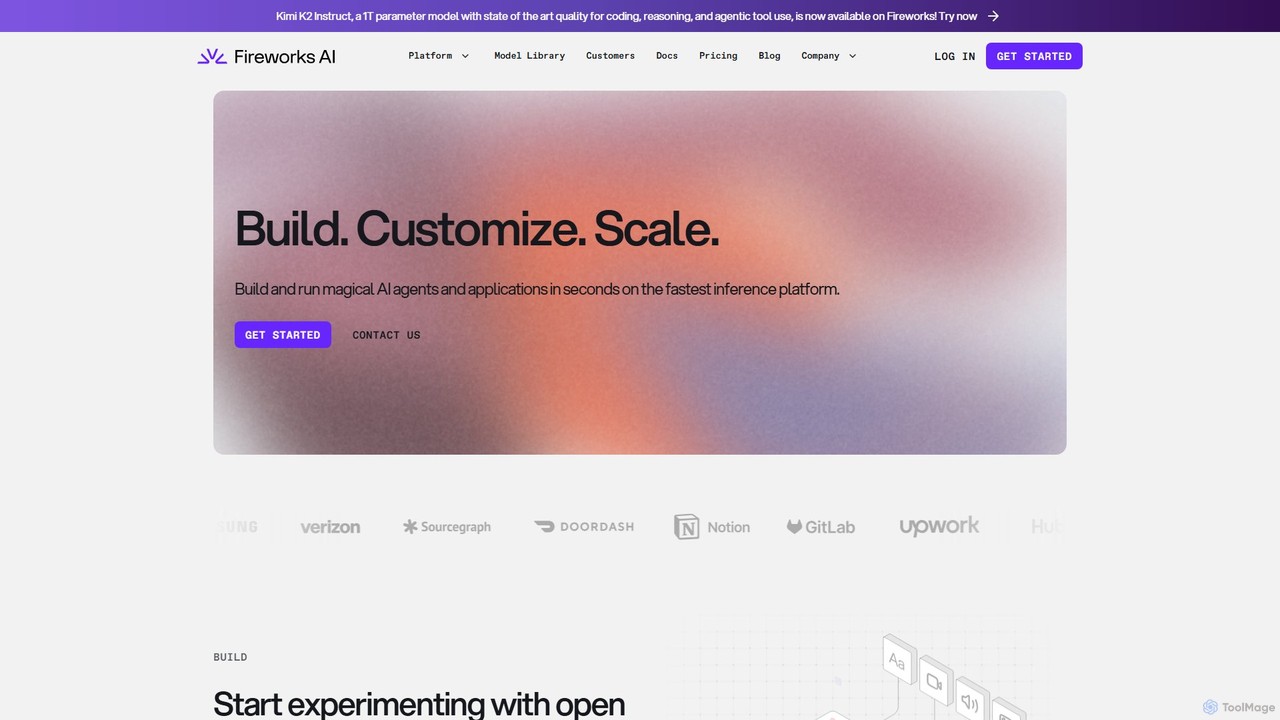
Fireworks AI
A high-performance platform for developers to build, customize, and scale generative AI applications. It offers an industry-leading fast inference engine, advanced fine-tuning capabilities, and access to a wide range of open-source models, enabling real-time, cost-effective AI solutions.
Model Deployment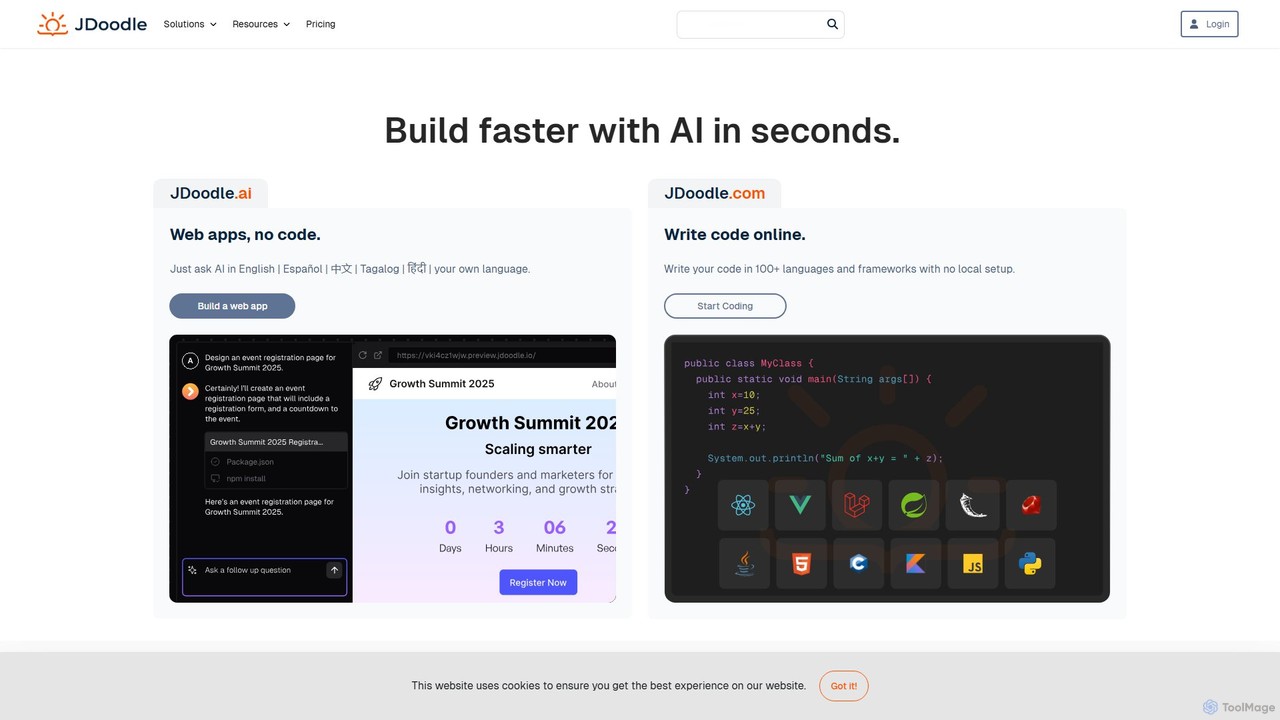
JDoodle
JDoodle is an AI-powered online coding platform and IDE that supports over 96 programming languages and frameworks. It allows developers, students, and educators to write, compile, and execute code directly in the browser with zero setup. Featuring AI assistance, real-time collaboration, and powerful integration APIs, JDoodle is designed to enhance coding productivity and streamline programming education.
Online Ide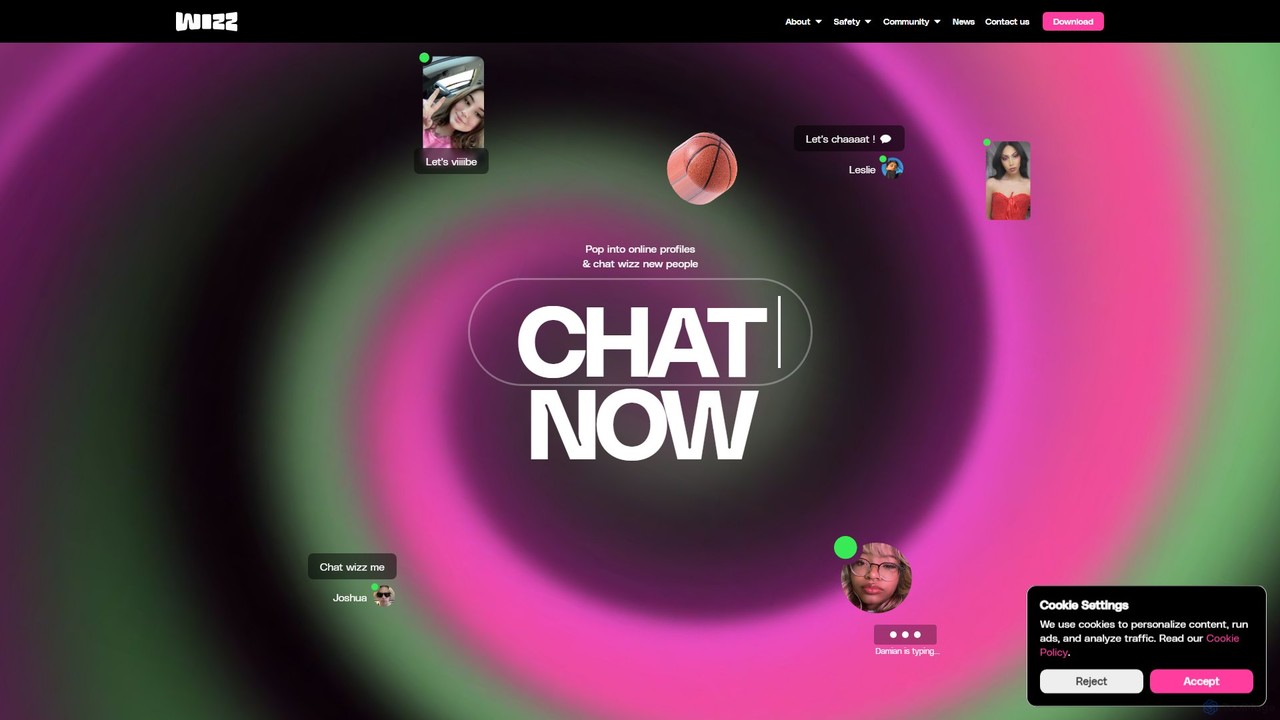
Wizz
Wizz is a social discovery app designed for Gen Z to make new friends in a safe and positive online environment. It uses advanced AI for age verification and content moderation, creating a secure space for authentic connections without the pressure of likes or follower counts.
Youth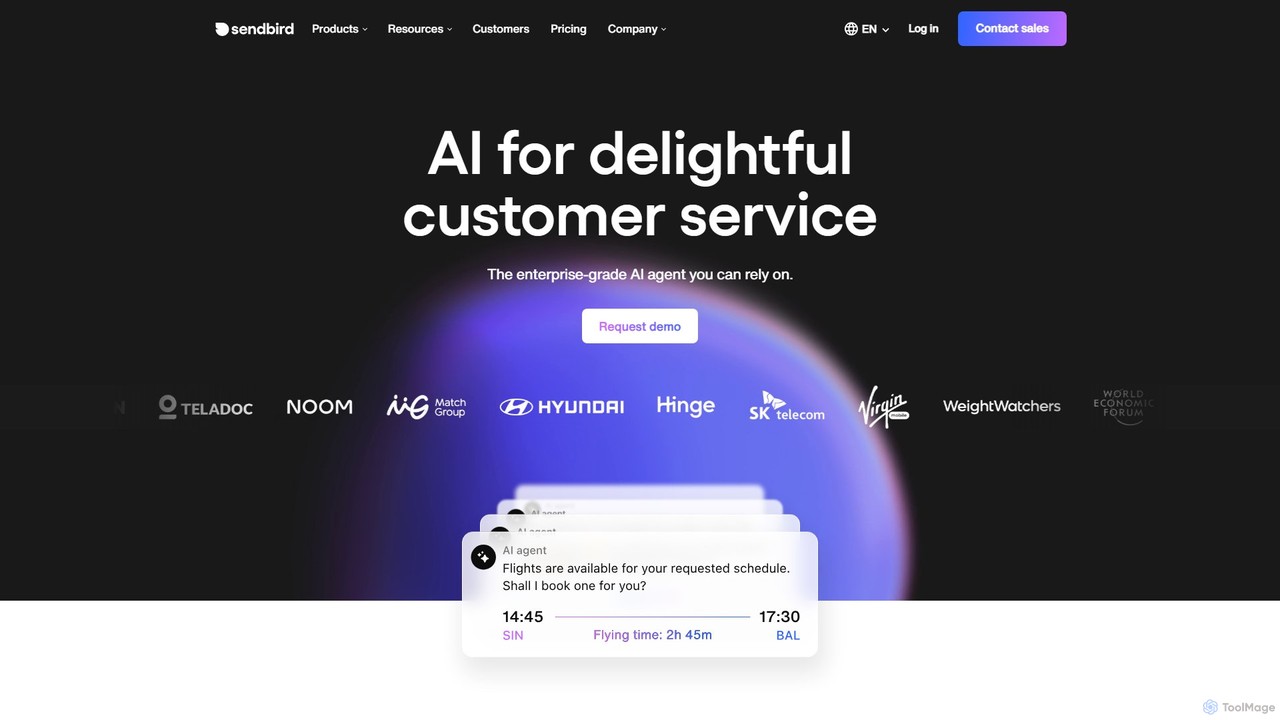
Sendbird
Sendbird is an enterprise-grade AI platform for building and deploying autonomous, omnichannel AI agents. It enables businesses to elevate customer experience by automating support and sales conversations, integrating seamlessly with existing systems, and ensuring enterprise-level security and scalability.
Chatbots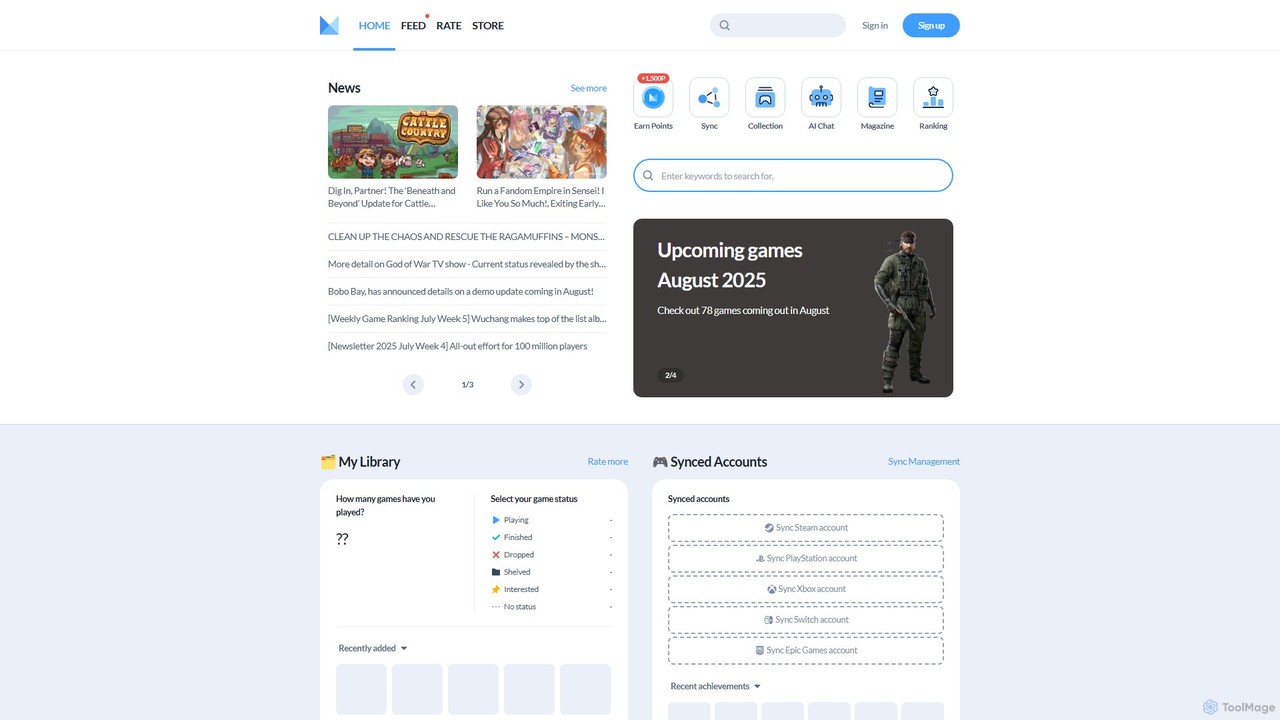
Minimap
Minimap is your AI-powered gaming companion, designed to unify your entire game library from platforms like Steam, PlayStation, Xbox, and Switch. Track your progress, discover new titles, connect with a global community of gamers, and get personalized recommendations.
Social Networking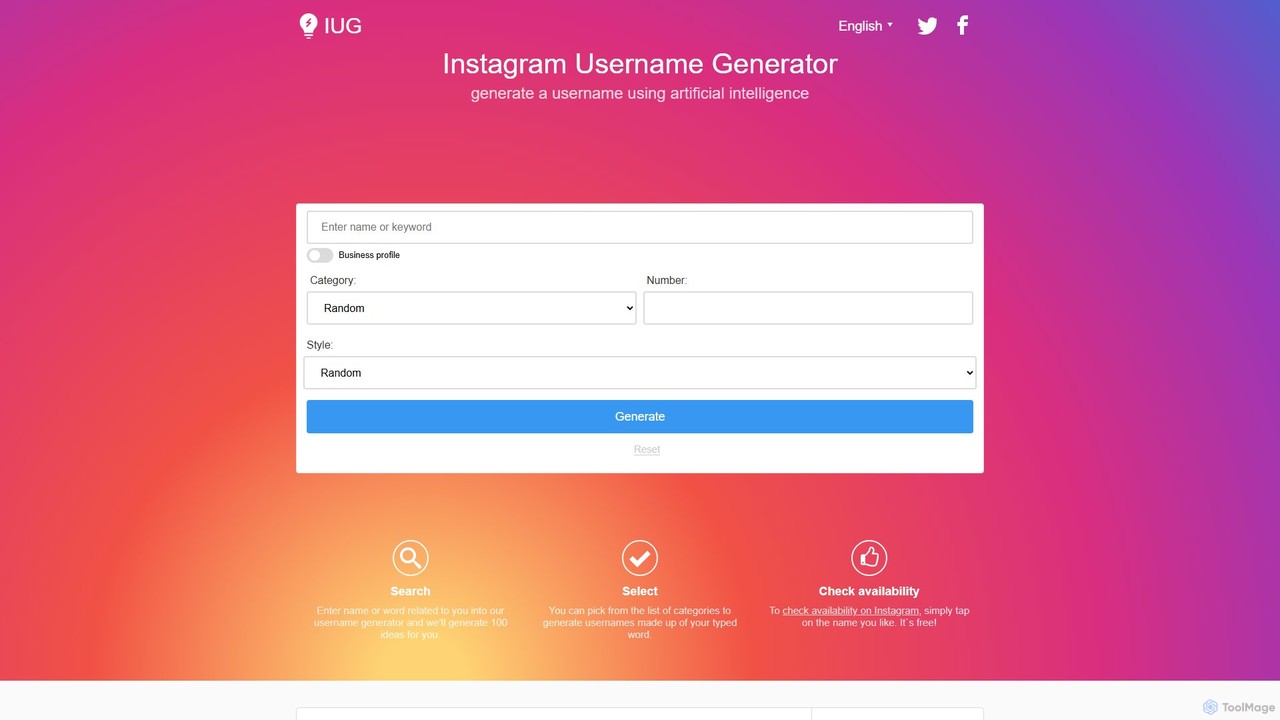
instausername
instausername is a free AI-powered generator that creates unique and creative usernames for a wide range of social media and gaming platforms, including Instagram, TikTok, YouTube, Twitch, and more. It also offers an availability checker and a font generator to enhance your online identity.
Gamertag Generator
Discord Comments (0)
Sign in to comment.
Sign inNo comments yet.