ToolMage
Sign in

Best 75 Creative Tools

Popular Creative Tools include Joyfun, Nano Banana, Imagefree, Marble, Seavid AI, NanoBanana API, Ray3, LoveTales, Wan25, and Luminar Neo, helping you work more efficiently.

Luminar Neo
Paid

Luminar Neo

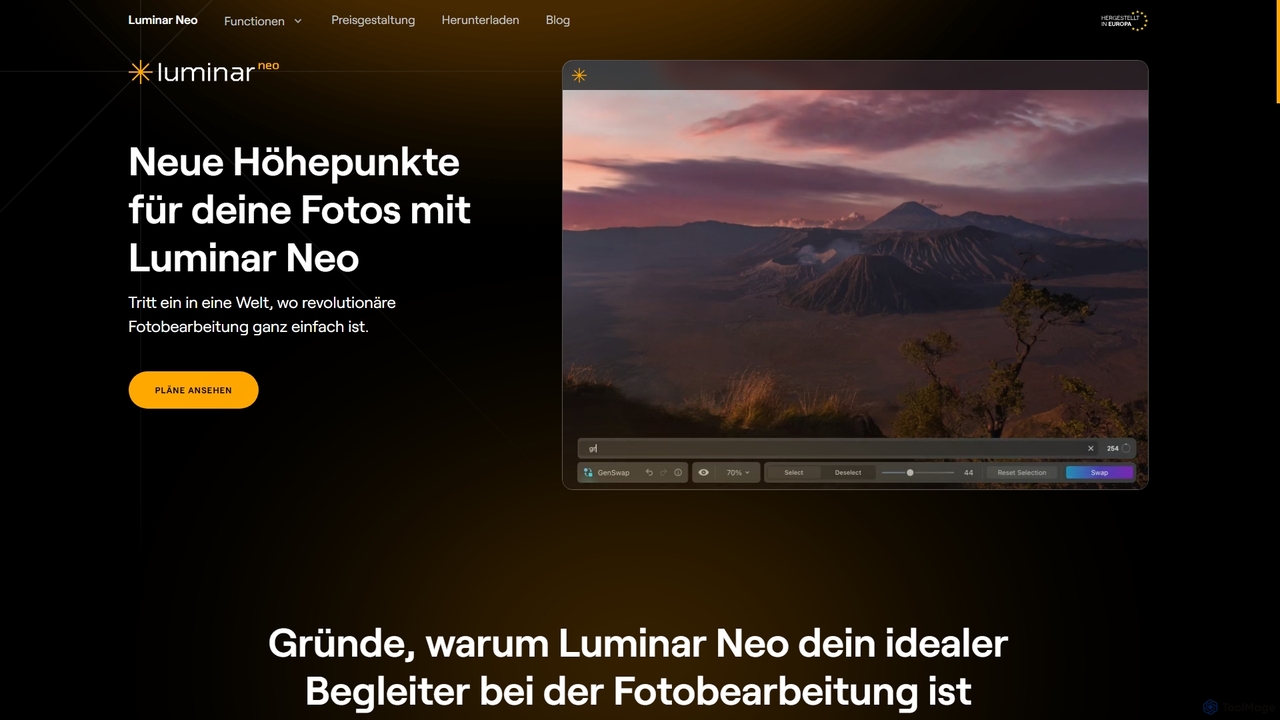
Luminar Neo is a revolutionary AI-powered photo editing software designed to simplify complex tasks and unleash creativity. It offers a comprehensive suite of advanced tools for image enhancement, RAW processing, and creative composition, making professional-grade results accessible to both beginners and experienced photographers on macOS and Windows.

Digital Art
Visits 33.6KFavorites 121Likes 132
LoveTunesAI
Paid

LoveTunesAI

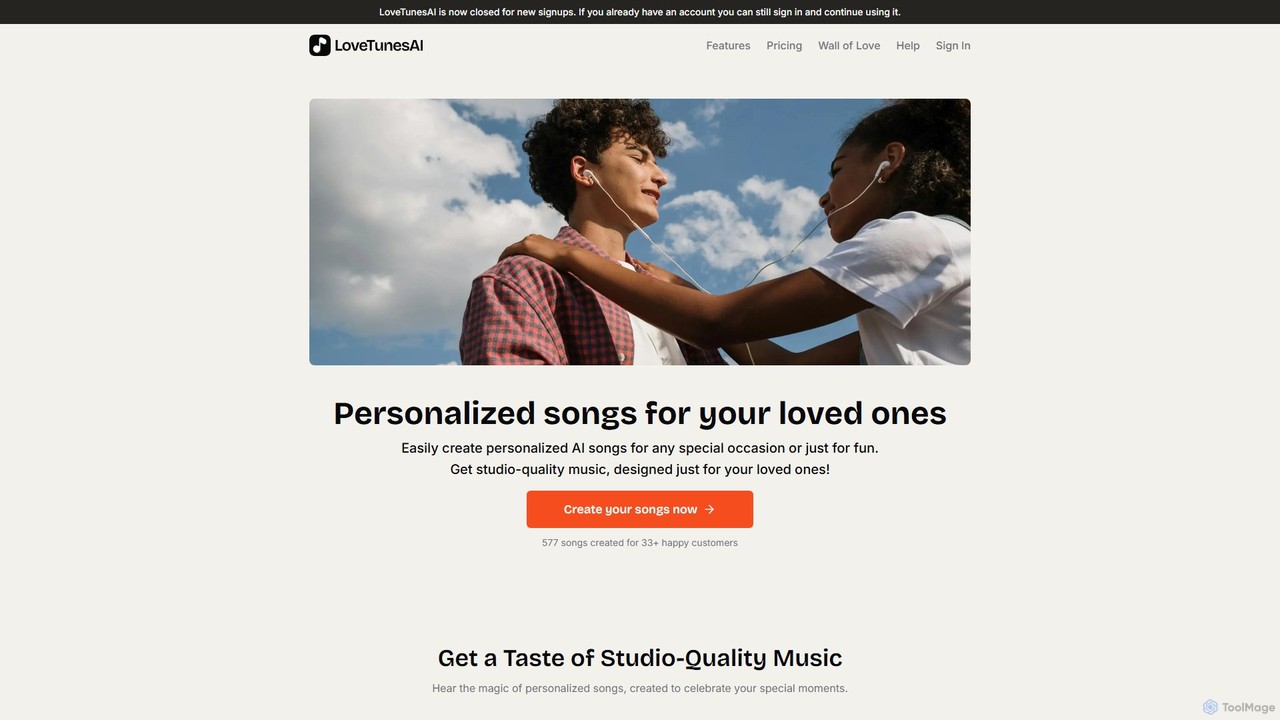
LoveTunesAI is an AI-powered platform for creating personalized, studio-quality songs for loved ones. Turn your stories and feelings into unique lyrics and music in over 500 styles. It's a fast, affordable, and heartfelt way to create a unique gift for any occasion, supporting languages like English, Hindi, and Punjabi. Please note: The service is currently closed for new signups, but existing users can still access their accounts.

Generative Art
Visits 13.1KFavorites 123Likes 135
Cosmos
Paid

Cosmos

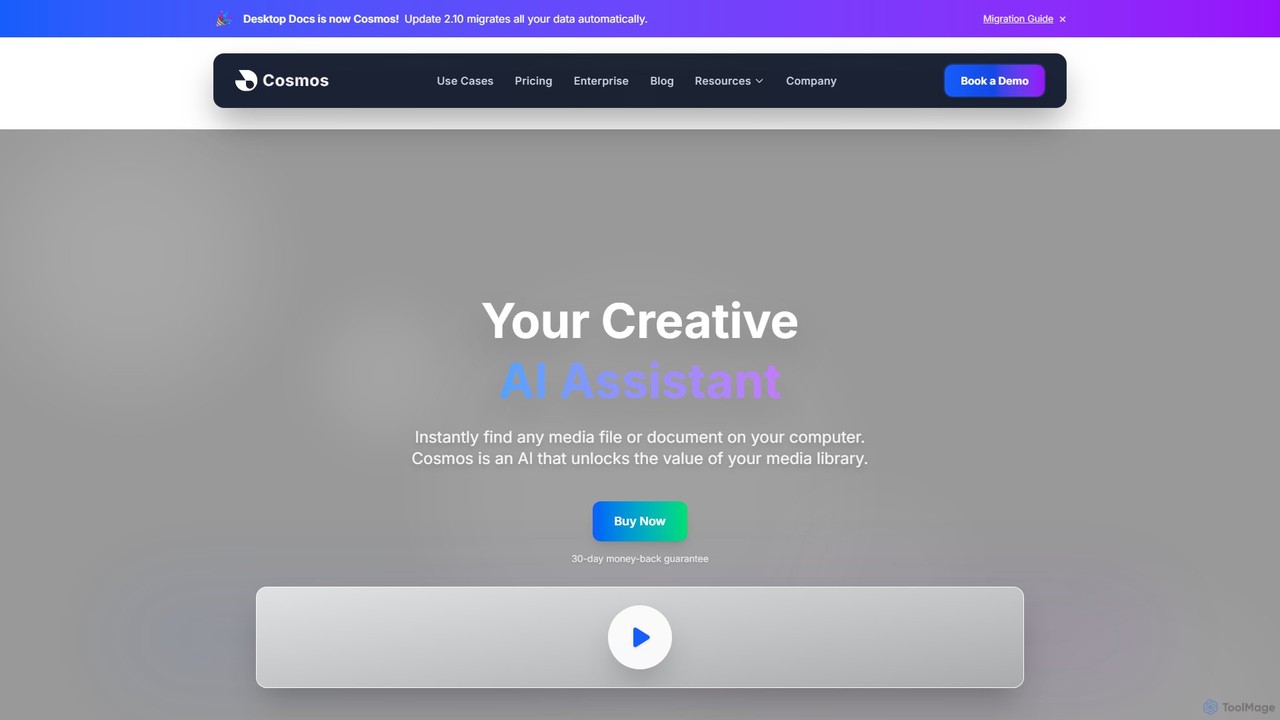
Cosmos is an AI-powered desktop assistant that revolutionizes how you find files. It runs locally on your computer, indexing your media and documents to enable natural language search. Instead of remembering file names, you can search for content like "photo of a red car" or "presentation with charts." Designed for creative professionals and teams, it ensures 100% privacy, works offline, and dramatically speeds up your workflow by eliminating the hunt for files.

Asset Management
Visits 9.9KFavorites 106Likes 102

About Creative Tools

AI Creative Tools are applications that leverage artificial intelligence to generate, modify, and enhance creative content. These tools utilize advanced models like Generative Adversarial Networks (GANs) and Transformers to produce original images, music, text, and video from user prompts. They serve as powerful assistants for artists, designers, writers, and marketers, accelerating ideation and automating complex production tasks. The primary value of these tools lies in their ability to overcome creative blocks, scale content creation, and lower the technical barriers to professional-quality output.

Core Features

  • Generative Content Creation: Produces novel media such as images, articles, or music based on text or visual inputs.
  • Style Transfer and Transformation: Applies the artistic style of one piece of content to another, or intelligently modifies existing media.
  • Intelligent Editing and Enhancement: Automates complex editing tasks like object removal, color correction, audio mastering, or video upscaling.
  • Ideation and Brainstorming: Generates creative concepts, variations, and prompts to inspire new ideas and overcome creative hurdles.

Use Cases

AI Creative Tools are widely used by professionals across various industries. Graphic designers and game developers use them to rapidly generate concept art and assets. Marketing teams leverage them to create ad copy, social media visuals, and video scripts at scale. Musicians and podcasters employ these tools for composing royalty-free background music and enhancing audio quality.

How to Choose

When selecting an AI Creative Tool, first consider the primary content type you need to create (e.g., image, text, audio). Evaluate the tool's output quality and the level of control it offers for customization. Assess the user interface for ease of use, especially in relation to your technical skills. Finally, compare pricing models, such as subscriptions or credit-based systems, to find one that aligns with your project frequency and budget.

Featured tool rankings

Creative Tools use cases

1

Generating Concept Art for Game Development

A concept artist for a video game studio needs to visualize a new character described in a design document. Instead of spending days sketching multiple versions, the artist inputs detailed text prompts into an AI image generator, specifying the character's appearance, clothing, mood, and setting. Within minutes, the tool produces dozens of high-quality, stylistically consistent visual concepts. This process drastically reduces initial ideation time, allowing the team to review a wider range of creative directions and select a final design much faster.

2

Creating Royalty-Free Music for Video Content

A content creator for YouTube needs background music for their weekly videos. Searching through stock music libraries is time-consuming and often yields generic results. By using an AI music generator, the creator can specify the desired genre (e.g., lo-fi, cinematic), mood (upbeat, suspenseful), and duration. The AI composes a unique, royalty-free track that perfectly matches the video's tone. This saves hours of searching, eliminates copyright concerns, and provides a custom soundtrack that enhances the production value of their content.

3

Drafting Ad Copy Variations for A/B Testing

A digital marketer is launching a new ad campaign and needs to test multiple versions of ad copy to find the most effective one. Manually writing dozens of unique headlines and descriptions is repetitive. The marketer inputs the product's key features, target audience, and desired tone into an AI writing assistant. The tool instantly generates a variety of compelling ad copy options, each with a different angle or call-to-action. This allows the marketer to quickly set up comprehensive A/B tests, saving significant creative time and improving campaign performance by identifying the highest-converting message.

4

Enhancing and Upscaling Low-Resolution Photos

A photographer needs to restore an old, low-resolution family photo for a client. The original digital file is pixelated and lacks detail, making it unsuitable for printing. The photographer uploads the image to an AI photo enhancer. The tool uses a trained neural network to intelligently increase the resolution, reduce noise, and sharpen facial features without creating artifacts. The result is a crisp, high-definition image that looks as if it were taken with a modern camera. This process salvages precious memories and delivers a professional-quality product that would be difficult to achieve with traditional editing software alone.

5

Automating Storyboard Creation for Animation

An animation director needs to quickly visualize a script as a storyboard. Drawing each panel manually is a slow and labor-intensive process, especially during early ideation. The director inputs scene descriptions from the script into an AI image generator, specifying a consistent artistic style. The AI generates a visual representation for each scene, creating a complete draft storyboard in a fraction of the time. This allows for faster iteration on narrative flow and shot composition, enabling the creative team to refine the story's visual pacing efficiently before committing to detailed animation work.

6

Generating Synthetic Voiceovers for Presentations

A corporate trainer needs to create a professional voiceover for an e-learning module. Hiring a voice actor is expensive and re-recording for updates is cumbersome. The trainer pastes the script into an AI text-to-speech tool, selects a suitable voice profile (e.g., professional, friendly), and adjusts the pacing and emphasis. The tool generates a high-quality, human-like audio narration that can be easily edited by simply changing the text. This approach saves significant time and budget, ensures consistency across all training materials, and allows for rapid updates whenever the content changes.

Creative Tools FAQ

What are AI Creative Tools?

AI Creative Tools are software applications that use artificial intelligence to assist in or automate the creation of new content. They function as creative partners, capable of generating original images, music, text, and videos from simple text prompts. These tools are built on complex machine learning models, such as GANs and Transformers, which have been trained on vast datasets of existing creative works. Their primary purpose is to augment human creativity by accelerating workflows, providing inspiration, and making complex creative tasks more accessible to a wider audience.

How to choose the right AI Creative Tool?

Choosing the right tool depends on your specific needs. Consider these factors:

  • Creative Goal: Identify what you want to create. Are you generating images, writing text, composing music, or editing video? Select a tool specialized in that domain.
  • Output Quality and Style: Review examples of content generated by the tool. Does the quality meet your standards, and does its aesthetic style align with your vision?
  • Control and Customization: Determine how much control you need. Some tools offer simple, one-click generation, while others provide advanced parameters to fine-tune the output.
  • Ease of Use: Assess the user interface and learning curve. Choose a tool that matches your technical skill level to ensure a smooth workflow.
  • Pricing Model: Compare costs. Look at subscription fees, credit-based systems, or free tiers to find a plan that fits your budget and expected usage.
Can AI replace human creativity?

AI does not replace human creativity; it augments it. Current AI creative tools function as powerful collaborators, not autonomous creators. They excel at generating variations, exploring possibilities, and handling repetitive tasks at a scale humans cannot. However, they lack genuine understanding, intent, and life experience. Human creativity is still essential for providing the initial vision, curating the AI's output, imbuing the work with emotional depth, and making the final strategic and artistic decisions. The most effective creative process often involves a partnership between human intuition and AI's computational power.

What are the main functions of AI Creative Tools?

AI Creative Tools typically offer a range of functions designed to assist the creative process. The most common functions include:

  • Content Generation: Creating entirely new media, such as generating an image from a text description, writing a blog post, or composing a piece of music.
  • Editing and Enhancement: Automating complex editing tasks. This can involve removing backgrounds from photos, cleaning up audio recordings, correcting colors in video, or upscaling image resolution.
  • Style Transfer: Applying the aesthetic of one source (like a famous painting) to another piece of content (like a photograph).
  • Ideation and Brainstorming: Helping users overcome creative blocks by suggesting ideas, generating variations of an existing concept, or providing starting prompts.
Who can benefit from using AI Creative Tools?

A wide range of individuals and professionals can benefit from AI Creative Tools. This includes:

  • Artists and Designers: For generating inspiration, creating concept art, producing assets, and exploring new visual styles quickly.
  • Marketers and Content Creators: For scaling content production, such as writing ad copy, generating social media posts, creating blog articles, and producing video scripts.
  • Musicians and Producers: For composing background music, generating melodic ideas, and assisting with audio mastering and sound design.
  • Writers and Authors: For overcoming writer's block, brainstorming plot points, drafting content, and checking grammar and style.
  • Small Business Owners: For creating professional-quality marketing materials, logos, and website content without a large budget or specialized design skills.