Observo AI
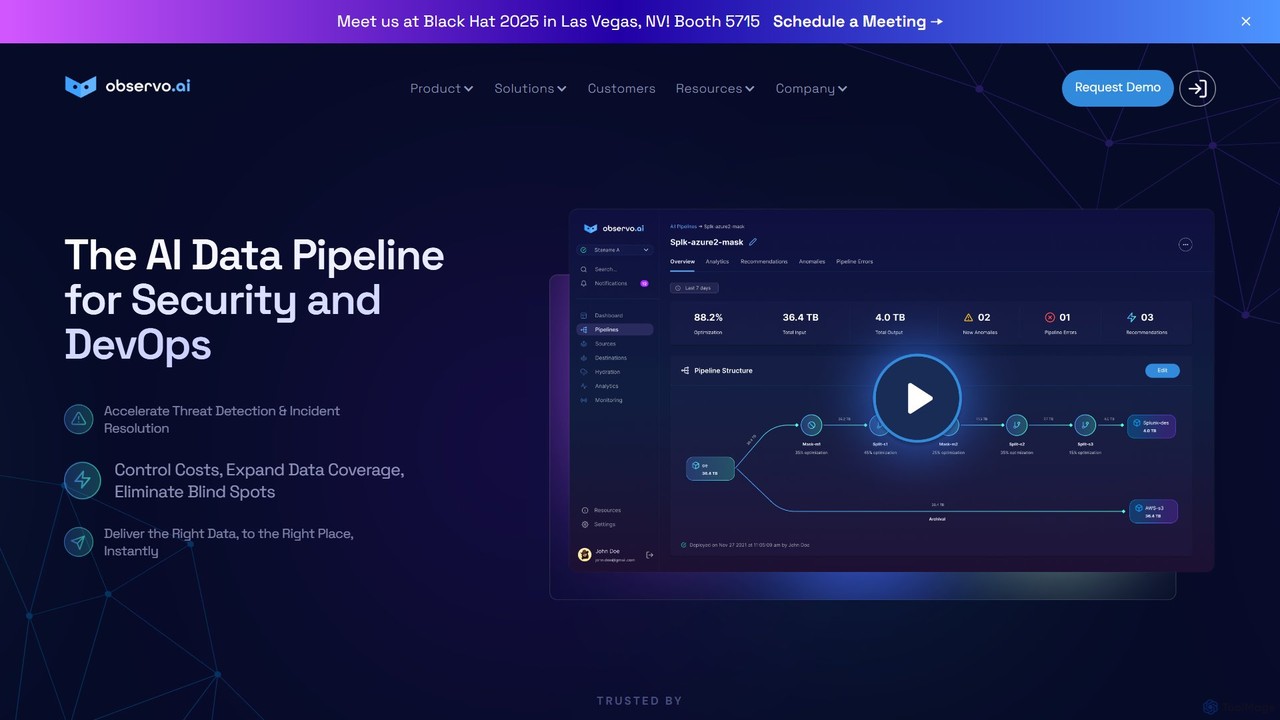
Observo AI is an intelligent data pipeline platform for Security and DevOps teams. It uses AI to optimize …
Observo AI is an intelligent data pipeline platform for Security and DevOps teams. It uses AI to optimize telemetry data, reducing log volumes by up to 80% and observability costs by over 50%. The platform accelerates threat detection, enriches data in real-time, and eliminates blind spots, making security and operations more efficient and cost-effective.
Orchestra
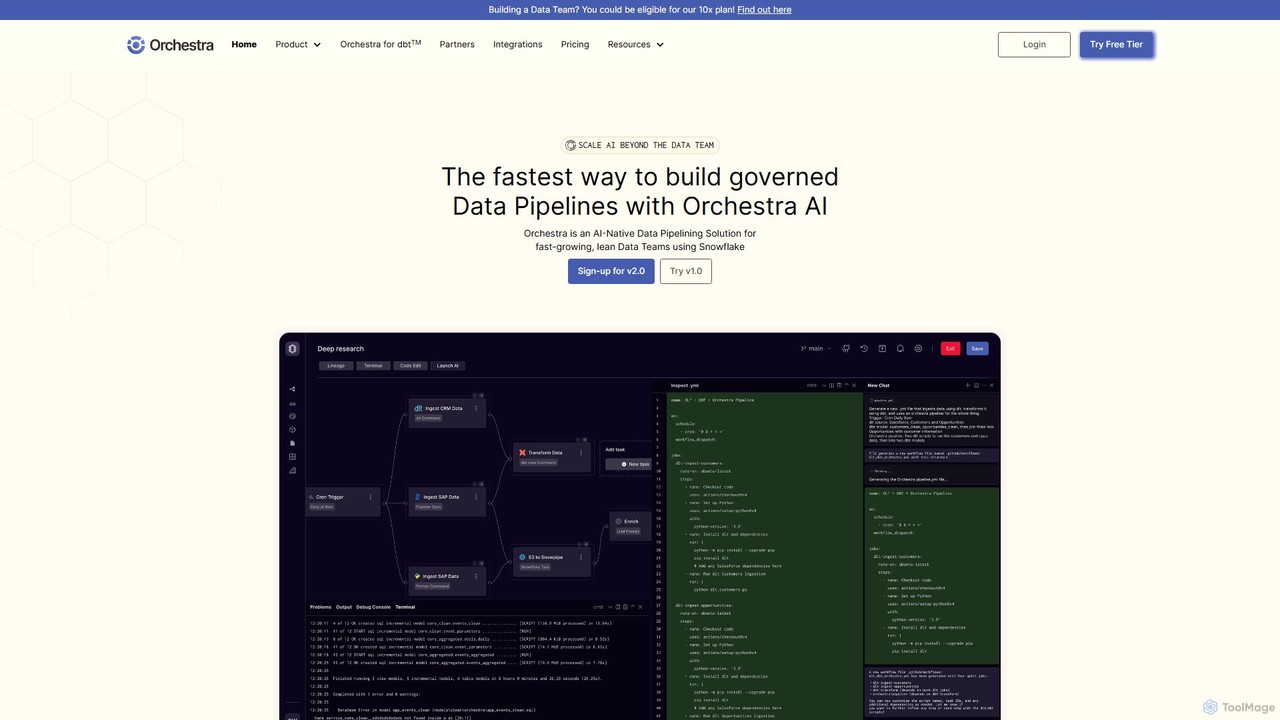
Orchestra is a unified control plane for data orchestration and pipelining, designed for lean data teams. It offers …
Orchestra is a unified control plane for data orchestration and pipelining, designed for lean data teams. It offers an AI-native solution to build, monitor, and manage governed data pipelines with end-to-end observability, proactive alerting, and extensive integrations. It simplifies complex data workflows, reduces maintenance time, and ensures data is reliable and AI-ready.
About Data Pipeline
Data Pipeline tools are platforms designed to automate the movement and transformation of data from various sources to a destination for analysis. They orchestrate complex workflows involving data ingestion, processing, and loading, often in real-time or on a schedule. These tools are essential for maintaining consistent, reliable, and up-to-date data for business intelligence, machine learning models, and operational reporting. They provide robust monitoring, error handling, and scalability to manage data flows efficiently within the broader data ecosystem.
Core Features
- Data Source Connectors: Natively connect to a wide range of databases, APIs, cloud storage, and SaaS applications for data extraction.
- Workflow Orchestration: Visually design, schedule, and manage multi-step data processing tasks and their dependencies.
- In-flight Transformation: Clean, enrich, aggregate, and reformat data as it moves through the pipeline using SQL or code-based logic (ETL/ELT).
- Monitoring and Alerting: Track pipeline health, data quality, and performance in real-time with automated alerts for failures or anomalies.
Use Cases
Data Pipeline tools are widely used by data engineers, analysts, and scientists in tech, finance, and e-commerce. They are fundamental for creating automated reporting systems, feeding data into machine learning models for training, or synchronizing data between operational systems like CRMs and ERPs.
How to Choose
When selecting a Data Pipeline tool, consider the variety and volume of your data sources. Evaluate its transformation capabilities (code-based vs. low-code), scalability for future growth, and integration with your existing data stack (e.g., data warehouses, BI tools). Also, assess the monitoring features and the pricing model (e.g., volume-based vs. compute-based).

Data PipelineUse Cases
Automating Business Intelligence Reporting
A data analytics team uses a data pipeline tool to consolidate information from multiple sources. Every night, the pipeline automatically extracts sales data from Salesforce, marketing campaign metrics from Google Ads, and customer support tickets from Zendesk. It then cleans, standardizes, and joins these datasets before loading the unified data into a BigQuery data warehouse. This ensures that the company's Tableau dashboards are updated with fresh, comprehensive data by the start of each business day, eliminating hours of manual data collection and processing.
Powering Machine Learning Model Training
A data science team needs to regularly retrain a customer churn prediction model. They set up a data pipeline to pull raw user activity data from their application's database and product usage logs from a cloud storage bucket. The pipeline performs feature engineering by transforming the raw data into meaningful features, such as 'last_login_date' and 'monthly_transaction_count'. The processed, feature-rich dataset is then versioned and stored in a location accessible by their ML training platform, ensuring the model is always trained on the latest, high-quality data.
Real-time Data Synchronization Across Systems
An e-commerce company needs to keep its inventory data consistent across its website, mobile app, and warehouse management system (WMS). They implement a real-time data pipeline using a streaming platform. When a customer places an order on the website, an event is captured and sent through the pipeline. The pipeline instantly updates the inventory count in the WMS and reflects the new stock level on both the website and mobile app. This prevents overselling and ensures a consistent customer experience across all channels.
Migrating Data to a Cloud Data Warehouse
A company is moving from an on-premise SQL Server database to a cloud-based data warehouse like Snowflake. A data engineer uses a data pipeline tool to manage this complex migration. The pipeline is configured to first perform a historical bulk load of all existing data. Following that, it switches to an incremental change data capture (CDC) mode, which continuously replicates any new or updated records from the SQL Server to Snowflake. This ensures a smooth transition with minimal downtime and guarantees data consistency between the old and new systems during the migration period.
Aggregating Logs for Security Analysis
A cybersecurity team needs a centralized view of all system and application logs for threat detection. They deploy a data pipeline that collects logs in real-time from web servers, databases, and firewalls. The pipeline parses the unstructured log data, standardizes timestamps, and enriches it with geolocation information based on IP addresses. The processed logs are then streamed into a security information and event management (SIEM) system. This allows security analysts to run complex queries, identify suspicious patterns, and respond to security incidents much faster.
Enriching CRM Data with Third-Party Information
A marketing operations team wants to improve lead scoring by enriching their CRM contacts. They use a data pipeline tool to extract new leads from their Salesforce CRM. The pipeline then sends each lead's company name to a third-party data provider's API (like Clearbit) to retrieve firmographic data, such as company size and industry. Finally, the pipeline writes this enriched data back into the corresponding contact records in Salesforce. This automated process provides the sales team with richer context on each lead, leading to more accurate prioritization and effective outreach.