ToolMage
Sign in

Best 7 Search AI tools for Data

Popular Search AI tools in Data include ParadeDB, Allganize, Morphik, BA Insight, npilookup, ThirdAI, and DenserRetriever, helping you work more efficiently.

Morphik
Freemium

Morphik

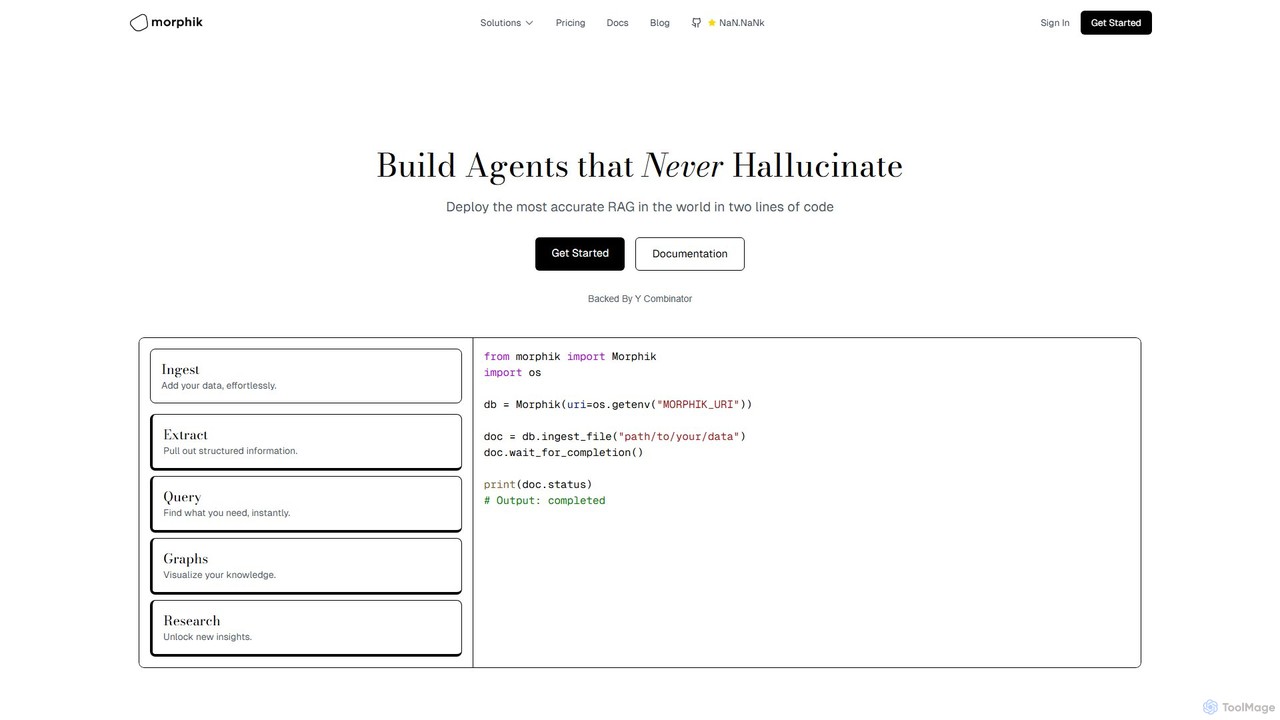
Morphik is an advanced developer platform for building highly accurate Retrieval-Augmented Generation (RAG) systems and AI agents. It specializes in eliminating hallucinations by using visual-first retrieval to understand complex, domain-specific documents, including diagrams and schematics. Deployable with just two lines of code, it offers superior performance, speed, and scalability for enterprise-grade AI applications.

Enterprise
Visits 15.1KFavorites 131Likes 131
npilookup
Free

npilookup

An advanced AI-powered platform for searching and validating National Provider Identifier (NPI) numbers for healthcare providers in the United States. Use natural language queries to instantly find doctors, hospitals, and other medical practitioners from the latest NPPES NPI database, completely free of charge.

Search
Visits 5.8KFavorites 138Likes 130
BA Insight
Paid

BA Insight

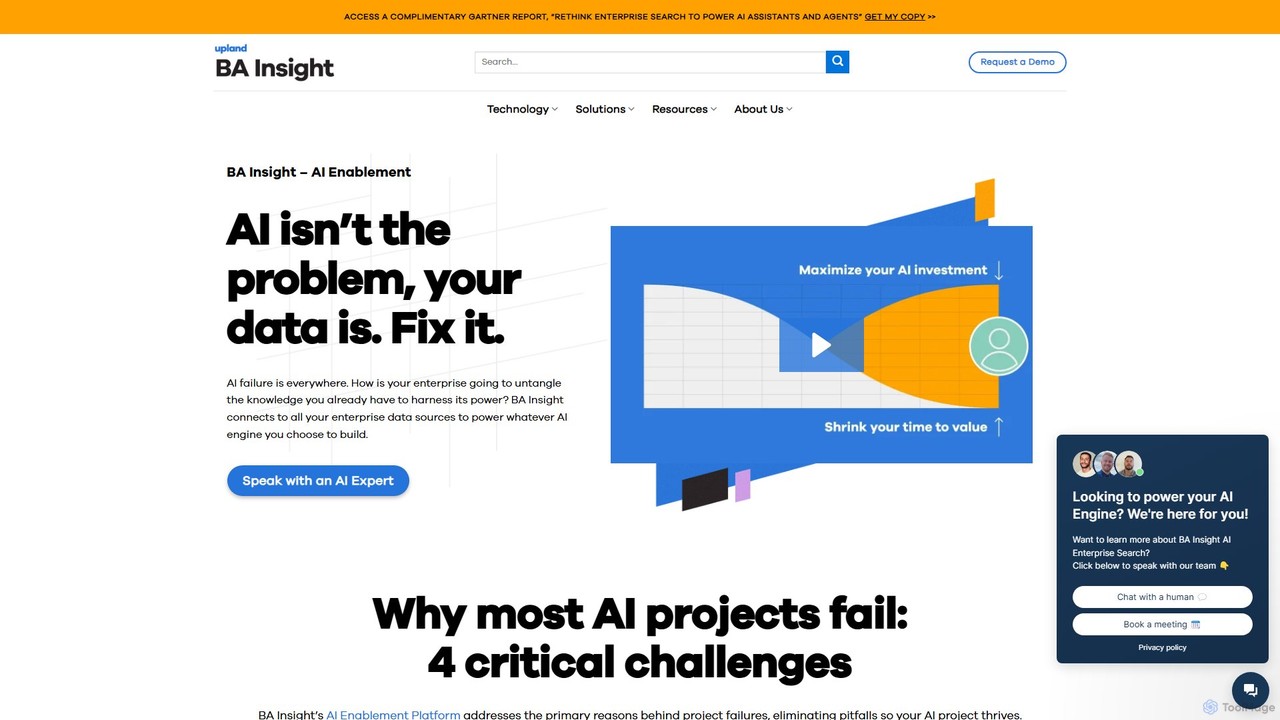
BA Insight is an AI Enablement and Enterprise Search platform that connects to all your enterprise data sources. It unifies disparate content, enriches it, and provides a secure, relevant, and personalized search experience to power AI applications, improve customer self-service, and boost employee productivity.

Enterprise Solutions
Visits 8.3KFavorites 155Likes 144
Allganize
Paid

Allganize

Allganize is an enterprise AI platform that enables businesses to build custom Large Language Model (LLM) applications. It specializes in secure, accurate knowledge retrieval from internal data using its advanced Agentic RAG technology. With a no-code app builder, 100+ data integrations, and flexible deployment options (cloud/on-premise), Allganize helps companies automate workflows, boost productivity, and unlock the value of their proprietary information without hallucinations.

Knowledge Management
Visits 29.8KFavorites 139Likes 135
ParadeDB
Freemium

ParadeDB

ParadeDB is a modern Elasticsearch alternative built directly on Postgres. It enhances Postgres with powerful, real-time search and analytics capabilities, including full-text search, fuzzy matching, and faceting, eliminating the need for complex ETL processes and separate search engines.

Search
Visits 40.3KFavorites 148Likes 142
DenserRetriever

DenserRetriever

DenserRetriever is a next-generation, AI-powered retrieval platform for developers and enterprises. It specializes in high-performance semantic search using dense vector embeddings to build advanced RAG applications, sophisticated Q&A systems, and intelligent knowledge bases. It provides robust APIs to integrate superior information retrieval capabilities, ensuring more accurate and contextually relevant results.

Customer Support
Visits 4.7KFavorites 125Likes 126
ThirdAI
Paid

ThirdAI

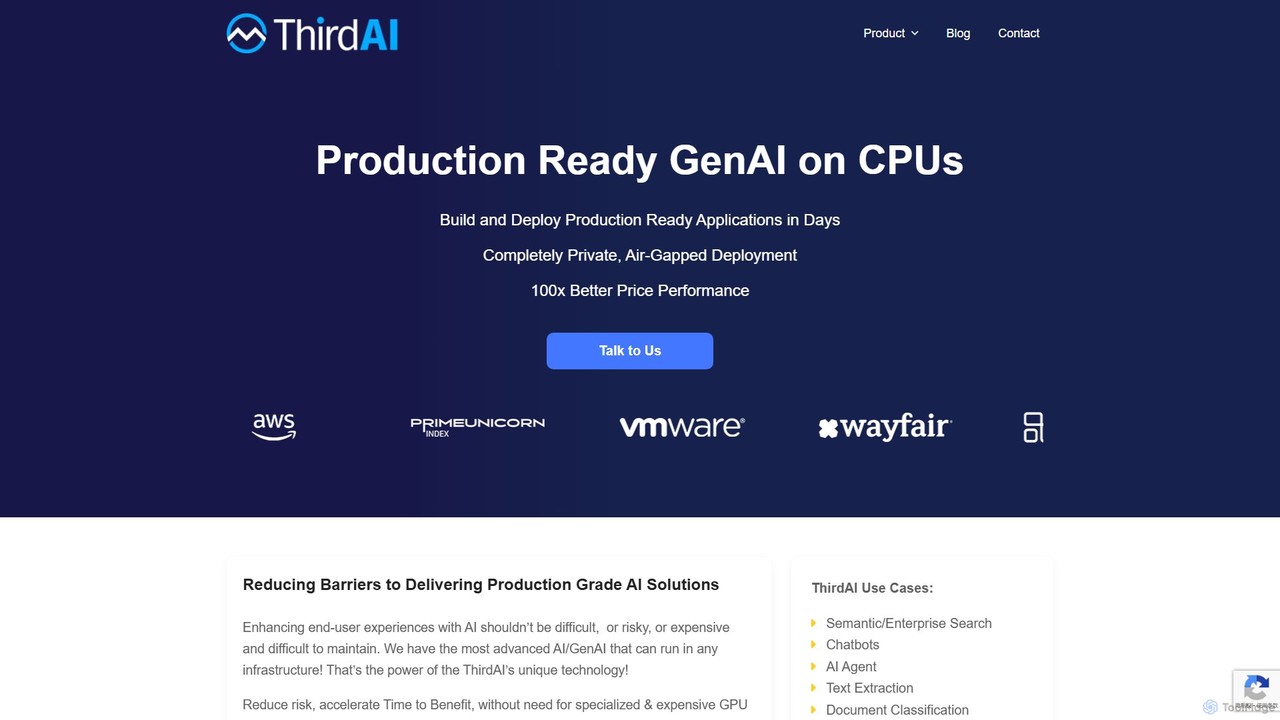
ThirdAI is an enterprise-grade Generative AI platform that enables building and deploying private, secure, and production-ready AI applications on standard CPUs. It eliminates the need for expensive GPUs, offering a cost-effective, all-in-one solution for use cases like enterprise search, chatbots, and compliance.

Enterprise Solutions
Visits 4.8KFavorites 118Likes 141

About Search

AI Search tools are applications that use natural language processing (NLP) and machine learning to understand user intent and retrieve relevant information from complex datasets. Unlike traditional keyword-based search, they analyze the semantic meaning behind a query to deliver context-aware results. This enables users to find precise answers and insights quickly, even from unstructured data sources like documents, emails, or internal knowledge bases. These tools transform how organizations access and utilize their internal information capital.

Core Features

  • Semantic Understanding: Grasps the context and intent of a query, going beyond simple keyword matching.
  • Natural Language Querying: Allows users to ask questions in conversational language, as they would to a person.
  • Cross-Repository Search: Indexes and searches across multiple data sources like cloud drives, databases, and collaboration apps.
  • Answer Extraction: Provides direct answers or summaries synthesized from source documents, not just a list of links.
  • Personalized Results: Learns from user behavior and feedback to tailor and improve search results over time.

Use Cases

AI Search tools are pivotal in enterprise environments for internal knowledge management, helping employees instantly find company policies or project details. Legal and research professionals use them to accelerate e-discovery and literature reviews by querying vast document sets. In customer support, they power intelligent help centers that provide immediate, accurate answers to user questions.

How to Choose

When selecting an AI Search tool, first consider its integration capabilities with your existing data sources (e.g., Confluence, Google Drive, Slack). Evaluate the accuracy of its semantic search and answer extraction features. Also, assess its security protocols for handling sensitive data, its scalability to manage your data volume, and the intuitiveness of its user interface for non-technical staff.

Search use cases

1

Streamlining Enterprise Knowledge Management

An employee in a large corporation needs to find the specific policy on international travel reimbursement. Instead of manually searching through a cluttered intranet or asking HR, they type into the AI search bar: 'What are the spending limits for meals on business trips to Germany?' The tool understands the query's intent, scans internal policy PDFs and Confluence pages, and provides a direct answer: 'The daily meal allowance for Germany is €60,' along with a link to the full travel policy document for further details. This saves significant time and ensures access to accurate, up-to-date information.

2

Accelerating Legal E-Discovery Processes

A paralegal is working on a tight deadline for a case involving thousands of emails and contracts. They need to find all communication related to a specific contract clause. Using an AI Search tool connected to their document repository, they can ask: 'Find all emails from Q3 2022 that discuss the termination clause in the 'Project Alpha' agreement.' The system identifies relevant documents based on semantic context, entities (dates, project names), and concepts, presenting a concise list of the most relevant communications. This reduces manual review time from days to hours.

3

Powering Intelligent Customer Support Portals

A SaaS company integrates an AI Search tool into its customer help center. A user experiencing a billing issue types 'why was my card charged twice' into the search bar. Instead of just showing articles with the word 'charge', the AI understands the user's frustration and intent. It surfaces the specific FAQ article on 'Resolving Duplicate Charges,' provides a deep link to the user's billing history page, and displays a pre-populated contact form for the billing support team. This provides a comprehensive, self-service solution that resolves issues faster and reduces support ticket volume.

4

Enhancing Scientific Research and Literature Review

A medical researcher is investigating the effects of a specific protein on neural pathways. They use an AI Search tool to query a vast database of academic papers. They can ask complex questions like, 'What studies link protein X to synaptic plasticity in the hippocampus?' The tool retrieves not only papers with exact keyword matches but also conceptually related research that might use different terminology. It can also highlight key findings, methodologies, and even identify conflicting results across studies, dramatically accelerating the literature review phase of their research.

5

Navigating Complex Software Codebases

A new software developer joins a team with a large, legacy codebase. To understand how a specific function works, instead of manually tracing code, they use an AI search tool specialized for code. They can ask, 'Show me how the user authentication API is implemented and where it is called.' The tool provides relevant code snippets, function definitions, and examples of its usage across the entire repository. It can also explain what a block of code does in plain English, significantly reducing the onboarding time and helping developers find answers without interrupting senior team members.

6

Uncovering Insights from Business Intelligence Data

A marketing manager wants to understand recent sales trends without waiting for a data analyst. They use an AI Search tool connected to their company's BI platform and databases. They can ask in plain language, 'Compare sales of Product A and Product B in the US for the last quarter.' The tool interprets the query, accesses the relevant sales data, performs the comparison, and presents the result as a simple chart and summary: 'Product A sales grew by 15% while Product B sales declined by 5% in the US last quarter.' This empowers non-technical users to perform self-service data analysis and make faster, data-driven decisions.

Search FAQ

What are AI Search tools?

AI Search tools are advanced applications designed to understand and process queries in natural, human language. Unlike traditional search engines that rely on keyword matching, AI Search uses technologies like Natural Language Processing (NLP) to grasp the semantic meaning and intent behind a question. This allows them to search across vast, often unstructured, internal datasets (like company documents, emails, or databases) and provide direct, contextually relevant answers instead of just a list of links. They essentially act as a conversational interface to an organization's collective knowledge.

How to choose the right AI Search tool?

Choosing the right AI Search tool depends on several key factors. Consider the following:

  • Data Source Connectivity: Ensure the tool can seamlessly connect to and index all your critical data sources, such as Google Drive, Slack, Confluence, databases, and custom applications.
  • Search Accuracy & Relevance: Evaluate the quality of its semantic search. Does it understand industry-specific jargon and the context of your queries to deliver truly relevant results?
  • Security & Permissions: The tool must respect existing user permissions and access controls to ensure employees can only see information they are authorized to view.
  • Ease of Use: A good AI Search tool should have an intuitive interface that allows non-technical users to ask questions naturally without needing special training.
  • Scalability: Confirm that the tool can handle your current and future data volume and user load without performance degradation.
What's the difference between AI Search and traditional web search?

The primary difference lies in their scope and underlying technology. Traditional web search engines (like Google) are designed to index the public internet and rank web pages based on relevance signals like keywords and backlinks. Their goal is to find the best public web page for a query. In contrast, AI Search tools are typically used for private, internal data within an organization. They use advanced NLP to understand the *meaning* of a query, not just the words, allowing them to search across diverse internal sources (documents, databases, chat logs) and provide direct, synthesized answers rather than just a list of links to source files.

What types of data can AI Search tools process?

AI Search tools are exceptionally versatile in the types of data they can handle. They excel at processing both structured and unstructured data. This includes:

  • Unstructured Data: Text documents (PDFs, Word, Google Docs), presentation slides, emails, messages from platforms like Slack and Microsoft Teams, and articles in knowledge bases like Confluence or Zendesk.
  • Structured Data: Information stored in databases (SQL, NoSQL), spreadsheets (Excel, Google Sheets), and data from business applications like CRMs (e.g., Salesforce) and HRIS systems.
  • Semi-structured Data: Data like JSON or XML files, which have some organizational properties but don't fit into a rigid database schema.

The key capability is their ability to extract and understand information across all these disparate formats and sources.

Who are the primary users of AI Search tools?

While AI Search can benefit almost anyone in an organization, some primary user groups see the most immediate value. These include:

  • All Employees: For general internal knowledge discovery, such as finding HR policies, IT support documents, or project information, reducing wasted time searching for information.
  • Customer Support Teams: To quickly find answers in knowledge bases and past support tickets to resolve customer issues faster and more accurately.
  • Legal and Compliance Professionals: For accelerating e-discovery, contract analysis, and regulatory research by efficiently searching through massive volumes of documents.
  • Software Developers: To navigate and understand large, complex codebases by searching for function implementations, API usage, and relevant documentation.
  • Researchers and Analysts: To synthesize information and identify trends from vast datasets of research papers, market reports, or business intelligence data.