ToolMage
Sign in

Best 37 Api & Integration AI tools for Developer Tools

Popular Api & Integration AI tools in Developer Tools include Firecrawl, Composio, Smithery, CapMonster Cloud, Mem0, CapSolver, supermemory, Shaped, Alpha Vantage MCP, and NoCaptcha AI, helping you work more efficiently.

Everyprompt
Freemium

Everyprompt

Everyprompt is an advanced playground and development environment for large language models like GPT-3. It enables users to test, build, and deploy AI-driven APIs seamlessly, streamlining the entire workflow from experimentation to production with integrated CI/CD.

Api & Integration
Visits 5.8KFavorites 95Likes 117
Gapier
Freemium

Gapier

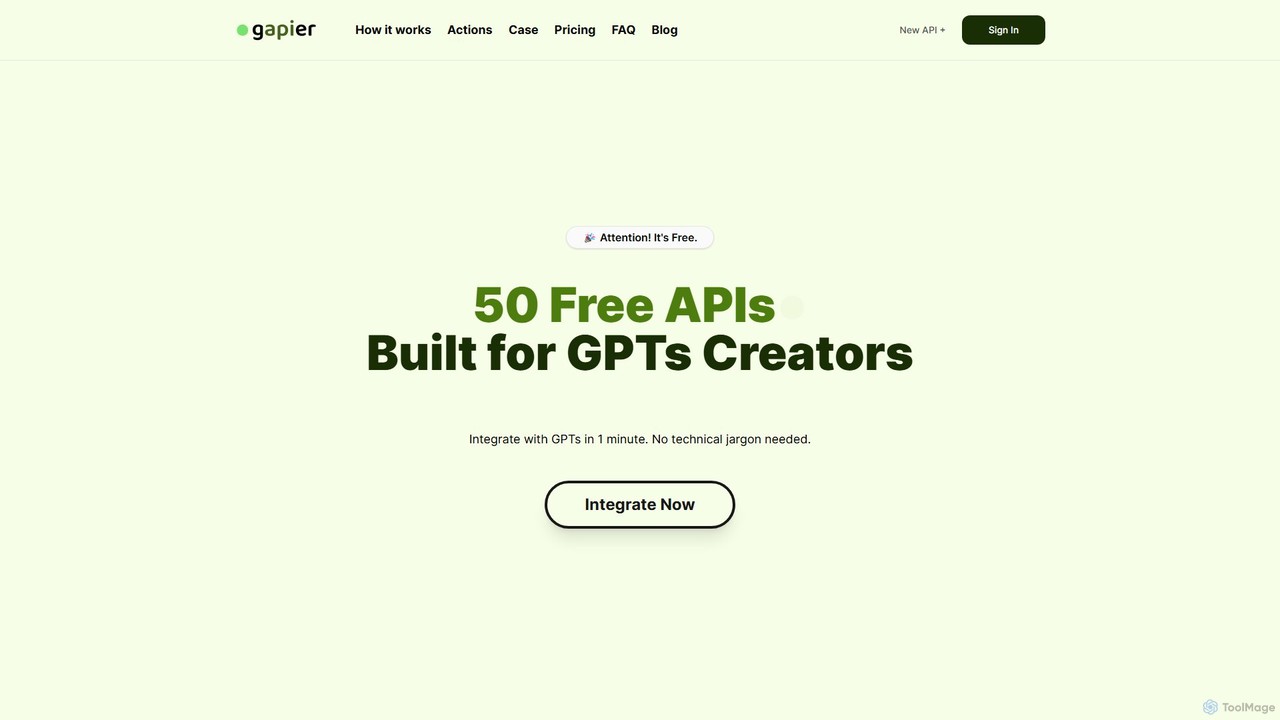
Gapier is a no-code platform that enhances ChatGPT by providing over 50 free, pre-built Actions for custom GPTs. It allows non-technical users to easily integrate external functionalities like web searching, data retrieval, and task automation into their GPTs in just one minute, transforming them into powerful, multi-functional agents.

Api & Integration
Visits 5.6KFavorites 113Likes 127
NoCaptcha AI
Freemium

NoCaptcha AI

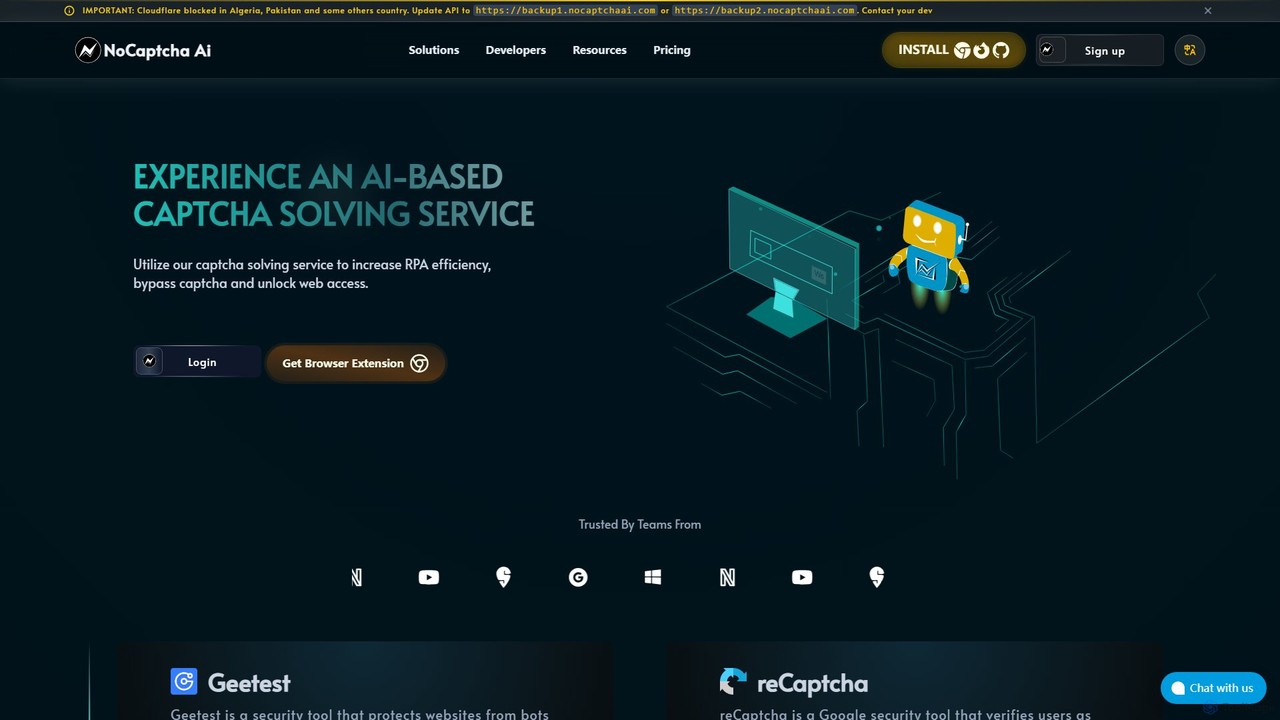
NoCaptcha AI is an AI-powered CAPTCHA solving service that helps developers and businesses automate CAPTCHA bypass. It offers a fast, reliable, and scalable API solution to handle various CAPTCHA types, including reCAPTCHA, Geetest, and OCR, enhancing RPA efficiency and unlocking web access.

Web Scraping
Visits 28.2KFavorites 156Likes 141
NextCaptcha
Freemium

NextCaptcha

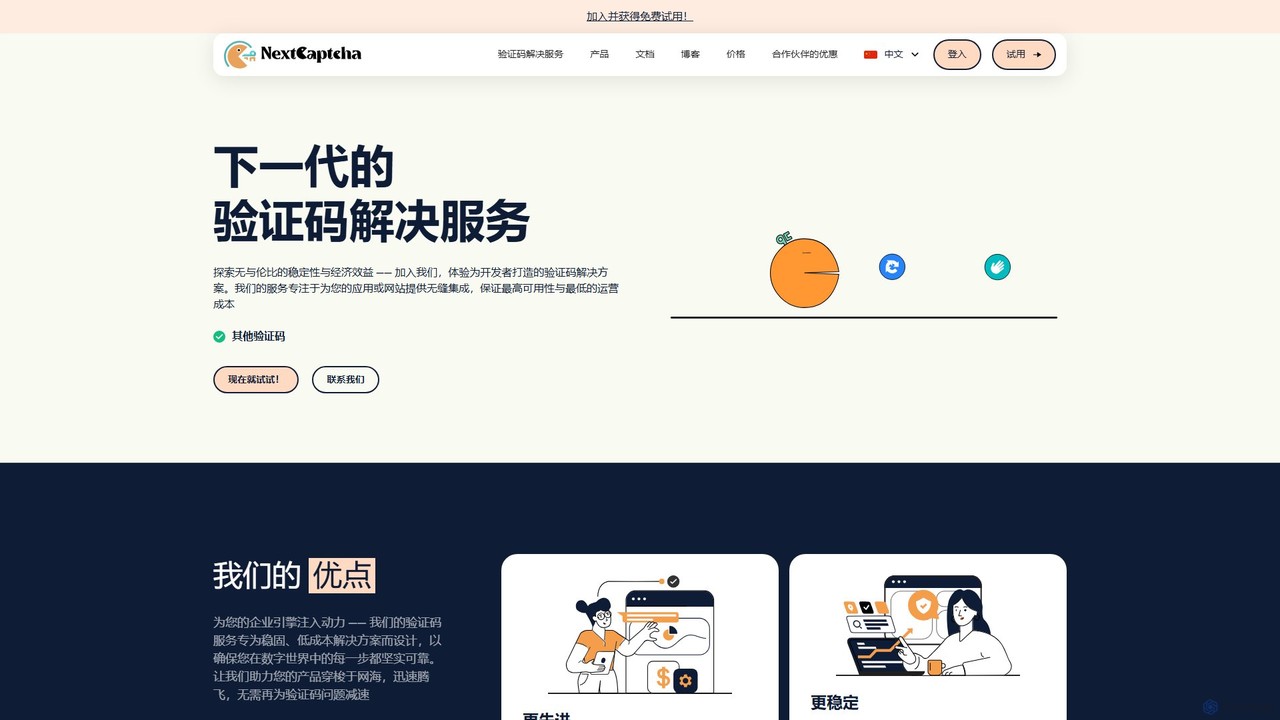
NextCaptcha is an AI-powered CAPTCHA solving service designed for developers and businesses. It offers a fast, stable, and affordable solution to bypass various CAPTCHAs, including Google's reCAPTCHA V2, V3, and Enterprise, with a 99% success rate. The service provides a simple API for seamless integration, supporting high-concurrency tasks for web scraping, data extraction, and automation.

Web Scraping
Visits 25.7KFavorites 138Likes 151
Shaped
Freemium

Shaped

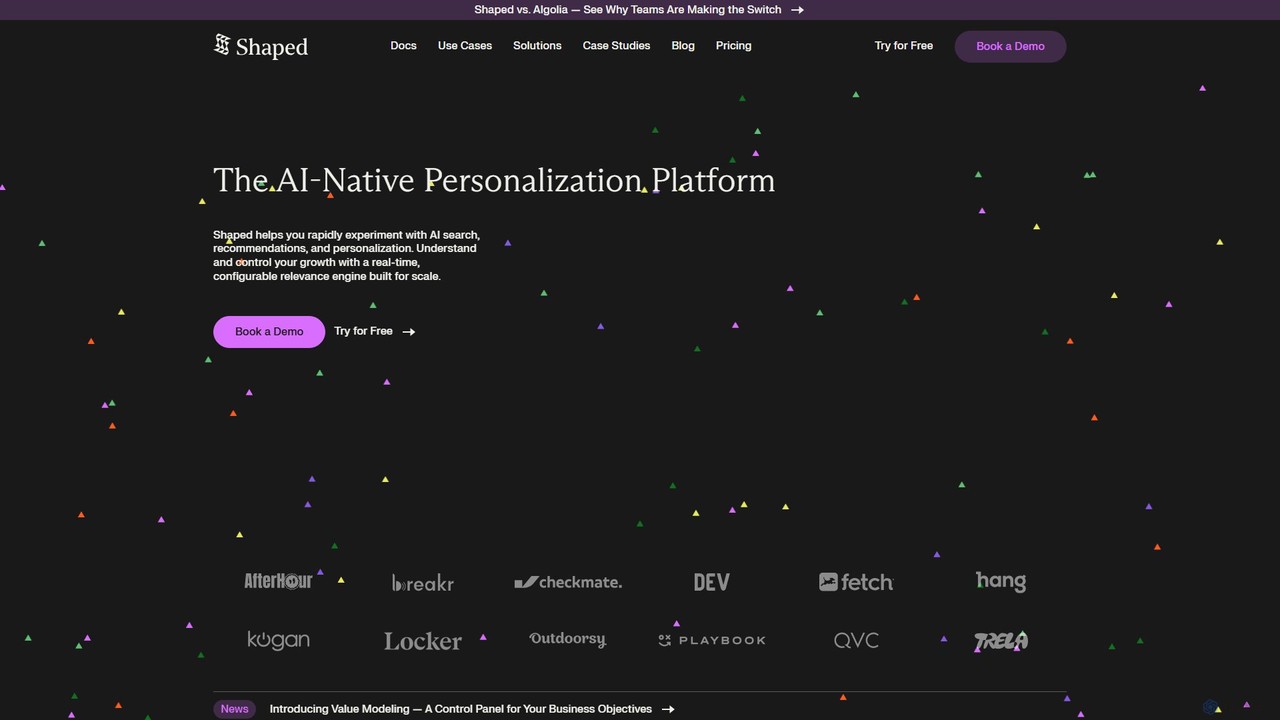
Shaped is an AI-native personalization platform that enables developers and product teams to build and deploy sophisticated recommendation and search systems. It uses real-time behavioral data to power relevance engines, boosting engagement, conversions, and retention across various platforms.

Api & Integration
Visits 92.6KFavorites 131Likes 142
SillyTavern
Free

SillyTavern

SillyTavern is a powerful, open-source user interface for interacting with Large Language Models (LLMs). It runs locally, offering unparalleled customization for character-based chat, role-playing, and creative writing, while ensuring user privacy and control.

Api & Integration
Visits 7.6KFavorites 143Likes 144
Nunchi

Nunchi

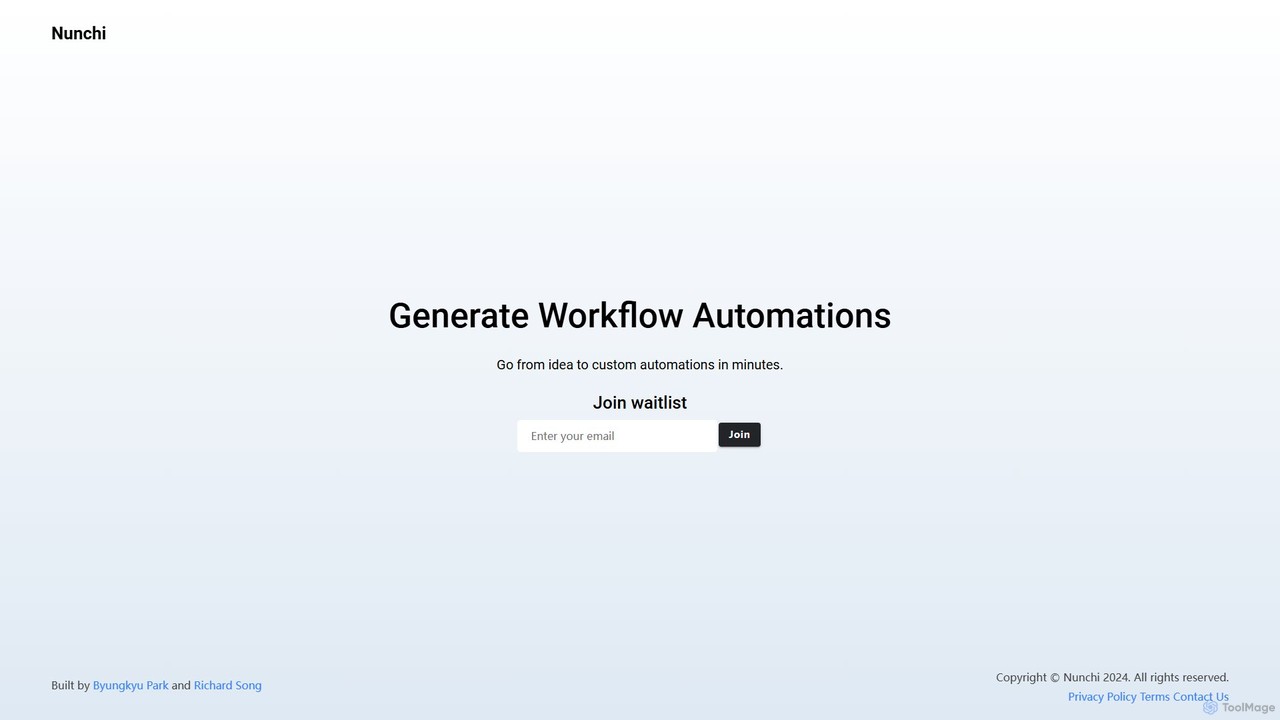
Nunchi is an AI-powered platform that transforms your ideas into custom workflow automations in minutes. By simply describing your desired process in natural language, you can connect apps and automate repetitive tasks without any coding. It's designed to be intuitive, fast, and powerful, streamlining operations for individuals and teams.

Api & Integration
Visits 5.2KFavorites 126Likes 128
Mem0
Freemium

Mem0

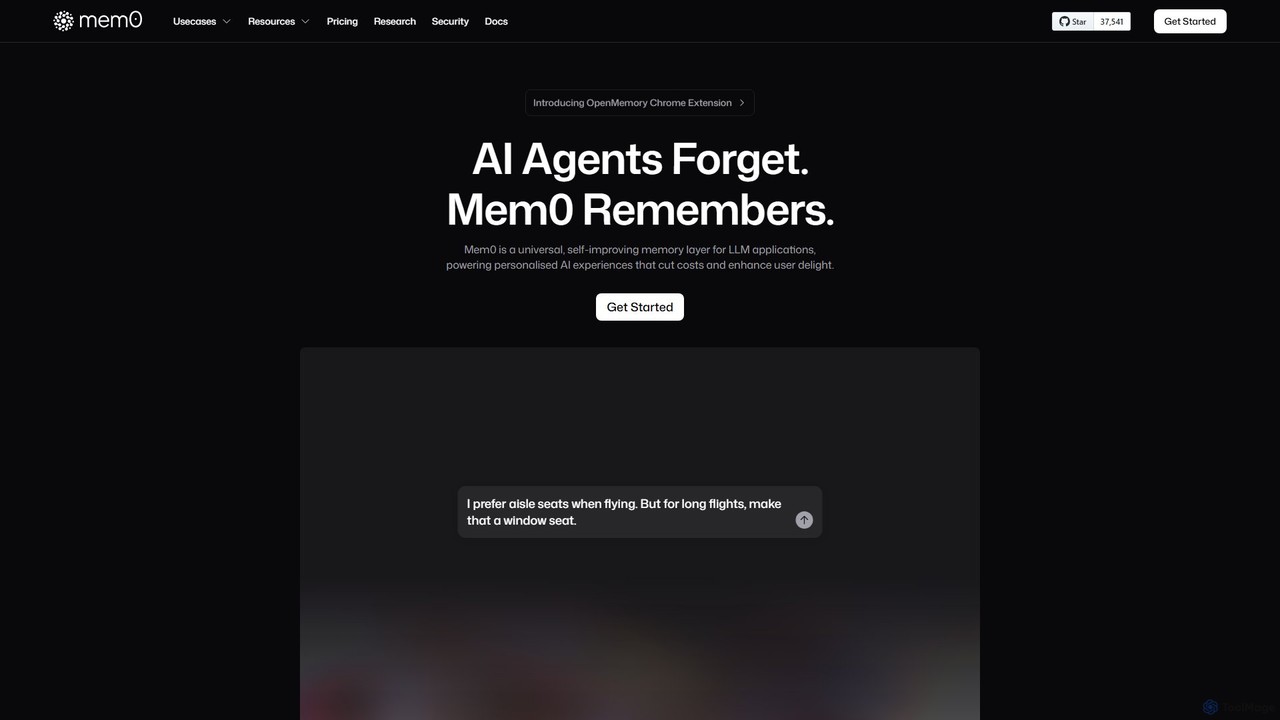
Mem0 is a universal, self-improving memory layer for LLM applications. It enables developers to build personalized AI experiences that remember user context, significantly cut operational costs by reducing token usage, and enhance user delight.

Chatbot
Visits 393.7KFavorites 111Likes 125
OpenAssistantGPT
Freemium

OpenAssistantGPT

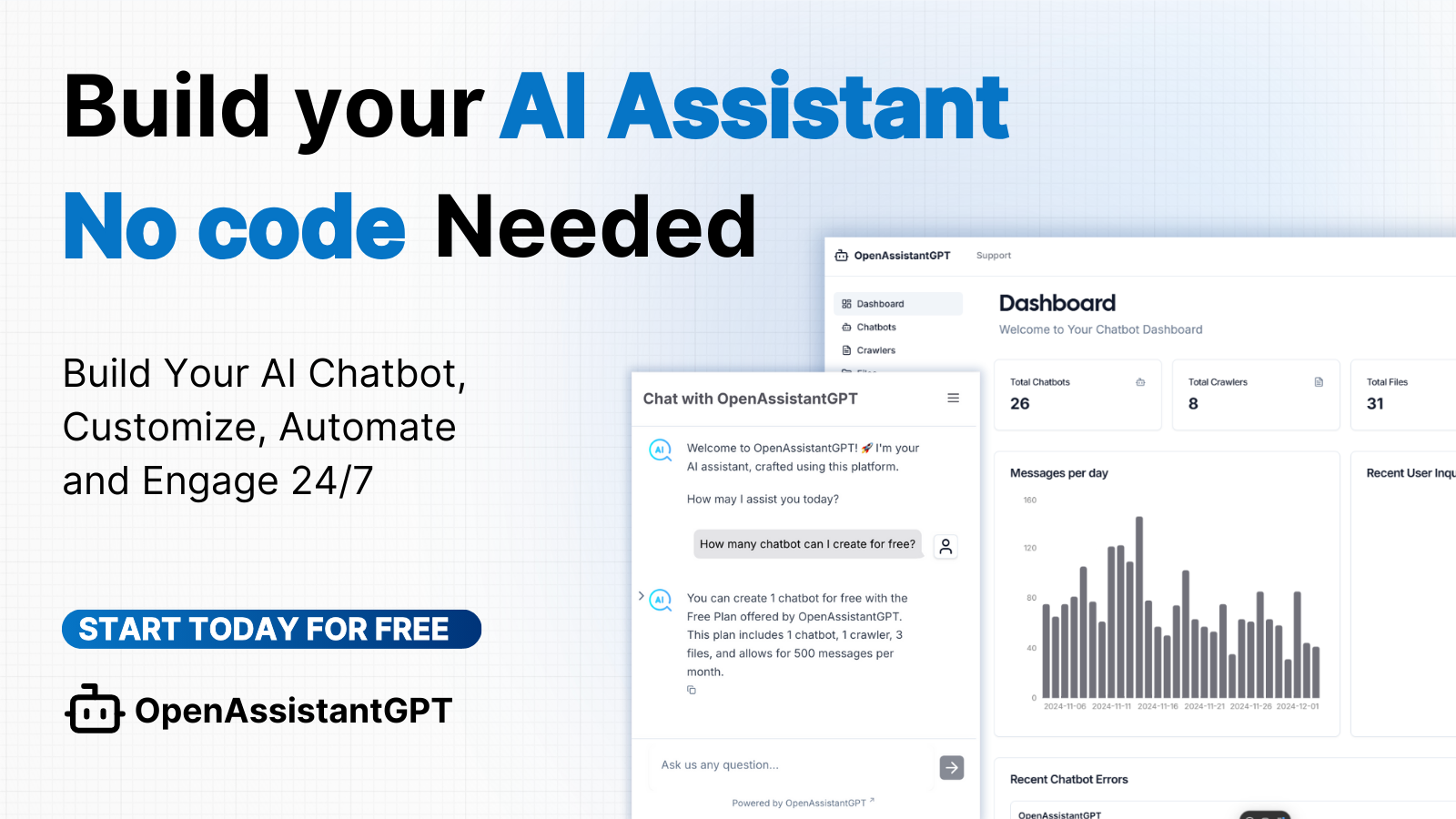
OpenAssistantGPT is an open-source, no-code platform for building and deploying custom AI chatbots. Powered by OpenAI's Assistant API (including GPT-4o), it allows you to train a chatbot on your website content or documents, embed it seamlessly, and automate customer support, lead generation, and internal knowledge management.

Chatbot
Visits 25.6KFavorites 156Likes 159
relayed.ai
Freemium

relayed.ai

relayed.ai is an AI-powered automation platform that intelligently connects your apps and workflows. It automates the process of relaying information, tasks, and data between services like Slack, email, CRMs, and project management tools, ensuring seamless communication and operational efficiency.

Communication
Visits 4.9KFavorites 140Likes 114
airweave
Paid

airweave

Airweave is a developer platform designed to empower AI agents with deep, contextual knowledge by seamlessly connecting them to user apps and workspaces. It provides a unified search layer, automated data syncing, and robust integration tools to accelerate the development of intelligent, data-aware agents.

Knowledge Base
Visits 20.9KFavorites 89Likes 93
CapSolver
Paid

CapSolver

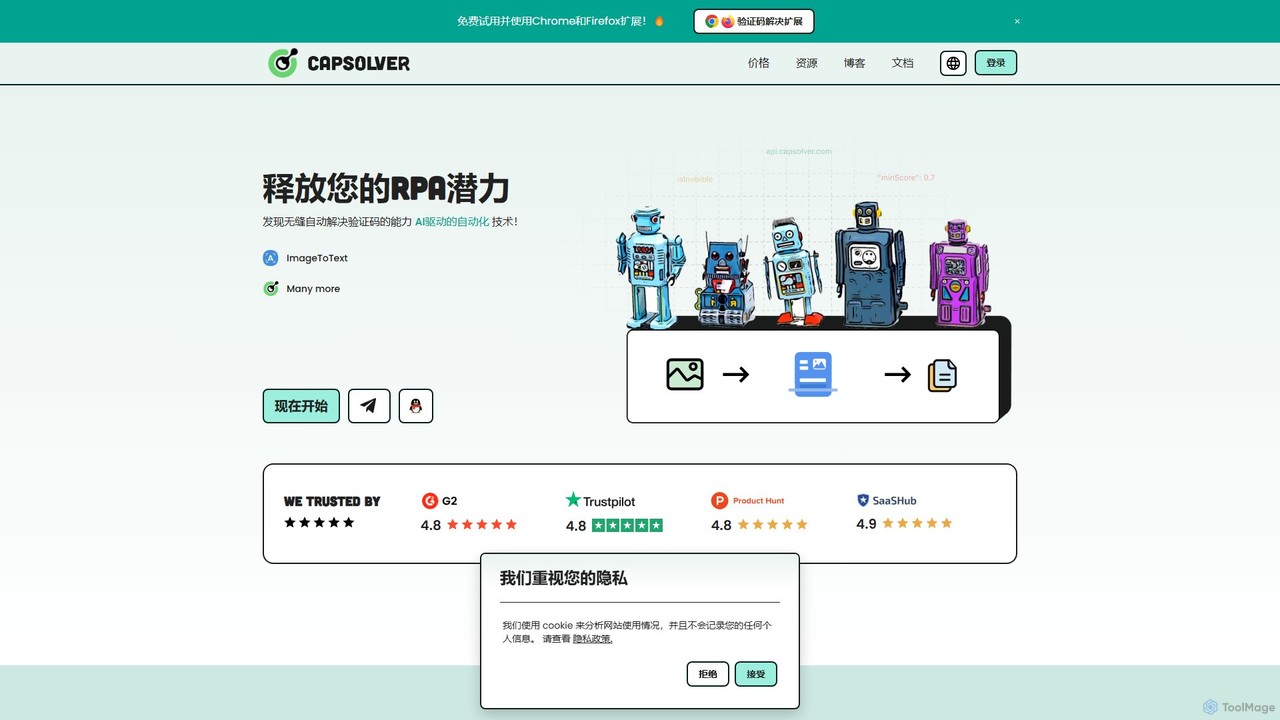
CapSolver is an AI-powered, high-performance automatic CAPTCHA solving service. It helps developers and businesses bypass various CAPTCHAs like reCAPTCHA, hCaptcha, Cloudflare, and ImageToText with high speed and accuracy. Offering seamless API integration, a browser extension, and flexible pay-as-you-go pricing, CapSolver is ideal for web scraping, data collection, and automation tasks, ensuring smooth and uninterrupted operations.

Data Extraction
Visits 286.3KFavorites 161Likes 170
Auxillary
Freemium

Auxillary

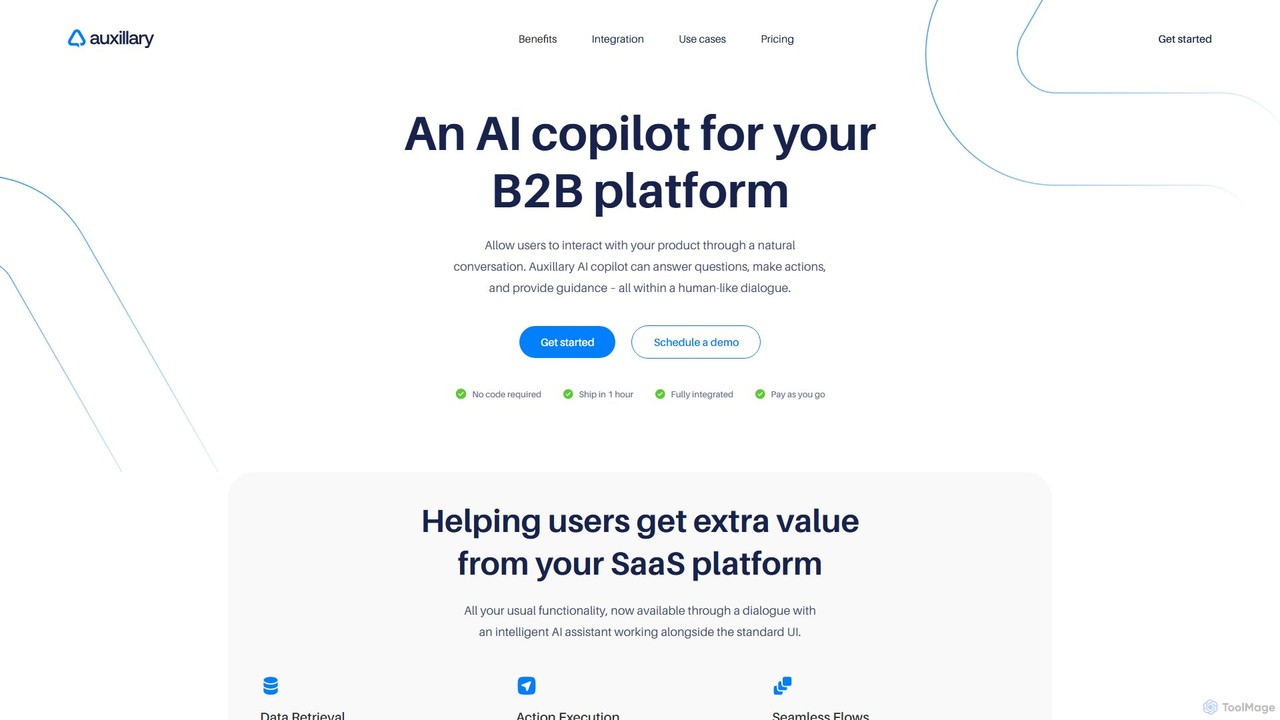
Auxillary is an AI copilot platform that enables B2B SaaS companies to embed an intelligent assistant into their products. It allows end-users to retrieve data, execute actions, and get support through a conversational interface, enhancing user engagement and simplifying complex workflows. The setup is designed to be completed in under an hour.

Chatbot
Visits 4.9KFavorites 117Likes 113

About Api & Integration

API & Integration tools are services that provide programmatic access to powerful AI models and functionalities. As a core component of the Developer Tools category, they act as building blocks, allowing developers to embed AI capabilities like natural language processing, image generation, or data analysis directly into their own applications, websites, and internal workflows. This approach offers maximum flexibility and customization, enabling the creation of unique, AI-powered products and services without the need to build and maintain complex machine learning infrastructure from scratch.

Core Features

  • REST API & SDK Access: Provides well-documented endpoints and software development kits (SDKs) for popular languages like Python and JavaScript to interact with AI models.
  • Scalable Model Hosting: Manages the underlying infrastructure, including GPUs and servers, ensuring reliable performance and scalability on demand.
  • Usage-Based Pricing: Often features a pay-as-you-go model based on tokens or API calls, allowing for cost-effective scaling from prototype to production.
  • Asynchronous Processing: Supports webhooks and callbacks for long-running tasks, such as video analysis or large document processing, without blocking applications.
  • Fine-Tuning Capabilities: Allows developers to customize pre-trained models with their own data to improve performance on specific tasks.

Use Cases

These tools are essential for software developers, data scientists, and tech companies. They are used to build custom AI chatbots for customer service, integrate content generation features into a CMS, create automated data analysis pipelines, or add intelligent features like image recognition to mobile applications.

How to Choose

When selecting an API & Integration tool, consider the specific AI models offered and their performance on your tasks. Evaluate the quality of the documentation, API latency, and uptime guarantees. Analyze the pricing structure to ensure it aligns with your expected usage, and check for necessary security and data privacy compliance for your application.

Featured tool rankings

Api & Integration use cases

1

Building an AI-Powered Customer Support Chatbot

A development team at an e-commerce company needs to provide 24/7 customer support without significantly increasing headcount. They use a large language model (LLM) API to build a custom chatbot. By integrating the API into their website's chat widget, the bot can understand user queries in natural language, access the company's knowledge base to provide accurate answers about products and policies, and escalate complex issues to a human agent. This automates responses to over 70% of common inquiries, reducing wait times and freeing up human agents for more critical tasks.

2

Automating Content Creation in a Marketing Platform

A SaaS company providing a social media management platform wants to add value for its users. A developer integrates a text generation API into their platform. This allows marketers to input a simple prompt, like 'a tweet about a new shoe launch,' and the API generates several creative and engaging copy variations. This feature saves marketers significant time in brainstorming and writing content, allowing them to schedule more posts and maintain a more active online presence. The integration becomes a key selling point for the platform.

3

Developing a Voice-Controlled Application Interface

An IoT startup is creating a smart home device and wants to enable voice commands. A developer uses a combination of two APIs: a Speech-to-Text (STT) API to convert spoken commands into text, and a Text-to-Speech (TTS) API to provide audio feedback to the user. When a user says, 'Hey device, what's the weather?', the STT API transcribes it. The application logic fetches the weather data and then uses the TTS API to say, 'The weather is sunny with a high of 75 degrees.' This creates a seamless, hands-free user experience, making the product more accessible and intuitive.

4

Analyzing Customer Feedback at Scale

A product manager for a large software company receives thousands of pieces of user feedback through surveys, app store reviews, and support tickets. Manually analyzing this data is impossible. They work with a developer to create a script that sends all new feedback to a natural language processing (NLP) API. The API performs sentiment analysis (positive, negative, neutral), topic modeling to identify common themes (e.g., 'UI bug,' 'feature request'), and entity extraction to pinpoint specific issues. The results are fed into a dashboard, giving the product manager real-time, actionable insights into user sentiment and priorities.

5

Integrating Image Recognition into a Logistics App

A logistics company wants to streamline its package tracking process. Their developers integrate a computer vision API into the mobile app used by delivery drivers. When a driver takes a photo of a shipping label, the API's Optical Character Recognition (OCR) function automatically extracts the tracking number, address, and other details. This eliminates manual data entry, reduces errors, and speeds up the sorting and delivery process. The API can also be used to detect and flag damaged packages from photos, triggering an automated quality control workflow.

6

Automating Financial Document Processing

An accounting firm needs to process hundreds of invoices and receipts daily. This manual task is time-consuming and prone to errors. A developer builds an internal tool that uses a document processing API. Employees upload scanned documents, and the API automatically extracts key information like vendor name, invoice number, date, and total amount. The extracted data is then structured and can be directly imported into their accounting software. This automation reduces processing time per document by over 90% and significantly improves data accuracy.

Api & Integration FAQ

What are AI API & Integration tools?

AI API & Integration tools are services that allow developers to access advanced AI models programmatically. Instead of providing a user interface, they offer an Application Programming Interface (API) that can be called from code. This enables developers to embed functionalities like text generation, image analysis, or language translation directly into their own software, websites, or automated workflows, providing a high degree of customization and control.

How do I choose the right AI API provider?

Choosing the right provider depends on your specific needs. Consider the following factors:

  • Model Availability: Does the provider offer the specific models you need (e.g., for language, vision, or speech)?
  • Performance & Latency: How fast and reliable is the API? Test its response times for your use case.
  • Pricing: Compare pricing models (e.g., pay-per-use, subscription). Calculate the estimated cost based on your expected volume.
  • Documentation & Support: Is the documentation clear and comprehensive? Is there active developer support or a community forum?
  • Scalability: Can the provider handle your traffic as your application grows? Check their rate limits and uptime guarantees.
What's the difference between an AI API and a no-code AI tool?

The main difference is the target user and level of customization. AI APIs are for developers. They require coding to integrate AI into custom applications, offering maximum flexibility. No-code AI tools are for non-technical users. They provide a graphical user interface (GUI) to perform specific tasks (like writing an email or creating an image) without any programming, but offer less flexibility and are confined to the features provided by the tool's interface.

What kind of applications can I build with AI APIs?

You can build a wide range of applications. Common examples include:

  • Intelligent Chatbots: For customer service, lead generation, or internal support.
  • Content Automation Tools: To generate blog posts, social media updates, or product descriptions.
  • Data Analysis Systems: To summarize text, classify documents, or perform sentiment analysis on customer feedback.
  • Voice-Enabled Applications: Using speech-to-text and text-to-speech for hands-free control.
  • Computer Vision Features: For object recognition, text extraction from images (OCR), or content moderation.
Do I need to be an expert in machine learning to use these tools?

No, you do not need to be a machine learning expert. That is one of the primary benefits of using AI APIs. The provider handles the complexity of building, training, and hosting the models. You need to be a developer proficient in making API calls (e.g., using REST) and handling the data returned by the API. A basic understanding of the AI concepts involved (like what a 'prompt' is) is helpful but deep expertise is not required.