ToolMage
Sign in

Best 31 Code Assistant for Development

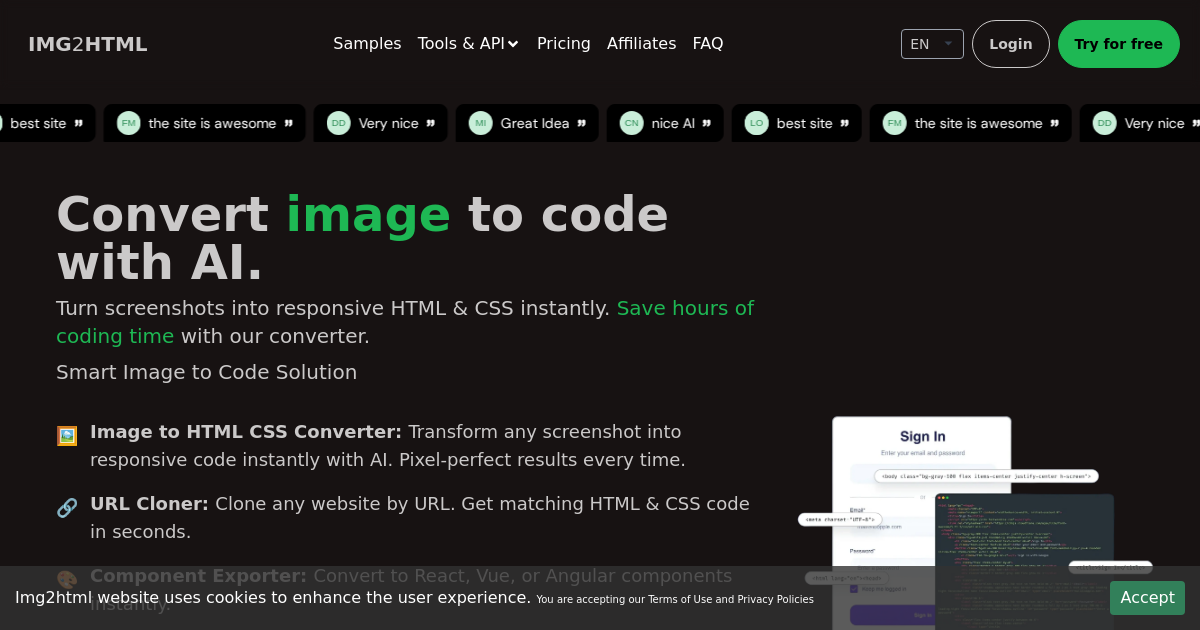
Popular Code Assistant in Development include CoChat, DeepSource, Codegen, Cosine, img2html, XAML.io, GitLoop, Pythagora, Engine, and haddock, helping you work more efficiently.

Patched
Freemium

Patched

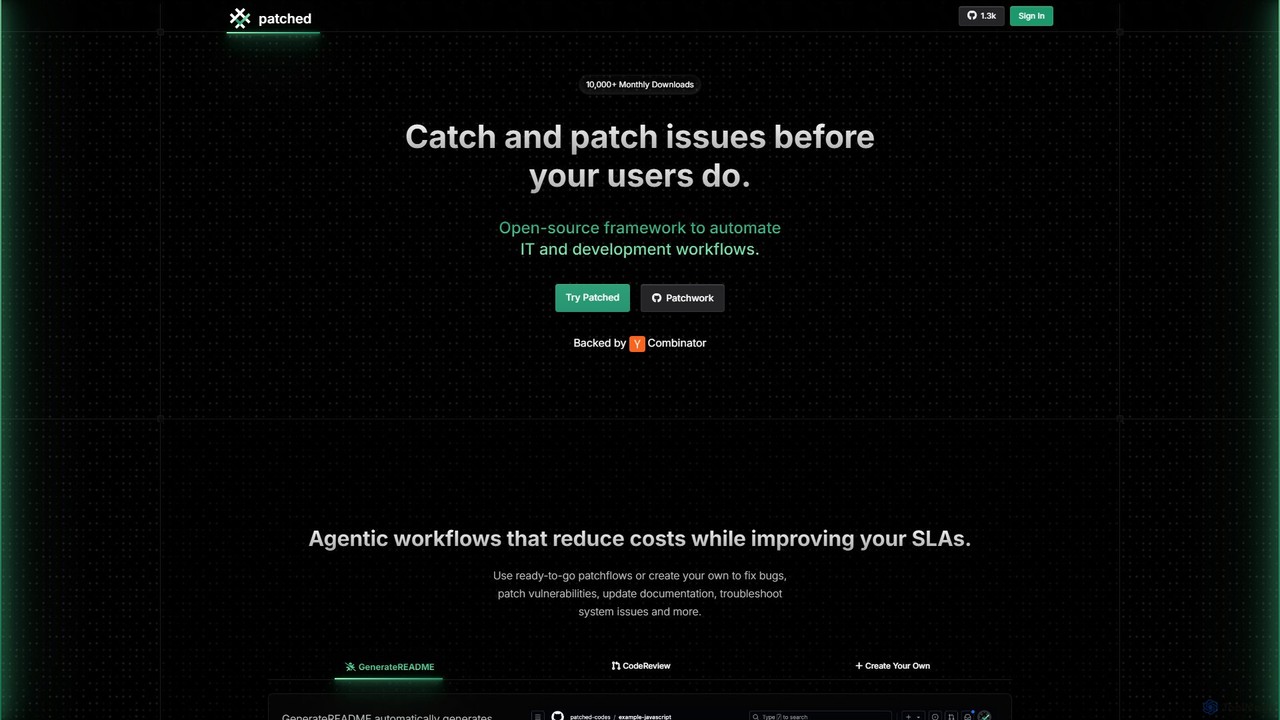
Patched is an open-source framework designed to automate IT and development workflows. It leverages AI to proactively catch and fix issues like bugs and vulnerabilities before they impact users. The platform allows for creating custom, agentic workflows to streamline tasks such as code review, documentation generation, and dependency updates.

Code Assistant
Visits 9.4KFavorites 149Likes 126

Cosine
Freemium

Cosine

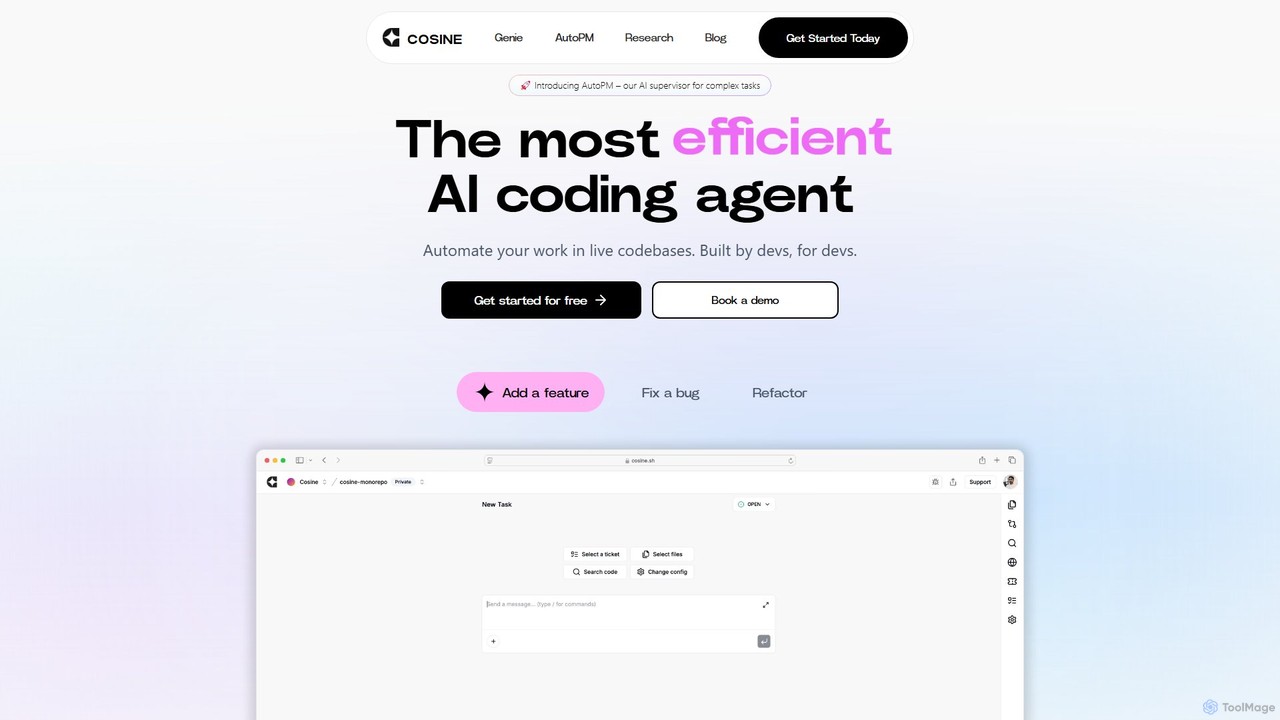
Cosine is an agentic AI software engineer designed to automate complex coding tasks. It operates directly within live codebases to handle tickets, from feature development to bug fixes, and seamlessly integrates into your development workflow through tools like Jira, Slack, and Linear.

Software Engineering
Visits 37.2KFavorites 131Likes 129
GitLoop
Freemium

GitLoop

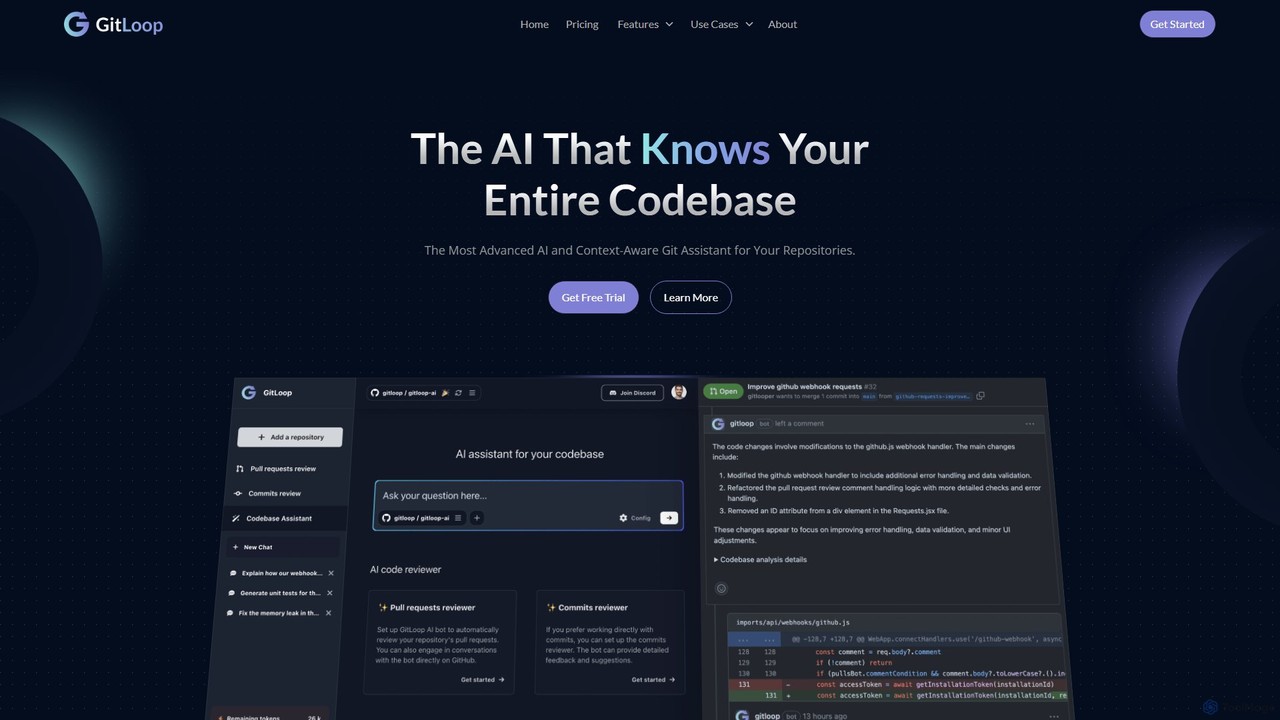
GitLoop is an AI-powered codebase assistant that revolutionizes software development. It allows developers to search codebases with natural language, automates pull request reviews, generates documentation and unit tests, and provides deep code insights, acting like a senior developer on your team.

Code Review
Visits 17.6KFavorites 124Likes 139
DeepSource
Freemium

DeepSource

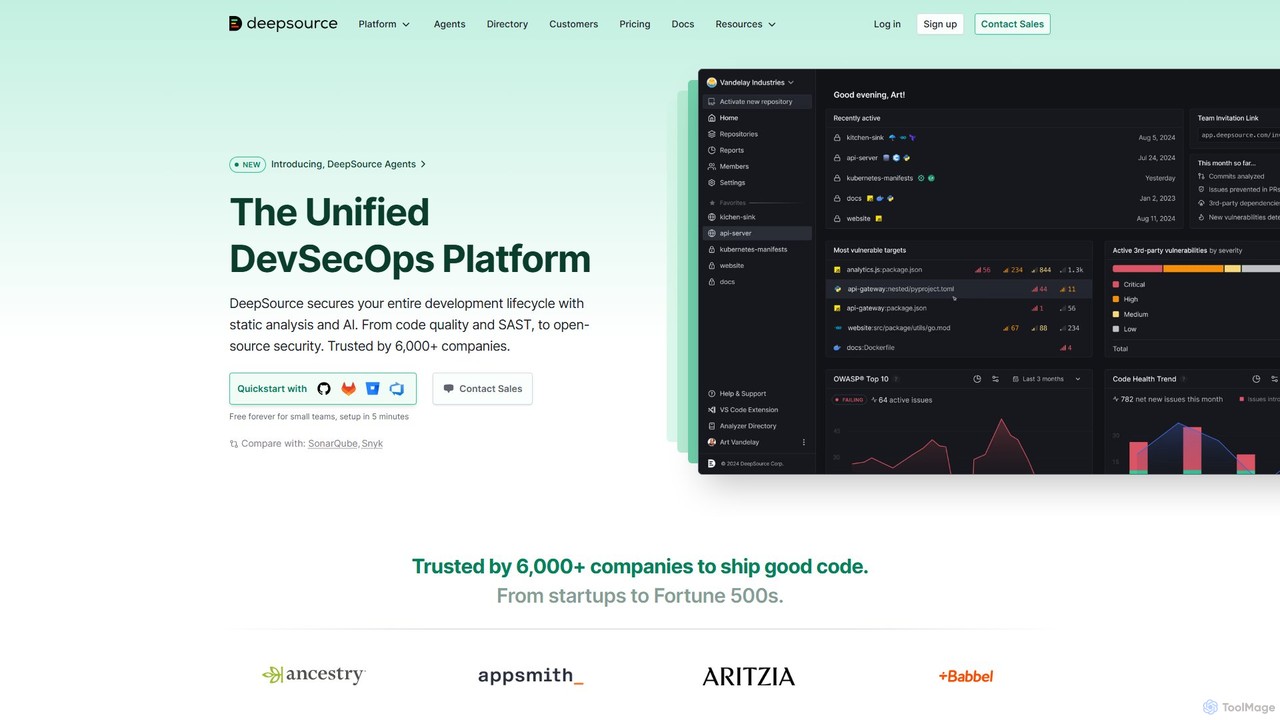
DeepSource is a unified DevSecOps platform that uses static analysis and AI to secure the entire development lifecycle. It helps developers ship clean and secure code by automating code quality checks, security scanning (SAST), and open-source dependency analysis (SCA).

Code Assistant
Visits 86.6KFavorites 132Likes 112
Komment
Freemium

Komment

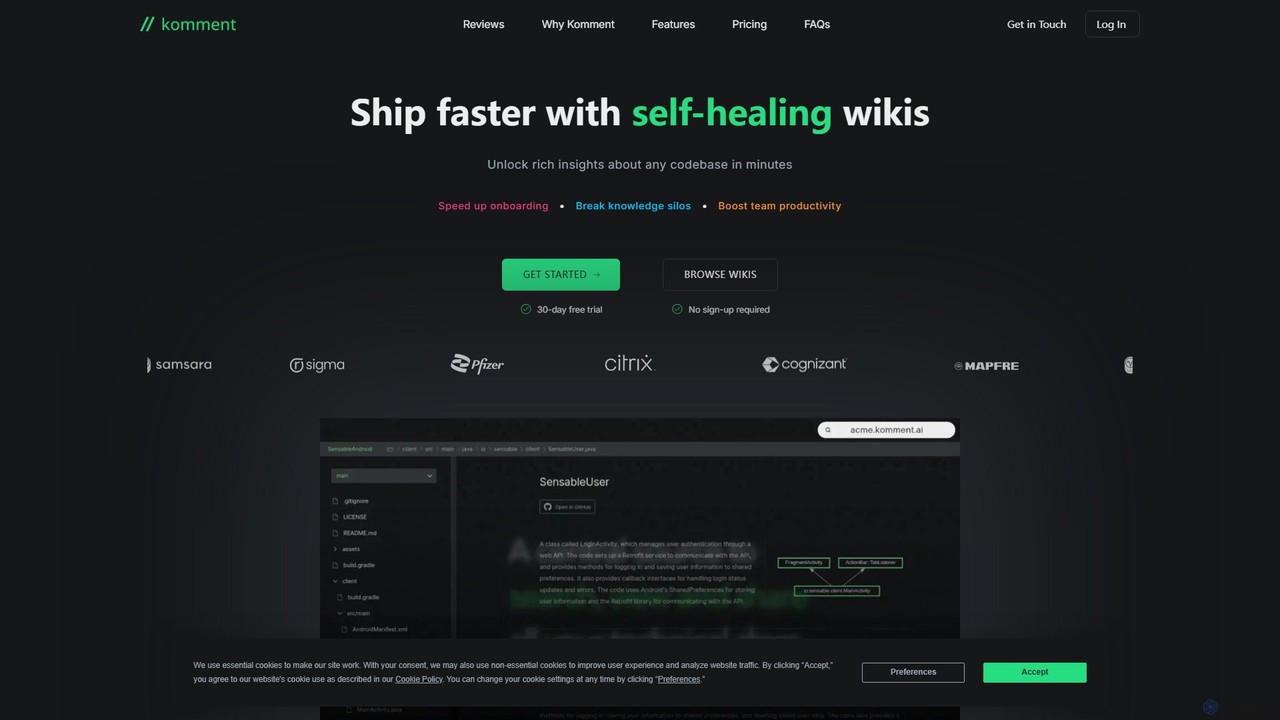
Komment is an AI-powered platform that automates the creation and maintenance of technical documentation for software projects. It generates self-healing wikis, API docs, architecture diagrams, and in-code comments directly from your codebase, integrating seamlessly into CI/CD pipelines to keep documentation always up-to-date and accurate.

Code Assistant
Visits 6.4KFavorites 140Likes 143
Maige
Freemium

Maige

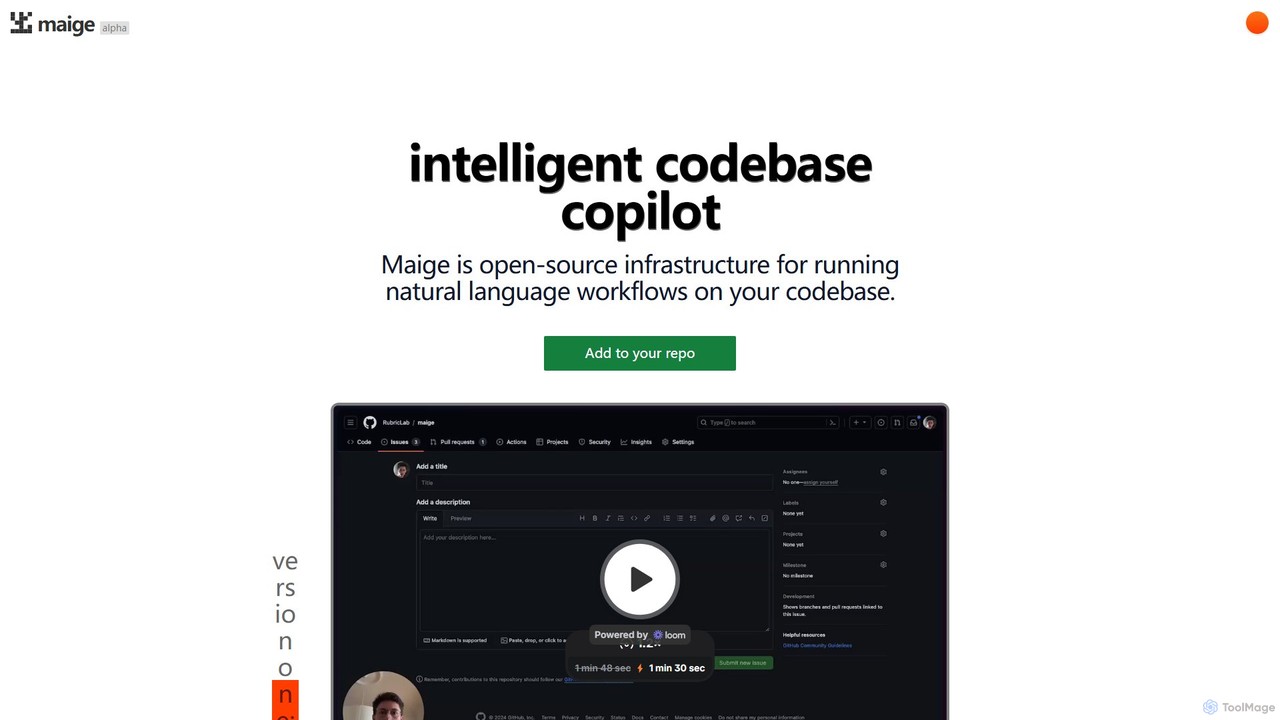
Maige is an intelligent, open-source AI copilot that automates GitHub repository management using natural language. It streamlines workflows by automatically handling issues, pull requests, code reviews, and more, boosting developer productivity.

Code Assistant
Visits 6.3KFavorites 142Likes 125
goptimise
Freemium

goptimise

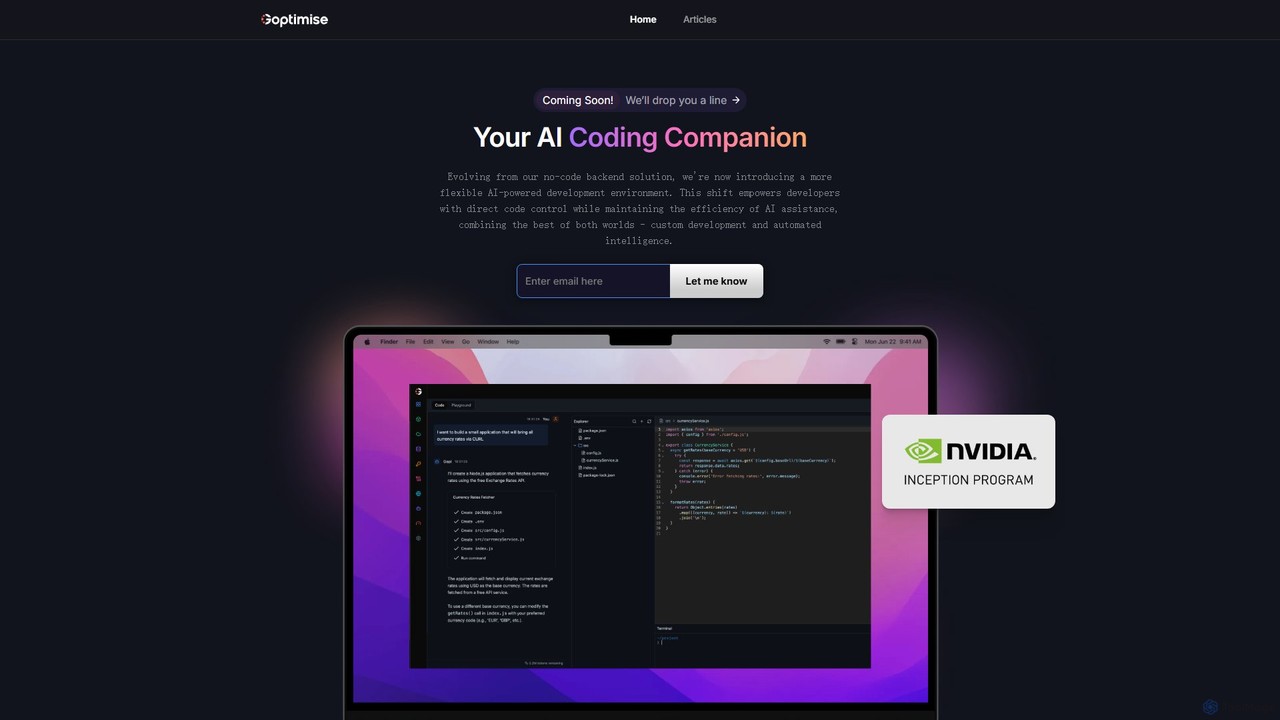
Goptimise is an AI-powered development platform that accelerates software creation. It combines a no-code/low-code backend and API builder with an intelligent coding assistant. It enables developers and startups to build, deploy, and monitor backends with minimal effort, generate and debug code with AI, and manage projects seamlessly.

Code Assistant
Visits 6.4KFavorites 109Likes 138

About Code Assistant

Code Assistants are AI-powered tools that leverage artificial intelligence to help developers write, optimize, and manage code. They typically utilize large language models (LLMs) and machine learning algorithms to understand code context and programming intent. These tools aim to significantly boost development efficiency, reduce errors, and accelerate the software development lifecycle. By automating repetitive tasks and offering intelligent suggestions, Code Assistants empower developers to focus on more complex problem-solving.

Core Features

  • Code Generation: Automatically generates code snippets, functions, or entire files based on natural language prompts or existing code.
  • Intelligent Auto-completion: Provides context-aware code suggestions and completions beyond simple syntax matching.
  • Debugging Assistance: Helps identify potential bugs, suggests fixes, and explains error messages within the code.
  • Code Review & Refactoring: Analyzes code quality, identifies anti-patterns, and proposes improvements for maintainability and performance.
  • Test Case Generation: Automatically creates unit tests and integration tests for existing code functions.

Applicable Scenarios

Code Assistants are invaluable for software engineers, web developers, data scientists, and students. They are used in daily coding tasks for rapid prototyping, learning new languages or frameworks by providing real-time guidance, and assisting in the understanding and refactoring of legacy codebases. These tools streamline development workflows across various programming environments.

How to Choose

When selecting a Code Assistant, consider its compatibility with your preferred programming languages and frameworks, and its seamless integration capabilities with your existing IDEs (e.g., VS Code, IntelliJ). Evaluate the accuracy and reliability of its generated code and suggestions, and scrutinize its data privacy and security policies. Finally, assess the pricing model and the level of customization offered to ensure it aligns with your team's needs and budget.

Featured tool rankings

Code Assistant use cases

1

Automating Boilerplate Code Generation

A web developer frequently needs to set up new API endpoints or database models. Using a Code Assistant, they can input a simple description like "create a REST API endpoint for users with CRUD operations" and the tool generates the basic structure, including routes, controllers, and model definitions, saving hours of repetitive typing and ensuring consistency across projects.

2

Real-time Code Completion and Suggestions

A software engineer working on a complex application needs to implement a specific algorithm. As they type, the Code Assistant provides intelligent, context-aware suggestions for function calls, variable names, and even entire code blocks, significantly speeding up the coding process and reducing syntax errors, especially in unfamiliar libraries.

3

Rapidly Locating and Fixing Code Errors

A junior developer encounters a cryptic error message during testing. Instead of spending hours debugging manually, they can ask the Code Assistant to analyze the error log and the surrounding code. The assistant quickly pinpoints the likely source of the bug, explains the error, and suggests potential solutions, accelerating the debugging cycle.

4

Improving Code Quality and Maintainability

A team lead wants to ensure consistent code quality across a large codebase. They use a Code Assistant to perform automated code reviews, which identify potential security vulnerabilities, performance bottlenecks, and deviations from coding standards. The assistant then suggests refactoring options, helping the team maintain a clean and robust codebase.

5

Accelerating Unit Test Case Writing

A quality assurance engineer needs to write comprehensive unit tests for a new module. By feeding the module's code to a Code Assistant, the tool automatically generates a suite of test cases covering various scenarios, including edge cases. This drastically reduces the manual effort in test creation, allowing for more thorough testing in less time.

6

Assisting in Learning New Programming Languages or Frameworks

A student or experienced developer is learning a new language like Rust or a framework like React. They can use a Code Assistant to get instant explanations of unfamiliar syntax, generate small example programs, or even translate code snippets from a known language, making the learning curve much smoother and more interactive.

Code Assistant FAQ

What are Code Assistants?

Code Assistants are artificial intelligence tools designed to aid developers in various coding tasks. They leverage advanced machine learning models, often large language models (LLMs), to understand natural language prompts and code context. Their primary purpose is to enhance productivity, improve code quality, and simplify complex development processes by automating or assisting with coding, debugging, and optimization.

How to choose the right Code Assistant tool for me?

When selecting a Code Assistant, consider several factors: first, ensure it supports your primary programming languages and development environments (IDEs). Second, evaluate its accuracy and the relevance of its suggestions. Third, assess its integration capabilities with your existing workflow. Fourth, examine its data privacy and security measures, especially for proprietary code. Finally, compare pricing models and community support.

What specific functionalities can Code Assistants provide?

Code Assistants offer a wide range of functionalities. These include generating code snippets, functions, or entire files from natural language descriptions; providing intelligent, context-aware code auto-completion; assisting with debugging by identifying errors and suggesting fixes; performing code reviews to improve quality; and automatically generating unit tests. Some also help with documentation and refactoring.

How do Code Assistants differ from traditional IDE's intelligent suggestions?

Traditional IDE suggestions are primarily based on syntax rules, predefined libraries, and basic pattern matching. Code Assistants, however, utilize advanced AI and large language models (LLMs) to understand the semantic meaning and broader context of your code and project. This allows them to generate more complex, creative, and contextually relevant code, offer deeper insights for debugging, and perform more sophisticated refactoring suggestions than rule-based systems.

What are the benefits of using Code Assistants for development work?

Using Code Assistants offers numerous benefits for development work. They significantly boost productivity by automating repetitive coding tasks and providing rapid code generation. They help reduce errors and improve code quality through intelligent suggestions and automated reviews. Developers can also learn new technologies faster with real-time guidance. Ultimately, Code Assistants allow developers to focus more on architectural design and complex problem-solving rather than mundane coding.