ToolMage
Sign in

Best 37 Website Builder AI tools for Development

Popular Website Builder AI tools in Development include Lovable, Mobirise, OnSpace.ai, TeleportHQ, Softgen, softlite, Grapesjs, Flowmapp, Fronty, and Windframe, helping you work more efficiently.

Fine
Freemium

Fine

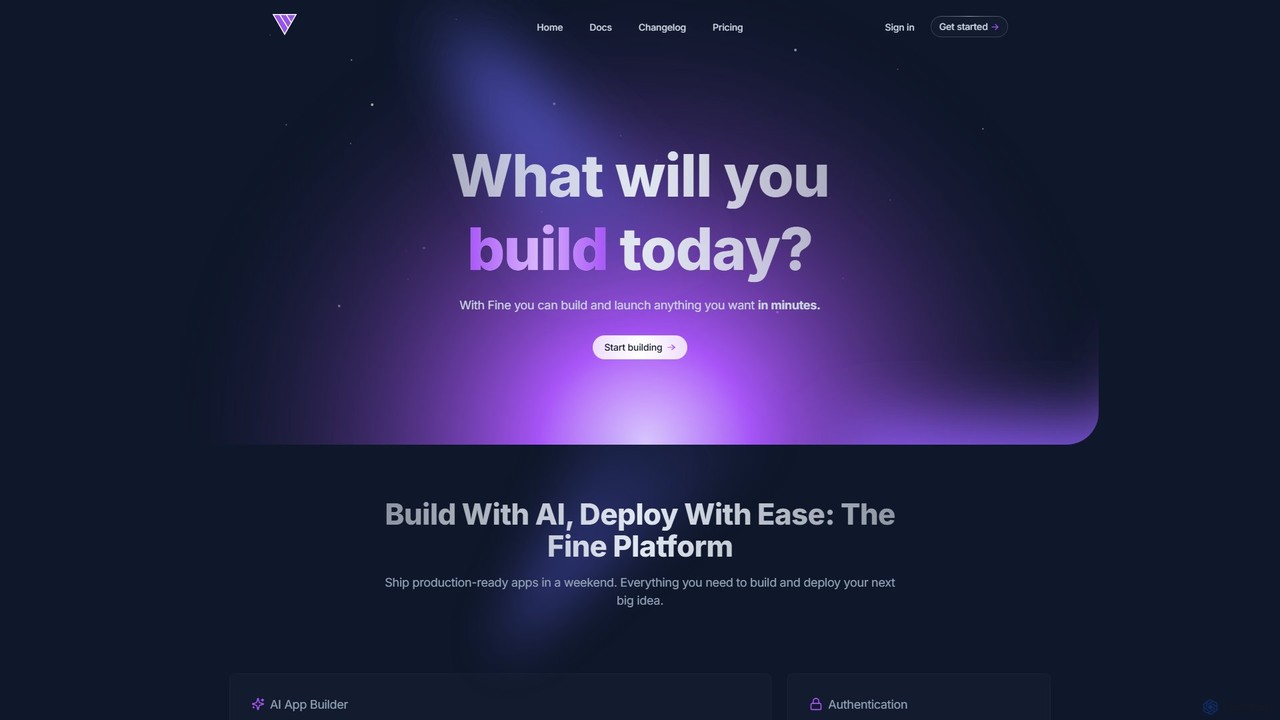
Fine is an AI-powered software development platform that enables anyone to build and deploy full-stack web applications using natural language. It leverages autonomous AI agents to handle everything from frontend UI to backend logic, database, and deployment, turning ideas into production-ready apps in minutes.

Ai Agent
Visits 6.1KFavorites 106Likes 119
Mobirise
Freemium

Mobirise

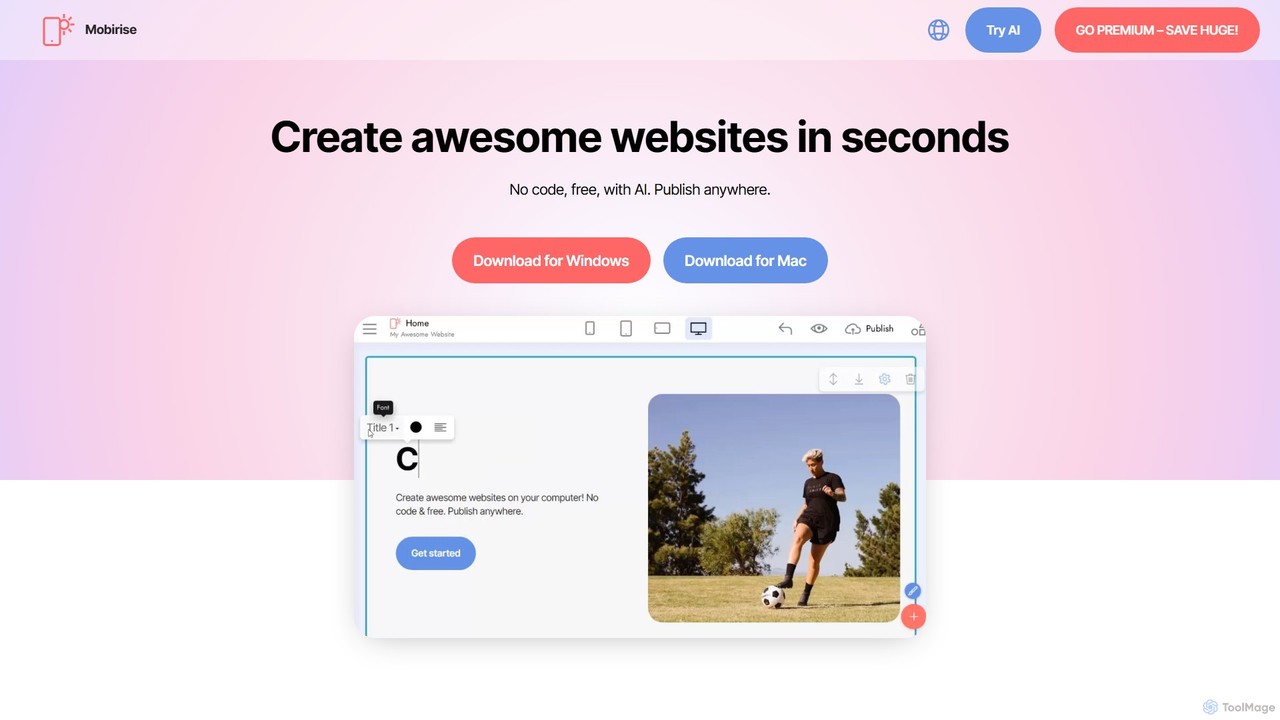
Mobirise is a free, offline and online AI-powered website builder designed for non-techies. It allows users to create stunning, mobile-friendly websites, landing pages, and portfolios using a simple drag-and-drop interface or by providing a text prompt to the AI. No coding skills are required, and you get full control over your site's files.

Web Design
Visits 478.4KFavorites 106Likes 136
TeleportHQ
Freemium

TeleportHQ

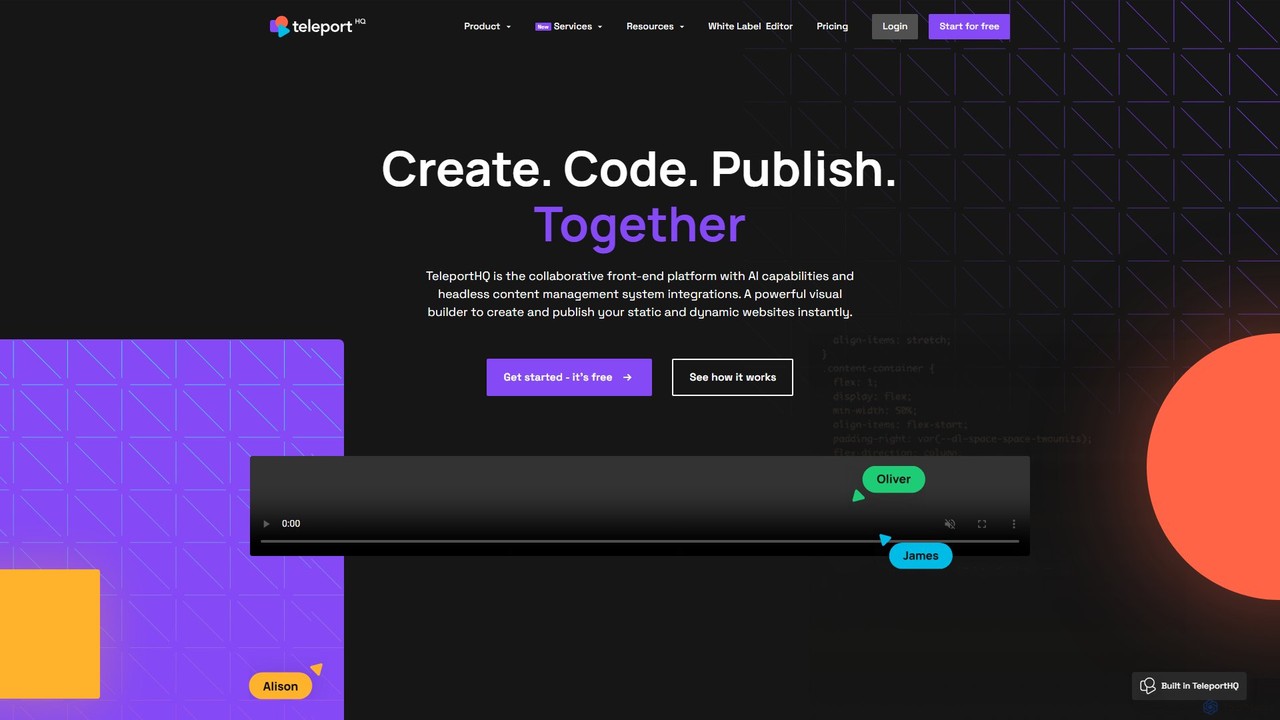
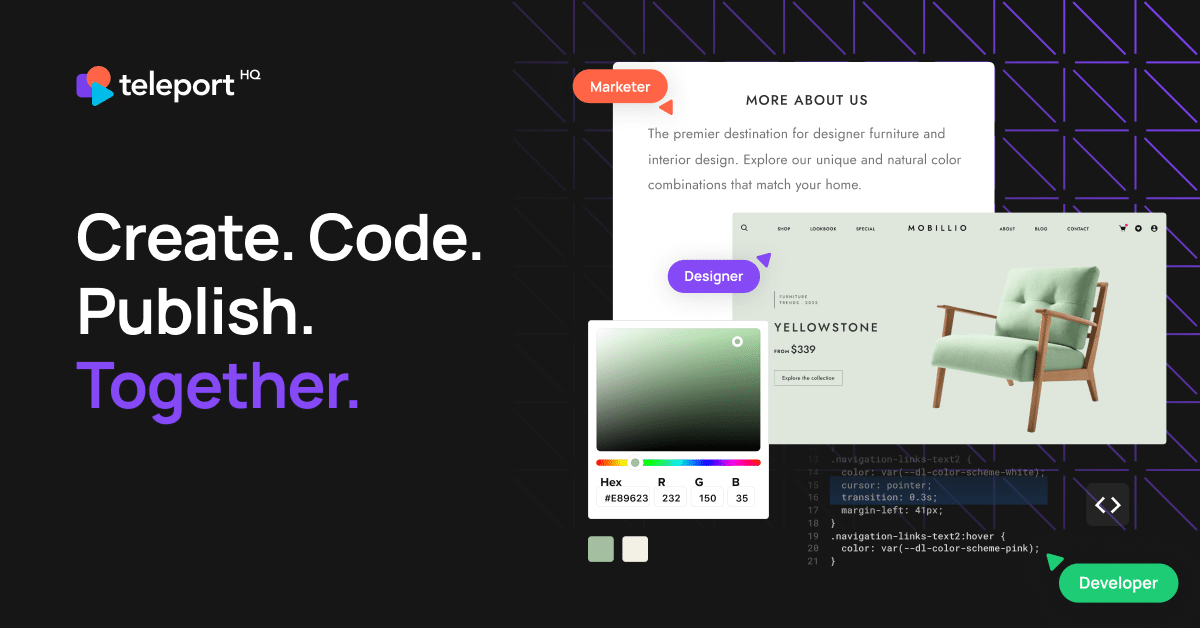
TeleportHQ is a collaborative low-code platform that streamlines front-end development. It features an AI website builder, Figma to code conversion, and real-time collaboration tools. Users can visually build responsive websites and UIs, generate clean code for multiple frameworks (React, Vue, etc.), and deploy seamlessly.

Ui Ux
Visits 165.8KFavorites 115Likes 98
bricabrac
Freemium

bricabrac

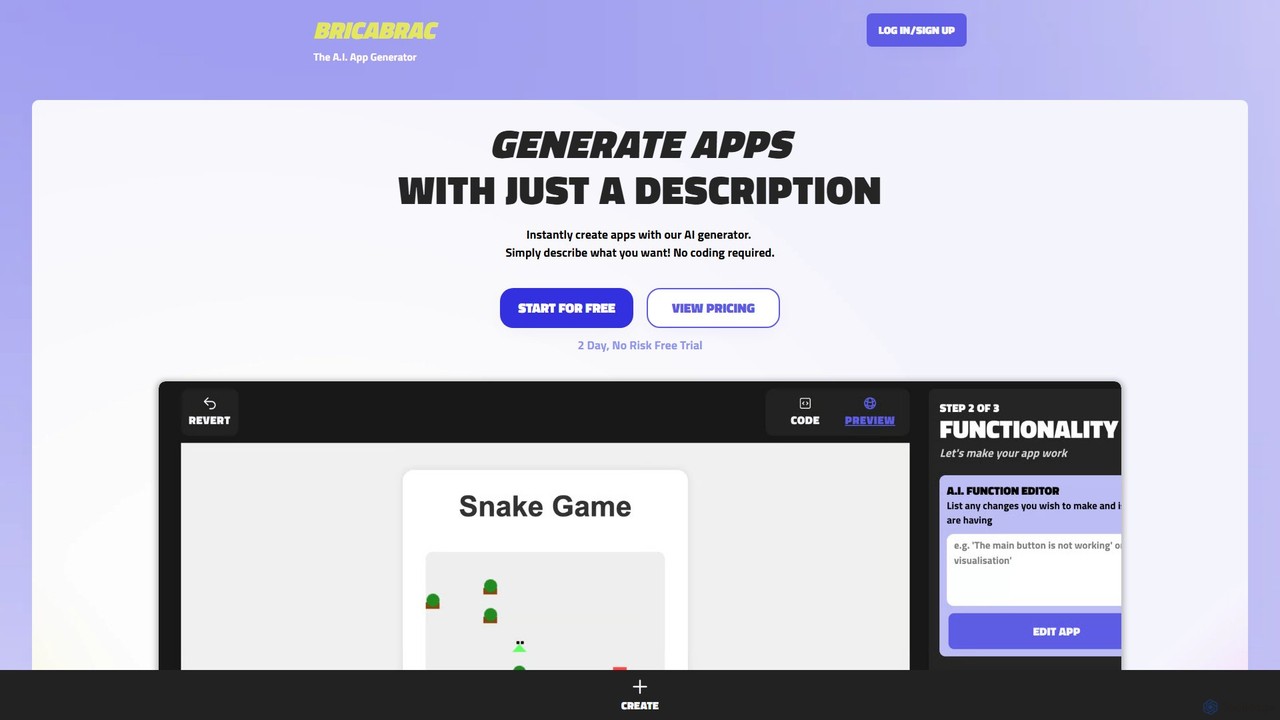
Bricabrac is an AI-powered app generator that transforms text descriptions into fully functional web applications. Powered by GPT-4, it allows users to create, customize, and deploy web tools and games in minutes without writing a single line of code. It features a no-code editor, free hosting, and full code export.

No Code
Visits 5.6KFavorites 131Likes 132
Editor.do
Freemium

Editor.do

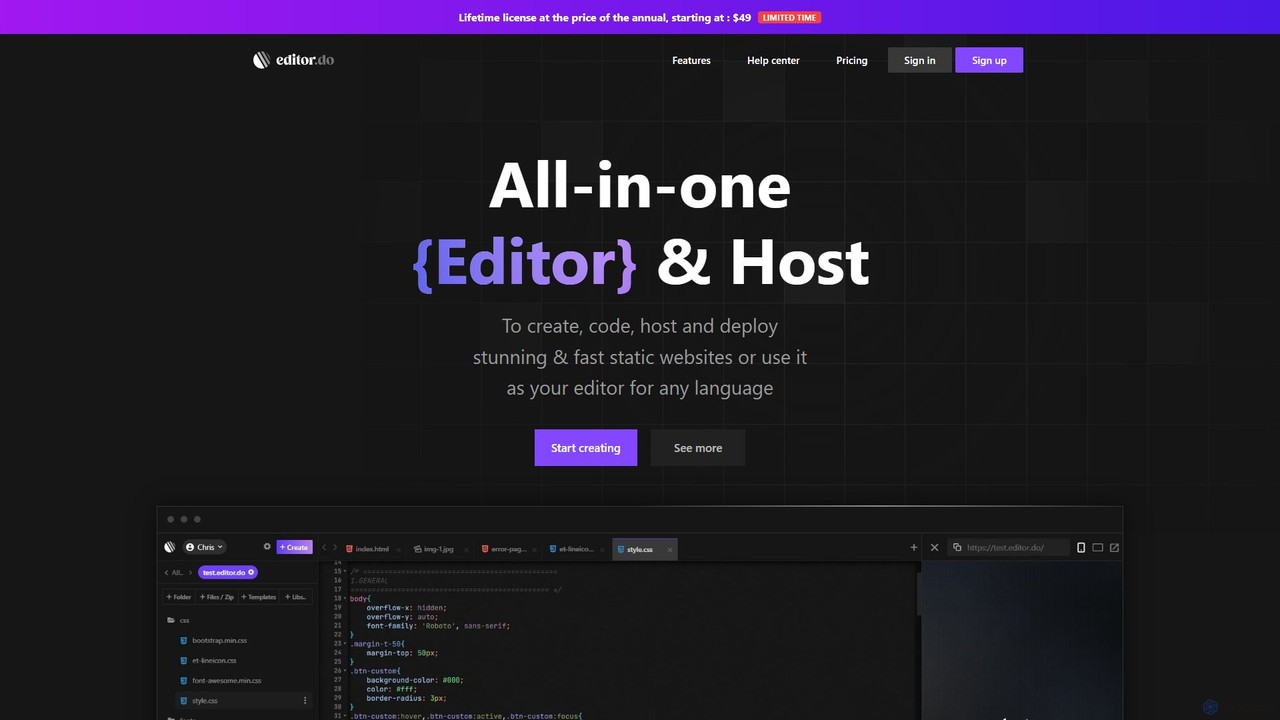
Editor.do is an all-in-one, browser-based platform for building and hosting static websites. It combines a powerful code editor with integrated hosting, free SSL certificates, and a vast library of over 1000 templates. Users can create projects from scratch, upload existing files, or import from GitHub, making it ideal for developers and beginners to launch websites quickly and efficiently without complex setup.

Code Editor
Visits 5.9KFavorites 148Likes 141
Shipixen
Paid

Shipixen

Shipixen is an AI-powered application that generates custom, high-performance Next.js website boilerplates in minutes. It creates landing pages, blogs, and SaaS frontends with your branding, pre-built components, and AI-generated content. You get the full, production-ready source code, built on a modern tech stack (Next.js 15, TypeScript, Tailwind CSS), with no subscriptions or vendor lock-in.

Website Builder
Visits 28.2KFavorites 132Likes 130
OnSpace.ai
Freemium

OnSpace.ai

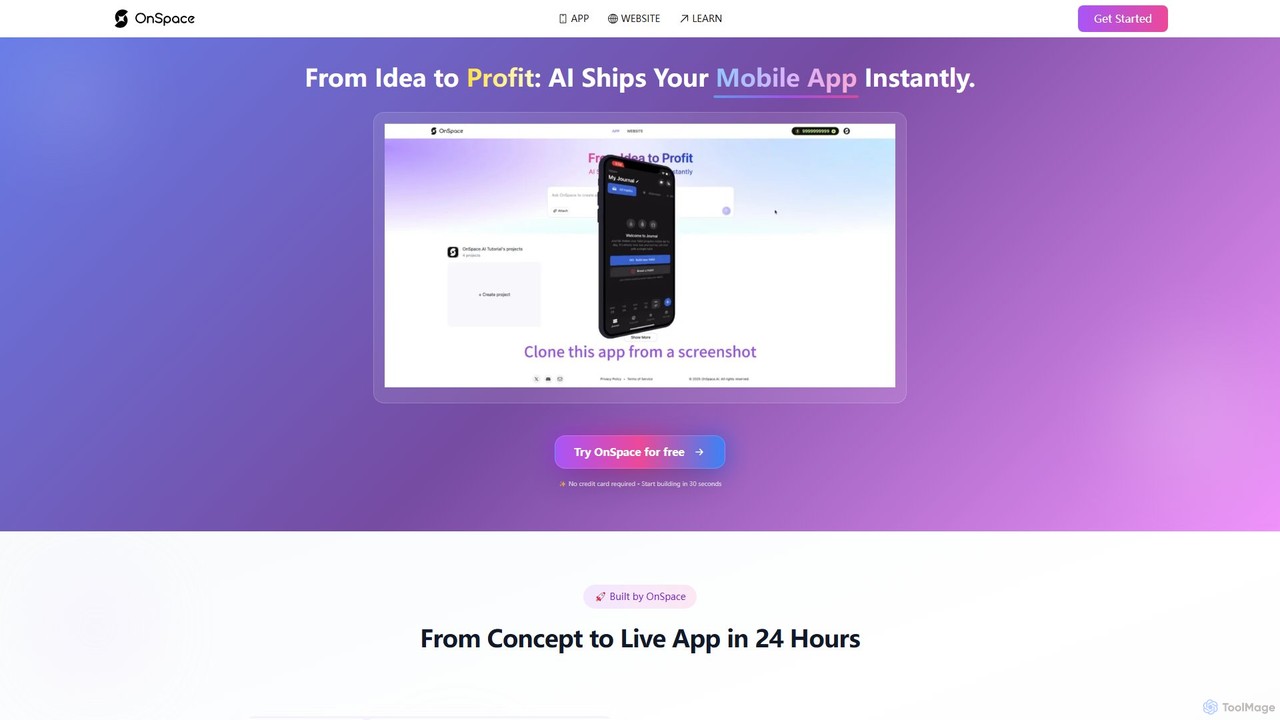
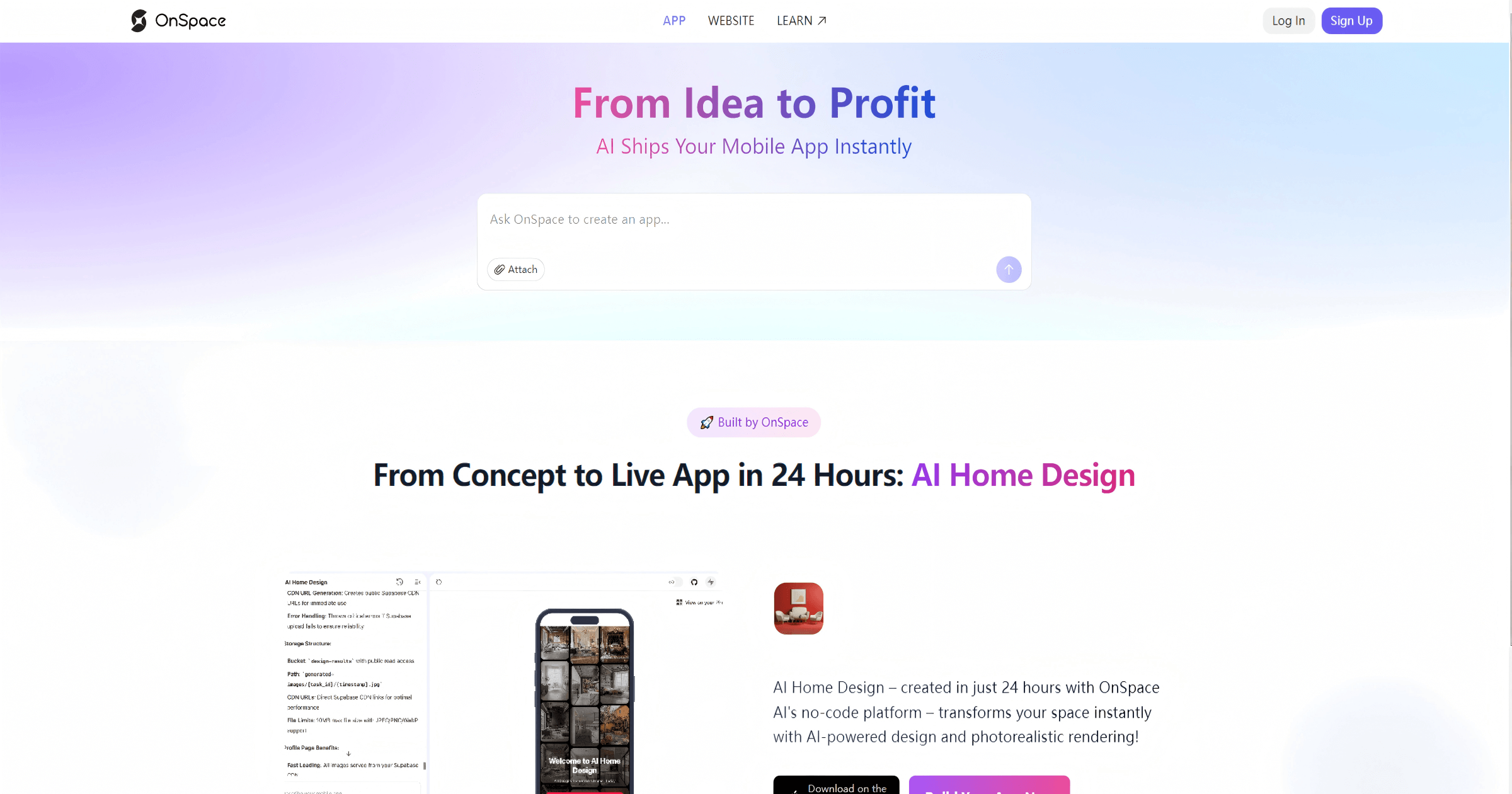
OnSpace.ai is a leading no-code AI platform that instantly transforms your ideas, screenshots, or Figma designs into full-stack, monetizable mobile and web applications. Built for speed and accessibility, it allows anyone to launch a functional app for iOS, Android, and the web in as little as 24 hours, without writing a single line of code.

No Code
Visits 399.9KFavorites 129Likes 136
Windframe
Freemium

Windframe

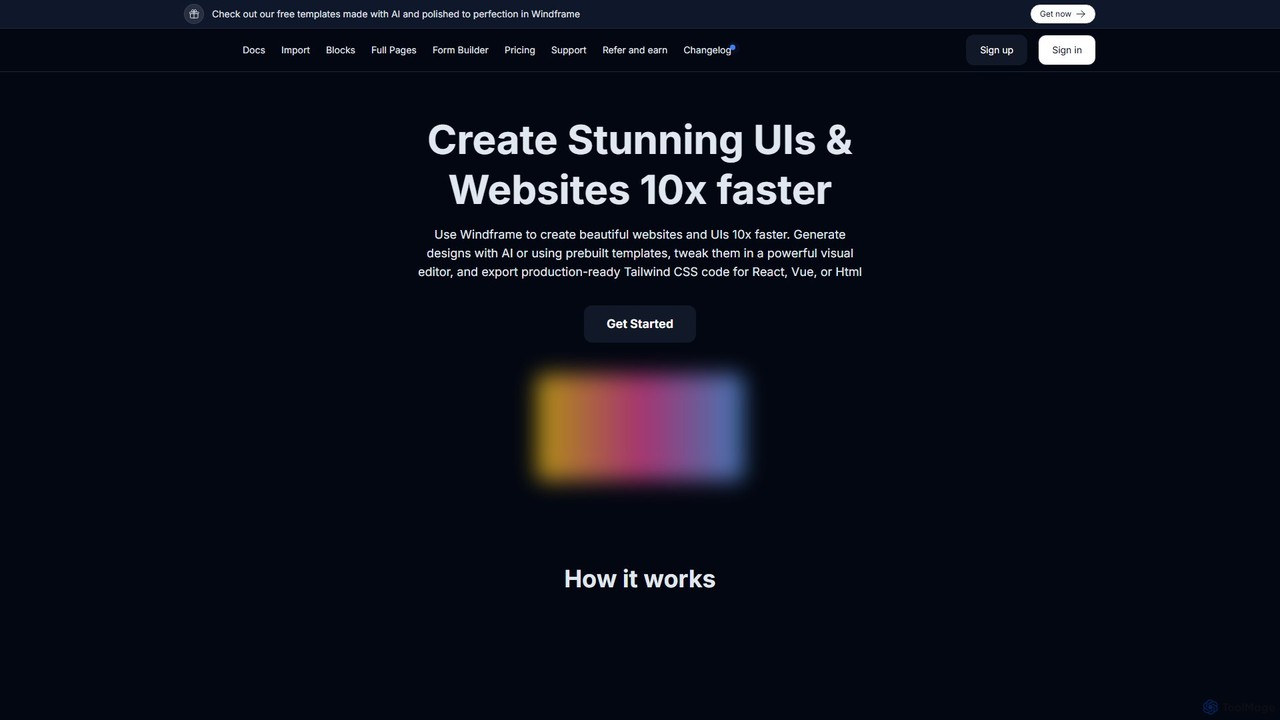
Windframe is an AI-powered visual editor and builder for Tailwind CSS, designed to accelerate UI and website development. It allows users to generate designs with AI prompts, utilize over 1000 pre-built templates, and visually edit projects in real-time. Export production-ready code for React, Vue, HTML, and more, streamlining the workflow for developers, designers, and teams.

Ui Ux
Visits 46.5KFavorites 143Likes 142
Palet
Freemium

Palet

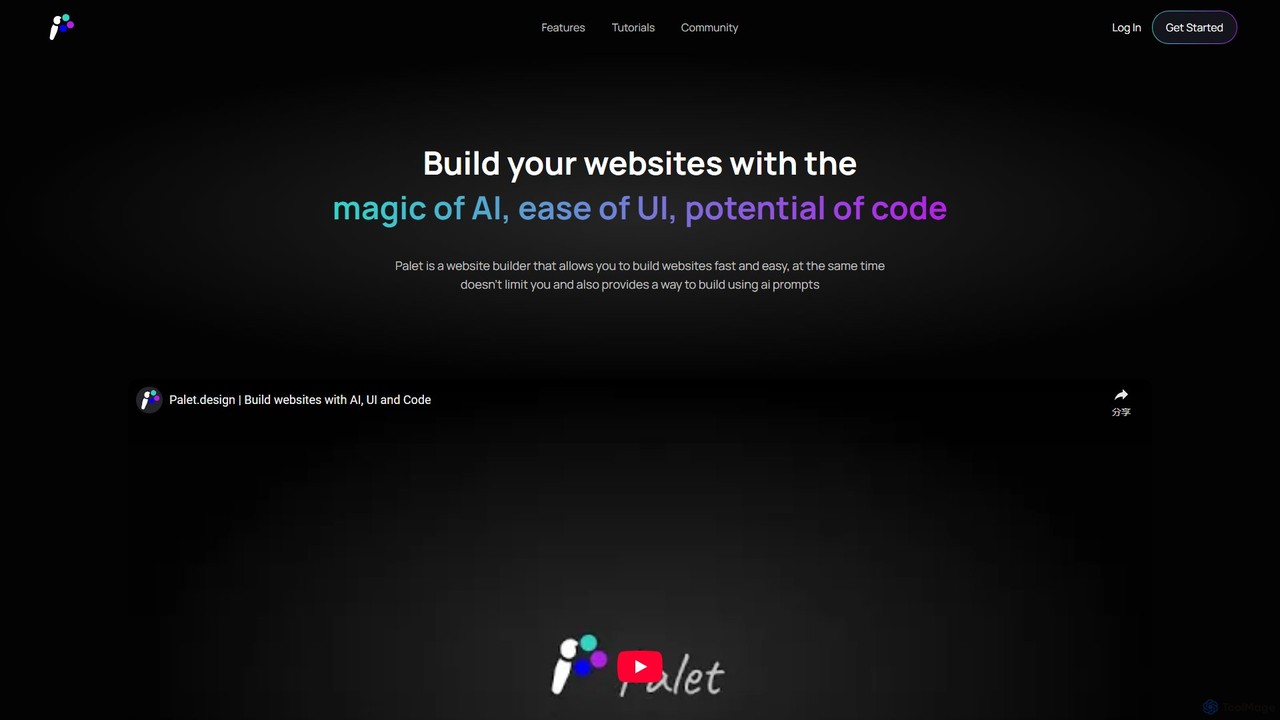
Palet is an AI-powered website builder that merges an intuitive UI with the power of code and AI prompts. It enables users to create stunning, interactive, and animated websites with ease, featuring the first-ever UI for the GSAP animation library. Ideal for designers and developers, Palet simplifies complex web development, allowing for seamless switching between visual editing and direct coding, and offers one-click deployment to Netlify.

Web Design
Visits 6.8KFavorites 74Likes 85
CodeScope
Freemium

CodeScope

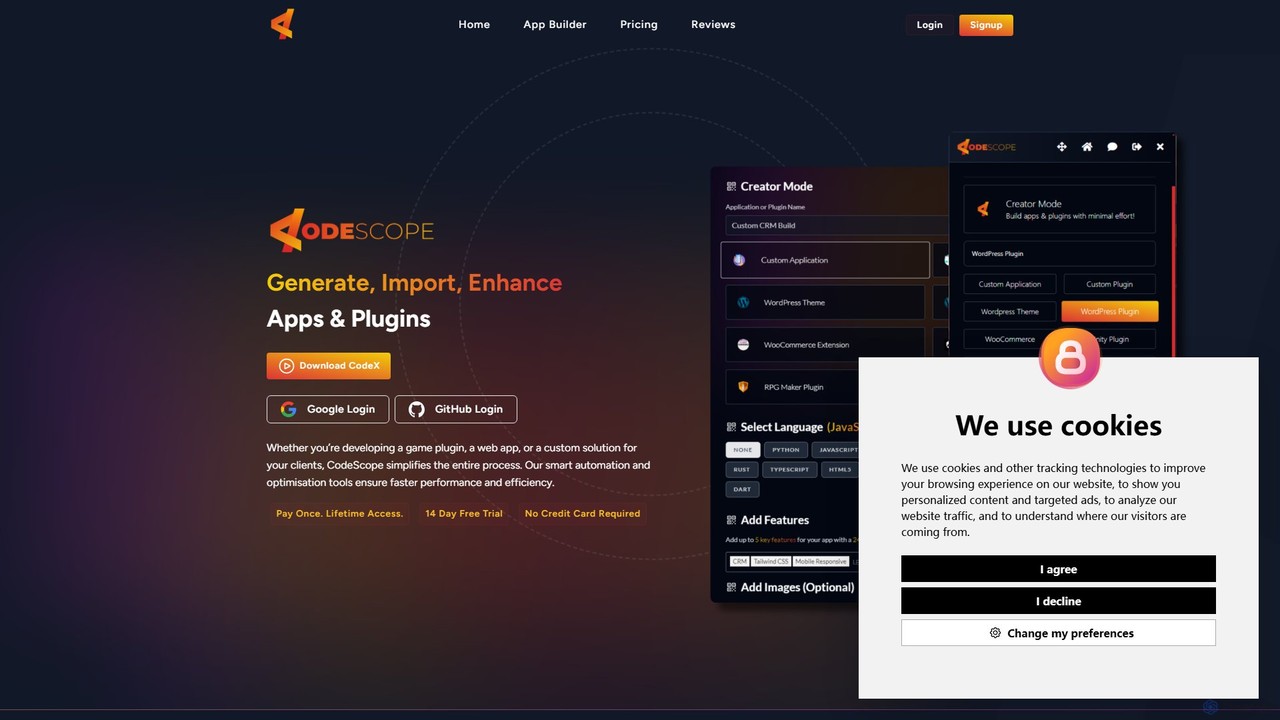
CodeScope is an AI-powered platform that enables users to create custom applications, plugins, and themes without writing code. It can generate, inspect, and optimize code, or import existing projects for AI-driven enhancement, significantly speeding up the development process.

No Code & Low Code
Visits 5.6KFavorites 147Likes 152
Softgen
Freemium

Softgen

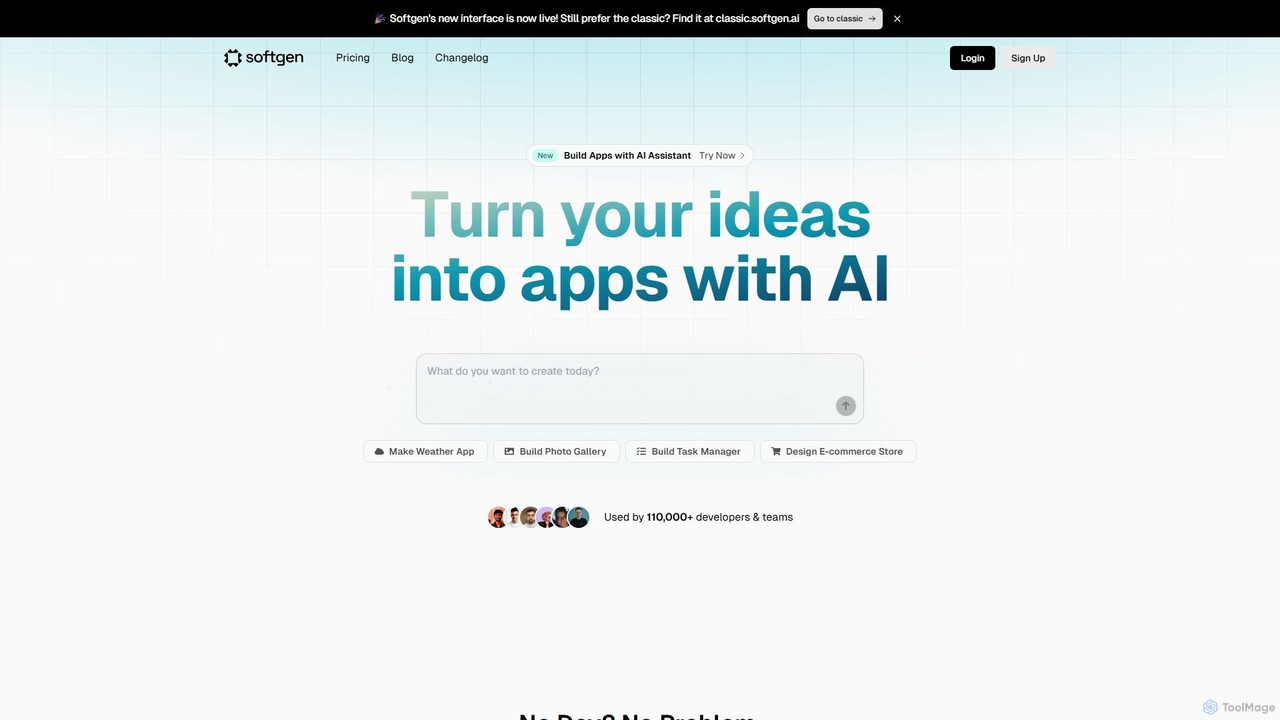
Softgen is an AI-powered web app builder that transforms your ideas into production-ready, full-stack applications. Simply describe what you want to build in natural language, and the AI assistant generates the code, database, and integrations, enabling both developers and non-coders to launch complex web apps quickly.

No Code
Visits 108.2KFavorites 114Likes 107
Loopple
Freemium

Loopple

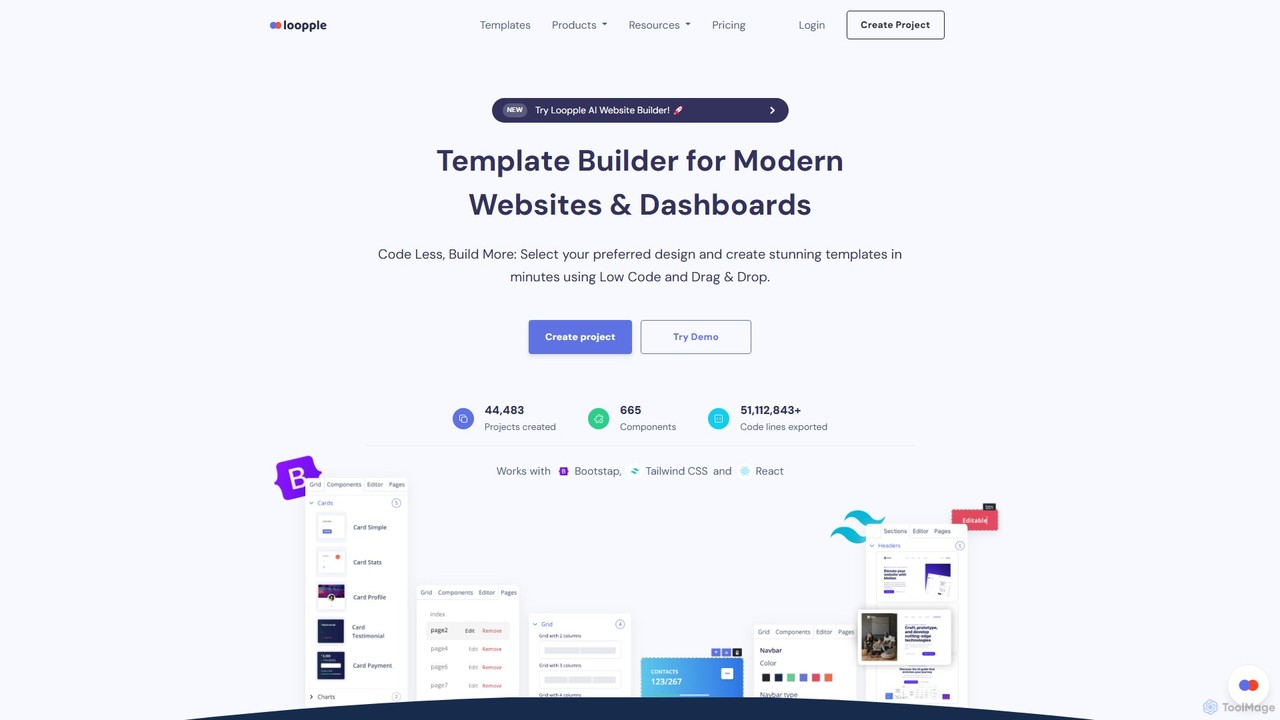
Loopple is an AI-powered, low-code platform for building modern websites and dashboards. It features a drag-and-drop editor, a vast library of pre-built components and templates for Bootstrap, Tailwind CSS, and React. With its AI text help and direct code export, Loopple accelerates the front-end development process for developers and teams, enabling rapid creation of responsive, professional-grade user interfaces.

Low Code No Code
Visits 33.5KFavorites 119Likes 110
Flowith
Freemium

Flowith

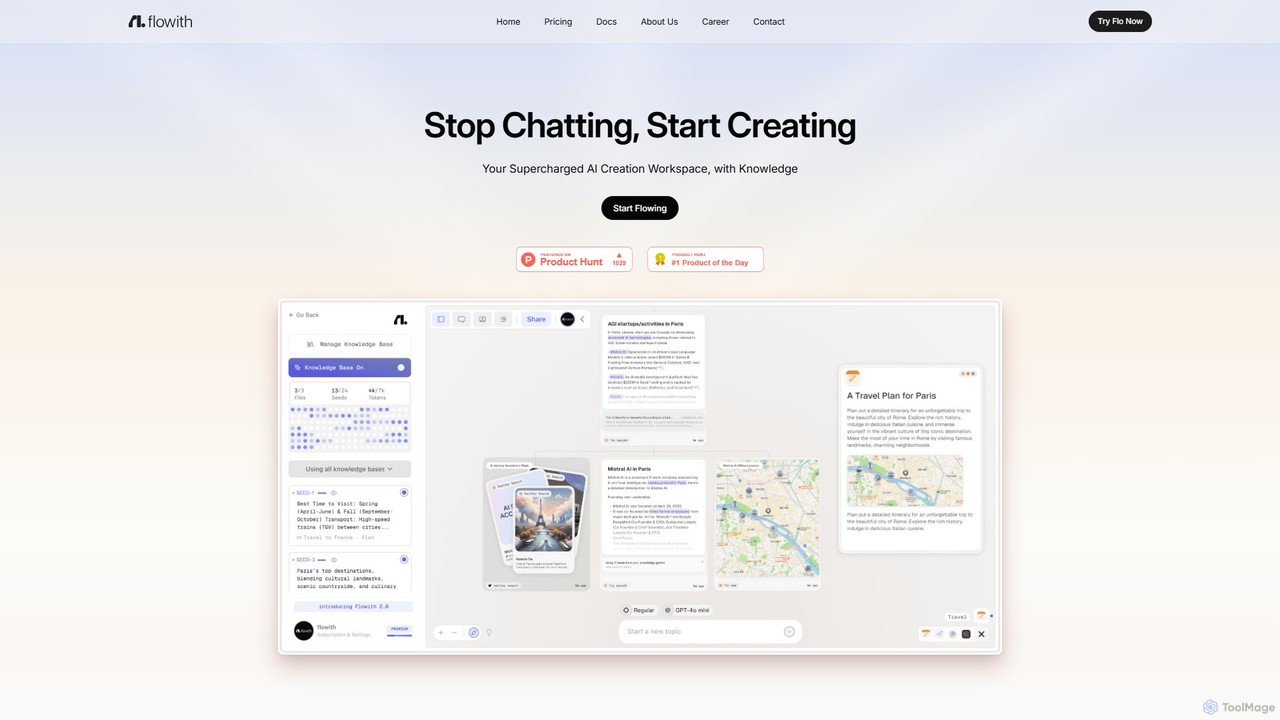
Flowith is a supercharged AI creation workspace that replaces traditional chatbots with an infinite visual canvas. Powered by Agent Neo, an autonomous AI agent, it handles complex, multi-step tasks, research, and content creation without limits on context or tools. It's designed for deep thinking, seamless collaboration, and enhanced productivity.

Website Builder
Visits 13.8KFavorites 123Likes 118

About Website Builder

AI Website Builders are tools that use artificial intelligence to automate and simplify the creation of websites. They interpret user prompts about business type, style, and goals to instantly generate unique layouts, write relevant copy, and select appropriate imagery. This approach significantly reduces the time and technical skill required compared to traditional methods. As a part of the broader Development category, these builders empower non-developers to create professional sites and accelerate the prototyping process for developers.

Core Features

  • Generative Design: Automatically creates unique website layouts, color schemes, and font pairings based on text descriptions.
  • AI Content Creation: Generates SEO-friendly text for headlines, service descriptions, and entire sections of the website.
  • Intelligent Image Sourcing: Suggests and integrates royalty-free images and icons that match the website's context and industry.
  • No-Code Visual Editor: Provides an intuitive drag-and-drop interface to refine and customize the AI-generated design without writing code.
  • Automated Responsive Layouts: Ensures the website automatically adapts and functions correctly on desktops, tablets, and mobile devices.

Use Cases

AI Website Builders are primarily used by small business owners, freelancers, artists, and entrepreneurs who need a professional online presence quickly and affordably. They are also valuable for marketers creating campaign-specific landing pages and for developers looking to rapidly prototype a concept before committing to full-scale development.

How to Choose

When selecting an AI Website Builder, consider the level of design customization allowed after the initial generation. Evaluate its e-commerce capabilities if you plan to sell products. Check for built-in SEO tools and integrations with third-party services like analytics or marketing platforms. Finally, assess the pricing models and the scalability options available as your needs grow.

Featured tool rankings

Website Builder use cases

1

Launch a Small Business Website

A local bakery owner needs a professional website to showcase their products, share their location, and take online orders, but has no coding skills and a limited budget. Using an AI Website Builder, they simply input 'artisan bakery in Brooklyn', list their key products like 'sourdough bread, croissants, custom cakes', and specify a 'warm, rustic' style. The AI instantly generates a multi-page site with a homepage, a product gallery with AI-written descriptions, a contact page with a map, and an integrated order form. The owner can then make minor adjustments using a visual editor, launching their online presence in hours, not weeks.

2

Create a Professional Portfolio

A freelance graphic designer needs an online portfolio to attract new clients. Instead of spending days designing a site from scratch, they use an AI builder. They upload their best logo designs, branding projects, and illustrations. The AI analyzes the visual style of the artwork and generates a clean, minimalist layout that complements the portfolio pieces. It also suggests project categories and writes brief, impactful descriptions for each project based on the file names and visual content. The result is a polished, mobile-friendly portfolio site created in under an hour, allowing the designer to focus on client work.

3

Build a High-Converting Landing Page

A marketing team is launching a new software product and needs a landing page to capture leads. Time is critical. They use an AI Website Builder, providing it with the product name, target audience ('project managers'), key features, and the primary call-to-action ('Start Free Trial'). The AI generates several design variations, each with compelling headlines, benefit-oriented copy, and a prominent lead capture form. The team can quickly choose the best option, connect it to their CRM, and launch the campaign in a single afternoon, enabling faster A/B testing and lead generation.

4

Set Up a Simple E-commerce Store

An artist wants to sell prints of their work online but is intimidated by complex e-commerce platforms. They turn to an AI Website Builder with e-commerce functionality. After describing their business as 'selling fine art prints', the AI generates a clean, gallery-style online store. It creates product pages for each print uploaded, using AI to write compelling descriptions that highlight the mood and technique of the artwork. The system also sets up a simple shopping cart and integrates with a payment processor like Stripe or PayPal. This allows the artist to start selling their work globally within a day, without needing technical or e-commerce expertise.

5

Rapidly Prototype a Web App Idea

An entrepreneur has an idea for a new project management app but needs a visual prototype to show investors. Instead of hiring a designer and developer, they use an AI Website Builder. They describe the app's core screens: 'a dashboard with project timelines', 'a task list view', and 'a team collaboration page'. The AI generates a multi-page, interactive website that mimics the look and feel of a real application. While it lacks a backend database, this high-fidelity prototype is created in a few hours and is effective for demonstrating the user flow and core concept, helping to secure funding faster.

6

Create a Blog for a Niche Topic

A subject matter expert on sustainable gardening wants to start a blog to share their knowledge but lacks web design skills. They use an AI Website Builder and enter the prompt 'blog about organic gardening tips for beginners'. The AI sets up a complete blog structure, including a homepage featuring the latest posts, an 'About Me' page, and a contact form. It suggests a green, earthy color palette and generates several potential blog post titles like '5 Common Mistakes in Composting' and 'How to Choose the Right Plants for Your Climate'. This allows the expert to immediately start writing and publishing content, bypassing the technical setup entirely.

Website Builder FAQ

What is an AI Website Builder?

An AI Website Builder is a tool that uses artificial intelligence to automate the design and content creation process for websites. Instead of starting with a blank template, you provide text prompts describing your business or goal, and the AI generates a unique, fully-functional website draft, including layouts, text, and images. This significantly speeds up the creation process, especially for users without technical or design skills. They bridge the gap between simple template-based builders and complex custom development.

How to choose the right AI Website Builder?

To choose the right AI Website Builder, consider these factors:

  • Ease of Use: How intuitive is the initial prompt process and the subsequent editor? Look for a tool that matches your technical comfort level.
  • Customization Flexibility: After the AI generates the site, how much control do you have to change layouts, colors, and fonts? Some are more flexible than others.
  • Feature Set: Does it offer the specific features you need, such as e-commerce, blogging capabilities, SEO tools, or contact forms?
  • Pricing and Scalability: Understand the pricing tiers. Ensure the platform can grow with your business, offering more advanced features or handling more traffic as needed.
What's the difference between an AI and a traditional website builder?

The main difference lies in the starting process. A traditional website builder (like Wix or Squarespace in their classic modes) provides pre-designed templates that you manually customize. You choose a template and then fill it with your own content. An AI Website Builder generates a unique website for you from scratch based on your text prompts. It automates the initial design, layout, and content writing, giving you a highly tailored starting point. While both often use a similar visual editor for final tweaks, the AI builder automates the creative and structural setup.

Who should use an AI Website Builder?

AI Website Builders are ideal for individuals and small businesses who need to create a professional website quickly and with minimal effort. This includes:

  • Small Business Owners: For creating an online presence without hiring a web designer.
  • Freelancers and Artists: To quickly build a portfolio to showcase their work.
  • Marketers: For rapidly creating landing pages for specific campaigns.
  • Entrepreneurs: To prototype a web app idea or launch a site for a new venture.

They are particularly beneficial for users who lack design skills or time, as the AI handles much of the initial creative work.

Do I still need a developer if I use an AI Website Builder?

For many standard websites, such as portfolios, blogs, and small business sites, an AI Website Builder can eliminate the need for a developer. However, a developer is still valuable for more complex needs. You might need a developer if you require:

  • Custom Features: Functionality that is not offered by the builder's platform.
  • Complex Integrations: Connecting your site to custom databases or specialized third-party APIs.
  • Advanced Performance Optimization: For very high-traffic sites that require deep technical optimization beyond the platform's capabilities.

AI builders are excellent for getting started and for a wide range of common use cases, but custom development offers limitless possibilities.