

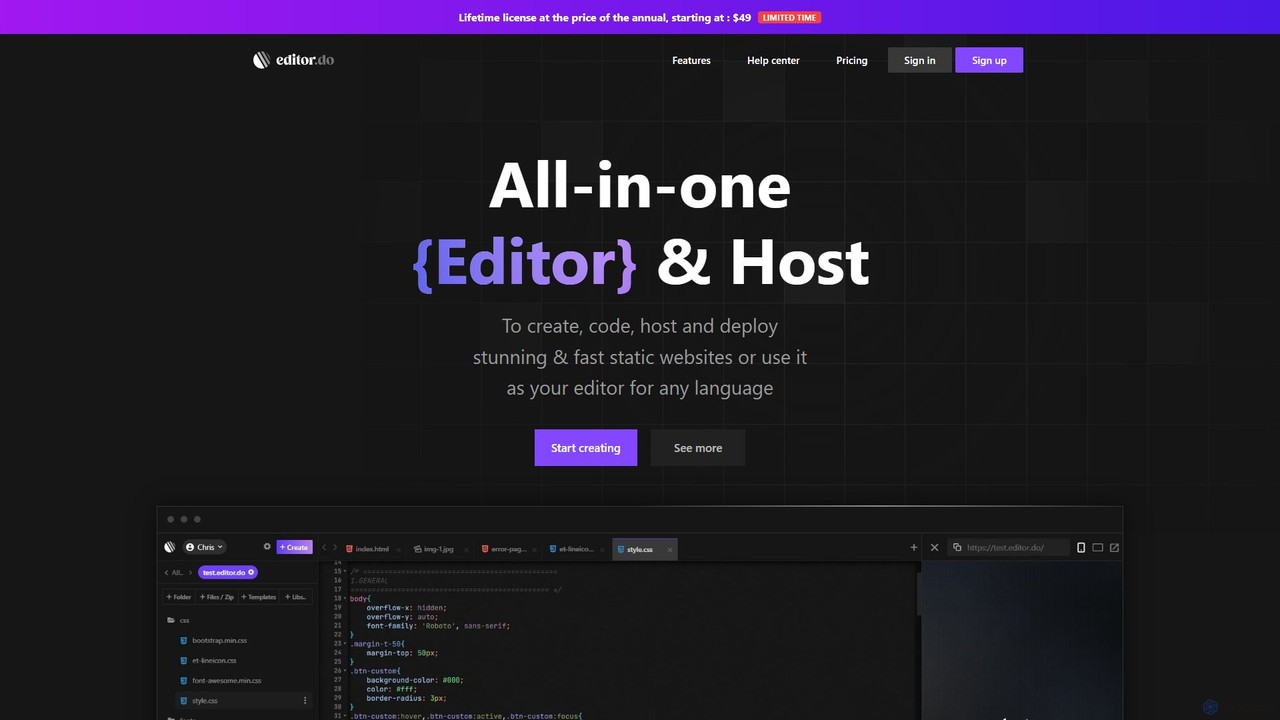
Editor.do Overview
Editor.do presents itself as the ultimate all-in-one solution designed to streamline the process of building and hosting static websites. It masterfully integrates a full-featured code editor, reliable web hosting, and a free SSL certificate provider into a single, cohesive, browser-based platform. This eliminates the traditional complexities of web development, where developers often juggle multiple tools like a local code editor, an FTP client, and a separate hosting service. With Editor.do, everything you need to take a project from concept to a live, secure website is available in one place. It is crafted to be accessible for both seasoned web developers looking for an efficient workflow and beginners who are just starting their journey in web creation, offering tools and resources that cater to all skill levels.
How to use Editor.do
Getting started with Editor.do is a straightforward and intuitive process, designed to get your website online in just a few steps:
- Create a New Project: Begin by creating a new project. You have the flexibility to use a free subdomain provided by Editor.do (e.g., yourproject.editor.do) or to connect your own custom domain or subdomain for a more professional identity.
- Add Your Content: Editor.do offers multiple ways to populate your project with files:
- Create Files Directly: Use the built-in editor to write HTML, CSS, and JavaScript code from scratch.
- Upload Existing Projects: If you have an existing website, you can upload all your files in a single ZIP archive. The platform will automatically extract and set up your project. You can also upload individual files.
- Install a Template: Jumpstart your project by choosing from a massive library of over 1000 free, open-source website templates. This is perfect for quickly setting up a professionally designed site that you can then customize.
- Import from GitHub: For developers, Editor.do allows the direct import of public projects from GitHub, making it easy to deploy and host open-source projects or your own repositories.
- Edit and Refine: Utilize the powerful in-browser IDE to edit your code. The editor supports syntax highlighting and all the essential features you'd expect for front-end development.
- Deploy and Go Live: Your website is hosted automatically. If you are using a custom domain, simply follow the provided instructions to point your domain's DNS records to Editor.do's servers. The platform will then automatically provision and install a free SSL certificate, ensuring your site is secure and trustworthy.
Core Features of Editor.do
- All-in-One Platform: A unified environment combining a code editor, web hosting, and SSL provider.
- In-Browser Code Editor: A powerful IDE for HTML, CSS, and JavaScript that works directly in your web browser, requiring no software installation.
- Integrated Static Hosting: Reliable and fast hosting for your static websites, with unlimited traffic included in paid plans.
- Free SSL Certificates: Automatic provisioning of free SSL certificates for all websites, enhancing security and SEO ranking.
- Extensive Template Library: Access to over 1000 free, professionally designed, and open-source website templates.
- Custom Domain Support: Easily connect and manage your own custom domains and subdomains for your projects.
- GitHub Integration: Seamlessly import public repositories from GitHub to your project workspace.
- Versatile File Management: Supports direct file creation, individual file uploads, and bulk uploads via ZIP archives.
Use Cases for Editor.do
Editor.do is a versatile tool suitable for a wide range of projects, including:
- Portfolio Websites: Developers, designers, and artists can quickly build and deploy a personal portfolio to showcase their work.
- Landing Pages: Marketers can create and host high-performance landing pages for campaigns, products, or events.
- Small Business Websites: A perfect solution for small businesses to establish an online presence with a simple, professional, and secure static website.
- Prototyping and Demos: Rapidly build and share live front-end prototypes and demos with clients or team members.
- Educational Purposes: An excellent, hassle-free environment for students and beginners learning web development (HTML, CSS, JS).
- Open-Source Project Pages: Host documentation, gh-pages, or project websites for open-source software.
Advantages of Editor.do
The primary advantage of Editor.do is its integrated nature, which simplifies the entire web development workflow. It is incredibly user-friendly, making it accessible to non-developers, while still offering powerful features like GitHub integration for professionals. The platform is cost-effective, bundling essential services into affordable plans. Being fully browser-based, it offers unparalleled accessibility, allowing you to work on your projects from any computer with an internet connection.
Pricing and Plans
Editor.do offers a range of plans to suit different needs and budgets:
- Limited Trial: $0. Includes 1 trial project, 100 MB storage, free SSL, and full editor features for a 7-day trial period. No credit card required.
- Starter: $4/month ($48 billed yearly). Includes up to 5 websites, 1 GB storage, free SSL, unlimited traffic, and support.
- Medium: $8/month ($96 billed yearly). Includes up to 20 websites, 5 GB storage, free SSL, unlimited traffic, and prioritized support. This is marked as the best choice.
- Elite: $12/month ($144 billed yearly). Includes up to 100 websites, 10 GB storage, free SSL, unlimited traffic, and prioritized support.
- Lifetime: A lifetime deal (LTD) option is also mentioned for users with a special code.
Traffic
Latest traffic
Status
Monthly traffic trend
- 2025-9: 2.5K
- 2026-1: 510
- 2026-2: 3.6K
- 2026-3: 3.8K
- 2026-4: 1.1K
- 2026-5: 509
Geography
Top 5 countries / regions
- 🇺🇸United States75.8%
- 🇲🇾Malaysia16.6%
- 🇮🇳India7.6%
Top keywords
| Keyword | Cost per click |
|---|---|
| do code | $0.00 |
| edit dr doo | $0.00 |
| edittodoit | $0.00 |
| site dovb | $0.00 |
Editor.do Alternatives

PageSection
PageSection is a versatile web toolkit offering an online HTML editor, a library of editable templates (Tailwind, Bootstrap), and file hosting. It enables users to create, edit, host, and share web projects via live URLs, convert documents to HTML or PDF, and streamline the web content creation process for developers, marketers, and students.
Hosting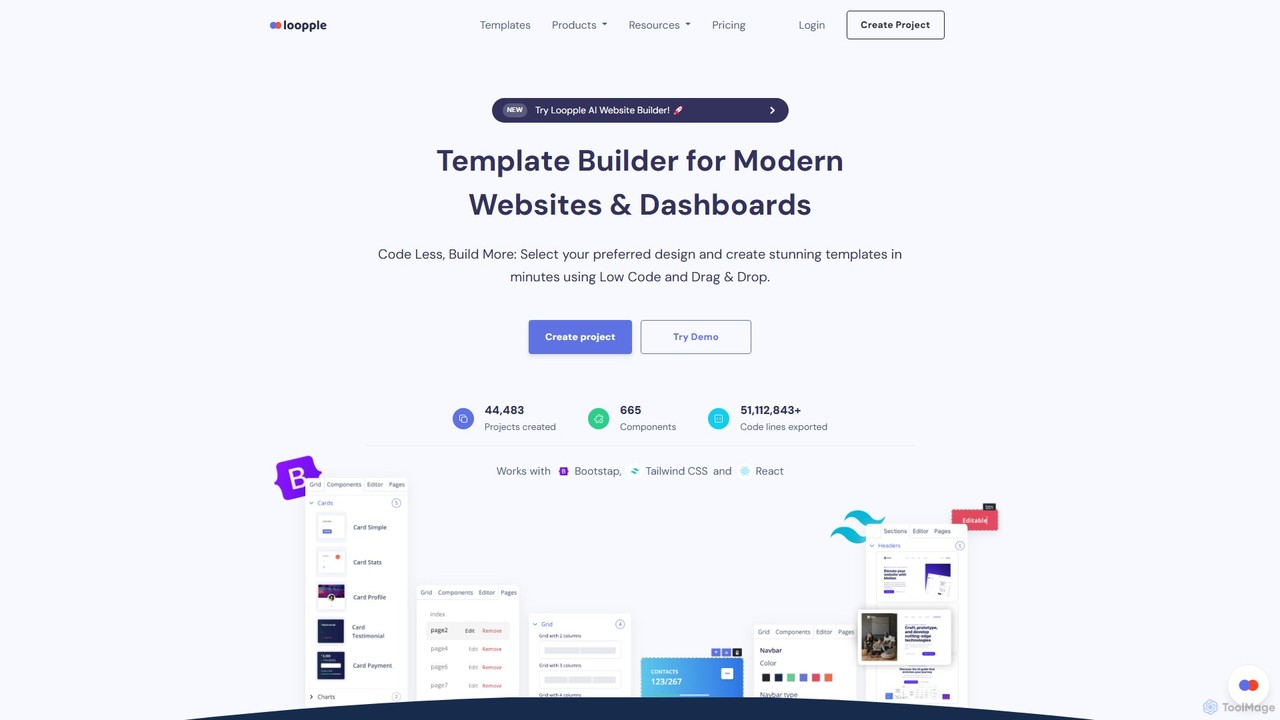
Loopple
Loopple is an AI-powered, low-code platform for building modern websites and dashboards. It features a drag-and-drop editor, a vast library of pre-built components and templates for Bootstrap, Tailwind CSS, and React. With its AI text help and direct code export, Loopple accelerates the front-end development process for developers and teams, enabling rapid creation of responsive, professional-grade user interfaces.
Low Code No Code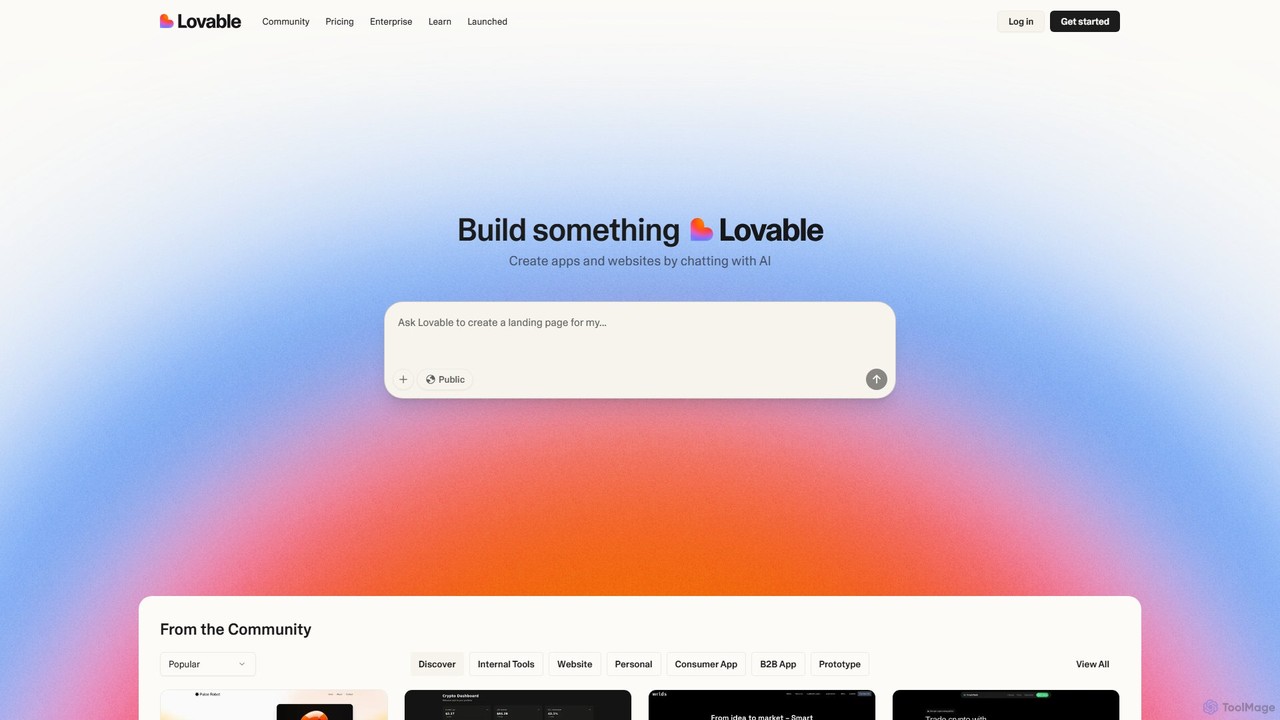
Lovable
Lovable is an AI-powered development platform that allows you to build web applications and websites through a simple conversational interface. Describe your idea in plain English, and the AI will generate the full-stack application, enabling rapid prototyping and development for both technical and non-technical users.
Low Code No Code
AI Love Code
AI Love Code is an innovative AI-powered tool that generates responsive websites with full source code in minutes. It leverages modern frameworks like Tailwind CSS and Alpine.js, enabling developers, beginners, and designers to rapidly create and prototype web pages, landing pages, and demos with complete code ownership and customizability.
Website Builder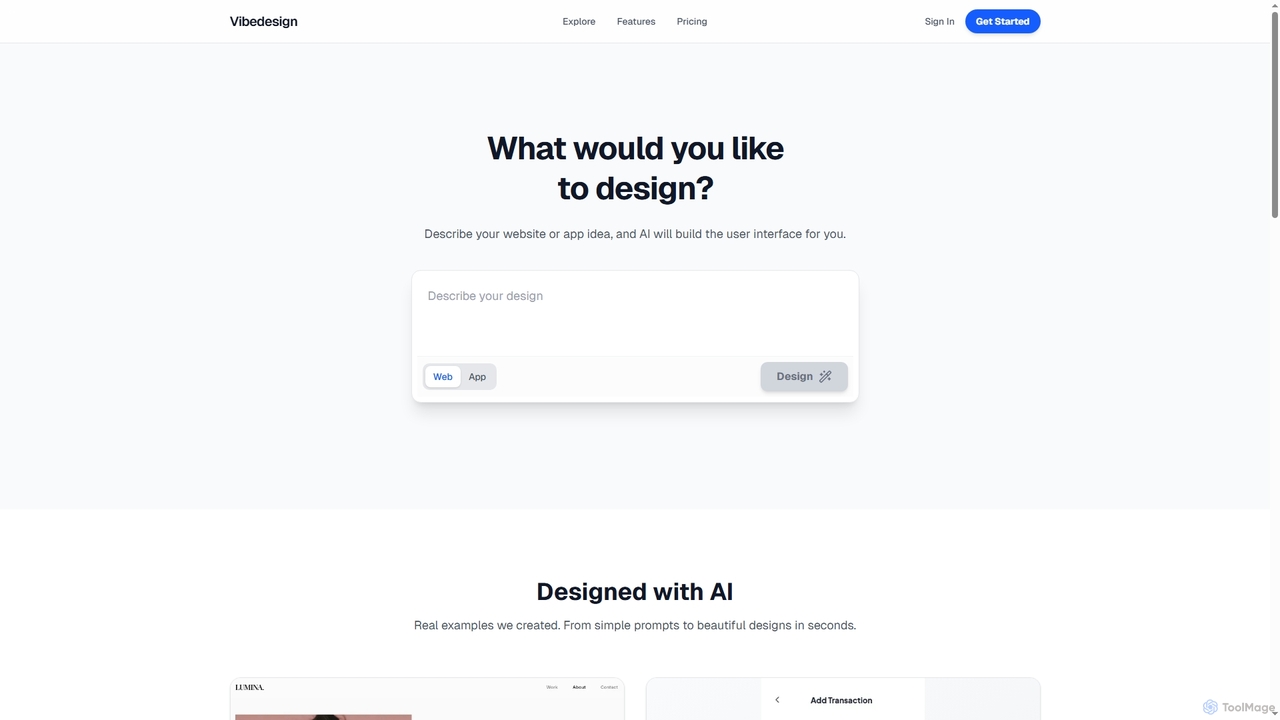
Vibedesign
Vibedesign is an AI-powered tool that generates user interfaces for websites and mobile apps from simple text descriptions. Users can instantly create, refine, and preview designs for different screen sizes, then export them to code with full ownership.
Ui DesignEditor.do Categories
Editor.do Embed Widget
Copy this embed code to place the badge on your blog, article, or product site and send readers directly to this ToolMage detail page.

Related AI tools
PageSection
PageSection is a versatile web toolkit offering an online HTML editor, a library of editable templates (Tailwind, Bootstrap), and file hosting. It enables users to create, edit, host, and share web projects via live URLs, convert documents to HTML or PDF, and streamline the web content creation process for developers, marketers, and students.
Hosting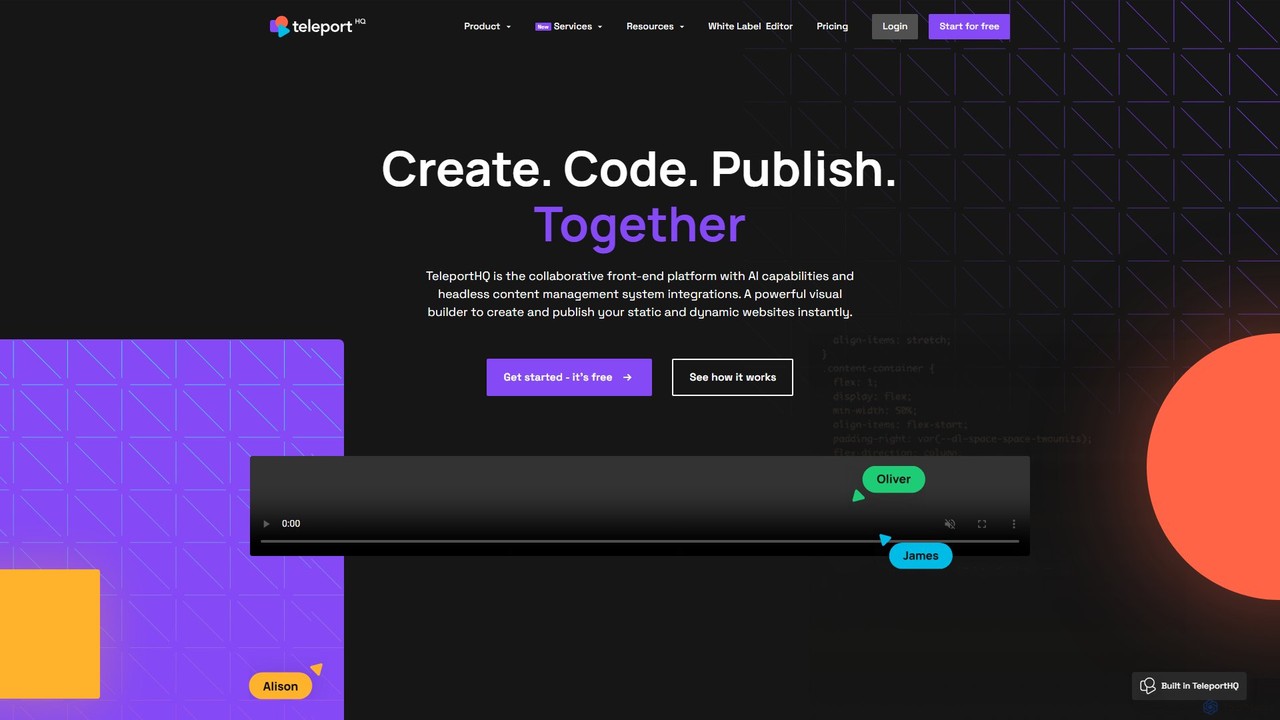
TeleportHQ
TeleportHQ is a collaborative low-code platform that streamlines front-end development. It features an AI website builder, Figma to code conversion, and real-time collaboration tools. Users can visually build responsive websites and UIs, generate clean code for multiple frameworks (React, Vue, etc.), and deploy seamlessly.
Ui Ux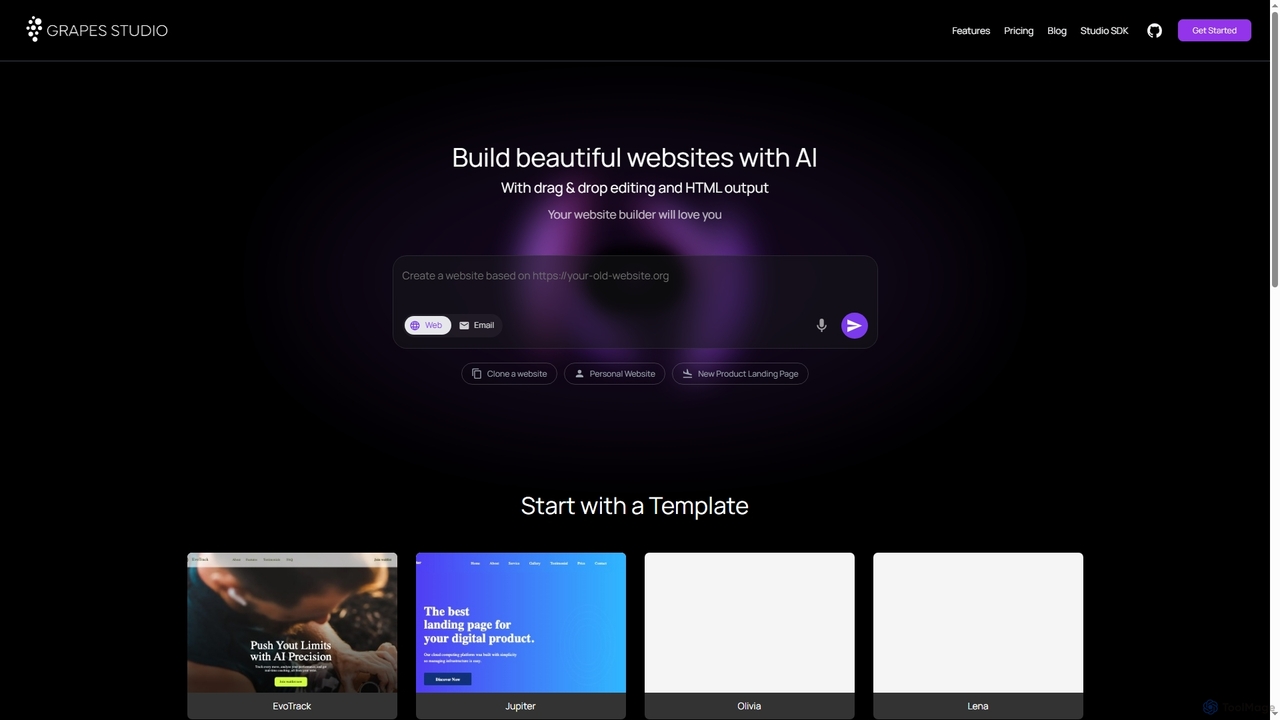
Grapesjs
GrapesJS is a free, open-source web builder framework for creating responsive websites and templates. It features an intuitive drag-and-drop editor, AI-powered site generation, and full HTML/CSS code export, making it ideal for developers and designers.
Website BuilderLoopple
Loopple is an AI-powered, low-code platform for building modern websites and dashboards. It features a drag-and-drop editor, a vast library of pre-built components and templates for Bootstrap, Tailwind CSS, and React. With its AI text help and direct code export, Loopple accelerates the front-end development process for developers and teams, enabling rapid creation of responsive, professional-grade user interfaces.
Low Code No Code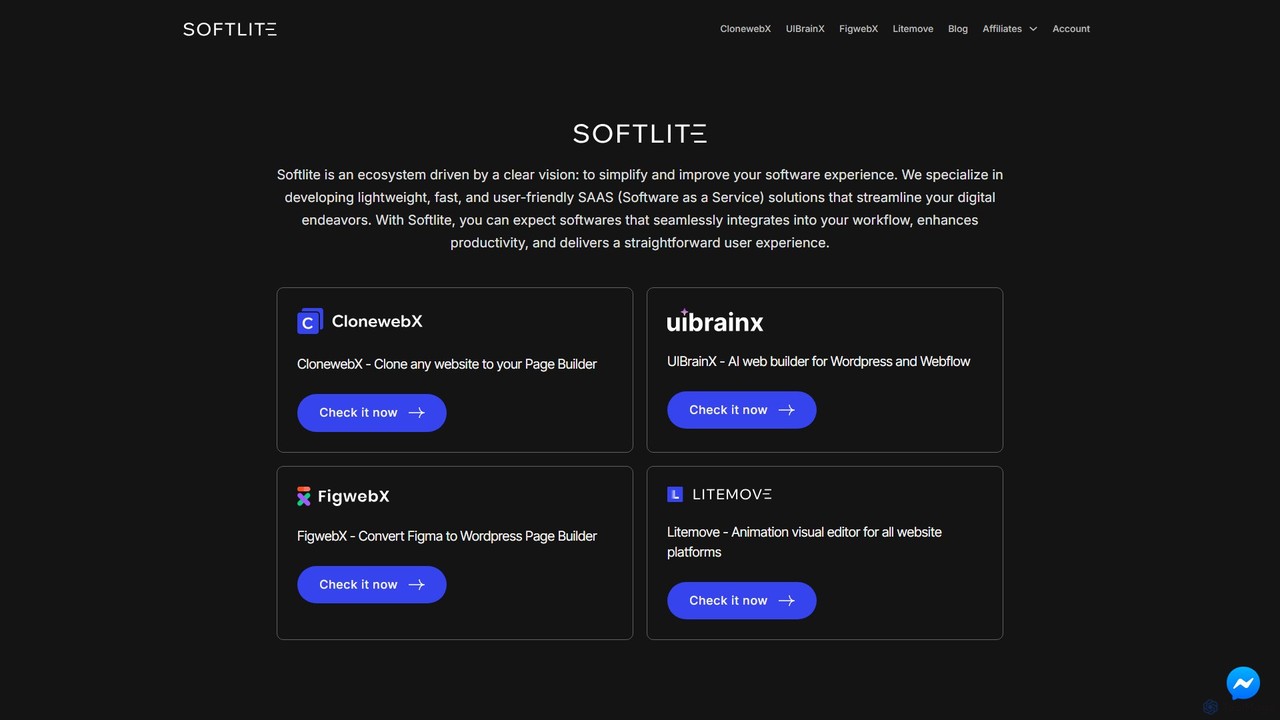
softlite
Softlite is an ecosystem of lightweight, fast, and user-friendly SaaS solutions designed to streamline web development. It offers a suite of powerful tools, including an AI website builder (UIBrainX), a website cloner (ClonewebX), and a Figma-to-WordPress converter (FigwebX). These tools empower developers, designers, and marketers to build, clone, and animate websites with unprecedented speed and efficiency, often without writing any code.
Web Design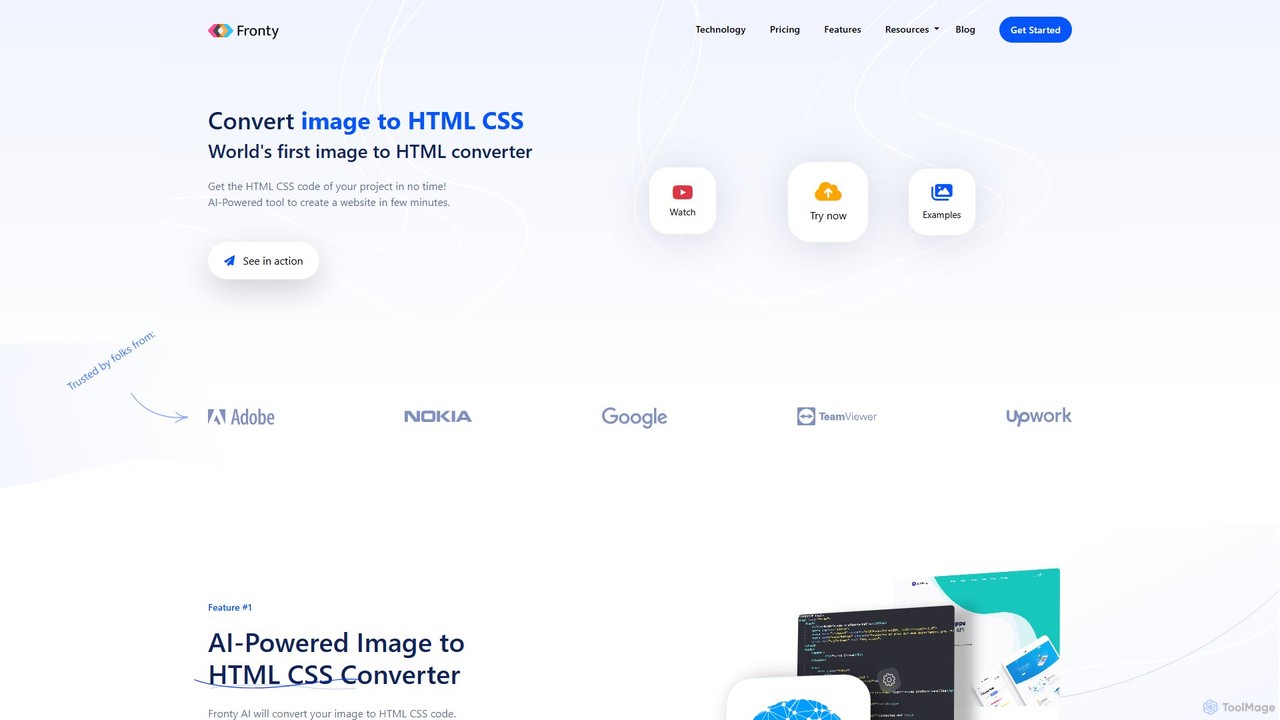
Fronty
Fronty is a revolutionary AI-powered tool that converts images, screenshots, and designs into clean, semantic HTML and CSS code in minutes. It features a no-code editor for easy customization and a hosting service to launch your website, streamlining the entire process from design to a live site.
Design To Code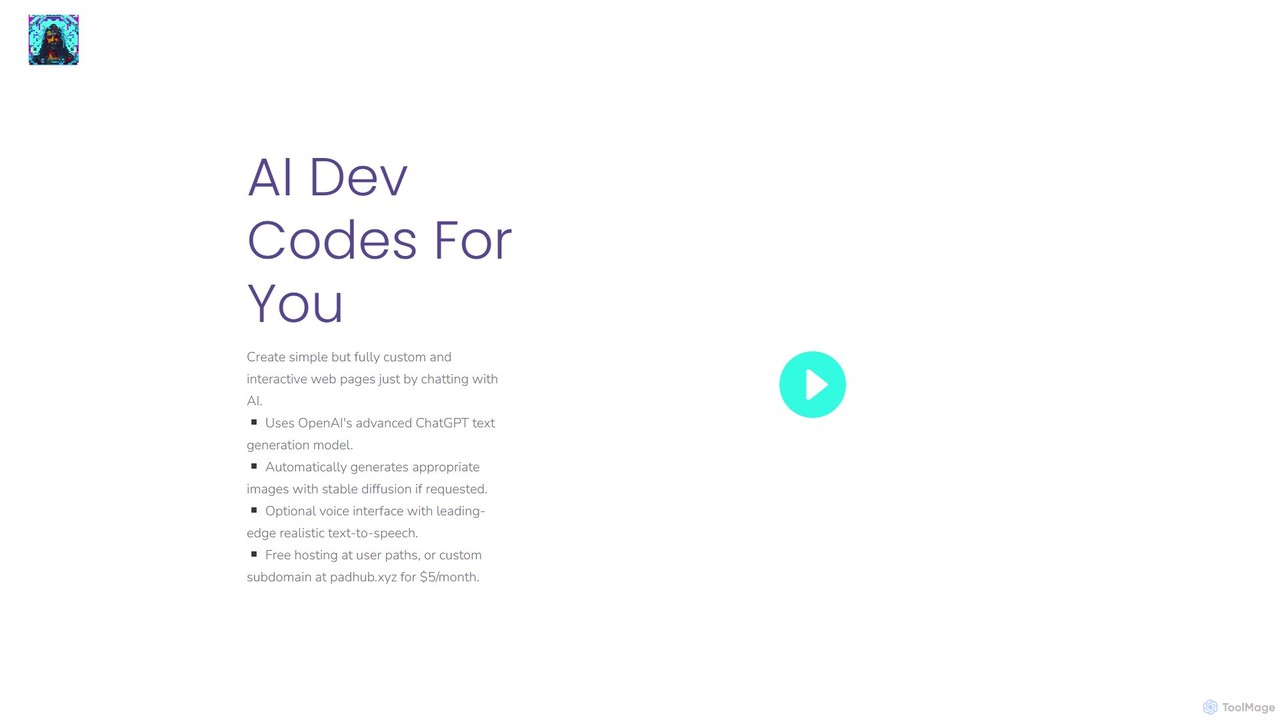
AI Dev Codes
AI Dev Codes is a conversational web development tool that allows users to create custom, interactive web pages simply by chatting with an AI. It leverages models like ChatGPT and Stable Diffusion to generate code, text, and images, turning natural language prompts into functional websites.
Image Generation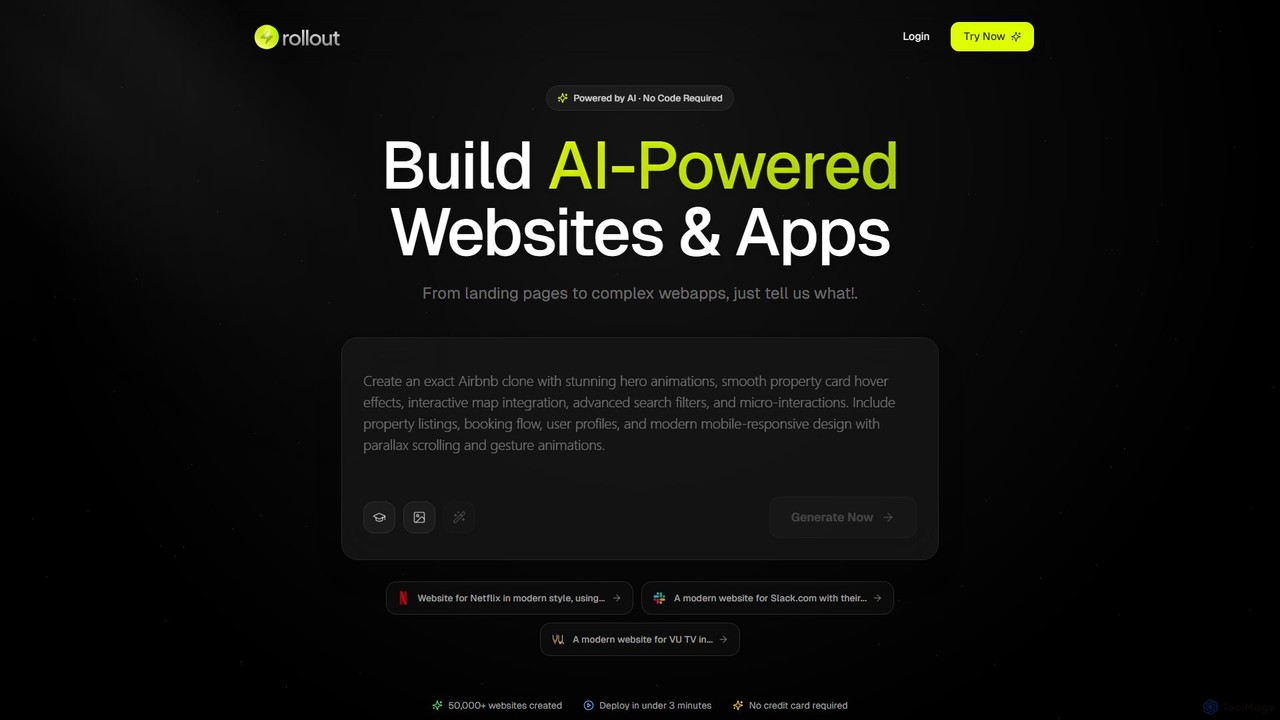
Rollout AI
Rollout AI is a no-code, AI-powered website and landing page builder. Simply describe your vision in any language, and the AI will generate a professional, mobile-responsive website in minutes. It features AI-driven design and copywriting, allowing for instant edits and regeneration. Users can export the final code, making it ideal for rapid prototyping, startups, and creating production-ready sites without any coding skills.
Website Builder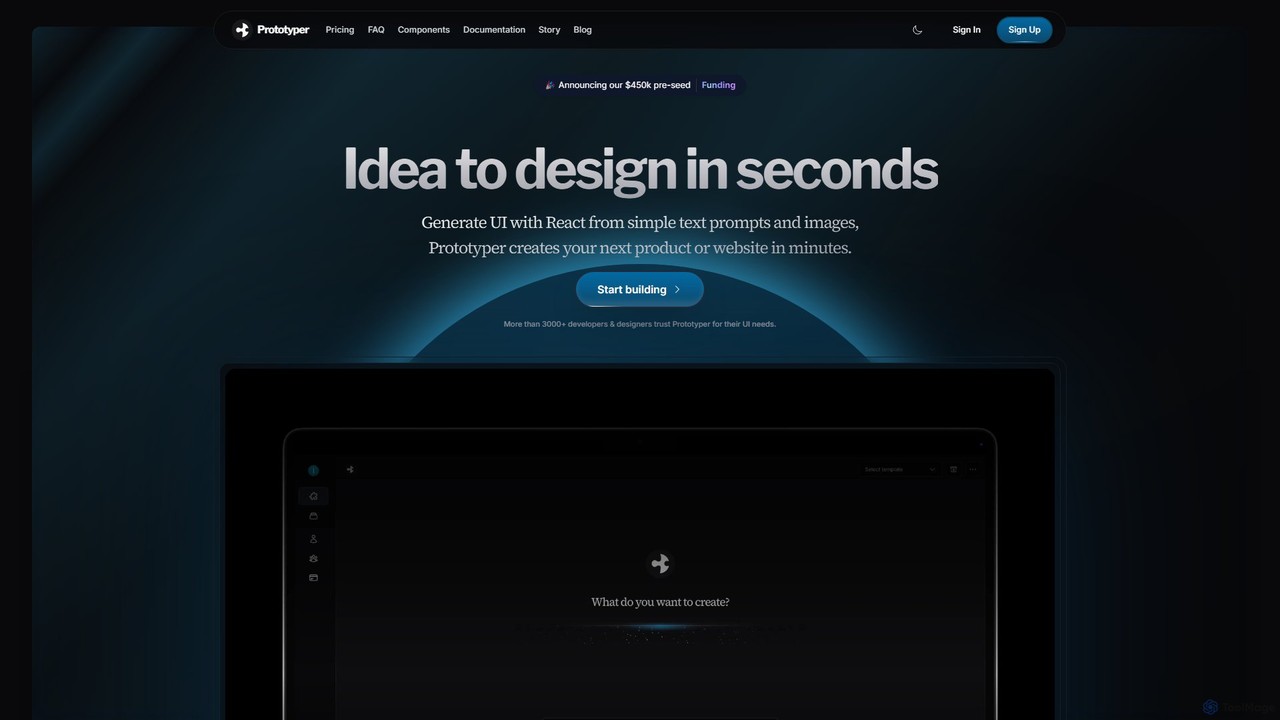
getaprototype
getaprototype is an AI-powered UI design and prototyping tool that transforms text prompts and images into production-ready React and Tailwind CSS code. It enables developers and designers to rapidly generate, test, and iterate on user interfaces, significantly accelerating the development workflow from idea to deployment.
Ui
Hostinger
Hostinger is an all-in-one web hosting and website creation platform that integrates a powerful suite of AI tools. It enables users of all skill levels to easily build, launch, and manage professional websites, blogs, and e-commerce stores with features like an AI Website Builder, AI Writer, and AI SEO tools, all backed by fast and secure hosting.
Seo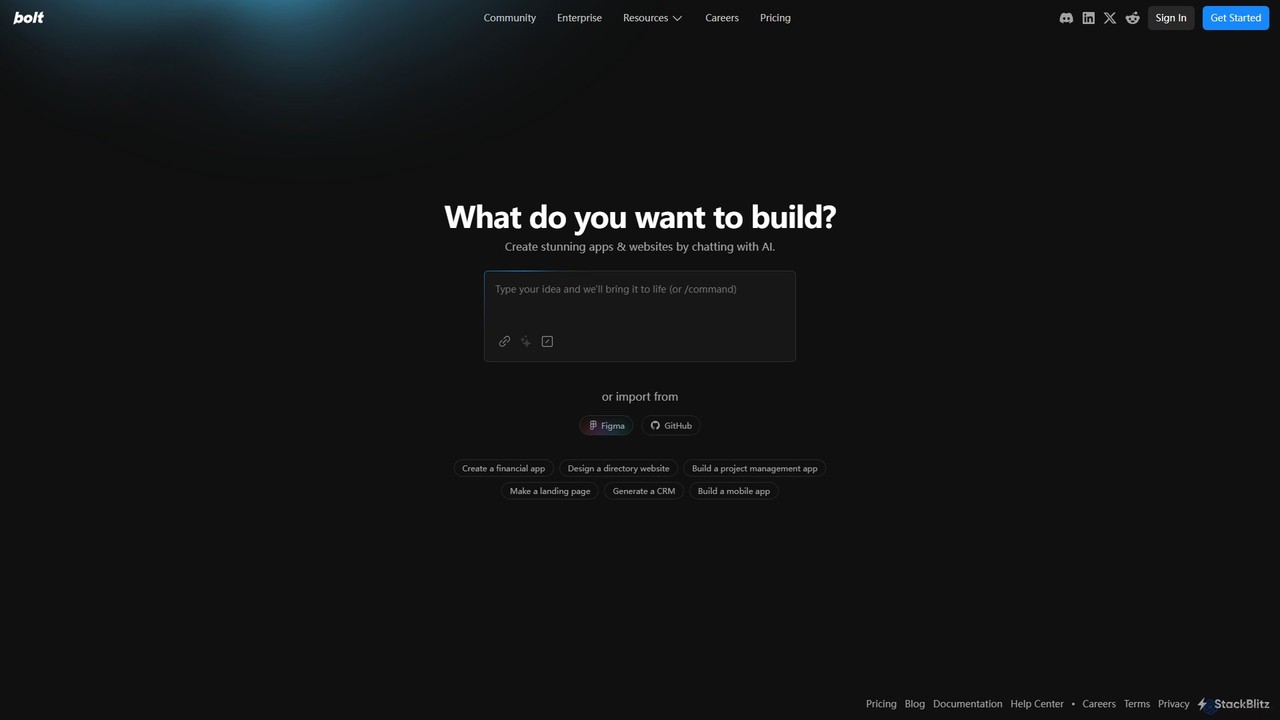
Bolt.new
Bolt.new is an AI-powered platform that enables users to create stunning websites and applications simply by chatting. It translates natural language descriptions into functional code, supports Figma and GitHub integration, and aims to accelerate the development process by up to 10x for individuals, teams, and enterprises.
Ui Generator
Jyek
Jyek is an AI agent platform that understands objectives, creates execution plans, uses tools, and delivers verifiable results for complex, multi-step tasks.
Automation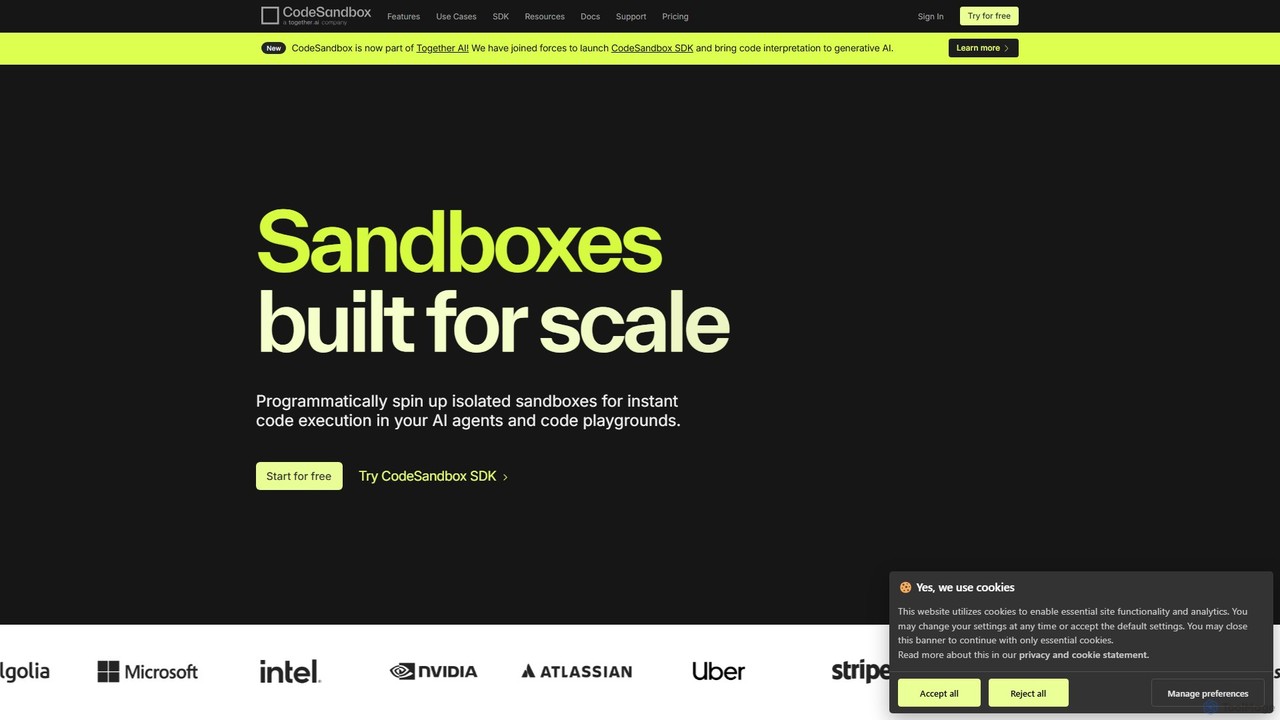
CodeSandbox
CodeSandbox is an instant cloud development environment that enables developers to build, share, and collaborate on web applications. It provides scalable, secure sandboxes for any project, from quick prototypes to full-stack applications, and now features a powerful SDK for integrating code execution into AI agents.
Code Generation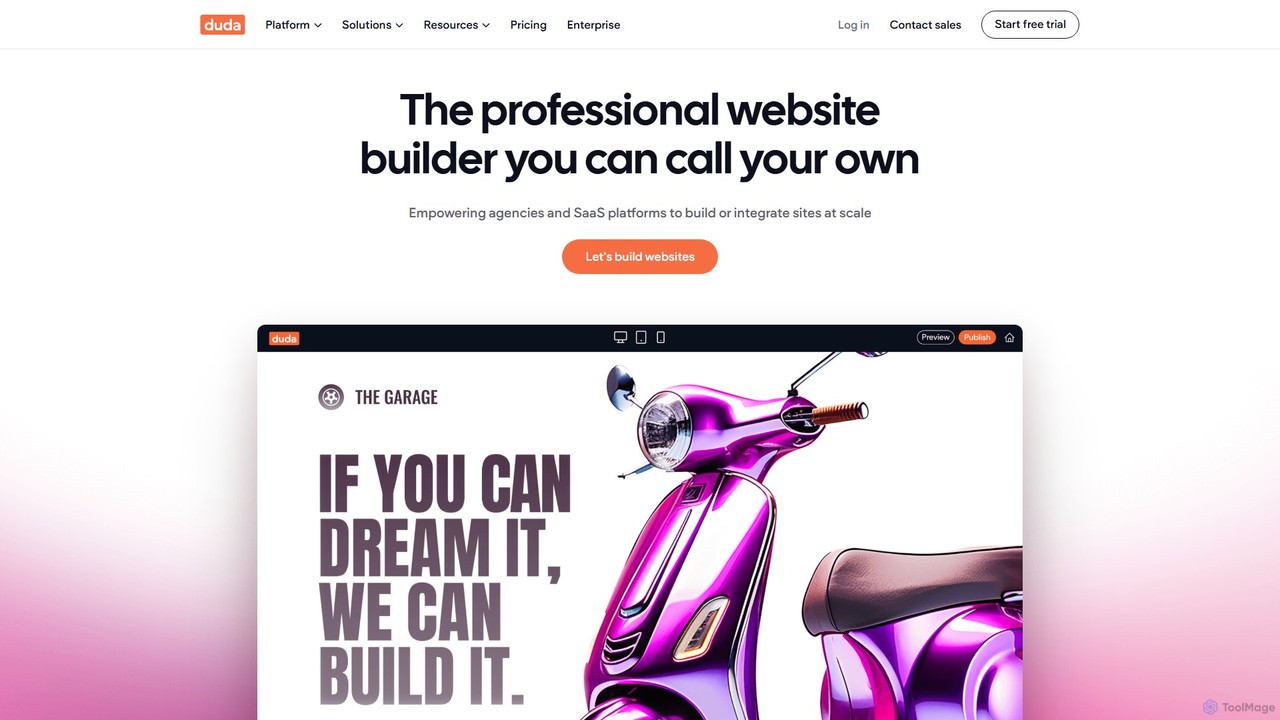
Duda
Duda is a professional website builder designed for digital agencies and SaaS platforms. It leverages AI to streamline site creation, content generation, and SEO optimization, enabling users to build high-performance, scalable, and fully white-labeled websites efficiently without coding.
Agency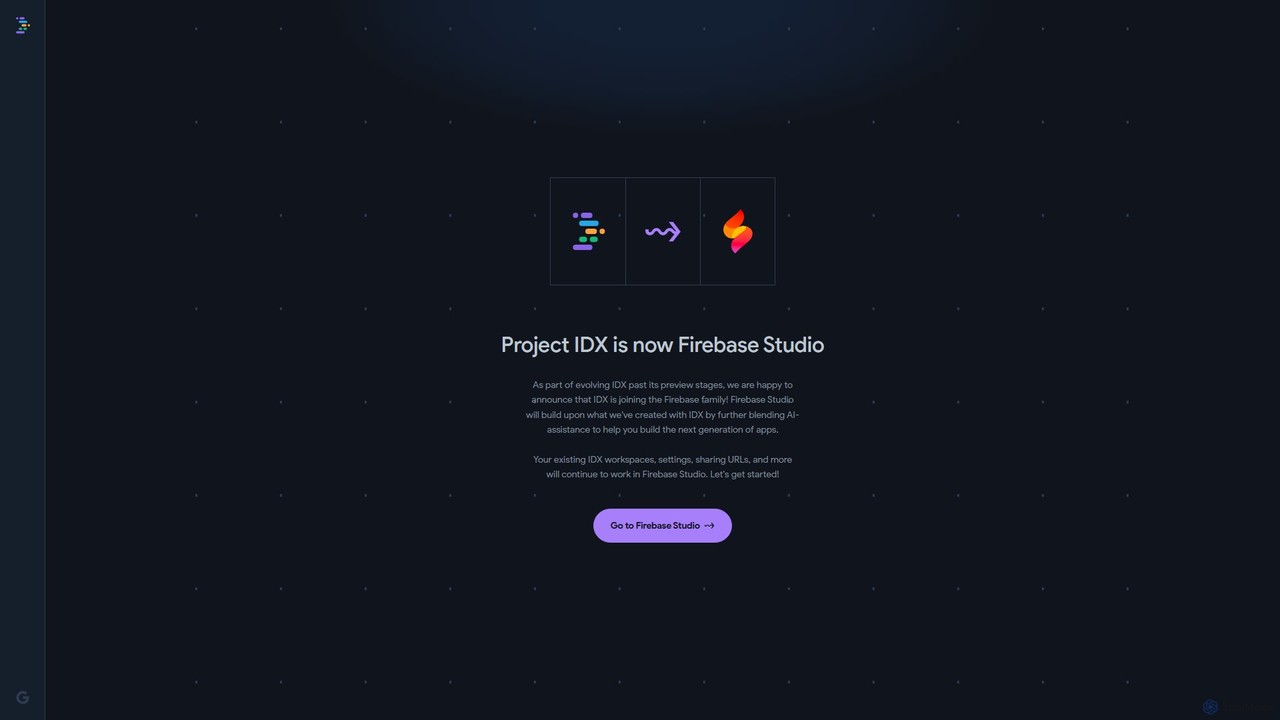
Project IDX
Project IDX, now evolving into Firebase Studio, is a cloud-based, AI-powered workspace for full-stack, multi-platform application development. It offers a pre-configured environment with AI code assistance, integrated multi-platform previews, and seamless Firebase integration. Ideal for developers looking to build, test, and deploy web and mobile apps faster, without local setup complexities.
Paas
Editor.do Comments (0)
Sign in to comment.
Sign inNo comments yet.