


PageSection Overview
PageSection is a comprehensive web-based platform designed to support web creators by providing a suite of powerful and user-friendly tools. It aims to simplify and accelerate the process of creating, editing, and sharing web content. The platform integrates an online HTML editor, a rich library of editable templates, and a robust file hosting service, making it an all-in-one solution for various web projects.
At its core, PageSection allows users to save significant time on HTML markup and content creation. Whether you're building a landing page, a blog post, an email template, or a full website, the platform provides the necessary resources to get started quickly. You can select from a diverse collection of free templates built with popular frameworks like Tailwind CSS, Bootstrap, and Bulma, and customize them directly in your browser using the intuitive visual editor.
How to use PageSection
Getting started with PageSection is straightforward and flexible, catering to different user needs:
- Start with a Template: Browse the collection of pre-built HTML templates and snippets. Select one that fits your project, and it will open directly in the online editor for immediate customization.
- Upload Your Own Project: If you have an existing project, you can package your HTML, CSS, and JavaScript files into a single .zip file (with `index.html` at the root). Upload this zip file to PageSection to create a new project. The platform will generate a live URL for you to view, edit, and share.
- Use the Online Editor: The WYSIWYG (What You See Is What You Get) HTML editor allows for visual editing and real-time previews. You can modify text, images, and styles without writing code, or switch to the code view for more granular control. Changes can be saved online or exported.
- Convert and Export: PageSection allows you to convert Word (.docx) or text (.txt) files into clean HTML. Furthermore, you can export your final HTML projects as a high-quality PDF document, perfect for reports, invoices, or offline presentations. You can also download your entire project as a .zip file at any time.
Core Features of PageSection
- Online HTML Editor: A powerful in-browser editor with visual (WYSIWYG) and code-based editing modes, suitable for both beginners and experienced developers.
- Editable Template Library: A vast collection of free, customizable templates and snippets for various use cases, built with frameworks like Tailwind CSS, Bootstrap, and Bulma.
- Project Upload and Hosting: Upload entire web projects as .zip files and receive a live, shareable URL for temporary or sample hosting.
- Live URL Links: Instantly generate hyperlinks for uploaded files, web assets, and projects, enabling easy sharing and collaboration with clients or team members.
- File Conversion: Convert Word documents (.docx) and plain text files (.txt) to HTML. It also features a high-quality HTML to PDF converter.
- Online Project Management: Save your work online, manage multiple projects, and access them from anywhere.
- Code-Free Content Editing: Empowers non-technical users like copywriters and marketers to edit website content directly.
Use Cases for PageSection
PageSection is a versatile tool suitable for a wide range of users and scenarios:
- Front-End Developers & Designers: Quickly prototype, showcase, and deliver web projects to clients. Use it as a live portfolio or for client feedback rounds.
- Copywriters & Marketing Teams: Create and edit content for landing pages, blog posts, or email campaigns with live previews, without needing developer assistance.
- Students & Educators: An excellent coding playground for learning HTML, CSS, and JavaScript. Host school projects and assignments for free with a live link.
- Bloggers: Edit and fine-tune blog post layouts and content directly in a browser before publishing to a CMS.
- Freelancers: A streamlined way to deliver finished websites to clients, allowing them to make minor content edits themselves.
Advantages of PageSection
The platform offers several key advantages:
- Efficiency: Drastically reduces the time spent on setting up development environments and creating HTML from scratch.
- Accessibility: Being fully web-based, it's accessible from any device with a browser, requiring no installation.
- Collaboration: Live URL links make sharing progress and gathering feedback from clients and colleagues seamless.
- Cost-Effective: Offers a generous free plan and affordable premium options, making it suitable for individuals and teams.
- Versatility: Supports a wide array of tasks, from simple text-to-HTML conversion to full-fledged temporary website hosting.
Pricing and Plans
PageSection offers a freemium model with clear and simple pricing:
- Starter (Free Account): $0/month. Includes 1 temporary preview link, 1GB upload storage, basic HTML editor access, and limitations on uploads/saves. Ideal for new users and testing.
- Premium Account: ¥1,480/month per user (approximately $10 USD/month). Offers unlimited preview links, 100GB storage, unlimited editor access, priority support, and unlimited uploads/saved projects. Suitable for professionals and creative teams.
- Student Plan: A discounted rate of ¥740/month is available for students.
- Custom Plan: Tailored solutions for large-scale organizations with custom storage, support, and features. Available upon request.
A 60-day money-back guarantee is offered on premium plans.
Traffic
Latest traffic
Status
Monthly traffic trend
- 2025-9: 10.9K
- 2026-1: 7.7K
- 2026-2: 4.1K
- 2026-3: 11.1K
- 2026-4: 8.6K
- 2026-5: 11.7K
Geography
Top 5 countries / regions
- 🇺🇸United States29.1%
- 🇵🇪Peru22.2%
- 🇪🇸Spain17.6%
- 🇨🇴Colombia16.3%
- 🇩🇪Germany14.8%
Top keywords
| Keyword | Cost per click |
|---|---|
| cargar html | $0.00 |
| html 파일 공유 | $0.00 |
| html upload to website | $0.00 |
| is there any site that youcan put a link to something and then edit it | $0.00 |
| pagina para subir html | $0.00 |
PageSection Alternatives
Editor.do
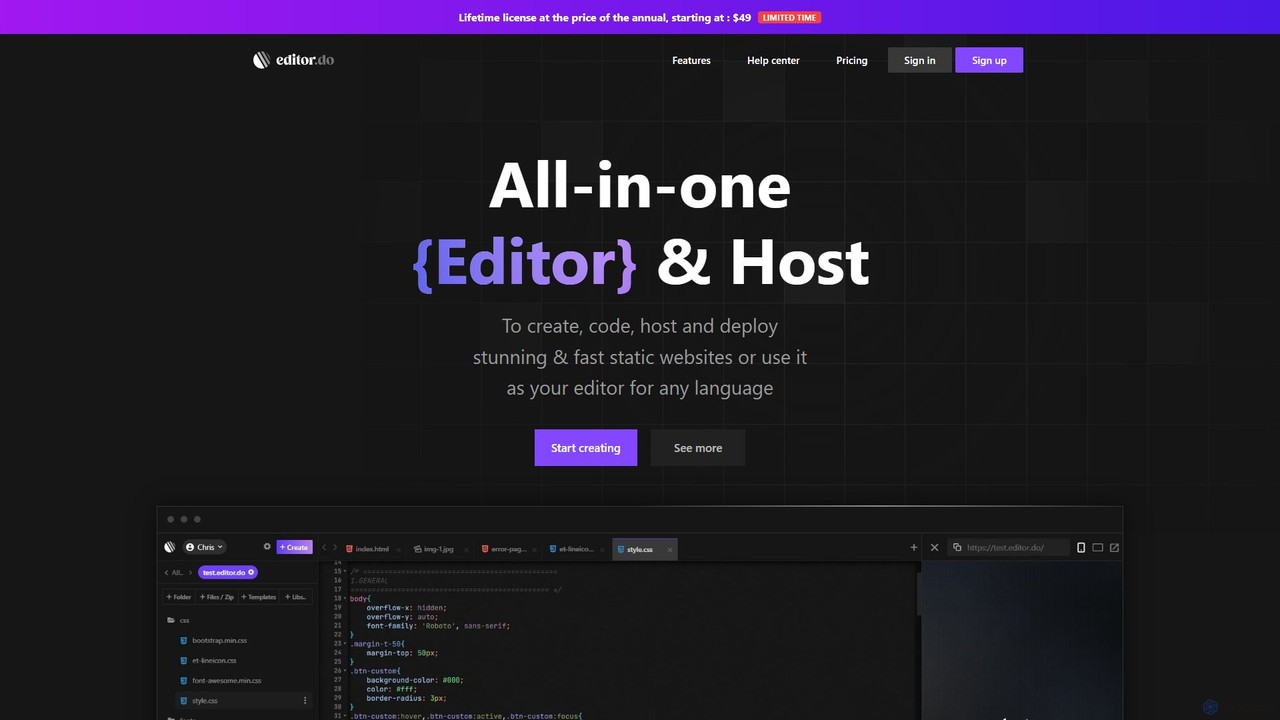
Editor.do is an all-in-one, browser-based platform for building and hosting static websites. It combines a powerful code editor with integrated hosting, free SSL certificates, and a vast library of over 1000 templates. Users can create projects from scratch, upload existing files, or import from GitHub, making it ideal for developers and beginners to launch websites quickly and efficiently without complex setup.
Code Editor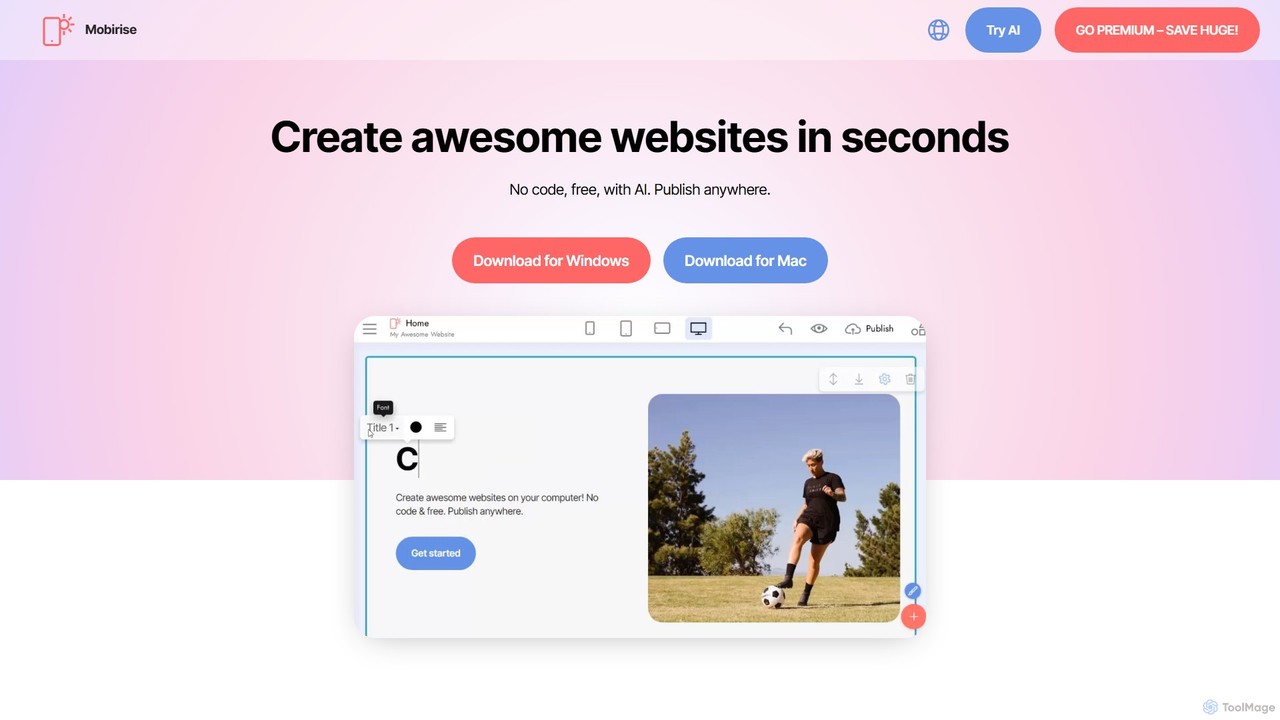
Mobirise
Mobirise is a free, offline and online AI-powered website builder designed for non-techies. It allows users to create stunning, mobile-friendly websites, landing pages, and portfolios using a simple drag-and-drop interface or by providing a text prompt to the AI. No coding skills are required, and you get full control over your site's files.
Web Design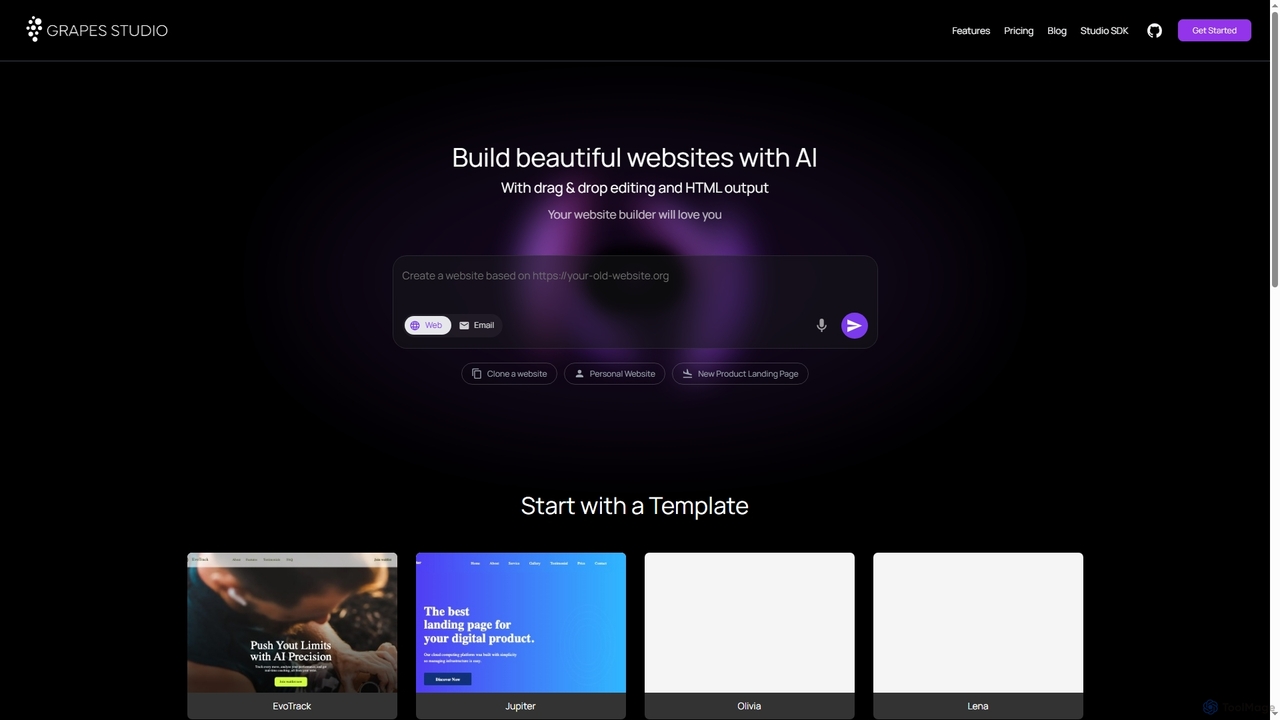
Grapesjs
GrapesJS is a free, open-source web builder framework for creating responsive websites and templates. It features an intuitive drag-and-drop editor, AI-powered site generation, and full HTML/CSS code export, making it ideal for developers and designers.
Website Builder
Shipixen
Shipixen is an AI-powered application that generates custom, high-performance Next.js website boilerplates in minutes. It creates landing pages, blogs, and SaaS frontends with your branding, pre-built components, and AI-generated content. You get the full, production-ready source code, built on a modern tech stack (Next.js 15, TypeScript, Tailwind CSS), with no subscriptions or vendor lock-in.
Website Builder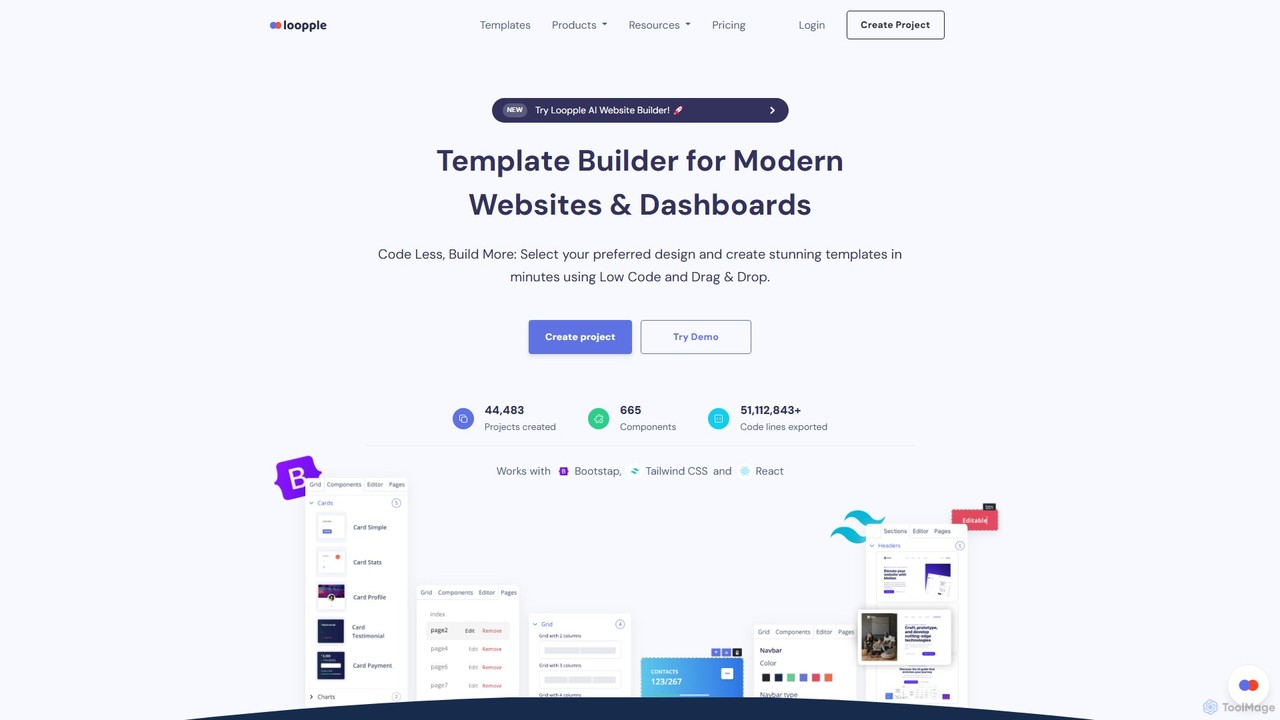
Loopple
Loopple is an AI-powered, low-code platform for building modern websites and dashboards. It features a drag-and-drop editor, a vast library of pre-built components and templates for Bootstrap, Tailwind CSS, and React. With its AI text help and direct code export, Loopple accelerates the front-end development process for developers and teams, enabling rapid creation of responsive, professional-grade user interfaces.
Low Code No CodePageSection Categories
PageSection Embed Widget
Copy this embed code to place the badge on your blog, article, or product site and send readers directly to this ToolMage detail page.

Related AI tools
Editor.do
Editor.do is an all-in-one, browser-based platform for building and hosting static websites. It combines a powerful code editor with integrated hosting, free SSL certificates, and a vast library of over 1000 templates. Users can create projects from scratch, upload existing files, or import from GitHub, making it ideal for developers and beginners to launch websites quickly and efficiently without complex setup.
Code Editor
Jyek
Jyek is an AI agent platform that understands objectives, creates execution plans, uses tools, and delivers verifiable results for complex, multi-step tasks.
AutomationMobirise
Mobirise is a free, offline and online AI-powered website builder designed for non-techies. It allows users to create stunning, mobile-friendly websites, landing pages, and portfolios using a simple drag-and-drop interface or by providing a text prompt to the AI. No coding skills are required, and you get full control over your site's files.
Web DesignGrapesjs
GrapesJS is a free, open-source web builder framework for creating responsive websites and templates. It features an intuitive drag-and-drop editor, AI-powered site generation, and full HTML/CSS code export, making it ideal for developers and designers.
Website BuilderLoopple
Loopple is an AI-powered, low-code platform for building modern websites and dashboards. It features a drag-and-drop editor, a vast library of pre-built components and templates for Bootstrap, Tailwind CSS, and React. With its AI text help and direct code export, Loopple accelerates the front-end development process for developers and teams, enabling rapid creation of responsive, professional-grade user interfaces.
Low Code No Code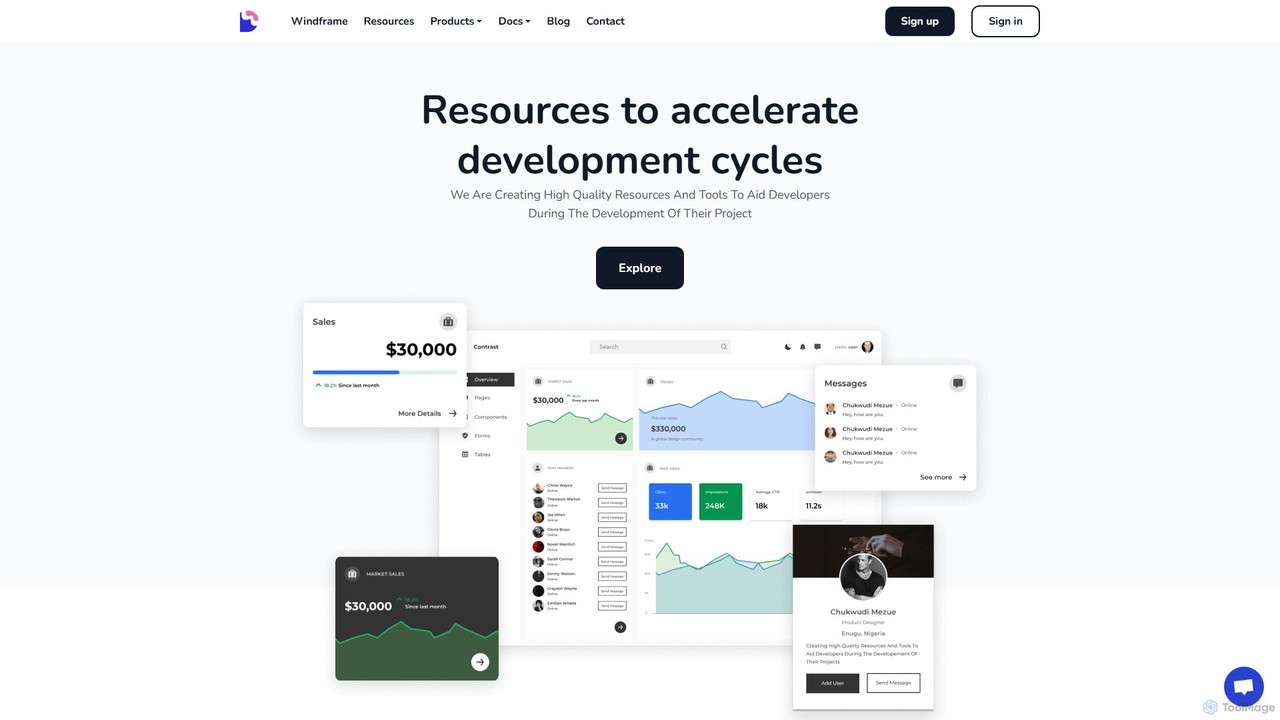
Devwares
Devwares is a comprehensive platform offering tools and resources for developers and designers. Its flagship product, Windframe, is an AI-powered visual builder for Tailwind CSS that accelerates UI and website creation by 10x. Generate designs with AI prompts, use a drag-and-drop editor, and access a vast library of templates to build and export production-ready code for React, Vue, and more.
Ui Ux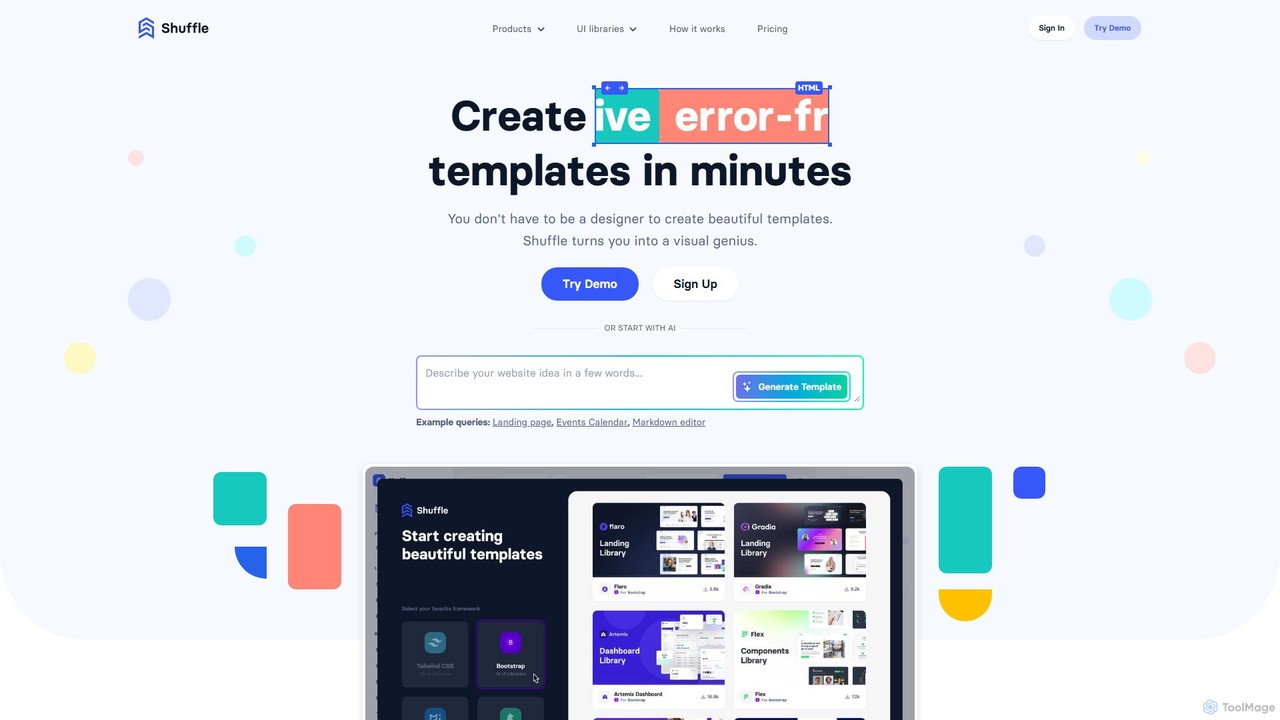
Shuffle
Shuffle is an AI-powered online editor for developers, designed to accelerate UI development. It features a visual drag-and-drop interface, extensive component libraries for Tailwind CSS, Bootstrap, Material-UI, and Bulma, and an AI Assistant that builds layouts from chat commands. Export clean, production-ready code, including React JSX, in seconds.
Ui Ux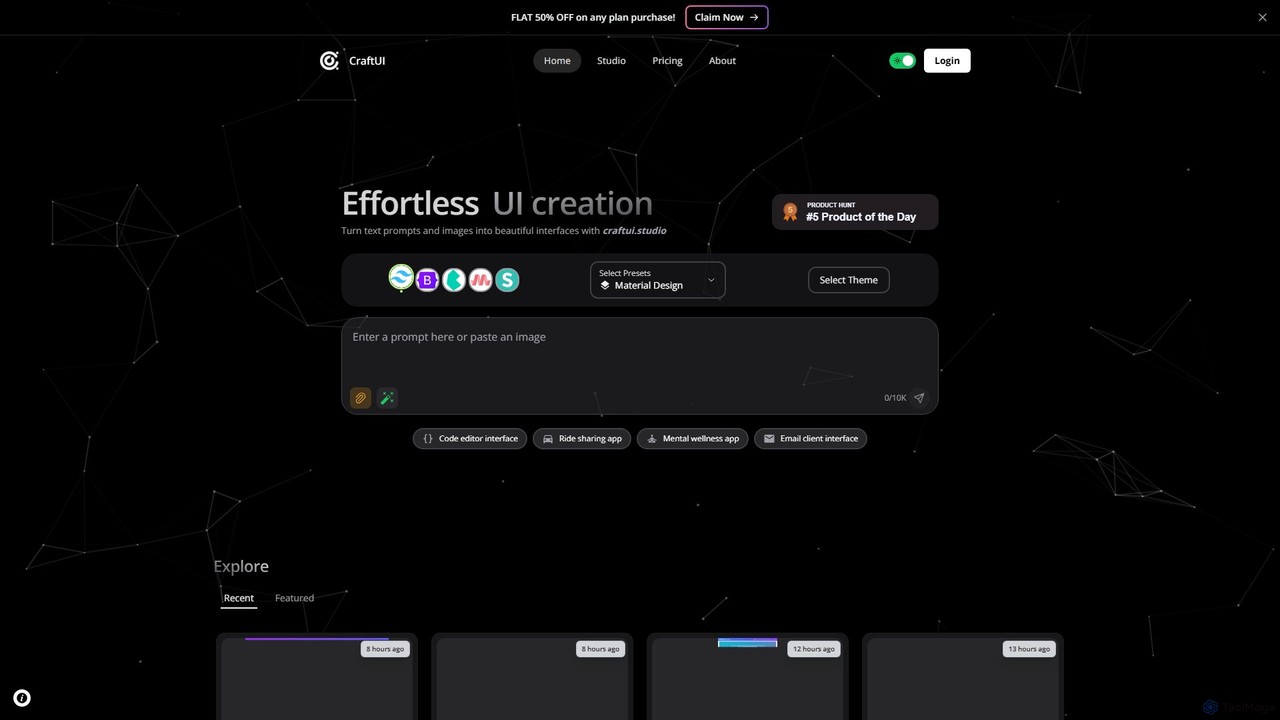
CraftUI
CraftUI is an AI-powered tool that generates beautiful, production-ready UI components from simple text prompts and images. It accelerates the design and development process by creating code for frameworks like Tailwind and Bootstrap, making UI creation effortless.
Ui Design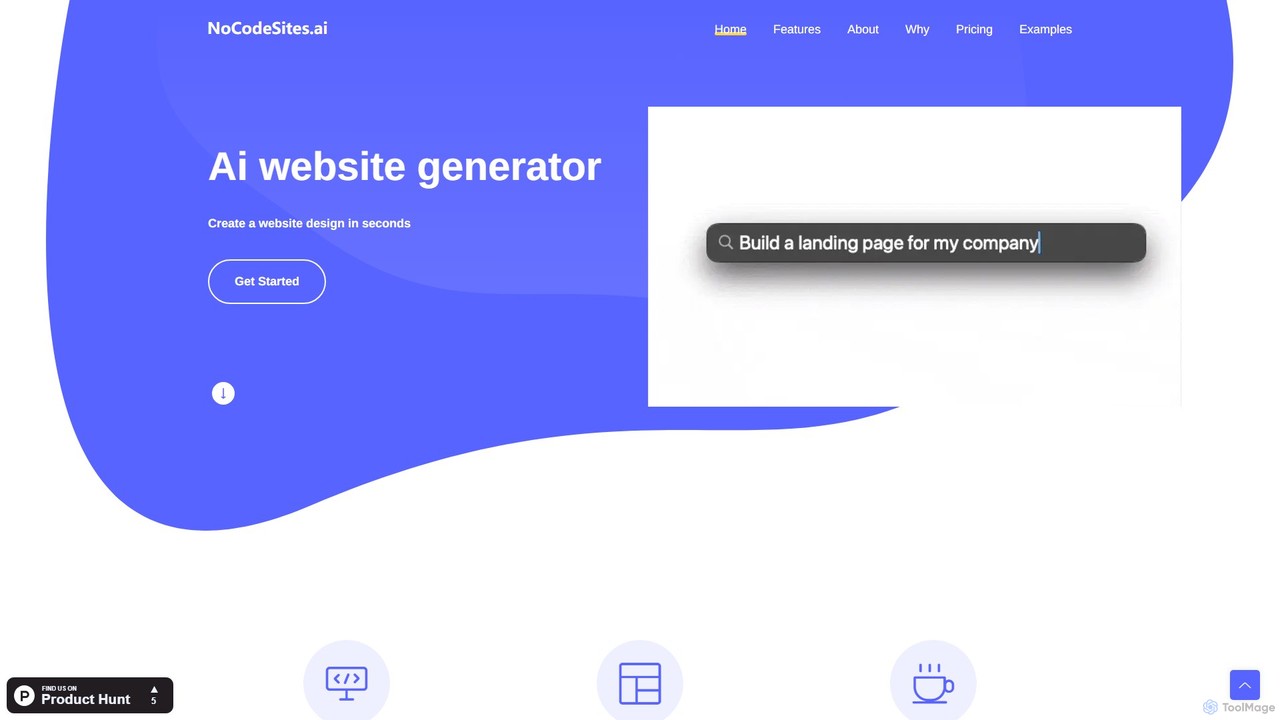
nocodesites.ai
A powerful AI-driven website builder that transforms your text descriptions into fully functional websites in seconds. No coding required. Simply describe your desired site, and the AI will generate the design, layout, and even integrate necessary APIs for dynamic content like stock tickers or weather forecasts.
PlatformShipixen
Shipixen is an AI-powered application that generates custom, high-performance Next.js website boilerplates in minutes. It creates landing pages, blogs, and SaaS frontends with your branding, pre-built components, and AI-generated content. You get the full, production-ready source code, built on a modern tech stack (Next.js 15, TypeScript, Tailwind CSS), with no subscriptions or vendor lock-in.
Website Builder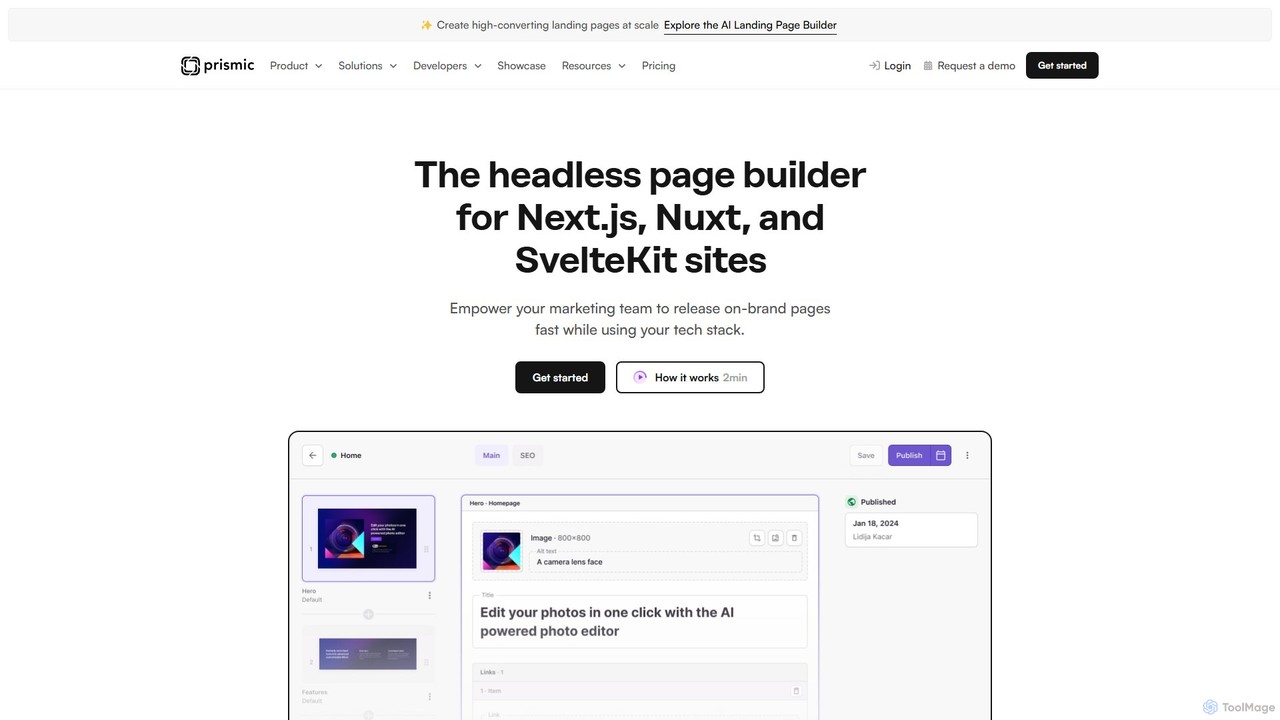
Prismic
Prismic is an AI-powered headless page builder designed for modern web frameworks like Next.js, Nuxt, and SvelteKit. It empowers marketing teams to independently create and manage on-brand web pages using a visual, drag-and-drop editor. Developers build reusable components (Slices) with their preferred tech stack, ensuring brand consistency and freeing up development time. AI features accelerate content creation, translation, and optimization, bridging the gap between marketers and developers for faster, more efficient website development.
Headless Cms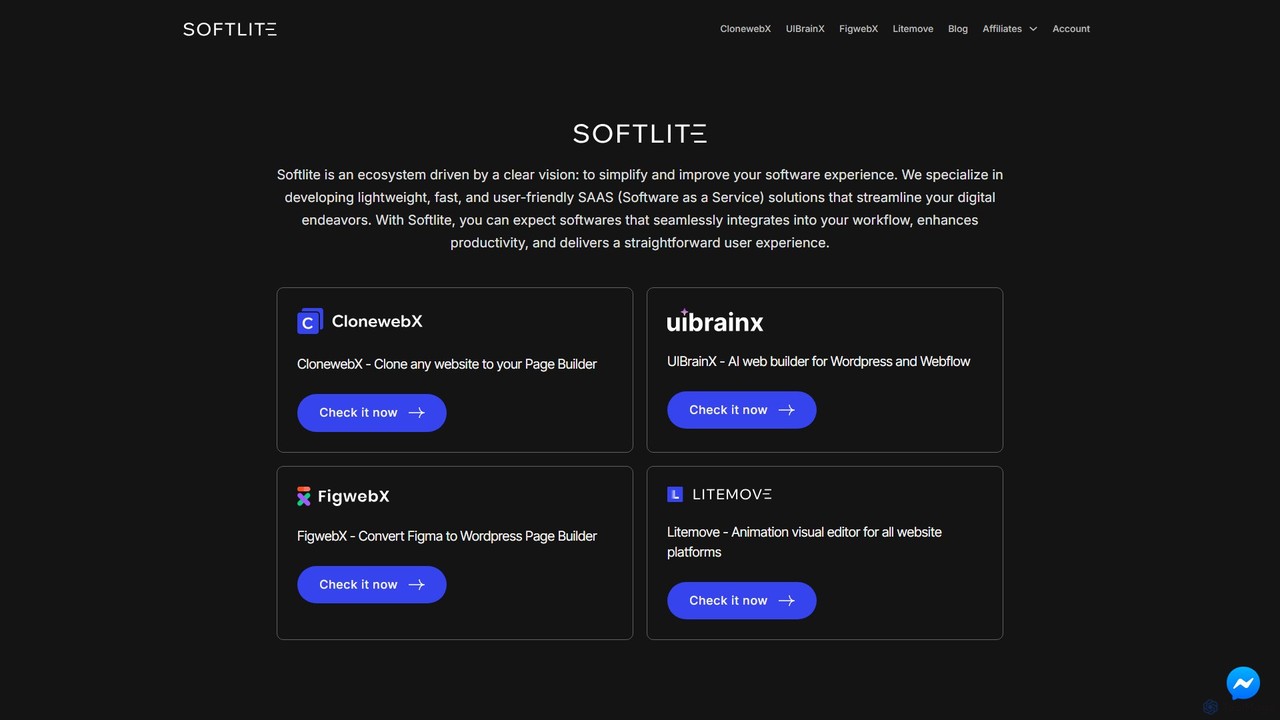
softlite
Softlite is an ecosystem of lightweight, fast, and user-friendly SaaS solutions designed to streamline web development. It offers a suite of powerful tools, including an AI website builder (UIBrainX), a website cloner (ClonewebX), and a Figma-to-WordPress converter (FigwebX). These tools empower developers, designers, and marketers to build, clone, and animate websites with unprecedented speed and efficiency, often without writing any code.
Web Design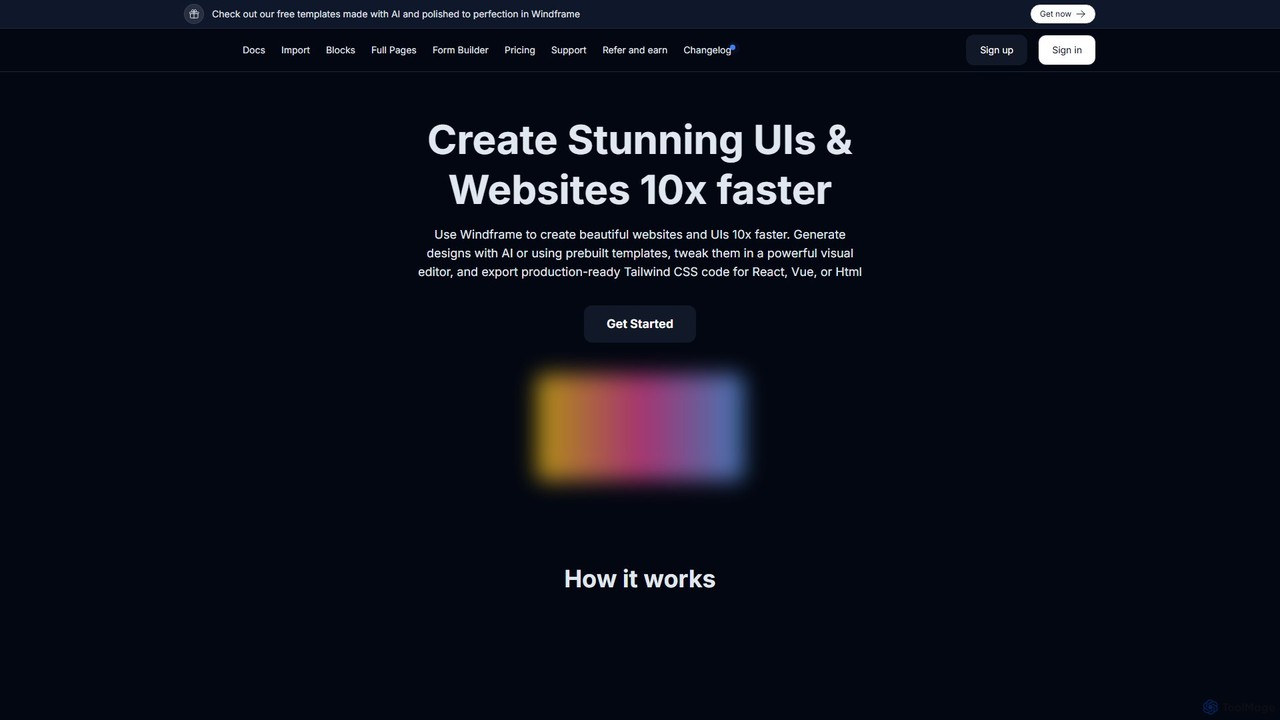
Windframe
Windframe is an AI-powered visual editor and builder for Tailwind CSS, designed to accelerate UI and website development. It allows users to generate designs with AI prompts, utilize over 1000 pre-built templates, and visually edit projects in real-time. Export production-ready code for React, Vue, HTML, and more, streamlining the workflow for developers, designers, and teams.
Ui Ux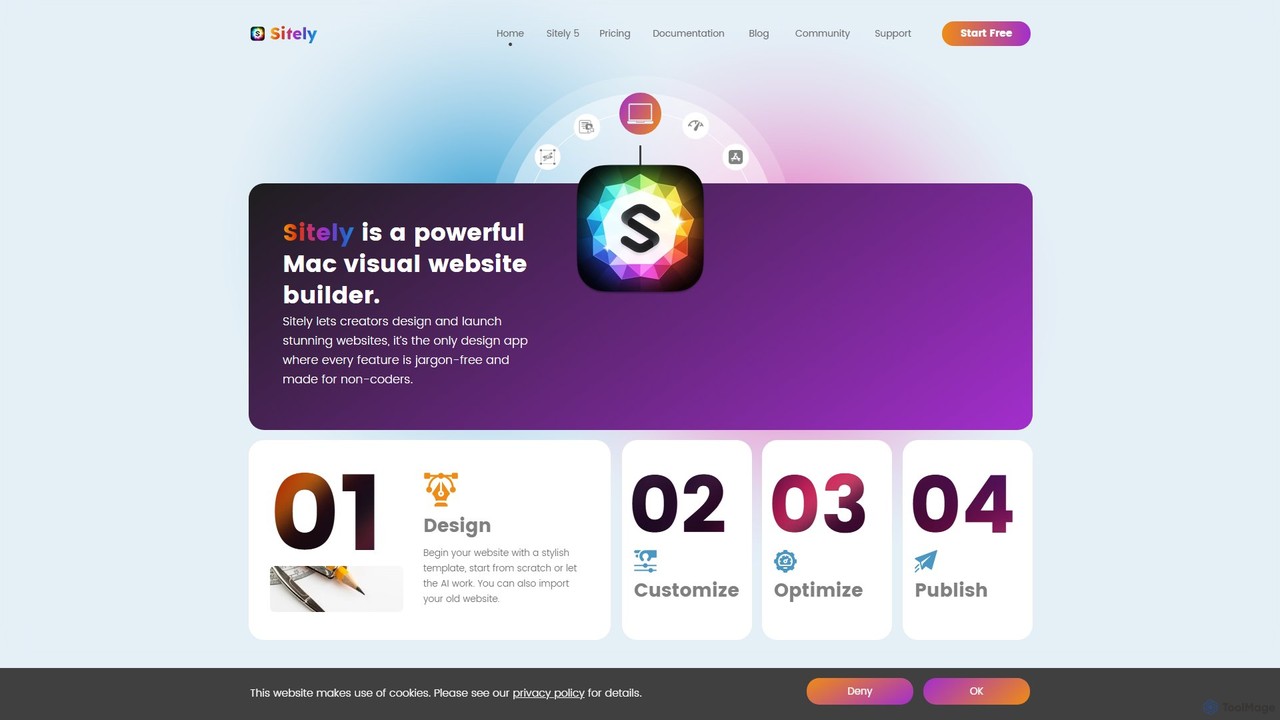
Sitely
Sitely is a powerful, visual website builder designed exclusively for Mac. It leverages AI to help users create professional, high-performance static websites without writing any code. With deep integration for Sketch and Figma, robust privacy features, and a comprehensive suite of built-in tools, Sitely empowers designers and creators to build everything from portfolios to e-commerce sites with ease and security.
Graphic Design
scene
scene is an intelligent AI-powered website builder that enables users to create professional, fully-functional websites in minutes. By leveraging artificial intelligence, it automates the design, content creation, and optimization processes, making web development accessible to everyone, regardless of their technical skills.
Generative Art
PageSection Comments (0)
Sign in to comment.
Sign inNo comments yet.