ToolMage
Sign in

Best 27 Document Management AI tools

Popular Document Management AI tools include Macro, The Drive AI, FlowForma, PDF Summarizer, Rune, Formula Bot, getsubatomic, Workorb, pdfaionline, and Imagetotext, helping you work more efficiently.

The Drive AI
Freemium

The Drive AI

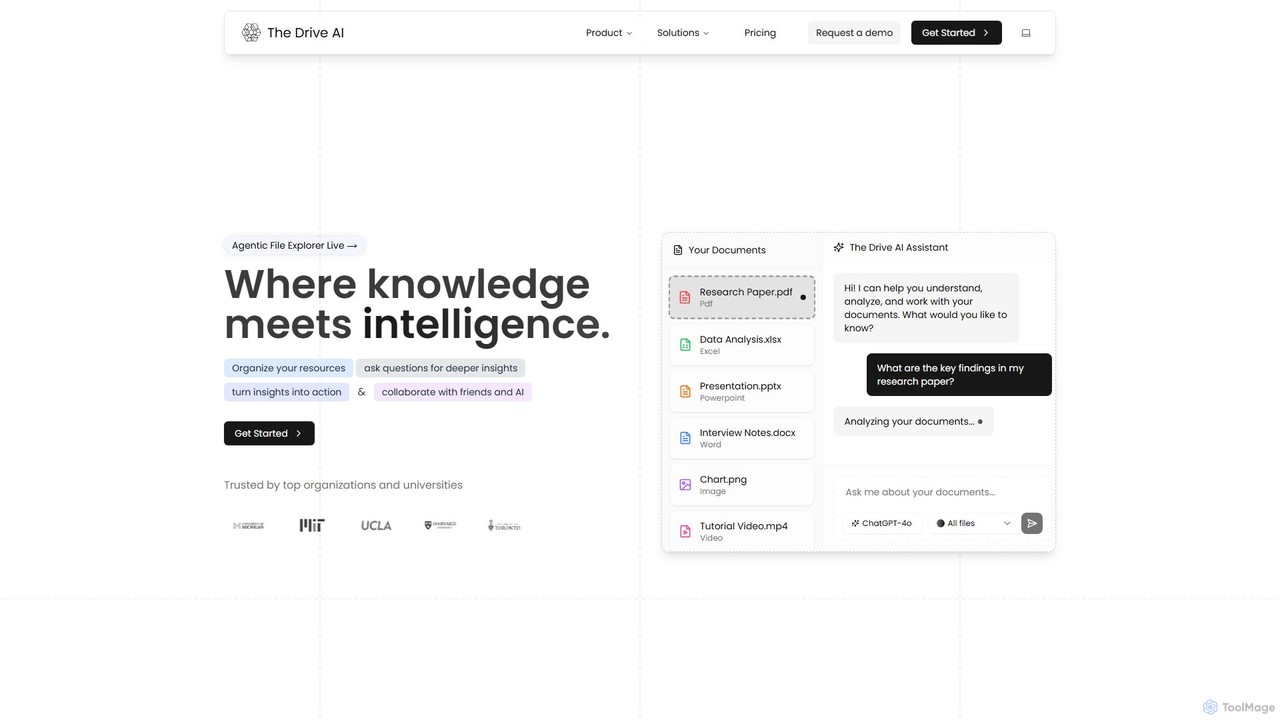
The Drive AI is an all-in-one AI-powered workspace that combines file management, document analysis, team collaboration, and content creation. Upload any file type, ask questions to get instant insights with cited sources, and collaborate with your team in real-time. It's designed to replace multiple tools, streamlining your workflow and boosting productivity for individuals and teams across various industries.

Analysis
Visits 53KFavorites 121Likes 108
Macro

Macro

Macro is an AI-powered, unified workspace designed for speed and collaboration. It integrates linkable notes, an infinite canvas for brainstorming, intelligent document analysis, and threaded team chat into a single, secure, and enterprise-ready platform.

Ai Document Analysis
Visits 77.3KFavorites 123Likes 145
Workorb
Paid

Workorb

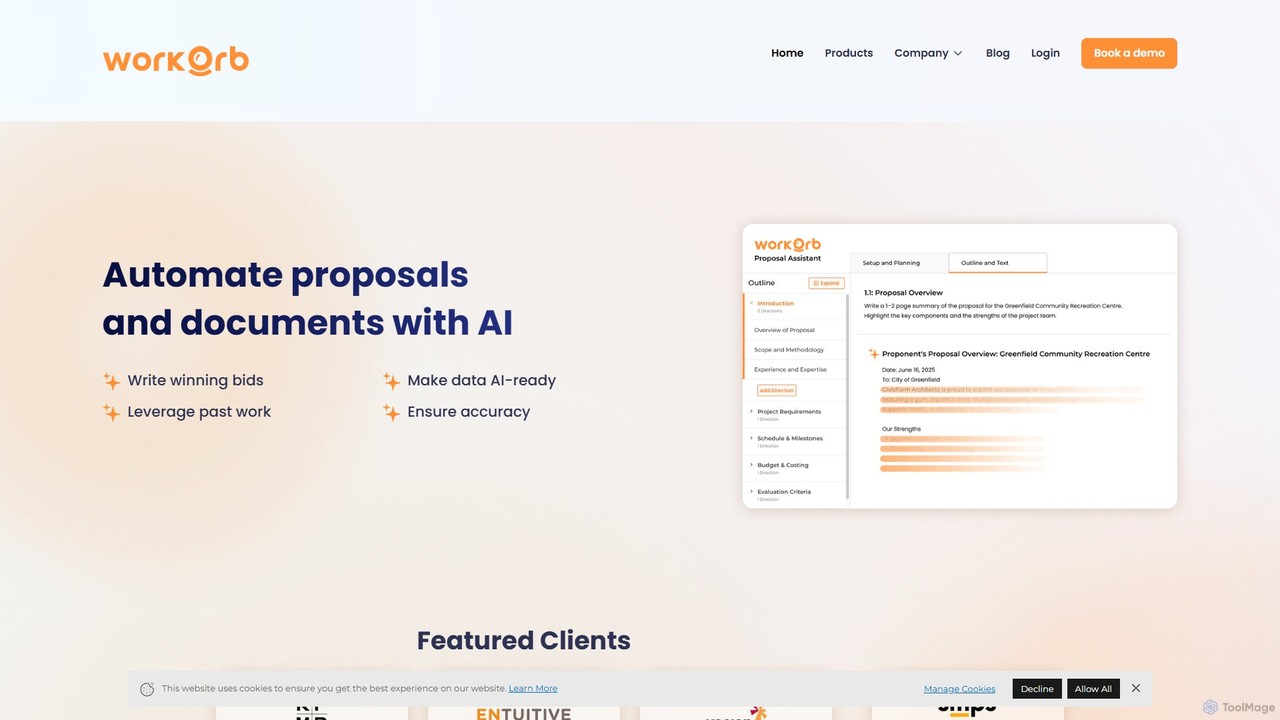
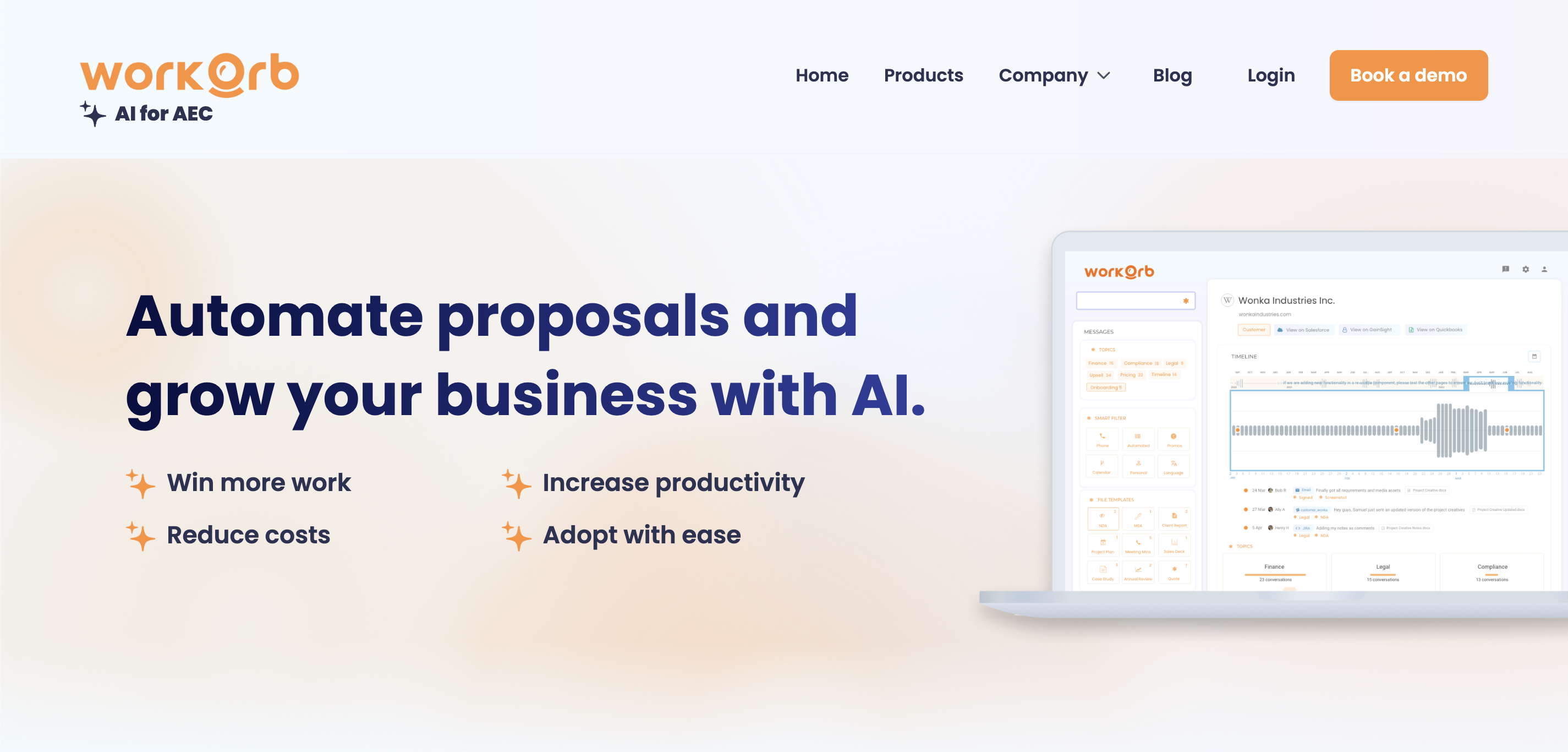
Workorb is an AI platform designed for the Architecture, Engineering, and Construction (AEC) industry to automate proposal generation and business development. It creates a centralized Knowledge Hub by automatically cleaning and organizing your firm's data, enabling you to draft winning bids, summarize RFPs, and ensure compliance with minimal manual effort.

Sales
Visits 8KFavorites 163Likes 158

About Document Management

AI Document Management tools are a class of software that uses artificial intelligence to intelligently process, organize, and extract insights from large volumes of digital documents. They leverage technologies like Optical Character Recognition (OCR) and Natural Language Processing (NLP) to understand content, classify files, and automate data entry. This enables businesses to streamline workflows, enhance data accuracy, and unlock valuable information from unstructured files like contracts, invoices, and reports. Unlike traditional systems, these AI tools can handle complex queries, summarize long texts, and identify patterns across thousands of documents automatically.

Core Features

  • Intelligent Document Processing (IDP): Automatically extracts structured data from unstructured documents like invoices and forms.
  • Semantic Search: Enables searching for concepts and meanings, not just keywords, across the entire document repository.
  • Automated Classification & Tagging: Sorts and categorizes incoming documents based on their content for easy retrieval.
  • Content Summarization: Generates concise summaries of long reports, legal agreements, or research papers.
  • Data Extraction & Validation: Identifies specific data points like names, dates, and amounts, and validates them against rules.

Use Cases

These tools are widely used in industries such as finance for invoice processing, legal for contract review, and healthcare for managing patient records. Roles like accountants, paralegals, and compliance officers use them to reduce manual work, minimize errors, and accelerate information retrieval from dense documents.

How to Choose

When selecting a tool, consider its ability to process your specific document types (PDFs, scans). Evaluate its integration capabilities with your existing systems (CRM, ERP). Assess the accuracy of its data extraction and ensure it meets your industry's security and compliance standards, such as GDPR or HIPAA.

Featured tool rankings

Document Management use cases

1

Automated Invoice Processing for Finance Teams

An Accounts Payable clerk is tasked with manually entering data from hundreds of supplier invoices into the accounting system, a time-consuming and error-prone process. By using an AI Document Management tool, they can upload a batch of PDF invoices. The tool's Intelligent Document Processing (IDP) feature automatically scans each document, extracts key fields like vendor name, invoice number, date, line items, and total amount, and then populates the accounting software. This reduces manual data entry time by over 90%, minimizes human error, and significantly accelerates payment cycles.

2

Streamlining Legal Contract Review

A paralegal needs to review a 50-page contract to identify key clauses, risks, and obligations before a deadline. Instead of reading it line by line, they upload the document to an AI platform. Using semantic search, they can ask direct questions in natural language, such as 'What are the termination conditions?' or 'Summarize the liability limitations.' The AI instantly highlights the relevant sections and provides a concise summary. This process reduces contract analysis time from hours to minutes, ensures no critical clauses are overlooked, and facilitates faster, more informed negotiations.

3

Centralizing and Searching Corporate Knowledge

A project manager struggles to find specific information scattered across internal reports, presentations, and meeting minutes on a shared drive. The company connects its document repository to an AI management tool. Now, instead of manual folder searches, the manager can ask the system, 'What were the key takeaways from the Q3 marketing review?' The AI synthesizes information from multiple documents, providing a direct answer with sources. This transforms a static file archive into an interactive knowledge base, reducing time spent searching for information and improving internal decision-making.

4

Automating Real Estate Transaction Paperwork

A real estate agency manages a high volume of documents for each property sale, including purchase agreements, inspection reports, and closing statements. Using an AI tool, an agent uploads all transaction documents. The system automatically classifies each file (e.g., 'Contract,' 'Inspection'), extracts key dates like closing and contingency deadlines, and populates a transaction timeline. It can also flag missing signatures or incomplete fields, ensuring compliance. This automation reduces administrative overhead by hours per transaction and minimizes the risk of costly errors from missed deadlines.

5

Enhancing Customer Support with Document-Based Answers

A customer support manager notices that agents spend significant time searching through user manuals and technical guides to answer queries. They integrate an AI document tool with their knowledge base. Now, when a customer asks a complex question, the system instantly searches all relevant documentation, synthesizes the information, and provides a precise, summarized answer for the agent. This allows agents to resolve issues much faster, improves the consistency and accuracy of support, and frees them up to handle more complex customer interactions that require a human touch.

6

Accelerating Research with Intelligent Literature Review

A medical researcher needs to analyze hundreds of academic papers to find studies related to a specific gene therapy. Manually screening each paper is infeasible. By uploading the entire library of papers into an AI document tool, the researcher can use semantic search to ask questions like 'Find all papers discussing CRISPR-Cas9 for cystic fibrosis.' The tool not only retrieves the most relevant papers but also extracts key data points like sample sizes, methodologies, and outcomes, presenting them in a structured format. This accelerates the literature review process from weeks to days, enabling faster scientific discovery.

Document Management FAQ

What is AI Document Management?

AI Document Management is a system that uses artificial intelligence to intelligently understand, categorize, and extract data from digital documents. Unlike traditional storage that just holds files, it employs technologies like OCR and NLP to read the content. This allows for advanced functions such as semantic search (searching by meaning), automated data extraction from invoices or contracts, and intelligent classification of files based on what's inside them, turning static documents into actionable data.

How to choose the right AI Document Management tool?

When selecting a tool, focus on four key areas:

  • Integration: Ensure it connects seamlessly with your existing software stack, such as your CRM, ERP, or cloud storage like Google Drive or SharePoint.
  • Accuracy: Evaluate its performance on your specific document types. A tool great for invoices might not be as precise for legal contracts. Request a demo with your own files.
  • Scalability: Consider your document volume. The tool should be able to handle your current needs and scale efficiently as your business grows.
  • Security & Compliance: Verify that the platform meets industry-specific data protection standards (e.g., GDPR, HIPAA) if you handle sensitive information.
What's the difference between AI Document Management and cloud storage?

The key difference is intelligence. Cloud storage (like Google Drive, Dropbox) is a digital filing cabinet; it stores and organizes your files for access and sharing. AI Document Management is an intelligent assistant that reads and understands what's inside those files. While cloud storage helps you find a file by its name or folder, an AI tool lets you search for concepts within the content of all your files, automatically extract data from them, and trigger workflows based on that data. It adds a layer of processing and understanding on top of simple storage.

What types of documents can AI tools process?

AI document management tools are highly versatile and can handle a wide range of structured, semi-structured, and unstructured documents. Common examples include:

  • Financial Documents: Invoices, purchase orders, receipts, bank statements.
  • Legal Documents: Contracts, agreements, court filings, deeds.
  • Business Records: Reports, meeting minutes, presentations, emails.
  • HR Documents: Resumes, employee contracts, performance reviews.
  • Technical & Medical: Manuals, research papers, patient records, lab reports.

They can typically process various file formats, including PDFs (both text-based and scanned), Word documents, JPEGs, PNGs, and TIFFs.

Who benefits most from using AI Document Management tools?

Organizations that handle a high volume of documents and rely on the information within them see the greatest benefit. Key sectors include:

  • Finance and Accounting: For automating accounts payable/receivable and expense reporting.
  • Legal and Compliance: For accelerating contract review, e-discovery, and regulatory compliance checks.
  • Healthcare: For managing patient records, processing insurance claims, and analyzing clinical data.
  • Human Resources: For streamlining resume screening and employee onboarding paperwork.

Essentially, any department that spends significant time on manual data entry, document searching, or information extraction can achieve substantial efficiency gains.