ToolMage
Sign in

Best 4 Streaming Tools for Gaming

Popular Streaming Tools in Gaming include Voice.ai, Dubbing AI, Eklipse, and ai_licia, helping you work more efficiently.

Voice.ai
Freemium

Voice.ai

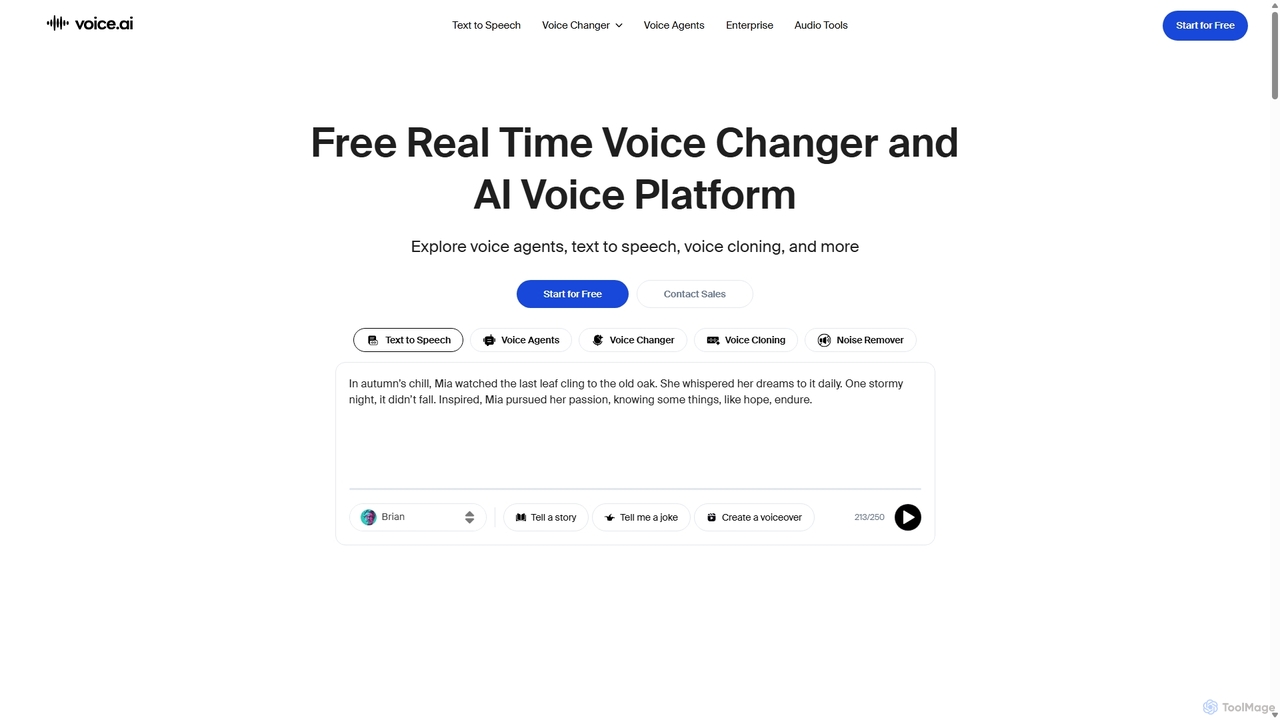
Voice.ai is a versatile AI voice platform offering a free real-time voice changer, realistic text-to-speech, and precise voice cloning. Designed for gamers, streamers, content creators, and businesses, it features a vast library of user-generated voices, enabling seamless voice transformation across popular apps and games.

Text To Speech
Visits 1.6MFavorites 118Likes 122
Dubbing AI
Freemium

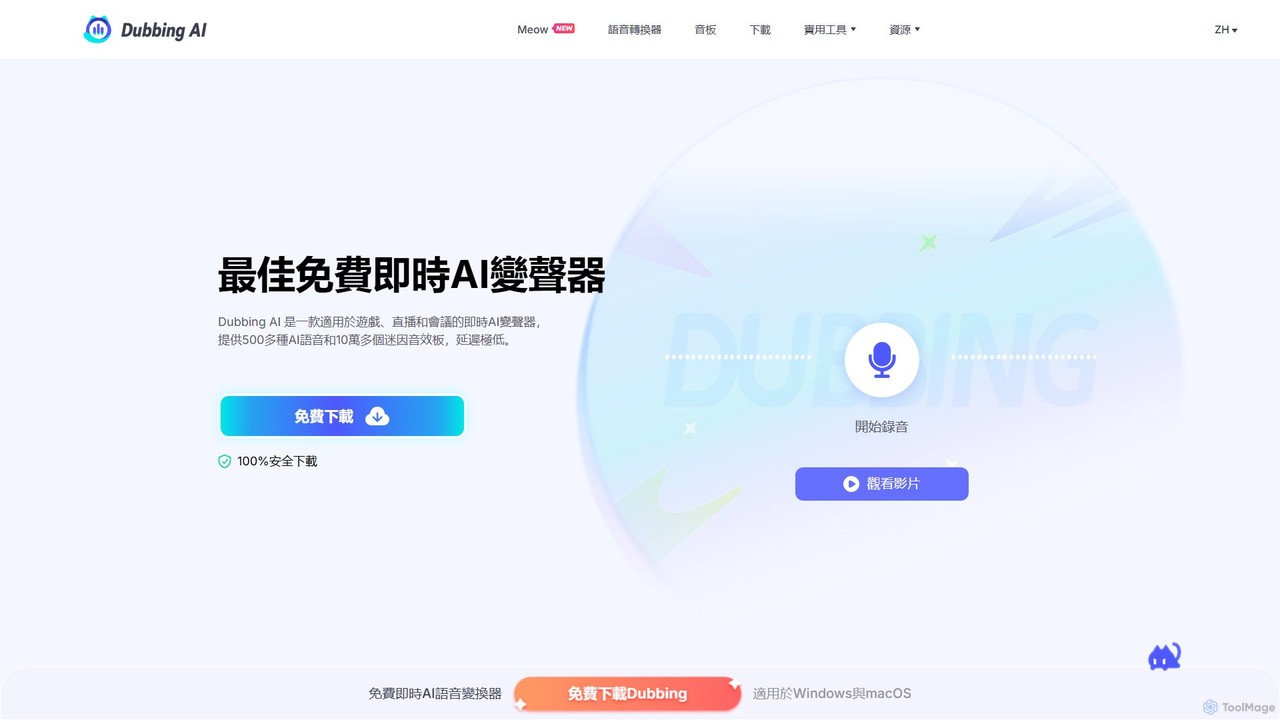
Dubbing AI

Dubbing AI is a free, real-time AI voice changer and soundboard designed for gamers, streamers, and content creators. It offers over 500 AI voices and 100,000+ meme sounds with ultra-low latency, enhancing online interactions on platforms like Discord, OBS, and popular games. Easy to set up and light on system resources, it allows users to transform their voice into characters, celebrities, and more.

Voice Modulation
Visits 548.4KFavorites 136Likes 117
ai_licia

ai_licia

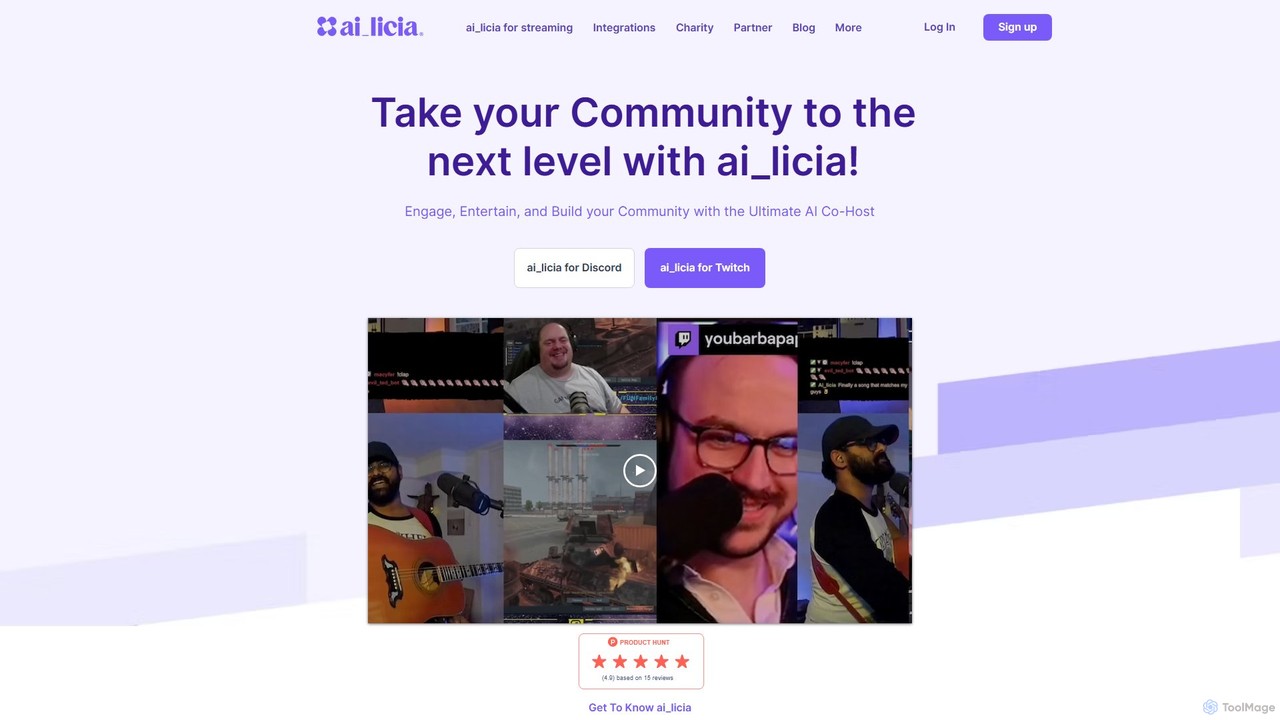
ai_licia is an advanced AI co-host for Twitch and Discord, designed to engage, entertain, and build online communities. With a customizable personality, cross-platform memory, and multimodal interaction (voice, text, hearing), it elevates user engagement for streamers and community managers.

Virtual Assistants
Visits 27.2KFavorites 107Likes 109
Eklipse
Freemium

Eklipse

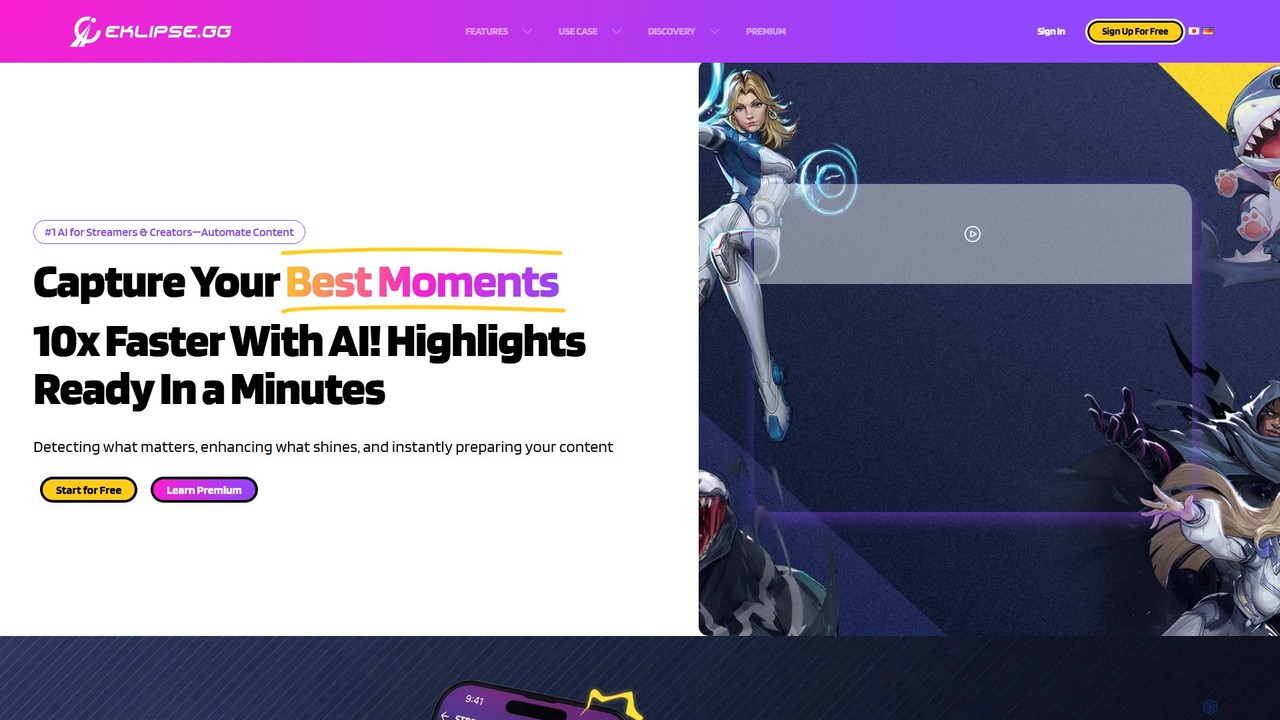
Eklipse is an AI-powered platform for streamers and content creators that automatically captures highlights from Twitch, Kick, and YouTube streams. It converts long gameplay footage into engaging, vertical short videos for TikTok, Reels, and Shorts, helping creators grow their channels 10x faster with minimal effort.

Streaming Tools
Visits 300.4KFavorites 127Likes 131

About Streaming Tools

AI Streaming Tools are applications that leverage artificial intelligence to automate, enhance, and manage live video broadcasts. These tools analyze real-time audio, video, and chat data to perform tasks like generating automatic highlights, moderating chat, or creating dynamic visual effects. Primarily utilized within the gaming and content creation spheres, they empower streamers to produce more professional and engaging content with significantly less manual effort. AI-driven features can improve audience interaction, streamline post-stream content repurposing, and provide valuable performance analytics.

Core Features

  • Automated Highlight Generation: AI identifies exciting moments, such as key plays in a game or strong audience reactions, and automatically creates shareable video clips.
  • Real-time Chat Moderation: Employs natural language processing to filter spam, hate speech, and unwanted content, maintaining a positive community environment.
  • AI-Powered Overlays & Effects: Dynamically changes stream visuals based on in-game events, audience interactions, or specific triggers for a more interactive experience.
  • Content Repurposing Automation: Automatically edits long stream recordings into short-form videos suitable for platforms like TikTok, YouTube Shorts, or Instagram Reels.
  • Stream Analytics & Insights: Analyzes viewer engagement patterns to provide data-driven insights on what content performs best and when audiences are most active.

Use Cases

These tools are widely adopted by video game streamers on platforms like Twitch and YouTube to improve production quality and manage their communities. They are also valuable for VTubers, educational content creators, and businesses hosting live virtual events or webinars, helping to automate complex production tasks and increase audience engagement.

How to Choose

When selecting an AI Streaming Tool, consider its integration capabilities with your primary streaming software (e.g., OBS, Streamlabs) and platform. Evaluate the specific feature set based on your needs—whether it's moderation, content creation, or analytics. Assess the tool's performance impact on your system to ensure a smooth stream, and check the level of customization available for AI behaviors, such as moderation rules or highlight sensitivity.

Featured tool rankings

Streaming Tools use cases

1

Automating Game Highlight Reels

A full-time Twitch streamer specializing in competitive FPS games uses an AI tool to automatically capture their best moments. After a six-hour stream, the AI has already identified and clipped over 20 high-action moments like multi-kills and clutch wins. Instead of spending hours manually reviewing footage, the streamer can select the best clips, add minor edits, and compile a 10-minute highlight video for YouTube in under 30 minutes, significantly speeding up their content pipeline.

2

Maintaining a Positive Community with AI Moderation

A VTuber with a rapidly growing audience finds it difficult to manage their live chat, which often sees thousands of messages per minute. They implement an AI chat moderation tool. The AI instantly detects and removes spam links, hate speech, and personal insults based on pre-configured rules and contextual understanding. This frees up human moderators to focus on engaging with the community and fostering positive conversations, ensuring the stream remains a safe and welcoming space for all viewers.

3

Repurposing Streams into Short-Form Content

A content creator who hosts weekly educational live streams on coding wants to expand their reach to platforms like TikTok and Instagram. They use an AI streaming tool that analyzes their 2-hour VODs (Video on Demand). The AI identifies key concepts, explanations, and Q&A segments, then automatically edits them into dozens of vertical, sub-60-second videos. This allows the creator to maintain a consistent posting schedule on multiple platforms with minimal extra effort, attracting a new audience to their main stream.

4

Enhancing Accessibility with Real-Time Subtitles

An online course instructor hosts live workshops for a global audience. To cater to non-native speakers and viewers with hearing impairments, they use an AI tool to generate real-time subtitles. The tool transcribes their speech into accurate, on-screen text with minimal delay. This not only makes the content accessible to a wider audience but also improves comprehension for all viewers, leading to higher engagement rates and better feedback on the course material.

5

Creating Interactive Streams with AI-Powered Visuals

A creative streamer wants to make their broadcasts more dynamic and engaging. They integrate an AI tool that controls their stream's visual overlays. Now, when a viewer subscribes, an AI-generated animation unique to that user plays on screen. When the streamer achieves a difficult in-game accomplishment, the AI triggers a celebratory visual effect. This level of real-time, event-driven interactivity makes the stream more memorable and encourages viewers to participate through subscriptions and donations.

6

Analyzing Stream Performance for Growth

An aspiring esports professional uses an AI analytics tool to improve their streaming strategy. The tool analyzes their past broadcasts, correlating gameplay events with viewer engagement metrics like chat activity and viewer counts. It generates a report showing that their audience peaks during late-game scenarios and when they interact directly with chat questions. Armed with this data, the streamer adjusts their content schedule to focus more on these high-engagement moments, leading to increased average viewership and faster channel growth.

Streaming Tools FAQ

What are AI Streaming Tools?

AI Streaming Tools are software applications that use artificial intelligence to enhance the live streaming experience for both creators and viewers. Unlike standard broadcasting software, they perform intelligent, automated tasks. Key functions include automatically creating highlight clips from long streams, moderating chat to remove spam and toxicity, generating real-time subtitles, and creating interactive visual effects that respond to audience actions. They are essentially smart assistants for streamers, particularly popular in the gaming community.

How do I choose the right AI Streaming Tool?

Choosing the right tool depends on your specific needs as a streamer. Consider the following factors:

  • Primary Goal: Identify your main pain point. Do you need help creating content (highlight generation), managing your community (chat moderation), or increasing engagement (interactive overlays)?
  • Integration: Ensure the tool is compatible with your current streaming software (like OBS Studio, Streamlabs) and broadcast platform (Twitch, YouTube).
  • System Performance: AI processes can be resource-intensive. Check user reviews or trial versions to see how a tool impacts your computer's performance during a stream.
  • Ease of Use: Look for a tool with a user-friendly interface and clear setup instructions, especially if you are not highly technical.
What's the difference between AI Streaming Tools and software like OBS?

The primary difference lies in their function. Software like OBS (Open Broadcaster Software) is the core engine for broadcasting; it captures your game, camera, and audio and sends it to platforms like Twitch. AI Streaming Tools are add-ons or separate applications that work alongside OBS. While OBS manages the 'how' of streaming (encoding, scene switching), AI tools manage the 'what' and 'who' by intelligently analyzing the content and chat in real-time to automate tasks, enhance visuals, and provide insights that OBS alone cannot.

Can AI Streaming Tools help my channel grow?

Yes, they can significantly contribute to channel growth in several ways. By automating content creation like highlight reels and short-form videos, they help you post more consistently on multiple platforms, increasing your visibility. Effective AI chat moderation creates a more positive and welcoming community, which can improve viewer retention. Furthermore, interactive features driven by AI can boost audience engagement, a key metric that platforms like Twitch and YouTube use to recommend channels to new viewers. Finally, analytics tools provide data to help you understand your audience and optimize your content strategy.

Are AI Streaming Tools difficult to set up?

Most modern AI Streaming Tools are designed with creators in mind and prioritize ease of use. Setup typically involves a few simple steps: downloading the application, connecting it to your streaming software (like OBS) via a plugin or source link, and authorizing it to access your streaming platform account (like Twitch). While advanced features might require more detailed configuration, the core functionalities are generally accessible to users without extensive technical knowledge. Many providers also offer detailed tutorials and customer support to guide users through the process.