ToolMage
Sign in

Best 12 Image Recognition AI tools for Image

Popular Image Recognition AI tools in Image include describepicture, Image Describer, gpt4v.net, Image to Prompt AI, SceneXplain, Visionati, GreenEyes.AI, Geoguessr AI, CrayEye, and DollarAI, helping you work more efficiently.

Geoguessr AI
Freemium

Geoguessr AI

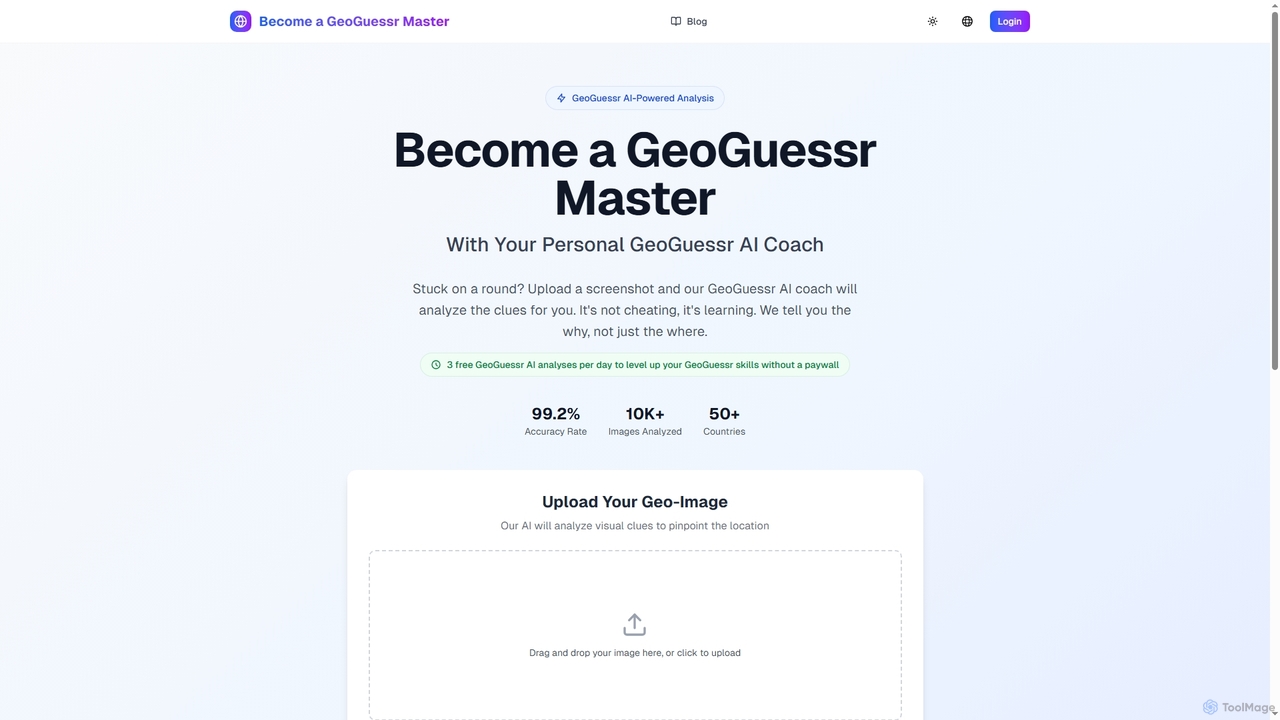
An AI-powered coach designed to help GeoGuessr players improve their skills. Upload screenshots of game rounds, and the AI analyzes visual clues like bollards, road signs, and car meta to identify the location. It focuses on explaining the reasoning behind the guess, positioning itself as a learning tool that offers 3 free analyses daily.

Learning
Visits 3.6KFavorites 105Likes 108
Visionati
Paid

Visionati

Visionati is a comprehensive AI-powered visual analysis platform that transforms images and videos into actionable insights. It offers a complete toolkit including image captioning, intelligent tagging, content filtering, and advanced analysis like facial and brand recognition. By integrating top AI models like OpenAI, Gemini, and Claude through a single API, Visionati provides highly accurate and in-depth visual understanding for developers, marketers, and content creators.

Api
Visits 4.7KFavorites 123Likes 132
Image to Prompt AI
Freemium

Image to Prompt AI

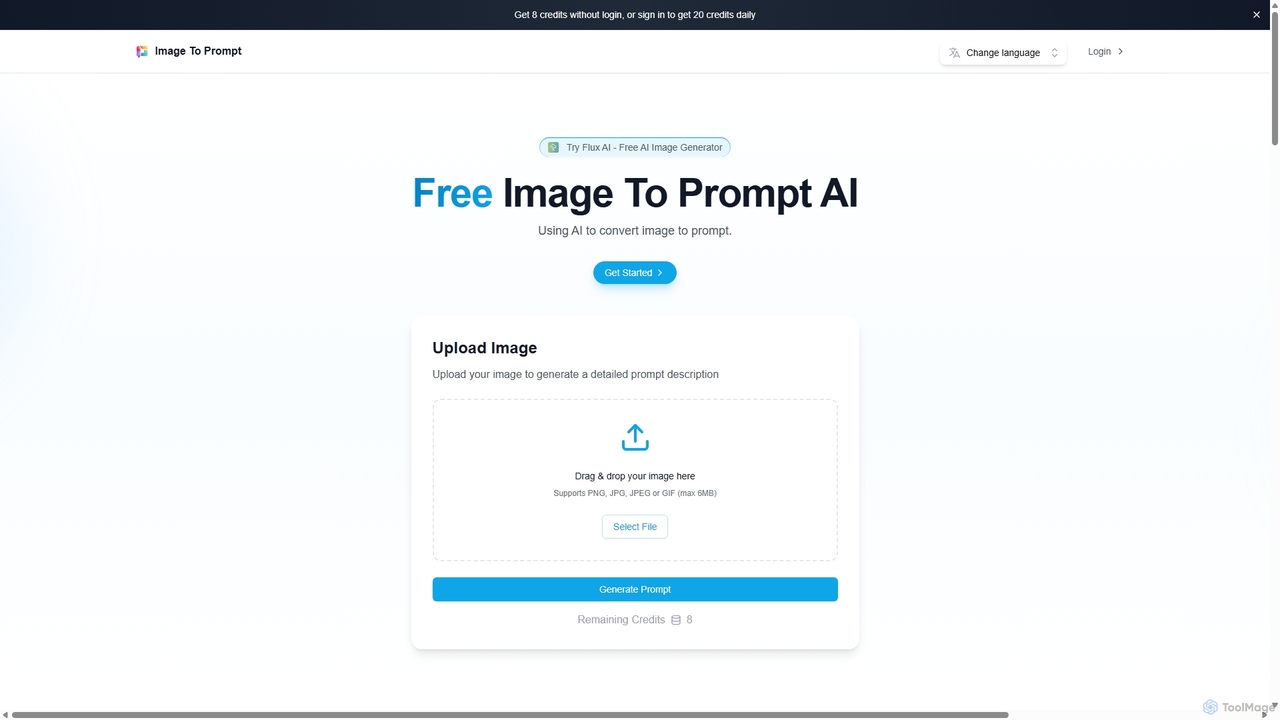
Image to Prompt AI is an advanced tool that uses AI to analyze images and generate detailed, accurate text descriptions or prompts. It's designed for SEO specialists, content creators, and AI artists to create optimized alt text, enhance accessibility, and reverse-engineer prompts for AI art generators. The tool offers a user-friendly interface with 20 free daily credits.

Image Recognition
Visits 4.9KFavorites 111Likes 108
CrayEye
Free

CrayEye

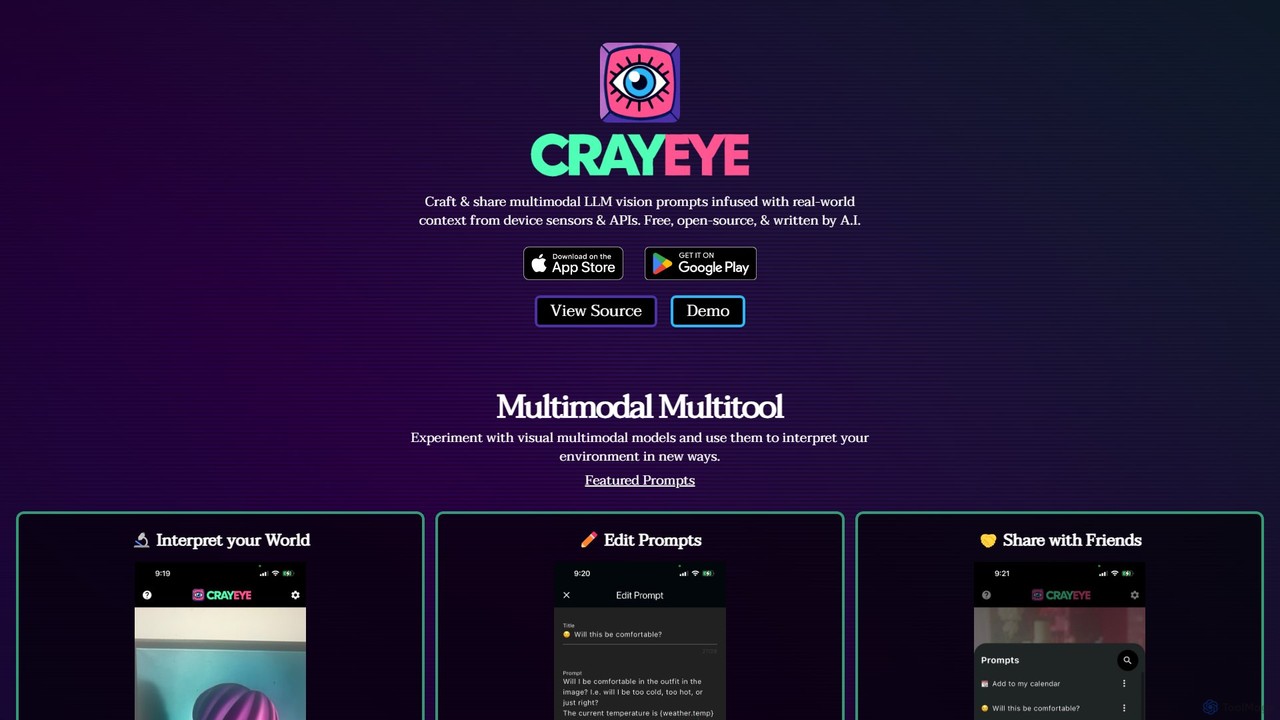
CrayEye is a free, open-source multimodal AI tool that lets you create and share vision prompts enriched with real-world context from your device's sensors (like camera, GPS) and APIs (like weather). Experiment with visual models to interpret your environment in new, context-aware ways.

Open Source
Visits 3.5KFavorites 131Likes 118
Image Describer
Freemium

Image Describer

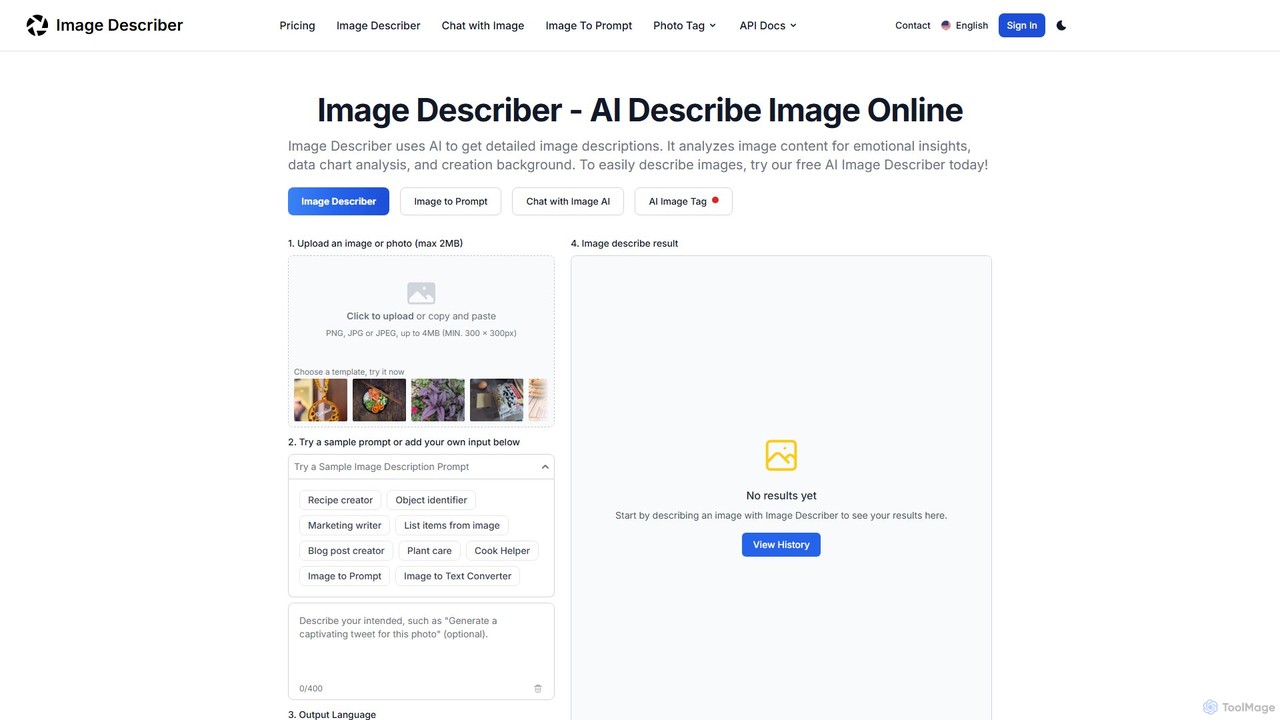
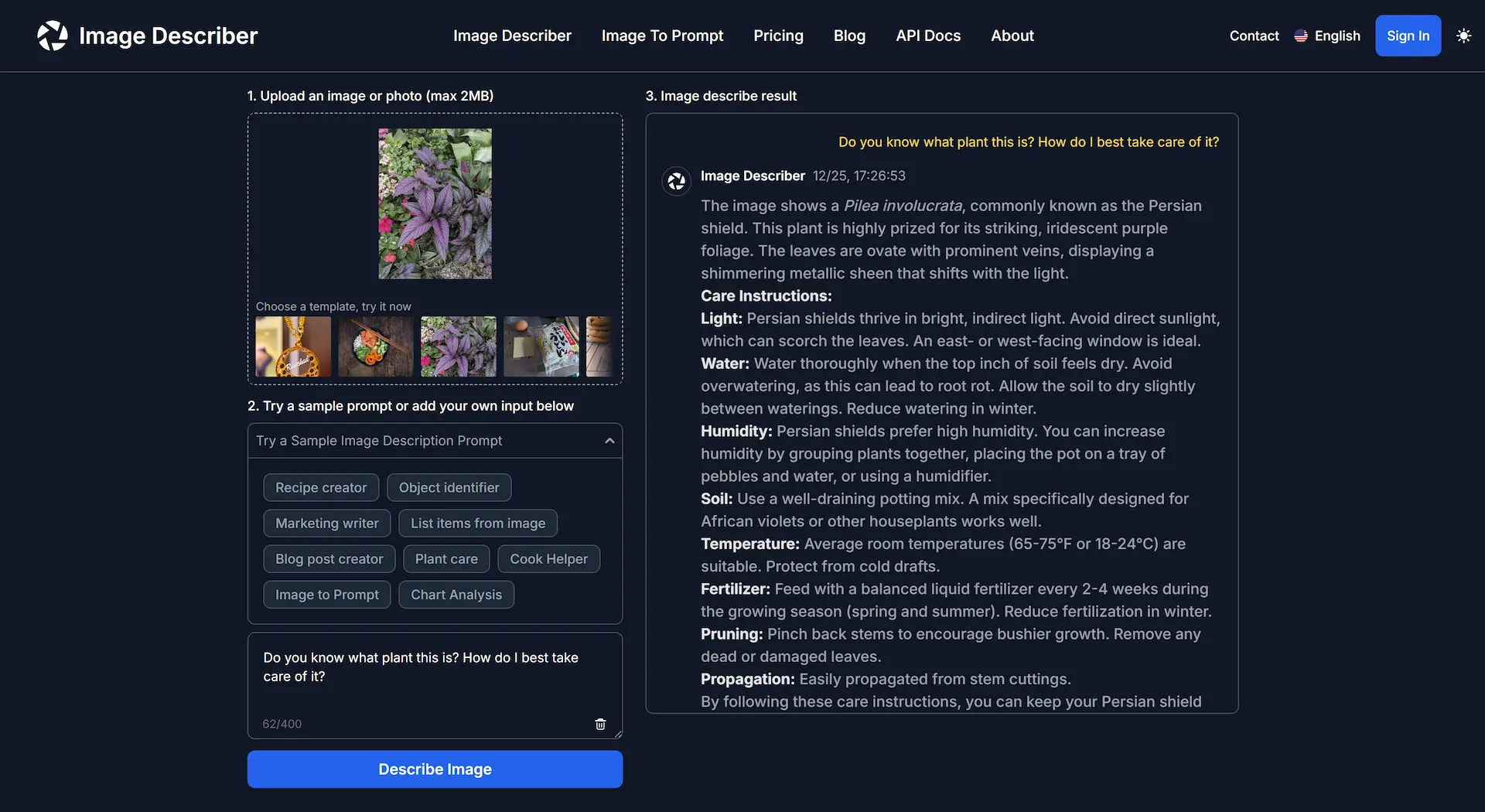
Image Describer is a versatile AI tool that generates detailed descriptions, alt text, and creative content from any image. It can analyze data charts, create recipes, generate marketing copy, and even produce prompts for AI art generators like Midjourney. It's designed for marketers, researchers, artists, and content creators to unlock insights and enhance efficiency.

Prompt Engineering
Visits 28.6KFavorites 119Likes 113
GreenEyes.AI
Paid

GreenEyes.AI

GreenEyes.AI offers a suite of developer-focused computer vision tools via a plug-and-play REST API. It specializes in AI Photo-to-Object Search, Object Labelling, and Content-Based Image Retrieval (CBIR). Designed for scalability and ease of use, the platform enables businesses to integrate advanced, sustainable image recognition technology into their applications with a low-carbon footprint.

Api
Visits 3.9KFavorites 72Likes 78
SceneXplain
Freemium

SceneXplain

SceneXplain by Jina AI is an advanced multimodal AI tool that generates rich, detailed descriptions for images and concise summaries for videos. It goes beyond simple captions to create narrative, human-like text, answer questions about visual content (VQA), and produce structured data. It's designed for developers, content creators, and businesses to enhance accessibility, automate content creation, and improve data analysis.

Api
Visits 4.8KFavorites 127Likes 113
DollarAI
Paid

DollarAI

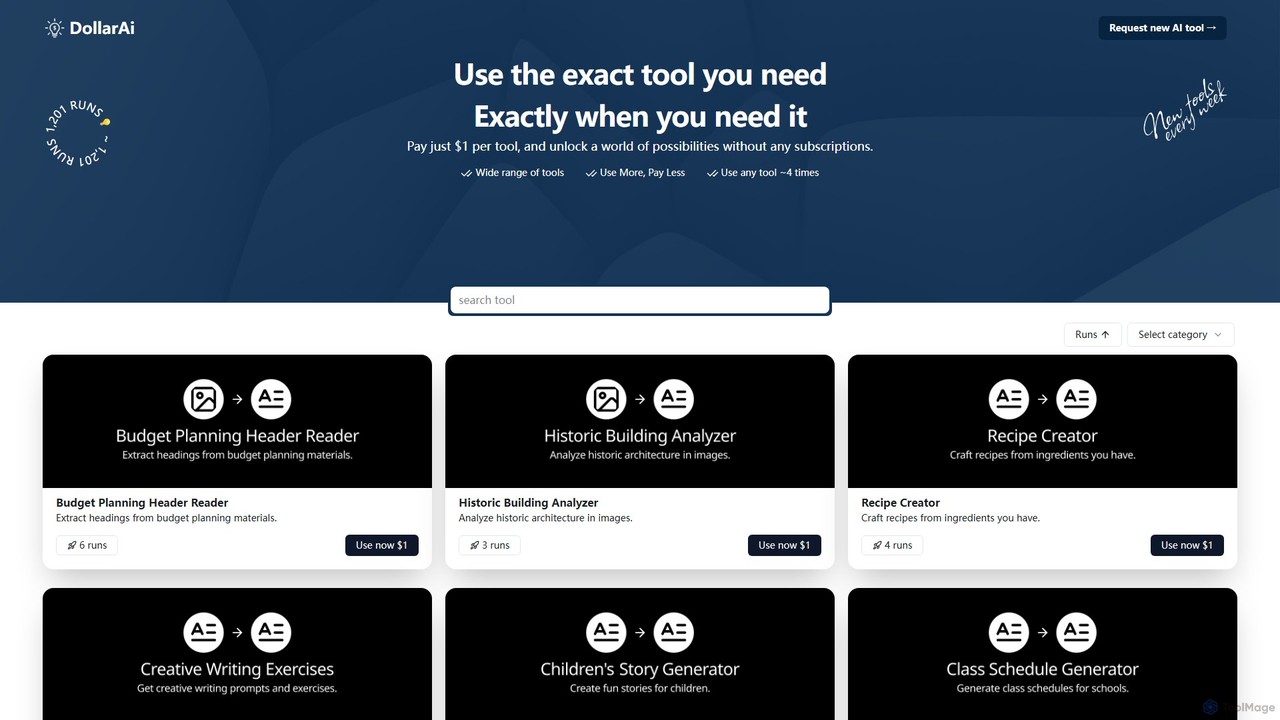
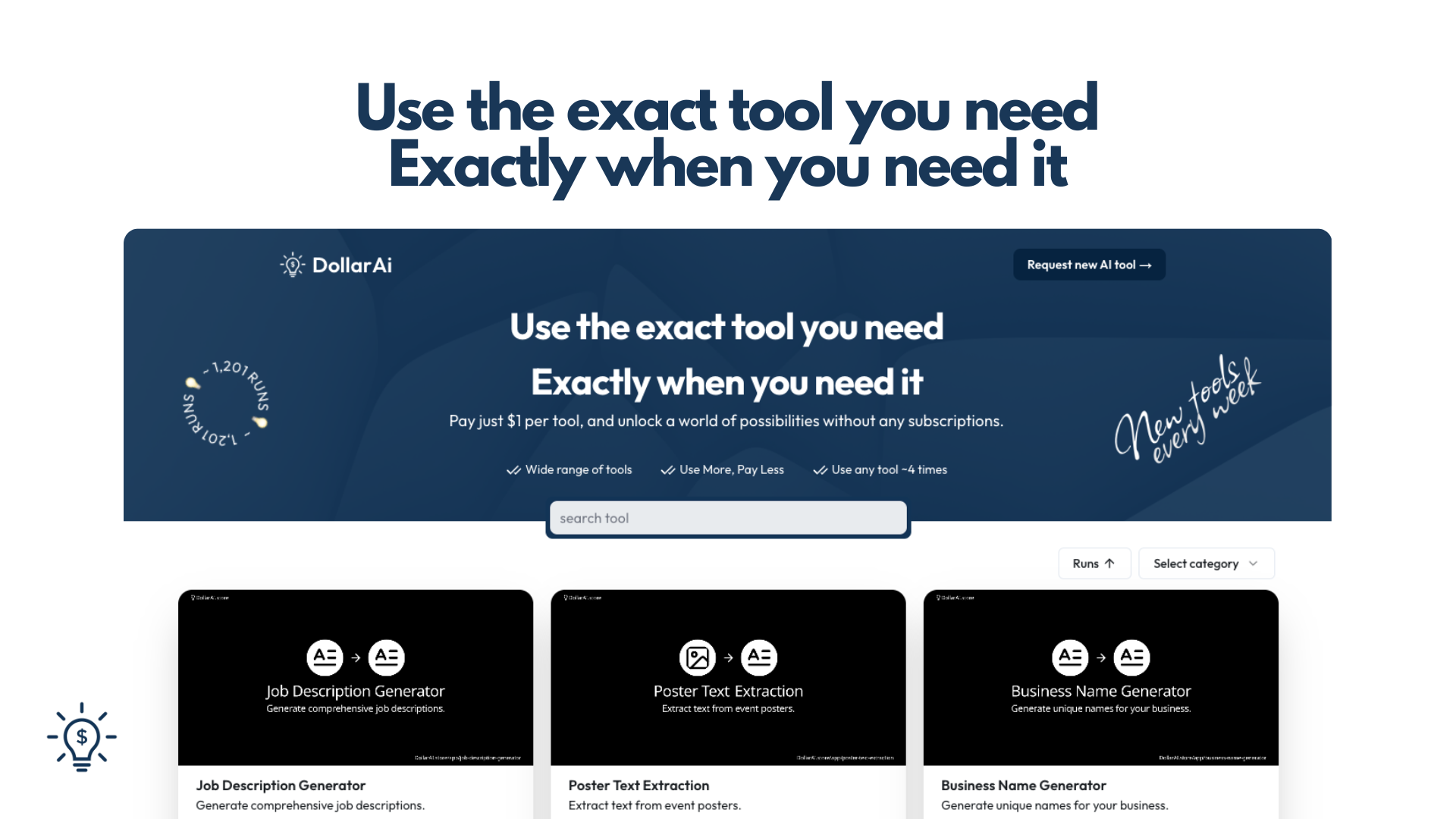
An innovative platform offering hundreds of specialized AI tools on a pay-per-use basis. For just $1 per tool, access on-demand AI power for writing, image analysis, business, and lifestyle tasks without any subscriptions. It's the most affordable and flexible way to leverage AI.

Small Business
Visits 3.5KFavorites 131Likes 118
wtfitbot
Free

wtfitbot

wtfitbot is a free, intelligent tool that identifies objects, plants, animals, and landmarks from your pictures. It uniquely combines AI for instant recognition with the power of crowd intelligence for guaranteed, accurate answers within 8 hours, helping you discover and learn about your surroundings.

Learning
Visits 3.5KFavorites 113Likes 104
gpt4v.net
Freemium

gpt4v.net

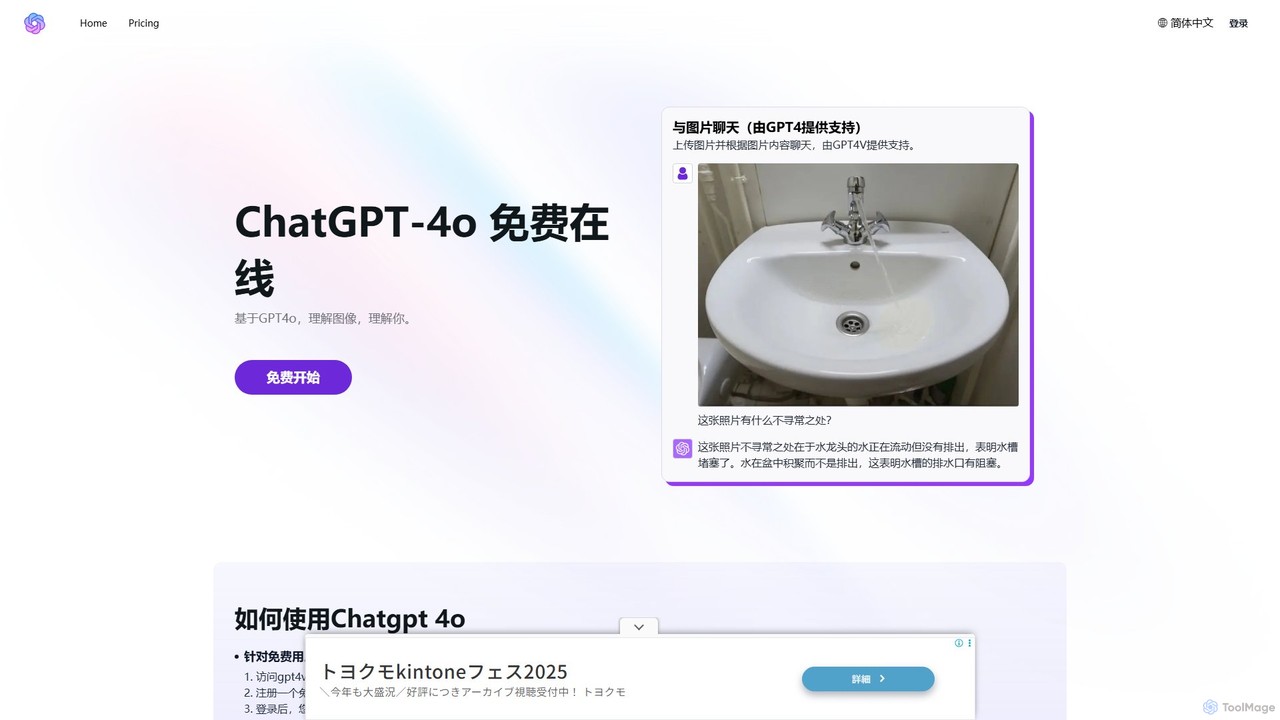
An accessible platform providing free and premium access to advanced AI models like GPT-4o, Claude 3.7, and DeepSeek. It specializes in multimodal interactions, allowing users to chat with images, and offers specialized tools like an AI Math Tutor for comprehensive problem-solving.

Tutoring
Visits 7.1KFavorites 128Likes 146
describepicture
Freemium

describepicture

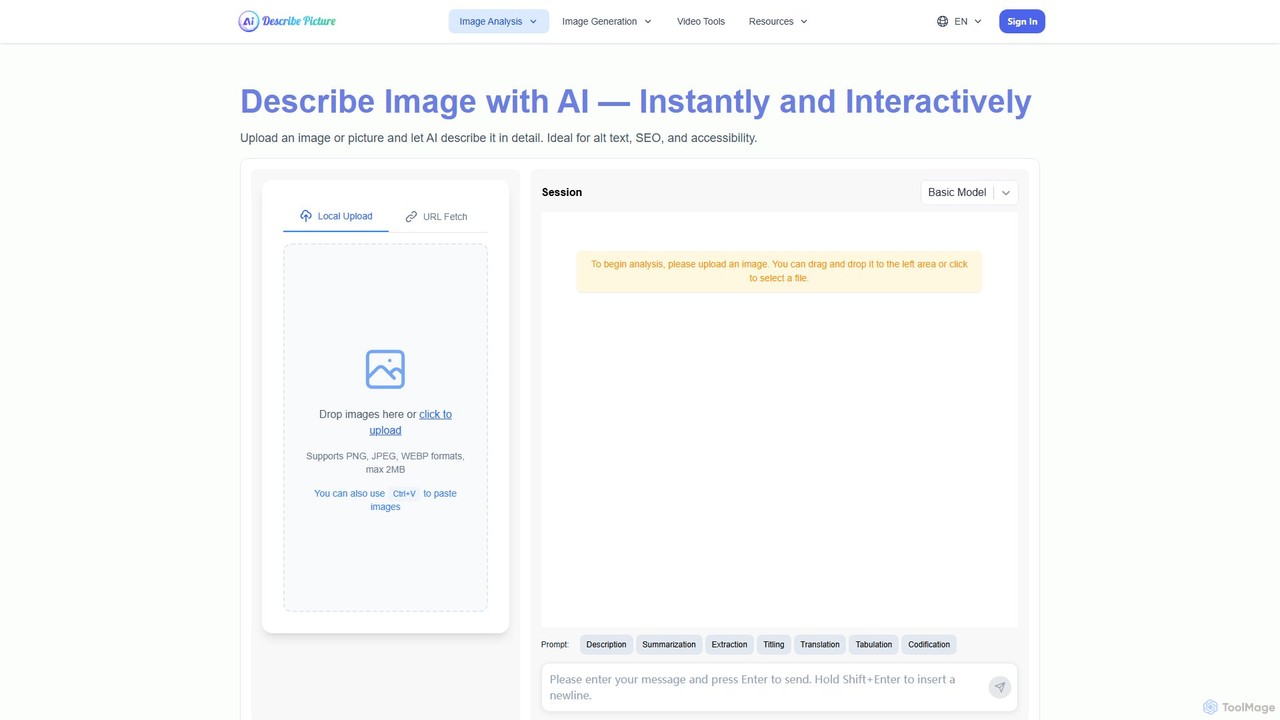
describepicture is a versatile AI platform that instantly generates detailed descriptions for images and videos. It excels at creating alt text for SEO and accessibility, extracting text from images (OCR), converting web screenshots into code (HTML/CSS/JS), and transforming image content into Markdown. It's an all-in-one tool for content creators, developers, and marketers to enhance productivity and make digital content more inclusive.

Screen Readers
Visits 40.1KFavorites 111Likes 109
moondream2
Free

moondream2

moondream2 is a lightweight, open-source visual language model (VLM) designed for high efficiency on edge devices. It excels at generating image descriptions, understanding complex documents, and performing visual Q&A, making it ideal for mobile applications and IoT scenarios with limited resources.

Models
Visits 3.5KFavorites 124Likes 132

About Image Recognition

Image Recognition tools are a class of AI applications designed to identify and interpret objects, people, text, and actions within digital images. These tools leverage deep learning models, particularly convolutional neural networks (CNNs), to analyze pixel data and extract meaningful information. Their primary value lies in automating the process of visual data analysis, enabling systems to 'see' and understand the world in a way similar to humans. As a key component of the broader Image tools category, they focus on analysis and understanding, distinct from tools for image creation or editing.

Core Features

  • Object Detection: Identifies and locates specific items within an image, often drawing bounding boxes around them.
  • Facial Recognition: Detects and verifies human faces, matching them against databases for identification or authentication.
  • Optical Character Recognition (OCR): Extracts and converts printed or handwritten text from images into machine-readable text data.
  • Scene Understanding: Provides a contextual description of an entire image, including activities, settings, and object relationships.
  • Brand & Logo Detection: Scans images and videos to find and identify corporate logos for brand monitoring purposes.

Applicable Scenarios

Image Recognition is widely used across various industries. In retail, it powers automated checkout systems and inventory management by tracking products on shelves. Healthcare professionals use it to analyze medical scans like X-rays and MRIs to assist in diagnostics. In the automotive sector, it is fundamental for self-driving cars to perceive pedestrians, traffic signs, and other vehicles. Security systems also rely on it for surveillance and access control.

Selection Criteria

When choosing an Image Recognition tool, consider several key factors. Evaluate the model's accuracy and precision for your specific use case (e.g., medical vs. retail objects). Assess the API's speed, scalability, and reliability, especially for real-time applications. Check the scope of pre-trained models and the ease of training custom models with your own data. Finally, compare pricing models, which may be based on API calls, subscription tiers, or processing time.

Featured tool rankings

Image Recognition use cases

1

Automated Product Tagging for E-commerce

An e-commerce manager responsible for a catalog with thousands of items uses an image recognition tool to streamline product onboarding. When new product photos are uploaded, the AI automatically analyzes each image to identify attributes like 'long-sleeve shirt', 'blue', 'cotton', and 'floral pattern'. These attributes are then converted into searchable tags. This process eliminates hours of manual data entry, reduces human error, and improves product discoverability for customers, leading to better search results and potentially higher conversion rates.

2

Social Media Content Moderation

A trust and safety team at a social media company implements an image recognition API to automatically scan user-uploaded content. The system is trained to detect and flag images containing prohibited content, such as violence, hate symbols, or explicit material, in real-time. When a potential violation is detected, the image is sent to a human moderator for final review. This automated first-pass moderation significantly reduces moderator workload and exposure to harmful content, while speeding up the removal of policy-violating posts to maintain a safer online environment.

3

Digitizing Documents with OCR

A law firm needs to process a large archive of paper contracts and case files. Instead of manual transcription, they use an OCR tool. An administrative assistant scans the documents, and the software's image recognition engine analyzes the scanned images, identifies text, and converts it into editable and searchable digital formats like Word or PDF. This allows lawyers to quickly search for specific clauses, names, or dates across thousands of documents, saving immense amounts of time and improving the efficiency of legal research and case preparation.

4

Assisting Medical Diagnosis in Radiology

A radiologist uses an AI-powered image recognition tool to analyze medical scans like MRIs or CT scans. The AI, trained on millions of annotated medical images, can detect and highlight subtle anomalies, tumors, or fractures that might be missed by the human eye, especially during high-volume work. The tool does not replace the radiologist but acts as a second pair of eyes, providing quantitative data and highlighting areas of concern. This enhances diagnostic accuracy, speeds up the review process, and allows for earlier detection of diseases.

5

Retail Shelf Monitoring and Analysis

A large retail chain installs cameras in its aisles, connected to an image recognition system. The system continuously analyzes the video feed to monitor shelf inventory. It can identify when a specific product is out of stock, detect misplaced items, and verify that promotional displays are set up correctly. When an issue is detected, such as an empty shelf, an alert is automatically sent to a store employee's mobile device for immediate restocking. This ensures product availability, improves the customer shopping experience, and provides valuable data on product movement.

6

Brand Monitoring on Social Media

A marketing analyst for a global beverage company uses an image recognition tool to track their brand's presence online. The tool scans millions of public images posted on social media platforms daily, searching for the company's logo. This allows the analyst to identify user-generated content featuring their products, monitor how the brand is being portrayed, and discover potential influencer marketing opportunities. Unlike text-based searches, this method captures visual mentions where the brand name isn't explicitly written, providing a more comprehensive view of brand visibility and engagement.

Image Recognition FAQ

What is Image Recognition?

Image Recognition is a field of artificial intelligence that trains computers to identify and understand the content of digital images. It enables machines to detect objects, classify scenes, recognize faces, and read text from visual data. Unlike simple image processing, image recognition involves interpretation and contextual understanding, allowing applications to perform tasks like automated photo tagging, content moderation, and medical image analysis.

How to choose the right Image Recognition tool?

Choosing the right tool depends on your specific needs. Consider the following factors:

  • Accuracy: Check the tool's performance metrics (like precision and recall) for the types of objects or features you need to identify.
  • Customization: Determine if you need to train a custom model with your own data or if a pre-trained model suffices.
  • Scalability and Speed: Ensure the tool's API can handle your expected volume of requests with low latency, especially for real-time applications.
  • Cost: Compare pricing models. Some charge per API call, while others offer monthly subscriptions based on usage tiers.
What's the difference between Image Recognition and Image Generation?

Image Recognition and Image Generation are two distinct AI capabilities within the broader field of computer vision. Image Recognition is about analysis; it takes an existing image as input and outputs information about what is in the image (e.g., 'this is a cat'). Image Generation, on the other hand, is about creation; it takes a prompt (usually text) as input and creates a new, original image as output (e.g., generating a picture of a cat from the words 'a fluffy white cat sitting on a windowsill'). In short, recognition understands, while generation creates.

What are the main applications of Image Recognition?

Image recognition has a wide range of practical applications across many industries. Some of the most common include:

  • Retail and E-commerce: Automated product tagging, visual search, and in-store shelf monitoring.
  • Healthcare: Analysis of medical scans (X-rays, MRIs) to assist in diagnosing diseases.
  • Security: Facial recognition for access control and surveillance video analysis.
  • Automotive: Powering the perception systems of autonomous vehicles to identify pedestrians, signs, and other cars.
  • Social Media: Content moderation to detect and flag inappropriate images automatically.
How does Image Recognition work?

Image Recognition works by using complex algorithms called neural networks, specifically a type known as a Convolutional Neural Network (CNN). These networks are 'trained' on vast datasets containing millions of labeled images. During training, the network learns to identify patterns, shapes, colors, and textures associated with different objects. When presented with a new, unseen image, the trained network analyzes its pixels, passes the information through multiple layers, and makes a prediction about what the image contains based on the patterns it has learned.