ToolMage
Sign in

Best 1 App Suites AI tools for Productivity

Popular App Suites AI tools in Productivity include Setapp, helping you work more efficiently.

Setapp
Paid

Setapp

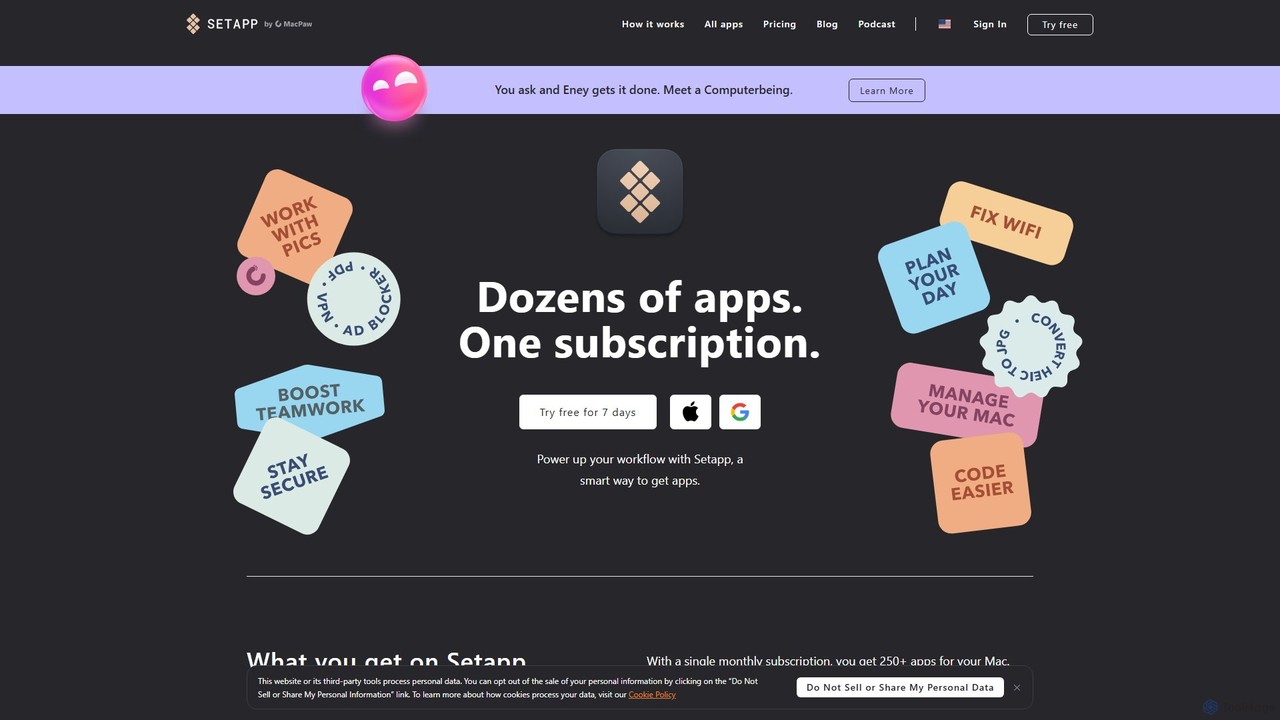
Setapp is a subscription service for macOS and iOS, offering unlimited access to a curated library of over 250+ high-quality applications for a single monthly fee. It acts as a unified toolkit for various tasks, from productivity and development to system maintenance and creative work, simplifying software acquisition and management.

Design
Visits 1.1MFavorites 142Likes 159

About App Suites

AI App Suites are integrated platforms that bundle multiple AI-powered tools into a single, cohesive environment. These suites are designed around a unified interface, allowing data and context to flow seamlessly between different applications like content creation, data analysis, and project management. The primary value of an App Suite is streamlining complex workflows by eliminating the need to switch between disparate, standalone tools. This integrated approach enhances productivity, ensures data consistency, and simplifies collaboration for teams.

Core Features

  • Unified Workspace: Access a variety of AI tools, from text generation to data visualization, within a single dashboard.
  • Cross-App Interoperability: Seamlessly transfer data, outputs, and context between different tools in the suite.
  • Centralized Data Management: Store and manage all project files, generated content, and data in one secure location.
  • Team Collaboration Features: Work together on projects with shared workspaces, version control, and integrated communication tools.

Use Cases

AI App Suites are particularly beneficial for business teams such as marketing, operations, and product development. For instance, a marketing team can use a suite to draft blog posts, generate corresponding social media visuals, and schedule the content, all within one platform. Operations teams can automate reporting, manage internal documentation, and analyze business data using interconnected tools.

How to Choose

When selecting an AI App Suite, consider the breadth and depth of the tools offered—do they cover your core workflow needs? Evaluate the quality of integration; true interoperability is key, not just a collection of tools in one place. Also, assess the collaboration features if you're working in a team, and compare pricing models to understand the total cost of ownership versus subscribing to individual tools.

App Suites use cases

1

Streamline Content Marketing Campaigns

A marketing manager for a B2B tech company needs to create a multi-channel campaign for a new product launch. Using an AI App Suite, they start by generating a core messaging document with the AI writer. This document's key points are then seamlessly used by the AI image generator to create branded visuals for social media and blog posts. Finally, the AI social media tool drafts and schedules a month's worth of posts based on the messaging document and visuals. This integrated workflow ensures brand consistency and saves dozens of hours compared to using separate writing, design, and scheduling tools.

2

Enhance Team Project Collaboration

A project manager oversees a remote development team. They use an AI App Suite's meeting tool to record and automatically summarize daily stand-ups, creating action items. These action items are instantly converted into tasks in the suite's integrated project management board. When a developer completes a task, they use the suite's documentation writer to generate code comments and update the project wiki. The manager can then use the data analysis tool to pull data from the project board and generate a weekly progress report in seconds. This creates a single source of truth and reduces administrative overhead significantly.

3

Automate Sales and CRM Processes

A sales representative needs to manage leads and personalize outreach efficiently. Within their AI App Suite, they use an AI assistant to draft personalized follow-up emails based on notes from a previous call. Once an email is sent, the interaction is automatically logged in the suite's lightweight CRM module. At the end of the week, the representative uses the suite's reporting tool to analyze their outreach performance, generating charts that show open rates and response rates. This integration between communication, data logging, and analysis helps the rep focus on selling rather than on manual data entry and report creation.

4

Create a Unified Business Intelligence Hub

A business analyst at a startup is tasked with creating weekly performance dashboards. They connect various data sources (like sales figures and website traffic) to their AI App Suite. The suite's data analysis tool automatically cleans the data and generates key visualizations. The analyst then uses the integrated AI writer to draft a narrative summary of the week's performance, embedding the charts directly into the document. This report is then shared with stakeholders through the suite's collaboration space. This process transforms a multi-day, multi-tool task into a streamlined workflow completed in a few hours within a single environment.

5

Accelerate Academic Research and Writing

A PhD student is working on their literature review. They upload dozens of research papers into their AI App Suite. The suite's research tool automatically extracts key themes, methodologies, and findings from all papers. The student then uses the integrated AI writer to synthesize this information into a coherent draft, with the tool helping to paraphrase and cite sources correctly. As they analyze their own data, they use the suite's data analysis module to generate statistical charts, which are then easily inserted into their manuscript. This integrated environment keeps all research materials, notes, and drafts in one place, significantly speeding up the writing process.

6

Support the Full Software Development Lifecycle

A software development team uses an AI App Suite to manage their entire workflow. During planning, they use the AI writer to draft user stories and technical specifications. While coding, developers use the integrated AI code assistant for boilerplate code and debugging. All code changes are tracked in the suite's project management tool, which is linked to their code repository. After a feature is complete, the documentation tool automatically generates a draft of the user guide based on the code and user stories. This end-to-end integration reduces context switching and ensures that documentation stays in sync with development.

App Suites FAQ

What are AI App Suites?

AI App Suites are all-in-one platforms that combine multiple, distinct AI tools into a single, integrated environment. Instead of subscribing to separate services for writing, data analysis, and image generation, a suite provides these functions under one roof. The key characteristic is interoperability, where data and outputs can be seamlessly passed between tools to create efficient, end-to-end workflows. They are designed to enhance productivity for teams by centralizing tools and data.

What's the difference between an AI App Suite and a collection of standalone AI tools?

The primary difference is integration. A collection of standalone tools requires you to manually move data between them (e.g., copy-pasting text from a writer to a presentation tool). An AI App Suite is designed for seamless interoperability. An action in one tool can trigger a process in another, and they often share a common data repository. This leads to:

  • Improved Efficiency: Less time spent switching contexts and transferring data.
  • Data Consistency: A single source of truth for all project-related content.
  • Simplified Management: One subscription and one interface to learn and manage.

Standalone tools might offer deeper functionality in one specific area, while suites prioritize workflow and breadth of capabilities.

How do I choose the right AI App Suite for my team?

Choosing the right suite depends on your team's specific needs. Consider these factors:

  • Tool Coverage: Does the suite include the core tools your team uses daily (e.g., writing, project management, data analysis)? A missing critical tool can break the workflow.
  • Integration Quality: How deeply do the tools interact? Look for more than just a shared login. True integration means data flows intelligently between applications.
  • Collaboration Features: If you're a team, evaluate features like shared workspaces, user roles and permissions, and commenting/reviewing capabilities.
  • Scalability and Pricing: Assess the pricing model (per user, usage-based) and ensure it can scale with your team's growth. Compare the cost to subscribing to your required tools individually.
What are the key benefits of using an integrated AI App Suite?

The main benefits stem from integration and centralization. Firstly, there's a significant productivity gain from reduced context switching and automated data transfer between tools. Secondly, they can be more cost-effective than subscribing to numerous individual tools, especially for teams. Thirdly, they promote better collaboration and data consistency, as everyone works from the same platform and data set. Finally, they simplify the tech stack, making it easier for IT to manage software and for users to learn a single, cohesive system.

Are AI App Suites suitable for individual users or only for businesses?

While AI App Suites are often designed with teams and businesses in mind, they can be highly valuable for individual users as well. Freelancers, consultants, content creators, and researchers who manage complex, multi-step projects can benefit greatly from the streamlined workflow. For an individual, a suite can replace multiple separate subscriptions, simplifying billing and reducing costs. The choice depends on the individual's workflow complexity; if you regularly use three or more distinct AI tools that could be integrated, a suite is likely a good fit.