ToolMage
Sign in

Best 2 Application Builder AI tools for Productivity

Popular Application Builder AI tools in Productivity include Fliplet and functorz, helping you work more efficiently.

Fliplet
Freemium

Fliplet

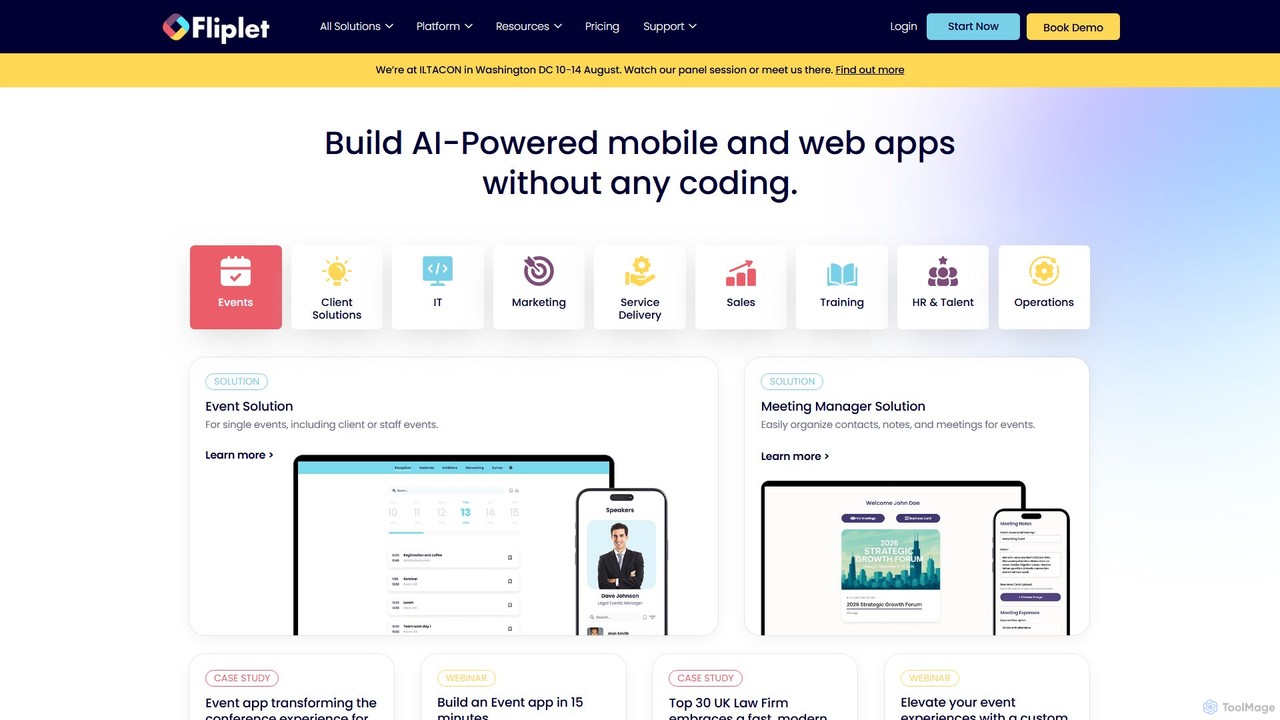
Fliplet is an AI-powered no-code and low-code platform that enables organizations to build custom mobile and web applications. It simplifies app creation with a drag-and-drop interface while offering full code control for advanced customization. Fliplet focuses on enterprise-grade security, seamless integrations, and powerful AI features to enhance user experience and productivity.

Chatbot Builder
Visits 57.4KFavorites 110Likes 117
functorz
Freemium

functorz

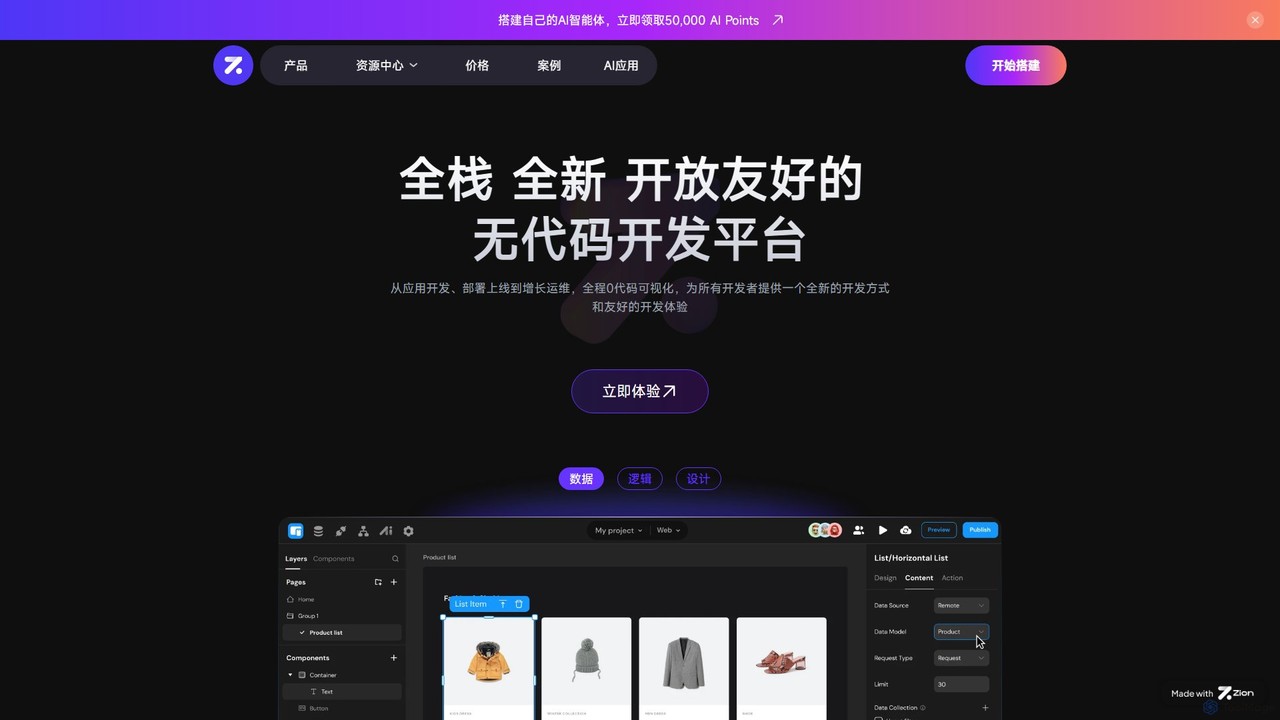
functorz is a full-stack, no-code development platform that empowers users to build and deploy complex applications without writing code. It specializes in creating AI-powered apps, SaaS solutions, and consumer-grade web applications through a visual, drag-and-drop interface.

Ai Chatbot Builder
Visits 20.5KFavorites 131Likes 131

About Application Builder

AI Application Builders are platforms that enable users to create functional web and mobile applications with minimal to no coding. These tools leverage visual drag-and-drop interfaces and AI-powered logic to translate user requirements into executable software. They significantly accelerate the development process, allowing businesses and individuals to build custom software, automate workflows, and create internal tools rapidly. This approach democratizes software creation, making it a powerful component of modern productivity suites.

Core Features

  • Visual Drag-and-Drop Interface: Build user interfaces and layouts by arranging pre-built components visually.
  • AI-Powered Logic & Workflow Automation: Define application behavior and business rules using natural language prompts or visual flowcharts.
  • Data Integration & Management: Connect to various databases and APIs to manage application data without writing complex queries.
  • One-Click Deployment: Publish applications to the web or app stores with simplified, automated deployment processes.

Use Cases

These tools are ideal for startups creating minimum viable products (MVPs), enterprises building internal tools like inventory trackers or approval dashboards, and marketing teams developing interactive landing pages. They empower business analysts and project managers to build solutions without relying on dedicated development teams.

How to Choose

When selecting an AI Application Builder, evaluate the platform's learning curve and ease of use. Assess its integration capabilities with your existing systems (e.g., CRMs, databases). Consider the scalability and performance limitations for your expected user load, and review the pricing model to ensure it aligns with your budget and growth.

Featured tool rankings

Application Builder use cases

1

Build a Custom Internal CRM for a Small Business

A sales manager at a small business finds managing customer data in spreadsheets inefficient and error-prone, while commercial CRMs are too complex and costly. Using a no-code application builder, they design a simple CRM by dragging and dropping fields for contact info, deal stage, and notes. AI is used to create a workflow that automatically sends a follow-up email reminder when a deal's status changes. The result is a tailored CRM built in days, not months, centralizing data and reducing manual entry errors by over 90%.

2

Create a Minimum Viable Product (MVP) for a Startup

A startup founder needs to validate a business idea quickly with a functional prototype but lacks the initial investment for a development team. They use an application builder to assemble the core features of the product, such as user registration, a main dashboard, and a key functional component like a booking system. The web app is deployed in under two weeks, allowing for rapid market testing and iteration based on real user data. This approach saves significant time and capital compared to traditional development cycles.

3

Automate an HR Onboarding Process

An HR manager struggles with a manual onboarding process involving multiple emails and forms, leading to delays. They build an onboarding portal using an application builder where new hires can submit documents and track progress. AI-powered workflows automatically assign tasks to IT for equipment setup and to managers for training schedules upon form submission. This streamlines the process into a single platform, reducing time spent on manual coordination by 75% and providing a more consistent experience for new hires.

4

Develop a Client Portal for a Service Agency

A project manager at a service agency notices that clients frequently email for project updates, creating a communication bottleneck. To solve this, they use an application builder to construct a secure client portal. The portal includes pages for project timelines, file sharing, and invoice history. It's integrated with a payment gateway for online payments and set up with automated notifications for project milestones. This centralizes client communication, improves transparency, and reduces status update emails by over 60%, freeing up valuable time for project managers.

5

Build a Mobile App for Event Management

An event organizer needs a better way to manage conference schedules, attendee check-ins, and feedback. Using a mobile application builder, they create an event app with features like a dynamic agenda, speaker profiles, and a real-time Q&A module. The platform's built-in database is used to manage attendee registrations, and push notifications are set up for session reminders. The resulting app significantly improves attendee engagement, digitizes the check-in process, and allows for instant feedback collection through polling features.

6

Create an Inventory Management System for a Retailer

A retail store manager finds that tracking stock levels manually leads to stockouts and overstocking. To fix this, they build a simple inventory app where staff can scan barcodes with their phones to update stock counts. A dashboard is created to display real-time inventory levels. An AI-driven rule is set up to automatically send a reorder alert when stock falls below a threshold. This system increases inventory accuracy to over 98% and prevents stockouts on popular items, directly boosting sales and optimizing stock management.

Application Builder FAQ

What is an AI Application Builder?

An AI Application Builder is a software platform that allows users to create applications, often without writing any code. They use visual interfaces like drag-and-drop and AI-powered assistance to define the app's appearance, logic, and data connections. These tools are central to the no-code/low-code movement, empowering non-developers to build and deploy custom software solutions quickly and efficiently.

How do I choose the right Application Builder?

To choose the right Application Builder, consider these key factors:

  • Technical Skill Level: Select a "no-code" platform for non-programmers, or a "low-code" platform if you need more customization with some scripting.
  • Application Type: Ensure the builder supports your target platform (e.g., web, native iOS/Android, internal tool).
  • Integration Needs: Check if it can connect to your essential third-party services, databases, and APIs.
  • Scalability & Pricing: Evaluate its ability to handle future user growth and ensure its pricing model fits your budget.
What's the difference between an Application Builder and traditional coding?

The primary difference is the level of abstraction. Traditional coding requires writing code line-by-line using programming languages, offering maximum flexibility but requiring specialized skills and more time. An Application Builder abstracts away the code, providing visual tools and pre-built components to assemble an application. This significantly speeds up development and lowers the technical barrier, though it may offer less granular control than custom coding.

Who is the primary user for AI Application Builders?

AI Application Builders serve a wide range of users. Key groups include "citizen developers"—business users like project managers, analysts, and marketers who build tools to solve their own departmental problems. They are also used by startup founders for rapid prototyping (MVPs) and by enterprise IT departments to accelerate the development of internal applications and reduce their backlog. Essentially, anyone who needs a custom software solution but lacks the time or coding skills can benefit.

Can I build complex applications with these tools?

Yes, modern AI Application Builders can create surprisingly complex applications. While they excel at internal tools, dashboards, and simple customer-facing apps, many platforms now support complex business logic, database interactions, API integrations, and user authentication. However, for applications requiring highly specialized performance, unique hardware integrations, or very complex algorithms, traditional development might still be a more suitable approach.