Beam Eye Tracker
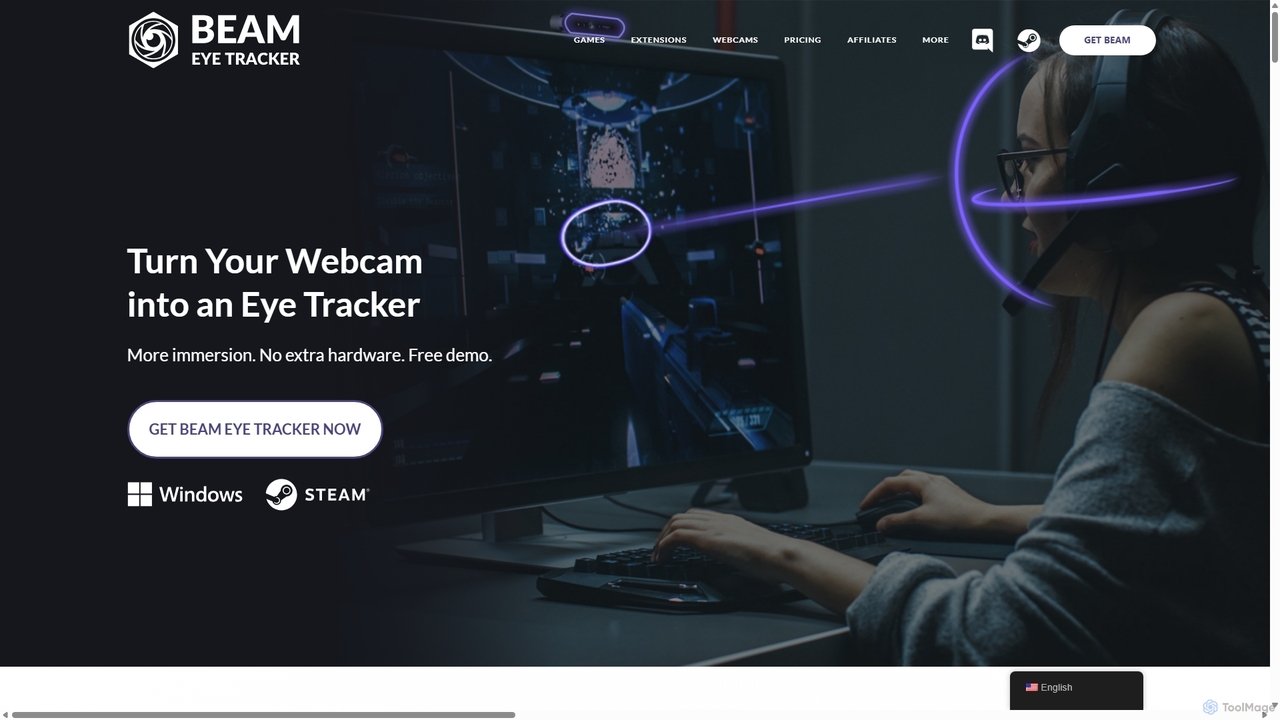
Beam Eye Tracker is an AI-powered software that transforms your webcam or smartphone into a high-performance eye and …
Beam Eye Tracker is an AI-powered software that transforms your webcam or smartphone into a high-performance eye and head tracker. Designed for gamers, streamers, and content creators, it provides immersive 6DoF tracking in over 200 games without requiring expensive, dedicated hardware. Enhance your gameplay, analyze your focus, and engage your audience with a customizable eye-tracking overlay.
About Assistive Technology
Assistive Technology refers to AI-powered tools designed to enhance the capabilities and independence of individuals with disabilities or specific needs. These tools leverage advanced AI, such as natural language processing and computer vision, to overcome barriers in communication, learning, and daily tasks. By providing tailored support, Assistive Technology significantly improves accessibility and enables users to achieve greater personal and professional productivity.
Core Features
- Speech-to-Text Conversion: Transforms spoken words into written text, aiding individuals with motor impairments or those who prefer verbal input.
- Text-to-Speech Synthesis: Converts digital text into audible speech, benefiting users with visual impairments, dyslexia, or reading difficulties.
- Screen Readers & Magnifiers: Software that interprets and vocalizes screen content or enlarges visual elements for users with low vision or blindness.
- Alternative Input Methods: Includes eye-tracking, switch control, and voice commands, offering non-traditional ways to interact with computers and devices.
- Cognitive & Learning Aids: Tools that assist with organization, memory, focus, and comprehension for individuals with cognitive or learning disabilities.
Applicable Scenarios
Assistive Technology is crucial across various domains. In education, it helps students with learning disabilities access curriculum and complete assignments. In the workplace, it enables professionals with physical or sensory impairments to perform job duties effectively and participate fully. For daily living, these tools enhance communication, navigation, and interaction with smart environments, fostering greater independence.
How to Choose
Selecting the right Assistive Technology involves evaluating several factors: the specific needs and type of disability it addresses, compatibility with existing devices and software, ease of learning and use, and the level of customization offered. Consider also the reliability of AI performance, ongoing support, and the overall cost-effectiveness to ensure it genuinely enhances the user's capabilities.

Assistive TechnologyUse Cases
Enhanced Digital Textbook Access for Visually Impaired Students
Visually impaired students can utilize text-to-speech tools within assistive technology platforms to listen to digital textbooks and study materials. This allows them to absorb information audibly, overcoming barriers to traditional reading and ensuring equitable access to educational content, thereby improving learning outcomes and academic productivity.
Hands-Free Computer Control for Professionals with Motor Impairments
Professionals with severe motor impairments can use eye-tracking or voice command systems to navigate operating systems, type documents, and interact with software applications. This enables them to perform complex tasks independently, maintain employment, and contribute effectively to their teams, significantly boosting their workplace productivity.
Real-time Communication for Individuals with Speech Difficulties
Individuals with speech impediments or communication disorders can employ text-to-speech communication aids to articulate their thoughts clearly. By typing messages that are then spoken aloud by the device, they can participate in conversations, express needs, and engage socially and professionally, fostering greater independence and reducing communication barriers.
Improved Reading Comprehension for Users with Dyslexia
Students and adults with dyslexia can benefit from text-to-speech and highlighting features that read text aloud while simultaneously highlighting words on screen. This multi-sensory approach improves word recognition, comprehension, and retention, making reading less strenuous and more productive for academic and professional tasks.
Accessible Smart Home Control for Elderly or Mobility-Limited Users
Elderly individuals or those with limited mobility can use voice-activated assistive technology to control smart home devices like lights, thermostats, and door locks. This enhances their independence and safety within their living environment, simplifying daily routines and improving their quality of life by making their homes more accessible.
Inclusive Participation in Virtual Meetings for Hearing-Impaired Employees
Employees with hearing impairments can leverage live captioning and transcription services integrated into virtual meeting platforms. These assistive tools provide real-time text versions of spoken dialogue, ensuring full comprehension and active participation in discussions, thereby fostering an inclusive work environment and enhancing team productivity.