
mumbler
Mumbler is an all-in-one podcast hosting platform designed for creators focused on growth and monetization. It provides a …
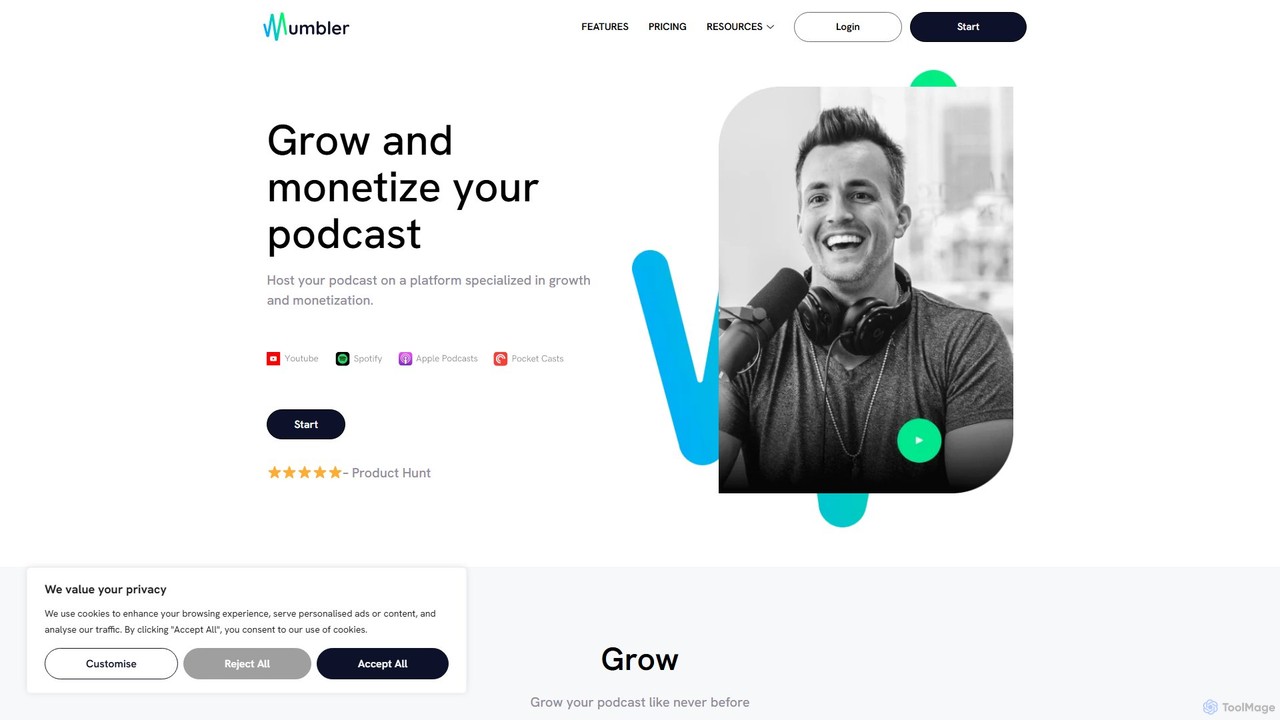
Mumbler is an all-in-one podcast hosting platform designed for creators focused on growth and monetization. It provides a suite of tools including AI-generated transcriptions, integrated newsletters, and customizable podcast/creator pages. Mumbler emphasizes creator-first monetization through premium content sales, donations, and direct sponsorships, rather than disruptive dynamic ads, simplifying distribution to all major platforms.
About Audience Engagement
Audience Engagement tools are a class of AI-powered software designed to create interactive experiences and foster two-way communication between creators and their audience. These tools leverage technologies like real-time data processing and natural language processing (NLP) to move beyond passive content consumption. They enable hosts of live events, educators, and marketers to actively involve participants, gather instant feedback, and build a more connected community. This focus on real-time interaction makes them a specialized subset of productivity tools, aimed at enhancing communication efficiency.
Core Features
- Real-time Polls & Quizzes: Instantly create and deploy polls, quizzes, and surveys to gauge opinion and test knowledge during live sessions.
- Interactive Q&A Management: Allow audiences to submit questions, upvote popular ones, and enable hosts to moderate and display them efficiently.
- Gamification Elements: Incorporate leaderboards, points, and competitions to increase participation and make interactions more enjoyable.
- Sentiment Analysis: Automatically analyze chat messages and comments to understand the overall audience mood and identify key topics of discussion.
- Word Clouds & Idea Boards: Visually represent audience feedback and brainstorm ideas collectively in real-time.
Use Cases
These tools are widely used by corporate trainers for interactive workshops, marketers for engaging webinars, online educators for dynamic virtual classrooms, and live streamers for interacting with their viewers. Any scenario involving a presenter and a live audience, whether virtual or hybrid, can benefit from these tools to maintain attention and facilitate participation.
How to Choose
When selecting an Audience Engagement tool, consider its integration capabilities with your primary platforms (e.g., Zoom, YouTube Live, PowerPoint). Evaluate the variety and customization of interactive features offered. Assess its scalability to handle your expected audience size and review the depth of post-event analytics provided to measure engagement effectively.
Audience EngagementUse Cases
Enhancing Corporate Webinars with Live Polls
A marketing manager hosting a product launch webinar for hundreds of attendees needs to keep the audience engaged and gather real-time feedback. Using an audience engagement tool integrated with their webinar platform, they launch live polls asking about feature preferences and purchase intent. They also run a moderated Q&A session where the most upvoted questions are answered live. This transforms a one-way presentation into an interactive dialogue, resulting in a 40% increase in attendee participation and providing the sales team with valuable, pre-qualified leads based on poll responses.
Creating Dynamic Virtual Classrooms for Online Education
An online educator struggles with student passivity during video lectures. To foster active learning, they integrate an audience engagement tool into their learning management system (LMS). Now, they embed short, non-graded quizzes directly into video lessons to check comprehension. They also use interactive word clouds for brainstorming sessions and anonymous Q&A features to encourage shy students to ask questions. This approach significantly improves student focus and participation, with analytics showing a 60% higher completion rate for interactive lessons compared to static video lectures.
Managing Live Stream Chat for Content Creators
A Twitch streamer with thousands of concurrent viewers finds it impossible to read every message in their fast-moving chat. They use an AI engagement tool to manage the flow. The tool automatically filters spam, highlights messages from subscribers, and uses sentiment analysis to alert the streamer to any negative shifts in chat mood. It also allows them to run quick polls directly in the chat overlay, asking viewers what game to play next. This helps the streamer feel more connected to their community and makes viewers feel heard, increasing both watch time and subscriptions.
Automating Community Moderation on Discord
A community manager for a large gaming brand oversees a Discord server with over 50,000 members. Manually moderating chat is a 24/7 job. They implement an AI engagement tool with moderation features. The AI automatically deletes messages with banned words, flags potential user conflicts for human review, and answers frequently asked questions like 'When is the next update?'. This automation reduces the manual moderation workload by 70%, allowing the manager to focus on higher-value tasks like organizing community events and gathering product feedback, leading to a healthier and more active community.
Gathering Audience Feedback at Virtual Conferences
An event organizer for a large tech conference wants to make their virtual sessions more interactive and gather structured feedback. They use an audience engagement platform that allows attendees to submit questions and ideas to a digital board during each talk. Other attendees can upvote submissions, pushing the most relevant topics to the top. After the event, the organizer receives a detailed report of the most popular questions and ideas from each session. This provides invaluable, crowd-sourced content ideas for next year's conference and helps speakers tailor their Q&A time to what the audience truly cares about.
Creating Interactive Sales Presentations
A sales team conducts remote product demos for potential clients. To avoid monotonous presentations, they use an engagement tool that integrates with their presentation software. During the demo, the salesperson can launch a poll asking, 'Which feature is most important to you?'. Based on the real-time results, they can dynamically alter the presentation to focus on what the client values most. This personalized approach makes the client feel involved in the process and ensures the demo directly addresses their specific pain points, leading to higher conversion rates and shorter sales cycles.