ToolMage
Sign in

Best 1 Automated Analysis AI tools for Productivity

Popular Automated Analysis AI tools in Productivity include STRING, helping you work more efficiently.

STRING
Freemium

STRING

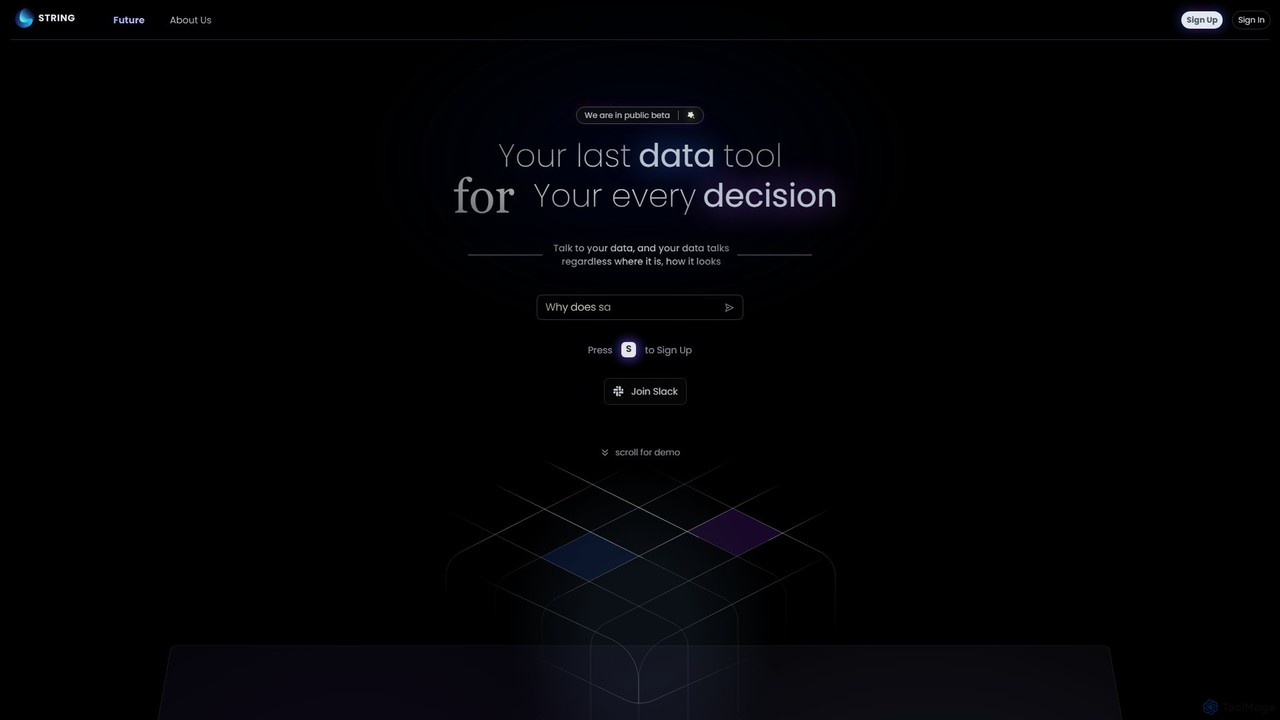
STRING is an AGI-powered data analytics platform that allows you to talk to your data. It unifies structured and unstructured data sources, enabling users to ask complex questions in natural language and receive instant, intelligent insights. It's designed to be the last data tool you'll ever need.

Data Management
Visits 5.5KFavorites 113Likes 99

About Automated Analysis

Automated Analysis tools are AI-powered solutions within the broader Productivity category, designed to process vast datasets, identify patterns, and extract actionable insights with minimal human intervention. These tools leverage machine learning and advanced algorithms to automate complex analytical tasks, transforming raw data into structured information and predictive models. They significantly enhance decision-making speed and accuracy by uncovering hidden trends and anomalies that manual analysis might miss. This automation frees up human experts to focus on strategic interpretation rather than tedious data crunching.

Core Features

  • Data Ingestion & Preprocessing: Automatically collects, cleans, and structures data from various sources, preparing it for analysis.
  • Pattern Recognition & Anomaly Detection: Identifies recurring trends, correlations, and unusual data points that deviate from expected norms.
  • Predictive Modeling: Builds models to forecast future outcomes, behaviors, or market trends based on historical data.
  • Natural Language Processing (NLP): Analyzes unstructured text data from documents, emails, or social media to extract sentiment, topics, and entities.
  • Automated Reporting & Visualization: Generates comprehensive reports and interactive dashboards, presenting insights in an easily digestible format.

Use Cases

Businesses utilize automated analysis for market trend prediction, identifying customer behavior patterns, and optimizing operational efficiency. Data scientists and business analysts employ these tools to accelerate research, validate hypotheses, and monitor system performance in real-time.

How to Choose

When selecting an Automated Analysis tool, consider its data source compatibility, the types of analysis it supports (e.g., descriptive, predictive, prescriptive), its scalability for growing data volumes, and the clarity of its output visualizations. Evaluate its integration capabilities with existing business intelligence platforms and the level of customization offered for specific analytical needs.

Automated Analysis use cases

1

Automating Customer Feedback Sentiment Analysis

Marketing teams and customer service departments can use automated analysis tools to process thousands of customer reviews, social media comments, and support tickets. The AI identifies overall sentiment (positive, negative, neutral), extracts key topics, and highlights urgent issues, allowing businesses to quickly understand customer satisfaction, pinpoint product flaws, and respond proactively to critical feedback without manually reading every comment.

2

Real-time Financial Fraud Detection

Financial institutions deploy automated analysis to monitor transaction data in real-time. The AI learns normal spending patterns and flags suspicious activities, such as unusually large purchases, transactions from new locations, or rapid successive attempts, indicating potential fraud. This enables immediate alerts and intervention, significantly reducing financial losses and enhancing security for customers.

3

Optimizing Supply Chain Performance

Logistics and operations managers leverage automated analysis to scrutinize supply chain data, including inventory levels, shipping times, supplier performance, and demand forecasts. The tools identify bottlenecks, predict potential disruptions, and recommend optimal inventory reorder points or alternative routes, leading to reduced costs, improved delivery efficiency, and better resource allocation.

4

Predictive Maintenance for Industrial Equipment

Manufacturing and energy sectors use automated analysis to process sensor data from machinery. The AI detects subtle anomalies in temperature, vibration, or pressure that indicate impending equipment failure. By predicting maintenance needs before breakdowns occur, companies can schedule proactive repairs, minimize downtime, extend asset lifespan, and avoid costly emergency interventions.

5

Enhancing Cybersecurity Threat Detection

Cybersecurity analysts utilize automated analysis to continuously monitor network traffic, system logs, and user behavior for malicious patterns. The AI can quickly identify unusual login attempts, data exfiltration attempts, or malware signatures that bypass traditional defenses. This proactive threat detection helps organizations respond faster to security breaches and protect sensitive information.

6

Automating Market Research and Trend Spotting

Market researchers and product development teams employ automated analysis to sift through vast amounts of public data, including news articles, social media trends, competitor reports, and demographic information. The tools identify emerging market opportunities, shifting consumer preferences, and competitive landscapes, providing data-driven insights for strategic planning and new product innovation.

Automated Analysis FAQ

What are Automated Analysis tools?

Automated Analysis tools are AI-powered software solutions that process and interpret large datasets to extract insights and patterns with minimal human input. They leverage machine learning algorithms to automate tasks like data cleaning, pattern recognition, predictive modeling, and report generation. These tools are crucial for transforming raw data into actionable intelligence, significantly boosting efficiency and accuracy in decision-making across various industries.

How do Automated Analysis tools differ from manual data analysis?

Automated Analysis tools differ from manual data analysis primarily in scale, speed, and complexity. Manual analysis relies on human effort, which is time-consuming and prone to errors, especially with large datasets. Automated tools, powered by AI, can process massive volumes of data in seconds, identify intricate patterns, and perform complex statistical modeling that would be impractical for humans. This allows for real-time insights and predictive capabilities far beyond manual methods, making them ideal for dynamic environments.

What are the key benefits of using Automated Analysis tools?

The key benefits of using Automated Analysis tools include enhanced efficiency, improved accuracy, and faster decision-making. They significantly reduce the time and resources required for data processing, minimize human error, and uncover deeper insights by identifying complex patterns and anomalies. These tools also provide predictive capabilities, allowing businesses to anticipate future trends and proactively address challenges, ultimately leading to better strategic outcomes and competitive advantages.

Who can benefit most from Automated Analysis tools?

A wide range of professionals and organizations can benefit from Automated Analysis tools. This includes data scientists, business analysts, marketing teams, financial institutions, cybersecurity experts, and operations managers. Any role or industry that deals with large volumes of data and requires rapid, accurate insights for decision-making, trend prediction, fraud detection, or operational optimization will find these tools invaluable for improving productivity and strategic planning.

What factors should I consider when choosing an Automated Analysis tool?

When choosing an Automated Analysis tool, consider several factors: the types of data sources it can integrate with, its analytical capabilities (e.g., descriptive, diagnostic, predictive, prescriptive), and its scalability to handle growing data volumes. Also, evaluate the user-friendliness of its interface, the quality of its reporting and visualization features, its security protocols for sensitive data, and its compatibility with your existing IT infrastructure. Finally, assess the vendor's support and pricing model.