Productivity Best in category 1 results Browser Enhancement AI Tool

Popular AI tools in the Browser Enhancement field of Productivity include Microsoft Edge Add-ons, etc., helping you quickly improve efficiency.

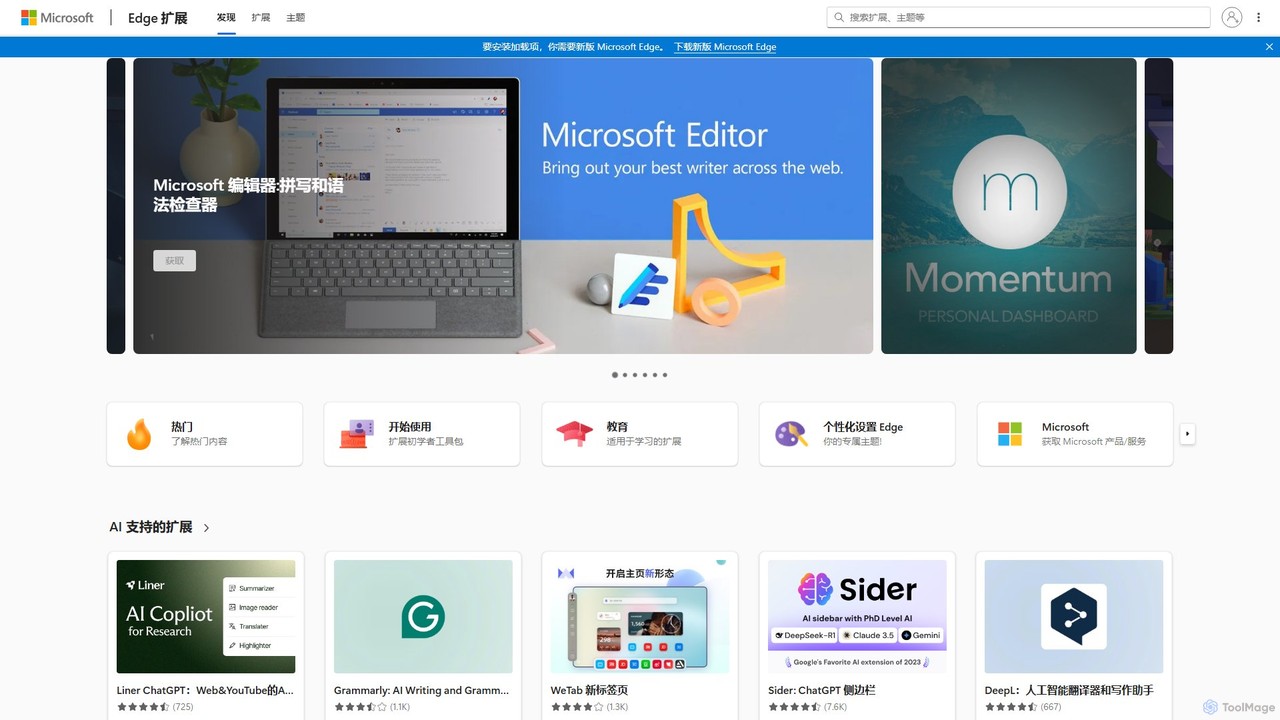
Microsoft Edge Add-ons

Microsoft Edge Add-ons

The official marketplace for Microsoft Edge extensions, offering a vast library of add-ons to enhance productivity, security, and …

52.4K

About Browser Enhancement

Browser Enhancement tools are AI-powered extensions that integrate directly into your web browser to augment online activities. They leverage technologies like natural language processing (NLP) to understand web content, automate tasks, and provide contextual assistance without leaving your current tab. This transforms the browser from a simple content viewer into an intelligent workspace, boosting productivity and streamlining information discovery. These tools are particularly effective for summarizing articles, generating text, and providing smart search capabilities on any webpage.

Core Features

  • On-Page AI Assistance: Instantly get summaries, translations, or explanations of selected text.
  • Contextual Content Generation: Draft emails, social media posts, or replies based on the content of the current page.
  • Intelligent Web Search: Ask questions about webpage content and receive synthesized answers directly.
  • Automated Data Extraction: Automatically pull key information, like contact details or product specs, from a page.
  • Smart Workflow Automation: Automate repetitive browser tasks such as filling forms or organizing information.

Use Cases

These tools are invaluable for researchers, content creators, students, and digital marketers. For instance, a researcher can instantly summarize a lengthy academic paper, a marketer can draft a tweet about a news article without switching tabs, and a student can get complex concepts on a webpage explained in simpler terms. They streamline workflows by bringing AI capabilities to the point of need.

How to Choose

When selecting a Browser Enhancement tool, consider its core functionality—whether you need summarization, content creation, or data extraction. Evaluate its compatibility with your primary browser (e.g., Chrome, Firefox, Edge). Also, assess the user interface for ease of use and check the privacy policy to understand how your browsing data is handled. Finally, compare pricing models, from free versions with limited features to subscription-based plans for advanced capabilities.

Browser EnhancementUse Cases

1

Instant Article & Report Summarization

For researchers, analysts, and students facing information overload. Instead of reading a 30-page report or a long news article, they can use the browser extension to generate a concise, accurate summary in seconds. This allows them to quickly grasp the key points, decide if the source is relevant for deeper reading, and extract main arguments, saving hours of research time per week.

2

Context-Aware Content Creation for Social Media

A social media manager browsing an industry news site can highlight a key statistic. The AI browser tool can then generate several draft posts for Twitter, LinkedIn, or Facebook based on that context, adapting the tone and format for each platform. This eliminates the need to copy-paste information and switch between multiple apps, streamlining the content curation and creation workflow.

3

Streamlining Email Composition in Webmail

A sales representative using Gmail or Outlook on the web can use a browser enhancement tool to draft professional emails more efficiently. While viewing a prospect's LinkedIn profile, the tool can help compose a personalized outreach message. When replying to a customer query, it can suggest polite and comprehensive answers based on the email thread's context, significantly reducing the time spent on email management.

4

Simplifying Complex Topics for Learning

A student studying a technical subject online encounters a dense paragraph with complex jargon. They can highlight the text and ask the AI tool to 'explain this like I'm a beginner.' The tool provides a simplified explanation directly on the page, acting as a personal tutor and making difficult material more accessible without needing to open new tabs for searching.

5

Efficient Data Extraction from Web Pages

A market researcher needs to collect contact information from multiple websites. Instead of manually copying and pasting names, emails, and phone numbers, they can use an AI browser tool to automatically identify and extract this structured data into a clipboard or a spreadsheet-ready format. This automates a tedious and error-prone task, accelerating data collection projects.

6

Interactive Web Search and Information Synthesis

A user performing a complex search on Google receives a list of links. Instead of opening ten tabs, an AI-enhanced browser can provide a synthesized answer directly on the search results page, drawing information from the top sources. Users can then ask follow-up questions in a conversational manner, refining their search and getting precise answers much faster than traditional web browsing.

Browser EnhancementFrequently Asked Questions