Productivity Best in category 2 results Business Process Automation AI Tool

Popular AI tools in the Business Process Automation field of Productivity include FlowEngine、Automation AI, etc., helping you quickly improve efficiency.

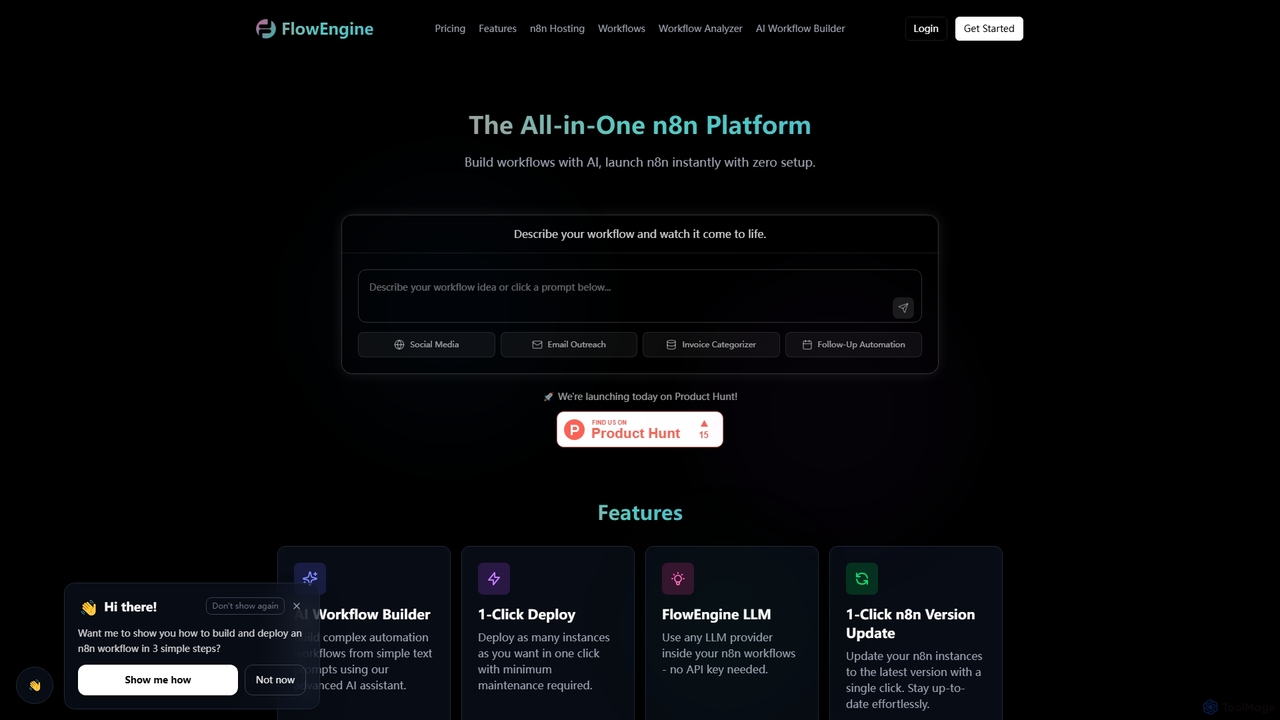
FlowEngine

FlowEngine

FlowEngine is an all-in-one n8n hosting platform that simplifies workflow automation with AI. It allows users to build …

18.5K
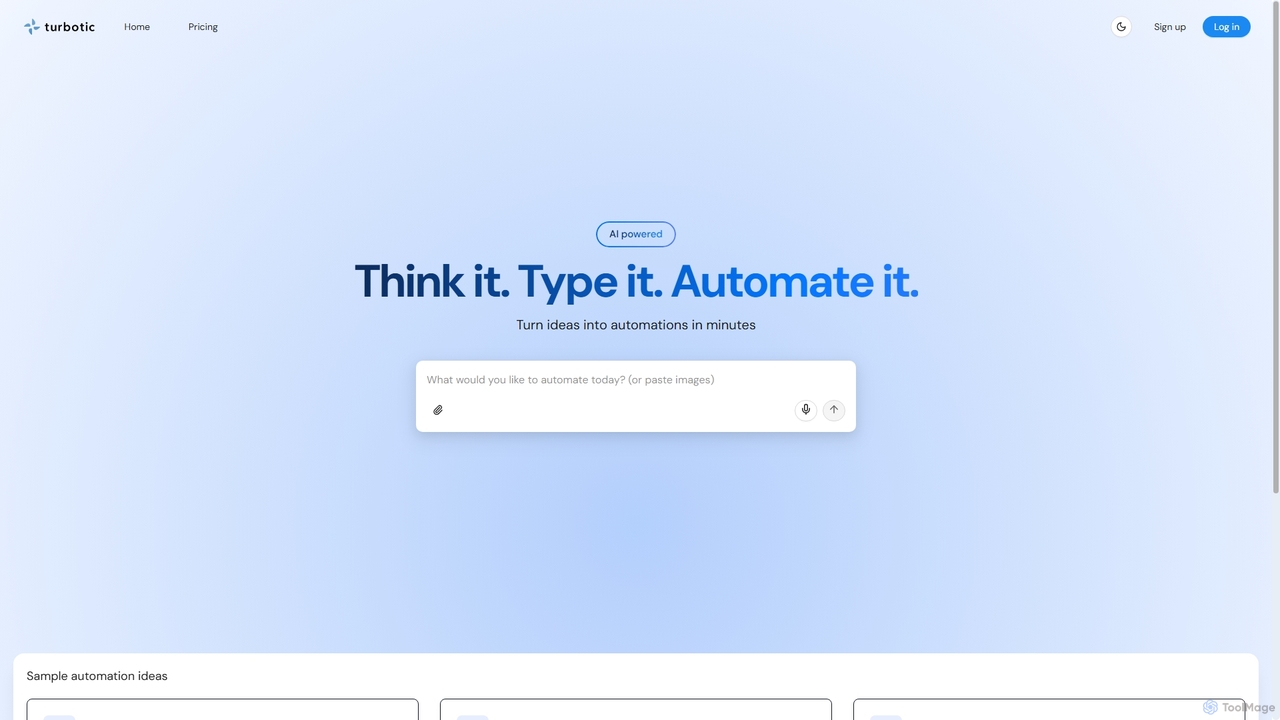
Automation AI

Automation AI

Automation AI is an AI-powered platform that transforms ideas into automated workflows in minutes. It integrates with over …

3.1K

About Business Process Automation

Business Process Automation (BPA) tools are AI-powered solutions designed to streamline and automate repetitive, rule-based tasks within an organization. Leveraging technologies like Robotic Process Automation (RPA) and machine learning, these tools enhance operational efficiency, reduce human error, and accelerate critical business workflows. They are a cornerstone of modern productivity strategies, enabling businesses to reallocate human resources to more strategic initiatives.

Core Features

  • Workflow Orchestration: Design, execute, and monitor complex multi-step business processes automatically.
  • Intelligent Document Processing: Extract, classify, and process data from various document types using AI.
  • Task Automation (RPA): Automate repetitive, high-volume tasks across different applications without human intervention.
  • Integration Capabilities: Seamlessly connect with existing enterprise systems (CRM, ERP, HRIS) for end-to-end automation.
  • Exception Handling: Automatically identify and flag anomalies or errors in automated processes for human review.

Applicable Scenarios

Finance departments use BPA to automate invoice processing, expense report reconciliation, and financial data entry, ensuring accuracy and compliance. HR teams leverage BPA for onboarding new employees, managing payroll, and automating routine queries, improving employee experience and reducing administrative burden. Customer service operations deploy BPA to automate ticket routing, data retrieval for agents, and routine customer inquiries, leading to faster resolution times.

How to Choose

Evaluate the scope of automation needed: task-level, departmental, or enterprise-wide. Assess integration capabilities with your current IT infrastructure and legacy systems. Consider the platform's ease of use, scalability, and ability to handle complex decision logic. Review vendor support, security features, and compliance certifications relevant to your industry.

Business Process AutomationUse Cases

1

Automating Invoice Processing in Finance

Finance departments use BPA tools to automatically extract data from incoming invoices, validate against purchase orders, and initiate payment workflows. This process significantly reduces manual data entry, minimizes errors, and accelerates the entire accounts payable cycle, allowing finance professionals to focus on strategic financial analysis rather than repetitive administrative tasks.

2

Streamlining Employee Onboarding for HR

HR teams deploy BPA to automate the entire onboarding journey for new employees. This includes sending welcome emails, collecting necessary documents, setting up IT accounts, and assigning training modules. By automating these steps, organizations ensure a smooth, consistent, and compliant start for new hires, significantly reducing the administrative burden on HR staff and improving the new employee experience.

3

Enhancing Customer Support Ticket Management

Customer service centers utilize BPA to automatically categorize incoming support tickets, route them to the appropriate department or agent, and even provide initial responses to common queries. This automation improves response times, ensures tickets are handled by the most qualified personnel, and frees up agents to focus on more complex customer issues, leading to higher customer satisfaction.

4

Automating Data Entry and Migration

Businesses facing large volumes of data entry or migration between disparate systems use BPA to automatically transfer information. This is particularly useful for tasks like updating customer records across CRM and ERP systems, or migrating legacy data to new platforms. BPA minimizes human error, accelerates data synchronization, and ensures data integrity across all platforms, saving countless hours of manual work.

5

Optimizing Supply Chain Operations

Logistics and supply chain managers implement BPA to automate various aspects of their operations. This includes automating order processing, updating inventory management systems, and streamlining supplier communication. By automating these critical steps, businesses achieve more efficient stock levels, faster fulfillment cycles, and improved overall supply chain visibility and responsiveness, leading to significant cost savings and better customer service.

6

Expediting Regulatory Compliance Reporting

Compliance officers leverage BPA to automatically gather data from various sources, generate required reports, and ensure adherence to industry regulations. This automation reduces the manual effort involved in compliance, minimizes the risk of human error in reporting, and ensures timely submission of regulatory documents. It provides a robust framework for maintaining compliance and avoiding potential penalties, especially in highly regulated industries.

Business Process AutomationFrequently Asked Questions