swapme
swapme is a powerful AI image enhancer and upscaler integrated directly into Canva. Trusted by over 500,000 users, …
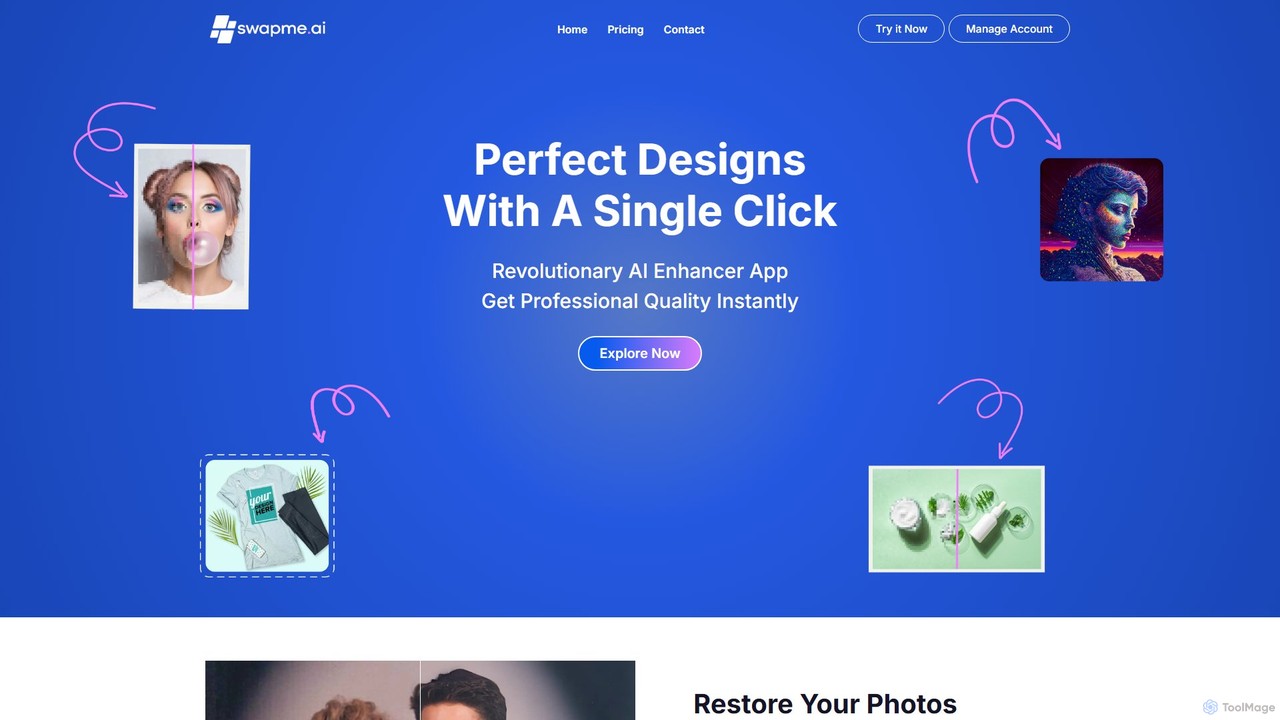
swapme is a powerful AI image enhancer and upscaler integrated directly into Canva. Trusted by over 500,000 users, it allows you to increase image resolution by up to 1000%, fix blurry or pixelated photos, and restore old pictures with a single click. Perfect for designers, marketers, and creators who need high-quality visuals for print, web, and social media.
About Canva
Canva is an all-in-one visual communication platform that simplifies the creation of graphics, presentations, videos, and other visual content. It operates on a user-friendly, drag-and-drop interface, making professional design accessible to everyone, regardless of skill level. The platform integrates a vast library of templates, stock photos, and design elements, along with a powerful suite of AI tools known as Magic Studio. This combination allows users to produce high-quality, branded materials with remarkable speed and efficiency, positioning it as a key productivity tool for visual content.
Core Features
- Vast Template Library: Access millions of customizable templates for social media posts, presentations, posters, videos, and more.
- Drag-and-Drop Editor: An intuitive interface that allows for easy manipulation of text, images, and other design elements.
- Magic Studio (AI Suite): A collection of AI-powered tools for generating text (Magic Write), creating designs from prompts (Magic Design), and editing images (Magic Edit).
- Brand Kit: Centralize brand colors, fonts, and logos to ensure design consistency across all projects, especially for teams.
- Real-time Collaboration: Multiple users can work on the same design simultaneously, leaving comments and making edits in real time.
Applicable Scenarios
Canva is widely used by marketing teams, social media managers, small business owners, educators, and students. It's ideal for creating daily social media content, designing marketing collateral like flyers and business cards, building engaging presentations for business or academic purposes, and even light video editing for promotional content.
Selection Points
Choosing the right Canva plan depends on your needs. The Free version is suitable for individuals with basic design needs. Canva Pro is ideal for freelancers and small businesses requiring access to premium assets, the Brand Kit, and advanced features like the Background Remover. Canva for Teams is designed for larger organizations needing advanced collaboration, administrative controls, and workflow management.
CanvaUse Cases
Creating Social Media Content Calendars
A social media manager for a small e-commerce brand needs to produce a week's worth of engaging content for Instagram and Facebook. Using Canva, they select templates for posts, stories, and reels. They customize these templates with their brand's colors and fonts using the Brand Kit, add product images, and use Magic Write to generate catchy captions. The Content Planner feature allows them to schedule all posts directly from Canva, saving hours of work and ensuring a consistent brand presence online.
Designing a Professional Business Presentation
A sales consultant needs to create a compelling pitch deck for a potential client on short notice. Instead of starting from scratch, they use Canva's presentation templates. They input their data, which Canva can automatically turn into charts and graphs. Using Magic Design, they get instant suggestions for layouts and styles. The final presentation is professional, visually consistent, and was created in a fraction of the time it would take with traditional presentation software.
Producing Marketing Materials for an Event
A non-profit organization is hosting a fundraising event and needs to create a cohesive set of promotional materials. The event coordinator uses Canva to design everything from the initial 'Save the Date' social media post to printed flyers, tickets, and a program booklet. By using a consistent set of templates and the Brand Kit, all materials have a unified and professional look. They can also collaborate with team members to get feedback directly on the designs within Canva.
Creating Educational Materials for the Classroom
A middle school teacher wants to create visually engaging worksheets and classroom posters for a history lesson. Using Canva for Education, they access a wide range of educational templates. They can easily create timelines, infographics, and custom worksheets. The teacher shares a template link with students for a group project, allowing them to collaborate on a presentation in real-time directly within Canva, fostering teamwork and digital literacy skills.
Editing Short-Form Videos for Social Media
A content creator wants to quickly edit a short video for TikTok and Instagram Reels. They upload their footage to Canva's video editor. Using the drag-and-drop timeline, they trim clips, add transitions, and overlay text animations. They also access Canva's library of royalty-free music to add a background track. The entire process is completed within one platform, and they can directly download the video in the correct aspect ratio for each social media channel.
AI-Powered Brainstorming and Design Creation
A marketing team is brainstorming ideas for a new product launch campaign. They use Canva Docs to outline their strategy and use Magic Write to expand on ideas and generate draft copy. Next, they use the 'Magic Design' feature by typing a simple prompt like 'Instagram post for a new eco-friendly water bottle'. Canva's AI instantly generates a selection of unique, on-brand templates. This AI-driven process accelerates the creative workflow from initial idea to a polished design in minutes.