ToolMage
Sign in

Best 2 Classroom Management AI tools for Productivity

Popular Classroom Management AI tools in Productivity include Securly and CodeHS, helping you work more efficiently.

Securly
Paid

Securly

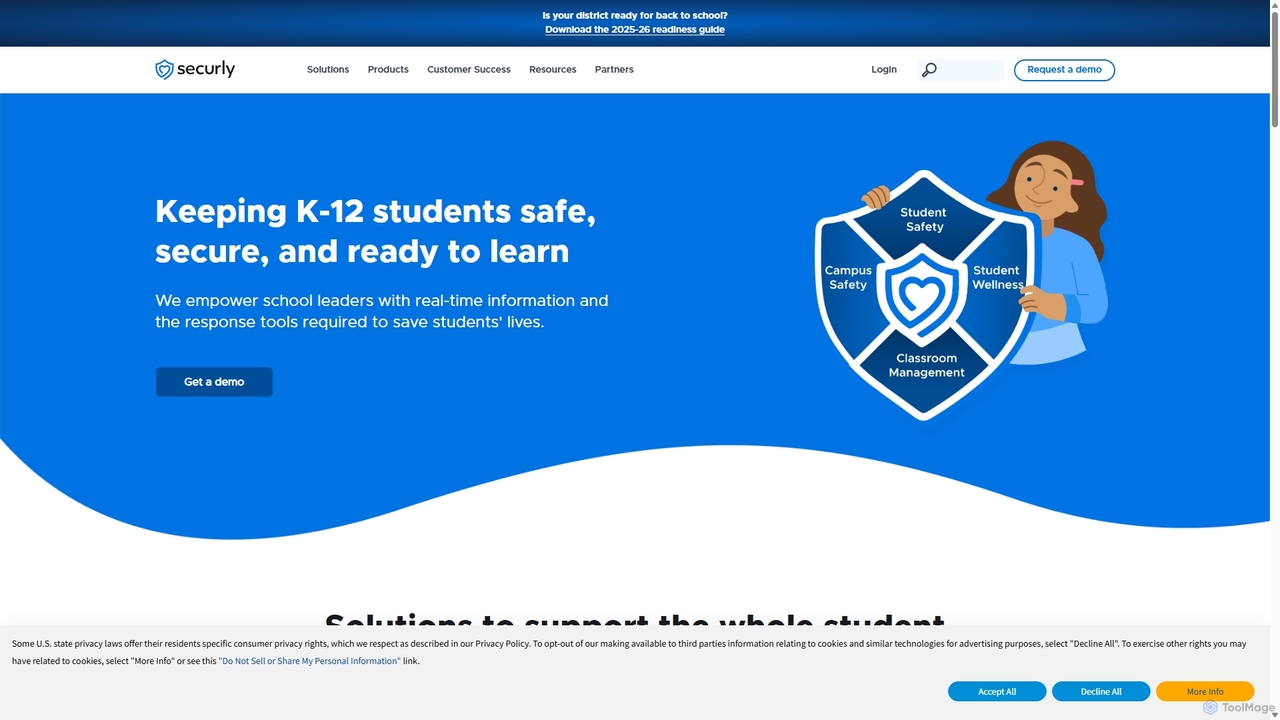
Securly is a comprehensive AI-powered student safety and wellness platform for K-12 schools. It provides web filtering, wellness monitoring, classroom management, and campus safety solutions to create a secure learning environment. Securly helps educators identify at-risk students, prevent bullying and self-harm, and engage parents through dedicated tools, ensuring students are safe, secure, and ready to learn.

Student Safety
Visits 22.6MFavorites 144Likes 127
CodeHS
Freemium

CodeHS

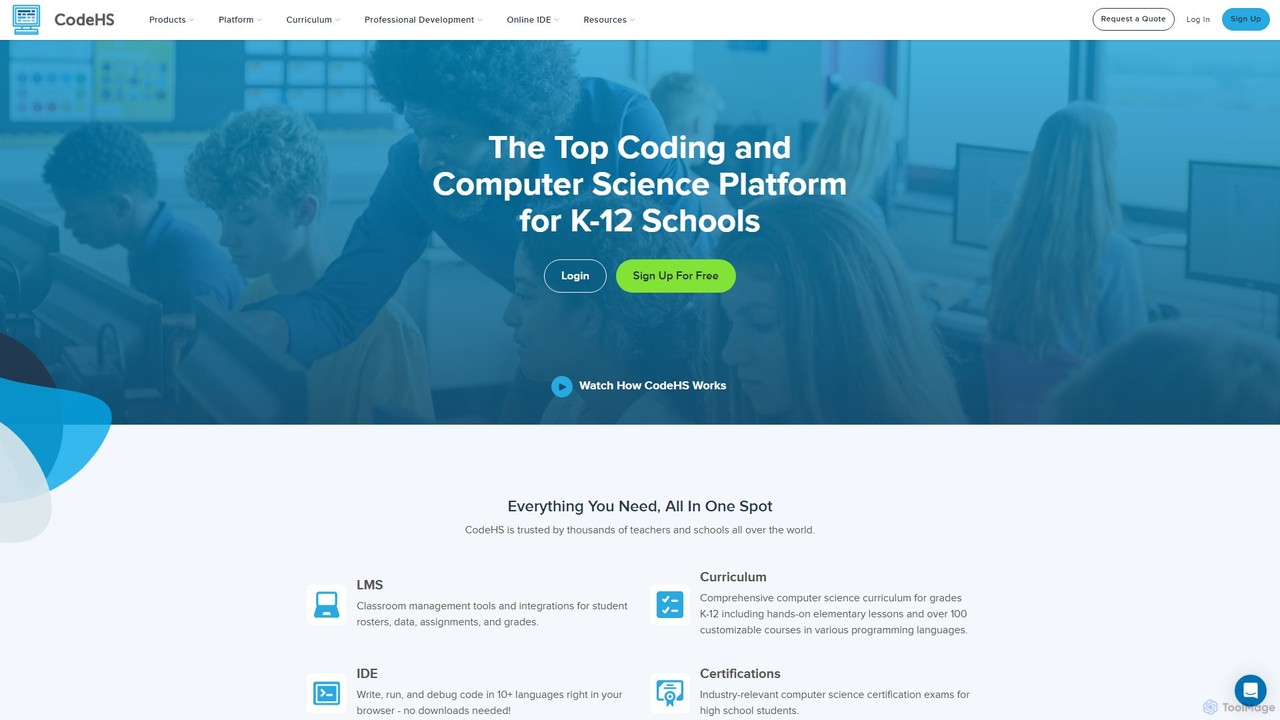
CodeHS is a comprehensive web-based platform for teaching computer science in K-12 schools. It provides an all-in-one solution with curriculum, an online IDE, classroom management tools, and professional development for teachers. It supports over 10 programming languages and includes modern topics like AI and cybersecurity.

Online Ide
Visits 1.4MFavorites 121Likes 108

About Classroom Management

AI Classroom Management tools are specialized applications designed to help educators automate administrative tasks, monitor student engagement, and personalize learning experiences. These tools leverage artificial intelligence to analyze real-time classroom data, such as participation patterns and assignment performance. The primary value is to free up teachers from repetitive work, allowing them to focus on instruction and provide targeted support based on data-driven insights. They represent a focused application of productivity technology specifically tailored for the unique dynamics of educational environments.

Core Features

  • Automated Monitoring: Uses AI to track student attendance, on-screen activity, and participation levels in both physical and virtual classrooms.
  • Behavioral Analysis: Identifies patterns in student engagement or distraction, providing educators with alerts and summary reports.
  • Personalized Feedback & Assistance: Offers instant feedback on quizzes and assignments, and can suggest individualized learning resources based on performance.
  • Intelligent Grouping: Recommends student groupings for collaborative projects based on skill levels, learning styles, or social dynamics.
  • Task Automation: Automates routine tasks such as grading simple assessments, managing schedules, and sending reminders to students.

Applicable Scenarios

These tools are widely used across K-12 education, higher education, and corporate training settings. They are particularly effective in managing large classes, monitoring remote or hybrid learning environments, and implementing differentiated instruction strategies. For instance, a university professor can use it to track engagement in a 200-person lecture, while a corporate trainer can monitor progress in a self-paced online course.

Selection Criteria

When choosing an AI Classroom Management tool, consider its integration capabilities with your existing Learning Management System (LMS). Evaluate its data privacy and security policies to ensure compliance with regulations like FERPA or GDPR. Assess whether its feature set aligns with your pedagogical goals—whether you need behavior monitoring, automated grading, or personalization. Finally, consider the ease of use for both instructors and students to ensure smooth adoption.

Classroom Management use cases

1

Automating Attendance in Large University Lectures

A university professor teaching a course with over 200 students uses an AI classroom management tool to automate attendance tracking. Instead of spending the first 10 minutes of each lecture on a manual roll call, the system uses facial recognition via classroom cameras or analyzes student logins to the online portal. The professor receives an automated report after each class, saving significant time and providing an accurate record. This allows the lecture to start promptly and frees the professor to focus on engaging with students rather than on administrative tasks.

2

Monitoring Engagement in a Remote K-12 Classroom

A middle school teacher conducting a hybrid class uses an AI tool to monitor student engagement. The software analyzes which students have the lesson window active on their screens, tracks participation in polls, and measures speaking time during breakout sessions. The teacher receives real-time alerts if a student appears disengaged for an extended period, such as having another application open. This allows the teacher to privately message the student to offer help or gently redirect their attention, ensuring remote students receive the same level of support as those in person.

3

Providing Differentiated Assignments in a Mixed-Ability Class

An elementary school teacher uses an AI platform to deliver personalized math assignments. After the class completes a diagnostic quiz, the AI analyzes each student's results, identifying specific areas of strength and weakness. Based on this analysis, the system automatically generates a unique homework packet for each student. Struggling students receive more foundational problems and hints, while advanced students are given challenging extension problems. This automates the process of differentiation, saving the teacher hours of planning and ensuring every student works on material appropriate for their level.

4

Managing Online Discussion Forums for Corporate Training

A corporate trainer for a global company uses an AI tool to manage discussion forums for a mandatory compliance course. With hundreds of employees posting questions, the AI automatically categorizes posts by topic (e.g., 'Policy Questions', 'Technical Issues'). It also flags duplicate questions, directing users to existing answers, and identifies urgent or unanswered queries for the trainer's immediate attention. This system prevents the trainer from being overwhelmed and ensures all employees receive timely and consistent information, improving the effectiveness of the training program.

5

Identifying At-Risk Students Through Behavioral Analytics

A high school's student support team uses an AI management platform that integrates with their LMS. The system tracks multiple data points, including attendance, assignment submission timeliness, and participation in online forums. The AI establishes a baseline behavior for each student and flags significant deviations. For example, if a typically punctual student starts submitting work late and stops participating, the system alerts the support team. This proactive approach allows counselors to intervene early with support services before the student's grades drop significantly, fostering a more supportive learning environment.

6

Streamlining Lab Report Feedback with AI Assistance

A university biology instructor uses an AI tool to streamline the feedback process for student lab reports. Students submit their reports through the platform, which automatically checks for common issues like incorrect formatting, missing citations, and grammatical errors. The AI provides instant, formative feedback on these structural elements, allowing students to revise their work before the final submission. This frees up the instructor's time to focus on evaluating the scientific content, methodology, and critical analysis of the reports, leading to deeper and more meaningful feedback for students.

Classroom Management FAQ

What are AI Classroom Management tools?

AI Classroom Management tools are software applications that use artificial intelligence to help educators streamline teaching and administrative tasks. Their core purpose is to analyze classroom data to provide actionable insights. Key features often include automated attendance tracking, real-time monitoring of student engagement, analysis of participation patterns, and providing personalized feedback or learning path suggestions. Unlike simple productivity apps, these tools are specifically designed to interpret the complex dynamics of a learning environment to save teachers time and help them support students more effectively.

How to choose the right AI Classroom Management tool?

Choosing the right tool depends on your specific needs. Consider these factors:

  • LMS Integration: Ensure the tool seamlessly integrates with your existing Learning Management System (e.g., Canvas, Google Classroom, Moodle) to avoid data silos.
  • Data Privacy and Security: Verify that the tool complies with relevant educational privacy laws (like FERPA in the U.S. or GDPR in Europe) and has clear policies on how student data is used.
  • Feature Alignment: Match the tool's features to your goals. Do you need automated grading, engagement monitoring for remote learning, or tools for personalized instruction?
  • User Experience: The tool should be intuitive for both teachers and students. A steep learning curve can hinder adoption and effectiveness.
What's the difference between an AI Classroom Management tool and a standard LMS?

A standard Learning Management System (LMS) acts primarily as a digital repository and administrative platform. It's used to host course content, submit assignments, and record grades. Think of it as the classroom's digital filing cabinet.

An AI Classroom Management tool is an active, intelligent layer that often works with an LMS. Its function is not just to store information, but to analyze it in real-time. It focuses on the dynamics of learning—tracking engagement, identifying behavioral patterns, and providing data-driven suggestions to the teacher. In short, an LMS manages content, while an AI Classroom Management tool manages the learning process itself.

What are the key benefits of using AI in classroom management?

Using AI in classroom management offers several significant benefits for educators and students:

  • Time Savings: It automates repetitive administrative tasks like taking attendance and grading simple assignments, freeing up teachers to focus on high-impact instructional activities.
  • Data-Driven Insights: AI provides objective data on student engagement and performance, helping teachers identify struggling students earlier and understand classroom dynamics better.
  • Personalized Learning: These tools can tailor assignments and resources to individual student needs, creating a more effective and equitable learning experience for everyone.
  • Enhanced Engagement: By monitoring participation and providing interactive elements, AI can help maintain student focus, especially in large or remote learning environments.
Are AI Classroom Management tools a threat to student privacy?

This is a valid and important concern. While these tools collect data to function, reputable providers prioritize student privacy and data security. They are typically designed to comply with strict regulations like the Family Educational Rights and Privacy Act (FERPA) in the United States and the General Data Protection Regulation (GDPR) in Europe. Key practices include data anonymization, transparent policies on data usage, and giving schools control over their data. It is crucial for educational institutions to thoroughly vet any tool's privacy policy and security measures before implementation to ensure they meet legal and ethical standards.